Community (fb)

 es
es  ua
ua 










Files
3D model format
Stereolithography (.stl)
Total files

Slicer settings
Mesh error check
Blender
Support
Provided by 3D Artist (optional)
Update requests
Subject to 3D Artist’s discretion
Model complexity
Standard: balanced printing difficulty and moderate part count with assembly steps.
Model versions
FFF/FDM
Assembly method
not specified
Features
Additional details
Part of diorama
No
Special pack included
No
You will get instant access to the STL files of Minecraft Sheep Candy Holder after completing your purchase. Simply add the model to your cart and check out using PayPal, credit or debit card, Apple Pay, Google Pay, Alipay, or other available payment methods.
Watch the assembly video for Minecraft Sheep Candy Holder, and explore more tutorials, behind-the-scenes content, 3D printing timelapses, and painting guides on the official Gambody YouTube channel.
This 3D model comes with StereoLithography (.STL) files optimized for 3D printing. You'll get digital files, not a physical product
Before printing, take a look at Printing Details for recommended settings and tips to achieve better results.
Minecraft Sheep Candy Holder includes 1 version(s) for the supported 3D printer type(s): FFF/FDM. Files are available for download after purchase.
See the Description and Specifications sections for more details about this model.
| File name | Size (mm | in) | Size(mb) | Printing Time / Filament | |||
|---|---|---|---|---|---|---|
 | Full scale.stl 720.2 x 655.41 x 60.01 mm | 28.35 x 25.8 x 2.36 in | Size: 720.2 x 655.41 x 60.01 mm | 28.35 x 25.8 x 2.36 in | File size: 0.41 mb | Printing Time / Filament: 97 h 58 min / 57 m | ||
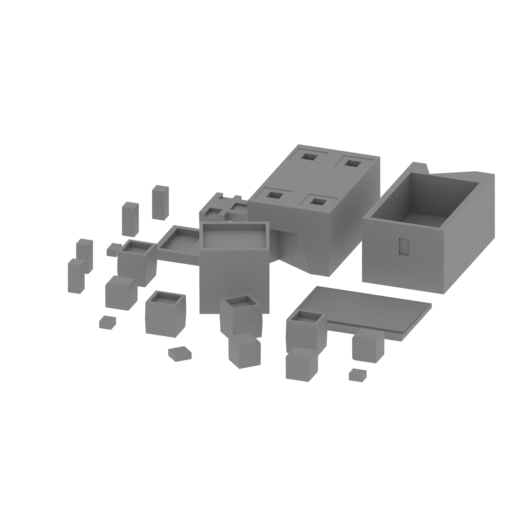 | Test single small.stl 104.11 x 112.79 x 20 mm | 4.1 x 4.44 x 0.79 in | Size: 104.11 x 112.79 x 20 mm | 4.1 x 4.44 x 0.79 in | File size: 0.32 mb | Printing Time / Filament: 6 h 29 min / 4 m | ||
3D printing model features
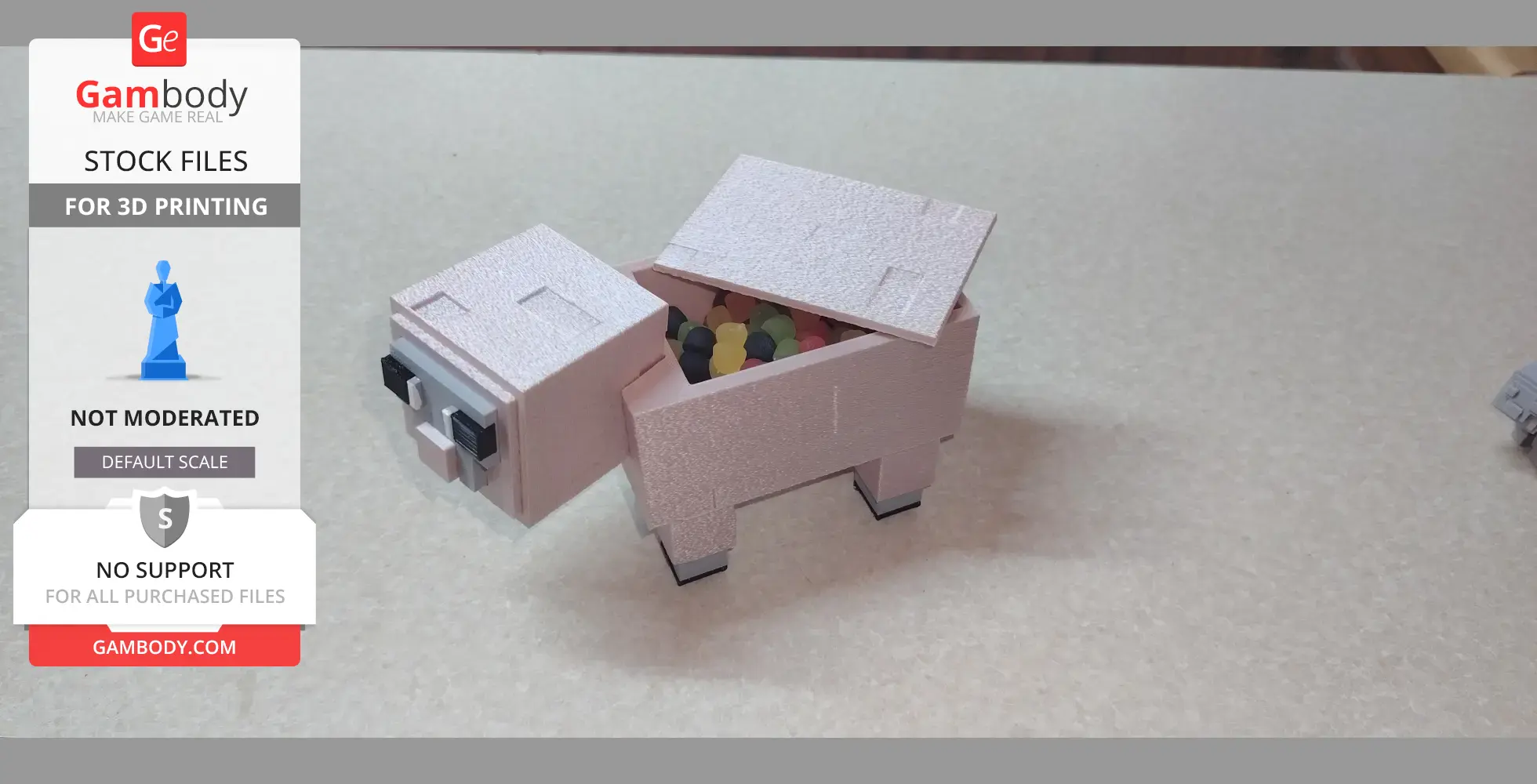
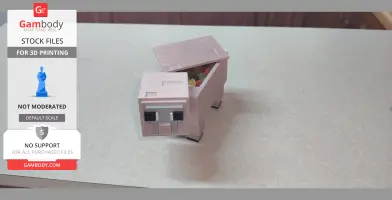
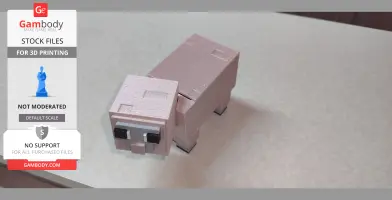
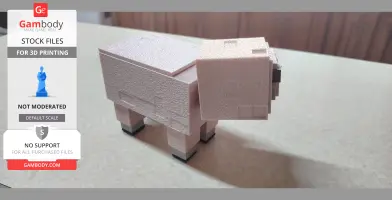
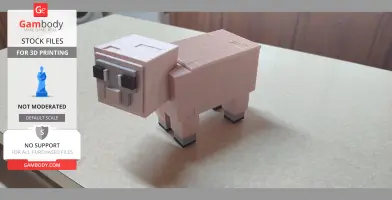
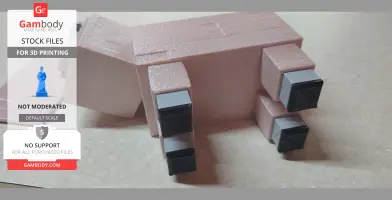
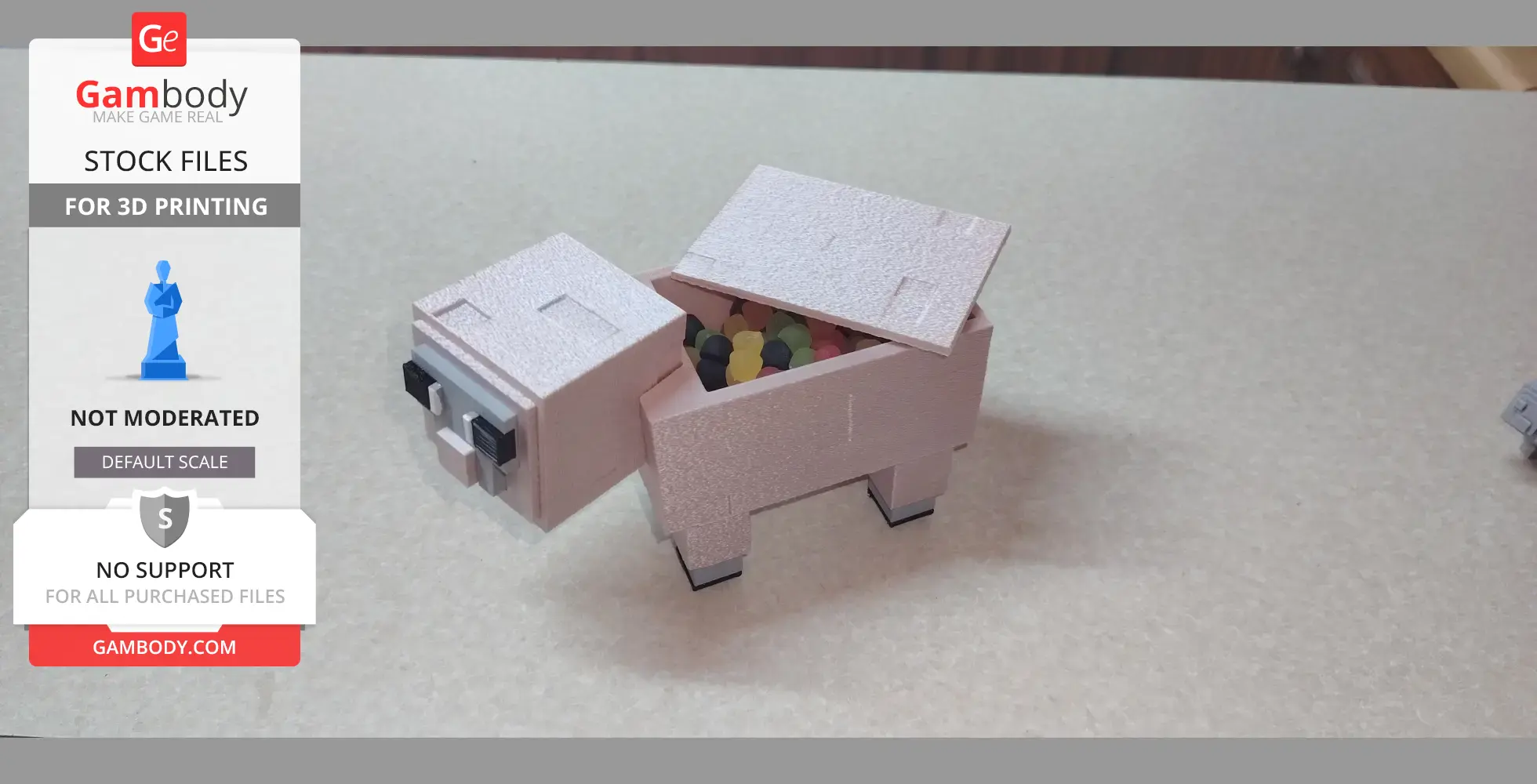
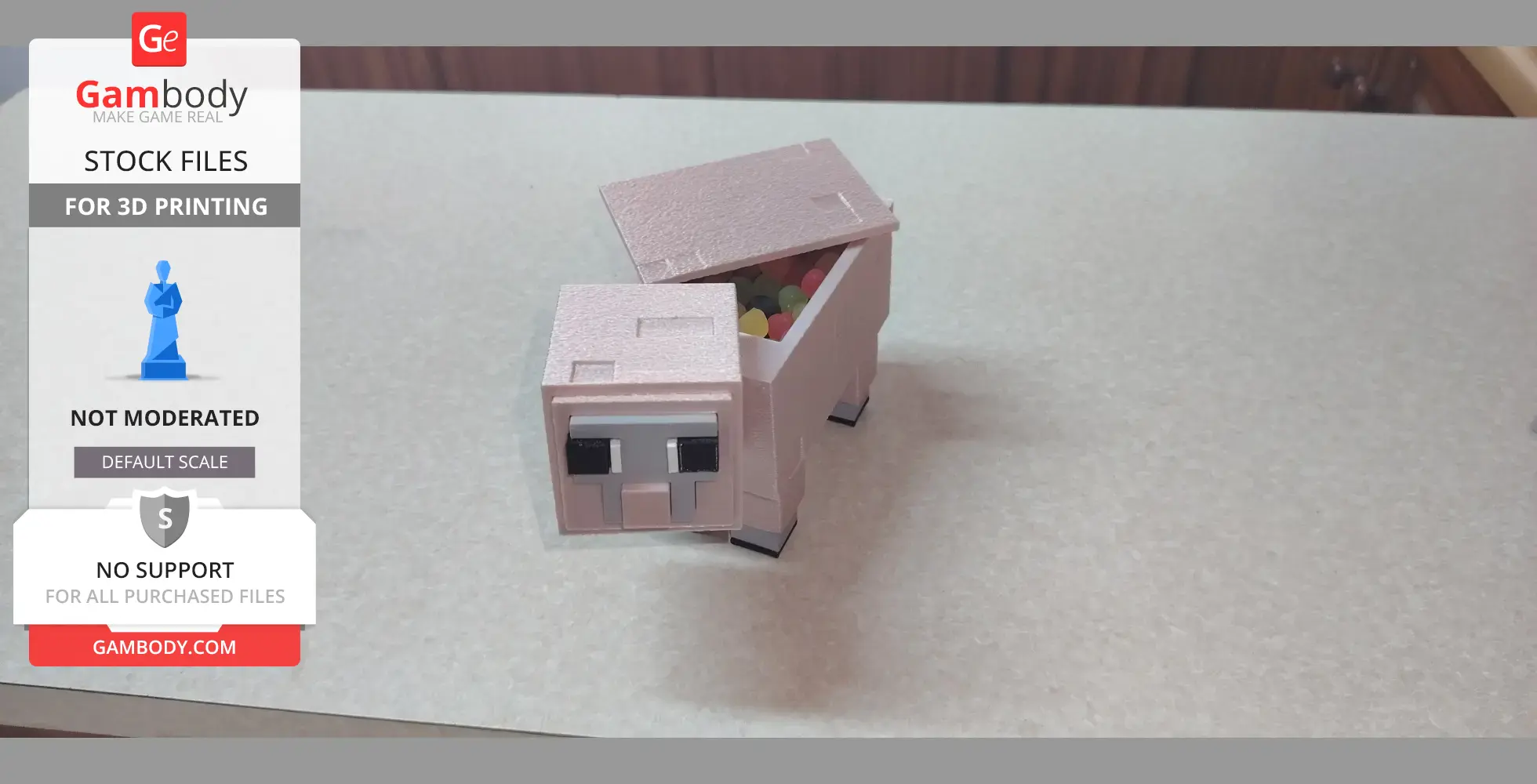
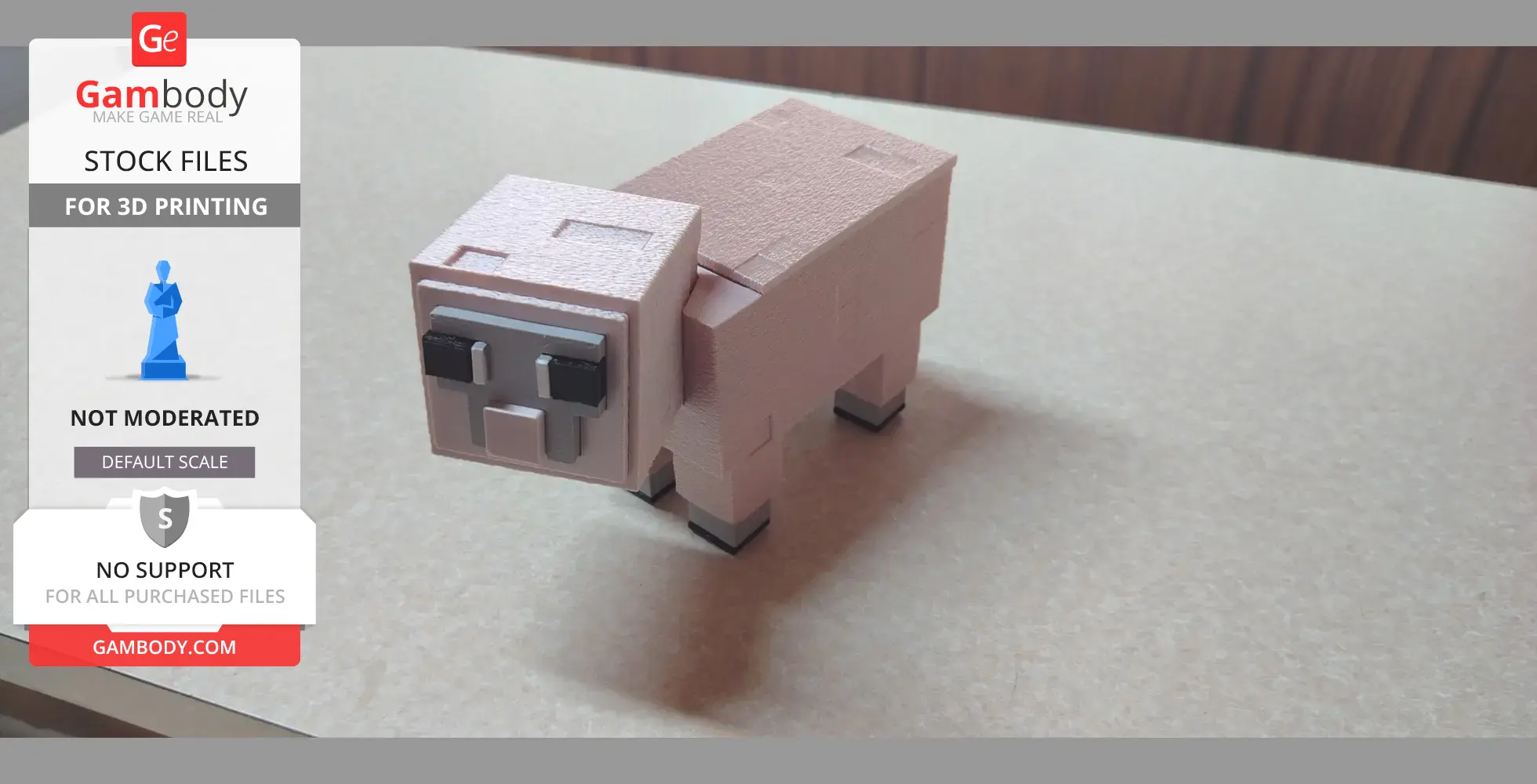
A minecraft sheep i designed, printable as a display model as well as a working candy box with removing lid,
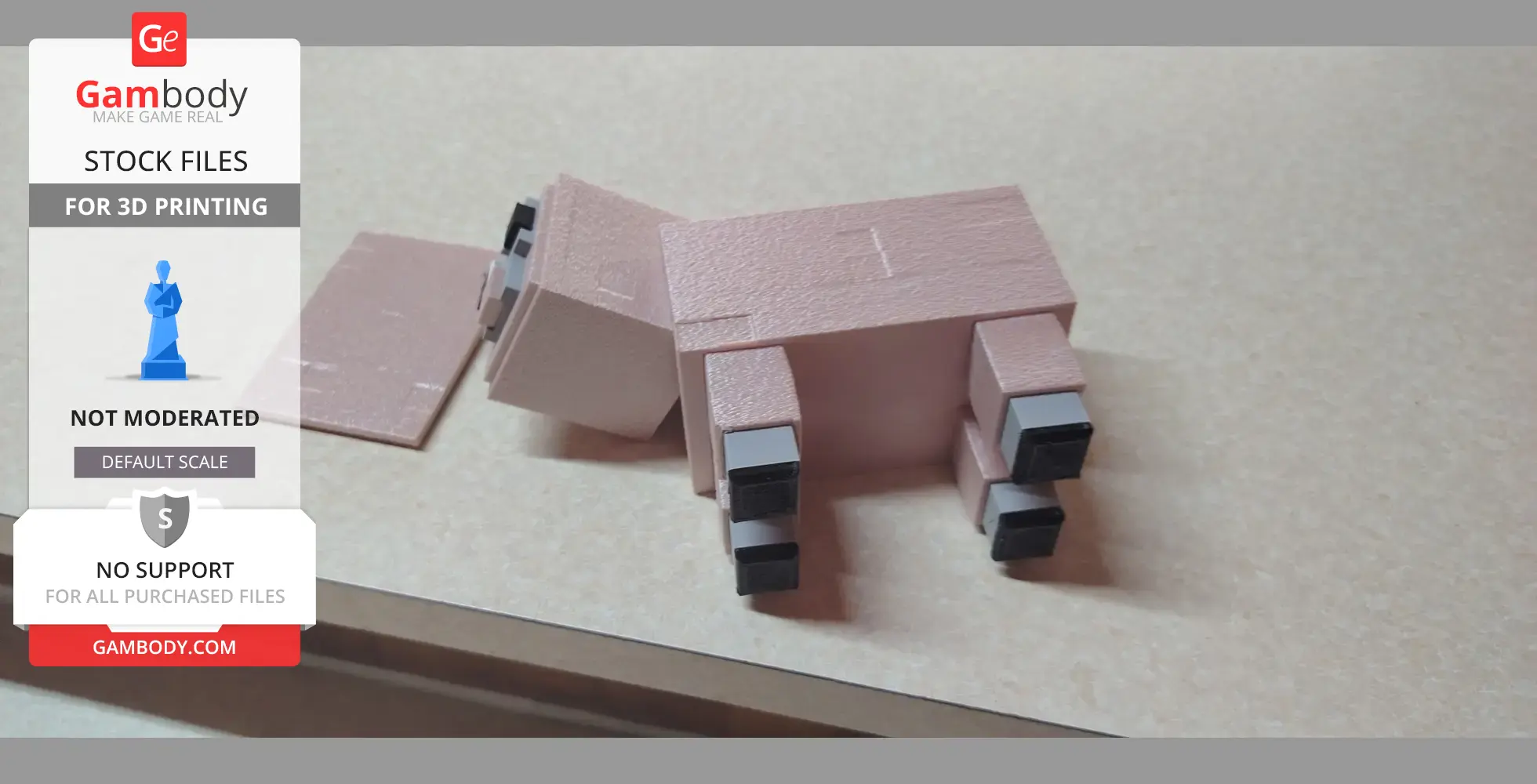
All parts fit well at scales between that of the single simple file and the full one in the 3mf folder, model does need to be glued together,,, for added cuteness print with fuzzy skin!!!!
Printed in Pla, and tpu used for the eyes and feet. The model can also be printed purely as display model.
I desgined this in tinkercad as well as some small sculpting edits in Nomad. Feel free to let me know of any issues in your prints
Below you'll find detailed slicing settings for UltiMaker Cura 5.0+ to help you get the best results when printing this model. These settings are optimized specifically for this 3D model, but please note they may need slight adjustments depending on your printer or filament. When in doubt, refer to your printer's user manual.
To avoid printing issues and achieve the best quality, we highly recommend applying the following settings:
 UltiMaker Cura 5.0+