Community (fb)

 es
es  ua
ua 





Files
3D model format
Stereolithography (.stl)
Total files

Slicer settings
Mesh error check
Meshmixer
Support
Provided by 3D Artist (optional)
Update requests
Subject to 3D Artist’s discretion
Model complexity
Standard: balanced printing difficulty and moderate part count with assembly steps.
Model versions
FFF/FDM
Assembly method
not specified
Features
Additional details
Part of diorama
No
Special pack included
No
You will get instant access to the STL files of Real World Use & Utility Fully Printed Holstered/Clip & Knife after completing your purchase. Simply add the model to your cart and check out using PayPal, credit or debit card, Apple Pay, Google Pay, Alipay, or other available payment methods.
Watch the assembly video for Real World Use & Utility Fully Printed Holstered/Clip & Knife, and explore more tutorials, behind-the-scenes content, 3D printing timelapses, and painting guides on the official Gambody YouTube channel.
This 3D model comes with StereoLithography (.STL) files optimized for 3D printing. You'll get digital files, not a physical product
Before printing, take a look at Printing Details for recommended settings and tips to achieve better results.
Real World Use & Utility Fully Printed Holstered/Clip & Knife includes 1 version(s) for the supported 3D printer type(s): FFF/FDM. Files are available for download after purchase.
See the Description and Specifications sections for more details about this model.
| File name | Size (mm | in) | Size(mb) | Printing Time / Filament | |||
|---|---|---|---|---|---|---|
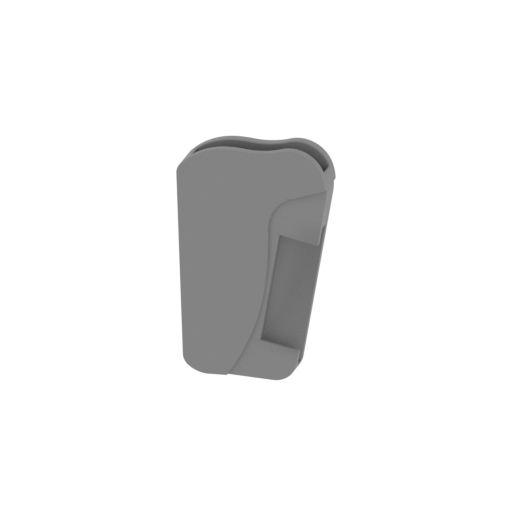 | Holster - LEFT HANDED.stl 52.8 x 13.8 x 85.9 mm | 2.08 x 0.54 x 3.38 in | Size: 52.8 x 13.8 x 85.9 mm | 2.08 x 0.54 x 3.38 in | File size: 47.43 mb | Printing Time / Filament: 1 h 4 min / 8 m Slicer: prusa v2.9.2 Printer: mk4s Non default settings Layer height: 0.2 Fill density: 20% Support material: 1 Support material buildplate only: 1 | ||
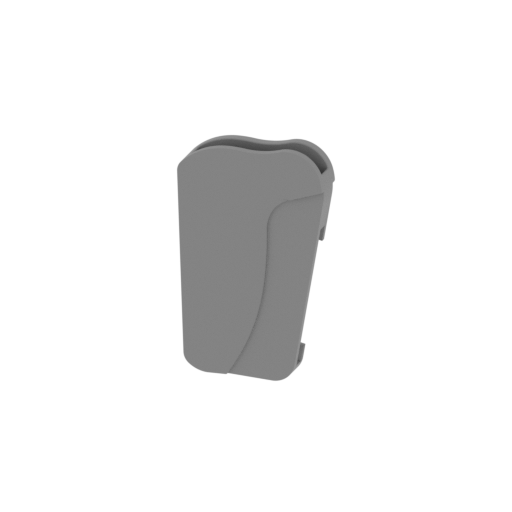 | Holster - RIGHT HANDED.stl 52.8 x 13.8 x 85.9 mm | 2.08 x 0.54 x 3.38 in | Size: 52.8 x 13.8 x 85.9 mm | 2.08 x 0.54 x 3.38 in | File size: 47.43 mb | Printing Time / Filament: 1 h 4 min / 8 m Slicer: prusa v2.9.2 Printer: mk4s Non default settings Layer height: 0.2 Fill density: 20% Support material: 1 Support material buildplate only: 1 | ||
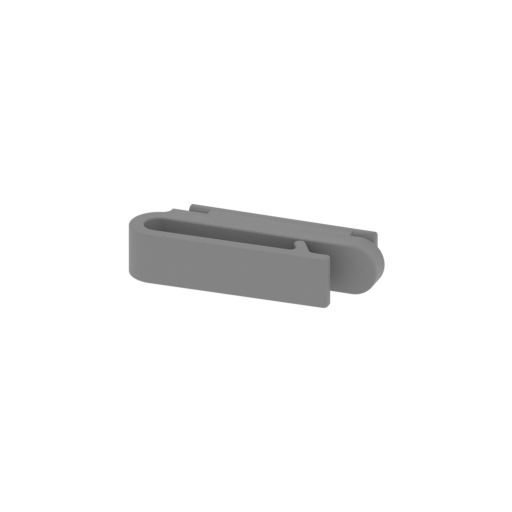 | Clip - RIGHT HANDED.stl 67.8 x 24 x 14 mm | 2.67 x 0.94 x 0.55 in | Size: 67.8 x 24 x 14 mm | 2.67 x 0.94 x 0.55 in | File size: 3.35 mb | Printing Time / Filament: 19 min / 3 m Slicer: prusa v2.9.2 Printer: mk4s Non default settings Layer height: 0.2 Fill density: 20% Support material: 1 Support material buildplate only: 1 | ||
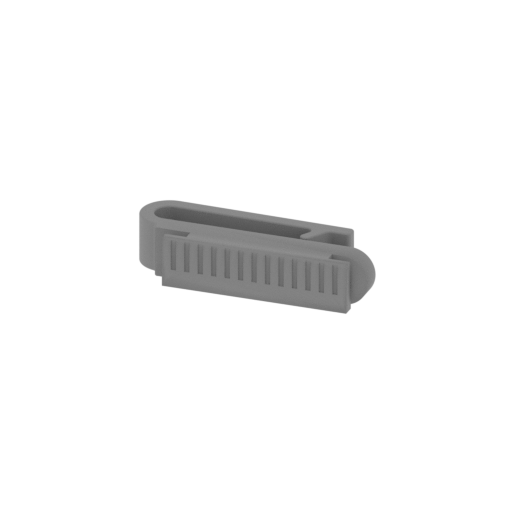 | Clip - LEFT HANDED.stl 67.8 x 24 x 14 mm | 2.67 x 0.94 x 0.55 in | Size: 67.8 x 24 x 14 mm | 2.67 x 0.94 x 0.55 in | File size: 3.35 mb | Printing Time / Filament: 19 min / 3 m Slicer: prusa v2.9.2 Printer: mk4s Non default settings Layer height: 0.2 Fill density: 20% Support material: 1 Support material buildplate only: 1 | ||
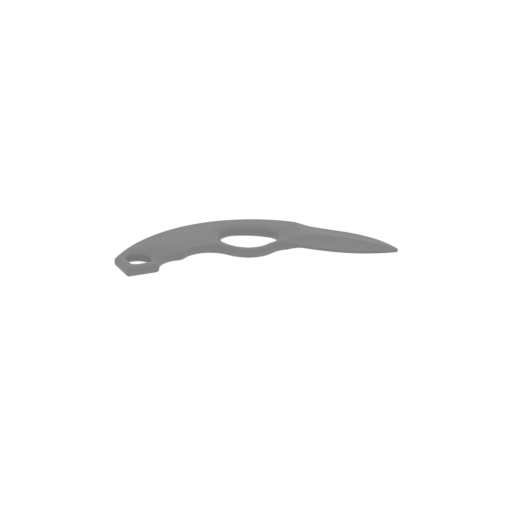 | Knife - LEFT HANDED.stl 146.6 x 95.6 x 5 mm | 5.77 x 3.76 x 0.2 in | Size: 146.6 x 95.6 x 5 mm | 5.77 x 3.76 x 0.2 in | File size: 1.94 mb | Printing Time / Filament: 31 min / 5 m Slicer: prusa v2.9.2 Printer: mk4s Non default settings Layer height: 0.2 Fill density: 20% Support material: 1 Support material buildplate only: 1 | ||
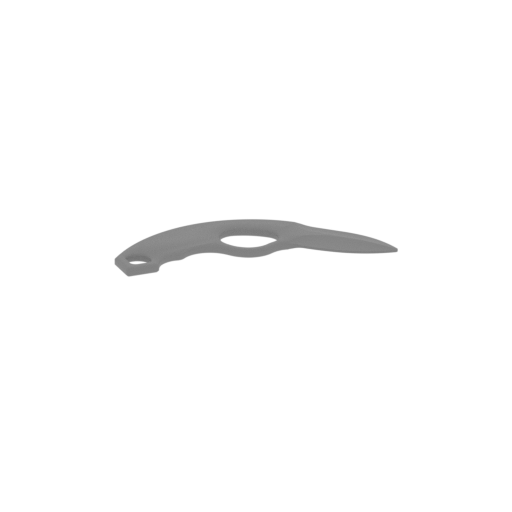 | Knife - RIGHT HANDED.stl 146.6 x 95.6 x 5 mm | 5.77 x 3.76 x 0.2 in | Size: 146.6 x 95.6 x 5 mm | 5.77 x 3.76 x 0.2 in | File size: 1.94 mb | Printing Time / Filament: 31 min / 5 m Slicer: prusa v2.9.2 Printer: mk4s Non default settings Layer height: 0.2 Fill density: 20% Support material: 1 Support material buildplate only: 1 | ||
What will you get after purchase?
3D model description
Crafted through months of R&D, this knife has been tested as a box cutter on boxes, plastic bags, and apples. It's solid and strong, with almost no blade flex.
The blade is 2.5 inches long, with a total length of 6.5 inches including the handle — a great size to fit snugly into the palm.
The knife clips securely into the holster with a very tight fit. The belt clip is sturdy enough to be worn on a belt or clipped onto regular clothing.
Files for sale are listed RIGHT and LEFT HANDED. You will get access to both.
For best results, wrap paracord around the handle in the manner shown in the listing images.
Please print using the instructions below for best results — these are the specific settings I've found to give the absolute best print quality.
3D printing settings
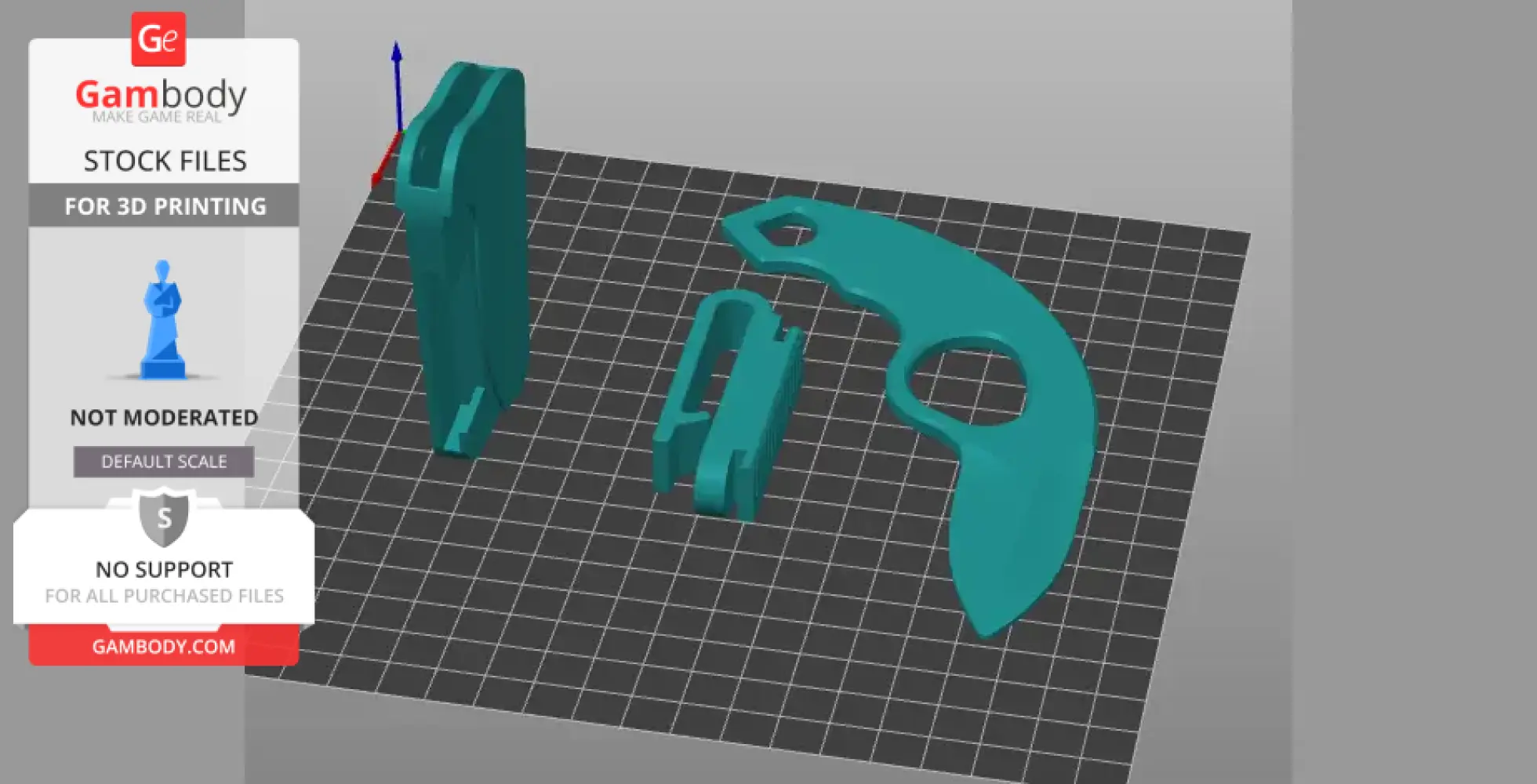
For the best print results, please leave all parts in the orientation they're presented once placed into the slicer.
For my specific model, I'd recommend using PLA+ for the knife and PETG for the holster and clip.
Knife
Infill: 100%
Layer height: 0.20mm for the first 1–2 layers, then 0.10mm for all remaining layers
Supports (the most tedious and important part):
Organic supports @ 40% density
Organic branch trunk supports @ 10% density
Organic support distance set to 5, so there are fewer support contact points on the bottom of the blade
Organic support tip set to 0.4, for the lowest amount of contact-tip exposure to the knife
The goal here is to minimize support contact on the bottom of the blade while still giving it enough support to prevent sagging. These are the settings I've found work best.
The underside of your blade won't come out perfectly smooth — use pliers to remove the supports (you can be rough; the blade is strong), then sand that side down to your preferred texture. The top of the blade will come out very smooth on its own.
Holster
Leave upright, as oriented in the file
Enable organic supports, set to 50% density
Infill: 80–100%
Layer height: 0.20mm for the first 1–2 layers, then 0.12–0.15mm for all remaining layers
Clip
Infill: 100%
Layer height: 0.20mm for the first 1–2 layers, then 0.12–0.15mm for all remaining layers
No supports needed
Assembly
Once all three parts are printed, push the clip into the holster — it will be a very snug fit. Take care not to break the tabs on either the holster or the clip as you insert it.
Disclaimer
I would not recommend leaving this in any hot spaces, it is filament after all. It will be 100% fine against your body (heat) for all day use.
Below you'll find detailed slicing settings for Bambu Studio to help you get the best results when printing this model. These settings are optimized specifically for this 3D model, but please note they may need slight adjustments depending on your printer or filament. When in doubt, refer to your printer's user manual.
To avoid printing issues and achieve the best quality, we highly recommend applying the following settings: