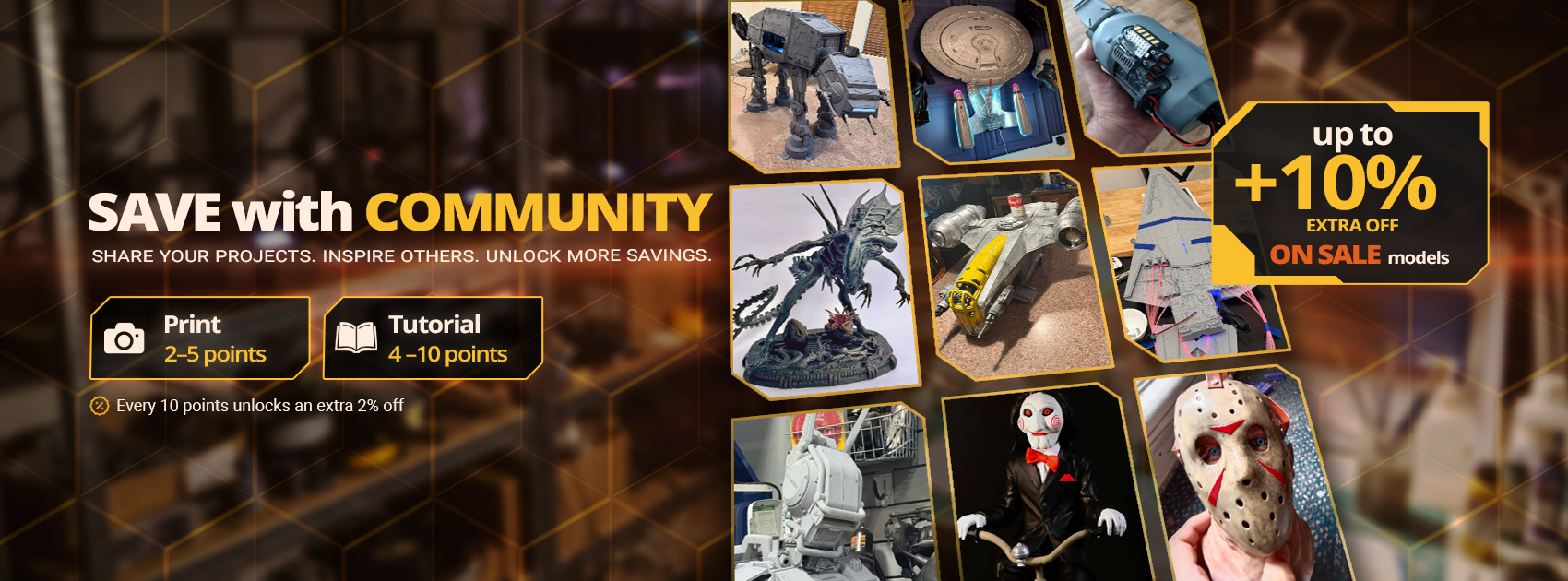
Share your 3D prints, inspire other makers, and unlock up to 10% extra off with Save with Community.
London, 15 October 2026 – Gambody is excited to announce the launch of the Gambody 3D Printing Community, a dedicated space where makers can share their finished prints, publish tutorials, exchange ideas, and discover inspiring projects from fellow enthusiasts.
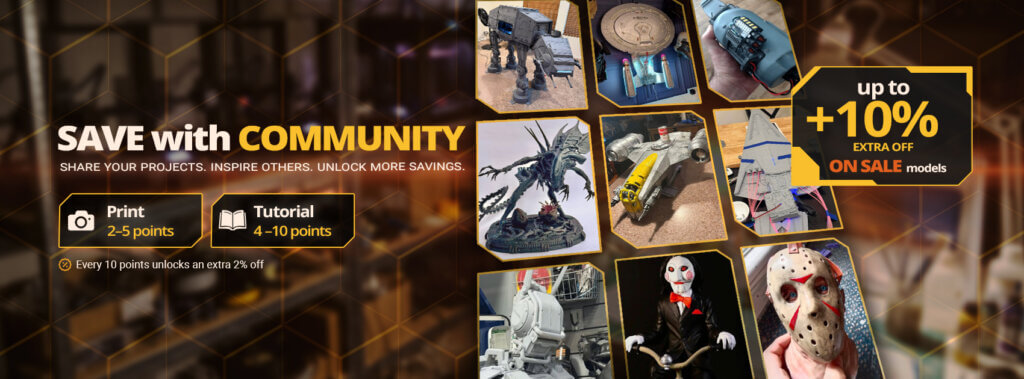
Alongside the new Community, Gambody introduces Save with Community, a Community bonus program that recognizes members for sharing their projects and contributing useful content. By publishing prints and tutorials, members can earn points that unlock additional discounts of up to 10% on models already on sale.
A New Home for the 3D Printing Community
3D printing is about much more than turning digital files into physical objects. Behind every project is an idea, hours of printing, trial and error, experimentation, and the excitement of finally seeing all that hard work come to life.
Makers from all around the world bring their favorite characters, vehicles, and fictional worlds to life through 3D printing. Their projects often involve intricate modifications, electronics, lighting, or moving parts. We’ve seen incredible painting work and photoshoots that look like works of art. Some projects end up on display in museums, at maker fairs, or in charity exhibitions. Others become a special part of the maker’s home.
But it’s not always about the finished result. Along the way, 3D printing enthusiasts face challenges, find solutions, discover new techniques, and learn things that others might find useful. We’ve even heard stories of projects that helped people through difficult times. Sometimes, making something you truly love can work a little magic.
Behind every finished print is a story worth sharing.
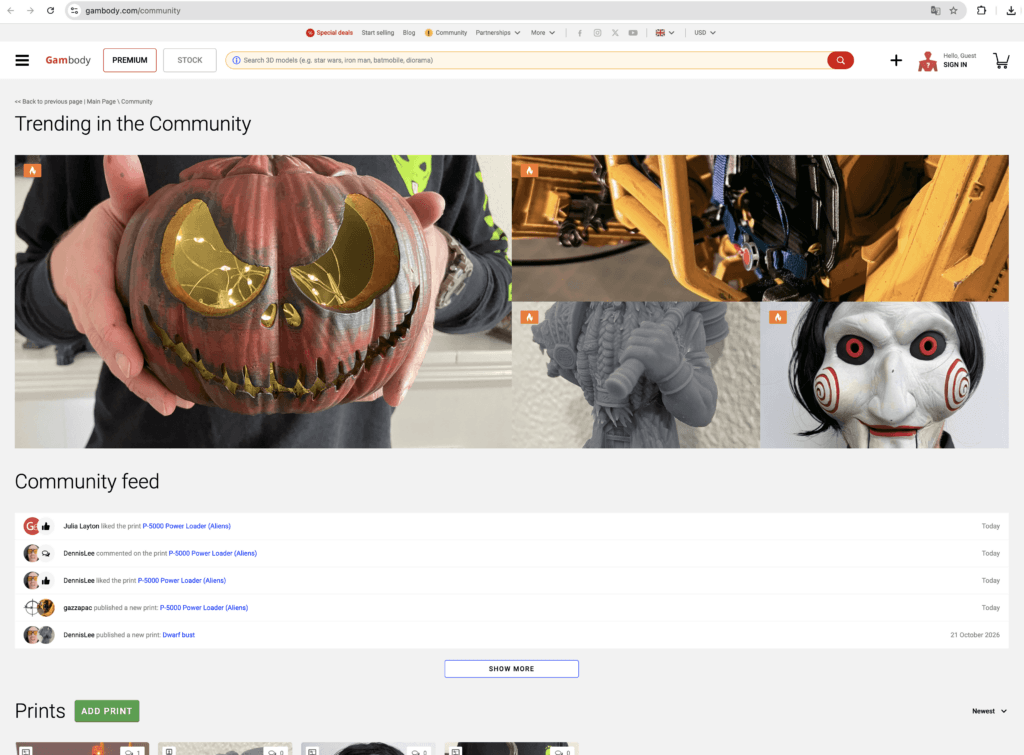
The new Gambody 3D Printing Community brings those stories together in one place. Members can showcase their creations, share what they’ve learned, help others solve problems, and find inspiration for their next projects.
The Community includes:
- Prints — Share finished models, works in progress, painting results, modifications, and the stories behind your projects through photos and videos.
- Tutorials — Publish useful step-by-step guides covering printing, assembly, painting, customization, technical solutions, and other techniques.
- Community Feed — Discover new publications, comments, and activities from other members.
- Interviews — Explore stories, experiences, and creative achievements from makers in the 3D printing community.
Each Print and Tutorial is connected to a related 3D printable model on Gambody, helping others discover what fellow makers have created using the same 3D printing files.
Introducing Save with Community
To celebrate the new Community and recognize members who contribute their time, creativity, and knowledge, the marketplace has launched Save with Community, a new Gambody Community bonus program.
The idea is simple: Share your projects. Inspire others. Unlock more savings.
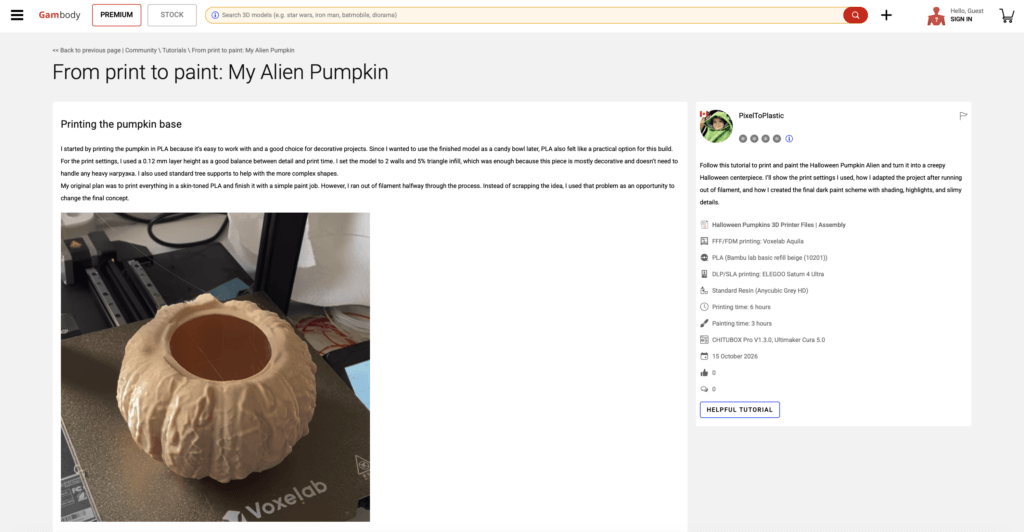
Members earn points for approved Prints and Tutorials based on their quality, completeness, and usefulness to the community.
How Are Points Earned?
- Prints earn 2–5 points depending on the quality of photos or videos, descriptions, and project setup details.
- Tutorials earn 4–10 points depending on the usefulness of instructions, visual explanations, practical tips, project details, and additional shared files. Tutorials can cover a single useful technique or solution, or an entire printing, assembly, or painting process.
- The Gambody Team reviews eligible posts and awards points once they are approved. Members receive a notification in their Feed, and the awarded points appear on each approved post’s card in the 3D Prints or Tutorials section of their account.
Clear photos or videos, informative explanations, and practical project details can help members earn more points while making their contributions more valuable to other makers.
How Do Points Unlock Discounts?
Every 10 points unlock an additional 2% discount, up to a maximum Community bonus of 10%.
| Community points | Extra discount |
| 10 points | +2% off |
| 20 points | +4% off |
| 30 points | +6% off |
| 40 points | +8% off |
| 50 points | +10% off |
Community bonuses are added to existing On Sale discounts and apply only while models are on sale.
For example, if a model is already 35% off and a member has unlocked a 4% Community bonus, the total discount becomes 39% off.
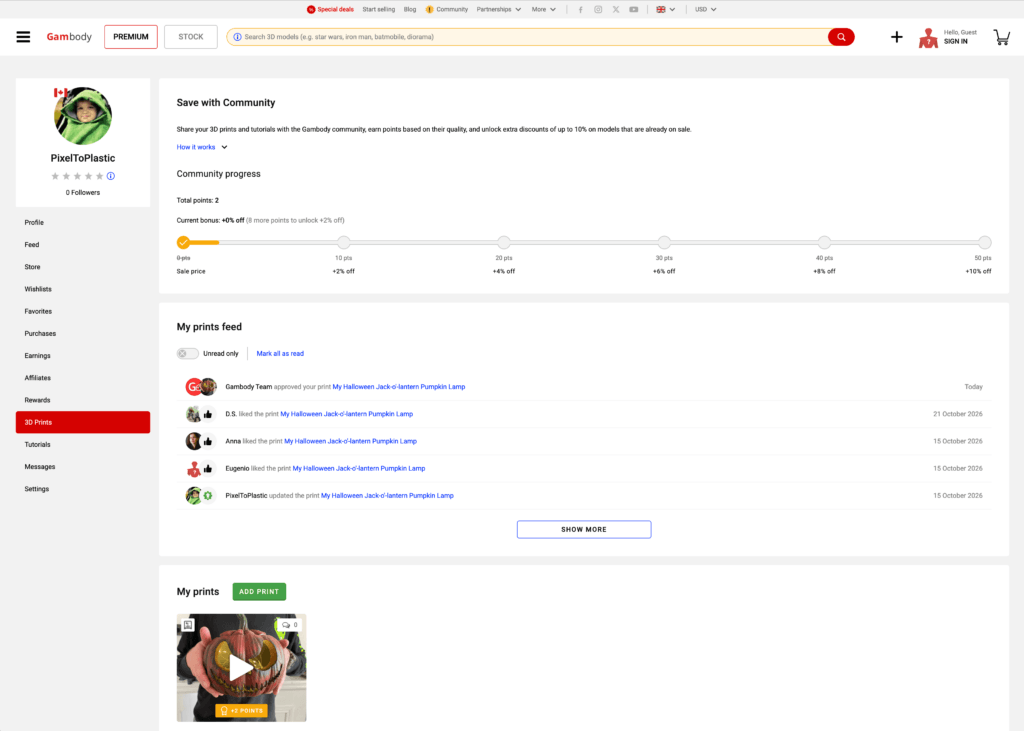
Members can track their points, current bonus, and progress toward the next milestone in the Save with Community section of their Gambody profile.
Points are based on currently approved, published posts and do not expire while those posts remain eligible. If a qualifying post is deleted or loses approval, the corresponding points are deducted.
How Community Discounts Are Applied
Once a member unlocks their first Community discount, the bonus is automatically applied to eligible models that are already on sale.
Model cards in the catalog display an “Includes X% Community bonus” label, showing the additional discount the member has unlocked. The displayed price already includes both the existing sale discount and the Community bonus.
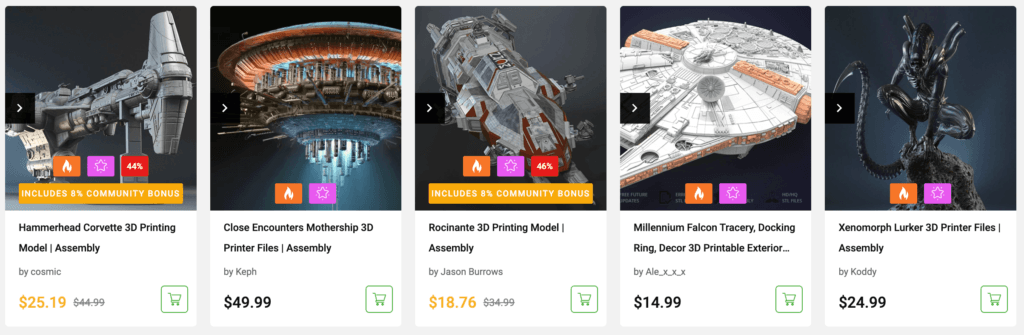
The same information appears on individual model pages and in the shopping cart, so members can clearly see how their Community bonus contributes to their savings.
At checkout, the displayed price already includes both the sale discount and the Community bonus.
Share More Than Photos
The Community also allows members to share useful additional files alongside their Prints and Tutorials.
These may include modified STL parts, custom accessories, 3MF or OBJ files, and PDF assembly guides.
Attachments are available for download only to eligible owners of the related Gambody model, including its original author and the author of the Community post. Members may share only files they have the right to distribute.
This gives makers another way to exchange practical improvements and help others get more out of their 3D printing projects.
Join the Gambody Community
You don’t need a perfect print to share your work. From simple projects and first attempts to impressive modifications, custom electronics, lighting, and detailed painting, there’s always something other makers can learn from. Even the problems you encountered and how you solved them can be useful to others.
Share your projects, help fellow makers, and earn extra discounts along the way.
Explore the Community: https://www.gambody.com/community
About Gambody
Gambody is a 3D printing marketplace with over 12 years of experience connecting digital creators and 3D printing enthusiasts. Its Premium section features highly detailed 3D printable models, while its Stock section provides a diverse selection of printable files from independent artists. With its new 3D Printing Community, Gambody expands beyond the marketplace to give makers a dedicated space to share their projects, exchange knowledge, and inspire one another.
Media Contacts
Samuel Forrest
Media Manager
Email: media [at] gambody.com

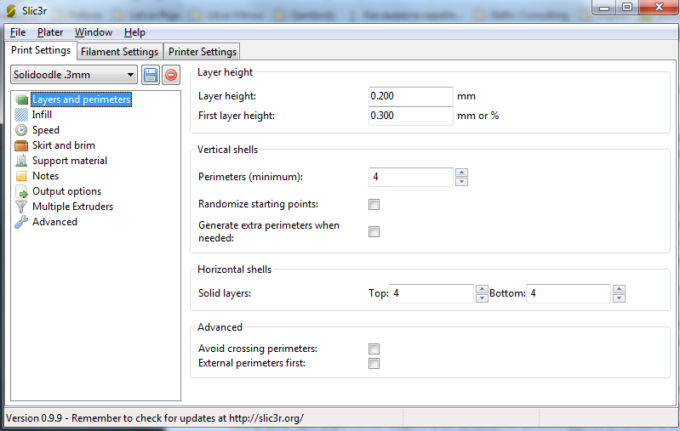
Useful tips for 3D printer settings configuration. Part2
Read Article
Know the 3D Designers who Created the Astonishingly 380-Piece Milennium Falcon Model for 3D Print
Read Article