Every hobbyist knows the answer to “What is PLA?” because it is the most common material for FDM/FFF 3D printers. This type of plastic requires specific settings when you print iconic Star Trek ship models, legendary Star Wars spacecraft, adorable cartoon 3D character projects, and other movies- and comics-inspired ideas. Let’s talk about PLA bed & print temperature to simplify your experience with this material.
Who wouldn’t dream of turning on their 3D printer, downloading STL files of 3D printing figures and models you love the most, and just setting that PLA print temperature once and for all for perfect results? Even though polylactide is considered an easy plastic to work with, it’s still tricky to configure the ideal settings just for you.
What Is PLA?
When looking at PLA material, it’s best to understand what exactly it is. This plastic material has several names, including the three “P,” “L,” and “A” lettering, which stands for polylactide, poly, or poly(lactic acid). The name “polylactic acid” is also used, but it can confuse you because this material is polyester, not polyacid.
Its properties depend on the manufacturing processes used to obtain this type of plastic and the polymers with which it is blended. Is PLA biodegradable? It depends. Some types are biodegradable, and some are long-lasting. PLA density also depends on how it was manufactured. Its most common density is approximately 1.24 g/cm³, but it can be higher or lower if the filament has specific additives. For example, lightweight PLA density can be about 0.54 g/cm³ because of the foaming agents added to the filament.
This type of plastic is not as popular worldwide as traditional PVC or PET, but in FDM 3D printing, PLA is one of the most commonly used filaments with desktop machines.
Read also: Different 3D Printer Filament Types.
PLA Melting Point
Understanding the best options for PLA printing temperature suits both newbies and advanced enthusiasts. It helps avoid such issues as warping, failed prints, first layers not sticking to the bed, and others.
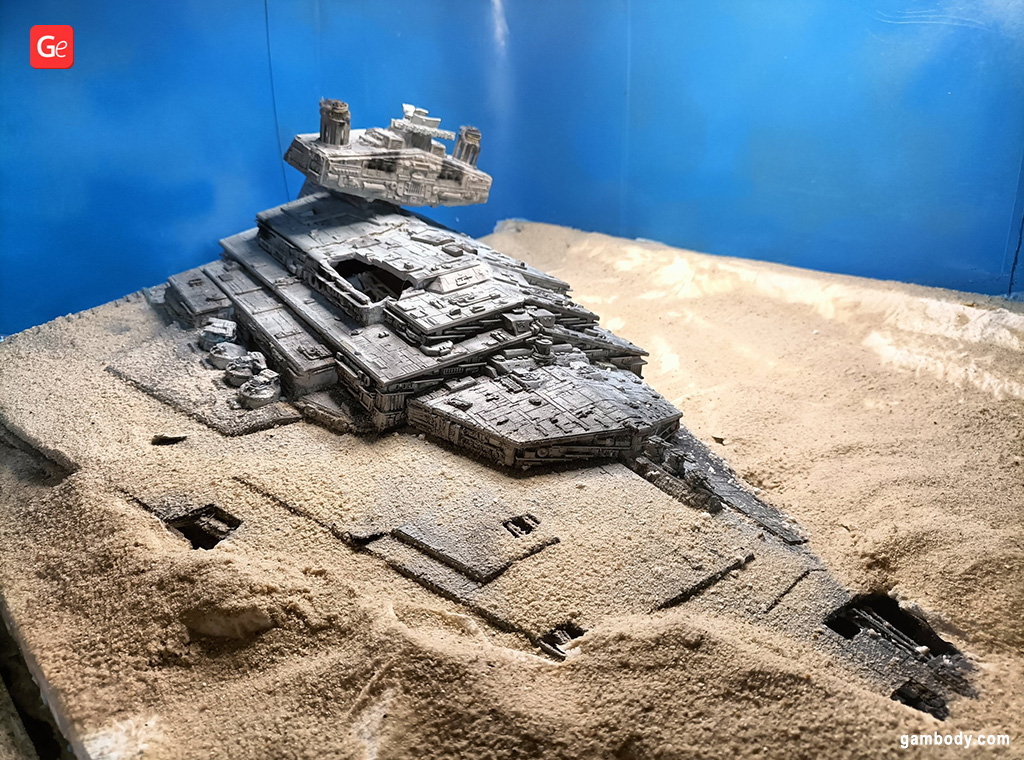
PLA printing temperature ranges from 180°C to 220°C (356°F to 428°F) or higher to be successfully extruded from your printer nozzle. It’s considered a simple filament for making outstanding 3D printing ships, models from Lord of the Rings, the Last of Us figures, and projects from many other legendary franchises, which high-resolution files you can find on Gambody STL marketplace.
What is PLA melting point? Does it have a specific temperature that makes it transition from a solid to a liquid state? It does, but that temp range is not very specific. This plastic material begins to soften at about 60°C to 65°C (140°F to 149°F), but its melting point requires a temp range and is not a specific figure.
PLA Bed Temperature
Just like setting up how hot you want your nozzle to be, controlling your bed temp for PLA is essential. Firstly, the most popular plastic in the 3D printing community can do great with cold plates. However, if you have a heated bed, you can choose to preheat it to 40°C or 50°C (104°F to 122°F) or even 70°C (158°F). Secondly, you must experiment to find the perfect range for your tasks.
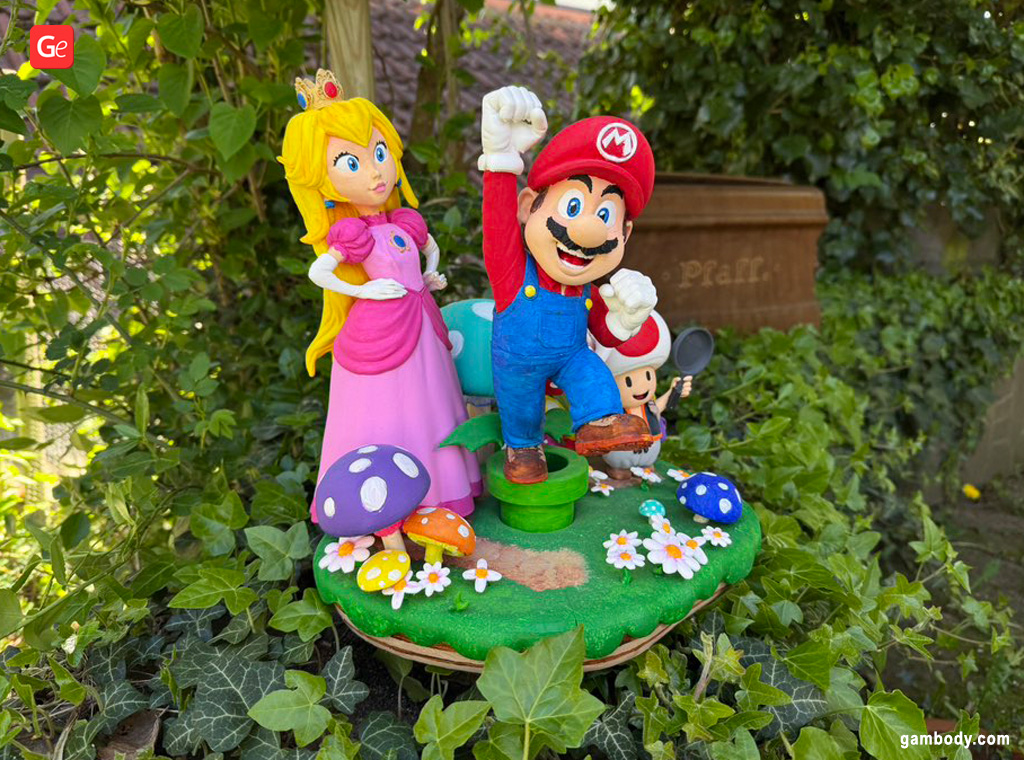
Some users find it best not to heat their bed when printing with polylactide. Others are comfortable setting up their plate to 60°C (140°F). You can test it yourself by increasing the range by 5°C (41°F), starting with 40°C (104°F) and going all the way up to 70°C (158°F).
Possible Issues
You will know you need to heat your bed when printing with PLA if the first layers don’t adhere to the build plate or you notice loose corners of your print. A slight increase in bed temperature can help the first layers to stick by softening the plastic.
If you notice that the first layers grow wider than necessary, you should cool the bed down. Beds that are too hot cause this issue by melting the layers of plastic into “elephant’s feet,” and your best way to fix the problem is to reduce the plate temperature.
PLA Print Temperature
Also known as nozzle temp, PLA print temperature varies from 180°C to 220°C (356°F to 428°F). However, these general numbers might not meet your specific 3D printing needs.
While many enthusiasts would like to set up one nozzle temp to create perfect prints, it’s impossible because you must find ideal settings for your machine and material brand (and even color).
When setting up your hotend temperature, ensure it is not too hot. High nozzle temp for PLA can cause droopy prints because the material becomes too soft to avoid a messy outcome. Your perfect settings should allow layers to adhere well but not be slack. Try sticking to numbers between 200°C and 215°C (392°F and 419°F) while keeping an eye on how cold or hot the bed is.
Read also: Cleaning 3D Printer Nozzles at Home (Simple Guides).
Issues: If Too Hot or Not Hot Enough
If you notice that your model fails to build the bridges (horizontal parts that link different parts of the project), your PLA print temperature is too high. Lower it down a little bit to let the plastic cool as it melts and extrudes by the hotend.
If you see that the first layers are not sticking to your bed, you might need to increase the nozzle temp.
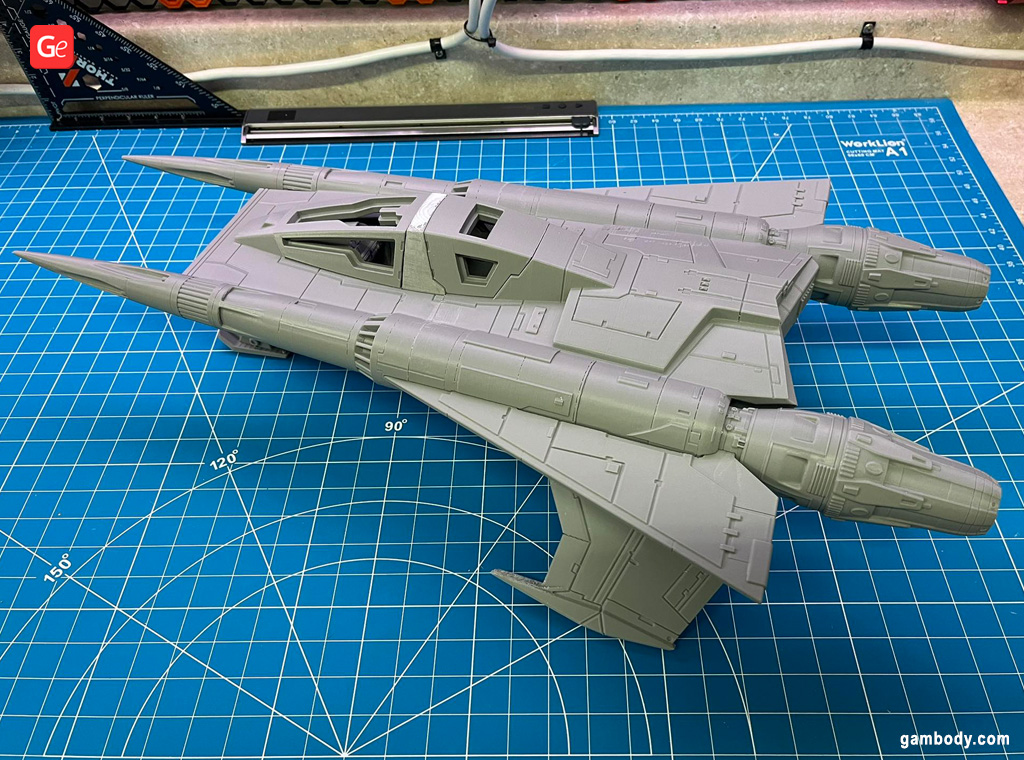
Don’t be afraid to experiment with your plastic brands because even the filament color (not just brand) can influence the PLA printing temperature. Sometimes, you’ll notice that when you print with white plastic, your models turn out great at 210°C (410°F), but your black filament requires you to raise the temperature by 5°C (41°F).
Facts to Keep in Mind
- PLA bed temperature: 40°C to 70°C (104°F to 158°F);
- PLA print temperature: 200°C to 215°C (392°F to 419°F);
- PLA melting point: 180°C to 220°C (356°F to 428°F).
Print Settings Tips
Setting the temperature is insufficient to create perfect prints using this plastic filament. It has a low glass transition temp, starting to soften at 60°C to 65°C (140°F to 149°F), and it stays this way when it gets hotter. Possible issues you can experience are distortions of your layers because the new ones are extruded on top of the previous ones, which might still be too soft. Are there tips to help you?
Don’t turn your cooling fan on when your nozzle extrudes the first few layers. Let them adhere well to the bed. But with the third or fourth layer, turn on your cooling fans to their full speed to ensure that each part of your model becomes solid and causes no warping.
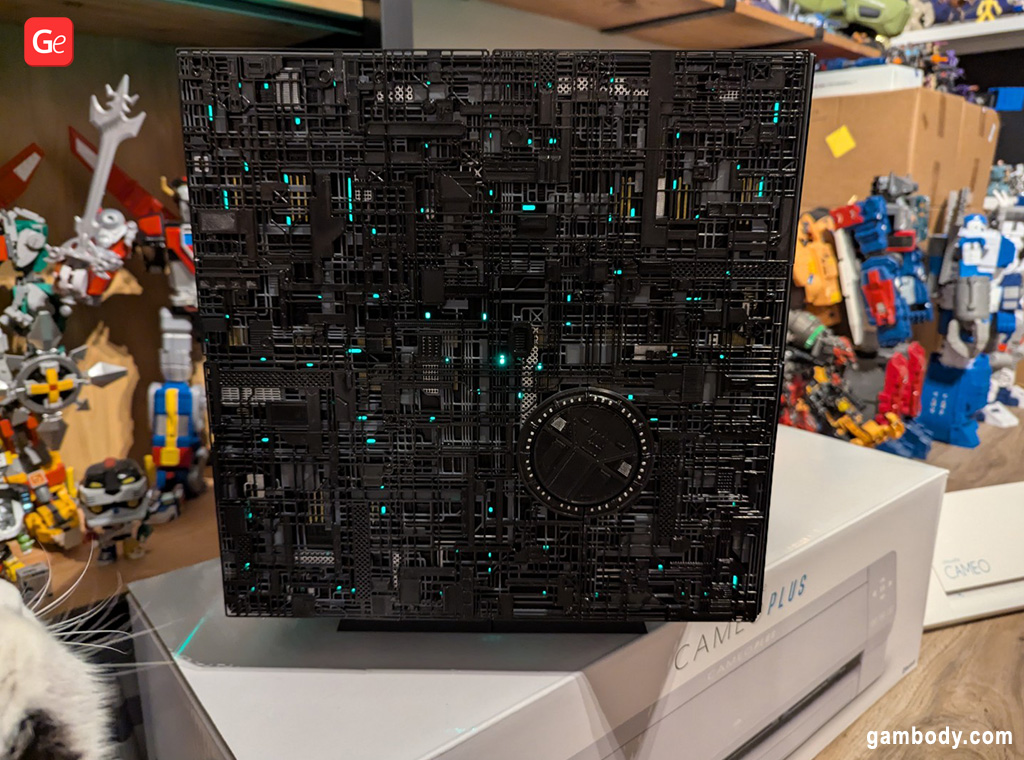
If your slicing software has settings to turn the fan on or change its speed according to your time framework, it’s great. If not, you’ll have to manually control the fan speed and ensure it’s running fully after the initial layers have set well and adhered to the build plate.
Hobbyists whose tables are near vents or an open window might consider using a 3D printer enclosure to protect the PLA prints from air conditioning or wind. While this plastic might not react badly to varied room climates, it’s always great to think ahead and try to preserve your printing settings along with temp parameters.
Keep testing different filament brands and colors, and you’ll find the best PLA bed and print temperature for your specific product. Share your tips with Gambody – 3D printing Community on Facebook to help other enthusiasts create perfect prints of iconic ships, legendary characters, famous heroes, fantastic villains, and other popular models.


Legendary Marvel 3D Print Ideas 2024: Models from Movies
Read Article
May 3D Printed Figurines Pick of the Month
Read Article