Community (fb)

 es
es  ua
ua 











Files
3D model format
Stereolithography (.stl)
Total files

Slicer settings
Mesh error check
Netfabb
Support
Lifetime support from Gambody team
Update requests
Available to verified buyers
Model complexity
Expert: demanding print setup with intricate parts. Requires post-processing skills, attention to detail, and patience.
Model versions
FFF/FDM
Assembly method
Connectors, Glue
Features
- Requires the Titanic 3D model (sold separately).
- Includes dual hull options (with and without lettering), structural hull modifications, and detailed external refinements such as ventilation shafts, ladders, and reworked cargo hatches.
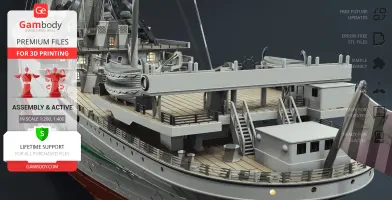
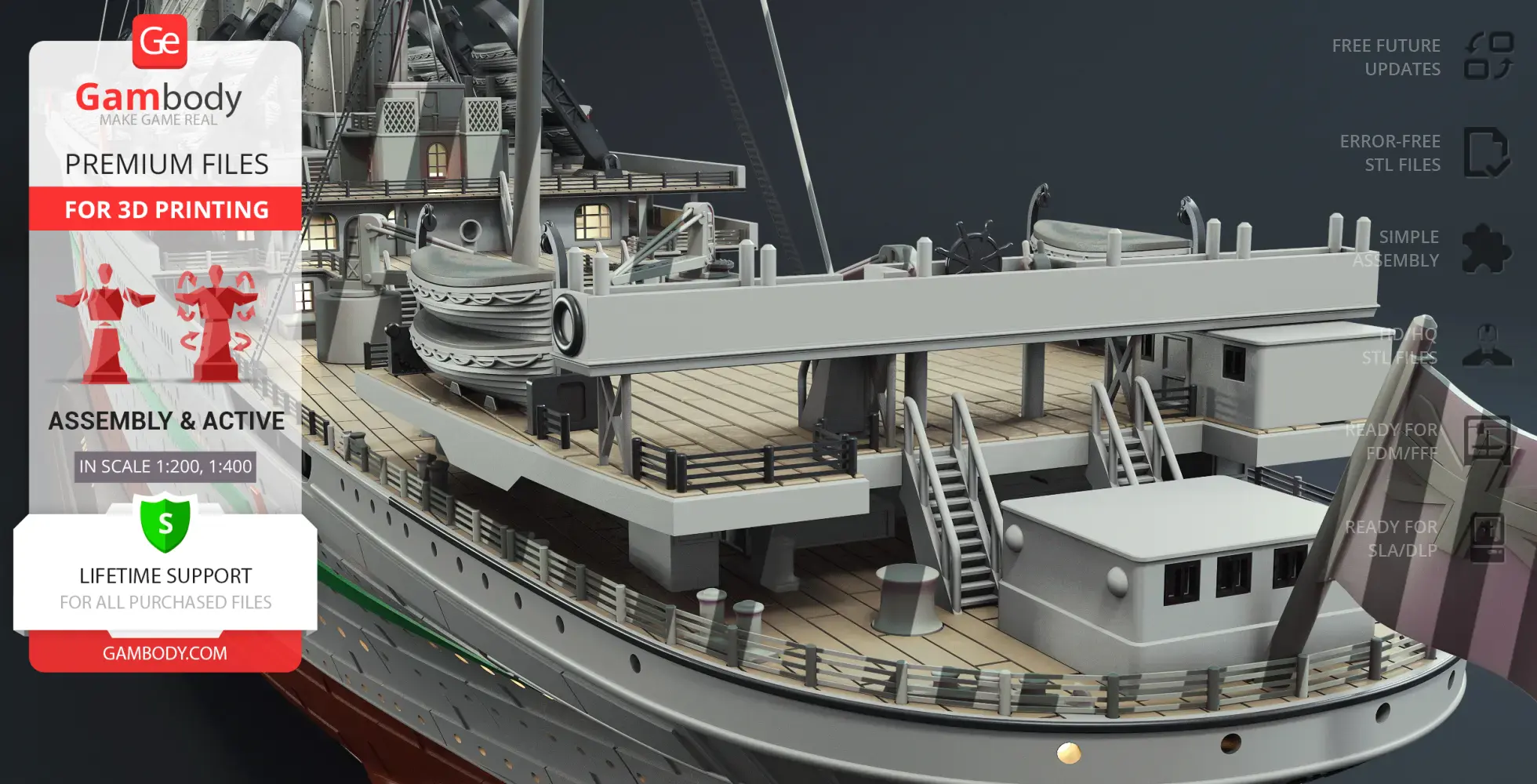
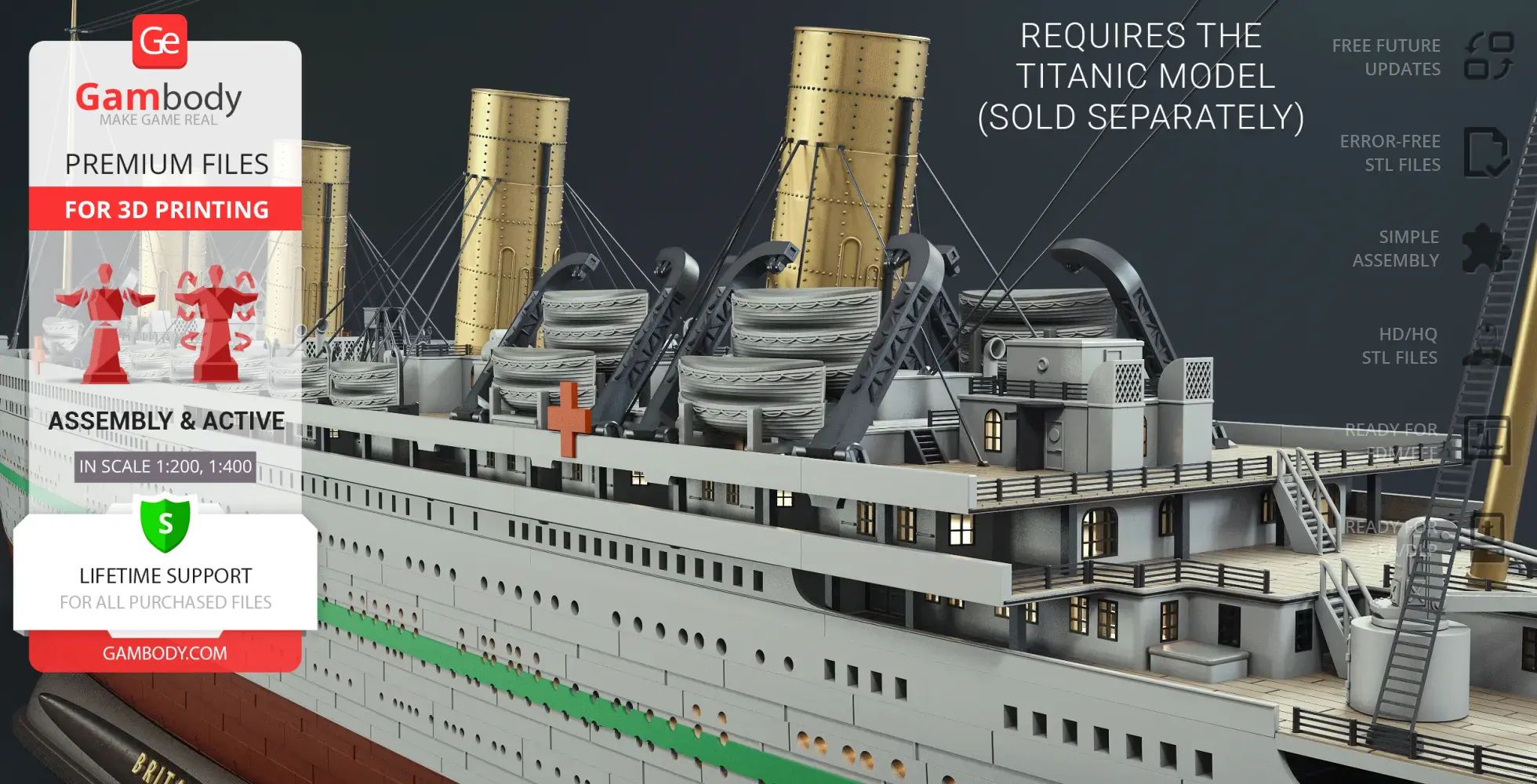
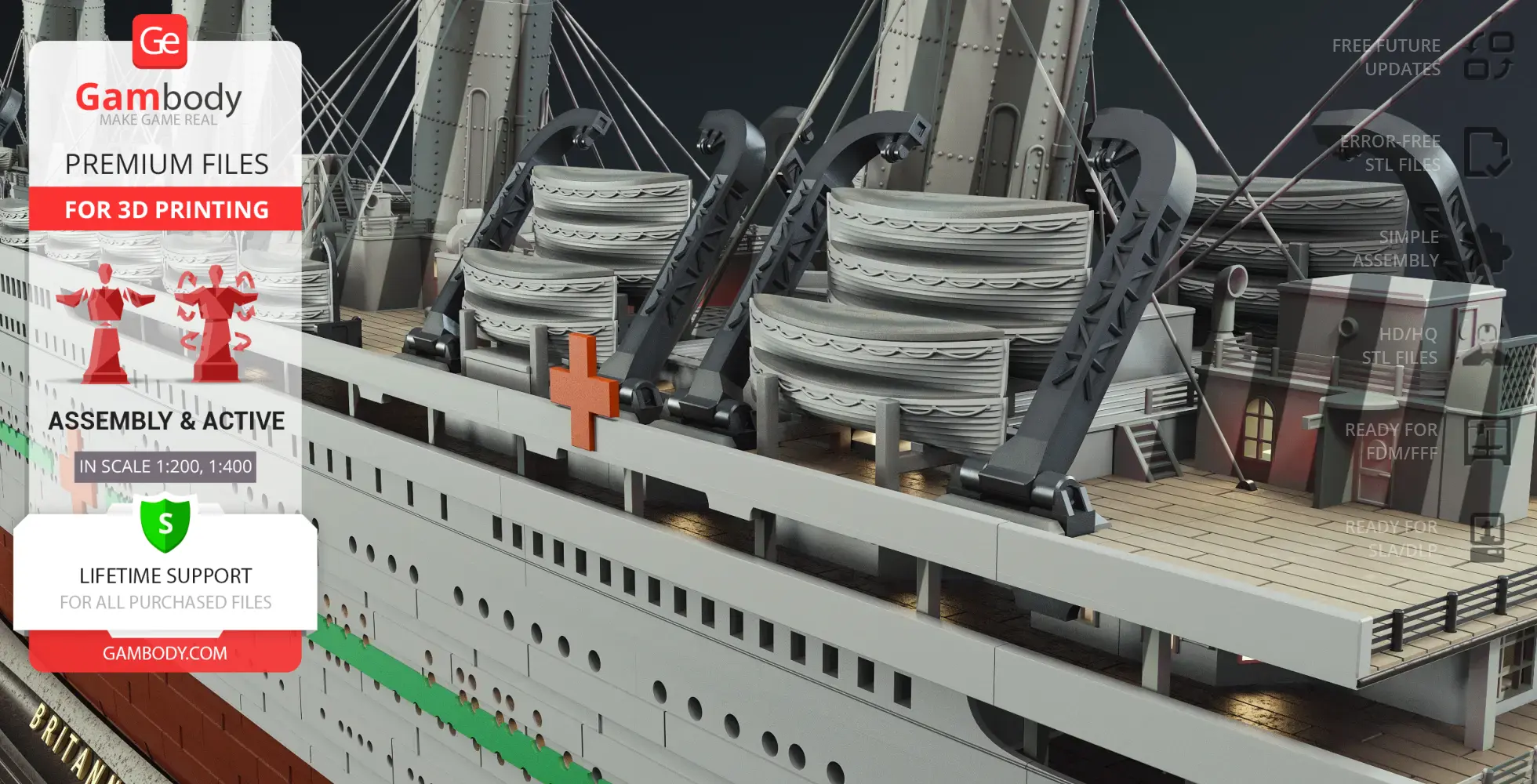
- Features a redesigned aft and poop deck layout, pivoting gantry davits, and optimized lifeboat deployment system.
- Includes a fully detailed internal hospital bay with medical beds, emergency rescue cutter on the starboard side, and defensive hull fins with reinforced ramming prow.
- Provides a historically accurate 3-blade central propeller and a new display platform.
- Engine-compatible hull option is included for the Olympic Class Steam Engine (sold separately), along with a standard hull configuration using alignment pins.
- The assembly parts are connected using specially designed integrated connectors that fit securely into the corresponding slots. Optionally, for added strength and rigidity, the static connections can be glued together.
DLP/SLA
Eco parts
Assembly method
Connectors, Glue
Features
- Requires the Titanic 3D model (sold separately).
- Includes dual hull options (with and without lettering), structural hull modifications, and detailed external refinements such as ventilation shafts, ladders, and reworked cargo hatches.
- Features a redesigned aft and poop deck layout, pivoting gantry davits, and optimized lifeboat deployment system.
- Includes a fully detailed internal hospital bay with medical beds, emergency rescue cutter on the starboard side, and defensive hull fins with reinforced ramming prow.
- Provides a historically accurate 3-blade central propeller and a new display platform.
- Engine-compatible hull option is included for the Olympic Class Steam Engine (sold separately), along with a standard hull configuration using alignment pins.
- The assembly parts are connected using specially designed integrated connectors that fit securely into the corresponding slots. Optionally, for added strength and rigidity, the static connections can be glued together.
Additional details
Part of diorama
No
Special pack included
No
You will get instant access to the STL files of HMHS Britannic Pack 3D Printer Files | Assembly after completing your purchase. Simply add the model to your cart and check out using PayPal, credit or debit card, Apple Pay, Google Pay, Alipay, or other available payment methods.
Watch the assembly video for HMHS Britannic Pack 3D Printer Files | Assembly, and explore more tutorials, behind-the-scenes content, 3D printing timelapses, and painting guides on the official Gambody YouTube channel.
This 3D model comes with StereoLithography (.STL) files optimized for 3D printing. You'll get digital files, not a physical product
Before printing, take a look at Printing Details for recommended settings and tips to achieve better results.
HMHS Britannic Pack 3D Printer Files | Assembly includes 2 version(s) for the supported 3D printer type(s): FFF/FDM, DLP/SLA. Files are available for download after purchase.
See the Description and Specifications sections for more details about this model.
| File name | Size (mm | in) | Size(mb) | Printing Time / Filament | |||
|---|---|---|---|---|---|---|
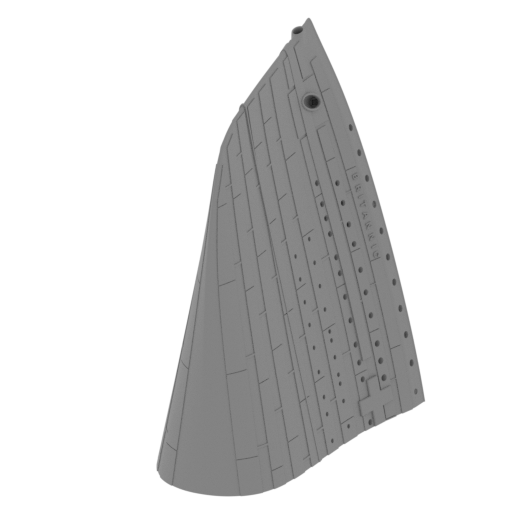 | _01_V1_bodyPart_a_FDM (repaired).stl 106.86 x 125.65 x 162.21 mm | 4.21 x 4.95 x 6.39 in | Size: 106.86 x 125.65 x 162.21 mm | 4.21 x 4.95 x 6.39 in | File size: 13.57 mb | Printing Time / Filament: 44 h 28 min / 24 m | ||
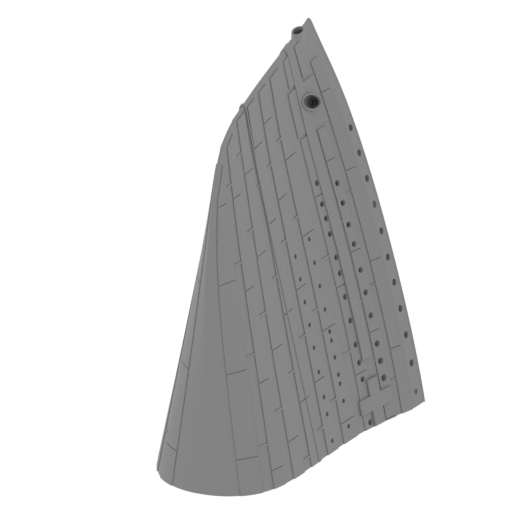 | _01_V2_bodyPart_a_FDM (repaired).stl 106.86 x 125.65 x 162.21 mm | 4.21 x 4.95 x 6.39 in | Size: 106.86 x 125.65 x 162.21 mm | 4.21 x 4.95 x 6.39 in | File size: 13.07 mb | Printing Time / Filament: 43 h 35 min / 23 m | ||
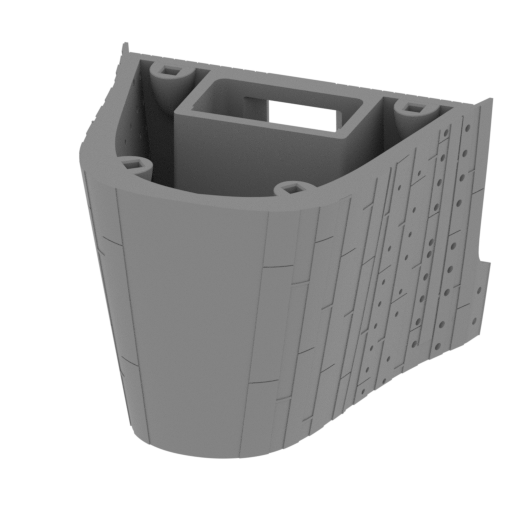 | _02_bodyPart_b_FDM (repaired).stl 124.45 x 120.79 x 88.08 mm | 4.9 x 4.76 x 3.47 in | Size: 124.45 x 120.79 x 88.08 mm | 4.9 x 4.76 x 3.47 in | File size: 8.62 mb | Printing Time / Filament: 45 h 37 min / 24 m | ||
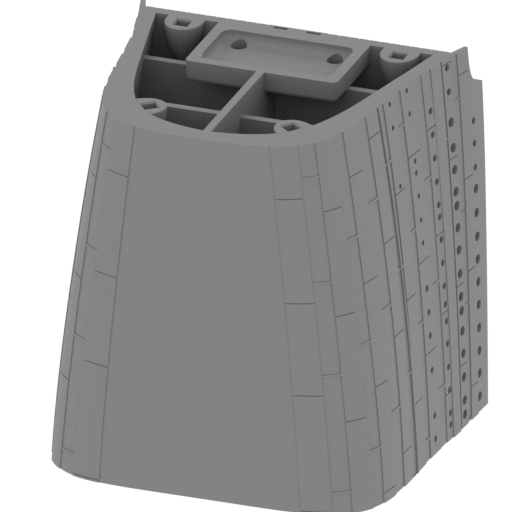 | _03_bodyPart_c_FDM (repaired).stl 136.37 x 116.97 x 141.13 mm | 5.37 x 4.61 x 5.56 in | Size: 136.37 x 116.97 x 141.13 mm | 5.37 x 4.61 x 5.56 in | File size: 6.05 mb | Printing Time / Filament: 107 h 40 min / 67 m | ||
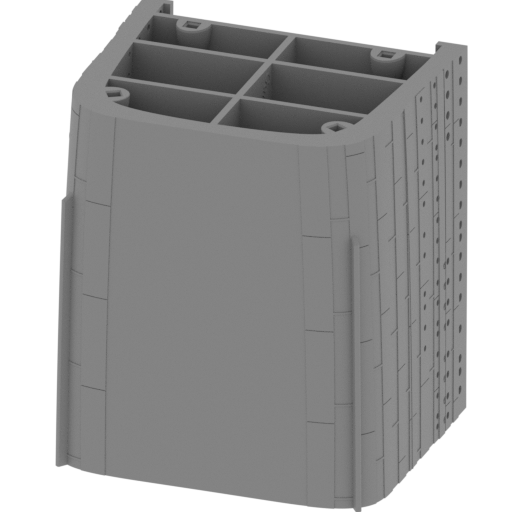 | _04_bodyPart_d_FDM (repaired).stl 138.82 x 114.1 x 155.93 mm | 5.47 x 4.49 x 6.14 in | Size: 138.82 x 114.1 x 155.93 mm | 5.47 x 4.49 x 6.14 in | File size: 5.14 mb | Printing Time / Filament: 93 h 49 min / 48 m | ||
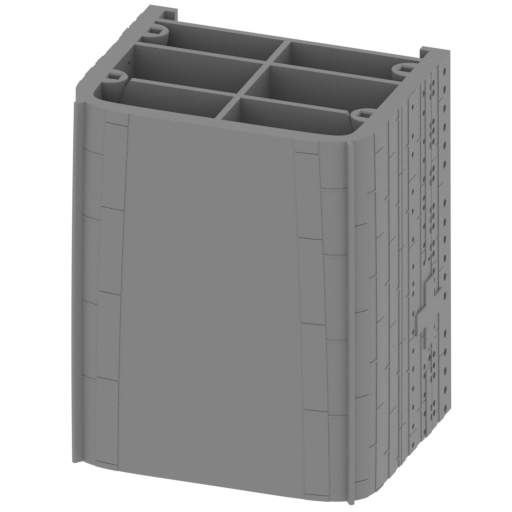 | _05_bodyPart_e_FDM (repaired).stl 140.13 x 111.29 x 168.87 mm | 5.52 x 4.38 x 6.65 in | Size: 140.13 x 111.29 x 168.87 mm | 5.52 x 4.38 x 6.65 in | File size: 5.83 mb | Printing Time / Filament: 99 h 56 min / 52 m | ||
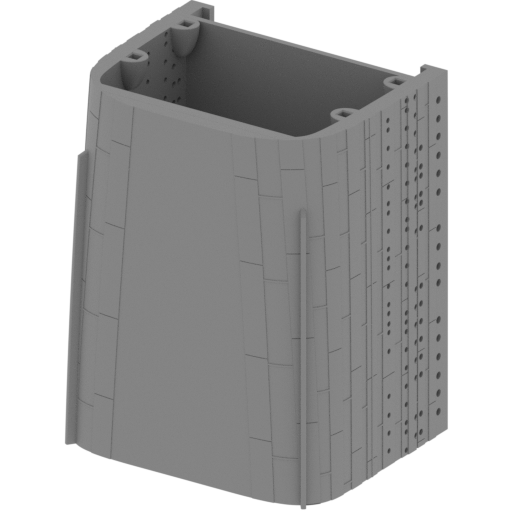 | _06_V1_bodyPart_f_FDM (repaired).stl 154.57 x 135.14 x 174.5 mm | 6.09 x 5.32 x 6.87 in | Size: 154.57 x 135.14 x 174.5 mm | 6.09 x 5.32 x 6.87 in | File size: 6.03 mb | Printing Time / Filament: 78 h 35 min / 40 m | ||
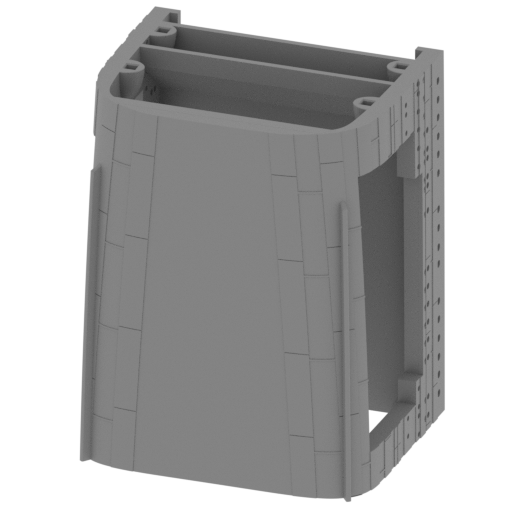 | _06_V2_bodyPart_f_FDM (repaired).stl 139.23 x 110.53 x 174.22 mm | 5.48 x 4.35 x 6.86 in | Size: 139.23 x 110.53 x 174.22 mm | 5.48 x 4.35 x 6.86 in | File size: 4.62 mb | Printing Time / Filament: 97 h 38 min / 70 m | ||
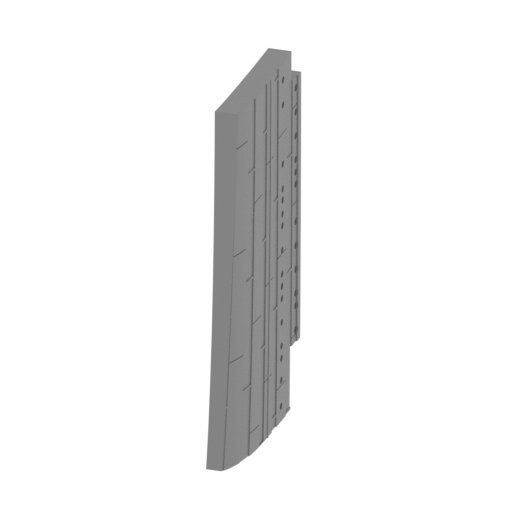 | _07_bodyPart_f_V2_door_L_FDM (repaired).stl 12.28 x 63.24 x 132.33 mm | 0.48 x 2.49 x 5.21 in | Size: 12.28 x 63.24 x 132.33 mm | 0.48 x 2.49 x 5.21 in | File size: 0.86 mb | Printing Time / Filament: 8 h 35 min / 5 m | ||
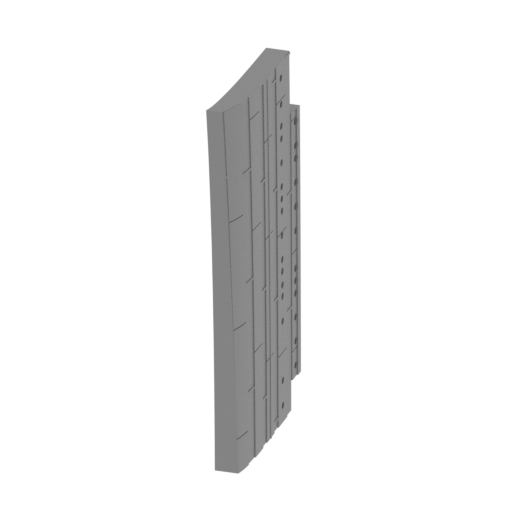 | _08_bodyPart_f_V2_door_R_FDM (repaired).stl 12.26 x 63.26 x 132.33 mm | 0.48 x 2.49 x 5.21 in | Size: 12.26 x 63.26 x 132.33 mm | 0.48 x 2.49 x 5.21 in | File size: 0.86 mb | Printing Time / Filament: 8 h 27 min / 5 m | ||
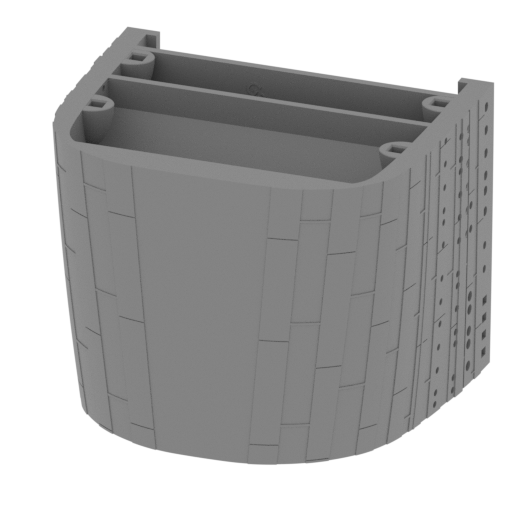 | _09_bodyPart_g_FDM (repaired).stl 137.14 x 110.9 x 107.32 mm | 5.4 x 4.37 x 4.23 in | Size: 137.14 x 110.9 x 107.32 mm | 5.4 x 4.37 x 4.23 in | File size: 4.10 mb | Printing Time / Filament: 56 h 18 min / 29 m | ||
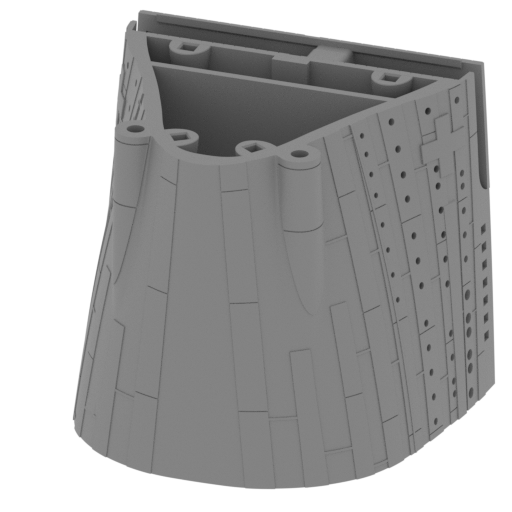 | _10_bodyPart_h_FDM (repaired).stl 133 x 114.66 x 118.87 mm | 5.24 x 4.51 x 4.68 in | Size: 133 x 114.66 x 118.87 mm | 5.24 x 4.51 x 4.68 in | File size: 8.55 mb | Printing Time / Filament: 64 h 8 min / 34 m | ||
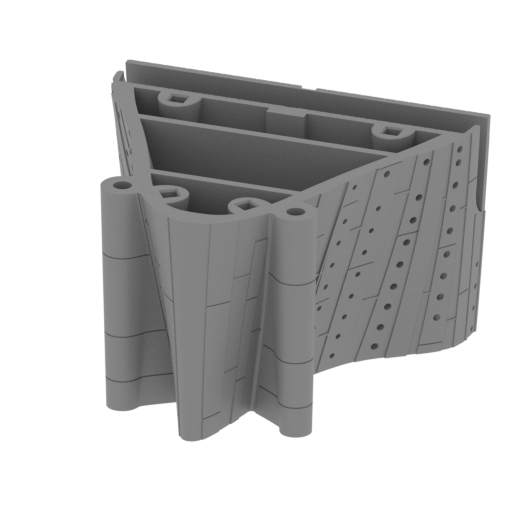 | _11_bodyPart_i_FDM (repaired).stl 123.66 x 125.84 x 76.87 mm | 4.87 x 4.95 x 3.03 in | Size: 123.66 x 125.84 x 76.87 mm | 4.87 x 4.95 x 3.03 in | File size: 12.20 mb | Printing Time / Filament: 40 h 54 min / 21 m | ||
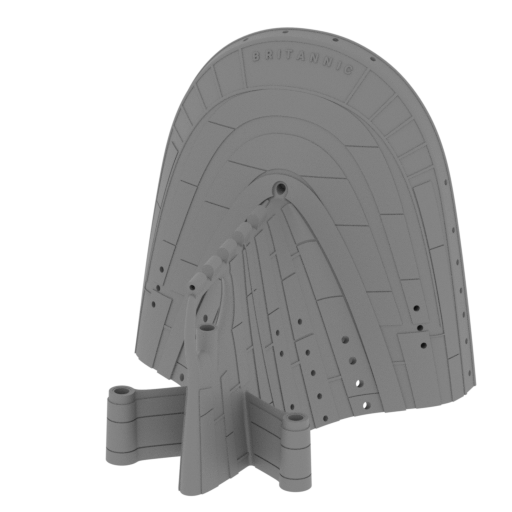 | _12_V1_bodyPart_k_FDM (repaired).stl 113.14 x 125.61 x 114.61 mm | 4.45 x 4.95 x 4.51 in | Size: 113.14 x 125.61 x 114.61 mm | 4.45 x 4.95 x 4.51 in | File size: 16.07 mb | Printing Time / Filament: 30 h 4 min / 14 m | ||
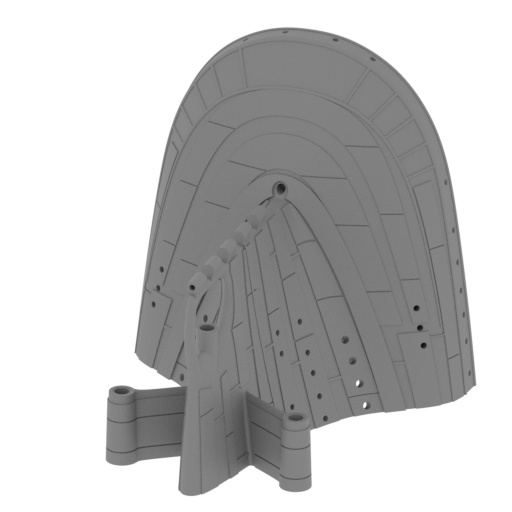 | _12_V2_bodyPart_k_FDM (repaired).stl 113.14 x 125.61 x 114.61 mm | 4.45 x 4.95 x 4.51 in | Size: 113.14 x 125.61 x 114.61 mm | 4.45 x 4.95 x 4.51 in | File size: 15.86 mb | Printing Time / Filament: 30 h 21 min / 14 m | ||
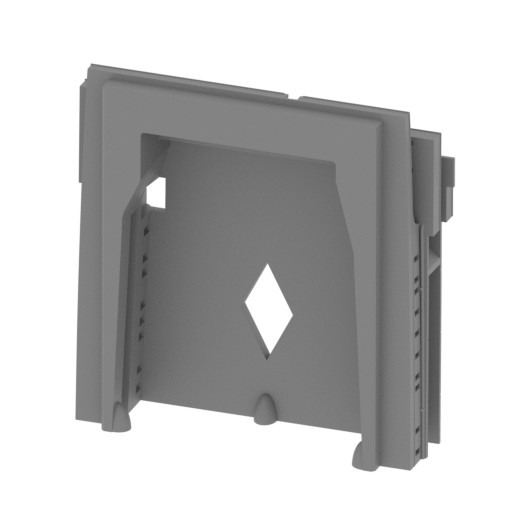 | _13_deckPart_a_FDM (repaired).stl 150.73 x 41.17 x 146.61 mm | 5.93 x 1.62 x 5.77 in | Size: 150.73 x 41.17 x 146.61 mm | 5.93 x 1.62 x 5.77 in | File size: 8.48 mb | Printing Time / Filament: 57 h 47 min / 39 m | ||
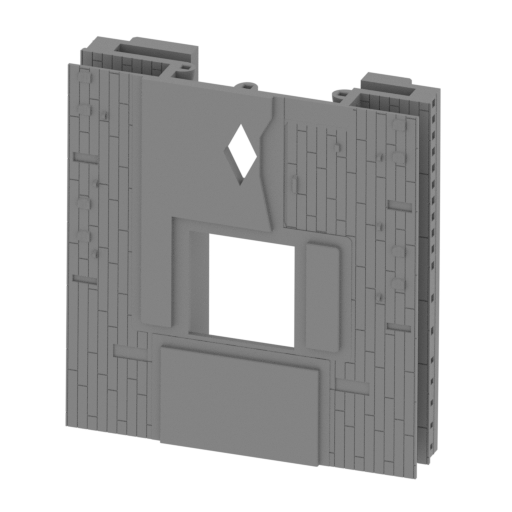 | _14_deckPart_b_FDM (repaired).stl 140.33 x 37.74 x 147.87 mm | 5.52 x 1.49 x 5.82 in | Size: 140.33 x 37.74 x 147.87 mm | 5.52 x 1.49 x 5.82 in | File size: 3.56 mb | Printing Time / Filament: 54 h 39 min / 31 m | ||
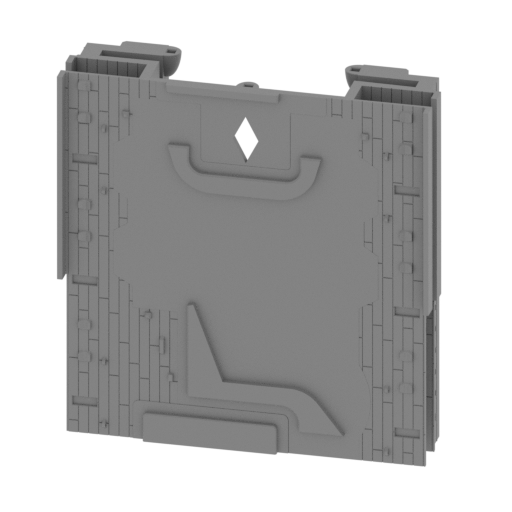 | _15_deckPart_c_FDM (repaired).stl 146.41 x 52.94 x 149.46 mm | 5.76 x 2.08 x 5.88 in | Size: 146.41 x 52.94 x 149.46 mm | 5.76 x 2.08 x 5.88 in | File size: 4.06 mb | Printing Time / Filament: 47 h 52 min / 21 m | ||
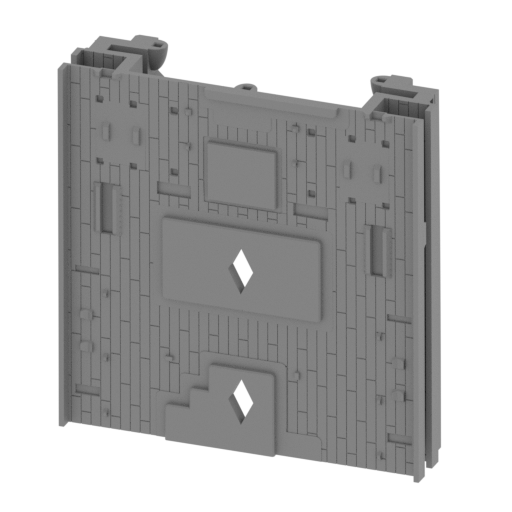 | _16_deckPart_d_FDM (repaired).stl 145.22 x 41.19 x 148.09 mm | 5.72 x 1.62 x 5.83 in | Size: 145.22 x 41.19 x 148.09 mm | 5.72 x 1.62 x 5.83 in | File size: 4.31 mb | Printing Time / Filament: 53 h 6 min / 24 m | ||
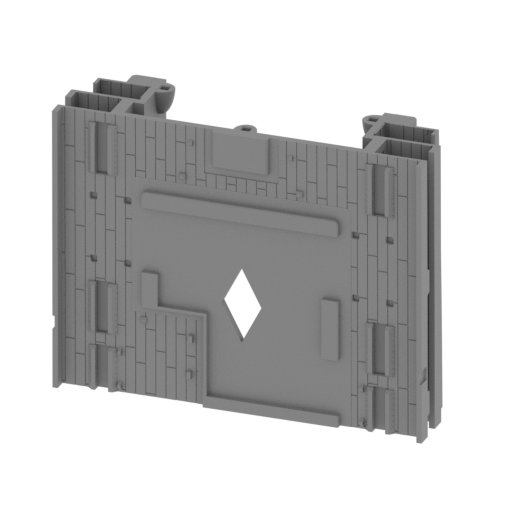 | _17_deckPart_e_FDM (repaired).stl 145.02 x 41.4 x 111.83 mm | 5.71 x 1.63 x 4.4 in | Size: 145.02 x 41.4 x 111.83 mm | 5.71 x 1.63 x 4.4 in | File size: 4.64 mb | Printing Time / Filament: 36 h 52 min / 16 m | ||
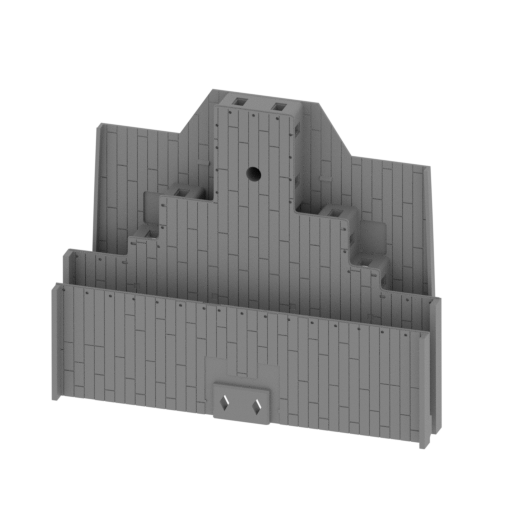 | _18_deckPart_f_FDM (repaired).stl 145.76 x 47.7 x 119.65 mm | 5.74 x 1.88 x 4.71 in | Size: 145.76 x 47.7 x 119.65 mm | 5.74 x 1.88 x 4.71 in | File size: 7.20 mb | Printing Time / Filament: 32 h 18 min / 18 m | ||
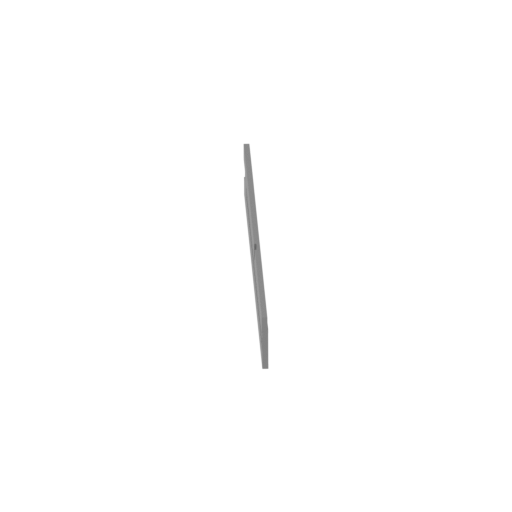 | _19_deckiSdePlane_a_L_FDM (repaired).stl 62.89 x 145.31 x 20.93 mm | 2.48 x 5.72 x 0.82 in | Size: 62.89 x 145.31 x 20.93 mm | 2.48 x 5.72 x 0.82 in | File size: 0.49 mb | Printing Time / Filament: 1 h 53 min / 1 m | ||
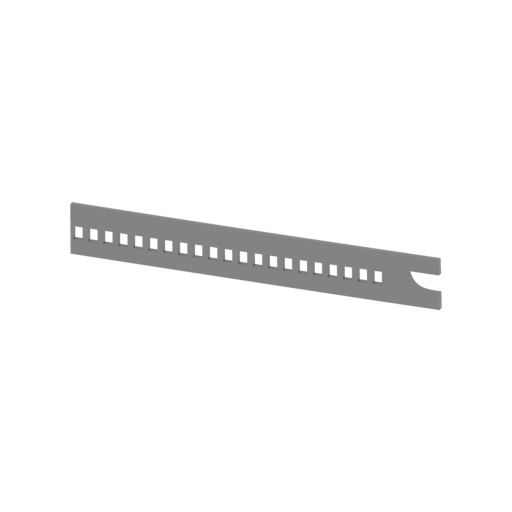 | _20_deckiSdePlane_b_L_FDM (repaired).stl 149.42 x 2.63 x 21.07 mm | 5.88 x 0.1 x 0.83 in | Size: 149.42 x 2.63 x 21.07 mm | 5.88 x 0.1 x 0.83 in | File size: 0.31 mb | Printing Time / Filament: 1 h 49 min / 1 m | ||
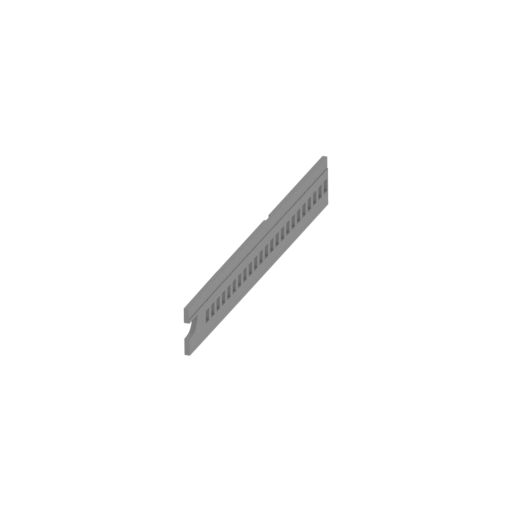 | _21_deckiSdePlane_c_R_FDM (repaired).stl 3.29 x 156.76 x 20.95 mm | 0.13 x 6.17 x 0.82 in | Size: 3.29 x 156.76 x 20.95 mm | 0.13 x 6.17 x 0.82 in | File size: 0.50 mb | Printing Time / Filament: 1 h 52 min / 1 m | ||
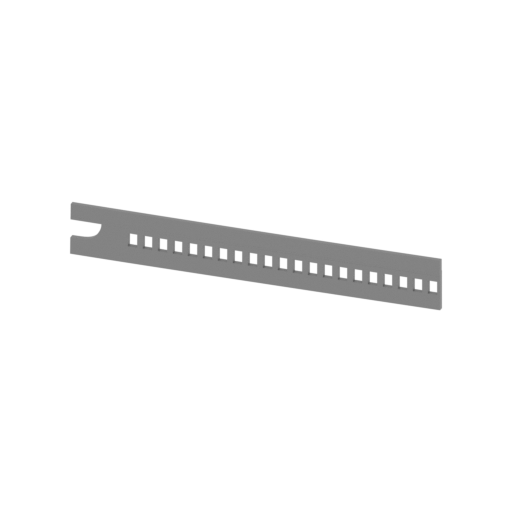 | _22_deckiSdePlane_d_R_FDM (repaired).stl 149.46 x 2.97 x 21.29 mm | 5.88 x 0.12 x 0.84 in | Size: 149.46 x 2.97 x 21.29 mm | 5.88 x 0.12 x 0.84 in | File size: 0.31 mb | Printing Time / Filament: 1 h 50 min / 1 m | ||
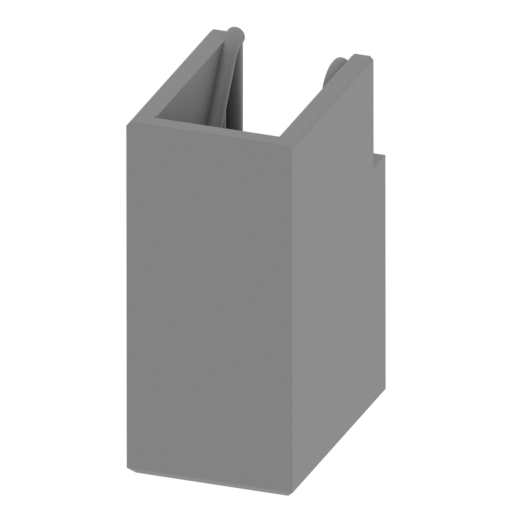 | _23_deckUpSteirs_a_L_FDM (repaired).stl 8.98 x 13.68 x 20.01 mm | 0.35 x 0.54 x 0.79 in | Size: 8.98 x 13.68 x 20.01 mm | 0.35 x 0.54 x 0.79 in | File size: 0.91 mb | Printing Time / Filament: 28 min / <1 m | ||
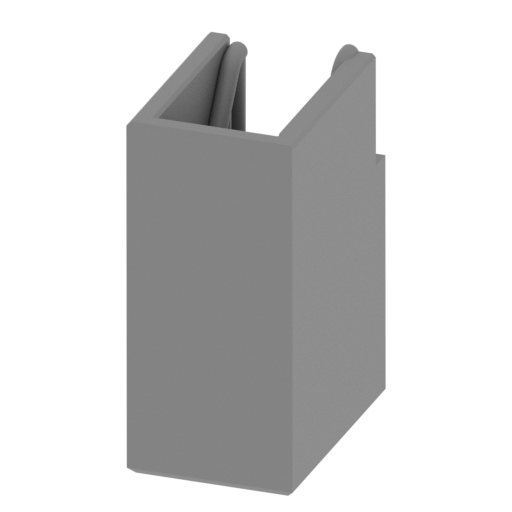 | _24_deckUpSteirs_b_R_FDM (repaired).stl 8.98 x 13.68 x 20.01 mm | 0.35 x 0.54 x 0.79 in | Size: 8.98 x 13.68 x 20.01 mm | 0.35 x 0.54 x 0.79 in | File size: 0.91 mb | Printing Time / Filament: 28 min / <1 m | ||
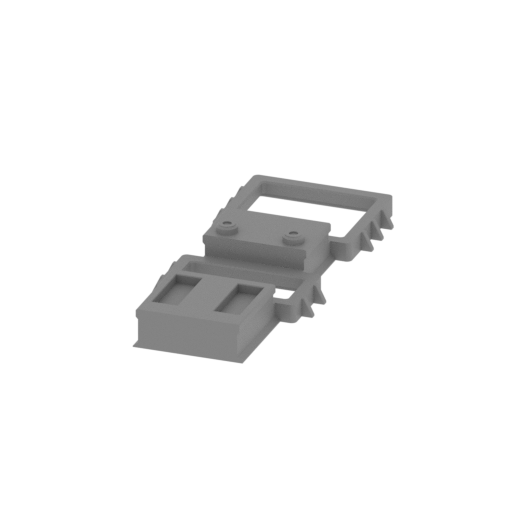 | _25_cargoBayNosePart_FDM (repaired).stl 32.85 x 75.61 x 9.78 mm | 1.29 x 2.98 x 0.39 in | Size: 32.85 x 75.61 x 9.78 mm | 1.29 x 2.98 x 0.39 in | File size: 0.57 mb | Printing Time / Filament: 1 h 14 min / 1 m | ||
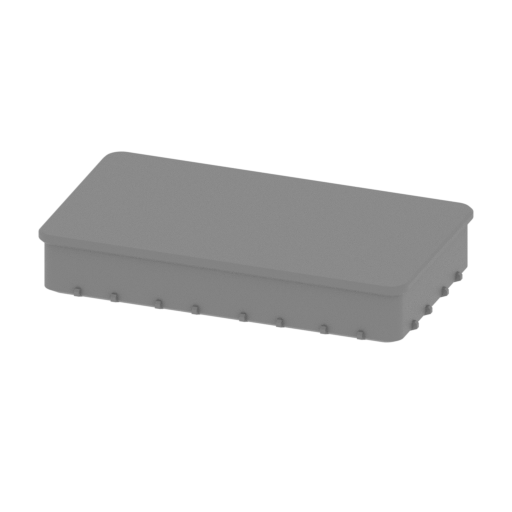 | _26_cargoBayNoseCap_a_FDM (repaired).stl 30.18 x 16.96 x 6.23 mm | 1.19 x 0.67 x 0.25 in | Size: 30.18 x 16.96 x 6.23 mm | 1.19 x 0.67 x 0.25 in | File size: 0.17 mb | Printing Time / Filament: 23 min / <1 m | ||
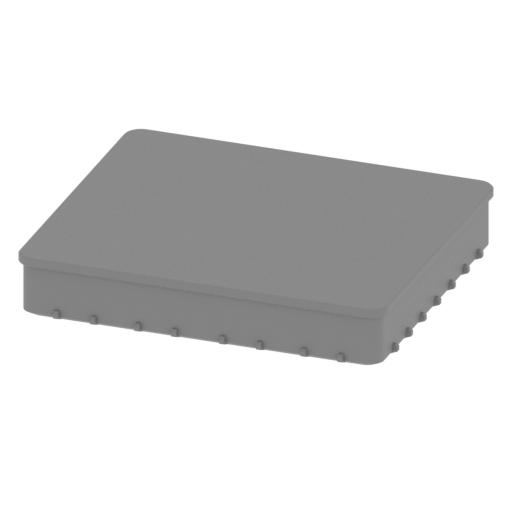 | _27_cargoBayNoseCap_b_FDM (repaired).stl 30.06 x 25.71 x 6.19 mm | 1.18 x 1.01 x 0.24 in | Size: 30.06 x 25.71 x 6.19 mm | 1.18 x 1.01 x 0.24 in | File size: 0.21 mb | Printing Time / Filament: 34 min / <1 m | ||
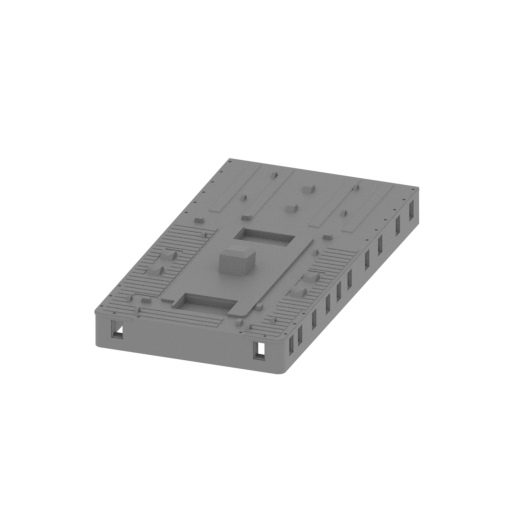 | _28_bodyPartTop_a_FDM (repaired).stl 71.76 x 138.31 x 22.53 mm | 2.83 x 5.45 x 0.89 in | Size: 71.76 x 138.31 x 22.53 mm | 2.83 x 5.45 x 0.89 in | File size: 1.54 mb | Printing Time / Filament: 13 h 29 min / 9 m | ||
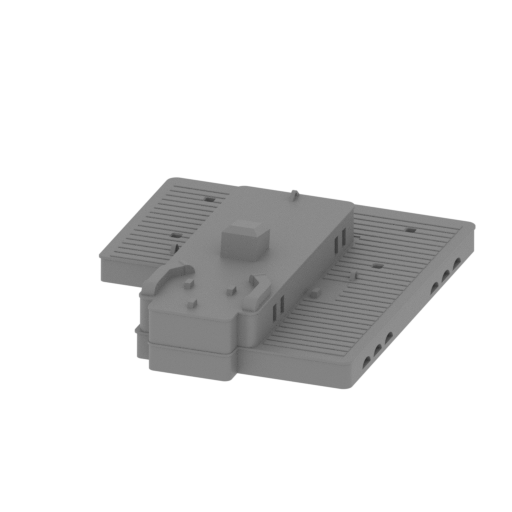 | _29_bodyPartTop_g_FDM (repaired).stl 86.68 x 103.86 x 25.79 mm | 3.41 x 4.09 x 1.02 in | Size: 86.68 x 103.86 x 25.79 mm | 3.41 x 4.09 x 1.02 in | File size: 1.02 mb | Printing Time / Filament: 9 h 9 min / 6 m | ||
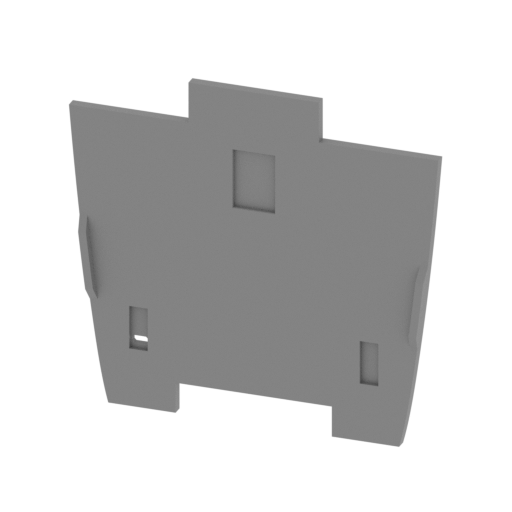 | _30_poopDeck_FDM (repaired).stl 114.48 x 8.97 x 105.95 mm | 4.51 x 0.35 x 4.17 in | Size: 114.48 x 8.97 x 105.95 mm | 4.51 x 0.35 x 4.17 in | File size: 1.96 mb | Printing Time / Filament: 7 h 47 min / 4 m | ||
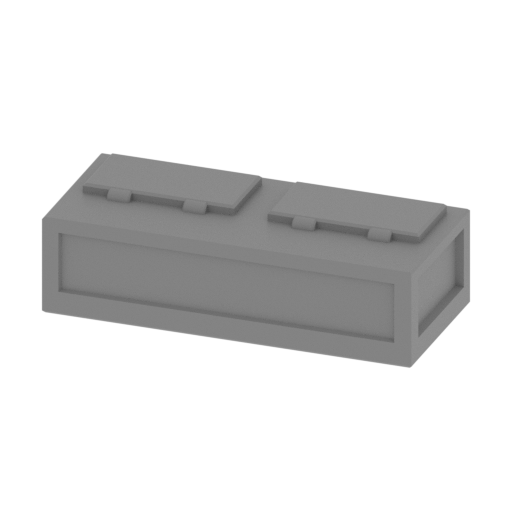 | _31_poopDeckPart_a_X2_FDM (repaired).stl 19.5 x 8.36 x 5.7 mm | 0.77 x 0.33 x 0.22 in | Size: 19.5 x 8.36 x 5.7 mm | 0.77 x 0.33 x 0.22 in | File size: 0.07 mb | Printing Time / Filament: 9 min / <1 m | ||
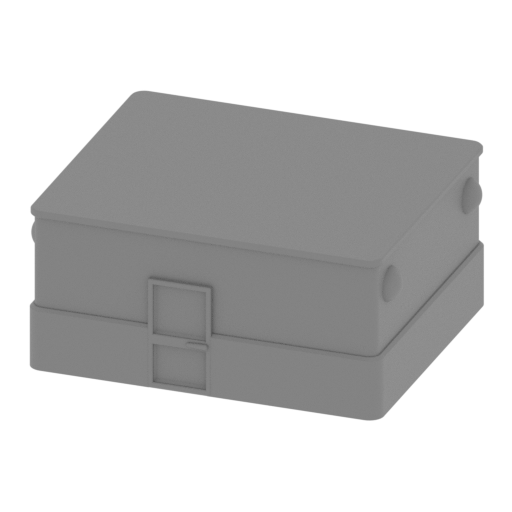 | _32_poopDeckPart_b_FDM (repaired).stl 29.06 x 23.65 x 12.85 mm | 1.14 x 0.93 x 0.51 in | Size: 29.06 x 23.65 x 12.85 mm | 1.14 x 0.93 x 0.51 in | File size: 1.20 mb | Printing Time / Filament: 1 h 2 min / 1 m | ||
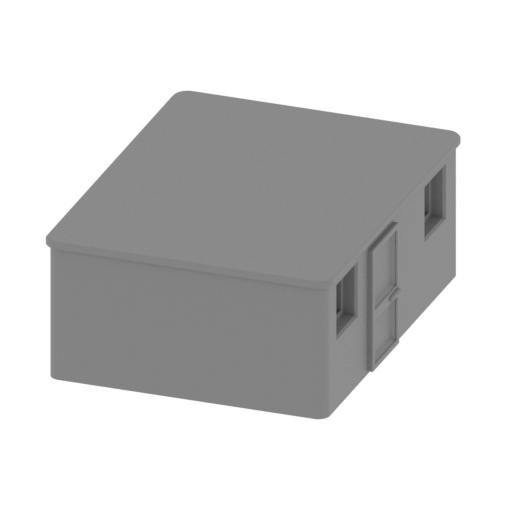 | _33_poopDeckPart_c_FDM (repaired).stl 20.47 x 25.83 x 10.02 mm | 0.81 x 1.02 x 0.39 in | Size: 20.47 x 25.83 x 10.02 mm | 0.81 x 1.02 x 0.39 in | File size: 0.12 mb | Printing Time / Filament: 42 min / <1 m | ||
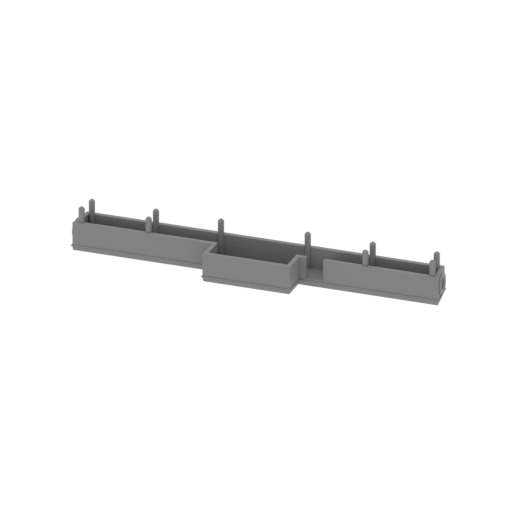 | _34_poopDeckPart_d_FDM (repaired).stl 102.96 x 15.4 x 12.21 mm | 4.05 x 0.61 x 0.48 in | Size: 102.96 x 15.4 x 12.21 mm | 4.05 x 0.61 x 0.48 in | File size: 1.76 mb | Printing Time / Filament: 1 h 21 min / 1 m | ||
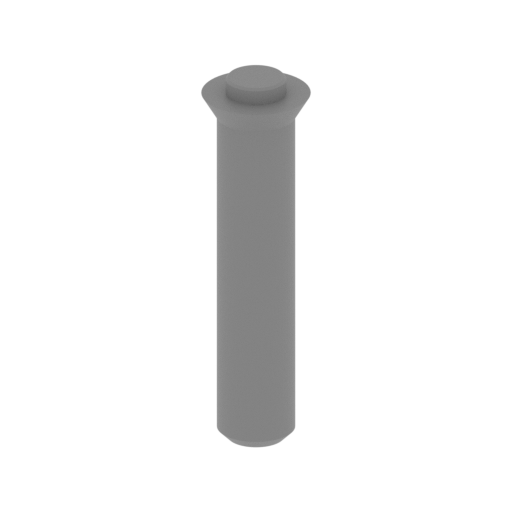 | _35_poopDeckColumn_a_X2_FDM (repaired).stl 3.6 x 3.6 x 12.98 mm | 0.14 x 0.14 x 0.51 in | Size: 3.6 x 3.6 x 12.98 mm | 0.14 x 0.14 x 0.51 in | File size: 0.08 mb | Printing Time / Filament: 3 min / <1 m | ||
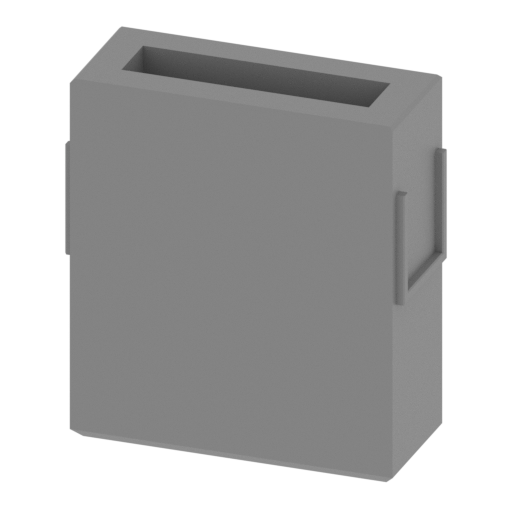 | _36_poopDeckColumn_b_X2_FDM (repaired).stl 14.05 x 5.54 x 15.28 mm | 0.55 x 0.22 x 0.6 in | Size: 14.05 x 5.54 x 15.28 mm | 0.55 x 0.22 x 0.6 in | File size: 0.02 mb | Printing Time / Filament: 15 min / <1 m | ||
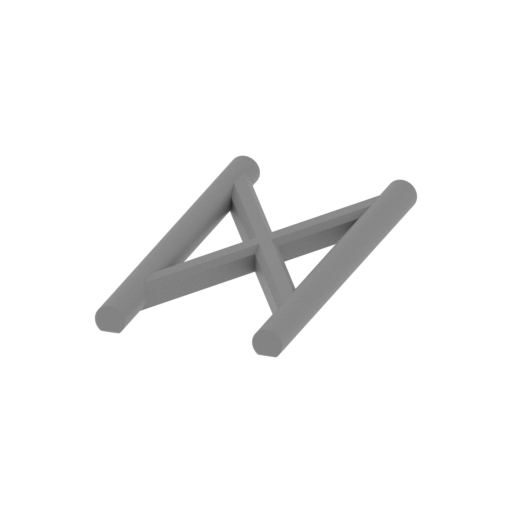 | _37_poopDeckColumn_c_X4_FDM (repaired).stl 6.24 x 12.32 x 0.9 mm | 0.25 x 0.49 x 0.04 in | Size: 6.24 x 12.32 x 0.9 mm | 0.25 x 0.49 x 0.04 in | File size: 0.18 mb | Printing Time / Filament: 2 min / <1 m | ||
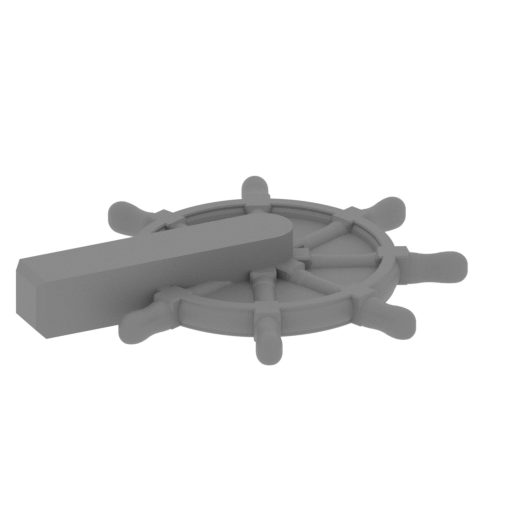 | _38_poopDeckSteeringWheel_FDM (repaired).stl 10.38 x 10.47 x 1.67 mm | 0.41 x 0.41 x 0.07 in | Size: 10.38 x 10.47 x 1.67 mm | 0.41 x 0.41 x 0.07 in | File size: 1.71 mb | Printing Time / Filament: 2 min / <1 m | ||
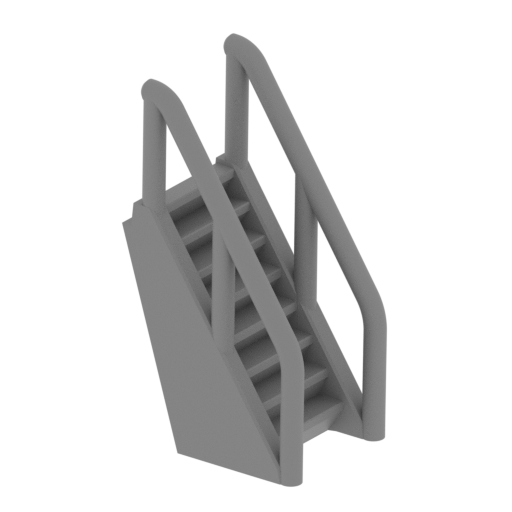 | _39_poopDeckLadder_a_FDM (repaired).stl 10.72 x 9.13 x 16.88 mm | 0.42 x 0.36 x 0.66 in | Size: 10.72 x 9.13 x 16.88 mm | 0.42 x 0.36 x 0.66 in | File size: 0.94 mb | Printing Time / Filament: 12 min / <1 m | ||
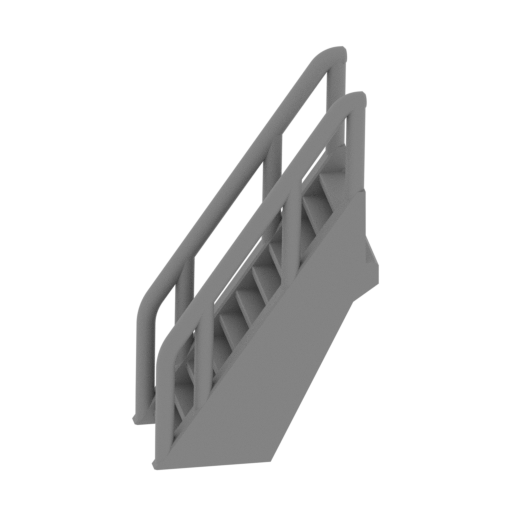 | _40_poopDeckLadder_b_X2_FDM (repaired).stl 13.83 x 12 x 20.86 mm | 0.54 x 0.47 x 0.82 in | Size: 13.83 x 12 x 20.86 mm | 0.54 x 0.47 x 0.82 in | File size: 1.12 mb | Printing Time / Filament: 18 min / <1 m | ||
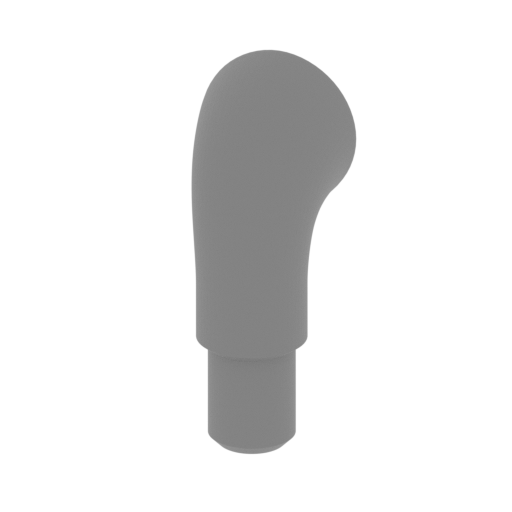 | _41_airTube_a_FDM (repaired).stl 5.95 x 4.94 x 14.28 mm | 0.23 x 0.19 x 0.56 in | Size: 5.95 x 4.94 x 14.28 mm | 0.23 x 0.19 x 0.56 in | File size: 0.68 mb | Printing Time / Filament: 9 min / <1 m | ||
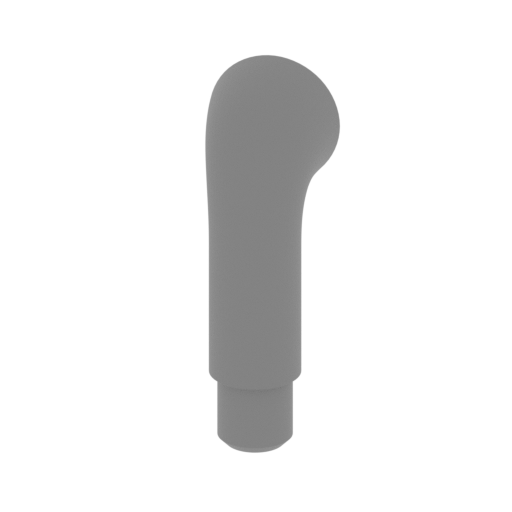 | _42_airTube_b_X11_FDM (repaired).stl 4.81 x 4.11 x 13.91 mm | 0.19 x 0.16 x 0.55 in | Size: 4.81 x 4.11 x 13.91 mm | 0.19 x 0.16 x 0.55 in | File size: 0.70 mb | Printing Time / Filament: 7 min / <1 m | ||
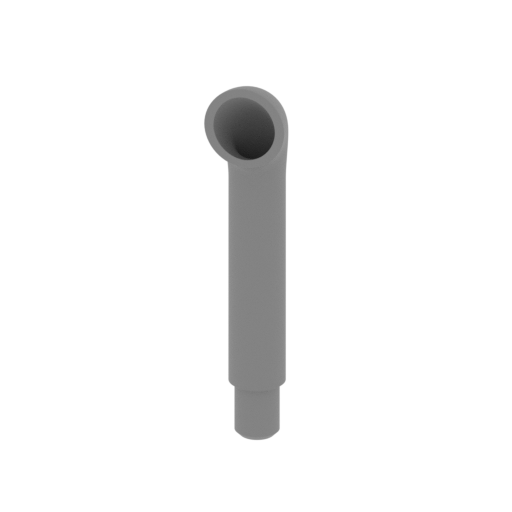 | _43_airTube_c_X2_FDM (repaired).stl 5.94 x 5.02 x 27.81 mm | 0.23 x 0.2 x 1.09 in | Size: 5.94 x 5.02 x 27.81 mm | 0.23 x 0.2 x 1.09 in | File size: 0.70 mb | Printing Time / Filament: 19 min / <1 m | ||
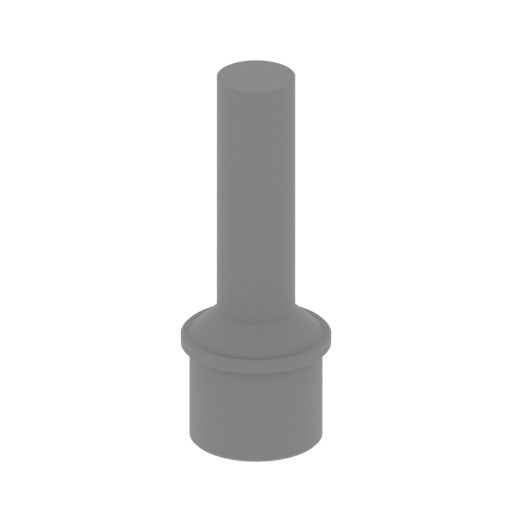 | _44_cargoBayVentilation_a_X3_FDM (repaired).stl 5.2 x 5.2 x 13.63 mm | 0.2 x 0.2 x 0.54 in | Size: 5.2 x 5.2 x 13.63 mm | 0.2 x 0.2 x 0.54 in | File size: 0.23 mb | Printing Time / Filament: 5 min / <1 m | ||
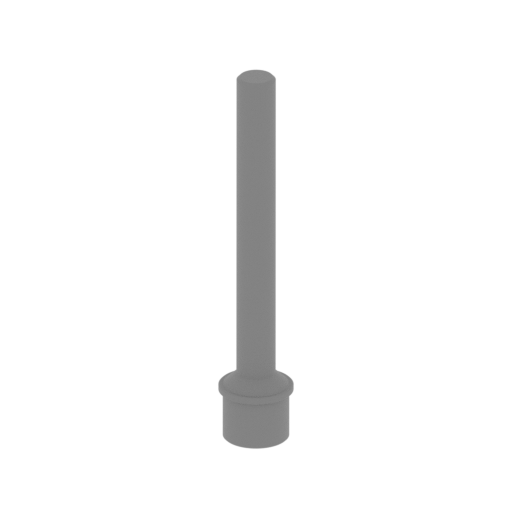 | _45_cargoBayVentilation_b_X2_FDM (repaired).stl 5.2 x 5.2 x 27.26 mm | 0.2 x 0.2 x 1.07 in | Size: 5.2 x 5.2 x 27.26 mm | 0.2 x 0.2 x 1.07 in | File size: 0.26 mb | Printing Time / Filament: 8 min / <1 m | ||
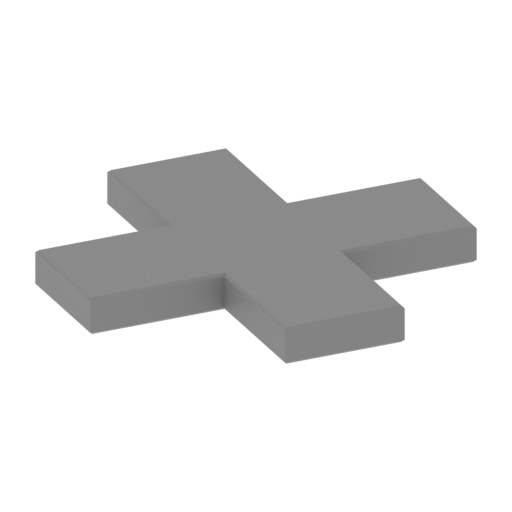 | _46_deckSideEmblem_X4_FDM (repaired).stl 15.68 x 15.68 x 1.6 mm | 0.62 x 0.62 x 0.06 in | Size: 15.68 x 15.68 x 1.6 mm | 0.62 x 0.62 x 0.06 in | File size: 0.01 mb | Printing Time / Filament: 4 min / <1 m | ||
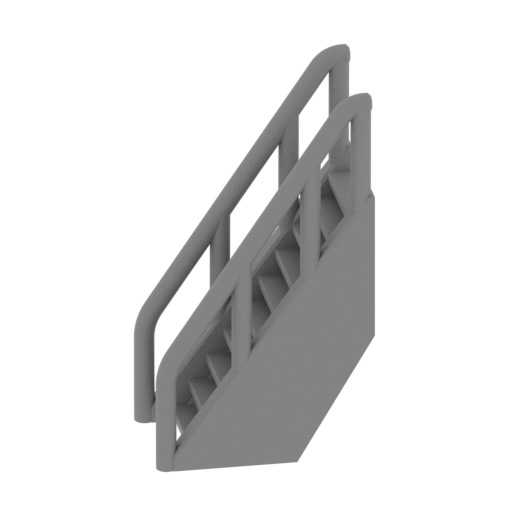 | _47_deckPart_a_ladder_X2_FDM (repaired).stl 12.62 x 11.27 x 19.27 mm | 0.5 x 0.44 x 0.76 in | Size: 12.62 x 11.27 x 19.27 mm | 0.5 x 0.44 x 0.76 in | File size: 1.09 mb | Printing Time / Filament: 15 min / <1 m | ||
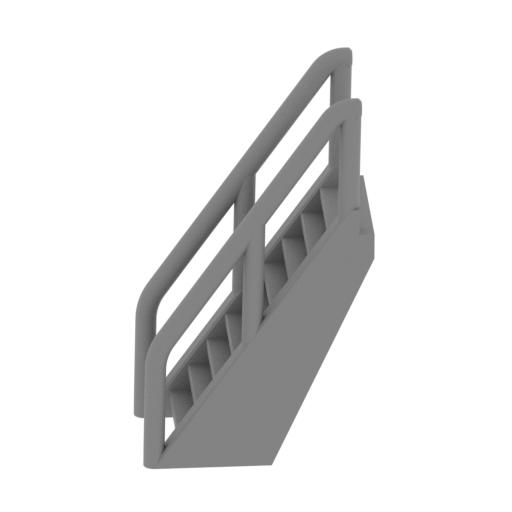 | _48_deckPart_f_ladder_a_X2_FDM (repaired).stl 12.71 x 10.71 x 18.74 mm | 0.5 x 0.42 x 0.74 in | Size: 12.71 x 10.71 x 18.74 mm | 0.5 x 0.42 x 0.74 in | File size: 0.98 mb | Printing Time / Filament: 14 min / <1 m | ||
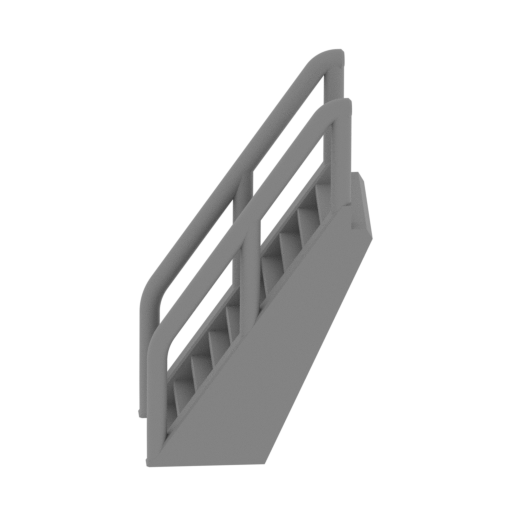 | _49_deckPart_f_ladder_b_FDM (repaired).stl 12.97 x 10.79 x 19.46 mm | 0.51 x 0.42 x 0.77 in | Size: 12.97 x 10.79 x 19.46 mm | 0.51 x 0.42 x 0.77 in | File size: 0.97 mb | Printing Time / Filament: 14 min / <1 m | ||
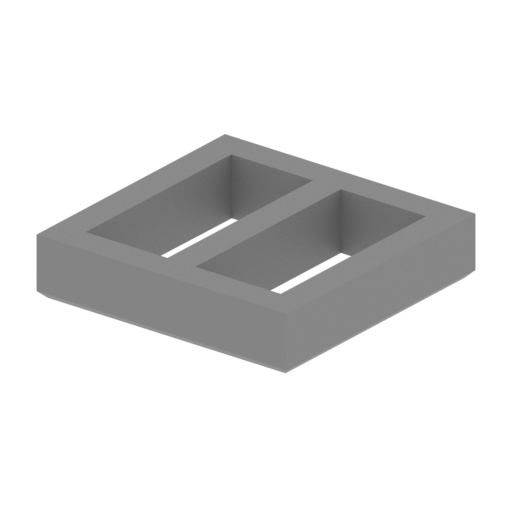 | _50_poopDeckWindowFrame_X8_FDM (repaired).stl 4.5 x 4.44 x 0.8 mm | 0.18 x 0.17 x 0.03 in | Size: 4.5 x 4.44 x 0.8 mm | 0.18 x 0.17 x 0.03 in | File size: 0.02 mb | Printing Time / Filament: 1 min / <1 m | ||
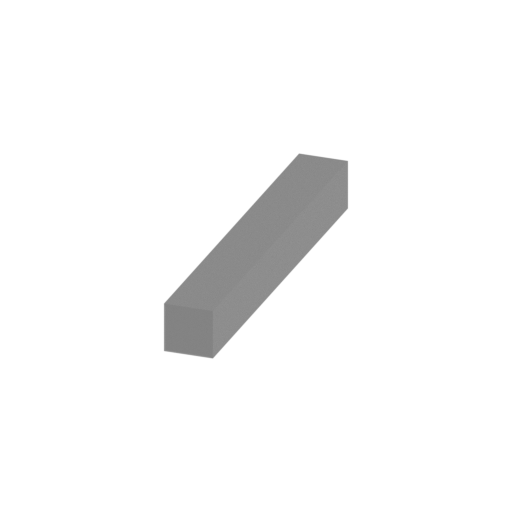 | _51_column_c_X6_FDM (repaired).stl 2 x 15.14 x 2 mm | 0.08 x 0.6 x 0.08 in | Size: 2 x 15.14 x 2 mm | 0.08 x 0.6 x 0.08 in | File size: 0.01 mb | Printing Time / Filament: 2 min / <1 m | ||
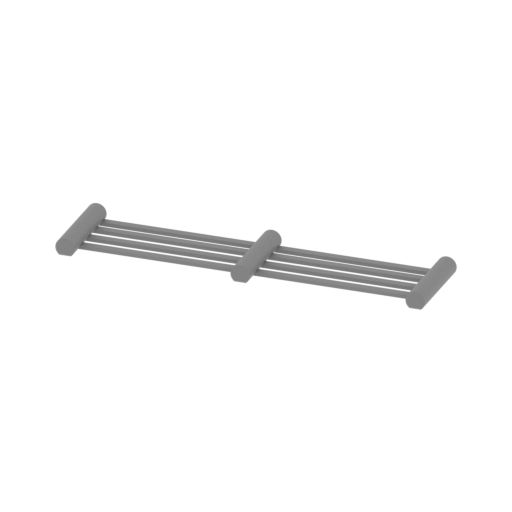 | _52_grid_b_FDM (repaired).stl 19.18 x 4.7 x 0.9 mm | 0.76 x 0.19 x 0.04 in | Size: 19.18 x 4.7 x 0.9 mm | 0.76 x 0.19 x 0.04 in | File size: 0.20 mb | Printing Time / Filament: 2 min / <1 m | ||
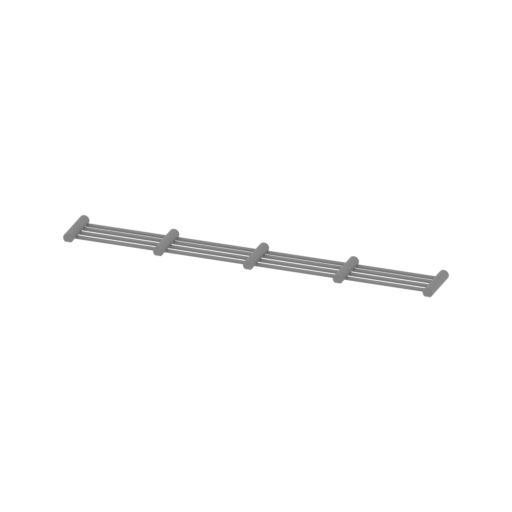 | _53_grid_d_X2_FDM (repaired).stl 37.36 x 4.7 x 0.9 mm | 1.47 x 0.19 x 0.04 in | Size: 37.36 x 4.7 x 0.9 mm | 1.47 x 0.19 x 0.04 in | File size: 0.33 mb | Printing Time / Filament: 2 min / <1 m | ||
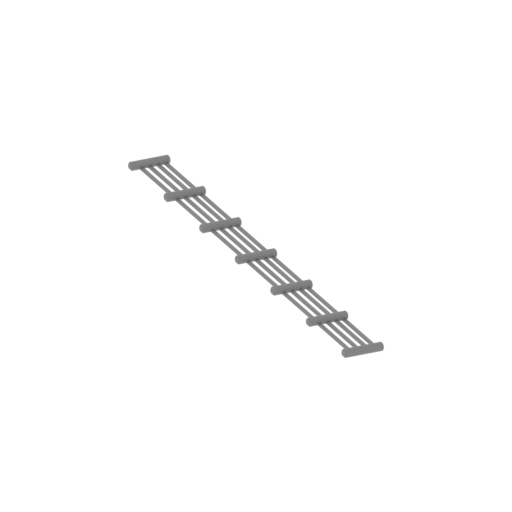 | _54_grid_f_X2_FDM (repaired).stl 42.7 x 42.17 x 0.95 mm | 1.68 x 1.66 x 0.04 in | Size: 42.7 x 42.17 x 0.95 mm | 1.68 x 1.66 x 0.04 in | File size: 0.47 mb | Printing Time / Filament: 3 min / <1 m | ||
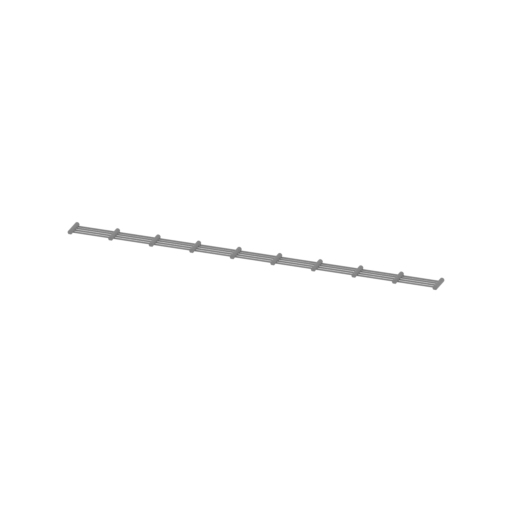 | _55_grid_i_X2_FDM (repaired).stl 82.81 x 4.7 x 0.9 mm | 3.26 x 0.19 x 0.04 in | Size: 82.81 x 4.7 x 0.9 mm | 3.26 x 0.19 x 0.04 in | File size: 0.68 mb | Printing Time / Filament: 4 min / <1 m | ||
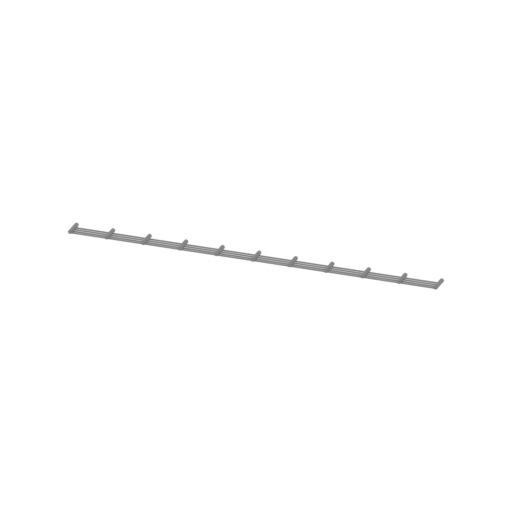 | _56_grid_q_FDM (repaired).stl 91.89 x 4.7 x 0.9 mm | 3.62 x 0.19 x 0.04 in | Size: 91.89 x 4.7 x 0.9 mm | 3.62 x 0.19 x 0.04 in | File size: 0.76 mb | Printing Time / Filament: 5 min / <1 m | ||
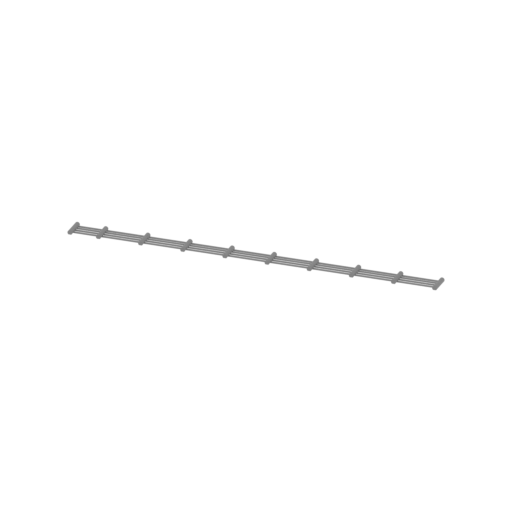 | _57_grid_r_FDM (repaired).stl 79.65 x 4.7 x 0.9 mm | 3.14 x 0.19 x 0.04 in | Size: 79.65 x 4.7 x 0.9 mm | 3.14 x 0.19 x 0.04 in | File size: 0.69 mb | Printing Time / Filament: 4 min / <1 m | ||
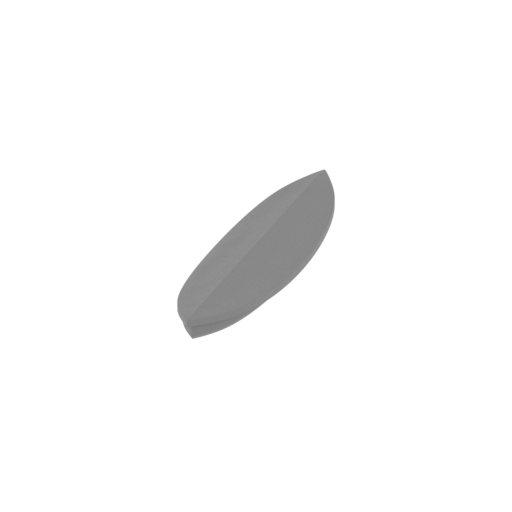 | _58_lifeBoatCap_a_X9_FDM (repaired).stl 12.7 x 51.58 x 3.6 mm | 0.5 x 2.03 x 0.14 in | Size: 12.7 x 51.58 x 3.6 mm | 0.5 x 2.03 x 0.14 in | File size: 2.58 mb | Printing Time / Filament: 18 min / <1 m | ||
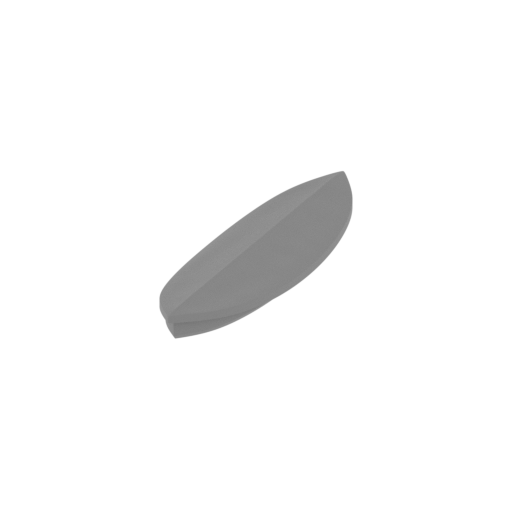 | _59_lifeBoatCap_b_X14_FDM (repaired).stl 13.36 x 43.43 x 3.59 mm | 0.53 x 1.71 x 0.14 in | Size: 13.36 x 43.43 x 3.59 mm | 0.53 x 1.71 x 0.14 in | File size: 2.58 mb | Printing Time / Filament: 16 min / <1 m | ||
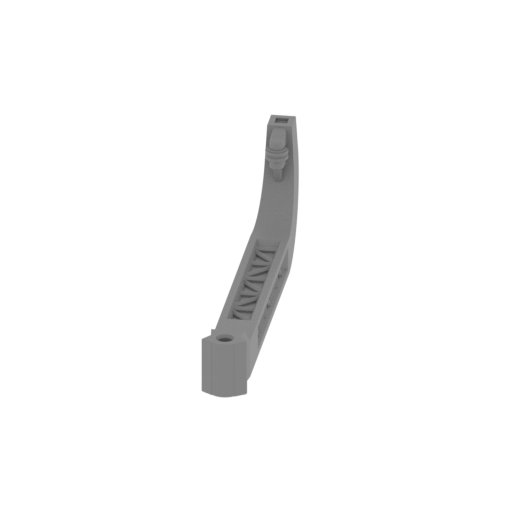 | _60_lifeBoatCrane_X12_FDM (repaired).stl 15.87 x 54.86 x 18.55 mm | 0.62 x 2.16 x 0.73 in | Size: 15.87 x 54.86 x 18.55 mm | 0.62 x 2.16 x 0.73 in | File size: 0.66 mb | Printing Time / Filament: 31 min / <1 m | ||
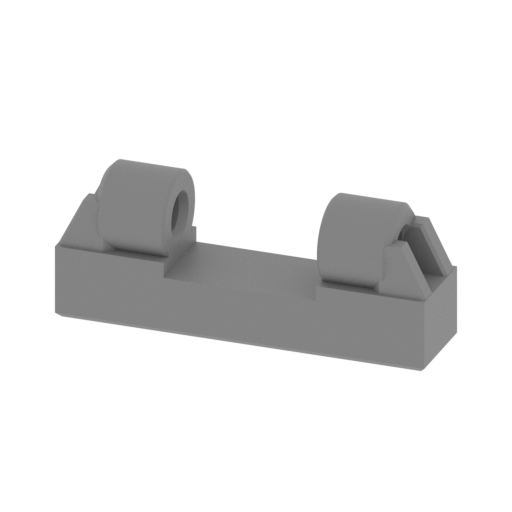 | _61_lifeBoatCraneBase_X12_FDM (repaired).stl 20.39 x 4.88 x 8.14 mm | 0.8 x 0.19 x 0.32 in | Size: 20.39 x 4.88 x 8.14 mm | 0.8 x 0.19 x 0.32 in | File size: 0.34 mb | Printing Time / Filament: 10 min / <1 m | ||
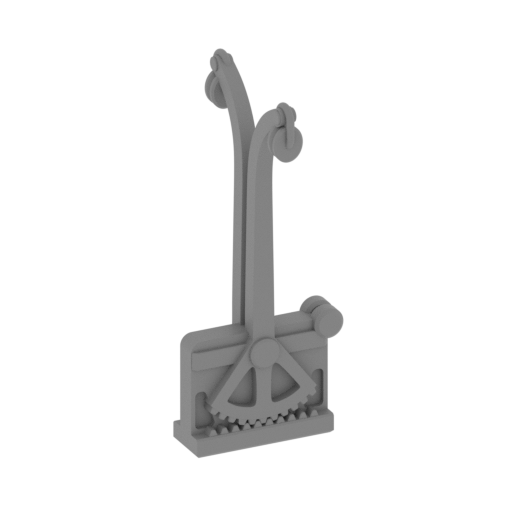 | _62_lifeboatDavits_a_X10_FDM (repaired).stl 9.3 x 9.41 x 24.61 mm | 0.37 x 0.37 x 0.97 in | Size: 9.3 x 9.41 x 24.61 mm | 0.37 x 0.37 x 0.97 in | File size: 2.27 mb | Printing Time / Filament: 20 min / <1 m | ||
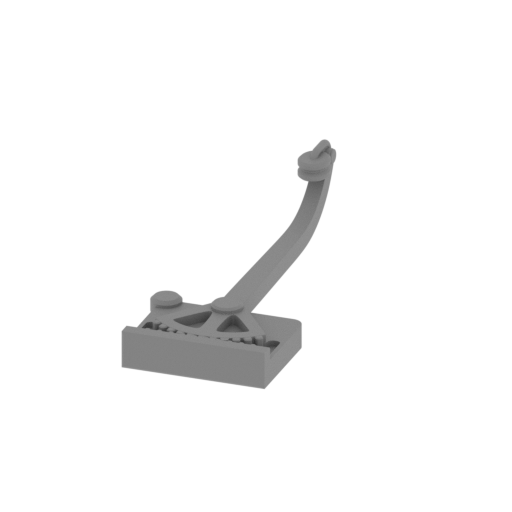 | _63_lifeboatDavits_b_X8_FDM (repaired).stl 10.08 x 24.48 x 6.33 mm | 0.4 x 0.96 x 0.25 in | Size: 10.08 x 24.48 x 6.33 mm | 0.4 x 0.96 x 0.25 in | File size: 1.16 mb | Printing Time / Filament: 6 min / <1 m | ||
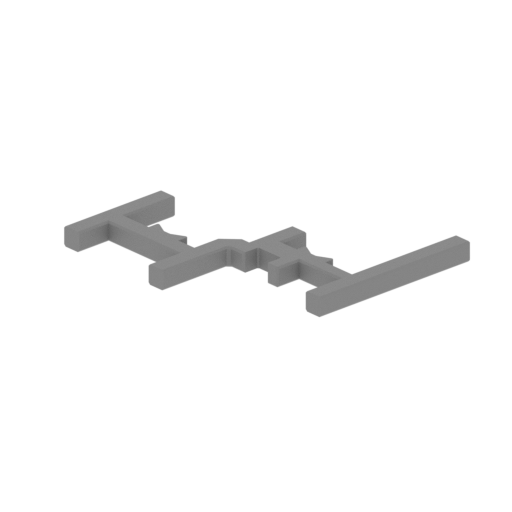 | _64_lifeBoatStand_a_Part_X4_FDM (repaired).stl 42.19 x 20.35 x 2.4 mm | 1.66 x 0.8 x 0.09 in | Size: 42.19 x 20.35 x 2.4 mm | 1.66 x 0.8 x 0.09 in | File size: 0.07 mb | Printing Time / Filament: 8 min / <1 m | ||
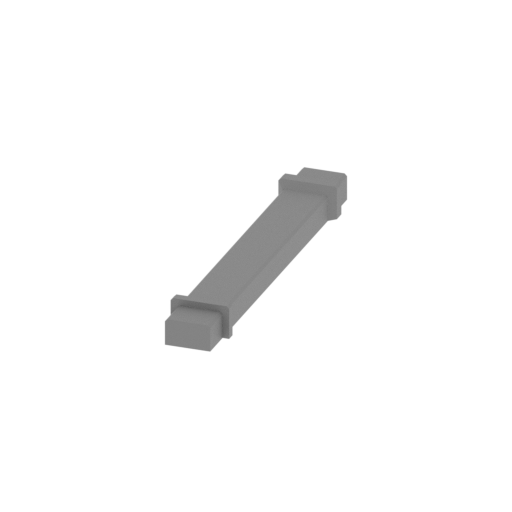 | _65_lifeBoatStand_a_Part_Connector_X2_FDM (repaired).stl 4.41 x 27.83 x 2.5 mm | 0.17 x 1.1 x 0.1 in | Size: 4.41 x 27.83 x 2.5 mm | 0.17 x 1.1 x 0.1 in | File size: 0.01 mb | Printing Time / Filament: 4 min / <1 m | ||
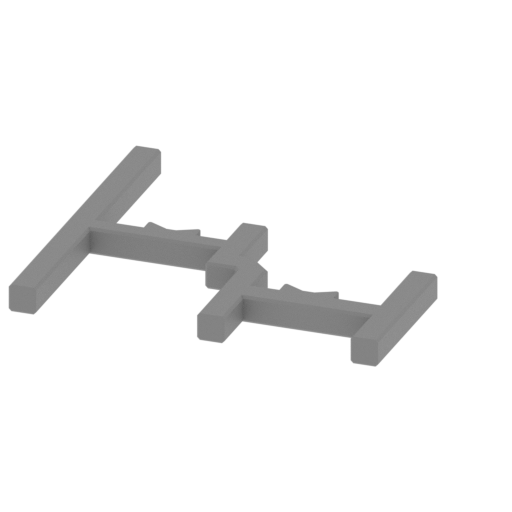 | _66_lifeBoatStand_b_Part_a_X4_FDM (repaired).stl 32.33 x 29.91 x 2.4 mm | 1.27 x 1.18 x 0.09 in | Size: 32.33 x 29.91 x 2.4 mm | 1.27 x 1.18 x 0.09 in | File size: 0.07 mb | Printing Time / Filament: 9 min / <1 m | ||
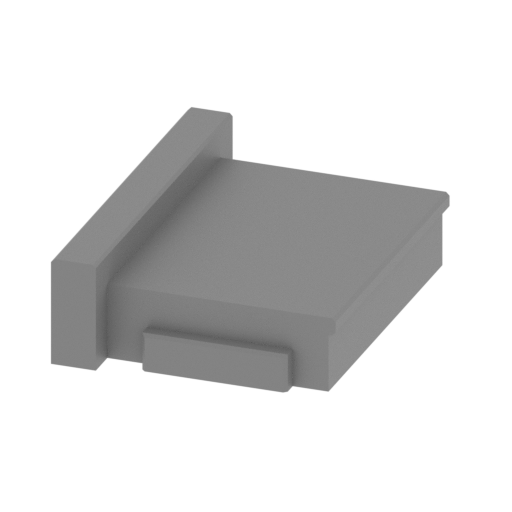 | _67_lifeBoatStand_b_Part_b_X2_FDM (repaired).stl 20.27 x 27.4 x 8.03 mm | 0.8 x 1.08 x 0.32 in | Size: 20.27 x 27.4 x 8.03 mm | 0.8 x 1.08 x 0.32 in | File size: 0.02 mb | Printing Time / Filament: 26 min / <1 m | ||
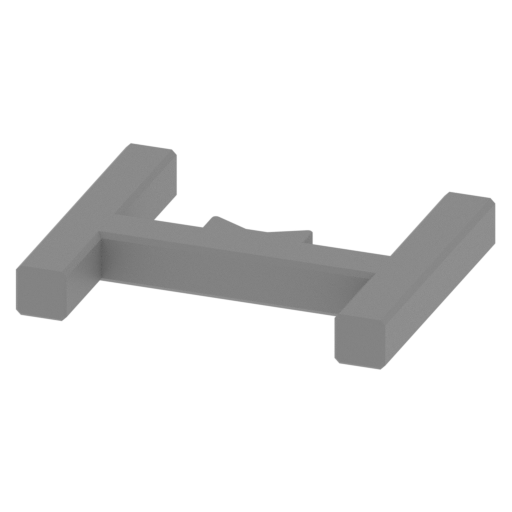 | _68_lifeBoatStand_c_Part_a_X4_FDM (repaired).stl 17.47 x 14.41 x 2.4 mm | 0.69 x 0.57 x 0.09 in | Size: 17.47 x 14.41 x 2.4 mm | 0.69 x 0.57 x 0.09 in | File size: 0.04 mb | Printing Time / Filament: 4 min / <1 m | ||
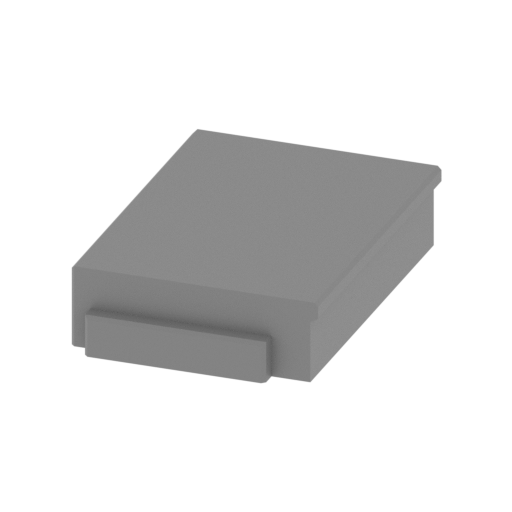 | _69_lifeBoatStand_c_Part_b_X2_FDM (repaired).stl 16.94 x 25.28 x 5.64 mm | 0.67 x 1 x 0.22 in | Size: 16.94 x 25.28 x 5.64 mm | 0.67 x 1 x 0.22 in | File size: 0.02 mb | Printing Time / Filament: 18 min / <1 m | ||
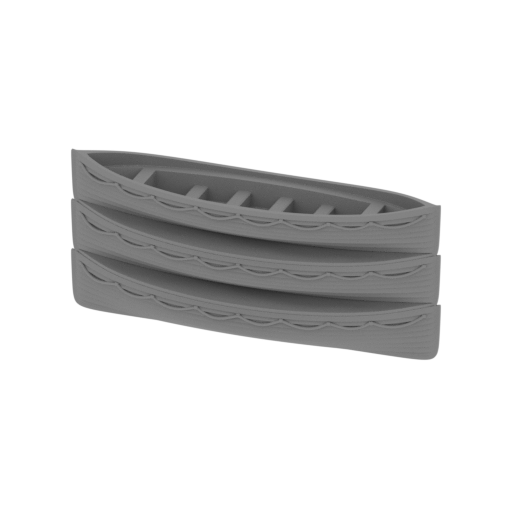 | _70_lifeBoatTriple_X4_FDM (repaired).stl 53.26 x 14.44 x 23.35 mm | 2.1 x 0.57 x 0.92 in | Size: 53.26 x 14.44 x 23.35 mm | 2.1 x 0.57 x 0.92 in | File size: 17.13 mb | Printing Time / Filament: 2 h 3 min / 1 m | ||
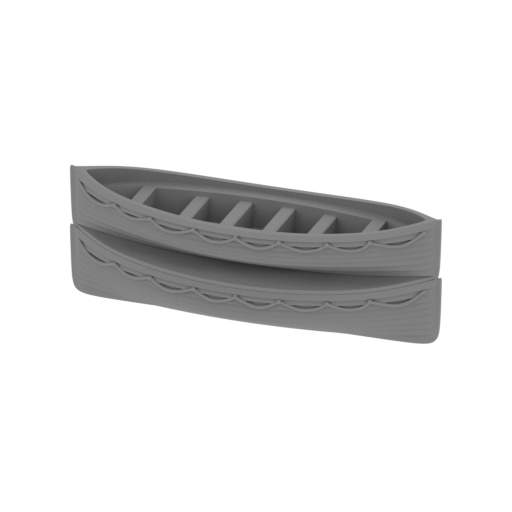 | _71_lifeBoatTwin_a_X14_FDM (repaired).stl 45.06 x 14.44 x 15.95 mm | 1.77 x 0.57 x 0.63 in | Size: 45.06 x 14.44 x 15.95 mm | 1.77 x 0.57 x 0.63 in | File size: 11.92 mb | Printing Time / Filament: 1 h 12 min / 1 m | ||
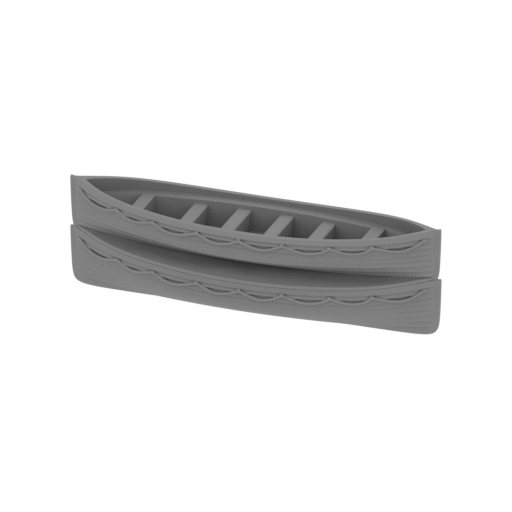 | _72_lifeBoatTwin_b_X5_FDM (repaired).stl 53.26 x 14.44 x 15.95 mm | 2.1 x 0.57 x 0.63 in | Size: 53.26 x 14.44 x 15.95 mm | 2.1 x 0.57 x 0.63 in | File size: 11.91 mb | Printing Time / Filament: 1 h 25 min / 1 m | ||
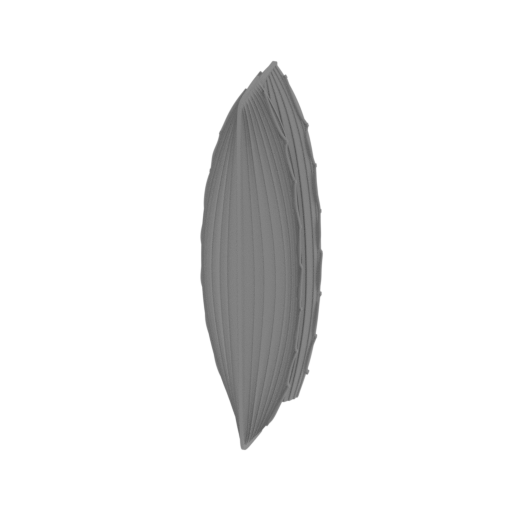 | _73_lifeBoatTwinWithBoat_FDM (repaired).stl 15.29 x 16.14 x 53.23 mm | 0.6 x 0.64 x 2.1 in | Size: 15.29 x 16.14 x 53.23 mm | 0.6 x 0.64 x 2.1 in | File size: 9.87 mb | Printing Time / Filament: 1 h 31 min / 1 m | ||
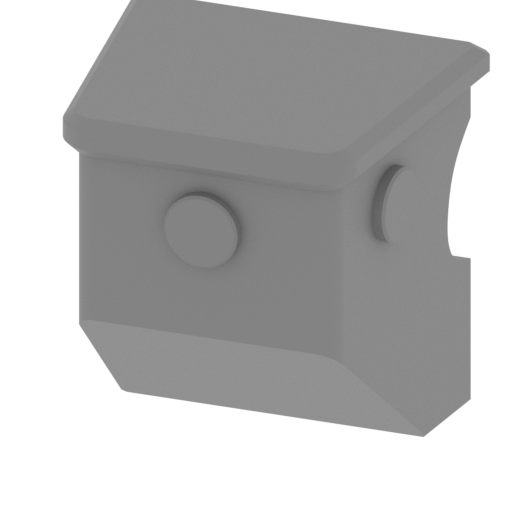 | _74_lifeBoatTwinWithBoatPart_FDM (repaired).stl 10.83 x 9.33 x 11.16 mm | 0.43 x 0.37 x 0.44 in | Size: 10.83 x 9.33 x 11.16 mm | 0.43 x 0.37 x 0.44 in | File size: 0.17 mb | Printing Time / Filament: 14 min / <1 m | ||
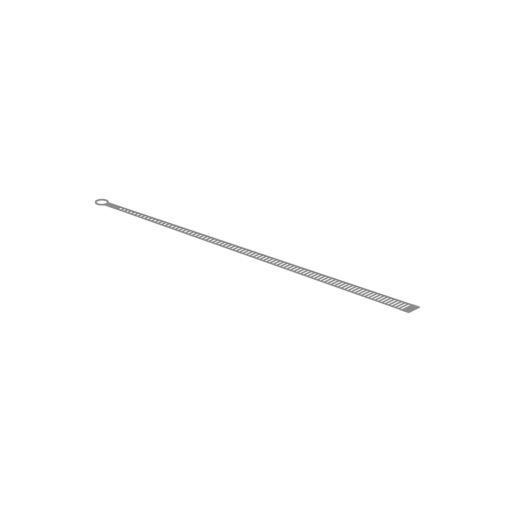 | _75_mastStstairs_c_X2_Rr_FDM (repaired).stl 149.29 x 57.65 x 0.44 mm | 5.88 x 2.27 x 0.02 in | Size: 149.29 x 57.65 x 0.44 mm | 5.88 x 2.27 x 0.02 in | File size: 0.59 mb | Printing Time / Filament: 6 min / <1 m | ||
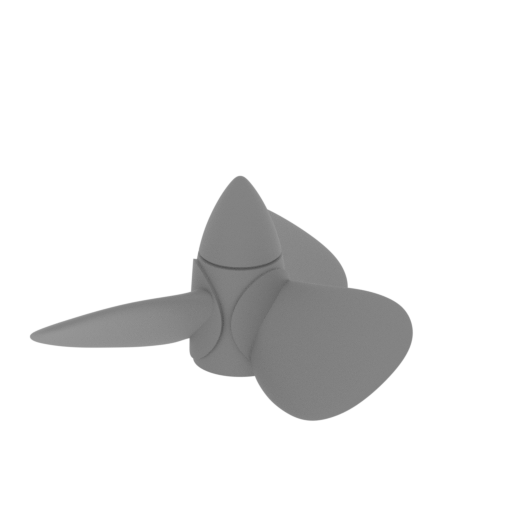 | _76_propeller_a_FDM (repaired).stl 25 x 23.21 x 12.61 mm | 0.98 x 0.91 x 0.5 in | Size: 25 x 23.21 x 12.61 mm | 0.98 x 0.91 x 0.5 in | File size: 4.66 mb | Printing Time / Filament: 15 min / <1 m | ||
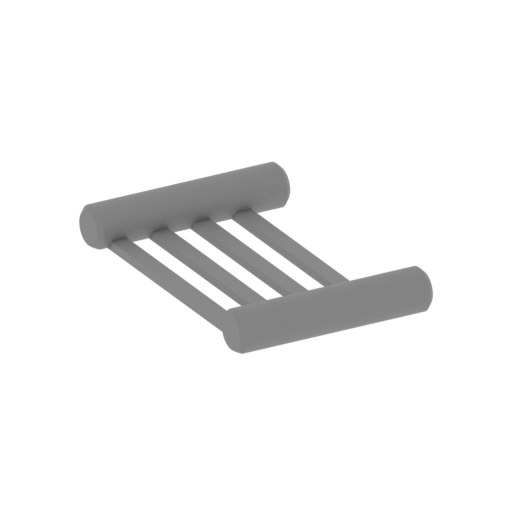 | _77_grid_a_X6_FDM (repaired).stl 8.36 x 8.08 x 0.9 mm | 0.33 x 0.32 x 0.04 in | Size: 8.36 x 8.08 x 0.9 mm | 0.33 x 0.32 x 0.04 in | File size: 0.14 mb | Printing Time / Filament: 1 min / <1 m | ||
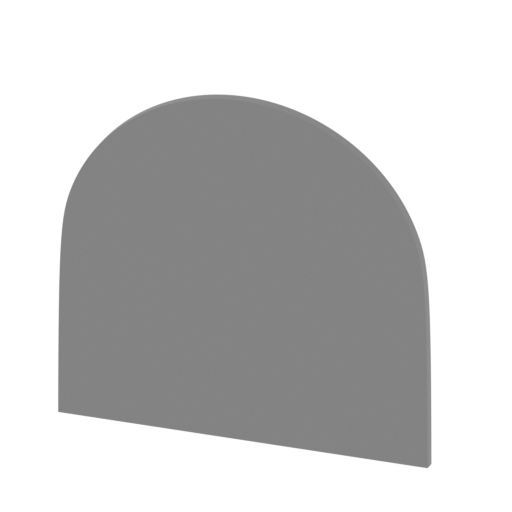 | _78_standPart_a_FDM (repaired).stl 178.15 x 34.07 x 168.24 mm | 7.01 x 1.34 x 6.62 in | Size: 178.15 x 34.07 x 168.24 mm | 7.01 x 1.34 x 6.62 in | File size: 1.60 mb | Printing Time / Filament: 33 h 36 min / 21 m | ||
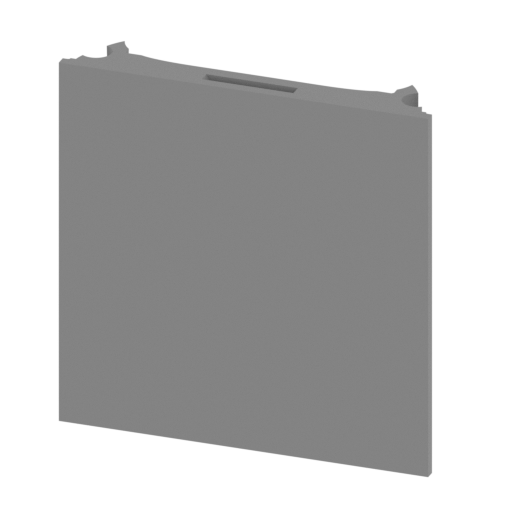 | _79_standPart_b_FDM (repaired).stl 178.19 x 32.49 x 177.84 mm | 7.02 x 1.28 x 7 in | Size: 178.19 x 32.49 x 177.84 mm | 7.02 x 1.28 x 7 in | File size: 1.45 mb | Printing Time / Filament: 40 h 49 min / 24 m | ||
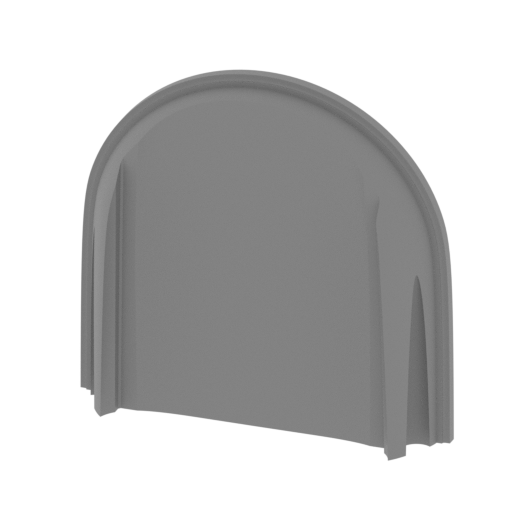 | _80_standPart_c_FDM (repaired).stl 178.15 x 34.07 x 168.24 mm | 7.01 x 1.34 x 6.62 in | Size: 178.15 x 34.07 x 168.24 mm | 7.01 x 1.34 x 6.62 in | File size: 1.62 mb | Printing Time / Filament: 33 h 5 min / 21 m | ||
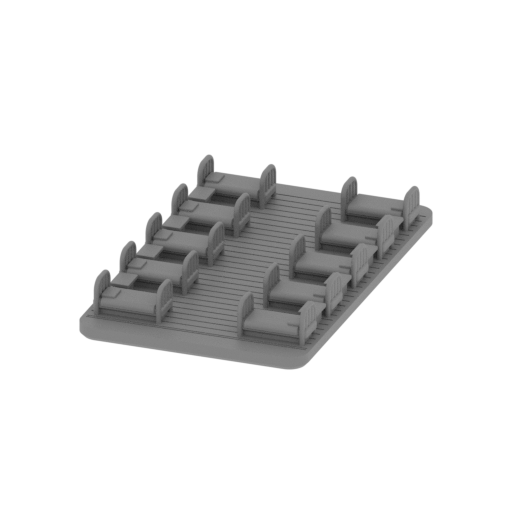 | _81_cargoPlane_FDM (repaired).stl 48.41 x 78.39 x 10.56 mm | 1.91 x 3.09 x 0.42 in | Size: 48.41 x 78.39 x 10.56 mm | 1.91 x 3.09 x 0.42 in | File size: 8.07 mb | Printing Time / Filament: 3 h 23 min / 2 m | ||
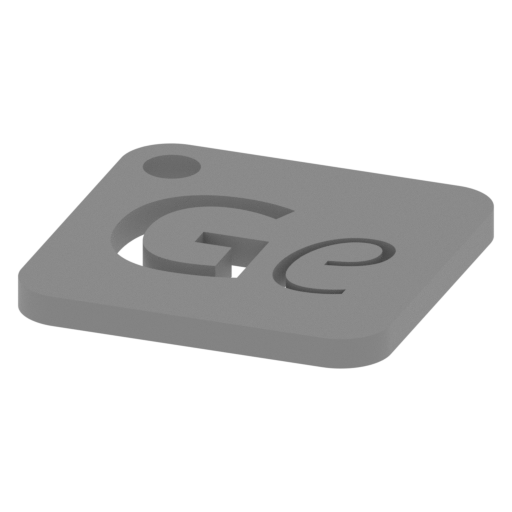 | Keychain (repaired).stl 29.68 x 29.69 x 2.42 mm | 1.17 x 1.17 x 0.1 in | Size: 29.68 x 29.69 x 2.42 mm | 1.17 x 1.17 x 0.1 in | File size: 0.37 mb | Printing Time / Filament: 23 min / <1 m | ||
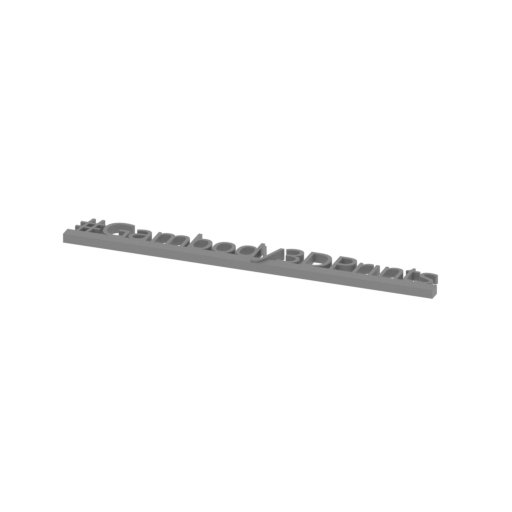 | Tag (repaired).stl 150.15 x 18.16 x 4.59 mm | 5.91 x 0.71 x 0.18 in | Size: 150.15 x 18.16 x 4.59 mm | 5.91 x 0.71 x 0.18 in | File size: 1.78 mb | Printing Time / Filament: 1 h 18 min / 1 m | ||
3D model history
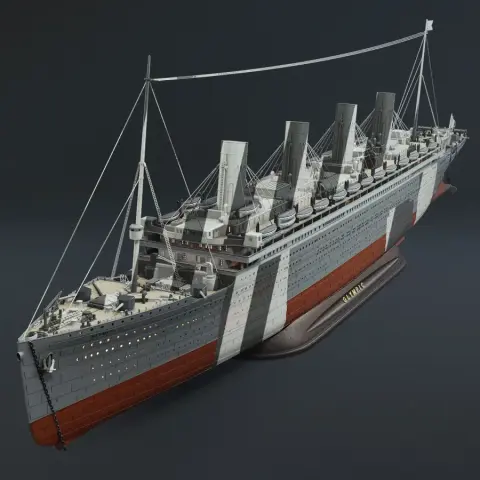
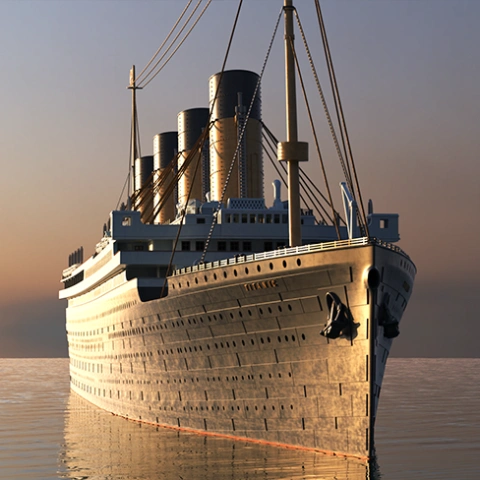
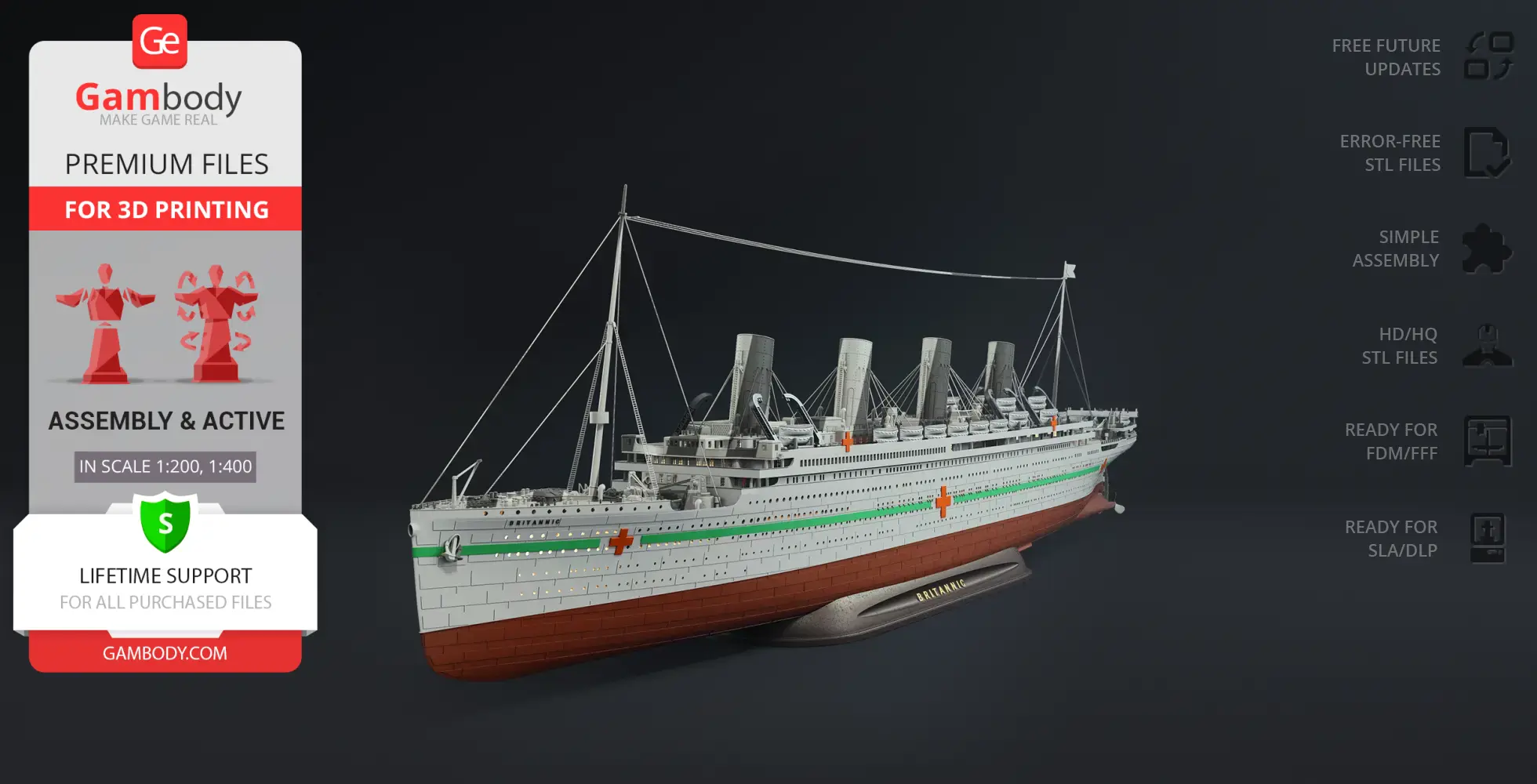
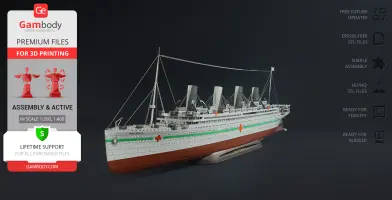
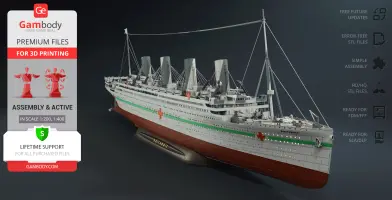
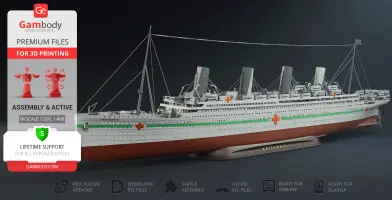
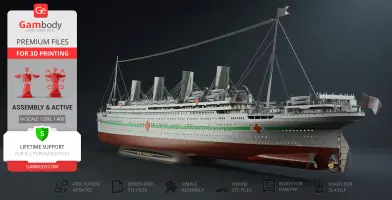
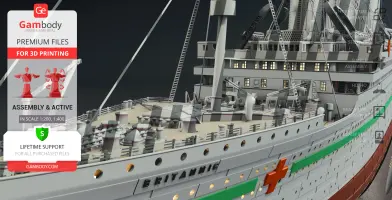
The final and largest vessel built for the Olympic-class trio, the HMHS Britannic, was designed alongside RMS Olympic and Titanic to be the absolute peak of ocean liner safety. Constructed with vital structural improvements learned from the tragic fate of the Titanic 3D model, she featured a reinforced double hull and towering, crane-like gantry davits. Yet, World War I altered her destiny entirely. Requisitioned before her maiden civilian voyage, she served as a floating hospital ship in the Mediterranean, instantly recognizable by her brilliant white hull and bold red crosses. Though a German naval mine cut her service short in 1916, her optimized design saved over 1,000 lives, cementing this historic ship as a true masterpiece of early 20th-century maritime engineering.
This premium HMHS Britannic 3D model add-on pack gives scale modelers the definitive tools to recreate that legendary floating sanctuary. Engineered to integrate seamlessly with your existing 3D printed Titanic, this expansion provides a comprehensive vessel STL overhaul to capture the ship's authentic 1915 hospital configuration. The kit features a completely redesigned poop deck, pivoting gantry davits, an emergency rescue cutter on the starboard side, and an intricate internal medical bay packed with hospital beds. True to the heritage of the White Star Line ships, the hull is fully optimized to house the magnificent Olympic Class Steam Engine (sold separately). For collectors of high-end watercraft STL files and detailed ship 3D models, this conversion pack is a rewarding project that shows exactly what your printer can achieve.
3D printing model features
Model-specific features:
- Designed as a premium expansion kit that integrates flawlessly with your existing Titanic 3D print model (sold separately) to create a stunning conversion.
- Recreates the ship's authentic World War I hospital ship layout, complete with a forward ramming prow and defensive fins along the hull sides.
- Features a fully redesigned interior cargo hold transformed into a highly detailed hospital ward packed with rows of scaled medical beds.
- Equipped with advanced, pioneering crane-like gantry davit launch systems that can actively pivot to simulate lifeboat deployment.
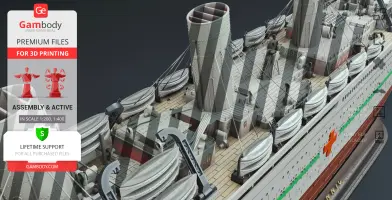
- Features a completely reworked boat deck layout, a redesigned rear well deck, and an authentic poop deck superstructure optimized for wartime operations.
- Includes additional lifeboats and a unique emergency rescue cutter positioned on the starboard side instead of a standard lifeboat.
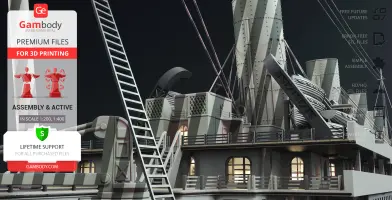
- Packed with intricate technical modifications across the hull, including new ventilation shafts, access ladders, and reworked cargo hatches.
- Offers two distinct hull presentation variations: one featuring clean lines and one with historical hospital ship lettering.
- Outfitted with a historically accurate 3-blade central propeller, with hull engineering paths optimized to house the internal Olympic Class Steam Engine (sold separately).
- Comes complete with a newly updated, dedicated display platform.
Printing & assembly details:
- Provided as error-free STL files compatible with most 3D printers;
- Optimized part division minimizes support material and ensures smooth surface detail;
- The assembly parts in the FFF/FDM version come in the recommended print orientations for easy bed placement;
- Assembly manual in PDF and video formats is included for both FFF/FDM and DLP/SLA versions;
- The model is available in recommended scales of 1:200 for the FFF/FDM version and 1:400 for the DLP/SLA version.
What will you get after purchase?
- 2 versions of HMHS Britannic PackSTL files for FFF/FDM and DLP/SLA — files for all versions are available for download after the purchase;
- STL files of high-poly HMHS Britannic Pack model for 3D printing consist of 167 files;
- Sizes for:
- FFF/FDM Model Size: 157 mm wide, 349 mm high, 1354 mm deep;
- FFF/FDM Platform Size: 178 mm wide, 34 mm high, 515 mm deep;
- DLP/SLA Model Size: 79 mm wide, 175 mm high, 677 mm deep;
- DLP/SLA Platform Size: 89 mm wide, 17 mm high, 258 mm deep;
- Assembly Manual for 1.0 FFF/FDM and 1.0 DLP/SLA versions in PDF and video formats;
- Detailed settings that we provide as a recommendation for Bambu Studio, Cura, Orca Slicer, PrusaSlicer, Simplify3D, and Slic3r for the best print;
- Full technical support from the Gambody Support Team.
Below you'll find detailed slicing settings for Bambu Studio 2.0+, Orca Slicer 2.0+, UltiMaker Cura 5.0+, PrusaSlicer 2.0+, Slic3r 1.3+, Simplify3D 5.0+ to help you get the best results when printing this model. These settings are optimized specifically for this 3D model, but please note they may need slight adjustments depending on your printer or filament. When in doubt, refer to your printer's user manual.
To avoid printing issues and achieve the best quality, we highly recommend applying the following settings:
 Bambu Studio 2.0+
 For better quality use 0.12 mm layer height, for fast printing use 0.2 mm layer height. For pins and the Ge connectors, use 0.2 layer height.
120-150% of your Layer Height
But you can paint the seam if you want.
You have to calibrate this parameter
You have to calibrate this parameter
You have to calibrate this parameter
For pins and power elements of the structure, such as the vehicle frame, use 3 loop
Disabled for vehicles and enabled for characters
For 0,2 Layer Height
The parameters in this tab vary greatly, it all depends on the quality of your printer. For example, if you have a classic Ender3, stick to the minimum parameters, but if you have a newer printer, for example Anycubic cobra 3 v2, you can select the maximum recommended values
Settings for advanced users, change these parameters only if you have sufficient 3D printing expertise
Enable this parameter if your model requires supports
We also recommend placing and removing supports manually in some places using special button
1-2 loops for more thick support
Top Z distance = 1-1.3 layer Height. If the supports are hard to remove, try increasing this setting by 0.1-0,4 mm
Bottom Z distance = 1-1.3 layer Height. If the supports are hard to remove, try increasing this setting by 0.1-0,4 mm
You have to calibrate this parameter which one is better for your filament
Increase this parameter if the supports are hard to remove from walls
For PLA and PETG filament types
5-8 mm is optional for small prints that have bad adhesion to the build plate
You have to calibrate this parameter
Read the description on your filament roll
Read the description on your filament roll and increase this parameter for fast printers
Read the description on your filament roll and increase this parameter for fast printers
 Orca Slicer 2.0+
 For better quality use 0.12 mm layer height, for fast printing use 0.2 mm layer height. For pins and the Ge connectors, use 0.2 layer height.
120-150% of your Layer Height
But you can paint the seam if you want.
0.01-0.05 You have to calibrate this parameter
0.01-0.05 You have to calibrate this parameter
0.1-0.2 You have to calibrate this parameter
For pins and power elements of the structure, such as the vehicle frame, use 3 loop
Disabled for vehicles and ships, enabled for characters
For 0,2 Layer Height
For 0,2 Layer Height
The parameters in this tab vary greatly, it all depends on the quality of your printer. For example, if you have a classic Ender3, stick to the minimum parameters, but if you have a newer printer, for example, Anycubic Kobra 3 Or Bambulab A1, you can select the maximum recommended values.
Settings for advanced users, change these parameters only if you have sufficient 3D printing expertise
Enable this parameter if your model requires supports
We also recommend placing and removing supports manually in some places using special button
Top Z distance = 1-1.3 layer Height. If the supports are hard to remove, try increasing this setting by 0.1-0,4 mm
Bottom Z distance = 1-1.3 layer Height. If the supports are hard to remove, try increasing this setting by 0.1-0,4 mm
Increase this parameter if the supports are hard to remove from walls
For PLA and PETG filament types
5-8 mm is optional for small prints that have bad adhesion to the build plate
Read the description on your filament roll
Read the description on your filament roll and increase this parameter for fast printers
You have to calibrate this parameter
Read the description on your filament roll and increase this parameter for fast printers
Read the description on your filament roll
This field is filled in according to your printer specifications when you add it to the slicer.
You can add custom G-code here for the start and end of the print. However, be careful - this is for advanced users only!
You have to calibrate your printer using Ge retraction test models
Retraction Length: For direct-drive setups use 0.5 mm to 2.5 mm; for Bowden extruders use 5 to 7 mm
This is how fast the filament is pulled back—40-60 mm/s for direct drive and 30-50 mm/s for Bowden setups.
You have to calibrate this parameter: Reduce it until the printer starts to hit the parts with the nozzle during printing, then increase it by 0.2.
 UltiMaker Cura 5.0+
 For better quality use 0.12 mm layer height, for fast printing use 0.2 mm layer height. For pins and the Ge connectors, use 0.2 layer height.
120-150% of your Layer Height
To increase the strength of the print parts, use wall line count: 3
For pins and connectors use 50% Infill
These parameters are for standard PLA plastic. If you are using a different type of plastic, check the printing temperature recommended by the manufacturer. Also, read the description on your filament spool. For fast printers, add +30 °C to the current parameters.
The parameters in this tab vary greatly, it all depends on the quality of your printer. For example, if you have a classic Ender3, stick to the minimum parameters, but if you have a newer printer, for example Anycubic cobra 3 v3, you can select the maximum recommended values
Settings for advanced users, change these parameters only if you have sufficient 3D printing expertise.
You need to calibrate this parameter using Gambody test models. These values are average values for a Direct Drive extruder; for a Bowden extruder, the values should be increased.
You need to calibrate this parameter using Gambody test models. These values are average values for a Direct Drive extruder; for a Bowden extruder, the values should be increased.
Use this value other than 0 if your nozzle catches on the internal infill during travel moves. Try to keep this value as low as possible in height.
Use normal supports to support large, straight surfaces (most mechanical or technical parts).
You have to calibrate this parameter according to the capabilities of your printer and your filament, using a Gambody test models.
Use 1 instead of 0 if your supports are thin and tall. They will be harder to remove, but much stronger.
Top Z distance = 1-1.3 layer Height. If the supports are hard to remove, try increasing this setting by 0.1-0,4 mm
Increase this parameter if the supports are hard to remove from walls
Use tree supports to support complex objects, such as characters.
You have to calibrate this parameter according to the capabilities of your printer and your filament, using a Gambody test models.
Top Z distance = 1-1.3 layer Height. If the supports are hard to remove, try increasing this setting by 0.1-0,4 mm
Increase this parameter if the supports are hard to remove from walls
Use a skirt for all parts when printing on outdated printers.
Use a brim when printing thin but tall parts, as well as parts with a small bed adhesion area.
 PrusaSlicer 2.0+
 For better quality use 0.12 mm layer height, for fast printing use 0.2 mm layer height. For pins and the Ge connectors, use 0.2 layer height.
120-150% of your Layer Height
for 0.2 Layer Height
But you can paint the seam if you want.
(for PLA and PETG)
(5-8 mm is optional for small prints that have bad adhesion to the build plate)
Enable this parameter if your model requires supports
(45-50 degree)You have to calibrate this parameter according to the capabilities of your printer
and your filament, using a Gambody test models.
Top contact Z distance = 1-1.3 layer Height. If the supports are hard to remove, try
increasing this setting by 0.1-0,4 mm
Top contact Z distance = 1-1.3 layer Height. If the supports are hard to remove, try
increasing this setting by 0.1-0,4 mm
Increase this parameter if the supports are hard to remove from walls
The parameters in this tab vary greatly, it all depends on the quality of your printer. For example, if you have a classic Ender3, stick to the minimum parameters, but if you have a newer printer, for example Anycubic cobra 3 v3, you can select the maximum recommended values
Settings for advanced users, change these parameters only if you have sufficient 3D printing expertise. Use the minimum value for outdated printers without acceleration calibration, and the maximum value for modern printers if you need it.
These settings only work for 3D printers with multiple extruders
You can try setting all parameters in this section, except the First layer, to values between 0.75% of your nozzle diameter and 1.25% of your nozzle diameter. Adjusting them will help you work out the optimal parameters for the best quality for your print. As for the First layer, you can set it to 150% of the diameter of your nozzle for better adhesion to the build plate (for a nozzle with a diameter of 0.4 mm, the First layer extrusion width can be from 0.3 mm to 0.5 mm)
For better printing quality you have to calibrate this parameter using Gambody test model.
Check your filament manufacturer's temperature recommendations on the spool.
Cooling parameters depends on the material you use for printing.
*for PLA
 Slic3r 1.3+
 For better quality use 0.12 mm layer height, for fast printing use 0.2 mm layer height. For pins and the Ge connectors, use 0.2 layer height.
120-150% of your Layer Height
For 0.12 Layer Height
For 0.12 Layer Height
For pins and connectors use 50% Infill
Use skirt for outdated 3d printers
(5-8 mm is optional for small prints that have bad adhesion to the build plate)
Enable this parameter if your model requires supports
(45-60 degree)You have to calibrate this parameter according to the capabilities of your printer and your filament, using a Gambody test models
Contact Z distance = 1-1.3 layer Height. If the supports are hard to remove, try increasing this setting by 0.1-0,4 mm
The parameters in this tab vary greatly, it all depends on the quality of your printer. For example, if you have a classic Ender3, stick to the minimum parameters, but if you have a newer printer, for example Anycubic cobra 3 v3, you can select the maximum recommended values
Settings for advanced users, change these parameters only if you have sufficient 3D printing expertise. Use the minimum value for outdated printers without acceleration calibration, and the maximum value for modern printers if you need it.
You have to calibrate this parameter from 0.9 to 1.1 according to the capabilities of your printer and your filament, using a Gambody test models.
Check your filament manufacturer's temperature recommendations on the spool.
Cooling parameters depends on the material you use for printing.
Calibrate this value if you need to reduce or improve the adhesion between the plastic and the heat bed
Your current nozzle diameter
You need to calibrate this parameter using Gambody test models. These values are average values for a Direct Drive extruder; for a Bowden extruder, the values should be increased.
 Simplify3D 5.0+
 Your current nozzle diameter
You have to calibrate this parameter using Gambody test models.
You need to calibrate this parameter using Gambody test models. These values are average values for a Direct Drive extruder; for a Bowden extruder, the values should be increased.
For better quality use 0.12 mm layer height, for fast printing use 0.2 mm layer height. For pins and the Ge connectors, use 0.2 layer height.
For 0,2 Layer Height
For 0,2 Layer Height
To increase the strength of the print parts, use Outline Perimeters: 3
You can enable this parameter to print rounded or spherical models, as well as character models.
Use this option only if your parts are too tight. but better calibrate your printer extrusion
Use this option only if your parts are too tight. but better calibrate your printer extrusion
Use 2 and more if you want to create skirt instead brim
1-2 for skirt and 10-20 for brim
Use for wipe nozzle if you need
Use For ABS filament
For pins and connectors use 50% Infill
Top Z distance = 1-1.3 layer Height. If the supports are hard to remove, try increasing this setting by 0.1-0,4 mm
Calibrate your filament and detect optimal temperature for it
Average temperature for PLA filament
The parameters in this tab vary greatly, it all depends on the quality of your printer. For example, if you have a classic Ender3, stick to the minimum parameters, but if you have a newer printer, for example Anycubic cobra 3 v3, you can select the maximum recommended values
Settings for advanced users, change these parameters only if you have sufficient 3D printing expertise.
DLP/SLA
- Requires the Titanic 3D model (sold separately).
- Includes dual hull options (with and without lettering), structural hull modifications, and detailed external refinements such as ventilation shafts, ladders, and reworked cargo hatches.
- Features a redesigned aft and poop deck layout, pivoting gantry davits, and optimized lifeboat deployment system.
- Includes a fully detailed internal hospital bay with medical beds, emergency rescue cutter on the starboard side, and defensive hull fins with reinforced ramming prow.
- Provides a historically accurate 3-blade central propeller and a new display platform.
- Engine-compatible hull option is included for the Olympic Class Steam Engine (sold separately), along with a standard hull configuration using alignment pins.
- The assembly parts are connected using specially designed integrated connectors that fit securely into the corresponding slots. Optionally, for added strength and rigidity, the static connections can be glued together.
FFF/FDM
- Requires the Titanic 3D model (sold separately).
- Includes dual hull options (with and without lettering), structural hull modifications, and detailed external refinements such as ventilation shafts, ladders, and reworked cargo hatches.
- Features a redesigned aft and poop deck layout, pivoting gantry davits, and optimized lifeboat deployment system.
- Includes a fully detailed internal hospital bay with medical beds, emergency rescue cutter on the starboard side, and defensive hull fins with reinforced ramming prow.
- Provides a historically accurate 3-blade central propeller and a new display platform.
- Engine-compatible hull option is included for the Olympic Class Steam Engine (sold separately), along with a standard hull configuration using alignment pins.
- The assembly parts are connected using specially designed integrated connectors that fit securely into the corresponding slots. Optionally, for added strength and rigidity, the static connections can be glued together.