Community

 es
es  ua
ua 











Files
3D model format
Stereolithography (.stl)
Total files

Slicer settings
Mesh error check
Netfabb
Support
Lifetime support from Gambody team
Update requests
Available to verified buyers
Model complexity
Advanced: may require tuning print settings or support placement, plus precise fitting, gluing, or sanding.
Model versions
FFF/FDM
Assembly method
Connectors, Glue
Features
- Two hull options: standard solid exterior or open-side variant with removable wall.
- Functional opening cabin door assembled via wire hinge (0.7 mm or stapler wire).
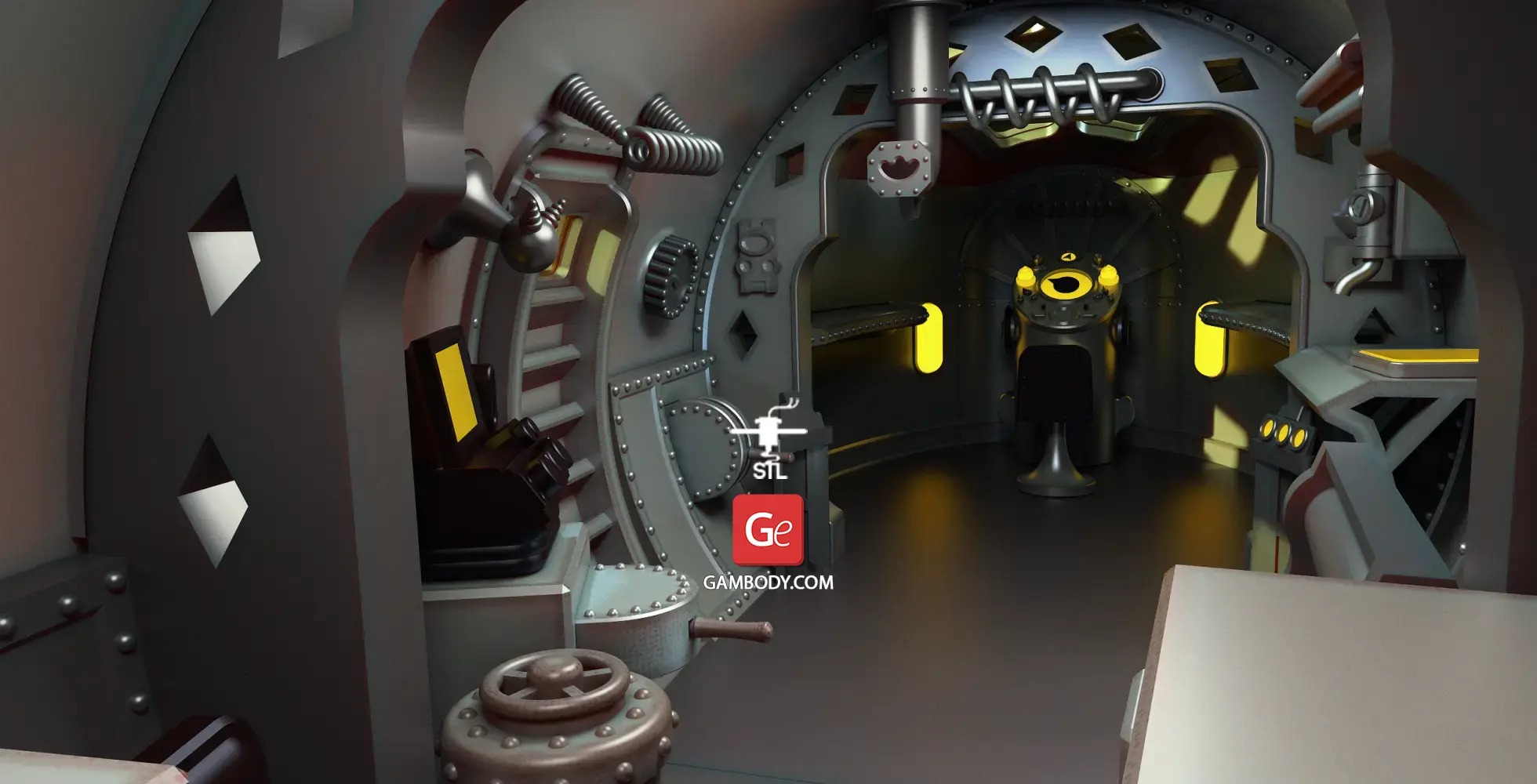
- Detailed cabin interior with movable control levers.
- Rotating wheels on the landing gear.
- Dual presentation options: landing gear mounting or dedicated display stand.
- Window cutting matrix template for clear plastic sheet installation.
- Prepared for optional cabin LED backlighting with rear battery housing.
- The assembly parts are connected using specially designed integrated connectors that fit securely into the corresponding slots. Optionally, for added strength and rigidity, the static connections can be glued together.
DLP/SLA
Eco parts
Assembly method
Connectors, Glue
Features
- Two hull options: standard solid exterior or open-side variant with removable wall.
- Functional opening cabin door assembled via wire hinge (0.7 mm or stapler wire).
- Detailed cabin interior with movable control levers.
- Rotating wheels on the landing gear.
- Dual presentation options: landing gear mounting or dedicated display stand.
- Adapted and optimized for resin printing without internal LED wiring channels.
- The assembly parts are connected using specially designed integrated connectors that fit securely into the corresponding slots. Optionally, for added strength and rigidity, the static connections can be glued together.
Additional details
Part of diorama
No
Add-on pack available
No
You will get instant access to the STL files of Zarkov Rocket Ship 3D Printer Files | Assembly after completing your purchase. Simply add the model to your cart and check out using PayPal, credit or debit card, Apple Pay, Google Pay, Alipay, or other available payment methods.
Watch the assembly video for Zarkov Rocket Ship 3D Printer Files | Assembly, and explore more tutorials, behind-the-scenes content, 3D printing timelapses, and painting guides on the official Gambody YouTube channel.
This 3D model comes with StereoLithography (.STL) files optimized for 3D printing. You'll get digital files, not a physical product
Before printing, take a look at Printing Details for recommended settings and tips to achieve better results.
Zarkov Rocket Ship 3D Printer Files | Assembly includes 2 version(s) for the supported 3D printer type(s): FFF/FDM, DLP/SLA. Files are available for download after purchase.
See the Description and Specifications sections for more details about this model.
| File name | Size (mm | in) | Size(mb) | Printing Time / Filament | |||
|---|---|---|---|---|---|---|
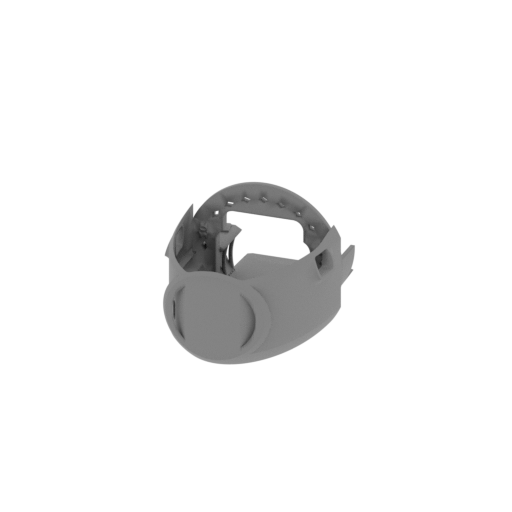 | _01_cockpit_front_FDM (repaired).stl 110.2 x 161.4 x 86.5 mm | 4.34 x 6.35 x 3.41 in | Size: 110.2 x 161.4 x 86.5 mm | 4.34 x 6.35 x 3.41 in | File size: 16.57 mb | Printing Time / Filament: 3 h 53 min / 33 m Slicer: prusa v2.9.2 Printer: prusa_xl Non default settings Layer height: 0.2 Fill density: 20% Support material: 1 Support material buildplate only: 1 | ||
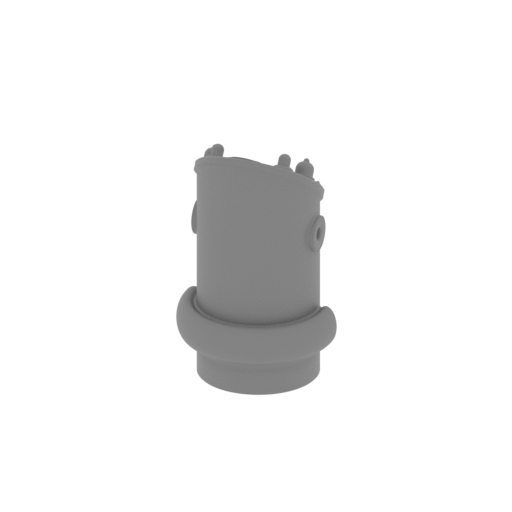 | _02_control panel_FDM (repaired).stl 26.6 x 24.4 x 41.6 mm | 1.05 x 0.96 x 1.64 in | Size: 26.6 x 24.4 x 41.6 mm | 1.05 x 0.96 x 1.64 in | File size: 4.73 mb | Printing Time / Filament: 38 min / 2 m Slicer: prusa v2.9.2 Printer: prusa_xl Non default settings Layer height: 0.2 Fill density: 20% Support material: 1 Support material buildplate only: 1 | ||
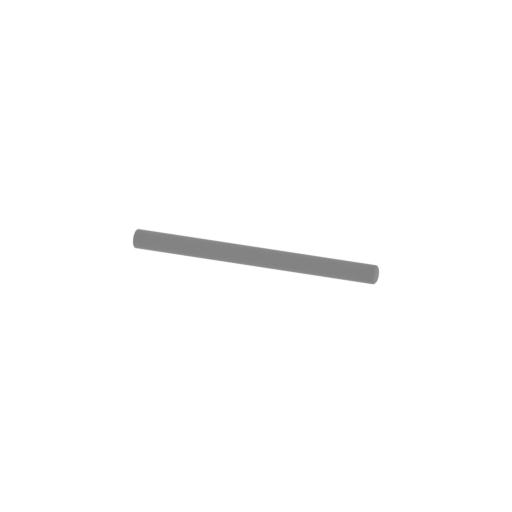 | _03_handwheel_pin_FDM (repaired).stl 23.8 x 1.8 x 1.6 mm | 0.94 x 0.07 x 0.06 in | Size: 23.8 x 1.8 x 1.6 mm | 0.94 x 0.07 x 0.06 in | File size: 0.05 mb | Printing Time / Filament: 1 min / <1 m Slicer: prusa v2.9.2 Printer: prusa_xl Non default settings Layer height: 0.2 Fill density: 20% Support material: 1 Support material buildplate only: 1 | ||
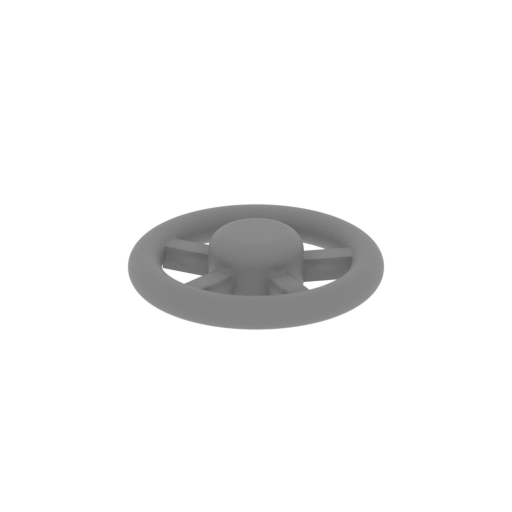 | _04_handwheel_FDM (repaired).stl 9.1 x 9.1 x 1.9 mm | 0.36 x 0.36 x 0.07 in | Size: 9.1 x 9.1 x 1.9 mm | 0.36 x 0.36 x 0.07 in | File size: 0.48 mb | Printing Time / Filament: 1 min / <1 m Slicer: prusa v2.9.2 Printer: prusa_xl Non default settings Layer height: 0.2 Fill density: 20% Support material: 1 Support material buildplate only: 1 | ||
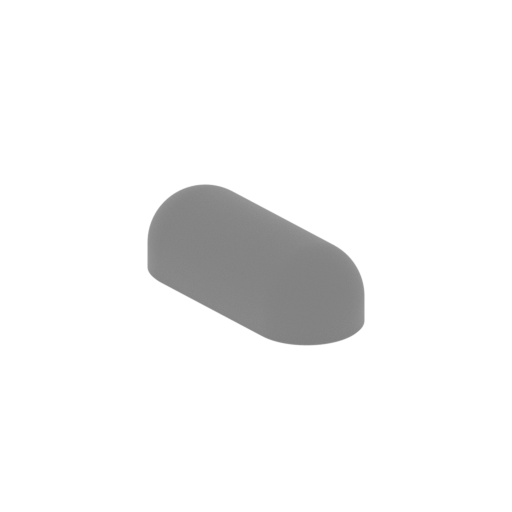 | _05_light_dome_x2_FDM (repaired).stl 13.3 x 10.5 x 4.5 mm | 0.52 x 0.41 x 0.18 in | Size: 13.3 x 10.5 x 4.5 mm | 0.52 x 0.41 x 0.18 in | File size: 0.35 mb | Printing Time / Filament: 4 min / <1 m Slicer: prusa v2.9.2 Printer: prusa_xl Non default settings Layer height: 0.2 Fill density: 20% Support material: 1 Support material buildplate only: 1 | ||
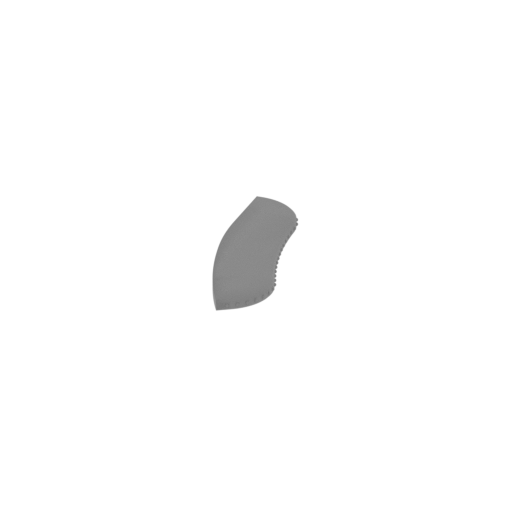 | _06_cabin_table_R_FDM (repaired).stl 24.3 x 68.6 x 3 mm | 0.96 x 2.7 x 0.12 in | Size: 24.3 x 68.6 x 3 mm | 0.96 x 2.7 x 0.12 in | File size: 1.09 mb | Printing Time / Filament: 6 min / 1 m Slicer: prusa v2.9.2 Printer: prusa_xl Non default settings Layer height: 0.2 Fill density: 20% Support material: 1 Support material buildplate only: 1 | ||
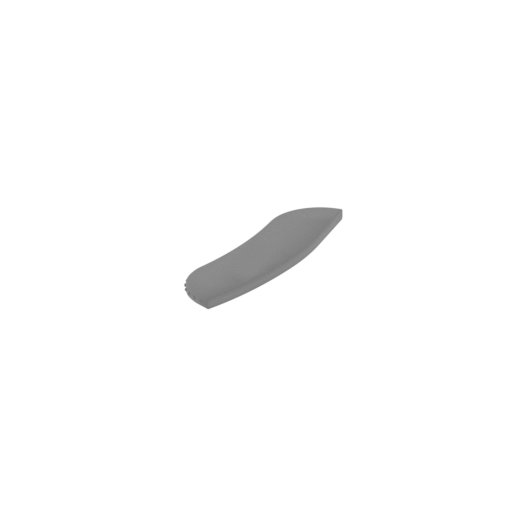 | _07_cabin_table_L_FDM (repaired).stl 24.3 x 68.6 x 3 mm | 0.96 x 2.7 x 0.12 in | Size: 24.3 x 68.6 x 3 mm | 0.96 x 2.7 x 0.12 in | File size: 1.09 mb | Printing Time / Filament: 6 min / 1 m Slicer: prusa v2.9.2 Printer: prusa_xl Non default settings Layer height: 0.2 Fill density: 20% Support material: 1 Support material buildplate only: 1 | ||
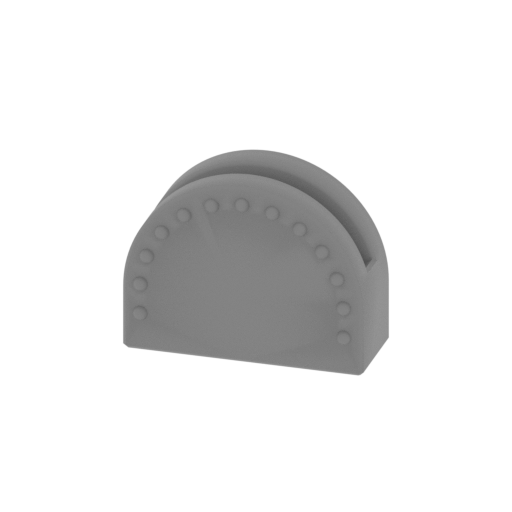 | _08_lever_body_1_FDM (repaired).stl 13.3 x 6.5 x 10 mm | 0.52 x 0.26 x 0.39 in | Size: 13.3 x 6.5 x 10 mm | 0.52 x 0.26 x 0.39 in | File size: 0.93 mb | Printing Time / Filament: 6 min / <1 m Slicer: prusa v2.9.2 Printer: prusa_xl Non default settings Layer height: 0.2 Fill density: 20% Support material: 1 Support material buildplate only: 1 | ||
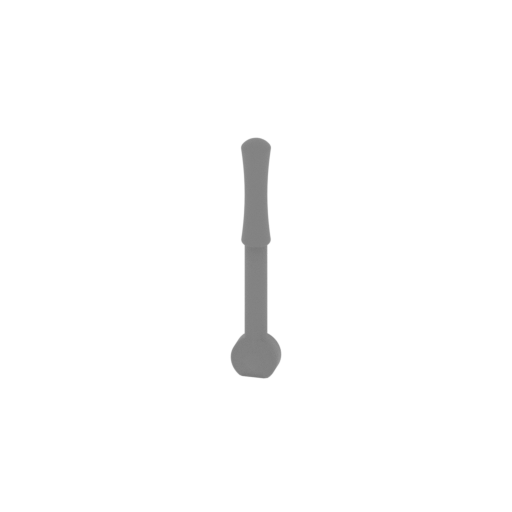 | _09_lever_x2_FDM (repaired).stl 2.6 x 1.6 x 13.6 mm | 0.1 x 0.06 x 0.54 in | Size: 2.6 x 1.6 x 13.6 mm | 0.1 x 0.06 x 0.54 in | File size: 0.42 mb | Printing Time / Filament: 1 min / <1 m Slicer: prusa v2.9.2 Printer: prusa_xl Non default settings Layer height: 0.2 Fill density: 20% Support material: 1 Support material buildplate only: 1 | ||
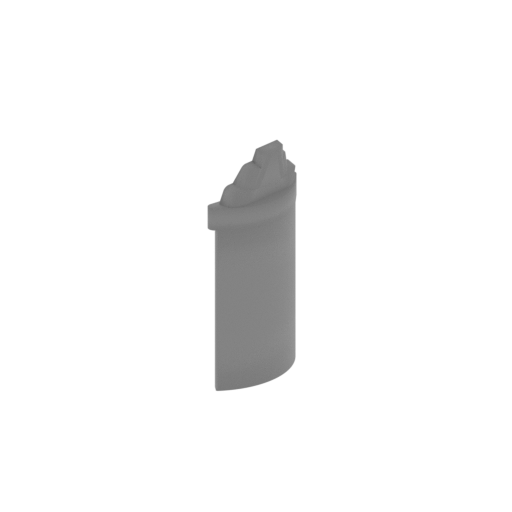 | _10_cockpit_component_a_FDM (repaired).stl 6.4 x 11.4 x 25.3 mm | 0.25 x 0.45 x 1 in | Size: 6.4 x 11.4 x 25.3 mm | 0.25 x 0.45 x 1 in | File size: 0.16 mb | Printing Time / Filament: 9 min / <1 m Slicer: prusa v2.9.2 Printer: prusa_xl Non default settings Layer height: 0.2 Fill density: 20% Support material: 1 Support material buildplate only: 1 | ||
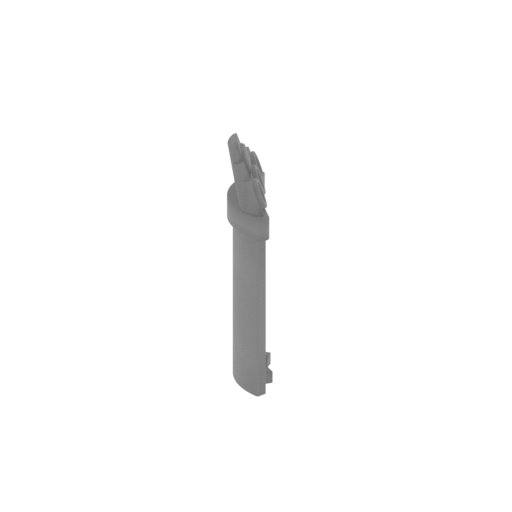 | _11_cockpit_component_b_FDM (repaired).stl 6.5 x 11.4 x 25.9 mm | 0.26 x 0.45 x 1.02 in | Size: 6.5 x 11.4 x 25.9 mm | 0.26 x 0.45 x 1.02 in | File size: 0.26 mb | Printing Time / Filament: 9 min / <1 m Slicer: prusa v2.9.2 Printer: prusa_xl Non default settings Layer height: 0.2 Fill density: 20% Support material: 1 Support material buildplate only: 1 | ||
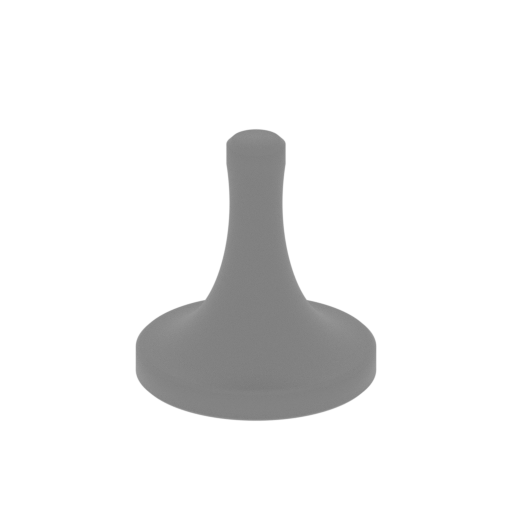 | _12_seat_base_x2_FDM (repaired).stl 13.6 x 13.6 x 14.5 mm | 0.54 x 0.54 x 0.57 in | Size: 13.6 x 13.6 x 14.5 mm | 0.54 x 0.54 x 0.57 in | File size: 1.08 mb | Printing Time / Filament: 5 min / <1 m Slicer: prusa v2.9.2 Printer: prusa_xl Non default settings Layer height: 0.2 Fill density: 20% Support material: 1 Support material buildplate only: 1 | ||
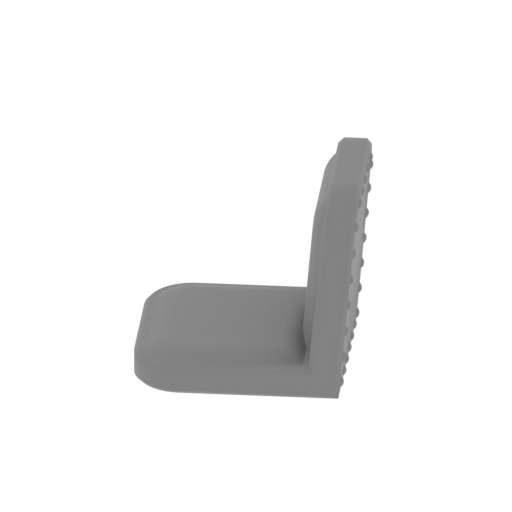 | _13_seat_x2_FDM (1) (repaired).stl 15.7 x 14.8 x 13.3 mm | 0.62 x 0.58 x 0.52 in | Size: 15.7 x 14.8 x 13.3 mm | 0.62 x 0.58 x 0.52 in | File size: 0.63 mb | Printing Time / Filament: 7 min / <1 m Slicer: prusa v2.9.2 Printer: prusa_xl Non default settings Layer height: 0.2 Fill density: 20% Support material: 1 Support material buildplate only: 1 | ||
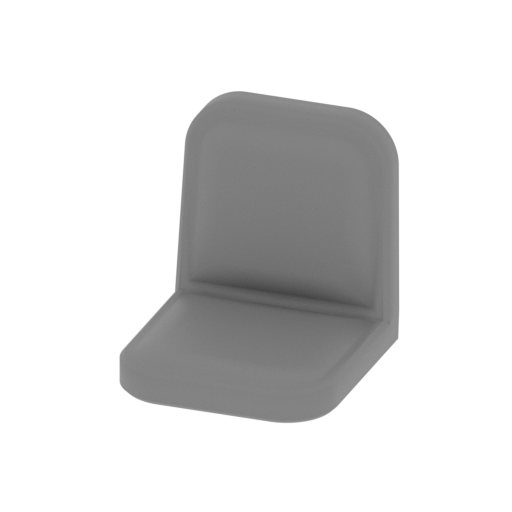 | _13_seat_x2_FDM (repaired).stl 12.6 x 14.1 x 13.3 mm | 0.5 x 0.56 x 0.52 in | Size: 12.6 x 14.1 x 13.3 mm | 0.5 x 0.56 x 0.52 in | File size: 0.63 mb | Printing Time / Filament: 7 min / <1 m Slicer: prusa v2.9.2 Printer: prusa_xl Non default settings Layer height: 0.2 Fill density: 20% Support material: 1 Support material buildplate only: 1 | ||
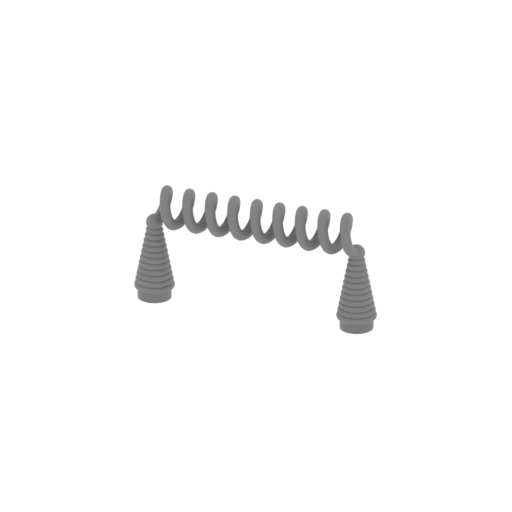 | _14_cockpit_component_с_x2_FDM (repaired).stl 22.7 x 3.9 x 10.8 mm | 0.89 x 0.15 x 0.43 in | Size: 22.7 x 3.9 x 10.8 mm | 0.89 x 0.15 x 0.43 in | File size: 4.09 mb | Printing Time / Filament: 6 min / <1 m Slicer: prusa v2.9.2 Printer: prusa_xl Non default settings Layer height: 0.2 Fill density: 20% Support material: 1 Support material buildplate only: 1 | ||
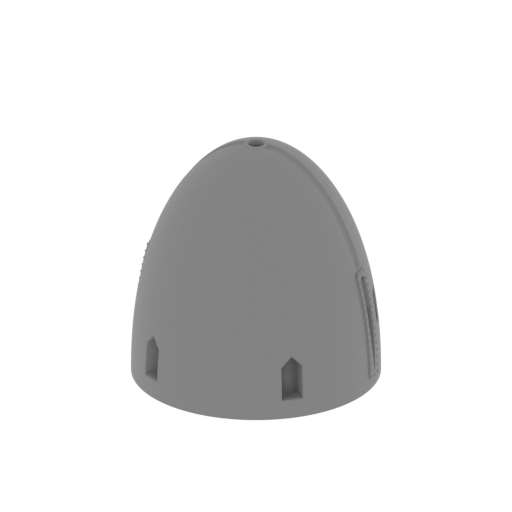 | _15_body_front_FDM (repaired).stl 123.3 x 120.3 x 119 mm | 4.85 x 4.74 x 4.69 in | Size: 123.3 x 120.3 x 119 mm | 4.85 x 4.74 x 4.69 in | File size: 28.83 mb | Printing Time / Filament: 5 h 35 min / 51 m Slicer: prusa v2.9.2 Printer: prusa_xl Non default settings Layer height: 0.2 Fill density: 20% Support material: 1 Support material buildplate only: 1 | ||
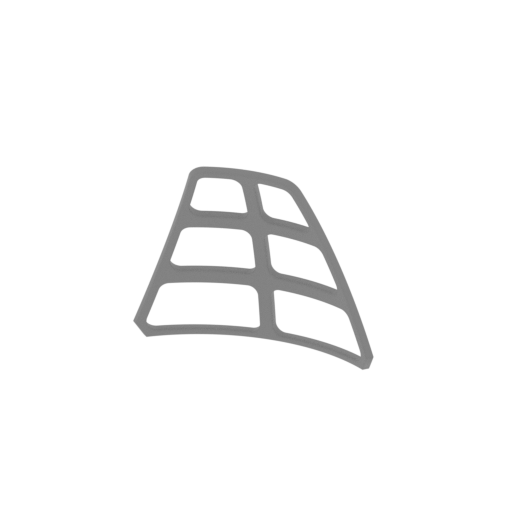 | _16_front_glass_frame_FDM (repaired).stl 68.9 x 21.6 x 56.5 mm | 2.71 x 0.85 x 2.22 in | Size: 68.9 x 21.6 x 56.5 mm | 2.71 x 0.85 x 2.22 in | File size: 1.72 mb | Printing Time / Filament: 44 min / 2 m Slicer: prusa v2.9.2 Printer: prusa_xl Non default settings Layer height: 0.2 Fill density: 20% Support material: 1 Support material buildplate only: 1 | ||
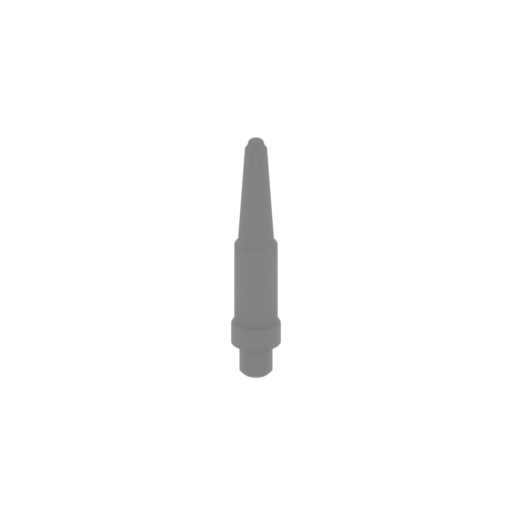 | _17_antenna_FDM (repaired).stl 11.7 x 11.7 x 60.1 mm | 0.46 x 0.46 x 2.37 in | Size: 11.7 x 11.7 x 60.1 mm | 0.46 x 0.46 x 2.37 in | File size: 0.52 mb | Printing Time / Filament: 28 min / 1 m Slicer: prusa v2.9.2 Printer: prusa_xl Non default settings Layer height: 0.2 Fill density: 20% Support material: 1 Support material buildplate only: 1 | ||
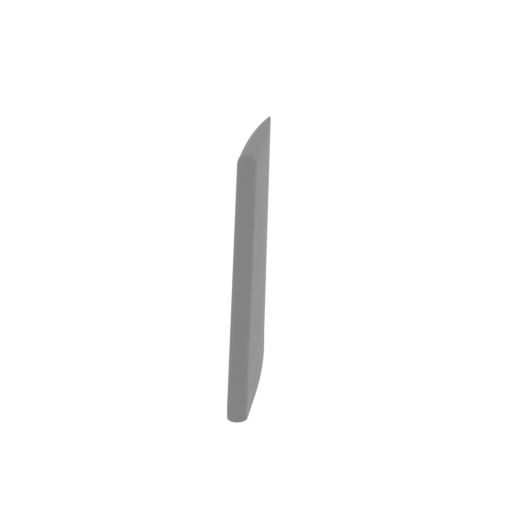 | _18_wing_R_FDM (repaired).stl 15.2 x 58.9 x 62.1 mm | 0.6 x 2.32 x 2.44 in | Size: 15.2 x 58.9 x 62.1 mm | 0.6 x 2.32 x 2.44 in | File size: 0.44 mb | Printing Time / Filament: 53 min / 2 m Slicer: prusa v2.9.2 Printer: prusa_xl Non default settings Layer height: 0.2 Fill density: 20% Support material: 1 Support material buildplate only: 1 | ||
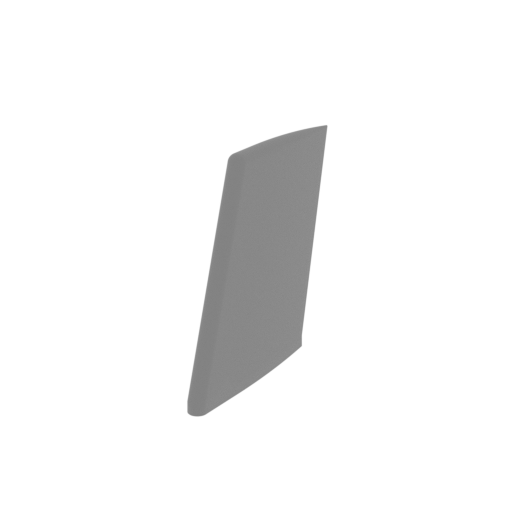 | _19_wing_L_FDM (repaired).stl 15.2 x 58.9 x 62.1 mm | 0.6 x 2.32 x 2.44 in | Size: 15.2 x 58.9 x 62.1 mm | 0.6 x 2.32 x 2.44 in | File size: 0.44 mb | Printing Time / Filament: 53 min / 2 m Slicer: prusa v2.9.2 Printer: prusa_xl Non default settings Layer height: 0.2 Fill density: 20% Support material: 1 Support material buildplate only: 1 | ||
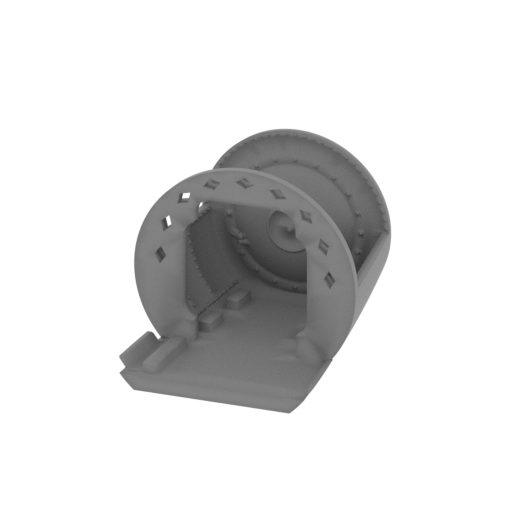 | _20_cockpit_back_FDM (repaired).stl 87 x 94.4 x 77.9 mm | 3.43 x 3.72 x 3.07 in | Size: 87 x 94.4 x 77.9 mm | 3.43 x 3.72 x 3.07 in | File size: 8.66 mb | Printing Time / Filament: 2 h 11 min / 16 m Slicer: prusa v2.9.2 Printer: prusa_xl Non default settings Layer height: 0.2 Fill density: 20% Support material: 1 Support material buildplate only: 1 | ||
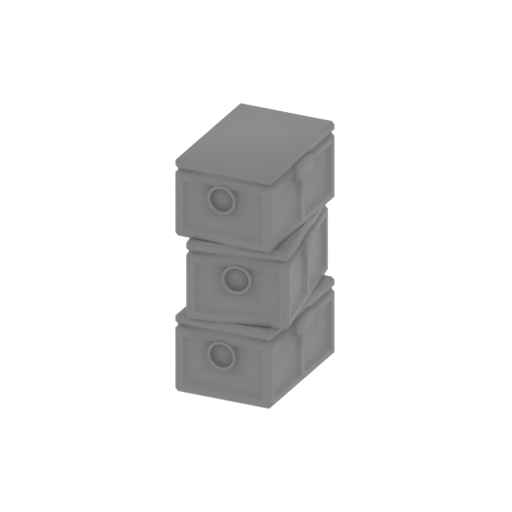 | _21_boxes_a_x2_FDM (repaired).stl 15.9 x 21.2 x 33.6 mm | 0.63 x 0.83 x 1.32 in | Size: 15.9 x 21.2 x 33.6 mm | 0.63 x 0.83 x 1.32 in | File size: 1.08 mb | Printing Time / Filament: 32 min / 2 m Slicer: prusa v2.9.2 Printer: prusa_xl Non default settings Layer height: 0.2 Fill density: 20% Support material: 1 Support material buildplate only: 1 | ||
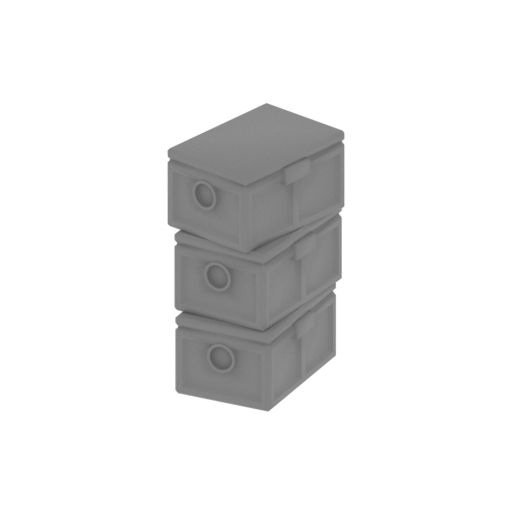 | _22_boxes_b_FDM (repaired).stl 20 x 23.4 x 33.6 mm | 0.79 x 0.92 x 1.32 in | Size: 20 x 23.4 x 33.6 mm | 0.79 x 0.92 x 1.32 in | File size: 1.08 mb | Printing Time / Filament: 32 min / 2 m Slicer: prusa v2.9.2 Printer: prusa_xl Non default settings Layer height: 0.2 Fill density: 20% Support material: 1 Support material buildplate only: 1 | ||
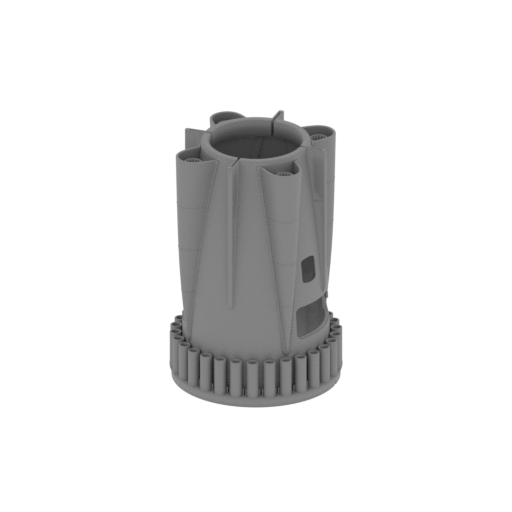 | _23_body_mid_FDM (repaired).stl 117.1 x 117.1 x 173.4 mm | 4.61 x 4.61 x 6.83 in | Size: 117.1 x 117.1 x 173.4 mm | 4.61 x 4.61 x 6.83 in | File size: 64.16 mb | Printing Time / Filament: 12 h 22 min / 86 m Slicer: prusa v2.9.2 Printer: prusa_xl Non default settings Layer height: 0.2 Fill density: 20% Support material: 1 Support material buildplate only: 1 | ||
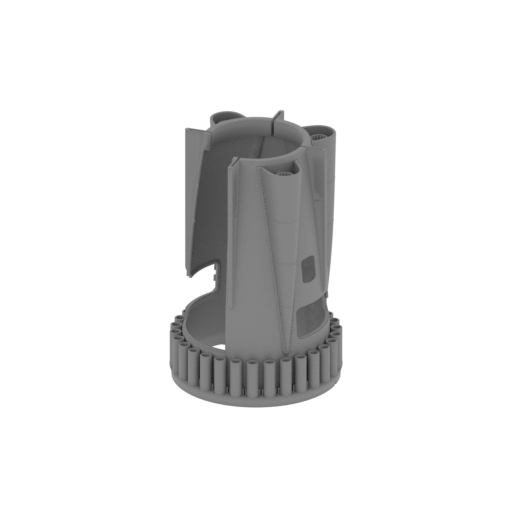 | _23_v2_1_body_mid (repaired).stl 117.1 x 117.1 x 173.3 mm | 4.61 x 4.61 x 6.82 in | Size: 117.1 x 117.1 x 173.3 mm | 4.61 x 4.61 x 6.82 in | File size: 51.31 mb | Printing Time / Filament: 10 h 24 min / 72 m Slicer: prusa v2.9.2 Printer: prusa_xl Non default settings Layer height: 0.2 Fill density: 20% Support material: 1 Support material buildplate only: 1 | ||
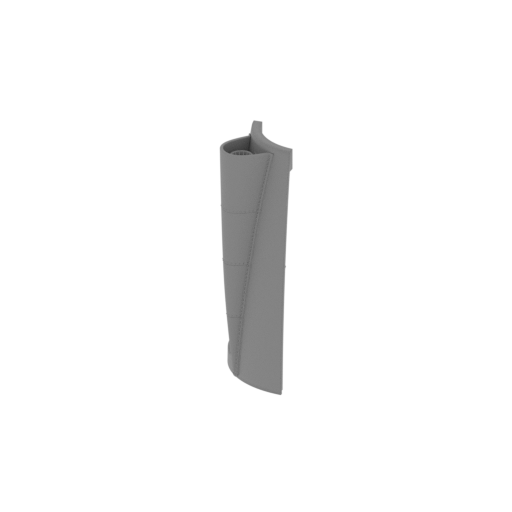 | _23_v2_2_body_mid (repaired).stl 45.9 x 46.1 x 139.3 mm | 1.81 x 1.81 x 5.48 in | Size: 45.9 x 46.1 x 139.3 mm | 1.81 x 1.81 x 5.48 in | File size: 13.03 mb | Printing Time / Filament: 2 h 39 min / 13 m Slicer: prusa v2.9.2 Printer: prusa_xl Non default settings Layer height: 0.2 Fill density: 20% Support material: 1 Support material buildplate only: 1 | ||
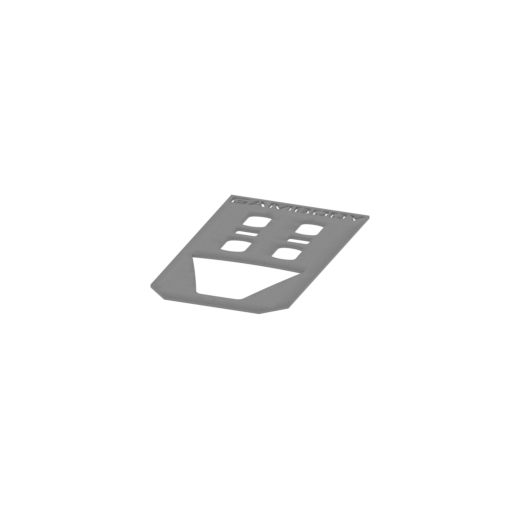 | _24_Wind_cut_matrix (repaired).stl 96.1 x 167.1 x 2 mm | 3.78 x 6.58 x 0.08 in | Size: 96.1 x 167.1 x 2 mm | 3.78 x 6.58 x 0.08 in | File size: 0.46 mb | Printing Time / Filament: 47 min / 8 m Slicer: prusa v2.9.2 Printer: prusa_xl Non default settings Layer height: 0.2 Fill density: 20% Support material: 1 Support material buildplate only: 1 | ||
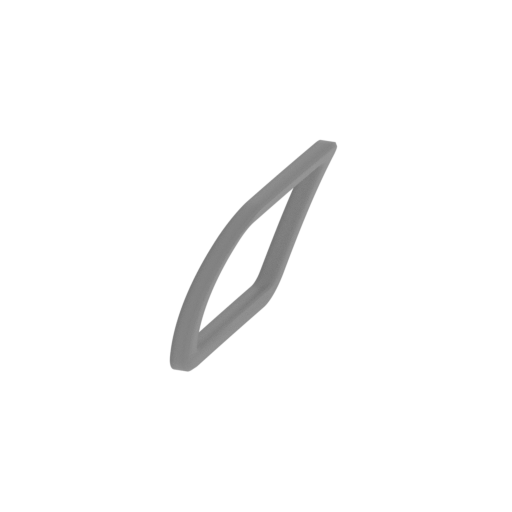 | _25_body_glass_back_frame_R_FDM (repaired).stl 8.4 x 20.7 x 15.6 mm | 0.33 x 0.81 x 0.61 in | Size: 8.4 x 20.7 x 15.6 mm | 0.33 x 0.81 x 0.61 in | File size: 0.16 mb | Printing Time / Filament: 5 min / <1 m Slicer: prusa v2.9.2 Printer: prusa_xl Non default settings Layer height: 0.2 Fill density: 20% Support material: 1 Support material buildplate only: 1 | ||
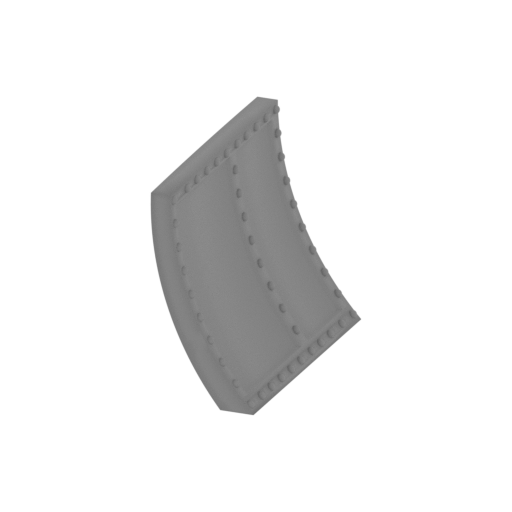 | _26_cockpit_back_wall_R_FDM (repaired).stl 17 x 33.7 x 29.8 mm | 0.67 x 1.33 x 1.17 in | Size: 17 x 33.7 x 29.8 mm | 0.67 x 1.33 x 1.17 in | File size: 2.05 mb | Printing Time / Filament: 26 min / 1 m Slicer: prusa v2.9.2 Printer: prusa_xl Non default settings Layer height: 0.2 Fill density: 20% Support material: 1 Support material buildplate only: 1 | ||
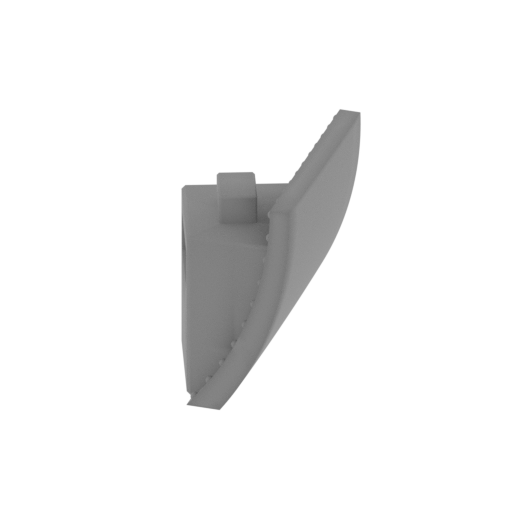 | _27_cockpit_back_wall_L_FDM (repaired).stl 21.8 x 33.7 x 29.8 mm | 0.86 x 1.33 x 1.17 in | Size: 21.8 x 33.7 x 29.8 mm | 0.86 x 1.33 x 1.17 in | File size: 1.49 mb | Printing Time / Filament: 28 min / 2 m Slicer: prusa v2.9.2 Printer: prusa_xl Non default settings Layer height: 0.2 Fill density: 20% Support material: 1 Support material buildplate only: 1 | ||
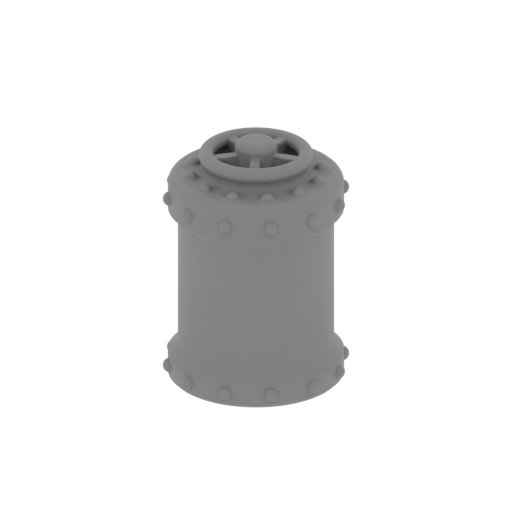 | _28_container_FDM (repaired).stl 15 x 15 x 20.3 mm | 0.59 x 0.59 x 0.8 in | Size: 15 x 15 x 20.3 mm | 0.59 x 0.59 x 0.8 in | File size: 1.93 mb | Printing Time / Filament: 14 min / <1 m Slicer: prusa v2.9.2 Printer: prusa_xl Non default settings Layer height: 0.2 Fill density: 20% Support material: 1 Support material buildplate only: 1 | ||
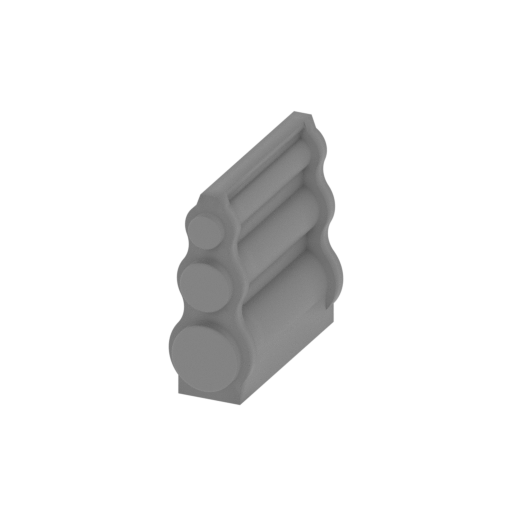 | _29_cockpit_component_d_FDM (repaired).stl 14.8 x 35.6 x 31 mm | 0.58 x 1.4 x 1.22 in | Size: 14.8 x 35.6 x 31 mm | 0.58 x 1.4 x 1.22 in | File size: 0.84 mb | Printing Time / Filament: 29 min / 2 m Slicer: prusa v2.9.2 Printer: prusa_xl Non default settings Layer height: 0.2 Fill density: 20% Support material: 1 Support material buildplate only: 1 | ||
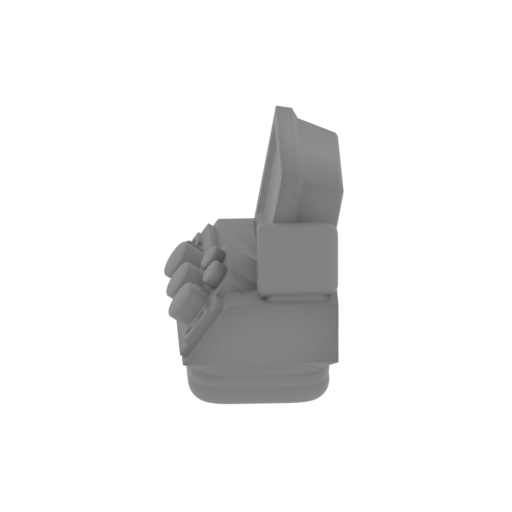 | _30_computer_FDM (repaired).stl 16 x 18.1 x 16.9 mm | 0.63 x 0.71 x 0.67 in | Size: 16 x 18.1 x 16.9 mm | 0.63 x 0.71 x 0.67 in | File size: 1.22 mb | Printing Time / Filament: 13 min / <1 m Slicer: prusa v2.9.2 Printer: prusa_xl Non default settings Layer height: 0.2 Fill density: 20% Support material: 1 Support material buildplate only: 1 | ||
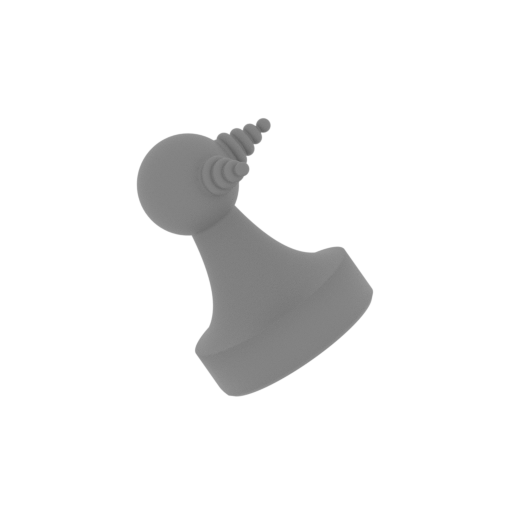 | _31_cockpit_component_c_x2_FDM (repaired).stl 10.9 x 8.5 x 11.7 mm | 0.43 x 0.33 x 0.46 in | Size: 10.9 x 8.5 x 11.7 mm | 0.43 x 0.33 x 0.46 in | File size: 1.29 mb | Printing Time / Filament: 5 min / <1 m Slicer: prusa v2.9.2 Printer: prusa_xl Non default settings Layer height: 0.2 Fill density: 20% Support material: 1 Support material buildplate only: 1 | ||
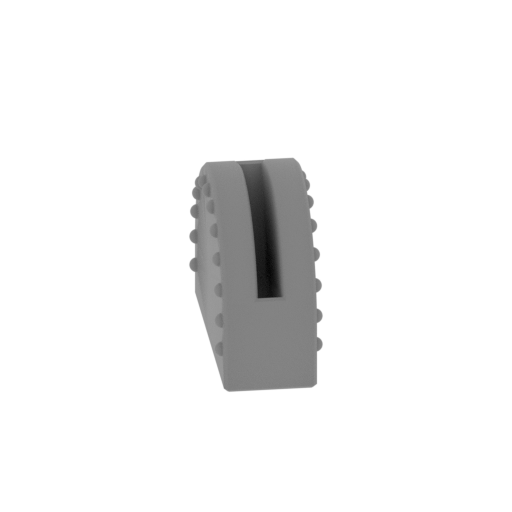 | _32_lever_body_2_FDM (repaired).stl 10.3 x 13.7 x 10 mm | 0.41 x 0.54 x 0.39 in | Size: 10.3 x 13.7 x 10 mm | 0.41 x 0.54 x 0.39 in | File size: 0.92 mb | Printing Time / Filament: 6 min / <1 m Slicer: prusa v2.9.2 Printer: prusa_xl Non default settings Layer height: 0.2 Fill density: 20% Support material: 1 Support material buildplate only: 1 | ||
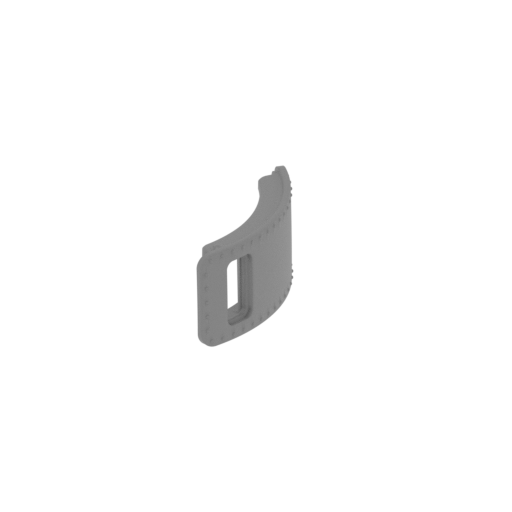 | _33_door_L_FDM (repaired).stl 12.9 x 58.7 x 23.5 mm | 0.51 x 2.31 x 0.93 in | Size: 12.9 x 58.7 x 23.5 mm | 0.51 x 2.31 x 0.93 in | File size: 2.70 mb | Printing Time / Filament: 25 min / 2 m Slicer: prusa v2.9.2 Printer: prusa_xl Non default settings Layer height: 0.2 Fill density: 20% Support material: 1 Support material buildplate only: 1 | ||
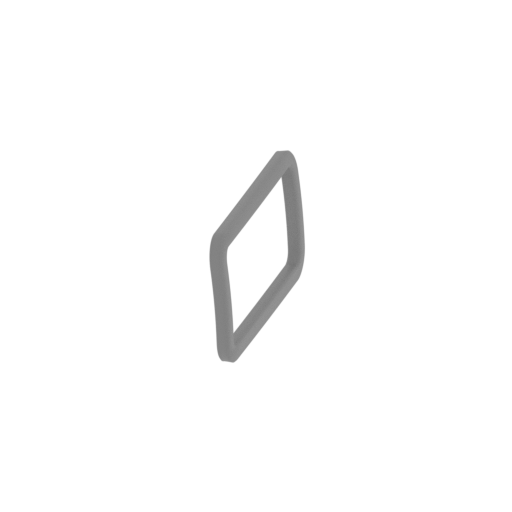 | _34_door_frame_L_FDM (repaired).stl 2.3 x 15.9 x 8.7 mm | 0.09 x 0.63 x 0.34 in | Size: 2.3 x 15.9 x 8.7 mm | 0.09 x 0.63 x 0.34 in | File size: 0.19 mb | Printing Time / Filament: 2 min / <1 m Slicer: prusa v2.9.2 Printer: prusa_xl Non default settings Layer height: 0.2 Fill density: 20% Support material: 1 Support material buildplate only: 1 | ||
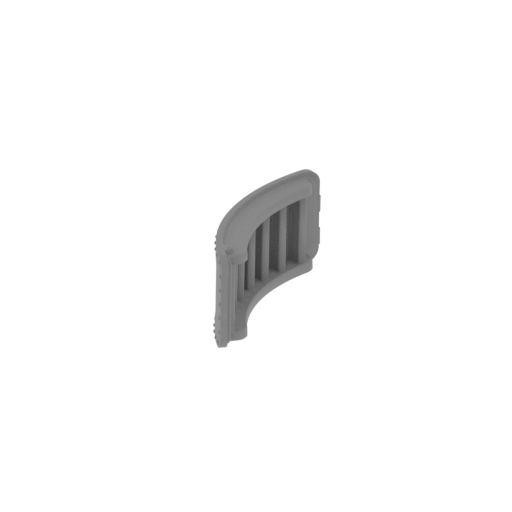 | _35_door_R_FDM (repaired).stl 12.9 x 58.7 x 23.5 mm | 0.51 x 2.31 x 0.93 in | Size: 12.9 x 58.7 x 23.5 mm | 0.51 x 2.31 x 0.93 in | File size: 2.70 mb | Printing Time / Filament: 25 min / 2 m Slicer: prusa v2.9.2 Printer: prusa_xl Non default settings Layer height: 0.2 Fill density: 20% Support material: 1 Support material buildplate only: 1 | ||
 | _36_door_frame_R_FDM (repaired).stl 2.3 x 15.9 x 8.7 mm | 0.09 x 0.63 x 0.34 in | Size: 2.3 x 15.9 x 8.7 mm | 0.09 x 0.63 x 0.34 in | File size: 0.19 mb | Printing Time / Filament: 2 min / <1 m Slicer: prusa v2.9.2 Printer: prusa_xl Non default settings Layer height: 0.2 Fill density: 20% Support material: 1 Support material buildplate only: 1 | ||
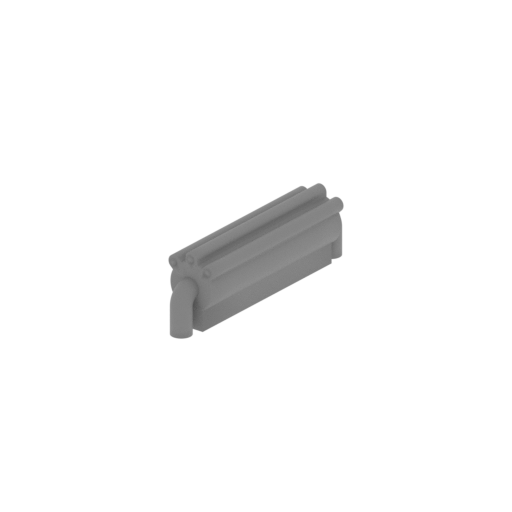 | _37_cockpit_component_e_FDM (repaired).stl 15.5 x 33.5 x 11 mm | 0.61 x 1.32 x 0.43 in | Size: 15.5 x 33.5 x 11 mm | 0.61 x 1.32 x 0.43 in | File size: 0.53 mb | Printing Time / Filament: 10 min / <1 m Slicer: prusa v2.9.2 Printer: prusa_xl Non default settings Layer height: 0.2 Fill density: 20% Support material: 1 Support material buildplate only: 1 | ||
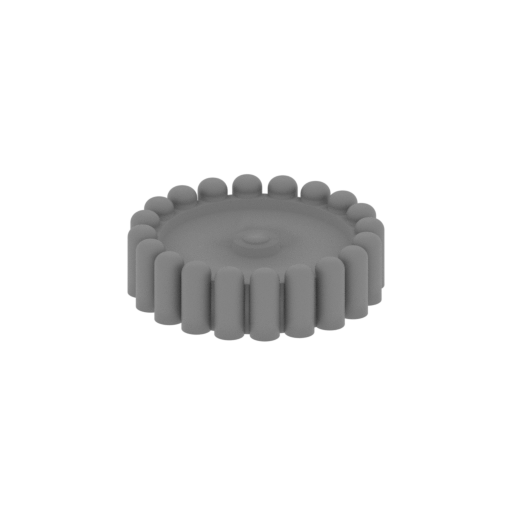 | _38_cockpit_component_f_FDM (repaired).stl 10.4 x 10.4 x 2.9 mm | 0.41 x 0.41 x 0.11 in | Size: 10.4 x 10.4 x 2.9 mm | 0.41 x 0.41 x 0.11 in | File size: 0.97 mb | Printing Time / Filament: 3 min / <1 m Slicer: prusa v2.9.2 Printer: prusa_xl Non default settings Layer height: 0.2 Fill density: 20% Support material: 1 Support material buildplate only: 1 | ||
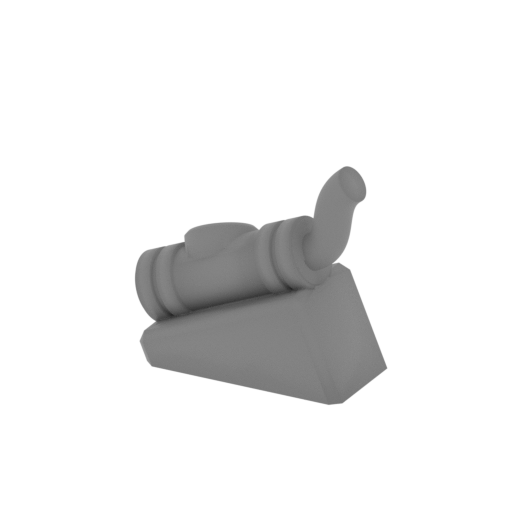 | _39_cockpit_component_g_FDM (repaired).stl 13.3 x 7.4 x 12.1 mm | 0.52 x 0.29 x 0.48 in | Size: 13.3 x 7.4 x 12.1 mm | 0.52 x 0.29 x 0.48 in | File size: 0.46 mb | Printing Time / Filament: 5 min / <1 m Slicer: prusa v2.9.2 Printer: prusa_xl Non default settings Layer height: 0.2 Fill density: 20% Support material: 1 Support material buildplate only: 1 | ||
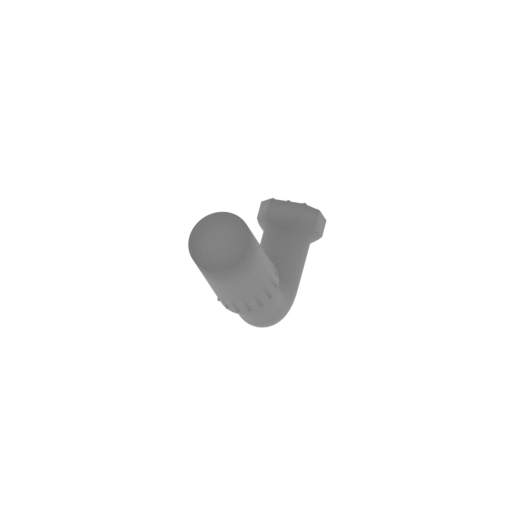 | _40_periscope_FDM (repaired).stl 7.5 x 28.7 x 18.6 mm | 0.3 x 1.13 x 0.73 in | Size: 7.5 x 28.7 x 18.6 mm | 0.3 x 1.13 x 0.73 in | File size: 1.09 mb | Printing Time / Filament: 12 min / <1 m Slicer: prusa v2.9.2 Printer: prusa_xl Non default settings Layer height: 0.2 Fill density: 20% Support material: 1 Support material buildplate only: 1 | ||
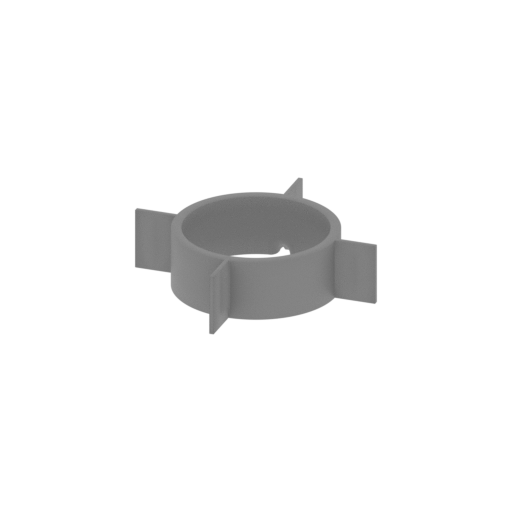 | _41_body_pin_FDM (repaired).stl 95.8 x 95.8 x 23.8 mm | 3.77 x 3.77 x 0.94 in | Size: 95.8 x 95.8 x 23.8 mm | 3.77 x 3.77 x 0.94 in | File size: 0.63 mb | Printing Time / Filament: 34 min / 5 m Slicer: prusa v2.9.2 Printer: prusa_xl Non default settings Layer height: 0.2 Fill density: 20% Support material: 1 Support material buildplate only: 1 | ||
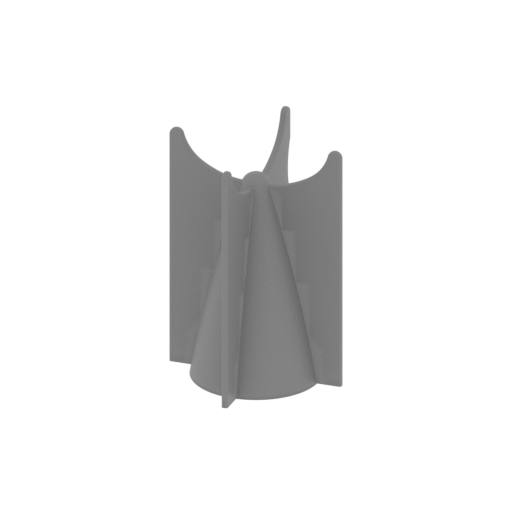 | _42_body_back_FDM (repaired).stl 101.7 x 101.7 x 142 mm | 4 x 4 x 5.59 in | Size: 101.7 x 101.7 x 142 mm | 4 x 4 x 5.59 in | File size: 6.20 mb | Printing Time / Filament: 3 h 37 min / 30 m Slicer: prusa v2.9.2 Printer: prusa_xl Non default settings Layer height: 0.2 Fill density: 20% Support material: 1 Support material buildplate only: 1 | ||
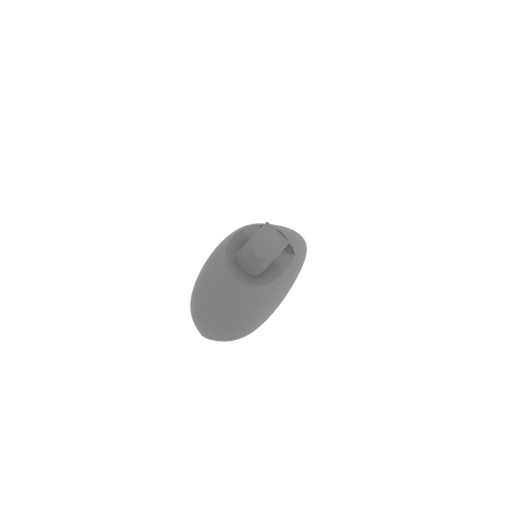 | _43_gear_bay_front_R_FDM (repaired).stl 25.6 x 83.1 x 28.9 mm | 1.01 x 3.27 x 1.14 in | Size: 25.6 x 83.1 x 28.9 mm | 1.01 x 3.27 x 1.14 in | File size: 4.08 mb | Printing Time / Filament: 36 min / 4 m Slicer: prusa v2.9.2 Printer: prusa_xl Non default settings Layer height: 0.2 Fill density: 20% Support material: 1 Support material buildplate only: 1 | ||
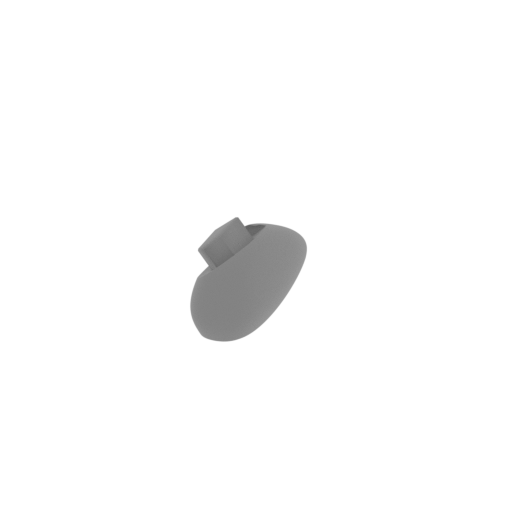 | _44_gear_bay_front_L_FDM (repaired).stl 25.6 x 83.1 x 28.9 mm | 1.01 x 3.27 x 1.14 in | Size: 25.6 x 83.1 x 28.9 mm | 1.01 x 3.27 x 1.14 in | File size: 4.08 mb | Printing Time / Filament: 36 min / 4 m Slicer: prusa v2.9.2 Printer: prusa_xl Non default settings Layer height: 0.2 Fill density: 20% Support material: 1 Support material buildplate only: 1 | ||
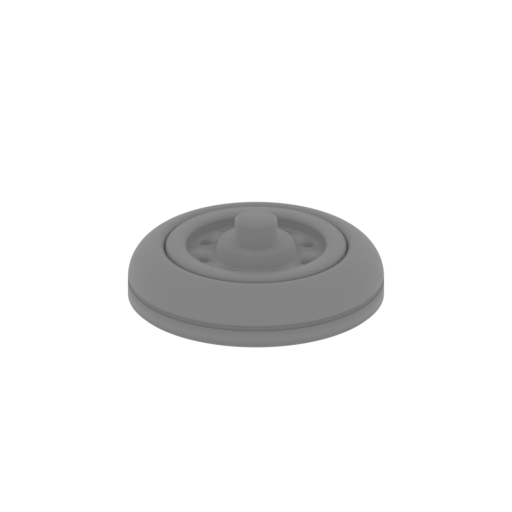 | _45_shassie_front_x4_FDM (repaired).stl 24 x 24 x 8.2 mm | 0.94 x 0.94 x 0.32 in | Size: 24 x 24 x 8.2 mm | 0.94 x 0.94 x 0.32 in | File size: 1.18 mb | Printing Time / Filament: 8 min / 1 m Slicer: prusa v2.9.2 Printer: prusa_xl Non default settings Layer height: 0.2 Fill density: 20% Support material: 1 Support material buildplate only: 1 | ||
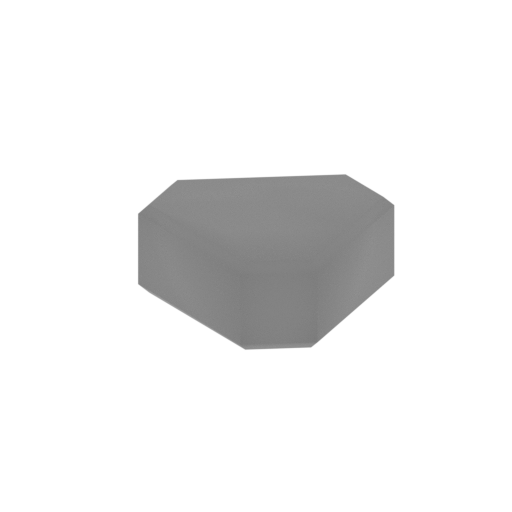 | _46_shassie_front_pin_x2_FDM (repaired).stl 12.1 x 13.3 x 5 mm | 0.48 x 0.52 x 0.2 in | Size: 12.1 x 13.3 x 5 mm | 0.48 x 0.52 x 0.2 in | File size: 0.01 mb | Printing Time / Filament: 4 min / <1 m Slicer: prusa v2.9.2 Printer: prusa_xl Non default settings Layer height: 0.2 Fill density: 20% Support material: 1 Support material buildplate only: 1 | ||
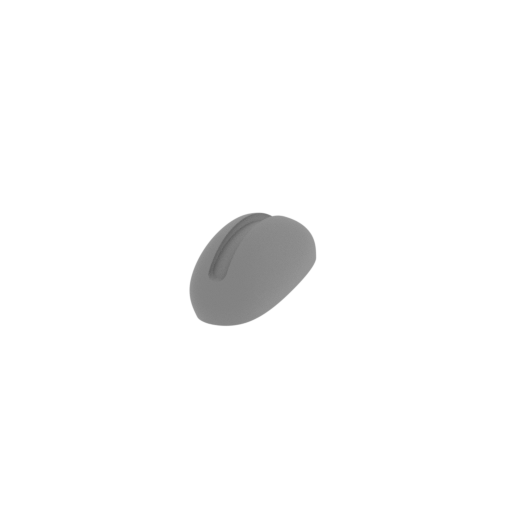 | _47_gear_bay_back_FDM (repaired).stl 17.3 x 52.3 x 19.3 mm | 0.68 x 2.06 x 0.76 in | Size: 17.3 x 52.3 x 19.3 mm | 0.68 x 2.06 x 0.76 in | File size: 3.60 mb | Printing Time / Filament: 22 min / 2 m Slicer: prusa v2.9.2 Printer: prusa_xl Non default settings Layer height: 0.2 Fill density: 20% Support material: 1 Support material buildplate only: 1 | ||
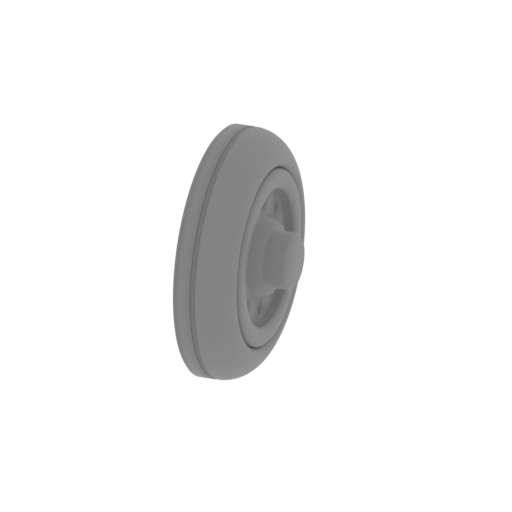 | _48_shassie_back_x2_FDM (repaired).stl 5.5 x 16.8 x 16.8 mm | 0.22 x 0.66 x 0.66 in | Size: 5.5 x 16.8 x 16.8 mm | 0.22 x 0.66 x 0.66 in | File size: 0.95 mb | Printing Time / Filament: 9 min / <1 m Slicer: prusa v2.9.2 Printer: prusa_xl Non default settings Layer height: 0.2 Fill density: 20% Support material: 1 Support material buildplate only: 1 | ||
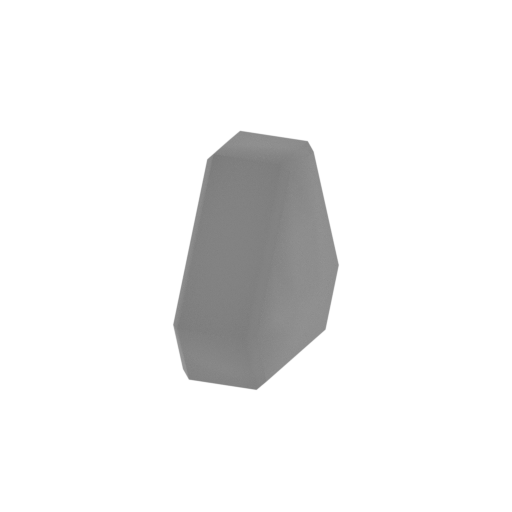 | _49_shassie_back_pin_FDM (repaired).stl 3.2 x 9.1 x 8.3 mm | 0.13 x 0.36 x 0.33 in | Size: 3.2 x 9.1 x 8.3 mm | 0.13 x 0.36 x 0.33 in | File size: 0.01 mb | Printing Time / Filament: 3 min / <1 m Slicer: prusa v2.9.2 Printer: prusa_xl Non default settings Layer height: 0.2 Fill density: 20% Support material: 1 Support material buildplate only: 1 | ||
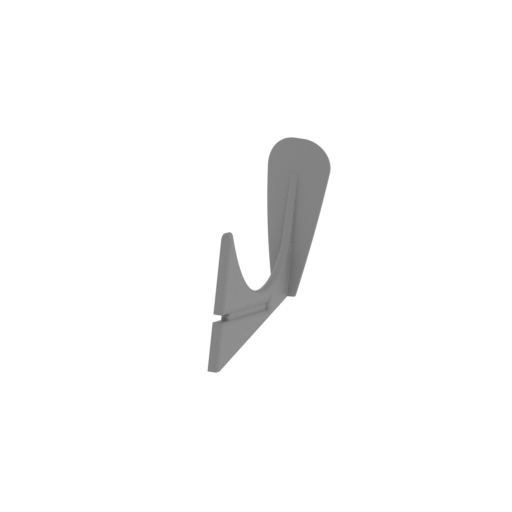 | _50_stand_1_FDM (repaired).stl 57.8 x 226.1 x 135.1 mm | 2.28 x 8.9 x 5.32 in | Size: 57.8 x 226.1 x 135.1 mm | 2.28 x 8.9 x 5.32 in | File size: 3.54 mb | Printing Time / Filament: 2 h 30 min / 18 m Slicer: prusa v2.9.2 Printer: prusa_xl Non default settings Layer height: 0.2 Fill density: 20% Support material: 1 Support material buildplate only: 1 | ||
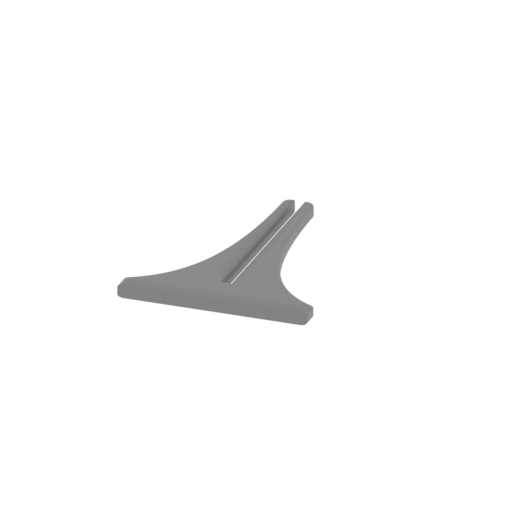 | _51_stand_2_FDM (repaired).stl 97.7 x 124 x 7 mm | 3.85 x 4.88 x 0.28 in | Size: 97.7 x 124 x 7 mm | 3.85 x 4.88 x 0.28 in | File size: 1.34 mb | Printing Time / Filament: 27 min / 5 m Slicer: prusa v2.9.2 Printer: prusa_xl Non default settings Layer height: 0.2 Fill density: 20% Support material: 1 Support material buildplate only: 1 | ||
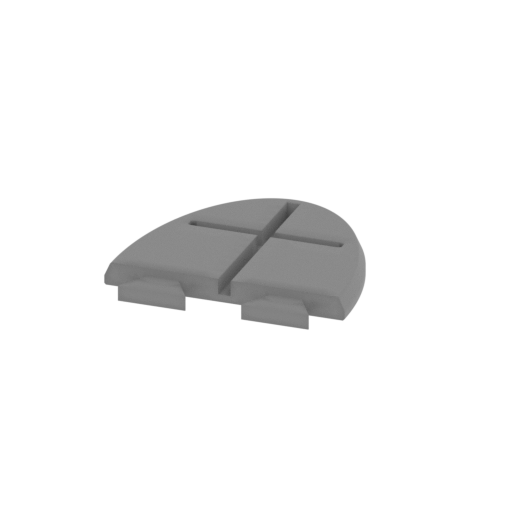 | _52_stand_3_FDM (repaired).stl 153.5 x 148.2 x 15 mm | 6.04 x 5.83 x 0.59 in | Size: 153.5 x 148.2 x 15 mm | 6.04 x 5.83 x 0.59 in | File size: 1.03 mb | Printing Time / Filament: 1 h 53 min / 28 m Slicer: prusa v2.9.2 Printer: prusa_xl Non default settings Layer height: 0.2 Fill density: 20% Support material: 1 Support material buildplate only: 1 | ||
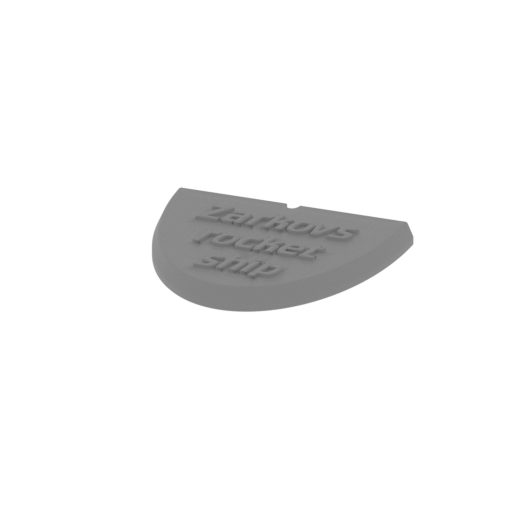 | _53_stand_4_FDM (repaired).stl 153.5 x 128.8 x 17 mm | 6.04 x 5.07 x 0.67 in | Size: 153.5 x 128.8 x 17 mm | 6.04 x 5.07 x 0.67 in | File size: 2.45 mb | Printing Time / Filament: 2 h 6 min / 28 m Slicer: prusa v2.9.2 Printer: prusa_xl Non default settings Layer height: 0.2 Fill density: 20% Support material: 1 Support material buildplate only: 1 | ||
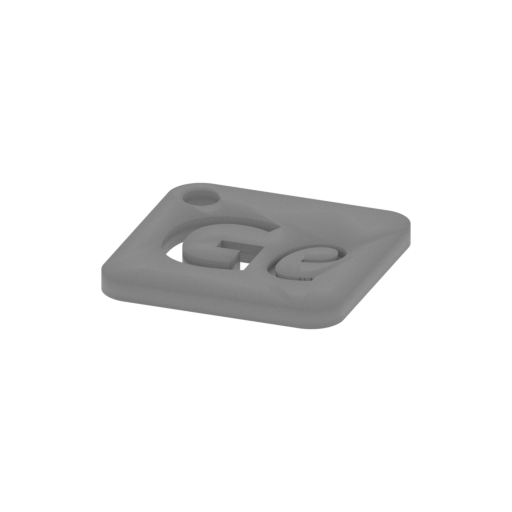 | Keychain (repaired).stl 29.7 x 29.7 x 2.4 mm | 1.17 x 1.17 x 0.09 in | Size: 29.7 x 29.7 x 2.4 mm | 1.17 x 1.17 x 0.09 in | File size: 0.37 mb | Printing Time / Filament: 6 min / 1 m Slicer: prusa v2.9.2 Printer: prusa_xl Non default settings Layer height: 0.2 Fill density: 20% Support material: 1 Support material buildplate only: 1 | ||
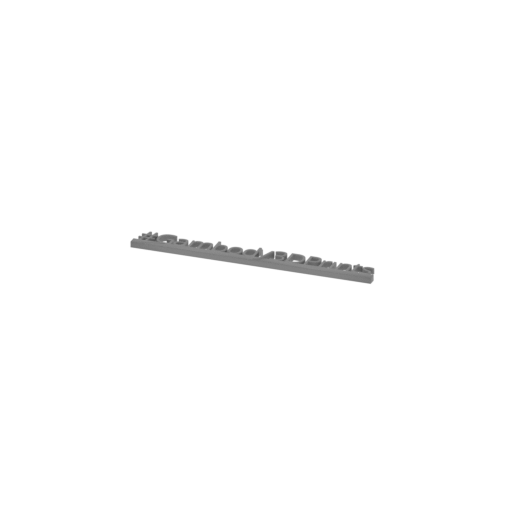 | Tag (repaired).stl 150.1 x 18.2 x 4.6 mm | 5.91 x 0.72 x 0.18 in | Size: 150.1 x 18.2 x 4.6 mm | 5.91 x 0.72 x 0.18 in | File size: 1.78 mb | Printing Time / Filament: 18 min / 2 m Slicer: prusa v2.9.2 Printer: prusa_xl Non default settings Layer height: 0.2 Fill density: 20% Support material: 1 Support material buildplate only: 1 | ||
3D model history
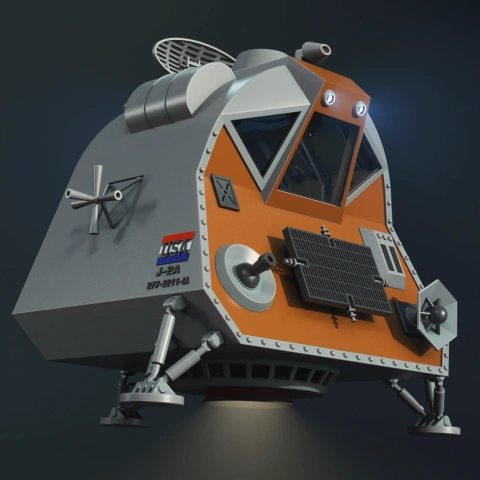
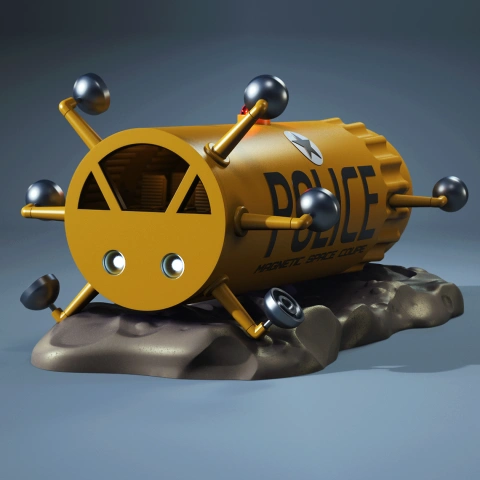
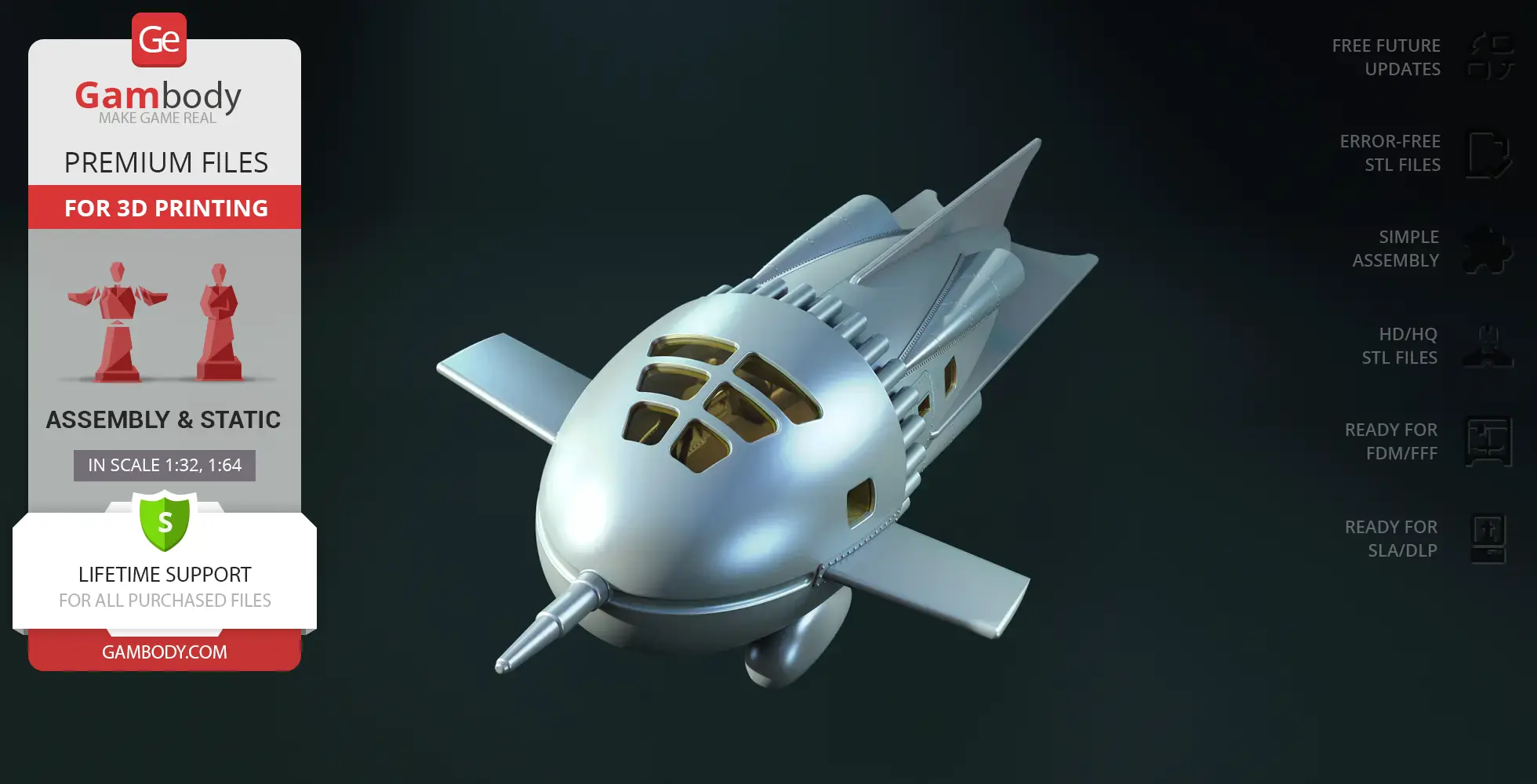
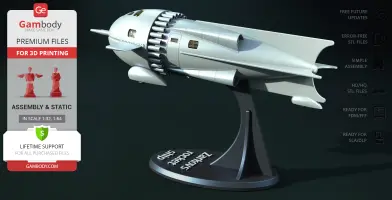
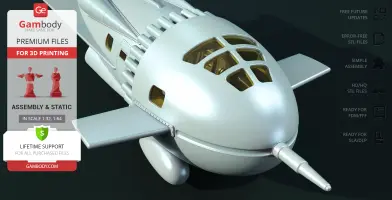
In the 1936 Flash Gordon serial, Dr. Zarkov builds his own rocket after discovering that planet Mongo is on a collision course with Earth, taking Flash Gordon and Dale Arden with him into space. Compact, experimental, and unmistakably 1930s sci-fi, the Zarkov Rocket Ship has a smooth, rounded silhouette and a cramped three-person cabin packed with gauges, controls, an oxygen system, and a telescope-like periscope. Rather than looking like a polished spacecraft from the future, this Flash Gordon spaceship has the character of a brilliant scientist's homemade invention, making it one of the most distinctive vintage rocket ships of the era.
This Zarkov Rocket Ship 3D model recreates that retro design as a feature-packed spacecraft 3D model for your workbench. The model includes a detailed interior with movable control levers, rotating landing gear wheels, and a functional opening cabin door. Choose between a solid exterior hull or an open-side version with a removable wall to showcase the interior, then present your rocket resting on its landing gear or set mid-flight on the display stand. FDM makers can easily cut clear window panes using the included matrix template, while the cabin comes prepped for optional LED illumination with a rear battery compartment. It is an ideal spaceship STL for fans of sci-fi 3D prints, making a standout vehicle 3D print addition to any growing collection of TV series 3D models, movies 3D prints, and classic comics STL history.
3D printing model features
Model-specific features:
- Features a standard solid exterior hull and an open-side variant with a removable sidewall cover for full interior visibility.
- The entry hatch opens on a functional hinge mechanism assembled using a standard 0.7 mm wire or stapler wire.
- Includes a fully detailed cockpit environment complete with movable control levers.
- The bottom landing gear pods feature rotating wheels for ground display.
- The craft can be presented mounted on its active landing gear or elevated on a dedicated dynamic display stand.
- Includes a dedicated cutting matrix for fabricating clear window panes from sheet plastic (FFF/FDM only).
- Prepared with dedicated internal wiring paths and a rear battery compartment for custom cabin backlighting (FFF/FDM only).
Printing & assembly details:
- Provided as error-free STL files compatible with most 3D printers;
- Optimized part division minimizes support material and ensures smooth and precise surface detailing;
- The assembly parts in the FFF/FDM version come in the recommended print orientations for easy bed placement;
- Assembly manual in PDF and video formats is included for the FFF/FDM and DLP/SLA versions;
- The model is available in recommended scales — 1:32 for the FFF/FDM version and 1:64 for the DLP/SLA versions.
What will you get after purchase?
- 2 versions of Zarkov Rocket ShipSTL files for FFF/FDM and DLP/SLA — files for all versions are available for download after the purchase;
- STL files of high-poly Zarkov Rocket Ship model for 3D printing consist of 99 files;
- Sizes for:
- FFF/FDM Model Size: 232 mm wide, 150 mm high, 482 mm deep;
- FFF/FDM Platform Size: 154 mm wide, 188 mm high, 258 mm deep;
- DLP/SLA Model Size: 116 mm wide, 75 mm high, 241 mm deep;
- DLP/SLA Platform Size: 77 mm wide, 94 mm high, 129 mm deep;
- Assembly Manual for 1.0 FFF/FDM and 1.0 DLP/SLA versions in PDF and video formats;
- Detailed settings that we provide as a recommendation for Bambu Studio, Cura, Orca Slicer, PrusaSlicer, Simplify3D, and Slic3r for the best print;
- Full technical support from the Gambody Support Team.
Below you'll find detailed slicing settings for Bambu Studio 2.0+, Orca Slicer 2.0+, UltiMaker Cura 5.0+, PrusaSlicer 2.0+, Slic3r 1.3+, Simplify3D 5.0+ to help you get the best results when printing this model. These settings are optimized specifically for this 3D model, but please note they may need slight adjustments depending on your printer or filament. When in doubt, refer to your printer's user manual.
To avoid printing issues and achieve the best quality, we highly recommend applying the following settings:
 Bambu Studio 2.0+
 For better quality use 0.12 mm layer height, for fast printing use 0.2 mm layer height. For pins and the Ge connectors, use 0.2 layer height.
120-150% of your Layer Height
But you can paint the seam if you want.
You have to calibrate this parameter
You have to calibrate this parameter
You have to calibrate this parameter
For pins and power elements of the structure, such as the vehicle frame, use 3 loop
Disabled for vehicles and enabled for characters
For 0,2 Layer Height
The parameters in this tab vary greatly, it all depends on the quality of your printer. For example, if you have a classic Ender3, stick to the minimum parameters, but if you have a newer printer, for example Anycubic cobra 3 v2, you can select the maximum recommended values
Settings for advanced users, change these parameters only if you have sufficient 3D printing expertise
Enable this parameter if your model requires supports
We also recommend placing and removing supports manually in some places using special button
1-2 loops for more thick support
Top Z distance = 1-1.3 layer Height. If the supports are hard to remove, try increasing this setting by 0.1-0,4 mm
Bottom Z distance = 1-1.3 layer Height. If the supports are hard to remove, try increasing this setting by 0.1-0,4 mm
You have to calibrate this parameter which one is better for your filament
Increase this parameter if the supports are hard to remove from walls
For PLA and PETG filament types
5-8 mm is optional for small prints that have bad adhesion to the build plate
You have to calibrate this parameter
Read the description on your filament roll
Read the description on your filament roll and increase this parameter for fast printers
Read the description on your filament roll and increase this parameter for fast printers
 Orca Slicer 2.0+
 For better quality use 0.12 mm layer height, for fast printing use 0.2 mm layer height. For pins and the Ge connectors, use 0.2 layer height.
120-150% of your Layer Height
But you can paint the seam if you want.
0.01-0.05 You have to calibrate this parameter
0.01-0.05 You have to calibrate this parameter
0.1-0.2 You have to calibrate this parameter
For pins and power elements of the structure, such as the vehicle frame, use 3 loop
Disabled for vehicles and ships, enabled for characters
For 0,2 Layer Height
For 0,2 Layer Height
The parameters in this tab vary greatly, it all depends on the quality of your printer. For example, if you have a classic Ender3, stick to the minimum parameters, but if you have a newer printer, for example, Anycubic Kobra 3 Or Bambulab A1, you can select the maximum recommended values.
Settings for advanced users, change these parameters only if you have sufficient 3D printing expertise
Enable this parameter if your model requires supports
We also recommend placing and removing supports manually in some places using special button
Top Z distance = 1-1.3 layer Height. If the supports are hard to remove, try increasing this setting by 0.1-0,4 mm
Bottom Z distance = 1-1.3 layer Height. If the supports are hard to remove, try increasing this setting by 0.1-0,4 mm
Increase this parameter if the supports are hard to remove from walls
For PLA and PETG filament types
5-8 mm is optional for small prints that have bad adhesion to the build plate
Read the description on your filament roll
Read the description on your filament roll and increase this parameter for fast printers
You have to calibrate this parameter
Read the description on your filament roll and increase this parameter for fast printers
Read the description on your filament roll
This field is filled in according to your printer specifications when you add it to the slicer.
You can add custom G-code here for the start and end of the print. However, be careful - this is for advanced users only!
You have to calibrate your printer using Ge retraction test models
Retraction Length: For direct-drive setups use 0.5 mm to 2.5 mm; for Bowden extruders use 5 to 7 mm
This is how fast the filament is pulled back—40-60 mm/s for direct drive and 30-50 mm/s for Bowden setups.
You have to calibrate this parameter: Reduce it until the printer starts to hit the parts with the nozzle during printing, then increase it by 0.2.
 UltiMaker Cura 5.0+
 For better quality use 0.12 mm layer height, for fast printing use 0.2 mm layer height. For pins and the Ge connectors, use 0.2 layer height.
120-150% of your Layer Height
To increase the strength of the print parts, use wall line count: 3
For pins and connectors use 50% Infill
These parameters are for standard PLA plastic. If you are using a different type of plastic, check the printing temperature recommended by the manufacturer. Also, read the description on your filament spool. For fast printers, add +30 °C to the current parameters.
The parameters in this tab vary greatly, it all depends on the quality of your printer. For example, if you have a classic Ender3, stick to the minimum parameters, but if you have a newer printer, for example Anycubic cobra 3 v3, you can select the maximum recommended values
Settings for advanced users, change these parameters only if you have sufficient 3D printing expertise.
You need to calibrate this parameter using Gambody test models. These values are average values for a Direct Drive extruder; for a Bowden extruder, the values should be increased.
You need to calibrate this parameter using Gambody test models. These values are average values for a Direct Drive extruder; for a Bowden extruder, the values should be increased.
Use this value other than 0 if your nozzle catches on the internal infill during travel moves. Try to keep this value as low as possible in height.
Use normal supports to support large, straight surfaces (most mechanical or technical parts).
You have to calibrate this parameter according to the capabilities of your printer and your filament, using a Gambody test models.
Use 1 instead of 0 if your supports are thin and tall. They will be harder to remove, but much stronger.
Top Z distance = 1-1.3 layer Height. If the supports are hard to remove, try increasing this setting by 0.1-0,4 mm
Increase this parameter if the supports are hard to remove from walls
Use tree supports to support complex objects, such as characters.
You have to calibrate this parameter according to the capabilities of your printer and your filament, using a Gambody test models.
Top Z distance = 1-1.3 layer Height. If the supports are hard to remove, try increasing this setting by 0.1-0,4 mm
Increase this parameter if the supports are hard to remove from walls
Use a skirt for all parts when printing on outdated printers.
Use a brim when printing thin but tall parts, as well as parts with a small bed adhesion area.
 PrusaSlicer 2.0+
 For better quality use 0.12 mm layer height, for fast printing use 0.2 mm layer height. For pins and the Ge connectors, use 0.2 layer height.
120-150% of your Layer Height
for 0.2 Layer Height
But you can paint the seam if you want.
(for PLA and PETG)
(5-8 mm is optional for small prints that have bad adhesion to the build plate)
Enable this parameter if your model requires supports
(45-50 degree)You have to calibrate this parameter according to the capabilities of your printer
and your filament, using a Gambody test models.
Top contact Z distance = 1-1.3 layer Height. If the supports are hard to remove, try
increasing this setting by 0.1-0,4 mm
Top contact Z distance = 1-1.3 layer Height. If the supports are hard to remove, try
increasing this setting by 0.1-0,4 mm
Increase this parameter if the supports are hard to remove from walls
The parameters in this tab vary greatly, it all depends on the quality of your printer. For example, if you have a classic Ender3, stick to the minimum parameters, but if you have a newer printer, for example Anycubic cobra 3 v3, you can select the maximum recommended values
Settings for advanced users, change these parameters only if you have sufficient 3D printing expertise. Use the minimum value for outdated printers without acceleration calibration, and the maximum value for modern printers if you need it.
These settings only work for 3D printers with multiple extruders
You can try setting all parameters in this section, except the First layer, to values between 0.75% of your nozzle diameter and 1.25% of your nozzle diameter. Adjusting them will help you work out the optimal parameters for the best quality for your print. As for the First layer, you can set it to 150% of the diameter of your nozzle for better adhesion to the build plate (for a nozzle with a diameter of 0.4 mm, the First layer extrusion width can be from 0.3 mm to 0.5 mm)
For better printing quality you have to calibrate this parameter using Gambody test model.
Check your filament manufacturer's temperature recommendations on the spool.
Cooling parameters depends on the material you use for printing.
*for PLA
 Slic3r 1.3+
 For better quality use 0.12 mm layer height, for fast printing use 0.2 mm layer height. For pins and the Ge connectors, use 0.2 layer height.
120-150% of your Layer Height
For 0.12 Layer Height
For 0.12 Layer Height
For pins and connectors use 50% Infill
Use skirt for outdated 3d printers
(5-8 mm is optional for small prints that have bad adhesion to the build plate)
Enable this parameter if your model requires supports
(45-60 degree)You have to calibrate this parameter according to the capabilities of your printer and your filament, using a Gambody test models
Contact Z distance = 1-1.3 layer Height. If the supports are hard to remove, try increasing this setting by 0.1-0,4 mm
The parameters in this tab vary greatly, it all depends on the quality of your printer. For example, if you have a classic Ender3, stick to the minimum parameters, but if you have a newer printer, for example Anycubic cobra 3 v3, you can select the maximum recommended values
Settings for advanced users, change these parameters only if you have sufficient 3D printing expertise. Use the minimum value for outdated printers without acceleration calibration, and the maximum value for modern printers if you need it.
You have to calibrate this parameter from 0.9 to 1.1 according to the capabilities of your printer and your filament, using a Gambody test models.
Check your filament manufacturer's temperature recommendations on the spool.
Cooling parameters depends on the material you use for printing.
Calibrate this value if you need to reduce or improve the adhesion between the plastic and the heat bed
Your current nozzle diameter
You need to calibrate this parameter using Gambody test models. These values are average values for a Direct Drive extruder; for a Bowden extruder, the values should be increased.
 Simplify3D 5.0+
 Your current nozzle diameter
You have to calibrate this parameter using Gambody test models.
You need to calibrate this parameter using Gambody test models. These values are average values for a Direct Drive extruder; for a Bowden extruder, the values should be increased.
For better quality use 0.12 mm layer height, for fast printing use 0.2 mm layer height. For pins and the Ge connectors, use 0.2 layer height.
For 0,2 Layer Height
For 0,2 Layer Height
To increase the strength of the print parts, use Outline Perimeters: 3
You can enable this parameter to print rounded or spherical models, as well as character models.
Use this option only if your parts are too tight. but better calibrate your printer extrusion
Use this option only if your parts are too tight. but better calibrate your printer extrusion
Use 2 and more if you want to create skirt instead brim
1-2 for skirt and 10-20 for brim
Use for wipe nozzle if you need
Use For ABS filament
For pins and connectors use 50% Infill
Top Z distance = 1-1.3 layer Height. If the supports are hard to remove, try increasing this setting by 0.1-0,4 mm
Calibrate your filament and detect optimal temperature for it
Average temperature for PLA filament
The parameters in this tab vary greatly, it all depends on the quality of your printer. For example, if you have a classic Ender3, stick to the minimum parameters, but if you have a newer printer, for example Anycubic cobra 3 v3, you can select the maximum recommended values
Settings for advanced users, change these parameters only if you have sufficient 3D printing expertise.
DLP/SLA
- Two hull options: standard solid exterior or open-side variant with removable wall.
- Functional opening cabin door assembled via wire hinge (0.7 mm or stapler wire).
- Detailed cabin interior with movable control levers.
- Rotating wheels on the landing gear.
- Dual presentation options: landing gear mounting or dedicated display stand.
- Adapted and optimized for resin printing without internal LED wiring channels.
- The assembly parts are connected using specially designed integrated connectors that fit securely into the corresponding slots. Optionally, for added strength and rigidity, the static connections can be glued together.
FFF/FDM
- Two hull options: standard solid exterior or open-side variant with removable wall.
- Functional opening cabin door assembled via wire hinge (0.7 mm or stapler wire).
- Detailed cabin interior with movable control levers.
- Rotating wheels on the landing gear.
- Dual presentation options: landing gear mounting or dedicated display stand.
- Window cutting matrix template for clear plastic sheet installation.
- Prepared for optional cabin LED backlighting with rear battery housing.
- The assembly parts are connected using specially designed integrated connectors that fit securely into the corresponding slots. Optionally, for added strength and rigidity, the static connections can be glued together.