Community (fb)

 ua
ua 







Files
3D model format
Stereolithography (.stl)
Total files

Slicer settings
Mesh error check
Netfabb
Support
Lifetime support from Gambody team
Update requests
Available to verified buyers
Model complexity
Expert: demanding print setup with intricate parts. Requires post-processing skills, attention to detail, and patience.
Model versions
FFF/FDM
Assembly method
not specified
Features
DLP/SLA
Assembly method
not specified
Features
Additional details
Part of diorama
No
Special pack included
No
You will get instant access to the STL files of Pegasus 3D Printing Model | Assembly after completing your purchase. Simply add the model to your cart and check out using PayPal, credit or debit card, Apple Pay, Google Pay, Alipay, or other available payment methods.
Watch the assembly video for Pegasus 3D Printing Model | Assembly, and explore more tutorials, behind-the-scenes content, 3D printing timelapses, and painting guides on the official Gambody YouTube channel.
This 3D model of Pegasus consists of files in StereoLithography (.Stl) format that is optimized for 3D printing.
Before printing the files, we strongly recommend reading the PRINTING DETAILS section.
WHAT WILL YOU GET AFTER PURCHASE?
- 2 versions of Pegasus STL files for FFF/FDM and DLP/SLA - files for all versions are available for download after the purchase;
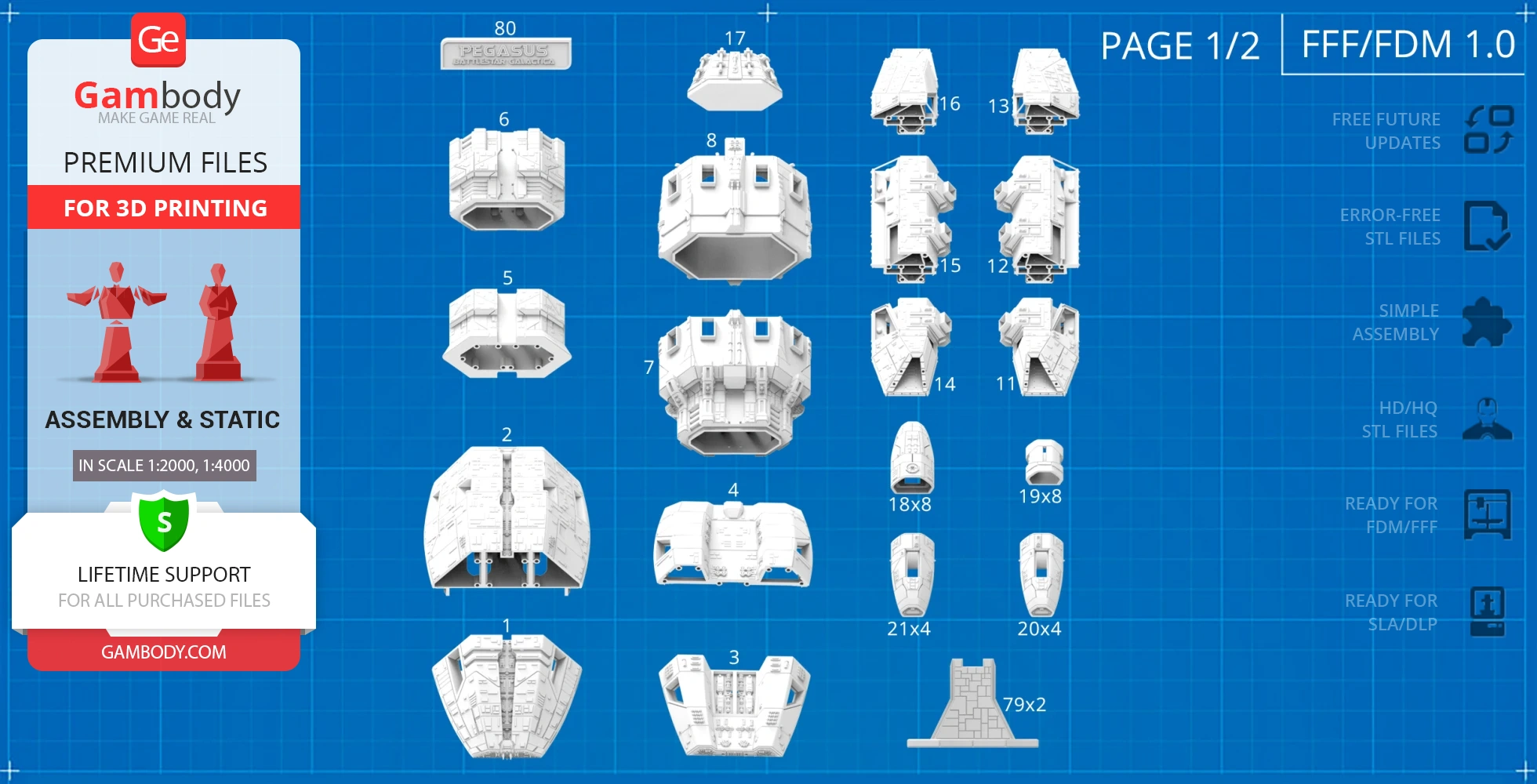
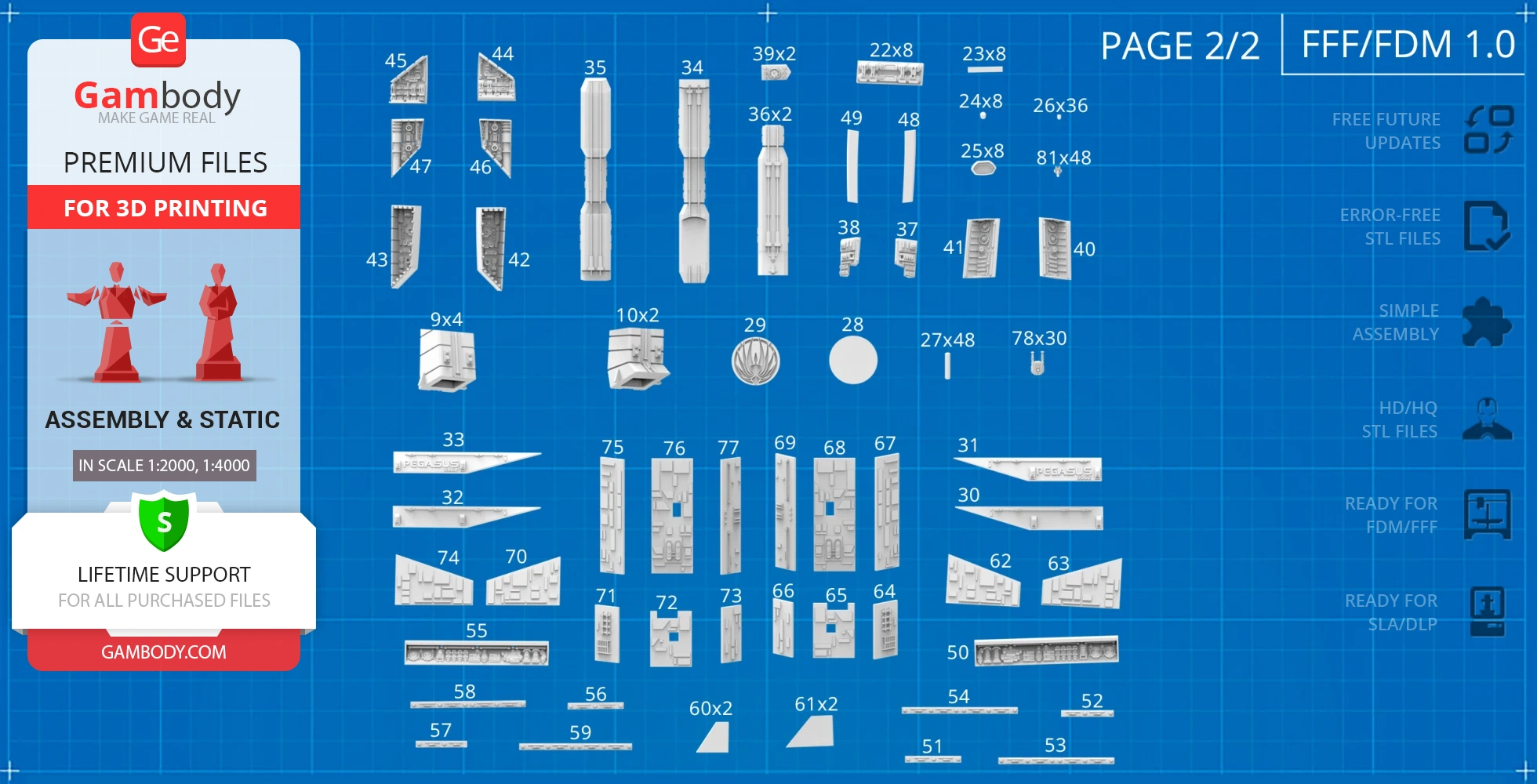
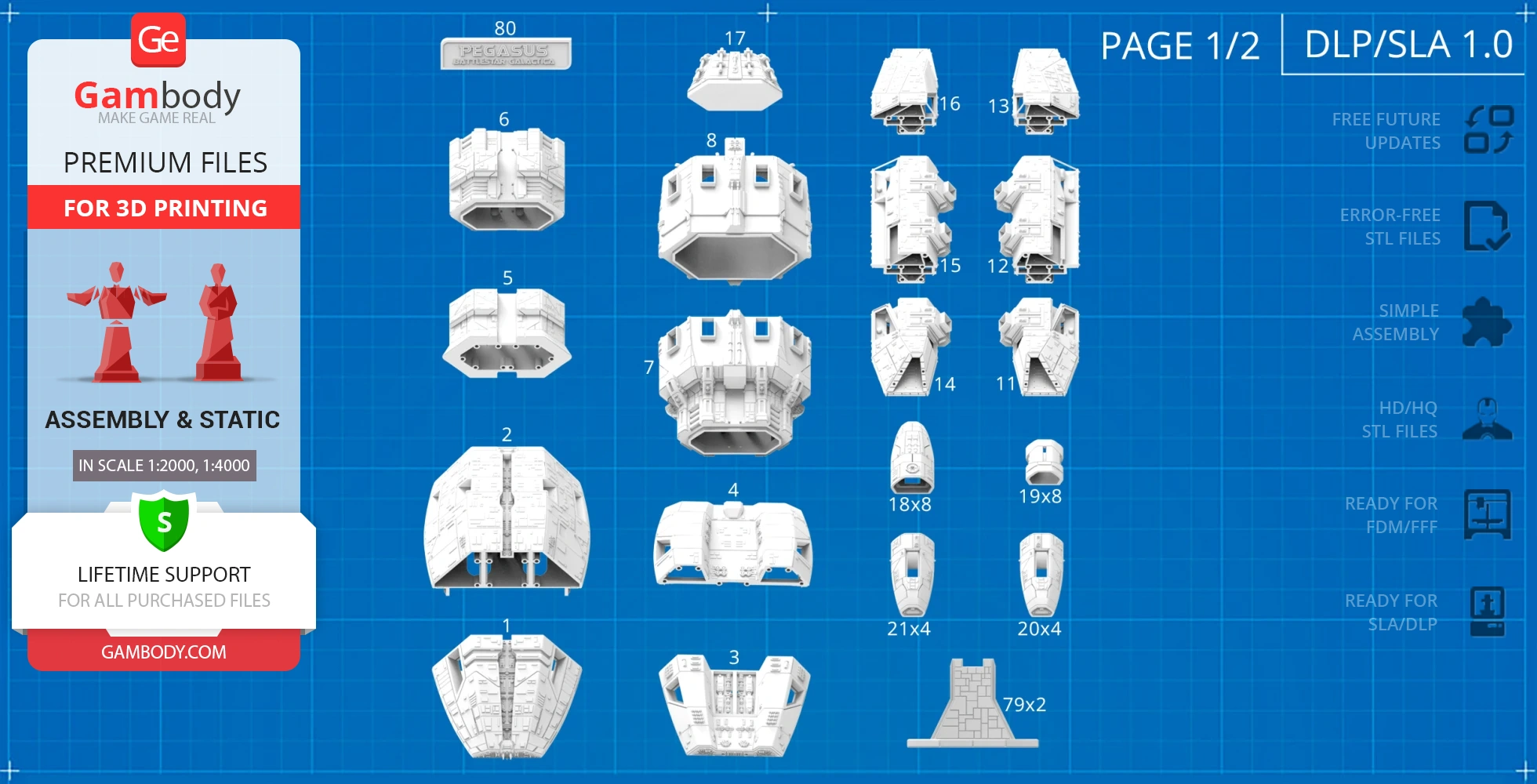
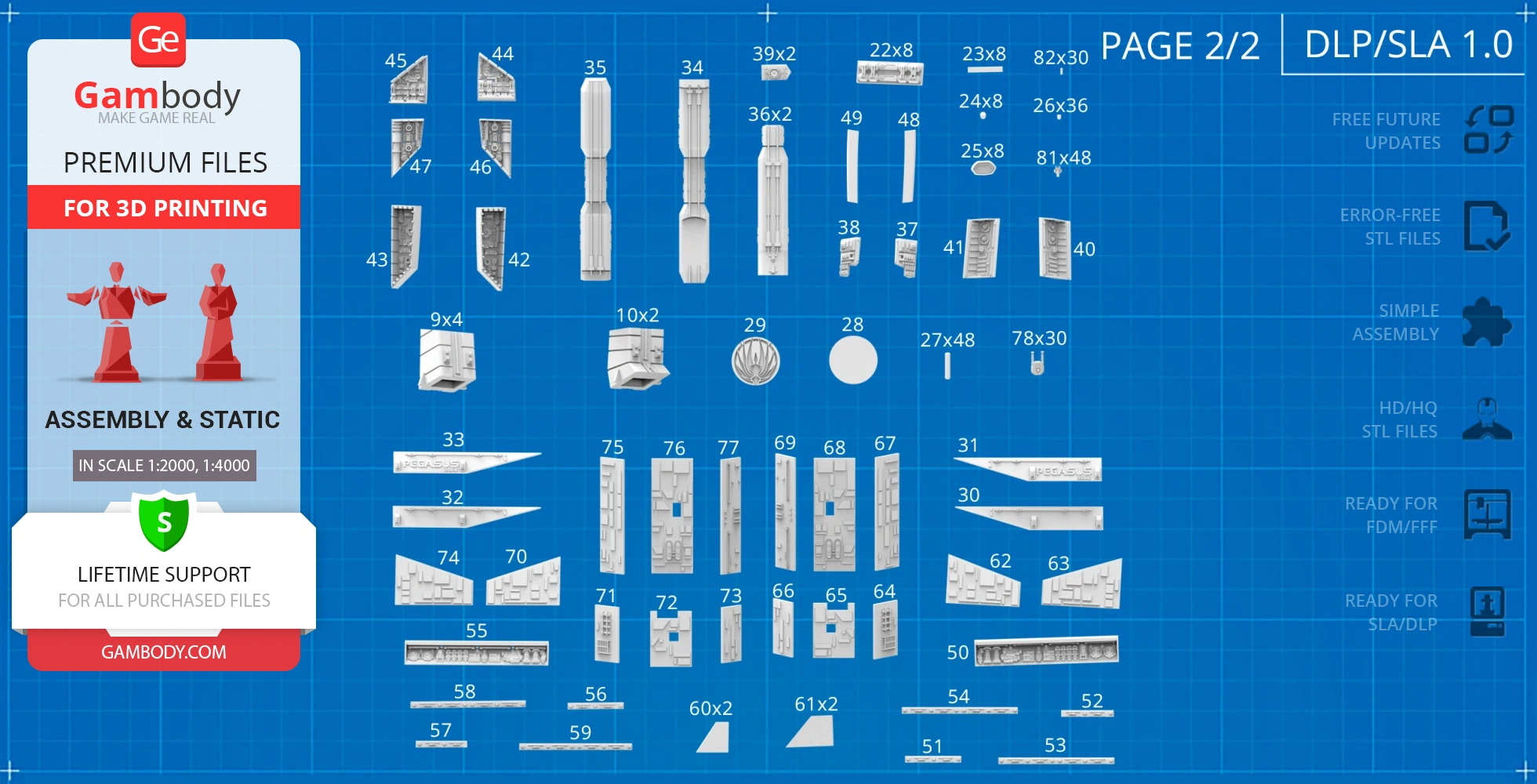
- STL files of high-poly Pegasus Model for 3D printing consist of 163 files;
- Sizes for:
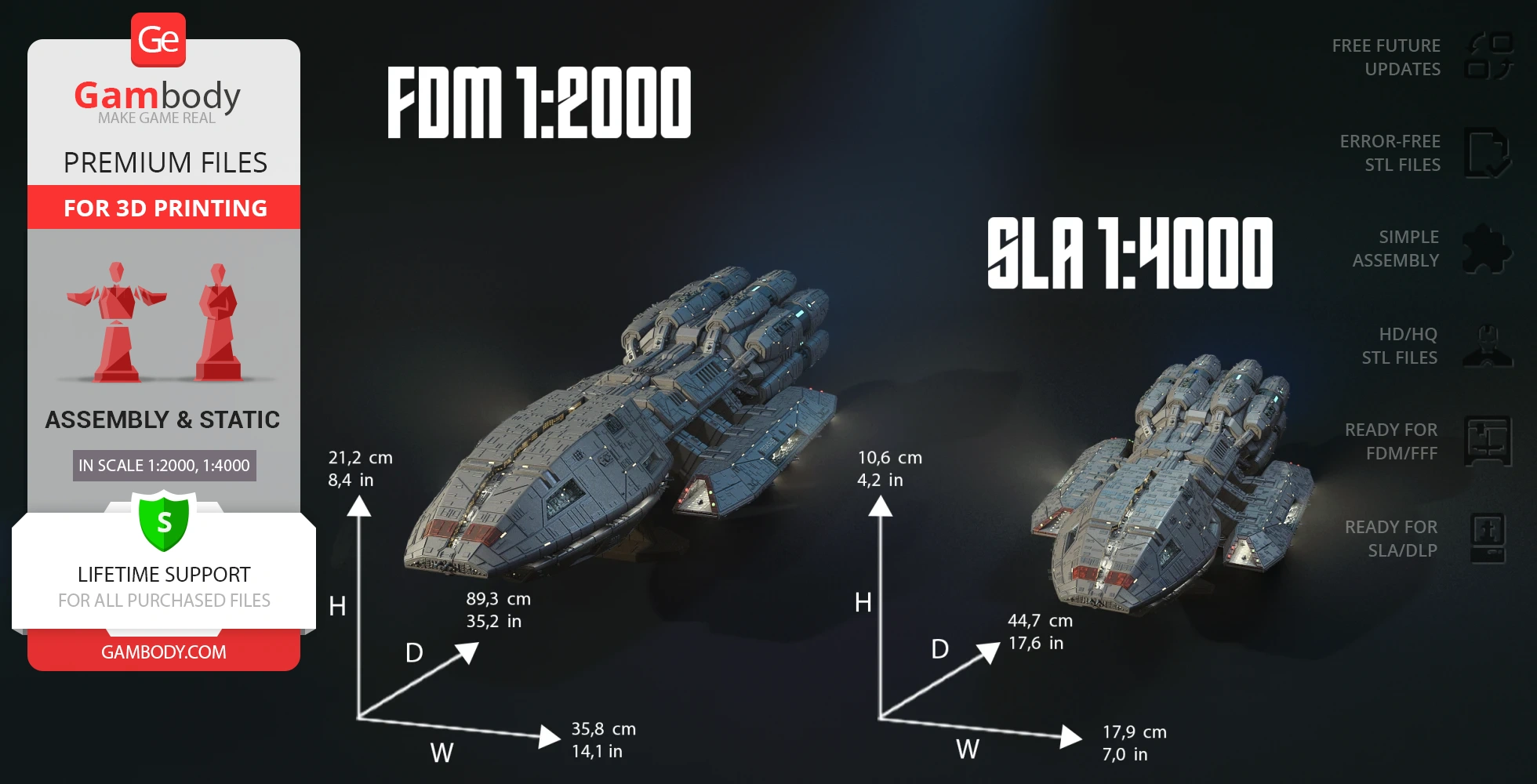
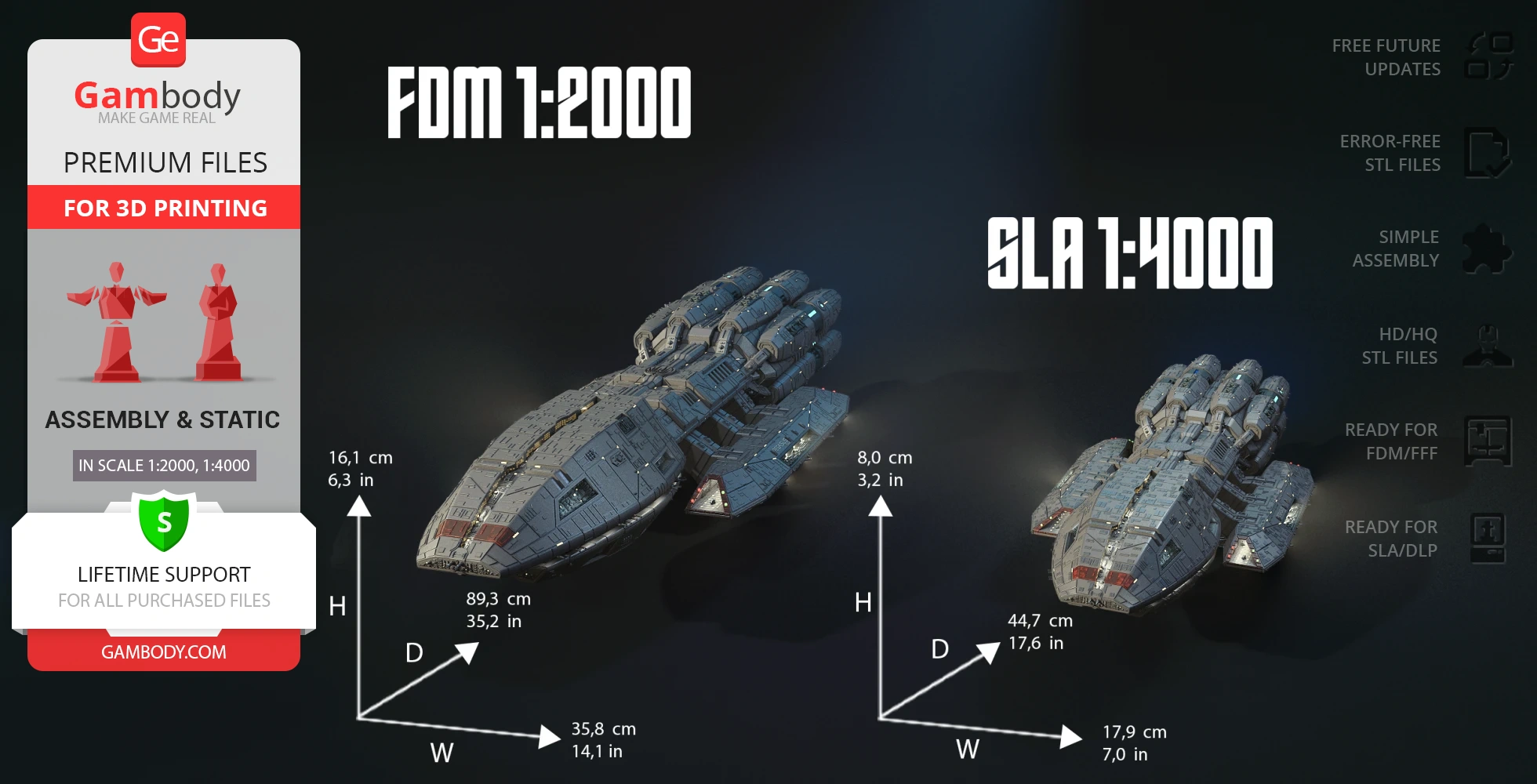
- FFF/FDM: 161 mm tall, 358 mm wide, 893 mm deep;
- FFF/FDM on the platform: 212 mm tall, 358 mm wide, 893 mm deep;
- DLP/SLA: 80 mm tall, 179 mm wide, 447 mm deep;
- DLP/SLA on the platform: 106 mm tall, 179 mm wide, 447 mm deep;
- Assembly Manual for FFF/FDM 1.0 and DLP/SLA 1.0 versions in PDF and video formats;
- Detailed settings that we provide as a recommendation for Cura, Bambu Studio, Simplify3D, Slic3r and PrusaSlicer for the best print;
- Full technical support from the Gambody Support Team.
Detailed information about this 3D printing model is available in the DESCRIPTION section.
Before printing, take a look at Printing Details for recommended settings and tips to achieve better results.
| File name | Size (mm | in) | Size(mb) | Printing Time / Filament | |||
|---|---|---|---|---|---|---|
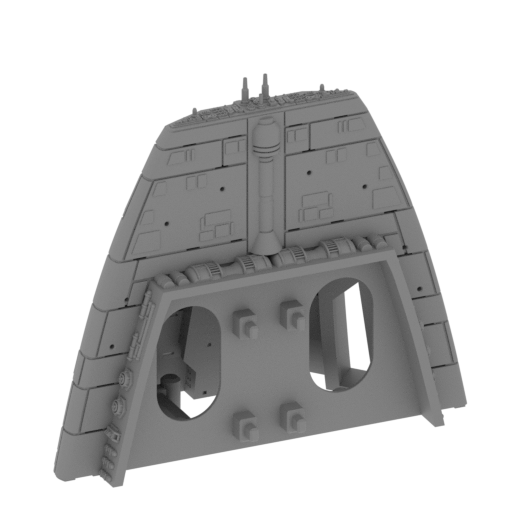 | _01_spaceshipHull_a_FDM (repaired).stl 141.7 x 141.42 x 161.18 mm | 5.58 x 5.57 x 6.35 in | Size: 141.7 x 141.42 x 161.18 mm | 5.58 x 5.57 x 6.35 in | File size: 51.30 mb | Printing Time / Filament: 60 h 31 min / 33 m | ||
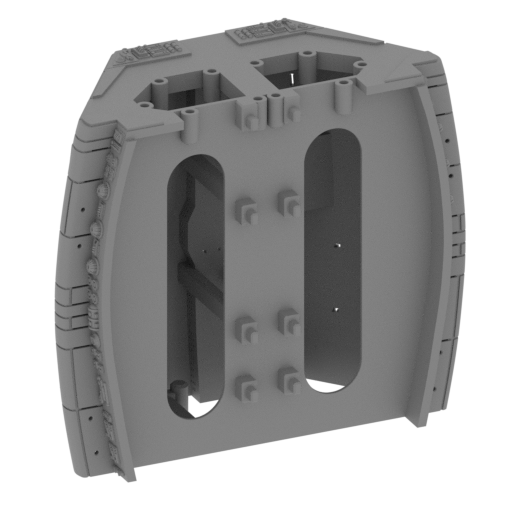 | _02_spaceshipHull_b_FDM (repaired).stl 156.47 x 156.47 x 179.15 mm | 6.16 x 6.16 x 7.05 in | Size: 156.47 x 156.47 x 179.15 mm | 6.16 x 6.16 x 7.05 in | File size: 59.93 mb | Printing Time / Filament: 144 h 17 min / 105 m | ||
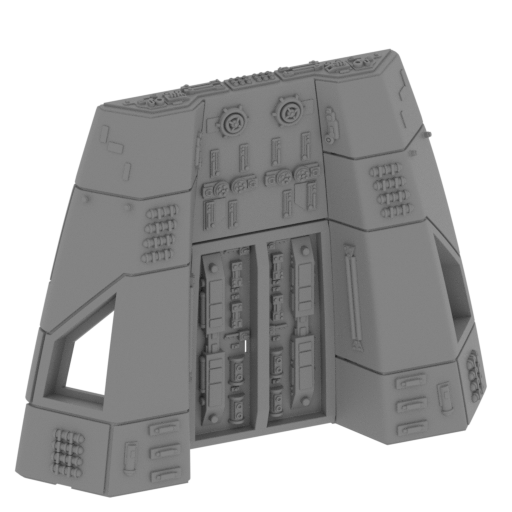 | _03_spaceshipHull_c_FDM (repaired).stl 139.2 x 139.2 x 141.65 mm | 5.48 x 5.48 x 5.58 in | Size: 139.2 x 139.2 x 141.65 mm | 5.48 x 5.48 x 5.58 in | File size: 42.25 mb | Printing Time / Filament: 45 h 4 min / 25 m | ||
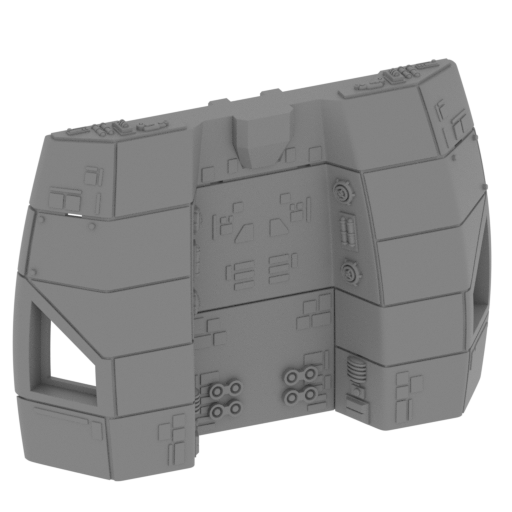 | _04_spaceshipHull_d_FDM (repaired).stl 146.95 x 146.95 x 133.75 mm | 5.79 x 5.79 x 5.27 in | Size: 146.95 x 146.95 x 133.75 mm | 5.79 x 5.79 x 5.27 in | File size: 19.66 mb | Printing Time / Filament: 46 h 5 min / 29 m | ||
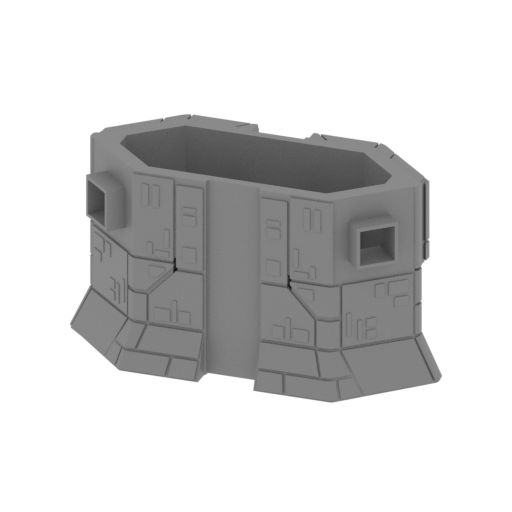 | _05_spaceshipHull_e_FDM (repaired).stl 158.34 x 72.04 x 85.19 mm | 6.23 x 2.84 x 3.35 in | Size: 158.34 x 72.04 x 85.19 mm | 6.23 x 2.84 x 3.35 in | File size: 4.33 mb | Printing Time / Filament: 35 h 21 min / 20 m | ||
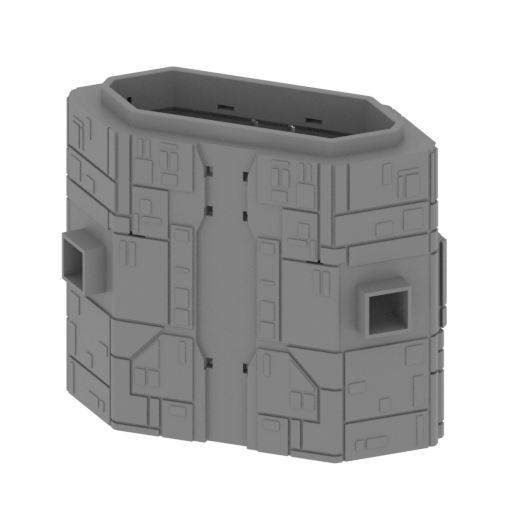 | _06_spaceshipHull_f_FDM (repaired).stl 141.2 x 65.48 x 122.9 mm | 5.56 x 2.58 x 4.84 in | Size: 141.2 x 65.48 x 122.9 mm | 5.56 x 2.58 x 4.84 in | File size: 2.37 mb | Printing Time / Filament: 51 h 7 min / 30 m | ||
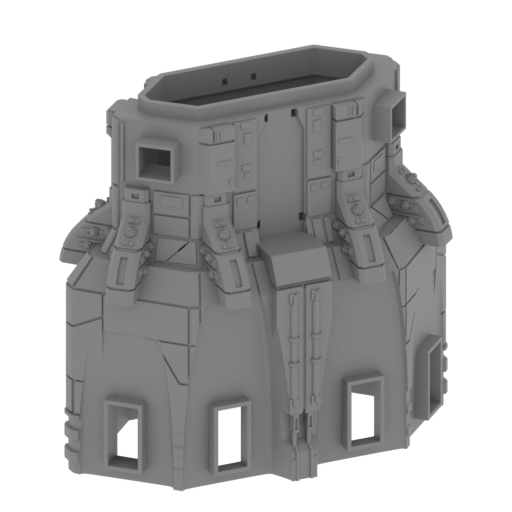 | _07_spaceshipHull_g_FDM (repaired).stl 157.61 x 157.61 x 176.97 mm | 6.21 x 6.21 x 6.97 in | Size: 157.61 x 157.61 x 176.97 mm | 6.21 x 6.21 x 6.97 in | File size: 24.86 mb | Printing Time / Filament: 117 h 58 min / 78 m | ||
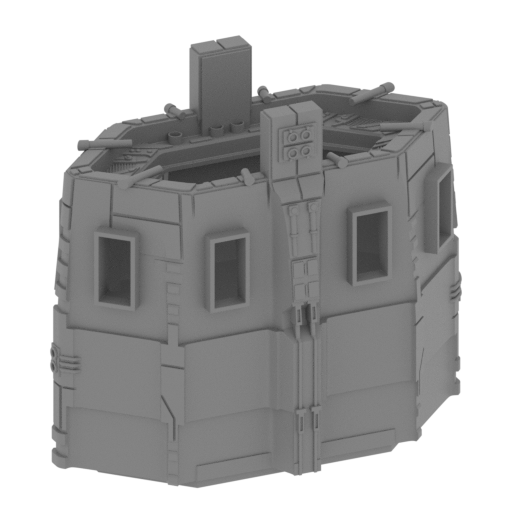 | _08_spaceshipHull_h_FDM (repaired).stl 142.79 x 142.58 x 166.01 mm | 5.62 x 5.61 x 6.54 in | Size: 142.79 x 142.58 x 166.01 mm | 5.62 x 5.61 x 6.54 in | File size: 25.80 mb | Printing Time / Filament: 101 h 23 min / 71 m | ||
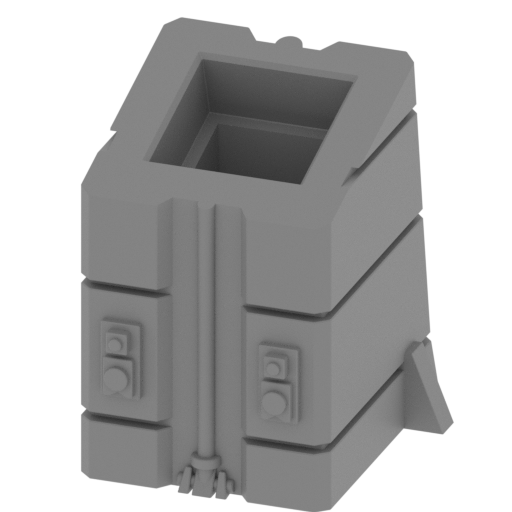 | _09_spaceshipHull_i_X4_FDM (repaired).stl 39.52 x 41.02 x 44.59 mm | 1.56 x 1.61 x 1.76 in | Size: 39.52 x 41.02 x 44.59 mm | 1.56 x 1.61 x 1.76 in | File size: 1.41 mb | Printing Time / Filament: 3 h 51 min / 2 m | ||
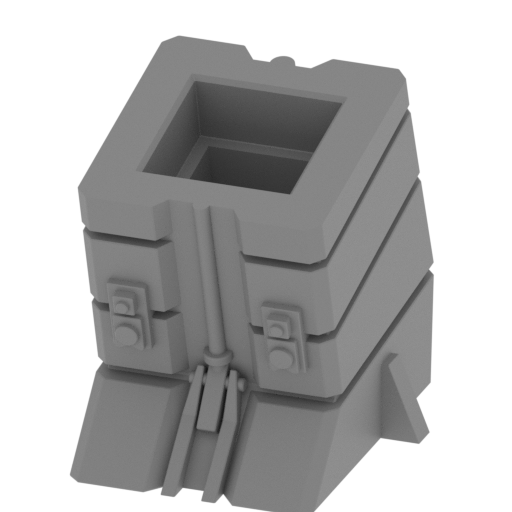 | _10_spaceshipHull_j_X2_FDM (repaired).stl 39.51 x 45.63 x 42.51 mm | 1.56 x 1.8 x 1.67 in | Size: 39.51 x 45.63 x 42.51 mm | 1.56 x 1.8 x 1.67 in | File size: 1.88 mb | Printing Time / Filament: 4 h 18 min / 2 m | ||
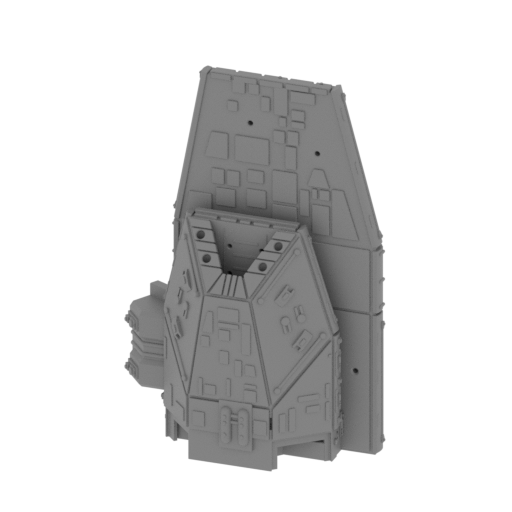 | _11_spaceshipAirfield_a_L_FDM (repaired).stl 99.06 x 64.21 x 143.72 mm | 3.9 x 2.53 x 5.66 in | Size: 99.06 x 64.21 x 143.72 mm | 3.9 x 2.53 x 5.66 in | File size: 39.92 mb | Printing Time / Filament: 44 h 53 min / 23 m | ||
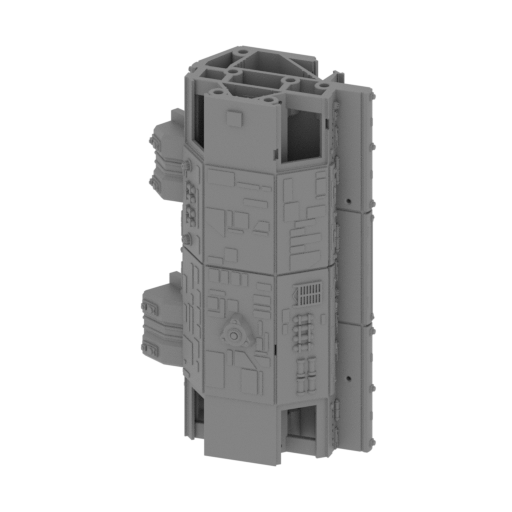 | _12_spaceshipAirfield_b_L_FDM (repaired).stl 105.03 x 66.57 x 166.19 mm | 4.14 x 2.62 x 6.54 in | Size: 105.03 x 66.57 x 166.19 mm | 4.14 x 2.62 x 6.54 in | File size: 67.31 mb | Printing Time / Filament: 66 h 27 min / 34 m | ||
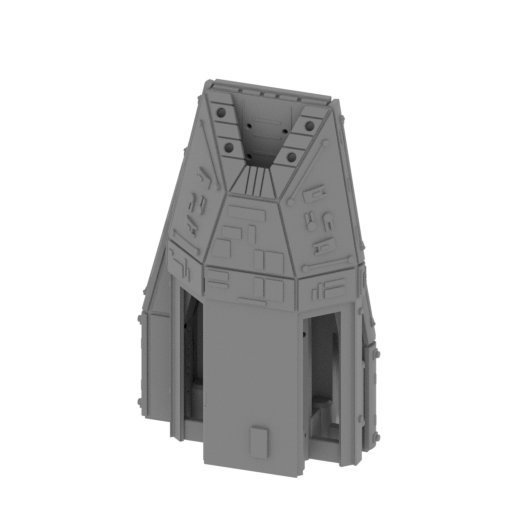 | _13_spaceshipAirfield_c_L_FDM.stl 83.61 x 56.84 x 128.16 mm | 3.29 x 2.24 x 5.05 in | Size: 83.61 x 56.84 x 128.16 mm | 3.29 x 2.24 x 5.05 in | File size: 45.77 mb | Printing Time / Filament: 34 h 56 min / 18 m | ||
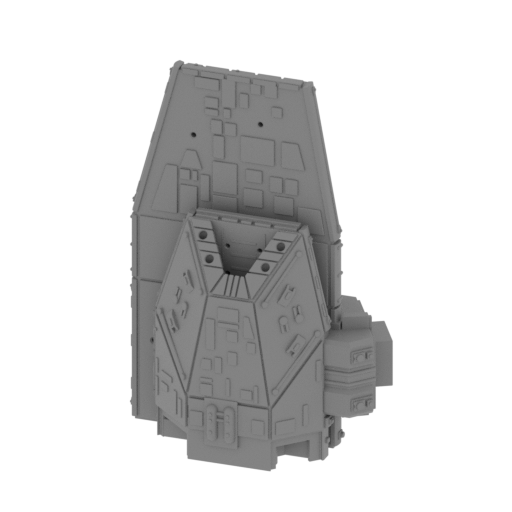 | _14_spaceshipAirfield_d_R_FDM (repaired).stl 99.06 x 64.21 x 143.72 mm | 3.9 x 2.53 x 5.66 in | Size: 99.06 x 64.21 x 143.72 mm | 3.9 x 2.53 x 5.66 in | File size: 39.84 mb | Printing Time / Filament: 45 h 7 min / 23 m | ||
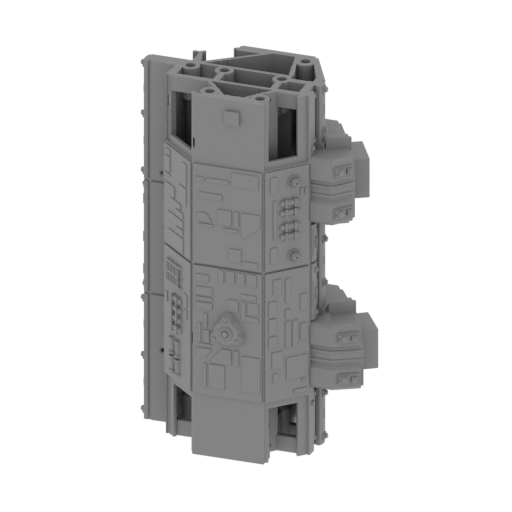 | _15_spaceshipAirfield_e_R_FDM (repaired).stl 105.03 x 66.57 x 166.19 mm | 4.14 x 2.62 x 6.54 in | Size: 105.03 x 66.57 x 166.19 mm | 4.14 x 2.62 x 6.54 in | File size: 67.20 mb | Printing Time / Filament: 67 h 34 min / 34 m | ||
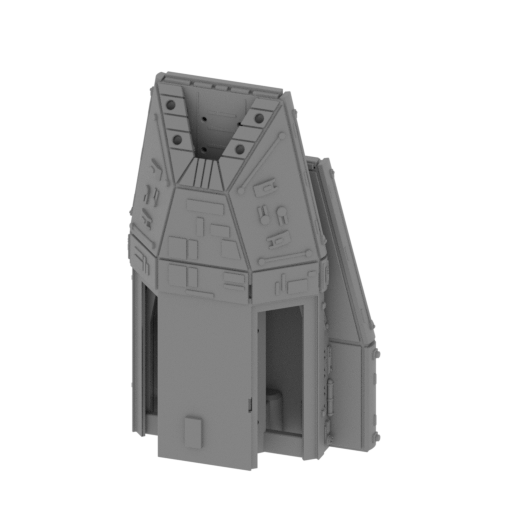 | _16_spaceshipAirfield_f_R_FDM.stl 83.61 x 56.84 x 128.16 mm | 3.29 x 2.24 x 5.05 in | Size: 83.61 x 56.84 x 128.16 mm | 3.29 x 2.24 x 5.05 in | File size: 45.77 mb | Printing Time / Filament: 35 h 8 min / 18 m | ||
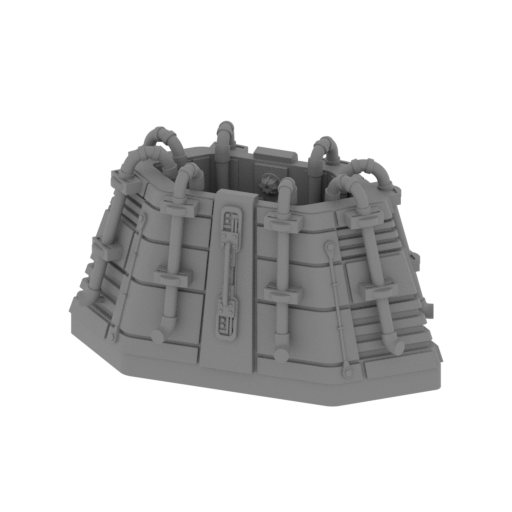 | _17_engine_a_FDM (repaired).stl 116.41 x 63.53 x 67.68 mm | 4.58 x 2.5 x 2.66 in | Size: 116.41 x 63.53 x 67.68 mm | 4.58 x 2.5 x 2.66 in | File size: 54.84 mb | Printing Time / Filament: 22 h 60 min / 11 m | ||
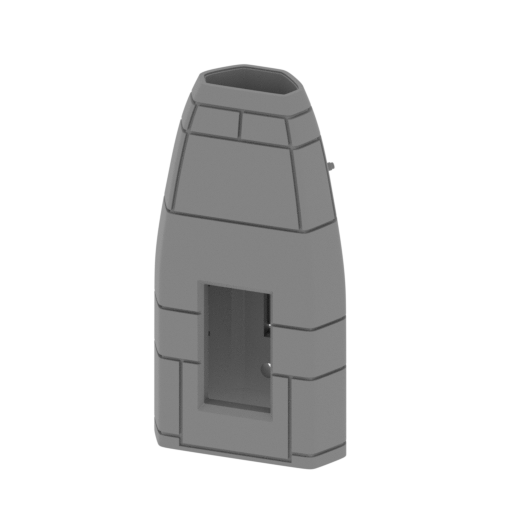 | _18_engine_b_X8_FDM (repaired).stl 53.39 x 31.75 x 103.43 mm | 2.1 x 1.25 x 4.07 in | Size: 53.39 x 31.75 x 103.43 mm | 2.1 x 1.25 x 4.07 in | File size: 9.66 mb | Printing Time / Filament: 11 h 26 min / 6 m | ||
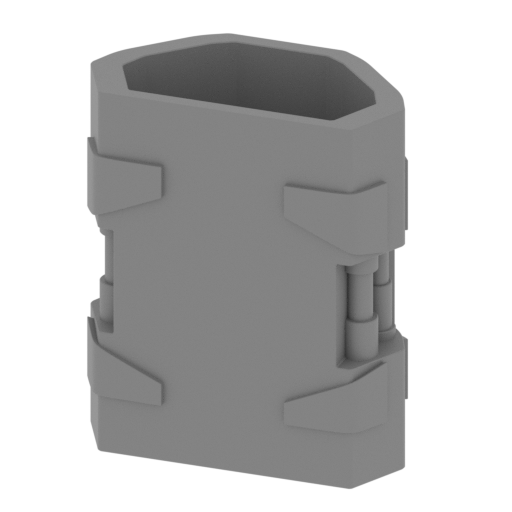 | _19_engine_c_X8_FDM (repaired).stl 46.1 x 26.77 x 54.39 mm | 1.81 x 1.05 x 2.14 in | Size: 46.1 x 26.77 x 54.39 mm | 1.81 x 1.05 x 2.14 in | File size: 1.45 mb | Printing Time / Filament: 4 h 26 min / 2 m | ||
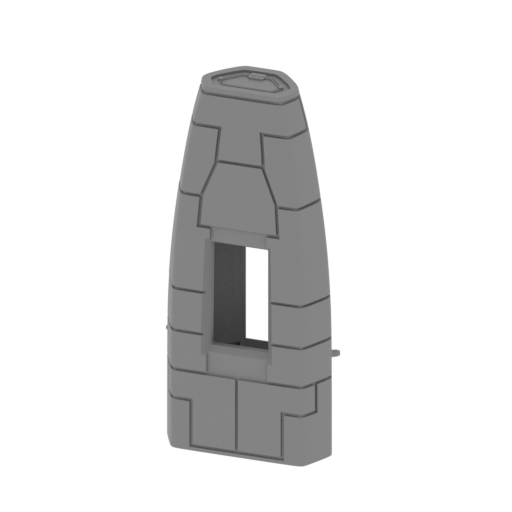 | _20_engine_d_X4_FDM (repaired).stl 56.7 x 34.74 x 120.35 mm | 2.23 x 1.37 x 4.74 in | Size: 56.7 x 34.74 x 120.35 mm | 2.23 x 1.37 x 4.74 in | File size: 7.83 mb | Printing Time / Filament: 13 h 46 min / 8 m | ||
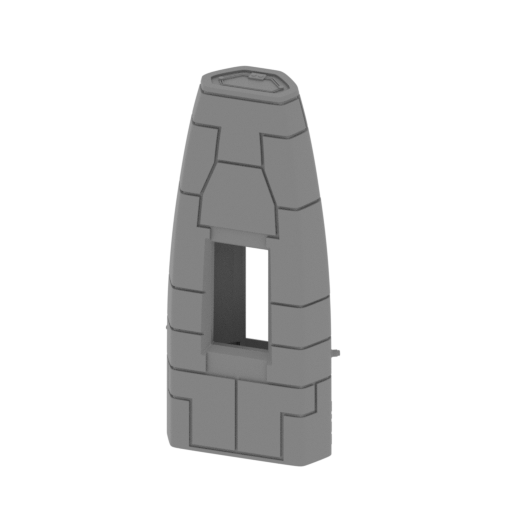 | _21_engine_e_X4_FDM (repaired).stl 56.7 x 34.74 x 120.35 mm | 2.23 x 1.37 x 4.74 in | Size: 56.7 x 34.74 x 120.35 mm | 2.23 x 1.37 x 4.74 in | File size: 7.83 mb | Printing Time / Filament: 13 h 45 min / 8 m | ||
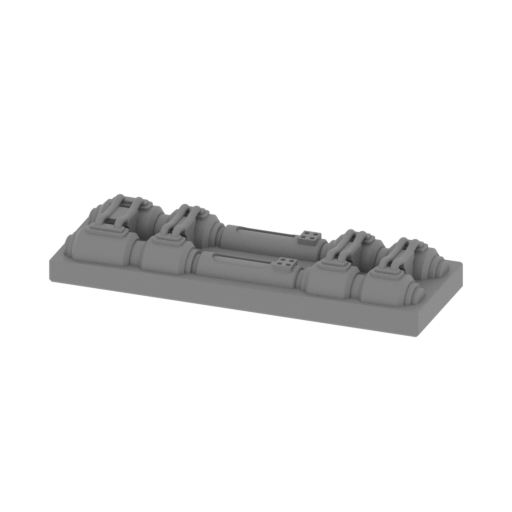 | _22_enginePart_a_X8_FDM (repaired).stl 49.41 x 16.64 x 7.93 mm | 1.95 x 0.66 x 0.31 in | Size: 49.41 x 16.64 x 7.93 mm | 1.95 x 0.66 x 0.31 in | File size: 11.96 mb | Printing Time / Filament: 49 min / <1 m | ||
 | _23_enginePart_b_X8_FDM (repaired).stl 25.93 x 4 x 1.73 mm | 1.02 x 0.16 x 0.07 in | Size: 25.93 x 4 x 1.73 mm | 1.02 x 0.16 x 0.07 in | File size: 0.01 mb | Printing Time / Filament: 4 min / <1 m | ||
 | _24_enginePart_c_X8_FDM (repaired).stl 4.54 x 4.54 x 4.02 mm | 0.18 x 0.18 x 0.16 in | Size: 4.54 x 4.54 x 4.02 mm | 0.18 x 0.18 x 0.16 in | File size: 0.15 mb | Printing Time / Filament: 2 min / <1 m | ||
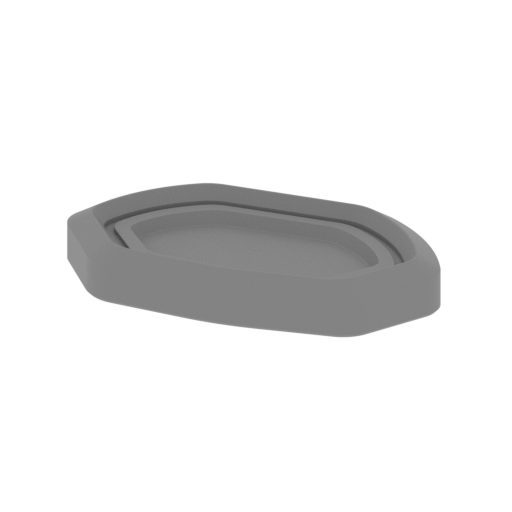 | _25_enginePart_D_X8_FDM (repaired).stl 18.84 x 10.83 x 2.66 mm | 0.74 x 0.43 x 0.1 in | Size: 18.84 x 10.83 x 2.66 mm | 0.74 x 0.43 x 0.1 in | File size: 0.22 mb | Printing Time / Filament: 6 min / <1 m | ||
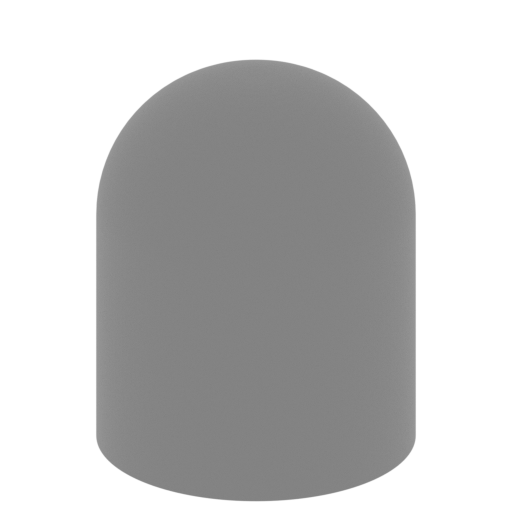 | _26_light_a_X36_FDM (repaired).stl 2.92 x 2.92 x 3.6 mm | 0.11 x 0.11 x 0.14 in | Size: 2.92 x 2.92 x 3.6 mm | 0.11 x 0.11 x 0.14 in | File size: 0.43 mb | Printing Time / Filament: 1 min / <1 m | ||
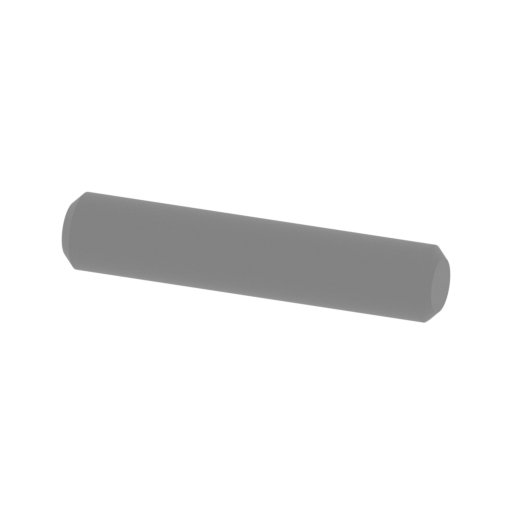 | _27_pin_V1_X48_FDM (repaired).stl 20 x 4 x 3.86 mm | 0.79 x 0.16 x 0.15 in | Size: 20 x 4 x 3.86 mm | 0.79 x 0.16 x 0.15 in | File size: 0.17 mb | Printing Time / Filament: 4 min / <1 m | ||
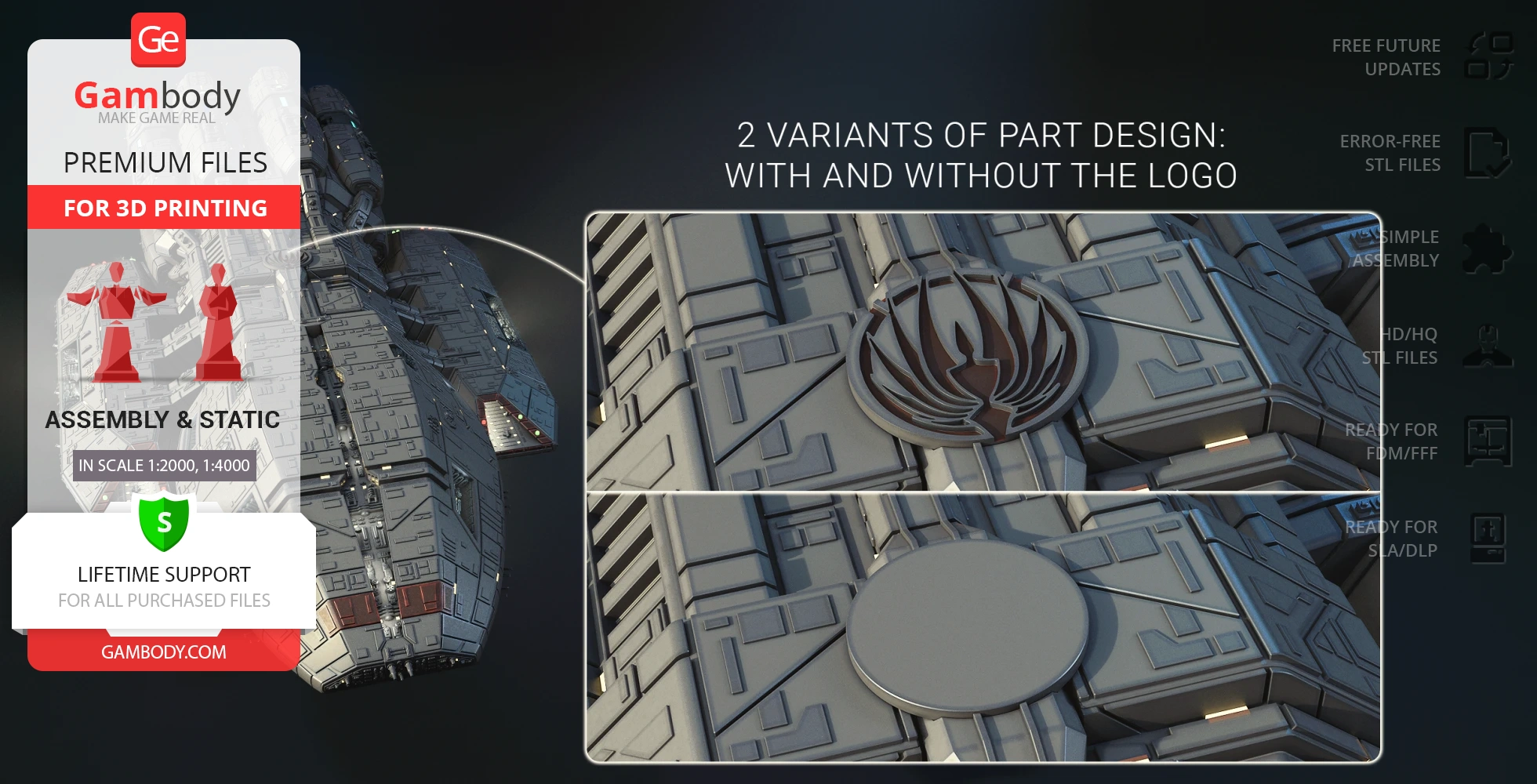
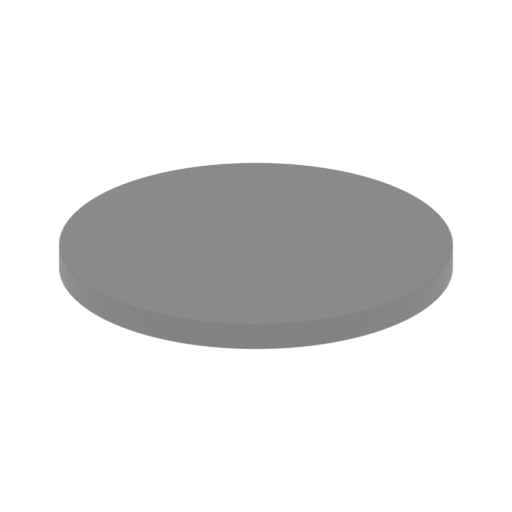 | _28_logo_a_FDM (repaired).stl 36 x 36 x 2.53 mm | 1.42 x 1.42 x 0.1 in | Size: 36 x 36 x 2.53 mm | 1.42 x 1.42 x 0.1 in | File size: 0.39 mb | Printing Time / Filament: 28 min / <1 m | ||
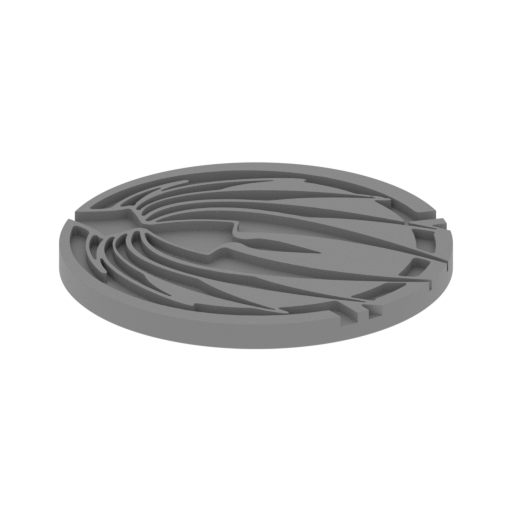 | _29_logo_b_V2_FDM (repaired).stl 36 x 36 x 2.53 mm | 1.42 x 1.42 x 0.1 in | Size: 36 x 36 x 2.53 mm | 1.42 x 1.42 x 0.1 in | File size: 1.42 mb | Printing Time / Filament: 36 min / <1 m | ||
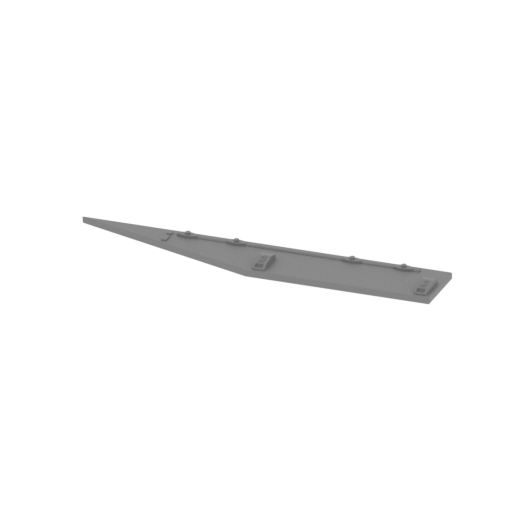 | _30_logo_c_L_FDM (repaired).stl 109.98 x 18.56 x 4.69 mm | 4.33 x 0.73 x 0.18 in | Size: 109.98 x 18.56 x 4.69 mm | 4.33 x 0.73 x 0.18 in | File size: 0.45 mb | Printing Time / Filament: 45 min / <1 m | ||
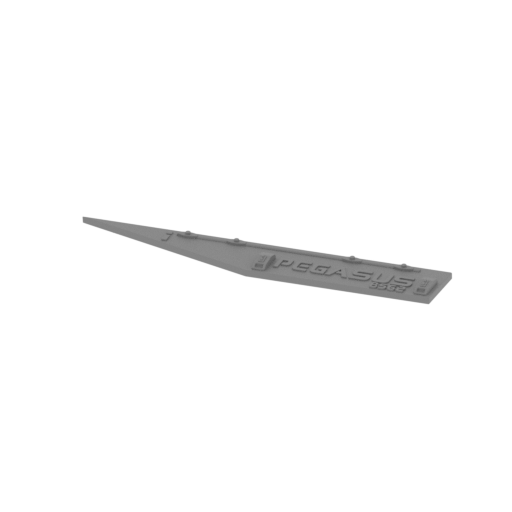 | _31_logo_d_L_FDM (repaired).stl 109.98 x 18.56 x 4.69 mm | 4.33 x 0.73 x 0.18 in | Size: 109.98 x 18.56 x 4.69 mm | 4.33 x 0.73 x 0.18 in | File size: 0.76 mb | Printing Time / Filament: 48 min / <1 m | ||
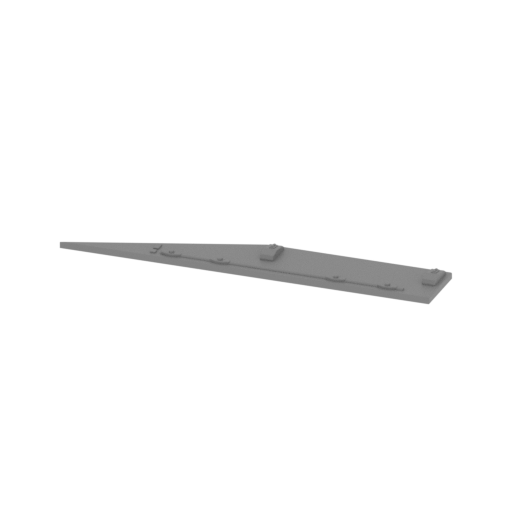 | _32_logo_e_R_FDM (repaired).stl 109.98 x 18.56 x 4.69 mm | 4.33 x 0.73 x 0.18 in | Size: 109.98 x 18.56 x 4.69 mm | 4.33 x 0.73 x 0.18 in | File size: 0.45 mb | Printing Time / Filament: 45 min / <1 m | ||
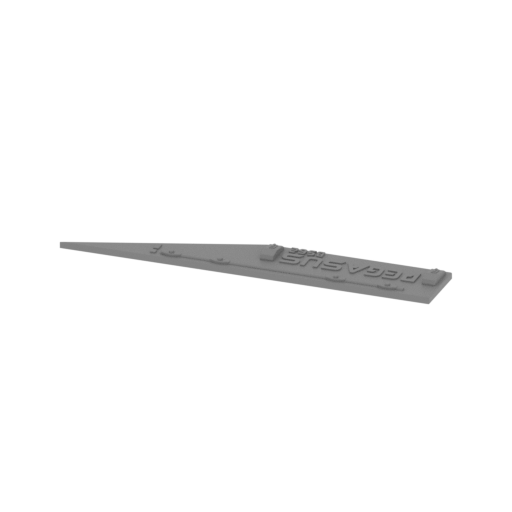 | _33_logo_f_R_FDM (repaired).stl 109.98 x 18.56 x 4.69 mm | 4.33 x 0.73 x 0.18 in | Size: 109.98 x 18.56 x 4.69 mm | 4.33 x 0.73 x 0.18 in | File size: 0.76 mb | Printing Time / Filament: 47 min / <1 m | ||
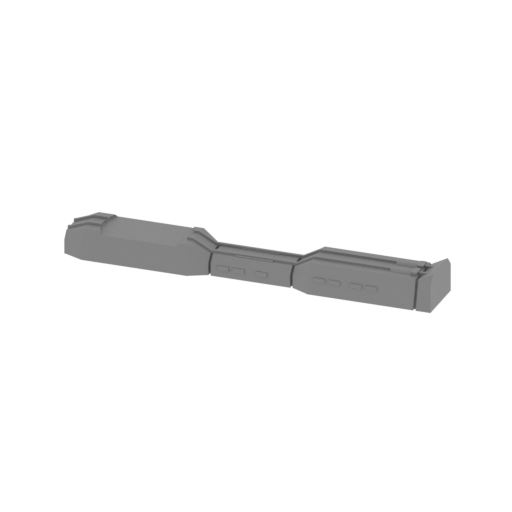 | _34_spaceshipPart_a_FDM (repaired).stl 151.18 x 23.31 x 14.99 mm | 5.95 x 0.92 x 0.59 in | Size: 151.18 x 23.31 x 14.99 mm | 5.95 x 0.92 x 0.59 in | File size: 0.53 mb | Printing Time / Filament: 3 h 22 min / 2 m | ||
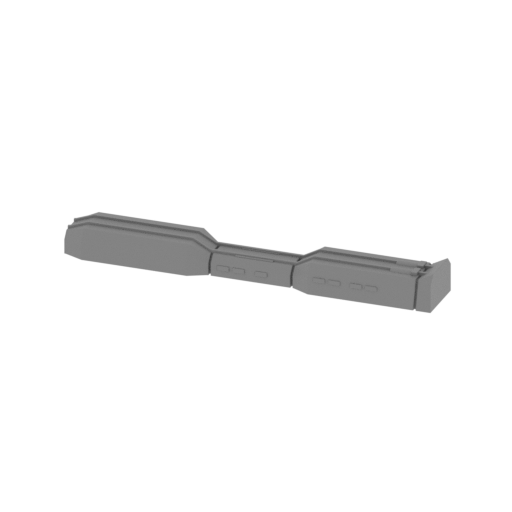 | _35_spaceshipPart_b_FDM (repaired).stl 151.18 x 23.31 x 14.99 mm | 5.95 x 0.92 x 0.59 in | Size: 151.18 x 23.31 x 14.99 mm | 5.95 x 0.92 x 0.59 in | File size: 0.30 mb | Printing Time / Filament: 3 h 24 min / 2 m | ||
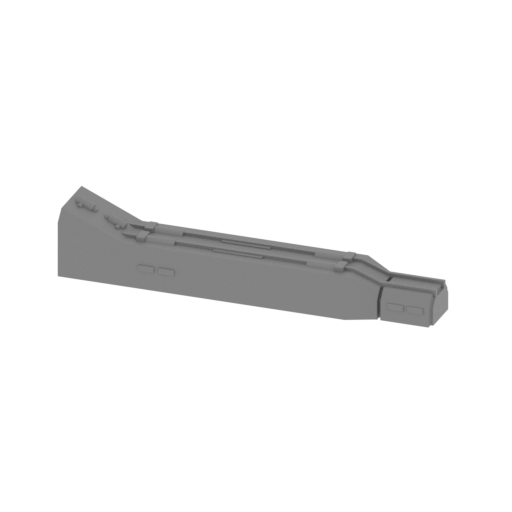 | _36_spaceshipPart_c_X2_FDM (repaired).stl 111.63 x 23.31 x 20.72 mm | 4.39 x 0.92 x 0.82 in | Size: 111.63 x 23.31 x 20.72 mm | 4.39 x 0.92 x 0.82 in | File size: 0.70 mb | Printing Time / Filament: 2 h 47 min / 2 m | ||
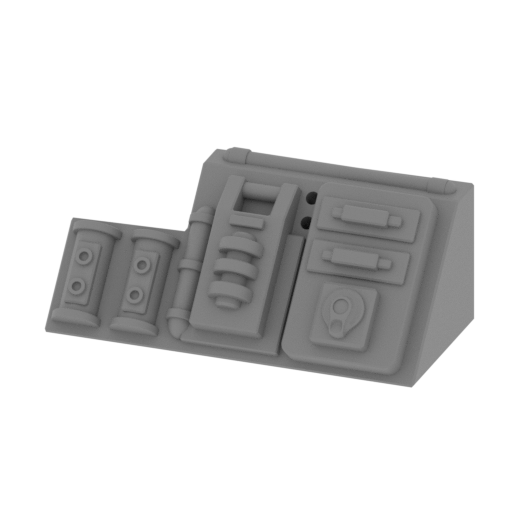 | _37_spaceshipPart_d_L_FDM (repaired).stl 28.29 x 14.1 x 11.59 mm | 1.11 x 0.56 x 0.46 in | Size: 28.29 x 14.1 x 11.59 mm | 1.11 x 0.56 x 0.46 in | File size: 2.53 mb | Printing Time / Filament: 25 min / <1 m | ||
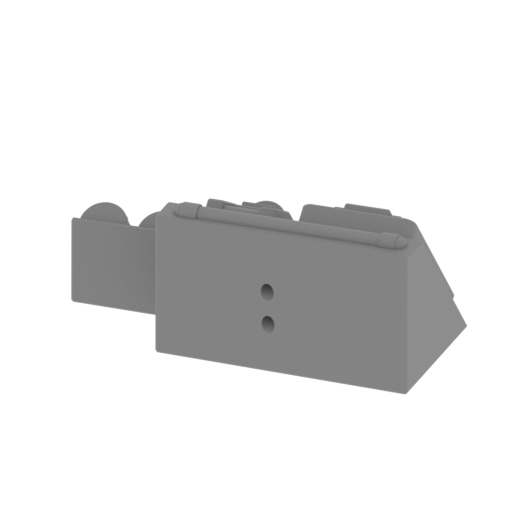 | _38_spaceshipPart_e_R_FDM (repaired).stl 28.29 x 14.1 x 11.59 mm | 1.11 x 0.56 x 0.46 in | Size: 28.29 x 14.1 x 11.59 mm | 1.11 x 0.56 x 0.46 in | File size: 2.52 mb | Printing Time / Filament: 25 min / <1 m | ||
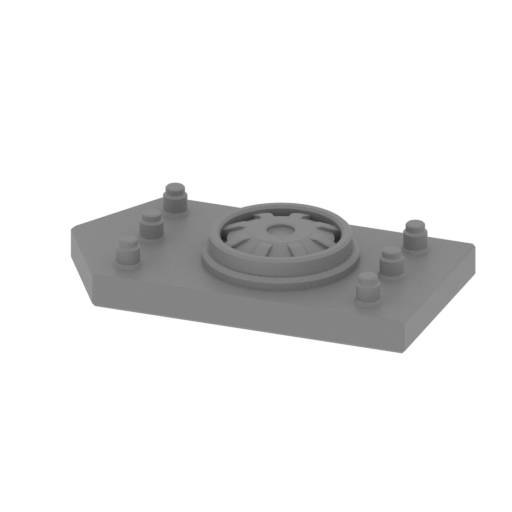 | _39_spaceshipPart_f_X2_FDM (repaired).stl 21.97 x 11.62 x 3.76 mm | 0.86 x 0.46 x 0.15 in | Size: 21.97 x 11.62 x 3.76 mm | 0.86 x 0.46 x 0.15 in | File size: 0.59 mb | Printing Time / Filament: 10 min / <1 m | ||
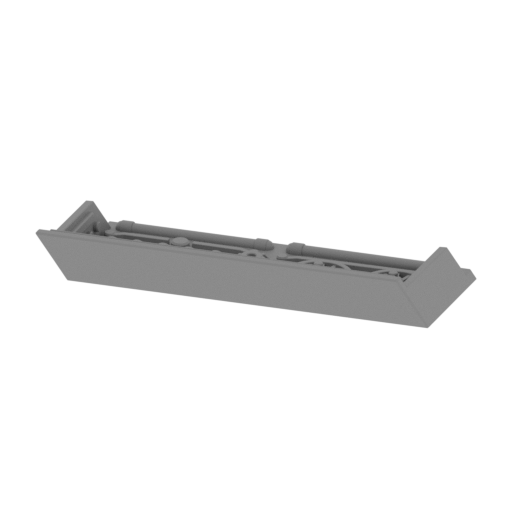 | _40_spaceshipPart_g_L_FDM (repaired).stl 45.66 x 24.5 x 9.29 mm | 1.8 x 0.96 x 0.37 in | Size: 45.66 x 24.5 x 9.29 mm | 1.8 x 0.96 x 0.37 in | File size: 5.25 mb | Printing Time / Filament: 40 min / <1 m | ||
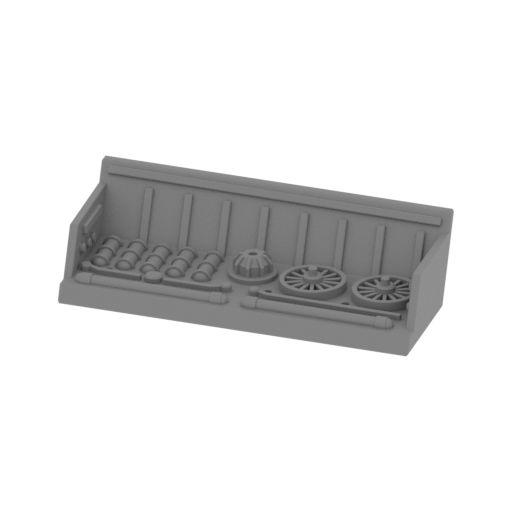 | _41_spaceshipPart_h_R_FDM (repaired).stl 46.58 x 22.67 x 9.3 mm | 1.83 x 0.89 x 0.37 in | Size: 46.58 x 22.67 x 9.3 mm | 1.83 x 0.89 x 0.37 in | File size: 5.23 mb | Printing Time / Filament: 39 min / <1 m | ||
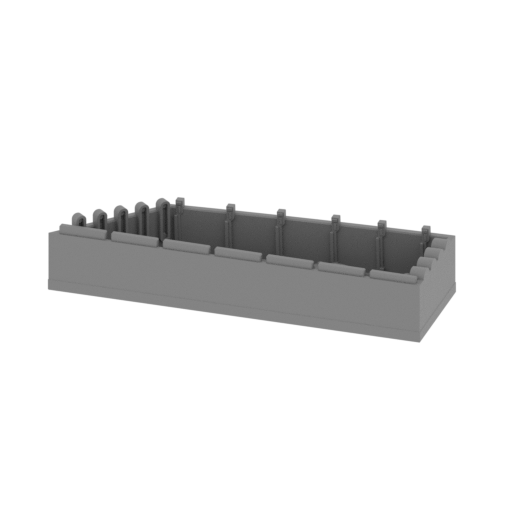 | _42_spaceshipPart_i_L_FDM (repaired).stl 62.14 x 21.46 x 12.37 mm | 2.45 x 0.84 x 0.49 in | Size: 62.14 x 21.46 x 12.37 mm | 2.45 x 0.84 x 0.49 in | File size: 7.54 mb | Printing Time / Filament: 1 h 27 min / 1 m | ||
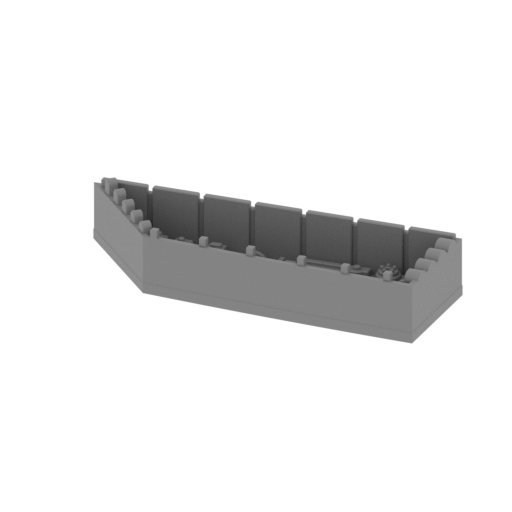 | _43_spaceshipPart_j_R_FDM (repaired).stl 62.15 x 20.3 x 12.37 mm | 2.45 x 0.8 x 0.49 in | Size: 62.15 x 20.3 x 12.37 mm | 2.45 x 0.8 x 0.49 in | File size: 7.54 mb | Printing Time / Filament: 1 h 26 min / 1 m | ||
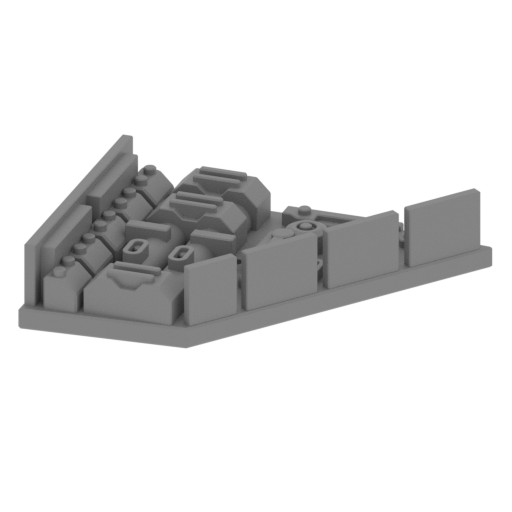 | _44_spaceshipPart_k_L_FDM (repaired).stl 36.27 x 28.8 x 8.21 mm | 1.43 x 1.13 x 0.32 in | Size: 36.27 x 28.8 x 8.21 mm | 1.43 x 1.13 x 0.32 in | File size: 1.73 mb | Printing Time / Filament: 49 min / <1 m | ||
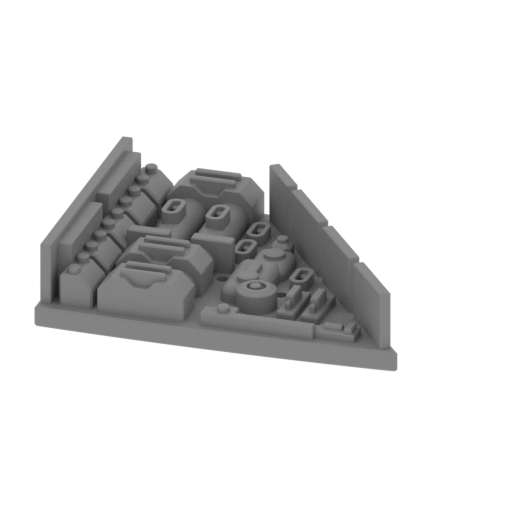 | _45_spaceshipPart_l_R_FDM (repaired).stl 37.64 x 28.32 x 8.21 mm | 1.48 x 1.11 x 0.32 in | Size: 37.64 x 28.32 x 8.21 mm | 1.48 x 1.11 x 0.32 in | File size: 1.72 mb | Printing Time / Filament: 51 min / <1 m | ||
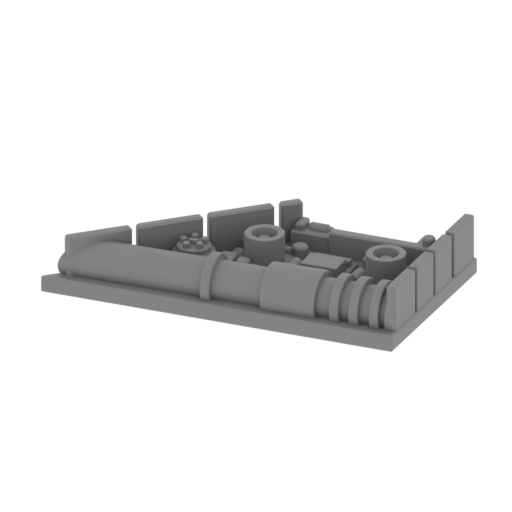 | _46_spaceshipPart_m_L_FDM (repaired).stl 45.06 x 24.1 x 7.46 mm | 1.77 x 0.95 x 0.29 in | Size: 45.06 x 24.1 x 7.46 mm | 1.77 x 0.95 x 0.29 in | File size: 2.56 mb | Printing Time / Filament: 48 min / <1 m | ||
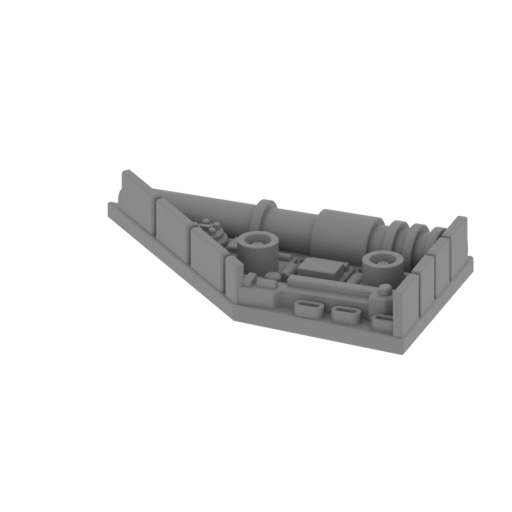 | _47_spaceshipPart_n_R_FDM (repaired).stl 44.13 x 24.14 x 7.46 mm | 1.74 x 0.95 x 0.29 in | Size: 44.13 x 24.14 x 7.46 mm | 1.74 x 0.95 x 0.29 in | File size: 2.57 mb | Printing Time / Filament: 48 min / <1 m | ||
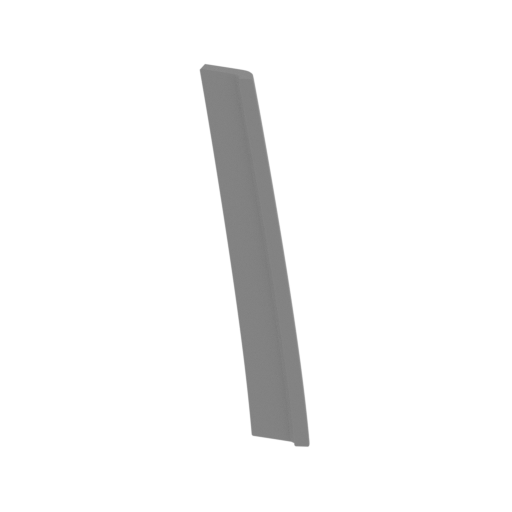 | _48_spaceshipPart_o_L_FDM (repaired).stl 15.98 x 3.22 x 52.99 mm | 0.63 x 0.13 x 2.09 in | Size: 15.98 x 3.22 x 52.99 mm | 0.63 x 0.13 x 2.09 in | File size: 0.21 mb | Printing Time / Filament: 24 min / <1 m | ||
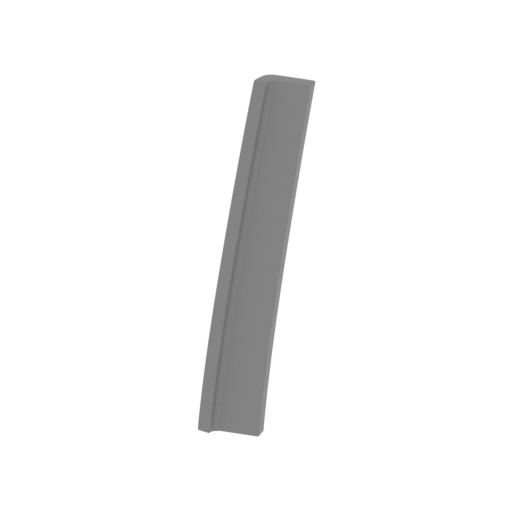 | _49_spaceshipPart_p_R_FDM (repaired).stl 15.98 x 3.22 x 52.99 mm | 0.63 x 0.13 x 2.09 in | Size: 15.98 x 3.22 x 52.99 mm | 0.63 x 0.13 x 2.09 in | File size: 0.21 mb | Printing Time / Filament: 24 min / <1 m | ||
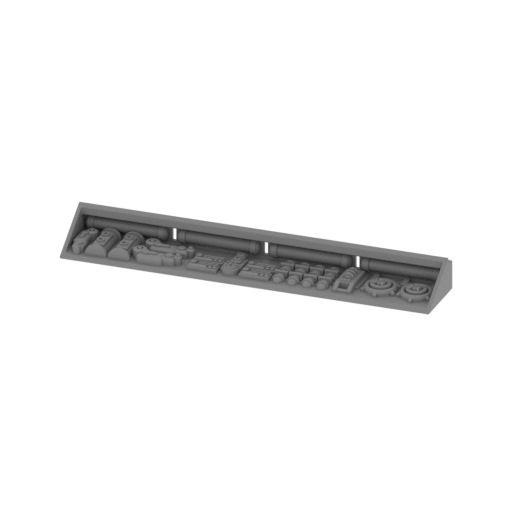 | _50_airfieldPart_a_L_FDM (repaired).stl 106.85 x 18.47 x 10.47 mm | 4.21 x 0.73 x 0.41 in | Size: 106.85 x 18.47 x 10.47 mm | 4.21 x 0.73 x 0.41 in | File size: 10.76 mb | Printing Time / Filament: 2 h 10 min / 1 m | ||
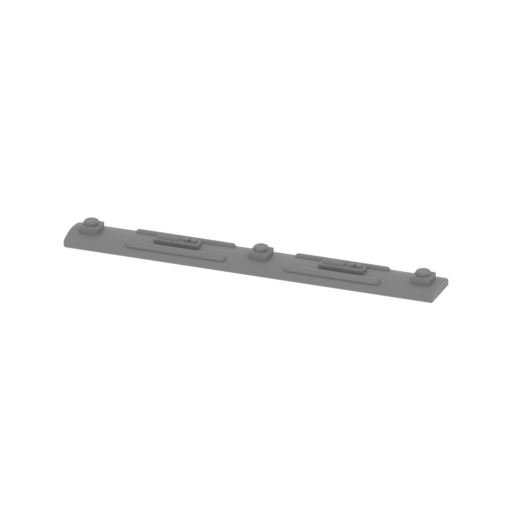 | _51_airfieldPart_b_L_FDM (repaired).stl 41.82 x 5.01 x 2.48 mm | 1.65 x 0.2 x 0.1 in | Size: 41.82 x 5.01 x 2.48 mm | 1.65 x 0.2 x 0.1 in | File size: 1.23 mb | Printing Time / Filament: 7 min / <1 m | ||
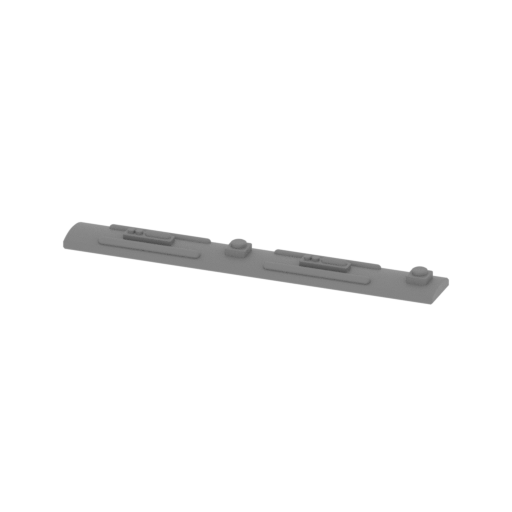 | _52_airfieldPart_c_L_FDM (repaired).stl 39.15 x 5.01 x 2.52 mm | 1.54 x 0.2 x 0.1 in | Size: 39.15 x 5.01 x 2.52 mm | 1.54 x 0.2 x 0.1 in | File size: 1.22 mb | Printing Time / Filament: 7 min / <1 m | ||
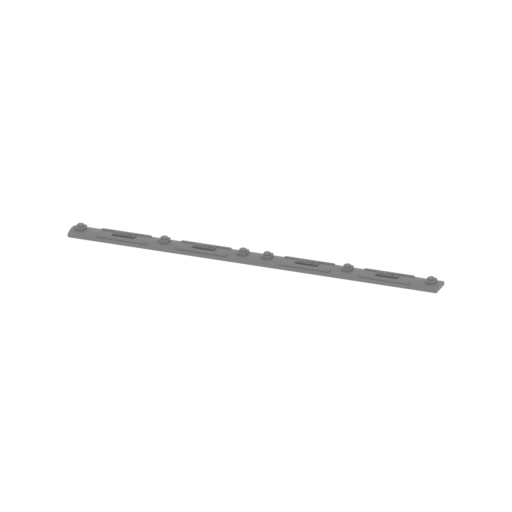 | _53_airfieldPart_d_L_FDM (repaired).stl 86.14 x 5.01 x 2.48 mm | 3.39 x 0.2 x 0.1 in | Size: 86.14 x 5.01 x 2.48 mm | 3.39 x 0.2 x 0.1 in | File size: 2.34 mb | Printing Time / Filament: 13 min / <1 m | ||
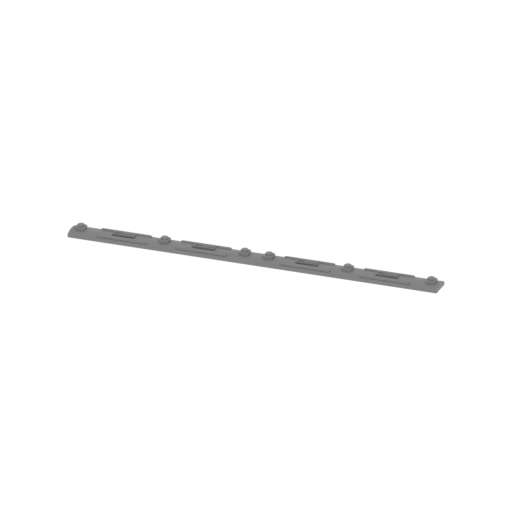 | _54_airfieldPart_e_L_FDM (repaired).stl 86.14 x 5.01 x 2.52 mm | 3.39 x 0.2 x 0.1 in | Size: 86.14 x 5.01 x 2.52 mm | 3.39 x 0.2 x 0.1 in | File size: 2.40 mb | Printing Time / Filament: 14 min / <1 m | ||
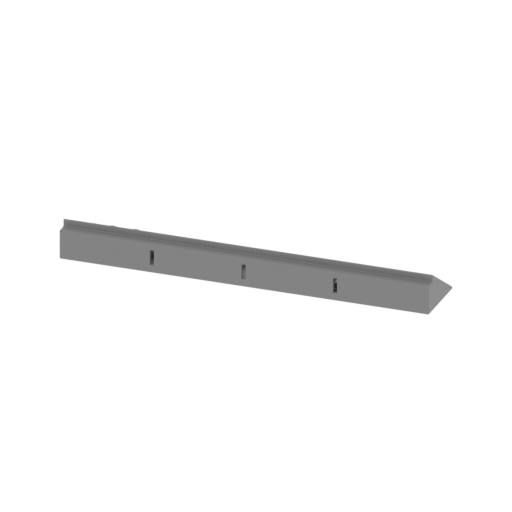 | _55_airfieldPart_f_R_FDM (repaired).stl 106.85 x 18.47 x 10.47 mm | 4.21 x 0.73 x 0.41 in | Size: 106.85 x 18.47 x 10.47 mm | 4.21 x 0.73 x 0.41 in | File size: 10.75 mb | Printing Time / Filament: 2 h 10 min / 1 m | ||
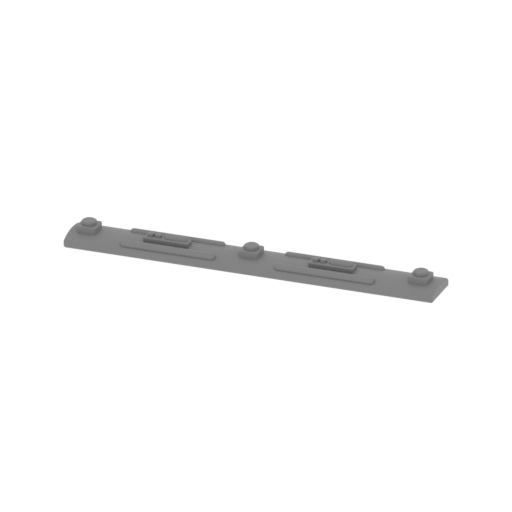 | _56_airfieldPart_g_R_FDM (repaired).stl 41.82 x 5.01 x 2.48 mm | 1.65 x 0.2 x 0.1 in | Size: 41.82 x 5.01 x 2.48 mm | 1.65 x 0.2 x 0.1 in | File size: 1.23 mb | Printing Time / Filament: 7 min / <1 m | ||
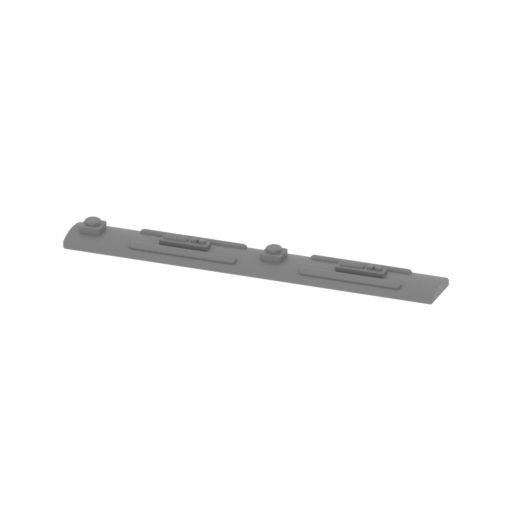 | _57_airfieldPart_h_R_FDM (repaired).stl 39.15 x 5.01 x 2.52 mm | 1.54 x 0.2 x 0.1 in | Size: 39.15 x 5.01 x 2.52 mm | 1.54 x 0.2 x 0.1 in | File size: 1.22 mb | Printing Time / Filament: 6 min / <1 m | ||
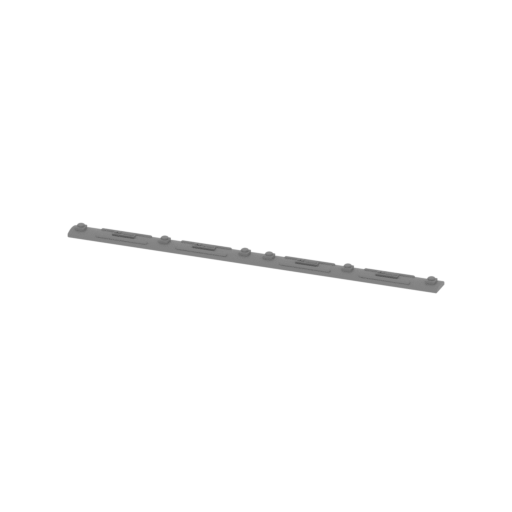 | _58_airfieldPart_i_R_FDM (repaired).stl 86.14 x 5.01 x 2.48 mm | 3.39 x 0.2 x 0.1 in | Size: 86.14 x 5.01 x 2.48 mm | 3.39 x 0.2 x 0.1 in | File size: 2.34 mb | Printing Time / Filament: 13 min / <1 m | ||
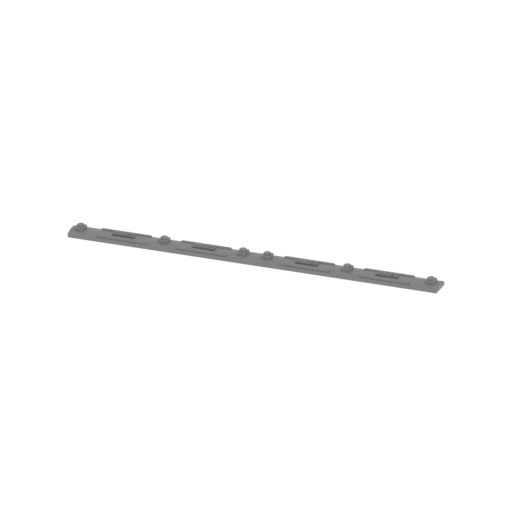 | _59_airfieldPart_j_R_FDM (repaired).stl 86.14 x 5.01 x 2.52 mm | 3.39 x 0.2 x 0.1 in | Size: 86.14 x 5.01 x 2.52 mm | 3.39 x 0.2 x 0.1 in | File size: 2.40 mb | Printing Time / Filament: 13 min / <1 m | ||
 | _60_plateAirfield_a_X2_FDM (repaired).stl 24.13 x 22.72 x 2.01 mm | 0.95 x 0.89 x 0.08 in | Size: 24.13 x 22.72 x 2.01 mm | 0.95 x 0.89 x 0.08 in | File size: 0.01 mb | Printing Time / Filament: 11 min / <1 m | ||
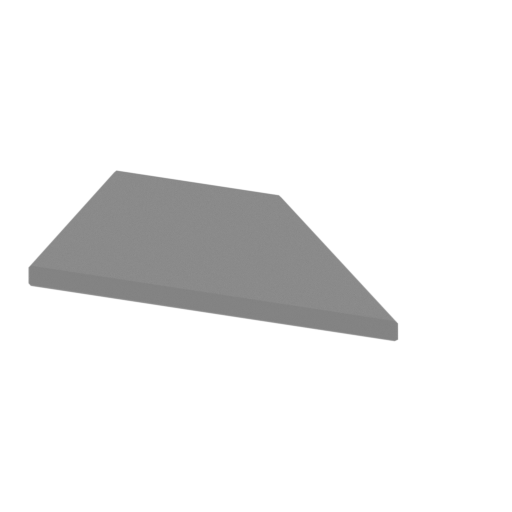 | _61_plateAirfield_b_X2_FDM (repaired).stl 35.61 x 22.72 x 2.01 mm | 1.4 x 0.89 x 0.08 in | Size: 35.61 x 22.72 x 2.01 mm | 1.4 x 0.89 x 0.08 in | File size: 0.01 mb | Printing Time / Filament: 16 min / <1 m | ||
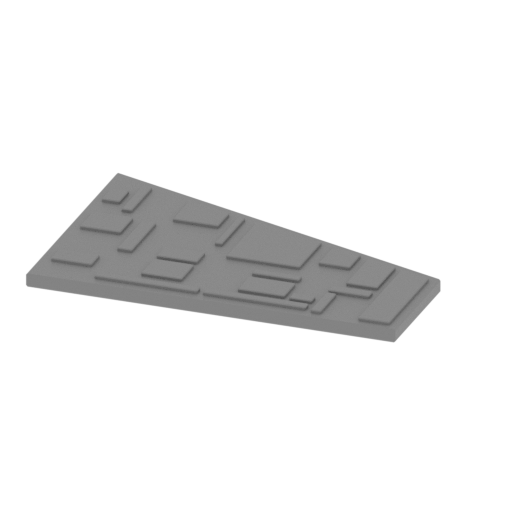 | _62_plateAirfield_c_L_FDM (repaired).stl 54.8 x 36.68 x 2.51 mm | 2.16 x 1.44 x 0.1 in | Size: 54.8 x 36.68 x 2.51 mm | 2.16 x 1.44 x 0.1 in | File size: 0.07 mb | Printing Time / Filament: 45 min / <1 m | ||
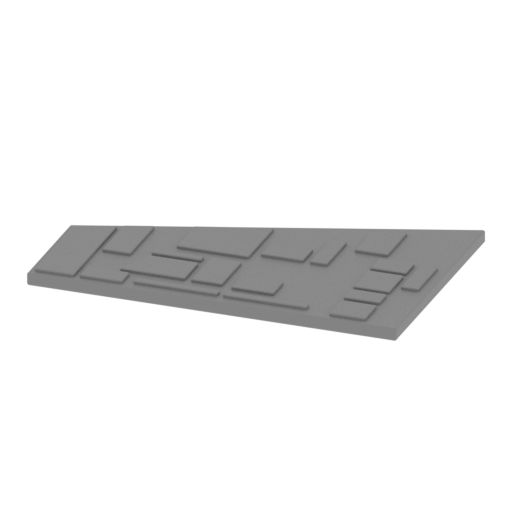 | _63_plateAirfield_d_L_FDM (repaired).stl 58.09 x 37.96 x 2.51 mm | 2.29 x 1.49 x 0.1 in | Size: 58.09 x 37.96 x 2.51 mm | 2.29 x 1.49 x 0.1 in | File size: 0.07 mb | Printing Time / Filament: 48 min / <1 m | ||
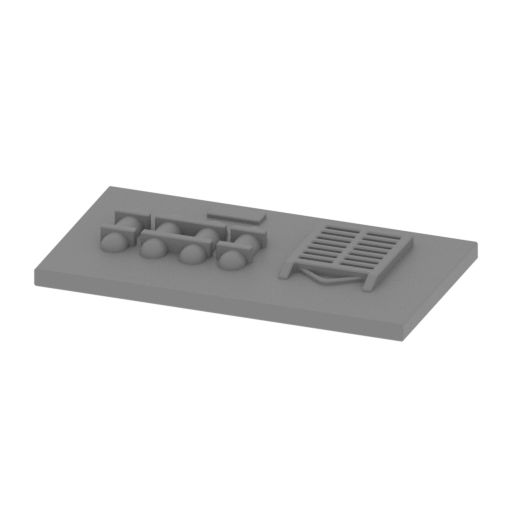 | _64_plateAirfield_e_L_FDM (repaired).stl 41.82 x 23.05 x 3.83 mm | 1.65 x 0.91 x 0.15 in | Size: 41.82 x 23.05 x 3.83 mm | 1.65 x 0.91 x 0.15 in | File size: 1.24 mb | Printing Time / Filament: 32 min / <1 m | ||
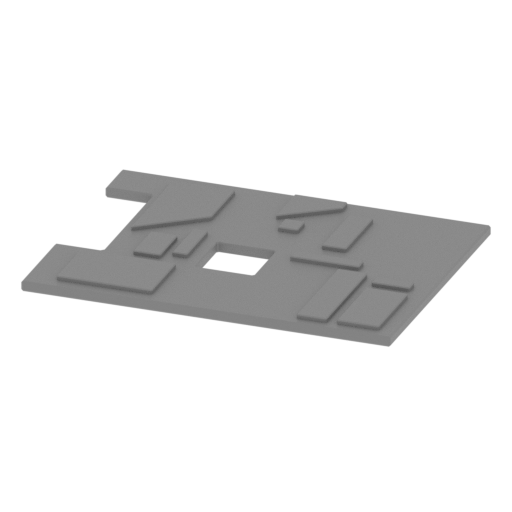 | _65_plateAirfield_f_L_FDM (repaired).stl 41.82 x 30.95 x 1.69 mm | 1.65 x 1.22 x 0.07 in | Size: 41.82 x 30.95 x 1.69 mm | 1.65 x 1.22 x 0.07 in | File size: 0.06 mb | Printing Time / Filament: 28 min / <1 m | ||
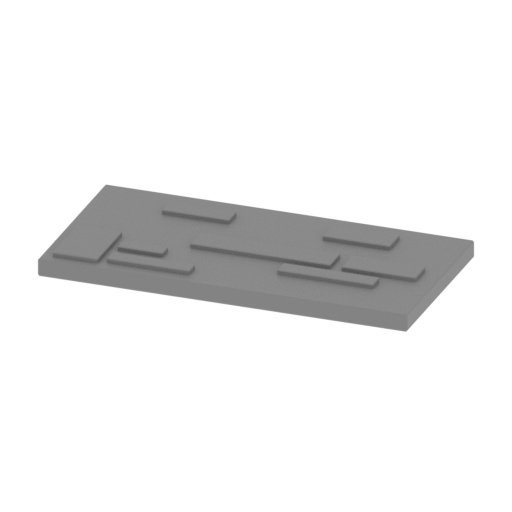 | _66_plateAirfield_g_L_FDM (repaired).stl 41.82 x 20.7 x 2.51 mm | 1.65 x 0.81 x 0.1 in | Size: 41.82 x 20.7 x 2.51 mm | 1.65 x 0.81 x 0.1 in | File size: 0.04 mb | Printing Time / Filament: 25 min / <1 m | ||
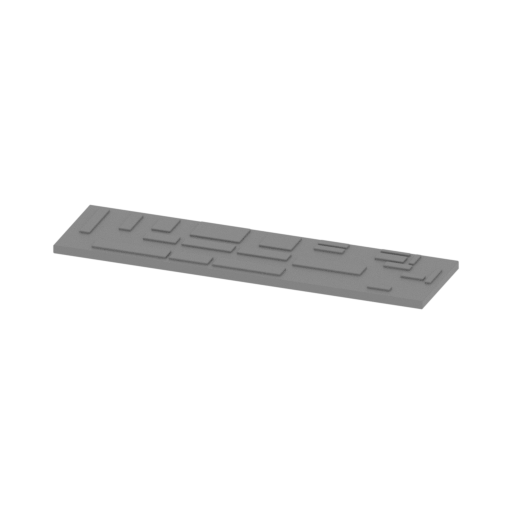 | _67_plateAirfield_h_L_FDM (repaired).stl 86.14 x 23.05 x 2.51 mm | 3.39 x 0.91 x 0.1 in | Size: 86.14 x 23.05 x 2.51 mm | 3.39 x 0.91 x 0.1 in | File size: 0.07 mb | Printing Time / Filament: 58 min / 1 m | ||
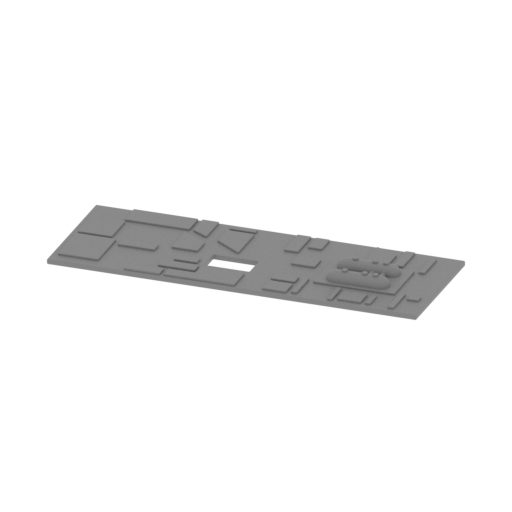 | _68_plateAirfield_i_L_FDM (repaired).stl 86.14 x 30.95 x 4.3 mm | 3.39 x 1.22 x 0.17 in | Size: 86.14 x 30.95 x 4.3 mm | 3.39 x 1.22 x 0.17 in | File size: 0.83 mb | Printing Time / Filament: 1 h 8 min / 1 m | ||
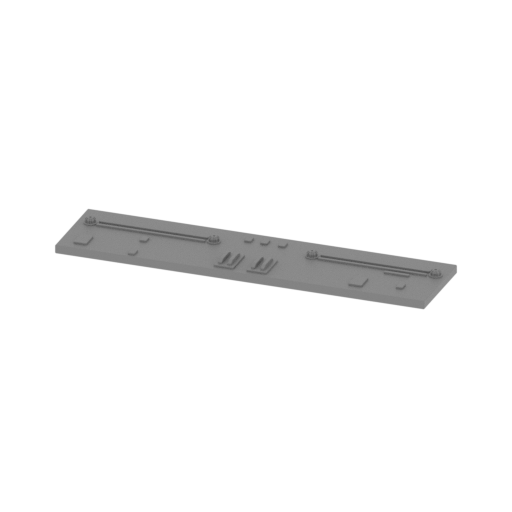 | _69_plateAirfield_j_L_FDM (repaired).stl 86.14 x 20.7 x 3.49 mm | 3.39 x 0.81 x 0.14 in | Size: 86.14 x 20.7 x 3.49 mm | 3.39 x 0.81 x 0.14 in | File size: 0.98 mb | Printing Time / Filament: 50 min / <1 m | ||
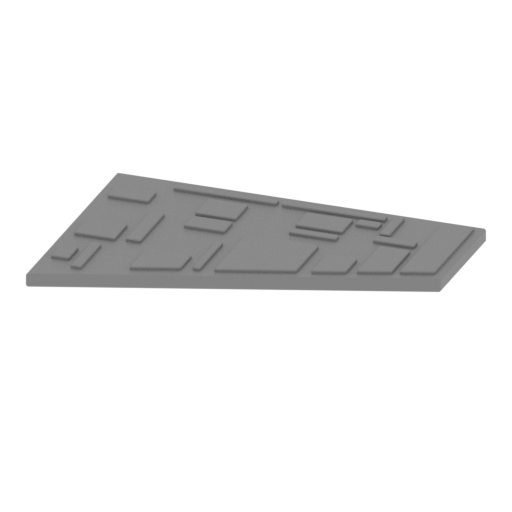 | _70_plateAirfield_k_R_FDM (repaired).stl 54.8 x 36.68 x 2.51 mm | 2.16 x 1.44 x 0.1 in | Size: 54.8 x 36.68 x 2.51 mm | 2.16 x 1.44 x 0.1 in | File size: 0.07 mb | Printing Time / Filament: 44 min / <1 m | ||
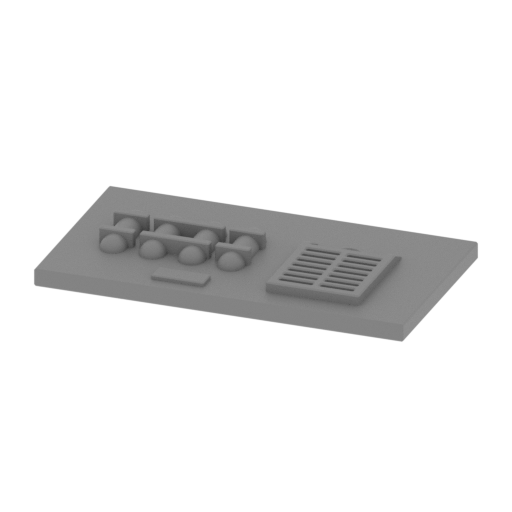 | _71_plateAirfield_l_R_FDM (repaired).stl 41.82 x 23.05 x 3.83 mm | 1.65 x 0.91 x 0.15 in | Size: 41.82 x 23.05 x 3.83 mm | 1.65 x 0.91 x 0.15 in | File size: 1.24 mb | Printing Time / Filament: 32 min / <1 m | ||
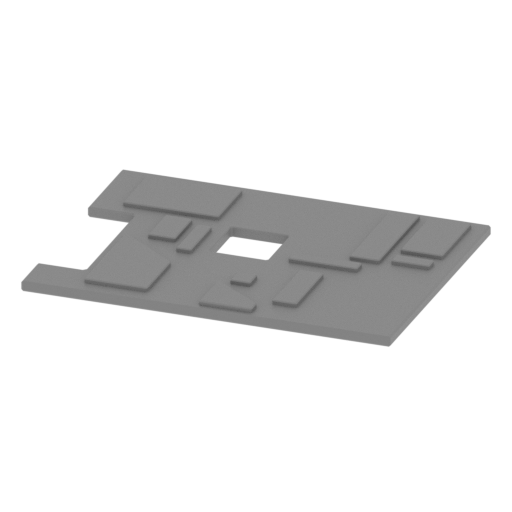 | _72_plateAirfield_m_R_FDM (repaired).stl 41.82 x 30.95 x 1.69 mm | 1.65 x 1.22 x 0.07 in | Size: 41.82 x 30.95 x 1.69 mm | 1.65 x 1.22 x 0.07 in | File size: 0.06 mb | Printing Time / Filament: 28 min / <1 m | ||
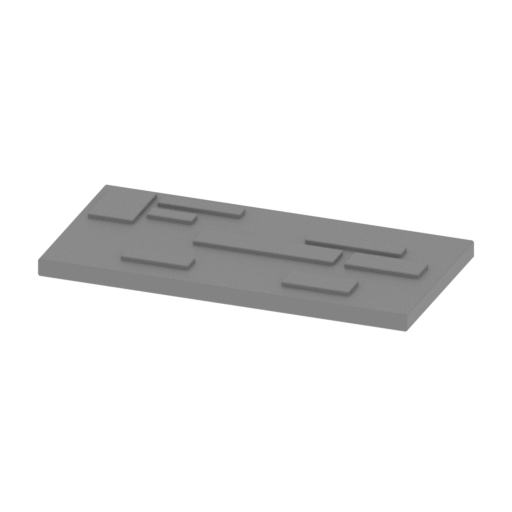 | _73_plateAirfield_n_R_FDM (repaired).stl 41.82 x 20.7 x 2.51 mm | 1.65 x 0.81 x 0.1 in | Size: 41.82 x 20.7 x 2.51 mm | 1.65 x 0.81 x 0.1 in | File size: 0.04 mb | Printing Time / Filament: 25 min / <1 m | ||
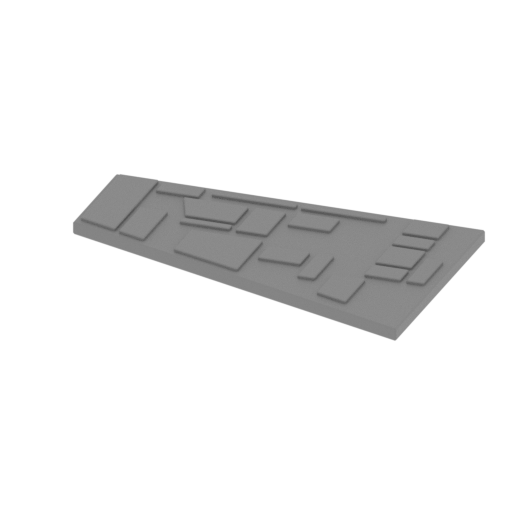 | _74_plateAirfield_o_R_FDM (repaired).stl 58.09 x 37.96 x 2.51 mm | 2.29 x 1.49 x 0.1 in | Size: 58.09 x 37.96 x 2.51 mm | 2.29 x 1.49 x 0.1 in | File size: 0.07 mb | Printing Time / Filament: 48 min / <1 m | ||
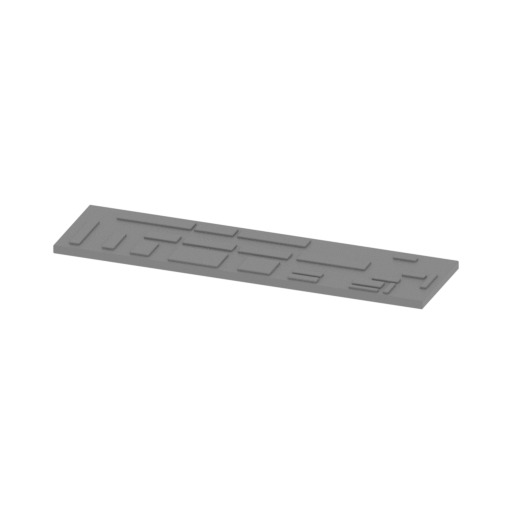 | _75_plateAirfield_p_R_FDM (repaired).stl 86.14 x 23.05 x 2.51 mm | 3.39 x 0.91 x 0.1 in | Size: 86.14 x 23.05 x 2.51 mm | 3.39 x 0.91 x 0.1 in | File size: 0.07 mb | Printing Time / Filament: 58 min / 1 m | ||
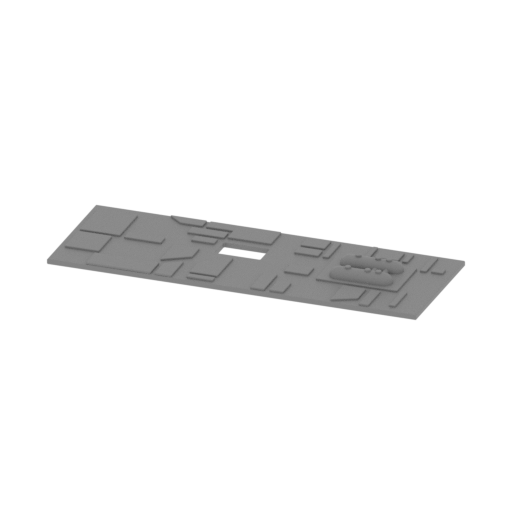 | _76_plateAirfield_q_R_FDM (repaired).stl 86.14 x 30.95 x 4.3 mm | 3.39 x 1.22 x 0.17 in | Size: 86.14 x 30.95 x 4.3 mm | 3.39 x 1.22 x 0.17 in | File size: 0.83 mb | Printing Time / Filament: 1 h 8 min / 1 m | ||
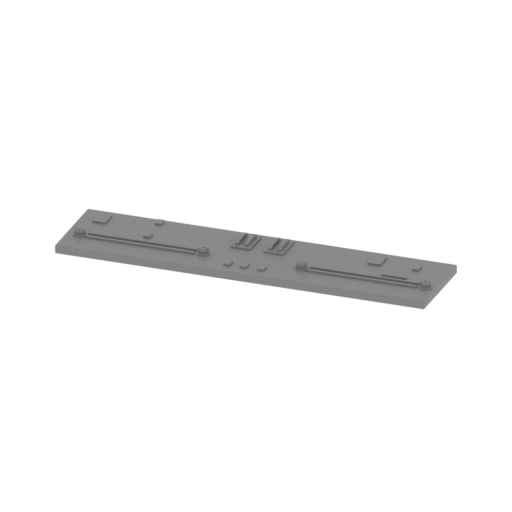 | _77_plateAirfield_r_R_FDM (repaired).stl 86.14 x 20.7 x 3.49 mm | 3.39 x 0.81 x 0.14 in | Size: 86.14 x 20.7 x 3.49 mm | 3.39 x 0.81 x 0.14 in | File size: 0.98 mb | Printing Time / Filament: 50 min / <1 m | ||
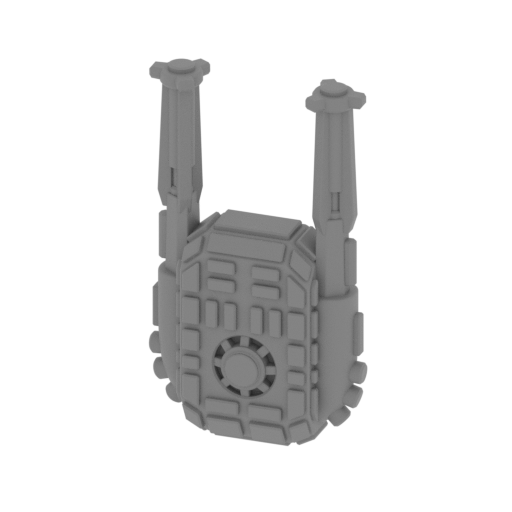 | _78_weapon_X30_FDM (repaired).stl 10.26 x 3.99 x 17.73 mm | 0.4 x 0.16 x 0.7 in | Size: 10.26 x 3.99 x 17.73 mm | 0.4 x 0.16 x 0.7 in | File size: 1.86 mb | Printing Time / Filament: 16 min / <1 m | ||
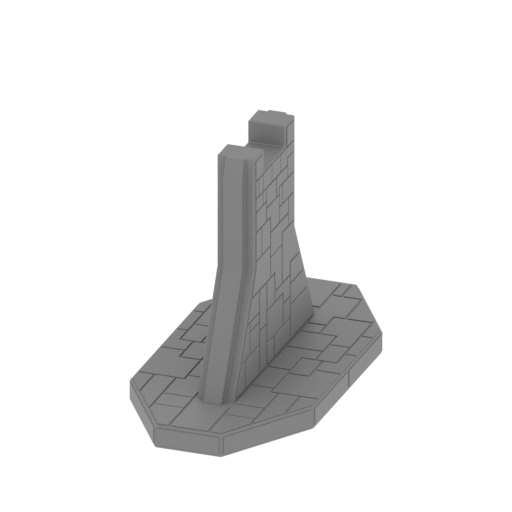 | _79_standPart_a_X2_01_FDM (repaired).stl 81.08 x 161.08 x 108.69 mm | 3.19 x 6.34 x 4.28 in | Size: 81.08 x 161.08 x 108.69 mm | 3.19 x 6.34 x 4.28 in | File size: 0.56 mb | Printing Time / Filament: 17 h 36 min / 10 m | ||
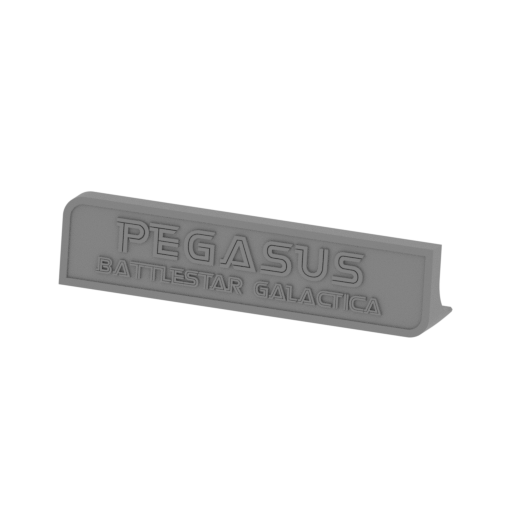 | _80_standPart_b_FDM (repaired).stl 160 x 30.14 x 37.39 mm | 6.3 x 1.19 x 1.47 in | Size: 160 x 30.14 x 37.39 mm | 6.3 x 1.19 x 1.47 in | File size: 1.44 mb | Printing Time / Filament: 8 h 45 min / 5 m | ||
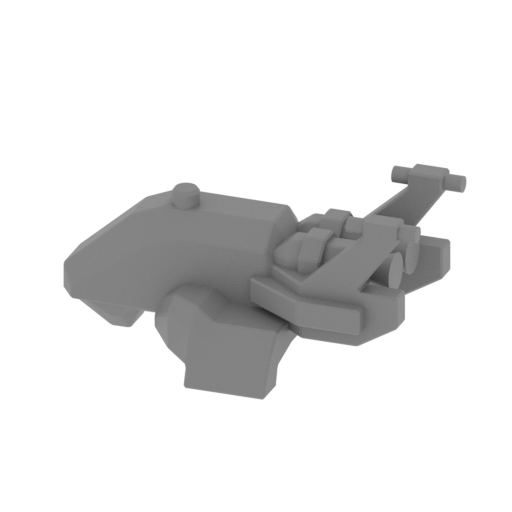 | _81_colonialRaptor_a_X48_FDM (repaired).stl 8.56 x 5.92 x 3.99 mm | 0.34 x 0.23 x 0.16 in | Size: 8.56 x 5.92 x 3.99 mm | 0.34 x 0.23 x 0.16 in | File size: 0.45 mb | Printing Time / Filament: 3 min / <1 m | ||
 | Keychain (repaired).stl 29.68 x 29.69 x 2.42 mm | 1.17 x 1.17 x 0.1 in | Size: 29.68 x 29.69 x 2.42 mm | 1.17 x 1.17 x 0.1 in | File size: 0.37 mb | Printing Time / Filament: 23 min / <1 m | ||
 | Tag (repaired).stl 150.15 x 18.16 x 4.59 mm | 5.91 x 0.71 x 0.18 in | Size: 150.15 x 18.16 x 4.59 mm | 5.91 x 0.71 x 0.18 in | File size: 1.78 mb | Printing Time / Filament: 1 h 18 min / 1 m | ||
ABOUT THIS 3D MODEL
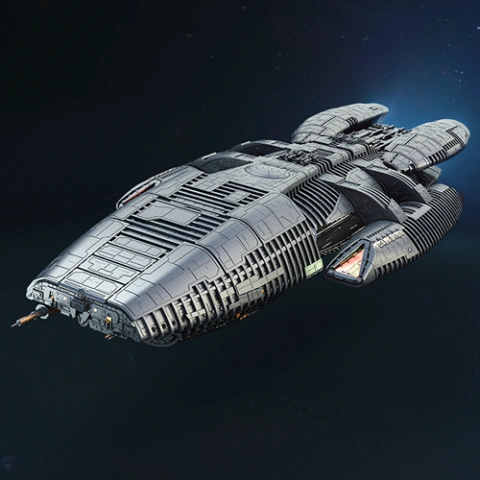
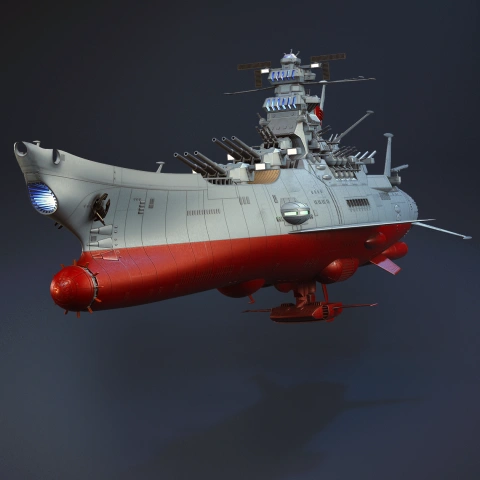
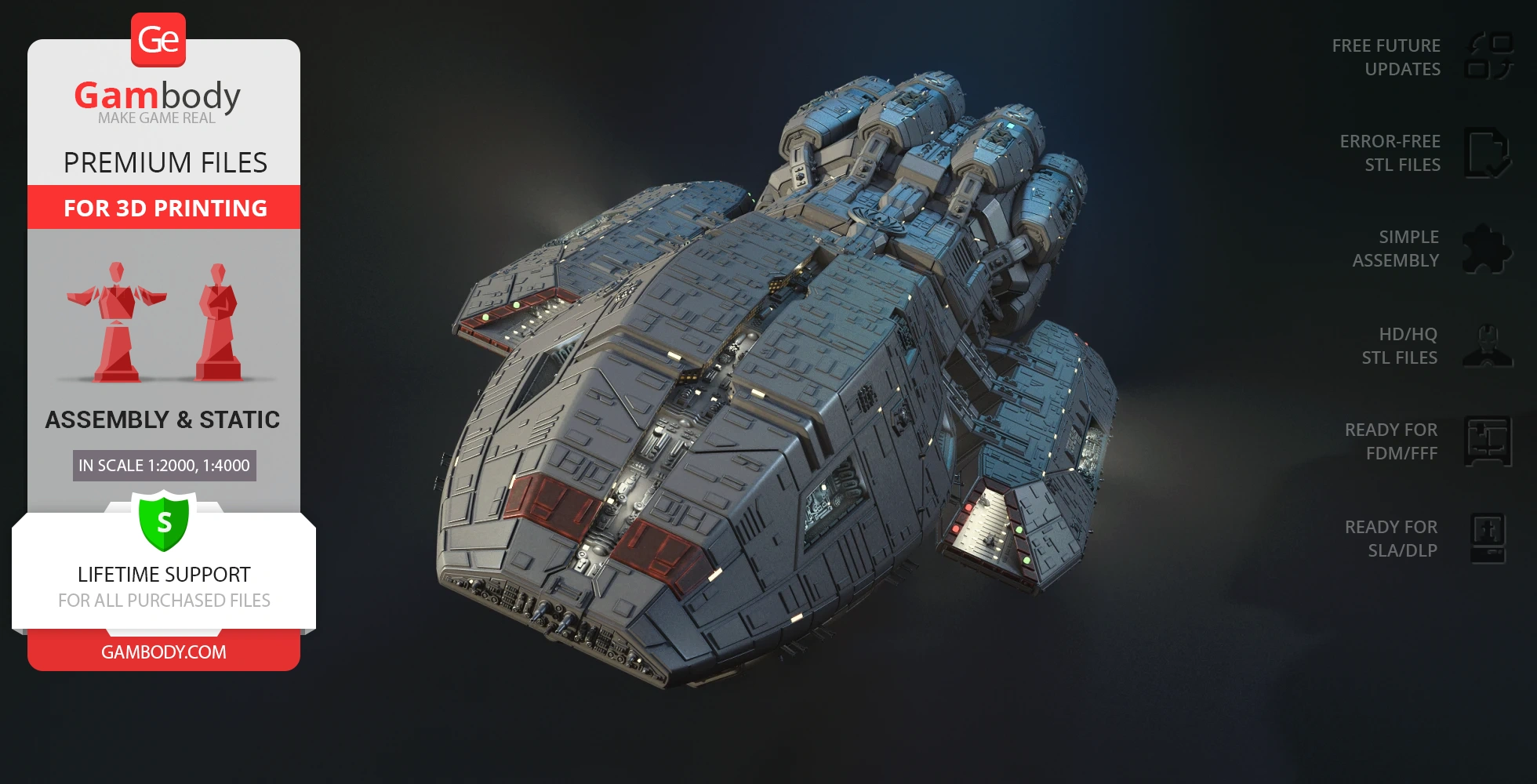
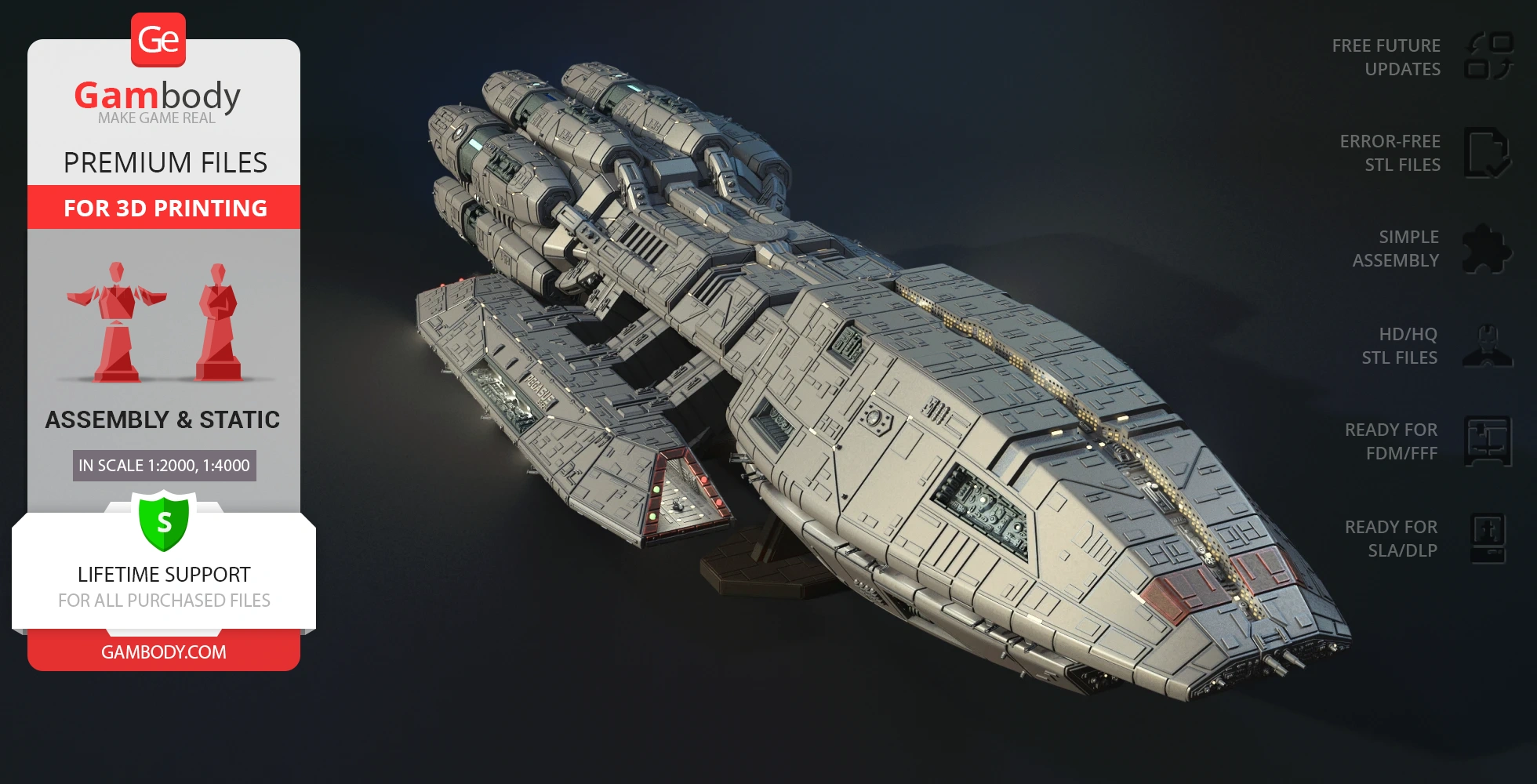
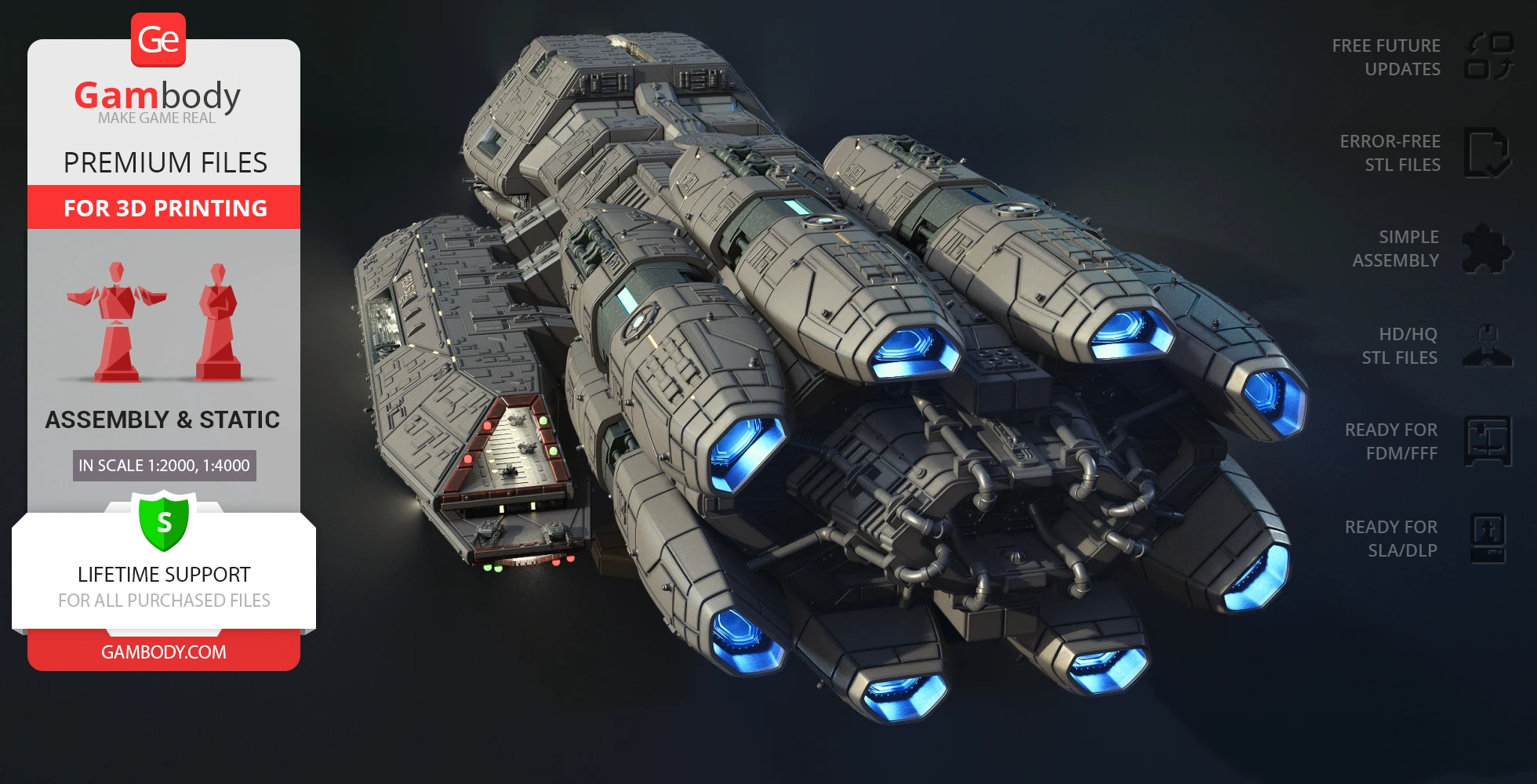
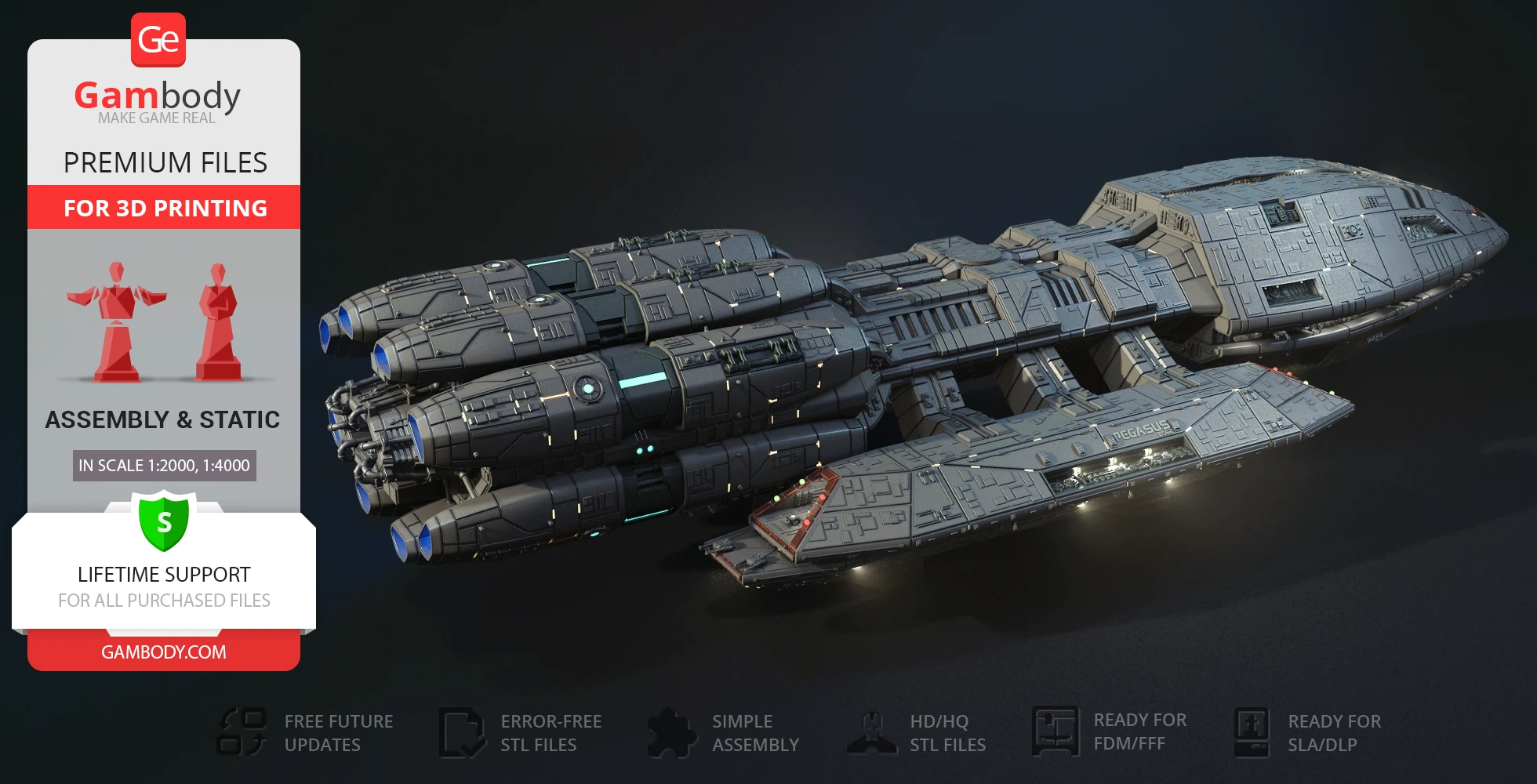
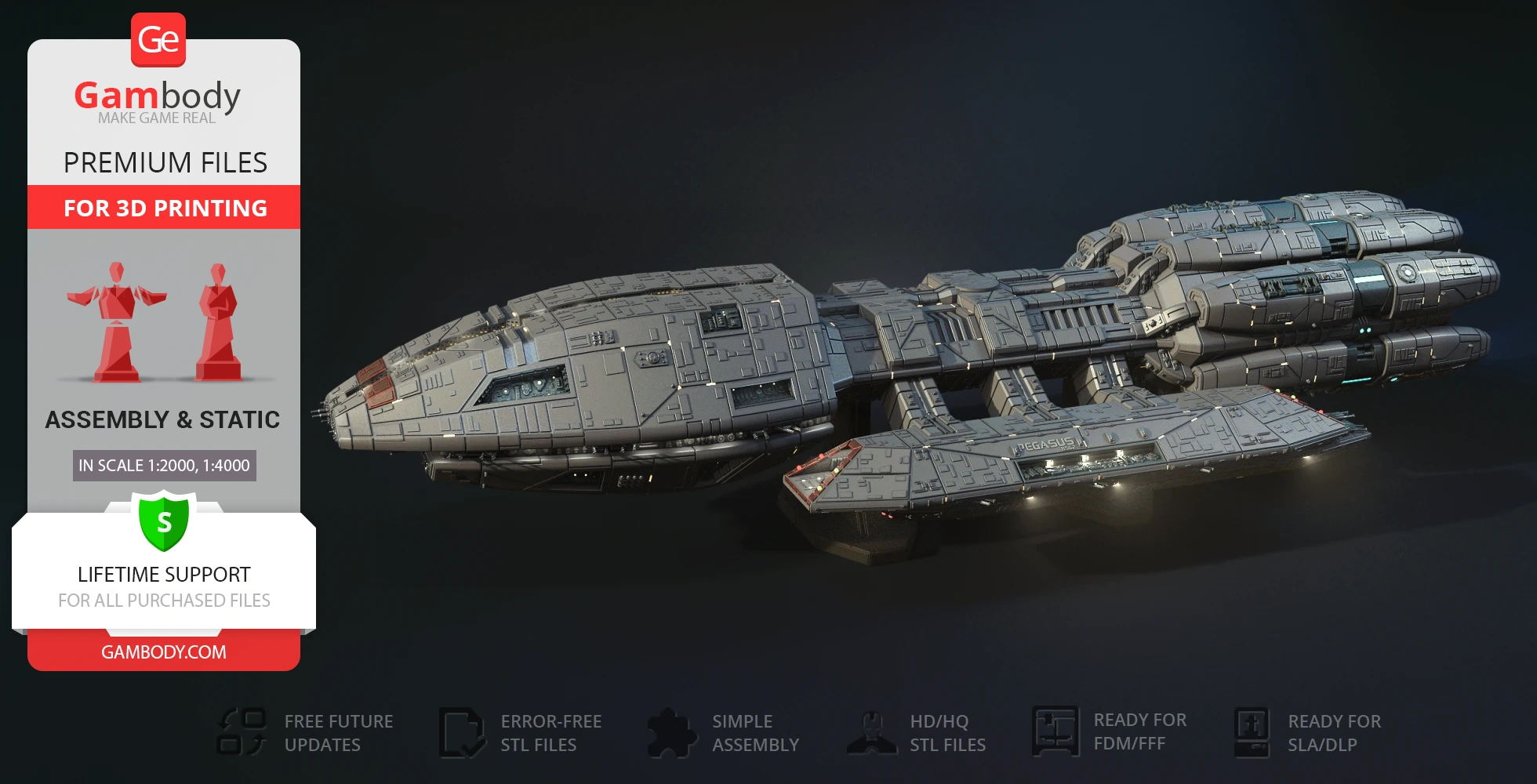
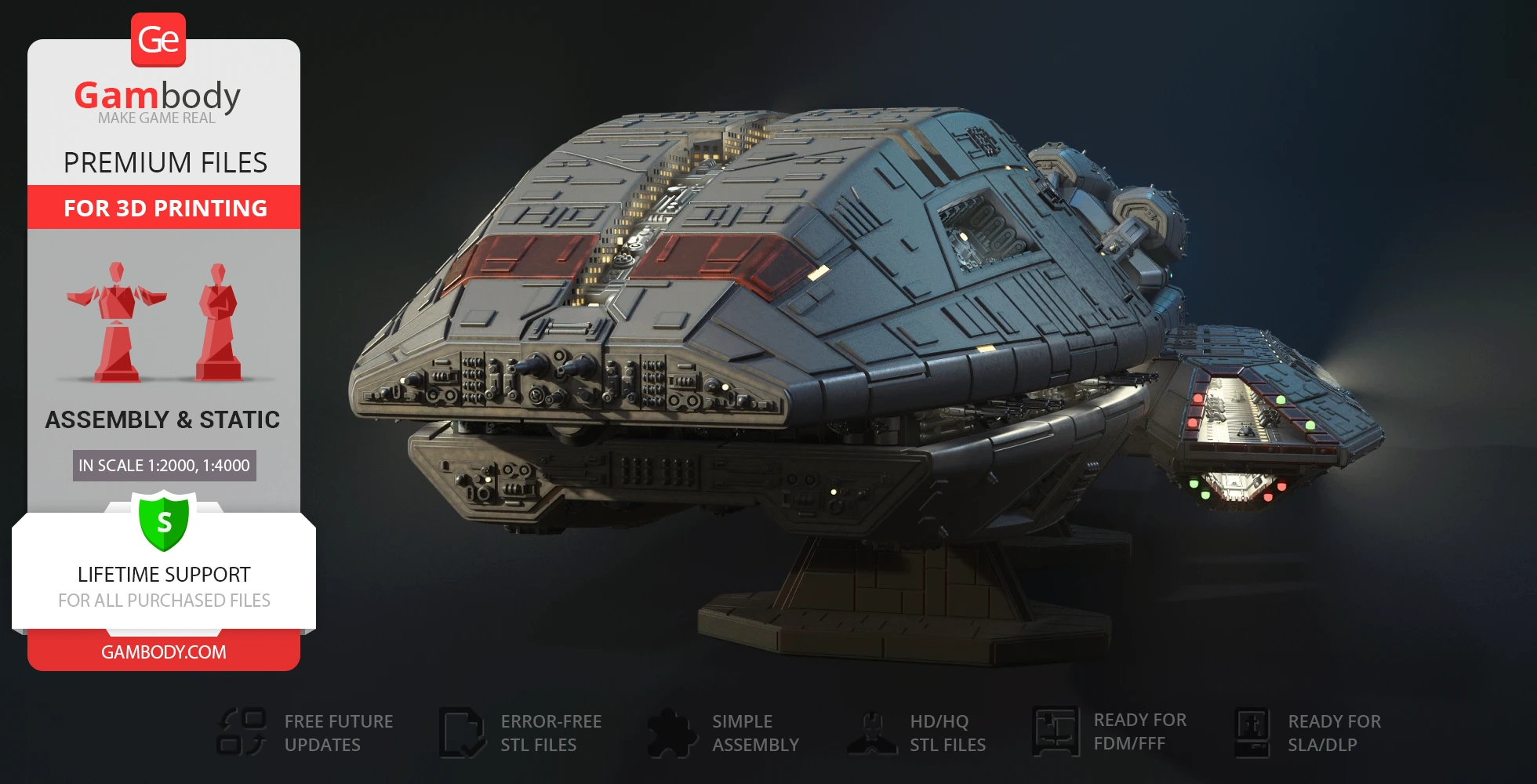
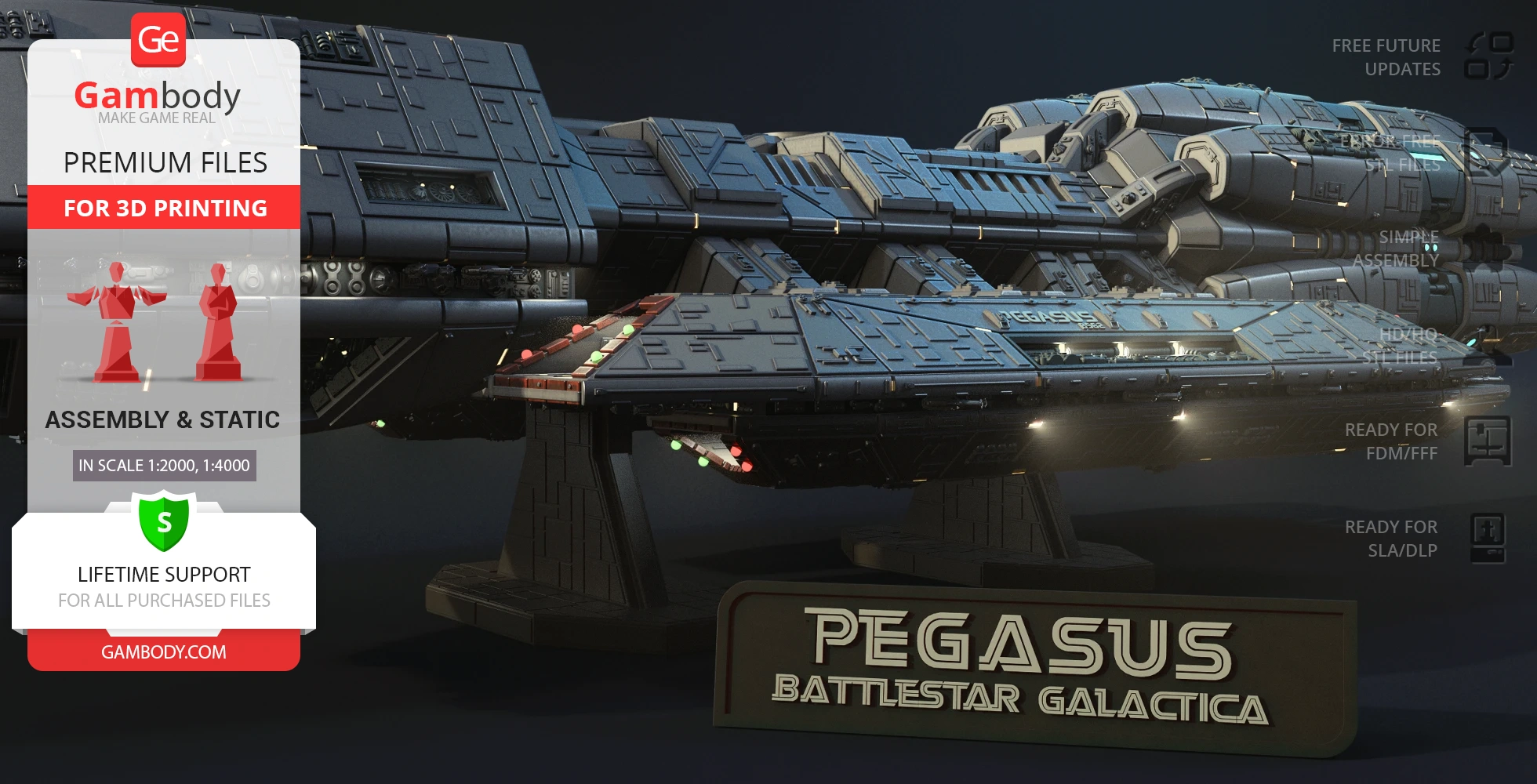
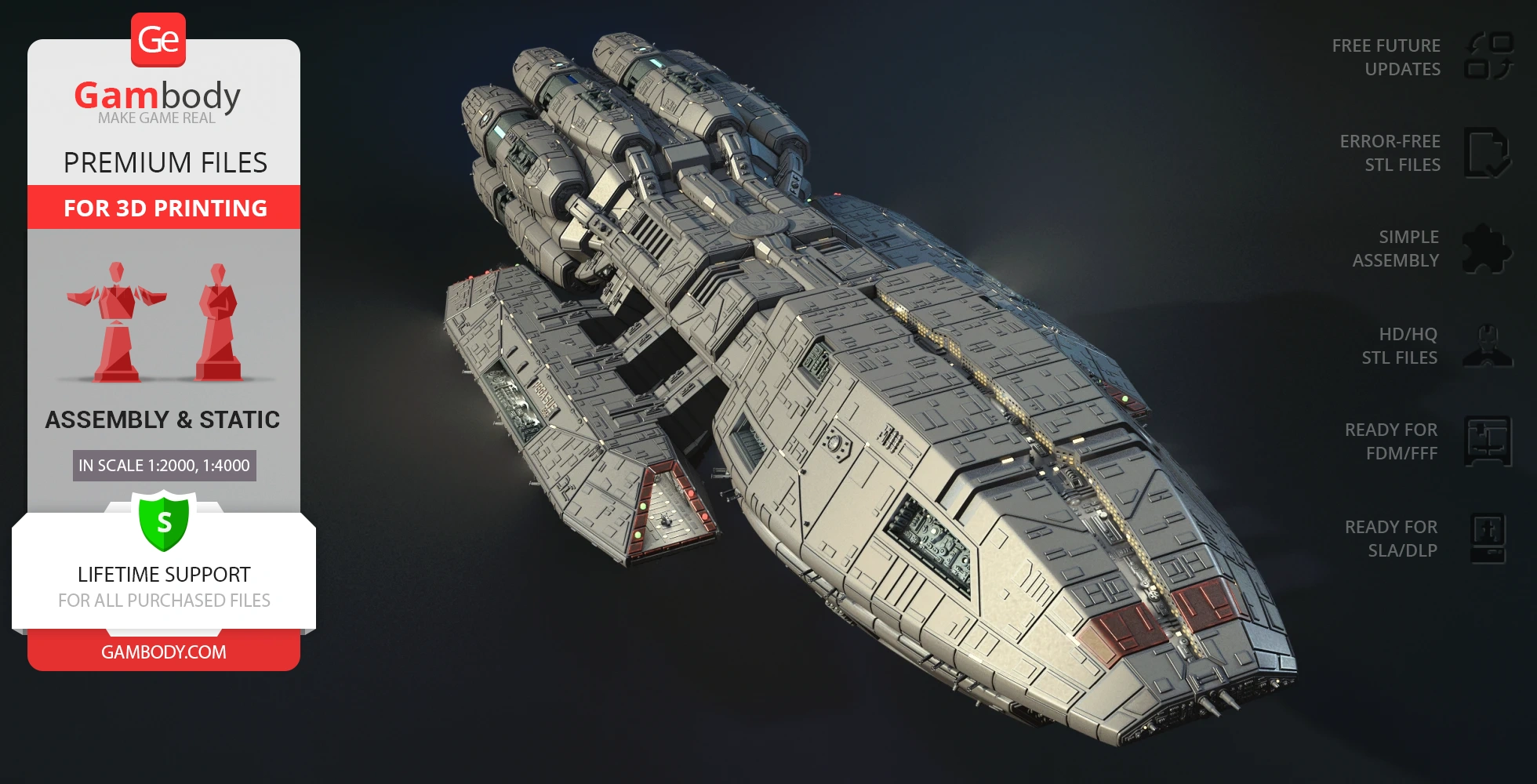
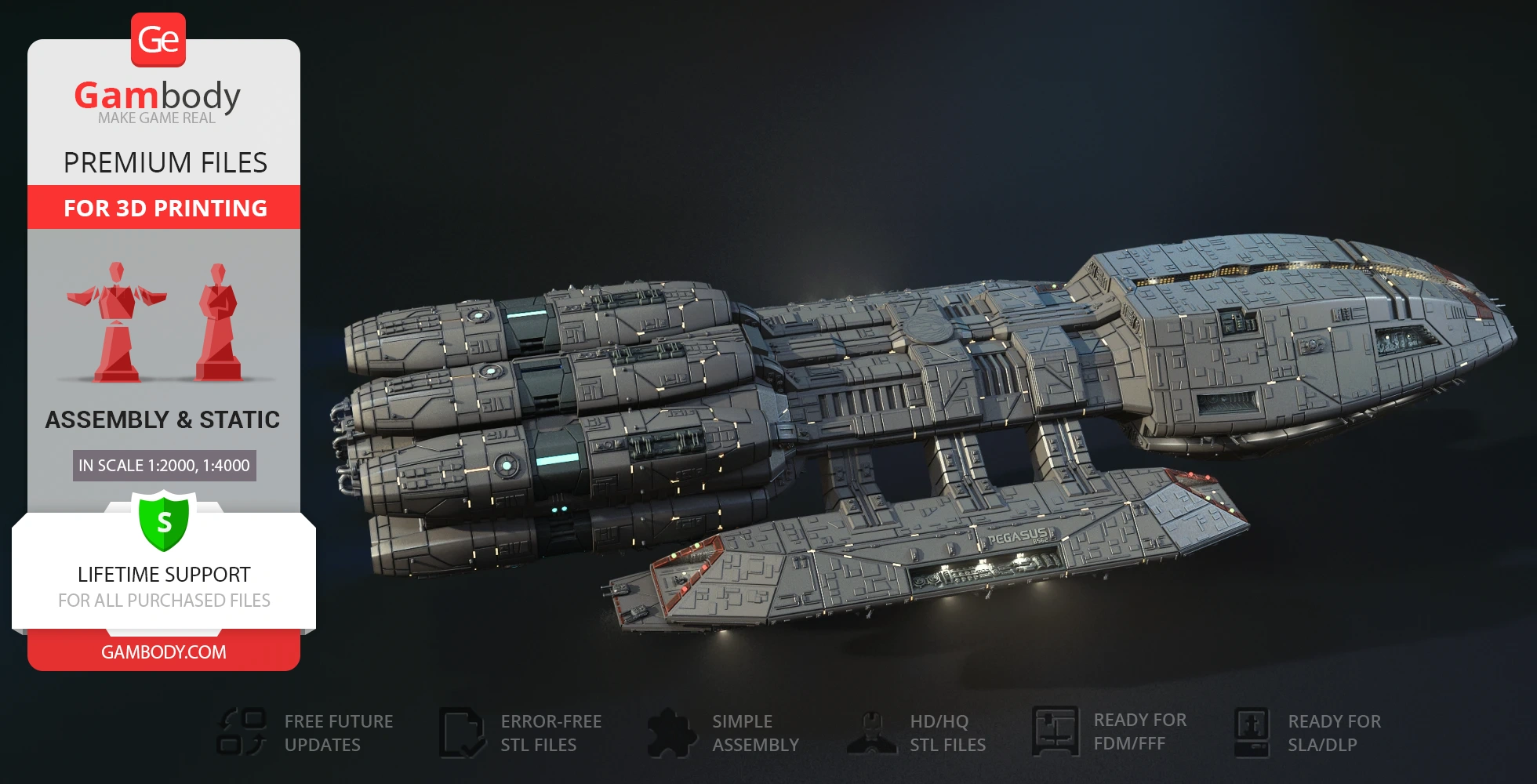
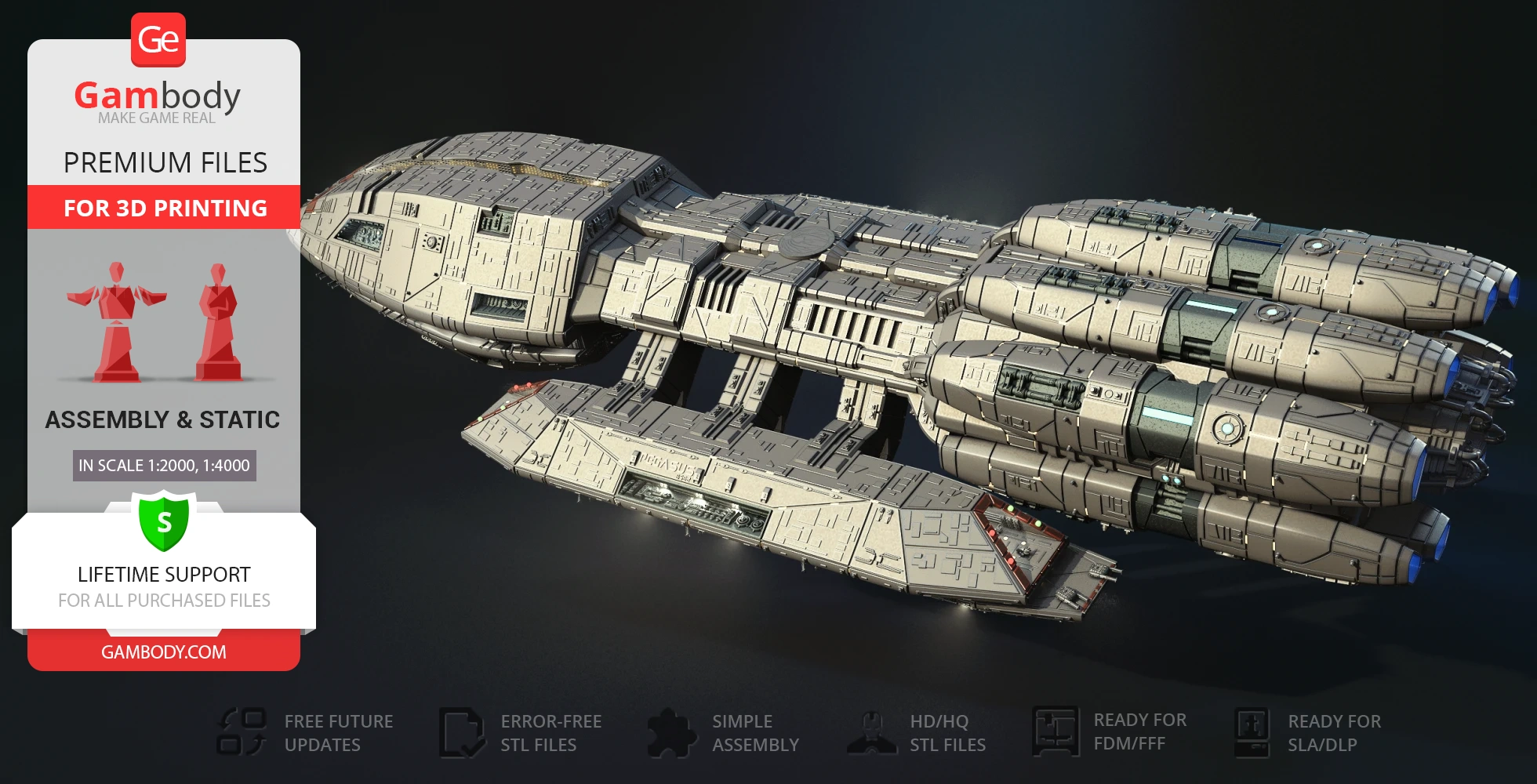
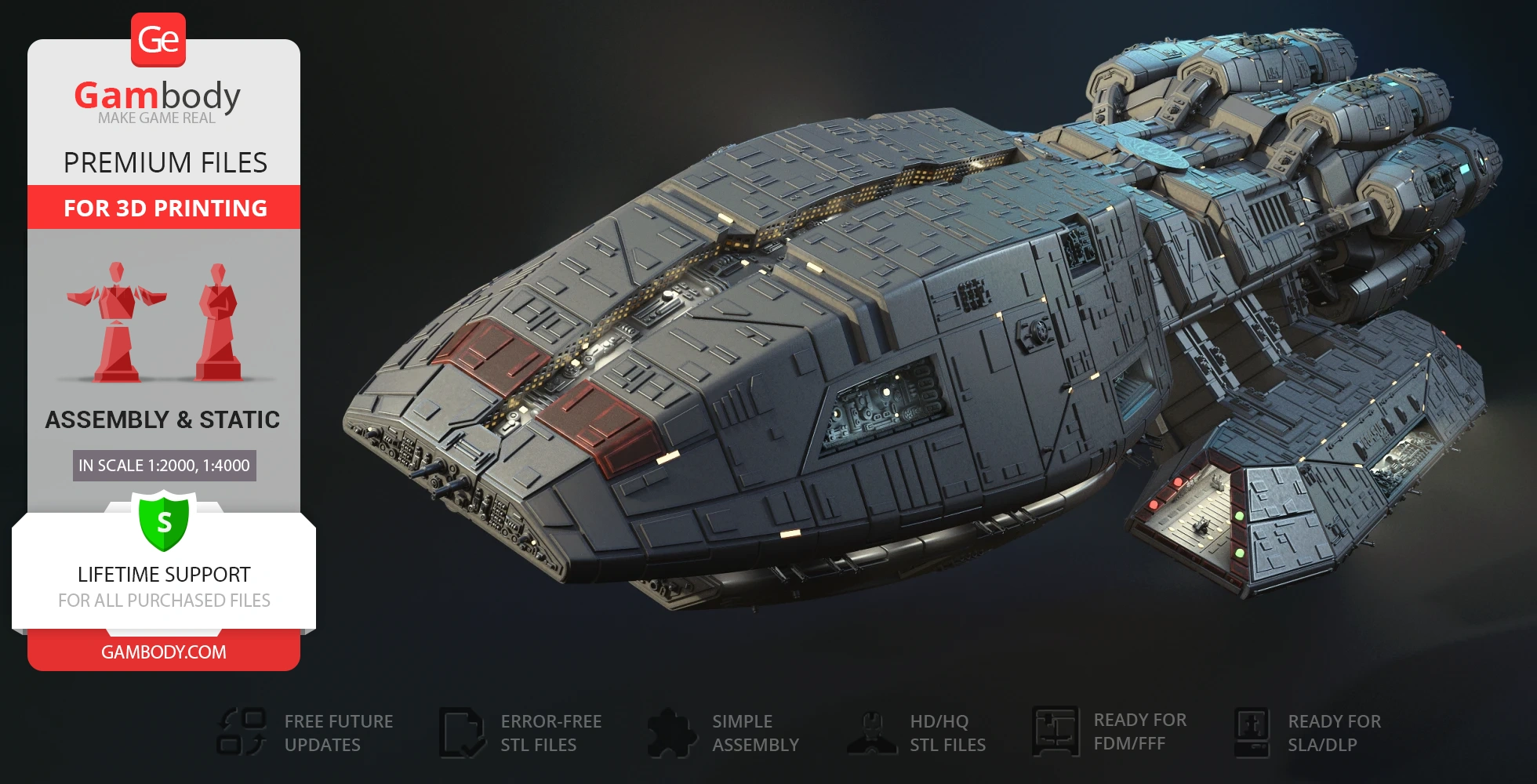
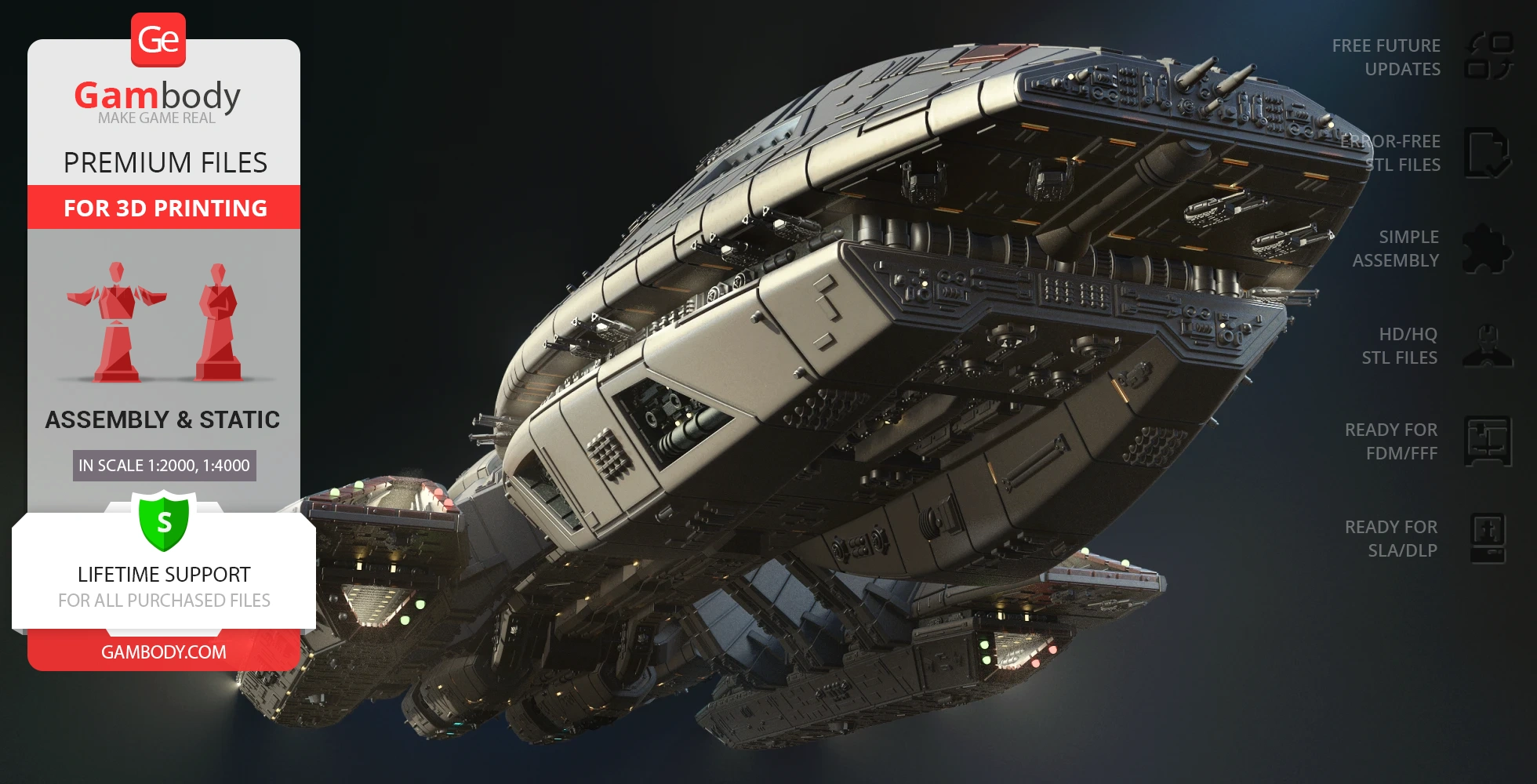
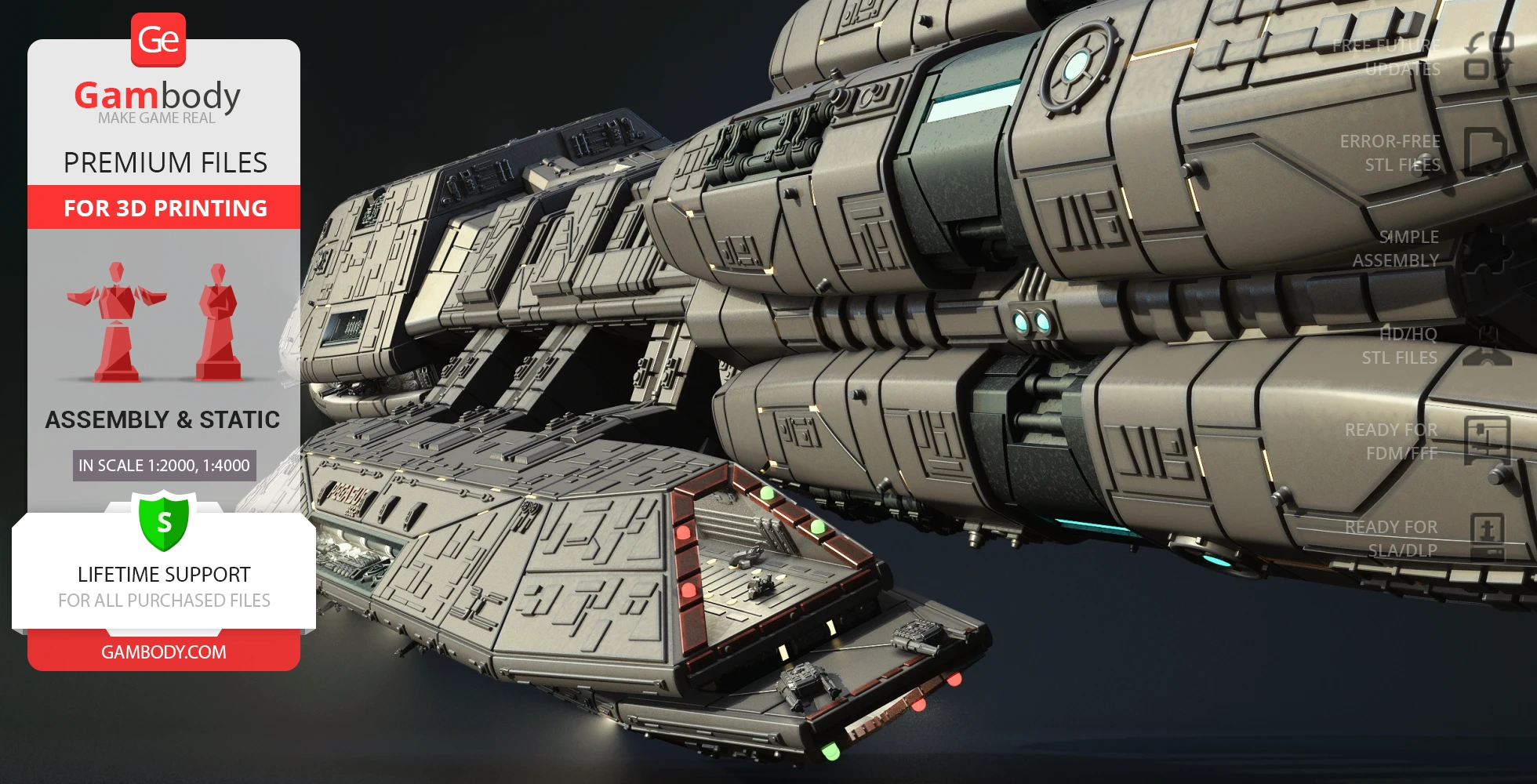
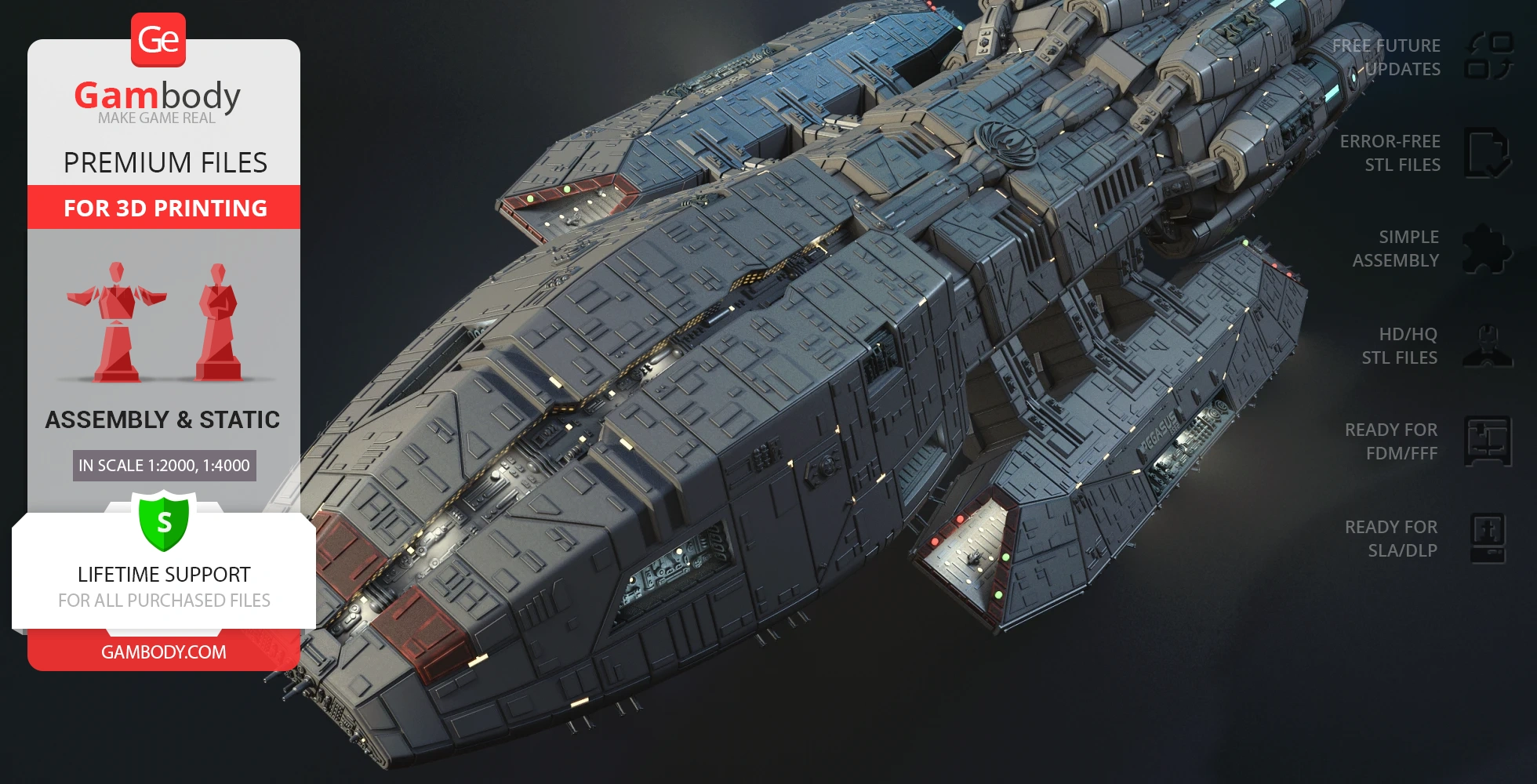
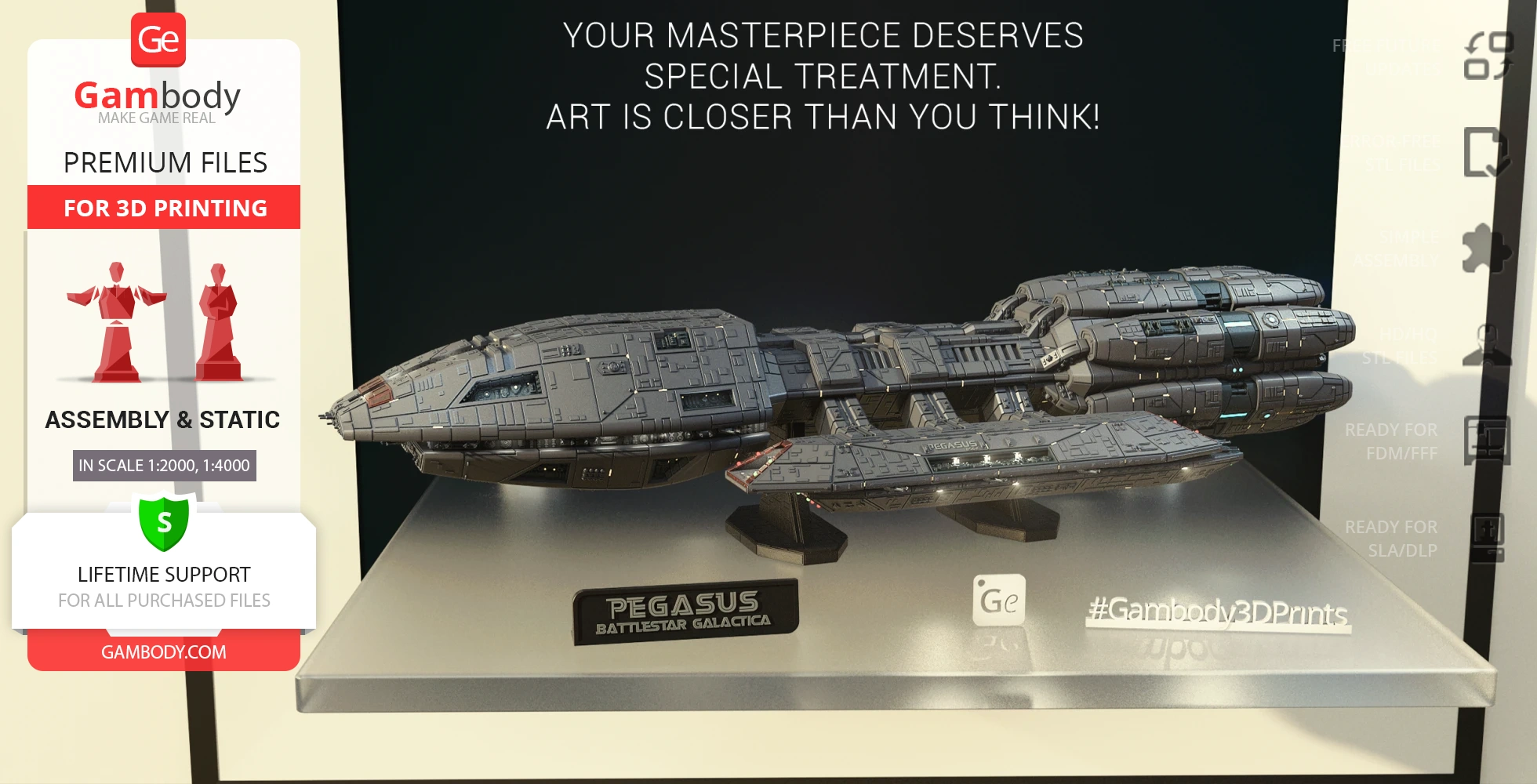
Pegasus, commanded by Admiral Helena Cain, is a Mercury class battlestar that served as a carrier and a battleship and was considered a pride of the Colonial Fleet. Along withBattlestar Galactica, Pegasus survived the Fall of the Twelve Colonies but was destroyed two years after during the departure from New Caprica. A full complement ofRaptor andViper MK VII and a 1750-member crew could be transported by this massive capital ship and the superior armament of Pegasus turned it into a major threat for the Cylon basestars.
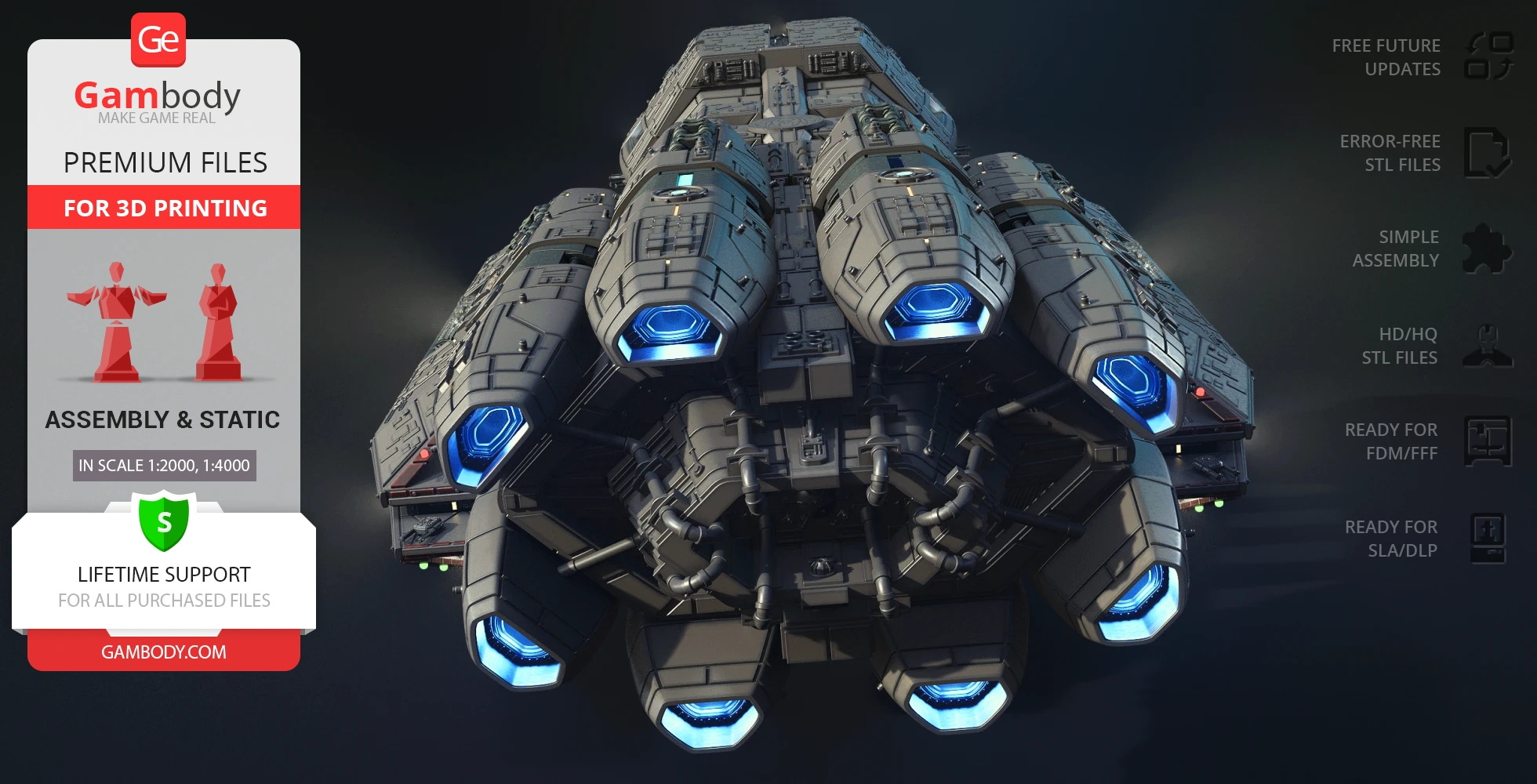
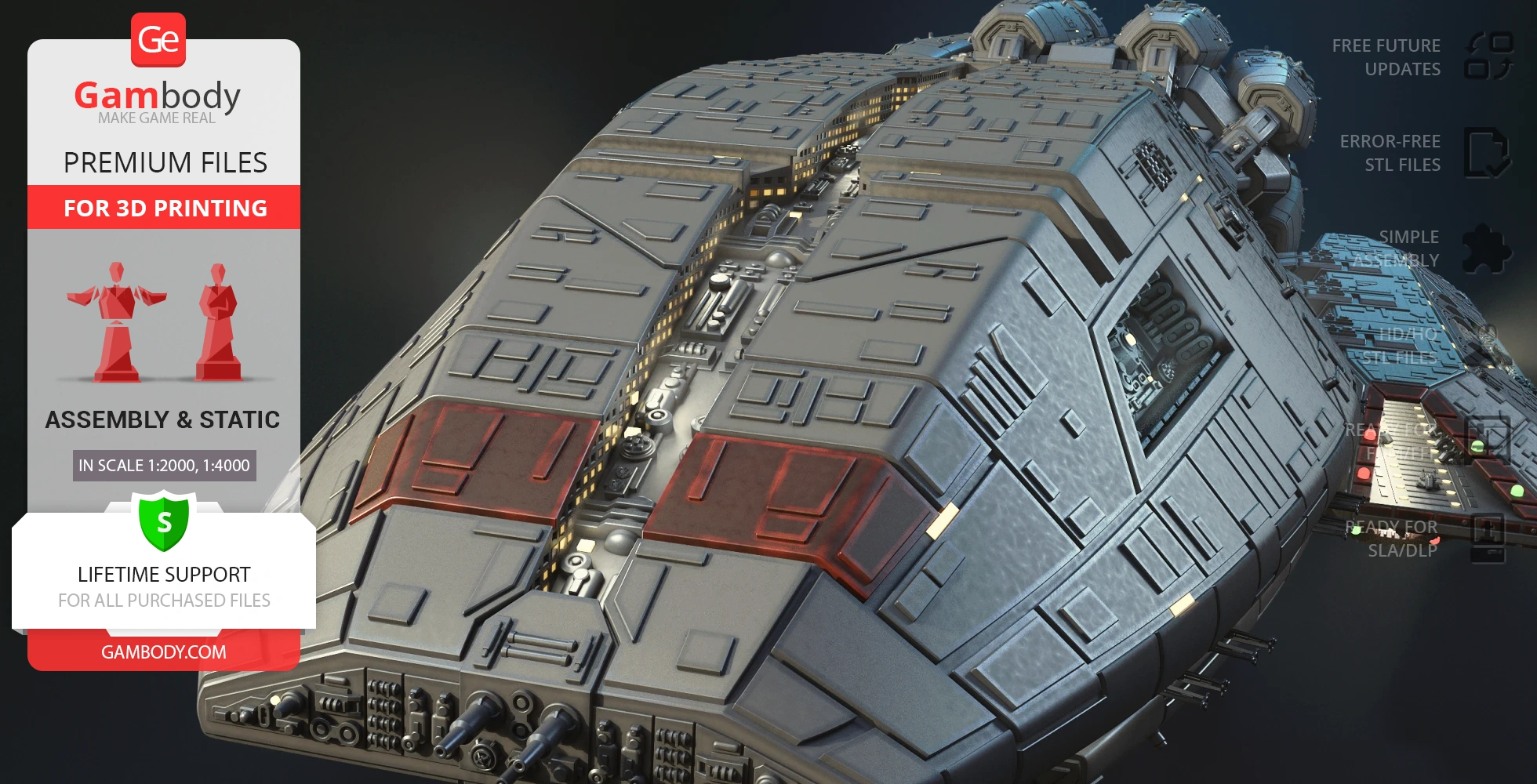
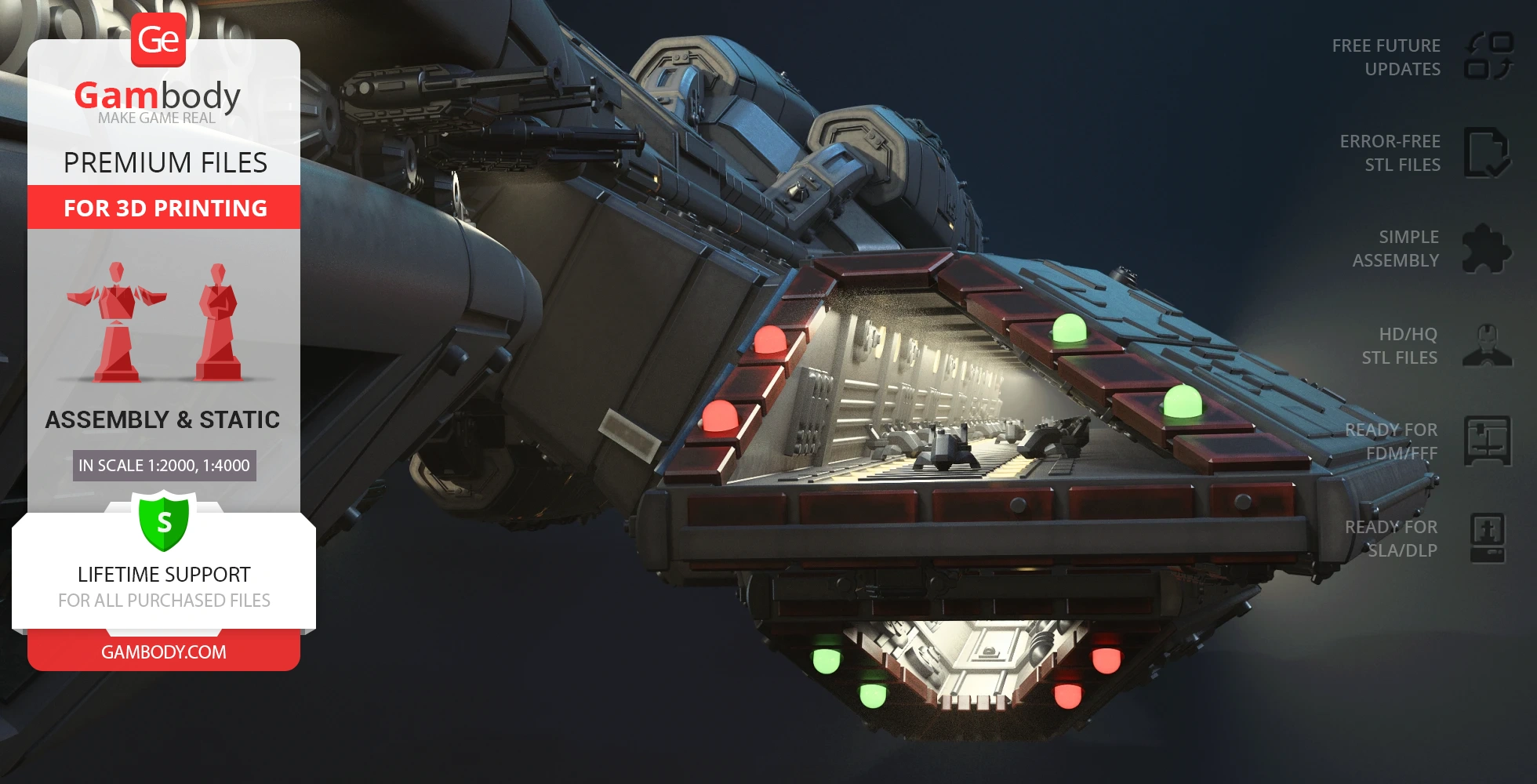
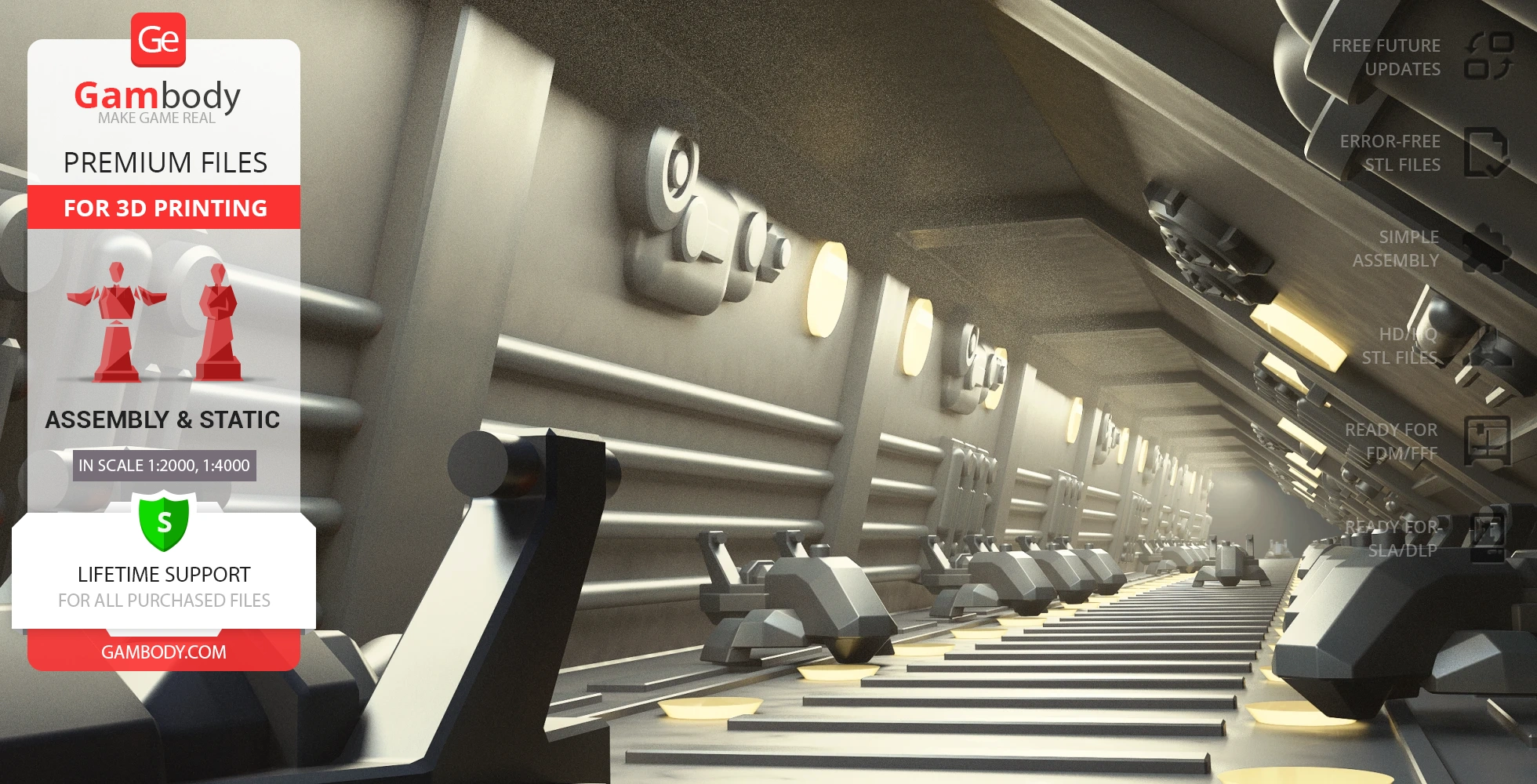
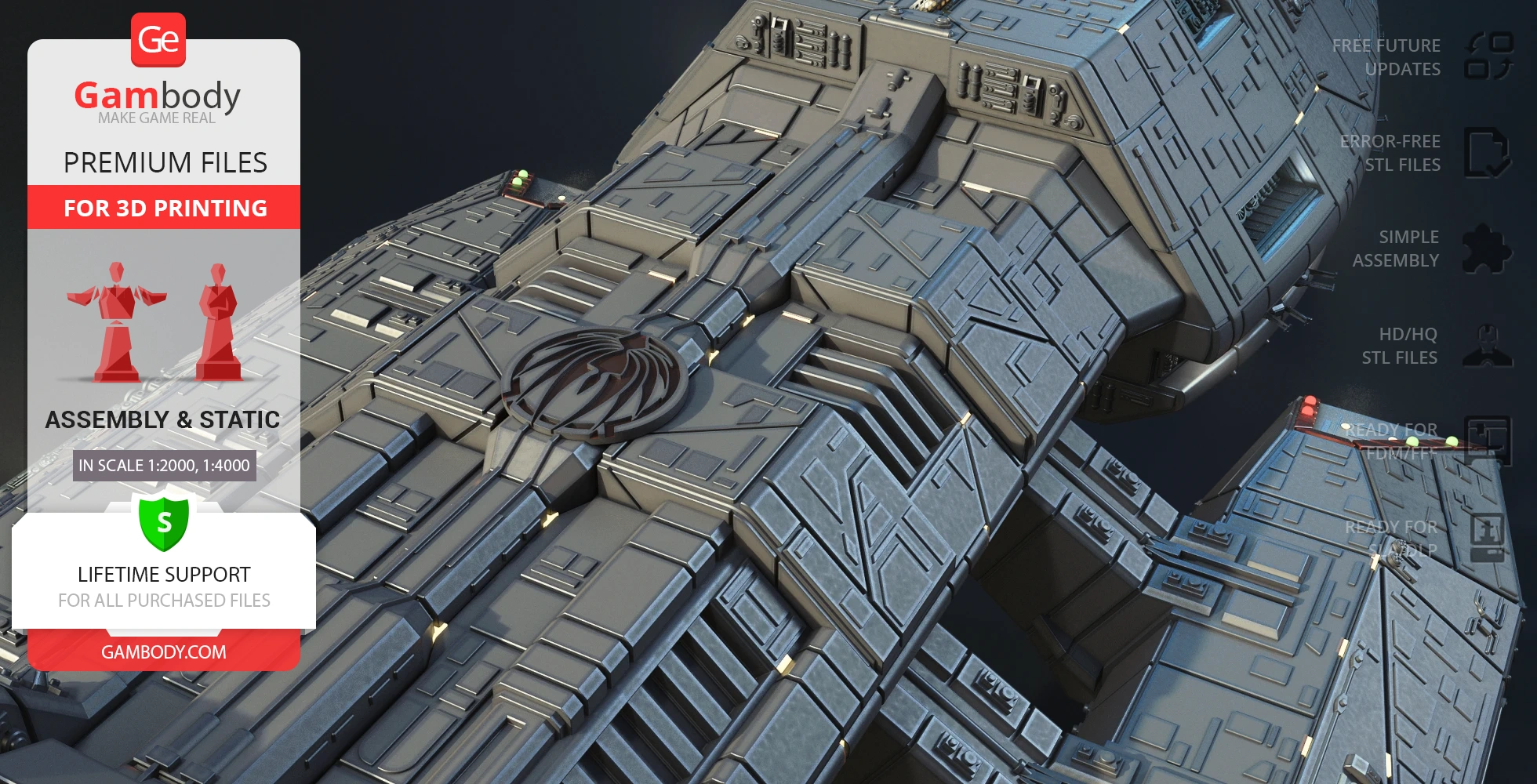
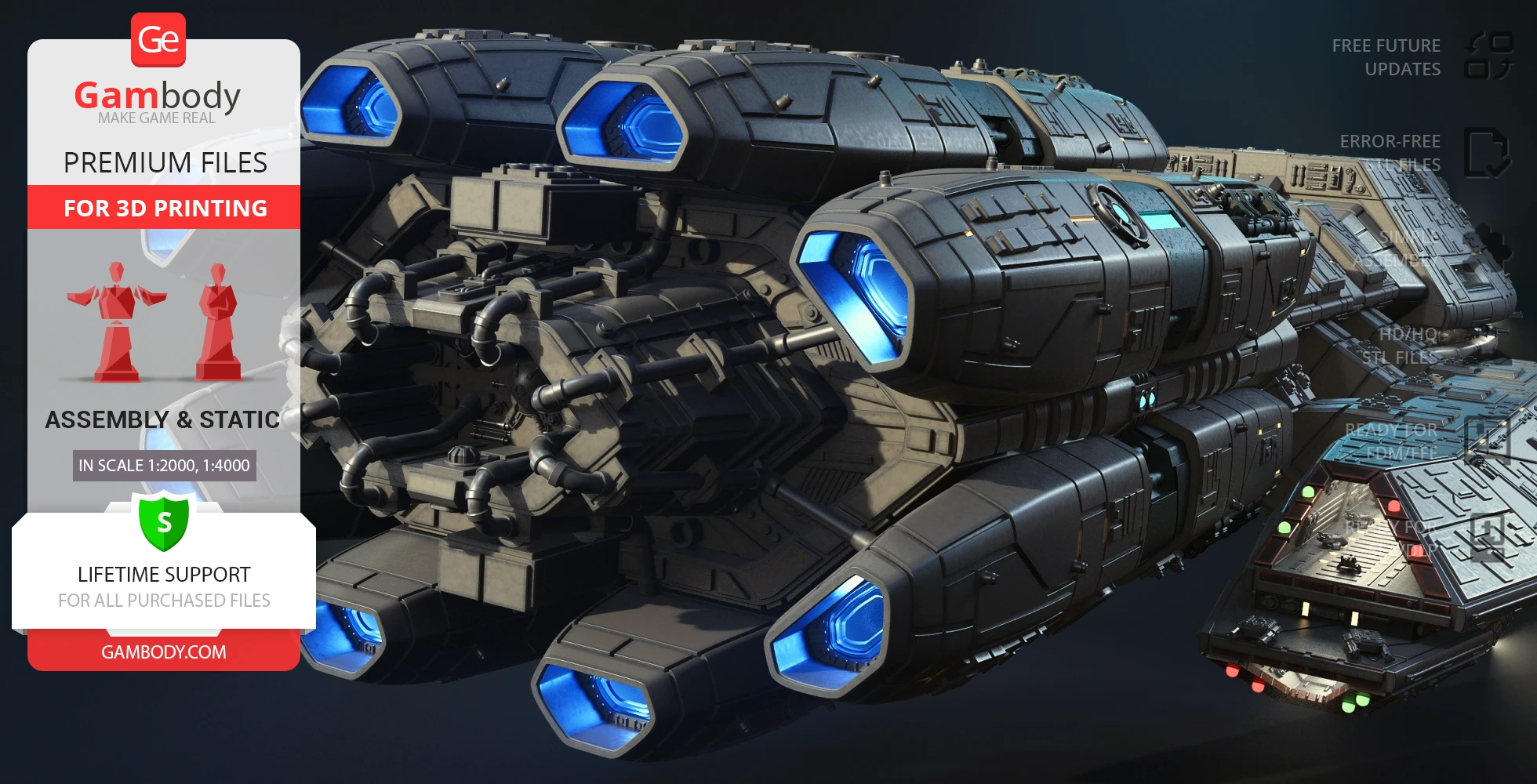
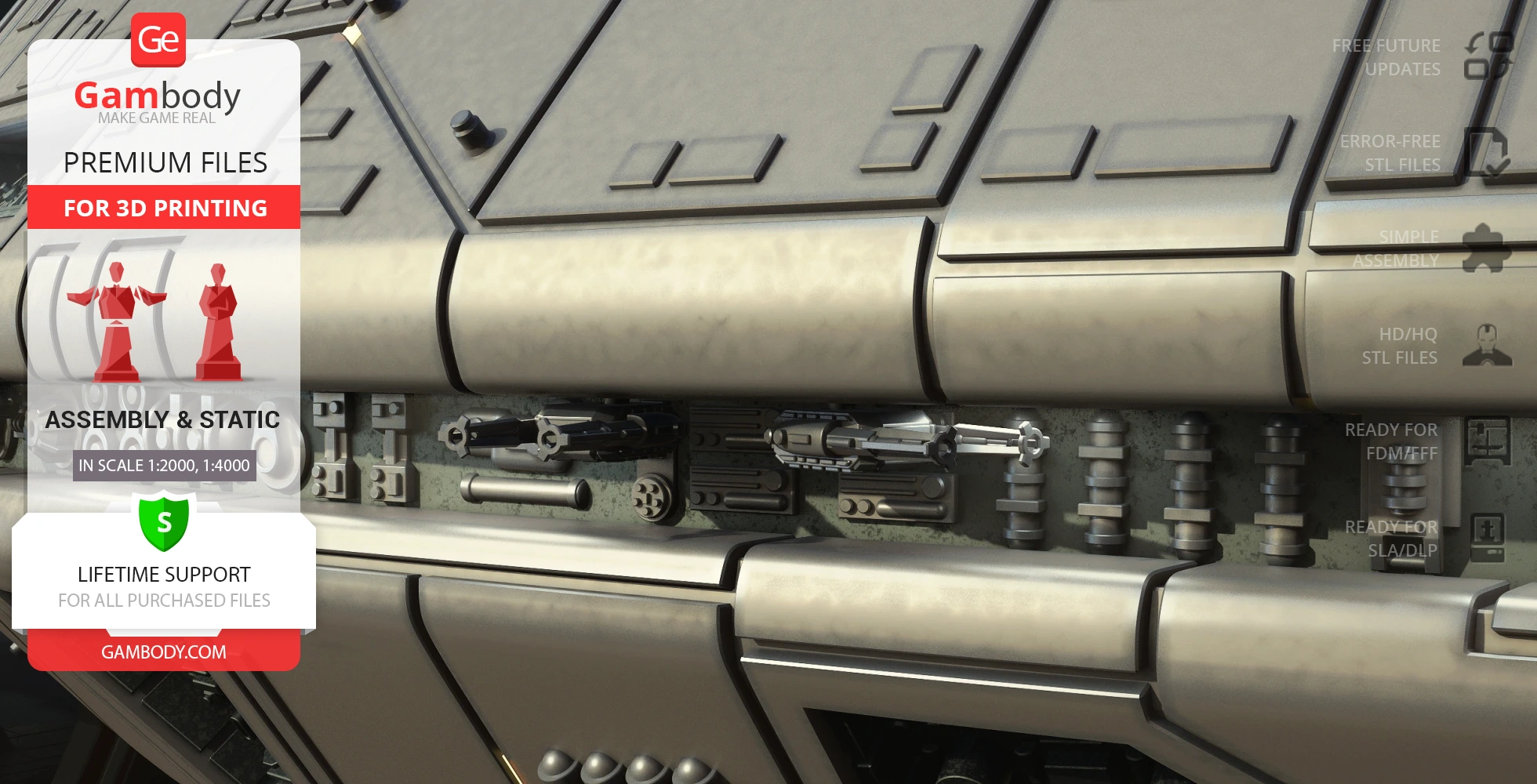
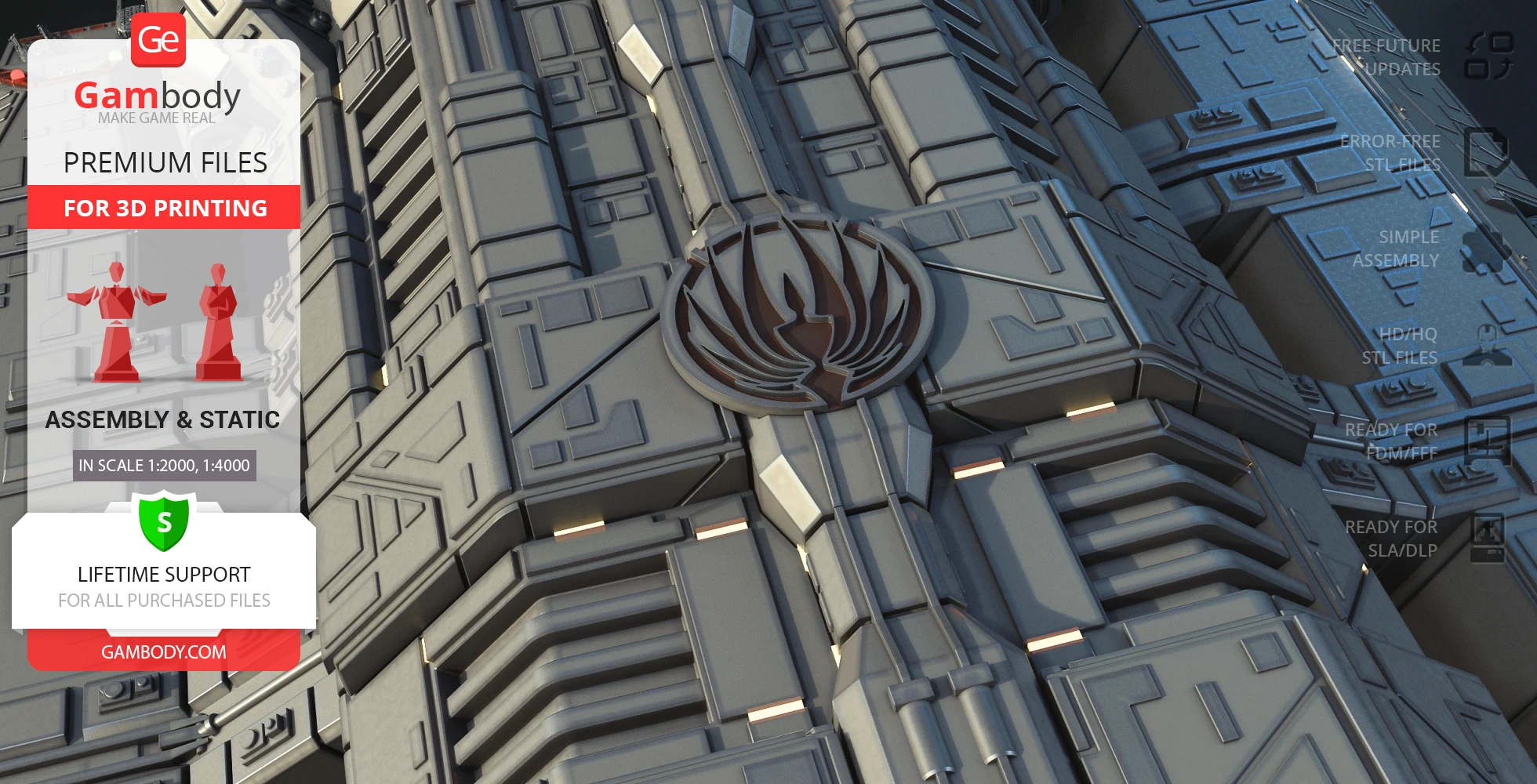
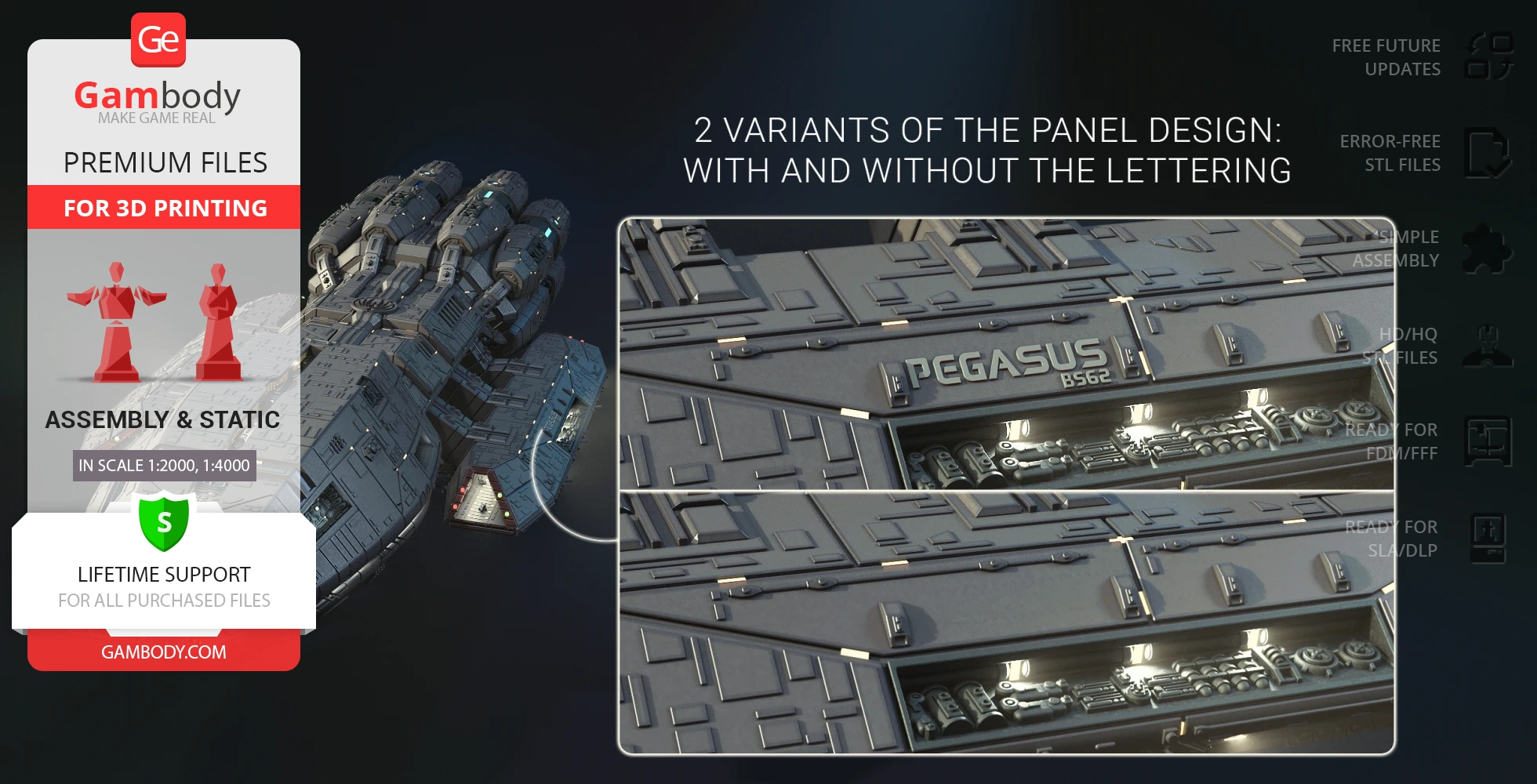
Pegasus for 3D printing modeled by our contributor who drew inspiration from the legendary franchise is an engineering miracle and it has it all to cause excitement in spaceship fans. The build of the craft features an unbelievable level of detail and you can even see such details as the hangar decks’ interior with tiny dummies inside, and crew quarters windows, among others. The propulsion system consisting of 8 sublight engines, which can be lit up by the way, looks very authentic and testifies to the huge technological capacity of Pegasus. Explore the files yourself to see the greatness of this iconic warship!
ADAPTATION FOR 3D PRINTING
Pegasus model for 3D printing is a static assembly model and its moderation and adaptation for different types of 3D printers took the Gambody team 93 hours in total.
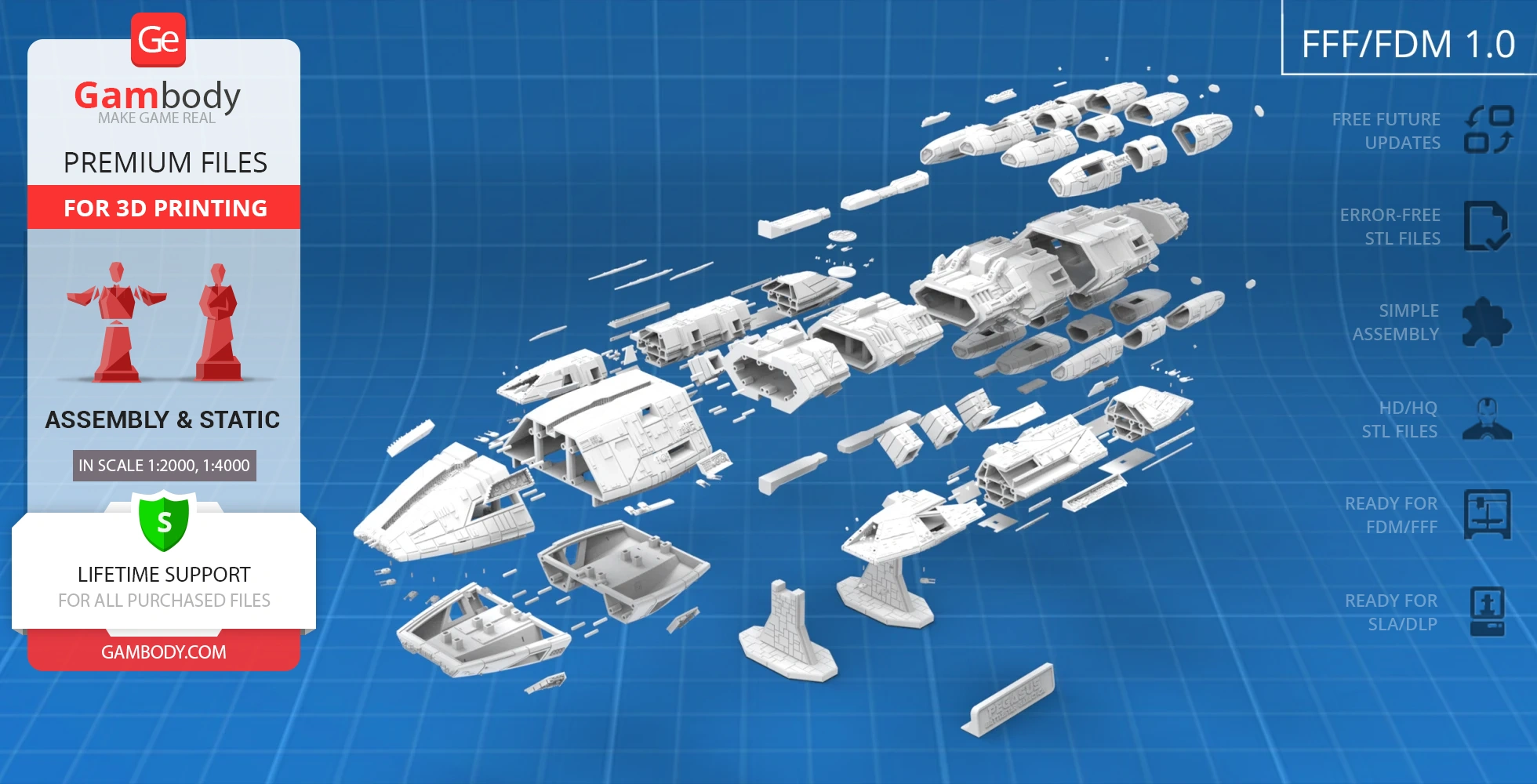
For you to receive the cleanest 3D printing result possible, minimize the amount of filament needed for generated support, and make use of the active elements designed by Gambody Engineers, the ship was divided into convenient assembly parts.
All assembly parts in the FFF/FDM 1.0 version are provided in STL files in recommended positions that were worked out in order to ensure the smoothness of the details’ surfaces after printing and that the 3D printing beginners won’t face difficulties when placing the parts on a build plate. When downloading any model’s file you will also receive “Assembly Manual” for FFF/FDM 1.0 and DLP/SLA 1.0 versions in PDF and video formats. We highly recommend that you get acquainted with the “Assembly Video” and “Assembly Manual” before getting down to the Pegasus 3D printing model.
The model is saved in STL files, a format supported by most 3D printers. All STL files for 3D printing have been checked in Netfabb and no errors were shown.
The model’s scale was calculated from the length of the Pegasus. The 3D printing model’s chosen scales are 1:2000 for the FFF/FDM version and 1:4000 for the DLP/SLA version.
VERSIONS’ SPECIFICATIONS
FFF/FDM 1.0 version features:
- Contains 81 parts;
- A printed model is 161 mm tall, 358 mm wide, 893 mm deep;
- A printed model on the platform is 212 mm tall, 358 mm wide, 893 mm deep;
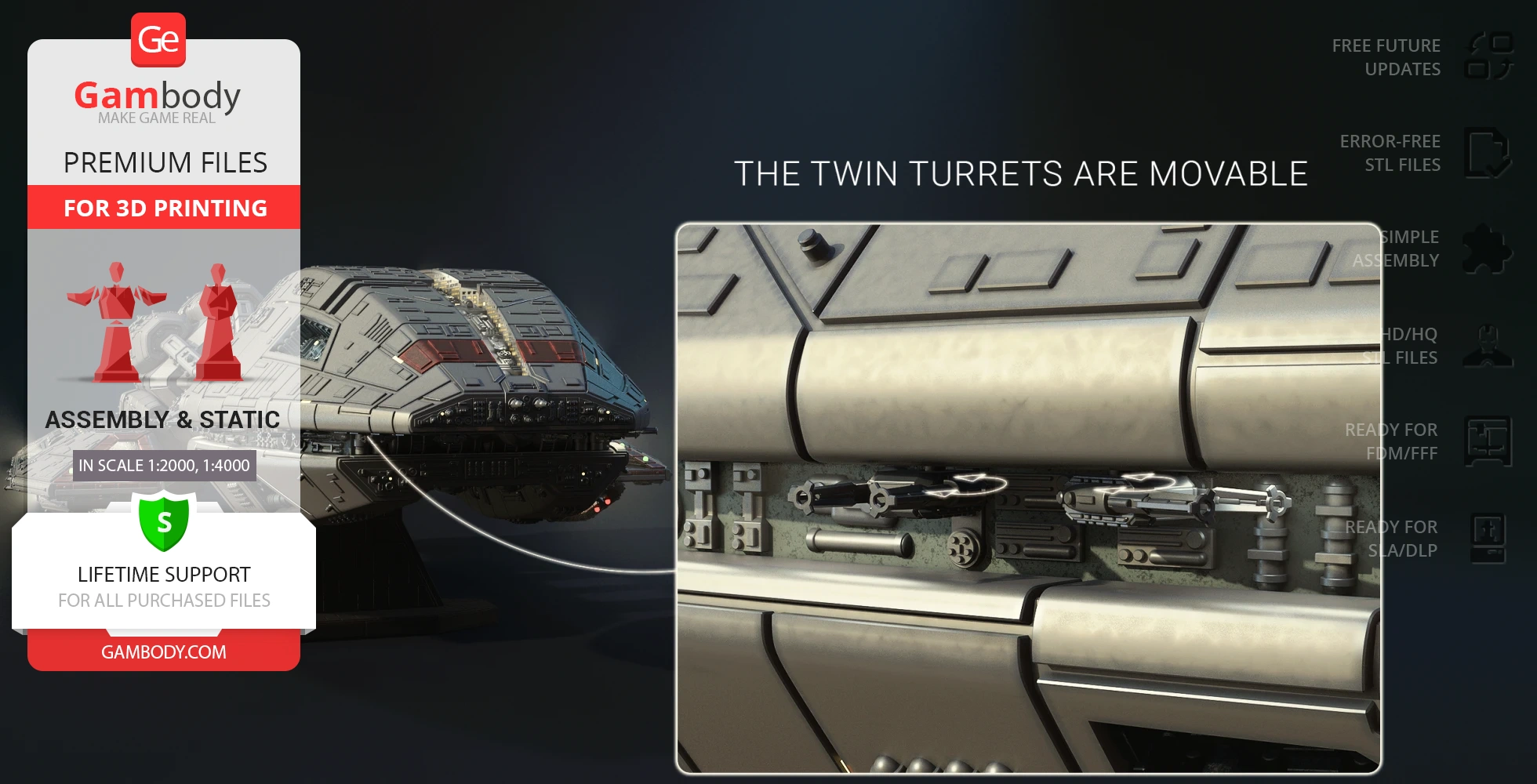
- The twin turrets are movable;
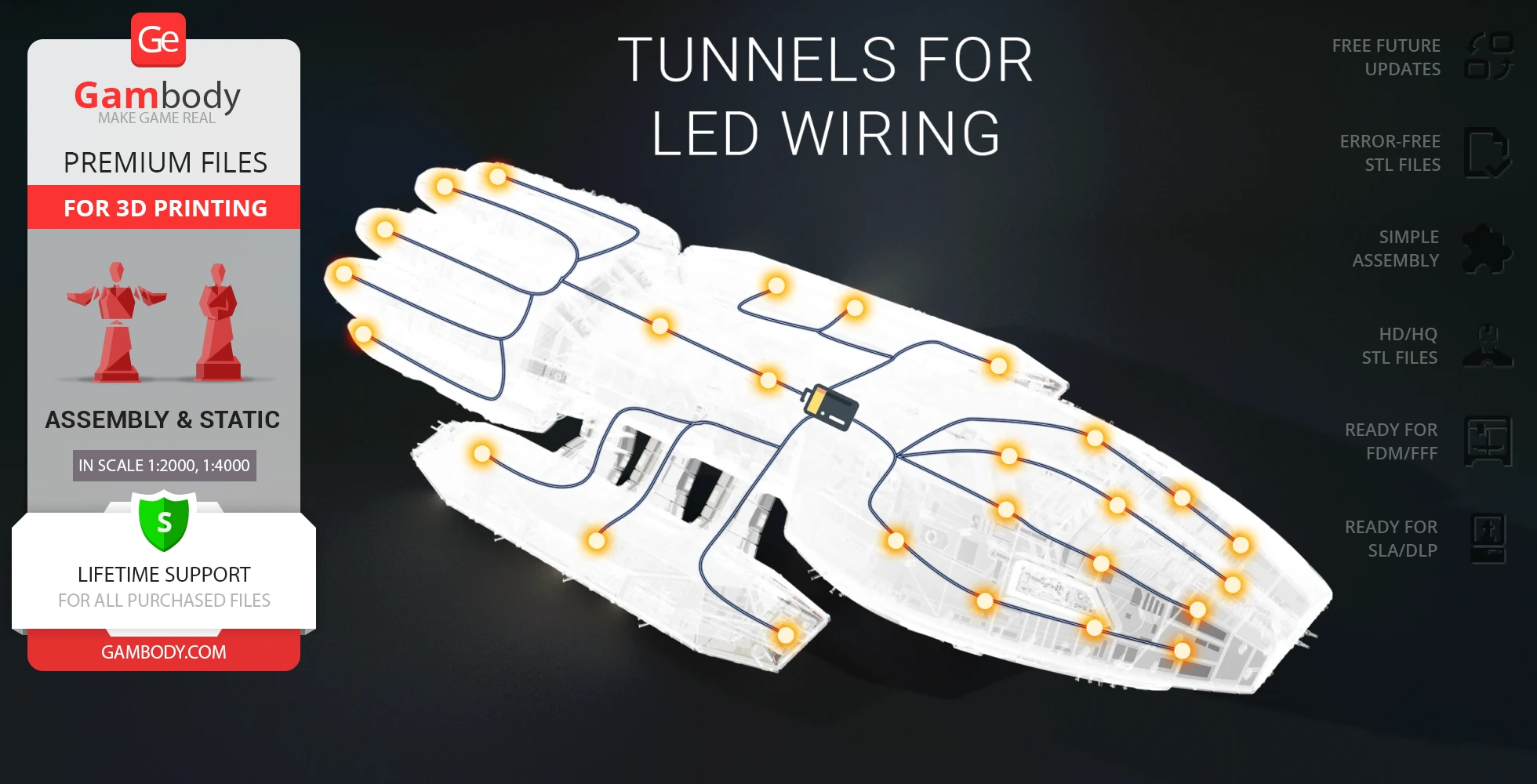
- There are tunnels for LED wiring to light up the interior and engines;
- All parts are divided in such a way that you will print them with the smallest number of support structures.
NB: The turrets and dummies need to be printed with 0.08 layer height and at low speed.
DLP/SLA 1.0 version features:
- Contains 82 parts;
- A printed model is 80 mm tall, 179 mm wide, 447 mm deep;
- A printed model on the platform is: 106 mm tall, 179 mm wide, 447 mm deep;
- The twin turrets are movable;
- There are tunnels for LED wiring to light up the interior and engines;
- All parts are divided in such a way to fit the build plates and to ensure that support structures are generated where needed.
- You can get the Pegasus model for 3D printing immediately after the purchase! Just click the green Buy button in the top-right corner of the model’s page. You can pay with PayPal or your credit card.
Watch the tutorial on how to assemble a Pegasus 3D Printing Model onGambody YouTube channel.
Also, you may like other Battlestar Galactica and Spaceships3D Printing Models.
________
FAQ:
Average customer rating (17 reviews)
4.7
Ratings breakdown
Click a star rating to filter reviews
Overall experience
Level of detail in the model
4.7
Model cut quality and assembly guide
4.6
Clarity and accuracy of the model page
4.5



 Verified purchase
 Level of detail in the model
4.9
Model cut quality and assembly guide
3.6
Clarity and accuracy of the model page
2


 Community Support Team
 Yes, you can certainly print the turret files prepared for FDM printing type on an SLA printer to achieve crisp, highly detailed results. That said, the turret barrels should also print successfully on FDM printers. Our Moderation Team tested these parts before release and achieved good results using.
If the barrels are breaking, it may be related to print settings that affect layer adhesion or the overall strength of thin features. Printing smaller details at a slower speed and ensuring the recommended settings are being used can often help improve durability.
If possible, please send a few photos of the printed turret barrels together with a screenshot of your printing settings to support@gambody.com. Our Moderation Team will gladly take a closer look and provide recommendations to help you get the best results.
 Verified purchase
 Level of detail in the model
5
Model cut quality and assembly guide
5
Clarity and accuracy of the model page
5
 Community Support Team
 This model was designed with lighting in mind. The tunnels and engines can be illuminated for a very impressive effect, and there are built-in channels for LED wiring to help light up the interior and engine areas.
Please note that Gambody provides digital STL files only, so we do not supply LED kits or electronic components directly, and we do not offer an official lighting guide. However, you can use the attached scheme below as a general reference for lighting this 3D printing project.
Many makers in our community have added lighting to their ships with great results. You can find helpful examples, ideas, and wiring tips in the Gambody Facebook Community here: https://www.facebook.com/groups/183216945475583
Here are a few inspiring posts featuring illuminated BSG builds:
https://www.facebook.com/groups/183216945475583/posts/2252417588555498/
https://www.facebook.com/groups/183216945475583/posts/2078859275911331/
https://www.facebook.com/groups/183216945475583/posts/2066634710467121/
https://www.facebook.com/groups/183216945475583/posts/2121341578329767/
https://www.facebook.com/groups/183216945475583/posts/2212333365897254/
https://www.facebook.com/groups/183216945475583/posts/2294059024391354/
For additional guidance, you may also find these Gambody blog articles helpful:
How to Install LED Lights in a 3D Printed Model – https://www.gambody.com/blog/how-to-install-led-lights-in-a-3d-printed-model/
Lighting Up the Star Trek Borg Cube – https://www.gambody.com/blog/lighting-up-star-trek-borg-cube-3d-print-how-to/
USS Enterprise-D with LEDs – https://www.gambody.com/blog/3d-printing-uss-enterprise-d-star-trek-model-with-leds-and-exclusive-wall-mount/
And here are a few useful external resources covering LED basics:
https://www.smallscalelights.co.uk/led-basics/
https://www.instructables.com/LED-Lighting-in-Plastic-Models/
https://evandesigns.com/collections/hobby-leds
We look forward to seeing your illuminated Pegasus come to life!
Verified purchase Level of detail in the model
4.9
Model cut quality and assembly guide
5
Clarity and accuracy of the model page
4.9
Community Support Team Thank you for your questions about the Pegasus 3D Model.
Regarding parts #20 and #21 in the FDM files list: you’re absolutely right that they look very similar. The difference is subtle and lies in the top surface geometry. These two parts are mirror-symmetrical, which is why both are included. This can be seen in the image below.
As for file #78 and the filament pin length, the recommended length is approximately 5 mm. This can be determined experimentally, and it also matches the scale logic: the corresponding pin in the SLA version is 2.5 mm long at 1:4000 scale, and since the FDM version is printed at 1:2000 scale, the pin needs to be twice as long.
If anything is still unclear or you need further assistance, feel free to ask — we’re always happy to help.
Verified purchase Level of detail in the model
5
Model cut quality and assembly guide
0.2
Clarity and accuracy of the model page
1
Verified purchase Community Support Team This particular model is indeed one of the most complex Battlestar cruisers in our marketplace in terms of both printing and assembly. That complexity is directly tied to one of its core design goals: advanced lighting potential. The internal hollow structure allows makers to implement a wide range of lighting solutions, from simple LED setups to very intricate fiber-optic systems. Having open internal volumes provides maximum freedom for routing wires, placing electronics, and experimenting creatively without being constrained by solid geometry.
Regarding the segmentation of the model into multiple parts, this was done with careful consideration of the build volume of the most commonly used 3D printers, as well as the structural characteristics of the model itself. In the FFF/FDM versions, parts are cut to fit into a 180 × 180 × 180 mm area, or into a larger 220 × 220 × 240 mm build volume depending on the project size. While this does add steps during assembly, it makes the model accessible to the majority of FDM users and significantly improves access for lighting installation.
That said, even without any lighting, this model remains one of the most canonical and highly detailed Battlestar representations available. The hollow construction also significantly reduces overall weight while maintaining structural integrity, which is especially important for a model of this size.
We understand that this approach may not suit every hobbyist’s preferences, especially for those looking for a simpler or faster build. If you’d ever like advice on adapting the project to better match your specific goals, feel free to reach out — we’re always happy to help.
 Verified purchase
 Level of detail in the model
5
Model cut quality and assembly guide
0.8
Clarity and accuracy of the model page
2
Verified purchase  Community Support Team
 This model features a highly detailed and complex structure, and modifying the design to reduce support usage, as suggested, could unfortunately affect the fine details of the spacecraft’s surface. Please note that the recommended orientations provided with the files are optimized for these parts and already arranged to minimize the number of support structures as much as possible.
Please also note that when purchasing a Premium 3D model on Gambody, you receive not only STL files but also lifetime technical support, which includes assistance from our team if you experience any difficulties during your 3D printing process.
Along with the model files, you’ll find ready-to-use configurations for the most popular slicers — Bambu Studio, Cura, OrcaSlicer, PrusaSlicer, Simplify3D, and Slic3r, prepared by our Moderation Team. We recommend reviewing these settings before slicing your next file.
The amount of Supports can also be significantly reduced by lowering the Supports threshold angle, down to 20 degrees (as shown in the attached image). At the same time, you will need to slow down your Printing Speed to maintain stability during printing.
We hope these adjustments will help you optimize your 3D printing process, saving material without compromising the overall quality of your Pegasus 3D build.
Please note that Gambody features dozens of talented contributing 3D artists, each with their unique styles and approaches. However, every Premium model includes full support from Our Team, and lifetime updates for the purchased models. If you have any further questions or need additional advice regarding your Pegasus 3D print, please don’t hesitate to reach out to us directly at support@gambody.com — we’ll be happy to help!


 This feedback is from a user who hasn't purchased this model
 Level of detail in the model
5
Model cut quality and assembly guide
5
Clarity and accuracy of the model page
5
Verified purchase Level of detail in the model
4
Model cut quality and assembly guide
4
Clarity and accuracy of the model page
4
This feedback is from a user who hasn't purchased this model Level of detail in the model
4
Model cut quality and assembly guide
4
Clarity and accuracy of the model page
4
This feedback is from a user who hasn't purchased this model Level of detail in the model
5
Model cut quality and assembly guide
5
Clarity and accuracy of the model page
5
This feedback is from a user who hasn't purchased this model Level of detail in the model
5
Model cut quality and assembly guide
5
Clarity and accuracy of the model page
5
Verified purchase Level of detail in the model
4
Model cut quality and assembly guide
4
Clarity and accuracy of the model page
4
This feedback is from a user who hasn't purchased this model Level of detail in the model
5
Model cut quality and assembly guide
5
Clarity and accuracy of the model page
5

 This feedback is from a user who hasn't purchased this model
 Level of detail in the model
5
Model cut quality and assembly guide
5
Clarity and accuracy of the model page
5
Verified purchase Level of detail in the model
5
Model cut quality and assembly guide
5
Clarity and accuracy of the model page
5
This feedback is from a user who hasn't purchased this model Level of detail in the model
4
Model cut quality and assembly guide
4
Clarity and accuracy of the model page
4
This feedback is from a user who hasn't purchased this model Level of detail in the model
5
Model cut quality and assembly guide
5
Clarity and accuracy of the model page
5
 Community Support Team
 Level of detail in the model
5
Model cut quality and assembly guide
5
Clarity and accuracy of the model page
5
Below you'll find detailed slicing settings for Bambu Studio 2.0+, Orca Slicer 2.0+, UltiMaker Cura 5.0+, PrusaSlicer 2.0+, Slic3r 1.3+, Simplify3D 5.0+ to help you get the best results when printing this model. These settings are optimized specifically for this 3D model, but please note they may need slight adjustments depending on your printer or filament. When in doubt, refer to your printer's user manual.
To avoid printing issues and achieve the best quality, we highly recommend applying the following settings:
 Bambu Studio 2.0+
 For better quality use 0.12 mm layer height, for fast printing use 0.2 mm layer height. For pins and the Ge connectors, use 0.2 layer height.
120-150% of your Layer Height
But you can paint the seam if you want.
You have to calibrate this parameter
You have to calibrate this parameter
You have to calibrate this parameter
For pins and power elements of the structure, such as the vehicle frame, use 3 loop
Disabled for vehicles and enabled for characters
For 0,2 Layer Height
The parameters in this tab vary greatly, it all depends on the quality of your printer. For example, if you have a classic Ender3, stick to the minimum parameters, but if you have a newer printer, for example Anycubic cobra 3 v2, you can select the maximum recommended values
Settings for advanced users, change these parameters only if you have sufficient 3D printing expertise
Enable this parameter if your model requires supports
We also recommend placing and removing supports manually in some places using special button
1-2 loops for more thick support
Top Z distance = 1-1.3 layer Height. If the supports are hard to remove, try increasing this setting by 0.1-0,4 mm
Bottom Z distance = 1-1.3 layer Height. If the supports are hard to remove, try increasing this setting by 0.1-0,4 mm
You have to calibrate this parameter which one is better for your filament
Increase this parameter if the supports are hard to remove from walls
For PLA and PETG filament types
5-8 mm is optional for small prints that have bad adhesion to the build plate
You have to calibrate this parameter
Read the description on your filament roll
Read the description on your filament roll and increase this parameter for fast printers
Read the description on your filament roll and increase this parameter for fast printers
 Orca Slicer 2.0+
 For better quality use 0.12 mm layer height, for fast printing use 0.2 mm layer height. For pins and the Ge connectors, use 0.2 layer height.
120-150% of your Layer Height
But you can paint the seam if you want.
0.01-0.05 You have to calibrate this parameter
0.01-0.05 You have to calibrate this parameter
0.1-0.2 You have to calibrate this parameter
For pins and power elements of the structure, such as the vehicle frame, use 3 loop
Disabled for vehicles and ships, enabled for characters
For 0,2 Layer Height
For 0,2 Layer Height
The parameters in this tab vary greatly, it all depends on the quality of your printer. For example, if you have a classic Ender3, stick to the minimum parameters, but if you have a newer printer, for example, Anycubic Kobra 3 Or Bambulab A1, you can select the maximum recommended values.
Settings for advanced users, change these parameters only if you have sufficient 3D printing expertise
Enable this parameter if your model requires supports
We also recommend placing and removing supports manually in some places using special button
Top Z distance = 1-1.3 layer Height. If the supports are hard to remove, try increasing this setting by 0.1-0,4 mm
Bottom Z distance = 1-1.3 layer Height. If the supports are hard to remove, try increasing this setting by 0.1-0,4 mm
Increase this parameter if the supports are hard to remove from walls
For PLA and PETG filament types
5-8 mm is optional for small prints that have bad adhesion to the build plate
Read the description on your filament roll
Read the description on your filament roll and increase this parameter for fast printers
You have to calibrate this parameter
Read the description on your filament roll and increase this parameter for fast printers
Read the description on your filament roll
This field is filled in according to your printer specifications when you add it to the slicer.
You can add custom G-code here for the start and end of the print. However, be careful - this is for advanced users only!
You have to calibrate your printer using Ge retraction test models
Retraction Length: For direct-drive setups use 0.5 mm to 2.5 mm; for Bowden extruders use 5 to 7 mm
This is how fast the filament is pulled back—40-60 mm/s for direct drive and 30-50 mm/s for Bowden setups.
You have to calibrate this parameter: Reduce it until the printer starts to hit the parts with the nozzle during printing, then increase it by 0.2.
 UltiMaker Cura 5.0+
 For better quality use 0.12 mm layer height, for fast printing use 0.2 mm layer height. For pins and the Ge connectors, use 0.2 layer height.
120-150% of your Layer Height
To increase the strength of the print parts, use wall line count: 3
For pins and connectors use 50% Infill
These parameters are for standard PLA plastic. If you are using a different type of plastic, check the printing temperature recommended by the manufacturer. Also, read the description on your filament spool. For fast printers, add +30 °C to the current parameters.
The parameters in this tab vary greatly, it all depends on the quality of your printer. For example, if you have a classic Ender3, stick to the minimum parameters, but if you have a newer printer, for example Anycubic cobra 3 v3, you can select the maximum recommended values
Settings for advanced users, change these parameters only if you have sufficient 3D printing expertise.
You need to calibrate this parameter using Gambody test models. These values are average values for a Direct Drive extruder; for a Bowden extruder, the values should be increased.
You need to calibrate this parameter using Gambody test models. These values are average values for a Direct Drive extruder; for a Bowden extruder, the values should be increased.
Use this value other than 0 if your nozzle catches on the internal infill during travel moves. Try to keep this value as low as possible in height.
Use normal supports to support large, straight surfaces (most mechanical or technical parts).
You have to calibrate this parameter according to the capabilities of your printer and your filament, using a Gambody test models.
Use 1 instead of 0 if your supports are thin and tall. They will be harder to remove, but much stronger.
Top Z distance = 1-1.3 layer Height. If the supports are hard to remove, try increasing this setting by 0.1-0,4 mm
Increase this parameter if the supports are hard to remove from walls
Use tree supports to support complex objects, such as characters.
You have to calibrate this parameter according to the capabilities of your printer and your filament, using a Gambody test models.
Top Z distance = 1-1.3 layer Height. If the supports are hard to remove, try increasing this setting by 0.1-0,4 mm
Increase this parameter if the supports are hard to remove from walls
Use a skirt for all parts when printing on outdated printers.
Use a brim when printing thin but tall parts, as well as parts with a small bed adhesion area.
 PrusaSlicer 2.0+
 For better quality use 0.12 mm layer height, for fast printing use 0.2 mm layer height. For pins and the Ge connectors, use 0.2 layer height.
120-150% of your Layer Height
for 0.2 Layer Height
But you can paint the seam if you want.
(for PLA and PETG)
(5-8 mm is optional for small prints that have bad adhesion to the build plate)
Enable this parameter if your model requires supports
(45-50 degree)You have to calibrate this parameter according to the capabilities of your printer
and your filament, using a Gambody test models.
Top contact Z distance = 1-1.3 layer Height. If the supports are hard to remove, try
increasing this setting by 0.1-0,4 mm
Top contact Z distance = 1-1.3 layer Height. If the supports are hard to remove, try
increasing this setting by 0.1-0,4 mm
Increase this parameter if the supports are hard to remove from walls
The parameters in this tab vary greatly, it all depends on the quality of your printer. For example, if you have a classic Ender3, stick to the minimum parameters, but if you have a newer printer, for example Anycubic cobra 3 v3, you can select the maximum recommended values
Settings for advanced users, change these parameters only if you have sufficient 3D printing expertise. Use the minimum value for outdated printers without acceleration calibration, and the maximum value for modern printers if you need it.
These settings only work for 3D printers with multiple extruders
You can try setting all parameters in this section, except the First layer, to values between 0.75% of your nozzle diameter and 1.25% of your nozzle diameter. Adjusting them will help you work out the optimal parameters for the best quality for your print. As for the First layer, you can set it to 150% of the diameter of your nozzle for better adhesion to the build plate (for a nozzle with a diameter of 0.4 mm, the First layer extrusion width can be from 0.3 mm to 0.5 mm)
For better printing quality you have to calibrate this parameter using Gambody test model.
Check your filament manufacturer's temperature recommendations on the spool.
Cooling parameters depends on the material you use for printing.
*for PLA
 Slic3r 1.3+
 For better quality use 0.12 mm layer height, for fast printing use 0.2 mm layer height. For pins and the Ge connectors, use 0.2 layer height.
120-150% of your Layer Height
For 0.12 Layer Height
For 0.12 Layer Height
For pins and connectors use 50% Infill
Use skirt for outdated 3d printers
(5-8 mm is optional for small prints that have bad adhesion to the build plate)
Enable this parameter if your model requires supports
(45-60 degree)You have to calibrate this parameter according to the capabilities of your printer and your filament, using a Gambody test models
Contact Z distance = 1-1.3 layer Height. If the supports are hard to remove, try increasing this setting by 0.1-0,4 mm
The parameters in this tab vary greatly, it all depends on the quality of your printer. For example, if you have a classic Ender3, stick to the minimum parameters, but if you have a newer printer, for example Anycubic cobra 3 v3, you can select the maximum recommended values
Settings for advanced users, change these parameters only if you have sufficient 3D printing expertise. Use the minimum value for outdated printers without acceleration calibration, and the maximum value for modern printers if you need it.
You have to calibrate this parameter from 0.9 to 1.1 according to the capabilities of your printer and your filament, using a Gambody test models.
Check your filament manufacturer's temperature recommendations on the spool.
Cooling parameters depends on the material you use for printing.
Calibrate this value if you need to reduce or improve the adhesion between the plastic and the heat bed
Your current nozzle diameter
You need to calibrate this parameter using Gambody test models. These values are average values for a Direct Drive extruder; for a Bowden extruder, the values should be increased.
 Simplify3D 5.0+
 Your current nozzle diameter
You have to calibrate this parameter using Gambody test models.
You need to calibrate this parameter using Gambody test models. These values are average values for a Direct Drive extruder; for a Bowden extruder, the values should be increased.
For better quality use 0.12 mm layer height, for fast printing use 0.2 mm layer height. For pins and the Ge connectors, use 0.2 layer height.
For 0,2 Layer Height
For 0,2 Layer Height
To increase the strength of the print parts, use Outline Perimeters: 3
You can enable this parameter to print rounded or spherical models, as well as character models.
Use this option only if your parts are too tight. but better calibrate your printer extrusion
Use this option only if your parts are too tight. but better calibrate your printer extrusion
Use 2 and more if you want to create skirt instead brim
1-2 for skirt and 10-20 for brim
Use for wipe nozzle if you need
Use For ABS filament
For pins and connectors use 50% Infill
Top Z distance = 1-1.3 layer Height. If the supports are hard to remove, try increasing this setting by 0.1-0,4 mm
Calibrate your filament and detect optimal temperature for it
Average temperature for PLA filament
The parameters in this tab vary greatly, it all depends on the quality of your printer. For example, if you have a classic Ender3, stick to the minimum parameters, but if you have a newer printer, for example Anycubic cobra 3 v3, you can select the maximum recommended values
Settings for advanced users, change these parameters only if you have sufficient 3D printing expertise.