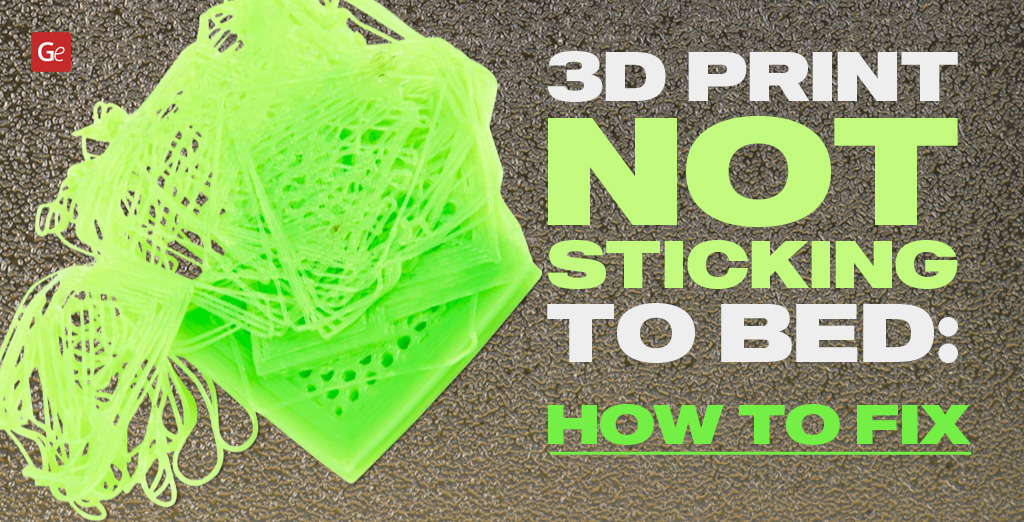
Newbies in 3D printing often encounter a common issue: a 3D print not sticking to the bed. It can happen when you recreate the most impressive 3D print objects and figures with ABS, PLA, and other types of filament. Luckily, there are simple steps that can help you fix 3D printer bed adhesion problems.
Since the first layers of any model must adhere well to the 3D printer platform to ensure a successful print, it is essential to monitor your 3D printer bed adhesion. Follow Gambody’s 3D print troubleshooting tips to avoid such problems with filaments and make outstanding masterpieces.
3D Printer Bed Adhesion: What Is It?
Years ago, hobbyists had to take several steps to troubleshoot filament not sticking to bed. From glue to leveling to controlling speed and temperature, it took a while to master the techniques that helped achieve a lovely result.
Today, enthusiasts can shop for great, user-friendly 3D printers for beginners that come with auto-leveling systems, amazing PEI bending beds that eliminate the need for tape and glue sticks, and other perks that were only a dream in the past. Still, the issue of 3D printer bed adhesion persists. It’s just easier to take care of.
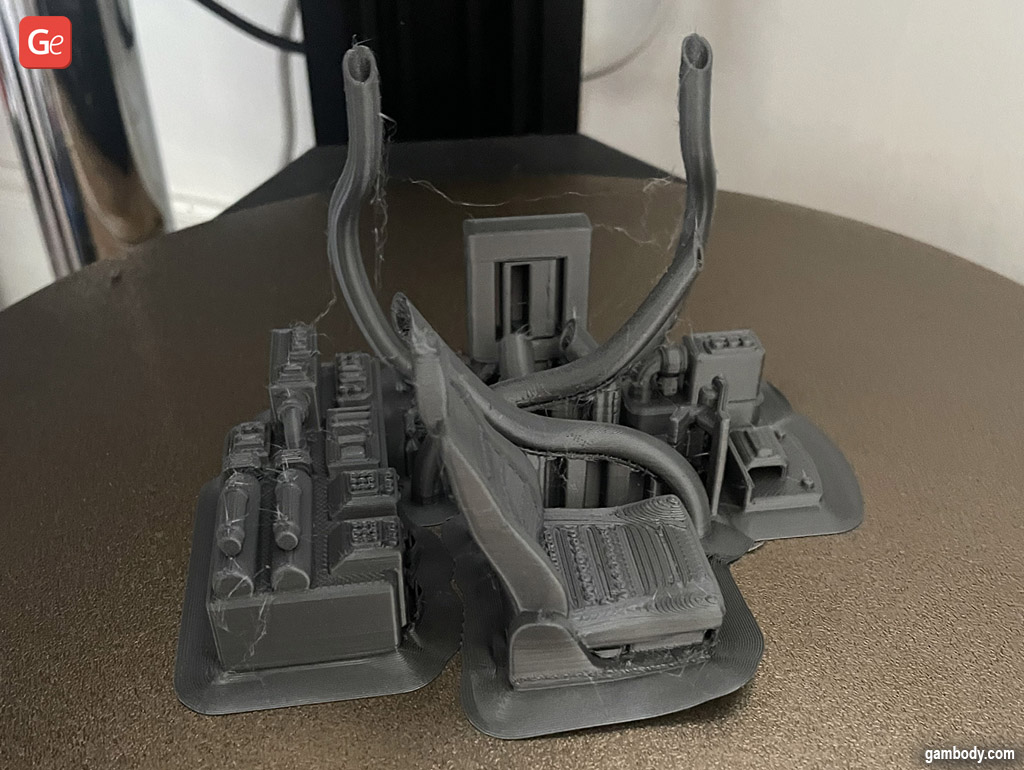
Bed adhesion ensures your first layers of filament stick well to the platform, allowing your machine to extrude new layers on top and produce a solid print that is stable, doesn’t ‘walk around’ ruining the shape or causing the ‘elephant foot’ effect, and won’t suddenly fall to the side or cause the project to fail in some other way.
The question is, what should you do with 3D print not sticking to bed?
Read also: 7 Working Solutions (How to Remove a 3D Print from Bed).
PLA Not Sticking to Bed
Once you read everything about PLA filament, you’ll know that PLA bed adhesion temperature is essential to keep in mind when working with this 3D printing material.
While you can keep your bed cold when working with PLA plastic, it’s still best to preheat it to approximately 40°C to 70°C (104°F to 158°F) to achieve the best results. Also, if you can adjust your 3D printing settings, turn off the cooling fan or make it run slowly while your machine extrudes the first two layers. After this, you can speed up your fan to its full capacity and enjoy creating beautiful PLA 3D prints.
ABS Not Sticking to Bed
ABS is not as simple as PLA. This filament requires more settings and testing to ensure you fixed the problem of your prints not sticking to build plate. ABS shrinks when it cools down. This plastic likes high temperatures, so it’s helpful to consider the difference between your nozzle and bed temp when using it.
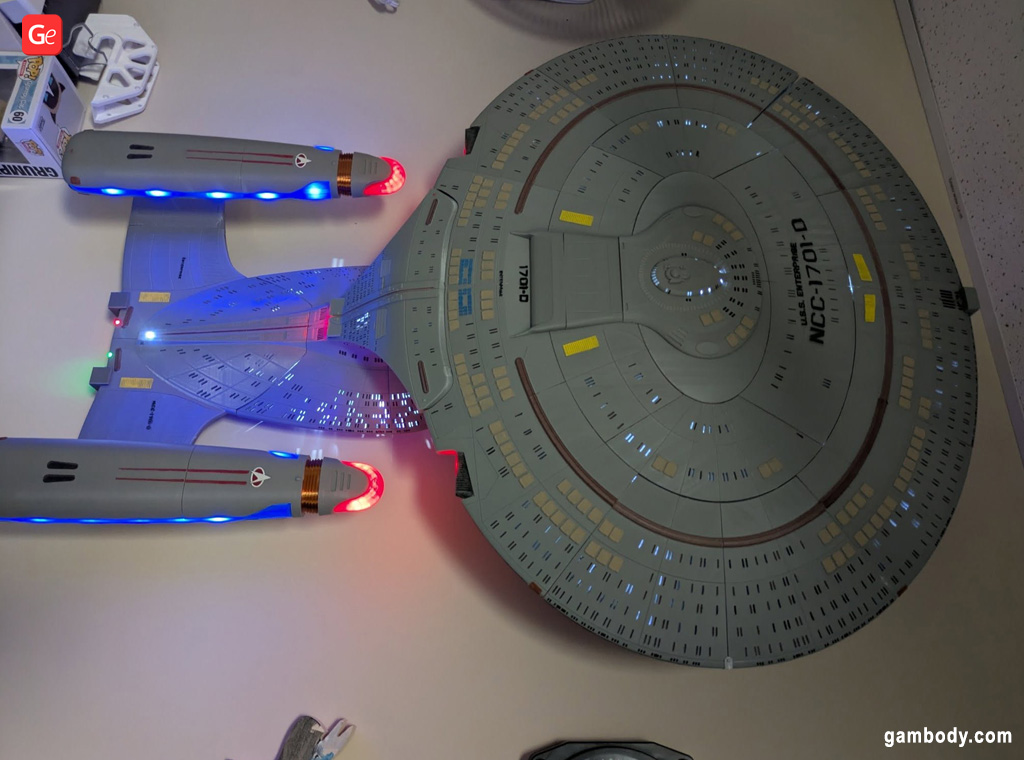
Shrinking layers of plastic easily separate from the bed, causing failed prints. Thus, if you notice that your ABS material first attaches but experience the issue of the first layer not sticking to bed, adjust your temperature settings and ensure your bed maintains a hot temperature of approximately 110°C (230°F) throughout the project. It’s best to test your ABS bed adhesion temperature from 100°C to 120°C (212°F to 248°F) to determine what works best for your brand.
Read also: Best Star Trek 3D Printing Models.
Why Is My Filament Not Sticking to Bed?
Several factors can impact the adhesion of your print to the bed. Sometimes, the bed leveling needs attention. Sometimes, you need to monitor the temperature of your platform. Sometimes, it’s essential to adjust your nozzle distance from the bed.
Let’s look closer at every potential issue and how to fix these 3D printer bed adhesion problems.
Bed Leveling for Better Adhesion
Modern affordable 3D printers often come with an auto-leveling system. It means you no longer have to adjust your printing platform, as the machine can do it automatically.
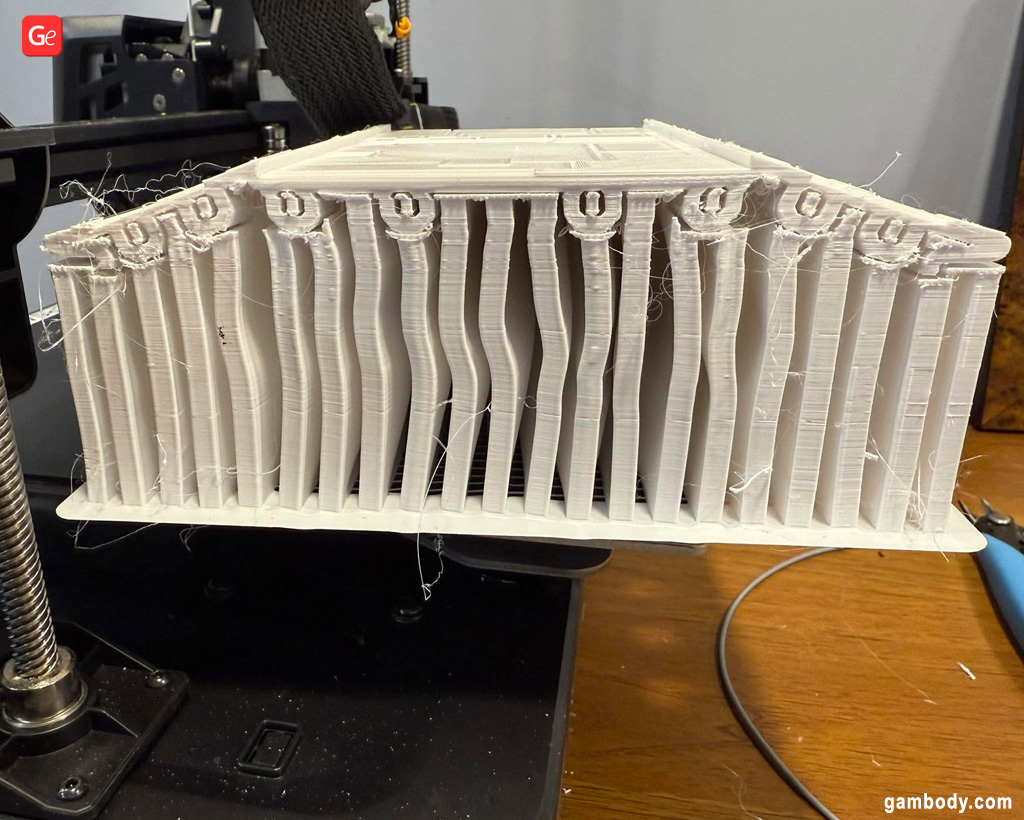
Still, some older versions may require manual adjustments using knobs, screws, controls, or a piece of paper. Ensure you have a good flat platform that is leveled because if it’s unlevel, some areas can be far away from your nozzle while the other regions can be too close, causing filament not sticking to bed.
If the bed is perfectly leveled (parallel to the nozzle), your print should adhere well.
Read also: The Best Ender-3 Upgrades to Create Fantastic 3D Prints (V2, Pro, Neo, V3 KE, S1, MAX).
Adjusting Bed Temperature
As noted above, the platform temperature matters for different types of filament, including PLA (less) and ABS (more). Ensure you can preheat your bed to 40°C to 70°C (104°F to 158°F) if PLA doesn’t adhere well. Use a heated plate to work with ABS that requires higher temperatures from 100°C to 120°C (212°F to 248°F).
Depositing materials that shrink at cool temperatures from a hot nozzle to a cold build plate is always a bad idea. Keep an eye on the plastic you print with and adjust the print and bed temp accordingly.
Nozzle Distance to Improve 3D Printer Bed Adhesion
When the extruder hotend has the correct height relative to your 3D printer bed, the results are significantly better than when the nozzle distance is incorrect.
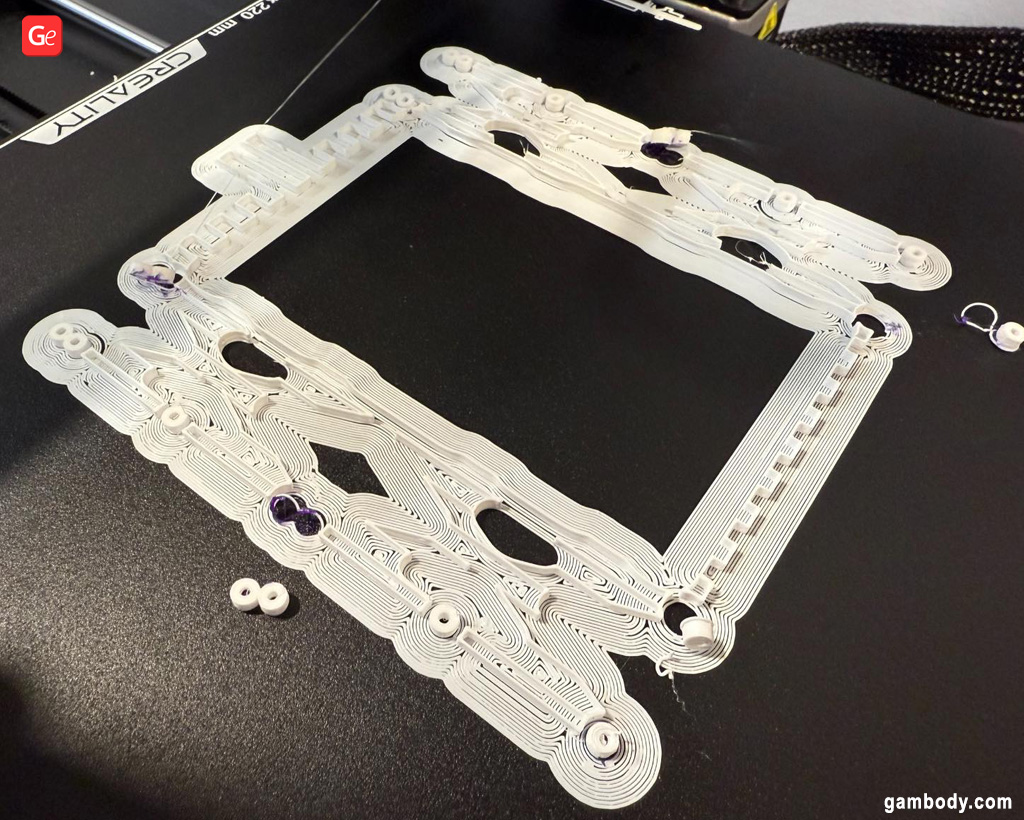
The distance between your 3D printer nozzle and print bed is called Z-offset. You should fine-tune the Z-Axis G-Code offset by adjusting your settings or manually. Test by lowering your height by 0.05 mm at a time to see how close to the platform it should be, so that the plastic is slightly compressed against the bed and yields nice results.
Most filaments are 0.18mm thick, so adjust the nozzle distance incrementally to avoid excessive changes. Be slow and patient.
Read also: Cleaning 3D Printer Nozzles at Home (Simple Guides).
Experiment with Printing Speed
Plastics require some time to bond securely to your bed. This is especially important for the first few layers of your highly detailed 3D print. Fast speeds can result in 3D printer filament not sticking to bed and leading to a failed project.
What can you do to troubleshoot this issue? Start with lower speeds until you ensure the first layer has adhered well to the platform. Then speed up your machine and let other layers build nicely on top.
You can use 3D printer slicer software to adjust the printing speeds and ensure that the first couple of layers are printed at a significantly slower rate than the rest of the model.
Glue or Tape?
Hobbyists who have an older type of build platform that is not helping with print adhesion, it’s a good idea to “help” your first layers stick well with additional materials. Apply glue or tape to the surface before you begin 3D printing and help your PLA, ABS, or other plastic adhere.
You may need to experiment with different types of tape, as ABS is known to be compatible with Polyimide film, while PLA is more compatible with painter’s tape.
Discover many great ideas of 3D printed figures and models on Gambody marketplace!
As for the types of glue that are popular in the 3D printing community, experiment with sprays (including hairspray), glue sticks, and temporary glue brands to find your working solution.
If your platform is covered with specific material that helps filaments adhere on their own, take care of it. Ensure the surface is clean of dust, dirt, oil, grease, and filament debris before starting a new 3D projects ideas. You can clean the bed with rubbing alcohol or water (see what the manufacturer suggests).
Solution to Small Adhering Surface
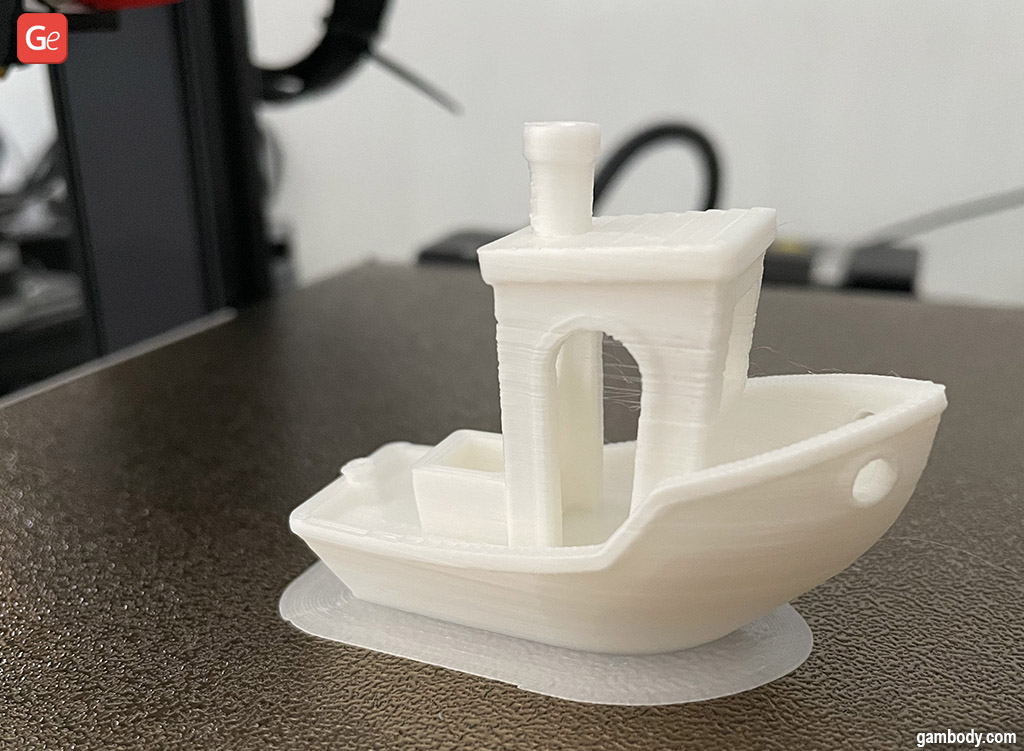
Some parts may be too small to adhere well to the bed due to their limited surface area. It’s possible to fix this issue using your slicer. You might need to add an extra underlayer of a brim (known as a skirt) to increase the “sticking” surface of the first layer and successfully print your model or figure.
Continue experimenting and testing different plastic types to create more incredible 3D printed projects, and you’ll master more fixing options for common problems. You’ll be a 3D print troubleshooting guru in no time and help newbies from Gambody – 3D Printing Community on Facebook, whose 3D printer filament not sticking to bed, with advice and tips.

4 reasons why 3D printed toys are better than ordinary ones
Read Article
Best 3D Printed BattleTech Large-Scale Models and Miniatures
Read Article