Community (fb)

 es
es  ua
ua 








Files
3D model format
Stereolithography (.stl)
Total files

Slicer settings
not available
Mesh error check
not specified
Support
Provided by 3D Artist (optional)
Update requests
Subject to 3D Artist’s discretion
Model versions
FFF/FDM
Assembly method
not specified
Features
Additional details
Part of diorama
No
Special pack included
No
You will get instant access to the STL files of Dragon Ball Z - Kid Buu Attack Pose after completing your purchase. Simply add the model to your cart and check out using PayPal, credit or debit card, Apple Pay, Google Pay, Alipay, or other available payment methods.
Watch the assembly video for Dragon Ball Z - Kid Buu Attack Pose, and explore more tutorials, behind-the-scenes content, 3D printing timelapses, and painting guides on the official Gambody YouTube channel.
STL files and the cutting of this model are preserved as created by the Author. This model was not moderated by Gambody, it is not subject to technical support by Gambody, and we do not offer any guarantees on the 3D printing results.
Stock models can only be purchased in an order separate from the Premium STL files by Gambody. If a Premium model is added to the Cart, the Stock models are deleted automatically, and vice versa.
You can read more about Stock models onGambody's Blog.
The Author of the Stock model can provide technical support if they wish. All your questions, requests, wishes and remarks can be left in the comment section below.
Gambody Team can consider providing a Premium version of the model if highly requested.
Before printing, take a look at Printing Details for recommended settings and tips to achieve better results.
| File name | Size (mm | in) | Size(mb) | Printing Time / Filament | |||
|---|---|---|---|---|---|---|
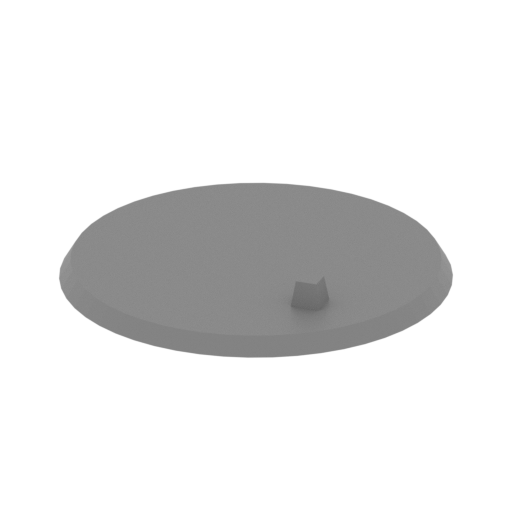 | Base.stl 182.73 x 182.37 x 21 mm | 7.19 x 7.18 x 0.83 in | Size: 182.73 x 182.37 x 21 mm | 7.19 x 7.18 x 0.83 in | File size: 0.02 mb | Printing Time / Filament: 18 h 53 min / 11 m | ||
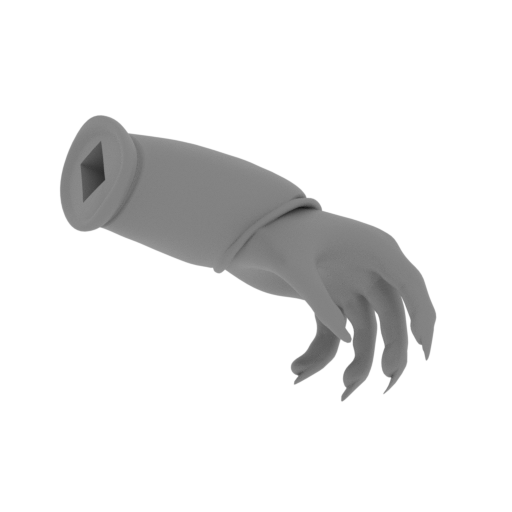 | Hand L.stl 52.58 x 31.16 x 38.5 mm | 2.07 x 1.23 x 1.52 in | Size: 52.58 x 31.16 x 38.5 mm | 2.07 x 1.23 x 1.52 in | File size: 1.01 mb | Printing Time / Filament: 2 h 20 min / 1 m | ||
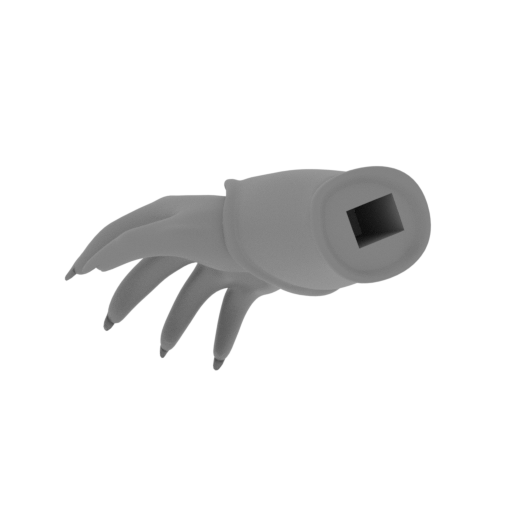 | Hand R.stl 52 x 31.44 x 36.79 mm | 2.05 x 1.24 x 1.45 in | Size: 52 x 31.44 x 36.79 mm | 2.05 x 1.24 x 1.45 in | File size: 1.00 mb | Printing Time / Filament: 2 h 19 min / 1 m | ||
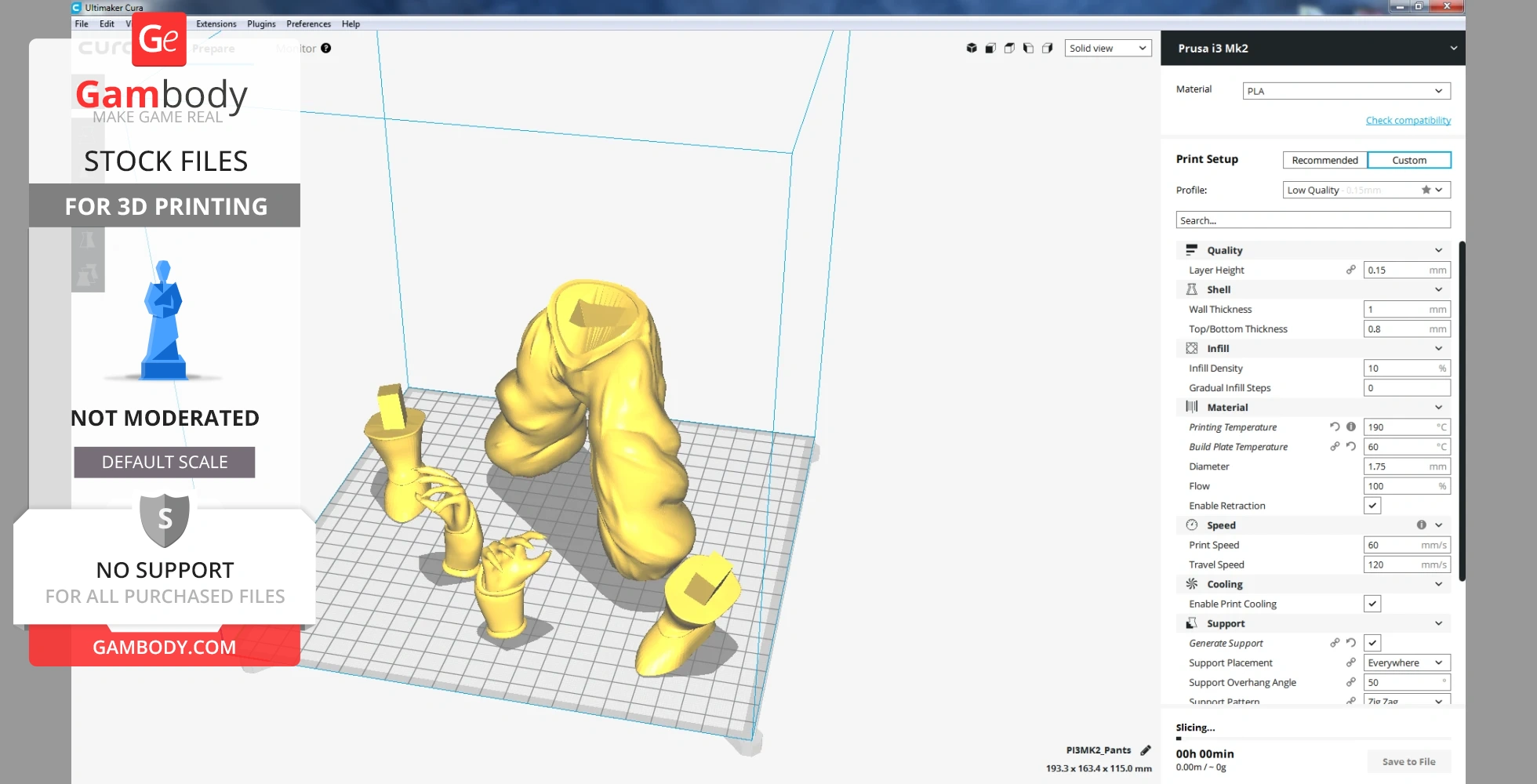
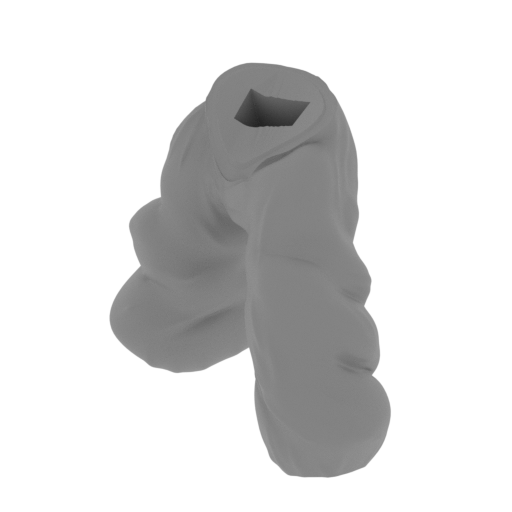 | Pants.stl 114.66 x 123.78 x 115.03 mm | 4.51 x 4.87 x 4.53 in | Size: 114.66 x 123.78 x 115.03 mm | 4.51 x 4.87 x 4.53 in | File size: 1.50 mb | Printing Time / Filament: 26 h 6 min / 17 m | ||
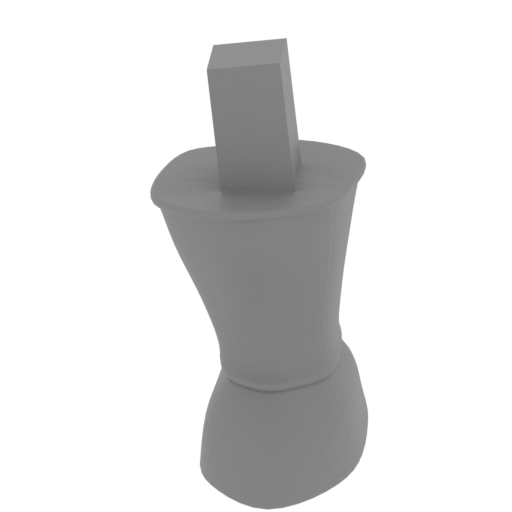 | Shoe L.stl 33.54 x 48.55 x 52.88 mm | 1.32 x 1.91 x 2.08 in | Size: 33.54 x 48.55 x 52.88 mm | 1.32 x 1.91 x 2.08 in | File size: 1.00 mb | Printing Time / Filament: 2 h 38 min / 1 m | ||
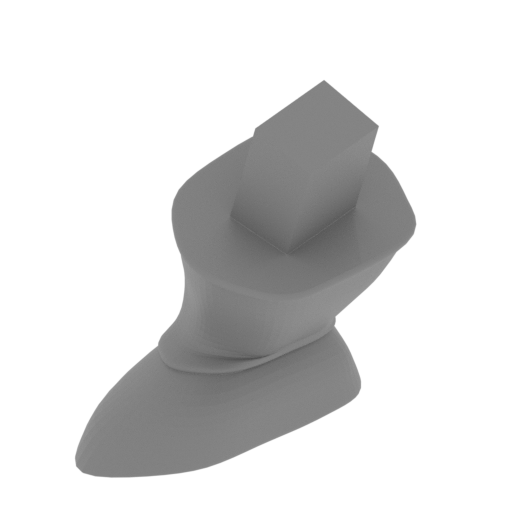 | Shoe R.stl 40.25 x 42.95 x 51.23 mm | 1.58 x 1.69 x 2.02 in | Size: 40.25 x 42.95 x 51.23 mm | 1.58 x 1.69 x 2.02 in | File size: 1.00 mb | Printing Time / Filament: 2 h 29 min / 1 m | ||
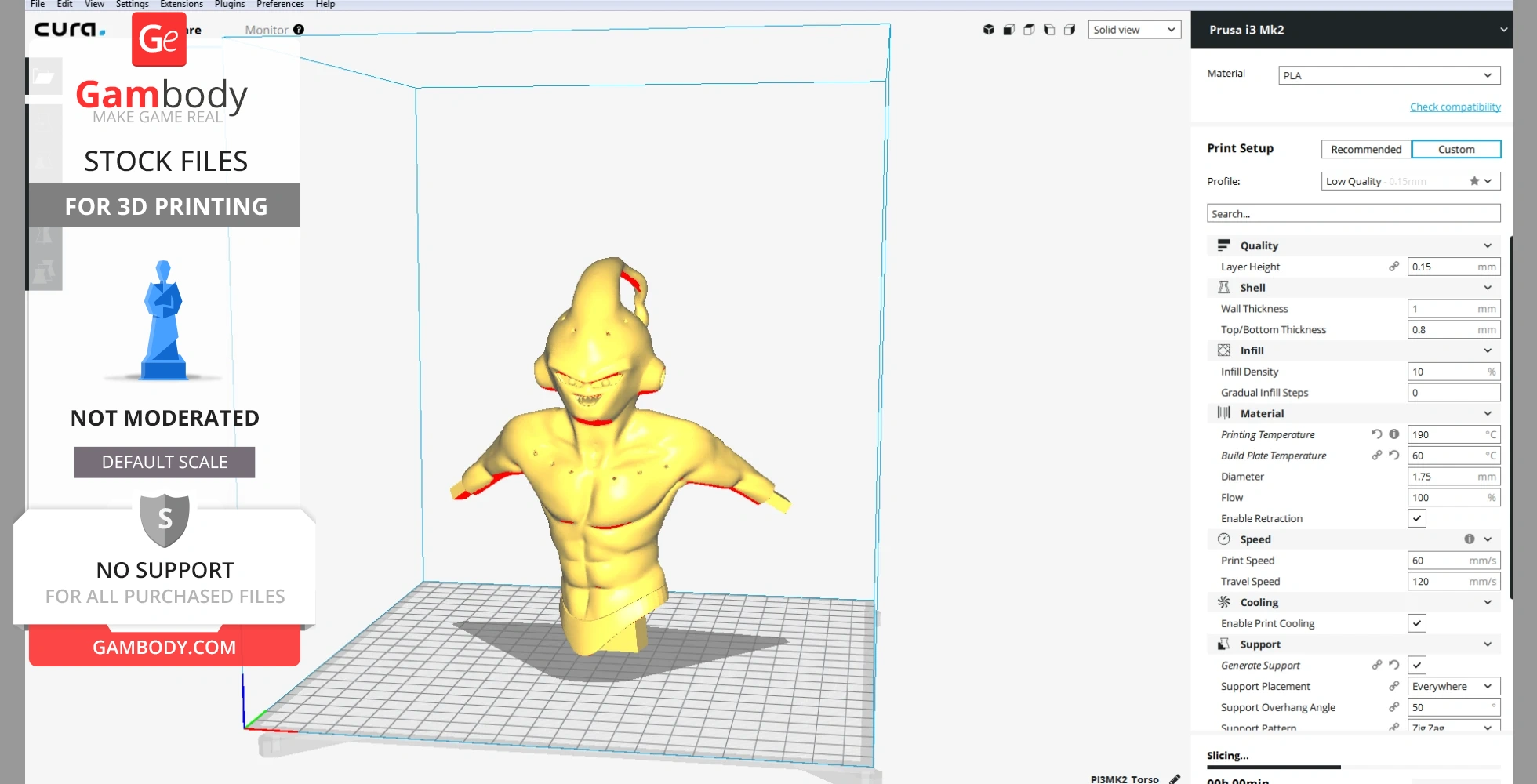
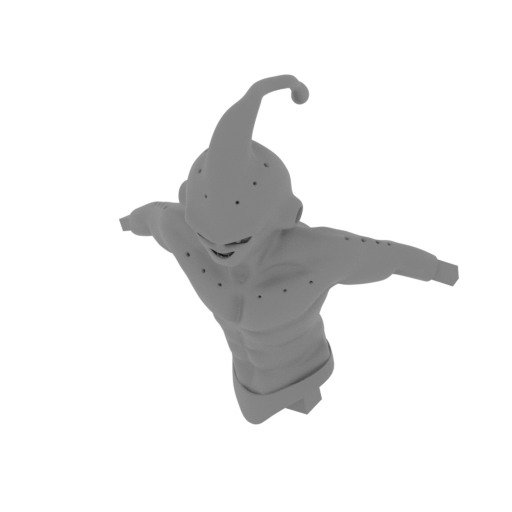 | Torso.stl 149.66 x 92.19 x 161.33 mm | 5.89 x 3.63 x 6.35 in | Size: 149.66 x 92.19 x 161.33 mm | 5.89 x 3.63 x 6.35 in | File size: 5.07 mb | Printing Time / Filament: 31 h 9 min / 21 m | ||
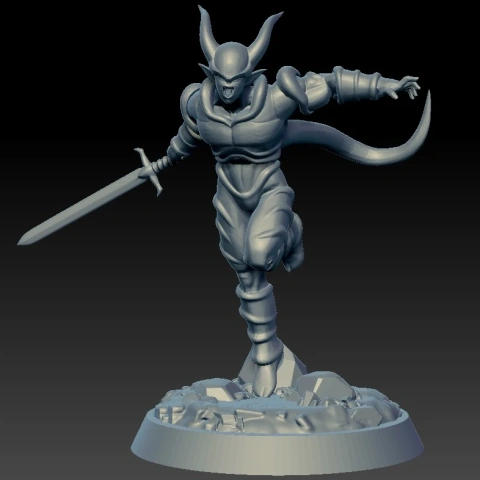
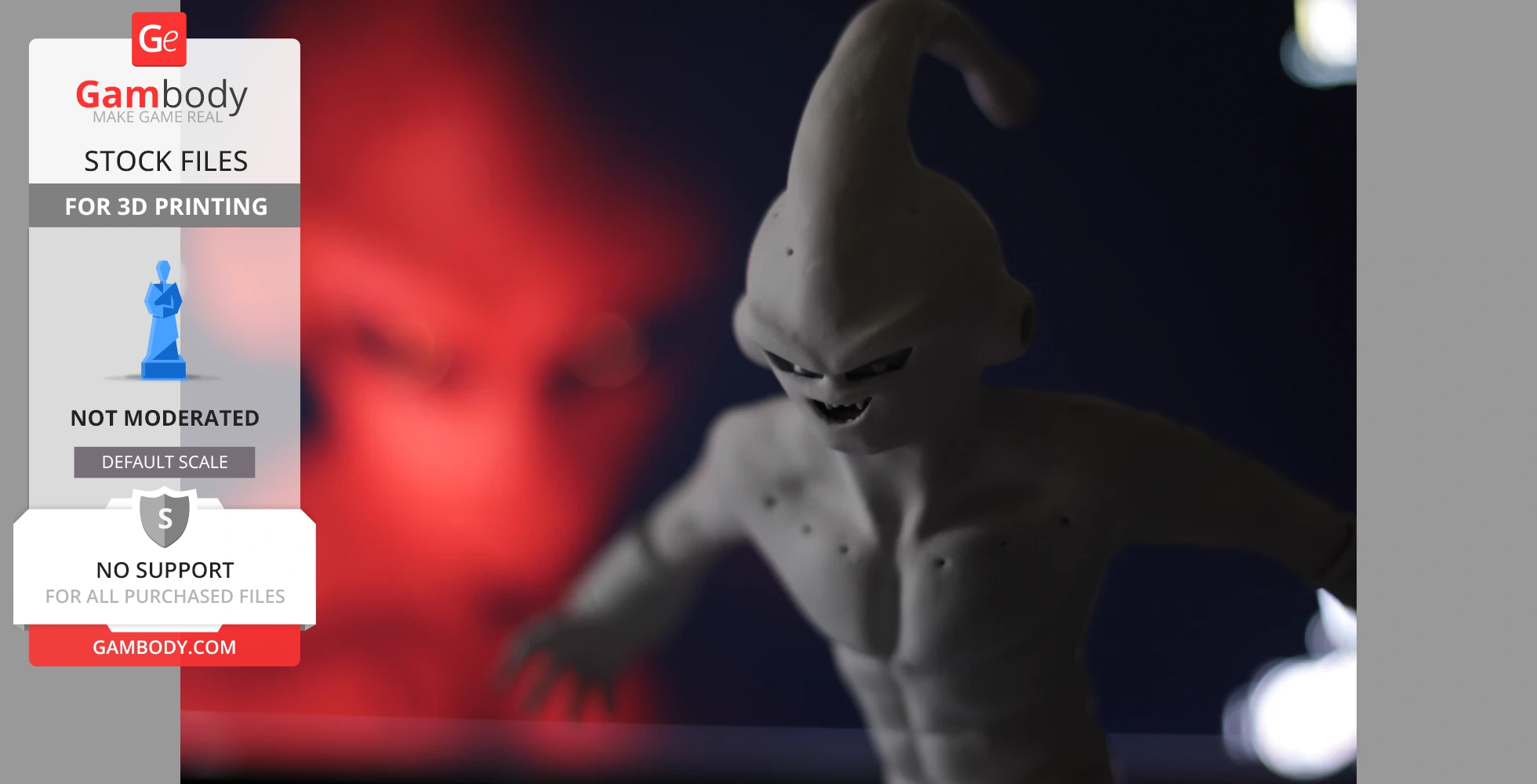
DIORAMA OF DRAGON BALL Z - KID BUU
Pokemon creatures from a fictional universe. They have different supernatural abilities. In their universe, there are people who are called Pokemon trainers. In this diorama, two companions of Ash Ketchum collided in the battle. Pikachu has a huge power of electricity. Despite the fact that this is not the last evolutionary form after many pieces of training, he reached such a power that he can cope with Charizard a huge dragon in the arena for the Battle of Pokemon.
ABOUT THIS DIORAMA
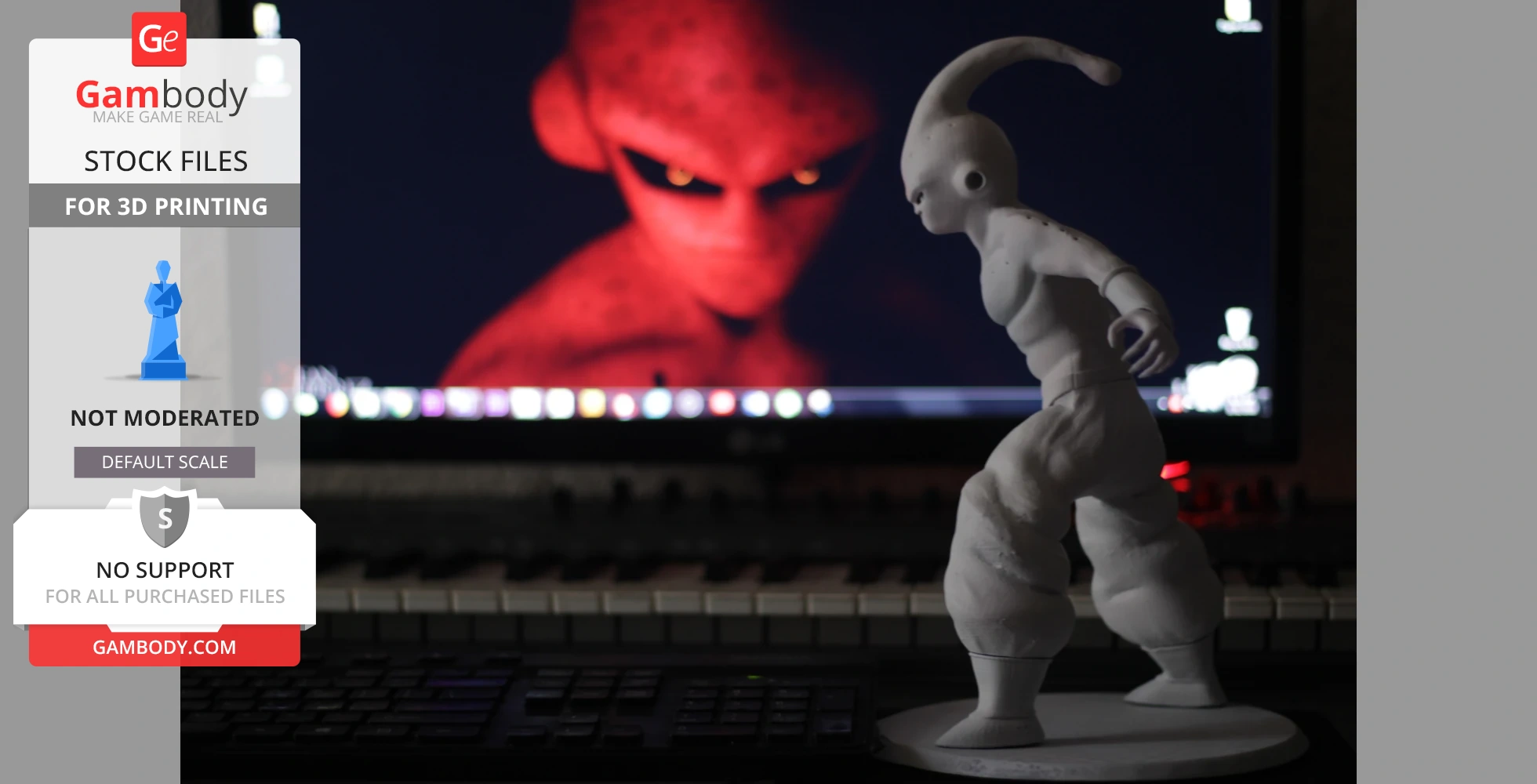
This diorama made in ZBrush and Maya and saved in STL files, a format supported by most 3D printers.
Features:
- Contains 7 parts;
- Contains Base and Character elements;
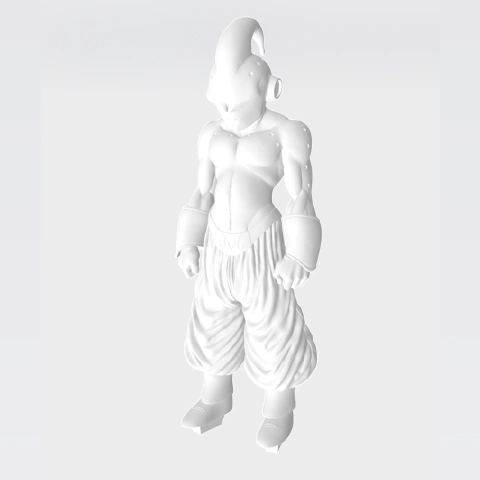
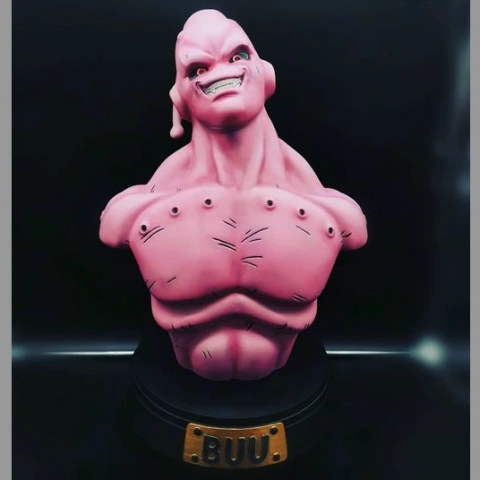
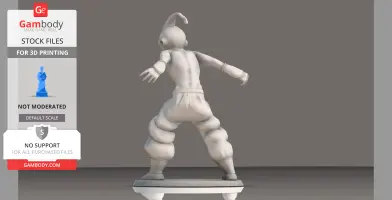
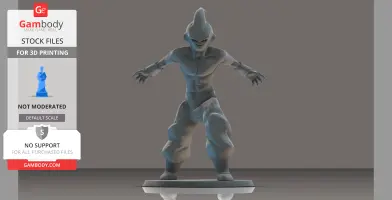
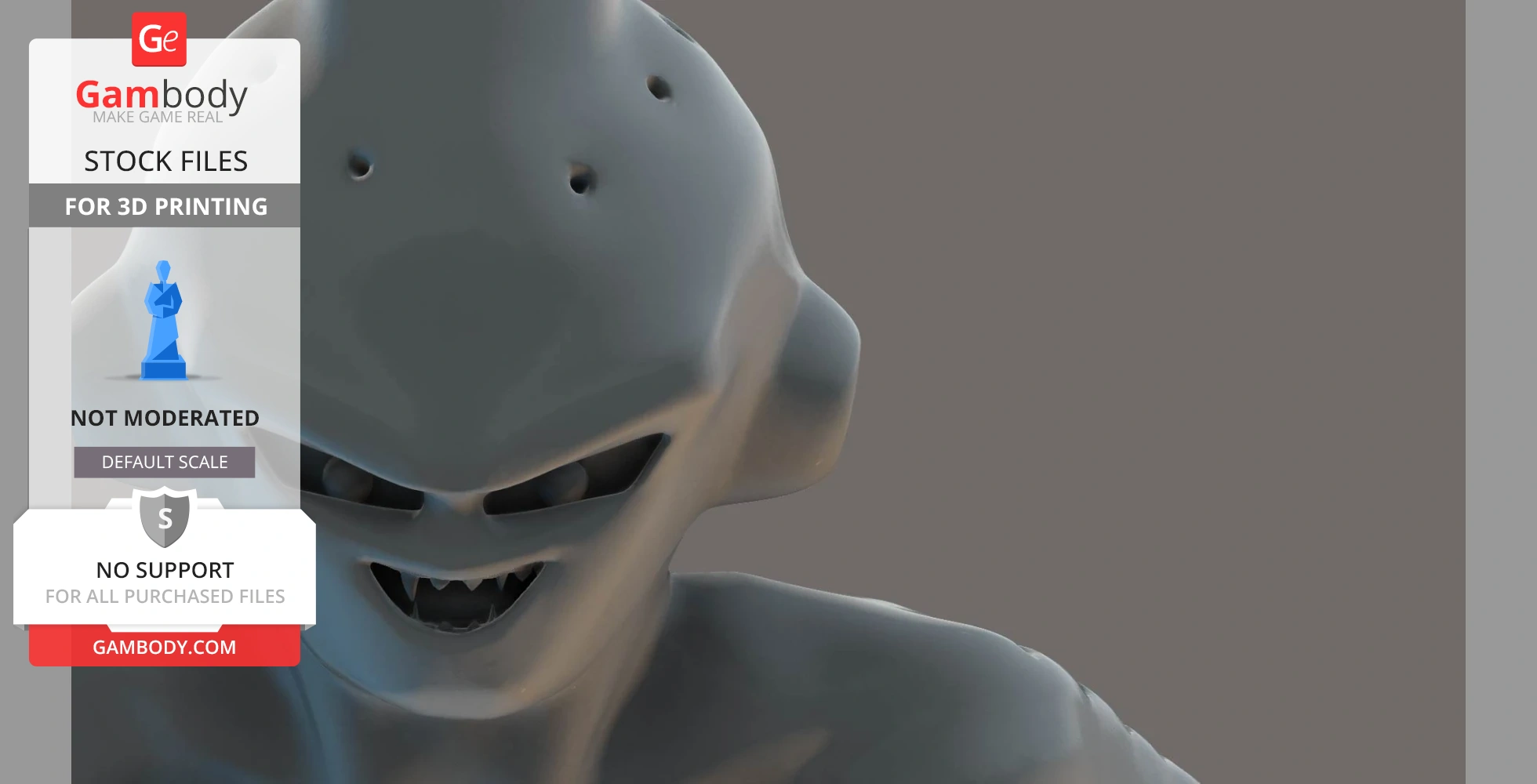
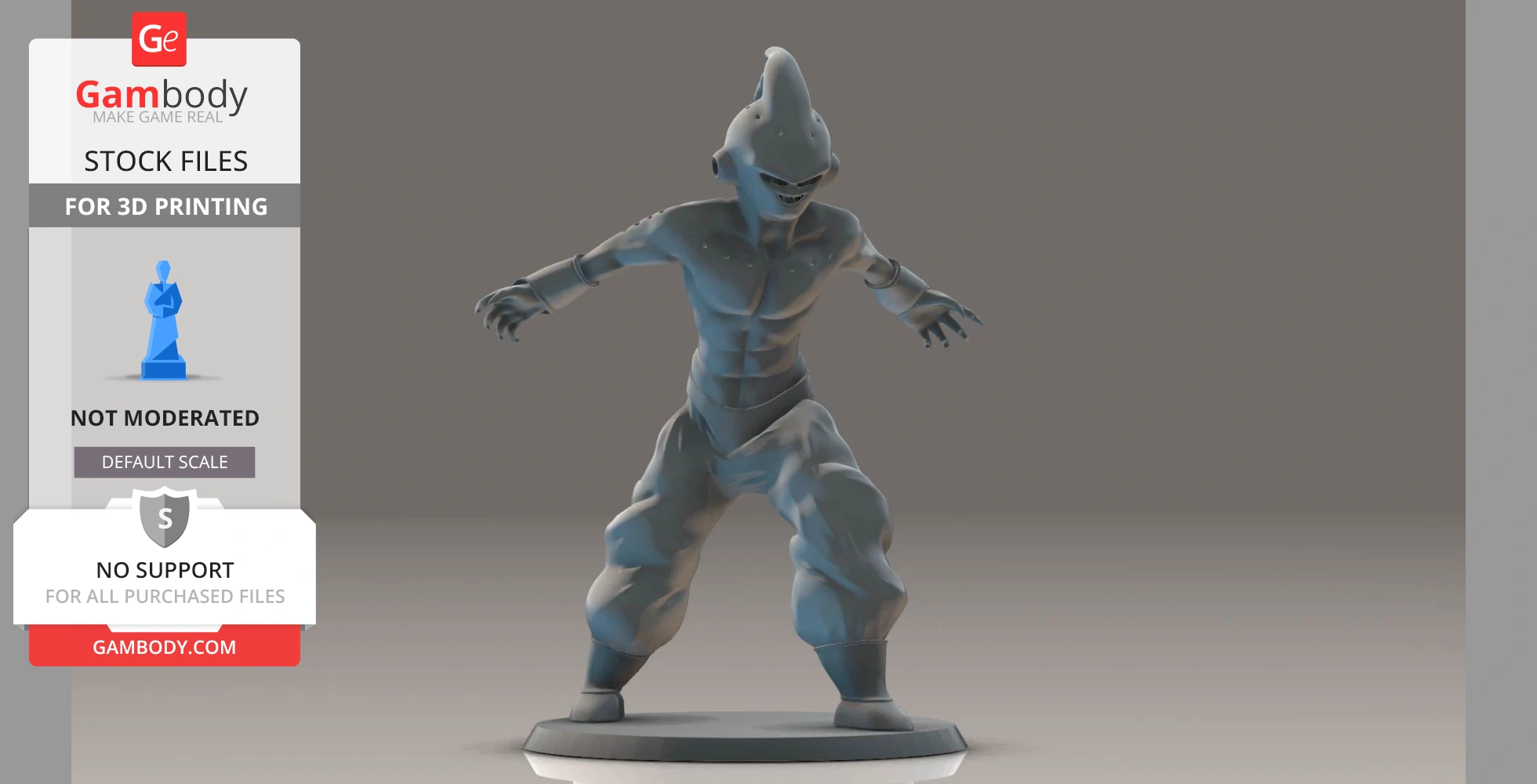
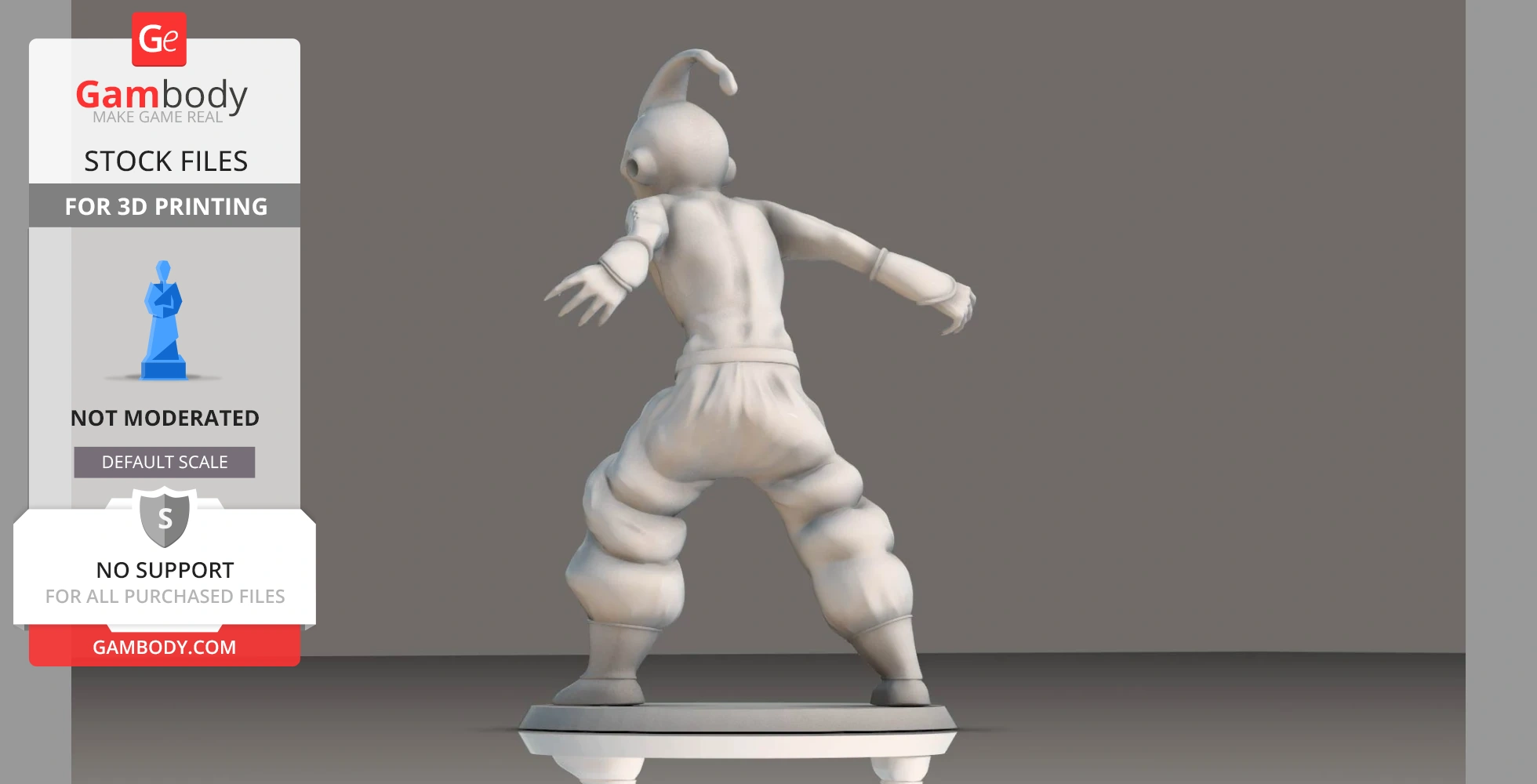
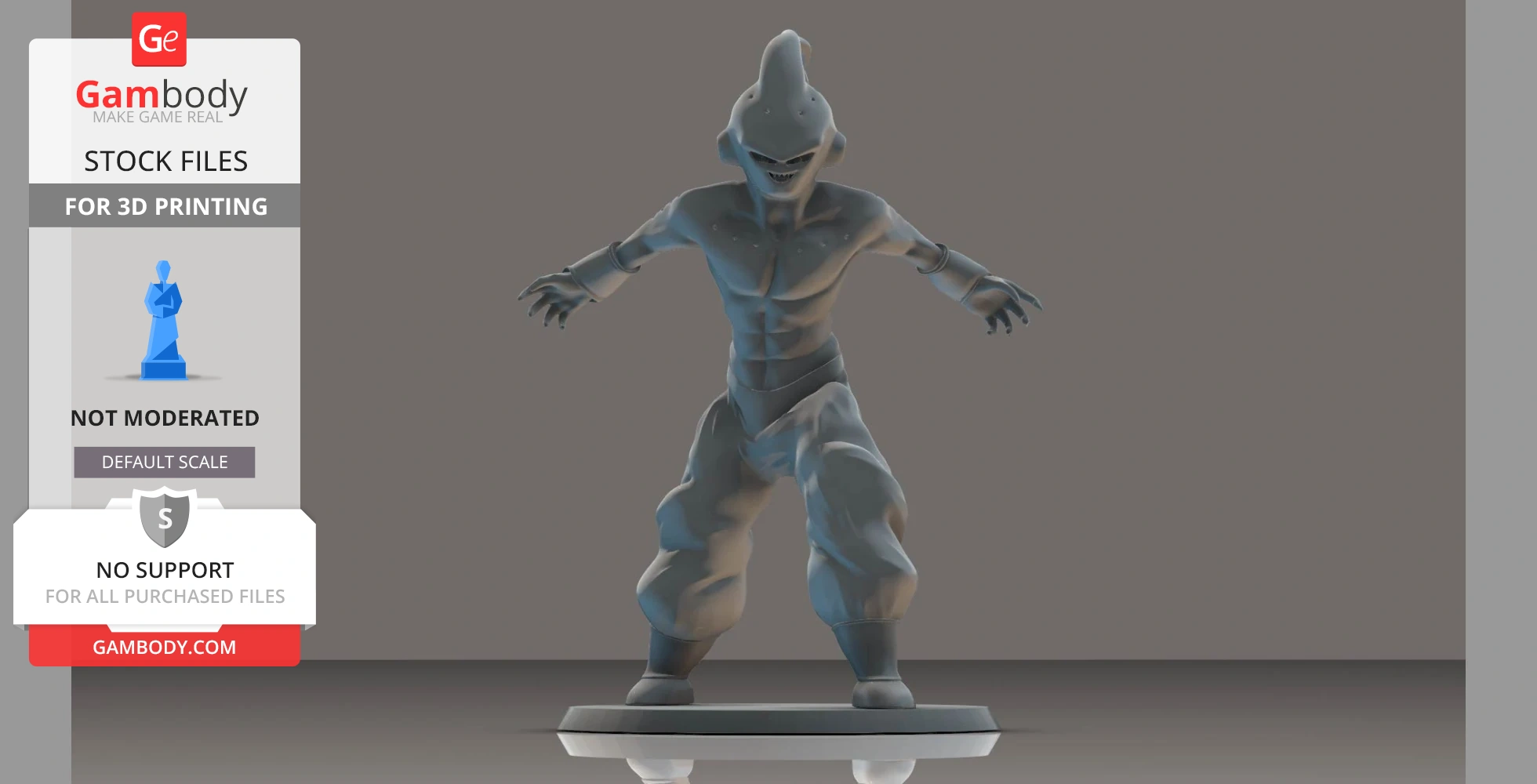
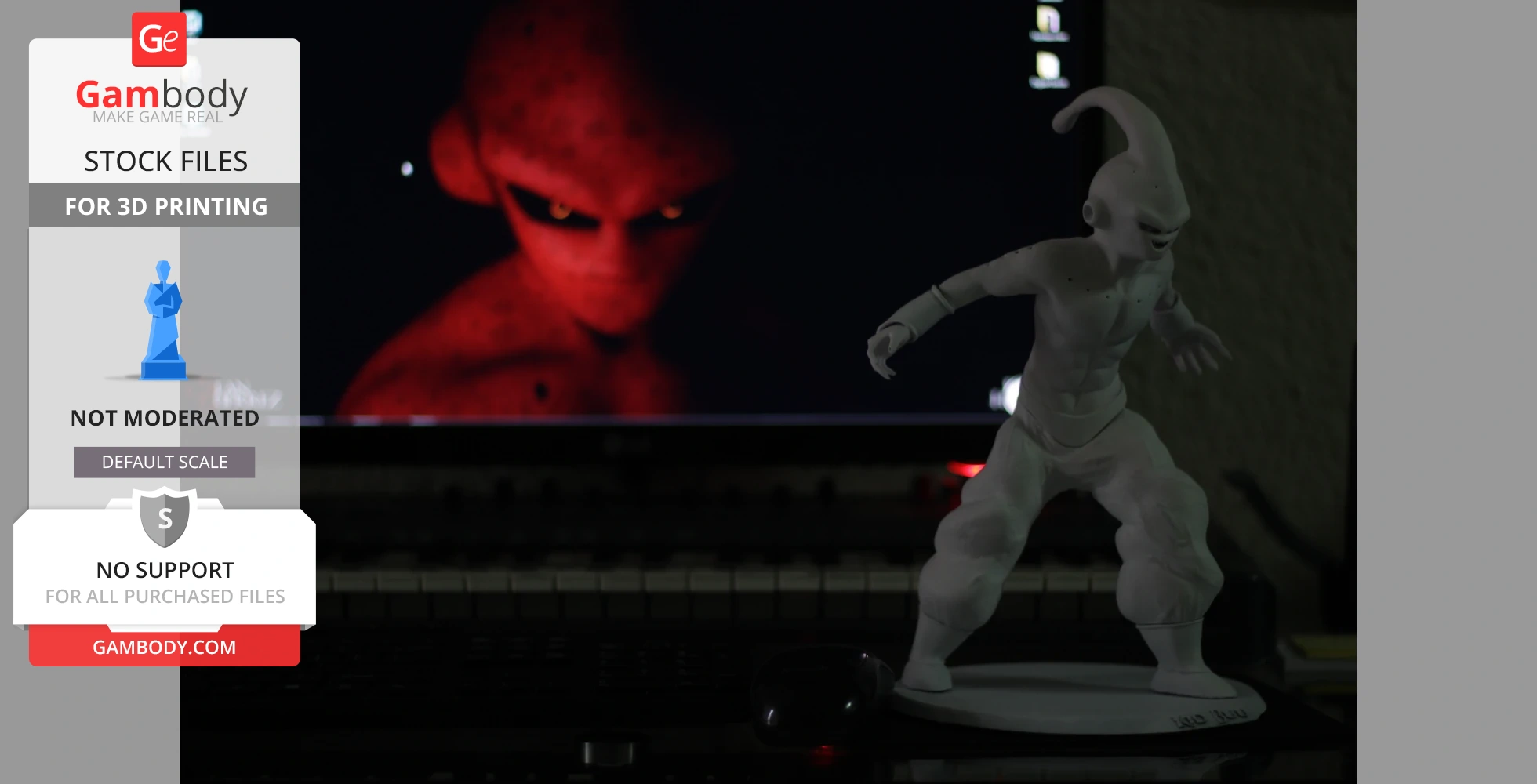
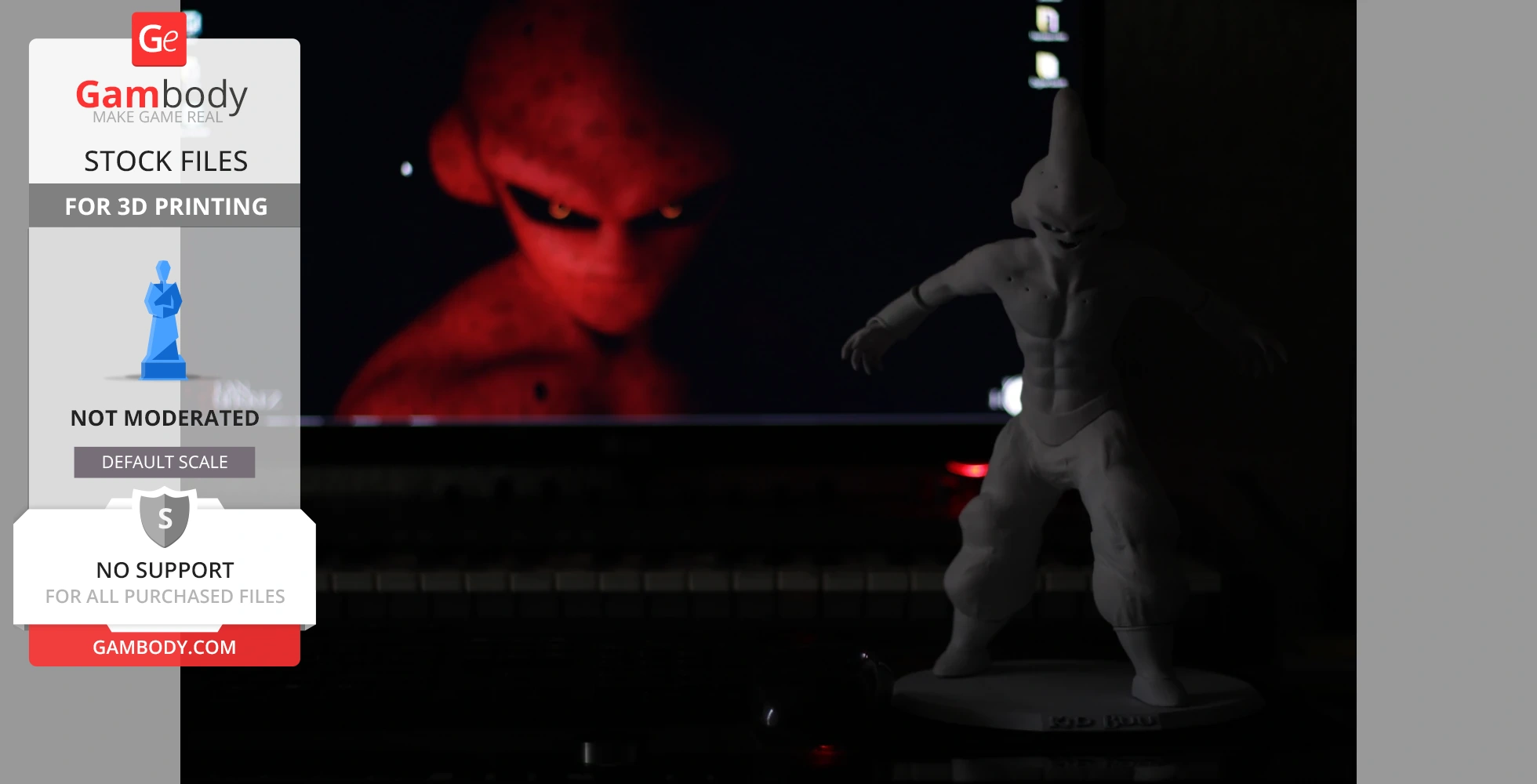
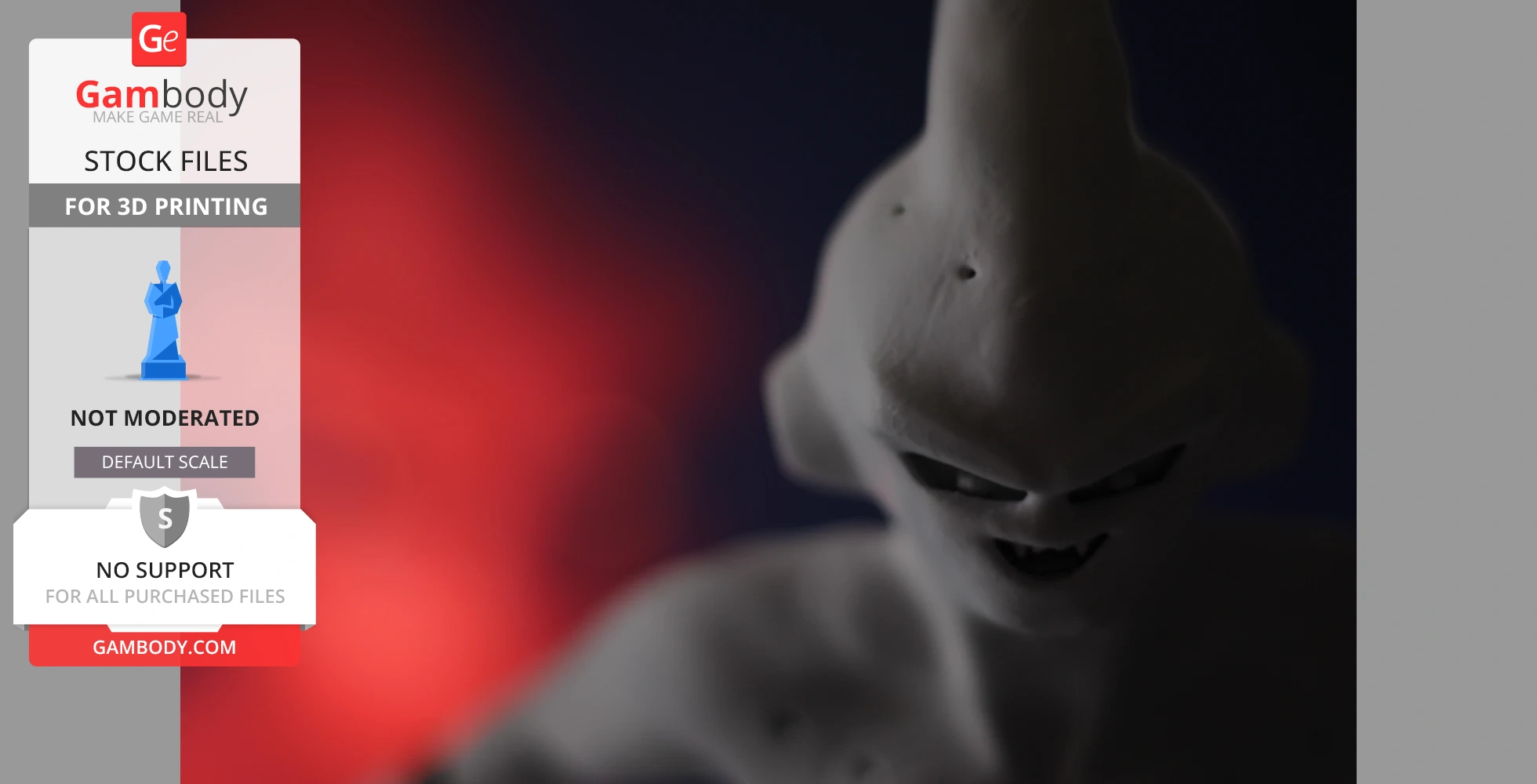
- Contains Kid Buu 3D Miniatures in action pose;
- All parts are divided in such way that you will print them with the smallest amount of supports.
- All STL files for 3D printing have been checked in Netfabb and no errors were shown.
Note: Before starting 3D printing the model, read the Printing Details for CURA 3.2.1. Software.
Dimensions: After being printed will stand: 286 mm tall, 223 mm wide, 189 mm deep;
WHAT WILL YOU GET AFTER PURCHASE?
STL files of DRAGON BALL Z - KID BUU ACTION POSE Diorama for 3D printing which consist of 7 parts;
- Contains elements of Base and Character;
- High-poly detailed Majin Buu / Kid Buu 3D Miniatures;
- High-poly detailed elements of diorama;
- Detailed settings that we provide for Cura 3.2.1. for the best print.
You can get Diorama of DRAGON BALL Z - KID BUU ACTION POSE right now! Just click the green Buy button in the top-right corner of the model’s page. You can pay with PayPal or your credit card.
To avoid printing issues and achieve the best quality, we highly recommend applying the following settings:
Generic
This model was tested in Cura 3.2.1 and printed on an Ultimaker 2 in PLA material.
To avoid printing problems, we recommend the following settings:
Quality
Layer Height: 0.1 mm
Initial Layer Height: 0.3 mm
Line Width: 0.4 mm
Wall Line Width: 0.4 mm
Outer Wall Line Width: 0.4 mm
Inner Wall(s) Line Width: 0.4 mm
Top/Bottom Line Width: 0.4 mm
Infill Line Width: 0.4 mm
Skirt/Brim Line Width: 0.4 mm
Initial Layer Line Width: 100%
Shell
Wall Thickness: 0.8 mm
Wall Line Count: 2
Outer Wall Wipe Distance: 0.2 mm
Top Surface Skin Layers: 0
Top/Bottom Thickness: 0.8 mm
Top Thickness: 0.8 mm
Top Layers: 8
Bottom Thickness: 0.8 mm
Bottom Layers: 8
Top/Bottom Pattern: Lines
Bottom Pattern Initial Layer: Lines
Top/Bottom Line Directions: [ ]
Outer Wall Inset: 0 mm
Compensate Wall Overlaps: Check
Compensate Outer Wall Overlaps: Check
Compensate Inner Wall Overlaps: Check
Fill Gaps Between Walls: Everywhere
Filter Out Tiny Gaps: Check
Horizontal Expansion: 0 mm
Initial Layer Horizontal Expansion: 0 mm
Z Seam Alignment: Sharpest Corner
Seam Corner Preference: Hide Seam
Ignore Small Z Gaps: Check
Extra Skin Wall Count: 1
Infill
Infill Density: 20%
Infill Line Distance: 4.0 mm
Infill Pattern: Grid
Infill Line Directions: [ ]
Infill X Offset: 0 mm
Infill Y Offset: 0 mm
Infill Overlap Percentage: 10%
Infill Overlap: 0.04 mm
Skin Overlap Percentage: 5%
Skin Overlap: 0.02 mm
Infill Wipe Distance: 0.1 mm
Infill Layer Thickness: 0.1 mm
Gradual Infill Steps: 0
Infill Before Walls: Check
Minimum Infill Area: 0 mm2
Skin Removal Width: 0.8 mm
Top Skin Removal Width: 0.8 mm
Bottom Skin Removal Width: 0.8 mm
Skin Expand Distance: 0.8
Top Skin Expand Distance: 0.8
Bottom Skin Expand Distance: 0.8
Maximum Skin Angle for Expansion: 90˚
Minimum Skin Width for Expansion: 0.0
Material
Enable Retraction: Check
Retraction Extra Prime Amount: 0 mm3
Retraction Minimum Travel: 0.8 mm
Maximum Retraction Count: 90
Minimum Extrusion Distance Window: 6.5 mm
Nozzle Switch Retraction Distance: 16 mm
Nozzle Switch Retraction Speed: 20 mm/s
Nozzle Switch Retract Speed: 20 mm/s
Nozzle Switch Prime Speed: 20 mm/s
Speed
Print Speed: 45 mm/s
Infill Speed: 50 mm/s
Wall Speed: 22.5 mm/s
Outer Wall Speed: 22.5 mm/s
Inner Wall Speed: 45 mm/s
Top/Bottom Speed: 15 mm/s
Travel Speed: 120 mm/s
Initial Layer Speed: 30 mm/s
Initial Layer Print Speed: 30 mm/s
Initial Layer Travel Speed: 60 mm/s
Skirt/Brim Speed: 30 mm/s
Maximum Z Speed: 0 mm/s
Number of Slower Layers: 2
Travel
Combing Mode: All
Avoid Printed Parts when Traveling: Check
Travel Avoid Distance: 0.625 mm
Layer Start X: 0.0 mm
Layer Start Y: 0.0 mm
Cooling
Enable Print Cooling: Check
Fan Speed: 100%
Regular Fan Speed: 100%
Maximum Fan Speed: 100%
Regular/Maximum Fan Speed Threshold: 10 s
Initial Fan Speed: 0%
Regular Fan Speed at Height: 0.3 mm
Regular Fan Speed at Layer: 2
Minimum Layer Time: 5 s
Minimum Speed: 10 mm/s
Support
Generate Support: Check
Support Placement: Everywhere
Support Overhang Angle: 60°
Support Pattern: Zig Zag
Connect Support ZigZags: Check
Support Density: 15 %
Support Line Distance: 1.3333 mm
Support Z Distance: 0.3 mm
Support Top Distance: 0.3 mm
Support Bottom Distance: 0.3 mm
Support X/Y Distance: 0.7 mm
Support Distance Priority: Z overrides X/Y
Minimum Support X/Y Distance: 0.2 mm
Support Stair Step Height: 0.3 mm
Support Stair Step Maximum Width: 5.0 mm
Support Join Distance: 2.0 mm
Support Horizontal Expansion: 0.2 mm
Support Infill Layer Thickness: 0.1 mm
Use Towers: Check
Tower Diameter: 3.0 mm
Minimum Diameter: 3.0 mm
Tower Roof Angle: 65°
Build Plate Adhesion
Build Plate Adhesion Type: Brim
Skirt/Brim Minimum Length: 250 mm
Brim Width: 8.0 mm
Brim Line Count: 18
Brim Only on Outside: Check
Mesh Fixes
Union Overlapping Volumes: Check
Merged Meshes Overlap: 0.15 mm
Special Modes
Print Sequence: All at Once
Surface Mode: Normal
Experimental
Slicing Tolerance: Middle
Maximum Resolution: 0.01 mm
Flow rate compensation max extrusion offset: 0 mm
Flow rate compensation factor: 100%