Community


 es
 ua







Files
3D model format
Stereolithography (.stl)
Total files

Slicer settings
Mesh error check
Netfabb
Support
Lifetime support from Gambody team
Update requests
Available to verified buyers
Model complexity
Standard: balanced printing difficulty and moderate part count with assembly steps.
Model versions
FFF/FDM
Assembly method
Connectors, Glue
Features
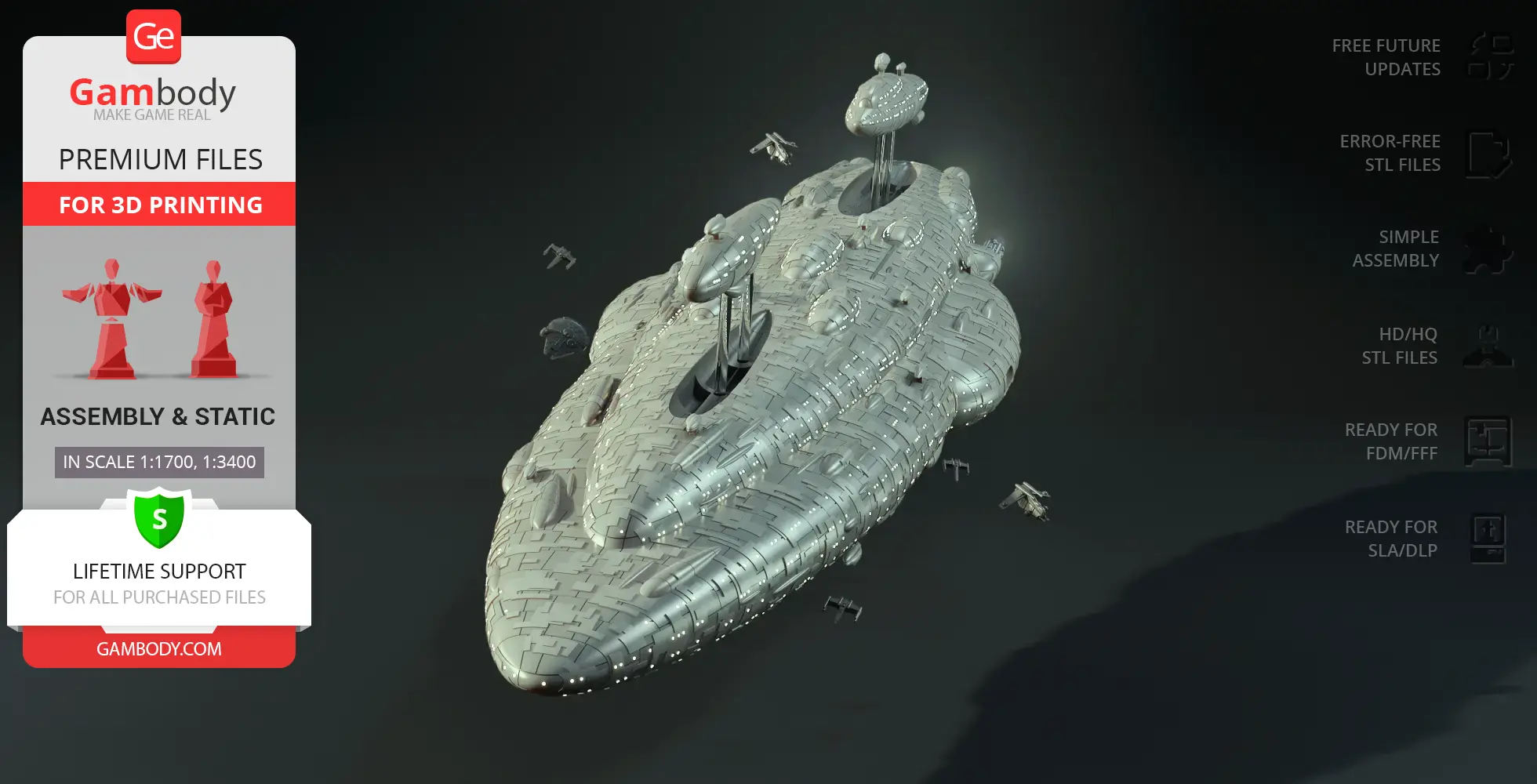
- Detailed Mon Calamari hull geometry with organic paneling and viewports.
- Detachable dorsal pods can be placed transparent pins for an orbital diorama setup.
- Recessed lateral hangars containing miniature starfighters.
- Hollow hull with internal wiring channels for optional LED lighting.
- Removable rear hatch for easy battery compartment access.
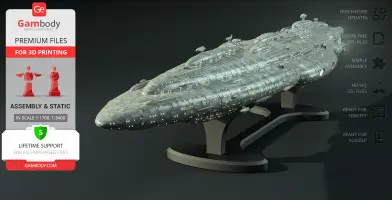
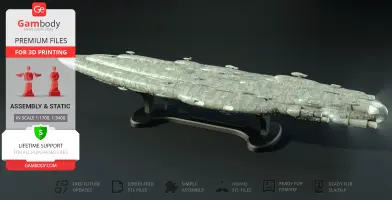
- Dual-pillar display stand with a dedicated nameplate plaque.
- The assembly parts are connected using specially designed integrated connectors that fit securely into the corresponding slots. Optionally, for added strength and rigidity, the static connections can be glued together.
DLP/SLA
Eco parts
Assembly method
Connectors, Glue
Features
- Detailed Mon Calamari hull geometry with organic paneling and viewports.
- Detachable dorsal pods can be placed transparent pins for an orbital diorama setup.
- Recessed lateral hangars containing miniature starfighters.
- Hollow hull with internal wiring channels for optional LED lighting.
- Removable rear hatch for easy battery compartment access.
- Dual-pillar display stand with a dedicated nameplate plaque.
- The assembly parts are connected using specially designed integrated connectors that fit securely into the corresponding slots. Optionally, for added strength and rigidity, the static connections can be glued together.
Additional details
Part of diorama
No
Add-on pack available
No
You will get instant access to the STL files of Home One 3D Printer Files | Assembly after completing your purchase. Simply add the model to your cart and check out using PayPal, credit or debit card, Apple Pay, Google Pay, Alipay, or other available payment methods.
Watch the assembly video for Home One 3D Printer Files | Assembly, and explore more tutorials, behind-the-scenes content, 3D printing timelapses, and painting guides on the official Gambody YouTube channel.
This 3D model comes with StereoLithography (.STL) files optimized for 3D printing. You'll get digital files, not a physical product
Before printing, take a look at Printing Details for recommended settings and tips to achieve better results.
Home One 3D Printer Files | Assembly includes 2 version(s) for the supported 3D printer type(s): FFF/FDM, DLP/SLA. Files are available for download after purchase.
See the Description and Specifications sections for more details about this model.
| File name | Size (mm | in) | Size(mb) | Printing Time / Filament | |||
|---|---|---|---|---|---|---|
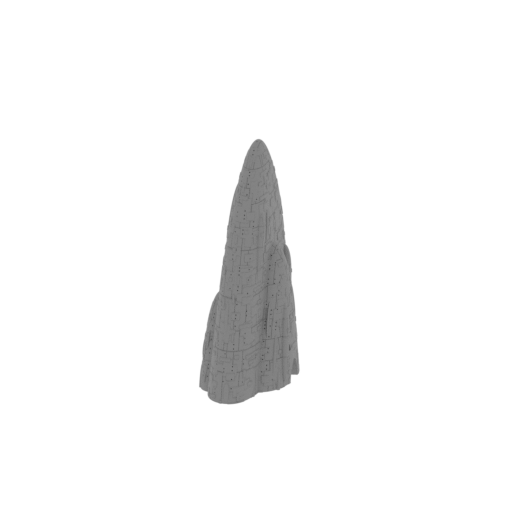 | _01_shipHull_a_FDM (repaired).stl 57.5 x 114.2 x 176.2 mm | 2.26 x 4.5 x 6.94 in | Size: 57.5 x 114.2 x 176.2 mm | 2.26 x 4.5 x 6.94 in | File size: 40.15 mb | Printing Time / Filament: 6 h 39 min / 33 m Slicer: prusa v2.9.2 Printer: prusa_xl Non default settings Layer height: 0.2 Fill density: 20% Support material: 1 Support material buildplate only: 1 | ||
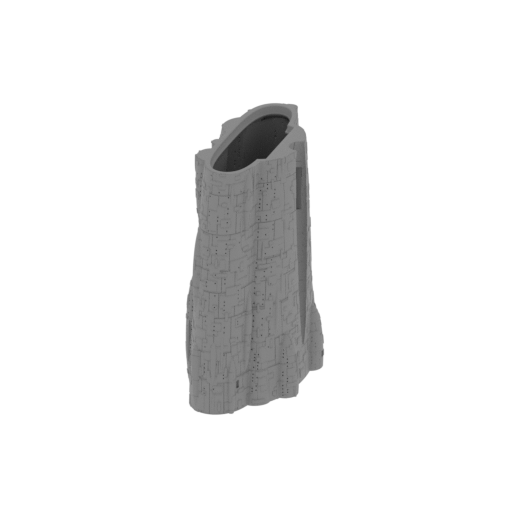 | _02_shipHull_b_FDM (repaired).stl 72.9 x 138.5 x 158.6 mm | 2.87 x 5.45 x 6.24 in | Size: 72.9 x 138.5 x 158.6 mm | 2.87 x 5.45 x 6.24 in | File size: 62.22 mb | Printing Time / Filament: 10 h 20 min / 59 m Slicer: prusa v2.9.2 Printer: prusa_xl Non default settings Layer height: 0.2 Fill density: 20% Support material: 1 Support material buildplate only: 1 | ||
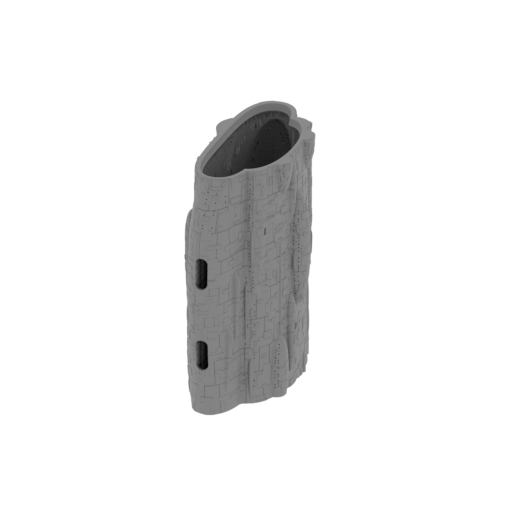 | _03_shipHull_c_FDM (repaired).stl 80.6 x 176.2 x 174.9 mm | 3.17 x 6.94 x 6.89 in | Size: 80.6 x 176.2 x 174.9 mm | 3.17 x 6.94 x 6.89 in | File size: 64.36 mb | Printing Time / Filament: 13 h 39 min / 82 m Slicer: prusa v2.9.2 Printer: prusa_xl Non default settings Layer height: 0.2 Fill density: 20% Support material: 1 Support material buildplate only: 1 | ||
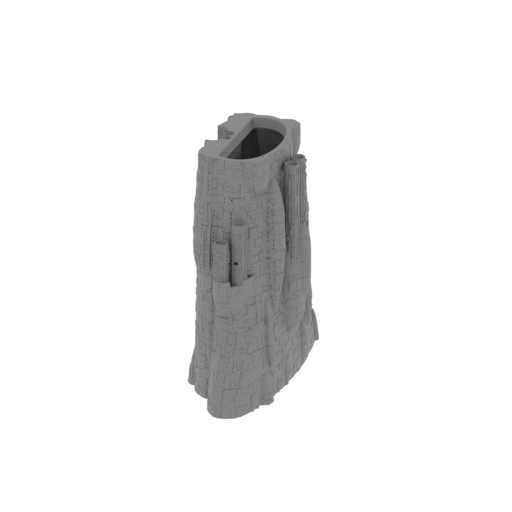 | _04_shipHull_d_FDM (repaired).stl 76.6 x 154.4 x 168.4 mm | 3.02 x 6.08 x 6.63 in | Size: 76.6 x 154.4 x 168.4 mm | 3.02 x 6.08 x 6.63 in | File size: 90.21 mb | Printing Time / Filament: 11 h 57 min / 67 m Slicer: prusa v2.9.2 Printer: prusa_xl Non default settings Layer height: 0.2 Fill density: 20% Support material: 1 Support material buildplate only: 1 | ||
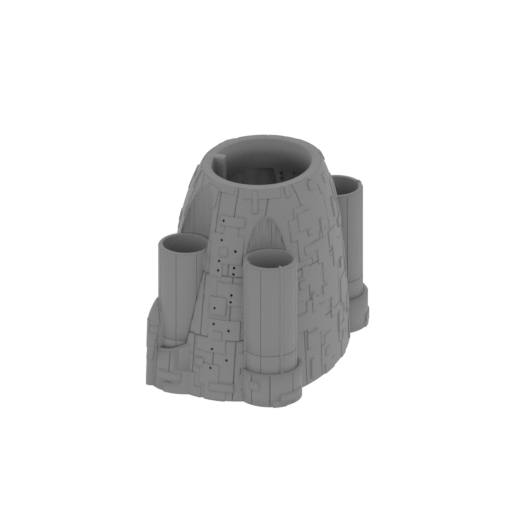 | _05_shipHull_e_FDM (repaired).stl 52.4 x 77.3 x 62.9 mm | 2.06 x 3.04 x 2.48 in | Size: 52.4 x 77.3 x 62.9 mm | 2.06 x 3.04 x 2.48 in | File size: 24.34 mb | Printing Time / Filament: 3 h 4 min / 18 m Slicer: prusa v2.9.2 Printer: prusa_xl Non default settings Layer height: 0.2 Fill density: 20% Support material: 1 Support material buildplate only: 1 | ||
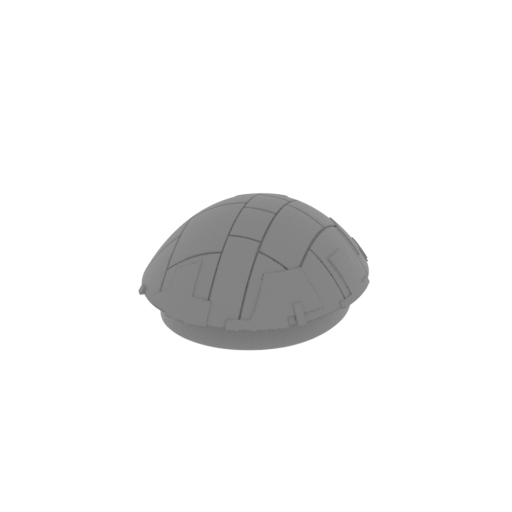 | _06_batteryCover_a_FDM (repaired).stl 35.6 x 40.7 x 18.2 mm | 1.4 x 1.6 x 0.72 in | Size: 35.6 x 40.7 x 18.2 mm | 1.4 x 1.6 x 0.72 in | File size: 1.71 mb | Printing Time / Filament: 29 min / 2 m Slicer: prusa v2.9.2 Printer: prusa_xl Non default settings Layer height: 0.2 Fill density: 20% Support material: 1 Support material buildplate only: 1 | ||
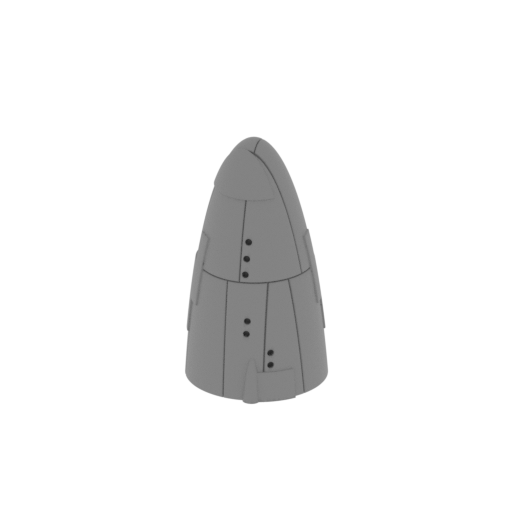 | _07_secondaryShip_a_FDM (repaired).stl 16.4 x 16.7 x 29.2 mm | 0.65 x 0.66 x 1.15 in | Size: 16.4 x 16.7 x 29.2 mm | 0.65 x 0.66 x 1.15 in | File size: 1.91 mb | Printing Time / Filament: 21 min / 1 m Slicer: prusa v2.9.2 Printer: prusa_xl Non default settings Layer height: 0.2 Fill density: 20% Support material: 1 Support material buildplate only: 1 | ||
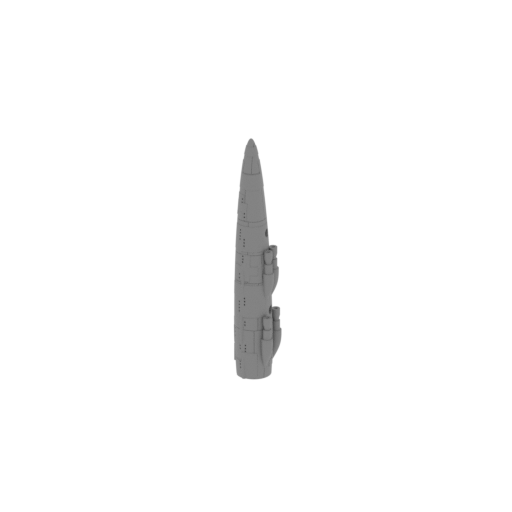 | _08_secondaryShip_b_FDM (repaired).stl 20.8 x 18.2 x 120 mm | 0.82 x 0.72 x 4.72 in | Size: 20.8 x 18.2 x 120 mm | 0.82 x 0.72 x 4.72 in | File size: 12.13 mb | Printing Time / Filament: 1 h 30 min / 4 m Slicer: prusa v2.9.2 Printer: prusa_xl Non default settings Layer height: 0.2 Fill density: 20% Support material: 1 Support material buildplate only: 1 | ||
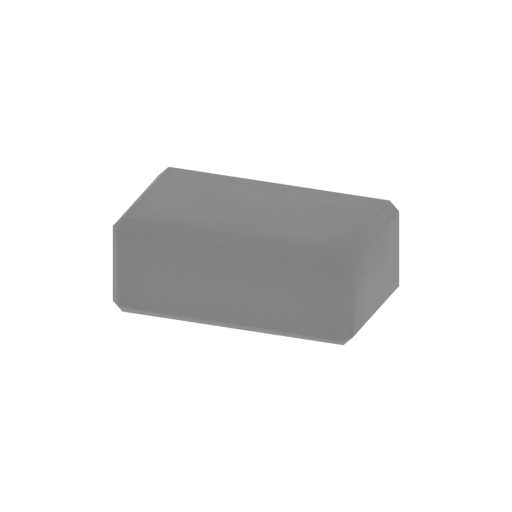 | _09_secondaryShip_c_FDM (repaired).stl 10 x 6 x 4 mm | 0.39 x 0.24 x 0.16 in | Size: 10 x 6 x 4 mm | 0.39 x 0.24 x 0.16 in | File size: 0.01 mb | Printing Time / Filament: 3 min / <1 m Slicer: prusa v2.9.2 Printer: prusa_xl Non default settings Layer height: 0.2 Fill density: 20% Support material: 1 Support material buildplate only: 1 | ||
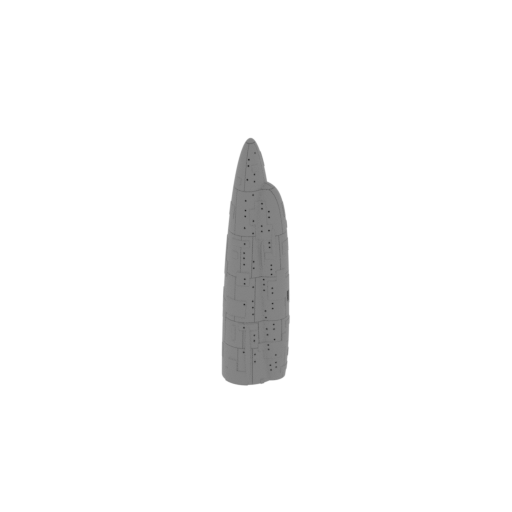 | _10_secondaryShip_d_FDM (repaired).stl 28.1 x 27.7 x 105.1 mm | 1.11 x 1.09 x 4.14 in | Size: 28.1 x 27.7 x 105.1 mm | 1.11 x 1.09 x 4.14 in | File size: 22.81 mb | Printing Time / Filament: 1 h 42 min / 7 m Slicer: prusa v2.9.2 Printer: prusa_xl Non default settings Layer height: 0.2 Fill density: 20% Support material: 1 Support material buildplate only: 1 | ||
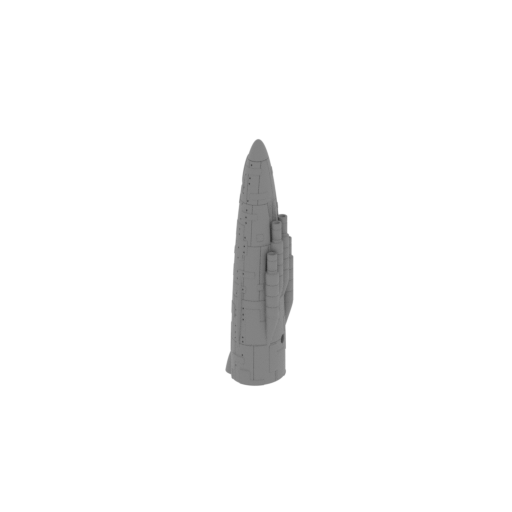 | _11_secondaryShip_e_FDM (repaired).stl 27.4 x 27.7 x 110.8 mm | 1.08 x 1.09 x 4.36 in | Size: 27.4 x 27.7 x 110.8 mm | 1.08 x 1.09 x 4.36 in | File size: 20.98 mb | Printing Time / Filament: 1 h 46 min / 7 m Slicer: prusa v2.9.2 Printer: prusa_xl Non default settings Layer height: 0.2 Fill density: 20% Support material: 1 Support material buildplate only: 1 | ||
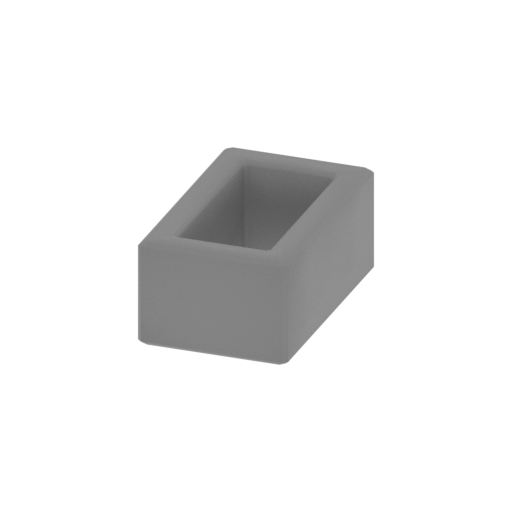 | _12_secondaryShip_f_FDM (repaired).stl 10 x 16 x 7 mm | 0.39 x 0.63 x 0.28 in | Size: 10 x 16 x 7 mm | 0.39 x 0.63 x 0.28 in | File size: 0.02 mb | Printing Time / Filament: 6 min / <1 m Slicer: prusa v2.9.2 Printer: prusa_xl Non default settings Layer height: 0.2 Fill density: 20% Support material: 1 Support material buildplate only: 1 | ||
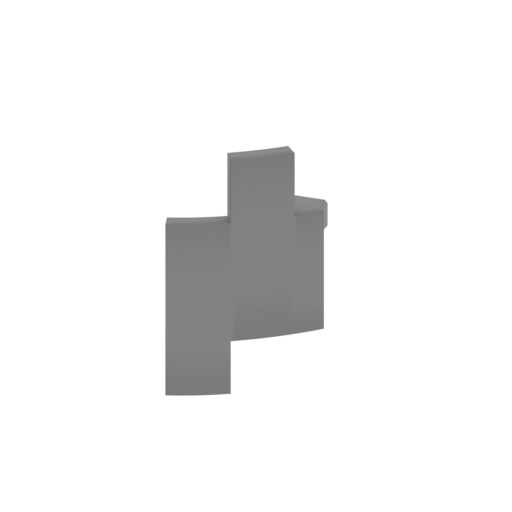 | _13_plate_a_L_FDM (repaired).stl 9.2 x 10.8 x 16.7 mm | 0.36 x 0.43 x 0.66 in | Size: 9.2 x 10.8 x 16.7 mm | 0.36 x 0.43 x 0.66 in | File size: 0.04 mb | Printing Time / Filament: 4 min / <1 m Slicer: prusa v2.9.2 Printer: prusa_xl Non default settings Layer height: 0.2 Fill density: 20% Support material: 1 Support material buildplate only: 1 | ||
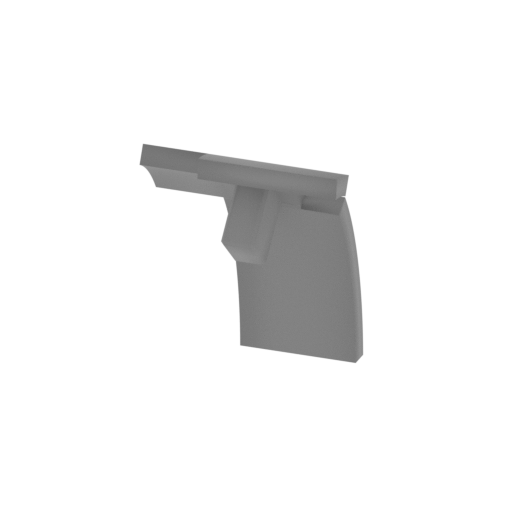 | _14_plate_b_R_FDM (repaired).stl 12.3 x 8.8 x 14.4 mm | 0.48 x 0.35 x 0.57 in | Size: 12.3 x 8.8 x 14.4 mm | 0.48 x 0.35 x 0.57 in | File size: 0.06 mb | Printing Time / Filament: 5 min / <1 m Slicer: prusa v2.9.2 Printer: prusa_xl Non default settings Layer height: 0.2 Fill density: 20% Support material: 1 Support material buildplate only: 1 | ||
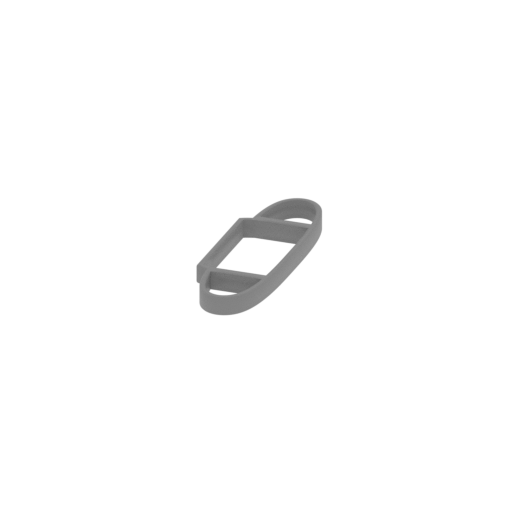 | _15_connection_a_FDM (repaired).stl 33.4 x 104.8 x 8 mm | 1.31 x 4.13 x 0.31 in | Size: 33.4 x 104.8 x 8 mm | 1.31 x 4.13 x 0.31 in | File size: 0.13 mb | Printing Time / Filament: 14 min / 2 m Slicer: prusa v2.9.2 Printer: prusa_xl Non default settings Layer height: 0.2 Fill density: 20% Support material: 1 Support material buildplate only: 1 | ||
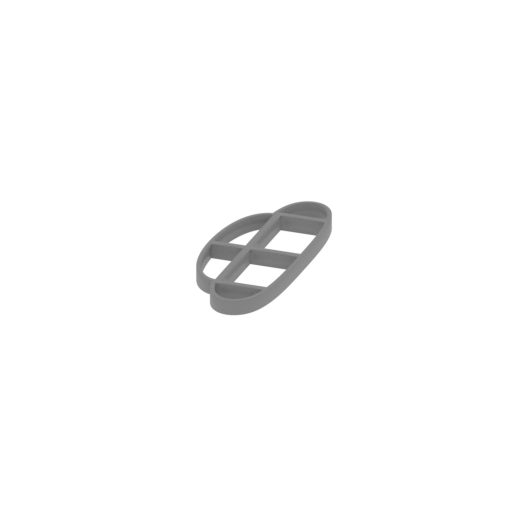 | _16_connection_b_FDM (repaired).stl 51.8 x 130.4 x 8 mm | 2.04 x 5.13 x 0.31 in | Size: 51.8 x 130.4 x 8 mm | 2.04 x 5.13 x 0.31 in | File size: 0.18 mb | Printing Time / Filament: 25 min / 4 m Slicer: prusa v2.9.2 Printer: prusa_xl Non default settings Layer height: 0.2 Fill density: 20% Support material: 1 Support material buildplate only: 1 | ||
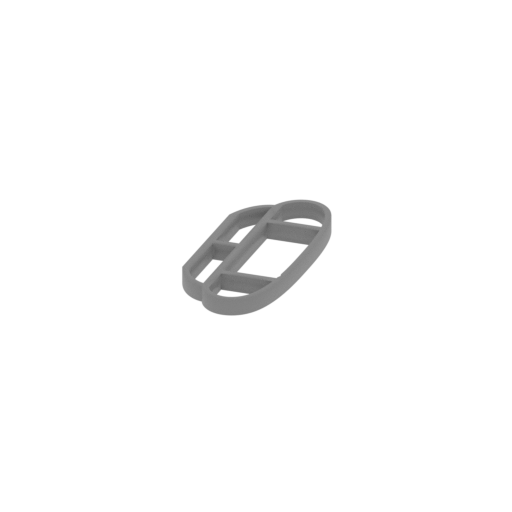 | _17_connection_c_FDM (repaired).stl 48.8 x 116.4 x 8 mm | 1.92 x 4.58 x 0.31 in | Size: 48.8 x 116.4 x 8 mm | 1.92 x 4.58 x 0.31 in | File size: 0.21 mb | Printing Time / Filament: 23 min / 3 m Slicer: prusa v2.9.2 Printer: prusa_xl Non default settings Layer height: 0.2 Fill density: 20% Support material: 1 Support material buildplate only: 1 | ||
 | _18_connection_d_FDM (repaired).stl 31 x 68.8 x 8 mm | 1.22 x 2.71 x 0.31 in | Size: 31 x 68.8 x 8 mm | 1.22 x 2.71 x 0.31 in | File size: 0.06 mb | Printing Time / Filament: 10 min / 1 m Slicer: prusa v2.9.2 Printer: prusa_xl Non default settings Layer height: 0.2 Fill density: 20% Support material: 1 Support material buildplate only: 1 | ||
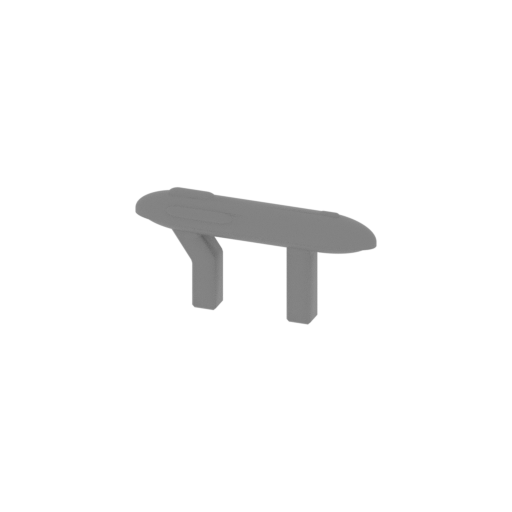 | _19_rescueShuttle_a_FDM (repaired).stl 20.3 x 3.5 x 9.7 mm | 0.8 x 0.14 x 0.38 in | Size: 20.3 x 3.5 x 9.7 mm | 0.8 x 0.14 x 0.38 in | File size: 1.16 mb | Printing Time / Filament: 5 min / <1 m Slicer: prusa v2.9.2 Printer: prusa_xl Non default settings Layer height: 0.2 Fill density: 20% Support material: 1 Support material buildplate only: 1 | ||
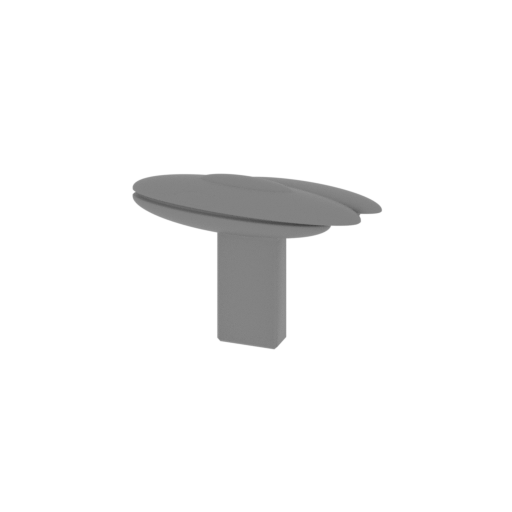 | _20_controlСabin_a_FDM (repaired).stl 16 x 4.5 x 11.1 mm | 0.63 x 0.18 x 0.44 in | Size: 16 x 4.5 x 11.1 mm | 0.63 x 0.18 x 0.44 in | File size: 1.31 mb | Printing Time / Filament: 5 min / <1 m Slicer: prusa v2.9.2 Printer: prusa_xl Non default settings Layer height: 0.2 Fill density: 20% Support material: 1 Support material buildplate only: 1 | ||
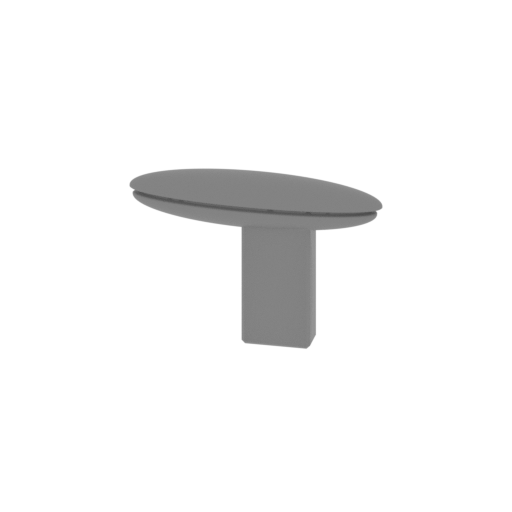 | _21_controlСabin_b_FDM (repaired).stl 14.7 x 3.7 x 10.3 mm | 0.58 x 0.15 x 0.41 in | Size: 14.7 x 3.7 x 10.3 mm | 0.58 x 0.15 x 0.41 in | File size: 0.54 mb | Printing Time / Filament: 4 min / <1 m Slicer: prusa v2.9.2 Printer: prusa_xl Non default settings Layer height: 0.2 Fill density: 20% Support material: 1 Support material buildplate only: 1 | ||
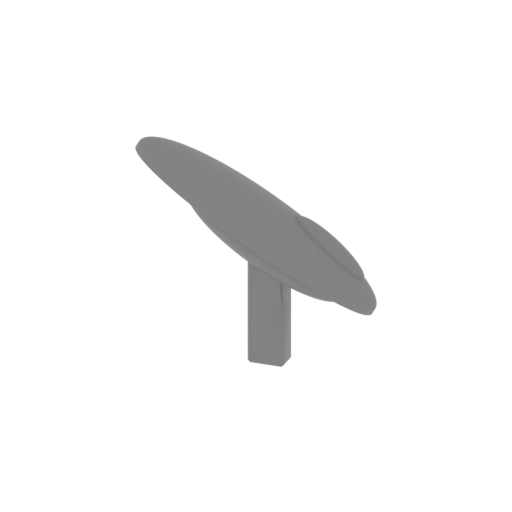 | _22_controlСabin_c_FDM (repaired).stl 20 x 5.3 x 17.5 mm | 0.79 x 0.21 x 0.69 in | Size: 20 x 5.3 x 17.5 mm | 0.79 x 0.21 x 0.69 in | File size: 0.76 mb | Printing Time / Filament: 9 min / <1 m Slicer: prusa v2.9.2 Printer: prusa_xl Non default settings Layer height: 0.2 Fill density: 20% Support material: 1 Support material buildplate only: 1 | ||
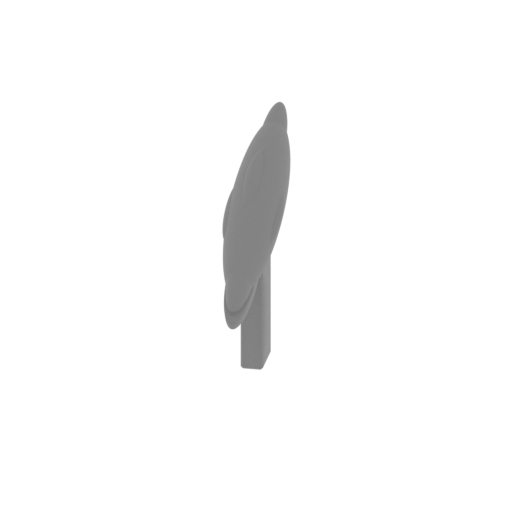 | _23_controlСabin_d_FDM (repaired).stl 5.8 x 22.8 x 20.3 mm | 0.23 x 0.9 x 0.8 in | Size: 5.8 x 22.8 x 20.3 mm | 0.23 x 0.9 x 0.8 in | File size: 0.92 mb | Printing Time / Filament: 10 min / <1 m Slicer: prusa v2.9.2 Printer: prusa_xl Non default settings Layer height: 0.2 Fill density: 20% Support material: 1 Support material buildplate only: 1 | ||
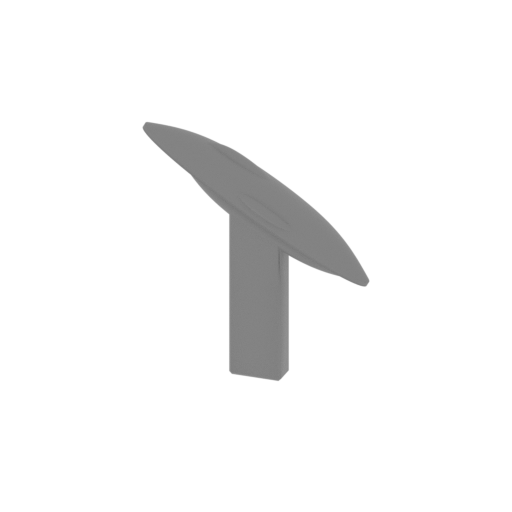 | _24_controlСabin_e_FDM (repaired).stl 17.5 x 4.4 x 18.6 mm | 0.69 x 0.17 x 0.73 in | Size: 17.5 x 4.4 x 18.6 mm | 0.69 x 0.17 x 0.73 in | File size: 0.87 mb | Printing Time / Filament: 8 min / <1 m Slicer: prusa v2.9.2 Printer: prusa_xl Non default settings Layer height: 0.2 Fill density: 20% Support material: 1 Support material buildplate only: 1 | ||
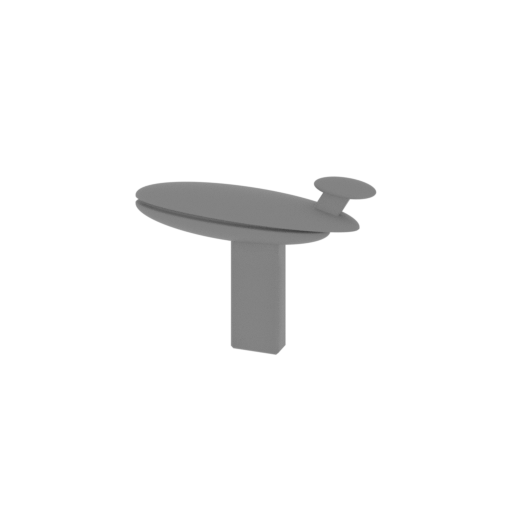 | _25_controlСabin_f_FDM (repaired).stl 20.2 x 4.2 x 15.8 mm | 0.8 x 0.17 x 0.62 in | Size: 20.2 x 4.2 x 15.8 mm | 0.8 x 0.17 x 0.62 in | File size: 0.66 mb | Printing Time / Filament: 6 min / <1 m Slicer: prusa v2.9.2 Printer: prusa_xl Non default settings Layer height: 0.2 Fill density: 20% Support material: 1 Support material buildplate only: 1 | ||
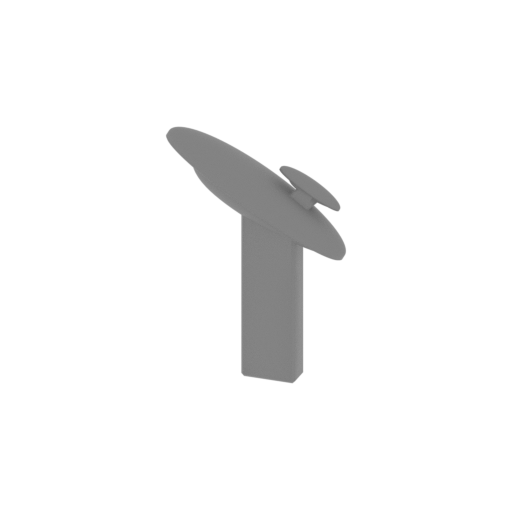 | _26_controlСabin_g_FDM (repaired).stl 13.3 x 3.7 x 17.9 mm | 0.52 x 0.15 x 0.7 in | Size: 13.3 x 3.7 x 17.9 mm | 0.52 x 0.15 x 0.7 in | File size: 0.67 mb | Printing Time / Filament: 6 min / <1 m Slicer: prusa v2.9.2 Printer: prusa_xl Non default settings Layer height: 0.2 Fill density: 20% Support material: 1 Support material buildplate only: 1 | ||
 | _27_controlСabin_h_FDM (repaired).stl 30.9 x 6.5 x 13.6 mm | 1.22 x 0.26 x 0.54 in | Size: 30.9 x 6.5 x 13.6 mm | 1.22 x 0.26 x 0.54 in | File size: 0.92 mb | Printing Time / Filament: 10 min / <1 m Slicer: prusa v2.9.2 Printer: prusa_xl Non default settings Layer height: 0.2 Fill density: 20% Support material: 1 Support material buildplate only: 1 | ||
 | _28_controlСabin_i_FDM (repaired).stl 28.6 x 6.2 x 25.9 mm | 1.13 x 0.24 x 1.02 in | Size: 28.6 x 6.2 x 25.9 mm | 1.13 x 0.24 x 1.02 in | File size: 0.79 mb | Printing Time / Filament: 15 min / <1 m Slicer: prusa v2.9.2 Printer: prusa_xl Non default settings Layer height: 0.2 Fill density: 20% Support material: 1 Support material buildplate only: 1 | ||
 | _29_controlСabin_j_FDM (repaired).stl 22.2 x 5.2 x 23.5 mm | 0.87 x 0.2 x 0.93 in | Size: 22.2 x 5.2 x 23.5 mm | 0.87 x 0.2 x 0.93 in | File size: 0.92 mb | Printing Time / Filament: 12 min / <1 m Slicer: prusa v2.9.2 Printer: prusa_xl Non default settings Layer height: 0.2 Fill density: 20% Support material: 1 Support material buildplate only: 1 | ||
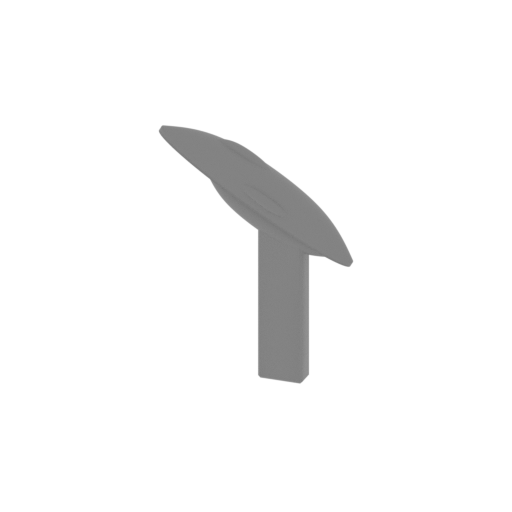 | _30_controlСabin_k_FDM (repaired).stl 17.5 x 4.4 x 21.7 mm | 0.69 x 0.17 x 0.85 in | Size: 17.5 x 4.4 x 21.7 mm | 0.69 x 0.17 x 0.85 in | File size: 0.86 mb | Printing Time / Filament: 9 min / <1 m Slicer: prusa v2.9.2 Printer: prusa_xl Non default settings Layer height: 0.2 Fill density: 20% Support material: 1 Support material buildplate only: 1 | ||
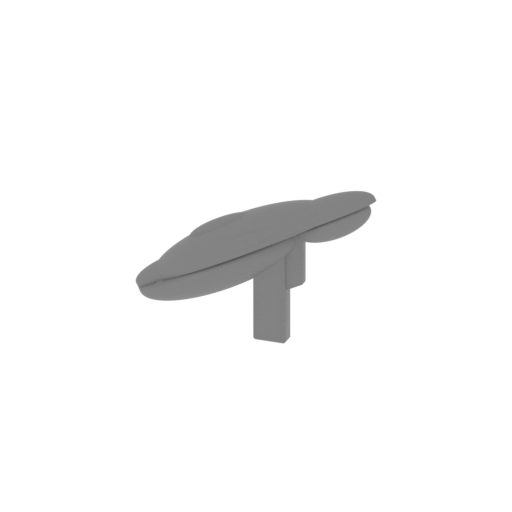 | _31_controlСabin_l_FDM (repaired).stl 29.9 x 6.5 x 20.6 mm | 1.18 x 0.26 x 0.81 in | Size: 29.9 x 6.5 x 20.6 mm | 1.18 x 0.26 x 0.81 in | File size: 1.05 mb | Printing Time / Filament: 15 min / <1 m Slicer: prusa v2.9.2 Printer: prusa_xl Non default settings Layer height: 0.2 Fill density: 20% Support material: 1 Support material buildplate only: 1 | ||
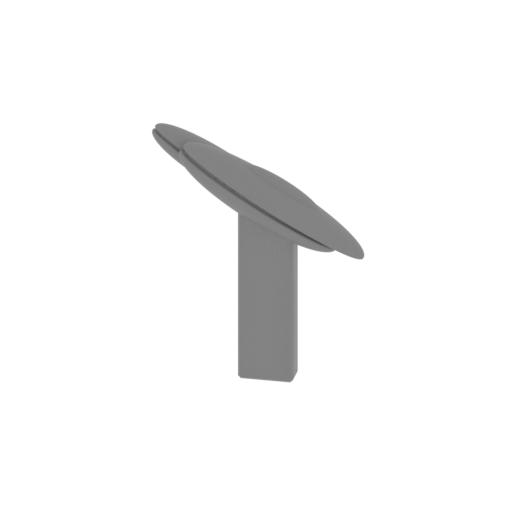 | _32_controlСabin_m_FDM (repaired).stl 15.9 x 4.4 x 18.3 mm | 0.63 x 0.17 x 0.72 in | Size: 15.9 x 4.4 x 18.3 mm | 0.63 x 0.17 x 0.72 in | File size: 1.24 mb | Printing Time / Filament: 6 min / <1 m Slicer: prusa v2.9.2 Printer: prusa_xl Non default settings Layer height: 0.2 Fill density: 20% Support material: 1 Support material buildplate only: 1 | ||
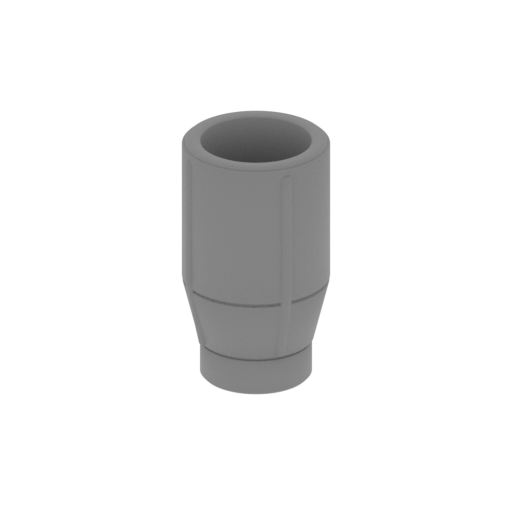 | _33_engine_a_X6_FDM (repaired).stl 9.6 x 9.6 x 16.6 mm | 0.38 x 0.38 x 0.65 in | Size: 9.6 x 9.6 x 16.6 mm | 0.38 x 0.38 x 0.65 in | File size: 1.45 mb | Printing Time / Filament: 9 min / <1 m Slicer: prusa v2.9.2 Printer: prusa_xl Non default settings Layer height: 0.2 Fill density: 20% Support material: 1 Support material buildplate only: 1 | ||
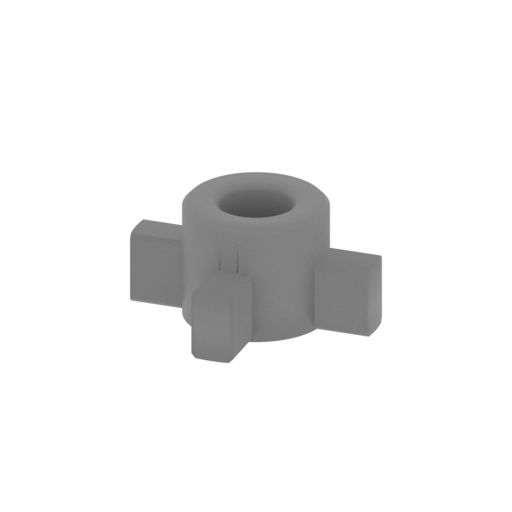 | _34_engine_b_X6_FDM (repaired).stl 6.9 x 6.9 x 3.3 mm | 0.27 x 0.27 x 0.13 in | Size: 6.9 x 6.9 x 3.3 mm | 0.27 x 0.27 x 0.13 in | File size: 0.21 mb | Printing Time / Filament: 1 min / <1 m Slicer: prusa v2.9.2 Printer: prusa_xl Non default settings Layer height: 0.2 Fill density: 20% Support material: 1 Support material buildplate only: 1 | ||
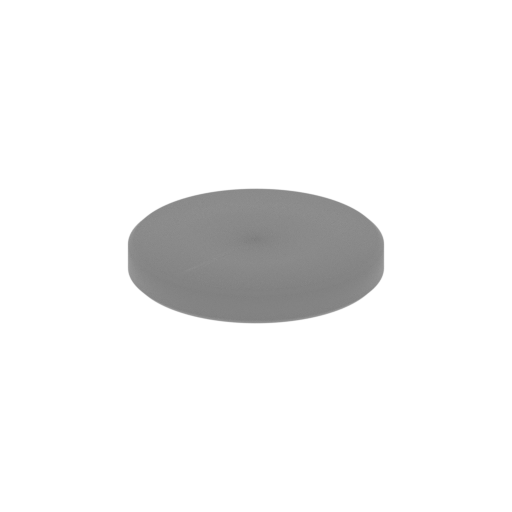 | _35_engine_c_X6_FDM (repaired).stl 6.9 x 6.9 x 1 mm | 0.27 x 0.27 x 0.04 in | Size: 6.9 x 6.9 x 1 mm | 0.27 x 0.27 x 0.04 in | File size: 0.09 mb | Printing Time / Filament: 1 min / <1 m Slicer: prusa v2.9.2 Printer: prusa_xl Non default settings Layer height: 0.2 Fill density: 20% Support material: 1 Support material buildplate only: 1 | ||
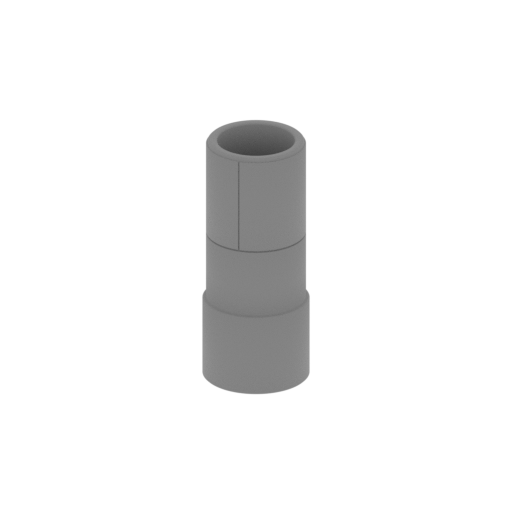 | _36_engine_d_X2_FDM (repaired).stl 13.3 x 13.3 x 31.9 mm | 0.52 x 0.52 x 1.26 in | Size: 13.3 x 13.3 x 31.9 mm | 0.52 x 0.52 x 1.26 in | File size: 1.85 mb | Printing Time / Filament: 26 min / 1 m Slicer: prusa v2.9.2 Printer: prusa_xl Non default settings Layer height: 0.2 Fill density: 20% Support material: 1 Support material buildplate only: 1 | ||
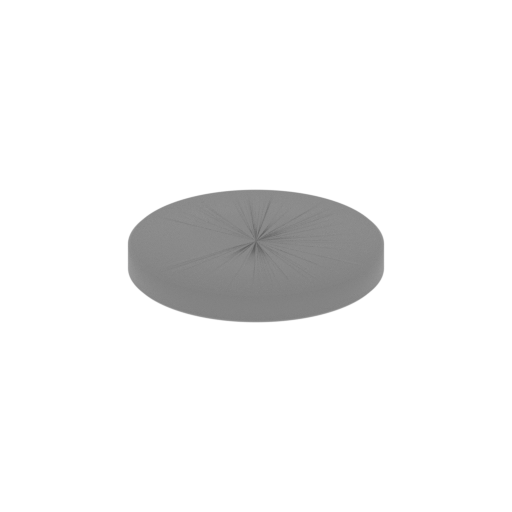 | _37_engine_e_X2_FDM (repaired).stl 9.4 x 9.4 x 1.2 mm | 0.37 x 0.37 x 0.05 in | Size: 9.4 x 9.4 x 1.2 mm | 0.37 x 0.37 x 0.05 in | File size: 0.25 mb | Printing Time / Filament: 2 min / <1 m Slicer: prusa v2.9.2 Printer: prusa_xl Non default settings Layer height: 0.2 Fill density: 20% Support material: 1 Support material buildplate only: 1 | ||
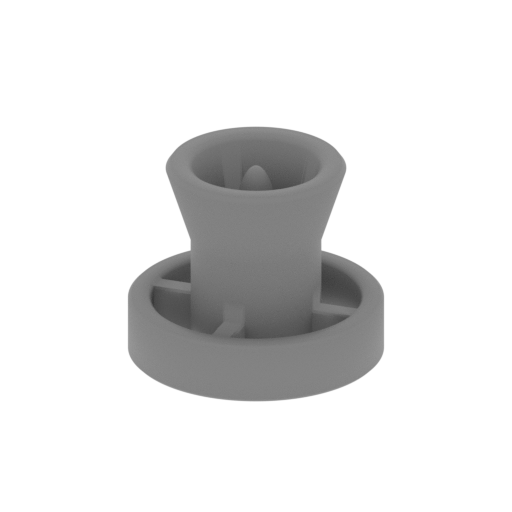 | _38_engine_f_X2_FDM (repaired).stl 13.3 x 13.3 x 10.8 mm | 0.52 x 0.52 x 0.43 in | Size: 13.3 x 13.3 x 10.8 mm | 0.52 x 0.52 x 0.43 in | File size: 1.03 mb | Printing Time / Filament: 7 min / <1 m Slicer: prusa v2.9.2 Printer: prusa_xl Non default settings Layer height: 0.2 Fill density: 20% Support material: 1 Support material buildplate only: 1 | ||
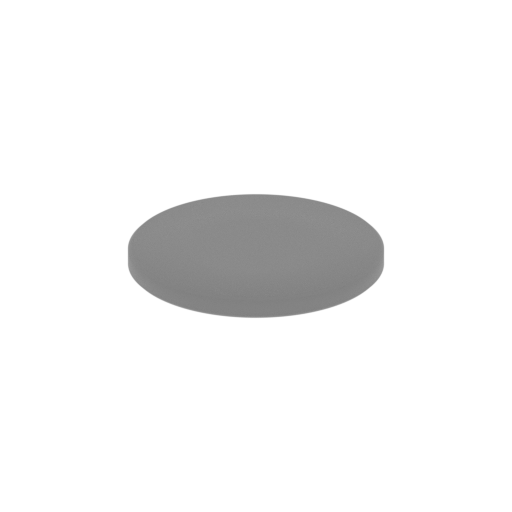 | _39_engine_g_X2_FDM (repaired).stl 13.3 x 13.3 x 1.2 mm | 0.52 x 0.52 x 0.05 in | Size: 13.3 x 13.3 x 1.2 mm | 0.52 x 0.52 x 0.05 in | File size: 0.22 mb | Printing Time / Filament: 2 min / <1 m Slicer: prusa v2.9.2 Printer: prusa_xl Non default settings Layer height: 0.2 Fill density: 20% Support material: 1 Support material buildplate only: 1 | ||
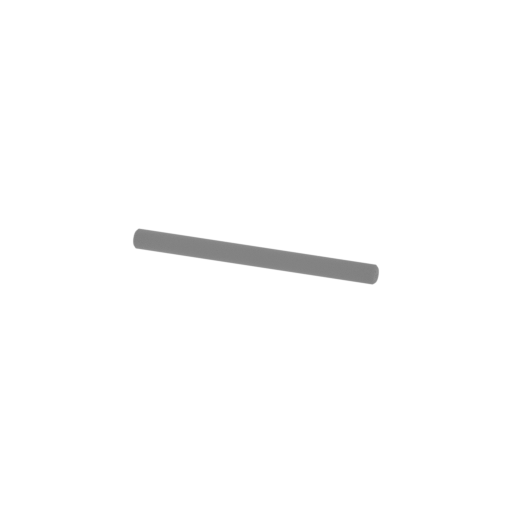 | _40_transparentColumn_a_X4_FDM (repaired).stl 51 x 4 x 3.7 mm | 2.01 x 0.16 x 0.15 in | Size: 51 x 4 x 3.7 mm | 2.01 x 0.16 x 0.15 in | File size: 0.10 mb | Printing Time / Filament: 4 min / <1 m Slicer: prusa v2.9.2 Printer: prusa_xl Non default settings Layer height: 0.2 Fill density: 20% Support material: 1 Support material buildplate only: 1 | ||
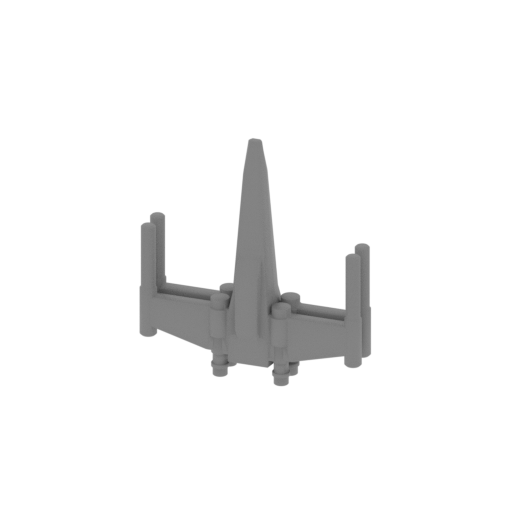 | _41_X_Wing_a_X10_FDM (repaired).stl 11.2 x 2.9 x 12.2 mm | 0.44 x 0.11 x 0.48 in | Size: 11.2 x 2.9 x 12.2 mm | 0.44 x 0.11 x 0.48 in | File size: 2.41 mb | Printing Time / Filament: 2 min / <1 m Slicer: prusa v2.9.2 Printer: prusa_xl Non default settings Layer height: 0.2 Fill density: 20% Support material: 1 Support material buildplate only: 1 | ||
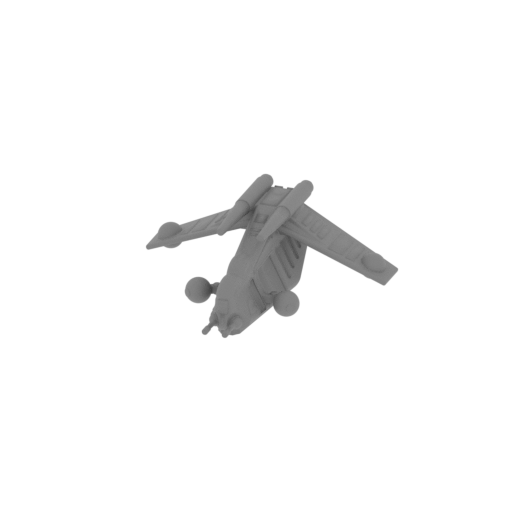 | _42_LAAT_a_X2_FDM (repaired).stl 19.4 x 18.3 x 7.7 mm | 0.76 x 0.72 x 0.3 in | Size: 19.4 x 18.3 x 7.7 mm | 0.76 x 0.72 x 0.3 in | File size: 5.37 mb | Printing Time / Filament: 6 min / <1 m Slicer: prusa v2.9.2 Printer: prusa_xl Non default settings Layer height: 0.2 Fill density: 20% Support material: 1 Support material buildplate only: 1 | ||
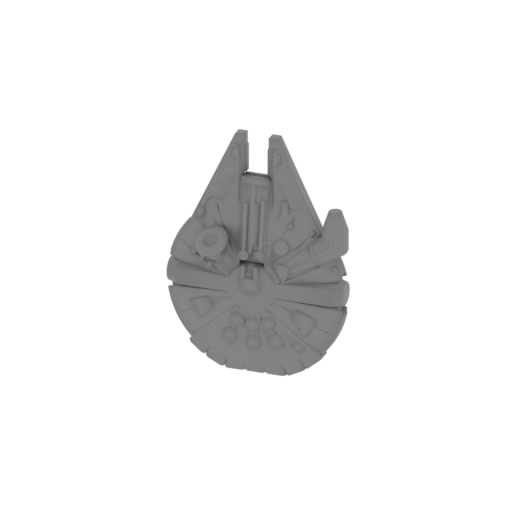 | _43_milleniumFalcon_a_FDM (repaired).stl 14.4 x 4.9 x 19.2 mm | 0.57 x 0.19 x 0.76 in | Size: 14.4 x 4.9 x 19.2 mm | 0.57 x 0.19 x 0.76 in | File size: 2.49 mb | Printing Time / Filament: 7 min / <1 m Slicer: prusa v2.9.2 Printer: prusa_xl Non default settings Layer height: 0.2 Fill density: 20% Support material: 1 Support material buildplate only: 1 | ||
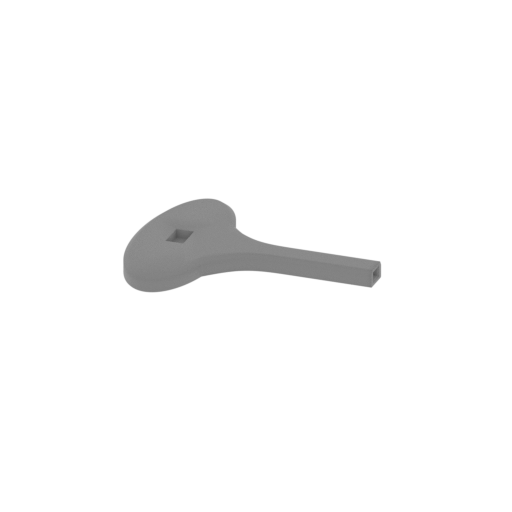 | _44_stand_a_X2_FDM (repaired).stl 168.1 x 134 x 12 mm | 6.62 x 5.28 x 0.47 in | Size: 168.1 x 134 x 12 mm | 6.62 x 5.28 x 0.47 in | File size: 0.71 mb | Printing Time / Filament: 59 min / 14 m Slicer: prusa v2.9.2 Printer: prusa_xl Non default settings Layer height: 0.2 Fill density: 20% Support material: 1 Support material buildplate only: 1 | ||
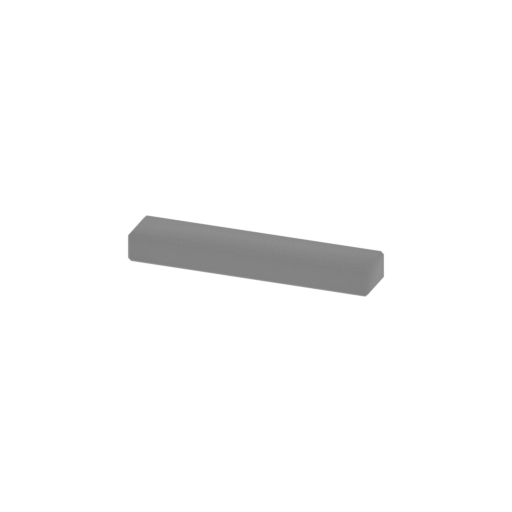 | _45_stand_b_FDM (repaired).stl 50 x 10 x 6 mm | 1.97 x 0.39 x 0.24 in | Size: 50 x 10 x 6 mm | 1.97 x 0.39 x 0.24 in | File size: 0.01 mb | Printing Time / Filament: 7 min / 1 m Slicer: prusa v2.9.2 Printer: prusa_xl Non default settings Layer height: 0.2 Fill density: 20% Support material: 1 Support material buildplate only: 1 | ||
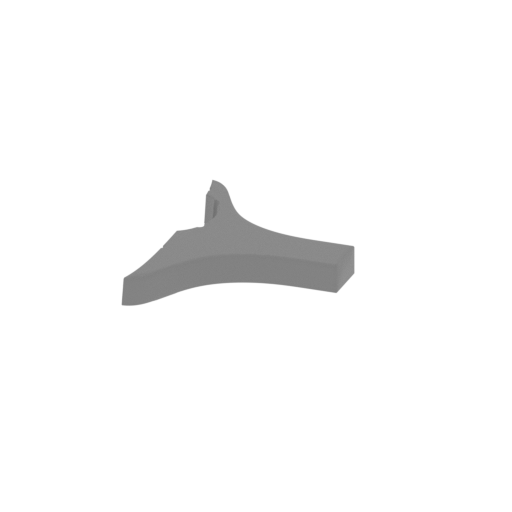 | _46_stand_c_FDM (repaired).stl 74.8 x 100 x 12 mm | 2.94 x 3.94 x 0.47 in | Size: 74.8 x 100 x 12 mm | 2.94 x 3.94 x 0.47 in | File size: 0.58 mb | Printing Time / Filament: 23 min / 4 m Slicer: prusa v2.9.2 Printer: prusa_xl Non default settings Layer height: 0.2 Fill density: 20% Support material: 1 Support material buildplate only: 1 | ||
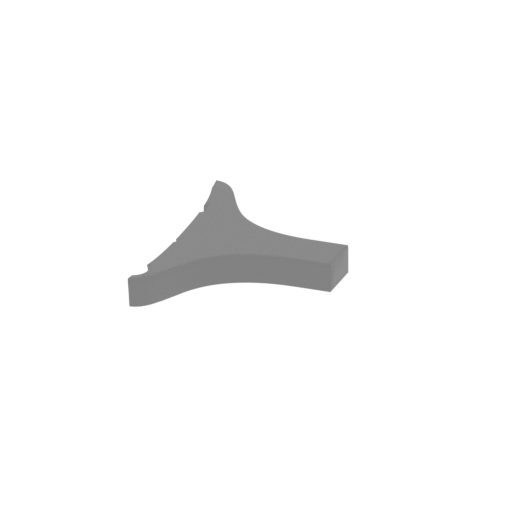 | _47_stand_d_FDM (repaired).stl 69.8 x 100.1 x 12 mm | 2.75 x 3.94 x 0.47 in | Size: 69.8 x 100.1 x 12 mm | 2.75 x 3.94 x 0.47 in | File size: 0.59 mb | Printing Time / Filament: 22 min / 4 m Slicer: prusa v2.9.2 Printer: prusa_xl Non default settings Layer height: 0.2 Fill density: 20% Support material: 1 Support material buildplate only: 1 | ||
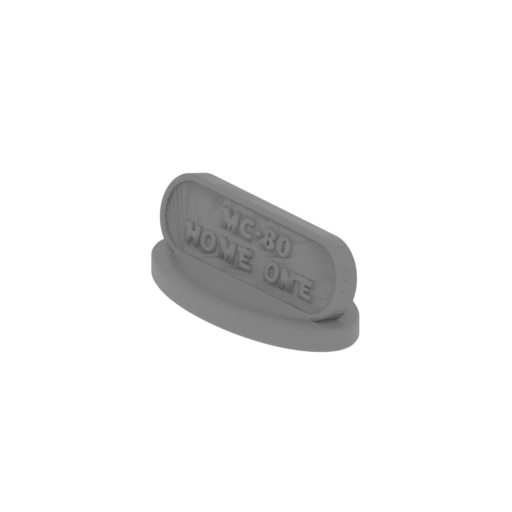 | _48_logo_a_FDM (repaired).stl 104.7 x 74.7 x 43.7 mm | 4.12 x 2.94 x 1.72 in | Size: 104.7 x 74.7 x 43.7 mm | 4.12 x 2.94 x 1.72 in | File size: 3.19 mb | Printing Time / Filament: 1 h 10 min / 12 m Slicer: prusa v2.9.2 Printer: prusa_xl Non default settings Layer height: 0.2 Fill density: 20% Support material: 1 Support material buildplate only: 1 | ||
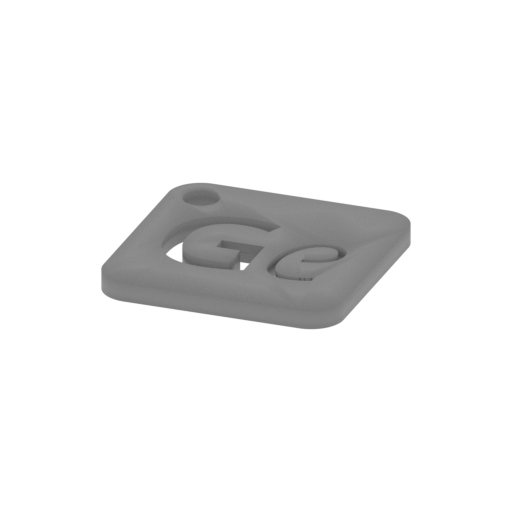 | Keychain (repaired).stl 29.7 x 29.7 x 2.4 mm | 1.17 x 1.17 x 0.09 in | Size: 29.7 x 29.7 x 2.4 mm | 1.17 x 1.17 x 0.09 in | File size: 0.37 mb | Printing Time / Filament: 6 min / 1 m Slicer: prusa v2.9.2 Printer: prusa_xl Non default settings Layer height: 0.2 Fill density: 20% Support material: 1 Support material buildplate only: 1 | ||
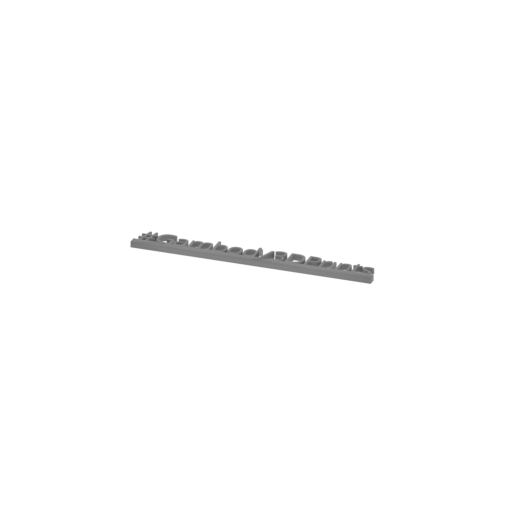 | Tag (repaired).stl 150.1 x 18.2 x 4.6 mm | 5.91 x 0.72 x 0.18 in | Size: 150.1 x 18.2 x 4.6 mm | 5.91 x 0.72 x 0.18 in | File size: 1.78 mb | Printing Time / Filament: 18 min / 2 m Slicer: prusa v2.9.2 Printer: prusa_xl Non default settings Layer height: 0.2 Fill density: 20% Support material: 1 Support material buildplate only: 1 | ||
3D model history
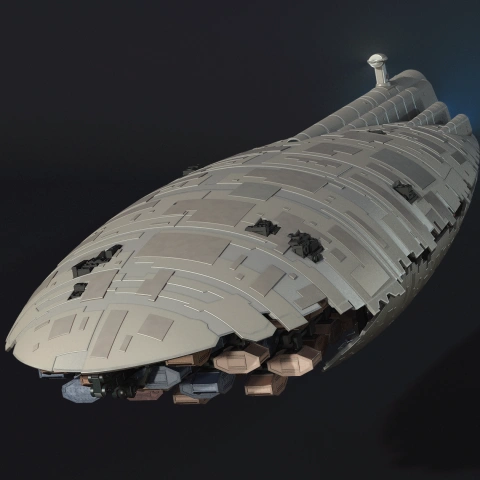
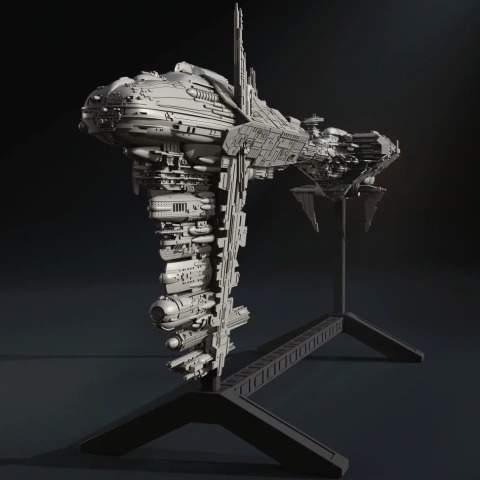
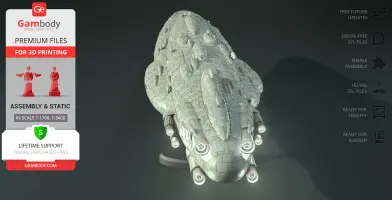
Home One is one of the most distinctive capital ships of the Rebel Alliance. Originally constructed by the Mon Calamari as a civilian deep-space vessel, this MC80 Star Cruiser was retrofitted with heavy shields and turbolasers to serve as Admiral Ackbar's flagship and the mobile command post for the Alliance Fleet. Best known for leading the assault on the Death Star II during the Battle of Endor, its fluid, organic hull presents a stark contrast to the rigid geometry of Imperial Star Destroyers. It makes a standout project for makers looking for a beautiful Star Wars 3D print or a detailed movie 3D print.
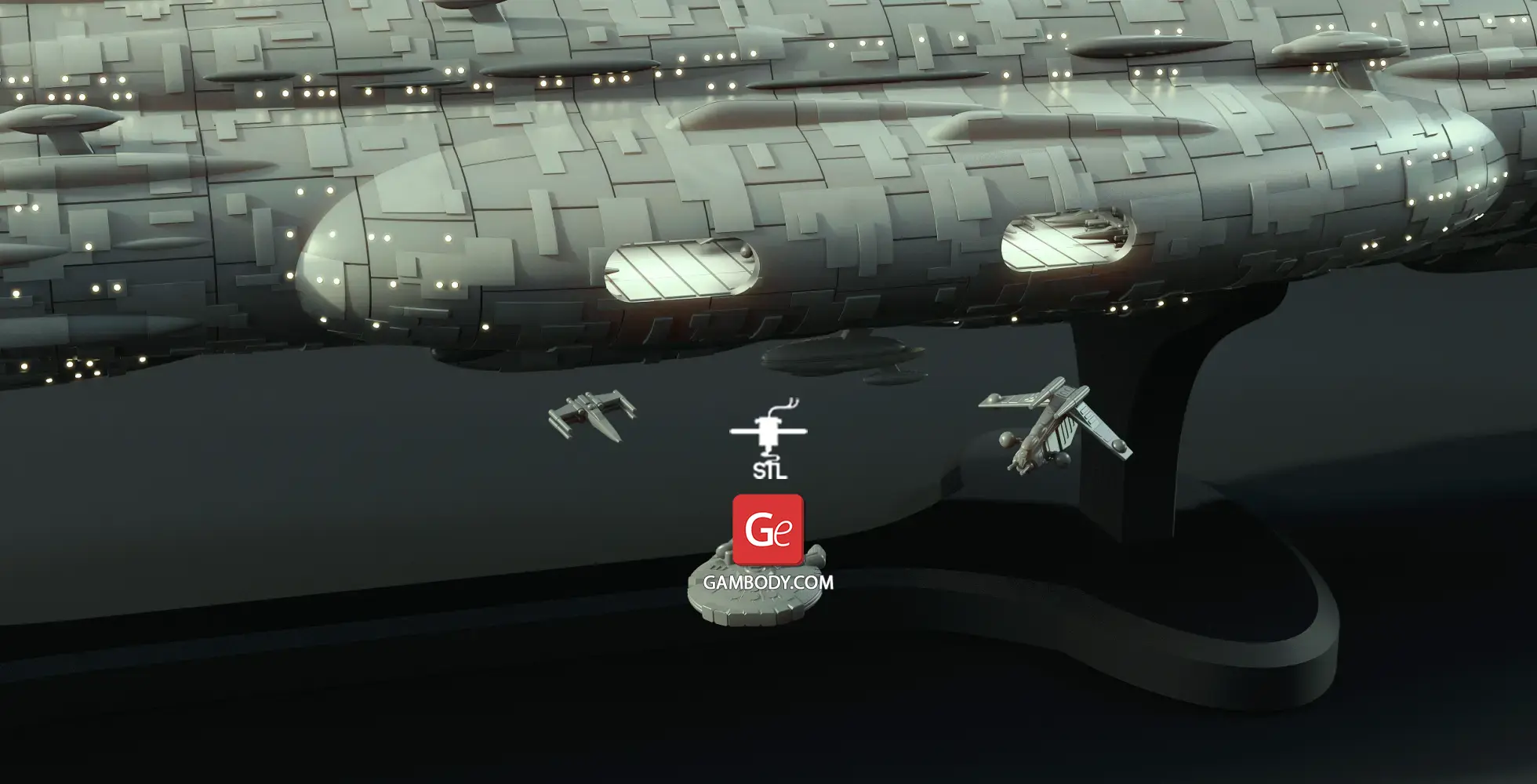
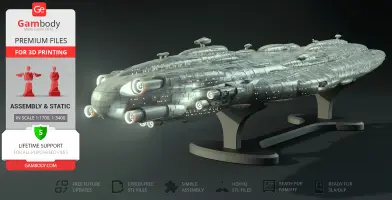
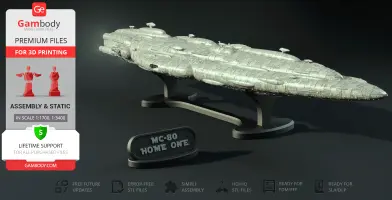
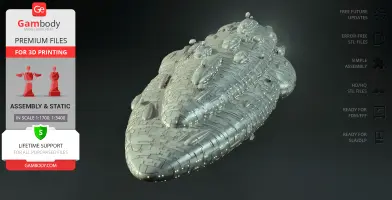
This Home One model translates that unique Mon Calamari architecture into a highly detailed sci-fi 3D model. The design captures the ship's sweeping panel lines, surface bulges, and heavy aft propulsion block, complete with recessed lateral hangars containing miniature starfighters. Built for optional LED wiring, the hollow hull includes lighting channels for the main engines and flight bays, with a removable rear hatch for battery access. The two dorsal bridge pods can be detached and mounted on transparent pins to create an orbital diorama above the main ship. Supported by a dual-pillar stand with a dedicated nameplate, this Star Wars STL delivers a premier spacecraft 3D print and an impressive spaceship 3D print display piece.
3D printing model features
Model-specific features:
- Captures the MC80 Star Cruiser's organic geometry with sweeping panel lines and blister bulges.
- Detachable dorsal bridge pods can be mounted on transparent pins for an orbital diorama display.
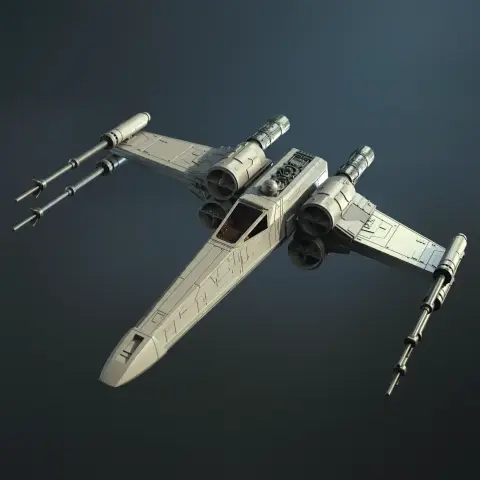
- Recessed lateral flight docks house micro-scale starfighters inside the bays.
- Hollow interior hull with built-in channels to optionally illuminate the engines and hangars.
- Features a removable rear hull panel for quick access to battery compartment.
- Rests on a dual-pillar stand with a dedicated "MC-80 HOME ONE" nameplate.
Printing & assembly details:
- Provided as error-free STL files compatible with most 3D printers;
- Optimized part division minimizes support material and ensures smooth and precise surface detailing;
- The assembly parts in the FFF/FDM version come in the recommended print orientations for easy bed placement;
- Assembly manual in PDF and video formats is included for the FFF/FDM and DLP/SLA versions;
- The model is available in recommended scales — 1:1700 for the FFF/FDM version and 1:3400 for the DLP/SLA versions.
What will you get after purchase?
- 2 versions of Home OneSTL files for FFF/FDM and DLP/SLA — files for all versions are available for download after the purchase;
- STL files of high-poly Home One model for 3D printing consist of 96 files;
- Sizes for:
- FFF/FDM Model Size: 176 mm wide, 99 mm high, 754 mm deep;
- FFF/FDM Platform Size: 134 mm wide, 81 mm high, 336 mm deep;
- DLP/SLA Model Size: 88 mm wide, 50 mm high, 377 mm deep;
- DLP/SLA Platform Size: 67 mm wide, 40 mm high, 168 mm deep;
- Assembly Manual for 1.0 FFF/FDM and 1.0 DLP/SLA versions in PDF and video formats;
- Detailed settings that we provide as a recommendation for Bambu Studio, Cura, Orca Slicer, PrusaSlicer, Simplify3D, and Slic3r for the best print;
- Full technical support from the Gambody Support Team.
Average customer rating (3 reviews)
4
Ratings breakdown
Click a star rating to filter reviews
Overall experience
Level of detail in the model
3.9
Model cut quality and assembly guide
4.6
Clarity and accuracy of the model page
4.3



 This feedback is from a user who hasn't purchased this model
Level of detail in the model
3
Model cut quality and assembly guide
4.8
Clarity and accuracy of the model page
4.6
I would normally jump at the chance to purchase this ship, but I am hesitant because of one glaring problem that is often seen in in many Star Wars ship models posted on this site: The raised out of scale rectangular panel sections. The "real" Home One has a very smooth exterior, yet this model depicts the surface as having giant sections of raised areas. After closer inspection, these sections seem to follow the colored areas on the filming model. The Star Destroyer and other models on Gambody share this problem. While I really do applaud the 3D designers of these iconic ships, I'm hoping they can tone down these sections and provide smooth copies without out of scale panel lines or raised panel sections.
 Verified purchase


 Community Support Team
We understand what you mean about the raised surface sections. A completely smooth hull can look quite flat once printed, and achieving the same sense of depth usually requires more advanced painting techniques, such as careful airbrushing, shading, and weathering.
We’ve attached a photo of the test print so you can see how the surface detail actually looks on the physical model. The raised areas are noticeably less pronounced in print than they may appear in the renders.
You may also want to consider dry brushing when painting the model. This technique works particularly well with this type of surface detail and helps bring out the hull texture naturally.
That said, we understand the appeal of a smoother exterior as well, so we’ll pass your suggestion for an alternative smooth version to the author for consideration.
Thank you again for the thoughtful feedback and for your interest in the model.
Verified purchase Level of detail in the model
5
Model cut quality and assembly guide
5
Clarity and accuracy of the model page
5
The design aspect I love the most, and that's not a strong enough word, is the separately printed connector pieces between the large hull segments. When a model is going to be lighted, these provide a VERY effective light trap to prevent leaks that otherwise take a lot of effort, filler, carefully applied electical tape, etc. to address. I've also found the effort and force needed for some of the snap-type clips to be problematic. I glue everything together no matter the connector type, so these smooth inserts are fantasitc and much easier to use for a more gentel assembly.
Verified purchase Level of detail in the model
3.8
Model cut quality and assembly guide
4
Clarity and accuracy of the model page
3.3
Community Support Team The PDF assembly guides for both the FFF/FDM and DLP/SLA versions are included with the STL files. To access the guide, open the Source Files tab on the model page and download any STL file from the version you purchased. The downloaded ZIP archive will include the selected STL file, the assembly and printing guide in PDF format, and the Regular Permission terms.
There is also a video assembly guide available directly on the model page under Video → Assembly Guide.
If you still have any trouble locating the instructions, please let us know and we’ll be happy to help.
Below you'll find detailed slicing settings for Bambu Studio 2.0+, Orca Slicer 2.0+, UltiMaker Cura 5.0+, PrusaSlicer 2.0+, Slic3r 1.3+, Simplify3D 5.0+ to help you get the best results when printing this model. These settings are optimized specifically for this 3D model, but please note they may need slight adjustments depending on your printer or filament. When in doubt, refer to your printer's user manual.
To avoid printing issues and achieve the best quality, we highly recommend applying the following settings:
 Bambu Studio 2.0+
For better quality use 0.12 mm layer height, for fast printing use 0.2 mm layer height. For pins and the Ge connectors, use 0.2 layer height.
120-150% of your Layer Height
But you can paint the seam if you want.
You have to calibrate this parameter
You have to calibrate this parameter
You have to calibrate this parameter
For pins and power elements of the structure, such as the vehicle frame, use 3 loop
Disabled for vehicles and enabled for characters
For 0,2 Layer Height
The parameters in this tab vary greatly, it all depends on the quality of your printer. For example, if you have a classic Ender3, stick to the minimum parameters, but if you have a newer printer, for example Anycubic cobra 3 v2, you can select the maximum recommended values
Settings for advanced users, change these parameters only if you have sufficient 3D printing expertise
Enable this parameter if your model requires supports
We also recommend placing and removing supports manually in some places using special button
1-2 loops for more thick support
Top Z distance = 1-1.3 layer Height. If the supports are hard to remove, try increasing this setting by 0.1-0,4 mm
Bottom Z distance = 1-1.3 layer Height. If the supports are hard to remove, try increasing this setting by 0.1-0,4 mm
You have to calibrate this parameter which one is better for your filament
Increase this parameter if the supports are hard to remove from walls
For PLA and PETG filament types
5-8 mm is optional for small prints that have bad adhesion to the build plate
You have to calibrate this parameter
Read the description on your filament roll
Read the description on your filament roll and increase this parameter for fast printers
Read the description on your filament roll and increase this parameter for fast printers
 Orca Slicer 2.0+
For better quality use 0.12 mm layer height, for fast printing use 0.2 mm layer height. For pins and the Ge connectors, use 0.2 layer height.
120-150% of your Layer Height
But you can paint the seam if you want.
0.01-0.05 You have to calibrate this parameter
0.01-0.05 You have to calibrate this parameter
0.1-0.2 You have to calibrate this parameter
For pins and power elements of the structure, such as the vehicle frame, use 3 loop
Disabled for vehicles and ships, enabled for characters
For 0,2 Layer Height
For 0,2 Layer Height
The parameters in this tab vary greatly, it all depends on the quality of your printer. For example, if you have a classic Ender3, stick to the minimum parameters, but if you have a newer printer, for example, Anycubic Kobra 3 Or Bambulab A1, you can select the maximum recommended values.
Settings for advanced users, change these parameters only if you have sufficient 3D printing expertise
Enable this parameter if your model requires supports
We also recommend placing and removing supports manually in some places using special button
Top Z distance = 1-1.3 layer Height. If the supports are hard to remove, try increasing this setting by 0.1-0,4 mm
Bottom Z distance = 1-1.3 layer Height. If the supports are hard to remove, try increasing this setting by 0.1-0,4 mm
Increase this parameter if the supports are hard to remove from walls
For PLA and PETG filament types
5-8 mm is optional for small prints that have bad adhesion to the build plate
Read the description on your filament roll
Read the description on your filament roll and increase this parameter for fast printers
You have to calibrate this parameter
Read the description on your filament roll and increase this parameter for fast printers
Read the description on your filament roll
This field is filled in according to your printer specifications when you add it to the slicer.
You can add custom G-code here for the start and end of the print. However, be careful - this is for advanced users only!
You have to calibrate your printer using Ge retraction test models
Retraction Length: For direct-drive setups use 0.5 mm to 2.5 mm; for Bowden extruders use 5 to 7 mm
This is how fast the filament is pulled back—40-60 mm/s for direct drive and 30-50 mm/s for Bowden setups.
You have to calibrate this parameter: Reduce it until the printer starts to hit the parts with the nozzle during printing, then increase it by 0.2.
 UltiMaker Cura 5.0+
For better quality use 0.12 mm layer height, for fast printing use 0.2 mm layer height. For pins and the Ge connectors, use 0.2 layer height.
120-150% of your Layer Height
To increase the strength of the print parts, use wall line count: 3
For pins and connectors use 50% Infill
These parameters are for standard PLA plastic. If you are using a different type of plastic, check the printing temperature recommended by the manufacturer. Also, read the description on your filament spool. For fast printers, add +30 °C to the current parameters.
The parameters in this tab vary greatly, it all depends on the quality of your printer. For example, if you have a classic Ender3, stick to the minimum parameters, but if you have a newer printer, for example Anycubic cobra 3 v3, you can select the maximum recommended values
Settings for advanced users, change these parameters only if you have sufficient 3D printing expertise.
You need to calibrate this parameter using Gambody test models. These values are average values for a Direct Drive extruder; for a Bowden extruder, the values should be increased.
You need to calibrate this parameter using Gambody test models. These values are average values for a Direct Drive extruder; for a Bowden extruder, the values should be increased.
Use this value other than 0 if your nozzle catches on the internal infill during travel moves. Try to keep this value as low as possible in height.
Use normal supports to support large, straight surfaces (most mechanical or technical parts).
You have to calibrate this parameter according to the capabilities of your printer and your filament, using a Gambody test models.
Use 1 instead of 0 if your supports are thin and tall. They will be harder to remove, but much stronger.
Top Z distance = 1-1.3 layer Height. If the supports are hard to remove, try increasing this setting by 0.1-0,4 mm
Increase this parameter if the supports are hard to remove from walls
Use tree supports to support complex objects, such as characters.
You have to calibrate this parameter according to the capabilities of your printer and your filament, using a Gambody test models.
Top Z distance = 1-1.3 layer Height. If the supports are hard to remove, try increasing this setting by 0.1-0,4 mm
Increase this parameter if the supports are hard to remove from walls
Use a skirt for all parts when printing on outdated printers.
Use a brim when printing thin but tall parts, as well as parts with a small bed adhesion area.
 PrusaSlicer 2.0+
For better quality use 0.12 mm layer height, for fast printing use 0.2 mm layer height. For pins and the Ge connectors, use 0.2 layer height.
120-150% of your Layer Height
for 0.2 Layer Height
But you can paint the seam if you want.
(for PLA and PETG)
(5-8 mm is optional for small prints that have bad adhesion to the build plate)
Enable this parameter if your model requires supports
(45-50 degree)You have to calibrate this parameter according to the capabilities of your printer
and your filament, using a Gambody test models.
Top contact Z distance = 1-1.3 layer Height. If the supports are hard to remove, try
increasing this setting by 0.1-0,4 mm
Top contact Z distance = 1-1.3 layer Height. If the supports are hard to remove, try
increasing this setting by 0.1-0,4 mm
Increase this parameter if the supports are hard to remove from walls
The parameters in this tab vary greatly, it all depends on the quality of your printer. For example, if you have a classic Ender3, stick to the minimum parameters, but if you have a newer printer, for example Anycubic cobra 3 v3, you can select the maximum recommended values
Settings for advanced users, change these parameters only if you have sufficient 3D printing expertise. Use the minimum value for outdated printers without acceleration calibration, and the maximum value for modern printers if you need it.
These settings only work for 3D printers with multiple extruders
You can try setting all parameters in this section, except the First layer, to values between 0.75% of your nozzle diameter and 1.25% of your nozzle diameter. Adjusting them will help you work out the optimal parameters for the best quality for your print. As for the First layer, you can set it to 150% of the diameter of your nozzle for better adhesion to the build plate (for a nozzle with a diameter of 0.4 mm, the First layer extrusion width can be from 0.3 mm to 0.5 mm)
For better printing quality you have to calibrate this parameter using Gambody test model.
Check your filament manufacturer's temperature recommendations on the spool.
Cooling parameters depends on the material you use for printing.
*for PLA
 Slic3r 1.3+
For better quality use 0.12 mm layer height, for fast printing use 0.2 mm layer height. For pins and the Ge connectors, use 0.2 layer height.
120-150% of your Layer Height
For 0.12 Layer Height
For 0.12 Layer Height
For pins and connectors use 50% Infill
Use skirt for outdated 3d printers
(5-8 mm is optional for small prints that have bad adhesion to the build plate)
Enable this parameter if your model requires supports
(45-60 degree)You have to calibrate this parameter according to the capabilities of your printer and your filament, using a Gambody test models
Contact Z distance = 1-1.3 layer Height. If the supports are hard to remove, try increasing this setting by 0.1-0,4 mm
The parameters in this tab vary greatly, it all depends on the quality of your printer. For example, if you have a classic Ender3, stick to the minimum parameters, but if you have a newer printer, for example Anycubic cobra 3 v3, you can select the maximum recommended values
Settings for advanced users, change these parameters only if you have sufficient 3D printing expertise. Use the minimum value for outdated printers without acceleration calibration, and the maximum value for modern printers if you need it.
You have to calibrate this parameter from 0.9 to 1.1 according to the capabilities of your printer and your filament, using a Gambody test models.
Check your filament manufacturer's temperature recommendations on the spool.
Cooling parameters depends on the material you use for printing.
Calibrate this value if you need to reduce or improve the adhesion between the plastic and the heat bed
Your current nozzle diameter
You need to calibrate this parameter using Gambody test models. These values are average values for a Direct Drive extruder; for a Bowden extruder, the values should be increased.
 Simplify3D 5.0+
Your current nozzle diameter
You have to calibrate this parameter using Gambody test models.
You need to calibrate this parameter using Gambody test models. These values are average values for a Direct Drive extruder; for a Bowden extruder, the values should be increased.
For better quality use 0.12 mm layer height, for fast printing use 0.2 mm layer height. For pins and the Ge connectors, use 0.2 layer height.
For 0,2 Layer Height
For 0,2 Layer Height
To increase the strength of the print parts, use Outline Perimeters: 3
You can enable this parameter to print rounded or spherical models, as well as character models.
Use this option only if your parts are too tight. but better calibrate your printer extrusion
Use this option only if your parts are too tight. but better calibrate your printer extrusion
Use 2 and more if you want to create skirt instead brim
1-2 for skirt and 10-20 for brim
Use for wipe nozzle if you need
Use For ABS filament
For pins and connectors use 50% Infill
Top Z distance = 1-1.3 layer Height. If the supports are hard to remove, try increasing this setting by 0.1-0,4 mm
Calibrate your filament and detect optimal temperature for it
Average temperature for PLA filament
The parameters in this tab vary greatly, it all depends on the quality of your printer. For example, if you have a classic Ender3, stick to the minimum parameters, but if you have a newer printer, for example Anycubic cobra 3 v3, you can select the maximum recommended values
Settings for advanced users, change these parameters only if you have sufficient 3D printing expertise.
DLP/SLA
- Detailed Mon Calamari hull geometry with organic paneling and viewports.
- Detachable dorsal pods can be placed transparent pins for an orbital diorama setup.
- Recessed lateral hangars containing miniature starfighters.
- Hollow hull with internal wiring channels for optional LED lighting.
- Removable rear hatch for easy battery compartment access.
- Dual-pillar display stand with a dedicated nameplate plaque.
- The assembly parts are connected using specially designed integrated connectors that fit securely into the corresponding slots. Optionally, for added strength and rigidity, the static connections can be glued together.
FFF/FDM
- Detailed Mon Calamari hull geometry with organic paneling and viewports.
- Detachable dorsal pods can be placed transparent pins for an orbital diorama setup.
- Recessed lateral hangars containing miniature starfighters.
- Hollow hull with internal wiring channels for optional LED lighting.
- Removable rear hatch for easy battery compartment access.
- Dual-pillar display stand with a dedicated nameplate plaque.
- The assembly parts are connected using specially designed integrated connectors that fit securely into the corresponding slots. Optionally, for added strength and rigidity, the static connections can be glued together.