Community (fb)

 ua
ua 



Files
3D model format
Stereolithography (.stl)
Total files

Slicer settings
not available
Mesh error check
not specified
Support
Provided by 3D Artist (optional)
Update requests
Subject to 3D Artist’s discretion
Model versions
FFF/FDM
Assembly method
not specified
Features
Additional details
Part of diorama
No
Special pack included
No
You will get instant access to the STL files of Jumping Jack In The Box after completing your purchase. Simply add the model to your cart and check out using PayPal, credit or debit card, Apple Pay, Google Pay, Alipay, or other available payment methods.
Watch the assembly video for Jumping Jack In The Box, and explore more tutorials, behind-the-scenes content, 3D printing timelapses, and painting guides on the official Gambody YouTube channel.
STL files and the cutting of this model are preserved as created by the Author. This model was not moderated by Gambody, it is not subject to technical support by Gambody, and we do not offer any guarantees on the 3D printing results.
Stock models can only be purchased in an order separate from the Premium STL files by Gambody. If a Premium model is added to the Cart, the Stock models are deleted automatically, and vice versa.
You can read more about Stock models onGambody's Blog.
The Author of the Stock model can provide technical support if they wish. All your questions, requests, wishes and remarks can be left in the comment section below.
Gambody Team can consider providing a Premium version of the model if highly requested.
Before printing, take a look at Printing Details for recommended settings and tips to achieve better results.
| File name | Size (mm | in) | Size(mb) | Printing Time / Filament | |||
|---|---|---|---|---|---|---|
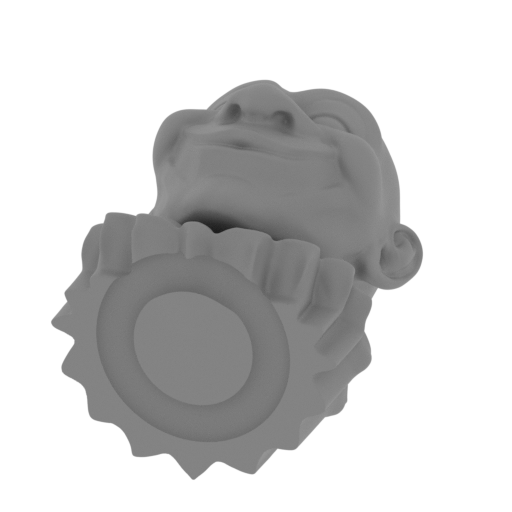 | head.stl.stl 66.81 x 86.08 x 78.56 mm | 2.63 x 3.39 x 3.09 in | Size: 66.81 x 86.08 x 78.56 mm | 2.63 x 3.39 x 3.09 in | File size: 43.45 mb | Printing Time / Filament: 17 h 28 min / 11 m | ||
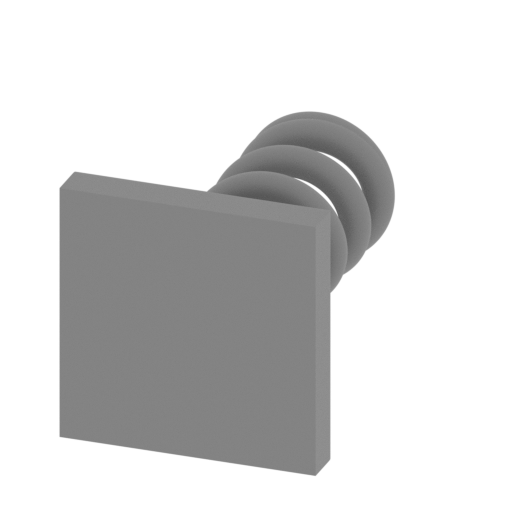 | muelle.stl.stl 77.65 x 112.02 x 77.65 mm | 3.06 x 4.41 x 3.06 in | Size: 77.65 x 112.02 x 77.65 mm | 3.06 x 4.41 x 3.06 in | File size: 5.35 mb | Printing Time / Filament: 18 h 36 min / 12 m | ||
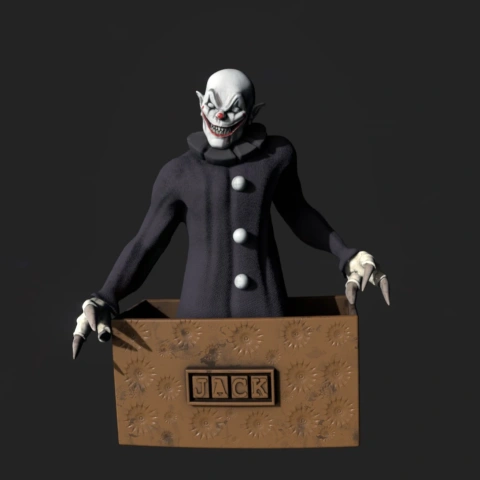
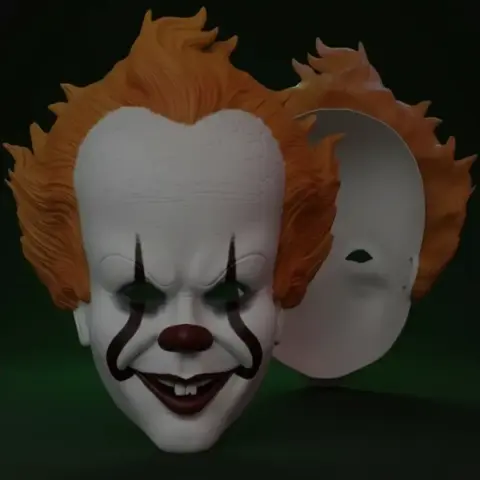
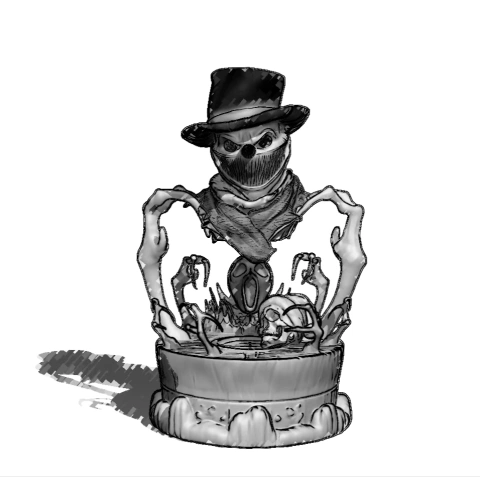
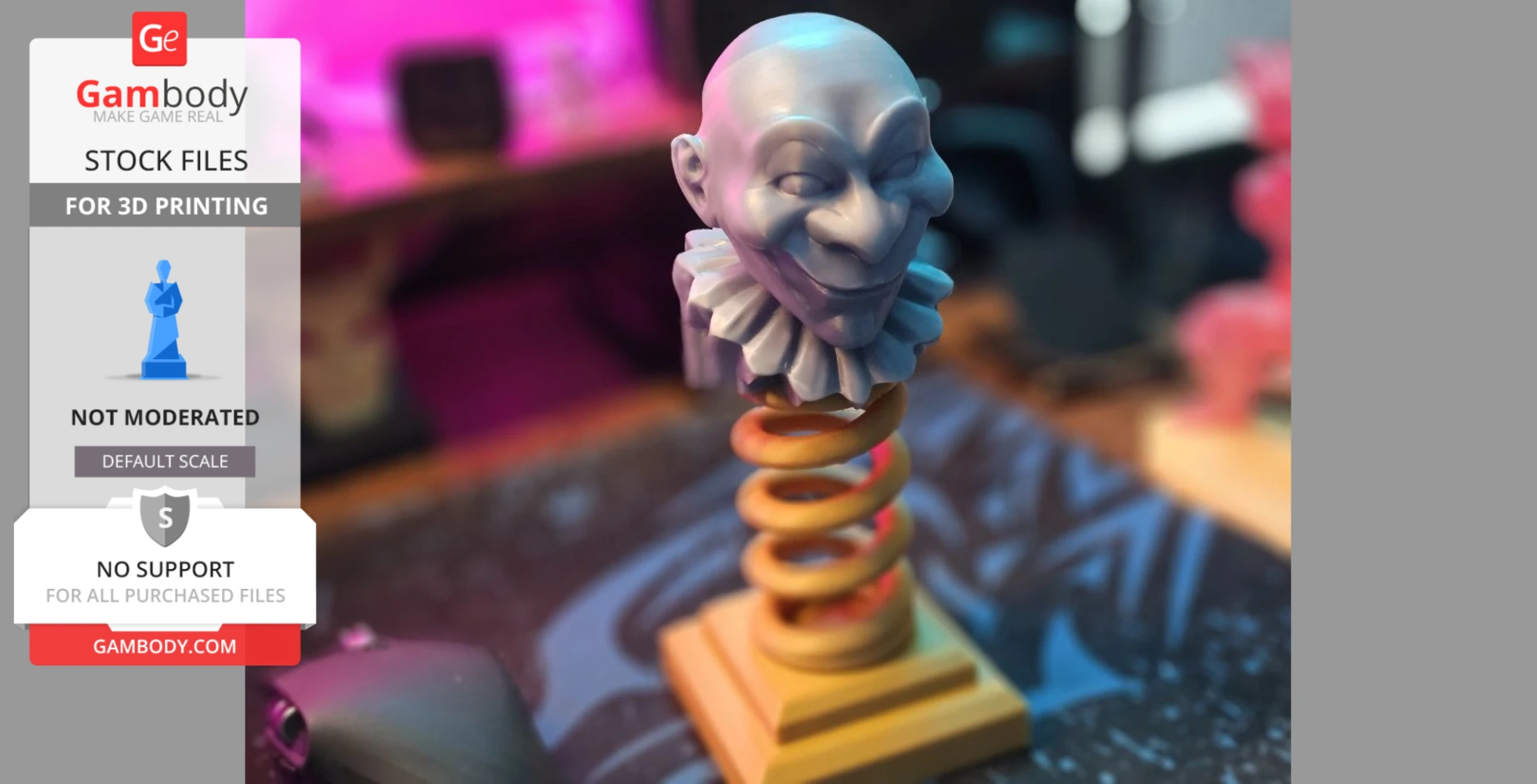
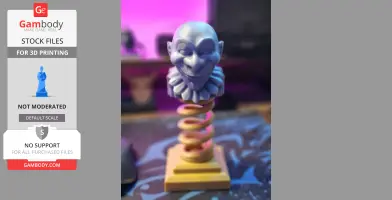
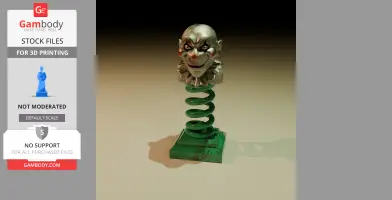
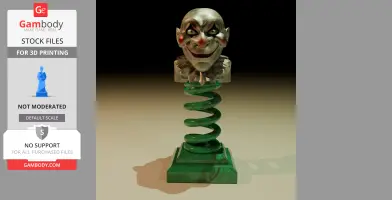
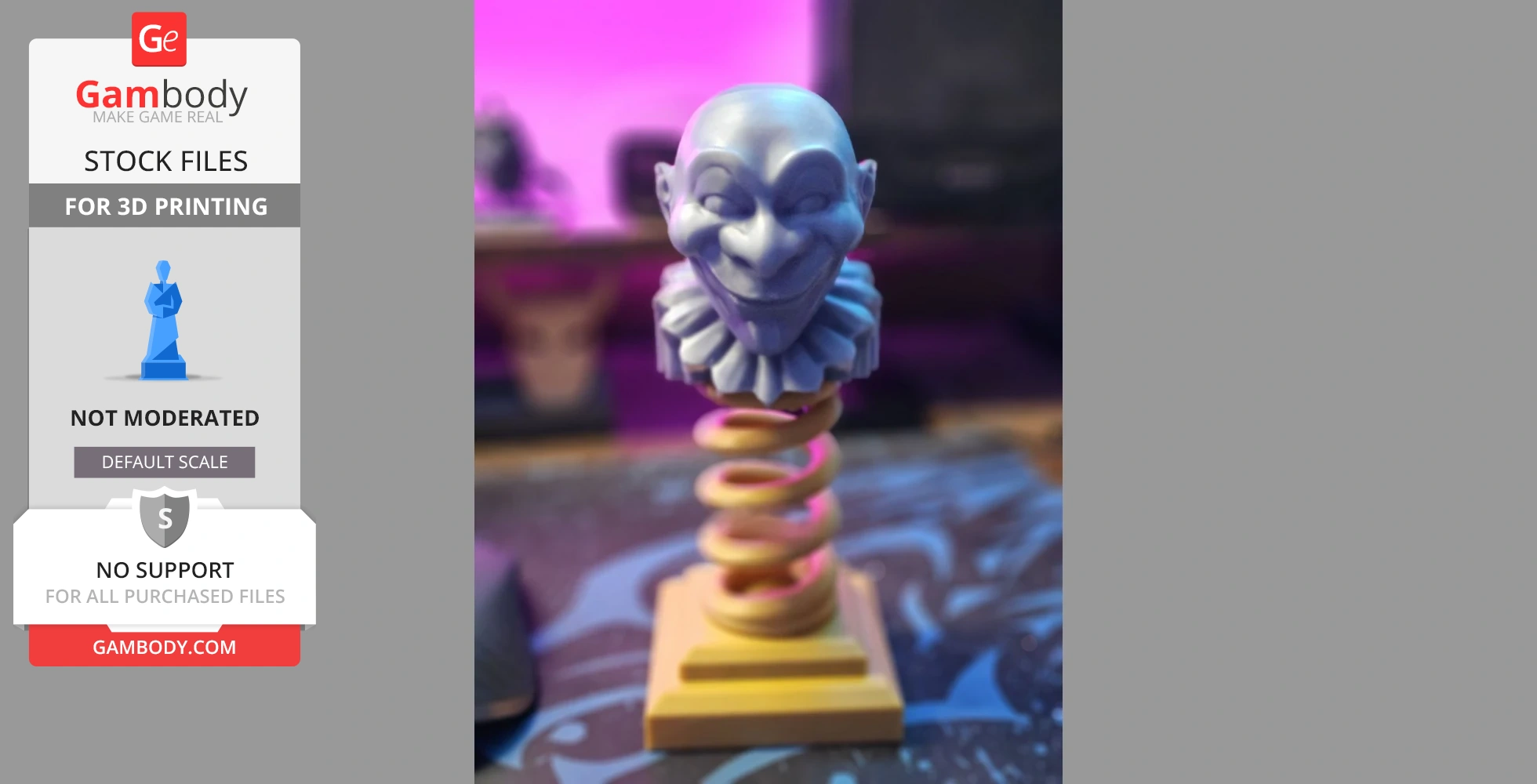
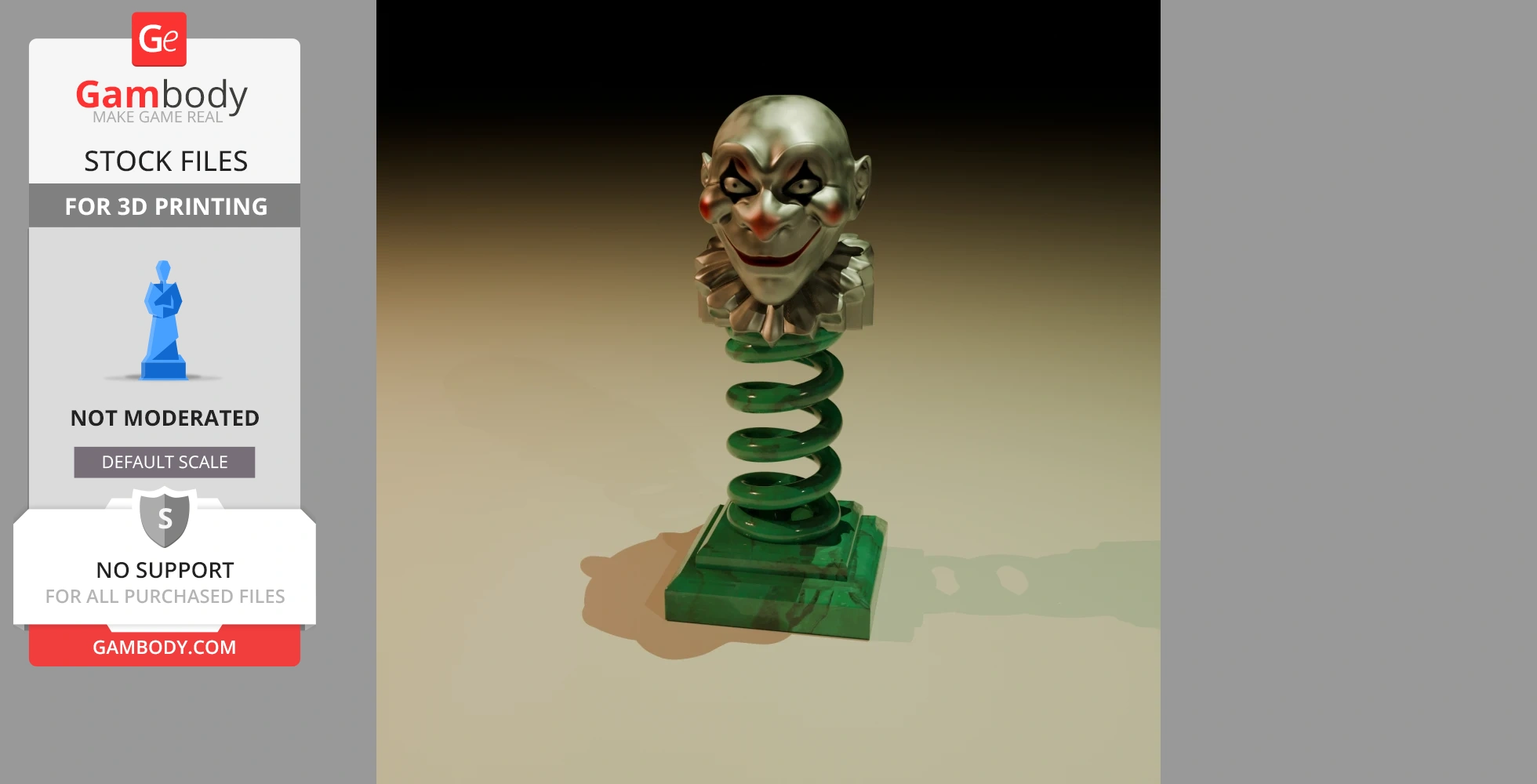
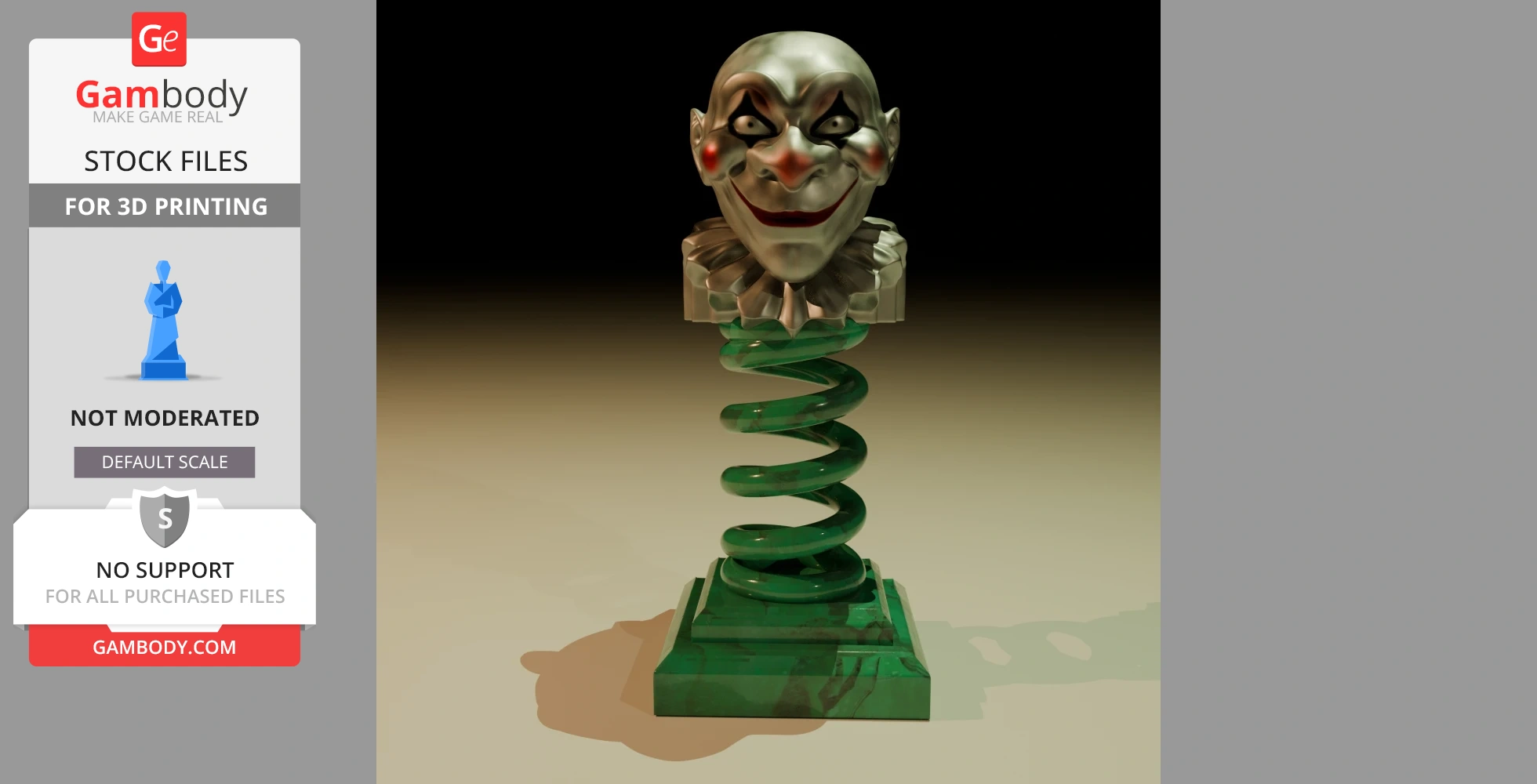
Introducing our exclusive 3D Jack-in-the-box model, inspired by the iconic movie, now available in STL format! This terrifying yet fun figure is attached to a spring, allowing its head to bobble with every movement. Imagine having it on your car dashboard, desk, or anywhere you like, and watch its head shake in sync with your punches or the swaying of your vehicle. It’s the perfect spooky touch for any space!
This 3D model is crafted with attention to detail, capturing the creepy charm of the character. The base is designed to be easily attached with glue or adhesive tape, so you can place it anywhere and enjoy its playful bobbing. It’s ideal for horror fans or anyone looking for a unique and eye-catching accessory.
Download it now, print your own Jack-in-the-box, and have fun watching its head move with every wobble! Give us a "Like" and subscribe—it doesn’t cost you anything, and it helps us a lot to keep bringing awesome content to you!
Average customer rating (1 reviews)
5
Ratings breakdown
Click a star rating to filter reviews
Overall experience
Level of detail in the model
5
Model cut quality and assembly guide
5
Clarity and accuracy of the model page
5



 3D Artist (Author of this model)
 Level of detail in the model
5
Model cut quality and assembly guide
5
Clarity and accuracy of the model page
5
To avoid printing issues and achieve the best quality, we highly recommend applying the following settings:
Generic
For printing this Jack-in-the-box model on FDM printers, I recommend the following settings to ensure a successful and high-quality print:
Print Settings:
Model Orientation: Position the figure in a way that minimizes the need for supports. Ideally, the base should sit directly on the print bed with the head facing upwards. This helps avoid issues with the more detailed parts.
Maximum Overhang Angle: Since the print threshold is 20 degrees, make sure to check for overhangs in the model. Any angle exceeding 20 degrees will require supports to prevent sagging. Areas like the neck or the head above the spring may need supports if they exceed this angle.
Supports: Enable supports only where necessary (such as around the neck or head if there are significant overhangs) and ensure that the support activation angle is set to 20 degrees.
Layer Resolution: For good detail quality, a layer height between 0.1 mm and 0.2 mm is recommended, especially for detailed areas like the head and facial features.
Infill Density: A 15% to 20% infill will be sufficient to maintain the structural integrity of the model without using excessive material since it doesn't need to be overly strong.
Print Speed: A moderate speed of 40-60 mm/s is ideal to maintain a good level of detail, especially in more complex areas like the figure's features or the spring.
Extruder and Heated Bed Temperature:
Extruder Temperature: Follow the filament manufacturer’s guidelines (e.g., PLA typically requires a temperature of 200-210°C).
Heated Bed Temperature: For PLA, a bed temperature of 60°C will work well to ensure proper bed adhesion during the first layers.
Bed Adhesion: Use a good adhesion surface such as BuildTak or a glass bed with adhesive (glue stick or spray for FDM printing) to prevent warping or lifting of the model.
Post-Processing: After printing, carefully remove the supports, and if needed, lightly sand the model or use wet sanding to achieve a smoother finish on visible areas.
With these settings, you'll achieve a high-quality print that captures all the details of the Jack-in-the-box figure and its fun head-bobbing action!