Community (fb)

 es
es  ua
ua 






Files
3D model format
Stereolithography (.stl)
Total files

Slicer settings
Mesh error check
Netfabb
Support
Lifetime support from Gambody team
Update requests
Available to verified buyers
Model complexity
Advanced: may require tuning print settings or support placement, plus precise fitting, gluing, or sanding.
Model versions
FFF/FDM
Assembly method
not specified
Features
DLP/SLA
Assembly method
not specified
Features
SLS
Assembly method
not specified
Features
DLP/SLA
Assembly method
not specified
Features
Additional details
Part of diorama
No
Special pack included
No
You will get instant access to the STL files of Mecha-King Ghidorah 3D Printer Files | Assembly after completing your purchase. Simply add the model to your cart and check out using PayPal, credit or debit card, Apple Pay, Google Pay, Alipay, or other available payment methods.
Watch the assembly video for Mecha-King Ghidorah 3D Printer Files | Assembly, and explore more tutorials, behind-the-scenes content, 3D printing timelapses, and painting guides on the official Gambody YouTube channel.
This 3D Figurine consists of files in StereoLithography (.Stl) format that is optimized for 3D printing.
Before printing the files, we strongly recommend reading the PRINTING DETAILS section.
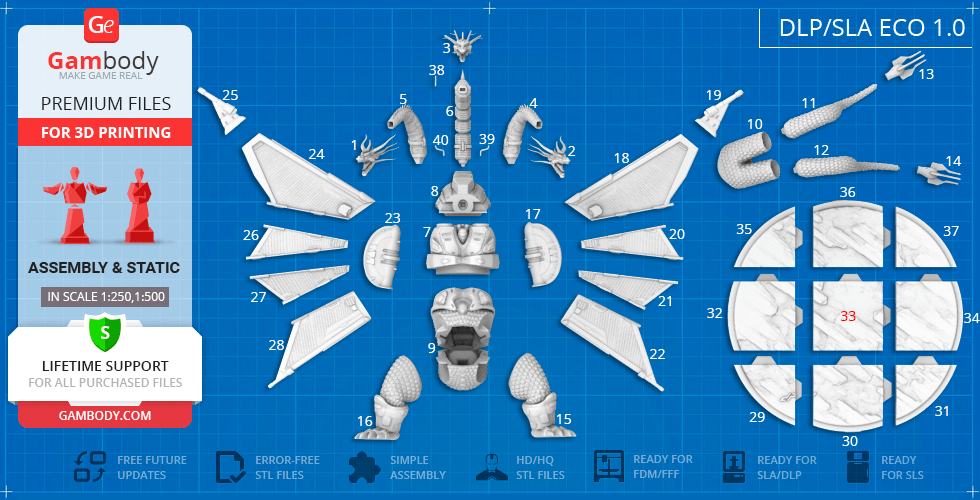
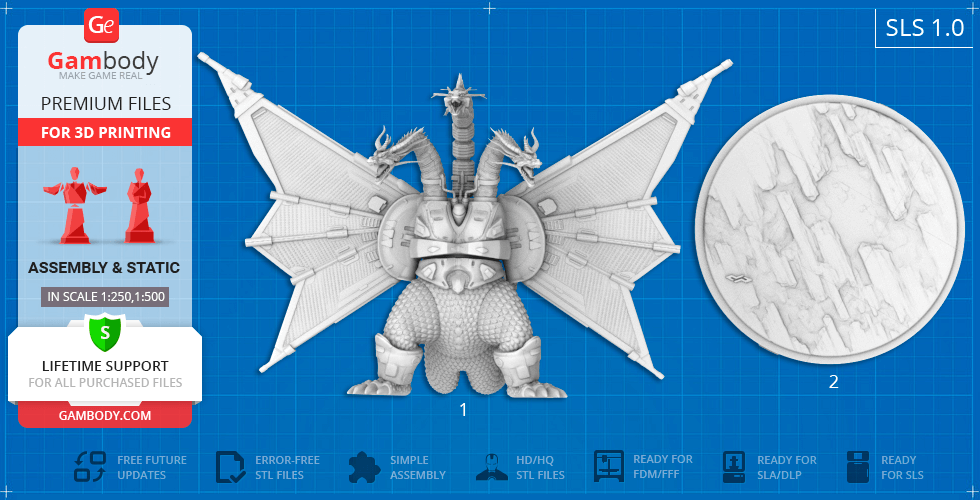
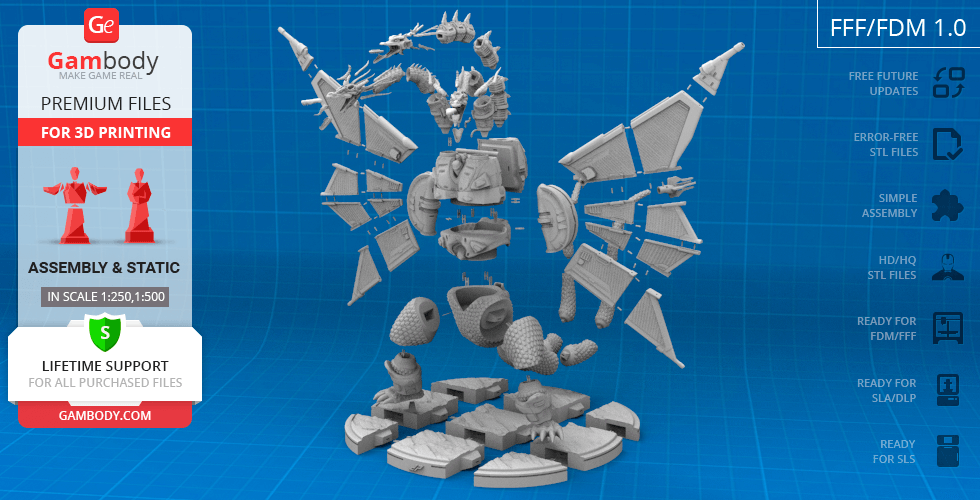
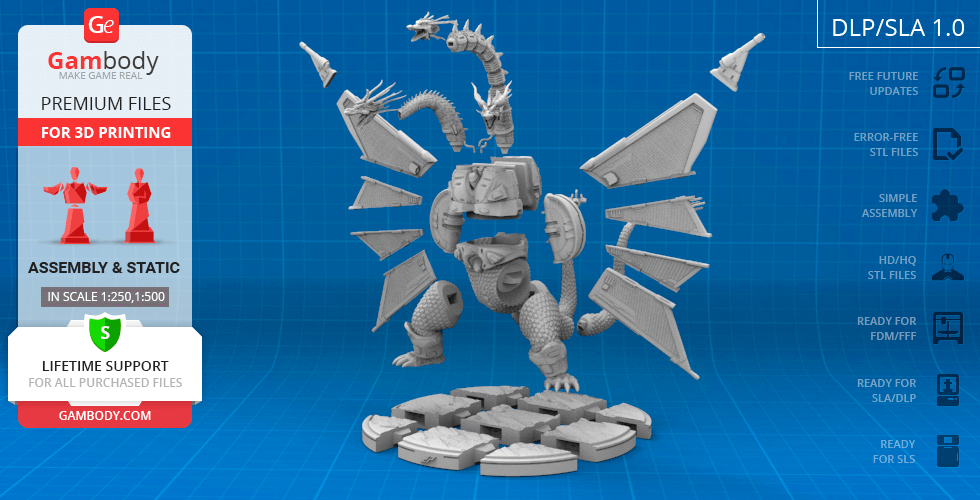
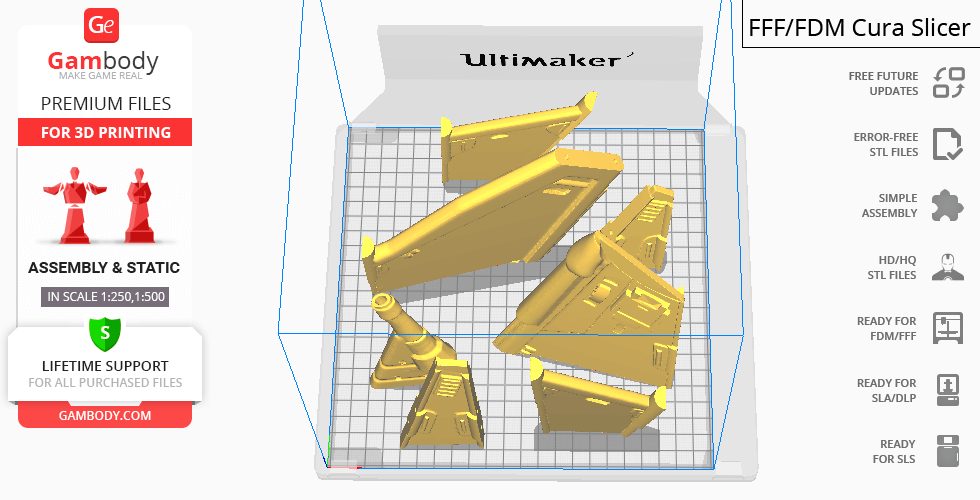
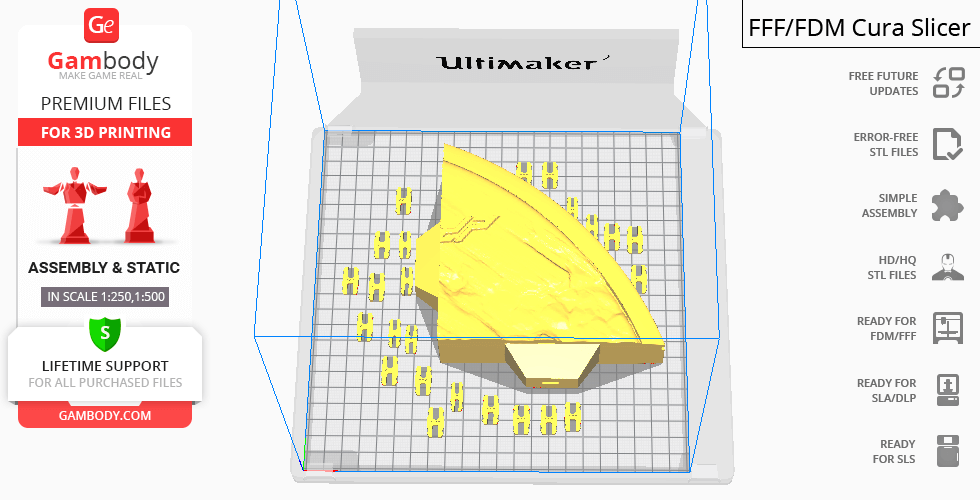
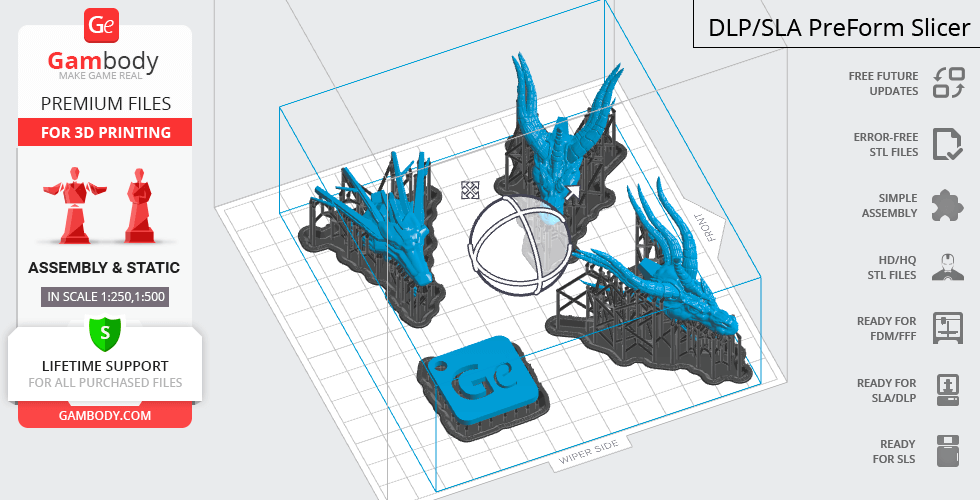
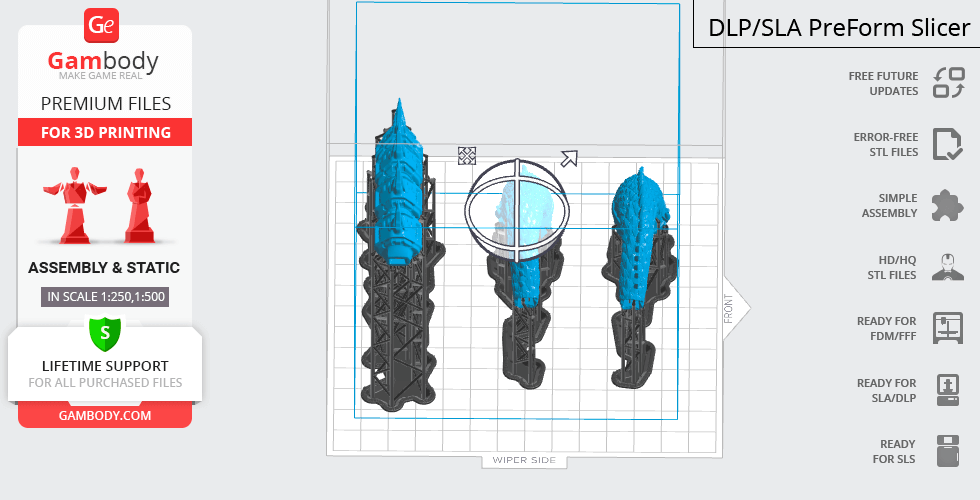
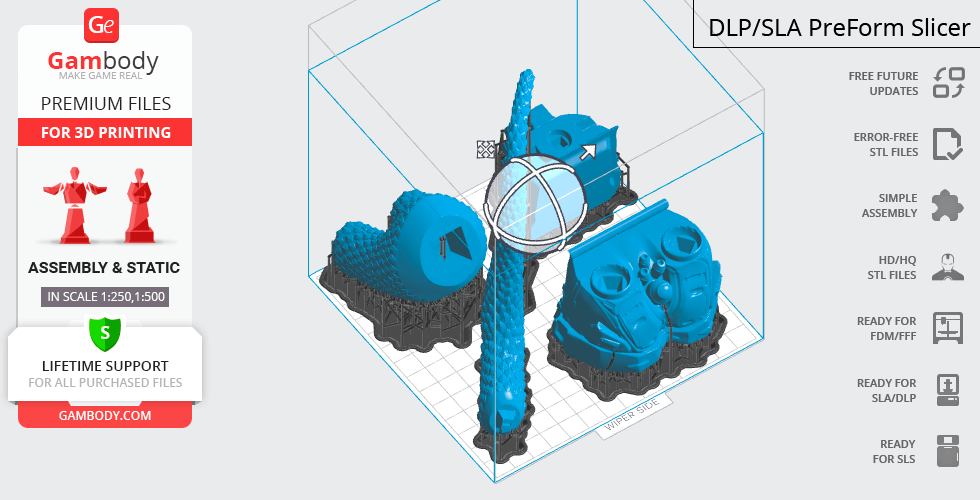
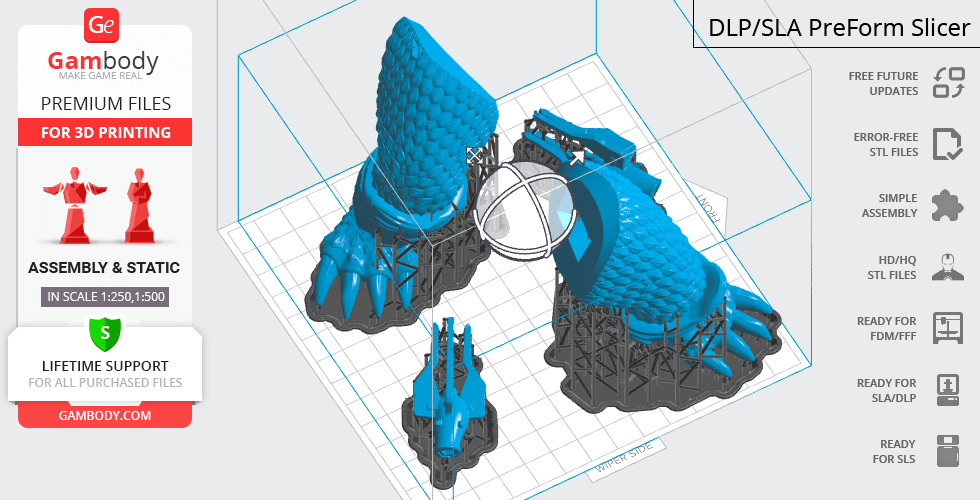
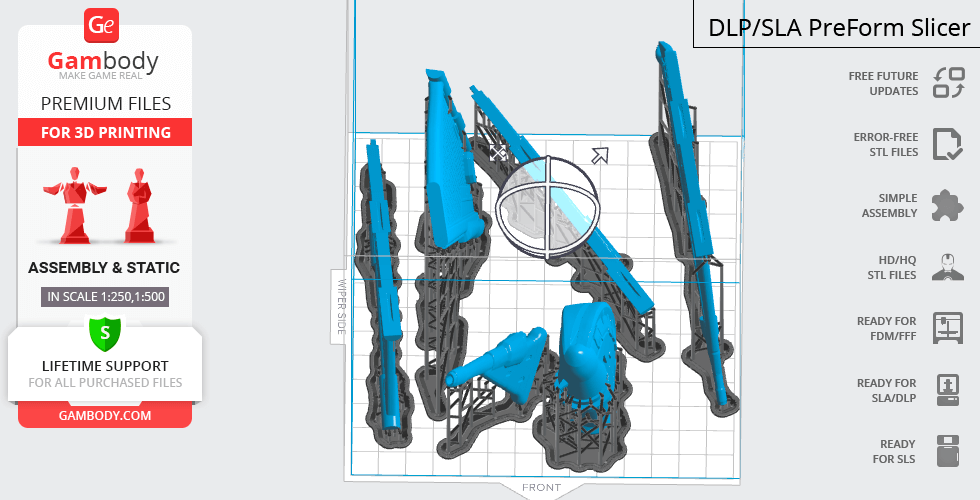
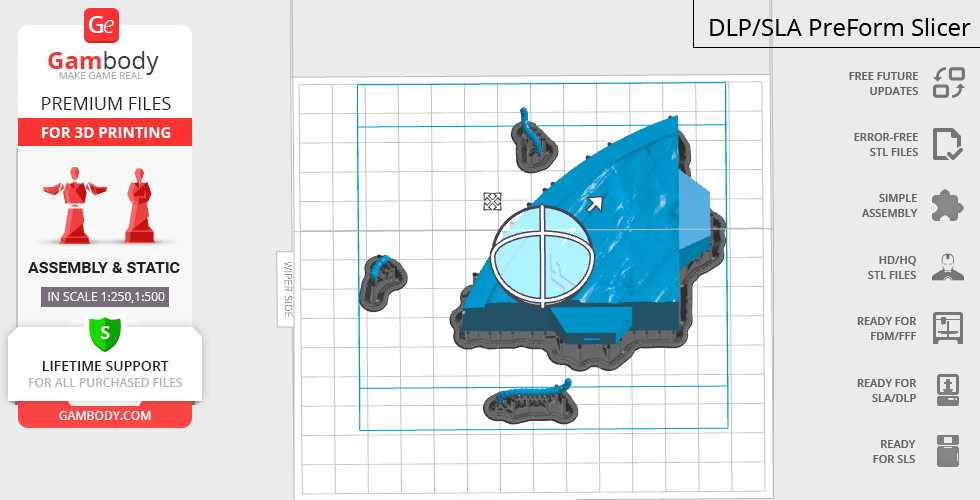
Mecha-King Ghidorah 3D printing figurine comes in 4 versions for each 3D printer type (FFF/FDM, DLP/SLA, DLP/SLA Eco and SLS). Files for each version are available for download after the purchase.
Detailed information about this 3D printing figurine is available in the DESCRIPTION section.
Before printing, take a look at Printing Details for recommended settings and tips to achieve better results.
| File name | Size (mm | in) | Size(mb) | Printing Time / Filament | |||
|---|---|---|---|---|---|---|
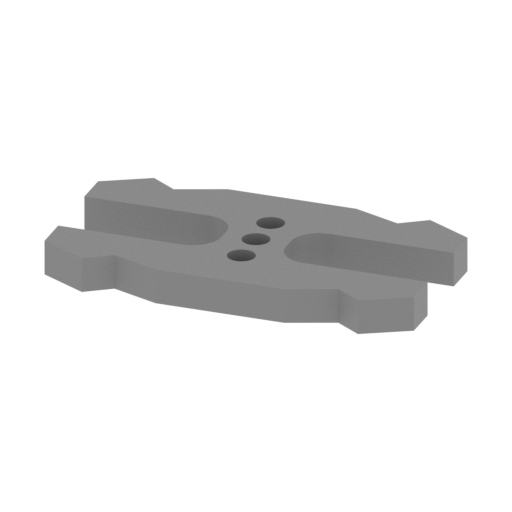 | MKG_100_ge_lock_10H(x2)_FDM (repaired).stl 18 x 10 x 2 mm | 0.71 x 0.39 x 0.08 in | Size: 18 x 10 x 2 mm | 0.71 x 0.39 x 0.08 in | File size: 0.03 mb | Printing Time / Filament: 4 min / <1 m | ||
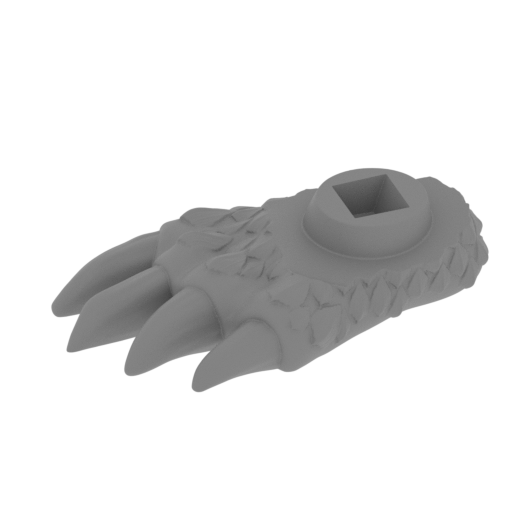 | MKG_64_Right leg_2_v2_FDM (repaired).stl 97 x 95 x 35 mm | 3.82 x 3.74 x 1.38 in | Size: 97 x 95 x 35 mm | 3.82 x 3.74 x 1.38 in | File size: 12.15 mb | Printing Time / Filament: 7 h 51 min / 4 m | ||
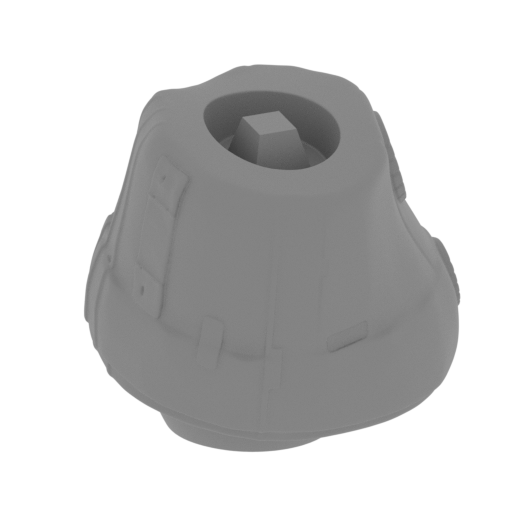 | MKG_64_Right leg_1_v2_FDM (repaired).stl 79 x 76 x 72 mm | 3.11 x 2.99 x 2.83 in | Size: 79 x 76 x 72 mm | 3.11 x 2.99 x 2.83 in | File size: 12.34 mb | Printing Time / Filament: 15 h 56 min / 10 m | ||
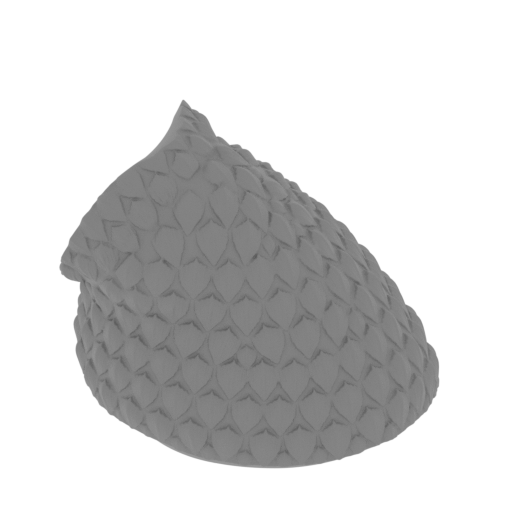 | MKG_62_Right hip_v2_FDM (repaired).stl 102 x 108 x 100 mm | 4.02 x 4.25 x 3.94 in | Size: 102 x 108 x 100 mm | 4.02 x 4.25 x 3.94 in | File size: 14.60 mb | Printing Time / Filament: 30 h 6 min / 18 m | ||
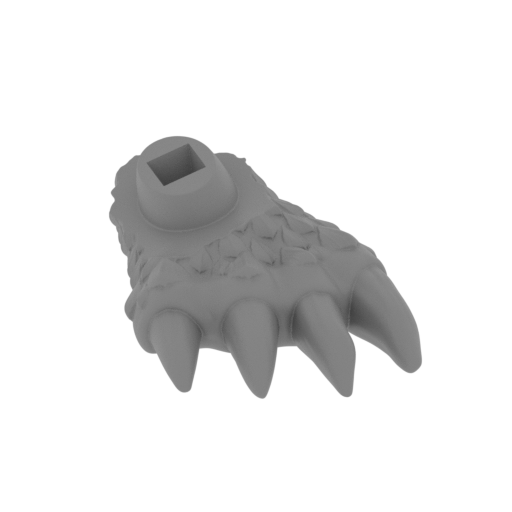 | MKG_63_Left leg_2_v2_FDM (repaired).stl 97 x 95 x 36 mm | 3.82 x 3.74 x 1.42 in | Size: 97 x 95 x 36 mm | 3.82 x 3.74 x 1.42 in | File size: 12.12 mb | Printing Time / Filament: 7 h 52 min / 4 m | ||
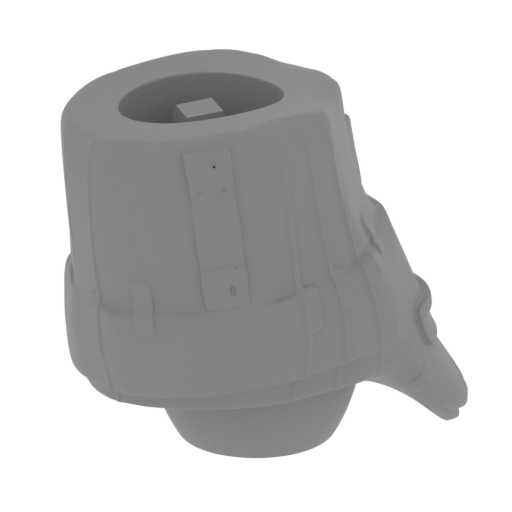 | MKG_63_Left leg_1_v2_FDM (repaired).stl 79 x 70 x 76 mm | 3.11 x 2.76 x 2.99 in | Size: 79 x 70 x 76 mm | 3.11 x 2.76 x 2.99 in | File size: 12.46 mb | Printing Time / Filament: 16 h 18 min / 11 m | ||
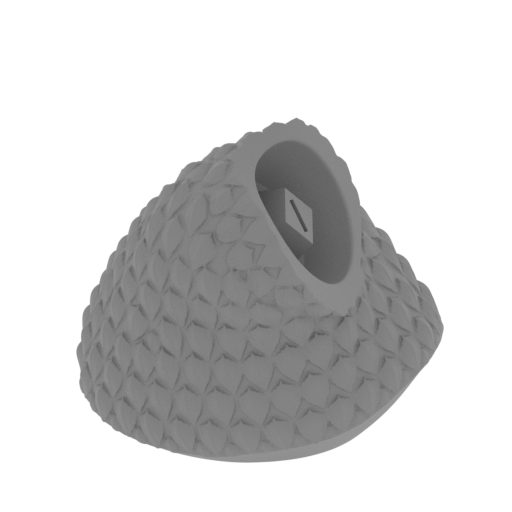 | MKG_61_Left hip_v2_FDM (repaired).stl 102 x 109 x 100 mm | 4.02 x 4.29 x 3.94 in | Size: 102 x 109 x 100 mm | 4.02 x 4.29 x 3.94 in | File size: 14.52 mb | Printing Time / Filament: 29 h 51 min / 18 m | ||
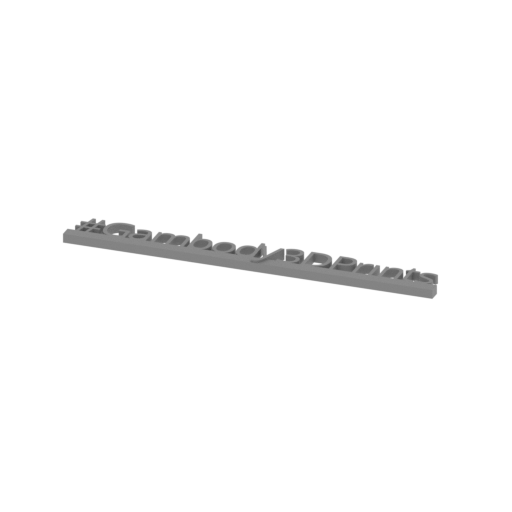 | Tag (repaired).stl 150 x 18 x 5 mm | 5.91 x 0.71 x 0.2 in | Size: 150 x 18 x 5 mm | 5.91 x 0.71 x 0.2 in | File size: 1.78 mb | Printing Time / Filament: 1 h 16 min / 1 m | ||
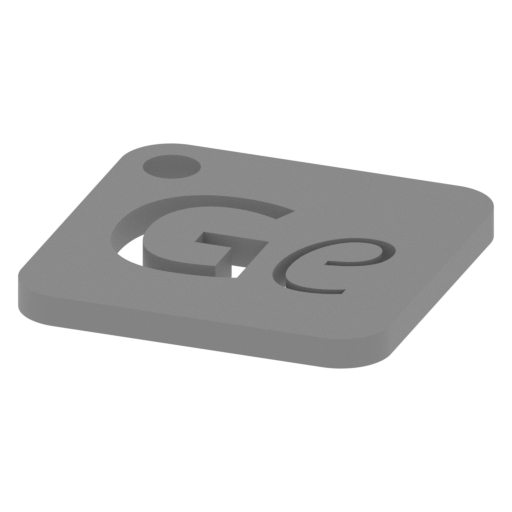 | Keychain (repaired).stl 30 x 30 x 2 mm | 1.18 x 1.18 x 0.08 in | Size: 30 x 30 x 2 mm | 1.18 x 1.18 x 0.08 in | File size: 0.37 mb | Printing Time / Filament: 23 min / <1 m | ||
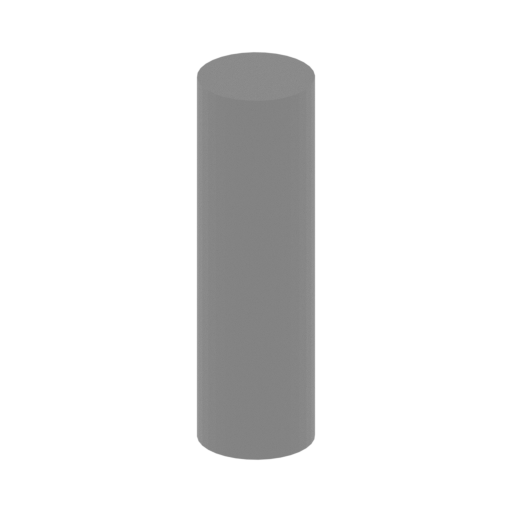 | MKG_99_Pin (repaired) x 44.stl 3 x 3 x 10 mm | 0.12 x 0.12 x 0.39 in | Size: 3 x 3 x 10 mm | 0.12 x 0.12 x 0.39 in | File size: 0.02 mb | Printing Time / Filament: 3 min / <1 m | ||
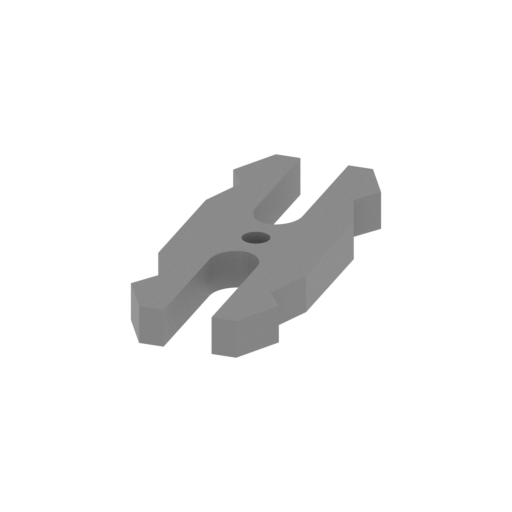 | MKG_98_GeLock small (repaired) x 6.stl 7 x 18 x 2 mm | 0.28 x 0.71 x 0.08 in | Size: 7 x 18 x 2 mm | 0.28 x 0.71 x 0.08 in | File size: 0.02 mb | Printing Time / Filament: 4 min / <1 m | ||
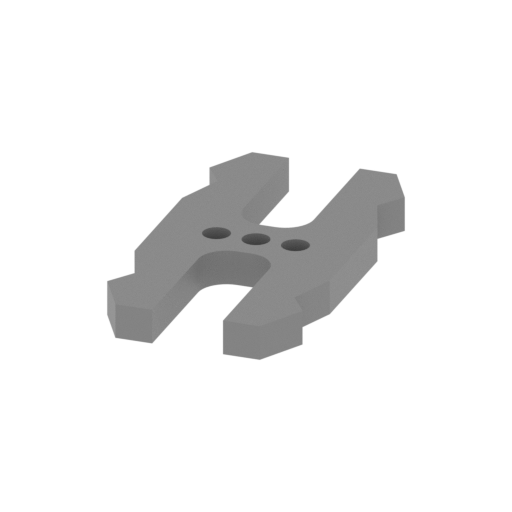 | MKG_97_GeLock big (repaired) x 33.stl 10 x 18 x 2 mm | 0.39 x 0.71 x 0.08 in | Size: 10 x 18 x 2 mm | 0.39 x 0.71 x 0.08 in | File size: 0.03 mb | Printing Time / Filament: 4 min / <1 m | ||
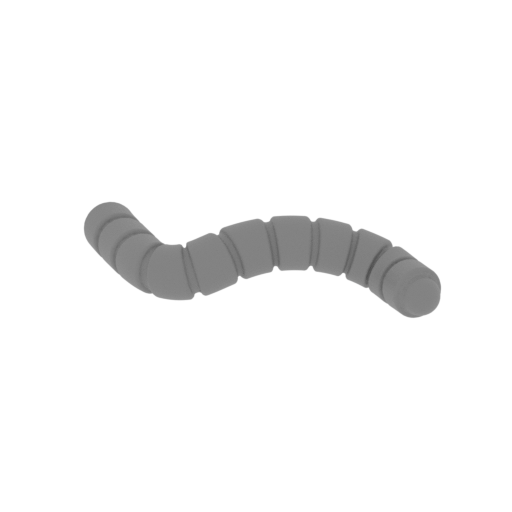 | MKG_96_Right wire_FDM (repaired).stl 31 x 11 x 7 mm | 1.22 x 0.43 x 0.28 in | Size: 31 x 11 x 7 mm | 1.22 x 0.43 x 0.28 in | File size: 2.00 mb | Printing Time / Filament: 10 min / <1 m | ||
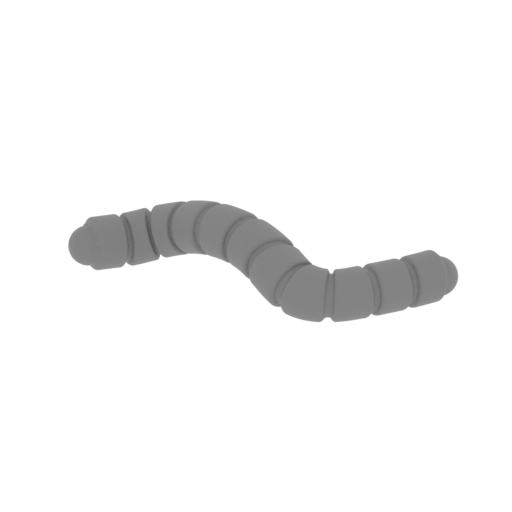 | MKG_95_Left wire_FDM (repaired).stl 31 x 11 x 7 mm | 1.22 x 0.43 x 0.28 in | Size: 31 x 11 x 7 mm | 1.22 x 0.43 x 0.28 in | File size: 2.00 mb | Printing Time / Filament: 10 min / <1 m | ||
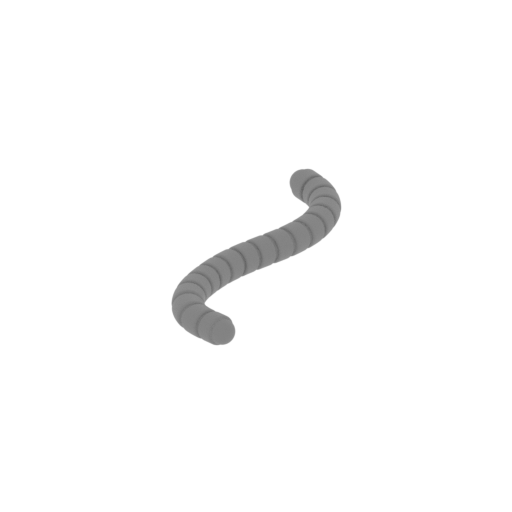 | MKG_94_Mid wire_FDM (repaired).stl 12 x 53 x 4 mm | 0.47 x 2.09 x 0.16 in | Size: 12 x 53 x 4 mm | 0.47 x 2.09 x 0.16 in | File size: 2.00 mb | Printing Time / Filament: 14 min / <1 m | ||
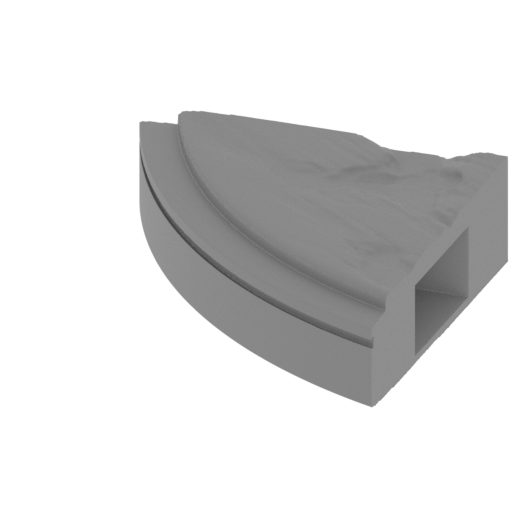 | MKG_93_Base 09_FDM (repaired).stl 132 x 132 x 39 mm | 5.2 x 5.2 x 1.54 in | Size: 132 x 132 x 39 mm | 5.2 x 5.2 x 1.54 in | File size: 7.50 mb | Printing Time / Filament: 26 h 43 min / 16 m | ||
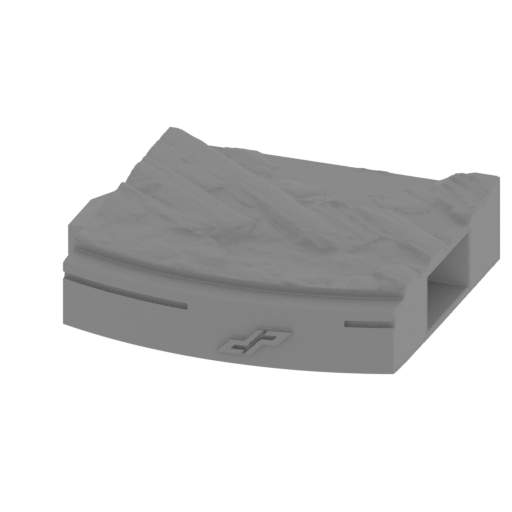 | MKG_92_Base 08_FDM (repaired).stl 168 x 147 x 39 mm | 6.61 x 5.79 x 1.54 in | Size: 168 x 147 x 39 mm | 6.61 x 5.79 x 1.54 in | File size: 7.54 mb | Printing Time / Filament: 47 h 36 min / 29 m | ||
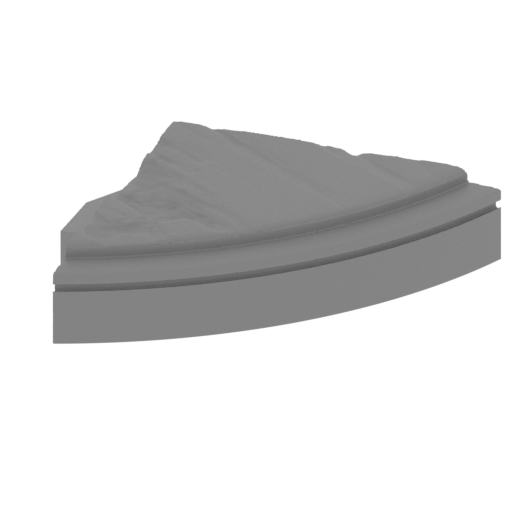 | MKG_91_Base 07_FDM (repaired).stl 149 x 132 x 39 mm | 5.87 x 5.2 x 1.54 in | Size: 149 x 132 x 39 mm | 5.87 x 5.2 x 1.54 in | File size: 7.52 mb | Printing Time / Filament: 27 h 29 min / 17 m | ||
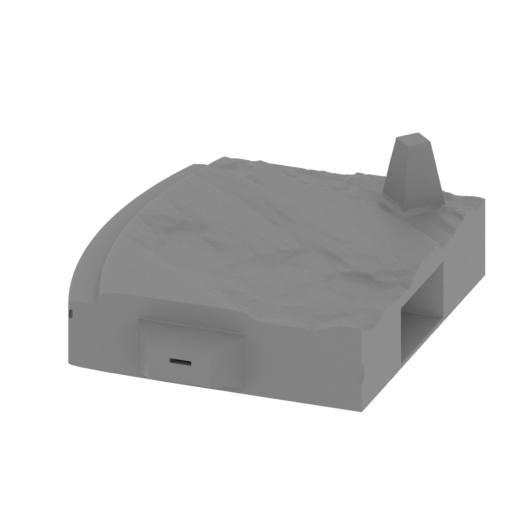 | MKG_90_Base 06_FDM (repaired).stl 145 x 166 x 65 mm | 5.71 x 6.54 x 2.56 in | Size: 145 x 166 x 65 mm | 5.71 x 6.54 x 2.56 in | File size: 7.50 mb | Printing Time / Filament: 48 h 52 min / 30 m | ||
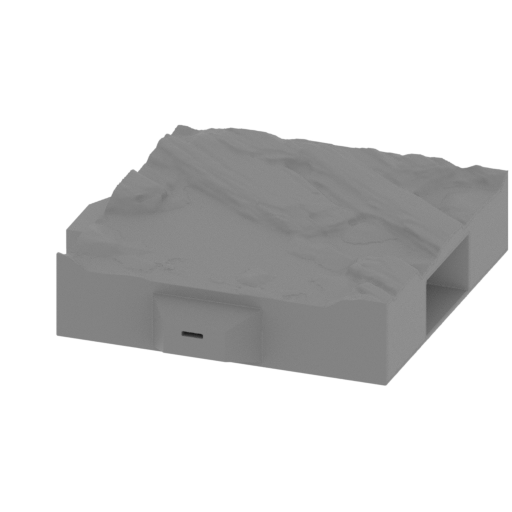 | MKG_89_Base 05_FDM (repaired).stl 168 x 167 x 39 mm | 6.61 x 6.57 x 1.54 in | Size: 168 x 167 x 39 mm | 6.61 x 6.57 x 1.54 in | File size: 7.53 mb | Printing Time / Filament: 52 h 41 min / 33 m | ||
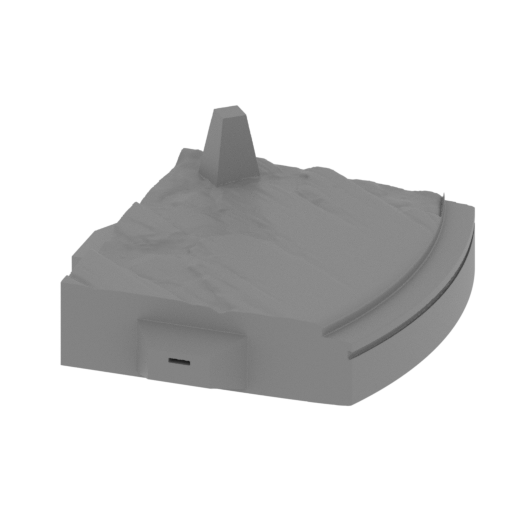 | MKG_88_Base 04_FDM (repaired).stl 162 x 167 x 65 mm | 6.38 x 6.57 x 2.56 in | Size: 162 x 167 x 65 mm | 6.38 x 6.57 x 2.56 in | File size: 7.52 mb | Printing Time / Filament: 50 h 1 min / 30 m | ||
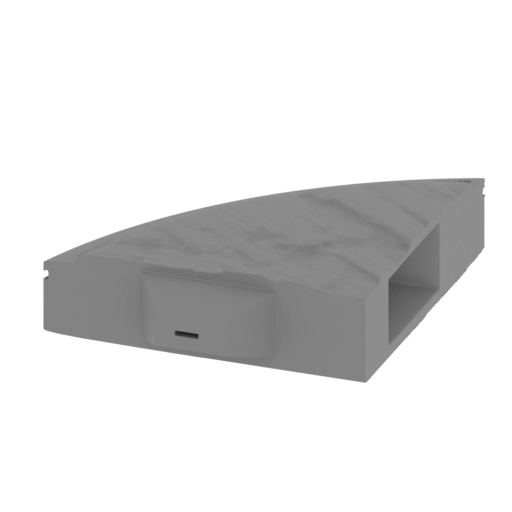 | MKG_87_Base 03_FDM (repaired).stl 132 x 151 x 38 mm | 5.2 x 5.94 x 1.5 in | Size: 132 x 151 x 38 mm | 5.2 x 5.94 x 1.5 in | File size: 7.52 mb | Printing Time / Filament: 27 h 52 min / 17 m | ||
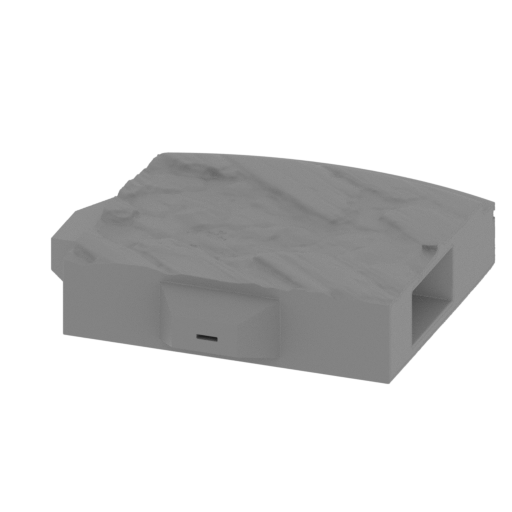 | MKG_86_Base 02_FDM (repaired).stl 170 x 166 x 41 mm | 6.69 x 6.54 x 1.61 in | Size: 170 x 166 x 41 mm | 6.69 x 6.54 x 1.61 in | File size: 7.50 mb | Printing Time / Filament: 49 h 59 min / 30 m | ||
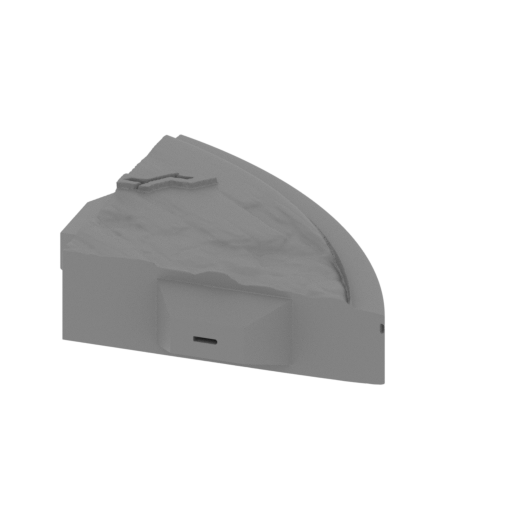 | MKG_85_Base 01_FDM (repaired).stl 147 x 151 x 41 mm | 5.79 x 5.94 x 1.61 in | Size: 147 x 151 x 41 mm | 5.79 x 5.94 x 1.61 in | File size: 7.52 mb | Printing Time / Filament: 28 h 12 min / 17 m | ||
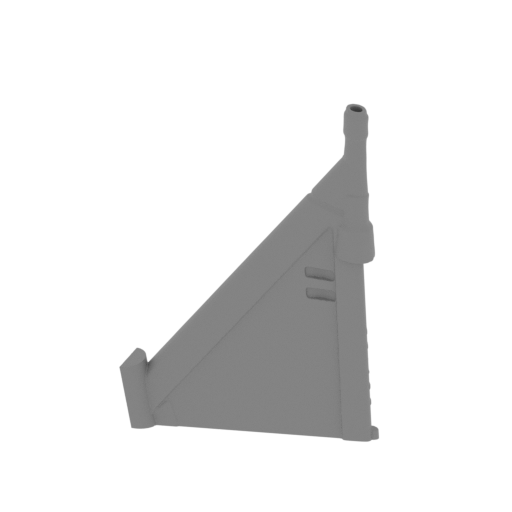 | MKG_84_RW_bot part 02_FDM (repaired).stl 97 x 32 x 145 mm | 3.82 x 1.26 x 5.71 in | Size: 97 x 32 x 145 mm | 3.82 x 1.26 x 5.71 in | File size: 14.67 mb | Printing Time / Filament: 6 h 22 min / 4 m | ||
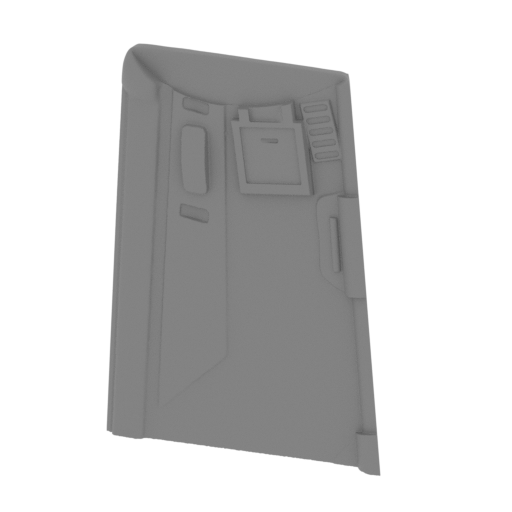 | MKG_83_RW_bot part 01_FDM (repaired).stl 93 x 31 x 122 mm | 3.66 x 1.22 x 4.8 in | Size: 93 x 31 x 122 mm | 3.66 x 1.22 x 4.8 in | File size: 15.04 mb | Printing Time / Filament: 10 h 1 min / 6 m | ||
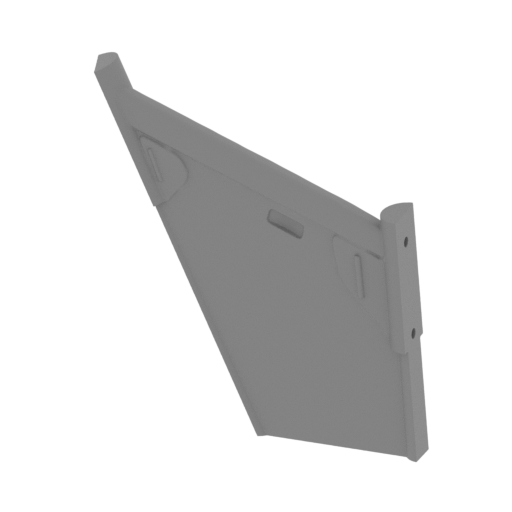 | MKG_82_RW_bot mid part 02_FDM (repaired).stl 95 x 17 x 107 mm | 3.74 x 0.67 x 4.21 in | Size: 95 x 17 x 107 mm | 3.74 x 0.67 x 4.21 in | File size: 7.50 mb | Printing Time / Filament: 6 h 43 min / 4 m | ||
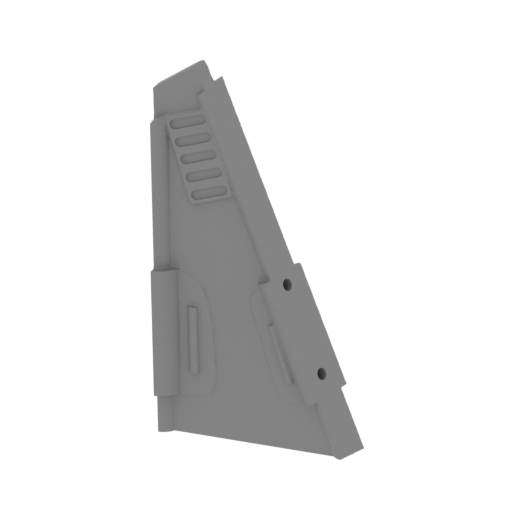 | MKG_81_RW_bot mid part 01_FDM (repaired).stl 54 x 16 x 94 mm | 2.13 x 0.63 x 3.7 in | Size: 54 x 16 x 94 mm | 2.13 x 0.63 x 3.7 in | File size: 7.50 mb | Printing Time / Filament: 3 h 32 min / 2 m | ||
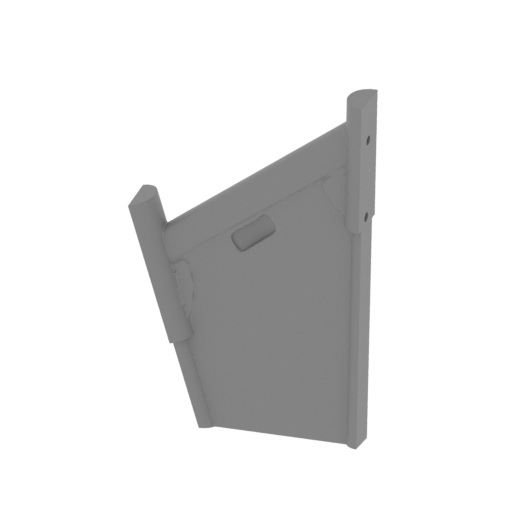 | MKG_80_RW_top mid part 02_FDM (repaired).stl 74 x 19 x 116 mm | 2.91 x 0.75 x 4.57 in | Size: 74 x 19 x 116 mm | 2.91 x 0.75 x 4.57 in | File size: 7.50 mb | Printing Time / Filament: 5 h 24 min / 3 m | ||
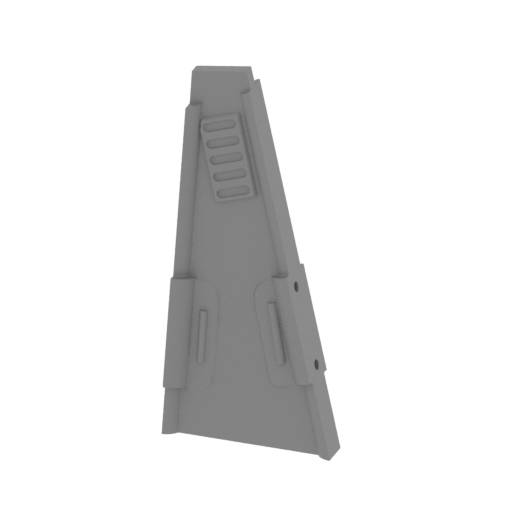 | MKG_79_RW_top mid part 01_FDM (repaired).stl 49 x 18 x 106 mm | 1.93 x 0.71 x 4.17 in | Size: 49 x 18 x 106 mm | 1.93 x 0.71 x 4.17 in | File size: 7.50 mb | Printing Time / Filament: 4 h 9 min / 2 m | ||
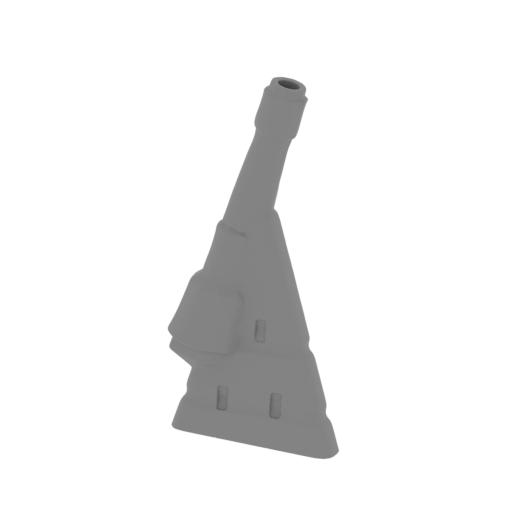 | MKG_78_RW_top part 03_FDM (repaired).stl 52 x 20 x 112 mm | 2.05 x 0.79 x 4.41 in | Size: 52 x 20 x 112 mm | 2.05 x 0.79 x 4.41 in | File size: 7.50 mb | Printing Time / Filament: 3 h 60 min / 2 m | ||
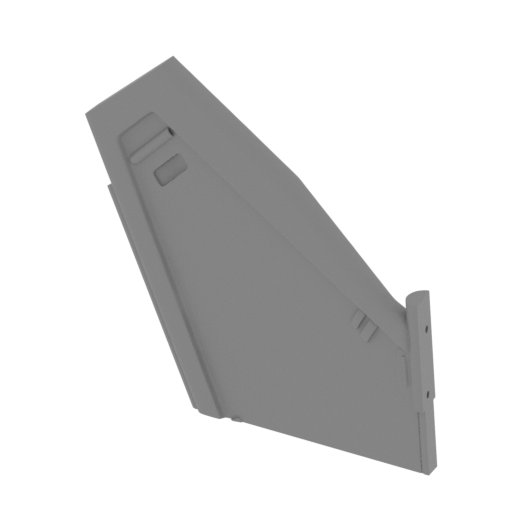 | MKG_77_RW_top part 02_FDM (repaired).stl 149 x 43 x 148 mm | 5.87 x 1.69 x 5.83 in | Size: 149 x 43 x 148 mm | 5.87 x 1.69 x 5.83 in | File size: 15.03 mb | Printing Time / Filament: 17 h 1 min / 10 m | ||
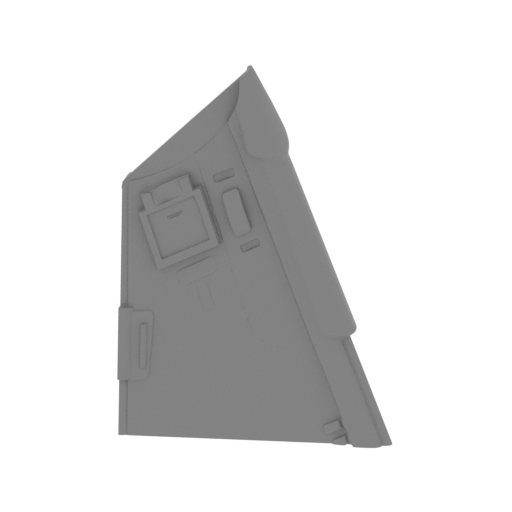 | MKG_76_RW_top part 01_FDM (repaired).stl 108 x 37 x 157 mm | 4.25 x 1.46 x 6.18 in | Size: 108 x 37 x 157 mm | 4.25 x 1.46 x 6.18 in | File size: 15.00 mb | Printing Time / Filament: 12 h 4 min / 7 m | ||
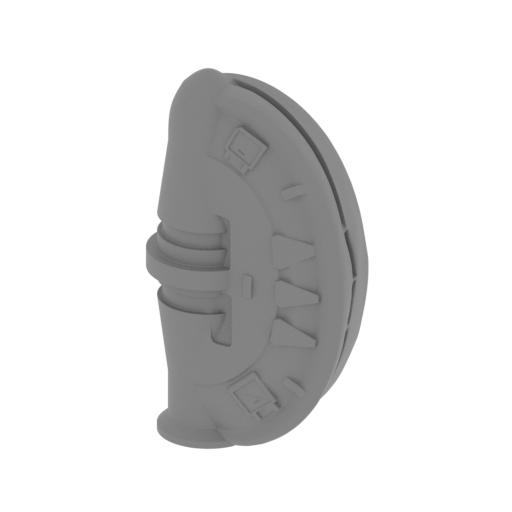 | MKG_75_Right wing holder_FDM (repaired).stl 80 x 44 x 139 mm | 3.15 x 1.73 x 5.47 in | Size: 80 x 44 x 139 mm | 3.15 x 1.73 x 5.47 in | File size: 15.00 mb | Printing Time / Filament: 21 h 14 min / 13 m | ||
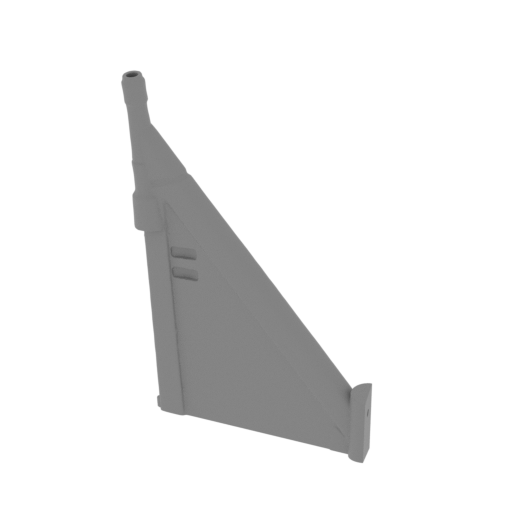 | MKG_74_LW_bot part 02_FDM (repaired).stl 97 x 32 x 145 mm | 3.82 x 1.26 x 5.71 in | Size: 97 x 32 x 145 mm | 3.82 x 1.26 x 5.71 in | File size: 14.67 mb | Printing Time / Filament: 6 h 24 min / 4 m | ||
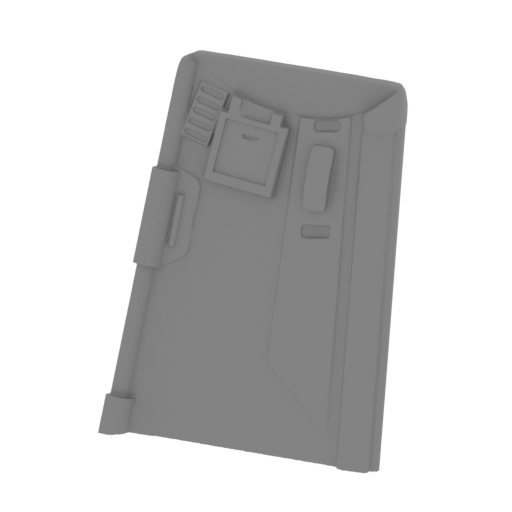 | MKG_73_LW_bot part 01_FDM (repaired).stl 93 x 31 x 122 mm | 3.66 x 1.22 x 4.8 in | Size: 93 x 31 x 122 mm | 3.66 x 1.22 x 4.8 in | File size: 15.04 mb | Printing Time / Filament: 9 h 52 min / 6 m | ||
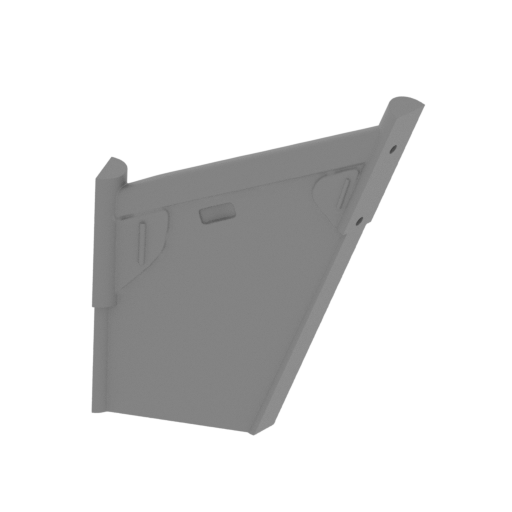 | MKG_72_LW_bot mid part 02_FDM (repaired).stl 95 x 17 x 107 mm | 3.74 x 0.67 x 4.21 in | Size: 95 x 17 x 107 mm | 3.74 x 0.67 x 4.21 in | File size: 7.50 mb | Printing Time / Filament: 6 h 56 min / 4 m | ||
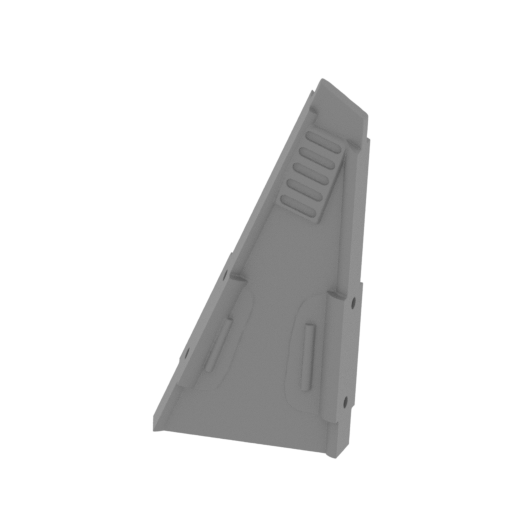 | MKG_71_LW_bot mid part 01_FDM (repaired).stl 54 x 16 x 94 mm | 2.13 x 0.63 x 3.7 in | Size: 54 x 16 x 94 mm | 2.13 x 0.63 x 3.7 in | File size: 7.50 mb | Printing Time / Filament: 3 h 37 min / 2 m | ||
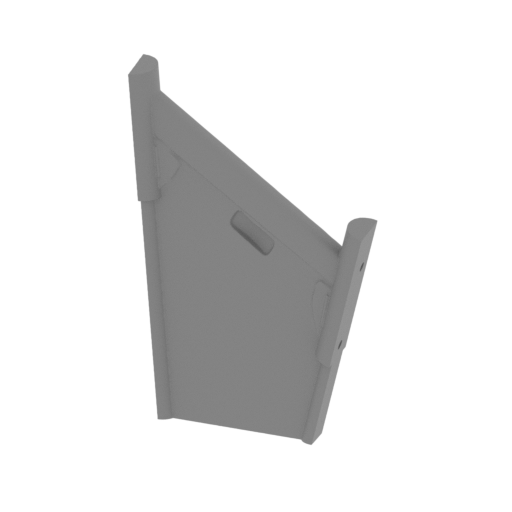 | MKG_70_LW_top mid part 02_FDM (repaired).stl 74 x 19 x 116 mm | 2.91 x 0.75 x 4.57 in | Size: 74 x 19 x 116 mm | 2.91 x 0.75 x 4.57 in | File size: 7.50 mb | Printing Time / Filament: 5 h 19 min / 3 m | ||
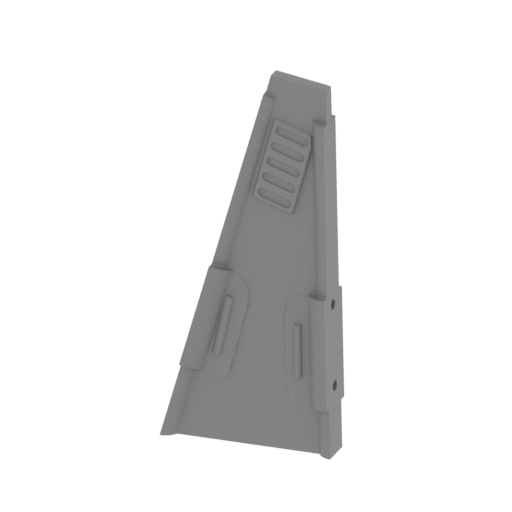 | MKG_69_LW_top mid part 01_FDM (repaired).stl 49 x 18 x 106 mm | 1.93 x 0.71 x 4.17 in | Size: 49 x 18 x 106 mm | 1.93 x 0.71 x 4.17 in | File size: 7.50 mb | Printing Time / Filament: 4 h 8 min / 2 m | ||
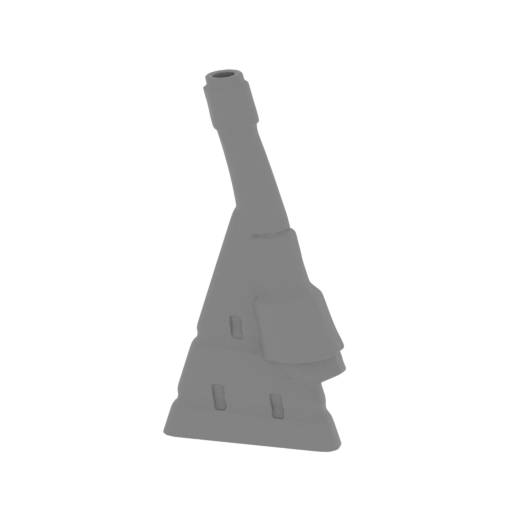 | MKG_68_LW_top part 03_FDM (repaired).stl 52 x 20 x 112 mm | 2.05 x 0.79 x 4.41 in | Size: 52 x 20 x 112 mm | 2.05 x 0.79 x 4.41 in | File size: 7.50 mb | Printing Time / Filament: 3 h 55 min / 2 m | ||
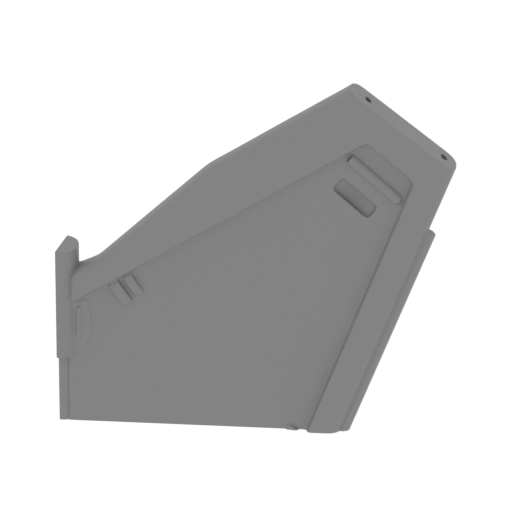 | MKG_67_LW_top part 02_FDM (repaired).stl 149 x 43 x 148 mm | 5.87 x 1.69 x 5.83 in | Size: 149 x 43 x 148 mm | 5.87 x 1.69 x 5.83 in | File size: 15.03 mb | Printing Time / Filament: 16 h 47 min / 10 m | ||
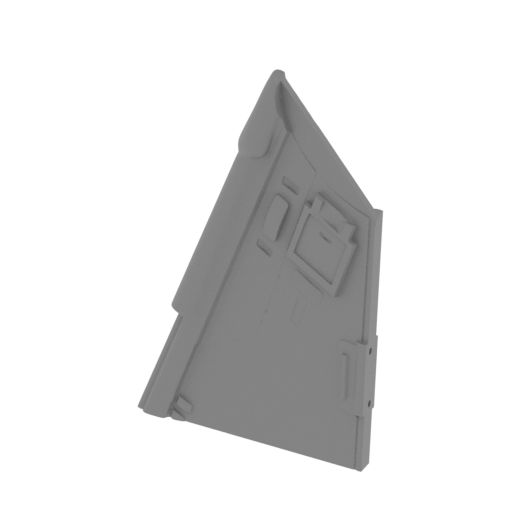 | MKG_66_LW_top part 01_FDM (repaired).stl 108 x 37 x 157 mm | 4.25 x 1.46 x 6.18 in | Size: 108 x 37 x 157 mm | 4.25 x 1.46 x 6.18 in | File size: 15.00 mb | Printing Time / Filament: 11 h 53 min / 7 m | ||
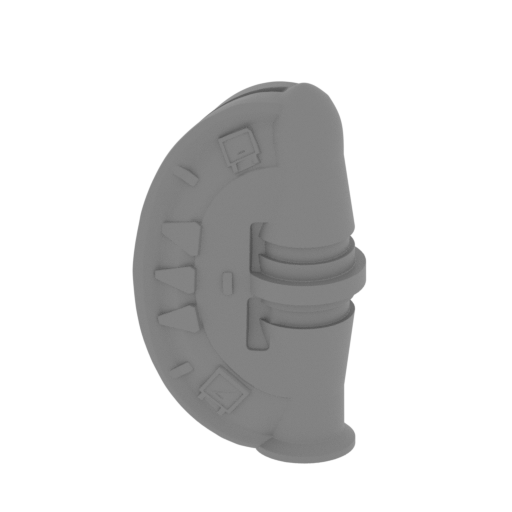 | MKG_65_Left wing holder_FDM (repaired).stl 80 x 44 x 139 mm | 3.15 x 1.73 x 5.47 in | Size: 80 x 44 x 139 mm | 3.15 x 1.73 x 5.47 in | File size: 15.00 mb | Printing Time / Filament: 21 h 15 min / 13 m | ||
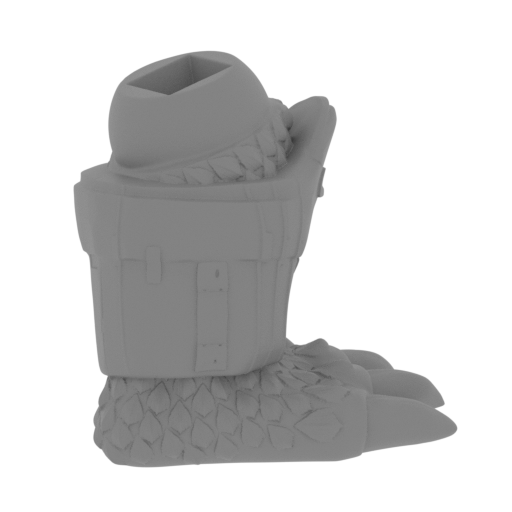 | MKG_64_Right leg_FDM (repaired).stl 117 x 95 x 111 mm | 4.61 x 3.74 x 4.37 in | Size: 117 x 95 x 111 mm | 4.61 x 3.74 x 4.37 in | File size: 15.00 mb | Printing Time / Filament: 25 h 42 min / 15 m | ||
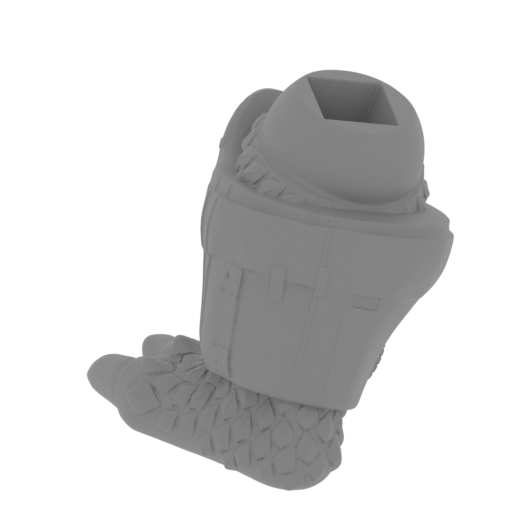 | MKG_63_Left leg_FDM (repaired).stl 117 x 95 x 111 mm | 4.61 x 3.74 x 4.37 in | Size: 117 x 95 x 111 mm | 4.61 x 3.74 x 4.37 in | File size: 15.00 mb | Printing Time / Filament: 25 h 36 min / 15 m | ||
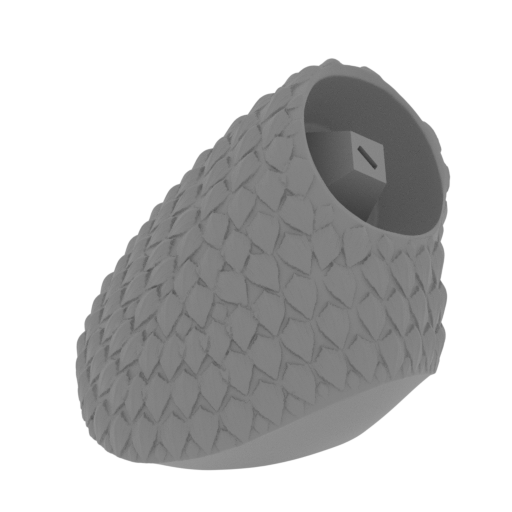 | MKG_62_Right hip_FDM (repaired) .stl 100 x 105 x 91 mm | 3.94 x 4.13 x 3.58 in | Size: 100 x 105 x 91 mm | 3.94 x 4.13 x 3.58 in | File size: 14.90 mb | Printing Time / Filament: 26 h 51 min / 16 m | ||
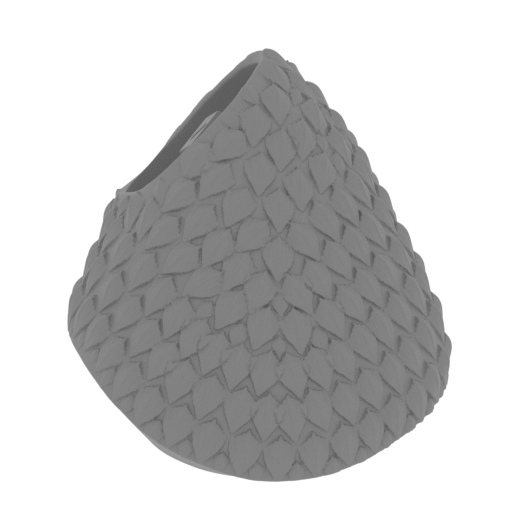 | MKG_61_Left hip_FDM (repaired).stl 100 x 105 x 91 mm | 3.94 x 4.13 x 3.58 in | Size: 100 x 105 x 91 mm | 3.94 x 4.13 x 3.58 in | File size: 14.90 mb | Printing Time / Filament: 26 h 48 min / 16 m | ||
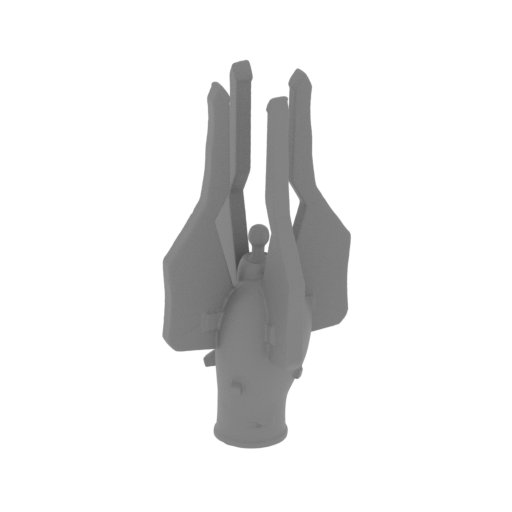 | MKG_60_Right tail nib_FDM (repaired) .stl 38 x 38 x 96 mm | 1.5 x 1.5 x 3.78 in | Size: 38 x 38 x 96 mm | 1.5 x 1.5 x 3.78 in | File size: 7.42 mb | Printing Time / Filament: 3 h 54 min / 2 m | ||
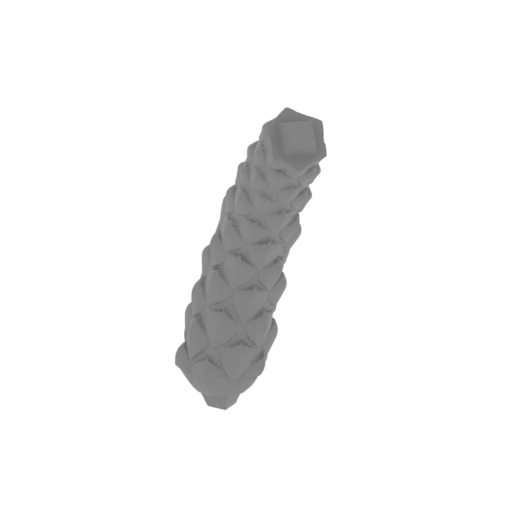 | MKG_59_Right tail 04_FDM (repaired) .stl 39 x 41 x 77 mm | 1.54 x 1.61 x 3.03 in | Size: 39 x 41 x 77 mm | 1.54 x 1.61 x 3.03 in | File size: 3.50 mb | Printing Time / Filament: 2 h 57 min / 2 m | ||
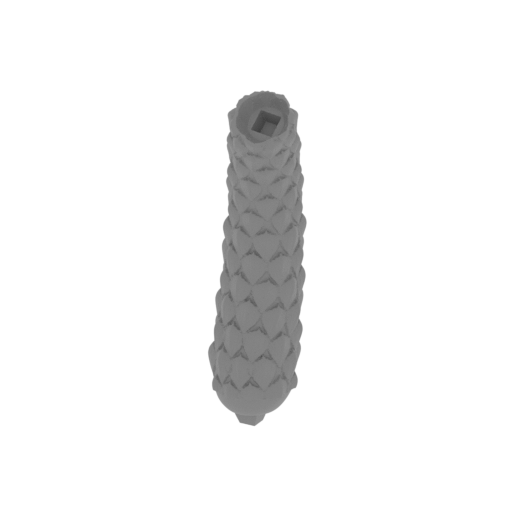 | MKG_58_Right tail 03_FDM (repaired) .stl 35 x 45 x 115 mm | 1.38 x 1.77 x 4.53 in | Size: 35 x 45 x 115 mm | 1.38 x 1.77 x 4.53 in | File size: 7.50 mb | Printing Time / Filament: 6 h 6 min / 4 m | ||
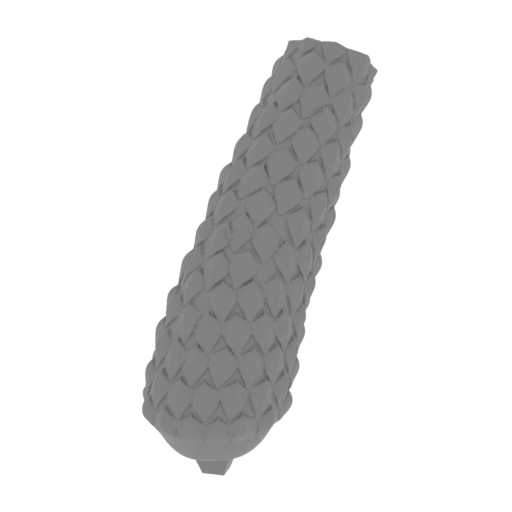 | MKG_57_Right tail 02_FDM (repaired) .stl 43 x 90 x 106 mm | 1.69 x 3.54 x 4.17 in | Size: 43 x 90 x 106 mm | 1.69 x 3.54 x 4.17 in | File size: 7.50 mb | Printing Time / Filament: 13 h 14 min / 10 m | ||
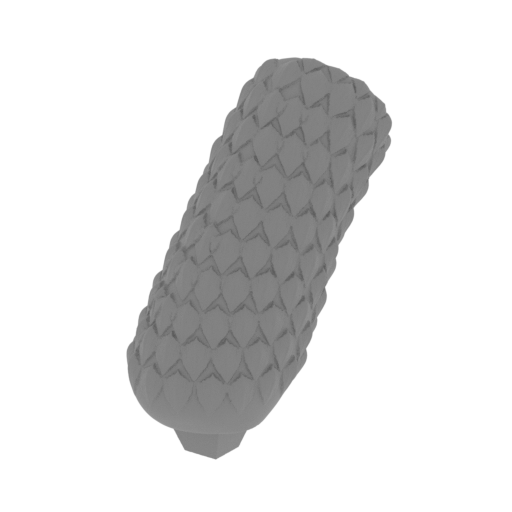 | MKG_56_Right tail 01_FDM (repaired) .stl 57 x 71 x 102 mm | 2.24 x 2.8 x 4.02 in | Size: 57 x 71 x 102 mm | 2.24 x 2.8 x 4.02 in | File size: 7.50 mb | Printing Time / Filament: 12 h 52 min / 9 m | ||
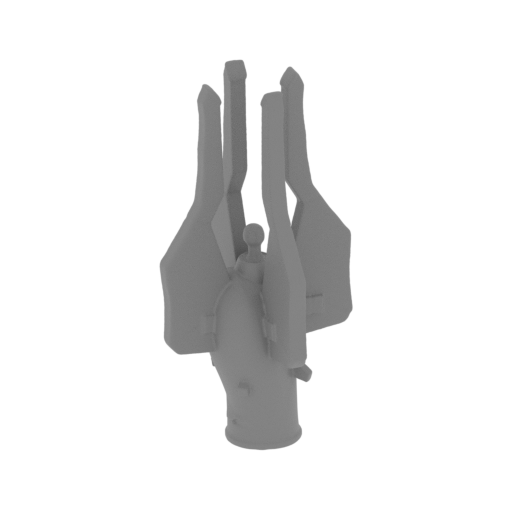 | MKG_55_Left tail nib_FDM (repaired).stl 38 x 38 x 96 mm | 1.5 x 1.5 x 3.78 in | Size: 38 x 38 x 96 mm | 1.5 x 1.5 x 3.78 in | File size: 7.42 mb | Printing Time / Filament: 3 h 52 min / 2 m | ||
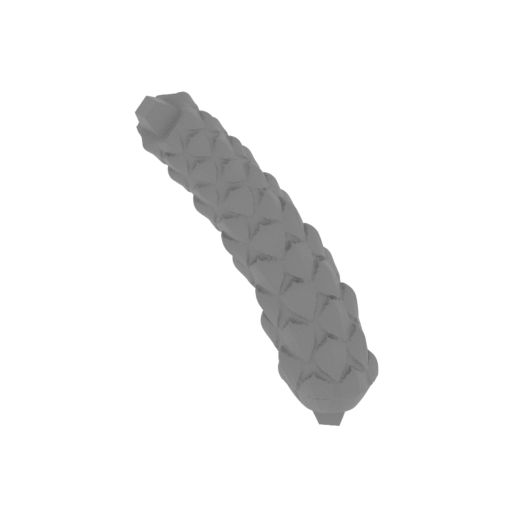 | MKG_54_Left tail 04_FDM (repaired).stl 39 x 41 x 77 mm | 1.54 x 1.61 x 3.03 in | Size: 39 x 41 x 77 mm | 1.54 x 1.61 x 3.03 in | File size: 3.50 mb | Printing Time / Filament: 3 h 2 min / 2 m | ||
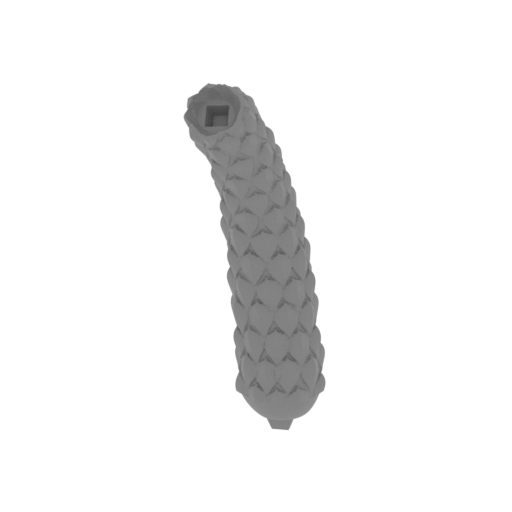 | MKG_53_Left tail 03_FDM (repaired).stl 35 x 45 x 115 mm | 1.38 x 1.77 x 4.53 in | Size: 35 x 45 x 115 mm | 1.38 x 1.77 x 4.53 in | File size: 7.50 mb | Printing Time / Filament: 6 h 3 min / 4 m | ||
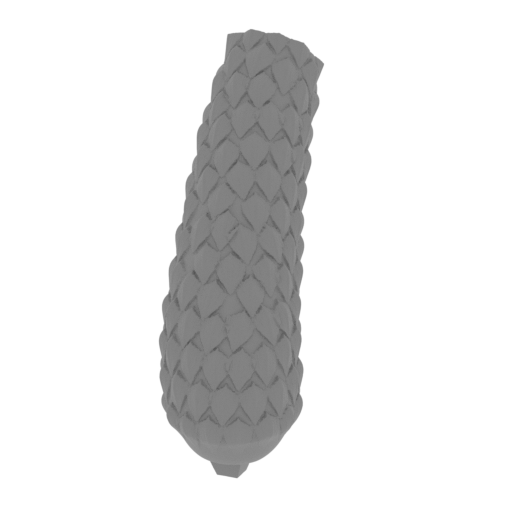 | MKG_52_Left tail 02_FDM (repaired).stl 43 x 90 x 106 mm | 1.69 x 3.54 x 4.17 in | Size: 43 x 90 x 106 mm | 1.69 x 3.54 x 4.17 in | File size: 7.50 mb | Printing Time / Filament: 13 h 16 min / 10 m | ||
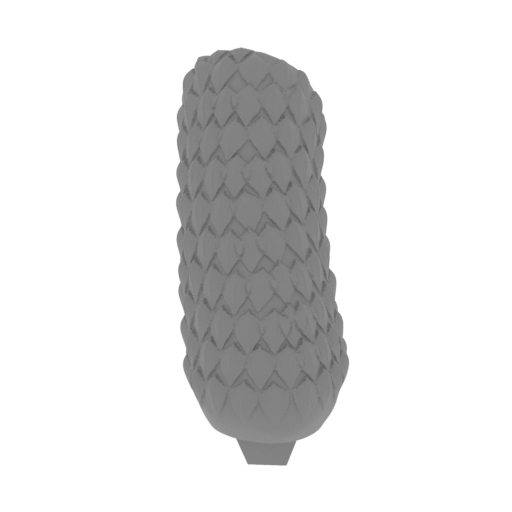 | MKG_51_Left tail 01_FDM (repaired).stl 57 x 71 x 102 mm | 2.24 x 2.8 x 4.02 in | Size: 57 x 71 x 102 mm | 2.24 x 2.8 x 4.02 in | File size: 7.50 mb | Printing Time / Filament: 12 h 45 min / 8 m | ||
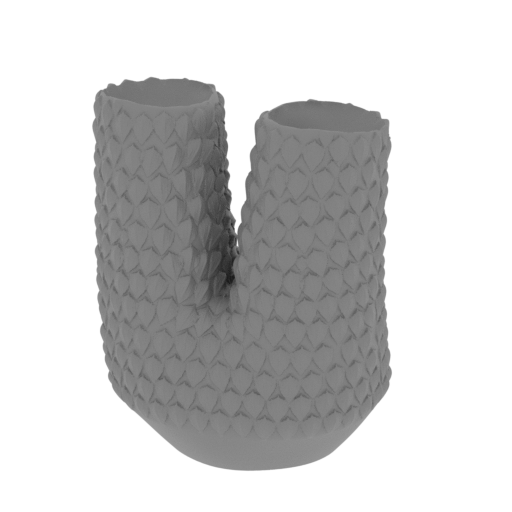 | MKG_50_Tail start_FDM (repaired).stl 108 x 102 x 139 mm | 4.25 x 4.02 x 5.47 in | Size: 108 x 102 x 139 mm | 4.25 x 4.02 x 5.47 in | File size: 25.00 mb | Printing Time / Filament: 47 h 49 min / 28 m | ||
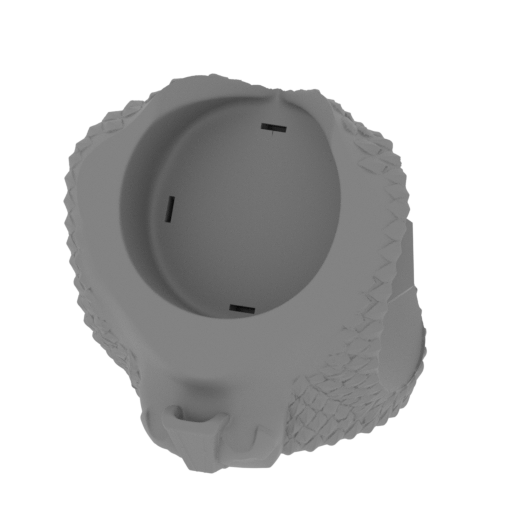 | MKG_49_Lower body_FDM (repaired).stl 133 x 144 x 135 mm | 5.24 x 5.67 x 5.31 in | Size: 133 x 144 x 135 mm | 5.24 x 5.67 x 5.31 in | File size: 25.01 mb | Printing Time / Filament: 61 h 41 min / 38 m | ||
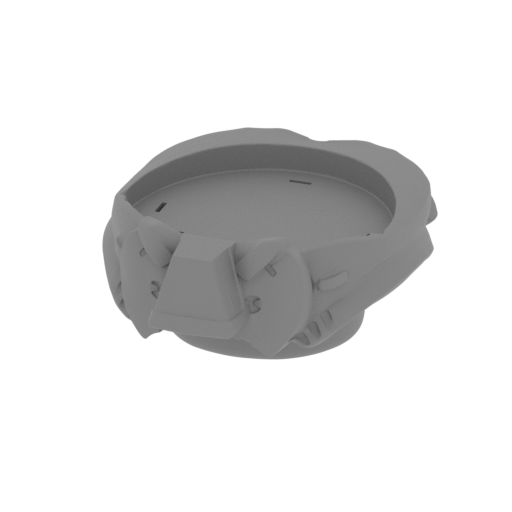 | MKG_48_Body armor bot_FDM (repaired).stl 139 x 167 x 71 mm | 5.47 x 6.57 x 2.8 in | Size: 139 x 167 x 71 mm | 5.47 x 6.57 x 2.8 in | File size: 25.00 mb | Printing Time / Filament: 53 h 37 min / 38 m | ||
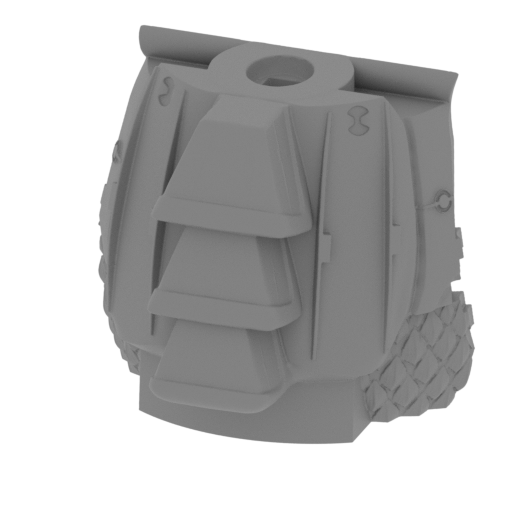 | MKG_47_Body armor back_FDM (repaired).stl 121 x 93 x 107 mm | 4.76 x 3.66 x 4.21 in | Size: 121 x 93 x 107 mm | 4.76 x 3.66 x 4.21 in | File size: 25.00 mb | Printing Time / Filament: 42 h 49 min / 26 m | ||
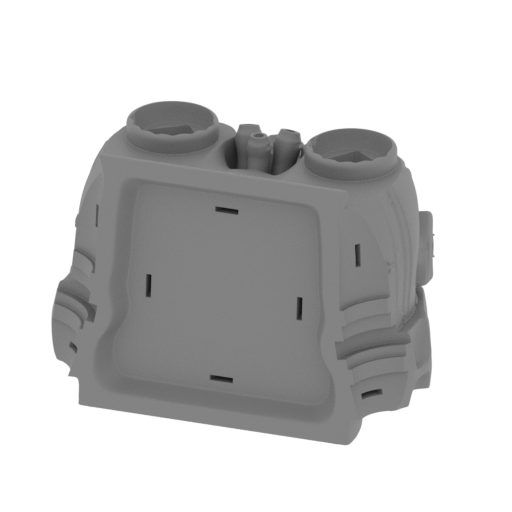 | MKG_46_Body armor front_FDM (repaired).stl 158 x 100 x 107 mm | 6.22 x 3.94 x 4.21 in | Size: 158 x 100 x 107 mm | 6.22 x 3.94 x 4.21 in | File size: 25.00 mb | Printing Time / Filament: 65 h 55 min / 41 m | ||
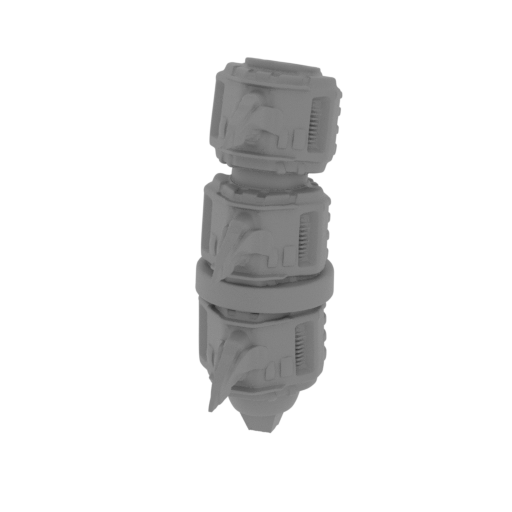 | MKG_45_Mid neck 03_FDM (repaired).stl 38 x 72 x 108 mm | 1.5 x 2.83 x 4.25 in | Size: 38 x 72 x 108 mm | 1.5 x 2.83 x 4.25 in | File size: 7.50 mb | Printing Time / Filament: 12 h 5 min / 8 m | ||
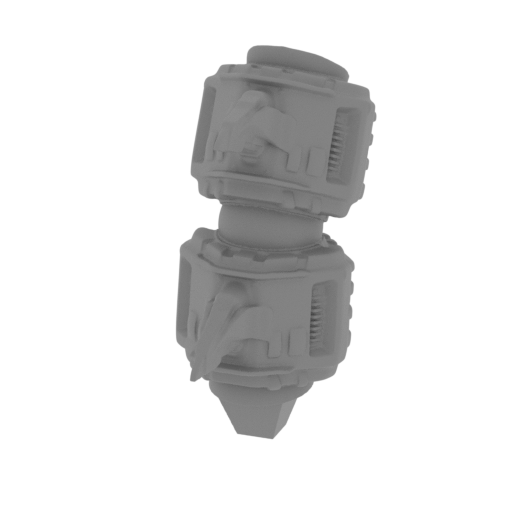 | MKG_44_Mid neck 02_FDM (repaired).stl 35 x 73 x 78 mm | 1.38 x 2.87 x 3.07 in | Size: 35 x 73 x 78 mm | 1.38 x 2.87 x 3.07 in | File size: 7.50 mb | Printing Time / Filament: 8 h 5 min / 5 m | ||
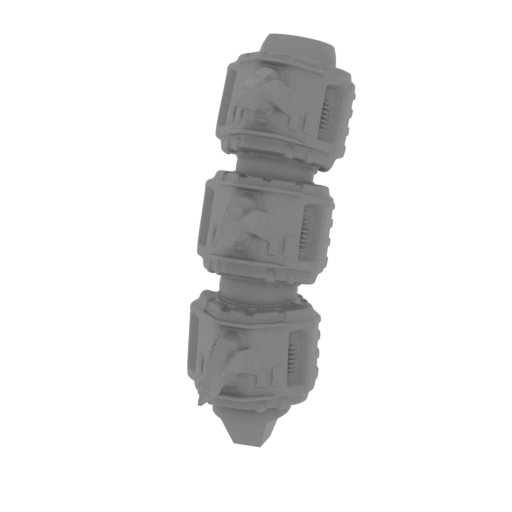 | MKG_43_Mid neck 01_FDM (repaired).stl 35 x 87 x 105 mm | 1.38 x 3.43 x 4.13 in | Size: 35 x 87 x 105 mm | 1.38 x 3.43 x 4.13 in | File size: 7.50 mb | Printing Time / Filament: 12 h 48 min / 9 m | ||
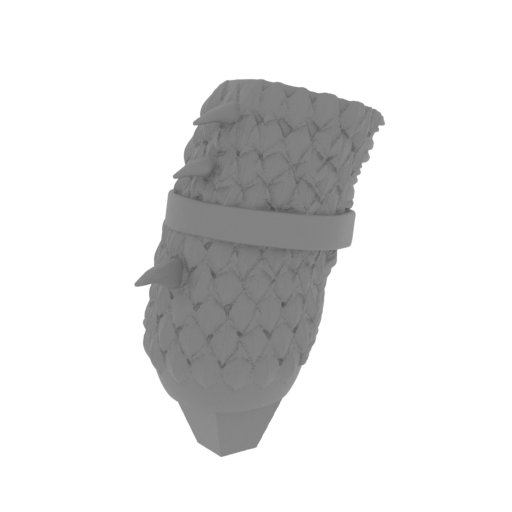 | MKG_42_Right neck 03_FDM (repaired).stl 46 x 58 x 83 mm | 1.81 x 2.28 x 3.27 in | Size: 46 x 58 x 83 mm | 1.81 x 2.28 x 3.27 in | File size: 7.50 mb | Printing Time / Filament: 9 h 14 min / 6 m | ||
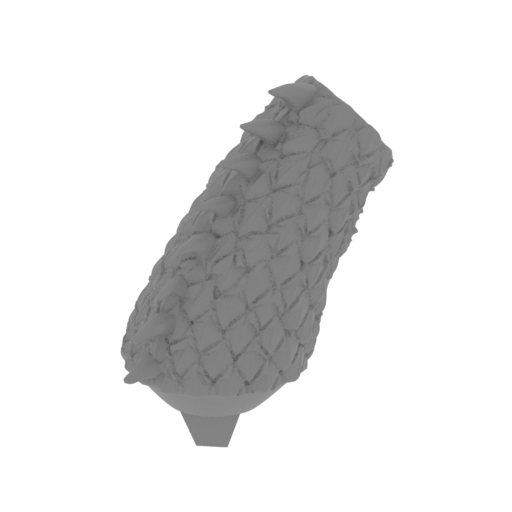 | MKG_41_Right neck 02_FDM (repaired).stl 50 x 51 x 75 mm | 1.97 x 2.01 x 2.95 in | Size: 50 x 51 x 75 mm | 1.97 x 2.01 x 2.95 in | File size: 7.50 mb | Printing Time / Filament: 6 h 35 min / 4 m | ||
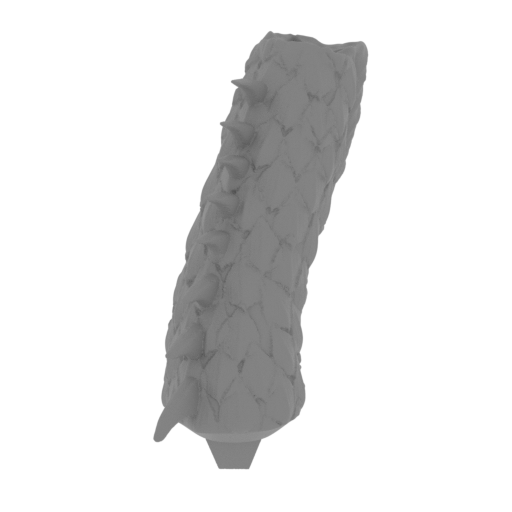 | MKG_40_Right neck 01_FDM (repaired).stl 25 x 65 x 65 mm | 0.98 x 2.56 x 2.56 in | Size: 25 x 65 x 65 mm | 0.98 x 2.56 x 2.56 in | File size: 7.50 mb | Printing Time / Filament: 4 h 34 min / 3 m | ||
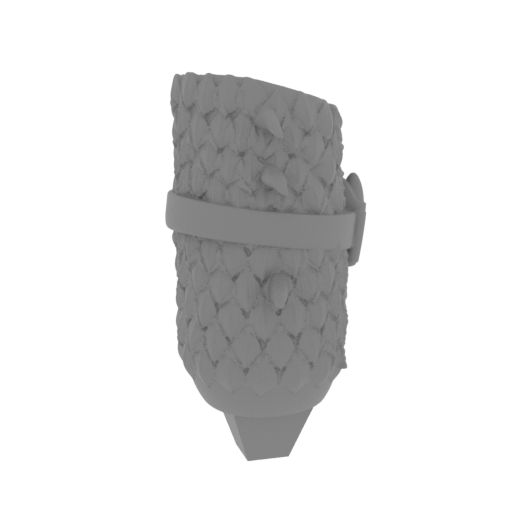 | MKG_39_Left neck 03_FDM (repaired).stl 46 x 58 x 83 mm | 1.81 x 2.28 x 3.27 in | Size: 46 x 58 x 83 mm | 1.81 x 2.28 x 3.27 in | File size: 7.50 mb | Printing Time / Filament: 9 h 9 min / 6 m | ||
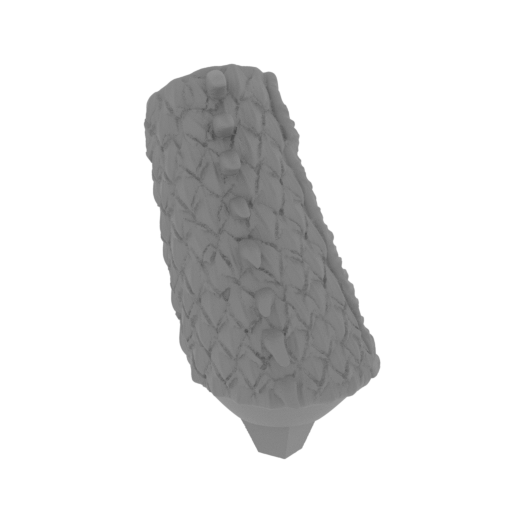 | MKG_38_Left neck 02_FDM (repaired).stl 50 x 51 x 75 mm | 1.97 x 2.01 x 2.95 in | Size: 50 x 51 x 75 mm | 1.97 x 2.01 x 2.95 in | File size: 7.50 mb | Printing Time / Filament: 6 h 39 min / 4 m | ||
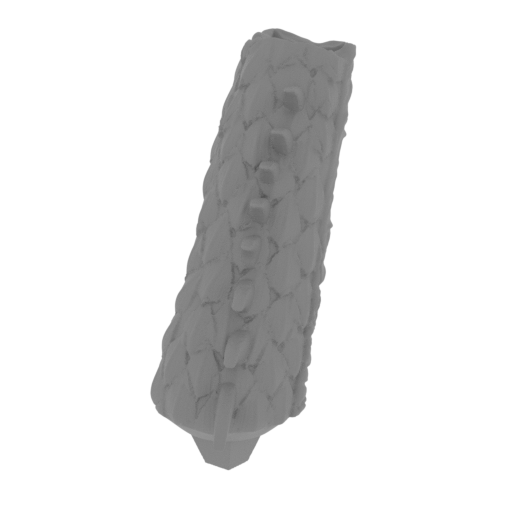 | MKG_37_Left neck 01_FDM (repaired).stl 25 x 65 x 65 mm | 0.98 x 2.56 x 2.56 in | Size: 25 x 65 x 65 mm | 0.98 x 2.56 x 2.56 in | File size: 7.50 mb | Printing Time / Filament: 4 h 31 min / 3 m | ||
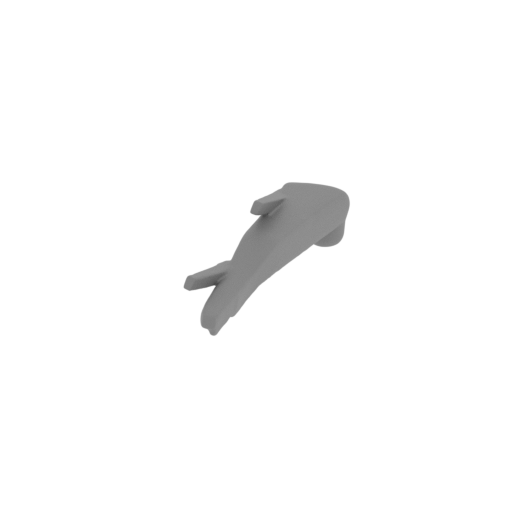 | MKG_36_MH_Right bot horn_FDM (repaired).stl 7 x 40 x 12 mm | 0.28 x 1.57 x 0.47 in | Size: 7 x 40 x 12 mm | 0.28 x 1.57 x 0.47 in | File size: 2.00 mb | Printing Time / Filament: 16 min / <1 m | ||
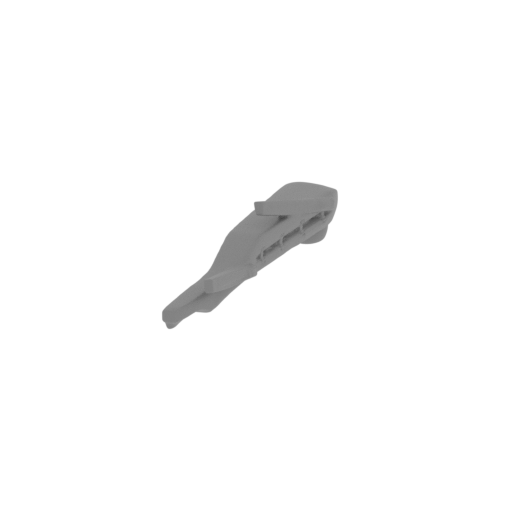 | MKG_35_MH_Left bot horn_FDM (repaired).stl 7 x 40 x 12 mm | 0.28 x 1.57 x 0.47 in | Size: 7 x 40 x 12 mm | 0.28 x 1.57 x 0.47 in | File size: 2.00 mb | Printing Time / Filament: 16 min / <1 m | ||
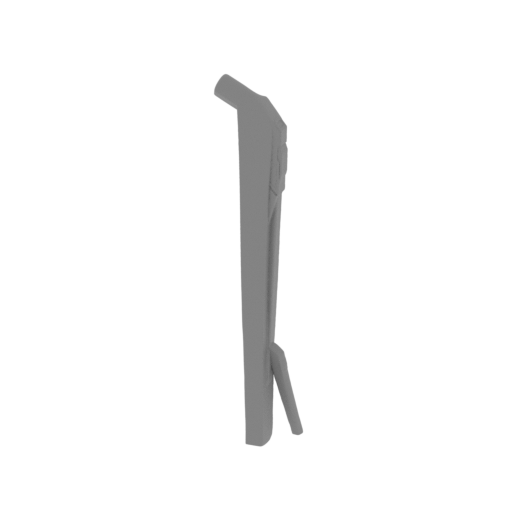 | MKG_34_MH_Right mid horn_FDM (repaired).stl 14 x 9 x 65 mm | 0.55 x 0.35 x 2.56 in | Size: 14 x 9 x 65 mm | 0.55 x 0.35 x 2.56 in | File size: 2.00 mb | Printing Time / Filament: 49 min / <1 m | ||
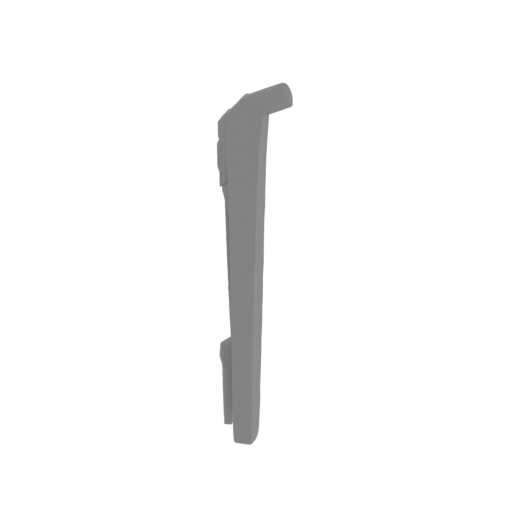 | MKG_33_MH_Left mid horn_FDM (repaired).stl 14 x 9 x 65 mm | 0.55 x 0.35 x 2.56 in | Size: 14 x 9 x 65 mm | 0.55 x 0.35 x 2.56 in | File size: 2.00 mb | Printing Time / Filament: 51 min / <1 m | ||
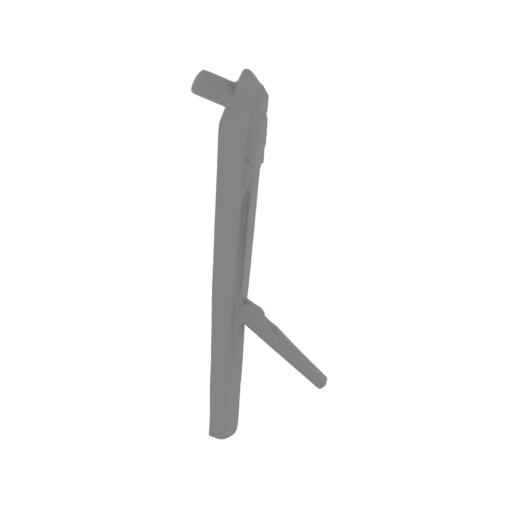 | MKG_32_MH_Right top horn_FDM (repaired).stl 17 x 6 x 49 mm | 0.67 x 0.24 x 1.93 in | Size: 17 x 6 x 49 mm | 0.67 x 0.24 x 1.93 in | File size: 2.00 mb | Printing Time / Filament: 32 min / <1 m | ||
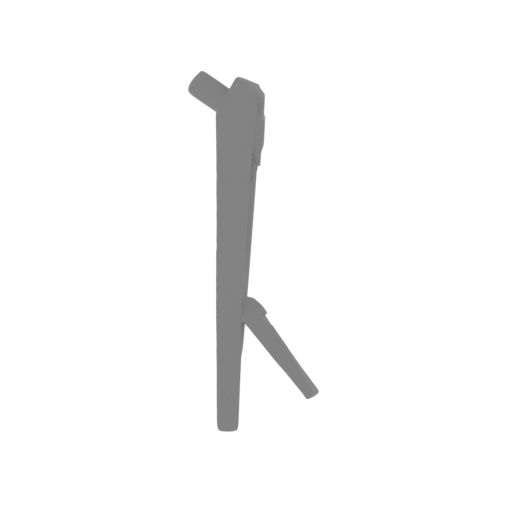 | MKG_31_MH_Left top horn_FDM (repaired).stl 18 x 5 x 49 mm | 0.71 x 0.2 x 1.93 in | Size: 18 x 5 x 49 mm | 0.71 x 0.2 x 1.93 in | File size: 2.00 mb | Printing Time / Filament: 33 min / <1 m | ||
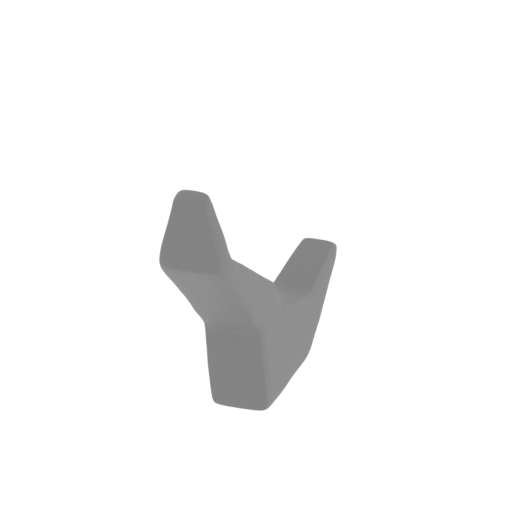 | MKG_30_MH_Central horn_FDM (repaired).stl 4 x 24 x 18 mm | 0.16 x 0.94 x 0.71 in | Size: 4 x 24 x 18 mm | 0.16 x 0.94 x 0.71 in | File size: 2.00 mb | Printing Time / Filament: 9 min / <1 m | ||
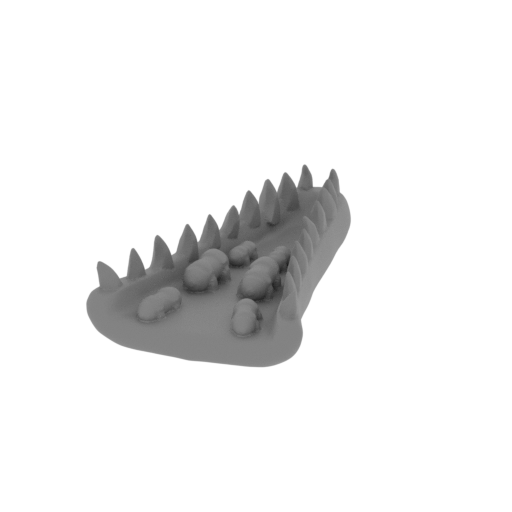 | MKG_29_MH_Lower jaws_FDM (repaired).stl 18 x 30 x 8 mm | 0.71 x 1.18 x 0.31 in | Size: 18 x 30 x 8 mm | 0.71 x 1.18 x 0.31 in | File size: 3.50 mb | Printing Time / Filament: 20 min / <1 m | ||
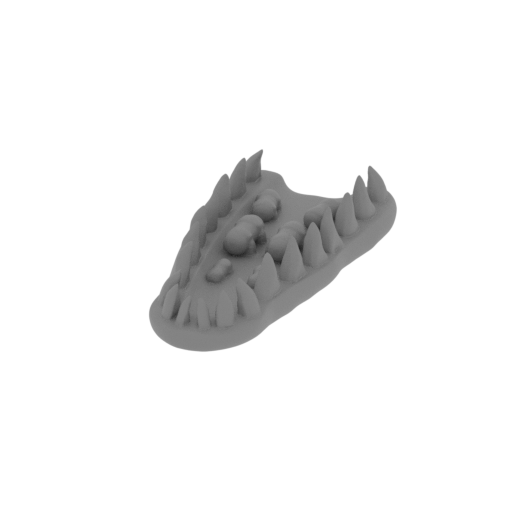 | MKG_28_MH_Upper jaws_FDM (repaired).stl 15 x 33 x 7 mm | 0.59 x 1.3 x 0.28 in | Size: 15 x 33 x 7 mm | 0.59 x 1.3 x 0.28 in | File size: 3.55 mb | Printing Time / Filament: 22 min / <1 m | ||
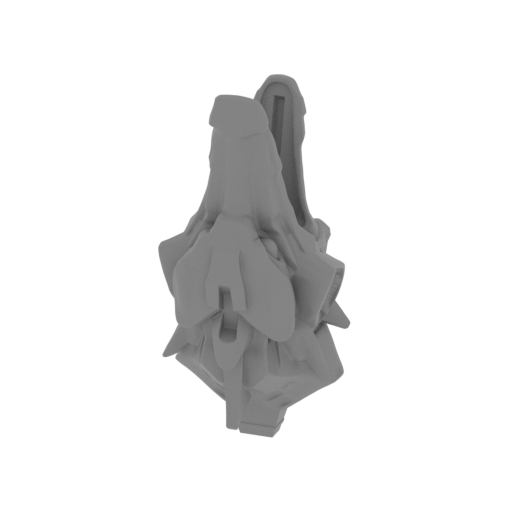 | MKG_27_Mecha head_FDM (repaired).stl 40 x 39 x 83 mm | 1.57 x 1.54 x 3.27 in | Size: 40 x 39 x 83 mm | 1.57 x 1.54 x 3.27 in | File size: 25.01 mb | Printing Time / Filament: 5 h 16 min / 3 m | ||
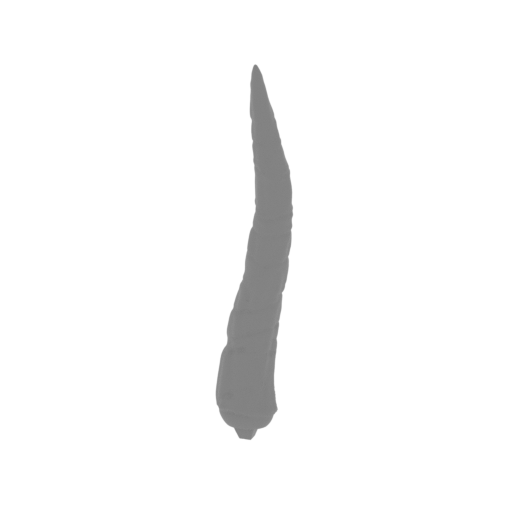 | MKG_26_LH_Right top horn nib_FDM (repaired) .stl 9 x 7 x 45 mm | 0.35 x 0.28 x 1.77 in | Size: 9 x 7 x 45 mm | 0.35 x 0.28 x 1.77 in | File size: 2.00 mb | Printing Time / Filament: 17 min / <1 m | ||
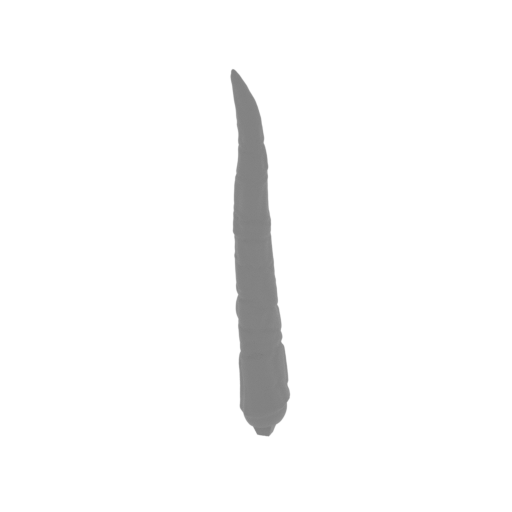 | MKG_25_LH_Left top horn nib_FDM (repaired) .stl 7 x 9 x 45 mm | 0.28 x 0.35 x 1.77 in | Size: 7 x 9 x 45 mm | 0.28 x 0.35 x 1.77 in | File size: 2.00 mb | Printing Time / Filament: 17 min / <1 m | ||
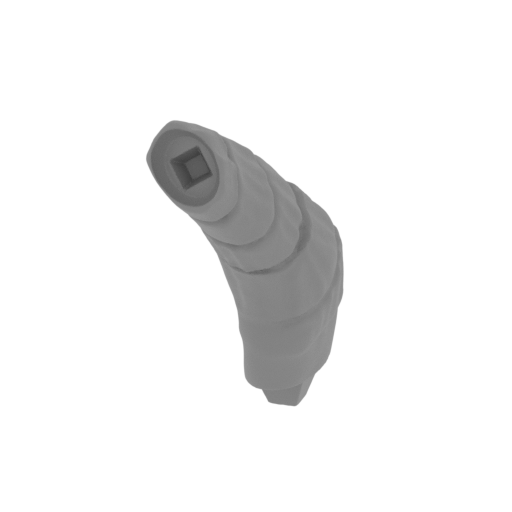 | MKG_24_LH_Right top horn base_FDM (repaired) .stl 10 x 26 x 30 mm | 0.39 x 1.02 x 1.18 in | Size: 10 x 26 x 30 mm | 0.39 x 1.02 x 1.18 in | File size: 2.00 mb | Printing Time / Filament: 31 min / <1 m | ||
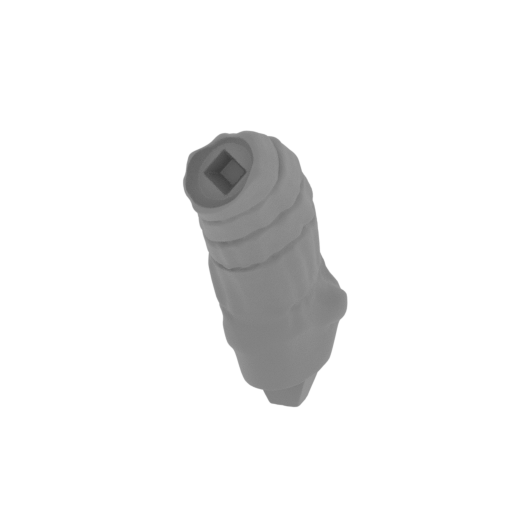 | MKG_23_LH_Left top horn base_FDM (repaired) .stl 10 x 26 x 30 mm | 0.39 x 1.02 x 1.18 in | Size: 10 x 26 x 30 mm | 0.39 x 1.02 x 1.18 in | File size: 2.00 mb | Printing Time / Filament: 30 min / <1 m | ||
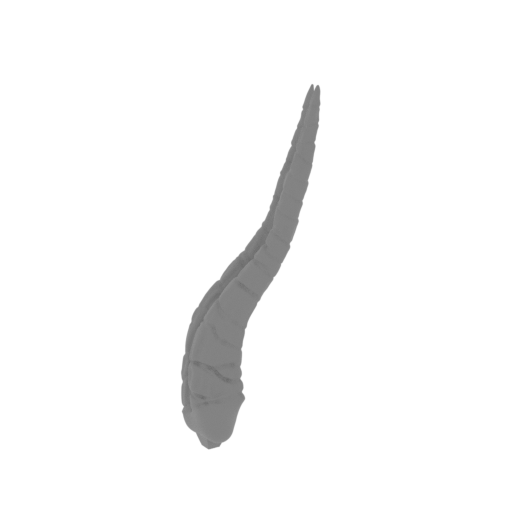 | MKG_22_LH_Right mid horn_FDM (repaired) .stl 25 x 23 x 69 mm | 0.98 x 0.91 x 2.72 in | Size: 25 x 23 x 69 mm | 0.98 x 0.91 x 2.72 in | File size: 2.00 mb | Printing Time / Filament: 50 min / <1 m | ||
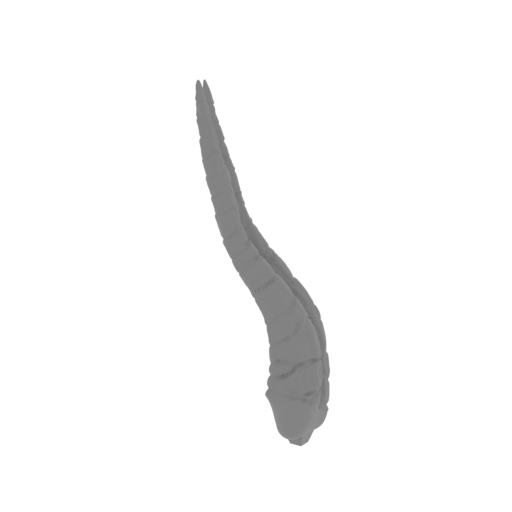 | MKG_21_LH_Left mid horn_FDM (repaired) .stl 24 x 16 x 69 mm | 0.94 x 0.63 x 2.72 in | Size: 24 x 16 x 69 mm | 0.94 x 0.63 x 2.72 in | File size: 2.00 mb | Printing Time / Filament: 50 min / <1 m | ||
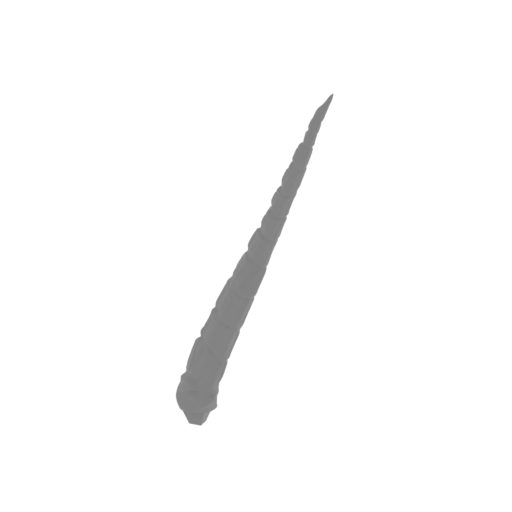 | MKG_20_LH_Right low horn_FDM (repaired) .stl 26 x 9 x 58 mm | 1.02 x 0.35 x 2.28 in | Size: 26 x 9 x 58 mm | 1.02 x 0.35 x 2.28 in | File size: 2.00 mb | Printing Time / Filament: 18 min / <1 m | ||
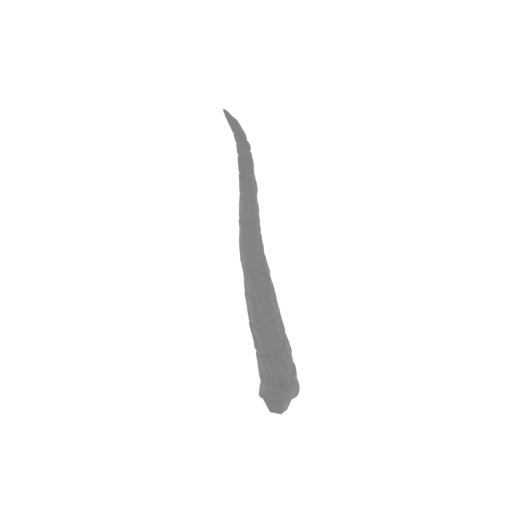 | MKG_19_LH_Left low horn_FDM (repaired) .stl 6 x 25 x 59 mm | 0.24 x 0.98 x 2.32 in | Size: 6 x 25 x 59 mm | 0.24 x 0.98 x 2.32 in | File size: 2.00 mb | Printing Time / Filament: 18 min / <1 m | ||
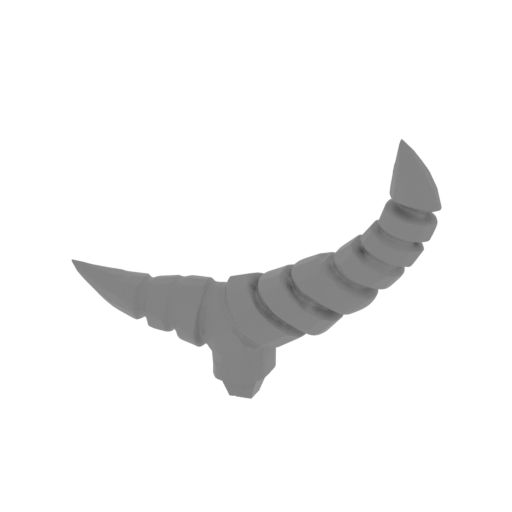 | MKG_18_LH_Central horn_FDM (repaired) .stl 36 x 9 x 28 mm | 1.42 x 0.35 x 1.1 in | Size: 36 x 9 x 28 mm | 1.42 x 0.35 x 1.1 in | File size: 2.00 mb | Printing Time / Filament: 29 min / <1 m | ||
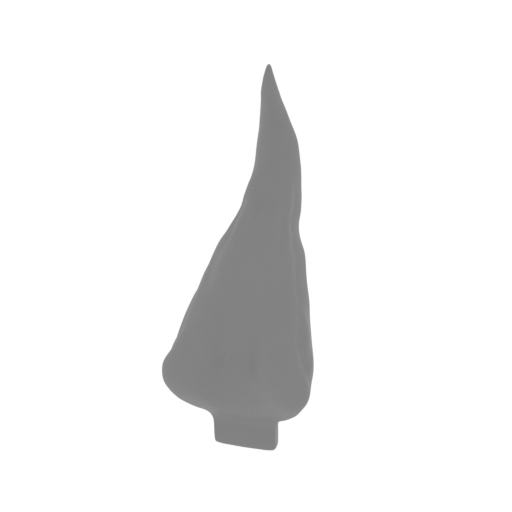 | MKG_17_LH_Tongue_FDM (repaired) .stl 15 x 14 x 38 mm | 0.59 x 0.55 x 1.5 in | Size: 15 x 14 x 38 mm | 0.59 x 0.55 x 1.5 in | File size: 3.50 mb | Printing Time / Filament: 23 min / <1 m | ||
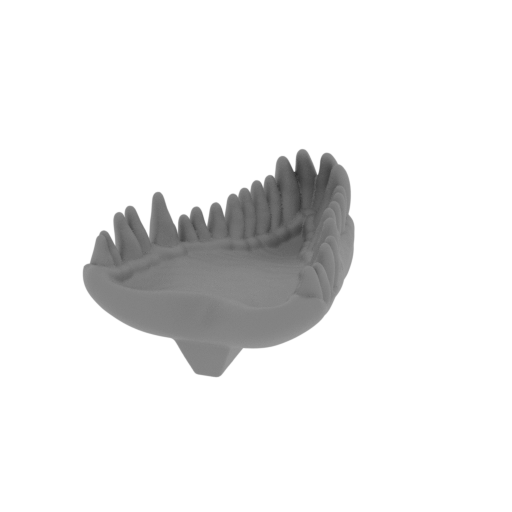 | MKG_16_LH_Lower jaws_FDM (repaired) .stl 20 x 31 x 11 mm | 0.79 x 1.22 x 0.43 in | Size: 20 x 31 x 11 mm | 0.79 x 1.22 x 0.43 in | File size: 3.50 mb | Printing Time / Filament: 31 min / <1 m | ||
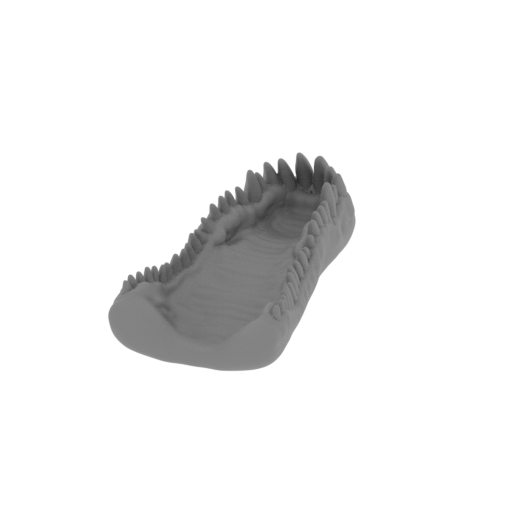 | MKG_15_LH_Upper jaws_FDM (repaired) .stl 19 x 40 x 10 mm | 0.75 x 1.57 x 0.39 in | Size: 19 x 40 x 10 mm | 0.75 x 1.57 x 0.39 in | File size: 3.50 mb | Printing Time / Filament: 34 min / <1 m | ||
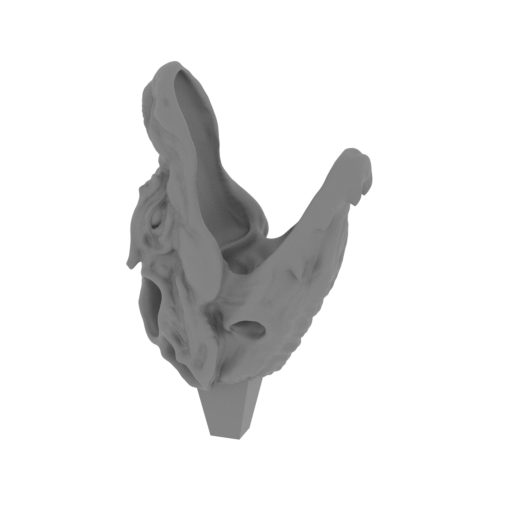 | MKG_14_Left head_FDM (repaired) .stl 48 x 33 x 80 mm | 1.89 x 1.3 x 3.15 in | Size: 48 x 33 x 80 mm | 1.89 x 1.3 x 3.15 in | File size: 24.53 mb | Printing Time / Filament: 5 h 9 min / 3 m | ||
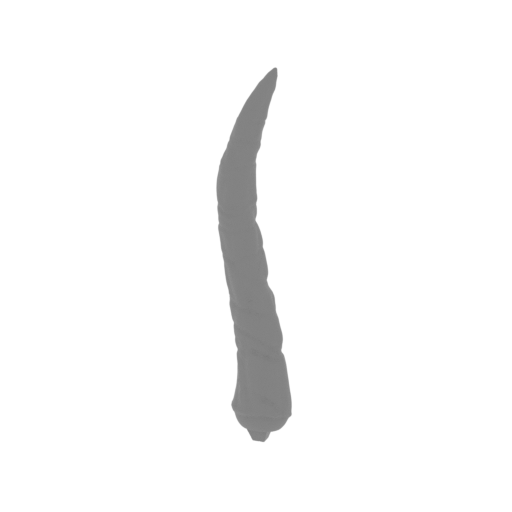 | MKG_13_RH_Right top horn nib_FDM (repaired).stl 9 x 7 x 45 mm | 0.35 x 0.28 x 1.77 in | Size: 9 x 7 x 45 mm | 0.35 x 0.28 x 1.77 in | File size: 2.00 mb | Printing Time / Filament: 17 min / <1 m | ||
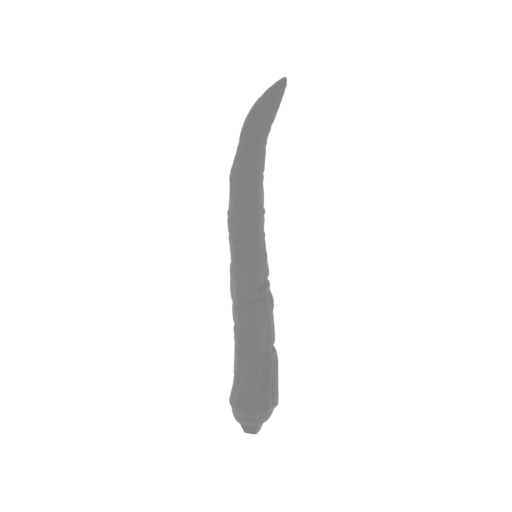 | MKG_12_RH_Left top horn nib_FDM (repaired).stl 7 x 9 x 45 mm | 0.28 x 0.35 x 1.77 in | Size: 7 x 9 x 45 mm | 0.28 x 0.35 x 1.77 in | File size: 2.00 mb | Printing Time / Filament: 17 min / <1 m | ||
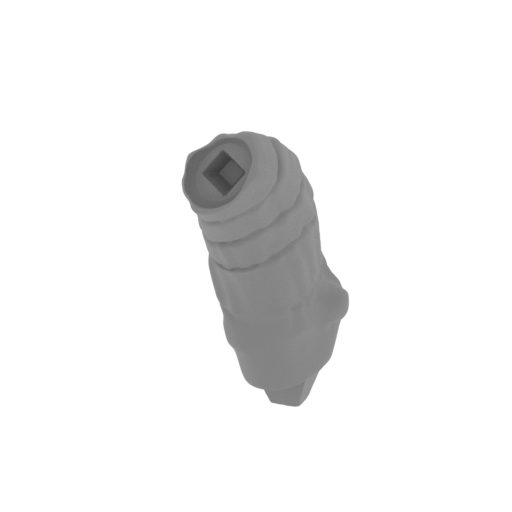 | MKG_11_RH_Right top horn base_FDM (repaired).stl 10 x 26 x 30 mm | 0.39 x 1.02 x 1.18 in | Size: 10 x 26 x 30 mm | 0.39 x 1.02 x 1.18 in | File size: 2.00 mb | Printing Time / Filament: 30 min / <1 m | ||
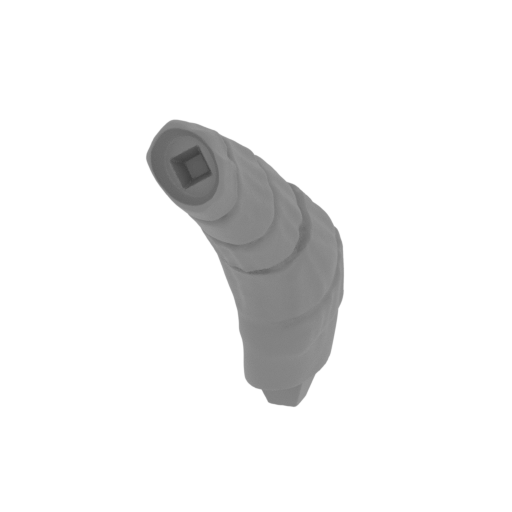 | MKG_10_RH_Left top horn base_FDM (repaired).stl 10 x 26 x 30 mm | 0.39 x 1.02 x 1.18 in | Size: 10 x 26 x 30 mm | 0.39 x 1.02 x 1.18 in | File size: 2.00 mb | Printing Time / Filament: 31 min / <1 m | ||
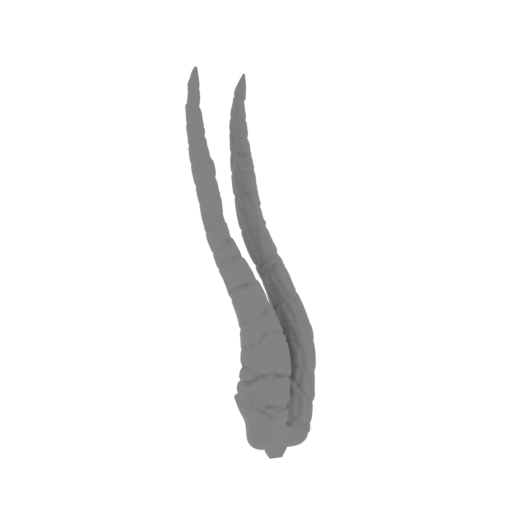 | MKG_09_RH_Right mid horn_FDM (repaired).stl 25 x 23 x 69 mm | 0.98 x 0.91 x 2.72 in | Size: 25 x 23 x 69 mm | 0.98 x 0.91 x 2.72 in | File size: 2.00 mb | Printing Time / Filament: 49 min / <1 m | ||
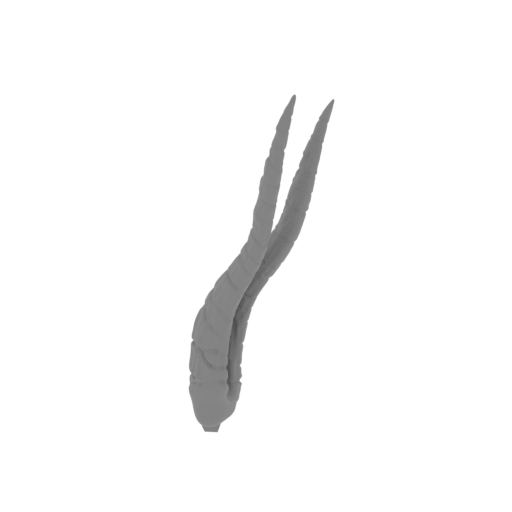 | MKG_08_RH_Left mid horn_FDM (repaired).stl 24 x 16 x 69 mm | 0.94 x 0.63 x 2.72 in | Size: 24 x 16 x 69 mm | 0.94 x 0.63 x 2.72 in | File size: 2.00 mb | Printing Time / Filament: 50 min / <1 m | ||
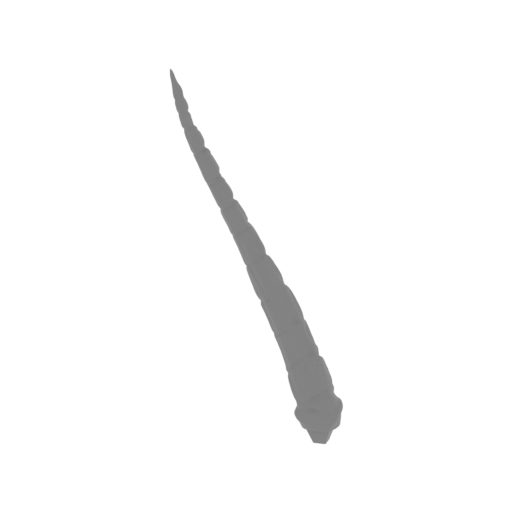 | MKG_07_RH_Right low horn_FDM (repaired).stl 26 x 9 x 58 mm | 1.02 x 0.35 x 2.28 in | Size: 26 x 9 x 58 mm | 1.02 x 0.35 x 2.28 in | File size: 2.00 mb | Printing Time / Filament: 17 min / <1 m | ||
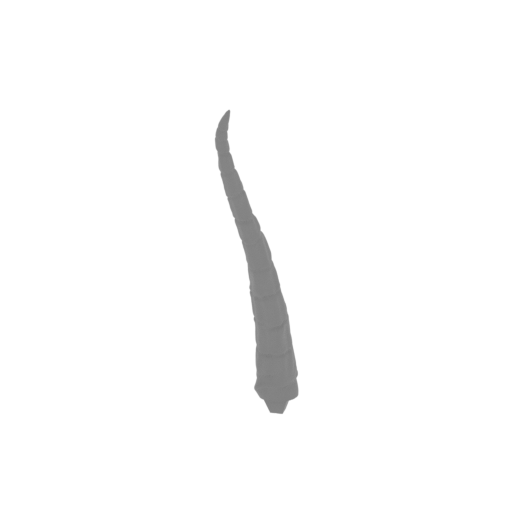 | MKG_06_RH_Left low horn_FDM (repaired).stl 6 x 25 x 59 mm | 0.24 x 0.98 x 2.32 in | Size: 6 x 25 x 59 mm | 0.24 x 0.98 x 2.32 in | File size: 2.00 mb | Printing Time / Filament: 18 min / <1 m | ||
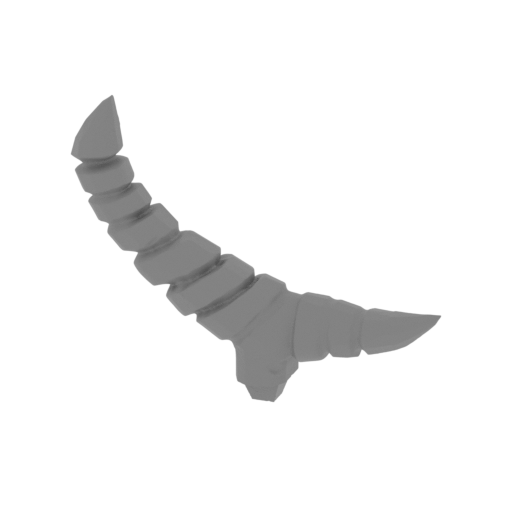 | MKG_05_RH_Central horn_FDM (repaired).stl 36 x 9 x 28 mm | 1.42 x 0.35 x 1.1 in | Size: 36 x 9 x 28 mm | 1.42 x 0.35 x 1.1 in | File size: 2.00 mb | Printing Time / Filament: 29 min / <1 m | ||
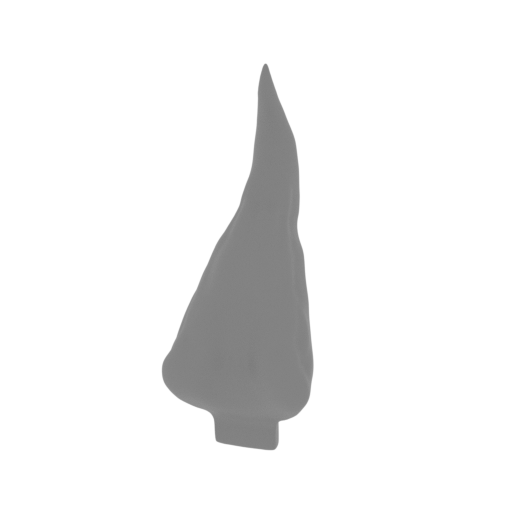 | MKG_04_RH_Tongue_FDM (repaired).stl 15 x 14 x 38 mm | 0.59 x 0.55 x 1.5 in | Size: 15 x 14 x 38 mm | 0.59 x 0.55 x 1.5 in | File size: 3.50 mb | Printing Time / Filament: 23 min / <1 m | ||
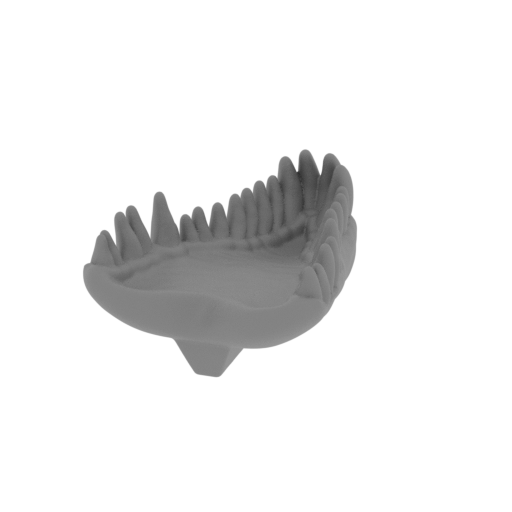 | MKG_03_RH_Lower jaws_FDM (repaired).stl 20 x 31 x 11 mm | 0.79 x 1.22 x 0.43 in | Size: 20 x 31 x 11 mm | 0.79 x 1.22 x 0.43 in | File size: 3.50 mb | Printing Time / Filament: 31 min / <1 m | ||
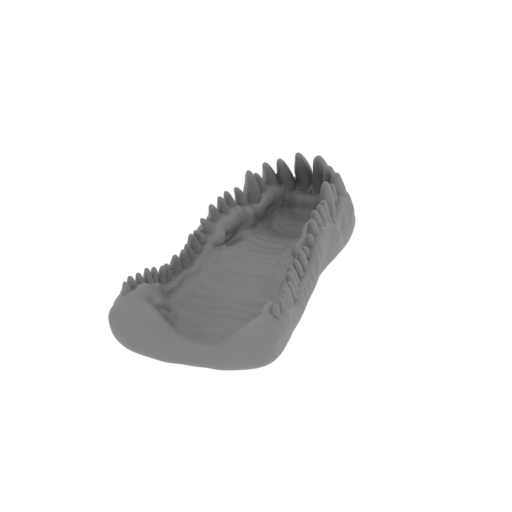 | MKG_02_RH_Upper jaws_FDM (repaired).stl 19 x 40 x 10 mm | 0.75 x 1.57 x 0.39 in | Size: 19 x 40 x 10 mm | 0.75 x 1.57 x 0.39 in | File size: 3.50 mb | Printing Time / Filament: 34 min / <1 m | ||
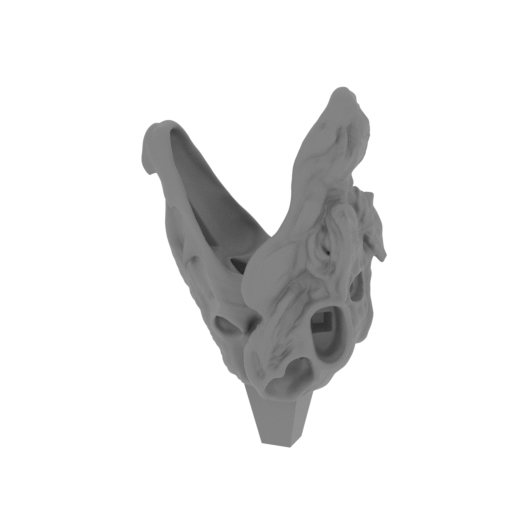 | MKG_01_Right head_FDM (repaired).stl 48 x 33 x 80 mm | 1.89 x 1.3 x 3.15 in | Size: 48 x 33 x 80 mm | 1.89 x 1.3 x 3.15 in | File size: 24.53 mb | Printing Time / Filament: 5 h 10 min / 3 m | ||
ABOUT THIS 3D MODEL
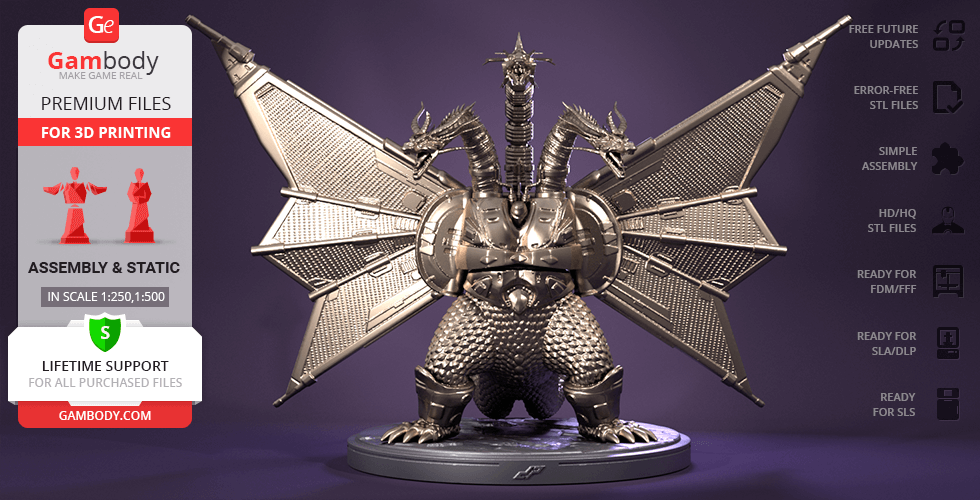
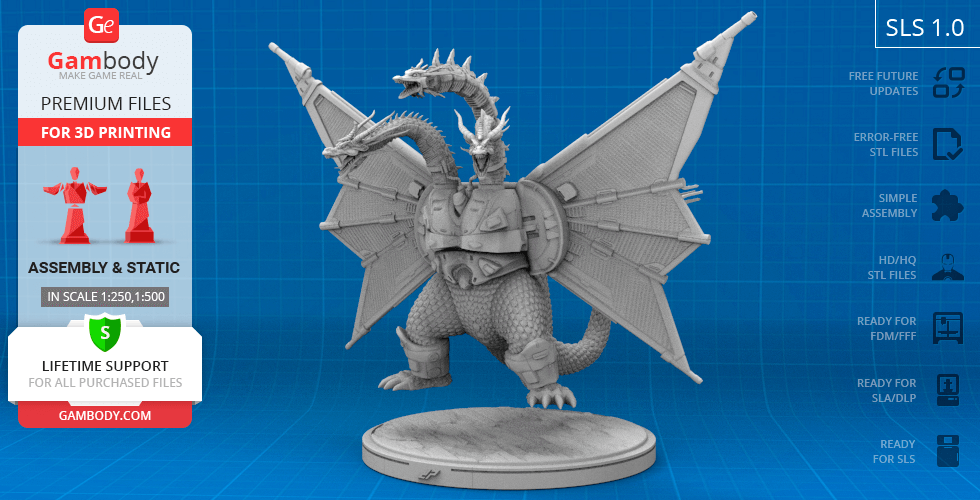
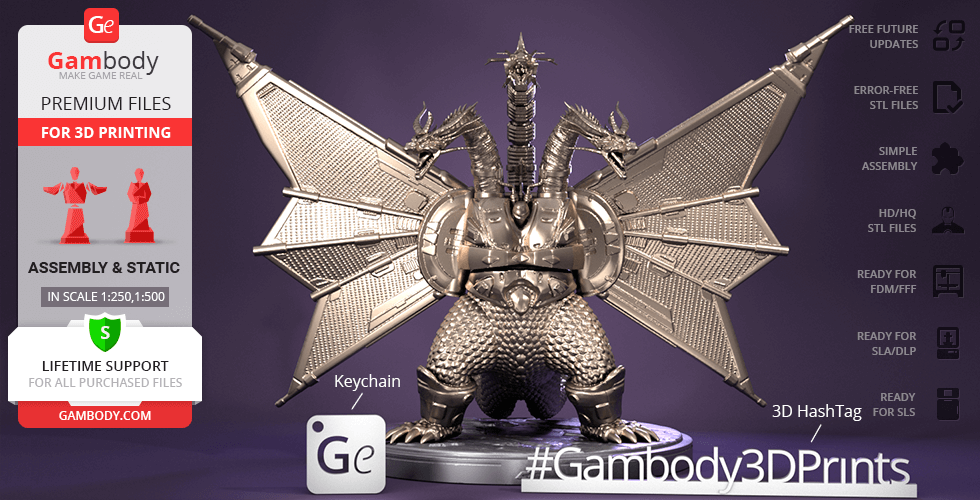
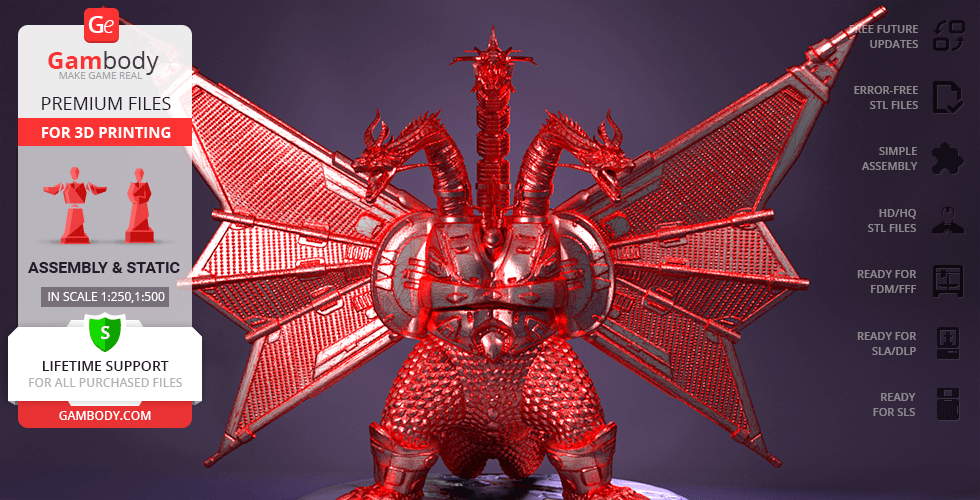
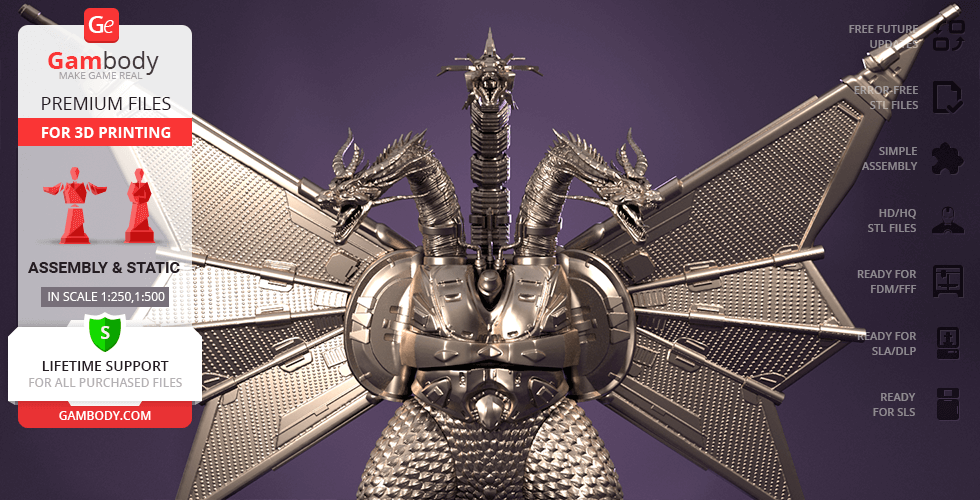
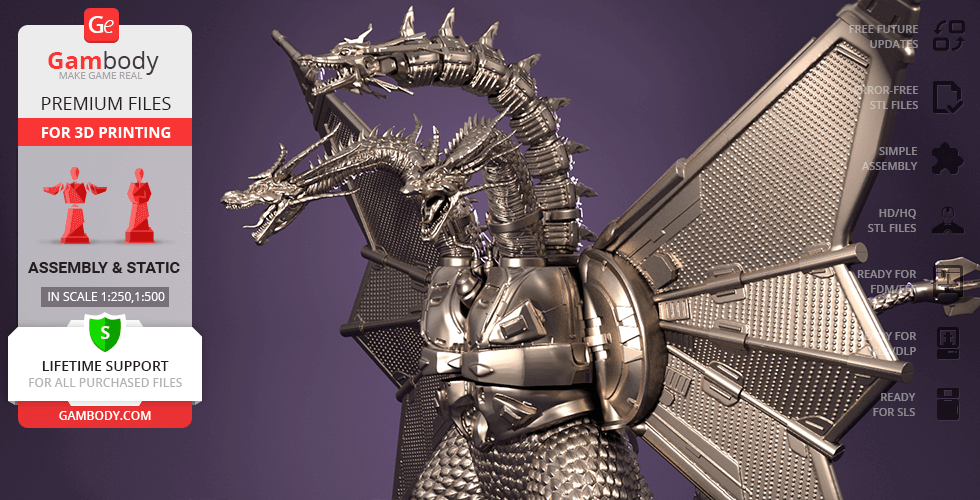
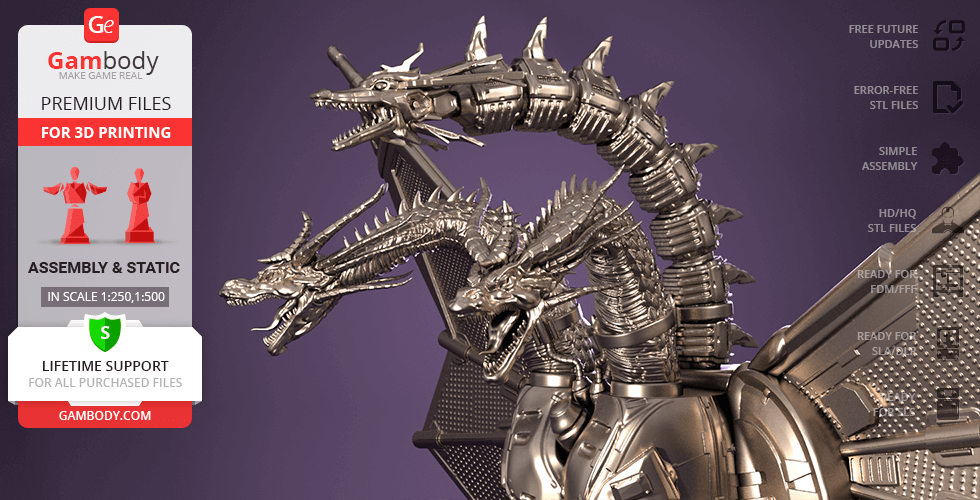
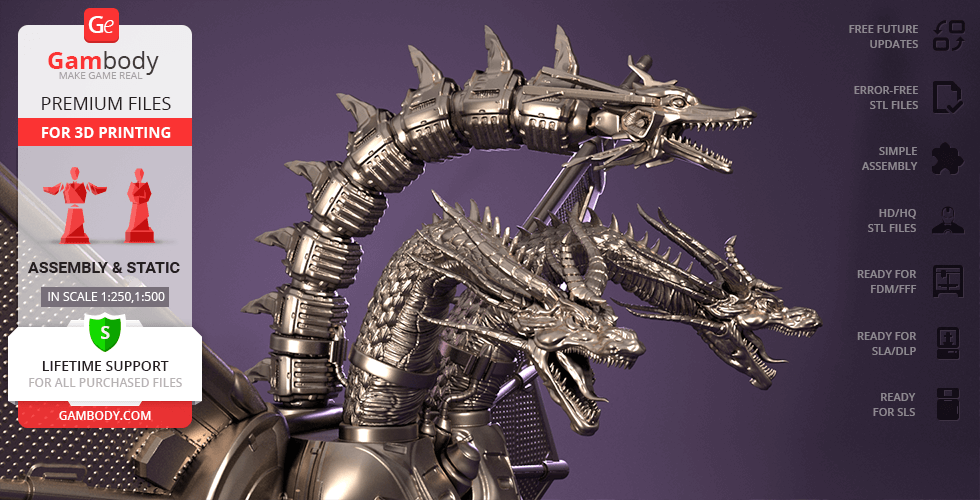
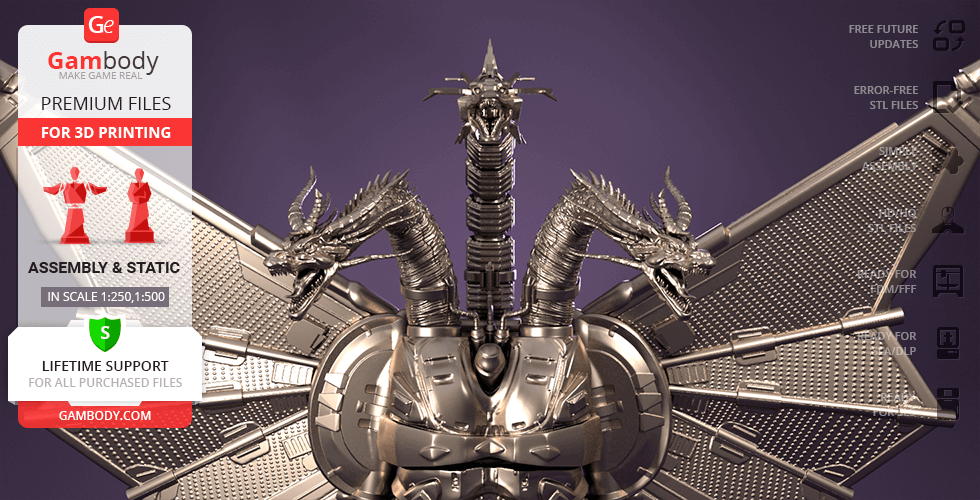
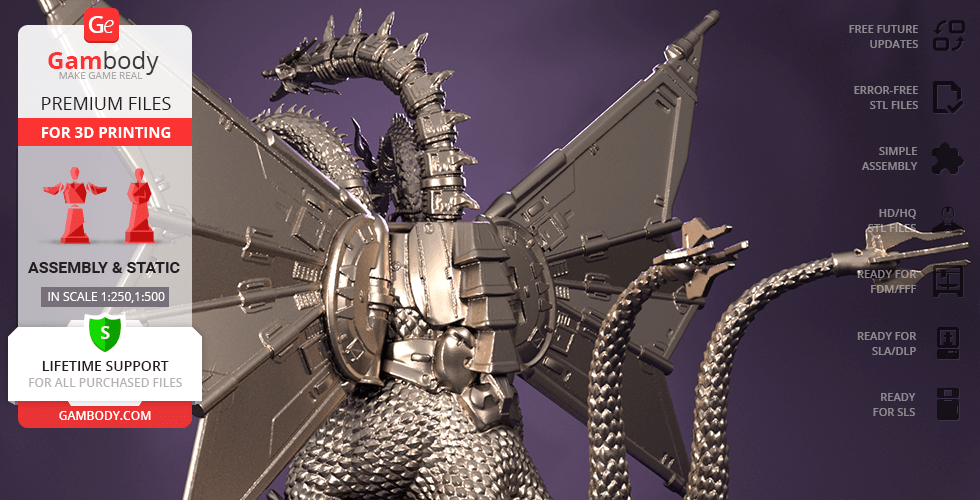
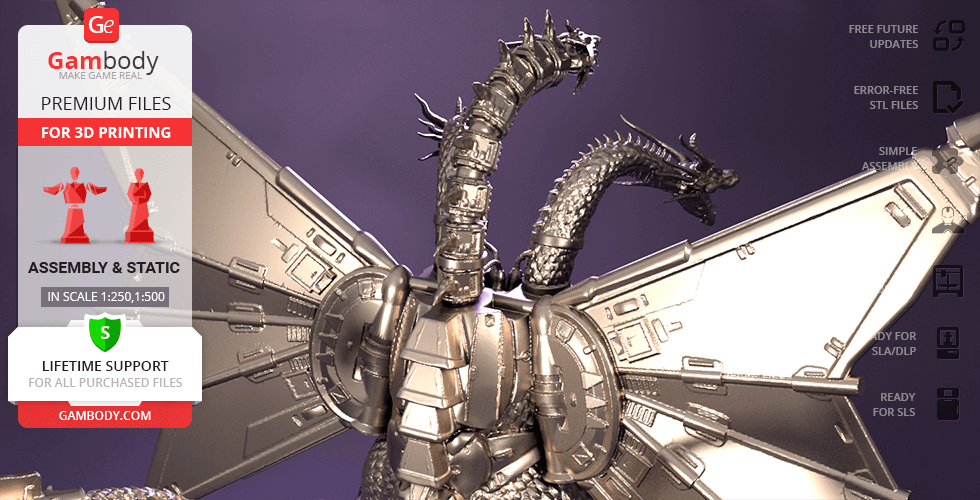
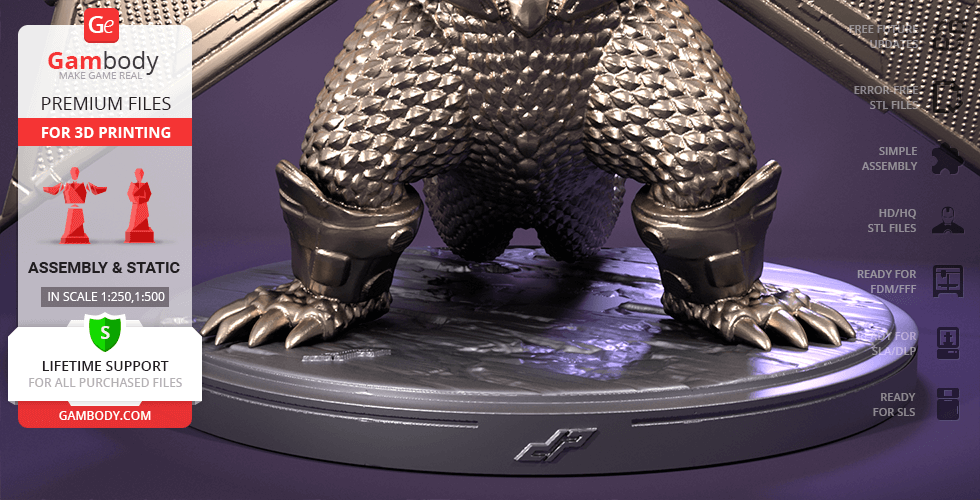
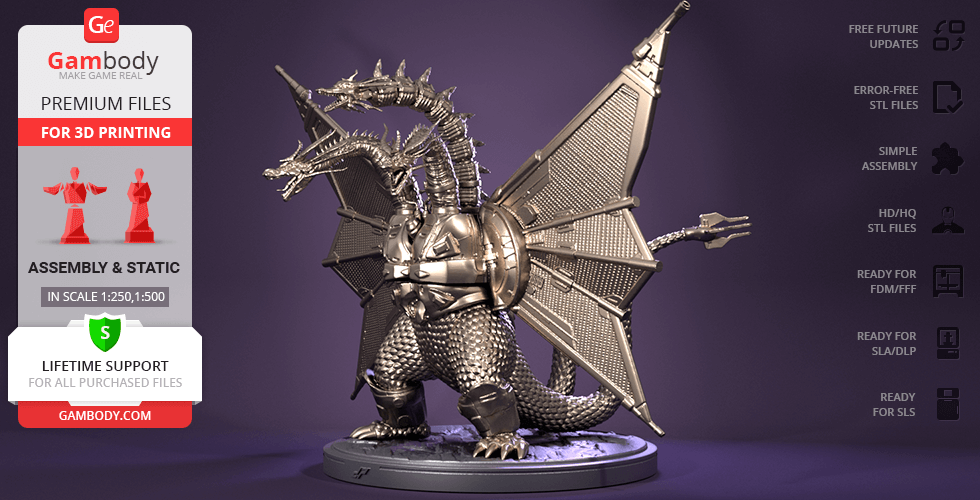
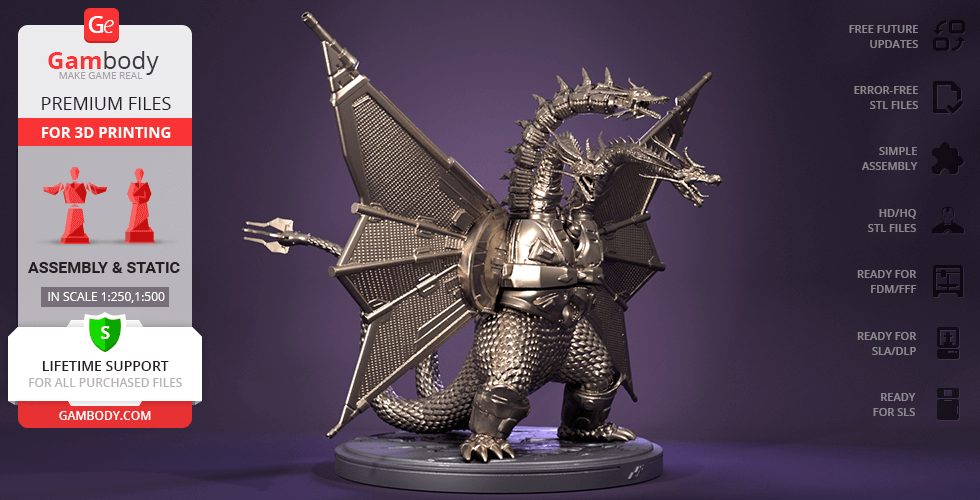
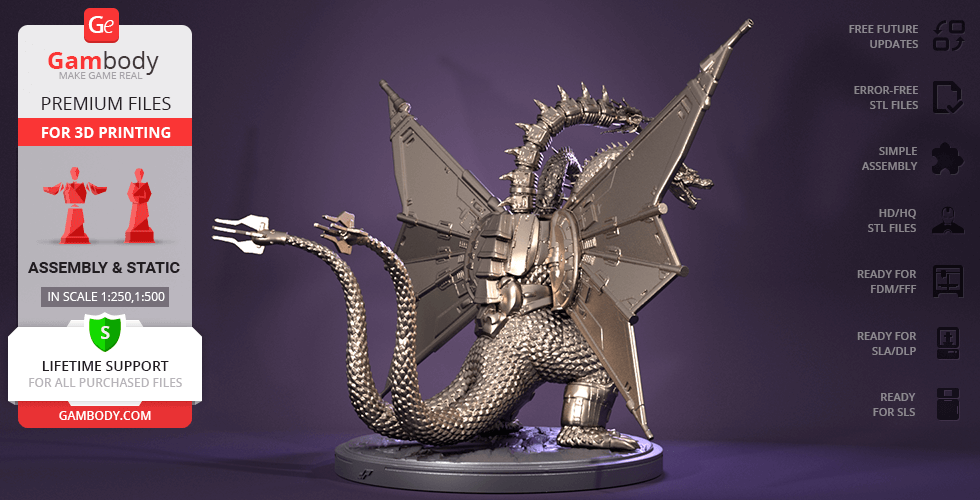
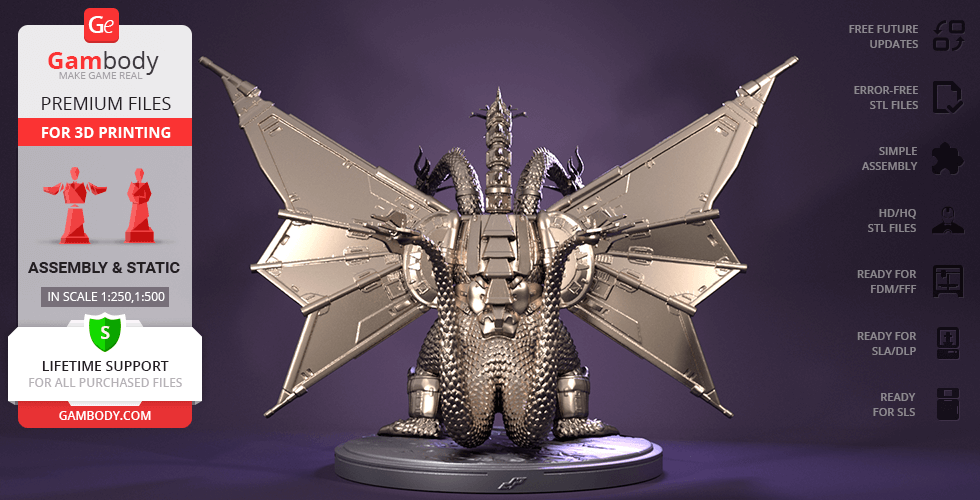
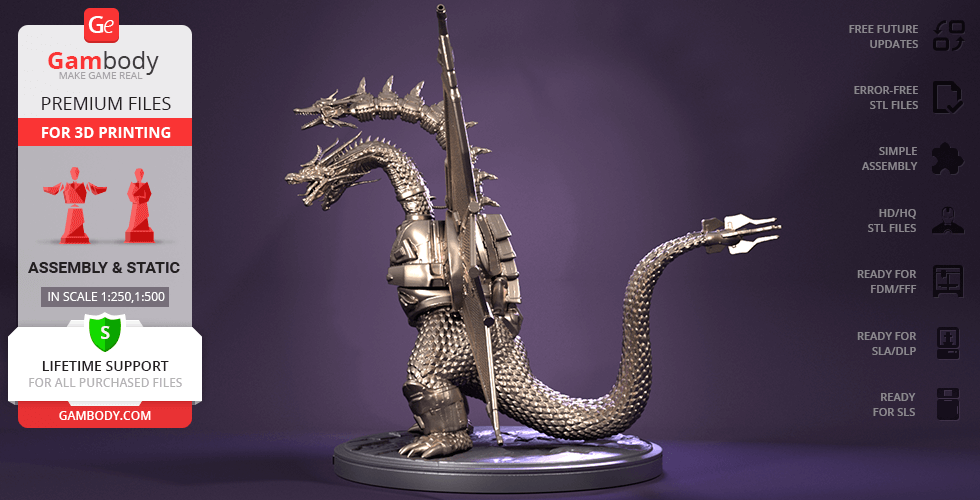
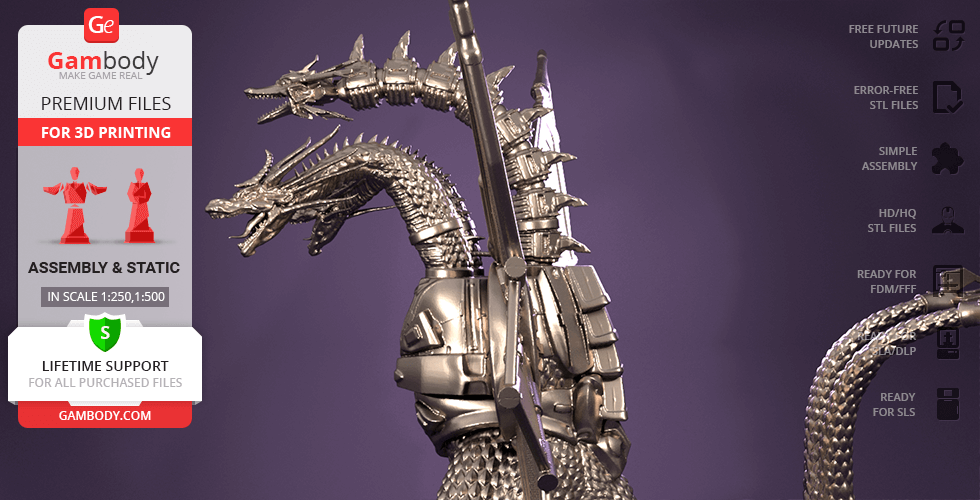
Mecha-King Ghidorah is a three-headed cyborg Heisei King Ghidorah who was revived and cybernetically modified after being destroyed in the battle with Godzilla. It was the group of time-travellers the Futurians who equipped the fallen monster with cybernetic implants using the advanced technology of the year 2204. After that, the mechanical kaiju was returned to 1992 to fight Godzilla in Tokyo under Emmy Kano’s control. The impressive Mecha-King Ghidorah is beloved among kaiju fans for his extremely futuristic mechanical look. And the author of the 3D printing figurine depicted the monster’s distinctive appearance in great detail. An enormous cyborg is portrayed as a muscular bipedal monster covered in large scales with a massive wingspan. And the dragon’s middle head and neck, giant wings, torso, calves and even the tips of the tails are all replaced with mechanical parts. Given the imposing appearance of the monster, the project was indeed a large-scale one and the author spent approximately 420 hours to create the incredible Mecha-King Ghidorah for 3D printing. We are absolutely sure that obtaining such a unique 3D printing figurine will result in an incredibly exciting project with no less amazing 3D printed monster!
ADAPTATION FOR 3D PRINTING
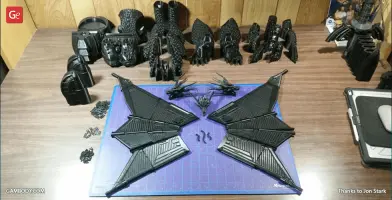
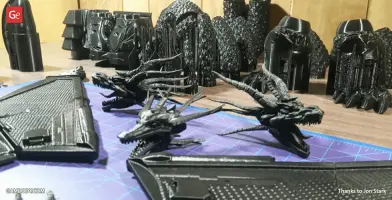
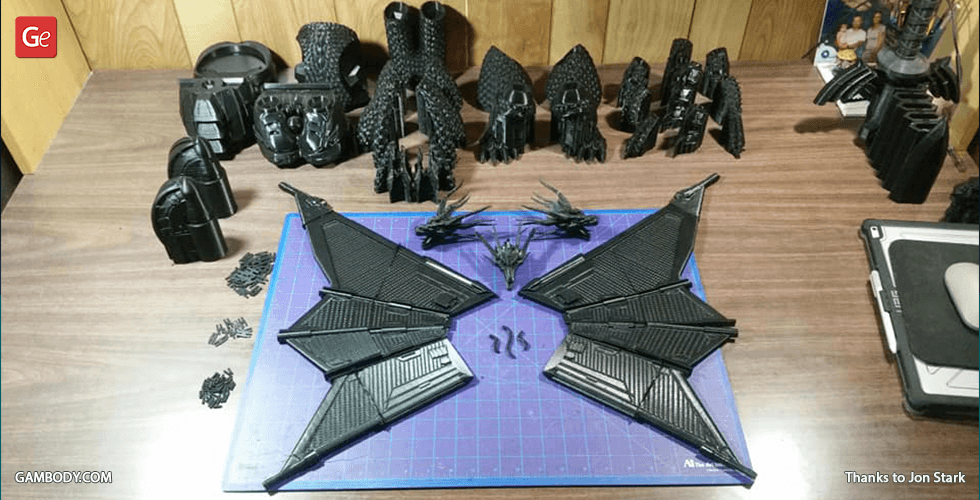
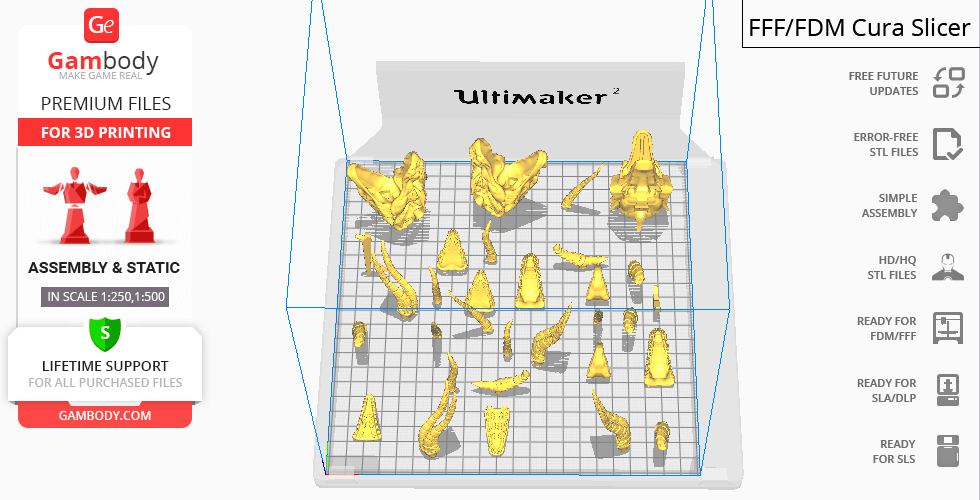
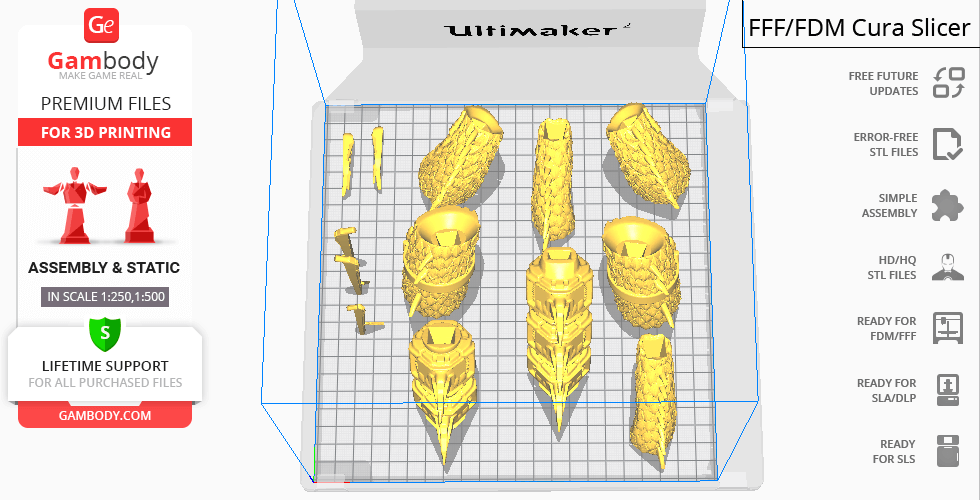
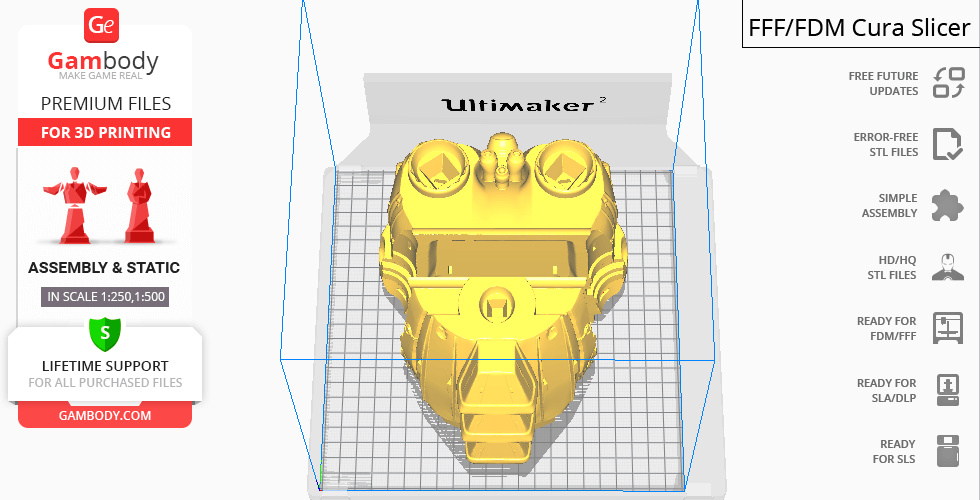
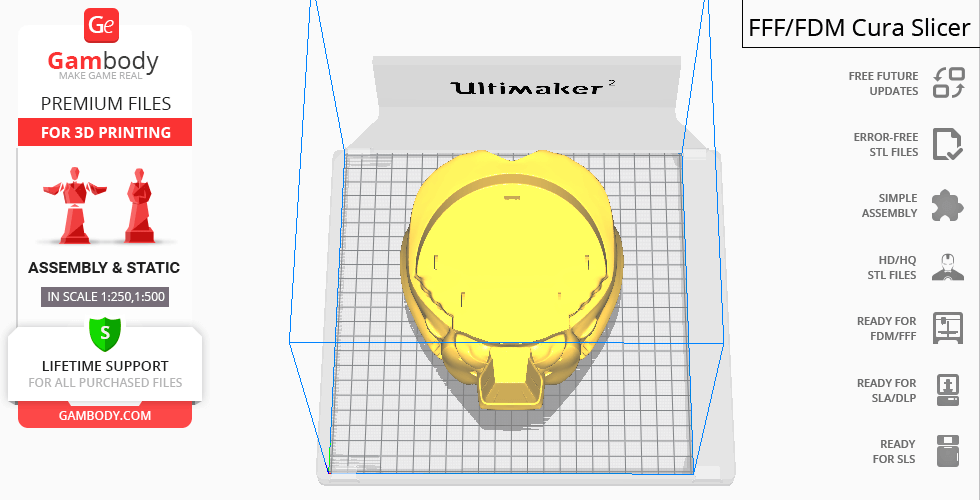
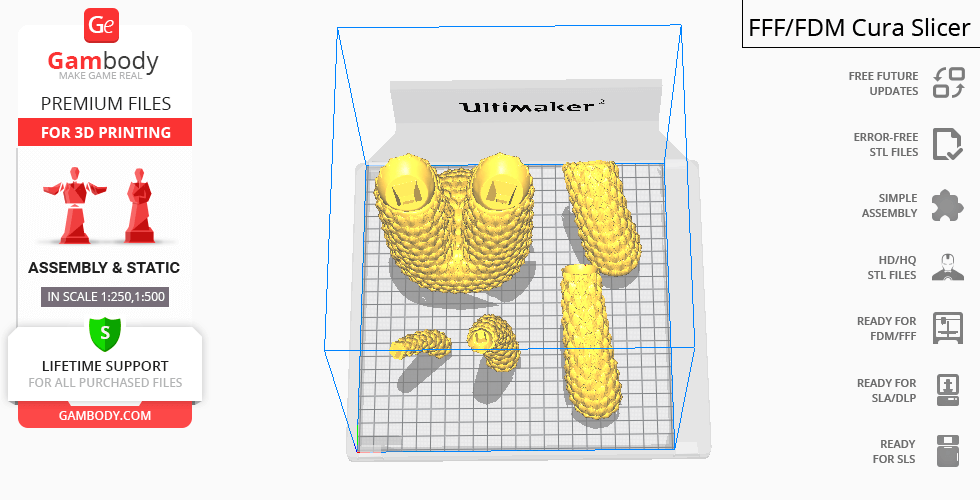
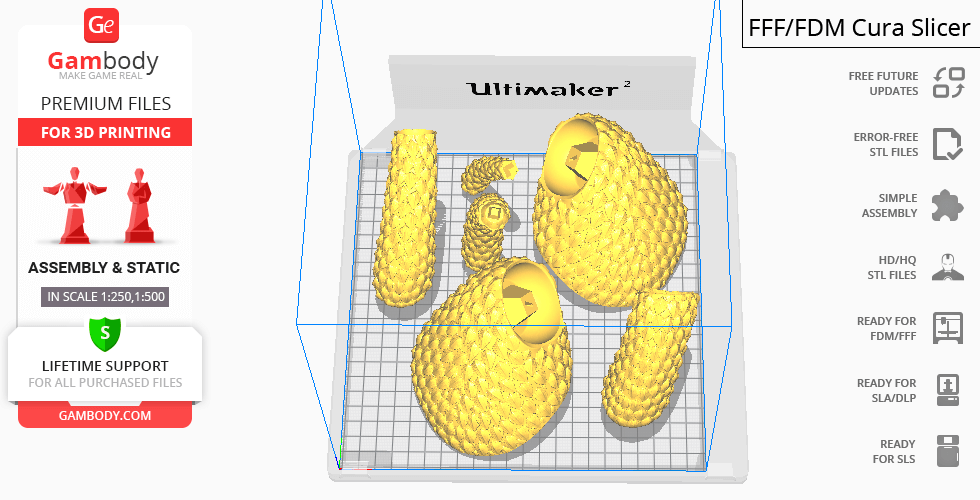
Mecha-King Ghidorah is a static assembly figurine and its moderation and adaptation for different types of 3D printers took Gambody team 160 hours in total. The huge figurine including the giant wings and its platform was divided into as many assembly parts as needed to fit even the smallest 3D printers' build plates and for you to nevertheless receive a giant 3D printed cyborg kaiju after assembly. The cutting of Mecha-King Ghidorah itself was chosen by our team to minimise the amount of filament needed for generated support and some of the model’s parts were hollowed out for you to save resin. In order to receive the cleanest result possible the figurine was divided into a lot of assembly parts: all horns and crescents atop kaiju’s organic and mechanised heads, three wires that attach each neck to the cybernetic body, the tips of the monster’s tails etc. are available as separate files. All assembly parts are provided in STL files in recommended positions that were worked out so to ensure the smoothness of the details’ surfaces after printing and that the 3D printing beginners won't face difficulties when placing the parts on a build plate.
The figurine is saved in STL files, a format supported by most 3D printers. All STL files for 3D printing have been checked in Netfabb and no errors were shown.
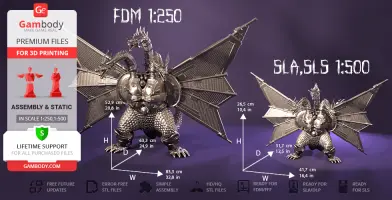
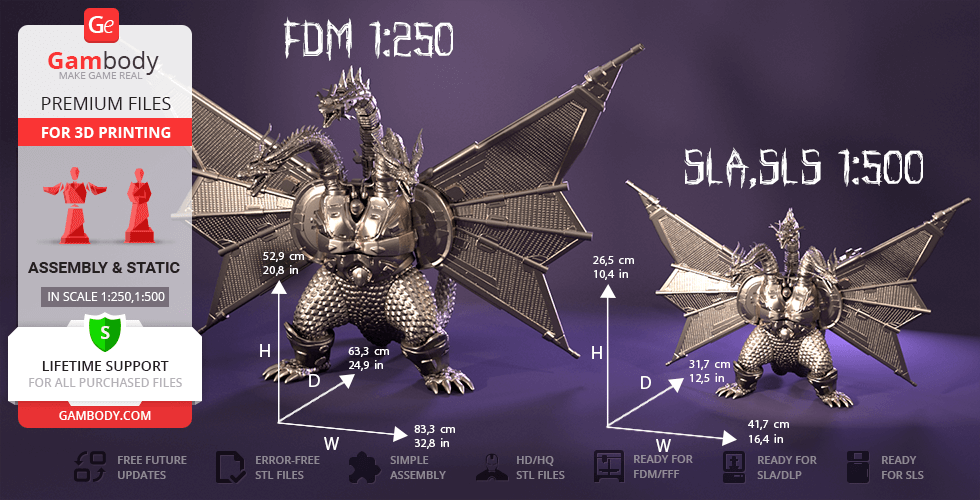
The model's scale was calculated from Mecha-King Ghidorah's actual height that is 120000 mm. The 3D printing figurine's chosen scale is 1/250 for the FFF/FDM version and 1/500 for the DLP/SLA/SLS versions.
VERSIONS' SPECIFICATIONS
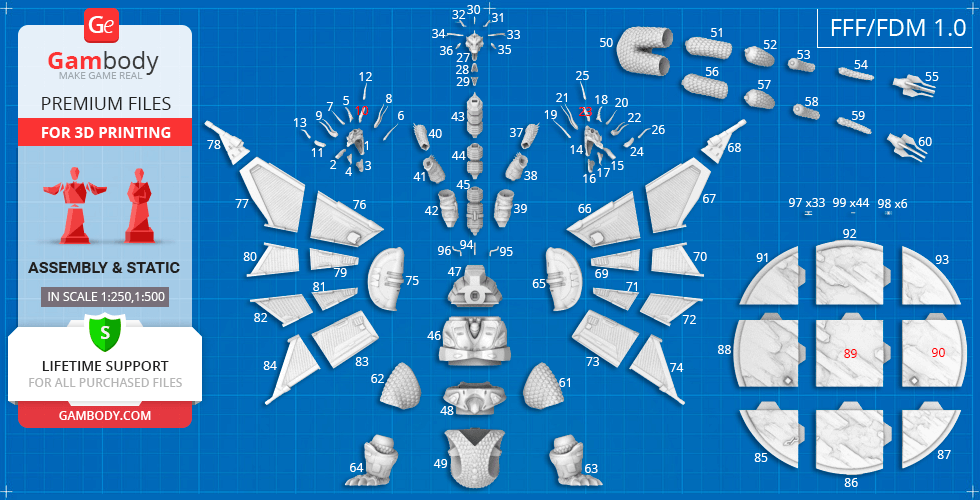
FFF/FDM 1.0 version features:- Contains 99 parts;- A printed model is 529 mm tall, 833 mm wide, 633 mm deep;- Assembly kit includes locks and connecting elements to attach parts without glue. One lock MKG_97_GeLock big needs to be printed 33 times; lock MKG_98_GeLock small needs to be printed 6 times; pin MKG_99_Pin needs to be printed 44 times (pins are designed 3mm in diameter so you can also use pieces of 2.85mm ABS/PLA/PHA filament instead of printing them);- All parts are divided in such a way that you will print them with the smallest number of support structures.
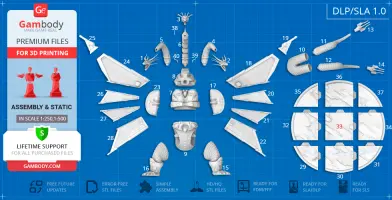
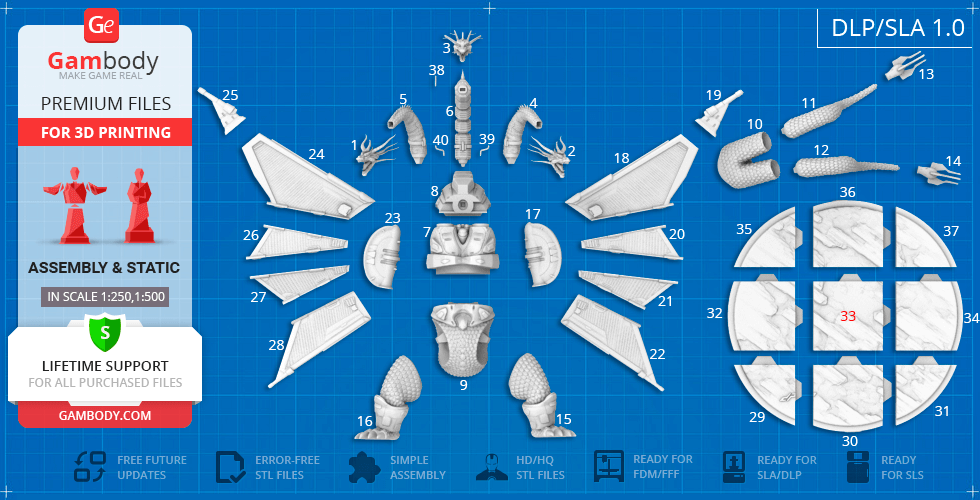
DLP/SLA 1.0 version features:- Contains 40 parts;- A printed model is 265 mm tall, 417 mm wide, 317 mm deep;- All parts are divided in such a way to fit the build plates and to ensure that support structures are generated where needed.
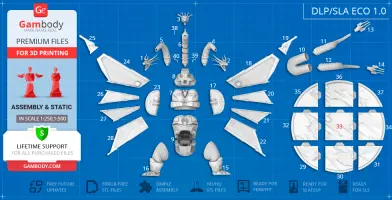
DLP/SLA Eco 1.0 version features:- Contains 40 parts;- A printed model is 265 mm tall, 417 mm wide, 317 mm deep;- Contains some hollowed out parts to save resin.
SLS 1.0 version features:- Made as solid one-piece figurine;- A printed model is 265 mm tall, 417 mm wide, 317 mm deep;- Contains 2 parts - a one-piece figurine with the platform separated.
WHAT WILL YOU GET AFTER PURCHASE?
- STL files of Mecha-King Ghidorah 3D printing figurine which consist of 181 parts;- 4 versions of files for this model for FFF/FDM, DLP/SLA, DLP/SLA Eco and SLS;- High-poly detailed figurine of Mecha-King Ghidorah;- Detailed settings that we provide as a recommendation for Cura , Simplify3D and Slic3r for the best print;- Full technical support from the Gambody Support Team.
You can get Mecha-King Ghidorah 3D printing model immediately after the purchase! Just click the green Buy button in the top-right corner of the model’s page. You can pay with PayPal or your credit card.
Watch the tutorial on how to assemble Mecha-King Ghidorah 3D printing model at Gambody YouTube channel.
Also, you may like other Kaiju Models for 3D Printing.
_______FAQ: Where can I print a model if I have no printer?How to get started with 3D printing?How to set up my 3D printer?How to choose right 3D model print bed positioning? How to paint printed figurine?
Average customer rating (5 reviews)
5
Ratings breakdown
Click a star rating to filter reviews
Overall experience
Level of detail in the model
5
Model cut quality and assembly guide
5
Clarity and accuracy of the model page
5


 Verified purchase
 Level of detail in the model
5
Model cut quality and assembly guide
5
Clarity and accuracy of the model page
5
 This feedback is from a user who hasn't purchased this model
 Level of detail in the model
5
Model cut quality and assembly guide
5
Clarity and accuracy of the model page
5
 This feedback is from a user who hasn't purchased this model
 Level of detail in the model
5
Model cut quality and assembly guide
5
Clarity and accuracy of the model page
5


 3D Artist (Author of this model)
 Level of detail in the model
5
Model cut quality and assembly guide
5
Clarity and accuracy of the model page
5

 This feedback is from a user who hasn't purchased this model
 Level of detail in the model
5
Model cut quality and assembly guide
5
Clarity and accuracy of the model page
5
Below you'll find detailed slicing settings for Bambu Studio 2.0+, Orca Slicer 2.0+, UltiMaker Cura 5.0+, PrusaSlicer 2.0+, Slic3r 1.3+, Simplify3D 5.0+ to help you get the best results when printing this model. These settings are optimized specifically for this 3D model, but please note they may need slight adjustments depending on your printer or filament. When in doubt, refer to your printer's user manual.
To avoid printing issues and achieve the best quality, we highly recommend applying the following settings:
 Bambu Studio 2.0+
 For better quality use 0.12 mm layer height, for fast printing use 0.2 mm layer height. For pins and the Ge connectors, use 0.2 layer height.
120-150% of your Layer Height
But you can paint the seam if you want.
You have to calibrate this parameter
You have to calibrate this parameter
You have to calibrate this parameter
For pins and power elements of the structure, such as the vehicle frame, use 3 loop
Disabled for vehicles and enabled for characters
For 0,2 Layer Height
The parameters in this tab vary greatly, it all depends on the quality of your printer. For example, if you have a classic Ender3, stick to the minimum parameters, but if you have a newer printer, for example Anycubic cobra 3 v2, you can select the maximum recommended values
Settings for advanced users, change these parameters only if you have sufficient 3D printing expertise
Enable this parameter if your model requires supports
We also recommend placing and removing supports manually in some places using special button
1-2 loops for more thick support
Top Z distance = 1-1.3 layer Height. If the supports are hard to remove, try increasing this setting by 0.1-0,4 mm
Bottom Z distance = 1-1.3 layer Height. If the supports are hard to remove, try increasing this setting by 0.1-0,4 mm
You have to calibrate this parameter which one is better for your filament
Increase this parameter if the supports are hard to remove from walls
For PLA and PETG filament types
5-8 mm is optional for small prints that have bad adhesion to the build plate
You have to calibrate this parameter
Read the description on your filament roll
Read the description on your filament roll and increase this parameter for fast printers
Read the description on your filament roll and increase this parameter for fast printers
 Orca Slicer 2.0+
 For better quality use 0.12 mm layer height, for fast printing use 0.2 mm layer height. For pins and the Ge connectors, use 0.2 layer height.
120-150% of your Layer Height
But you can paint the seam if you want.
0.01-0.05 You have to calibrate this parameter
0.01-0.05 You have to calibrate this parameter
0.1-0.2 You have to calibrate this parameter
For pins and power elements of the structure, such as the vehicle frame, use 3 loop
Disabled for vehicles and ships, enabled for characters
For 0,2 Layer Height
For 0,2 Layer Height
The parameters in this tab vary greatly, it all depends on the quality of your printer. For example, if you have a classic Ender3, stick to the minimum parameters, but if you have a newer printer, for example, Anycubic Kobra 3 Or Bambulab A1, you can select the maximum recommended values.
Settings for advanced users, change these parameters only if you have sufficient 3D printing expertise
Enable this parameter if your model requires supports
We also recommend placing and removing supports manually in some places using special button
Top Z distance = 1-1.3 layer Height. If the supports are hard to remove, try increasing this setting by 0.1-0,4 mm
Bottom Z distance = 1-1.3 layer Height. If the supports are hard to remove, try increasing this setting by 0.1-0,4 mm
Increase this parameter if the supports are hard to remove from walls
For PLA and PETG filament types
5-8 mm is optional for small prints that have bad adhesion to the build plate
Read the description on your filament roll
Read the description on your filament roll and increase this parameter for fast printers
You have to calibrate this parameter
Read the description on your filament roll and increase this parameter for fast printers
Read the description on your filament roll
This field is filled in according to your printer specifications when you add it to the slicer.
You can add custom G-code here for the start and end of the print. However, be careful - this is for advanced users only!
You have to calibrate your printer using Ge retraction test models
Retraction Length: For direct-drive setups use 0.5 mm to 2.5 mm; for Bowden extruders use 5 to 7 mm
This is how fast the filament is pulled back—40-60 mm/s for direct drive and 30-50 mm/s for Bowden setups.
You have to calibrate this parameter: Reduce it until the printer starts to hit the parts with the nozzle during printing, then increase it by 0.2.
 UltiMaker Cura 5.0+
 For better quality use 0.12 mm layer height, for fast printing use 0.2 mm layer height. For pins and the Ge connectors, use 0.2 layer height.
120-150% of your Layer Height
To increase the strength of the print parts, use wall line count: 3
For pins and connectors use 50% Infill
These parameters are for standard PLA plastic. If you are using a different type of plastic, check the printing temperature recommended by the manufacturer. Also, read the description on your filament spool. For fast printers, add +30 °C to the current parameters.
The parameters in this tab vary greatly, it all depends on the quality of your printer. For example, if you have a classic Ender3, stick to the minimum parameters, but if you have a newer printer, for example Anycubic cobra 3 v3, you can select the maximum recommended values
Settings for advanced users, change these parameters only if you have sufficient 3D printing expertise.
You need to calibrate this parameter using Gambody test models. These values are average values for a Direct Drive extruder; for a Bowden extruder, the values should be increased.
You need to calibrate this parameter using Gambody test models. These values are average values for a Direct Drive extruder; for a Bowden extruder, the values should be increased.
Use this value other than 0 if your nozzle catches on the internal infill during travel moves. Try to keep this value as low as possible in height.
Use normal supports to support large, straight surfaces (most mechanical or technical parts).
You have to calibrate this parameter according to the capabilities of your printer and your filament, using a Gambody test models.
Use 1 instead of 0 if your supports are thin and tall. They will be harder to remove, but much stronger.
Top Z distance = 1-1.3 layer Height. If the supports are hard to remove, try increasing this setting by 0.1-0,4 mm
Increase this parameter if the supports are hard to remove from walls
Use tree supports to support complex objects, such as characters.
You have to calibrate this parameter according to the capabilities of your printer and your filament, using a Gambody test models.
Top Z distance = 1-1.3 layer Height. If the supports are hard to remove, try increasing this setting by 0.1-0,4 mm
Increase this parameter if the supports are hard to remove from walls
Use a skirt for all parts when printing on outdated printers.
Use a brim when printing thin but tall parts, as well as parts with a small bed adhesion area.
 PrusaSlicer 2.0+
 For better quality use 0.12 mm layer height, for fast printing use 0.2 mm layer height. For pins and the Ge connectors, use 0.2 layer height.
120-150% of your Layer Height
for 0.2 Layer Height
But you can paint the seam if you want.
(for PLA and PETG)
(5-8 mm is optional for small prints that have bad adhesion to the build plate)
Enable this parameter if your model requires supports
(45-50 degree)You have to calibrate this parameter according to the capabilities of your printer
and your filament, using a Gambody test models.
Top contact Z distance = 1-1.3 layer Height. If the supports are hard to remove, try
increasing this setting by 0.1-0,4 mm
Top contact Z distance = 1-1.3 layer Height. If the supports are hard to remove, try
increasing this setting by 0.1-0,4 mm
Increase this parameter if the supports are hard to remove from walls
The parameters in this tab vary greatly, it all depends on the quality of your printer. For example, if you have a classic Ender3, stick to the minimum parameters, but if you have a newer printer, for example Anycubic cobra 3 v3, you can select the maximum recommended values
Settings for advanced users, change these parameters only if you have sufficient 3D printing expertise. Use the minimum value for outdated printers without acceleration calibration, and the maximum value for modern printers if you need it.
These settings only work for 3D printers with multiple extruders
You can try setting all parameters in this section, except the First layer, to values between 0.75% of your nozzle diameter and 1.25% of your nozzle diameter. Adjusting them will help you work out the optimal parameters for the best quality for your print. As for the First layer, you can set it to 150% of the diameter of your nozzle for better adhesion to the build plate (for a nozzle with a diameter of 0.4 mm, the First layer extrusion width can be from 0.3 mm to 0.5 mm)
For better printing quality you have to calibrate this parameter using Gambody test model.
Check your filament manufacturer's temperature recommendations on the spool.
Cooling parameters depends on the material you use for printing.
*for PLA
 Slic3r 1.3+
 For better quality use 0.12 mm layer height, for fast printing use 0.2 mm layer height. For pins and the Ge connectors, use 0.2 layer height.
120-150% of your Layer Height
For 0.12 Layer Height
For 0.12 Layer Height
For pins and connectors use 50% Infill
Use skirt for outdated 3d printers
(5-8 mm is optional for small prints that have bad adhesion to the build plate)
Enable this parameter if your model requires supports
(45-60 degree)You have to calibrate this parameter according to the capabilities of your printer and your filament, using a Gambody test models
Contact Z distance = 1-1.3 layer Height. If the supports are hard to remove, try increasing this setting by 0.1-0,4 mm
The parameters in this tab vary greatly, it all depends on the quality of your printer. For example, if you have a classic Ender3, stick to the minimum parameters, but if you have a newer printer, for example Anycubic cobra 3 v3, you can select the maximum recommended values
Settings for advanced users, change these parameters only if you have sufficient 3D printing expertise. Use the minimum value for outdated printers without acceleration calibration, and the maximum value for modern printers if you need it.
You have to calibrate this parameter from 0.9 to 1.1 according to the capabilities of your printer and your filament, using a Gambody test models.
Check your filament manufacturer's temperature recommendations on the spool.
Cooling parameters depends on the material you use for printing.
Calibrate this value if you need to reduce or improve the adhesion between the plastic and the heat bed
Your current nozzle diameter
You need to calibrate this parameter using Gambody test models. These values are average values for a Direct Drive extruder; for a Bowden extruder, the values should be increased.
 Simplify3D 5.0+
 Your current nozzle diameter
You have to calibrate this parameter using Gambody test models.
You need to calibrate this parameter using Gambody test models. These values are average values for a Direct Drive extruder; for a Bowden extruder, the values should be increased.
For better quality use 0.12 mm layer height, for fast printing use 0.2 mm layer height. For pins and the Ge connectors, use 0.2 layer height.
For 0,2 Layer Height
For 0,2 Layer Height
To increase the strength of the print parts, use Outline Perimeters: 3
You can enable this parameter to print rounded or spherical models, as well as character models.
Use this option only if your parts are too tight. but better calibrate your printer extrusion
Use this option only if your parts are too tight. but better calibrate your printer extrusion
Use 2 and more if you want to create skirt instead brim
1-2 for skirt and 10-20 for brim
Use for wipe nozzle if you need
Use For ABS filament
For pins and connectors use 50% Infill
Top Z distance = 1-1.3 layer Height. If the supports are hard to remove, try increasing this setting by 0.1-0,4 mm
Calibrate your filament and detect optimal temperature for it
Average temperature for PLA filament
The parameters in this tab vary greatly, it all depends on the quality of your printer. For example, if you have a classic Ender3, stick to the minimum parameters, but if you have a newer printer, for example Anycubic cobra 3 v3, you can select the maximum recommended values
Settings for advanced users, change these parameters only if you have sufficient 3D printing expertise.