Community (fb)

 ua
ua 



















Files
3D model format
Stereolithography (.stl)
Total files

Slicer settings
Mesh error check
Netfabb
Support
Lifetime support from Gambody team
Update requests
Available to verified buyers
Model complexity
Standard: balanced printing difficulty and moderate part count with assembly steps.
Model versions
FFF/FDM
Assembly method
Connectors, Glue, Filament pieces
Features
- This version is updated with a pilot figure and an adapted cockpit design.
- Includes two pilot display options: 3D print the pilot figure independently or merged as a single piece with the seat.
- Features an articulated "S-foils" wing mechanism operated by turning the astromech droid's head.
- Two astromech droids included: R2-D2 or R4.
- Opening canopy design on a hinge with solid or frame options.
- Display options include open/closed landing gear covers or mounting on a display platform.
- Hollowed internal sections for LED wiring and battery housing in the nose.
- The assembly parts are connected using specially designed integrated connectors that fit securely into the corresponding slots. Optionally, for added strength and rigidity, the static connections can be glued together.
- The assembly of an articulated canopy requires an additional "pin" that can be made out of a short piece of regular 1.75 mm filament.
- Version 3.1 file update: Requires printing files 07, 67, and 68.
DLP/SLA
Eco parts
Assembly method
Connectors, Glue, Paper Clip
Features
- This version is updated with a pilot figure and specialized cockpit components for high-detail printing.
- Offers a standalone pilot figure or a merged pilot-and-seat option.
- Features a modular cockpit setup with separate seat and flight controls for a more convenient painting process.
- Includes a cockpit canopy version with frames designed for transparent glass inserts, available on a hinge or static.
- Features an articulated wing mechanism, interchangeable R2-D2/R4 droids, and landing gear/stand display options.
- Hollowed interior sections for LED lighting installation.
- The assembly parts are connected using specially designed integrated connectors that fit securely into the corresponding slots. Optionally, for added strength and rigidity, the static connections can be glued together.
- The assembly of an articulated canopy requires an additional "pin" that can be made out of a short piece of a regular paperclip.
- Version 3.1 file update: Requires printing files 46-50.
FFF/FDM
Assembly method
Connectors, Filament pieces
Features
- The assembly parts are connected using specially designed integrated connectors that fit securely into the corresponding slots. Optionally, for added strength and rigidity, the static connections can be glued together.
- The assembly of an articulated canopy requires an additional "pin" that can be made out of a short piece of regular 1.75mm filament.
DLP/SLA
Eco parts
Assembly method
Connectors, Paper Clip
Features
- The assembly parts are connected using specially designed integrated connectors that fit securely into the corresponding slots. Optionally, for added strength and rigidity, the static connections can be glued together.
- The assembly of an articulated canopy requires an additional "pin" that can be made out of a short piece of a regular paperclip.
FFF/FDM
Assembly method
Connectors
Features
- Outdated version of the T-65B X-Wing 3D printing model released in 2018.
- The version's scale was calculated from the 12500 mm length of the craft.
- The assembly parts are connected using specially designed integrated connectors that fit securely into the corresponding slots. Optionally, for added strength and rigidity, the static connections can be glued together.
FFF/FDM
Assembly method
Connectors
Features
- Outdated version of the T-65B X-Wing 3D printing model released in 2017.
- The version's scale was calculated from the 12500 mm length of the craft.
- The assembly parts are connected using specially designed integrated connectors that fit securely into the corresponding slots. Optionally, for added strength and rigidity, the static connections can be glued together.
FFF/FDM
Assembly method
Connectors
Features
- Outdated version of the T-65B X-Wing 3D printing model released in 2016.
- The versions' scale was calculated from the 12500 mm length of the craft.
- The assembly parts are connected using specially designed integrated connectors that fit securely into the corresponding slots. Optionally, for added strength and rigidity, the static connections can be glued together.
Additional details
Part of diorama
No
Special pack included
No
You will get instant access to the STL files of T-65B X-Wing 3D Printer Files | Assembly after completing your purchase. Simply add the model to your cart and check out using PayPal, credit or debit card, Apple Pay, Google Pay, Alipay, or other available payment methods.
Watch the assembly video for T-65B X-Wing 3D Printer Files | Assembly, and explore more tutorials, behind-the-scenes content, 3D printing timelapses, and painting guides on the official Gambody YouTube channel.
This 3D model comes with StereoLithography (.STL) files optimized for 3D printing. You'll get digital files, not a physical product
Before printing, take a look at Printing Details for recommended settings and tips to achieve better results.
T-65B X-Wing 3D Printer Files | Assembly includes 2 version(s) for the supported 3D printer type(s): FFF/FDM, DLP/SLA. Files are available for download after purchase.
See the Description and Specifications sections for more details about this model.
| File name | Size (mm | in) | Size(mb) | Printing Time / Filament | |||
|---|---|---|---|---|---|---|
 | Tag (repaired).stl 150.15 x 18.16 x 4.59 mm | 5.91 x 0.71 x 0.18 in | Size: 150.15 x 18.16 x 4.59 mm | 5.91 x 0.71 x 0.18 in | File size: 1.78 mb | Printing Time / Filament: 1 h 18 min / 1 m | ||
 | Keychain (repaired).stl 29.68 x 29.69 x 2.42 mm | 1.17 x 1.17 x 0.1 in | Size: 29.68 x 29.69 x 2.42 mm | 1.17 x 1.17 x 0.1 in | File size: 0.37 mb | Printing Time / Filament: 23 min / <1 m | ||
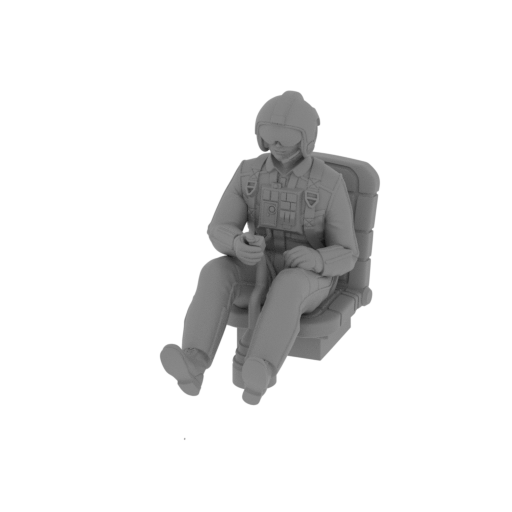 | _70_pilot_with_seat_FDM (repaired).stl 16.9 x 45.58 x 31.25 mm | 0.67 x 1.79 x 1.23 in | Size: 16.9 x 45.58 x 31.25 mm | 0.67 x 1.79 x 1.23 in | File size: 55.86 mb | Printing Time / Filament: 1 h 18 min / 1 m | ||
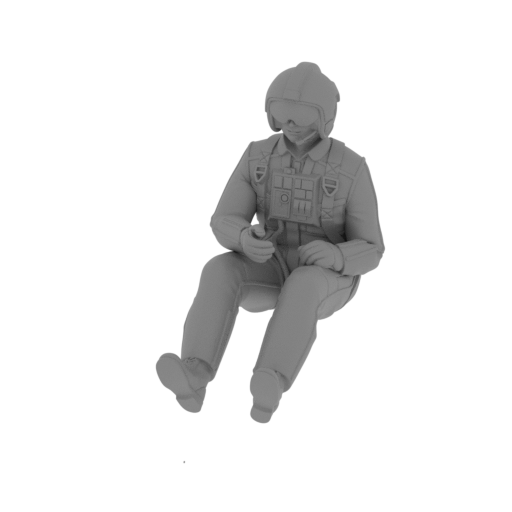 | _69_pilot_FDM_(repaired).stl 16.9 x 39.65 x 29.65 mm | 0.67 x 1.56 x 1.17 in | Size: 16.9 x 39.65 x 29.65 mm | 0.67 x 1.56 x 1.17 in | File size: 52.94 mb | Printing Time / Filament: 56 min / <1 m | ||
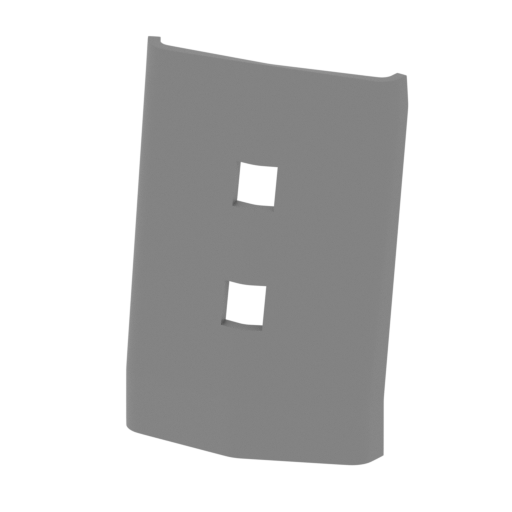 | _68_platform_3_FDM (repaired).stl 46.39 x 21.91 x 65.41 mm | 1.83 x 0.86 x 2.58 in | Size: 46.39 x 21.91 x 65.41 mm | 1.83 x 0.86 x 2.58 in | File size: 0.94 mb | Printing Time / Filament: 1 h 45 min / 1 m | ||
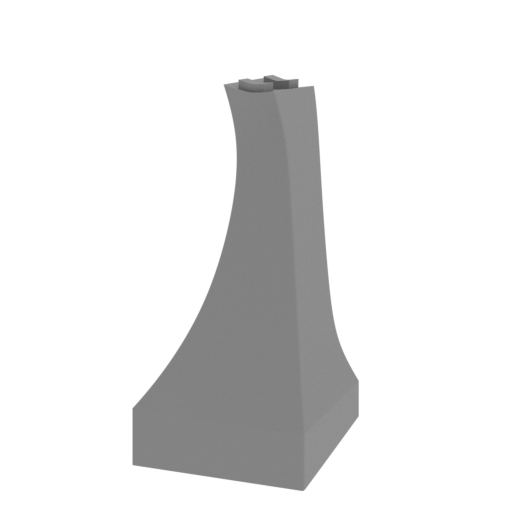 | _67_platform_2_FDM (repaired).stl 47.71 x 57.52 x 102.6 mm | 1.88 x 2.26 x 4.04 in | Size: 47.71 x 57.52 x 102.6 mm | 1.88 x 2.26 x 4.04 in | File size: 2.69 mb | Printing Time / Filament: 6 h 20 min / 4 m | ||
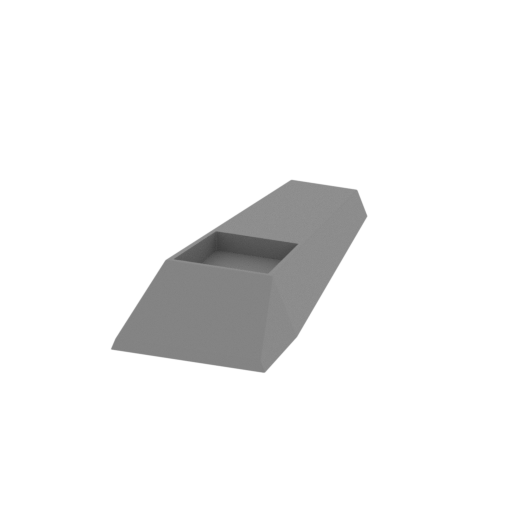 | _66_platform_1_FDM (repaired).stl 78.1 x 187.17 x 30.4 mm | 3.07 x 7.37 x 1.2 in | Size: 78.1 x 187.17 x 30.4 mm | 3.07 x 7.37 x 1.2 in | File size: 0.80 mb | Printing Time / Filament: 15 h 32 min / 9 m | ||
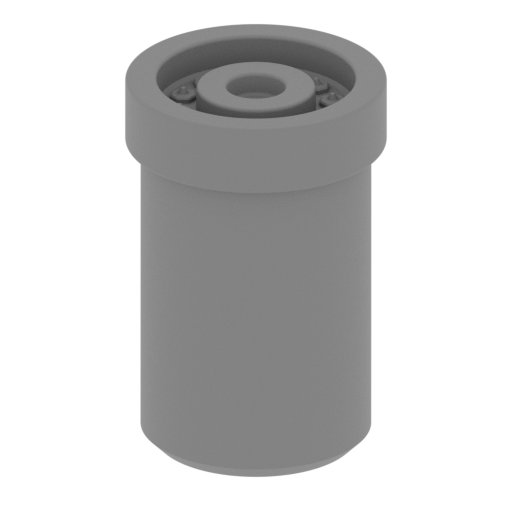 | _65_laser_d_bot_L_FDM (repaired).stl 10.17 x 10.17 x 15.32 mm | 0.4 x 0.4 x 0.6 in | Size: 10.17 x 10.17 x 15.32 mm | 0.4 x 0.4 x 0.6 in | File size: 1.34 mb | Printing Time / Filament: 16 min / <1 m | ||
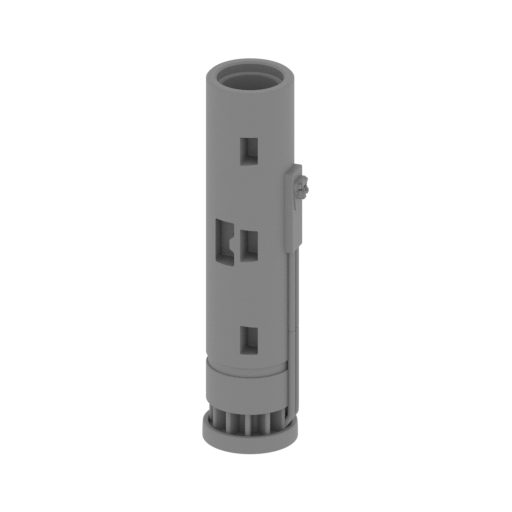 | _64_laser_c_bot_L_FDM (repaired).stl 16.83 x 14.89 x 61.4 mm | 0.66 x 0.59 x 2.42 in | Size: 16.83 x 14.89 x 61.4 mm | 0.66 x 0.59 x 2.42 in | File size: 2.84 mb | Printing Time / Filament: 1 h 44 min / 1 m | ||
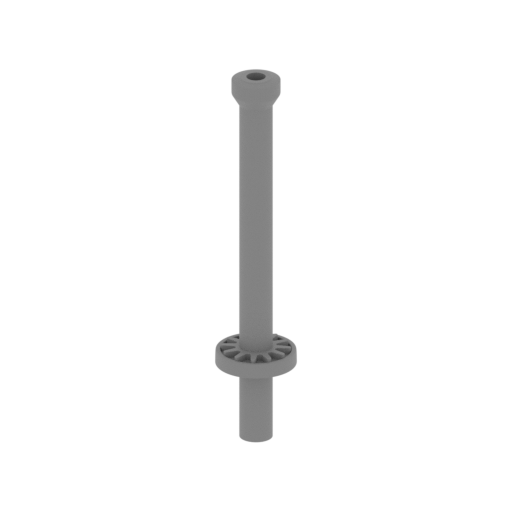 | _63_laser_b_bot_L_FDM (repaired).stl 14.89 x 14.89 x 71.9 mm | 0.59 x 0.59 x 2.83 in | Size: 14.89 x 14.89 x 71.9 mm | 0.59 x 0.59 x 2.83 in | File size: 2.07 mb | Printing Time / Filament: 1 h 2 min / <1 m | ||
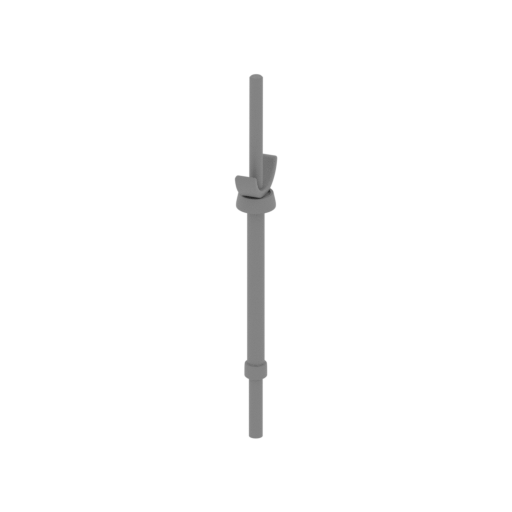 | _62_laser_a_bot_L_FDM (repaired).stl 9.74 x 16.18 x 96.16 mm | 0.38 x 0.64 x 3.79 in | Size: 9.74 x 16.18 x 96.16 mm | 0.38 x 0.64 x 3.79 in | File size: 2.21 mb | Printing Time / Filament: 1 h 25 min / 1 m | ||
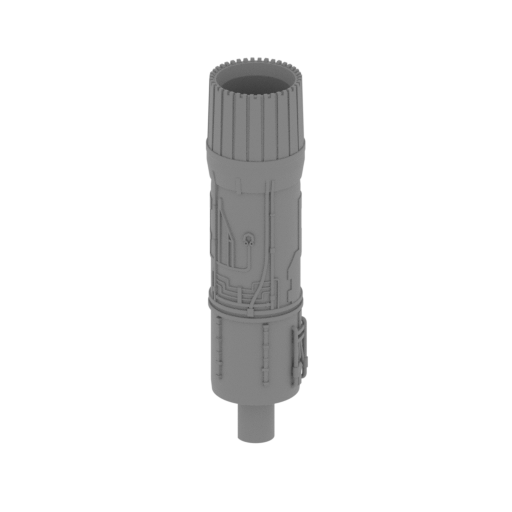 Updated Updated | _61_turbine_b_bot_L_FDM (repaired).stl 20.02 x 19.89 x 78.81 mm | 0.79 x 0.78 x 3.1 in | Size: 20.02 x 19.89 x 78.81 mm | 0.79 x 0.78 x 3.1 in | File size: 7.38 mb | Printing Time / Filament: 2 h 37 min / 1 m | ||
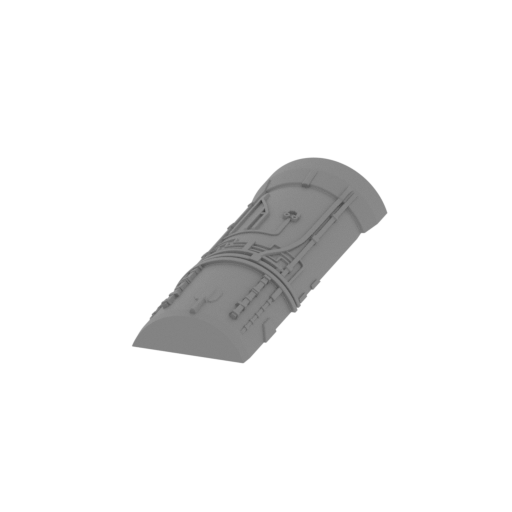 | _60_turbine_a_bot_L_FDM (repaired).stl 19.62 x 57.09 x 7.26 mm | 0.77 x 2.25 x 0.29 in | Size: 19.62 x 57.09 x 7.26 mm | 0.77 x 2.25 x 0.29 in | File size: 2.54 mb | Printing Time / Filament: 49 min / <1 m | ||
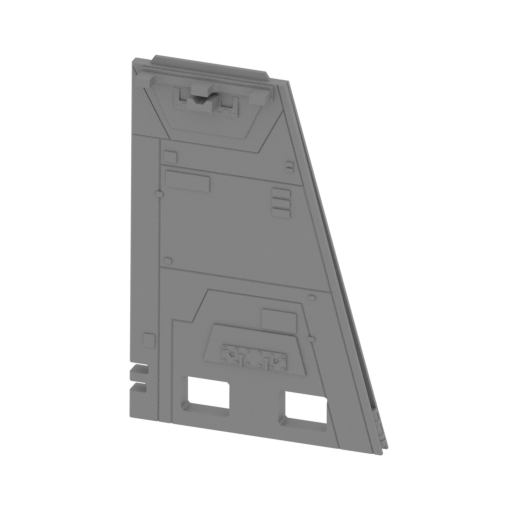 | _59_wing_b_bot_L_FDM (repaired).stl 71.95 x 10.06 x 104.88 mm | 2.83 x 0.4 x 4.13 in | Size: 71.95 x 10.06 x 104.88 mm | 2.83 x 0.4 x 4.13 in | File size: 2.48 mb | Printing Time / Filament: 5 h 48 min / 3 m | ||
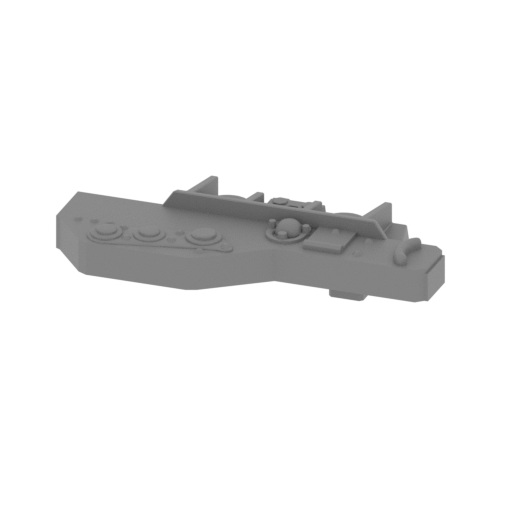 | _58_2_wing_a_bot_L_FDM (repaired).stl 26.55 x 12.79 x 6.77 mm | 1.05 x 0.5 x 0.27 in | Size: 26.55 x 12.79 x 6.77 mm | 1.05 x 0.5 x 0.27 in | File size: 1.09 mb | Printing Time / Filament: 16 min / <1 m | ||
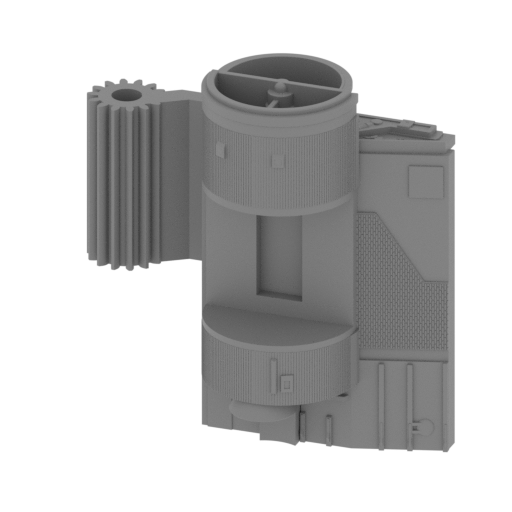 Updated Updated | _58_1_wing_a_bot_L_FDM (repaired).stl 77.65 x 33.98 x 78.95 mm | 3.06 x 1.34 x 3.11 in | Size: 77.65 x 33.98 x 78.95 mm | 3.06 x 1.34 x 3.11 in | File size: 5.92 mb | Printing Time / Filament: 10 h 23 min / 6 m | ||
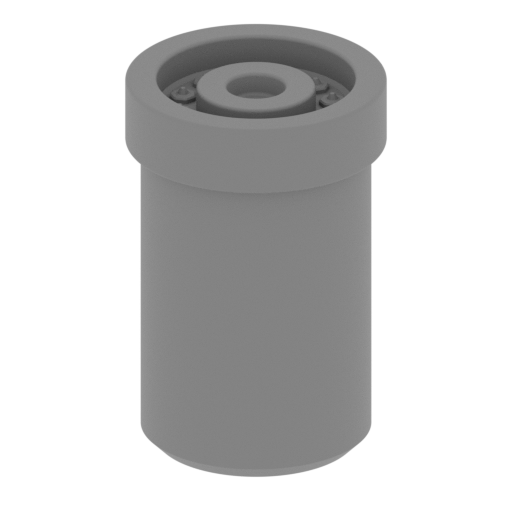 | _57_laser_d_top_L_FDM (repaired).stl 10.17 x 10.17 x 15.32 mm | 0.4 x 0.4 x 0.6 in | Size: 10.17 x 10.17 x 15.32 mm | 0.4 x 0.4 x 0.6 in | File size: 1.34 mb | Printing Time / Filament: 16 min / <1 m | ||
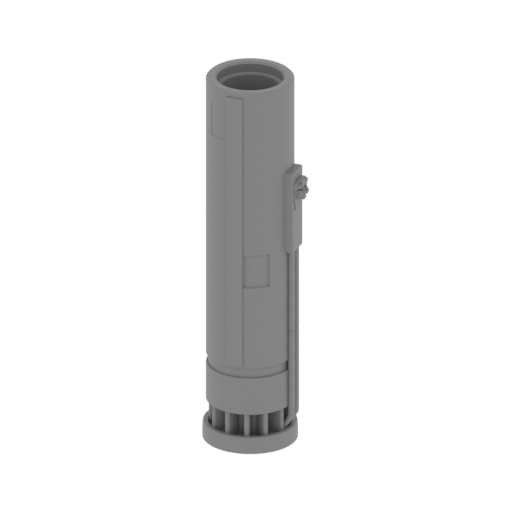 | _56_laser_c_top_L_FDM (repaired).stl 16.83 x 14.89 x 61.4 mm | 0.66 x 0.59 x 2.42 in | Size: 16.83 x 14.89 x 61.4 mm | 0.66 x 0.59 x 2.42 in | File size: 2.84 mb | Printing Time / Filament: 1 h 44 min / 1 m | ||
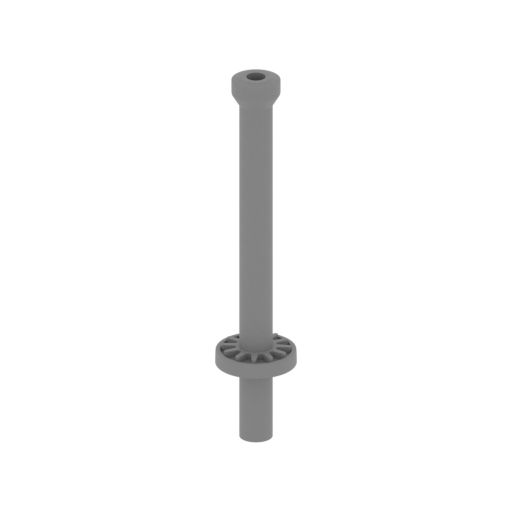 | _55_laser_b_top_L_FDM (repaired).stl 14.89 x 14.89 x 71.9 mm | 0.59 x 0.59 x 2.83 in | Size: 14.89 x 14.89 x 71.9 mm | 0.59 x 0.59 x 2.83 in | File size: 2.07 mb | Printing Time / Filament: 1 h 3 min / <1 m | ||
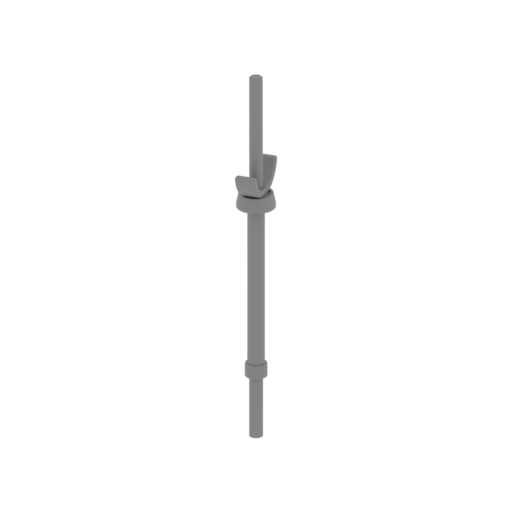 | _54_laser_a_top_L_FDM (repaired).stl 9.74 x 16.18 x 96.16 mm | 0.38 x 0.64 x 3.79 in | Size: 9.74 x 16.18 x 96.16 mm | 0.38 x 0.64 x 3.79 in | File size: 2.21 mb | Printing Time / Filament: 1 h 25 min / 1 m | ||
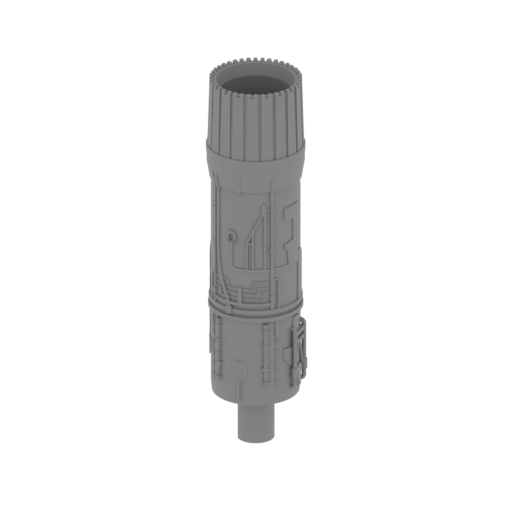 Updated Updated | _53_turbine_b_top_L_FDM (repaired).stl 20.02 x 19.89 x 78.81 mm | 0.79 x 0.78 x 3.1 in | Size: 20.02 x 19.89 x 78.81 mm | 0.79 x 0.78 x 3.1 in | File size: 7.38 mb | Printing Time / Filament: 2 h 38 min / 1 m | ||
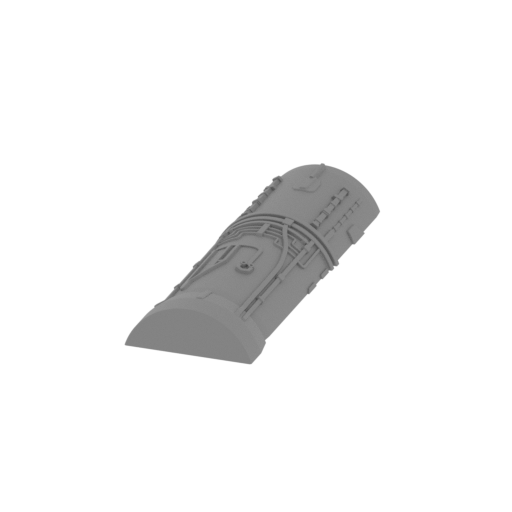 | _52_turbine_a_top_L_FDM (repaired).stl 19.62 x 57.09 x 7.26 mm | 0.77 x 2.25 x 0.29 in | Size: 19.62 x 57.09 x 7.26 mm | 0.77 x 2.25 x 0.29 in | File size: 2.54 mb | Printing Time / Filament: 48 min / <1 m | ||
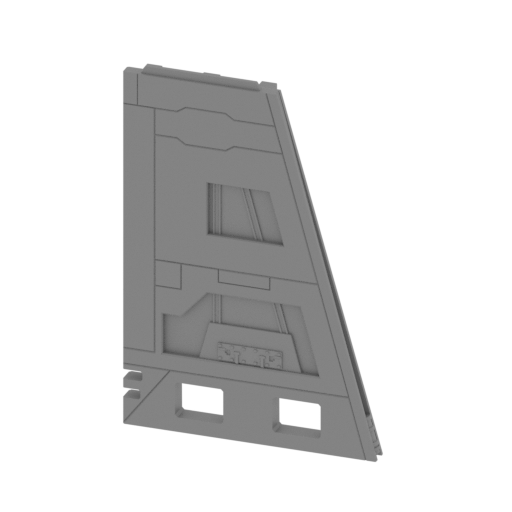 | _51_wing_b_top_L_FDM (repaired).stl 71.95 x 10.06 x 104.88 mm | 2.83 x 0.4 x 4.13 in | Size: 71.95 x 10.06 x 104.88 mm | 2.83 x 0.4 x 4.13 in | File size: 2.48 mb | Printing Time / Filament: 5 h 48 min / 3 m | ||
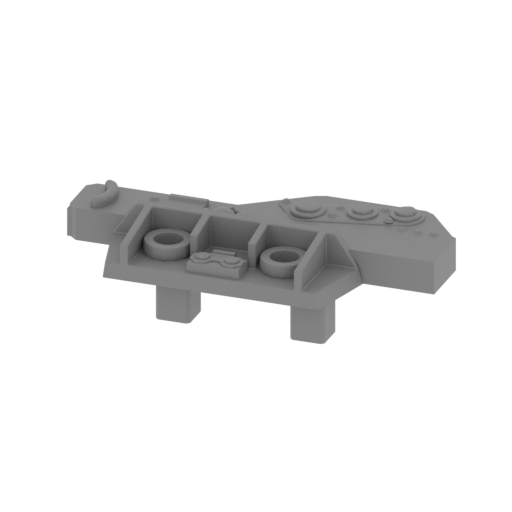 | _50_2_wing_a_top_L_FDM (repaired).stl 26.55 x 12.79 x 6.77 mm | 1.05 x 0.5 x 0.27 in | Size: 26.55 x 12.79 x 6.77 mm | 1.05 x 0.5 x 0.27 in | File size: 1.09 mb | Printing Time / Filament: 16 min / <1 m | ||
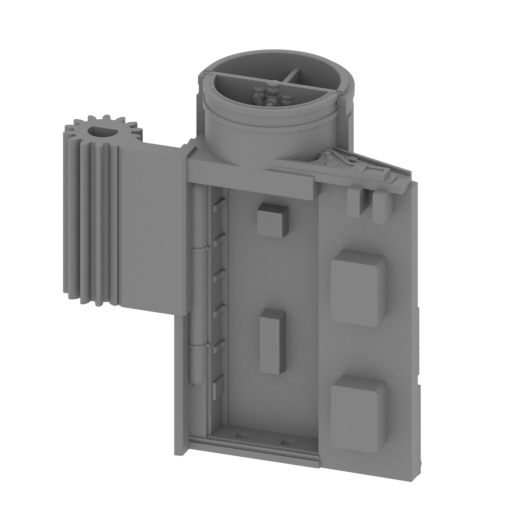 Updated Updated | _50_1_wing_a_top_L_FDM (repaired).stl 74.79 x 33.87 x 78.95 mm | 2.94 x 1.33 x 3.11 in | Size: 74.79 x 33.87 x 78.95 mm | 2.94 x 1.33 x 3.11 in | File size: 5.92 mb | Printing Time / Filament: 10 h 22 min / 6 m | ||
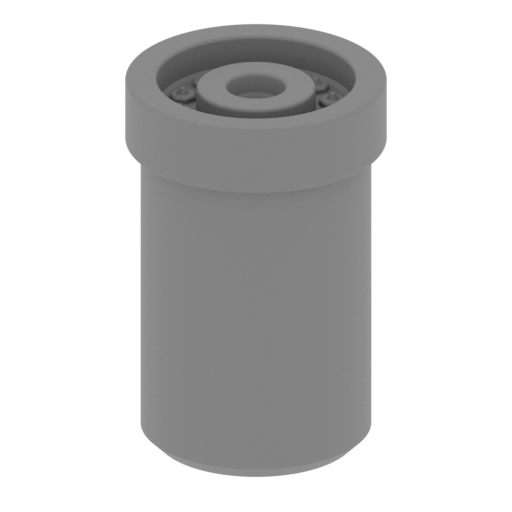 | _49_laser_d_bot_R_FDM (repaired).stl 10.17 x 10.17 x 15.32 mm | 0.4 x 0.4 x 0.6 in | Size: 10.17 x 10.17 x 15.32 mm | 0.4 x 0.4 x 0.6 in | File size: 1.34 mb | Printing Time / Filament: 17 min / <1 m | ||
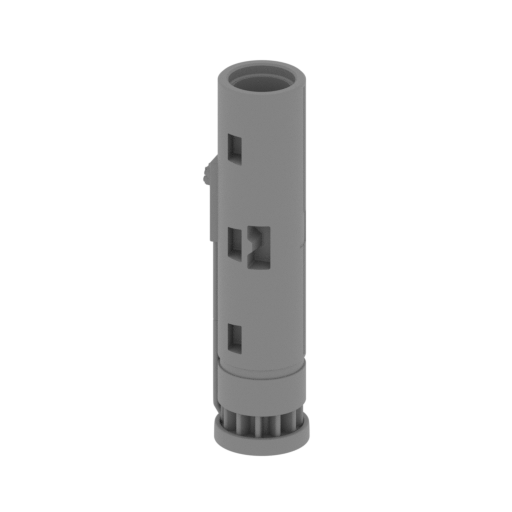 | _48_laser_c_bot_R_FDM (repaired).stl 16.83 x 14.89 x 61.4 mm | 0.66 x 0.59 x 2.42 in | Size: 16.83 x 14.89 x 61.4 mm | 0.66 x 0.59 x 2.42 in | File size: 2.85 mb | Printing Time / Filament: 1 h 45 min / 1 m | ||
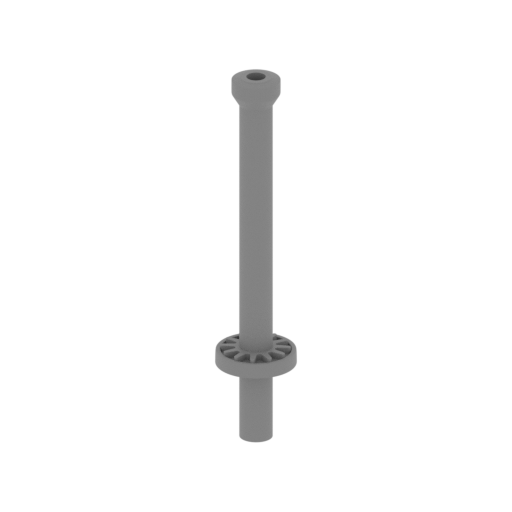 | _47_laser_b_bot_R_FDM (repaired).stl 14.89 x 14.89 x 71.9 mm | 0.59 x 0.59 x 2.83 in | Size: 14.89 x 14.89 x 71.9 mm | 0.59 x 0.59 x 2.83 in | File size: 2.07 mb | Printing Time / Filament: 1 h 2 min / <1 m | ||
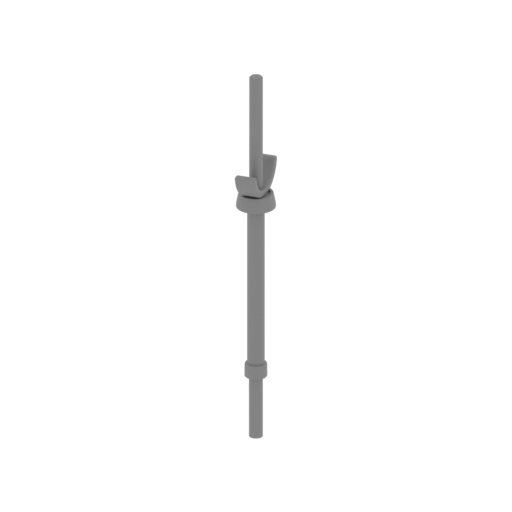 | _46_laser_a_bot_R_FDM (repaired).stl 9.74 x 16.18 x 96.16 mm | 0.38 x 0.64 x 3.79 in | Size: 9.74 x 16.18 x 96.16 mm | 0.38 x 0.64 x 3.79 in | File size: 2.21 mb | Printing Time / Filament: 1 h 25 min / 1 m | ||
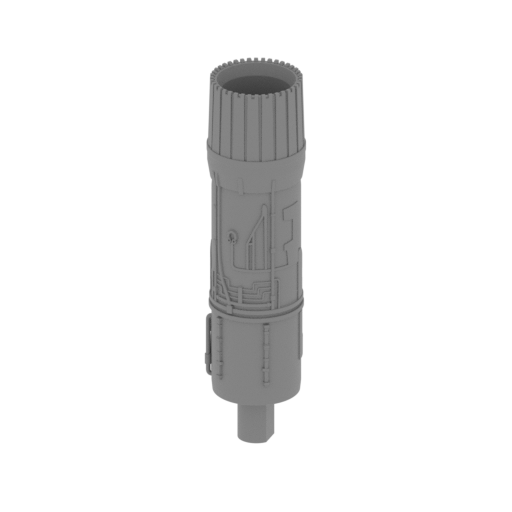 Updated Updated | _45_turbine_b_bot_R_FDM (repaired).stl 20.02 x 19.89 x 78.81 mm | 0.79 x 0.78 x 3.1 in | Size: 20.02 x 19.89 x 78.81 mm | 0.79 x 0.78 x 3.1 in | File size: 7.38 mb | Printing Time / Filament: 2 h 31 min / 1 m | ||
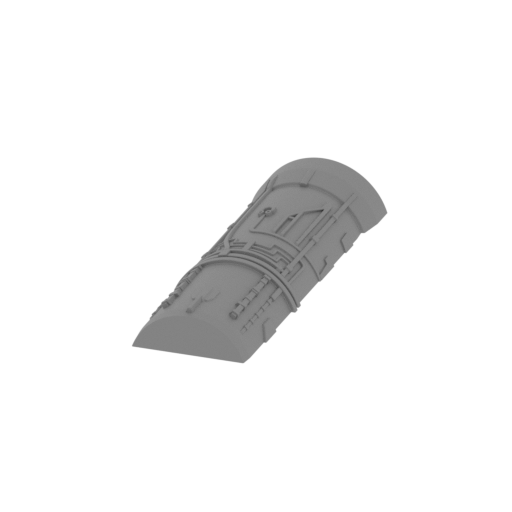 | _44_turbine_a_bot_R_FDM (repaired).stl 19.62 x 57.09 x 7.26 mm | 0.77 x 2.25 x 0.29 in | Size: 19.62 x 57.09 x 7.26 mm | 0.77 x 2.25 x 0.29 in | File size: 2.55 mb | Printing Time / Filament: 49 min / <1 m | ||
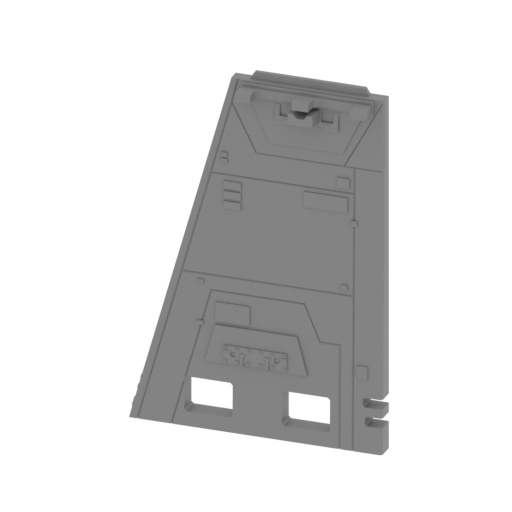 | _43_wing_b_bot_R_FDM (repaired).stl 71.95 x 10.06 x 104.88 mm | 2.83 x 0.4 x 4.13 in | Size: 71.95 x 10.06 x 104.88 mm | 2.83 x 0.4 x 4.13 in | File size: 2.48 mb | Printing Time / Filament: 5 h 41 min / 3 m | ||
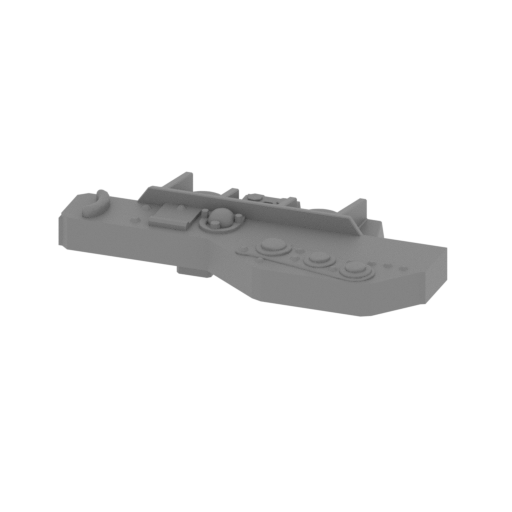 | _42_2_wing_a_bot_R_FDM (repaired).stl 26.55 x 12.79 x 6.77 mm | 1.05 x 0.5 x 0.27 in | Size: 26.55 x 12.79 x 6.77 mm | 1.05 x 0.5 x 0.27 in | File size: 1.09 mb | Printing Time / Filament: 16 min / <1 m | ||
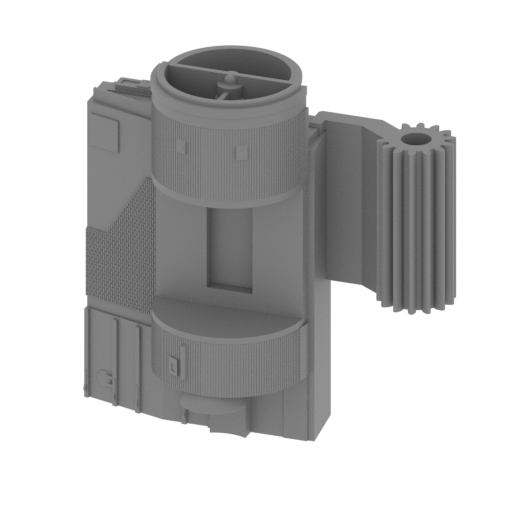 Updated Updated | _42_1_wing_a_bot_R_FDM (repaired).stl 77.79 x 33.84 x 78.95 mm | 3.06 x 1.33 x 3.11 in | Size: 77.79 x 33.84 x 78.95 mm | 3.06 x 1.33 x 3.11 in | File size: 5.93 mb | Printing Time / Filament: 10 h 13 min / 6 m | ||
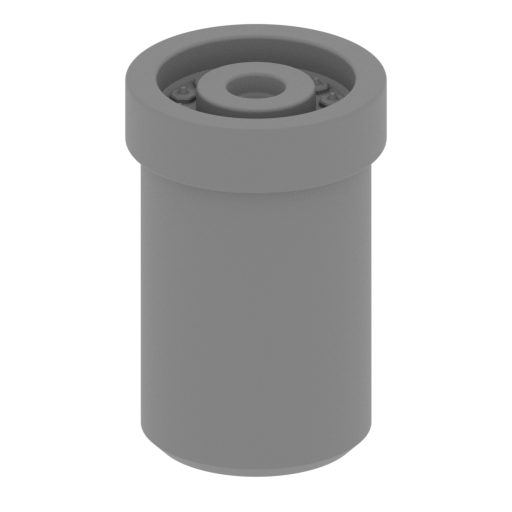 | _41_laser_d_top_R_FDM (repaired).stl 10.17 x 10.17 x 15.32 mm | 0.4 x 0.4 x 0.6 in | Size: 10.17 x 10.17 x 15.32 mm | 0.4 x 0.4 x 0.6 in | File size: 1.34 mb | Printing Time / Filament: 17 min / <1 m | ||
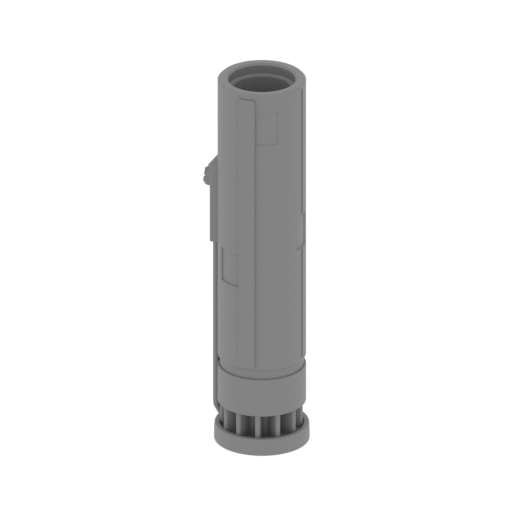 | _40_laser_c_top_R_FDM (repaired).stl 16.83 x 14.89 x 61.4 mm | 0.66 x 0.59 x 2.42 in | Size: 16.83 x 14.89 x 61.4 mm | 0.66 x 0.59 x 2.42 in | File size: 2.85 mb | Printing Time / Filament: 1 h 42 min / 1 m | ||
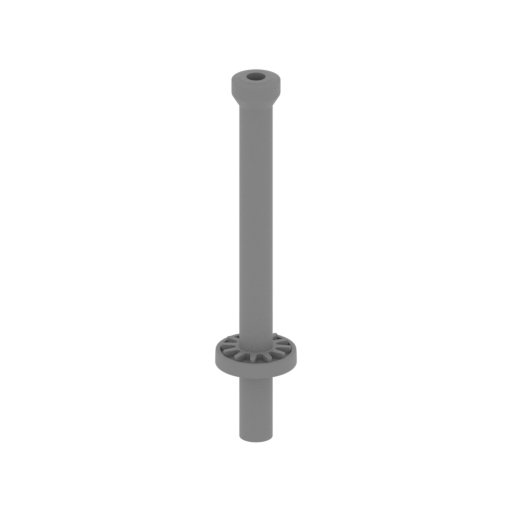 | _39_laser_b_top_R_FDM (repaired).stl 14.89 x 14.89 x 71.9 mm | 0.59 x 0.59 x 2.83 in | Size: 14.89 x 14.89 x 71.9 mm | 0.59 x 0.59 x 2.83 in | File size: 2.07 mb | Printing Time / Filament: 1 h 2 min / <1 m | ||
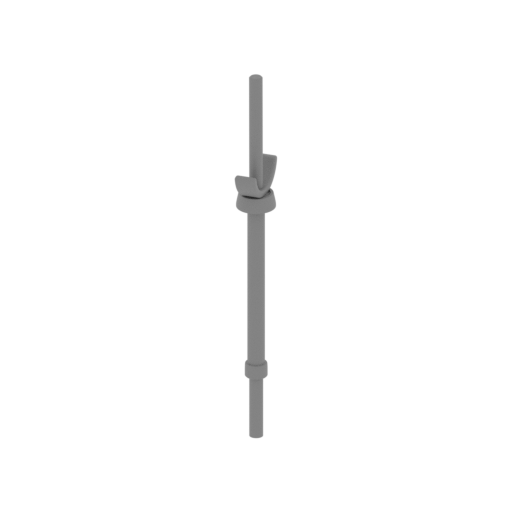 | _38_laser_a_top_R_FDM (repaired).stl 9.74 x 16.18 x 96.16 mm | 0.38 x 0.64 x 3.79 in | Size: 9.74 x 16.18 x 96.16 mm | 0.38 x 0.64 x 3.79 in | File size: 2.21 mb | Printing Time / Filament: 1 h 27 min / 1 m | ||
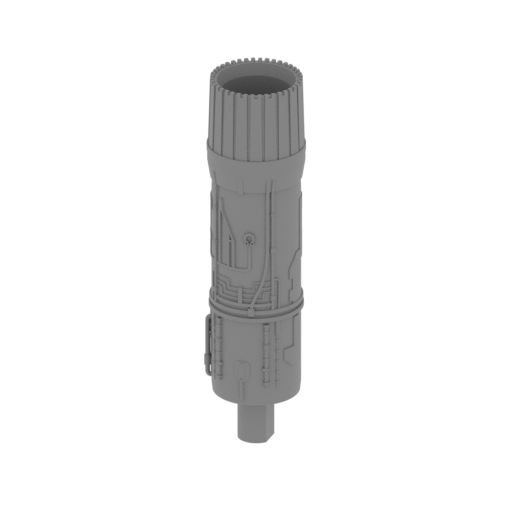 Updated Updated | _37_turbine_b_top_R_FDM (repaired).stl 20.02 x 19.89 x 78.81 mm | 0.79 x 0.78 x 3.1 in | Size: 20.02 x 19.89 x 78.81 mm | 0.79 x 0.78 x 3.1 in | File size: 7.34 mb | Printing Time / Filament: 2 h 32 min / 1 m | ||
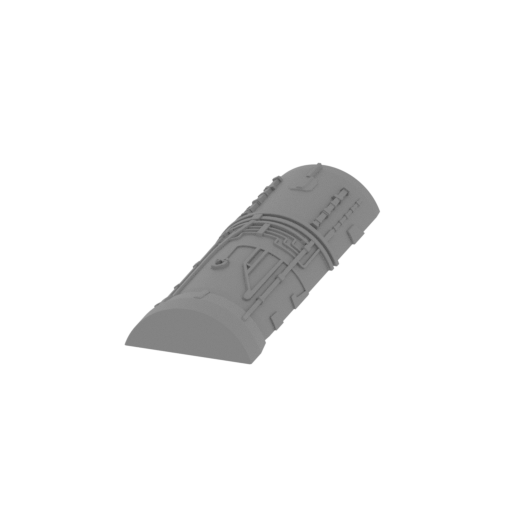 | _36_turbine_a_top_R_FDM (repaired).stl 19.62 x 57.09 x 7.26 mm | 0.77 x 2.25 x 0.29 in | Size: 19.62 x 57.09 x 7.26 mm | 0.77 x 2.25 x 0.29 in | File size: 2.55 mb | Printing Time / Filament: 48 min / <1 m | ||
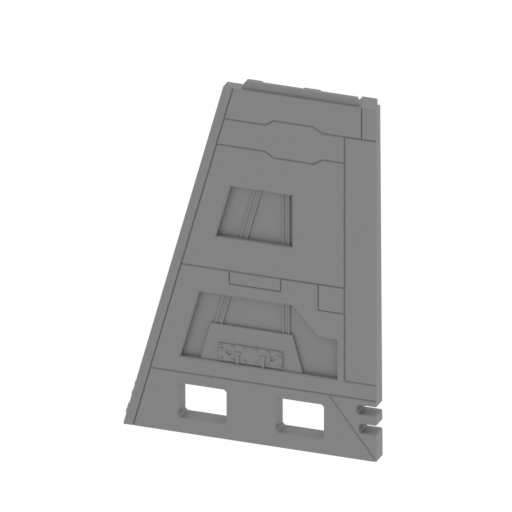 | _35_wing_b_top_R_FDM (repaired).stl 71.95 x 10.06 x 104.88 mm | 2.83 x 0.4 x 4.13 in | Size: 71.95 x 10.06 x 104.88 mm | 2.83 x 0.4 x 4.13 in | File size: 2.48 mb | Printing Time / Filament: 5 h 42 min / 3 m | ||
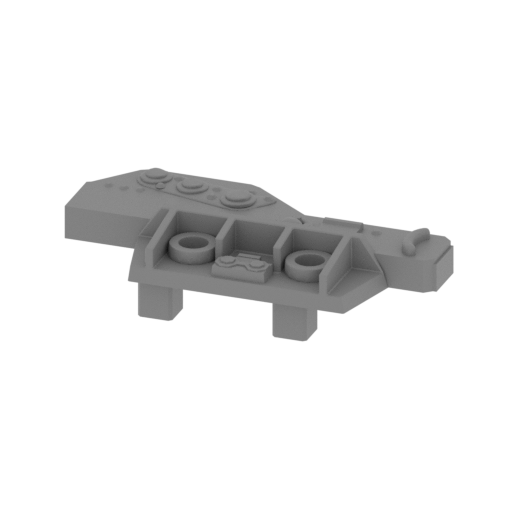 | _34_2_wing_a_top_R_FDM (repaired).stl 26.55 x 12.79 x 6.77 mm | 1.05 x 0.5 x 0.27 in | Size: 26.55 x 12.79 x 6.77 mm | 1.05 x 0.5 x 0.27 in | File size: 1.09 mb | Printing Time / Filament: 16 min / <1 m | ||
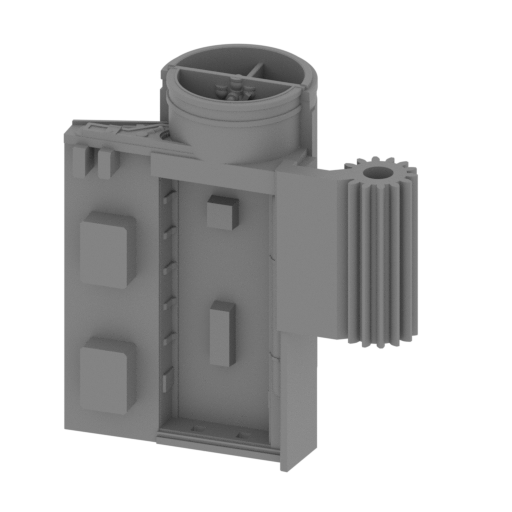 Updated Updated | _34_1_wing_a_top_R_FDM (repaired).stl 74.67 x 33.98 x 78.95 mm | 2.94 x 1.34 x 3.11 in | Size: 74.67 x 33.98 x 78.95 mm | 2.94 x 1.34 x 3.11 in | File size: 5.93 mb | Printing Time / Filament: 10 h 12 min / 6 m | ||
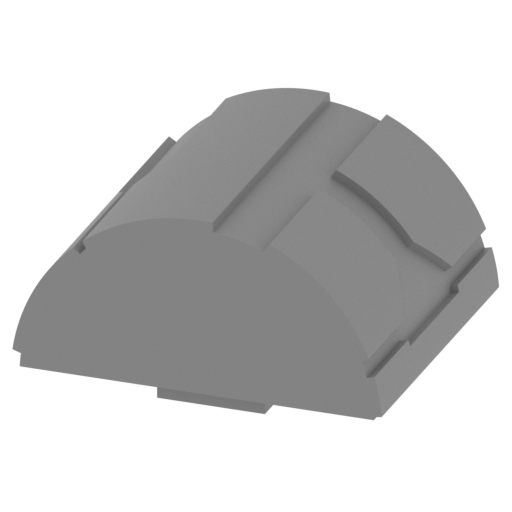 | _33_wing_chassis_cap_L_FDM (repaired).stl 32.8 x 28.28 x 18.52 mm | 1.29 x 1.11 x 0.73 in | Size: 32.8 x 28.28 x 18.52 mm | 1.29 x 1.11 x 0.73 in | File size: 0.28 mb | Printing Time / Filament: 1 h 19 min / 1 m | ||
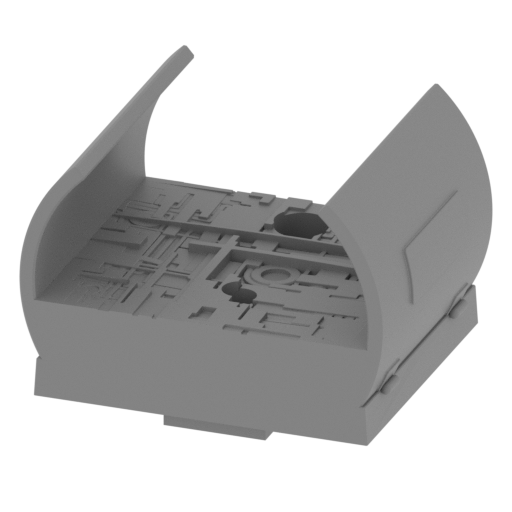 | _32_wing_chassis_b_L_FDM (repaired).stl 34.76 x 28.24 x 25.28 mm | 1.37 x 1.11 x 1 in | Size: 34.76 x 28.24 x 25.28 mm | 1.37 x 1.11 x 1 in | File size: 5.06 mb | Printing Time / Filament: 1 h 37 min / 1 m | ||
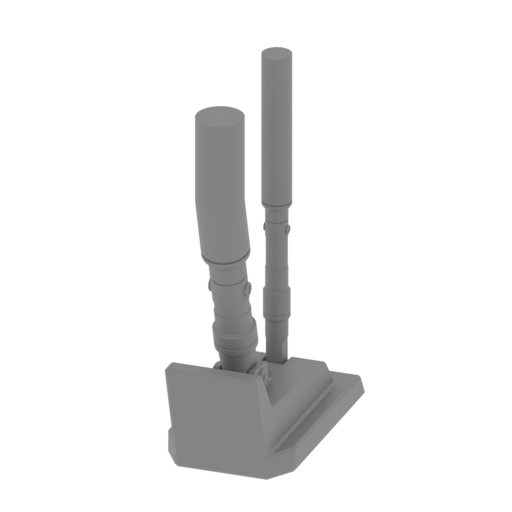 | _31_wing_chassis_a_L_FDM (repaired).stl 13.19 x 25.75 x 38.14 mm | 0.52 x 1.01 x 1.5 in | Size: 13.19 x 25.75 x 38.14 mm | 0.52 x 1.01 x 1.5 in | File size: 1.32 mb | Printing Time / Filament: 42 min / <1 m | ||
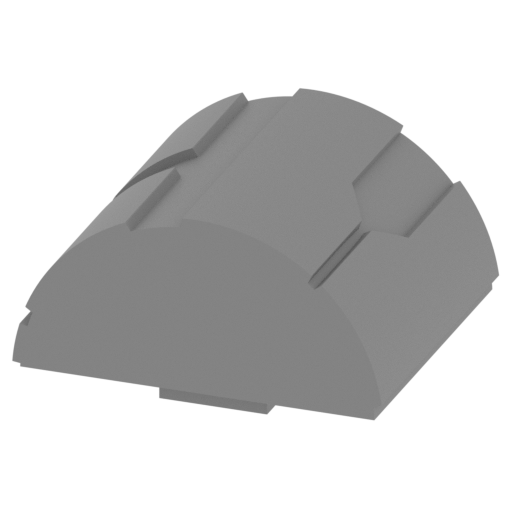 | _30_wing_chassis_cap_R_FDM (repaired).stl 32.8 x 28.28 x 18.52 mm | 1.29 x 1.11 x 0.73 in | Size: 32.8 x 28.28 x 18.52 mm | 1.29 x 1.11 x 0.73 in | File size: 0.27 mb | Printing Time / Filament: 1 h 19 min / 1 m | ||
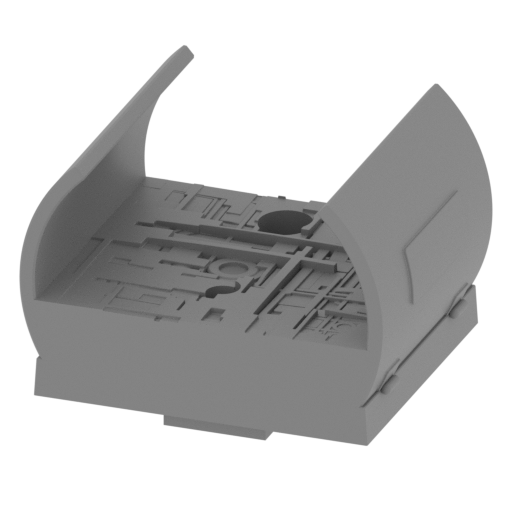 | _29_wing_chassis_b_R_FDM (repaired).stl 34.76 x 28.24 x 25.28 mm | 1.37 x 1.11 x 1 in | Size: 34.76 x 28.24 x 25.28 mm | 1.37 x 1.11 x 1 in | File size: 5.06 mb | Printing Time / Filament: 1 h 37 min / 1 m | ||
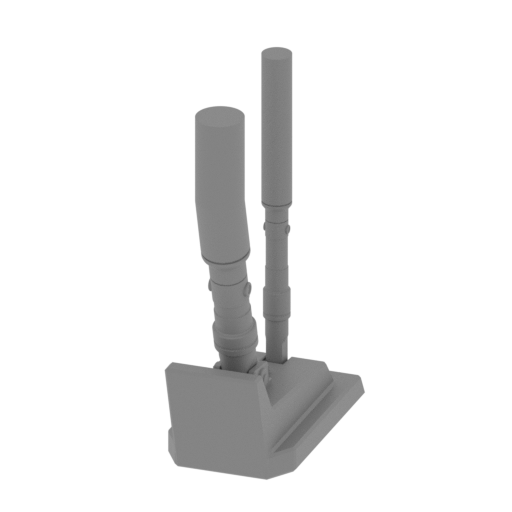 | _28_wing_chassis_a_R_FDM (repaired).stl 13.19 x 25.75 x 38.14 mm | 0.52 x 1.01 x 1.5 in | Size: 13.19 x 25.75 x 38.14 mm | 0.52 x 1.01 x 1.5 in | File size: 1.32 mb | Printing Time / Filament: 42 min / <1 m | ||
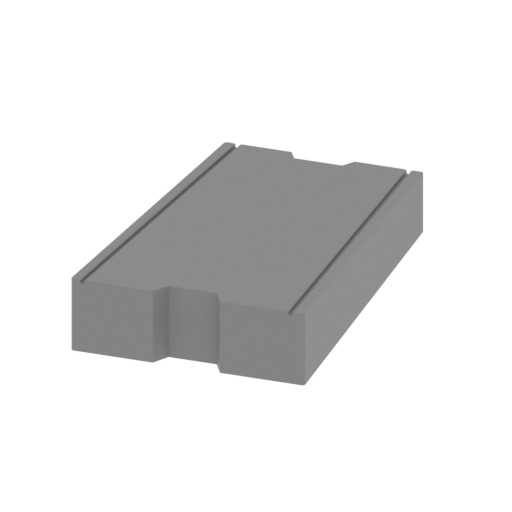 | _27_front_chassis_cap_FDM (repaired).stl 20.83 x 32.97 x 6.58 mm | 0.82 x 1.3 x 0.26 in | Size: 20.83 x 32.97 x 6.58 mm | 0.82 x 1.3 x 0.26 in | File size: 0.59 mb | Printing Time / Filament: 29 min / <1 m | ||
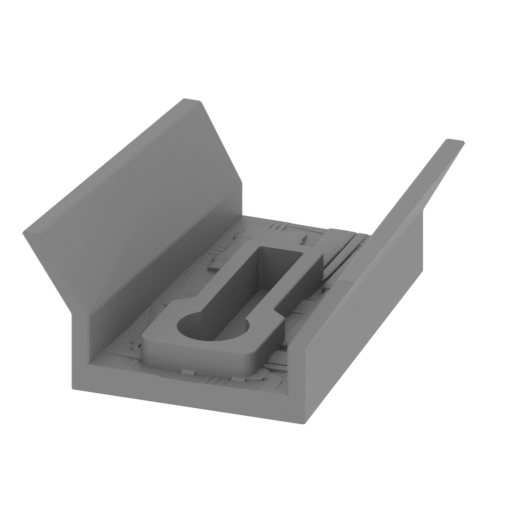 | _26_front_chassis_b_FDM (repaired).stl 29.64 x 32.97 x 13.76 mm | 1.17 x 1.3 x 0.54 in | Size: 29.64 x 32.97 x 13.76 mm | 1.17 x 1.3 x 0.54 in | File size: 2.89 mb | Printing Time / Filament: 44 min / <1 m | ||
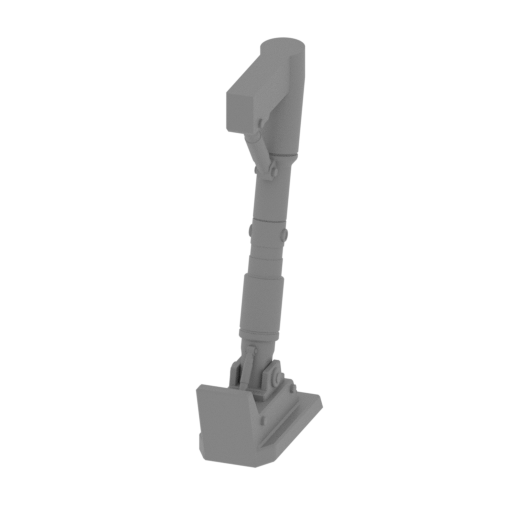 | _25_front_chassis_a_FDM (repaired).stl 10.83 x 26.51 x 52.24 mm | 0.43 x 1.04 x 2.06 in | Size: 10.83 x 26.51 x 52.24 mm | 0.43 x 1.04 x 2.06 in | File size: 1.06 mb | Printing Time / Filament: 1 h 2 min / <1 m | ||
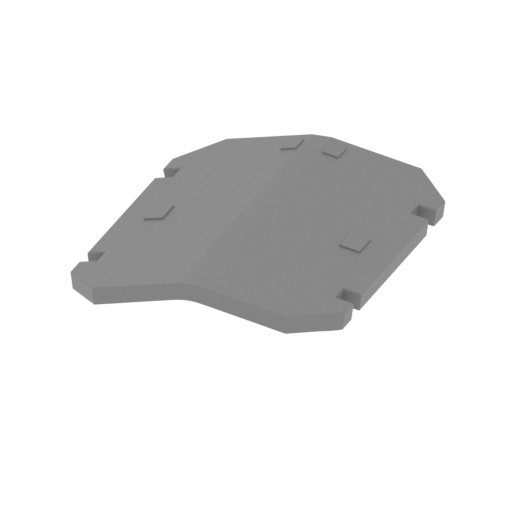 | _24_cap_bot_FDM (repaired).stl 20.89 x 28.12 x 7.49 mm | 0.82 x 1.11 x 0.29 in | Size: 20.89 x 28.12 x 7.49 mm | 0.82 x 1.11 x 0.29 in | File size: 0.21 mb | Printing Time / Filament: 31 min / <1 m | ||
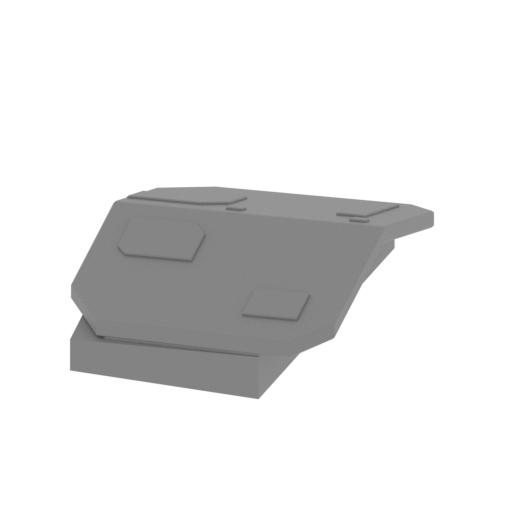 | _23_body_cap_L_FDM (repaired).stl 20.28 x 27.6 x 8.82 mm | 0.8 x 1.09 x 0.35 in | Size: 20.28 x 27.6 x 8.82 mm | 0.8 x 1.09 x 0.35 in | File size: 0.61 mb | Printing Time / Filament: 34 min / <1 m | ||
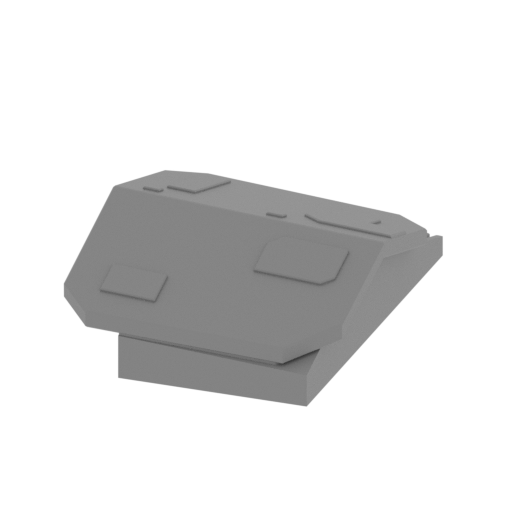 | _22_body_cap_R_FDM (repaired).stl 20.28 x 27.6 x 8.82 mm | 0.8 x 1.09 x 0.35 in | Size: 20.28 x 27.6 x 8.82 mm | 0.8 x 1.09 x 0.35 in | File size: 0.62 mb | Printing Time / Filament: 34 min / <1 m | ||
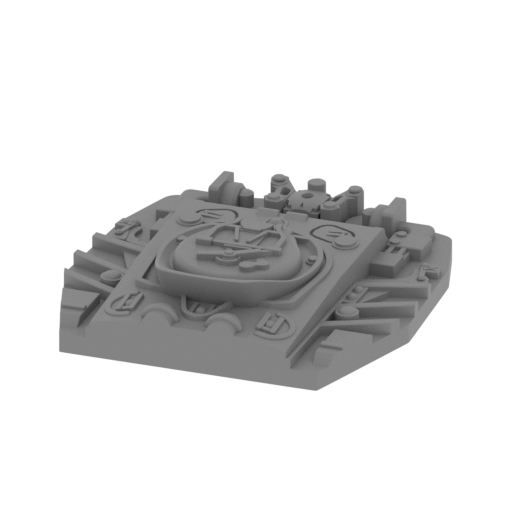 | _21_back_panel_FDM (repaired).stl 43.44 x 46.74 x 10.27 mm | 1.71 x 1.84 x 0.4 in | Size: 43.44 x 46.74 x 10.27 mm | 1.71 x 1.84 x 0.4 in | File size: 11.68 mb | Printing Time / Filament: 1 h 37 min / 1 m | ||
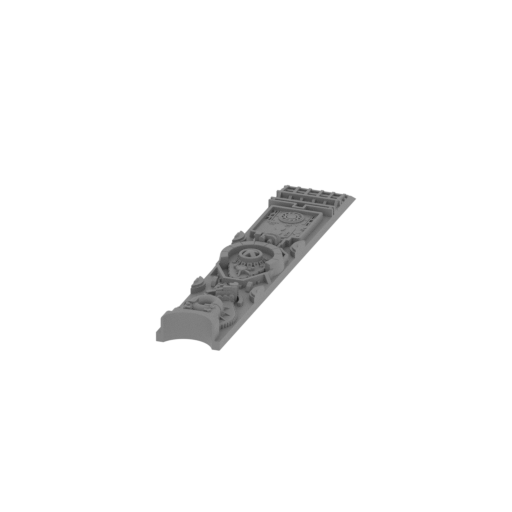 | _20_top_panel_FDM (repaired).stl 16.7 x 96.88 x 7.5 mm | 0.66 x 3.81 x 0.3 in | Size: 16.7 x 96.88 x 7.5 mm | 0.66 x 3.81 x 0.3 in | File size: 13.89 mb | Printing Time / Filament: 1 h 23 min / 1 m | ||
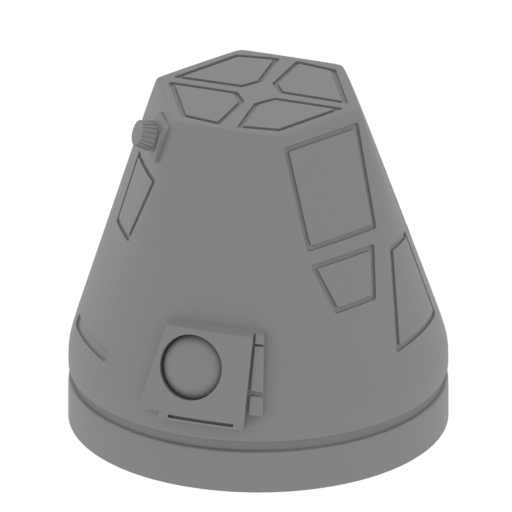 | _19_r4_FDM (repaired).stl 13.67 x 14.16 x 12.7 mm | 0.54 x 0.56 x 0.5 in | Size: 13.67 x 14.16 x 12.7 mm | 0.54 x 0.56 x 0.5 in | File size: 11.69 mb | Printing Time / Filament: 16 min / <1 m | ||
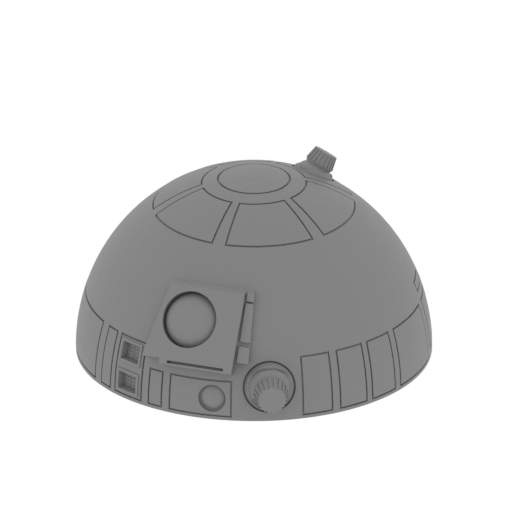 | _18_r2d2_2_FDM (repaired).stl 13.7 x 15.14 x 7.57 mm | 0.54 x 0.6 x 0.3 in | Size: 13.7 x 15.14 x 7.57 mm | 0.54 x 0.6 x 0.3 in | File size: 2.68 mb | Printing Time / Filament: 10 min / <1 m | ||
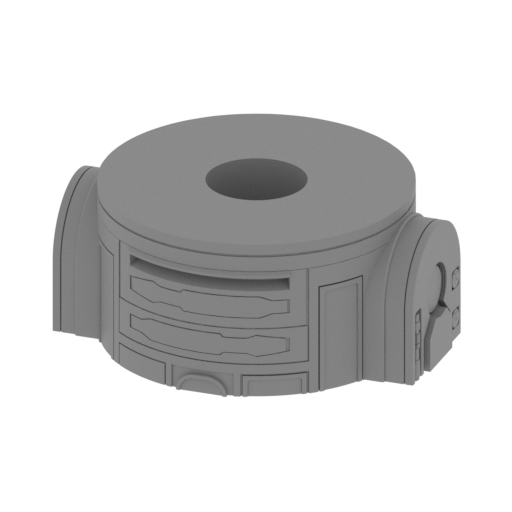 | _17_r2d2_1_FDM (repaired).stl 16.92 x 13.85 x 7.18 mm | 0.67 x 0.55 x 0.28 in | Size: 16.92 x 13.85 x 7.18 mm | 0.67 x 0.55 x 0.28 in | File size: 2.55 mb | Printing Time / Filament: 11 min / <1 m | ||
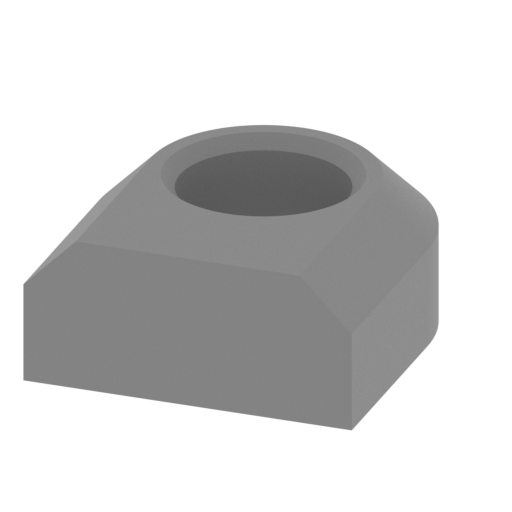 | _16_m_cap_FDM (repaired).stl 12.6 x 14.17 x 5.79 mm | 0.5 x 0.56 x 0.23 in | Size: 12.6 x 14.17 x 5.79 mm | 0.5 x 0.56 x 0.23 in | File size: 0.07 mb | Printing Time / Filament: 8 min / <1 m | ||
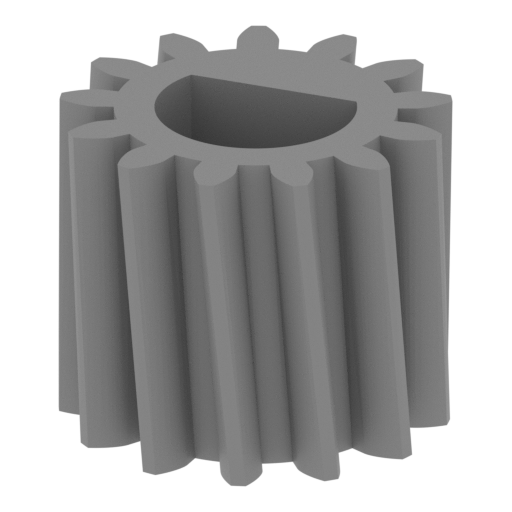 | _15_m_gear_b_FDM (repaired).stl 12.03 x 12.03 x 10 mm | 0.47 x 0.47 x 0.39 in | Size: 12.03 x 12.03 x 10 mm | 0.47 x 0.47 x 0.39 in | File size: 0.21 mb | Printing Time / Filament: 20 min / <1 m | ||
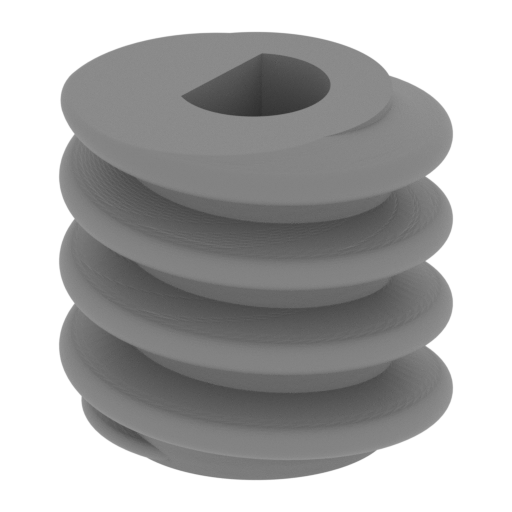 | _14_m_gear_a_FDM (repaired).stl 10.69 x 10.69 x 10 mm | 0.42 x 0.42 x 0.39 in | Size: 10.69 x 10.69 x 10 mm | 0.42 x 0.42 x 0.39 in | File size: 1.84 mb | Printing Time / Filament: 13 min / <1 m | ||
 | _13_m_roll_FDM (repaired).stl 4 x 51.72 x 3 mm | 0.16 x 2.04 x 0.12 in | Size: 4 x 51.72 x 3 mm | 0.16 x 2.04 x 0.12 in | File size: 0.15 mb | Printing Time / Filament: 8 min / <1 m | ||
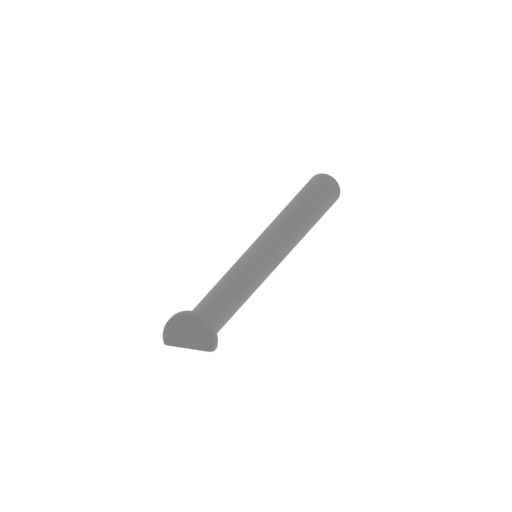 | _12_m_beams_x4_FDM (repaired).stl 10 x 69.83 x 6.45 mm | 0.39 x 2.75 x 0.25 in | Size: 10 x 69.83 x 6.45 mm | 0.39 x 2.75 x 0.25 in | File size: 0.20 mb | Printing Time / Filament: 18 min / <1 m | ||
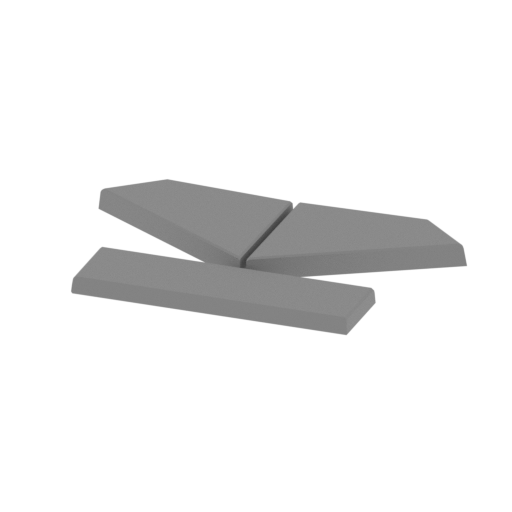 | _11_3_cabine_FDM (repaired).stl 24.24 x 15.32 x 1.5 mm | 0.95 x 0.6 x 0.06 in | Size: 24.24 x 15.32 x 1.5 mm | 0.95 x 0.6 x 0.06 in | File size: 0.09 mb | Printing Time / Filament: 6 min / <1 m | ||
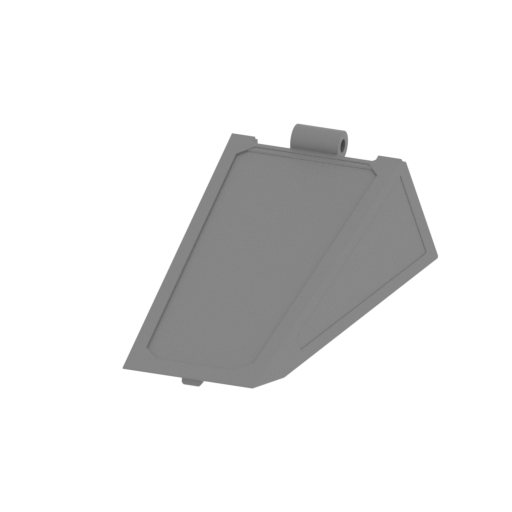 | _11_2_cabine_FDM (repaired).stl 35.68 x 56.66 x 18.15 mm | 1.4 x 2.23 x 0.71 in | Size: 35.68 x 56.66 x 18.15 mm | 1.4 x 2.23 x 0.71 in | File size: 1.12 mb | Printing Time / Filament: 1 h 32 min / 1 m | ||
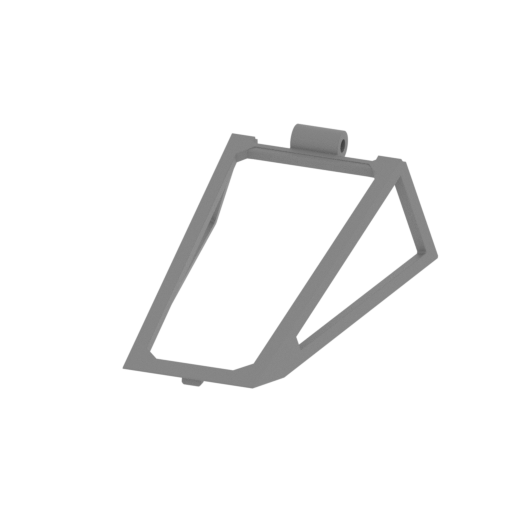 | _11_1_cabine_FDM (repaired).stl 35.68 x 56.66 x 18.15 mm | 1.4 x 2.23 x 0.71 in | Size: 35.68 x 56.66 x 18.15 mm | 1.4 x 2.23 x 0.71 in | File size: 0.78 mb | Printing Time / Filament: 50 min / 1 m | ||
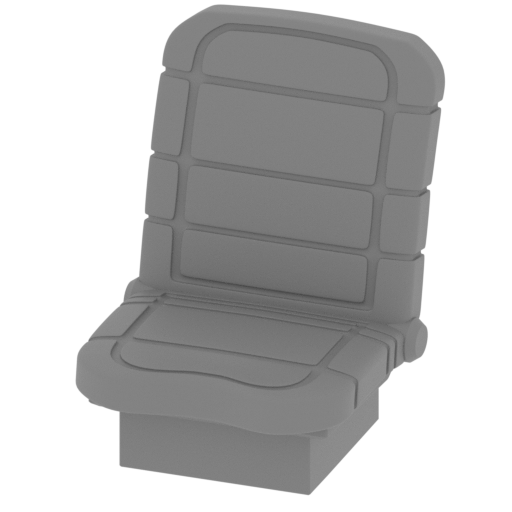 | _10_cocpkit_seat_FDM (repaired).stl 15.81 x 18.65 x 20.01 mm | 0.62 x 0.73 x 0.79 in | Size: 15.81 x 18.65 x 20.01 mm | 0.62 x 0.73 x 0.79 in | File size: 7.23 mb | Printing Time / Filament: 27 min / <1 m | ||
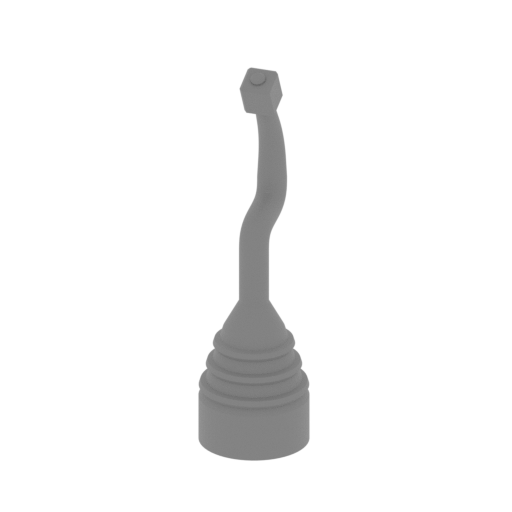 | _9_cocpkit_joystick_FDM (repaired).stl 5.09 x 5.63 x 18.07 mm | 0.2 x 0.22 x 0.71 in | Size: 5.09 x 5.63 x 18.07 mm | 0.2 x 0.22 x 0.71 in | File size: 0.36 mb | Printing Time / Filament: 8 min / <1 m | ||
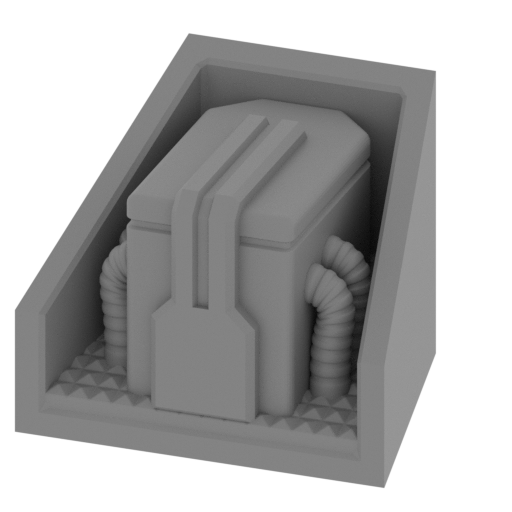 | _8_cocpkit_2_FDM (repaired).stl 21.23 x 17.5 x 16.7 mm | 0.84 x 0.69 x 0.66 in | Size: 21.23 x 17.5 x 16.7 mm | 0.84 x 0.69 x 0.66 in | File size: 7.99 mb | Printing Time / Filament: 38 min / <1 m | ||
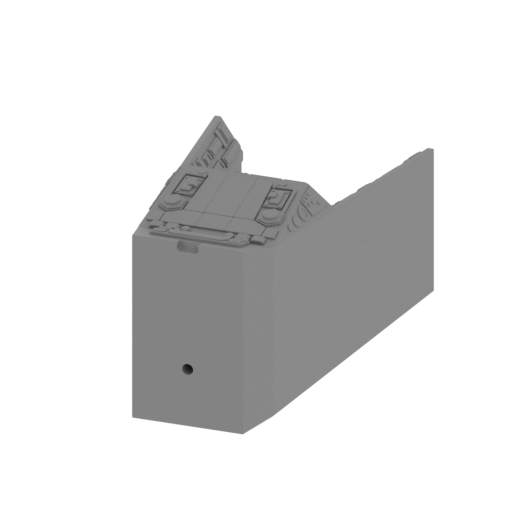 | _7_cocpkit_1_FDM (repaired).stl 32.02 x 53.91 x 28.32 mm | 1.26 x 2.12 x 1.11 in | Size: 32.02 x 53.91 x 28.32 mm | 1.26 x 2.12 x 1.11 in | File size: 4.68 mb | Printing Time / Filament: 2 h 53 min / 2 m | ||
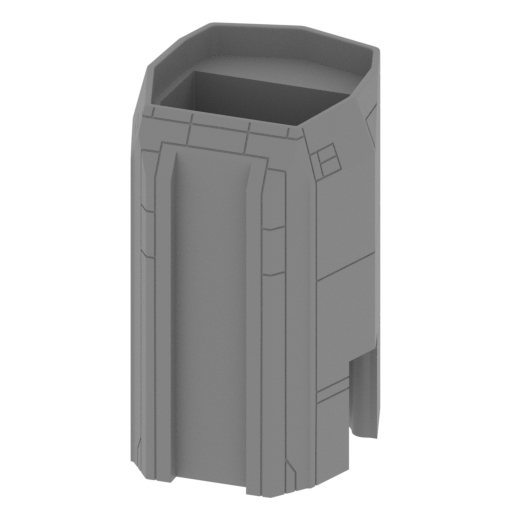 | _6_body_d_FDM (repaired).stl 54.66 x 58.2 x 83.4 mm | 2.15 x 2.29 x 3.28 in | Size: 54.66 x 58.2 x 83.4 mm | 2.15 x 2.29 x 3.28 in | File size: 19.00 mb | Printing Time / Filament: 12 h 2 min / 8 m | ||
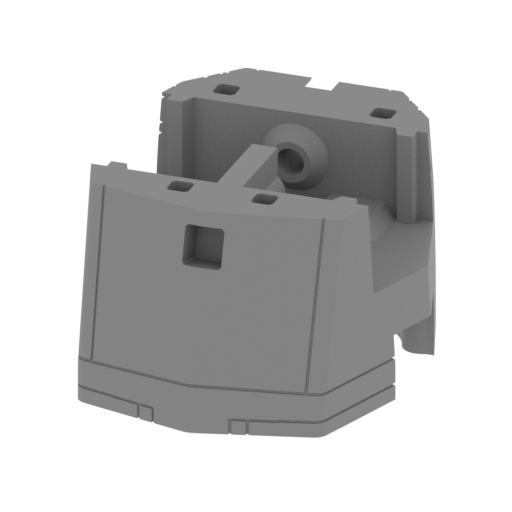 | _5_body_c_FDM (repaired).stl 54.1 x 58.17 x 32.55 mm | 2.13 x 2.29 x 1.28 in | Size: 54.1 x 58.17 x 32.55 mm | 2.13 x 2.29 x 1.28 in | File size: 9.73 mb | Printing Time / Filament: 5 h 52 min / 3 m | ||
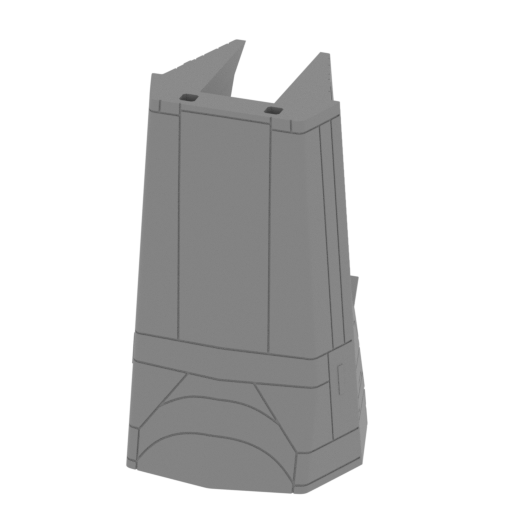 | _4_body_b_FDM (repaired).stl 51.41 x 56.77 x 81.7 mm | 2.02 x 2.24 x 3.22 in | Size: 51.41 x 56.77 x 81.7 mm | 2.02 x 2.24 x 3.22 in | File size: 26.75 mb | Printing Time / Filament: 8 h 3 min / 4 m | ||
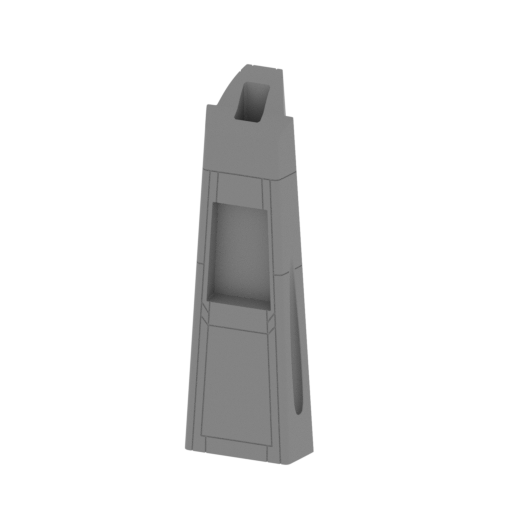 | _3_body_a_FDM (repaired).stl 41.51 x 34.88 x 120.73 mm | 1.63 x 1.37 x 4.75 in | Size: 41.51 x 34.88 x 120.73 mm | 1.63 x 1.37 x 4.75 in | File size: 23.16 mb | Printing Time / Filament: 7 h 35 min / 4 m | ||
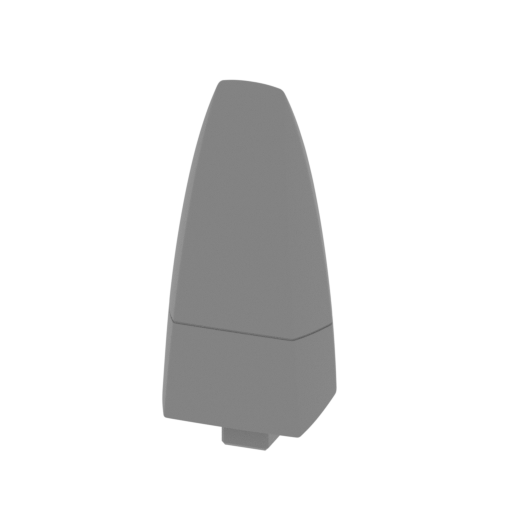 | _2_nose_FDM (repaired).stl 30.4 x 23.8 x 65.81 mm | 1.2 x 0.94 x 2.59 in | Size: 30.4 x 23.8 x 65.81 mm | 1.2 x 0.94 x 2.59 in | File size: 14.70 mb | Printing Time / Filament: 2 h 15 min / 1 m | ||
 | _1_beams_x10_FDM (repaired).stl 3.22 x 19.61 x 3.22 mm | 0.13 x 0.77 x 0.13 in | Size: 3.22 x 19.61 x 3.22 mm | 0.13 x 0.77 x 0.13 in | File size: 0.01 mb | Printing Time / Filament: 4 min / <1 m | ||
3D model history
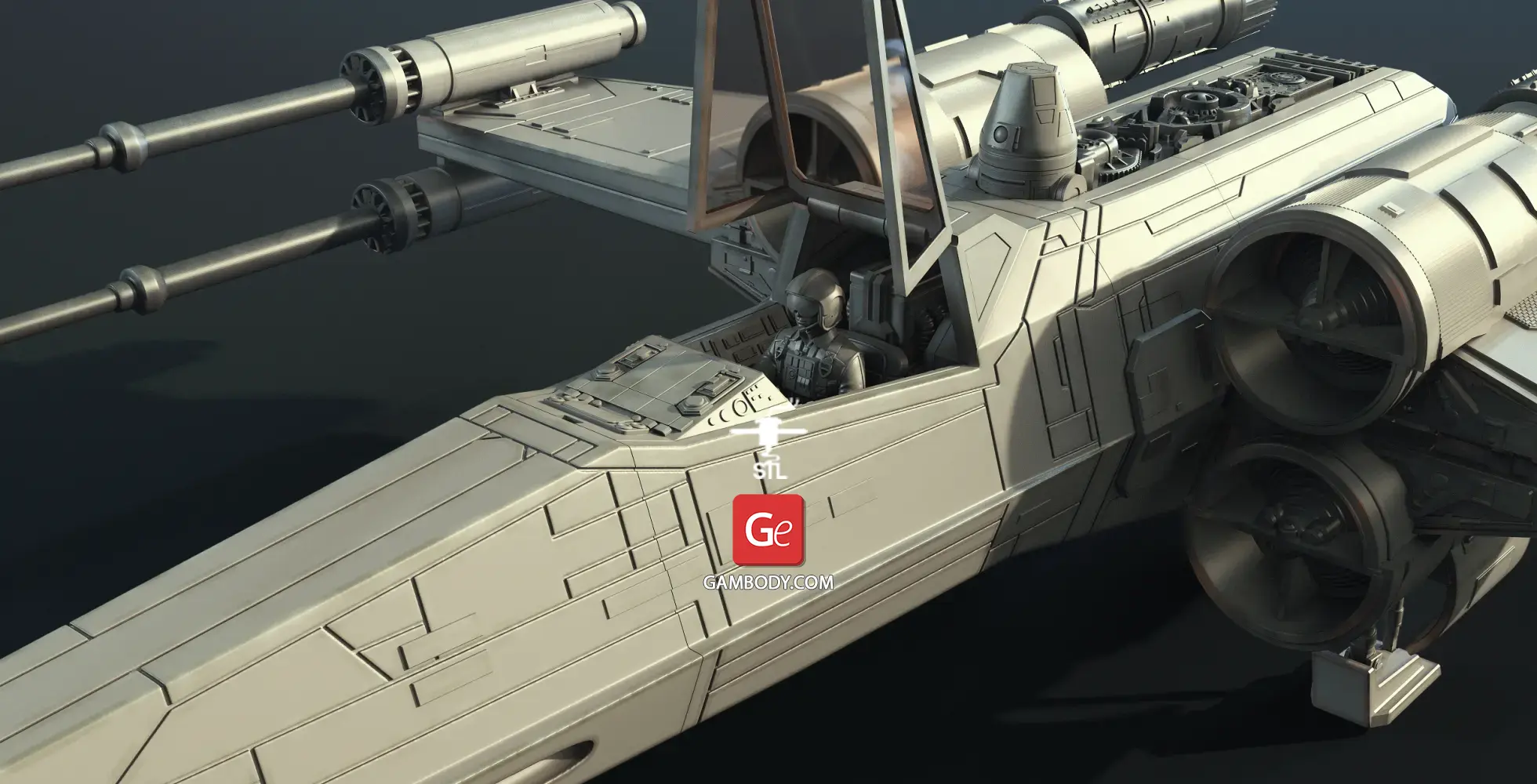
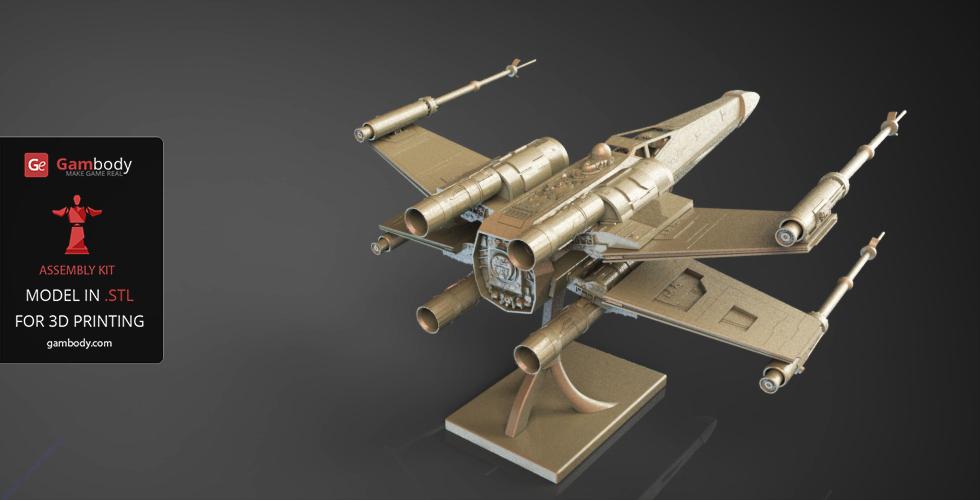
Several incredible victories in the struggle against the Galactic Empire earned the versatile X-wing the status of a symbol of the Rebellion. The fictional spacecraft boasts superior firepower, it is capable of long-range jumps with its hyperdrive, and it proved to be pretty manoeuvrable when acting in a cramped space! It was the T-65B X-wing starfighter that Luke Skywalker piloted to destroy the Death Star in 1977 Star Wars: A New Hope.
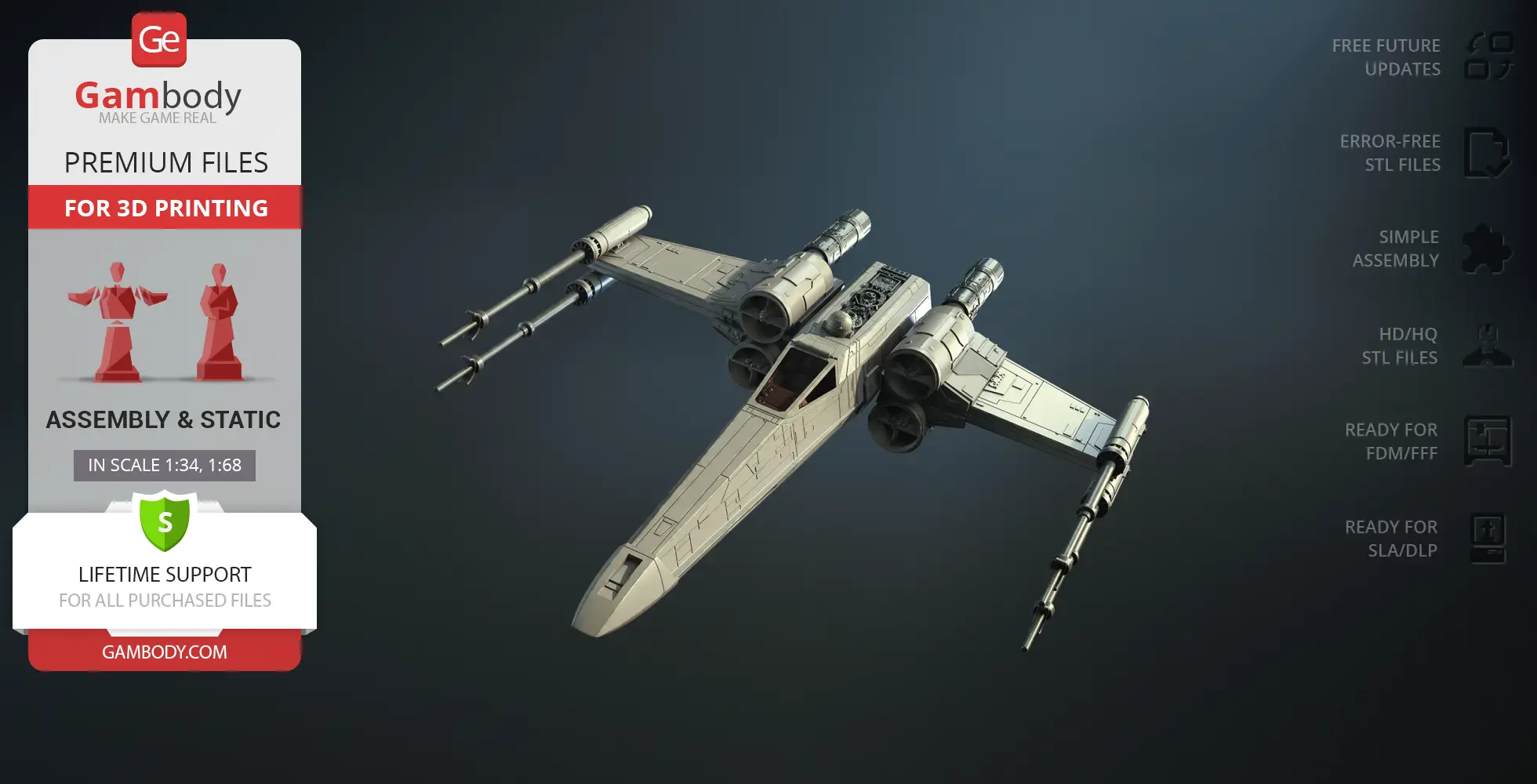
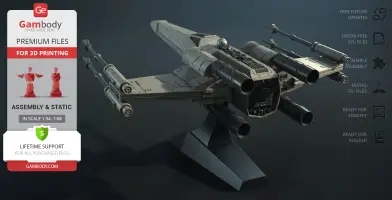
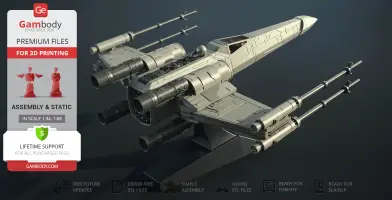
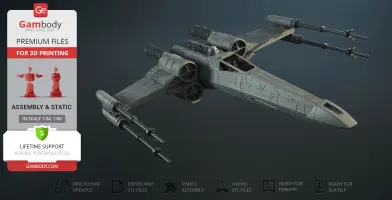
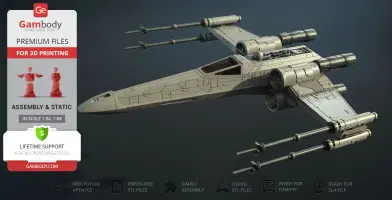
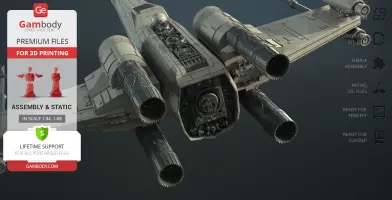
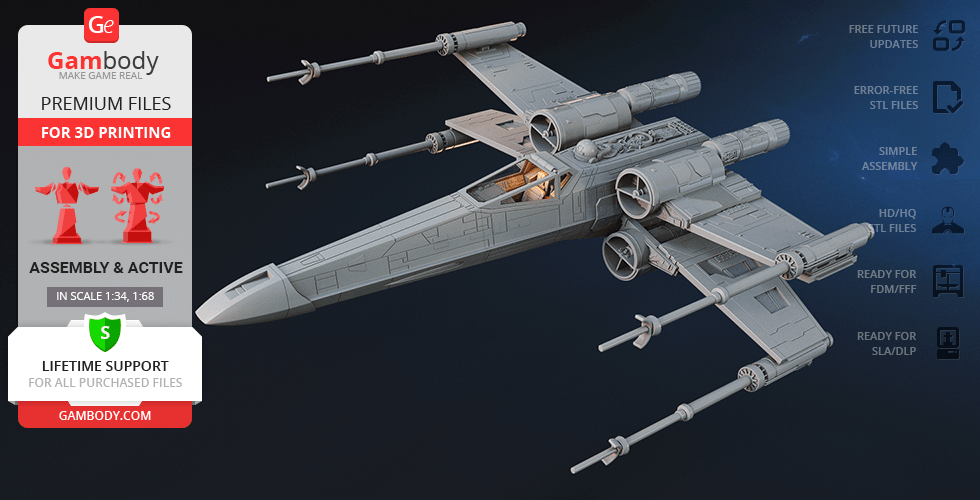
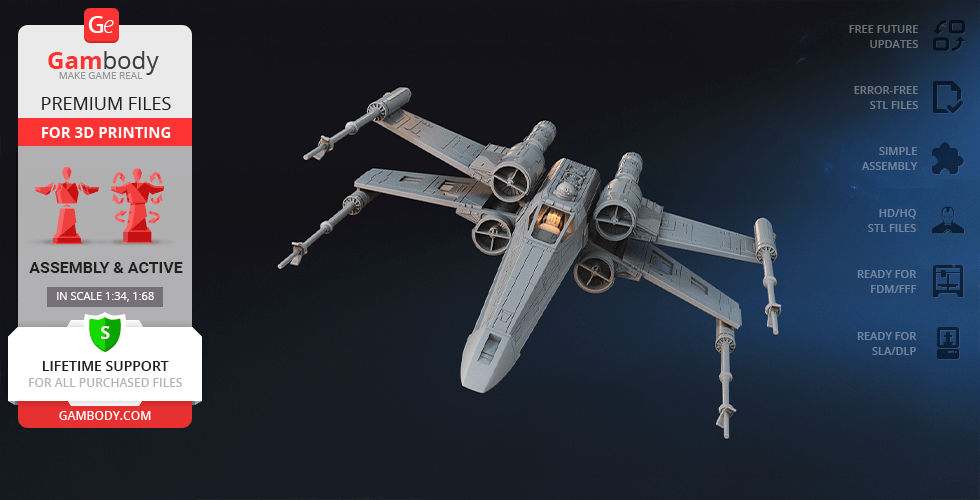
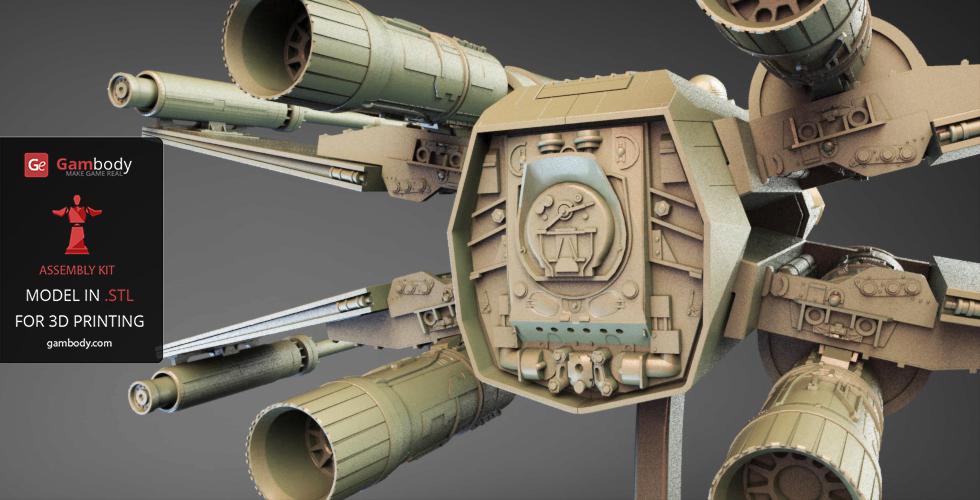
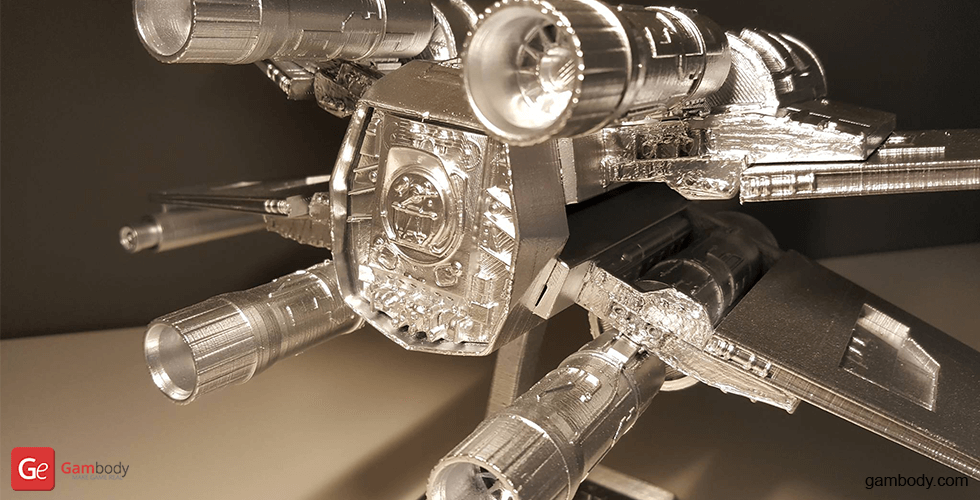
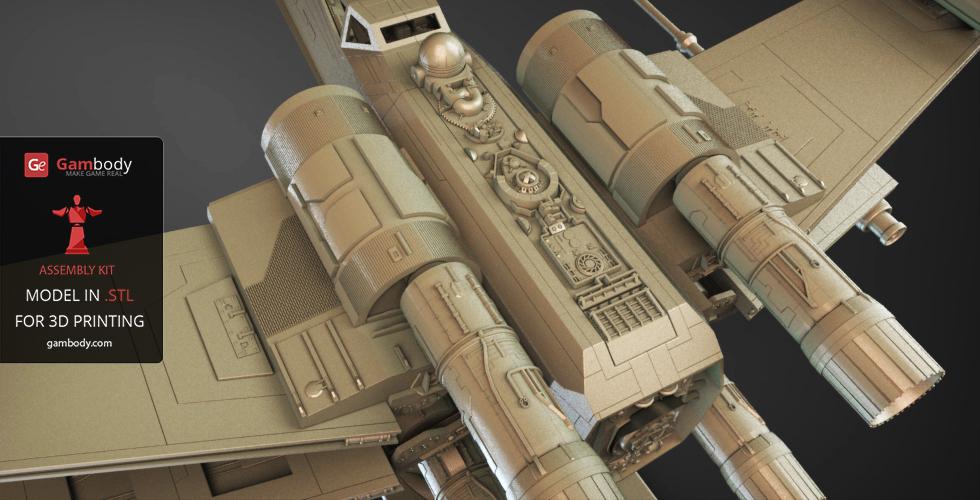
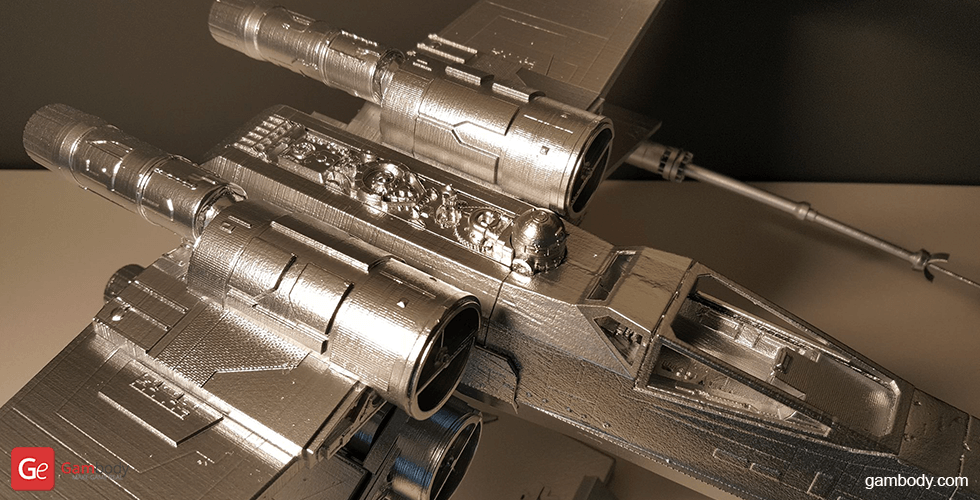
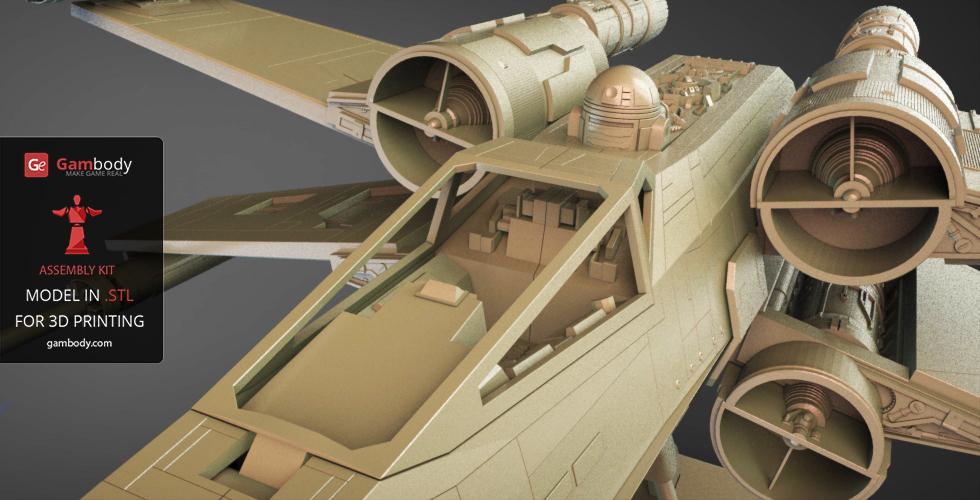
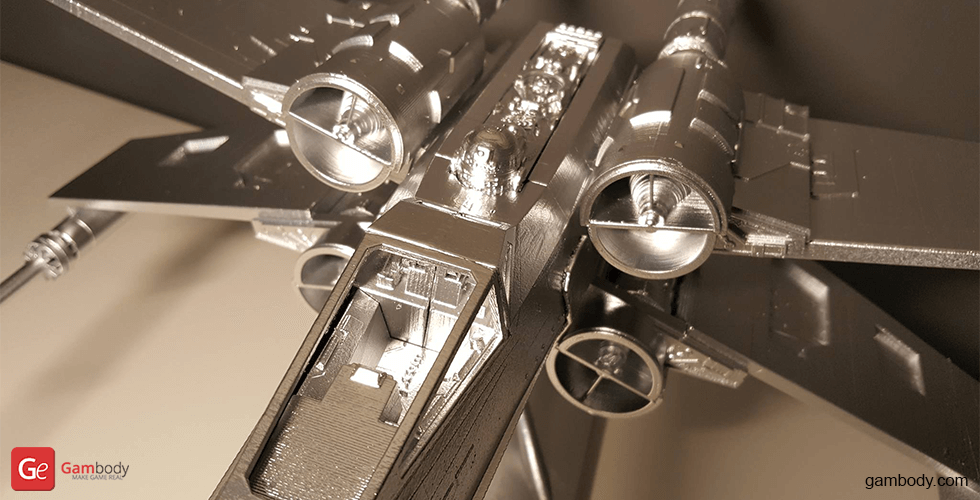
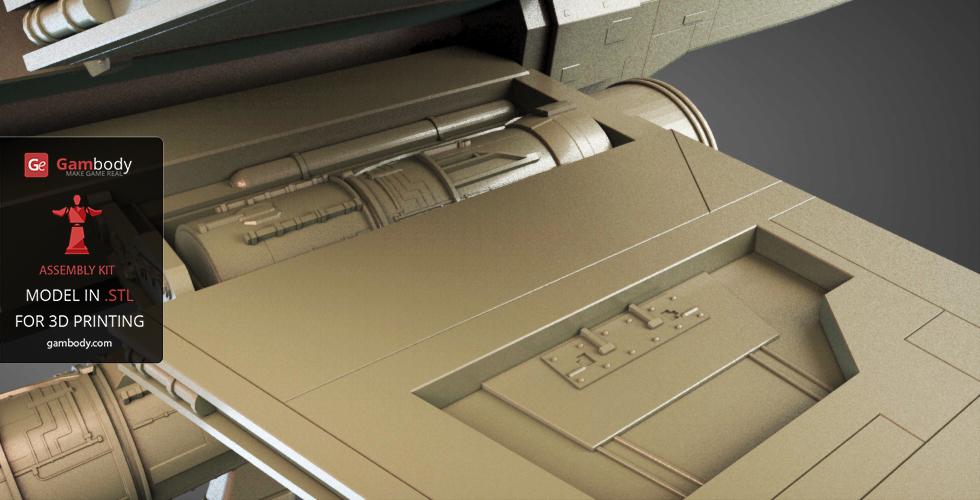
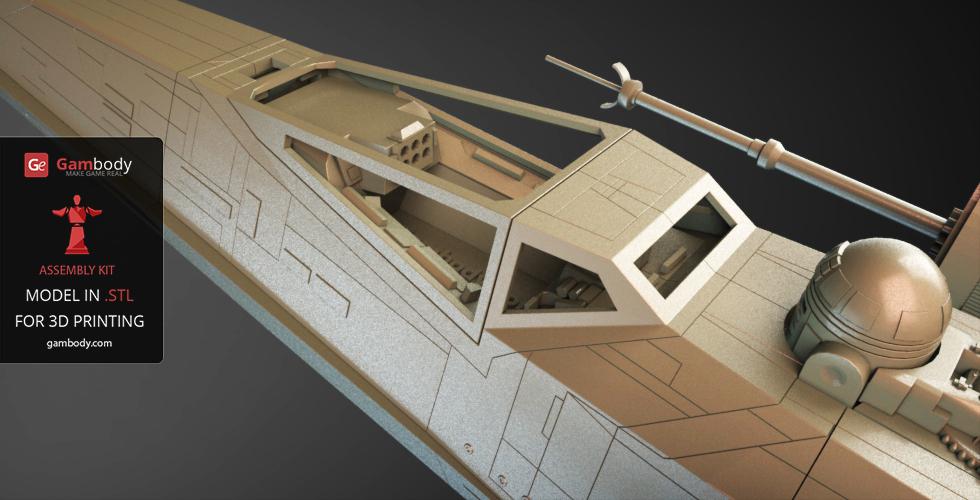
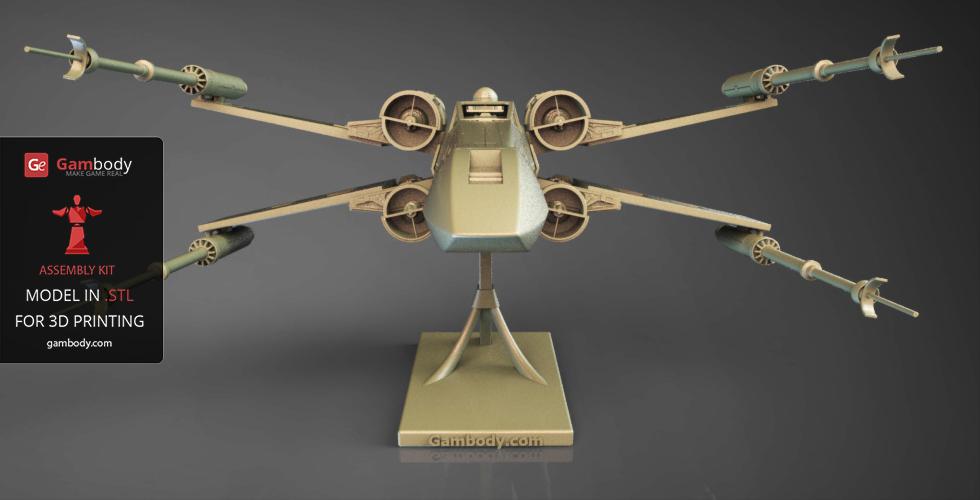
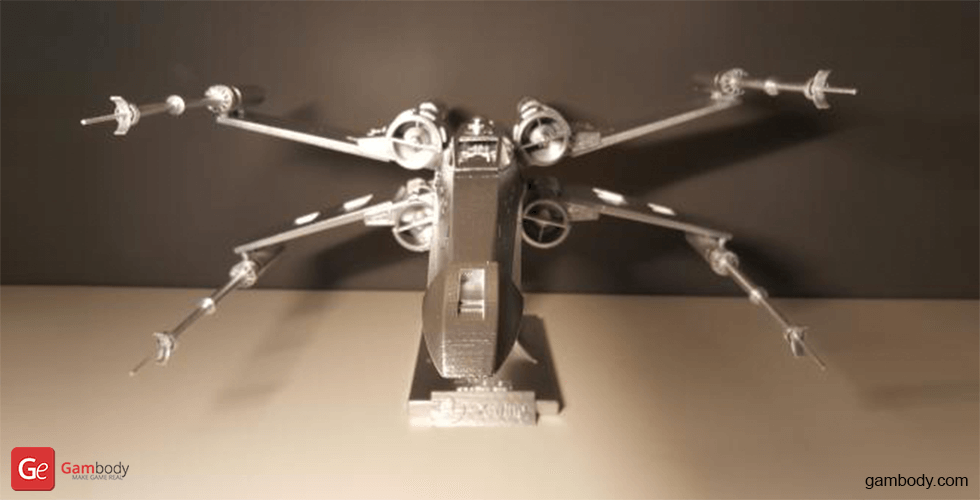
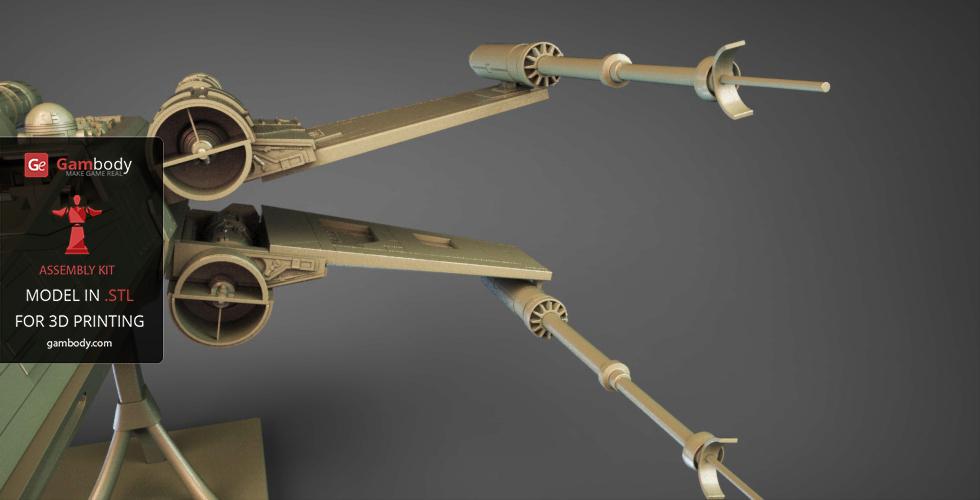
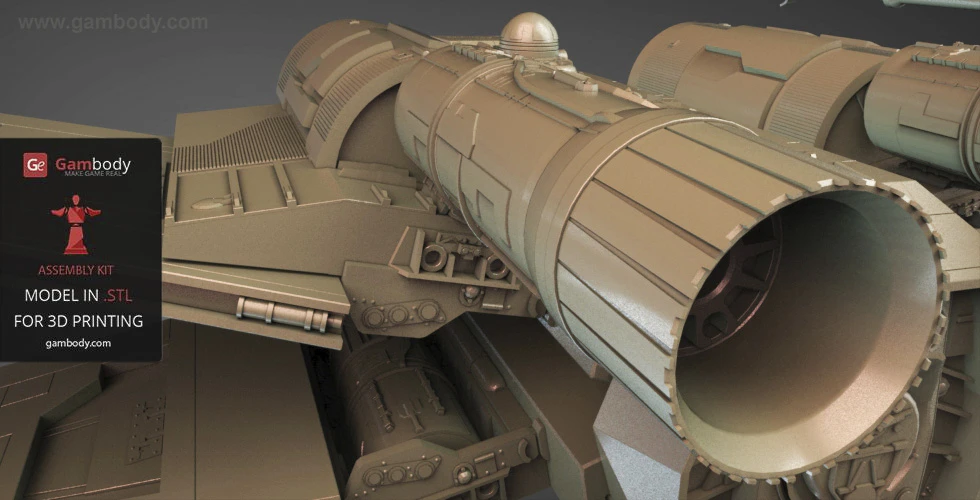
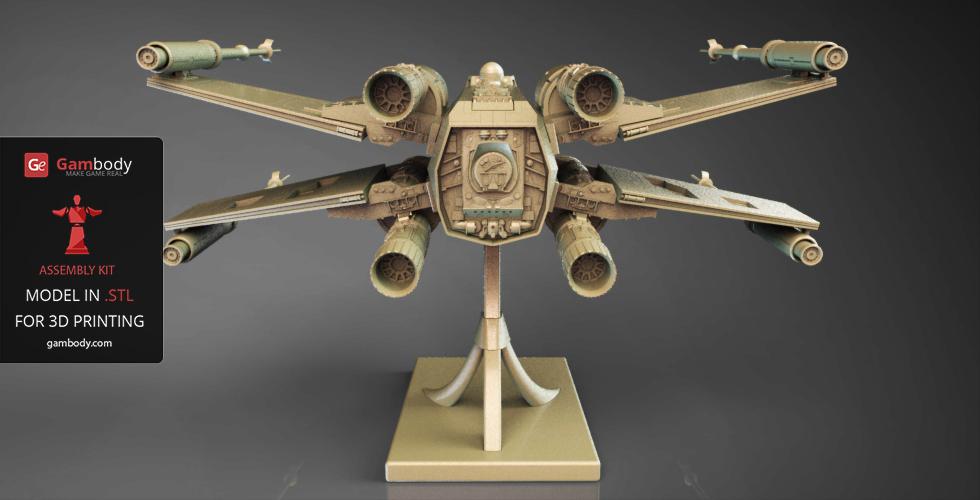
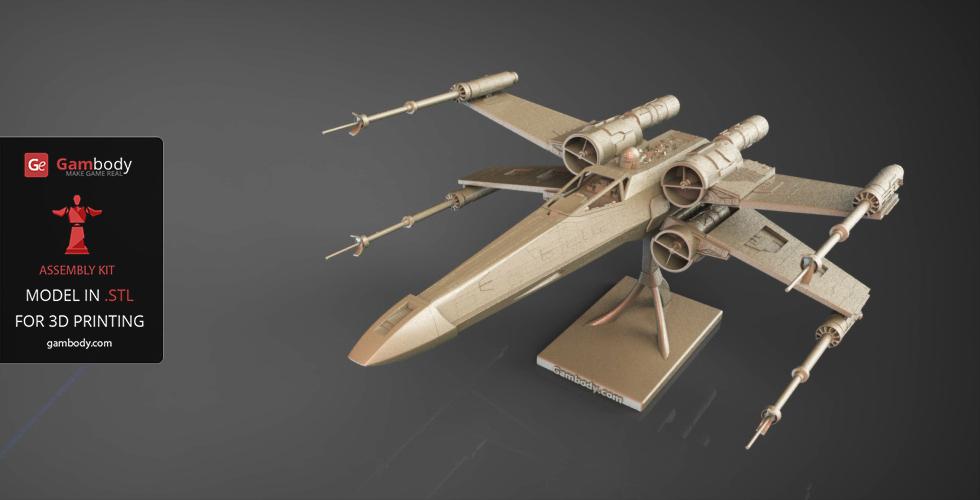
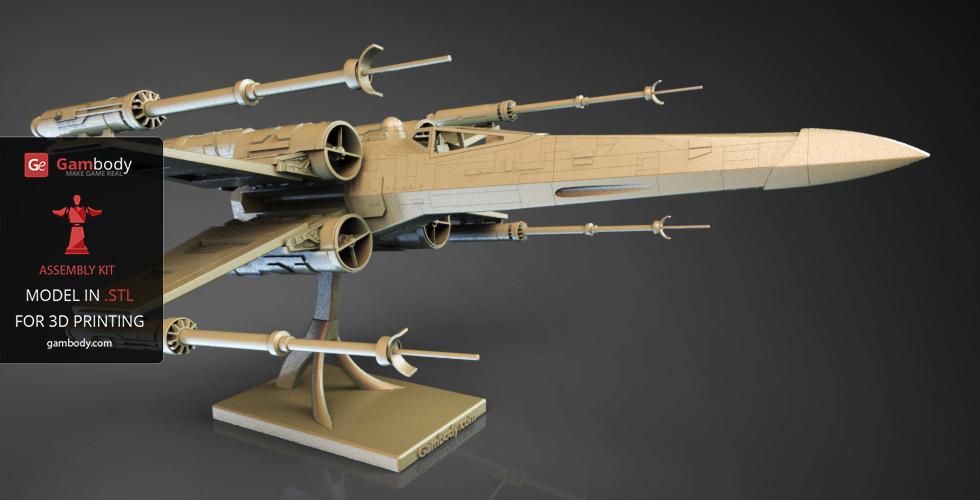
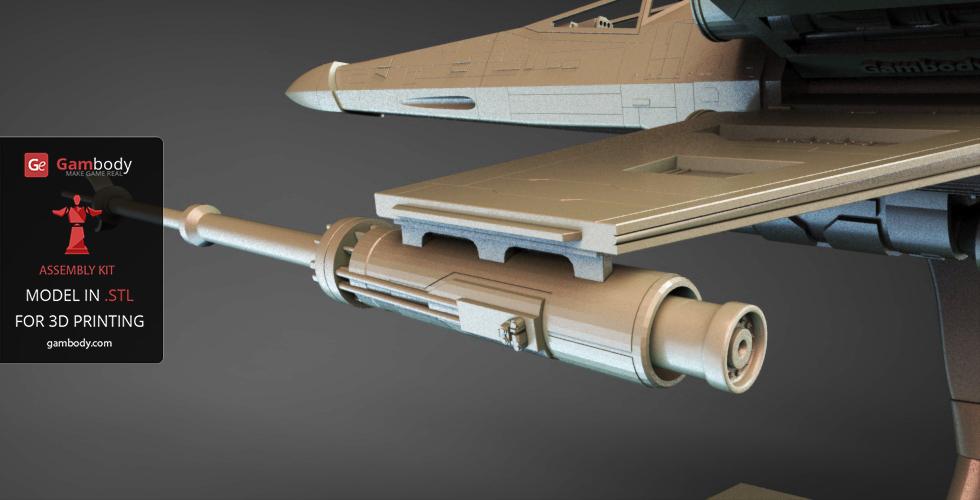
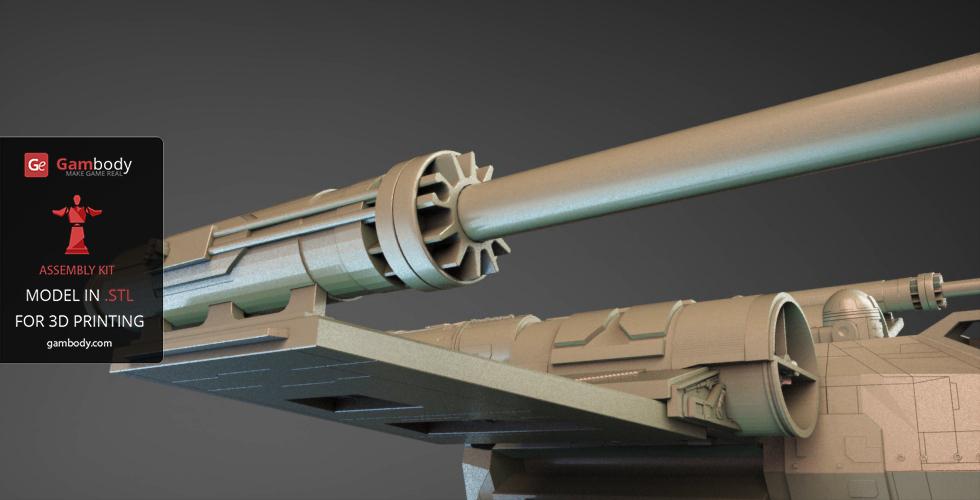
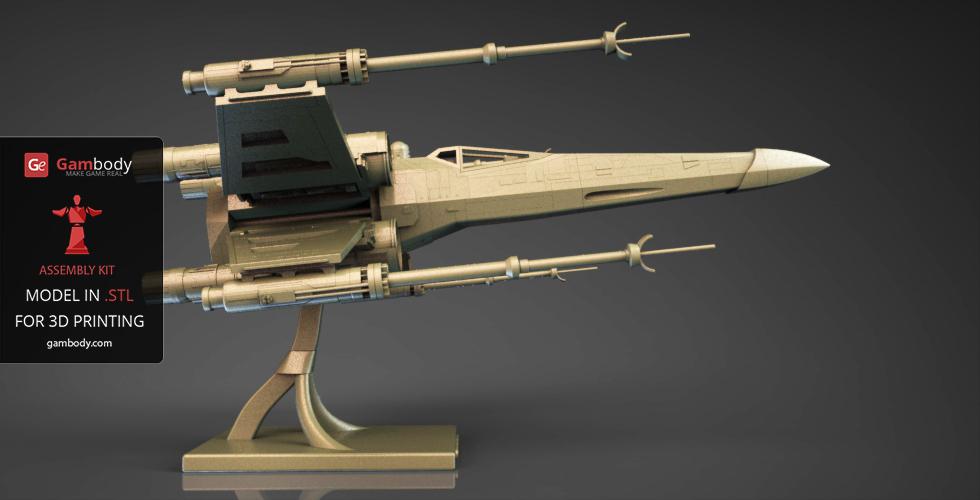
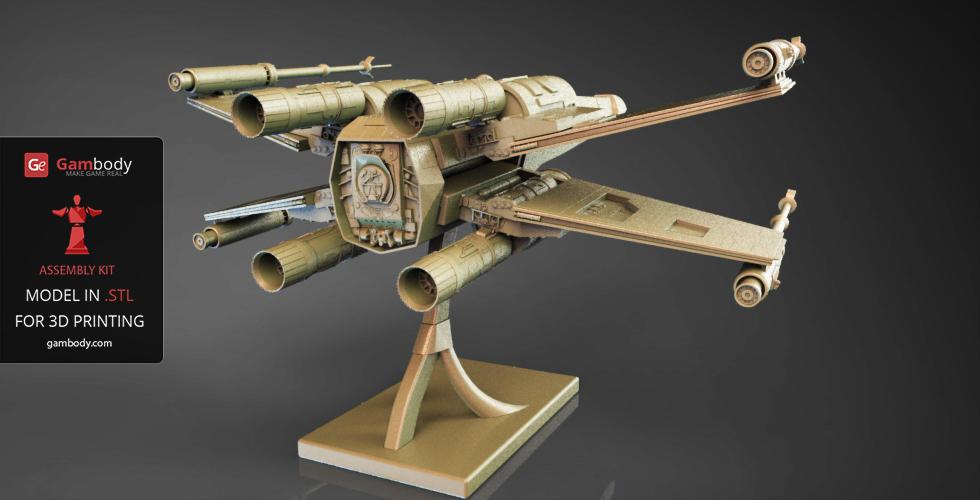
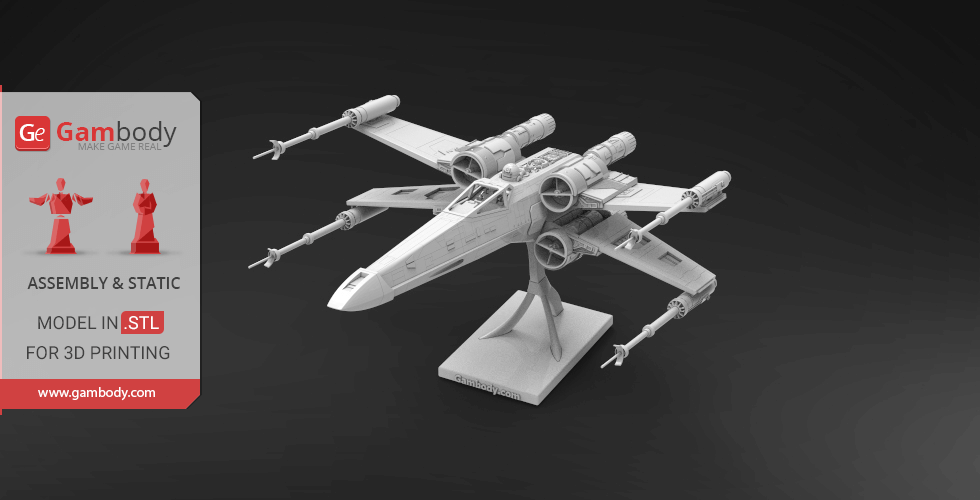
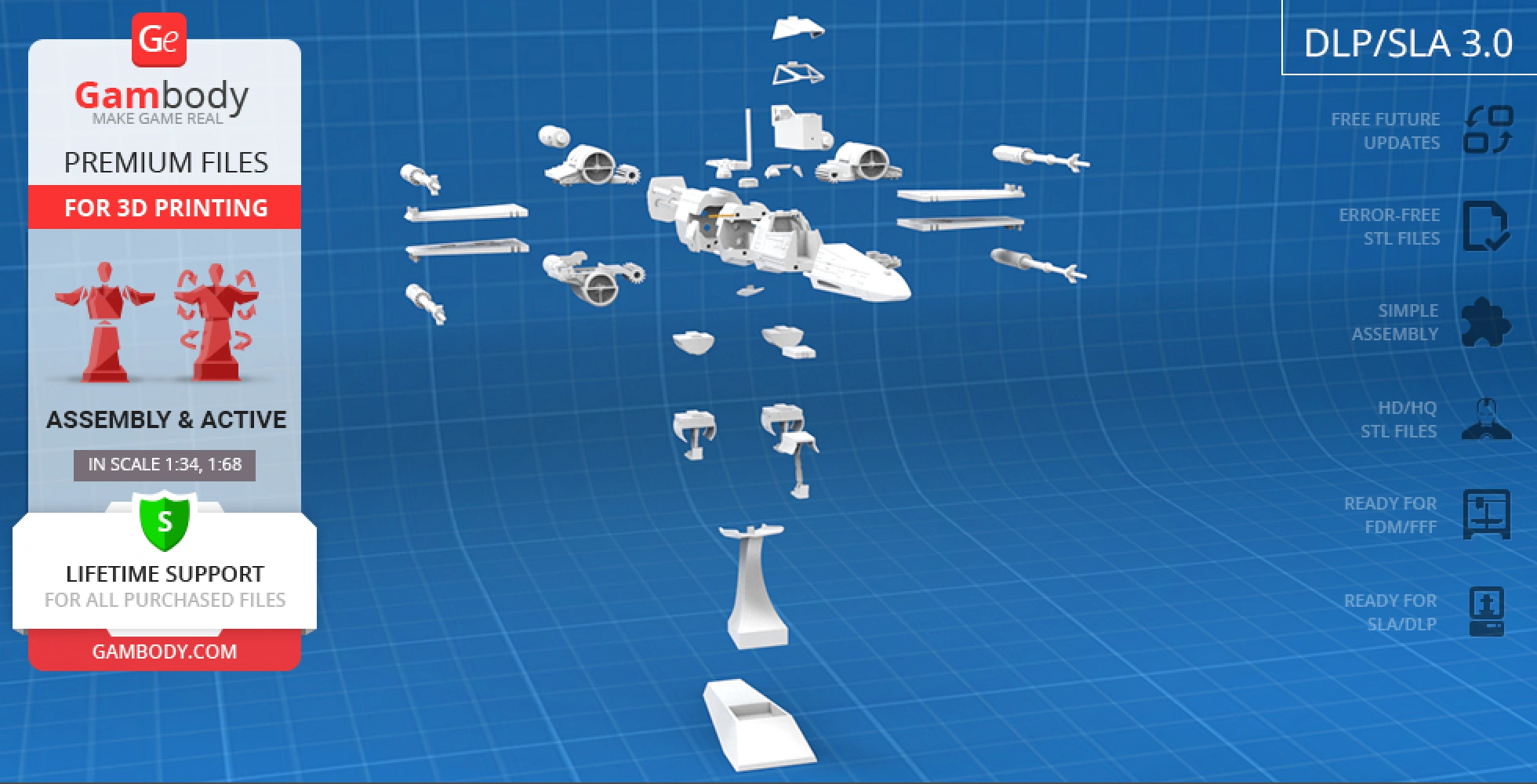
It is obvious that no 3D printing Star Wars fleet is complete without a T-65B X-wing. Fortunately, by the efforts of our talented contributing 3D artist, the iconic Incom Corporation spacecraft can be easily brought to life! The 3D printing T-65B X-wing starfighter carries articulated strike foils or "S-foils" (wings) for you to display the craft in an attack position. Also, the socket behind the cockpit houses a trusty astromech droid - R2-D2 or R4 - who are known to be super skilled at saving the day!
3D printing model features
Model-specific features:
- Features an articulated "S-foils" wing mechanism that opens and closes the wings by rotating the astromech droid's head.
- Includes two astromech droid options to fit the socket behind the cockpit: R2-D2 or R4.
- Updated Version 3.1 cockpit module featuring two pilot options (standalone pilot figure or pilot merged with the seat).
- Offers multiple cockpit display options, including a cockpit separated from the seat and flight controls for convenient painting, plus a frame option for transparent glass inserts.
- Features two canopy options (opening canopy on a hinge or static) with solid or framed designs.
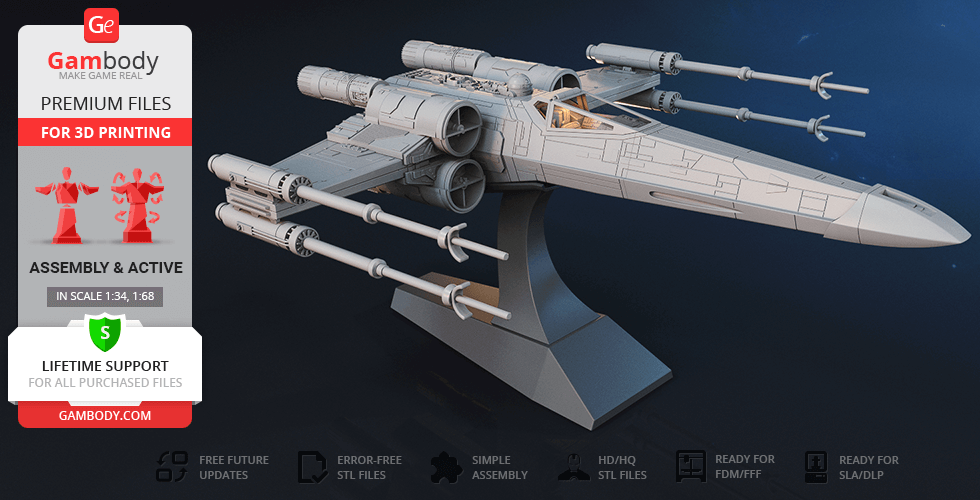
- Flexible landing gear configurations: display the ship on extended landing gear, use caps for stowed/closed gear, or mount the starfighter on a display stand.
- Designed with internal channels and hollow compartments for custom LED wiring to light up the cockpit, with space for a hidden battery inside the nose cone.
Printing & assembly details:
- Provided as error-free STL files compatible with most 3D printers;
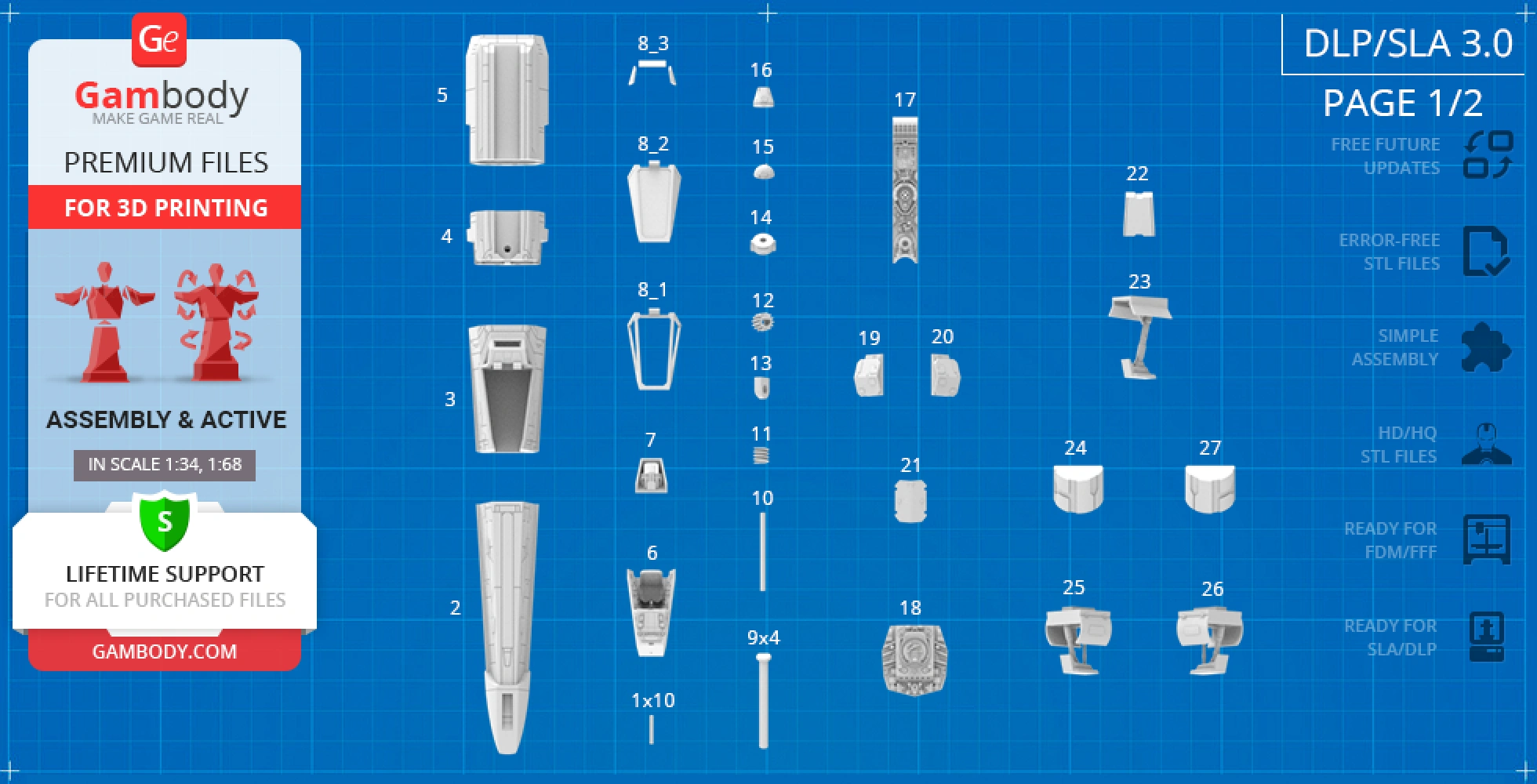
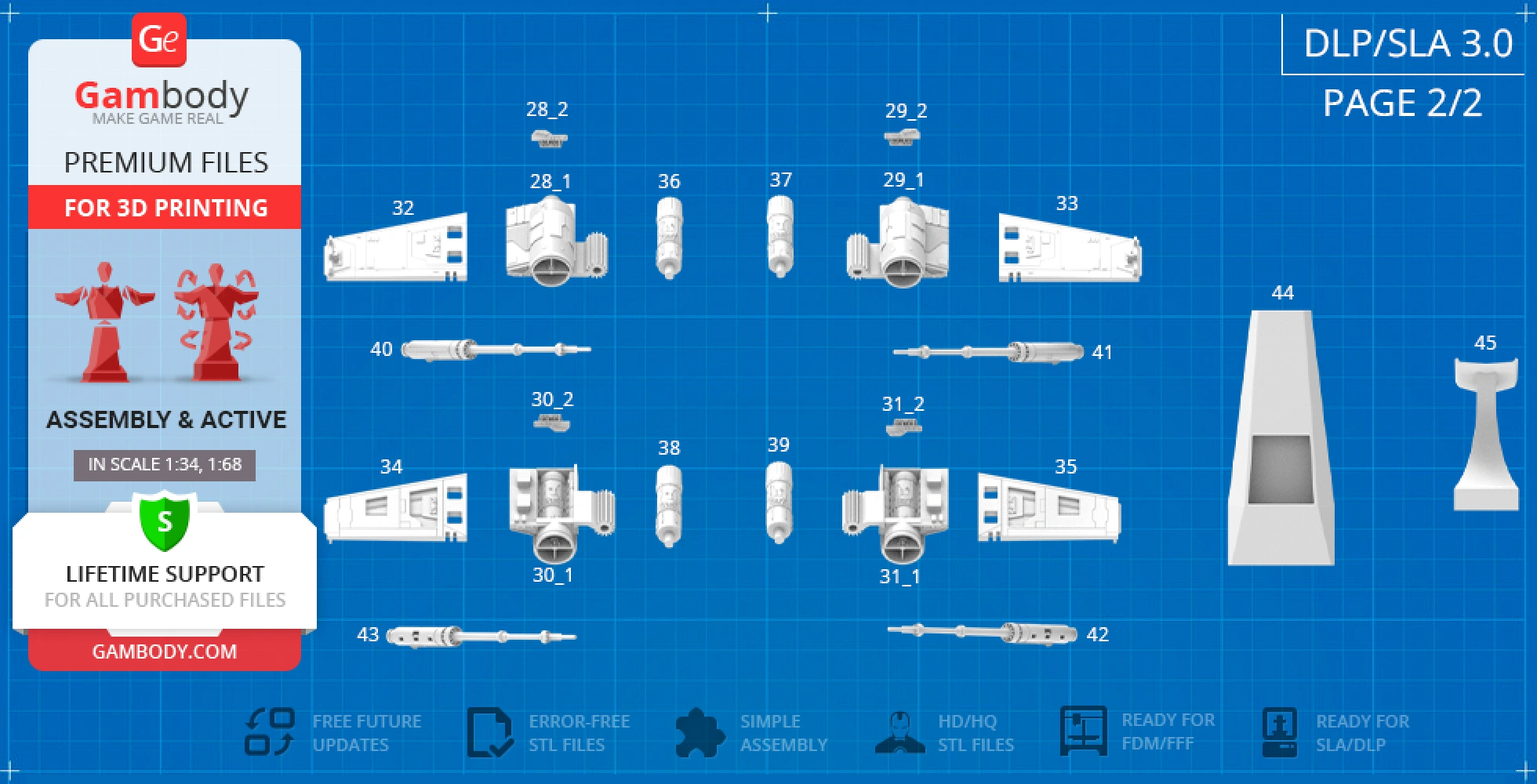
- Optimized part division minimizes support material and ensures smooth surface detail;
- The assembly parts in the FFF/FDM version come in the recommended print orientations for easy bed placement;
- Assembly manual in PDF and video formats are included for 3.0 FFF/FDM and 3.0 DLP/SLA versions;
- The model is available in recommended scales of 1:34 for the FFF/FDM version and 1:68 for the DLP/SLA version, based on the 13400 mm length of the T-65B X-Wing.
What will you get after purchase?
- 4 updated + 3 initial versions of T-65B X-Wing Starfighter STL files for FFF/FDM and DLP/SLA — files for all versions are available for download after the purchase;
- STL files of high-poly T-65B X-Wing Starfighter model for 3D printing consist of 418 files;
- Sizes for:
- FFF/FDM Model Size: 329 mm wide, 106 mm high, 395 mm deep;
- FFF/FDM Platform Size: 78 mm wide, 127 mm high, 187 mm deep;
- DLP/SLA Model Size: 198 mm wide, 53 mm high, 198 mm deep;
- DLP/SLA Platform Size: 39 mm wide, 63 mm high, 93 mm deep;
- Assembly Manual for FFF/FDM 3.0 and DLP/SLA 1.0 versions in PDF format;
- Detailed settings that we provide as a recommendation for Bambu Studio, Cura, Orca Slicer, PrusaSlicer, Simplify3D, and Slic3r for the best print;
- Full technical support from the Gambody Support Team.
Average customer rating (56 reviews)
4.5
Ratings breakdown
Click a star rating to filter reviews
Overall experience
Level of detail in the model
4.5
Model cut quality and assembly guide
4.5
Clarity and accuracy of the model page
4.5



 Verified purchase
 Level of detail in the model
4
Model cut quality and assembly guide
3
Clarity and accuracy of the model page
4


 Community Support Team
 We’re glad to hear that you enjoyed the build and found the recommended printing settings helpful.
We also appreciate your comments regarding the assembly sequence. We’ve forwarded your feedback to our Moderation Team for review and consideration when updating the assembly instructions.
Thank you again for sharing your experience and practical suggestions. Feedback like yours helps us improve the building experience for fellow makers!
 Verified purchase
 Level of detail in the model
5
Model cut quality and assembly guide
4.5
Clarity and accuracy of the model page
4.6
 Community Support Team
 At the same time, we're sorry to hear there was an issue with the part numbering in the instructions. Please note that updated instructions for Version 3.1 Minor Improvements are currently being prepared and should be available on the website soon. In the meantime, could you please let us know which part numbers were affected and which instruction pages you noticed the discrepancy on, so we don't miss anything?
We appreciate you bringing this to our attention. Feedback like this helps us improve the building experience for everyone in the community!
 Verified purchase
 Level of detail in the model
3.5
Model cut quality and assembly guide
5
Clarity and accuracy of the model page
2.5
While I'm not a T-65b expert, I also noticed that the rear engine detail looks correct on early versions of this model with one of the triangle locations being a circle, but on the 3.x versions, this detail is omitted and replaced with one of the triangular openings. This doesn't match the references I'm looking at. Makes me wonder what else is not accurate. Will need to do more research to identify and correct details for accuracy.
Overall, there is a lot of detail in the model and the assembly is well thought out. Assembly instructions are good. It's a pretty good value based on what you get for the cost. Just wish the details were more accurate to the original screen used models.
Community Support Team Your comments have been forwarded to both the Moderation Team and the model’s author, Barry Crane, for review.
Regarding the canopy hinge, earlier versions used a different attachment design. However, that mechanism unfortunately did not function reliably and could come loose during use. For this reason, the hinge was reinforced in the updated version, even though this resulted in a less screen-accurate appearance. As an alternative, we can offer access on request to a non-opening canopy version, where this hinge is not present.
As for the rear engine grille detail, your observation has also been passed along for review. You are right that earlier versions included a circular opening in that area, while the 3.x versions use a different pattern. Once we receive feedback from the author and the Moderation Team regarding their decision, we will be sure to update you.
Thank you again for your careful review and for helping improve the model through your feedback.
 Verified purchase
 Level of detail in the model
3.4
Model cut quality and assembly guide
3.6
Clarity and accuracy of the model page
1.7
Community Support Team We’ve passed your suggestion about a non-opening canopy option to our Moderation Team and to the model’s designer, Barry Crane, for review. Input like this is very valuable, particularly when it relates to screen accuracy and overall proportions, and it may certainly be considered in future updates.
We truly appreciate your attention to detail and your desire to see the model refined. If you have any additional ideas you’d like to share, please feel free to reach out.
Verified purchase Level of detail in the model
5
Model cut quality and assembly guide
3
Clarity and accuracy of the model page
4
Community Support Team You’re correct that resin printing introduces its own set of challenges, especially when it comes to tolerances and moving mechanisms. For this model, the designed clearance between parts is 0.12 mm total (0.06 mm per side), which is generally appropriate for accurate SLA/DLP printing. Even so, resin parts often require some post-processing, such as light sanding or test-fitting, to achieve smooth and reliable assembly.
Regarding the wing mechanism, standard ABS-like resins can indeed be more brittle under repeated mechanical stress compared to filament materials. For resin builds that include moving parts, we strongly recommend using tough / engineering-grade resins (for example, Tough or ABS-like Pro resins), which offer improved impact resistance and durability. Even with these materials, careful handling is usually necessary.
It’s also important to use high-quality resin, optimize UV exposure times, and follow an appropriate temperature regime during post-curing. Over-curing can increase surface hardness but may significantly raise brittleness, which can negatively affect functional components.
Overall, considering the limitations of the technology itself, it’s important to keep in mind that SLA models are primarily display pieces rather than toys, and moving elements should be handled with care.
Also, we’d like to remind you that we provide lifetime support for all purchased files. If you ever have any questions about materials, printer settings, or assembly, please feel free to reach out – we’re always happy to assist and share recommendations to help you achieve the best possible result with your build.
 Verified purchase
 Level of detail in the model
4.6
Model cut quality and assembly guide
4.8
Clarity and accuracy of the model page
5
Community Support Team Thank you for your detailed feedback and for sharing your build photos! We’re really happy to hear the parts fit together perfectly and that you love the final result!
Regarding the S-foils mechanism (controlled via the astromech droid head): this feature was intentionally designed as a hidden internal mechanism to create a “wow” effect while keeping the exterior clean. It also helps prevent the wings from wobbling and provides a more stable, fixed position when opened or closed.
That said, we completely understand that some hobbyists may prefer a simpler manual approach — and your solution (leaving out one gear and moving the wings by hand) is a great practical alternative.
If you’re open to sharing one more detail, it would help us a lot: was the issue mainly related to print tolerances (too tight/too loose), smoothness of rotation, or just personal preference for a simpler mechanism?
Thanks again for your support and for taking the time to leave such a thoughtful review!
 This feedback is from a user who hasn't purchased this model
 Level of detail in the model
2.1
Model cut quality and assembly guide
3.3
Clarity and accuracy of the model page
4.3
The model can be best described as "X-Wing like", because the details are nothing like the studio model. It is very toy-like. Now that I have printed and built it, I would not actually buy it again if I knew what the end result was.
 Community Support Team
 Please note that all models on our marketplace are original creations made by Gambody’s contributing 3D artists. They are not exact copies of existing items or products. Each project is also carefully adapted for optimal 3D printing by our Moderation Team, which sometimes requires design decisions that differ from the on-screen version.
The T-65B X-Wing 3D model is continuously updated and refined with several versions currently available. It would be extremely helpful if you could specify which version you printed, along with the order details. We would also appreciate it if you could email us more information about the specific inaccuracies you noticed at support@gambody.com so we can forward them to the Moderation Team for detailed review.
Please also rest assured that once you purchase a model, you always have access to all future updates and newer versions. This means you are welcome to re-download and print the latest version of the model at any time.
Regarding the tolerances: slight inconsistencies in fit can occur when printing with resin due to factors like shrinkage, exposure settings, or individual printer calibration. Even with high-resolution machines, small variations in curing can cause tighter connections, which is why some light sanding or minor adjustment may be needed during assembly. It may also help to apply a small amount of oil when fitting certain parts together.
We appreciate your input in helping us improve the T-65B X-Wing 3D model to make it as accurate as possible. Please let us know if there's anything else we can assist you with!

 This feedback is from a user who hasn't purchased this model
 Level of detail in the model
5
Model cut quality and assembly guide
5
Clarity and accuracy of the model page
5
This feedback is from a user who hasn't purchased this model Level of detail in the model
5
Model cut quality and assembly guide
5
Clarity and accuracy of the model page
5
This feedback is from a user who hasn't purchased this model Level of detail in the model
4
Model cut quality and assembly guide
4
Clarity and accuracy of the model page
4
Verified purchase Level of detail in the model
5
Model cut quality and assembly guide
5
Clarity and accuracy of the model page
5
 Verified purchase
 Level of detail in the model
4
Model cut quality and assembly guide
4
Clarity and accuracy of the model page
4
Verified purchase Level of detail in the model
5
Model cut quality and assembly guide
5
Clarity and accuracy of the model page
5
Verified purchase Level of detail in the model
5
Model cut quality and assembly guide
5
Clarity and accuracy of the model page
5
 Verified purchase
 Level of detail in the model
4
Model cut quality and assembly guide
4
Clarity and accuracy of the model page
4
Verified purchase Level of detail in the model
5
Model cut quality and assembly guide
5
Clarity and accuracy of the model page
5
Verified purchase Level of detail in the model
5
Model cut quality and assembly guide
5
Clarity and accuracy of the model page
5
Verified purchase Level of detail in the model
5
Model cut quality and assembly guide
5
Clarity and accuracy of the model page
5
This feedback is from a user who hasn't purchased this model Level of detail in the model
5
Model cut quality and assembly guide
5
Clarity and accuracy of the model page
5
This feedback is from a user who hasn't purchased this model Level of detail in the model
4
Model cut quality and assembly guide
4
Clarity and accuracy of the model page
4
Below you'll find detailed slicing settings for Bambu Studio 2.0+, Orca Slicer 2.0+, UltiMaker Cura 5.0+, PrusaSlicer 2.0+, Slic3r 1.3+, Simplify3D 5.0+ to help you get the best results when printing this model. These settings are optimized specifically for this 3D model, but please note they may need slight adjustments depending on your printer or filament. When in doubt, refer to your printer's user manual.
To avoid printing issues and achieve the best quality, we highly recommend applying the following settings:
 Bambu Studio 2.0+
 For better quality use 0.12 mm layer height, for fast printing use 0.2 mm layer height. For pins and the Ge connectors, use 0.2 layer height.
120-150% of your Layer Height
But you can paint the seam if you want.
You have to calibrate this parameter
You have to calibrate this parameter
You have to calibrate this parameter
For pins and power elements of the structure, such as the vehicle frame, use 3 loop
Disabled for vehicles and enabled for characters
For 0,2 Layer Height
The parameters in this tab vary greatly, it all depends on the quality of your printer. For example, if you have a classic Ender3, stick to the minimum parameters, but if you have a newer printer, for example Anycubic cobra 3 v2, you can select the maximum recommended values
Settings for advanced users, change these parameters only if you have sufficient 3D printing expertise
Enable this parameter if your model requires supports
We also recommend placing and removing supports manually in some places using special button
1-2 loops for more thick support
Top Z distance = 1-1.3 layer Height. If the supports are hard to remove, try increasing this setting by 0.1-0,4 mm
Bottom Z distance = 1-1.3 layer Height. If the supports are hard to remove, try increasing this setting by 0.1-0,4 mm
You have to calibrate this parameter which one is better for your filament
Increase this parameter if the supports are hard to remove from walls
For PLA and PETG filament types
5-8 mm is optional for small prints that have bad adhesion to the build plate
You have to calibrate this parameter
Read the description on your filament roll
Read the description on your filament roll and increase this parameter for fast printers
Read the description on your filament roll and increase this parameter for fast printers
 Orca Slicer 2.0+
 For better quality use 0.12 mm layer height, for fast printing use 0.2 mm layer height. For pins and the Ge connectors, use 0.2 layer height.
120-150% of your Layer Height
But you can paint the seam if you want.
0.01-0.05 You have to calibrate this parameter
0.01-0.05 You have to calibrate this parameter
0.1-0.2 You have to calibrate this parameter
For pins and power elements of the structure, such as the vehicle frame, use 3 loop
Disabled for vehicles and ships, enabled for characters
For 0,2 Layer Height
For 0,2 Layer Height
The parameters in this tab vary greatly, it all depends on the quality of your printer. For example, if you have a classic Ender3, stick to the minimum parameters, but if you have a newer printer, for example, Anycubic Kobra 3 Or Bambulab A1, you can select the maximum recommended values.
Settings for advanced users, change these parameters only if you have sufficient 3D printing expertise
Enable this parameter if your model requires supports
We also recommend placing and removing supports manually in some places using special button
Top Z distance = 1-1.3 layer Height. If the supports are hard to remove, try increasing this setting by 0.1-0,4 mm
Bottom Z distance = 1-1.3 layer Height. If the supports are hard to remove, try increasing this setting by 0.1-0,4 mm
Increase this parameter if the supports are hard to remove from walls
For PLA and PETG filament types
5-8 mm is optional for small prints that have bad adhesion to the build plate
Read the description on your filament roll
Read the description on your filament roll and increase this parameter for fast printers
You have to calibrate this parameter
Read the description on your filament roll and increase this parameter for fast printers
Read the description on your filament roll
This field is filled in according to your printer specifications when you add it to the slicer.
You can add custom G-code here for the start and end of the print. However, be careful - this is for advanced users only!
You have to calibrate your printer using Ge retraction test models
Retraction Length: For direct-drive setups use 0.5 mm to 2.5 mm; for Bowden extruders use 5 to 7 mm
This is how fast the filament is pulled back—40-60 mm/s for direct drive and 30-50 mm/s for Bowden setups.
You have to calibrate this parameter: Reduce it until the printer starts to hit the parts with the nozzle during printing, then increase it by 0.2.
 UltiMaker Cura 5.0+
 For better quality use 0.12 mm layer height, for fast printing use 0.2 mm layer height. For pins and the Ge connectors, use 0.2 layer height.
120-150% of your Layer Height
To increase the strength of the print parts, use wall line count: 3
For pins and connectors use 50% Infill
These parameters are for standard PLA plastic. If you are using a different type of plastic, check the printing temperature recommended by the manufacturer. Also, read the description on your filament spool. For fast printers, add +30 °C to the current parameters.
The parameters in this tab vary greatly, it all depends on the quality of your printer. For example, if you have a classic Ender3, stick to the minimum parameters, but if you have a newer printer, for example Anycubic cobra 3 v3, you can select the maximum recommended values
Settings for advanced users, change these parameters only if you have sufficient 3D printing expertise.
You need to calibrate this parameter using Gambody test models. These values are average values for a Direct Drive extruder; for a Bowden extruder, the values should be increased.
You need to calibrate this parameter using Gambody test models. These values are average values for a Direct Drive extruder; for a Bowden extruder, the values should be increased.
Use this value other than 0 if your nozzle catches on the internal infill during travel moves. Try to keep this value as low as possible in height.
Use normal supports to support large, straight surfaces (most mechanical or technical parts).
You have to calibrate this parameter according to the capabilities of your printer and your filament, using a Gambody test models.
Use 1 instead of 0 if your supports are thin and tall. They will be harder to remove, but much stronger.
Top Z distance = 1-1.3 layer Height. If the supports are hard to remove, try increasing this setting by 0.1-0,4 mm
Increase this parameter if the supports are hard to remove from walls
Use tree supports to support complex objects, such as characters.
You have to calibrate this parameter according to the capabilities of your printer and your filament, using a Gambody test models.
Top Z distance = 1-1.3 layer Height. If the supports are hard to remove, try increasing this setting by 0.1-0,4 mm
Increase this parameter if the supports are hard to remove from walls
Use a skirt for all parts when printing on outdated printers.
Use a brim when printing thin but tall parts, as well as parts with a small bed adhesion area.
 PrusaSlicer 2.0+
 For better quality use 0.12 mm layer height, for fast printing use 0.2 mm layer height. For pins and the Ge connectors, use 0.2 layer height.
120-150% of your Layer Height
for 0.2 Layer Height
But you can paint the seam if you want.
(for PLA and PETG)
(5-8 mm is optional for small prints that have bad adhesion to the build plate)
Enable this parameter if your model requires supports
(45-50 degree)You have to calibrate this parameter according to the capabilities of your printer
and your filament, using a Gambody test models.
Top contact Z distance = 1-1.3 layer Height. If the supports are hard to remove, try
increasing this setting by 0.1-0,4 mm
Top contact Z distance = 1-1.3 layer Height. If the supports are hard to remove, try
increasing this setting by 0.1-0,4 mm
Increase this parameter if the supports are hard to remove from walls
The parameters in this tab vary greatly, it all depends on the quality of your printer. For example, if you have a classic Ender3, stick to the minimum parameters, but if you have a newer printer, for example Anycubic cobra 3 v3, you can select the maximum recommended values
Settings for advanced users, change these parameters only if you have sufficient 3D printing expertise. Use the minimum value for outdated printers without acceleration calibration, and the maximum value for modern printers if you need it.
These settings only work for 3D printers with multiple extruders
You can try setting all parameters in this section, except the First layer, to values between 0.75% of your nozzle diameter and 1.25% of your nozzle diameter. Adjusting them will help you work out the optimal parameters for the best quality for your print. As for the First layer, you can set it to 150% of the diameter of your nozzle for better adhesion to the build plate (for a nozzle with a diameter of 0.4 mm, the First layer extrusion width can be from 0.3 mm to 0.5 mm)
For better printing quality you have to calibrate this parameter using Gambody test model.
Check your filament manufacturer's temperature recommendations on the spool.
Cooling parameters depends on the material you use for printing.
*for PLA
 Slic3r 1.3+
 For better quality use 0.12 mm layer height, for fast printing use 0.2 mm layer height. For pins and the Ge connectors, use 0.2 layer height.
120-150% of your Layer Height
For 0.12 Layer Height
For 0.12 Layer Height
For pins and connectors use 50% Infill
Use skirt for outdated 3d printers
(5-8 mm is optional for small prints that have bad adhesion to the build plate)
Enable this parameter if your model requires supports
(45-60 degree)You have to calibrate this parameter according to the capabilities of your printer and your filament, using a Gambody test models
Contact Z distance = 1-1.3 layer Height. If the supports are hard to remove, try increasing this setting by 0.1-0,4 mm
The parameters in this tab vary greatly, it all depends on the quality of your printer. For example, if you have a classic Ender3, stick to the minimum parameters, but if you have a newer printer, for example Anycubic cobra 3 v3, you can select the maximum recommended values
Settings for advanced users, change these parameters only if you have sufficient 3D printing expertise. Use the minimum value for outdated printers without acceleration calibration, and the maximum value for modern printers if you need it.
You have to calibrate this parameter from 0.9 to 1.1 according to the capabilities of your printer and your filament, using a Gambody test models.
Check your filament manufacturer's temperature recommendations on the spool.
Cooling parameters depends on the material you use for printing.
Calibrate this value if you need to reduce or improve the adhesion between the plastic and the heat bed
Your current nozzle diameter
You need to calibrate this parameter using Gambody test models. These values are average values for a Direct Drive extruder; for a Bowden extruder, the values should be increased.
 Simplify3D 5.0+
 Your current nozzle diameter
You have to calibrate this parameter using Gambody test models.
You need to calibrate this parameter using Gambody test models. These values are average values for a Direct Drive extruder; for a Bowden extruder, the values should be increased.
For better quality use 0.12 mm layer height, for fast printing use 0.2 mm layer height. For pins and the Ge connectors, use 0.2 layer height.
For 0,2 Layer Height
For 0,2 Layer Height
To increase the strength of the print parts, use Outline Perimeters: 3
You can enable this parameter to print rounded or spherical models, as well as character models.
Use this option only if your parts are too tight. but better calibrate your printer extrusion
Use this option only if your parts are too tight. but better calibrate your printer extrusion
Use 2 and more if you want to create skirt instead brim
1-2 for skirt and 10-20 for brim
Use for wipe nozzle if you need
Use For ABS filament
For pins and connectors use 50% Infill
Top Z distance = 1-1.3 layer Height. If the supports are hard to remove, try increasing this setting by 0.1-0,4 mm
Calibrate your filament and detect optimal temperature for it
Average temperature for PLA filament
The parameters in this tab vary greatly, it all depends on the quality of your printer. For example, if you have a classic Ender3, stick to the minimum parameters, but if you have a newer printer, for example Anycubic cobra 3 v3, you can select the maximum recommended values
Settings for advanced users, change these parameters only if you have sufficient 3D printing expertise.
DLP/SLA
- This version is updated with a pilot figure and specialized cockpit components for high-detail printing.
- Offers a standalone pilot figure or a merged pilot-and-seat option.
- Features a modular cockpit setup with separate seat and flight controls for a more convenient painting process.
- Includes a cockpit canopy version with frames designed for transparent glass inserts, available on a hinge or static.
- Features an articulated wing mechanism, interchangeable R2-D2/R4 droids, and landing gear/stand display options.
- Hollowed interior sections for LED lighting installation.
- The assembly parts are connected using specially designed integrated connectors that fit securely into the corresponding slots. Optionally, for added strength and rigidity, the static connections can be glued together.
- The assembly of an articulated canopy requires an additional "pin" that can be made out of a short piece of a regular paperclip.
- Version 3.1 file update: Requires printing files 46-50.
FFF/FDM
- This version is updated with a pilot figure and an adapted cockpit design.
- Includes two pilot display options: 3D print the pilot figure independently or merged as a single piece with the seat.
- Features an articulated "S-foils" wing mechanism operated by turning the astromech droid's head.
- Two astromech droids included: R2-D2 or R4.
- Opening canopy design on a hinge with solid or frame options.
- Display options include open/closed landing gear covers or mounting on a display platform.
- Hollowed internal sections for LED wiring and battery housing in the nose.
- The assembly parts are connected using specially designed integrated connectors that fit securely into the corresponding slots. Optionally, for added strength and rigidity, the static connections can be glued together.
- The assembly of an articulated canopy requires an additional "pin" that can be made out of a short piece of regular 1.75 mm filament.
- Version 3.1 file update: Requires printing files 07, 67, and 68.
DLP/SLA
- The assembly parts are connected using specially designed integrated connectors that fit securely into the corresponding slots. Optionally, for added strength and rigidity, the static connections can be glued together.
- The assembly of an articulated canopy requires an additional "pin" that can be made out of a short piece of a regular paperclip.
FFF/FDM
- The assembly parts are connected using specially designed integrated connectors that fit securely into the corresponding slots. Optionally, for added strength and rigidity, the static connections can be glued together.
- The assembly of an articulated canopy requires an additional "pin" that can be made out of a short piece of regular 1.75mm filament.
FFF/FDM
- Outdated version of the T-65B X-Wing 3D printing model released in 2018.
- The version's scale was calculated from the 12500 mm length of the craft.
- The assembly parts are connected using specially designed integrated connectors that fit securely into the corresponding slots. Optionally, for added strength and rigidity, the static connections can be glued together.