Community (fb)

 es
es  ua
ua 





Files
3D model format
Stereolithography (.stl)
Total files

Slicer settings
Mesh error check
Netfabb
Support
Lifetime support from Gambody team
Update requests
Available to verified buyers
Model complexity
Standard: balanced printing difficulty and moderate part count with assembly steps.
Model versions
FFF/FDM
Assembly method
not specified
Features
Additional details
Part of diorama
No
Special pack included
No
You will get instant access to the STL files of Mach Patrol 3D Printing Model | Assembly + Action after completing your purchase. Simply add the model to your cart and check out using PayPal, credit or debit card, Apple Pay, Google Pay, Alipay, or other available payment methods.
Watch the assembly video for Mach Patrol 3D Printing Model | Assembly + Action, and explore more tutorials, behind-the-scenes content, 3D printing timelapses, and painting guides on the official Gambody YouTube channel.
This 3D Model consists of files in StereoLithography (.Stl) format that is optimized for 3D printing.
Before printing the files, we strongly recommend reading the PRINTING DETAILS section.
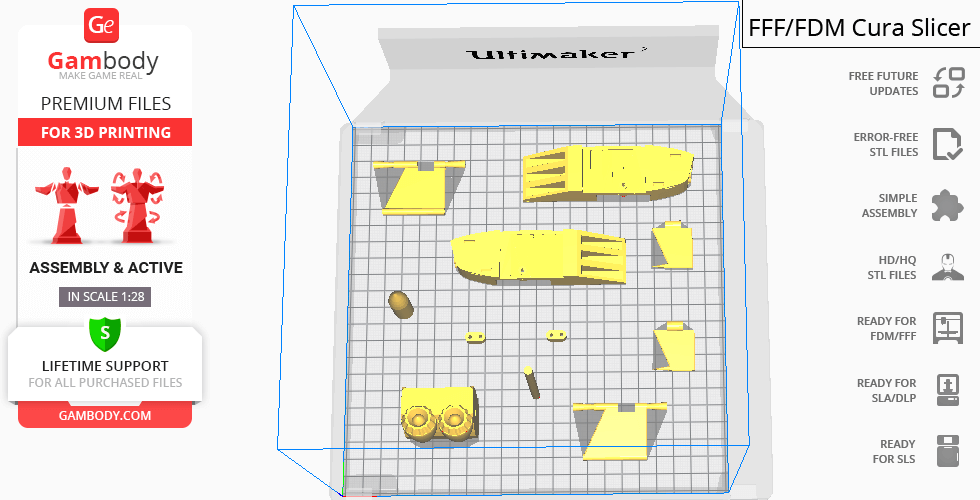
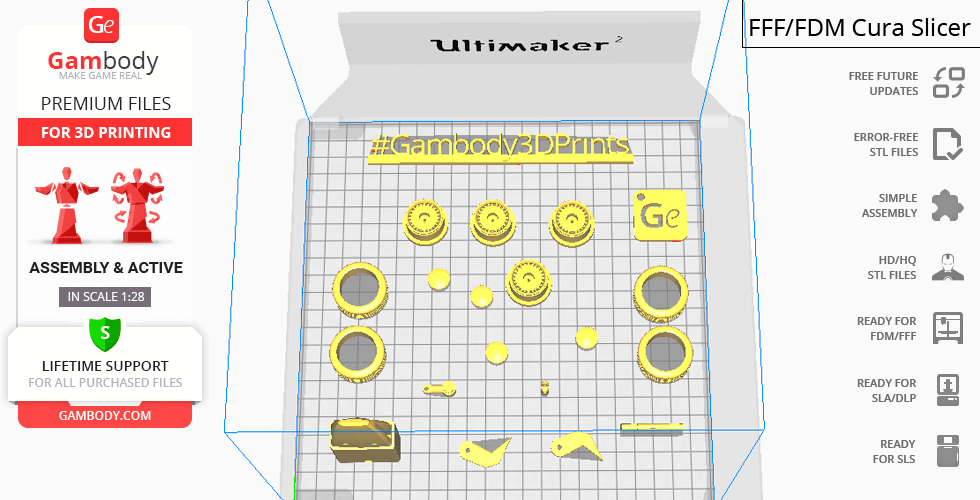
Mach Patrol 3D Printing Model comes in 1 version for FFF/FDM 3D printers. STL files of the version are available for download after the purchase.
Detailed information about this 3D printing model is available in the DESCRIPTION section.
Before printing, take a look at Printing Details for recommended settings and tips to achieve better results.
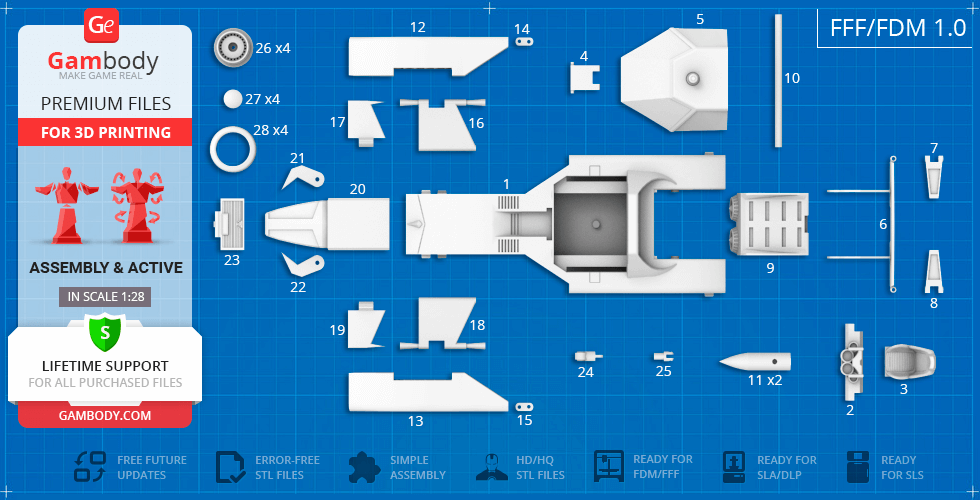
| File name | Size (mm | in) | Size(mb) | Printing Time / Filament | |||
|---|---|---|---|---|---|---|
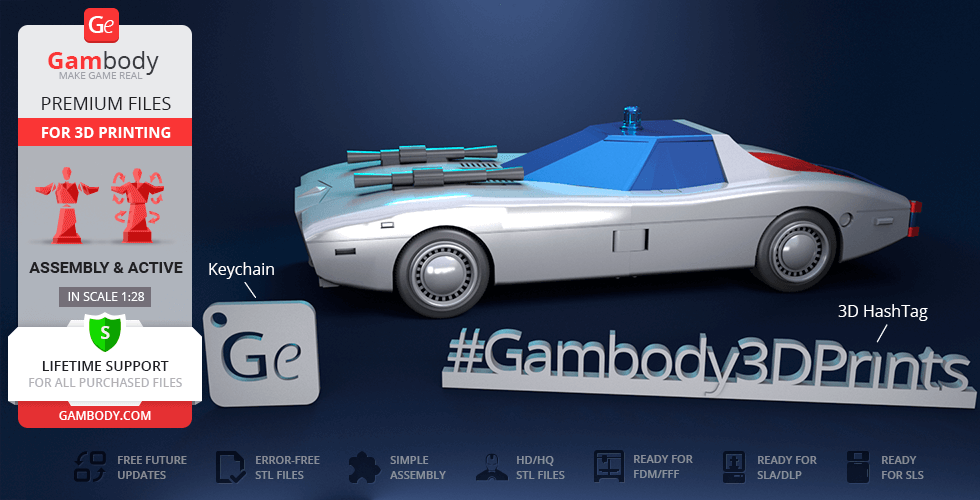
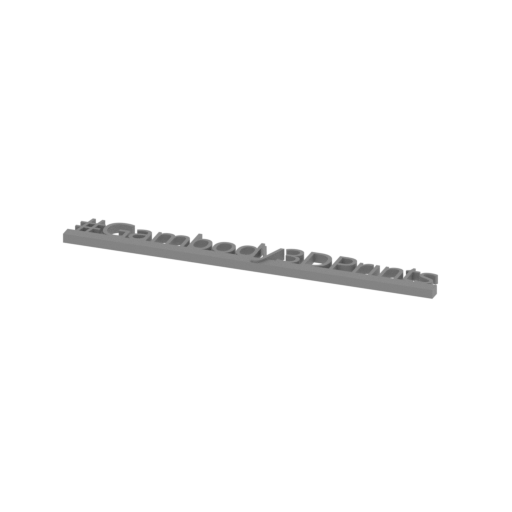 | Tag (repaired).stl 150 x 18 x 5 mm | 5.91 x 0.71 x 0.2 in | Size: 150 x 18 x 5 mm | 5.91 x 0.71 x 0.2 in | File size: 1.78 mb | Printing Time / Filament: 1 h 16 min / 1 m | ||
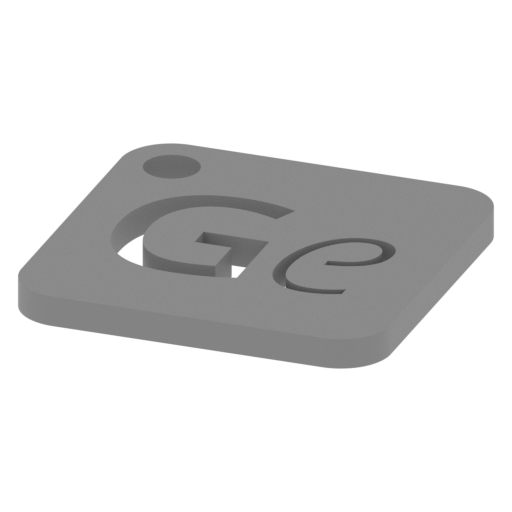 | Keychain (repaired).stl 30 x 30 x 2 mm | 1.18 x 1.18 x 0.08 in | Size: 30 x 30 x 2 mm | 1.18 x 1.18 x 0.08 in | File size: 0.37 mb | Printing Time / Filament: 23 min / <1 m | ||
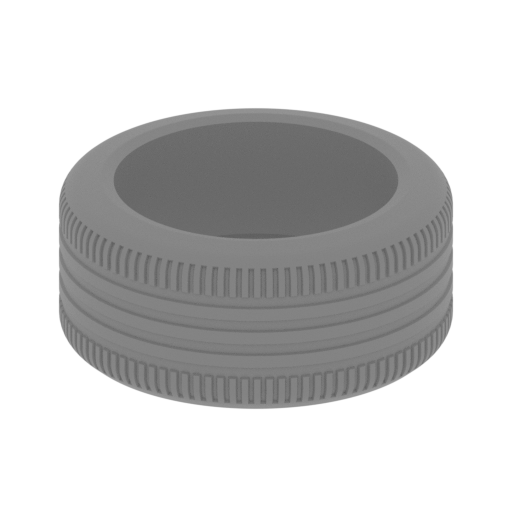 | 28_tire_x4 (repaired).stl 30 x 30 x 13 mm | 1.18 x 1.18 x 0.51 in | Size: 30 x 30 x 13 mm | 1.18 x 1.18 x 0.51 in | File size: 1.12 mb | Printing Time / Filament: 42 min / <1 m | ||
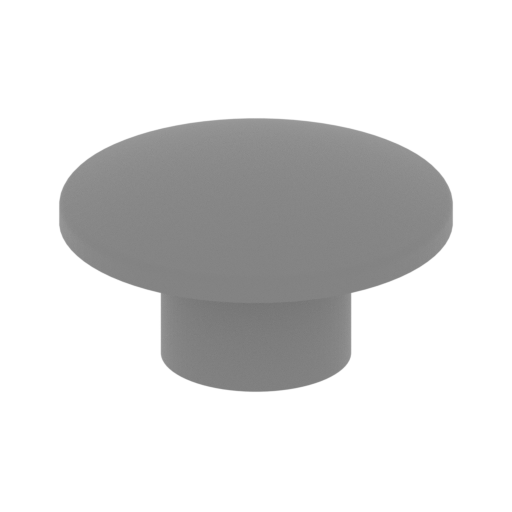 | 27_wheel_2_x4 (repaired).stl 12 x 12 x 7 mm | 0.47 x 0.47 x 0.28 in | Size: 12 x 12 x 7 mm | 0.47 x 0.47 x 0.28 in | File size: 0.24 mb | Printing Time / Filament: 8 min / <1 m | ||
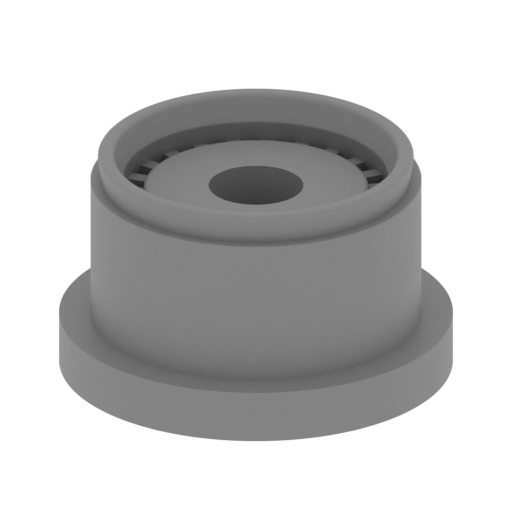 | 26_wheel_1_x4 (repaired).stl 25 x 25 x 15 mm | 0.98 x 0.98 x 0.59 in | Size: 25 x 25 x 15 mm | 0.98 x 0.98 x 0.59 in | File size: 3.62 mb | Printing Time / Filament: 52 min / <1 m | ||
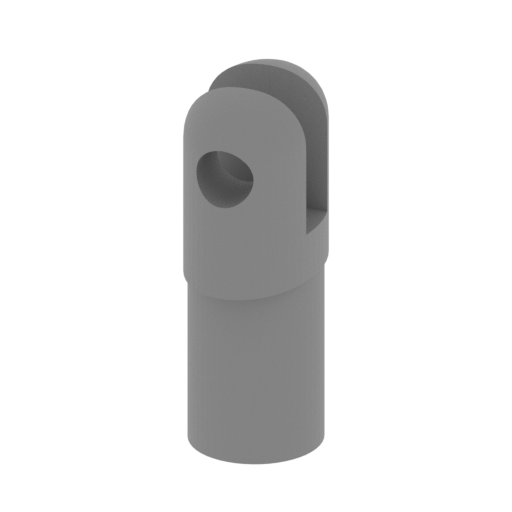 | 25_landing gear2 (repaired).stl 4 x 7 x 13 mm | 0.16 x 0.28 x 0.51 in | Size: 4 x 7 x 13 mm | 0.16 x 0.28 x 0.51 in | File size: 0.12 mb | Printing Time / Filament: 8 min / <1 m | ||
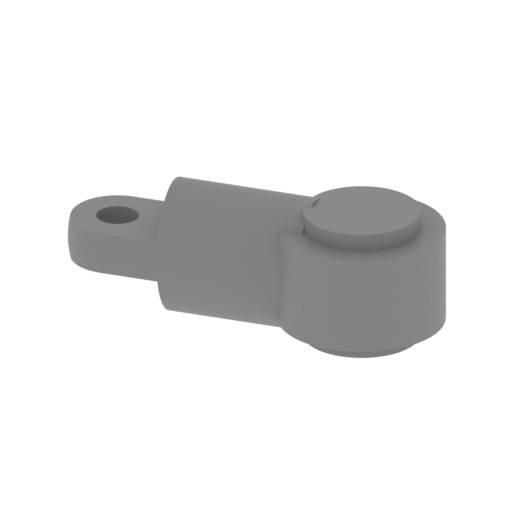 | 24_landing gear1 (repaired).stl 18 x 8 x 6 mm | 0.71 x 0.31 x 0.24 in | Size: 18 x 8 x 6 mm | 0.71 x 0.31 x 0.24 in | File size: 0.12 mb | Printing Time / Filament: 7 min / <1 m | ||
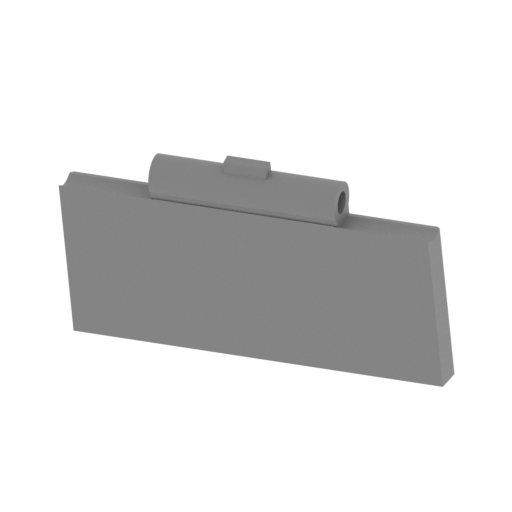 | 23_grid (repaired).stl 33 x 7 x 20 mm | 1.3 x 0.28 x 0.79 in | Size: 33 x 7 x 20 mm | 1.3 x 0.28 x 0.79 in | File size: 0.27 mb | Printing Time / Filament: 25 min / <1 m | ||
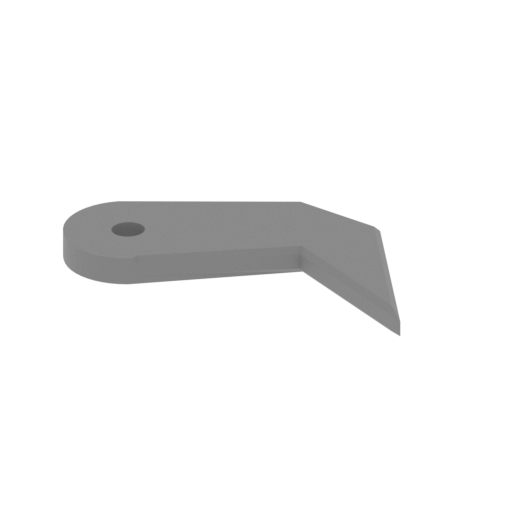 | 22_fork2 (repaired).stl 28 x 17 x 2 mm | 1.1 x 0.67 x 0.08 in | Size: 28 x 17 x 2 mm | 1.1 x 0.67 x 0.08 in | File size: 0.02 mb | Printing Time / Filament: 7 min / <1 m | ||
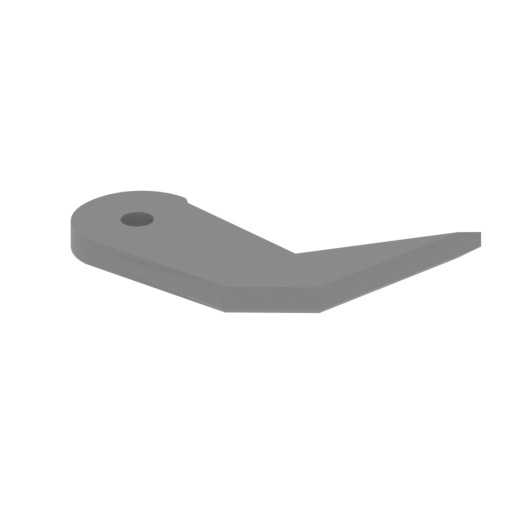 | 21_fork1 (repaired).stl 28 x 17 x 2 mm | 1.1 x 0.67 x 0.08 in | Size: 28 x 17 x 2 mm | 1.1 x 0.67 x 0.08 in | File size: 0.02 mb | Printing Time / Filament: 7 min / <1 m | ||
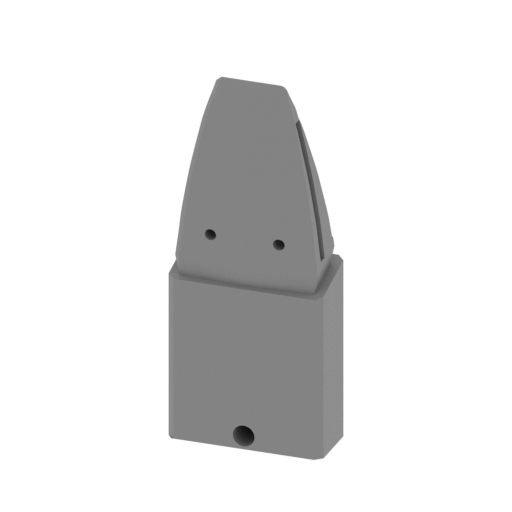 | 20_front tip (repaired).stl 33 x 14 x 80 mm | 1.3 x 0.55 x 3.15 in | Size: 33 x 14 x 80 mm | 1.3 x 0.55 x 3.15 in | File size: 0.17 mb | Printing Time / Filament: 2 h 42 min / 2 m | ||
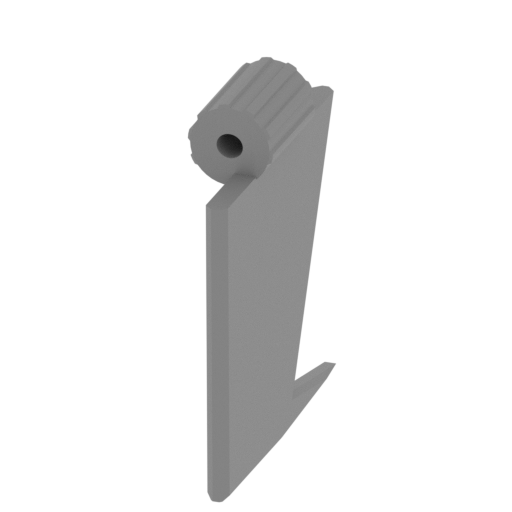 | 19_wing_L2 (repaired).stl 7 x 25 x 30 mm | 0.28 x 0.98 x 1.18 in | Size: 7 x 25 x 30 mm | 0.28 x 0.98 x 1.18 in | File size: 0.06 mb | Printing Time / Filament: 30 min / <1 m | ||
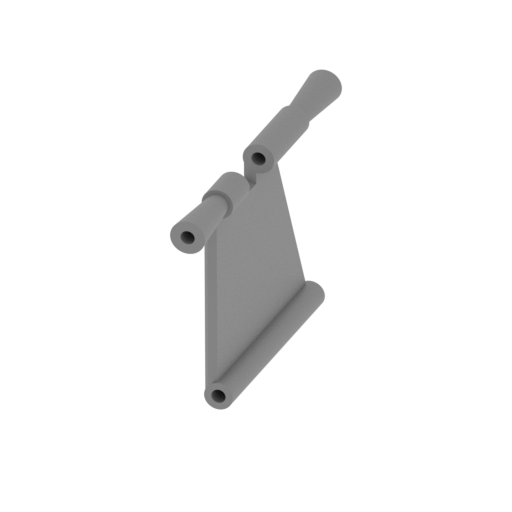 | 18_wing_L1 (repaired).stl 5 x 55 x 34 mm | 0.2 x 2.17 x 1.34 in | Size: 5 x 55 x 34 mm | 0.2 x 2.17 x 1.34 in | File size: 0.19 mb | Printing Time / Filament: 1 h 10 min / 1 m | ||
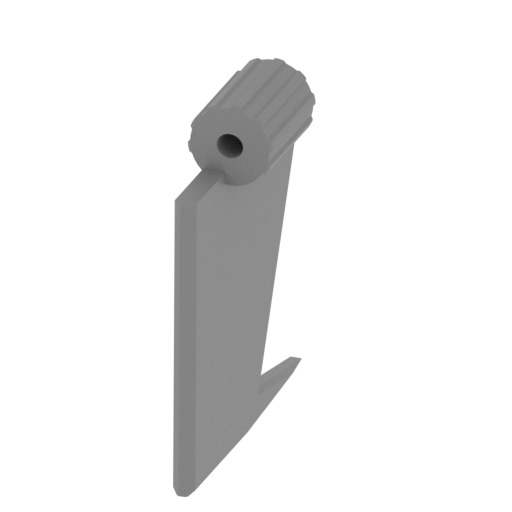 | 17_wing_R2 (repaired).stl 7 x 25 x 30 mm | 0.28 x 0.98 x 1.18 in | Size: 7 x 25 x 30 mm | 0.28 x 0.98 x 1.18 in | File size: 0.06 mb | Printing Time / Filament: 30 min / <1 m | ||
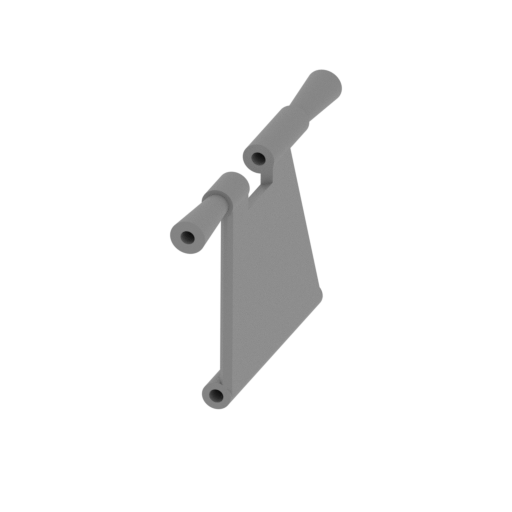 | 16_wing_R1 (repaired).stl 5 x 55 x 34 mm | 0.2 x 2.17 x 1.34 in | Size: 5 x 55 x 34 mm | 0.2 x 2.17 x 1.34 in | File size: 0.19 mb | Printing Time / Filament: 1 h 9 min / 1 m | ||
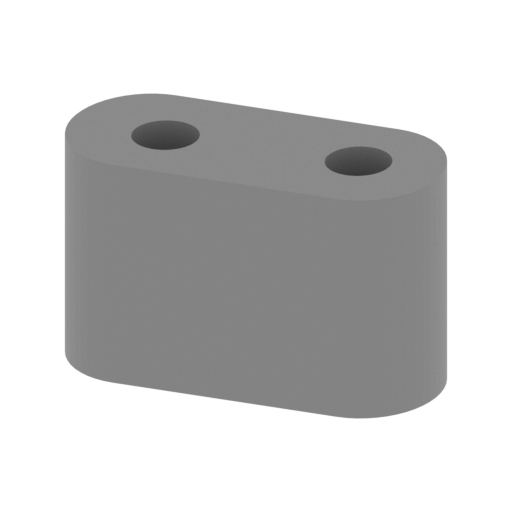 | 15_joint frame_L (repaired).stl 12 x 5 x 7 mm | 0.47 x 0.2 x 0.28 in | Size: 12 x 5 x 7 mm | 0.47 x 0.2 x 0.28 in | File size: 0.07 mb | Printing Time / Filament: 7 min / <1 m | ||
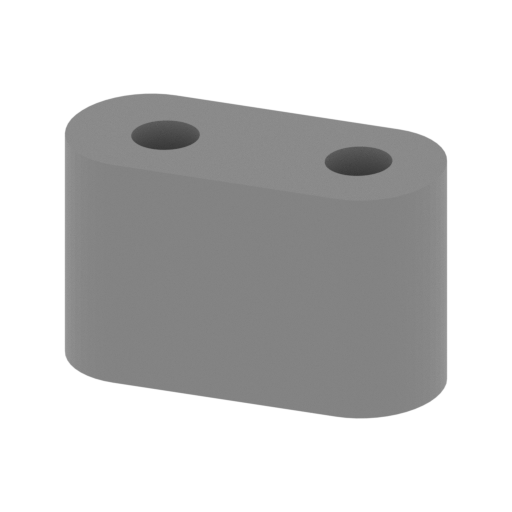 | 14_joint frame_R (repaired).stl 12 x 5 x 7 mm | 0.47 x 0.2 x 0.28 in | Size: 12 x 5 x 7 mm | 0.47 x 0.2 x 0.28 in | File size: 0.07 mb | Printing Time / Filament: 7 min / <1 m | ||
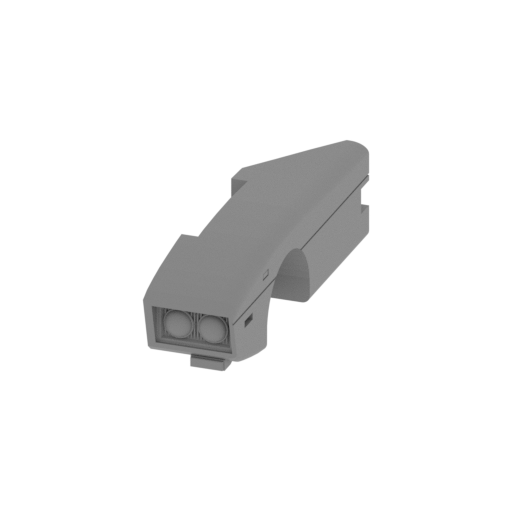 | 13_frame_front_L (repaired).stl 25 x 102 x 29 mm | 0.98 x 4.02 x 1.14 in | Size: 25 x 102 x 29 mm | 0.98 x 4.02 x 1.14 in | File size: 0.97 mb | Printing Time / Filament: 5 h 49 min / 3 m | ||
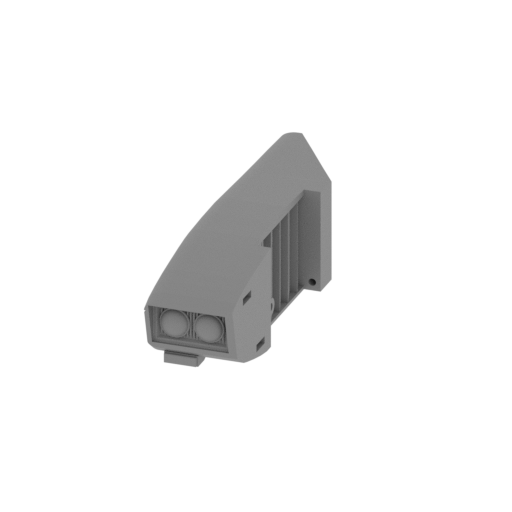 | 12_frame_front_R (repaired).stl 25 x 102 x 29 mm | 0.98 x 4.02 x 1.14 in | Size: 25 x 102 x 29 mm | 0.98 x 4.02 x 1.14 in | File size: 0.98 mb | Printing Time / Filament: 5 h 50 min / 3 m | ||
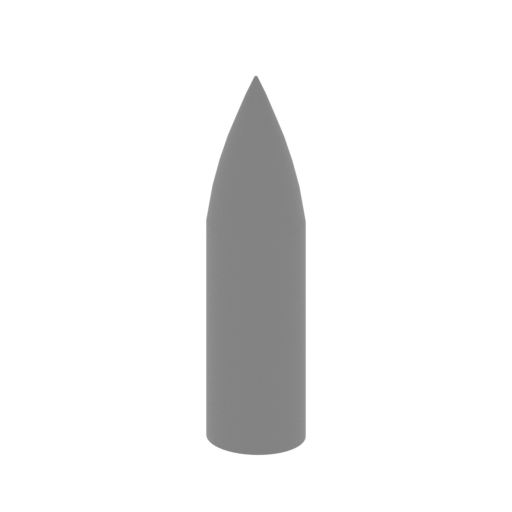 | 11_missile x2 (repaired).stl 12 x 11 x 46 mm | 0.47 x 0.43 x 1.81 in | Size: 12 x 11 x 46 mm | 0.47 x 0.43 x 1.81 in | File size: 0.07 mb | Printing Time / Filament: 37 min / <1 m | ||
 | 10_pin (repaired).stl 5 x 5 x 85 mm | 0.2 x 0.2 x 3.35 in | Size: 5 x 5 x 85 mm | 0.2 x 0.2 x 3.35 in | File size: 0.02 mb | Printing Time / Filament: 35 min / <1 m | ||
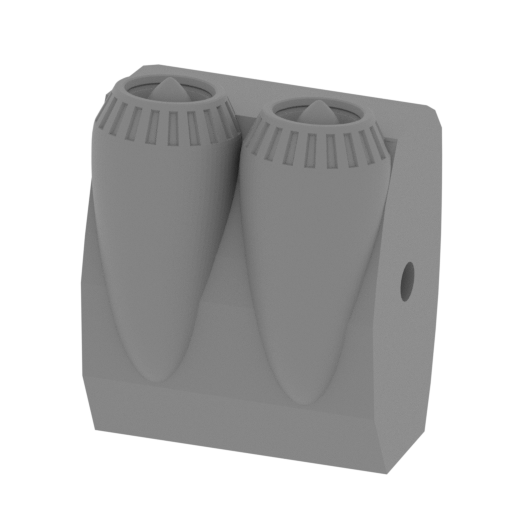 | 9_propeller (repaired).stl 40 x 30 x 51 mm | 1.57 x 1.18 x 2.01 in | Size: 40 x 30 x 51 mm | 1.57 x 1.18 x 2.01 in | File size: 1.36 mb | Printing Time / Filament: 3 h 54 min / 2 m | ||
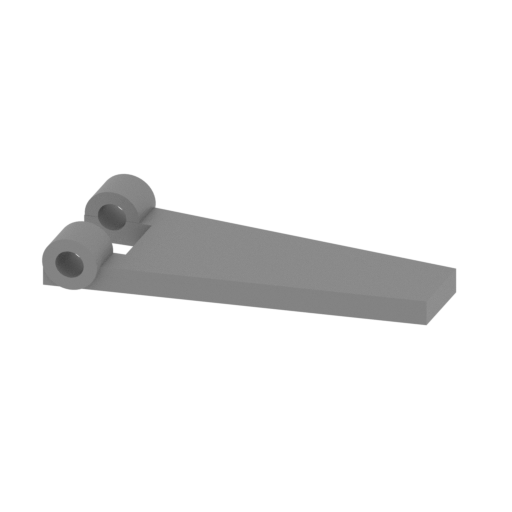 | 8_flap3 (repaired).stl 28 x 12 x 4 mm | 1.1 x 0.47 x 0.16 in | Size: 28 x 12 x 4 mm | 1.1 x 0.47 x 0.16 in | File size: 0.10 mb | Printing Time / Filament: 9 min / <1 m | ||
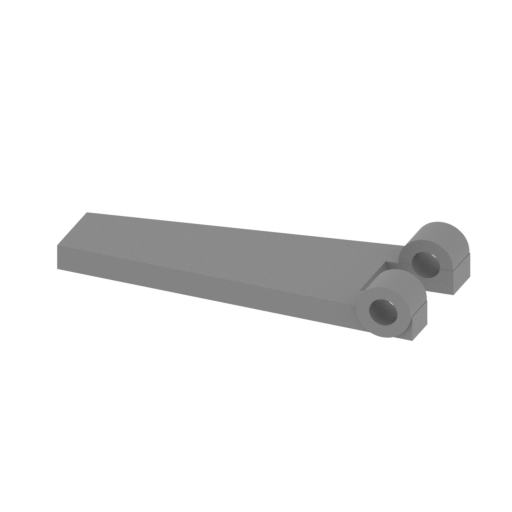 | 7_flap2 (repaired).stl 28 x 12 x 4 mm | 1.1 x 0.47 x 0.16 in | Size: 28 x 12 x 4 mm | 1.1 x 0.47 x 0.16 in | File size: 0.10 mb | Printing Time / Filament: 9 min / <1 m | ||
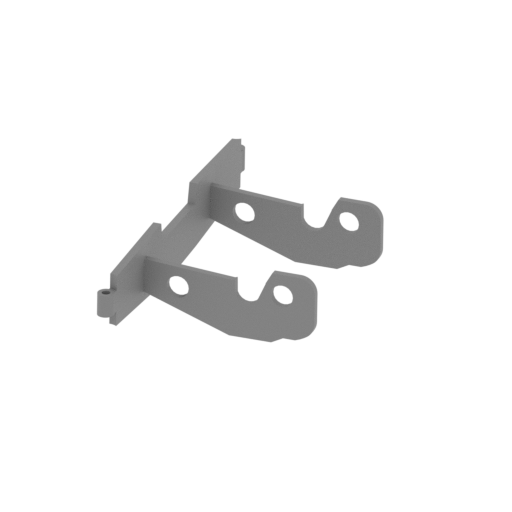 | 6_flap1 (repaired).stl 44 x 88 x 20 mm | 1.73 x 3.46 x 0.79 in | Size: 44 x 88 x 20 mm | 1.73 x 3.46 x 0.79 in | File size: 0.12 mb | Printing Time / Filament: 1 h 23 min / 1 m | ||
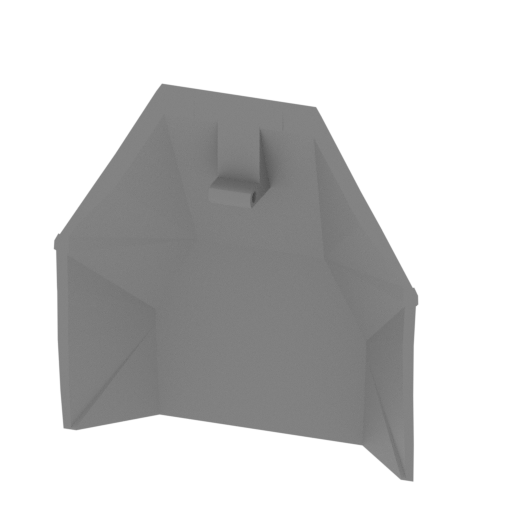 | 5_door_glass (repaired).stl 67 x 26 x 68 mm | 2.64 x 1.02 x 2.68 in | Size: 67 x 26 x 68 mm | 2.64 x 1.02 x 2.68 in | File size: 6.85 mb | Printing Time / Filament: 2 h 44 min / 2 m | ||
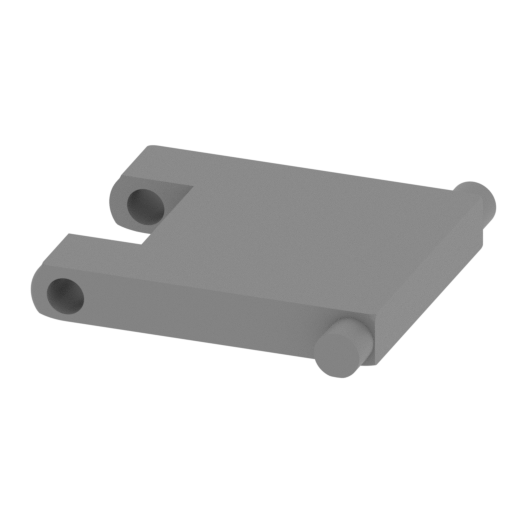 | 4_joint door (repaired).stl 19 x 20 x 3 mm | 0.75 x 0.79 x 0.12 in | Size: 19 x 20 x 3 mm | 0.75 x 0.79 x 0.12 in | File size: 0.32 mb | Printing Time / Filament: 10 min / <1 m | ||
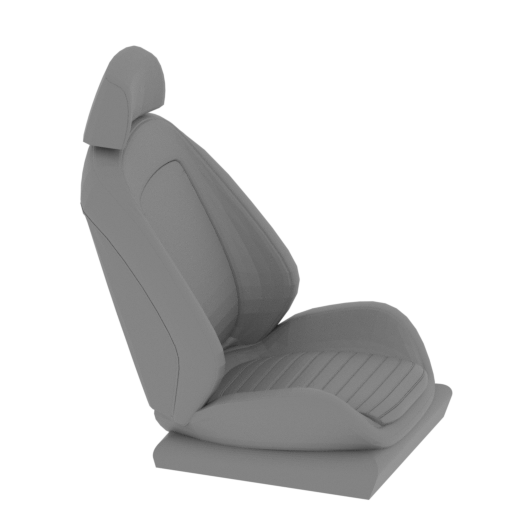 | 3_seat (repaired).stl 31 x 23 x 36 mm | 1.22 x 0.91 x 1.42 in | Size: 31 x 23 x 36 mm | 1.22 x 0.91 x 1.42 in | File size: 2.13 mb | Printing Time / Filament: 59 min / <1 m | ||
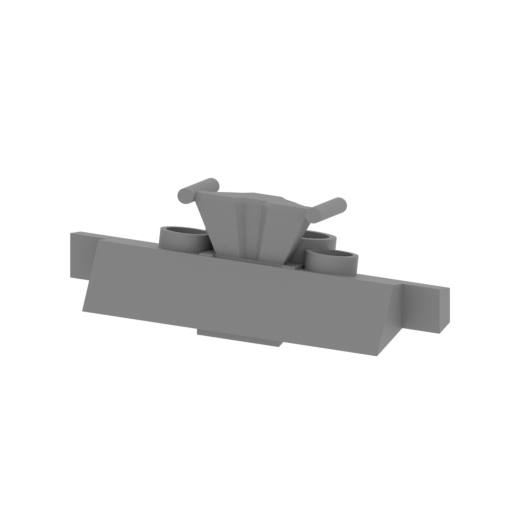 | 2_consolle (repaired).stl 49 x 19 x 18 mm | 1.93 x 0.75 x 0.71 in | Size: 49 x 19 x 18 mm | 1.93 x 0.75 x 0.71 in | File size: 0.19 mb | Printing Time / Filament: 54 min / <1 m | ||
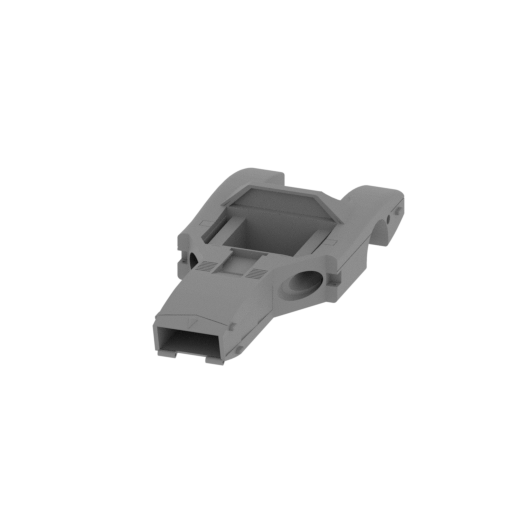 | 1_frame (repaired).stl 93 x 204 x 42 mm | 3.66 x 8.03 x 1.65 in | Size: 93 x 204 x 42 mm | 3.66 x 8.03 x 1.65 in | File size: 1.12 mb | Printing Time / Filament: 25 h 21 min / 16 m | ||
ABOUT THIS 3D MODEL
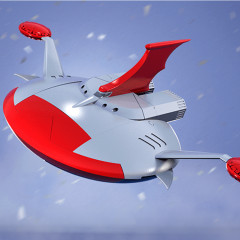
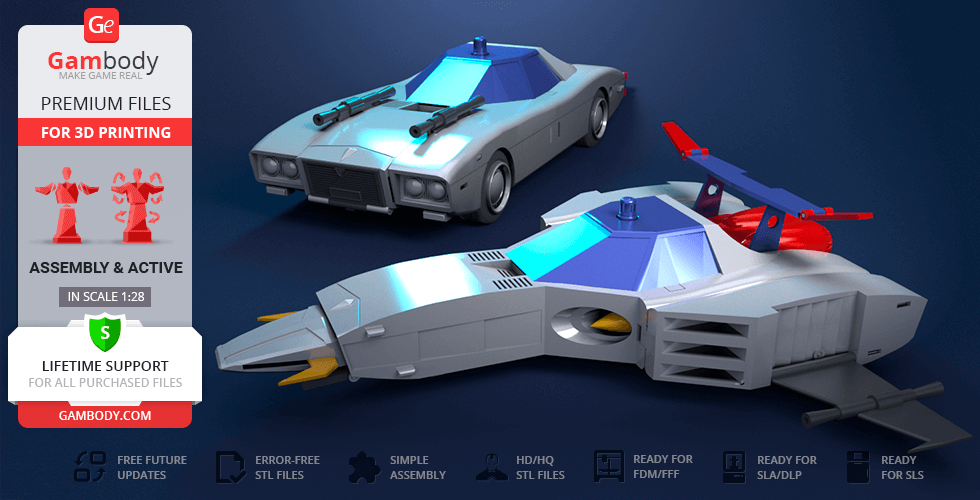
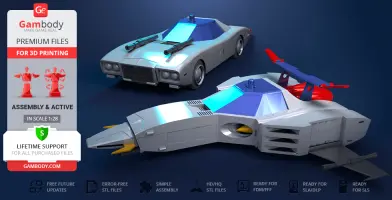
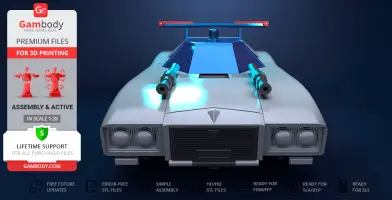
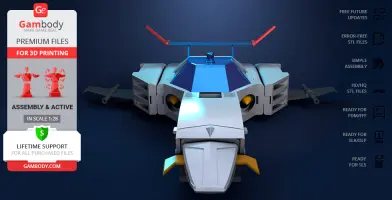
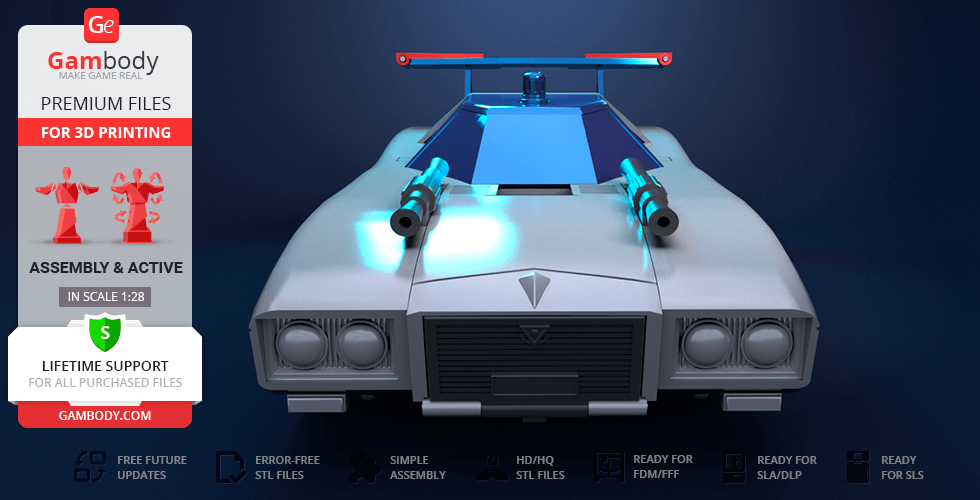
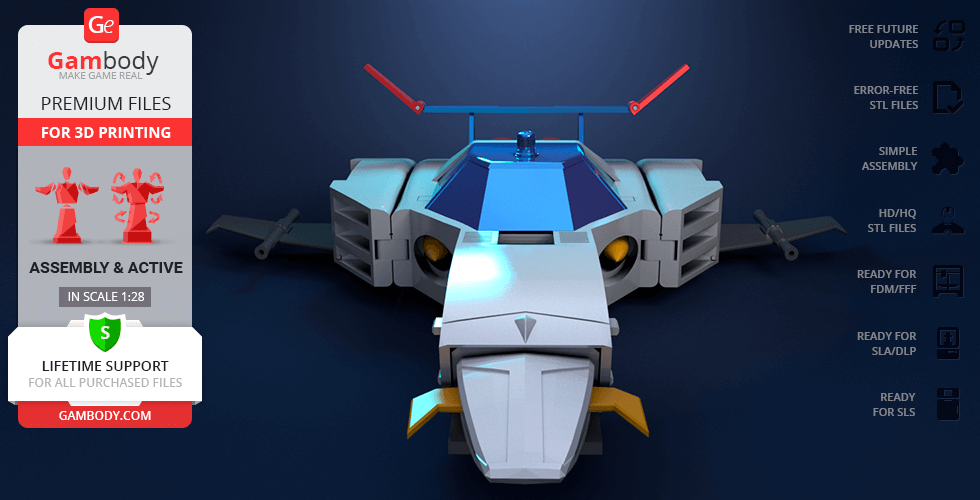
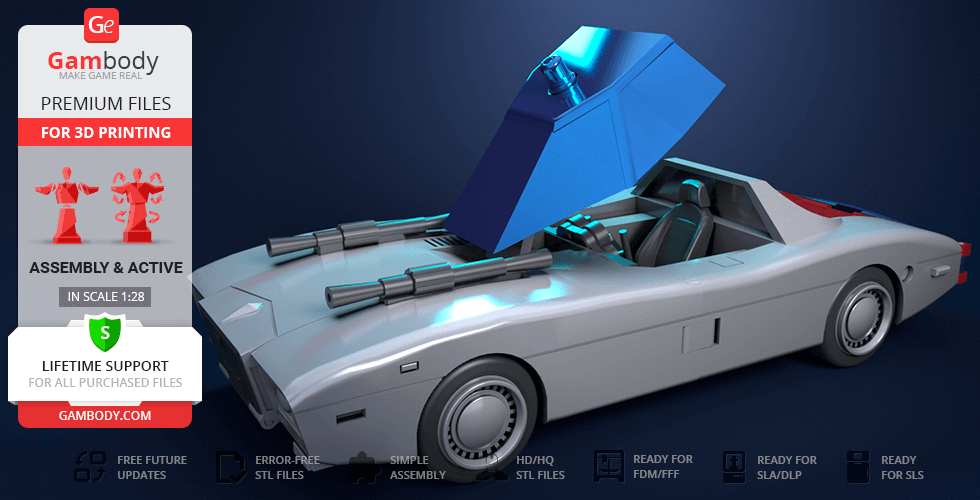
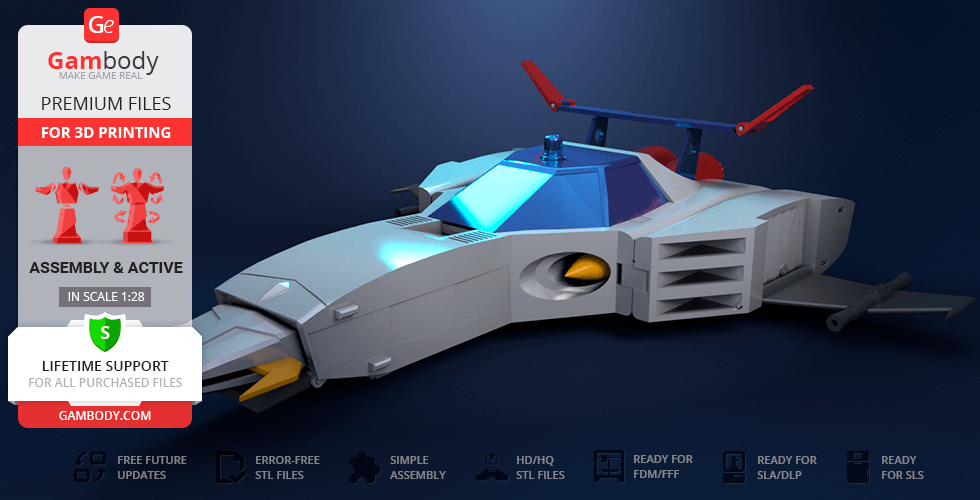
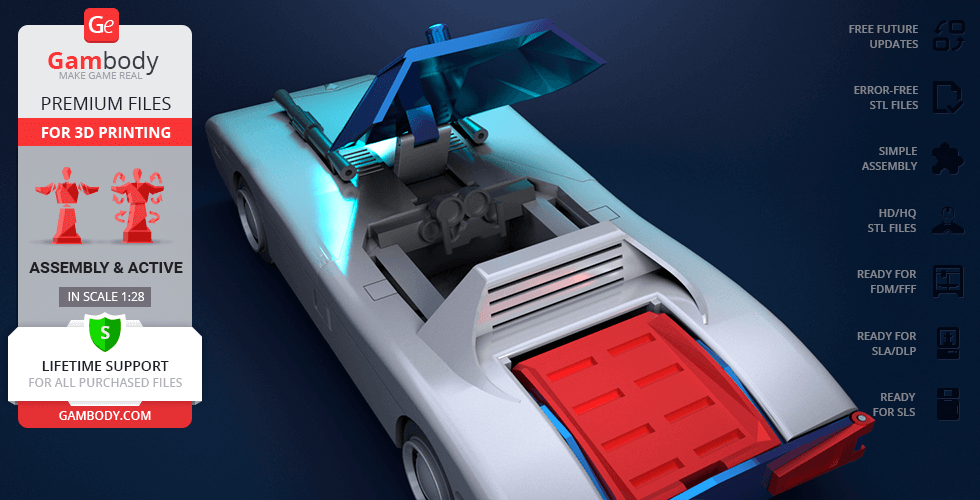
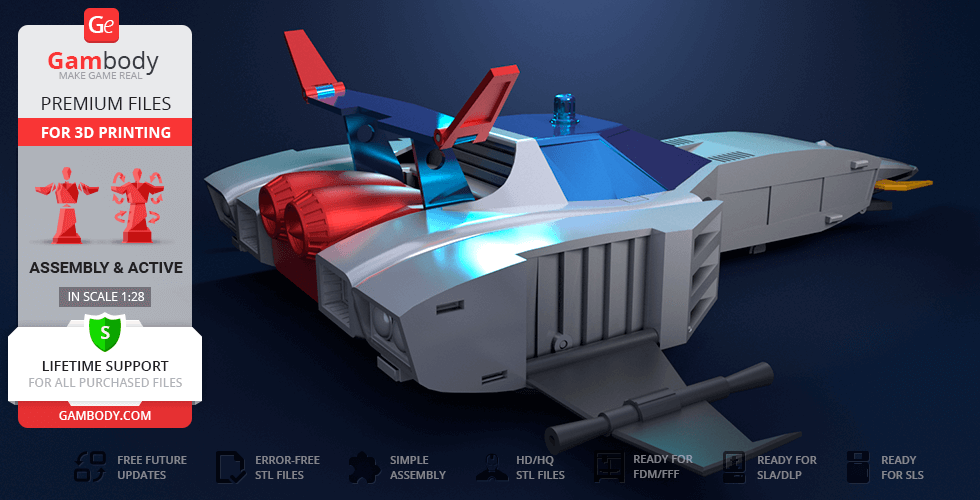
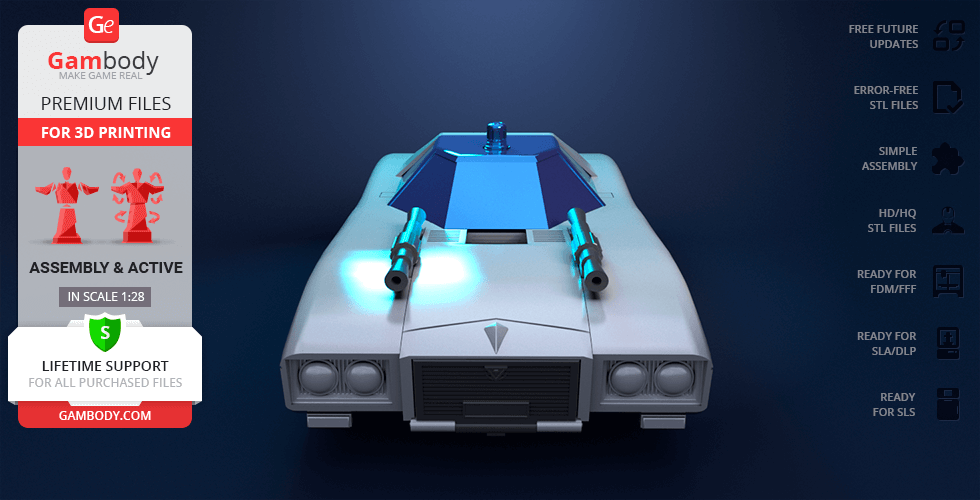
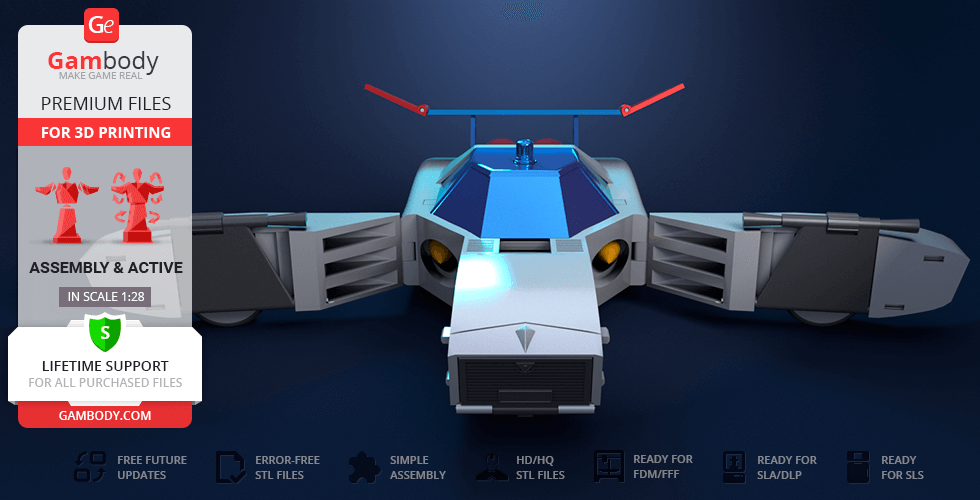
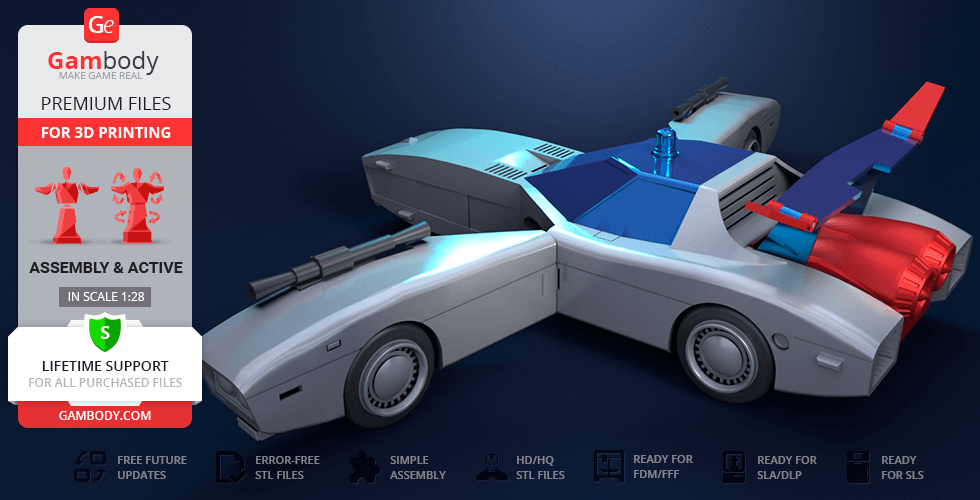
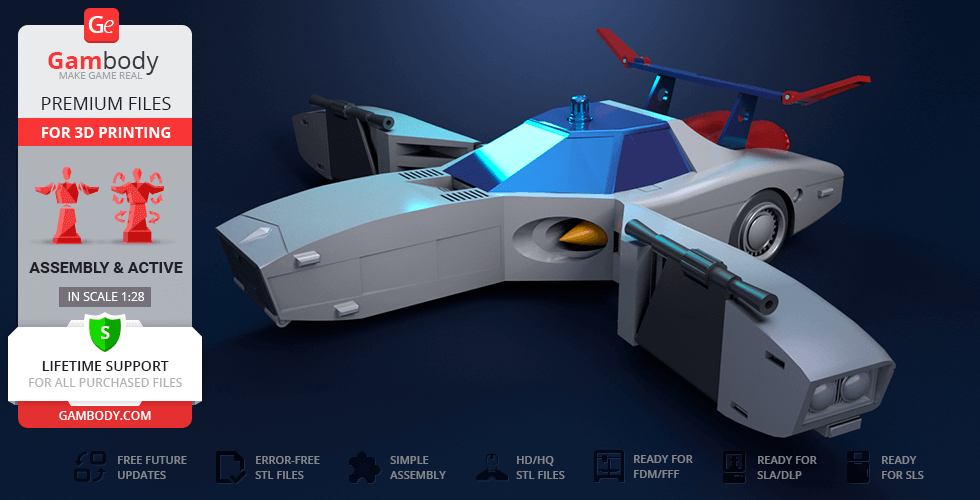
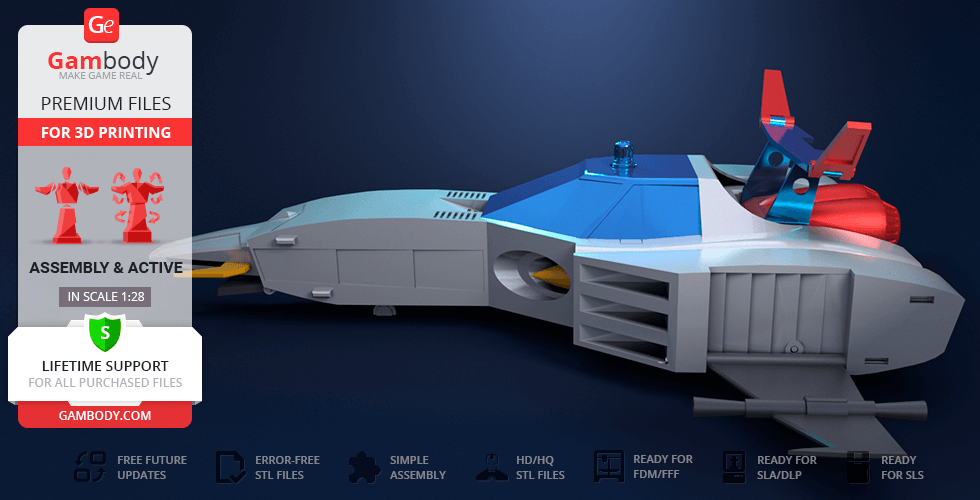
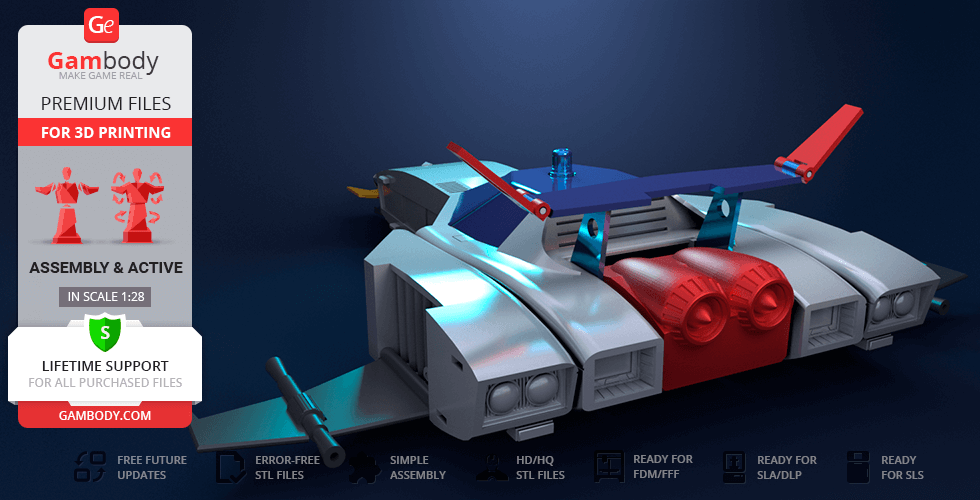
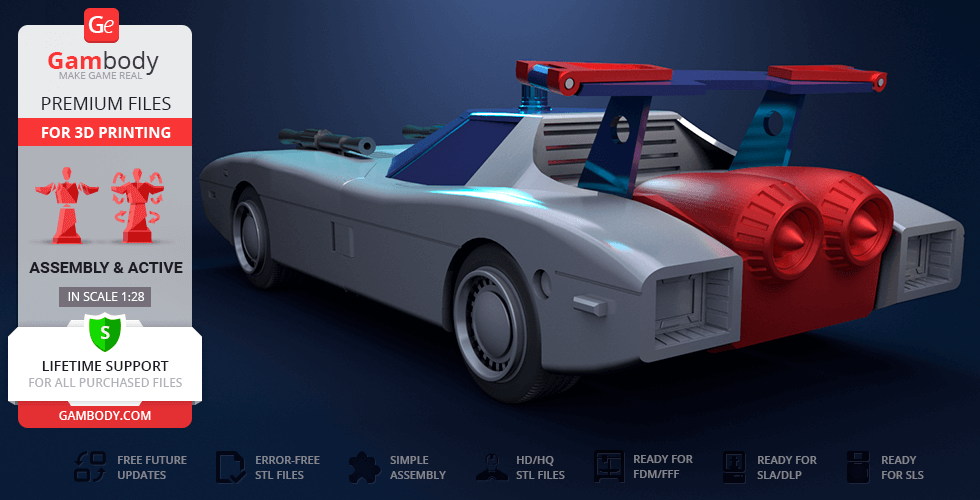
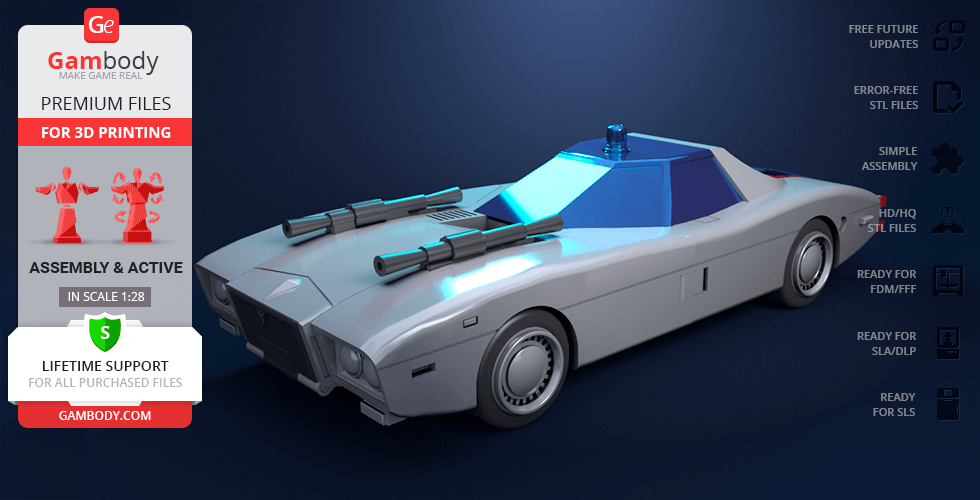
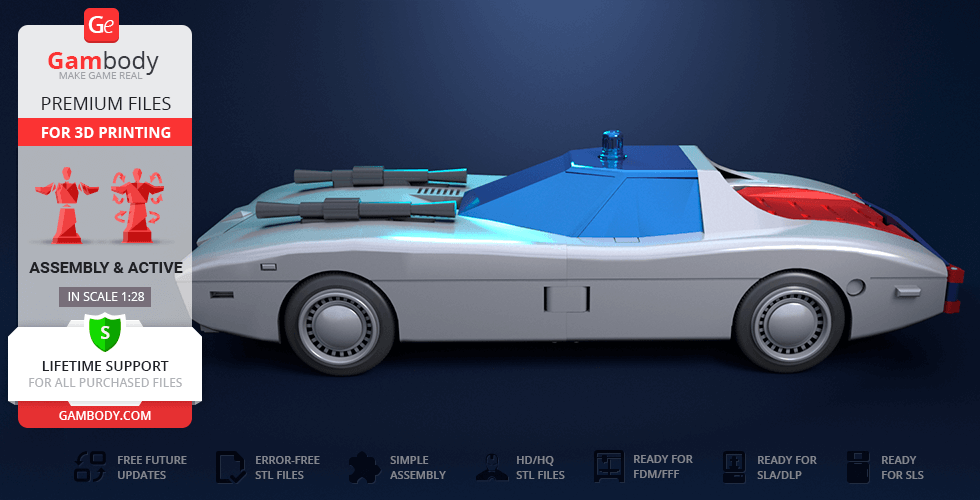
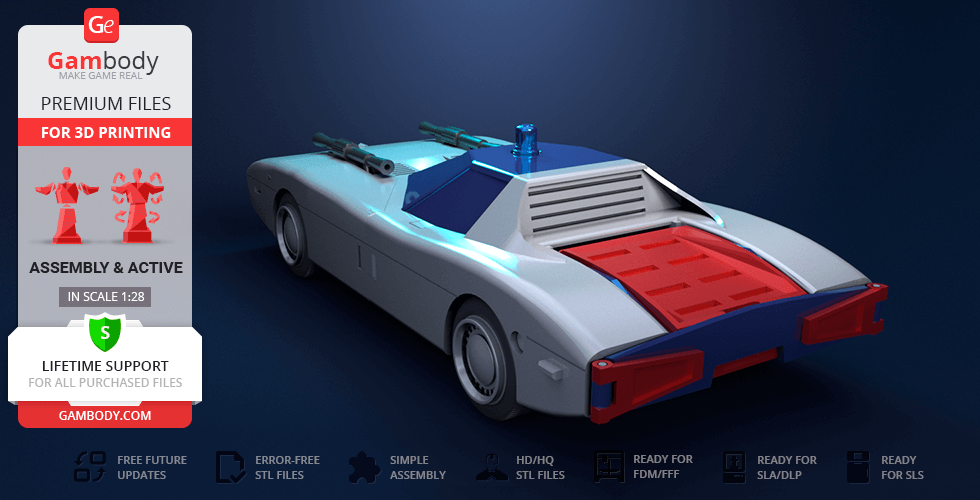
Mach Patrol is the police cruiser-like car that belongs to Banjō Haran, the protagonist of the Invincible Steel Man Daitarn 3 anime series. The car’s main feature is its ability to transform into a plane mode known as Mach Attacker. And the author of the model spent 114 hours to design the Mach Patrol for 3D printing the would possess the same characteristics. And now any fan of the legendary vehicle has an opportunity to obtain a transformable model having printed it on a 3D printer. Mach Patrol for 3D printing also features all the assembly parts typically associated with the vehicle from the anime series. A pair of bladed wings, also known as the Mach Blades, balloon-like mines called the Mach Balloons and spikes called the Mach Picks are there to depict the car with as much attention to detail as possible. Don't hesitate, hurry up to start the legendary project!
ADAPTATION FOR 3D PRINTING
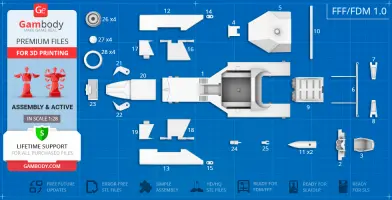
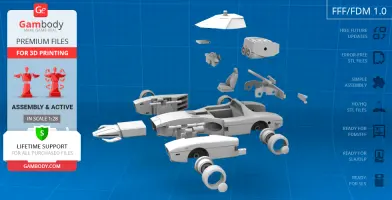
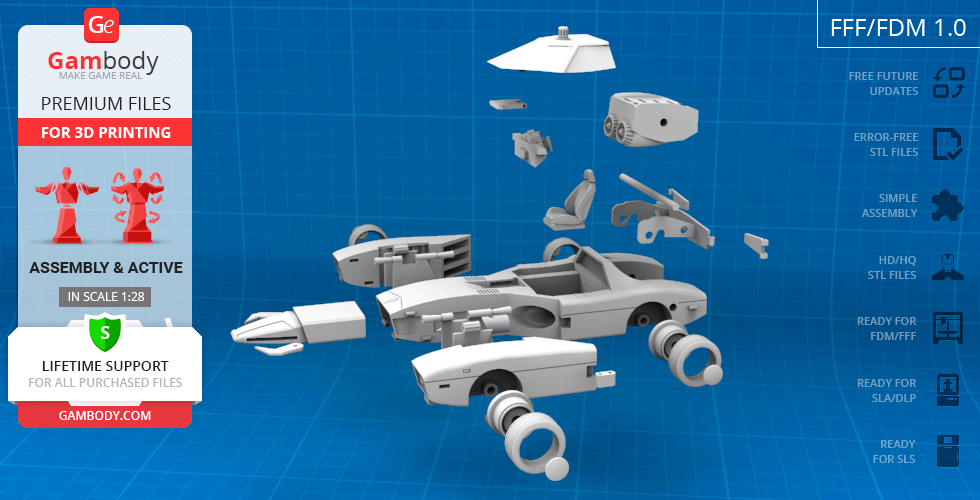
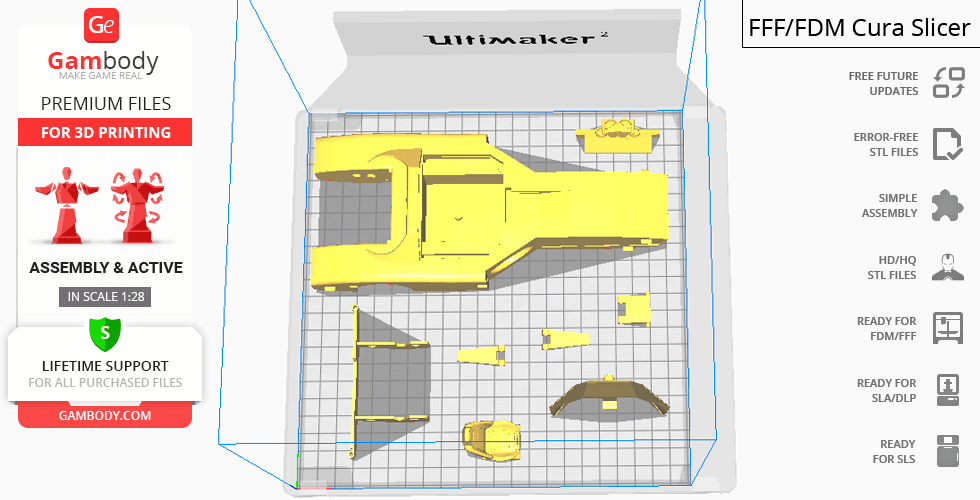
Mach Patrol model for 3D printing is a highly articulated assembly model and its moderation and adaptation for different types of 3D printers took Gambody team 32 hours in total. In order to ensure the robot’s transformation, it was divided into many assembly parts and all of them were designed to presuppose the introduction of a certain mechanism to give you an opportunity to switch between the car’s modes. Mach Patrol’s driver seat, steering wheel, Mach Picks etc. are provided as a separate files for you to receive the cleanest printed result. All the assembly parts are provided in STL files in recommended positions that were worked out so to ensure the smoothness of the details’ surfaces after printing and so that the 3D printing beginners won't face difficulties when placing the parts on a build plate. In order to assemble the model, you will need short pieces of 1.75 PLA to make pins. Make sure to watch "Assembly video" in the photo preview section before assembly and apply the glue where you feel appropriate.
The model is saved in STL files, a format supported by most 3D printers. All STL files for 3D printing have been checked in Netfabb and no errors were shown.
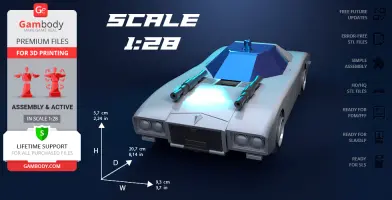
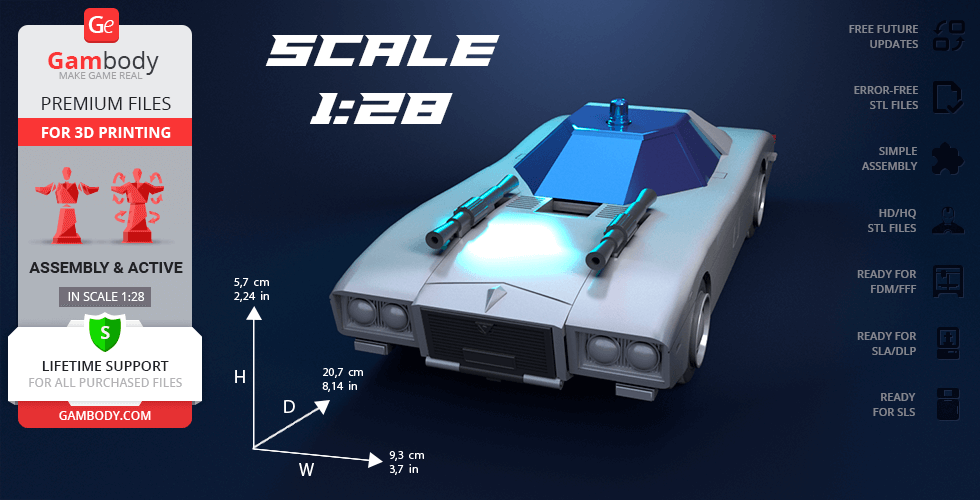
The model's scale was calculated from Mach Patrol's actual length that is 5800 mm. The 3D printing model's chosen scale is 1/28 for the FFF/FDM version.
VERSION SPECIFICATIONS
FFF/FDM 1.0 version features:
- Contains 28 parts;
- A printed model is 57 mm tall, 93 mm wide, 207 mm deep;
- Can transform into Mach Attacker mode;
- Each robot’s part is articulated which allows the model's transformation;
- The cockpit can be opened to access the passenger compartment;
- The model can be assembled with 1.75 PLA pins;
- All parts are divided in such a way that you will print them with the smallest number of support structures.
WHAT WILL YOU GET AFTER PURCHASE?
- STL files of Mach Patrol Model for 3D printing which consist of 28 parts;
- High-poly detailed model of Mach Patrol;
- Detailed settings that we provide as a recommendation for Cura , Simplify3D and Slic3r for the best print;
- Full technical support from the Gambody Support Team.
You can get the model of Mach Patrol for 3D Printing immediately after the purchase! Just click the green Buy button in the top-right corner of the model’s page. You can pay with PayPal or your credit card.
Watch the tutorial on how to assemble Mach Patrol 3D Printing Model at Gambody YouTube channel.
Also, you may like another Robot 3D Printing Models as well as other Anime 3D Printing Figurines.
_______
FAQ:
Where can I print a model if I have no printer?
How to get started with 3D printing?
How to set up my 3D printer?
How to choose right 3D model print bed positioning?
How to paint printed figurine?
Average customer rating (6 reviews)
3.8
Ratings breakdown
Click a star rating to filter reviews
Overall experience
Level of detail in the model
3.8
Model cut quality and assembly guide
3.8
Clarity and accuracy of the model page
3.8


 This feedback is from a user who hasn't purchased this model
 Level of detail in the model
5
Model cut quality and assembly guide
5
Clarity and accuracy of the model page
5

 Verified purchase
 Level of detail in the model
5
Model cut quality and assembly guide
5
Clarity and accuracy of the model page
5
Verified purchase Level of detail in the model
3
Model cut quality and assembly guide
3
Clarity and accuracy of the model page
3
This feedback is from a user who hasn't purchased this model Level of detail in the model
2
Model cut quality and assembly guide
2
Clarity and accuracy of the model page
2
Verified purchase Level of detail in the model
3
Model cut quality and assembly guide
3
Clarity and accuracy of the model page
3

 This feedback is from a user who hasn't purchased this model
 Level of detail in the model
5
Model cut quality and assembly guide
5
Clarity and accuracy of the model page
5
Below you'll find detailed slicing settings for Bambu Studio 2.0+, Orca Slicer 2.0+, UltiMaker Cura 5.0+, PrusaSlicer 2.0+, Slic3r 1.3+, Simplify3D 5.0+ to help you get the best results when printing this model. These settings are optimized specifically for this 3D model, but please note they may need slight adjustments depending on your printer or filament. When in doubt, refer to your printer's user manual.
To avoid printing issues and achieve the best quality, we highly recommend applying the following settings:
 Bambu Studio 2.0+
 For better quality use 0.12 mm layer height, for fast printing use 0.2 mm layer height. For pins and the Ge connectors, use 0.2 layer height.
120-150% of your Layer Height
But you can paint the seam if you want.
You have to calibrate this parameter
You have to calibrate this parameter
You have to calibrate this parameter
For pins and power elements of the structure, such as the vehicle frame, use 3 loop
Disabled for vehicles and enabled for characters
For 0,2 Layer Height
The parameters in this tab vary greatly, it all depends on the quality of your printer. For example, if you have a classic Ender3, stick to the minimum parameters, but if you have a newer printer, for example Anycubic cobra 3 v2, you can select the maximum recommended values
Settings for advanced users, change these parameters only if you have sufficient 3D printing expertise
Enable this parameter if your model requires supports
We also recommend placing and removing supports manually in some places using special button
1-2 loops for more thick support
Top Z distance = 1-1.3 layer Height. If the supports are hard to remove, try increasing this setting by 0.1-0,4 mm
Bottom Z distance = 1-1.3 layer Height. If the supports are hard to remove, try increasing this setting by 0.1-0,4 mm
You have to calibrate this parameter which one is better for your filament
Increase this parameter if the supports are hard to remove from walls
For PLA and PETG filament types
5-8 mm is optional for small prints that have bad adhesion to the build plate
You have to calibrate this parameter
Read the description on your filament roll
Read the description on your filament roll and increase this parameter for fast printers
Read the description on your filament roll and increase this parameter for fast printers
 Orca Slicer 2.0+
 For better quality use 0.12 mm layer height, for fast printing use 0.2 mm layer height. For pins and the Ge connectors, use 0.2 layer height.
120-150% of your Layer Height
But you can paint the seam if you want.
0.01-0.05 You have to calibrate this parameter
0.01-0.05 You have to calibrate this parameter
0.1-0.2 You have to calibrate this parameter
For pins and power elements of the structure, such as the vehicle frame, use 3 loop
Disabled for vehicles and ships, enabled for characters
For 0,2 Layer Height
For 0,2 Layer Height
The parameters in this tab vary greatly, it all depends on the quality of your printer. For example, if you have a classic Ender3, stick to the minimum parameters, but if you have a newer printer, for example, Anycubic Kobra 3 Or Bambulab A1, you can select the maximum recommended values.
Settings for advanced users, change these parameters only if you have sufficient 3D printing expertise
Enable this parameter if your model requires supports
We also recommend placing and removing supports manually in some places using special button
Top Z distance = 1-1.3 layer Height. If the supports are hard to remove, try increasing this setting by 0.1-0,4 mm
Bottom Z distance = 1-1.3 layer Height. If the supports are hard to remove, try increasing this setting by 0.1-0,4 mm
Increase this parameter if the supports are hard to remove from walls
For PLA and PETG filament types
5-8 mm is optional for small prints that have bad adhesion to the build plate
Read the description on your filament roll
Read the description on your filament roll and increase this parameter for fast printers
You have to calibrate this parameter
Read the description on your filament roll and increase this parameter for fast printers
Read the description on your filament roll
This field is filled in according to your printer specifications when you add it to the slicer.
You can add custom G-code here for the start and end of the print. However, be careful - this is for advanced users only!
You have to calibrate your printer using Ge retraction test models
Retraction Length: For direct-drive setups use 0.5 mm to 2.5 mm; for Bowden extruders use 5 to 7 mm
This is how fast the filament is pulled back—40-60 mm/s for direct drive and 30-50 mm/s for Bowden setups.
You have to calibrate this parameter: Reduce it until the printer starts to hit the parts with the nozzle during printing, then increase it by 0.2.
 UltiMaker Cura 5.0+
 For better quality use 0.12 mm layer height, for fast printing use 0.2 mm layer height. For pins and the Ge connectors, use 0.2 layer height.
120-150% of your Layer Height
To increase the strength of the print parts, use wall line count: 3
For pins and connectors use 50% Infill
These parameters are for standard PLA plastic. If you are using a different type of plastic, check the printing temperature recommended by the manufacturer. Also, read the description on your filament spool. For fast printers, add +30 °C to the current parameters.
The parameters in this tab vary greatly, it all depends on the quality of your printer. For example, if you have a classic Ender3, stick to the minimum parameters, but if you have a newer printer, for example Anycubic cobra 3 v3, you can select the maximum recommended values
Settings for advanced users, change these parameters only if you have sufficient 3D printing expertise.
You need to calibrate this parameter using Gambody test models. These values are average values for a Direct Drive extruder; for a Bowden extruder, the values should be increased.
You need to calibrate this parameter using Gambody test models. These values are average values for a Direct Drive extruder; for a Bowden extruder, the values should be increased.
Use this value other than 0 if your nozzle catches on the internal infill during travel moves. Try to keep this value as low as possible in height.
Use normal supports to support large, straight surfaces (most mechanical or technical parts).
You have to calibrate this parameter according to the capabilities of your printer and your filament, using a Gambody test models.
Use 1 instead of 0 if your supports are thin and tall. They will be harder to remove, but much stronger.
Top Z distance = 1-1.3 layer Height. If the supports are hard to remove, try increasing this setting by 0.1-0,4 mm
Increase this parameter if the supports are hard to remove from walls
Use tree supports to support complex objects, such as characters.
You have to calibrate this parameter according to the capabilities of your printer and your filament, using a Gambody test models.
Top Z distance = 1-1.3 layer Height. If the supports are hard to remove, try increasing this setting by 0.1-0,4 mm
Increase this parameter if the supports are hard to remove from walls
Use a skirt for all parts when printing on outdated printers.
Use a brim when printing thin but tall parts, as well as parts with a small bed adhesion area.
 PrusaSlicer 2.0+
 For better quality use 0.12 mm layer height, for fast printing use 0.2 mm layer height. For pins and the Ge connectors, use 0.2 layer height.
120-150% of your Layer Height
for 0.2 Layer Height
But you can paint the seam if you want.
(for PLA and PETG)
(5-8 mm is optional for small prints that have bad adhesion to the build plate)
Enable this parameter if your model requires supports
(45-50 degree)You have to calibrate this parameter according to the capabilities of your printer
and your filament, using a Gambody test models.
Top contact Z distance = 1-1.3 layer Height. If the supports are hard to remove, try
increasing this setting by 0.1-0,4 mm
Top contact Z distance = 1-1.3 layer Height. If the supports are hard to remove, try
increasing this setting by 0.1-0,4 mm
Increase this parameter if the supports are hard to remove from walls
The parameters in this tab vary greatly, it all depends on the quality of your printer. For example, if you have a classic Ender3, stick to the minimum parameters, but if you have a newer printer, for example Anycubic cobra 3 v3, you can select the maximum recommended values
Settings for advanced users, change these parameters only if you have sufficient 3D printing expertise. Use the minimum value for outdated printers without acceleration calibration, and the maximum value for modern printers if you need it.
These settings only work for 3D printers with multiple extruders
You can try setting all parameters in this section, except the First layer, to values between 0.75% of your nozzle diameter and 1.25% of your nozzle diameter. Adjusting them will help you work out the optimal parameters for the best quality for your print. As for the First layer, you can set it to 150% of the diameter of your nozzle for better adhesion to the build plate (for a nozzle with a diameter of 0.4 mm, the First layer extrusion width can be from 0.3 mm to 0.5 mm)
For better printing quality you have to calibrate this parameter using Gambody test model.
Check your filament manufacturer's temperature recommendations on the spool.
Cooling parameters depends on the material you use for printing.
*for PLA
 Slic3r 1.3+
 For better quality use 0.12 mm layer height, for fast printing use 0.2 mm layer height. For pins and the Ge connectors, use 0.2 layer height.
120-150% of your Layer Height
For 0.12 Layer Height
For 0.12 Layer Height
For pins and connectors use 50% Infill
Use skirt for outdated 3d printers
(5-8 mm is optional for small prints that have bad adhesion to the build plate)
Enable this parameter if your model requires supports
(45-60 degree)You have to calibrate this parameter according to the capabilities of your printer and your filament, using a Gambody test models
Contact Z distance = 1-1.3 layer Height. If the supports are hard to remove, try increasing this setting by 0.1-0,4 mm
The parameters in this tab vary greatly, it all depends on the quality of your printer. For example, if you have a classic Ender3, stick to the minimum parameters, but if you have a newer printer, for example Anycubic cobra 3 v3, you can select the maximum recommended values
Settings for advanced users, change these parameters only if you have sufficient 3D printing expertise. Use the minimum value for outdated printers without acceleration calibration, and the maximum value for modern printers if you need it.
You have to calibrate this parameter from 0.9 to 1.1 according to the capabilities of your printer and your filament, using a Gambody test models.
Check your filament manufacturer's temperature recommendations on the spool.
Cooling parameters depends on the material you use for printing.
Calibrate this value if you need to reduce or improve the adhesion between the plastic and the heat bed
Your current nozzle diameter
You need to calibrate this parameter using Gambody test models. These values are average values for a Direct Drive extruder; for a Bowden extruder, the values should be increased.
 Simplify3D 5.0+
 Your current nozzle diameter
You have to calibrate this parameter using Gambody test models.
You need to calibrate this parameter using Gambody test models. These values are average values for a Direct Drive extruder; for a Bowden extruder, the values should be increased.
For better quality use 0.12 mm layer height, for fast printing use 0.2 mm layer height. For pins and the Ge connectors, use 0.2 layer height.
For 0,2 Layer Height
For 0,2 Layer Height
To increase the strength of the print parts, use Outline Perimeters: 3
You can enable this parameter to print rounded or spherical models, as well as character models.
Use this option only if your parts are too tight. but better calibrate your printer extrusion
Use this option only if your parts are too tight. but better calibrate your printer extrusion
Use 2 and more if you want to create skirt instead brim
1-2 for skirt and 10-20 for brim
Use for wipe nozzle if you need
Use For ABS filament
For pins and connectors use 50% Infill
Top Z distance = 1-1.3 layer Height. If the supports are hard to remove, try increasing this setting by 0.1-0,4 mm
Calibrate your filament and detect optimal temperature for it
Average temperature for PLA filament
The parameters in this tab vary greatly, it all depends on the quality of your printer. For example, if you have a classic Ender3, stick to the minimum parameters, but if you have a newer printer, for example Anycubic cobra 3 v3, you can select the maximum recommended values
Settings for advanced users, change these parameters only if you have sufficient 3D printing expertise.