Community (fb)

 es
es  ua
ua 


















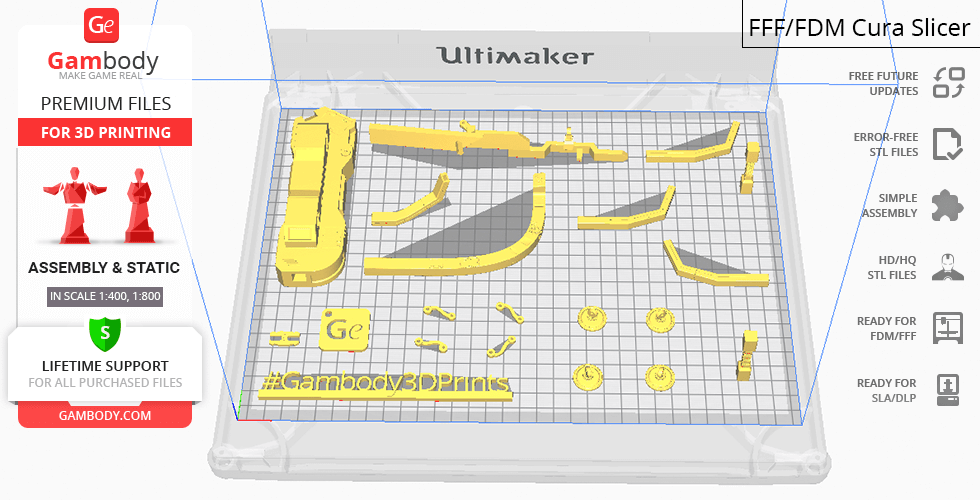
Files
3D model format
Stereolithography (.stl)
Total files

Slicer settings
Mesh error check
not specified
Support
Lifetime support from Gambody team
Update requests
not specified
Model versions
FFF/FDM
Assembly method
not specified
Features
DLP/SLA
Assembly method
not specified
Features
FFF/FDM
Assembly method
not specified
Features
DLP/SLA
Assembly method
not specified
Features
FFF/FDM
Assembly method
not specified
Features
DLP/SLA
Assembly method
not specified
Features
DLP/SLA
Assembly method
not specified
Features
FFF/FDM
Assembly method
not specified
Features
Additional details
Part of diorama
No
Special pack included
No
You will get instant access to the STL files of Normandy SR-2 3D Printing Model | Assembly after completing your purchase. Simply add the model to your cart and check out using PayPal, credit or debit card, Apple Pay, Google Pay, Alipay, or other available payment methods.
Watch the assembly video for Normandy SR-2 3D Printing Model | Assembly, and explore more tutorials, behind-the-scenes content, 3D printing timelapses, and painting guides on the official Gambody YouTube channel.
This 3D model of Normandy SR-2 consists of files in StereoLithography (.Stl) format that is optimized for 3D printing.
Before printing the files, we strongly recommend reading the PRINTING DETAILS section.
WHAT WILL YOU GET AFTER PURCHASE?
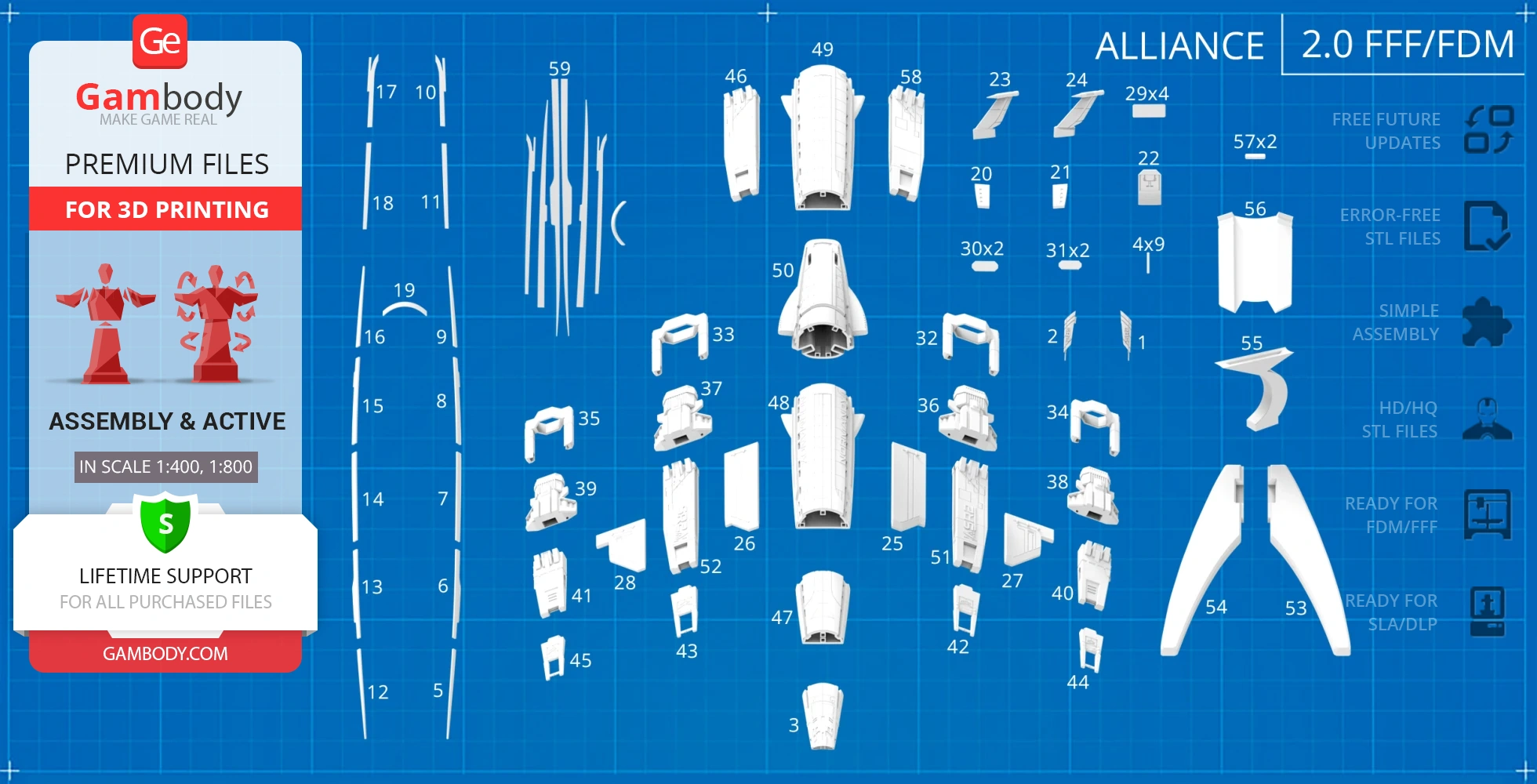
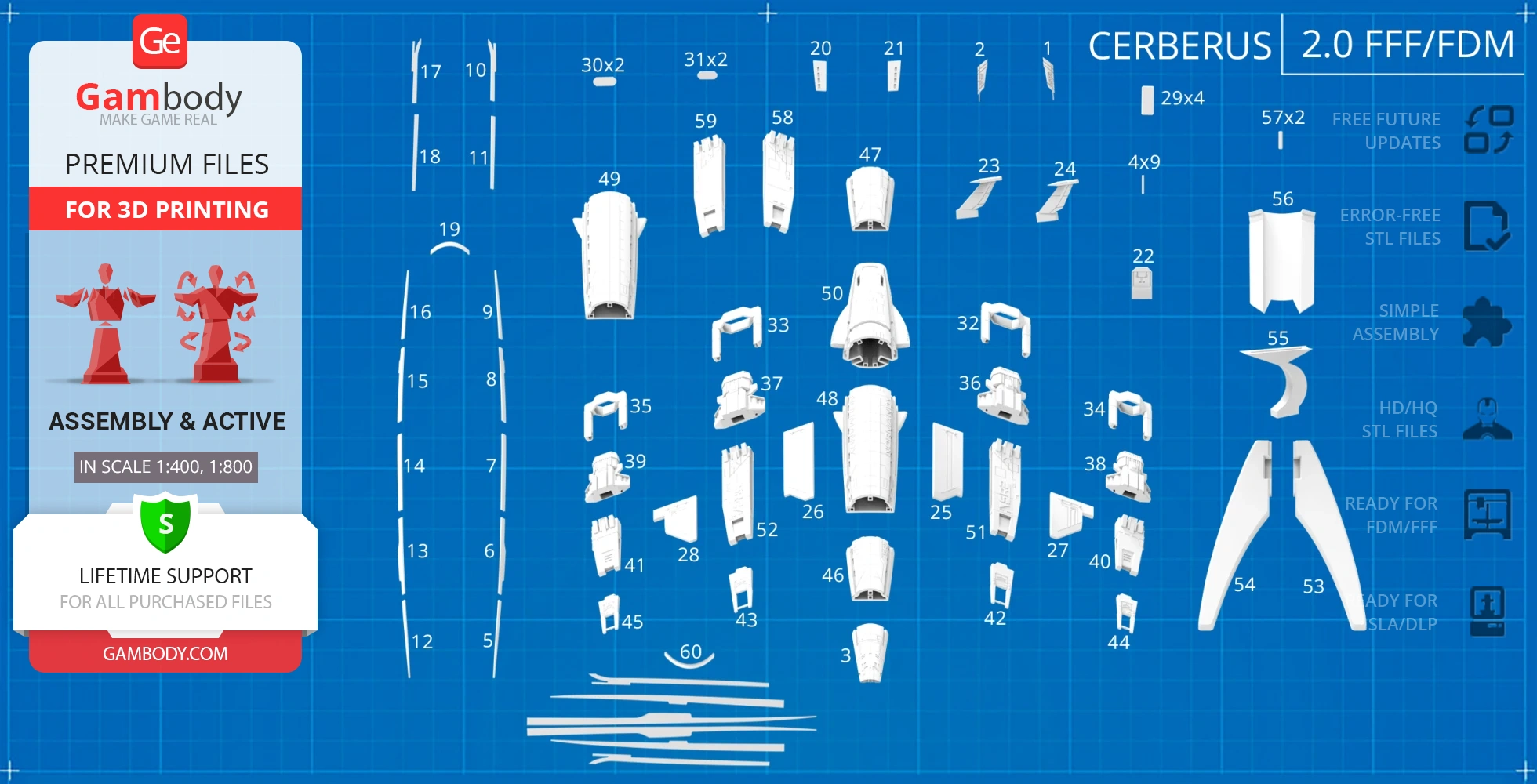
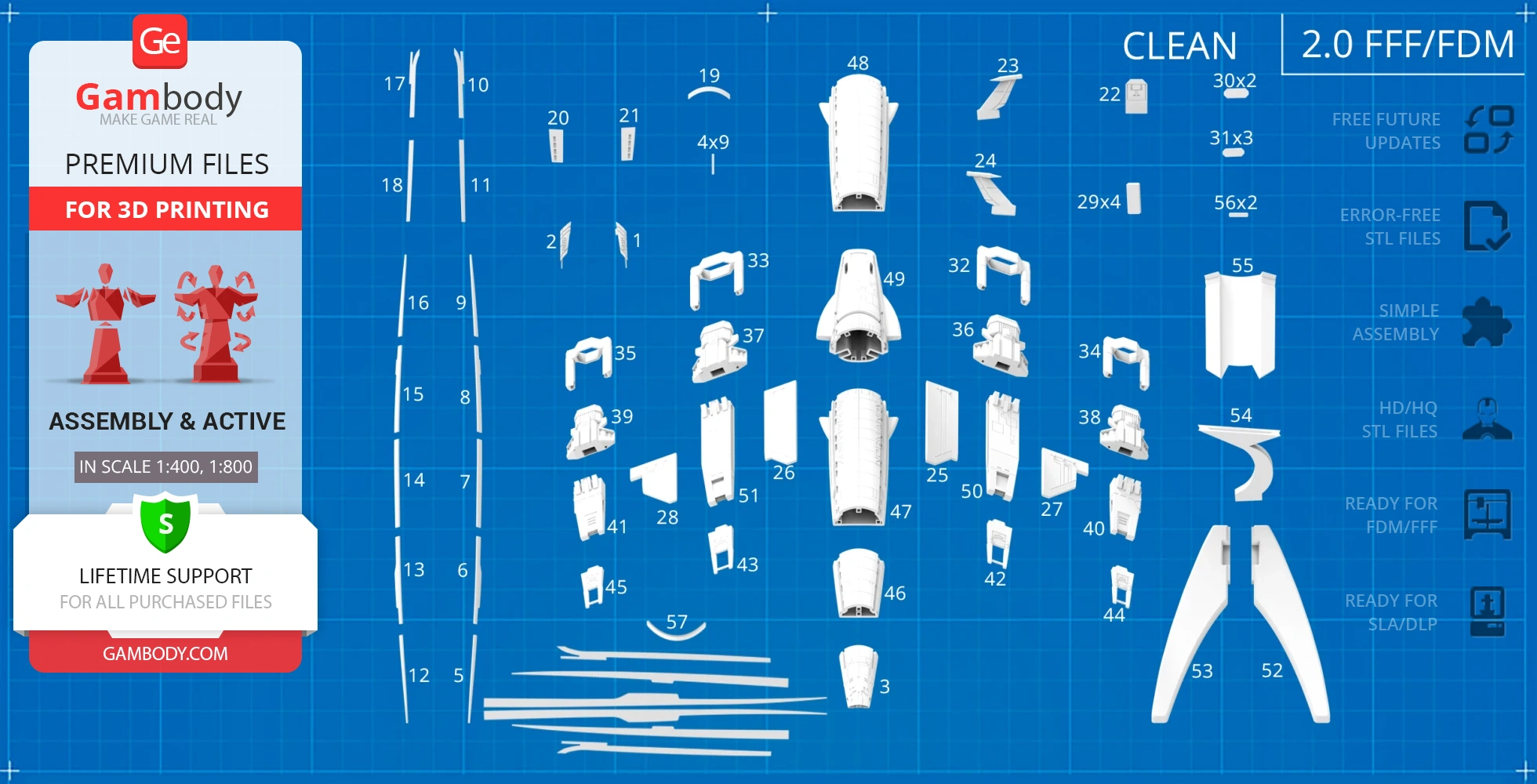
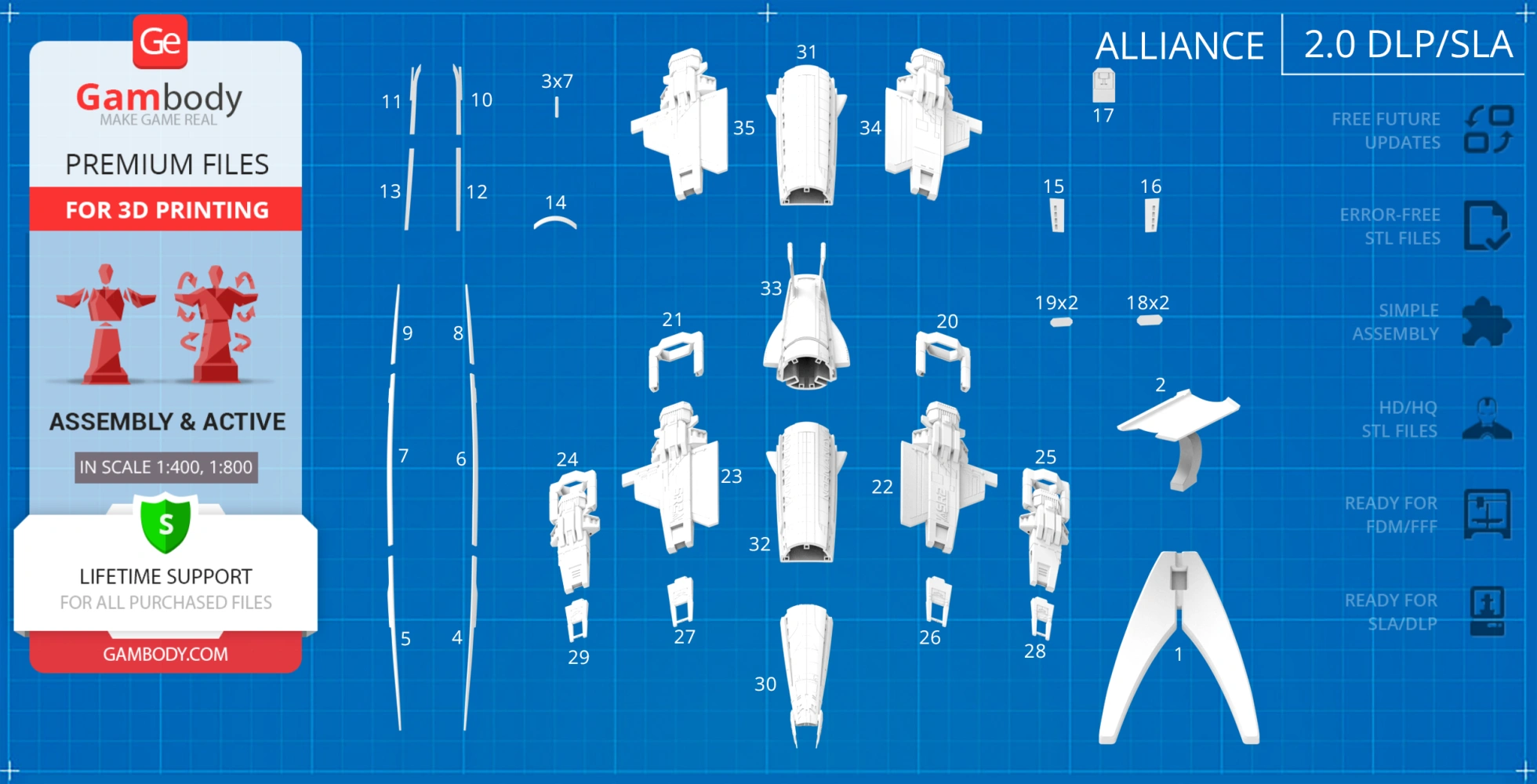
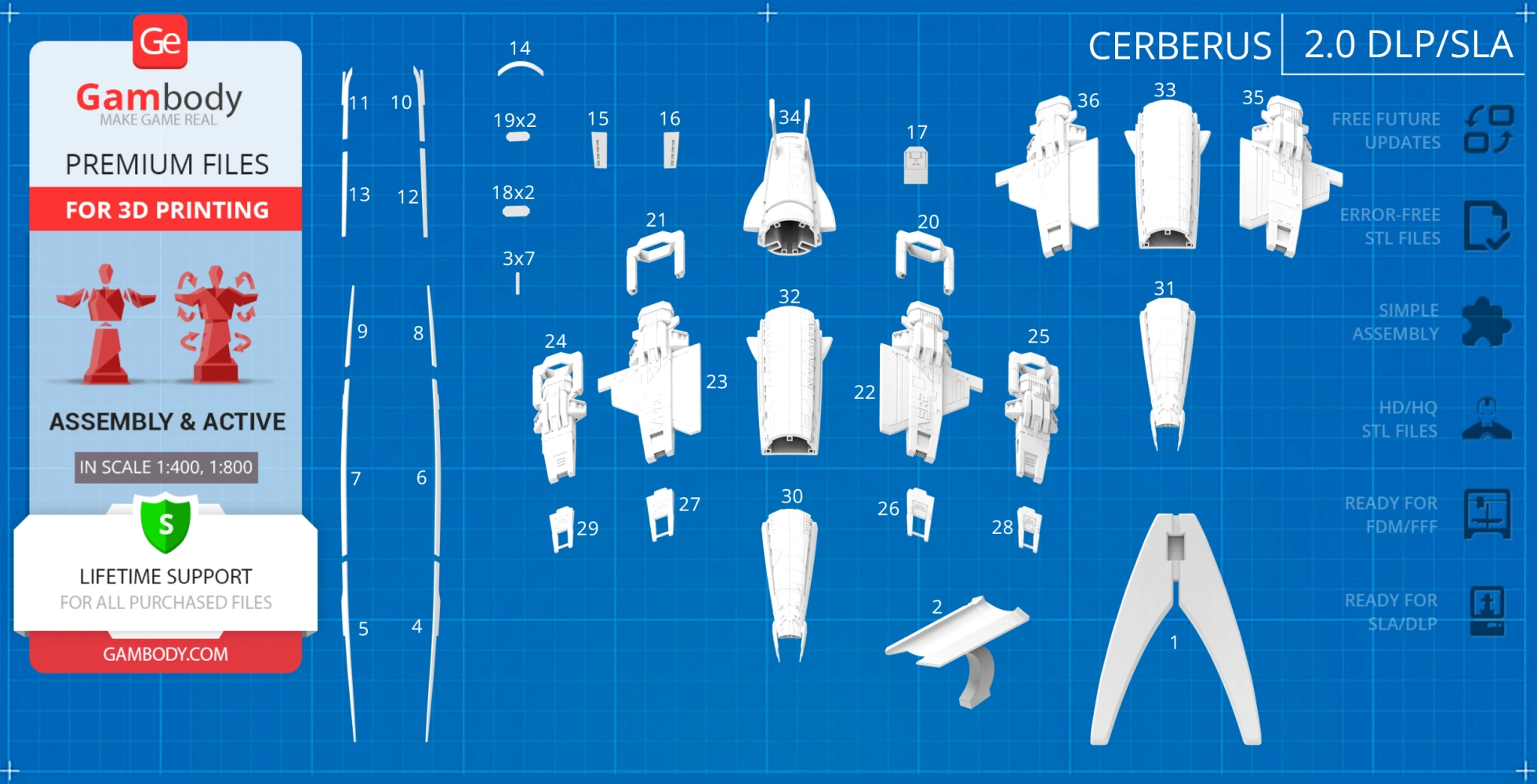
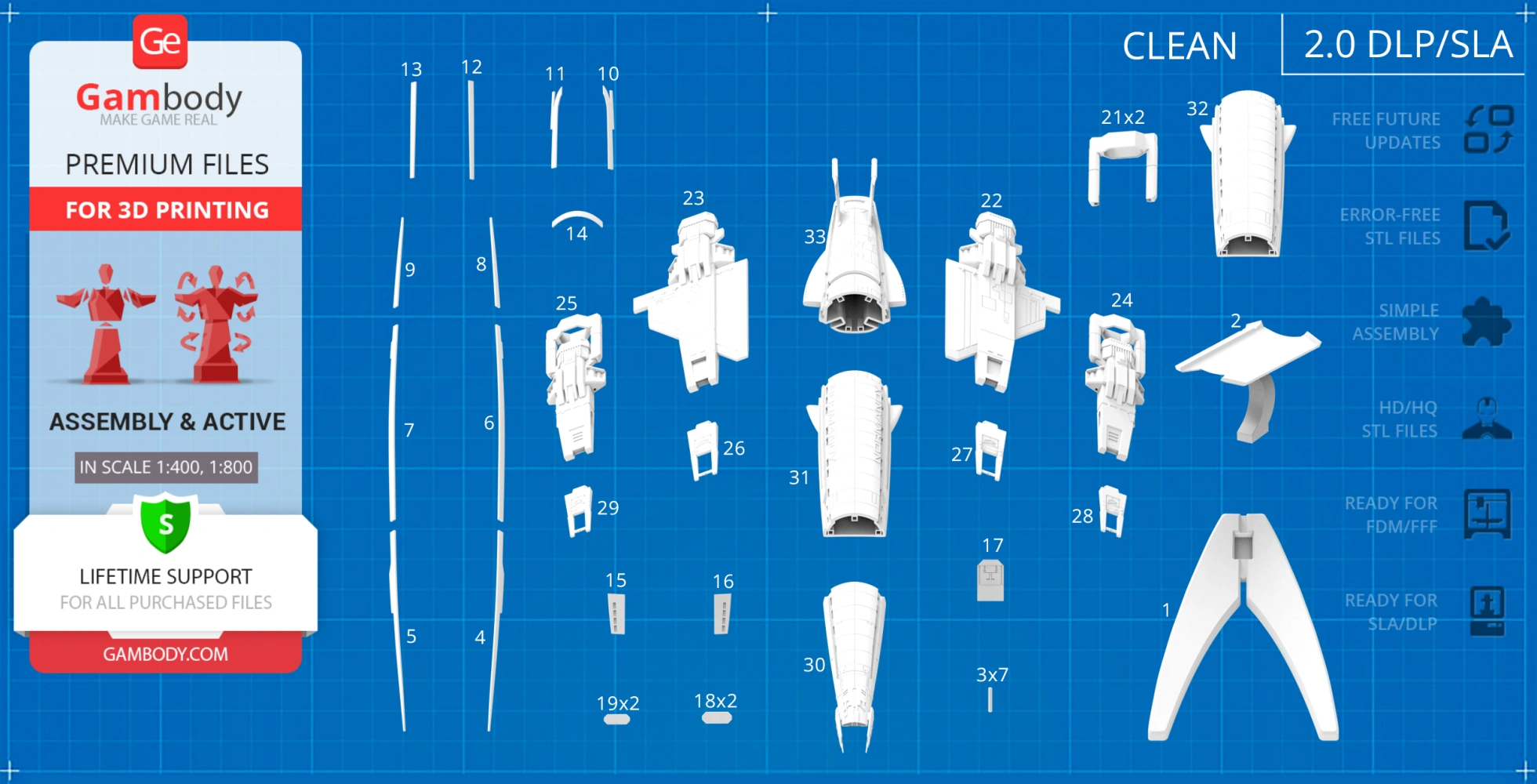
- 8 versions of Normandy SR-2 STL files for FFF/FDM and DLP/SLA - files for all versions are available for download after the purchase;
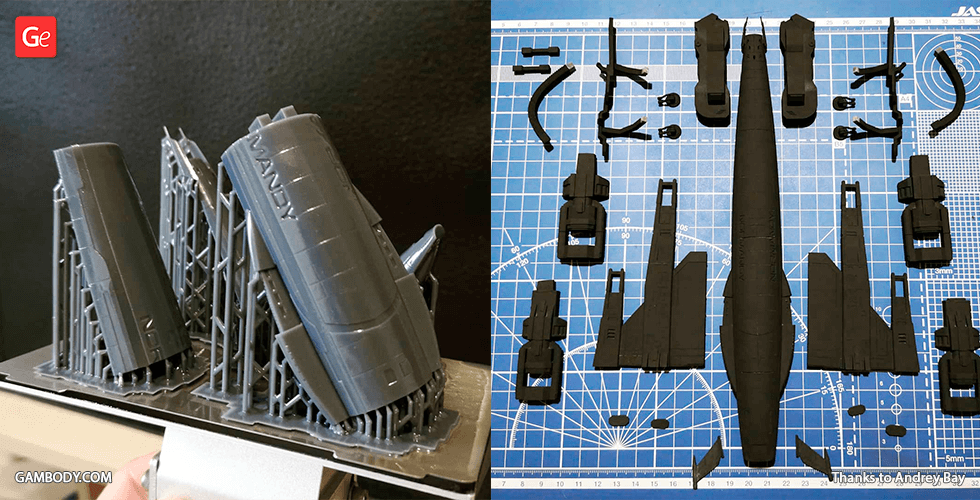
- STL files of high-polyNormandy SR-2 Model for 3D printing consist of 401 files;
- Sizes for:
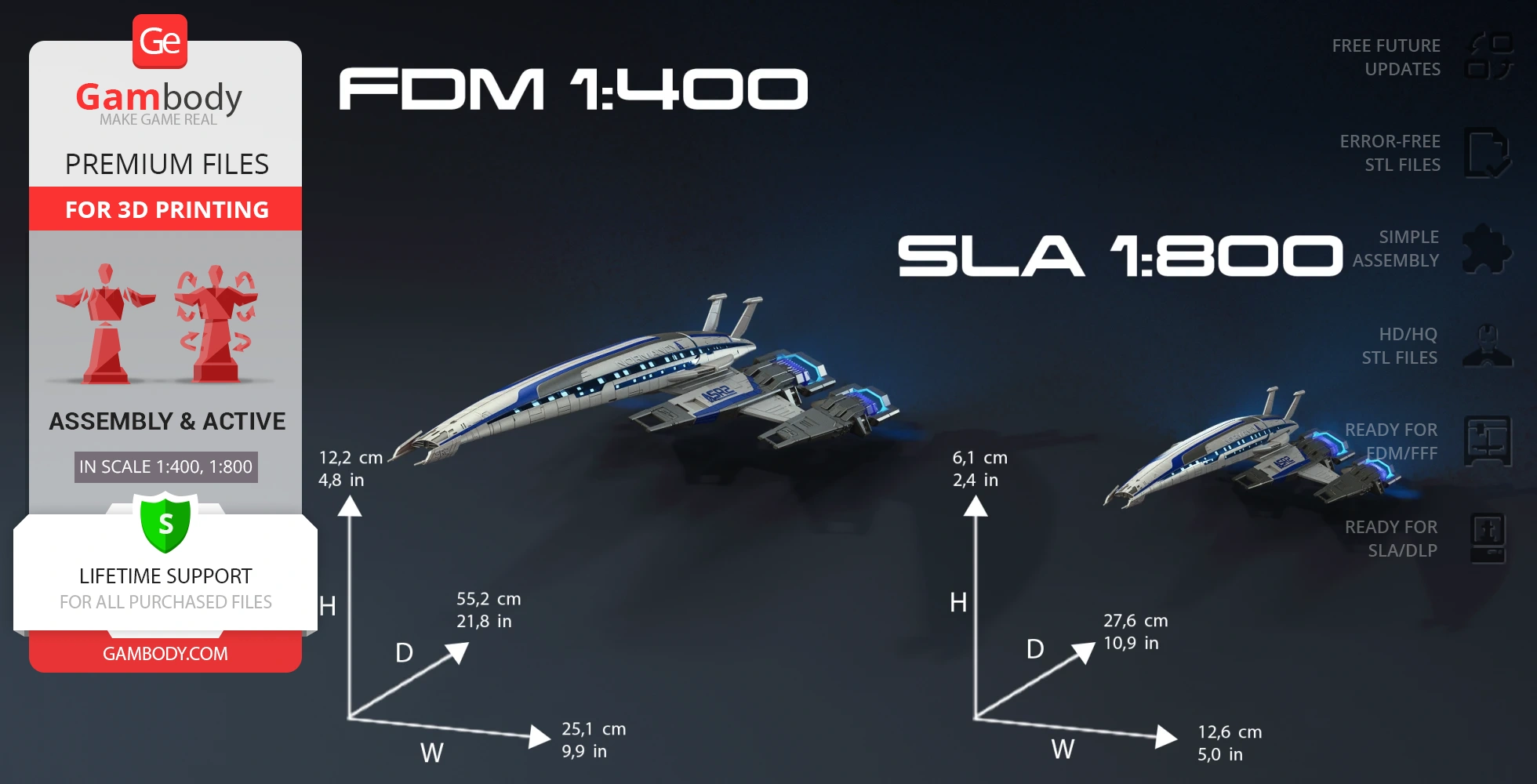
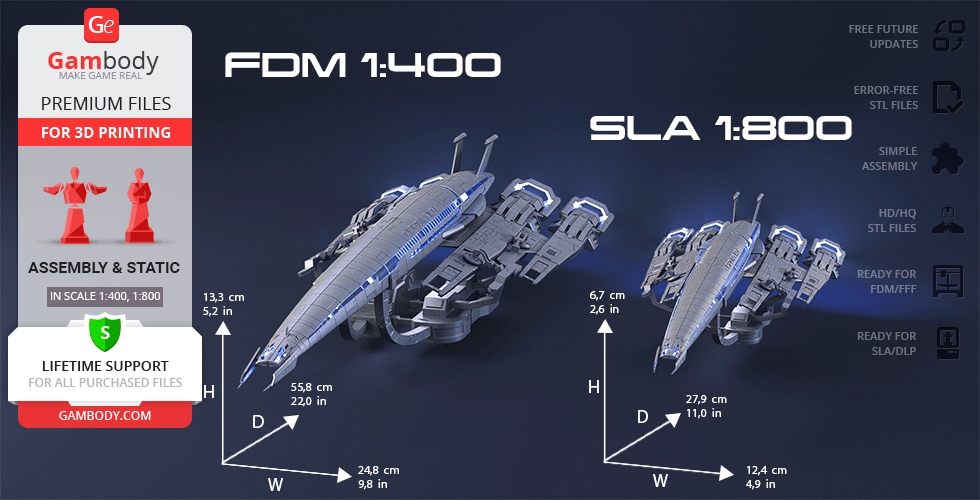
- FFF/FDM: 122 mm tall, 251 mm wide, 552 mm deep;
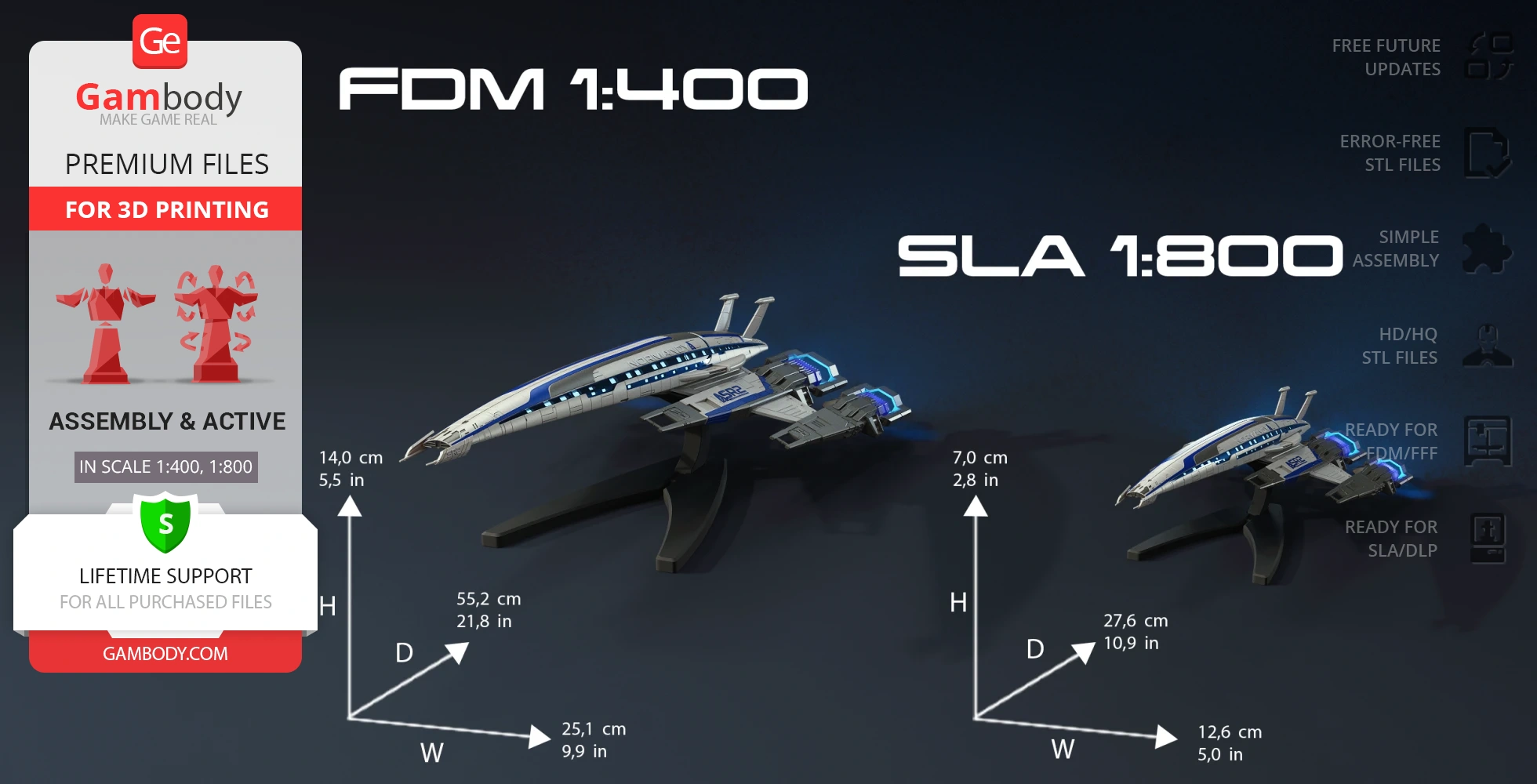
- FFF/FDM on the stand: 140 mm tall, 251 mm wide, 552 mm deep;
- DLP/SLA: 61 mm tall, 126 mm wide, 276 mm deep;
- DLP/SLA on the stand: 70 mm tall, 126 mm wide, 276 mm deep;
- Assembly Manual for FFF/FDM 2.0 and DLP/SLA 2.0 versions in PDF and video formats;
- Detailed settings that we provide as a recommendation for Cura, Bambu Studio, Simplify3D, Slic3r and PrusaSlicer for the best print;
- Full technical support from the Gambody Support Team.
Detailed information about this 3D printing model is available in the DESCRIPTION section.
Before printing, take a look at Printing Details for recommended settings and tips to achieve better results.
| File name | Size (mm | in) | Size(mb) | Printing Time / Resin | |||
|---|---|---|---|---|---|---|
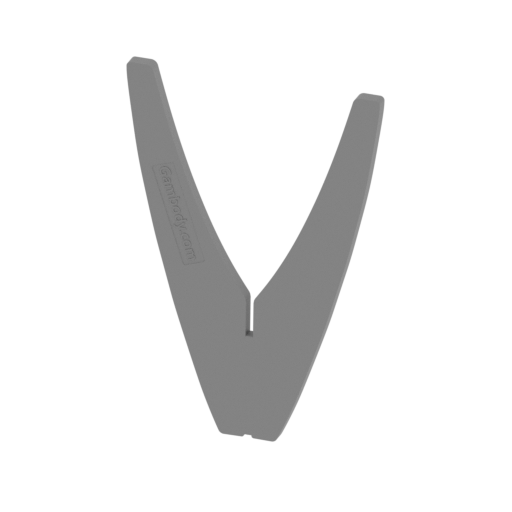 | _01_standPart_a_SLA (repaired).stl 75.9 x 5.96 x 111.26 mm | 2.99 x 0.23 x 4.38 in | Size: 75.9 x 5.96 x 111.26 mm | 2.99 x 0.23 x 4.38 in | File size: 0.34 mb | Printing Time / Resin: — / — | ||
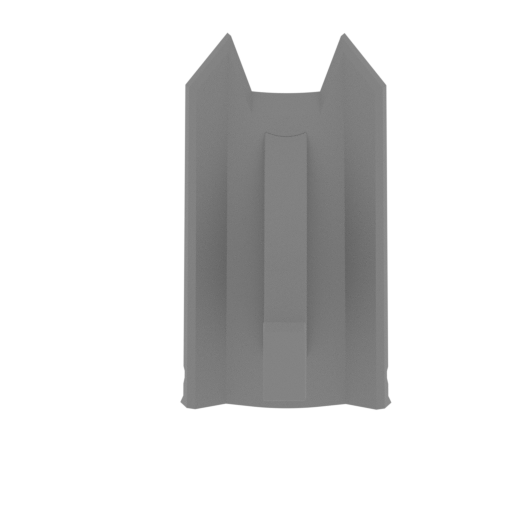 | _02_standPart_b_SLA (repaired).stl 32.79 x 43.26 x 65.12 mm | 1.29 x 1.7 x 2.56 in | Size: 32.79 x 43.26 x 65.12 mm | 1.29 x 1.7 x 2.56 in | File size: 0.24 mb | Printing Time / Resin: — / — | ||
 | _03_bodyPin_X7_SLA (repaired).stl 10 x 1.2 x 1.2 mm | 0.39 x 0.05 x 0.05 in | Size: 10 x 1.2 x 1.2 mm | 0.39 x 0.05 x 0.05 in | File size: 0.00 mb | Printing Time / Resin: — / — | ||
 | _04_bodyGlass_a_L_SLA (repaired).stl 11.64 x 6.76 x 84.55 mm | 0.46 x 0.27 x 3.33 in | Size: 11.64 x 6.76 x 84.55 mm | 0.46 x 0.27 x 3.33 in | File size: 0.27 mb | Printing Time / Resin: — / — | ||
 | _05_bodyGlass_a_R_SLA (repaired).stl 11.64 x 6.76 x 84.55 mm | 0.46 x 0.27 x 3.33 in | Size: 11.64 x 6.76 x 84.55 mm | 0.46 x 0.27 x 3.33 in | File size: 0.27 mb | Printing Time / Resin: — / — | ||
 | _06_bodyGlassb_b_L_SLA (repaired).stl 3.77 x 6.93 x 85.74 mm | 0.15 x 0.27 x 3.38 in | Size: 3.77 x 6.93 x 85.74 mm | 0.15 x 0.27 x 3.38 in | File size: 0.27 mb | Printing Time / Resin: — / — | ||
 | _07_bodyGlassb_b_R_SLA (repaired).stl 3.54 x 7.08 x 85.74 mm | 0.14 x 0.28 x 3.38 in | Size: 3.54 x 7.08 x 85.74 mm | 0.14 x 0.28 x 3.38 in | File size: 0.27 mb | Printing Time / Resin: — / — | ||
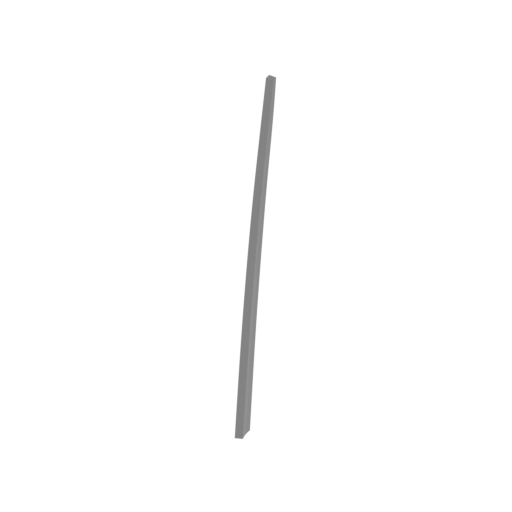 | _08_bodyGlass_c_L_SLA (repaired).stl 3.96 x 2.82 x 41.24 mm | 0.16 x 0.11 x 1.62 in | Size: 3.96 x 2.82 x 41.24 mm | 0.16 x 0.11 x 1.62 in | File size: 0.14 mb | Printing Time / Resin: — / — | ||
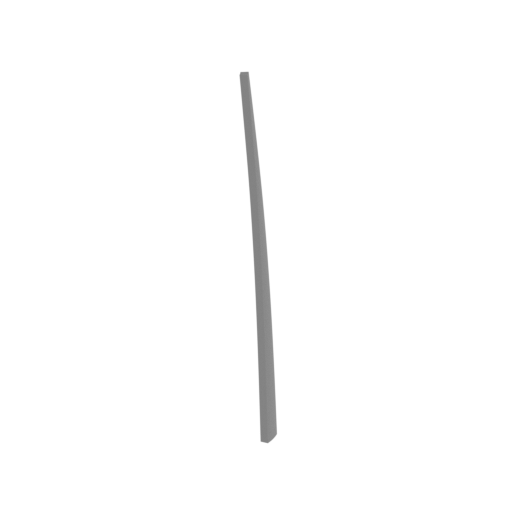 | _09_bodyGlass_c_R_SLA (repaired).stl 3.97 x 2.82 x 41.24 mm | 0.16 x 0.11 x 1.62 in | Size: 3.97 x 2.82 x 41.24 mm | 0.16 x 0.11 x 1.62 in | File size: 0.14 mb | Printing Time / Resin: — / — | ||
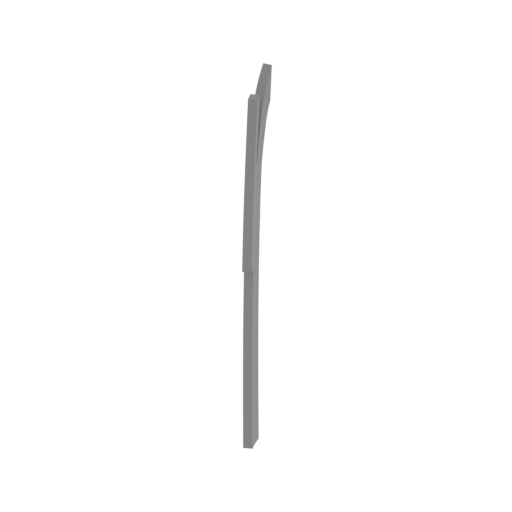 | _10_bodyGlass_d_L_SLA (repaired).stl 1.34 x 5.61 x 33.7 mm | 0.05 x 0.22 x 1.33 in | Size: 1.34 x 5.61 x 33.7 mm | 0.05 x 0.22 x 1.33 in | File size: 0.18 mb | Printing Time / Resin: — / — | ||
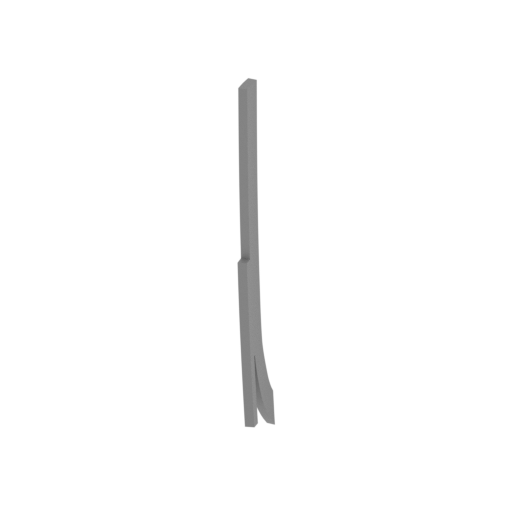 | _11_bodyGlass_d_R_SLA (repaired).stl 1.5 x 5.59 x 33.7 mm | 0.06 x 0.22 x 1.33 in | Size: 1.5 x 5.59 x 33.7 mm | 0.06 x 0.22 x 1.33 in | File size: 0.18 mb | Printing Time / Resin: — / — | ||
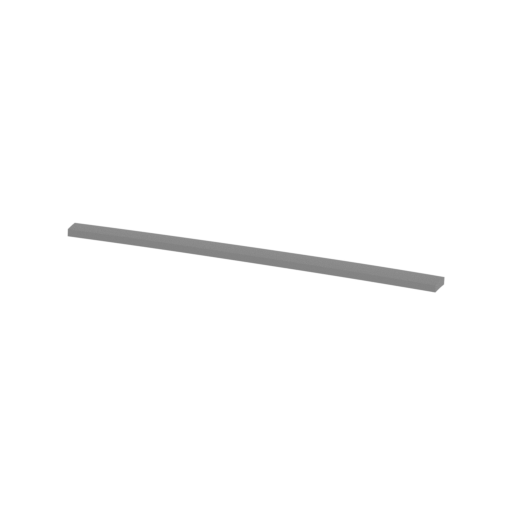 | _12_bodyGlass_e_L_SLA (repaired).stl 39.87 x 2.25 x 0.99 mm | 1.57 x 0.09 x 0.04 in | Size: 39.87 x 2.25 x 0.99 mm | 1.57 x 0.09 x 0.04 in | File size: 0.10 mb | Printing Time / Resin: — / — | ||
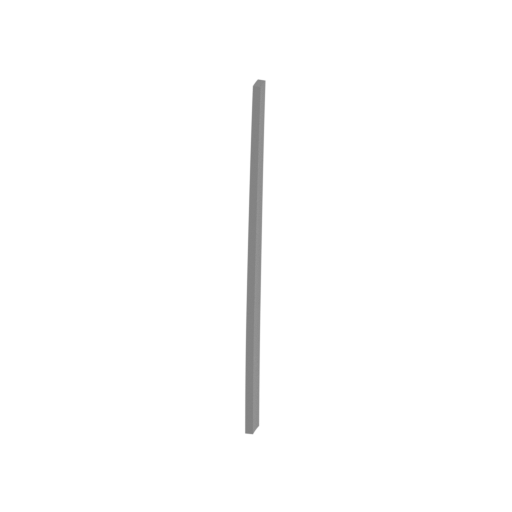 | _13_bodyGlass_e_R_SLA (repaired).stl 2.67 x 4.65 x 39.59 mm | 0.11 x 0.18 x 1.56 in | Size: 2.67 x 4.65 x 39.59 mm | 0.11 x 0.18 x 1.56 in | File size: 0.10 mb | Printing Time / Resin: — / — | ||
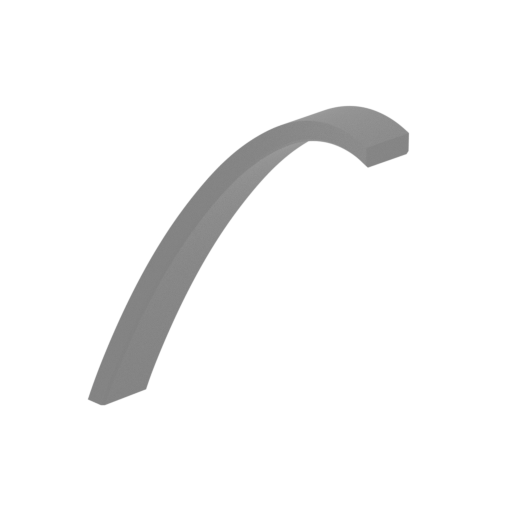 | _14_bodyGlassTop_SLA (repaired).stl 13.93 x 9.32 x 14.59 mm | 0.55 x 0.37 x 0.57 in | Size: 13.93 x 9.32 x 14.59 mm | 0.55 x 0.37 x 0.57 in | File size: 0.06 mb | Printing Time / Resin: — / — | ||
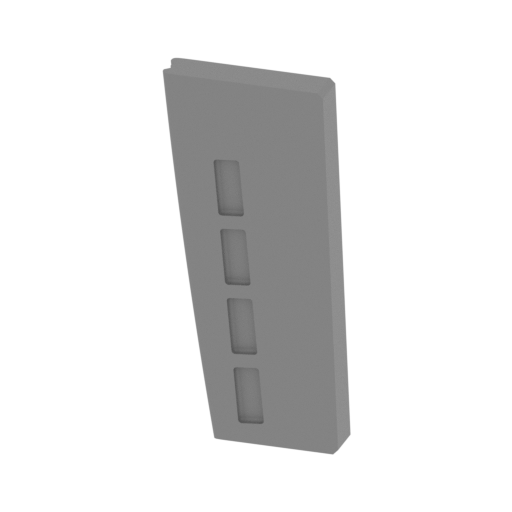 | _15_bodyPart_d_R_SLA (repaired).stl 7.56 x 1.89 x 15.9 mm | 0.3 x 0.07 x 0.63 in | Size: 7.56 x 1.89 x 15.9 mm | 0.3 x 0.07 x 0.63 in | File size: 2.48 mb | Printing Time / Resin: — / — | ||
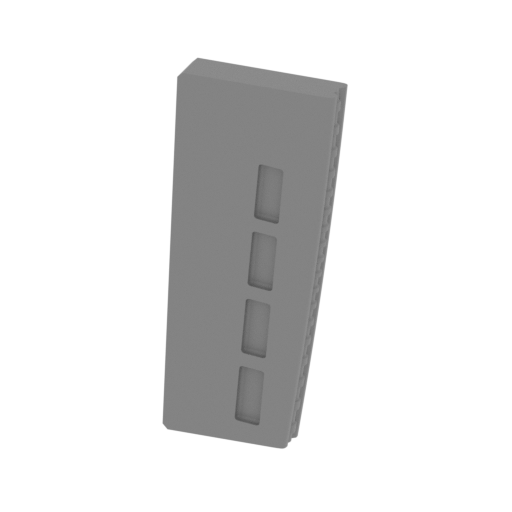 | _16_bodyPart_e_L_SLA (repaired).stl 7.55 x 1.89 x 15.9 mm | 0.3 x 0.07 x 0.63 in | Size: 7.55 x 1.89 x 15.9 mm | 0.3 x 0.07 x 0.63 in | File size: 2.50 mb | Printing Time / Resin: — / — | ||
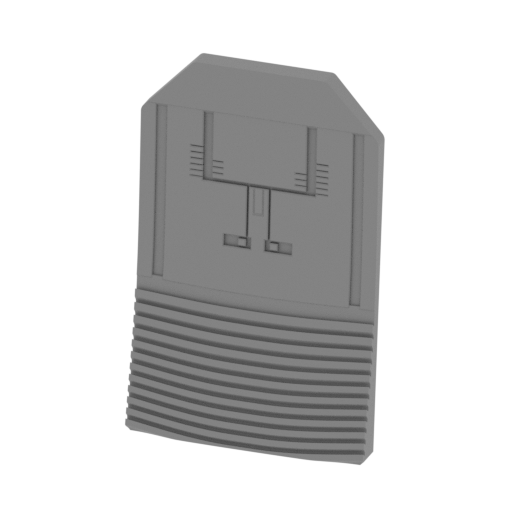 | _17_bodyPart_f_SLA (repaired).stl 10.56 x 3.21 x 16.42 mm | 0.42 x 0.13 x 0.65 in | Size: 10.56 x 3.21 x 16.42 mm | 0.42 x 0.13 x 0.65 in | File size: 2.09 mb | Printing Time / Resin: — / — | ||
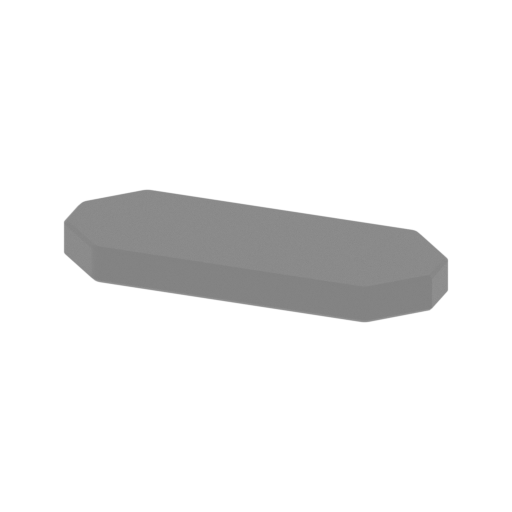 | _18_engineGlass_a_X2_SLA (repaired).stl 12.07 x 4.7 x 1.2 mm | 0.48 x 0.19 x 0.05 in | Size: 12.07 x 4.7 x 1.2 mm | 0.48 x 0.19 x 0.05 in | File size: 0.03 mb | Printing Time / Resin: — / — | ||
 | _19_engineGlass_b_X2_SLA (repaired).stl 10.55 x 4.11 x 1.05 mm | 0.42 x 0.16 x 0.04 in | Size: 10.55 x 4.11 x 1.05 mm | 0.42 x 0.16 x 0.04 in | File size: 0.03 mb | Printing Time / Resin: — / — | ||
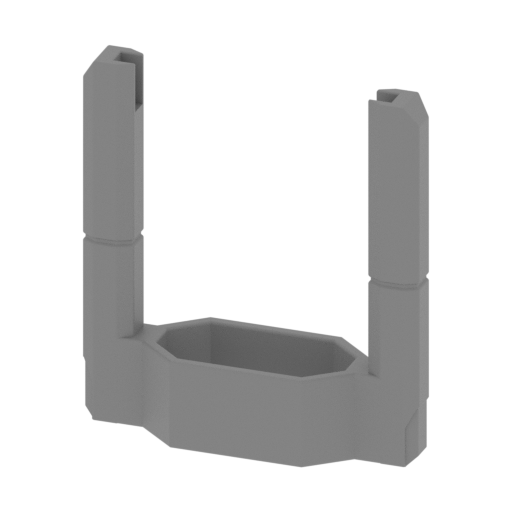 | _21_enginePart_a_X2_SLA (repaired).stl 27.4 x 9.06 x 30.07 mm | 1.08 x 0.36 x 1.18 in | Size: 27.4 x 9.06 x 30.07 mm | 1.08 x 0.36 x 1.18 in | File size: 0.28 mb | Printing Time / Resin: — / — | ||
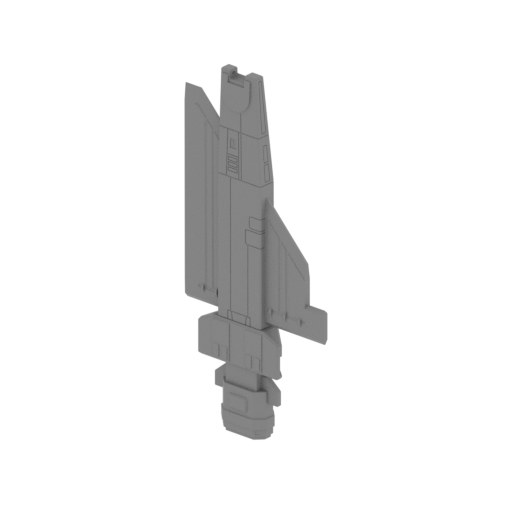 | _22_enginePart_b_L_SLA (repaired).stl 46.74 x 19.31 x 105.66 mm | 1.84 x 0.76 x 4.16 in | Size: 46.74 x 19.31 x 105.66 mm | 1.84 x 0.76 x 4.16 in | File size: 1.91 mb | Printing Time / Resin: — / — | ||
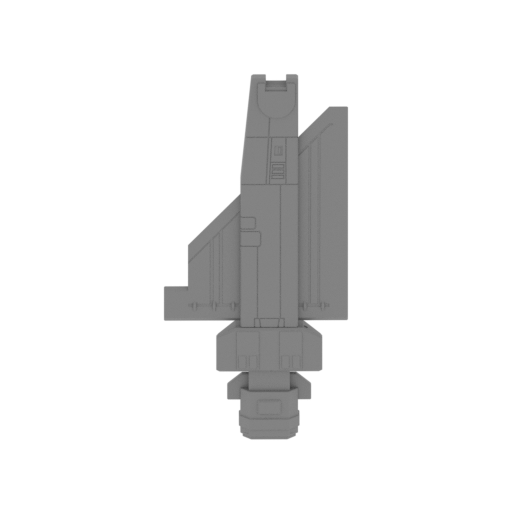 | _23_enginePart_b_R_SLA (repaired).stl 46.74 x 19.31 x 105.66 mm | 1.84 x 0.76 x 4.16 in | Size: 46.74 x 19.31 x 105.66 mm | 1.84 x 0.76 x 4.16 in | File size: 1.91 mb | Printing Time / Resin: — / — | ||
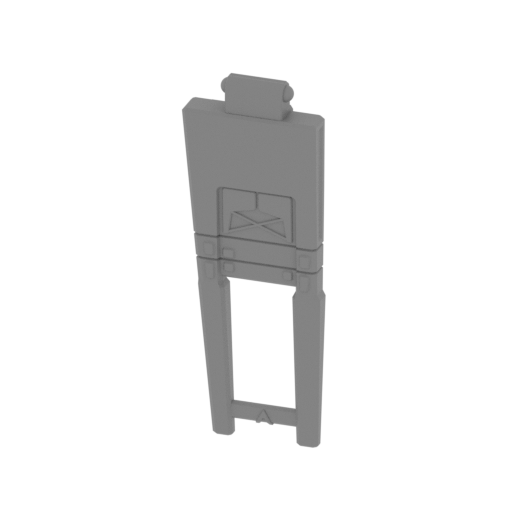 | _26_enginePart_d_R_SLA (repaired).stl 12.78 x 3.81 x 34.66 mm | 0.5 x 0.15 x 1.36 in | Size: 12.78 x 3.81 x 34.66 mm | 0.5 x 0.15 x 1.36 in | File size: 0.35 mb | Printing Time / Resin: — / — | ||
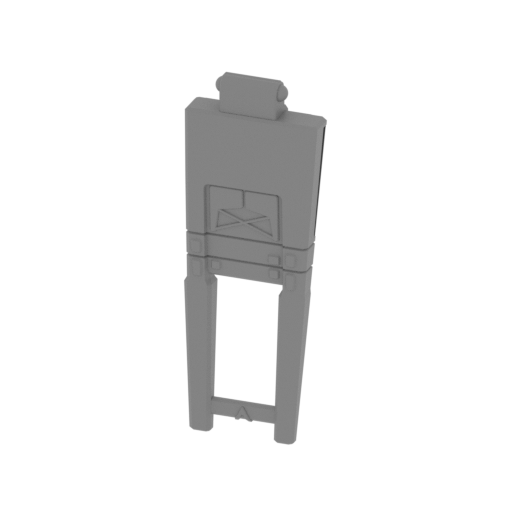 | _27_enginePart_d_L_SLA (repaired).stl 12.78 x 3.81 x 34.66 mm | 0.5 x 0.15 x 1.36 in | Size: 12.78 x 3.81 x 34.66 mm | 0.5 x 0.15 x 1.36 in | File size: 0.35 mb | Printing Time / Resin: — / — | ||
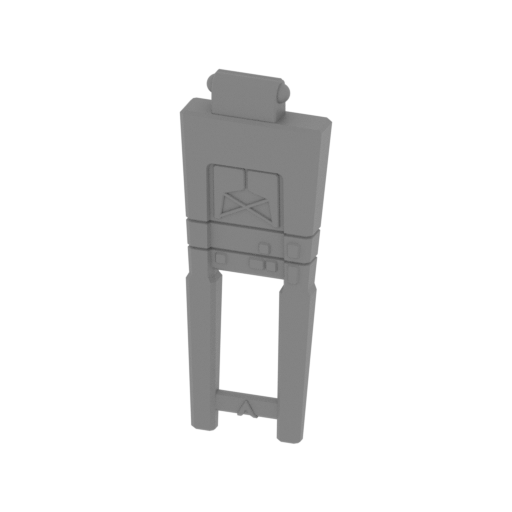 | _28_enginePart_e_L_SLA (repaired).stl 11.27 x 2.93 x 29.37 mm | 0.44 x 0.12 x 1.16 in | Size: 11.27 x 2.93 x 29.37 mm | 0.44 x 0.12 x 1.16 in | File size: 0.34 mb | Printing Time / Resin: — / — | ||
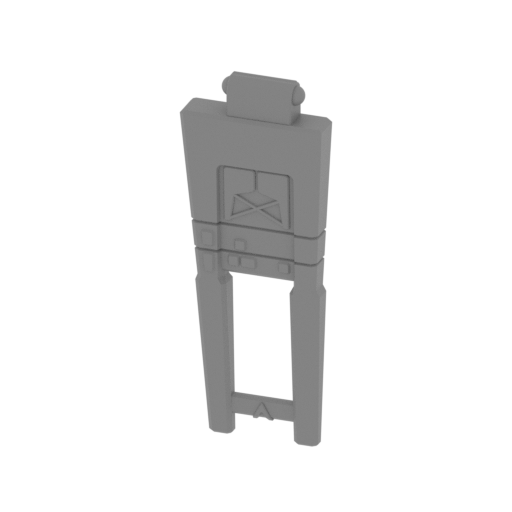 | _29_enginePart_e_R_SLA (repaired).stl 11.27 x 2.93 x 29.37 mm | 0.44 x 0.12 x 1.16 in | Size: 11.27 x 2.93 x 29.37 mm | 0.44 x 0.12 x 1.16 in | File size: 0.34 mb | Printing Time / Resin: — / — | ||
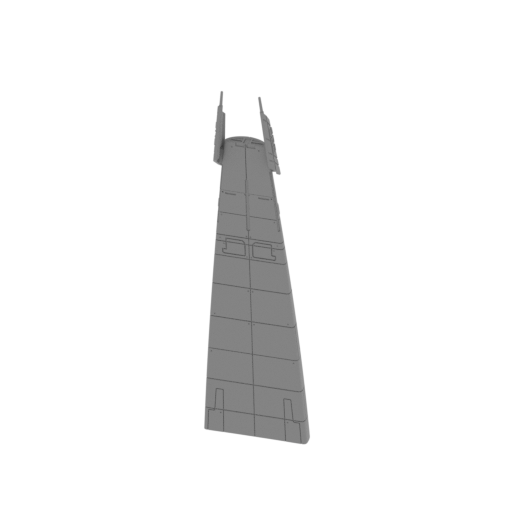 | _30_bodyPart_a_clear_SLA (repaired).stl 25.02 x 21.48 x 90.15 mm | 0.99 x 0.85 x 3.55 in | Size: 25.02 x 21.48 x 90.15 mm | 0.99 x 0.85 x 3.55 in | File size: 15.79 mb | Printing Time / Resin: — / — | ||
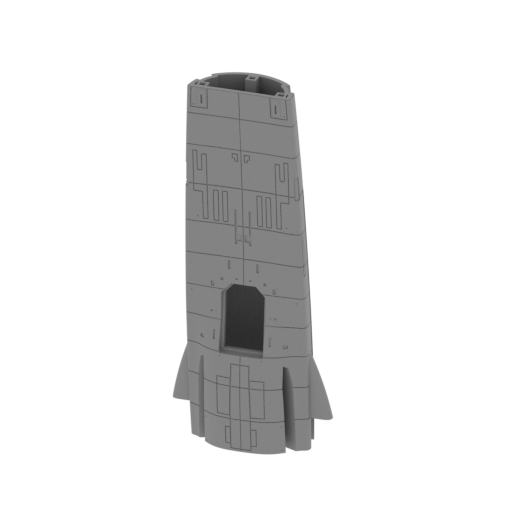 | _31_bodyPart_b_V1_clear_SLA (repaired).stl 38.44 x 20.98 x 89.03 mm | 1.51 x 0.83 x 3.51 in | Size: 38.44 x 20.98 x 89.03 mm | 1.51 x 0.83 x 3.51 in | File size: 26.64 mb | Printing Time / Resin: — / — | ||
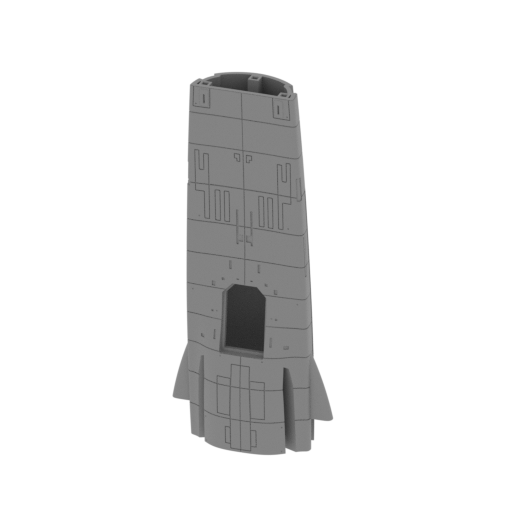 | _32_bodyPart_b_V2_clear_SLA (repaired).stl 38.44 x 20.97 x 88.84 mm | 1.51 x 0.83 x 3.5 in | Size: 38.44 x 20.97 x 88.84 mm | 1.51 x 0.83 x 3.5 in | File size: 25.45 mb | Printing Time / Resin: — / — | ||
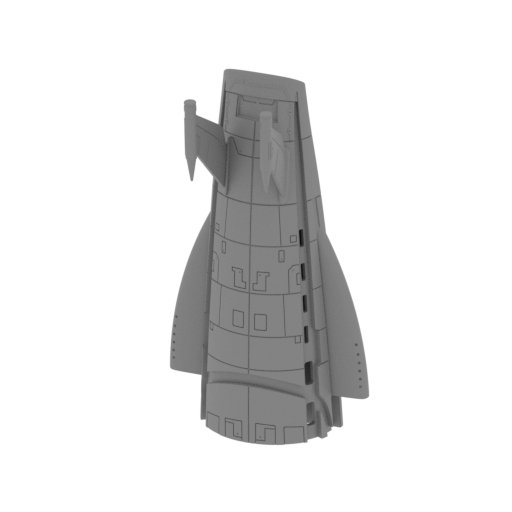 | _33_bodyPart_c_clear_SLA (repaired).stl 41.1 x 33.07 x 76.33 mm | 1.62 x 1.3 x 3.01 in | Size: 41.1 x 33.07 x 76.33 mm | 1.62 x 1.3 x 3.01 in | File size: 35.77 mb | Printing Time / Resin: — / — | ||
 | Keychain (repaired).stl 29.68 x 29.69 x 2.42 mm | 1.17 x 1.17 x 0.1 in | Size: 29.68 x 29.69 x 2.42 mm | 1.17 x 1.17 x 0.1 in | File size: 0.37 mb | Printing Time / Resin: — / — | ||
 | Tag (repaired).stl 150.15 x 18.16 x 4.59 mm | 5.91 x 0.71 x 0.18 in | Size: 150.15 x 18.16 x 4.59 mm | 5.91 x 0.71 x 0.18 in | File size: 1.78 mb | Printing Time / Resin: — / — | ||
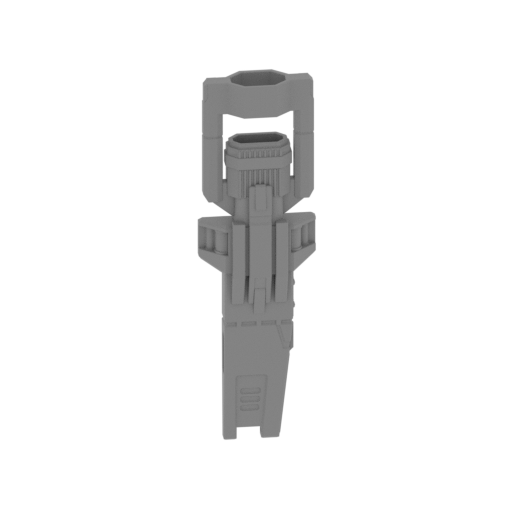 | _24_enginePart_c_L_SLA (repaired).stl 23.47 x 15.5 x 83.62 mm | 0.92 x 0.61 x 3.29 in | Size: 23.47 x 15.5 x 83.62 mm | 0.92 x 0.61 x 3.29 in | File size: 2.25 mb | Printing Time / Resin: — / — | ||
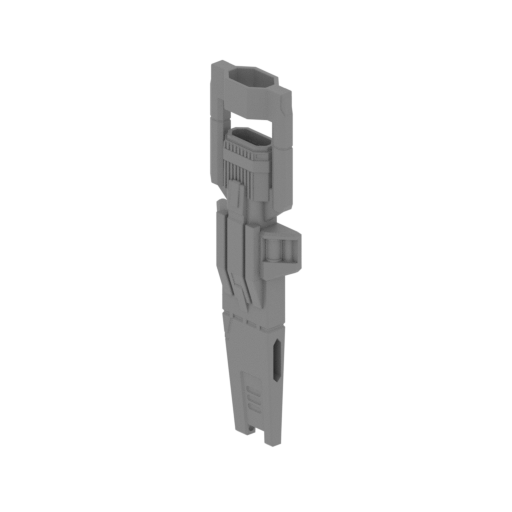 | _25_enginePart_c_R_SLA (repaired).stl 23.47 x 15.5 x 83.62 mm | 0.92 x 0.61 x 3.29 in | Size: 23.47 x 15.5 x 83.62 mm | 0.92 x 0.61 x 3.29 in | File size: 2.26 mb | Printing Time / Resin: — / — | ||
ABOUT THIS 3D MODEL
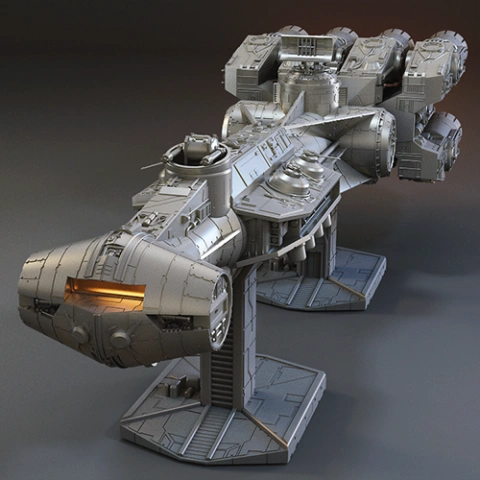
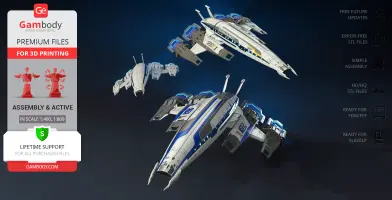
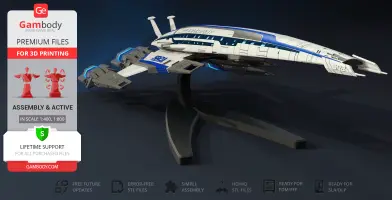
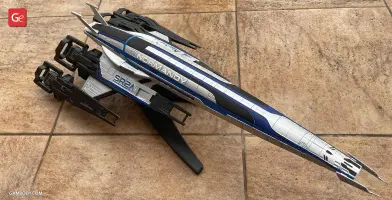
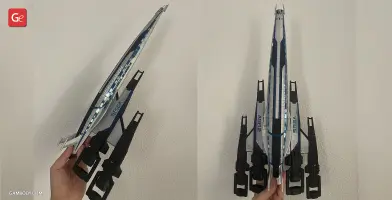
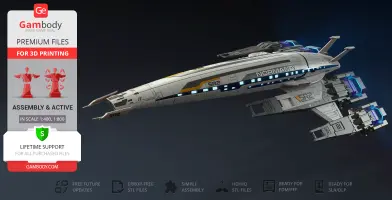
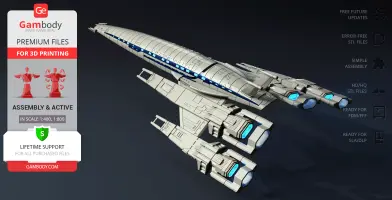
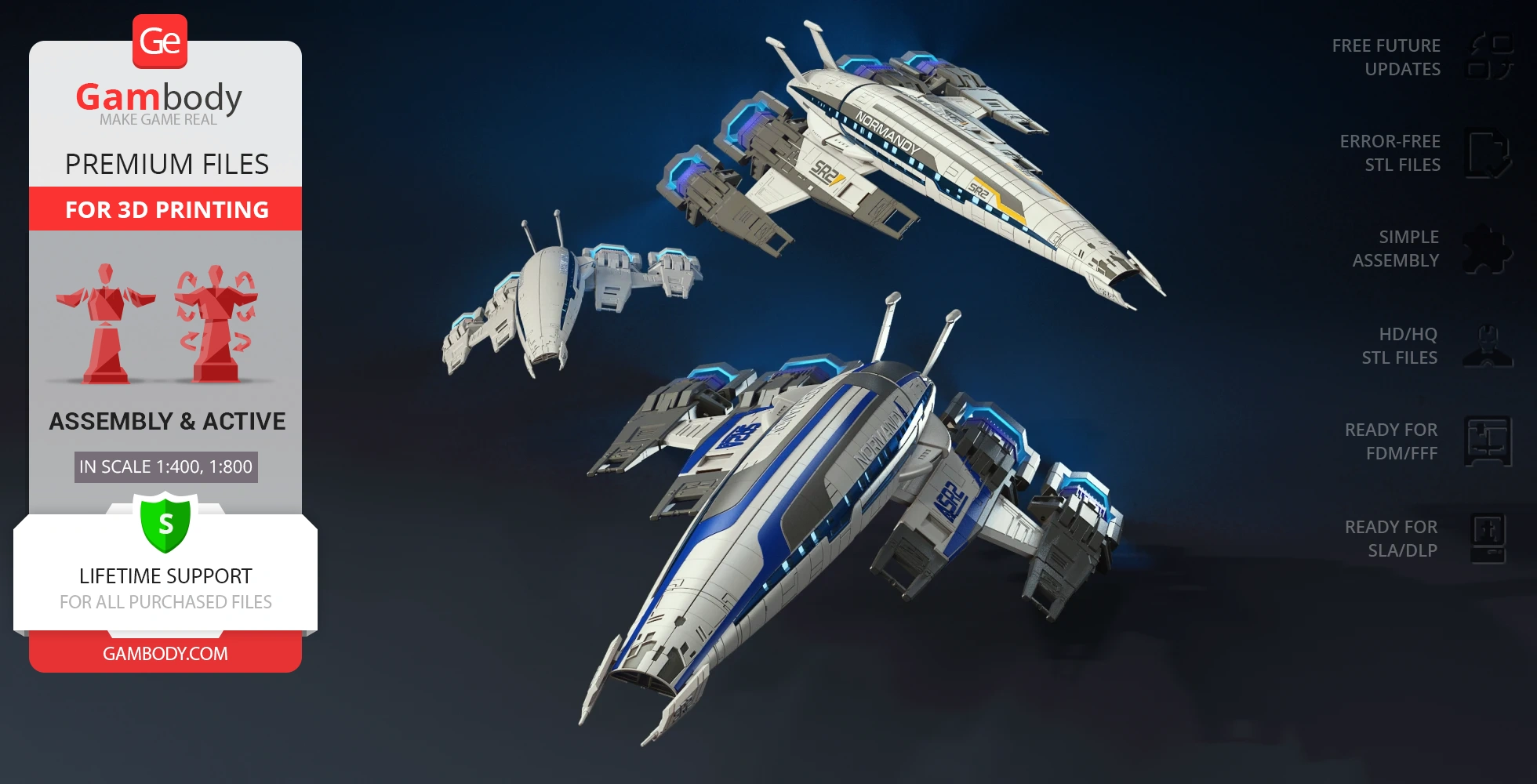
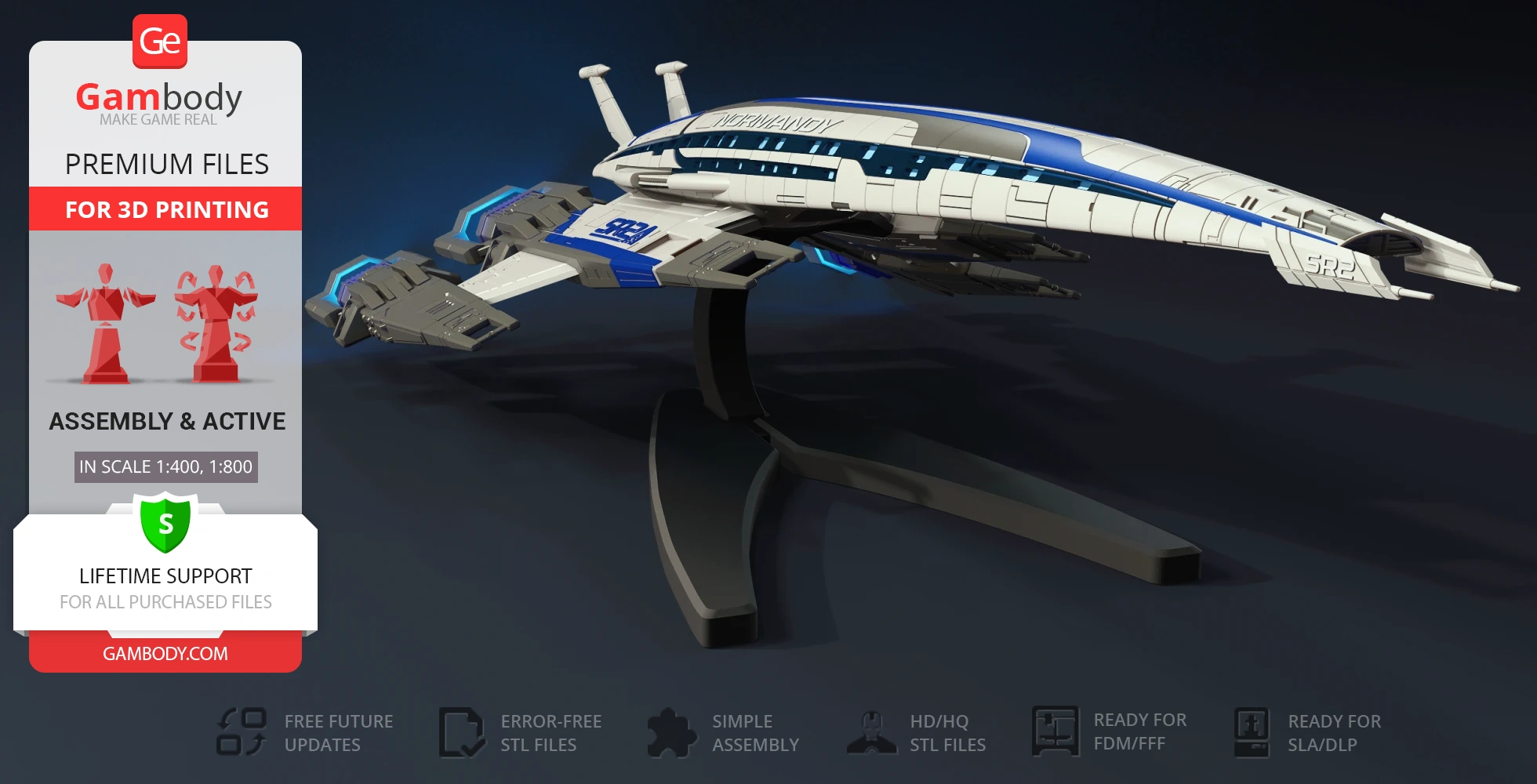
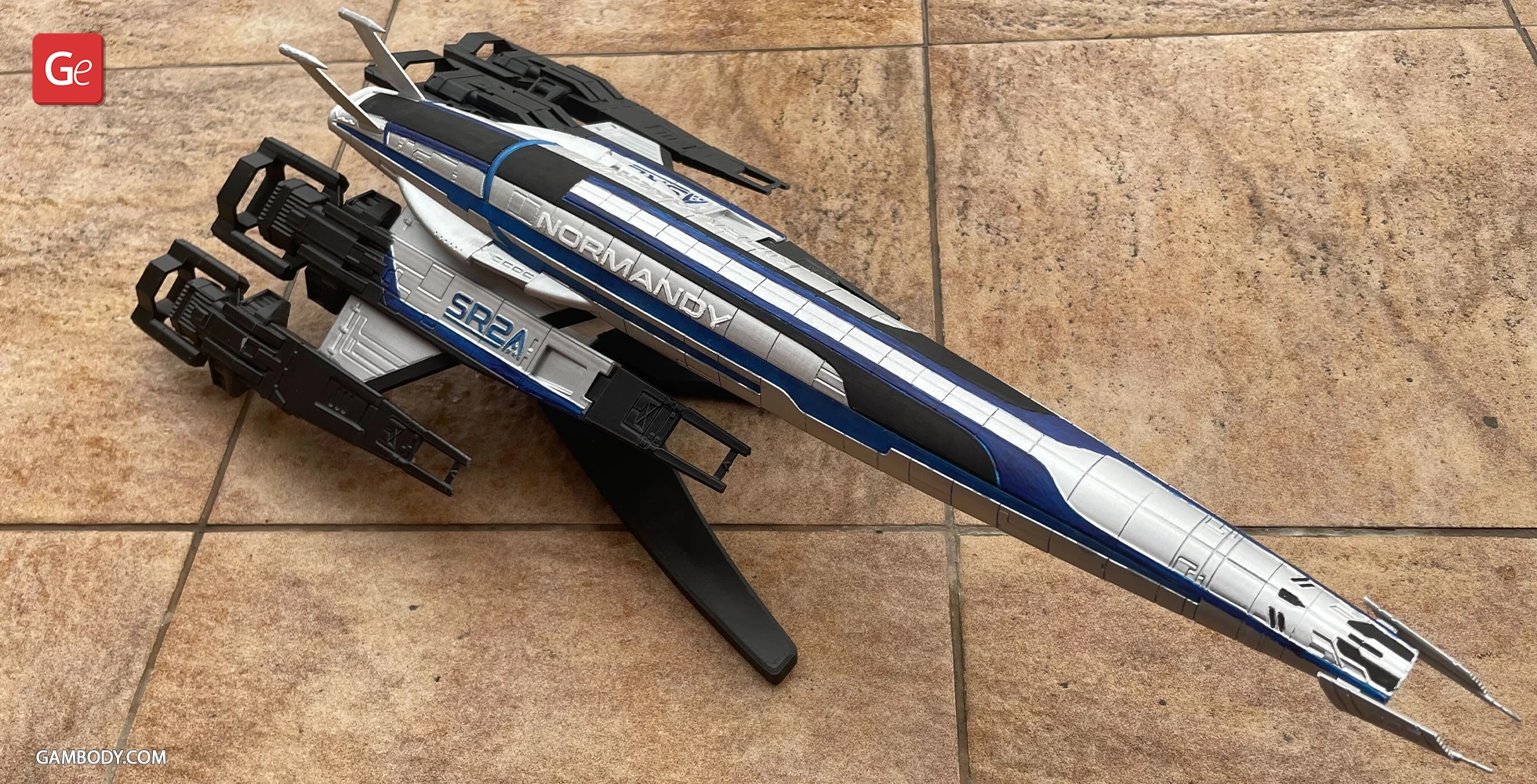
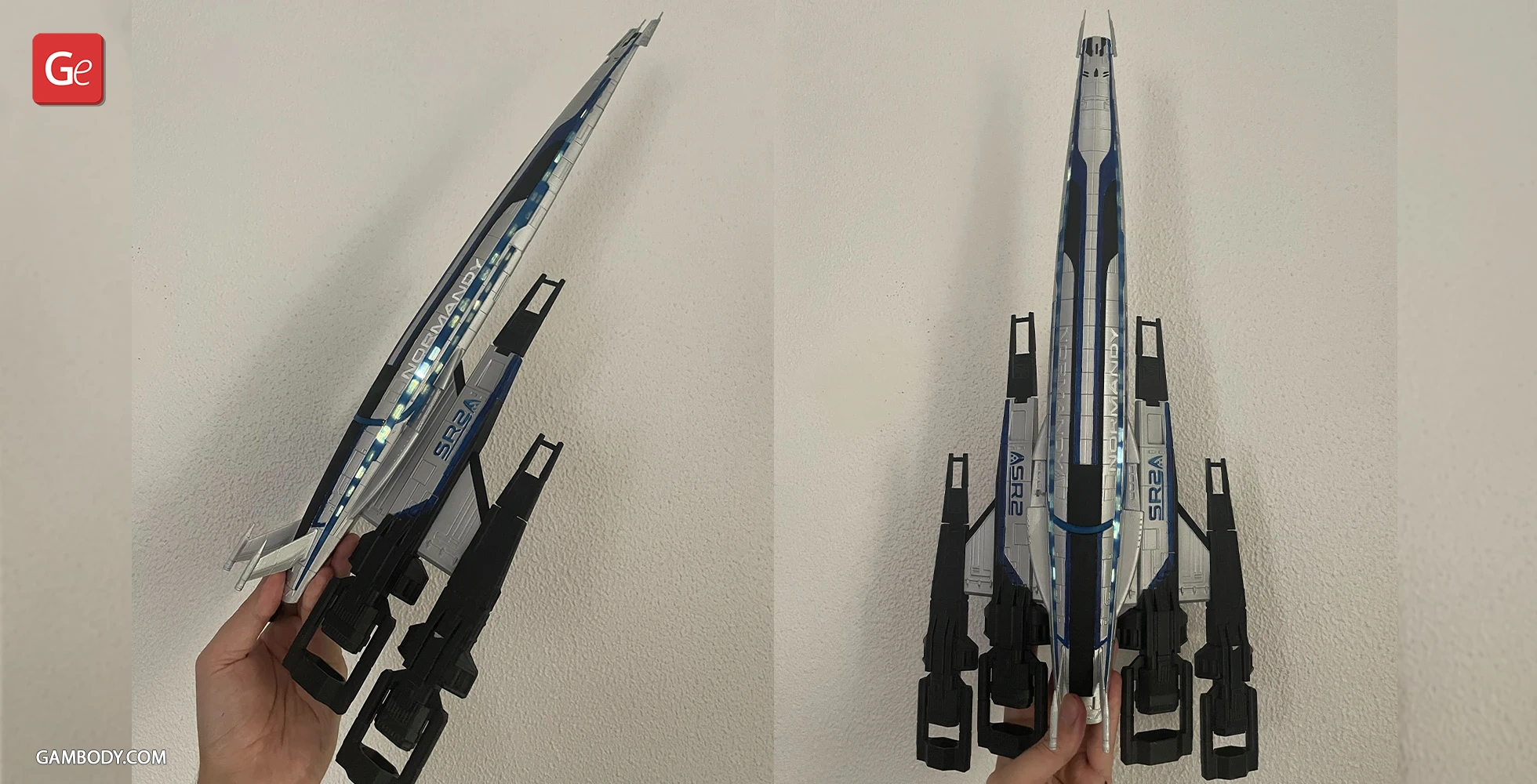
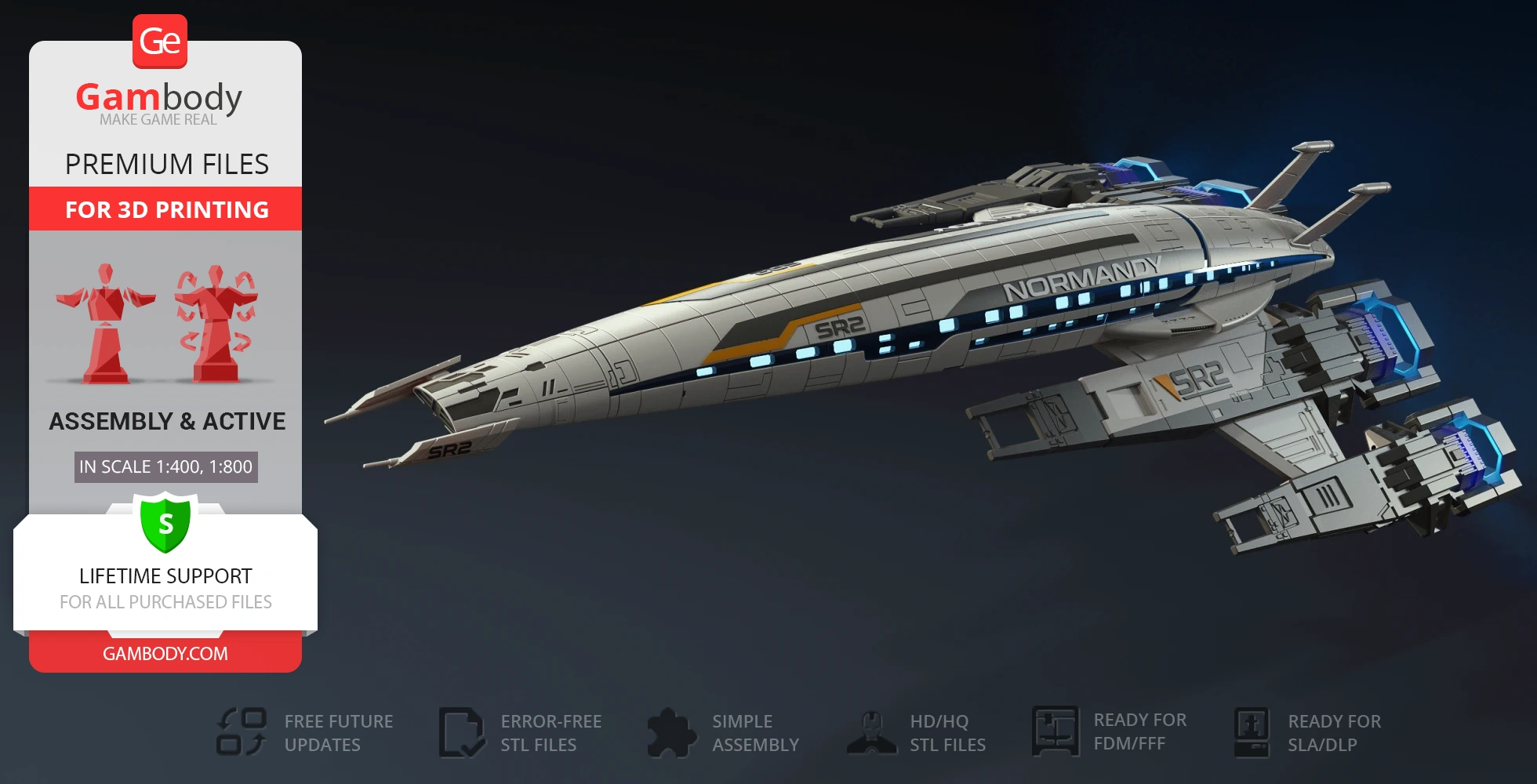
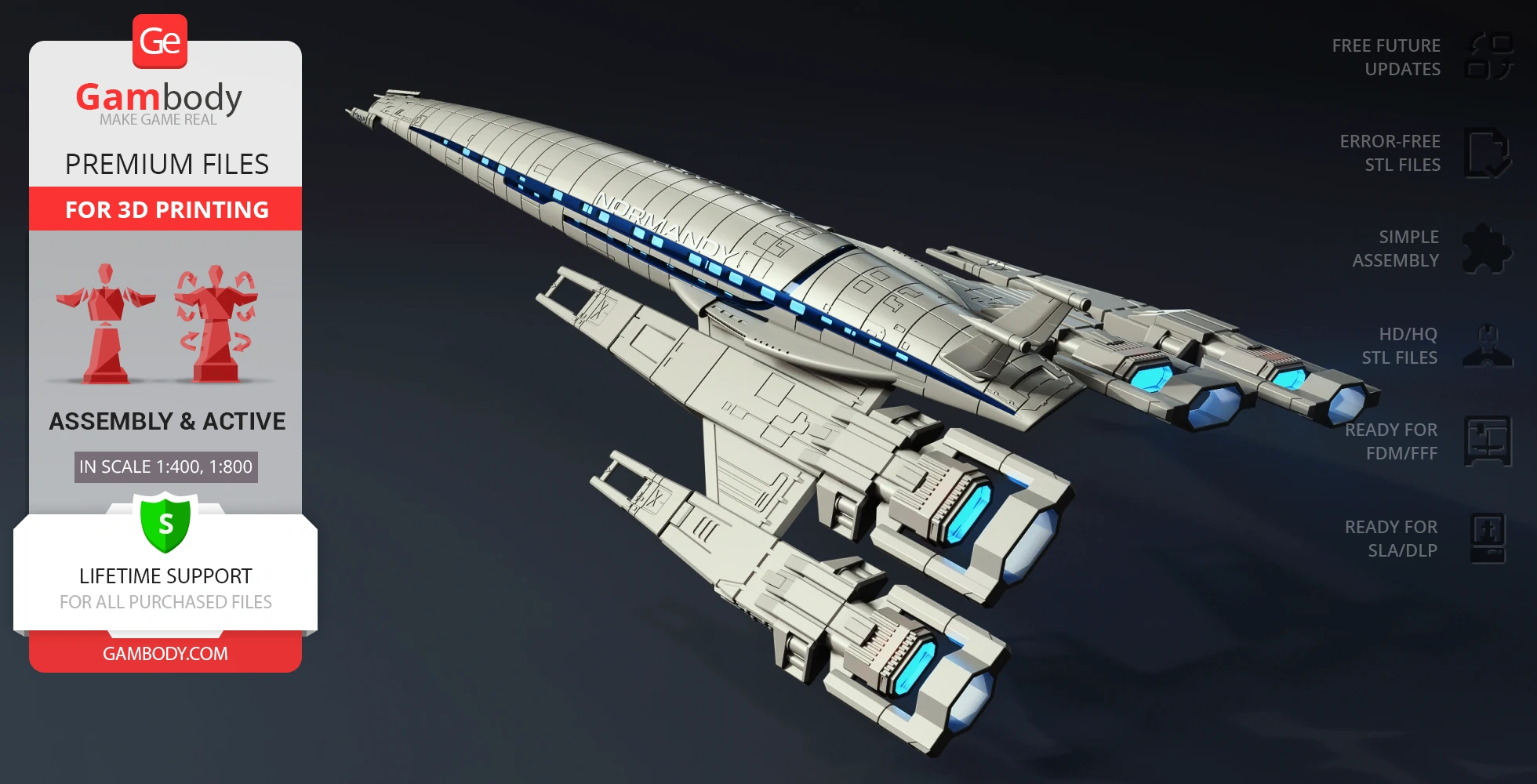
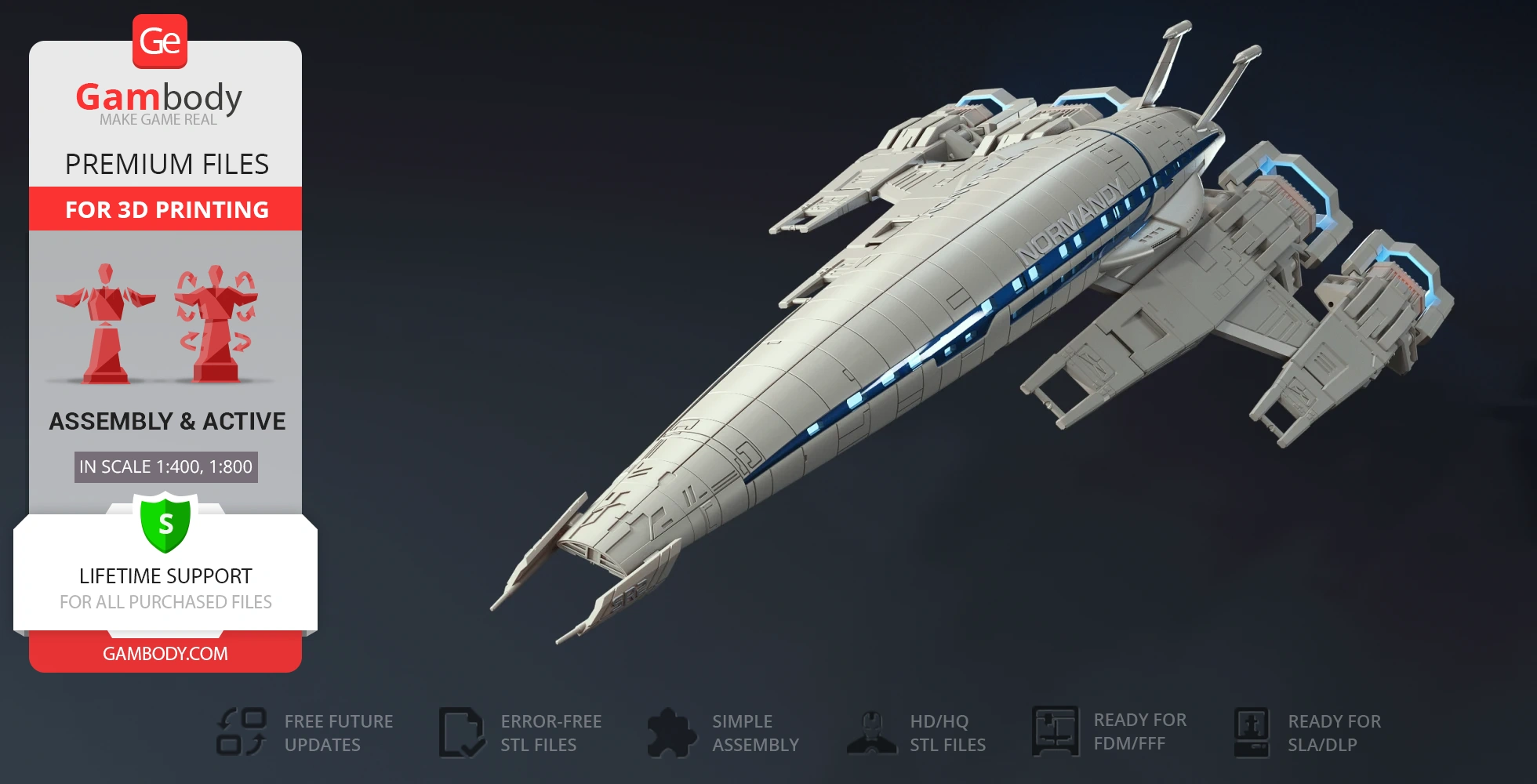
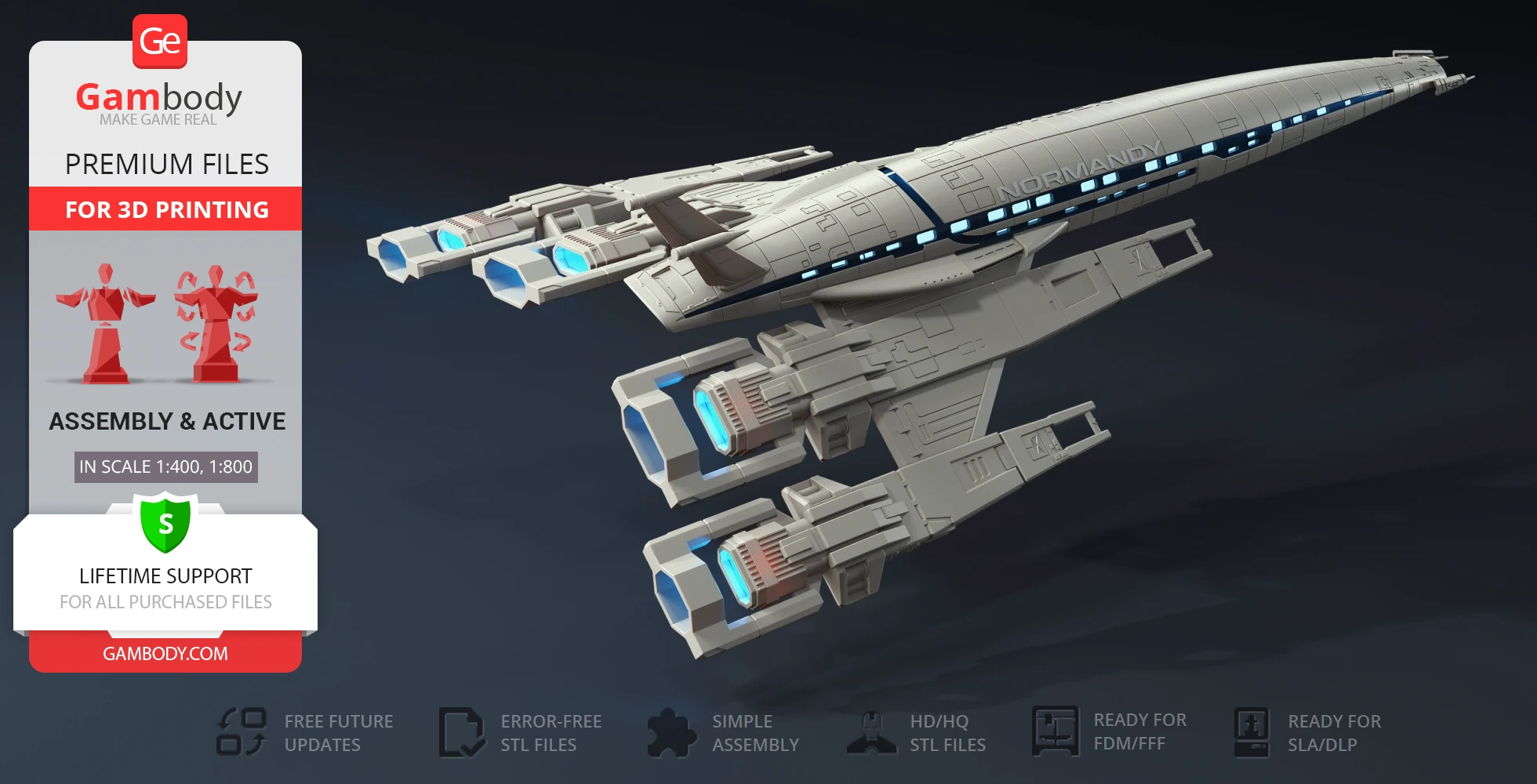
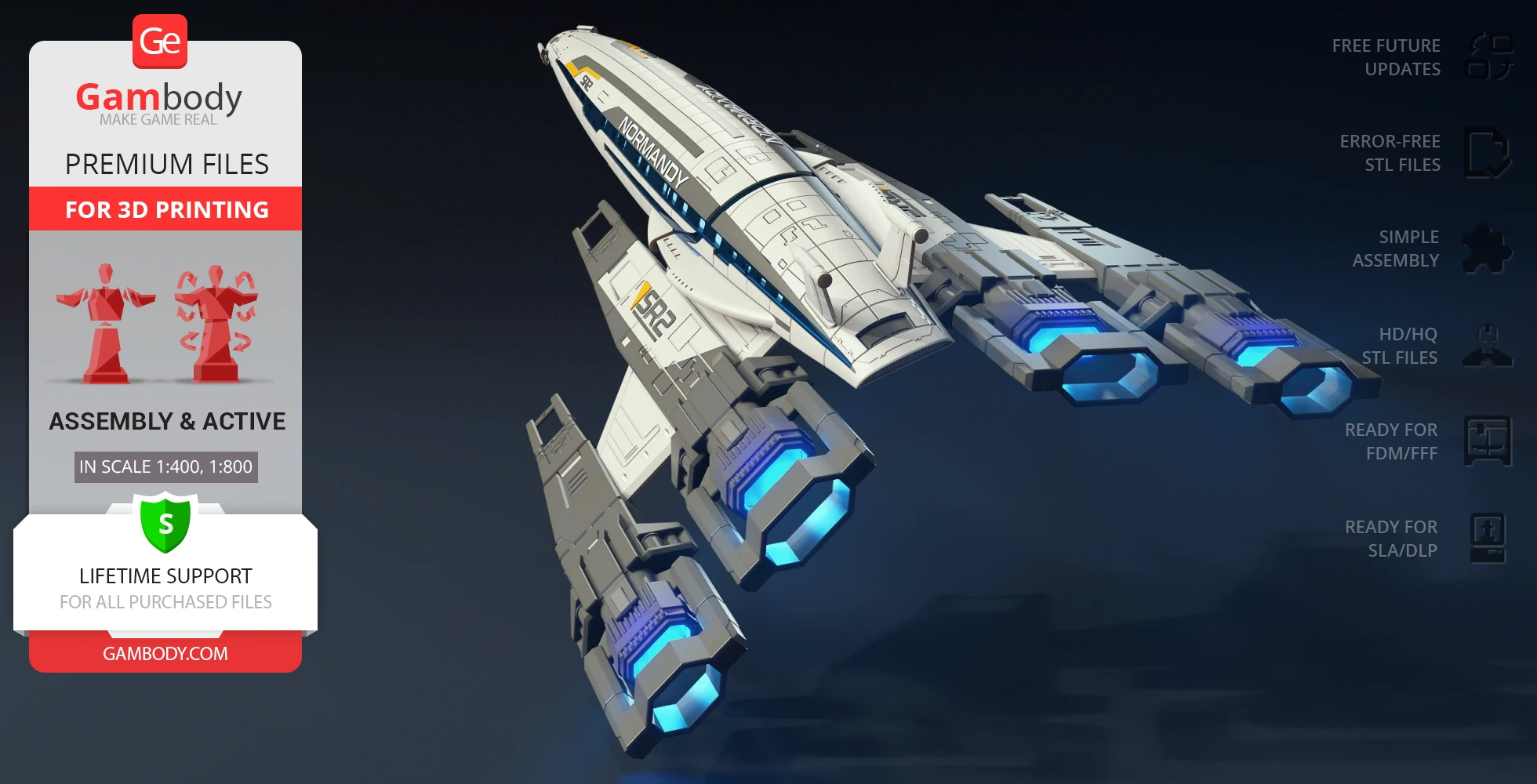
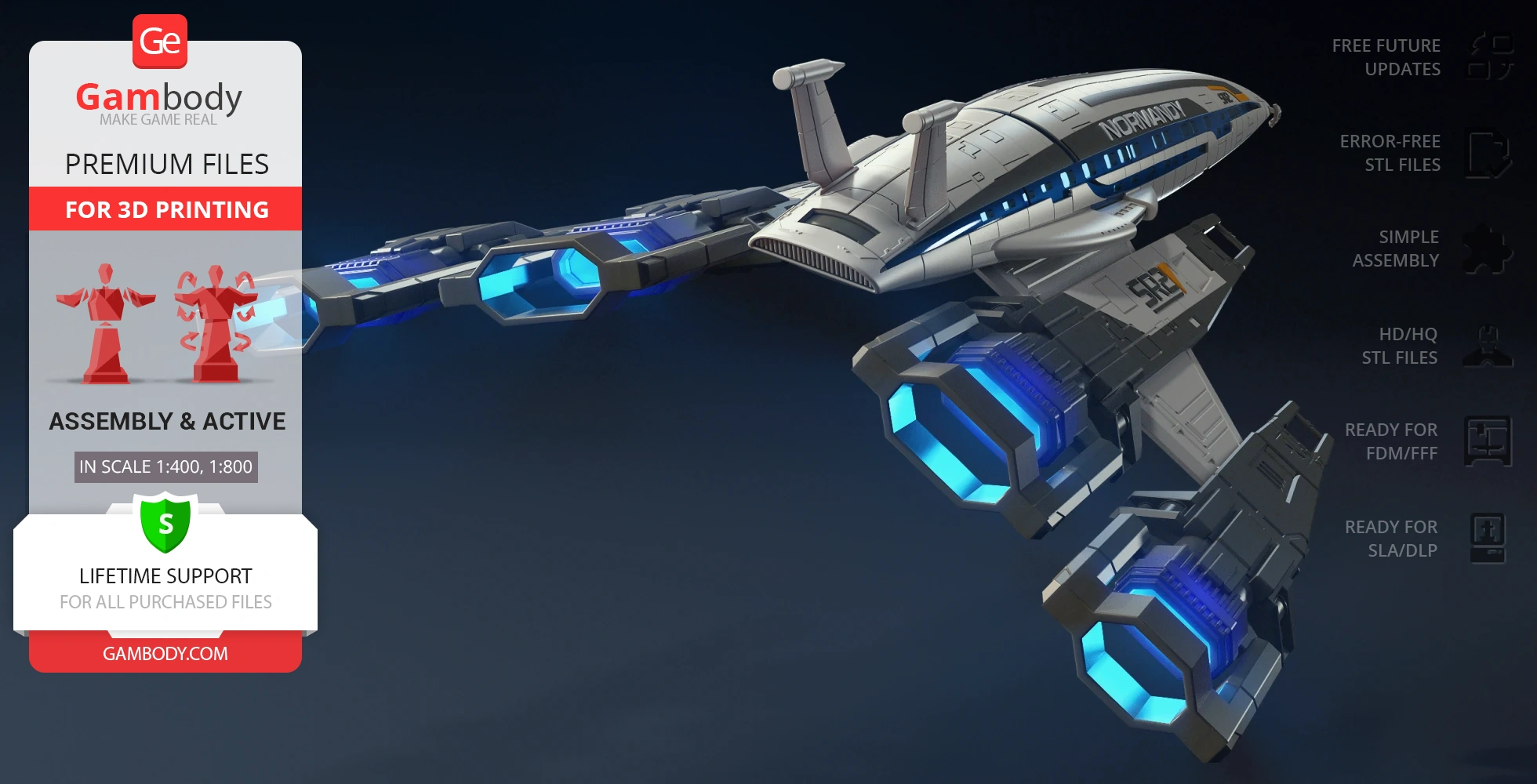
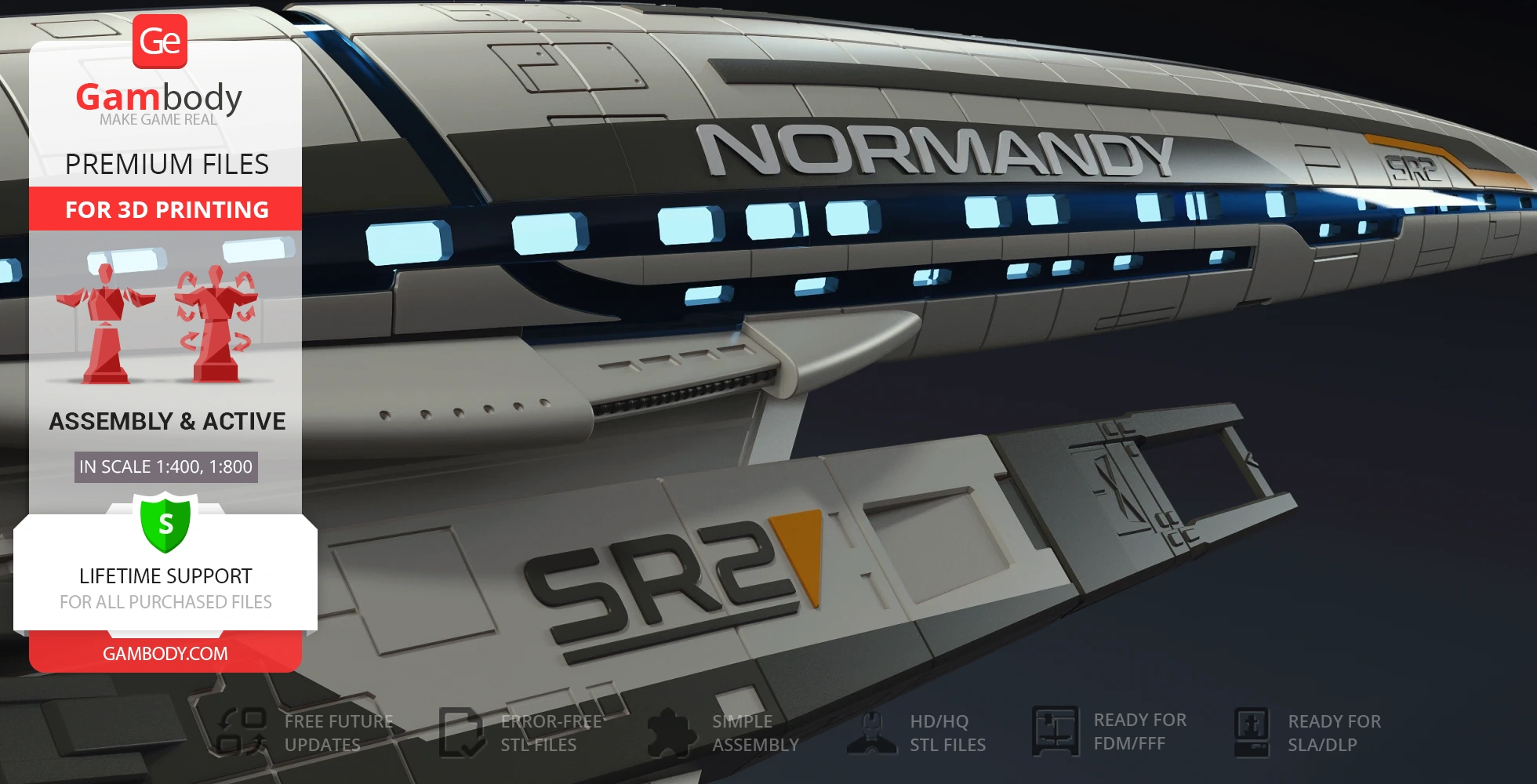
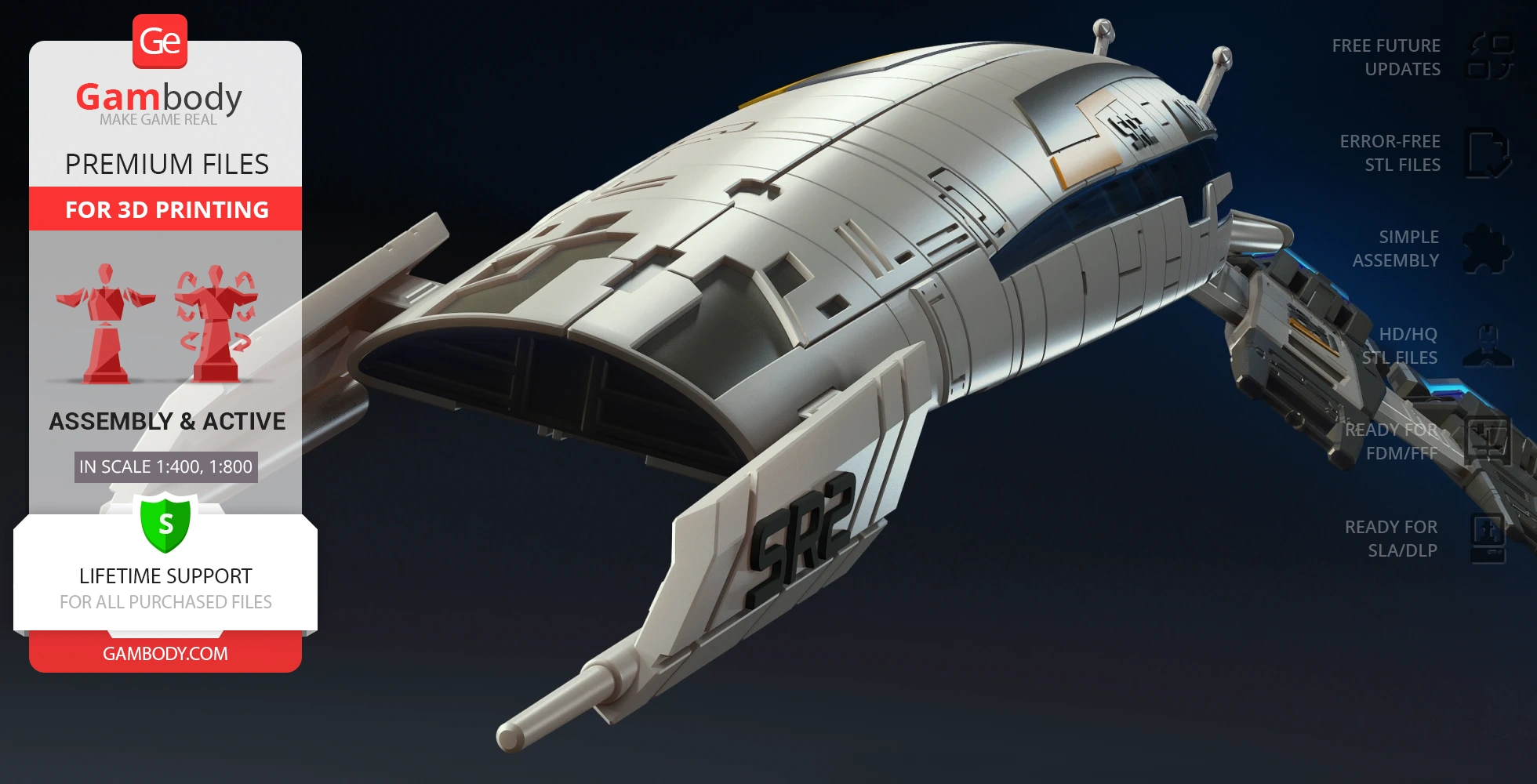
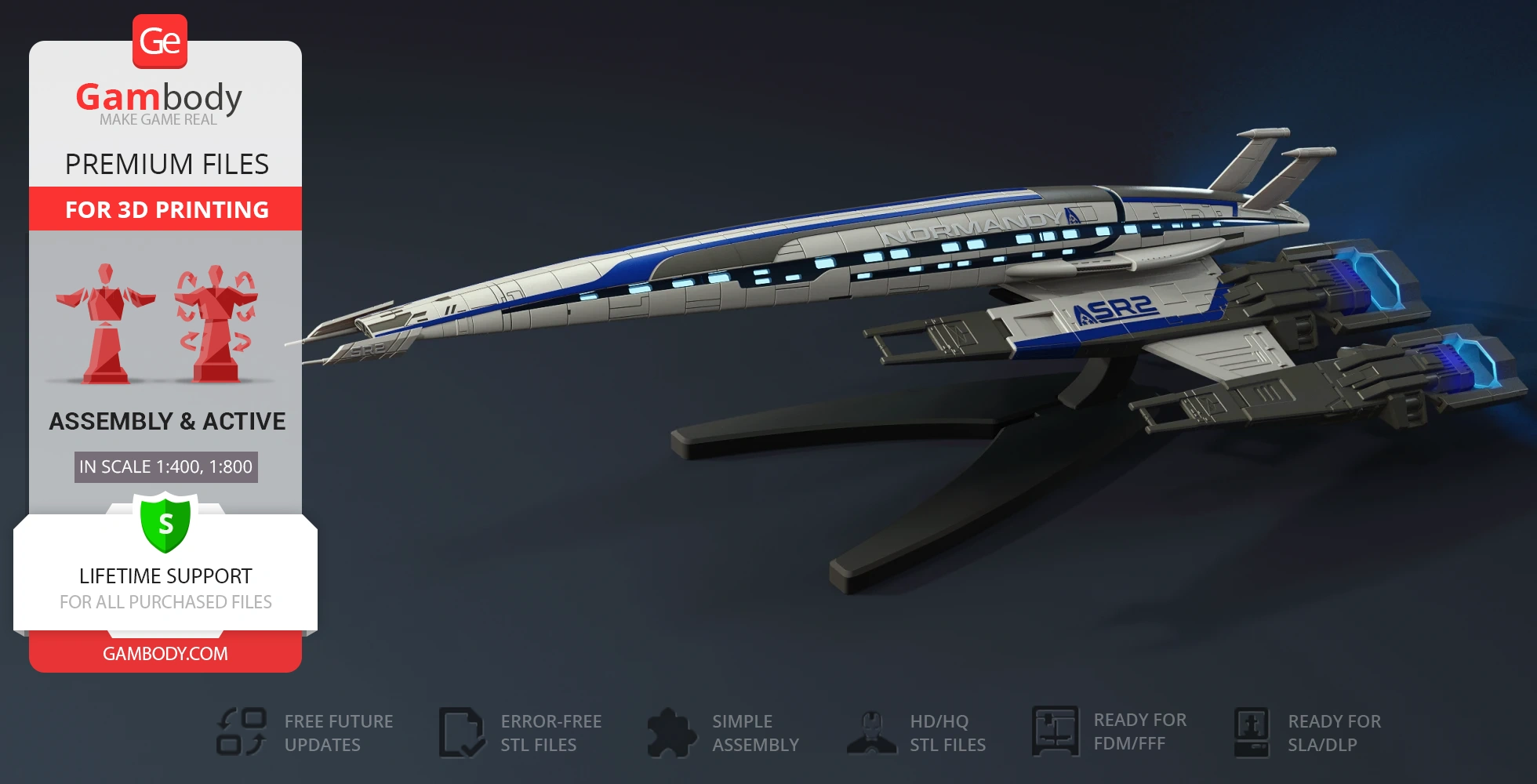
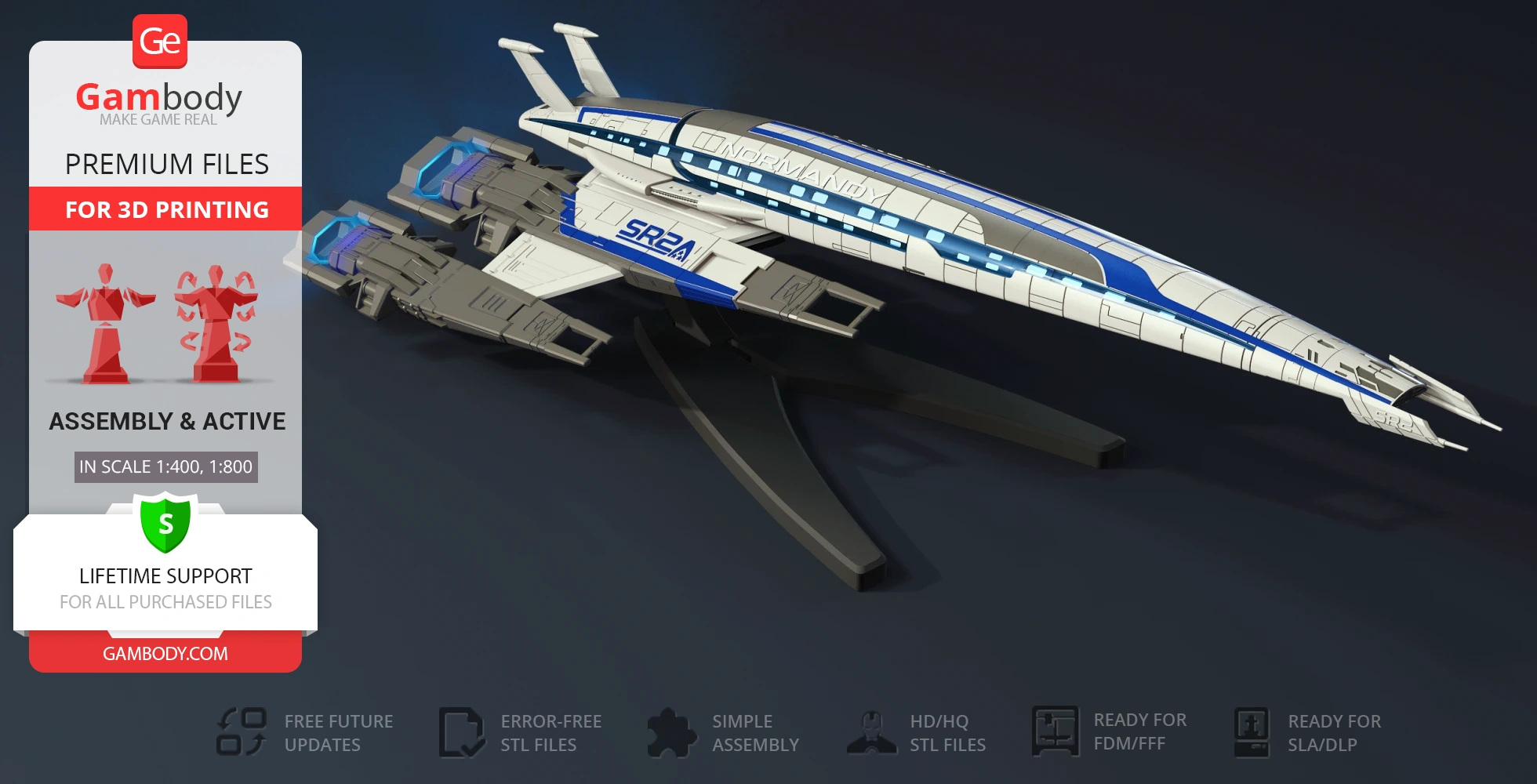
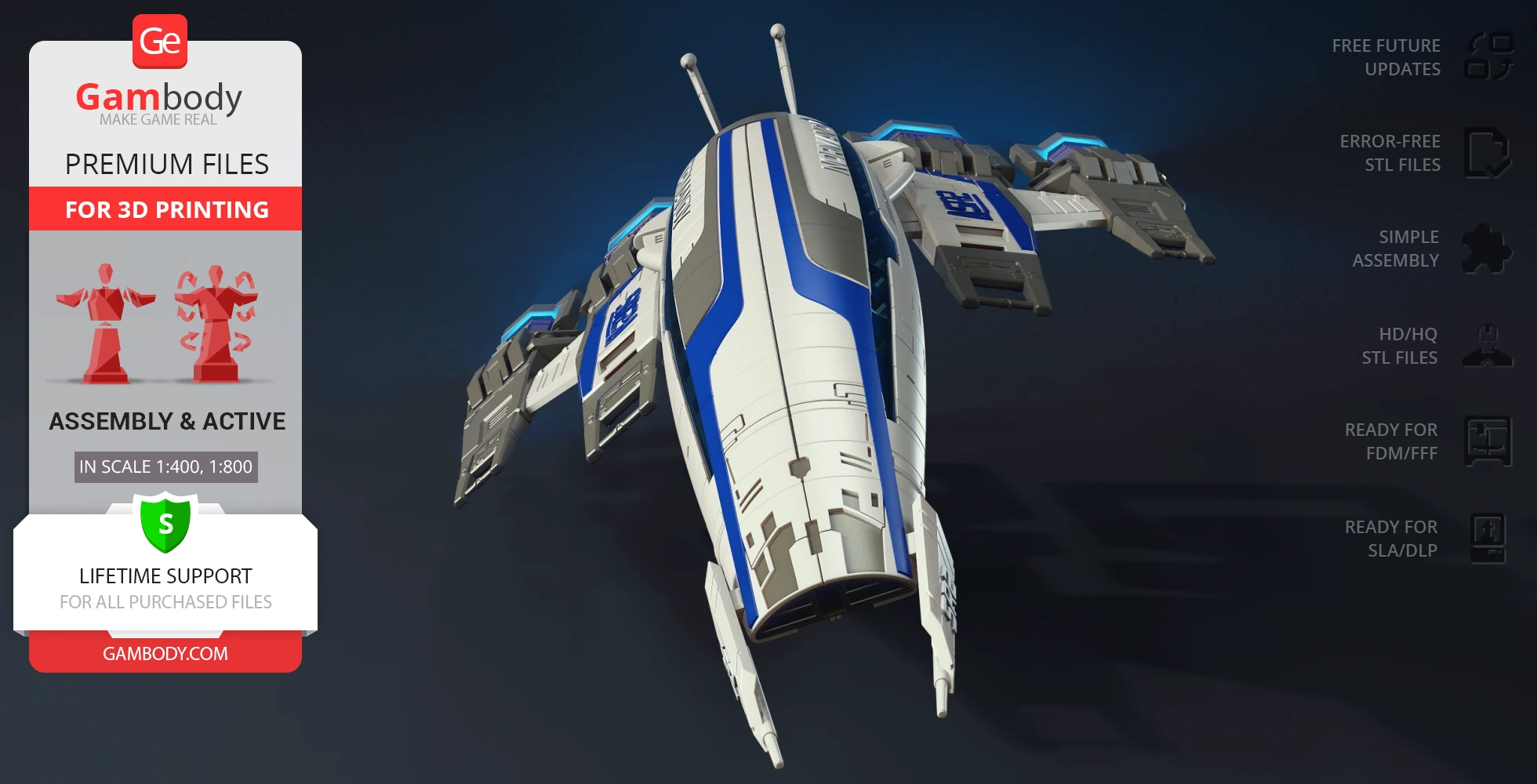
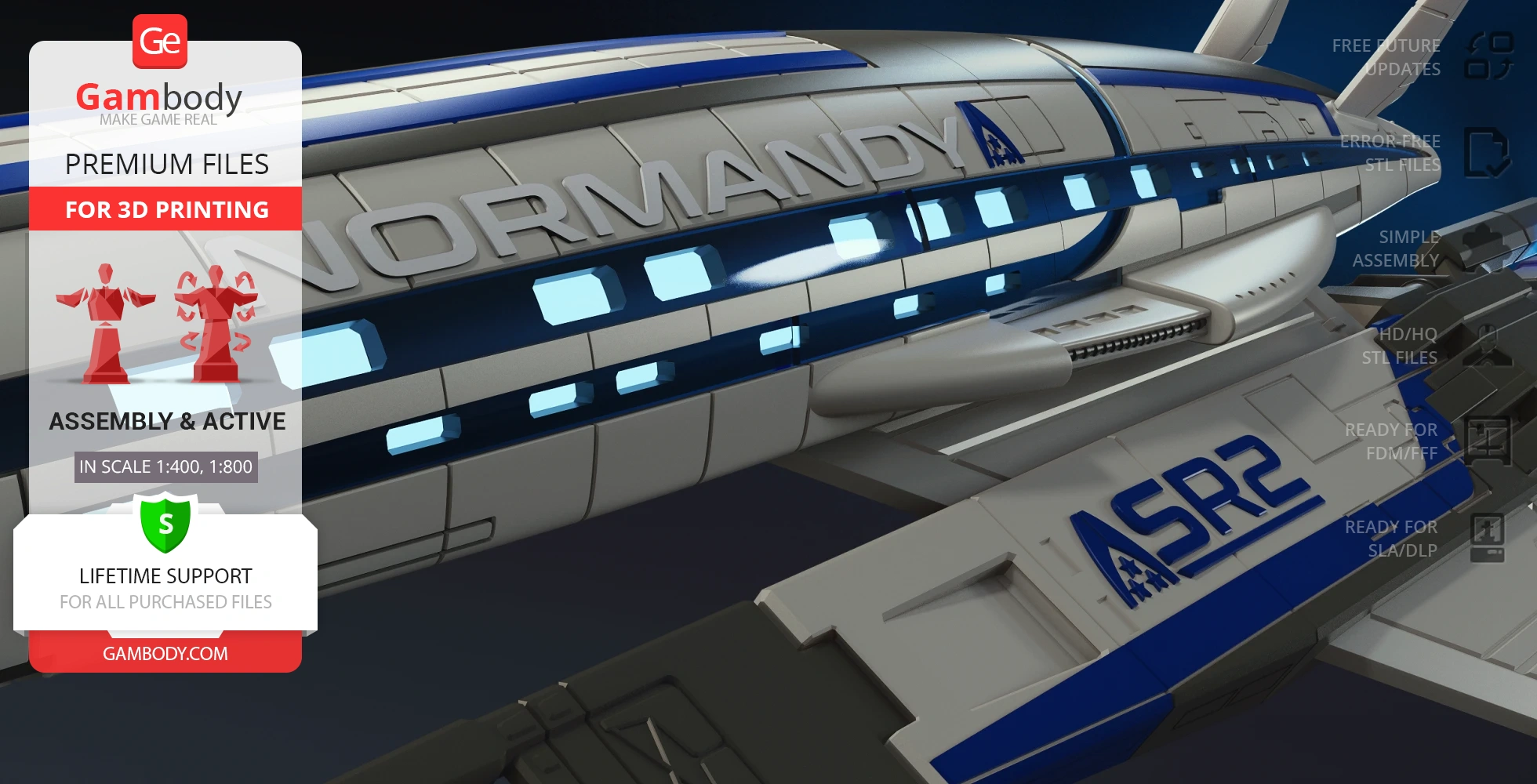
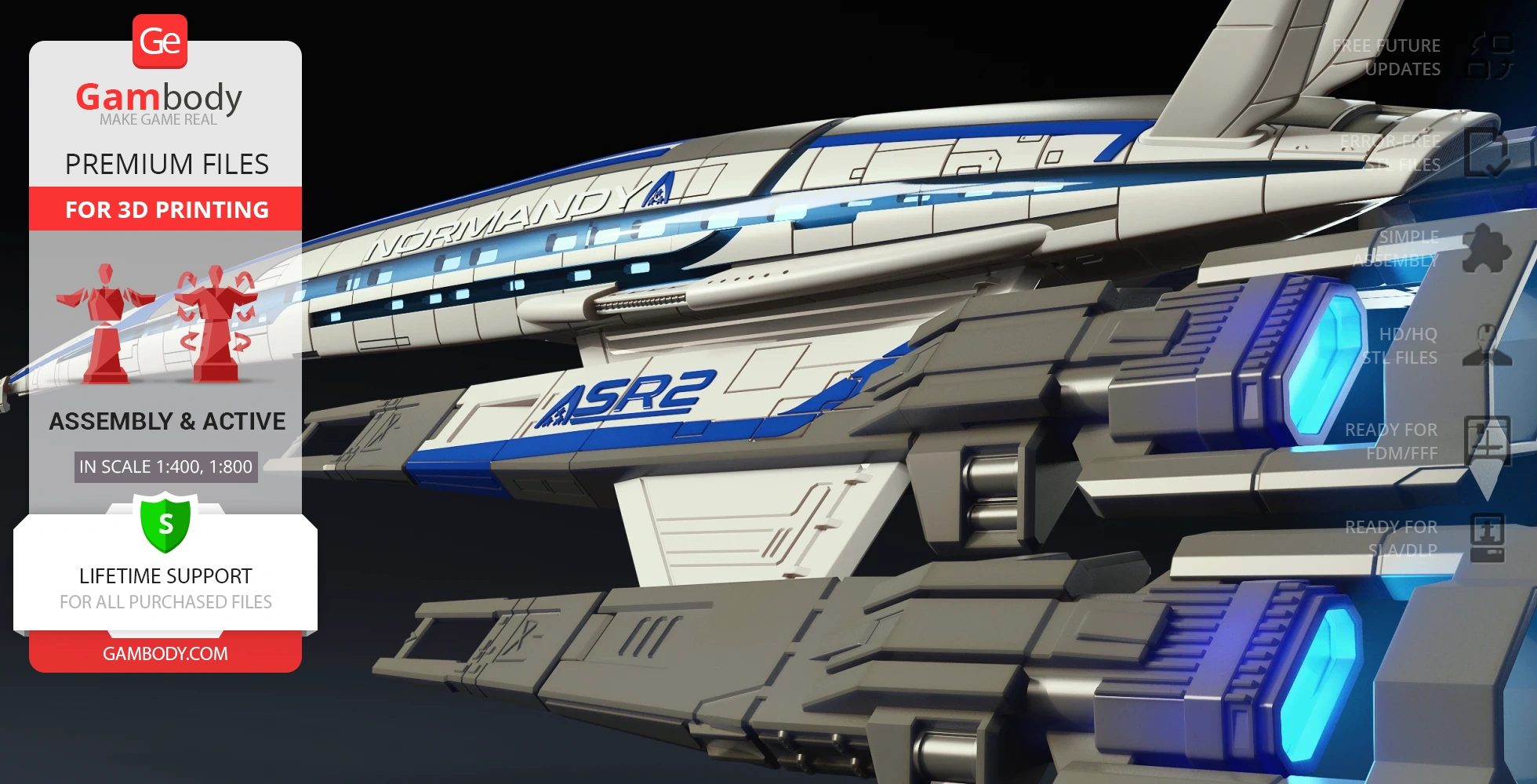
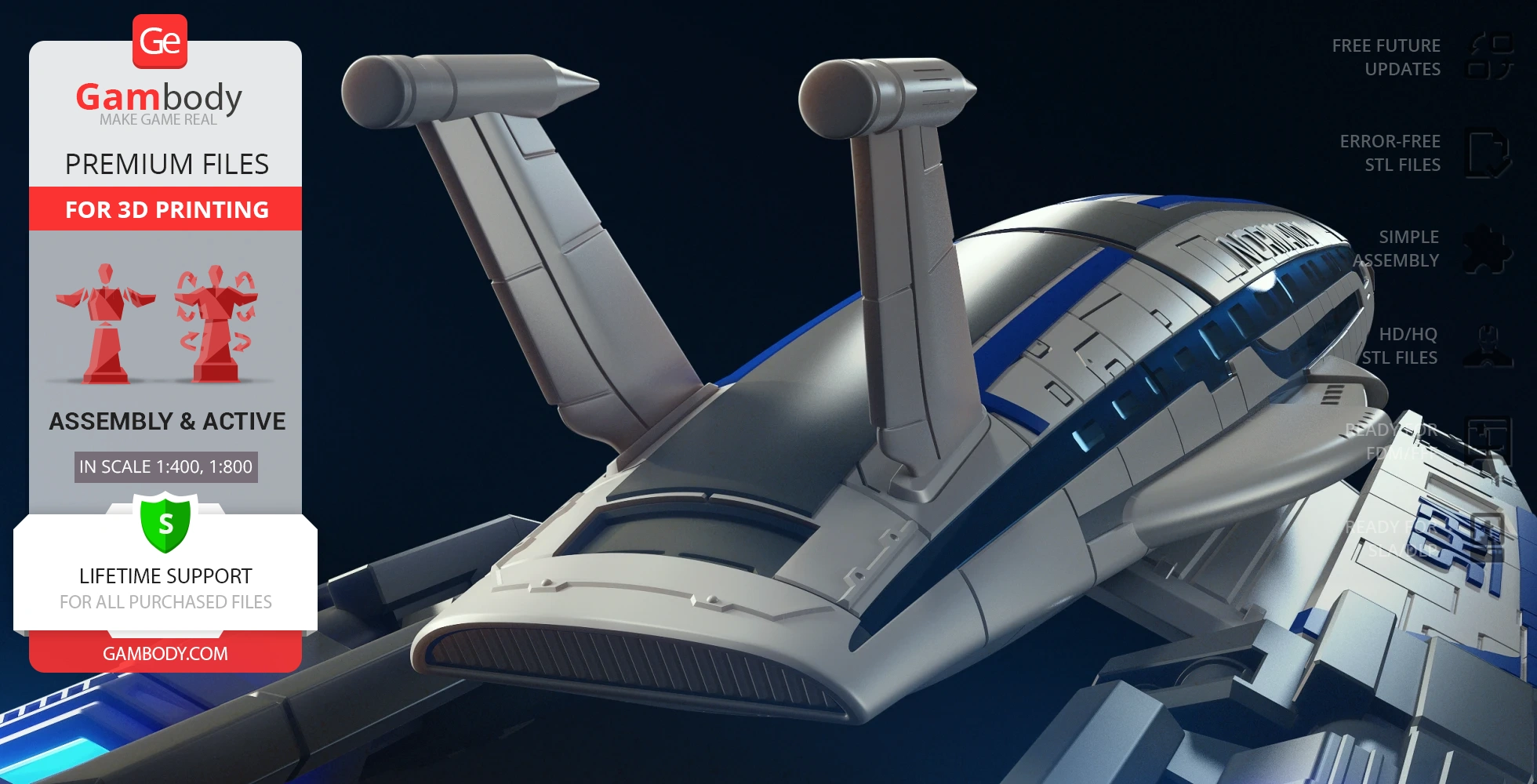
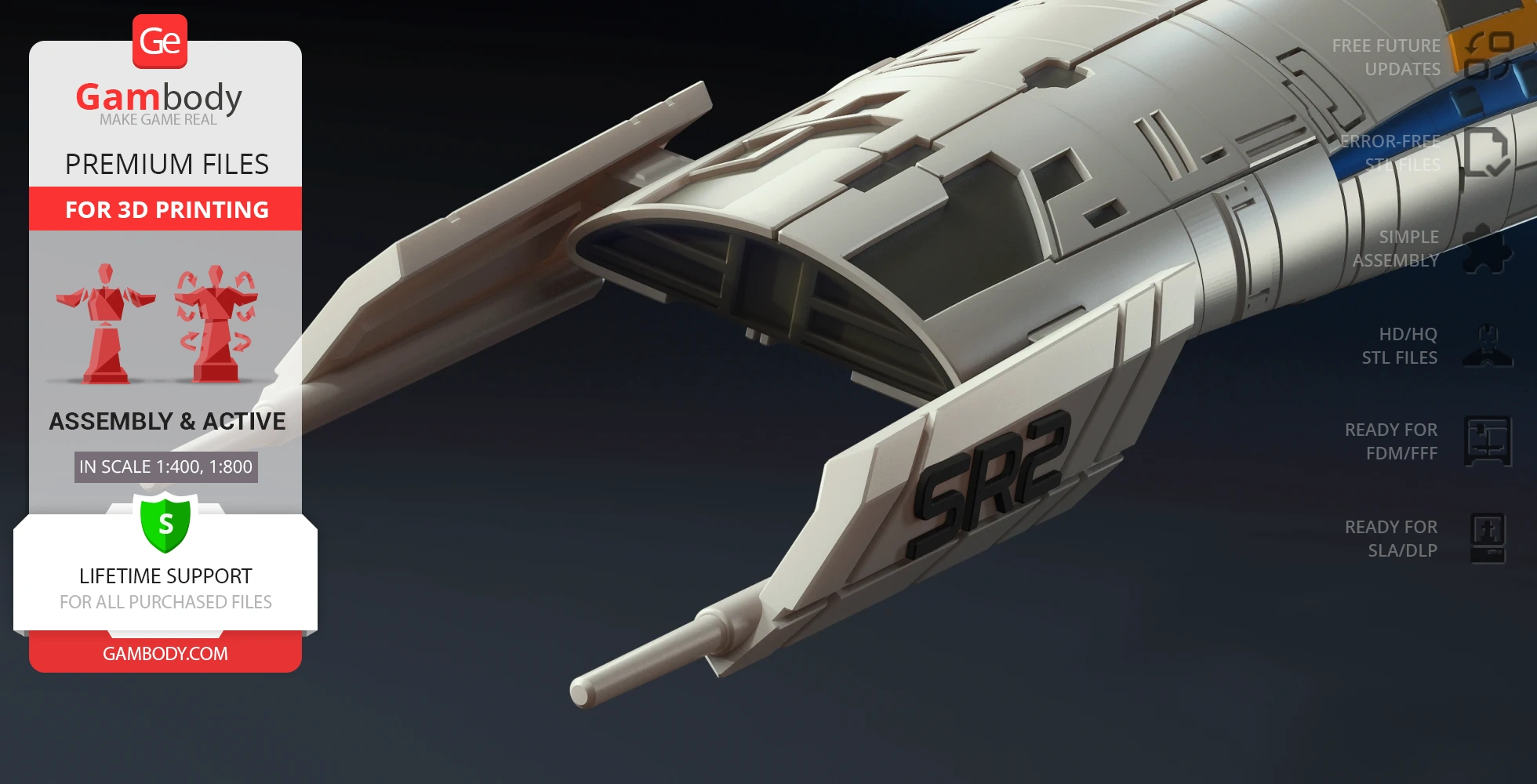
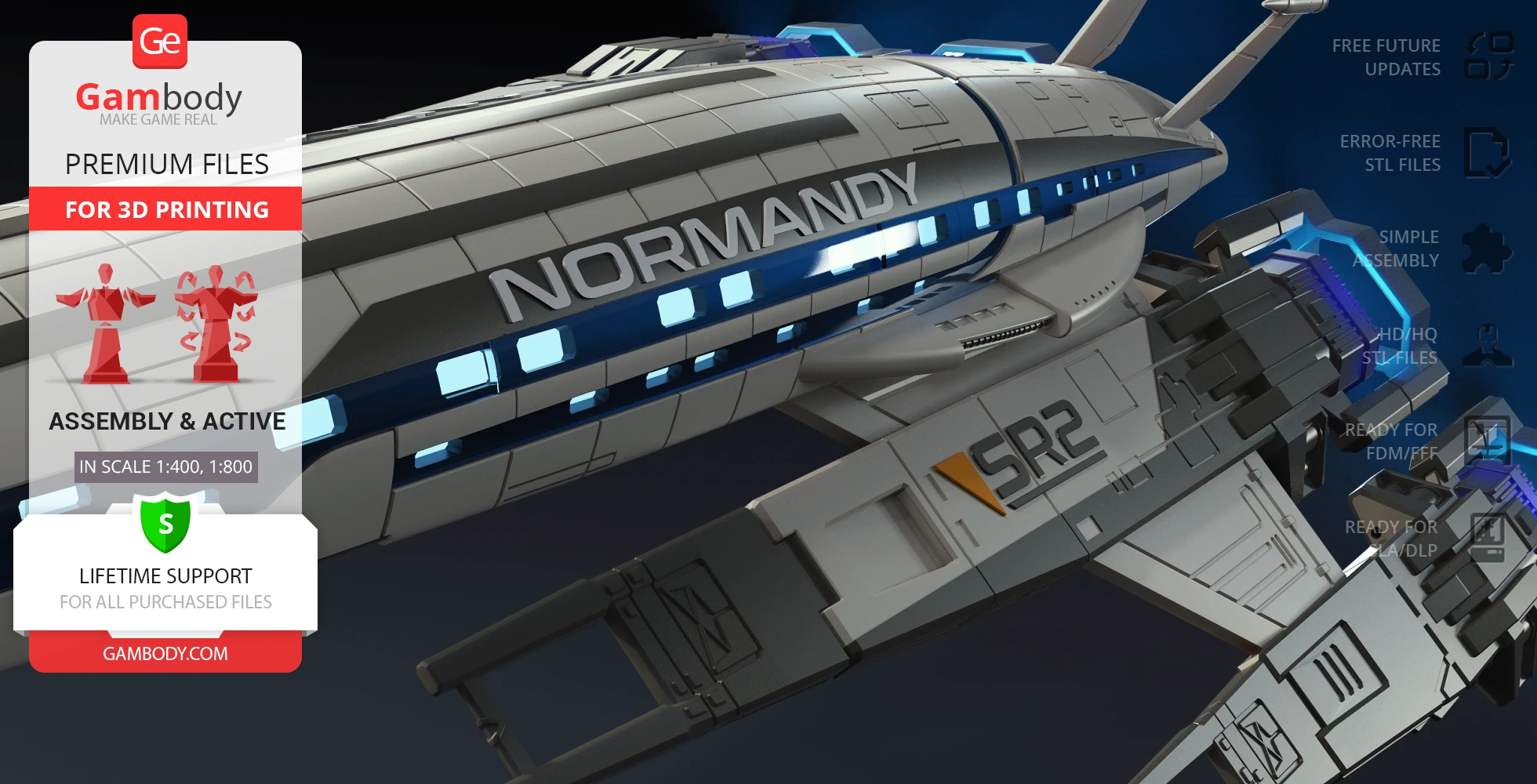
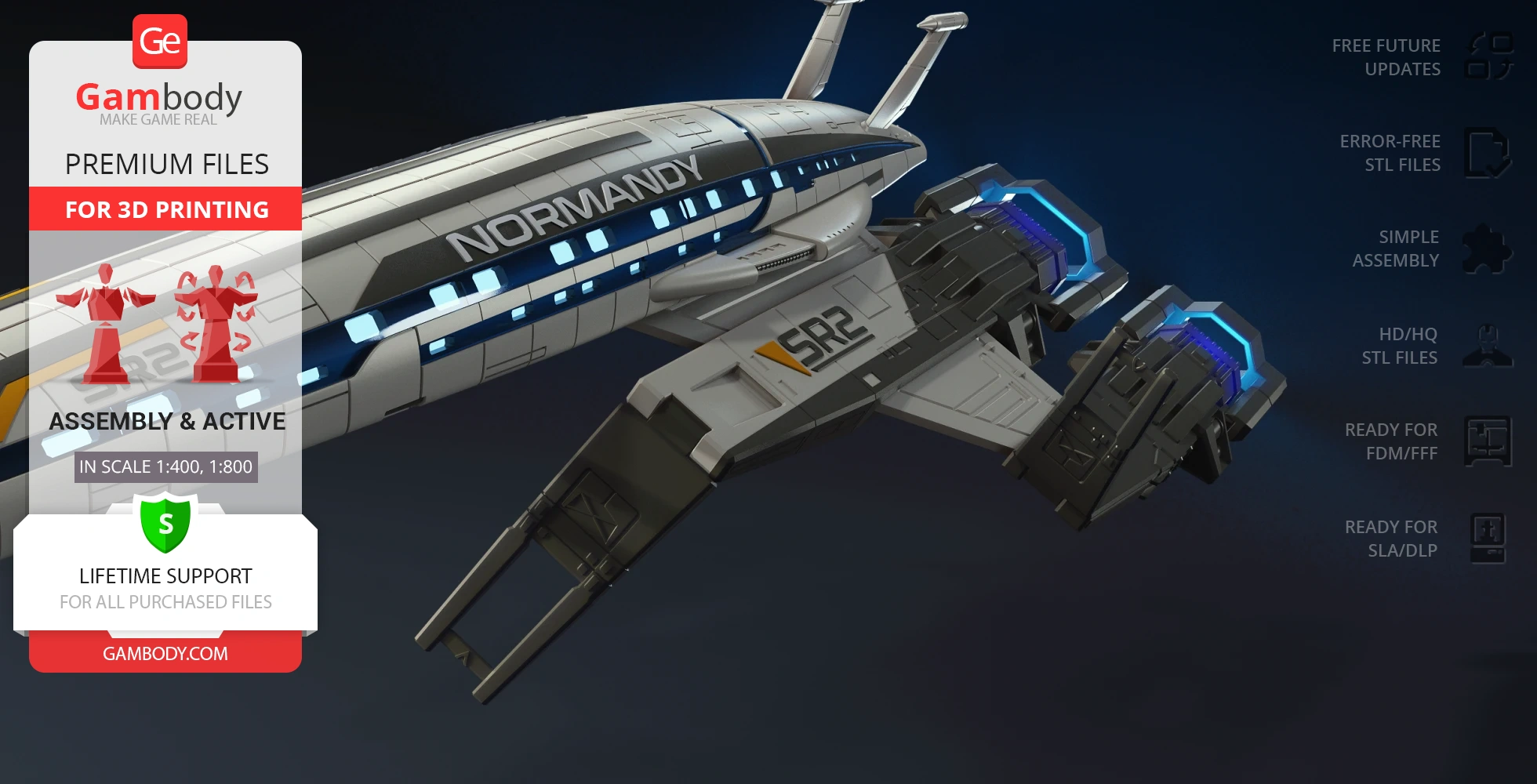
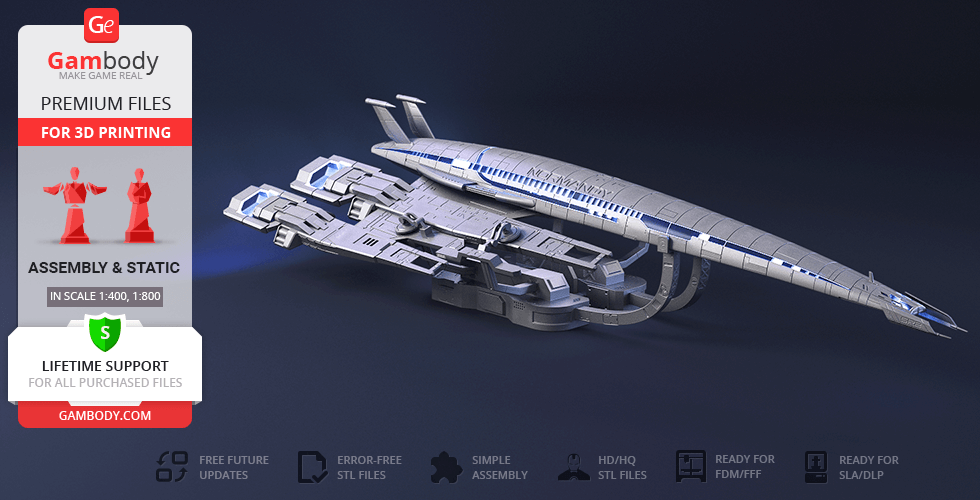
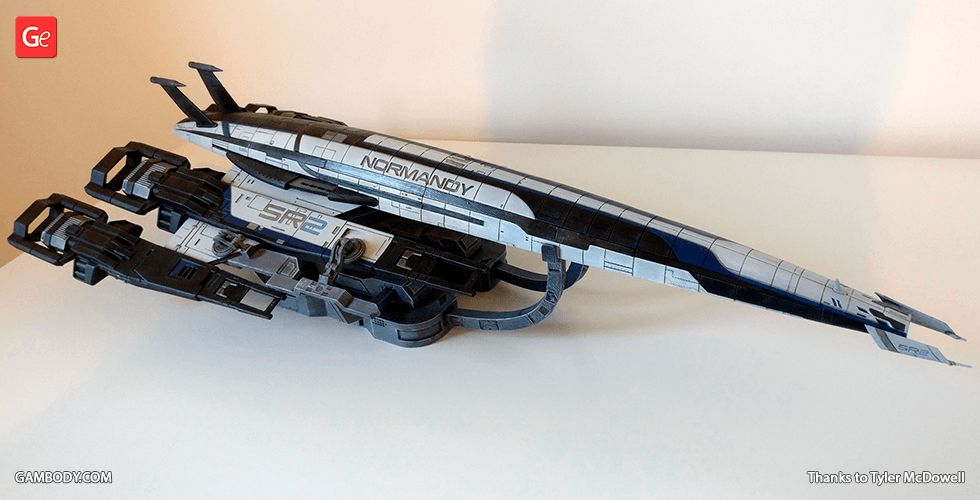
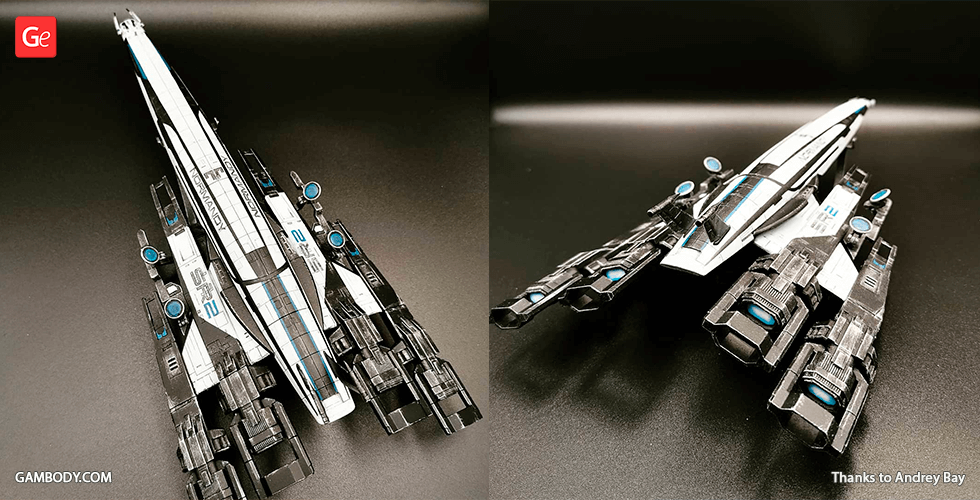
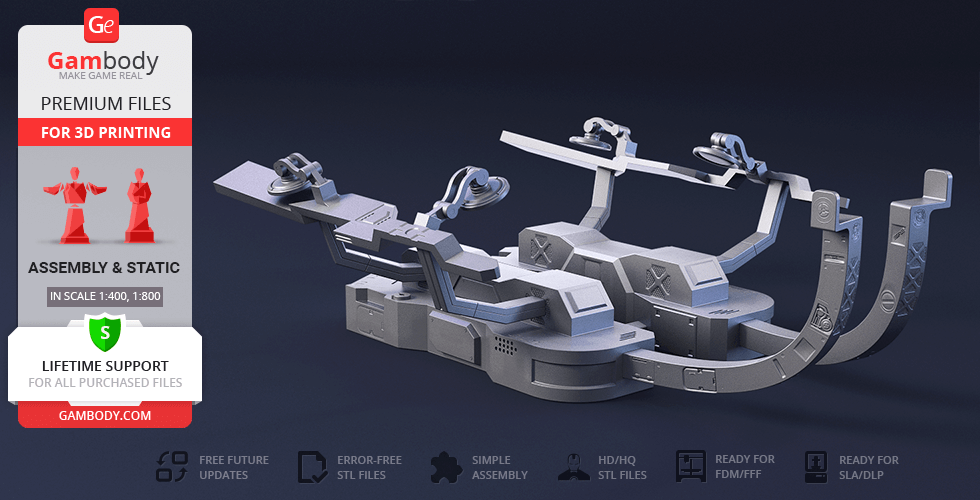
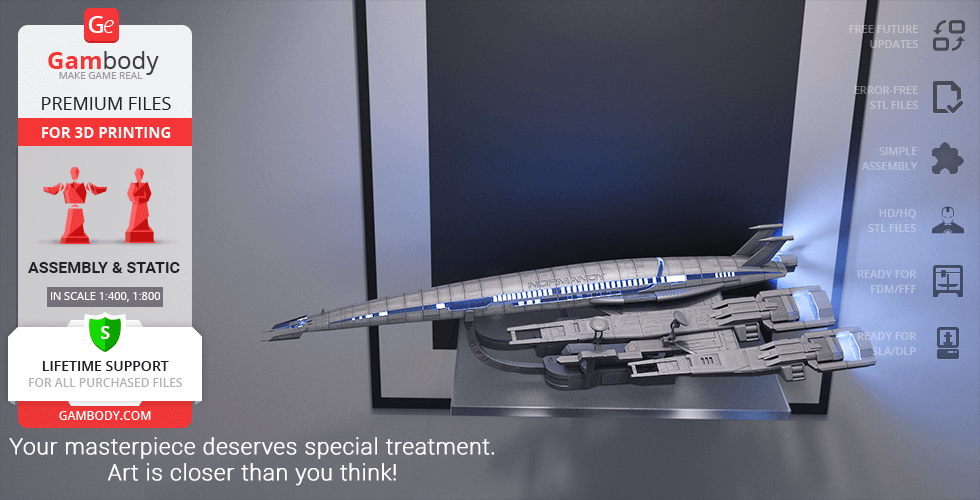
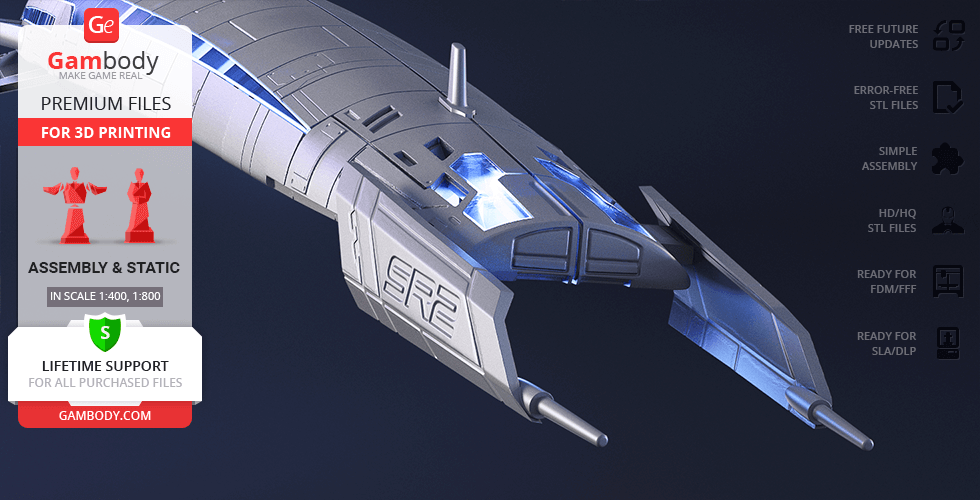
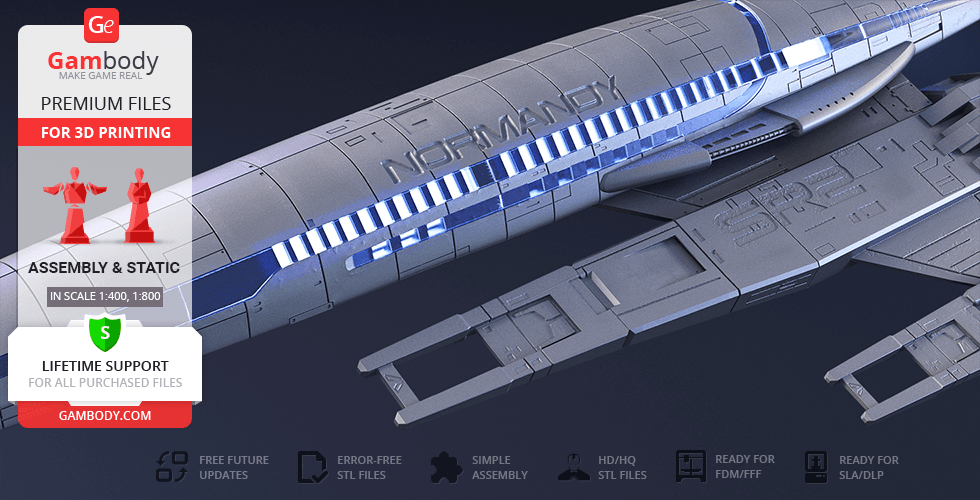
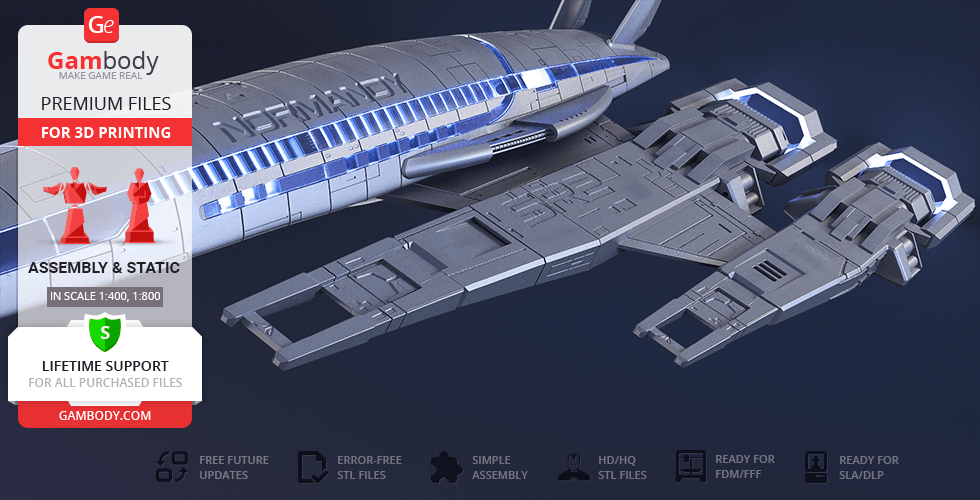
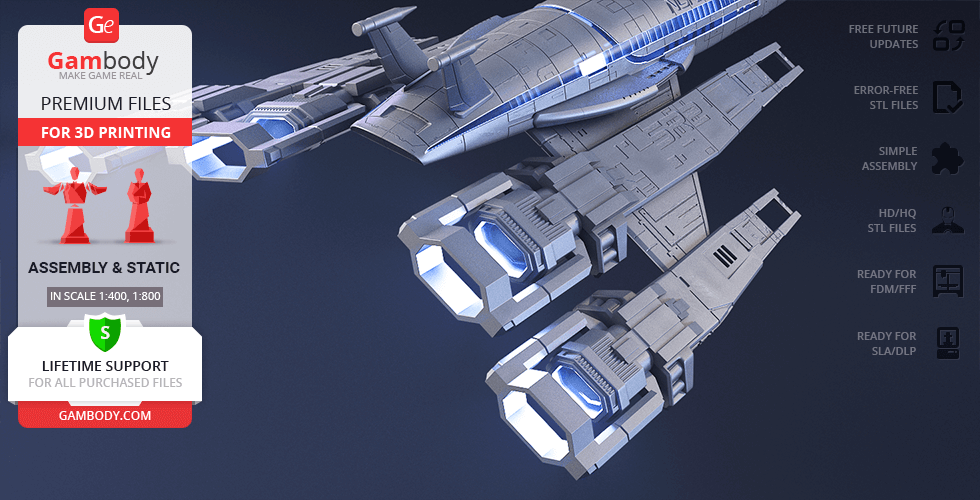
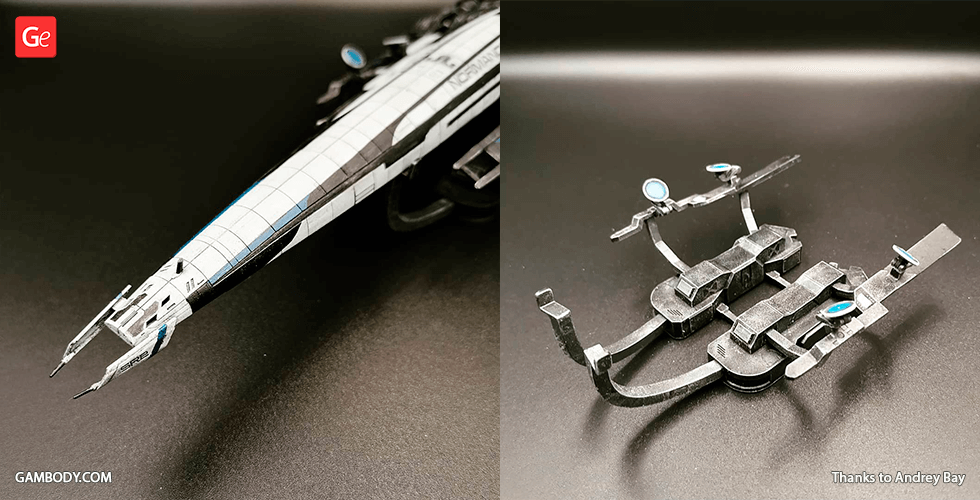
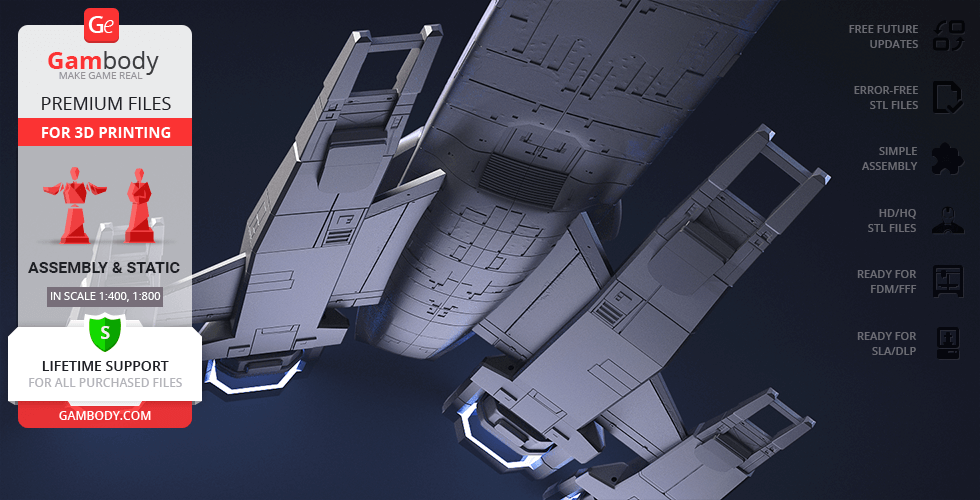
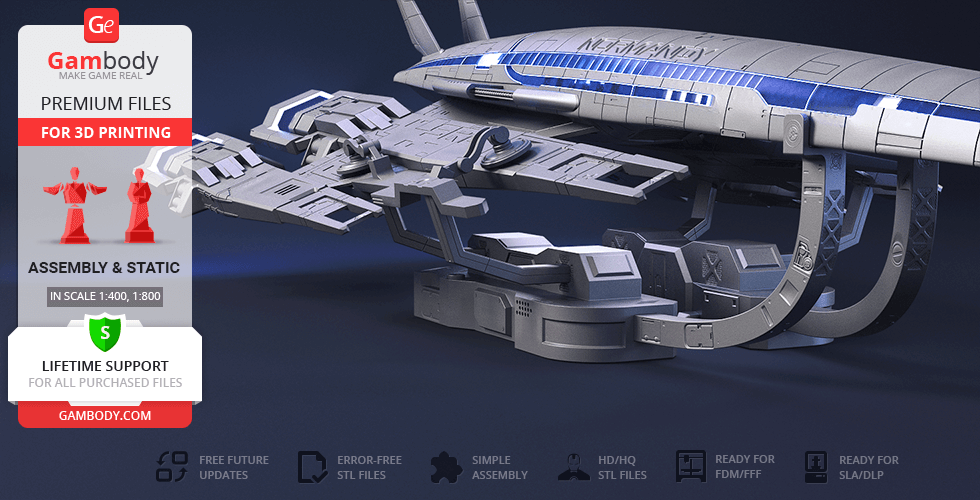
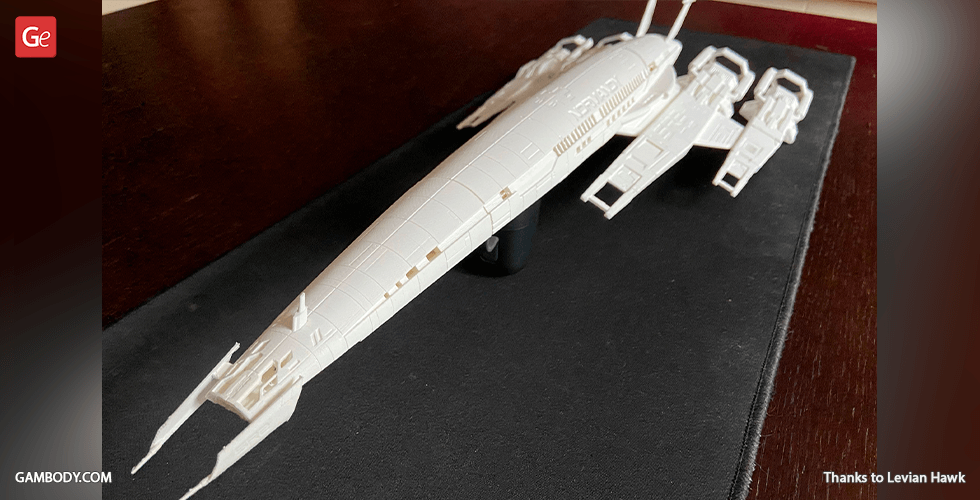
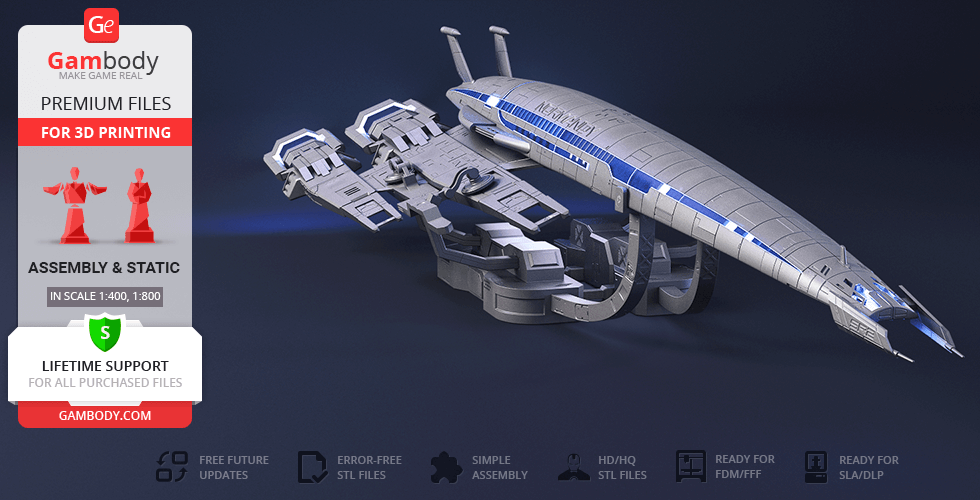
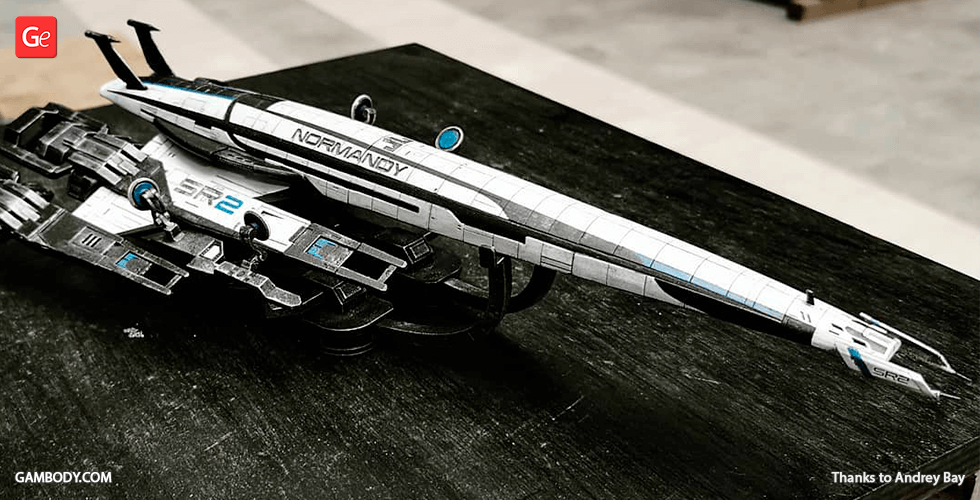
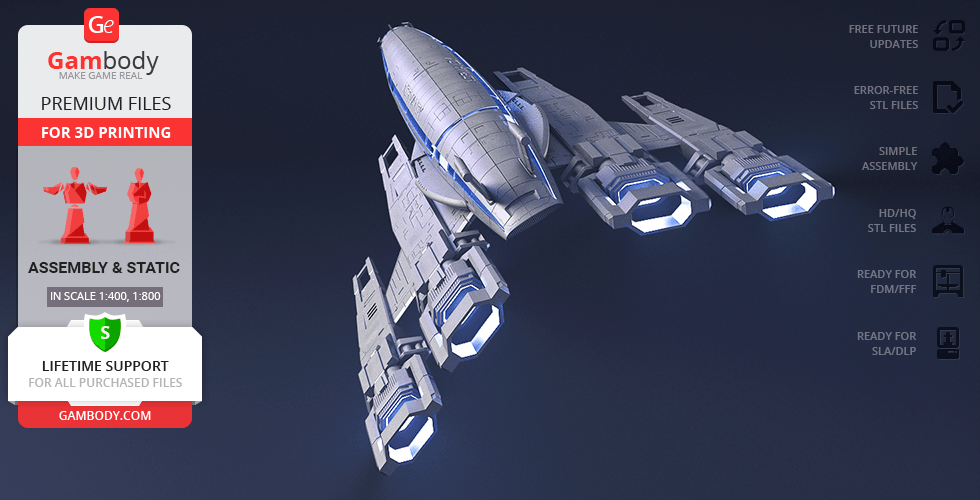
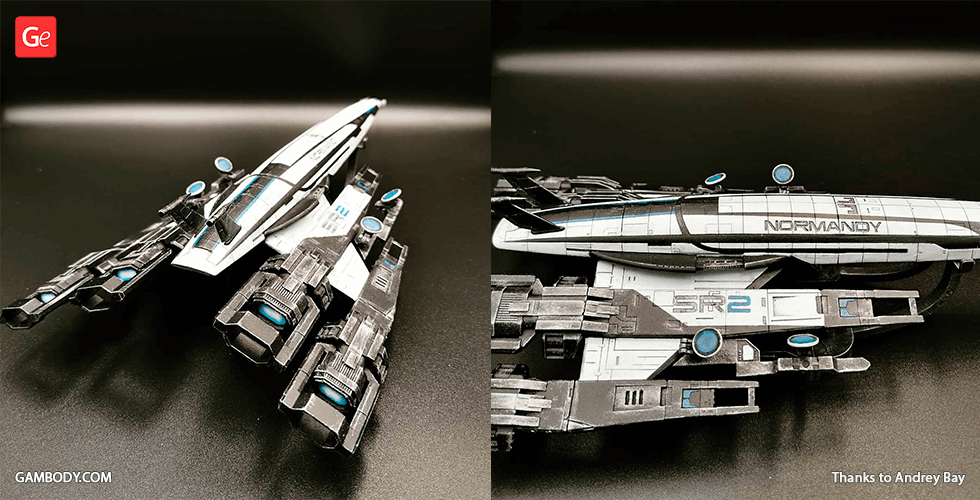
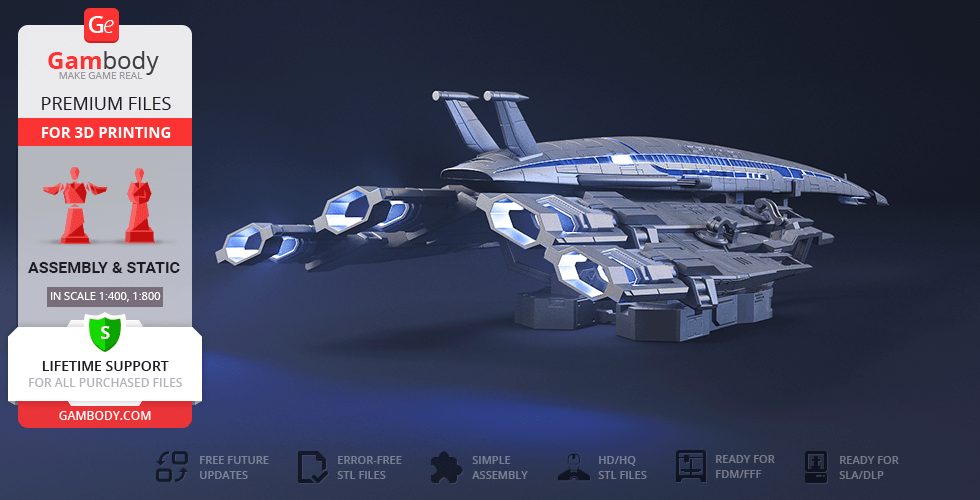
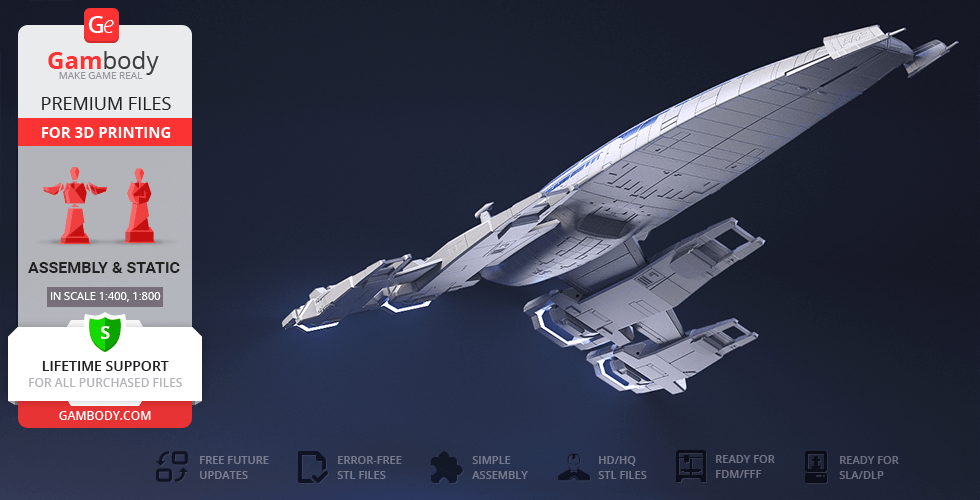
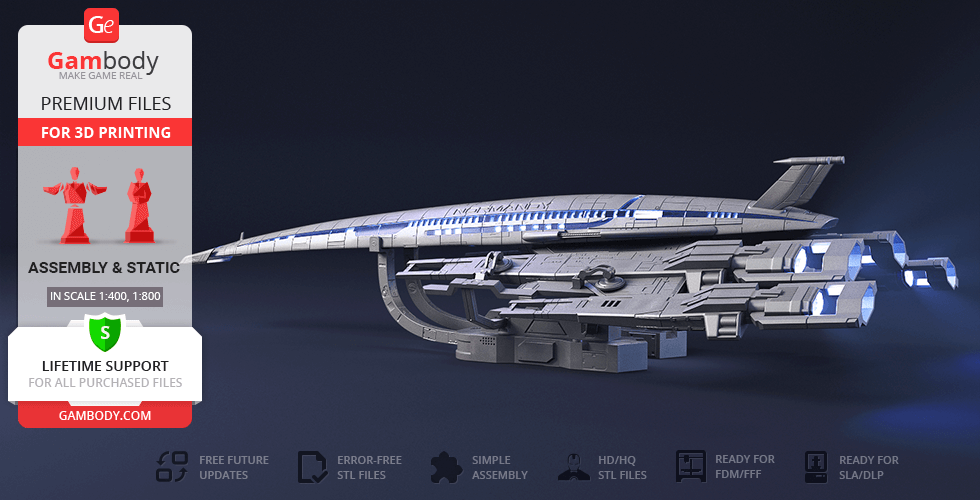
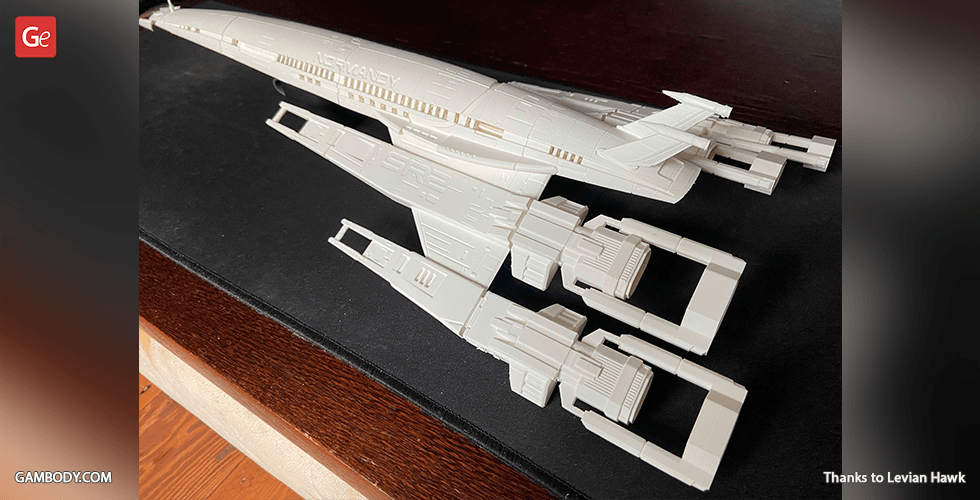
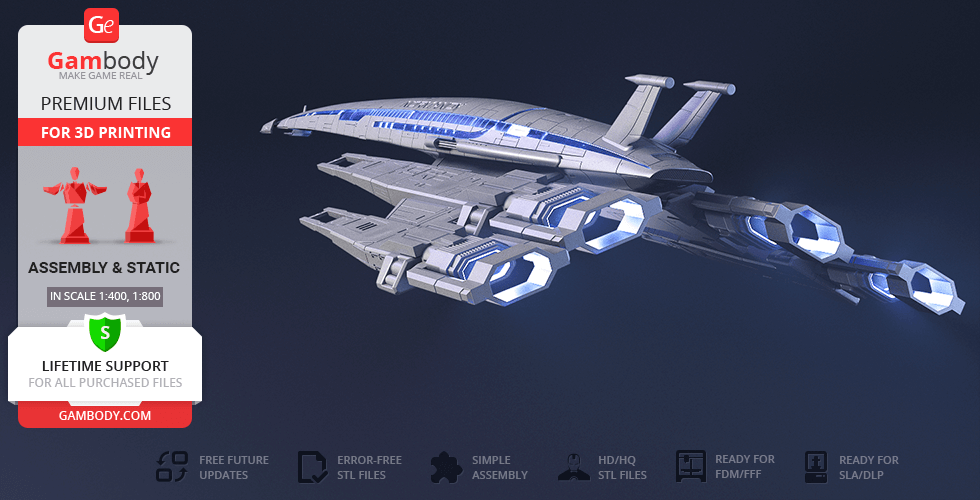
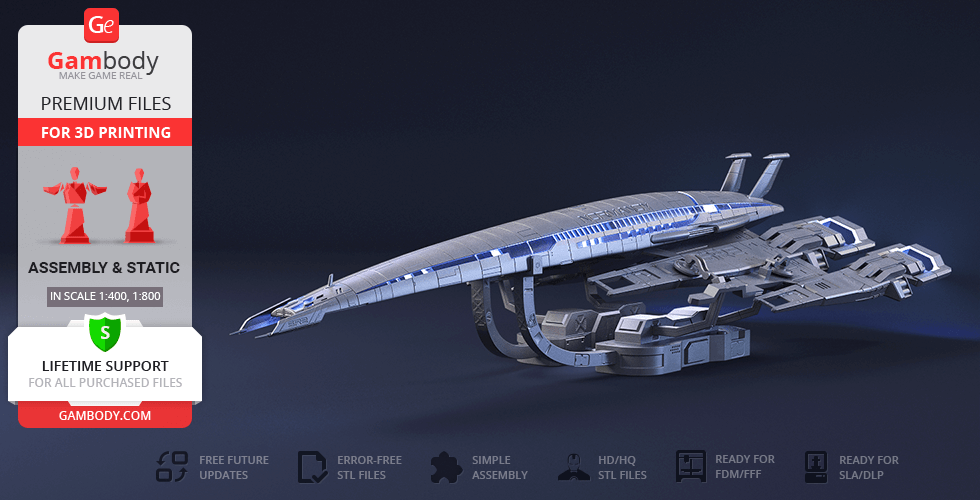
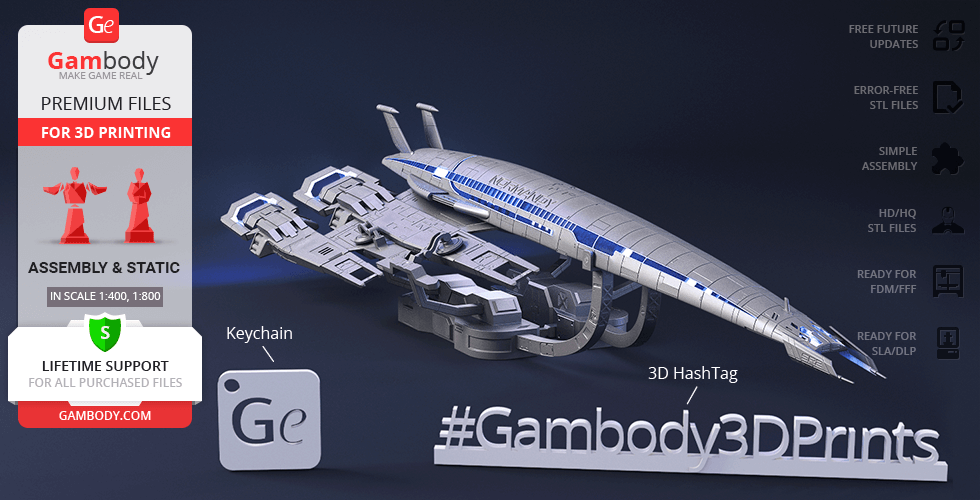
The fans of the universally acclaimed Mass Effect game series will unmistakably recognize the grandiose Normandy SR-2 starship that inherited and further improved all the best features of its predecessor, SR-1. The upgraded model of the ship was prepared to aid Commander Shepard and his crew on their quest to stop the insectoid alien Collectors from destroying humanity. Our contributing 3D artist’s deep admiration for the massive ship spurred the creation of his very own Normandy SR-2 model for 3D printing. The Normandy SR-2 3D printing model masterly recreates the ship’s outstanding design. The hull of the spaceship is streamlined and prolonged, almost elegant - perfectly suitable for maneuvering in the most distant corners of the universe or in heated battles. Two sharp attachments on the nose of the spacecraft and two vertical stabilizers in the back were installed to further aid the flight control. The top hull plated with ablative armour is riddled with authentic patterns, joined by the name of the ship engraved on the sides. Our contributing 3D artist did not forget to adorn the body of the ship with countless windows from where a splendid view of the interstellar space can unfold. Moving on to the four wings of Normandy SR-2, he equipped them with huge antiproton thrusters, while engraving the ship series on the primary wings. To further enhance your display a special platform for the ship was prepared, which imitates a fragment of a docking bay on the Citadel and large docking magnets that can hold the colossal starship in place. Now gather your crew, get the 3D printer started, and set into a breathtaking adventure with the Normandy SR-2 3D printing model!
ADAPTATION FOR 3D PRINTING
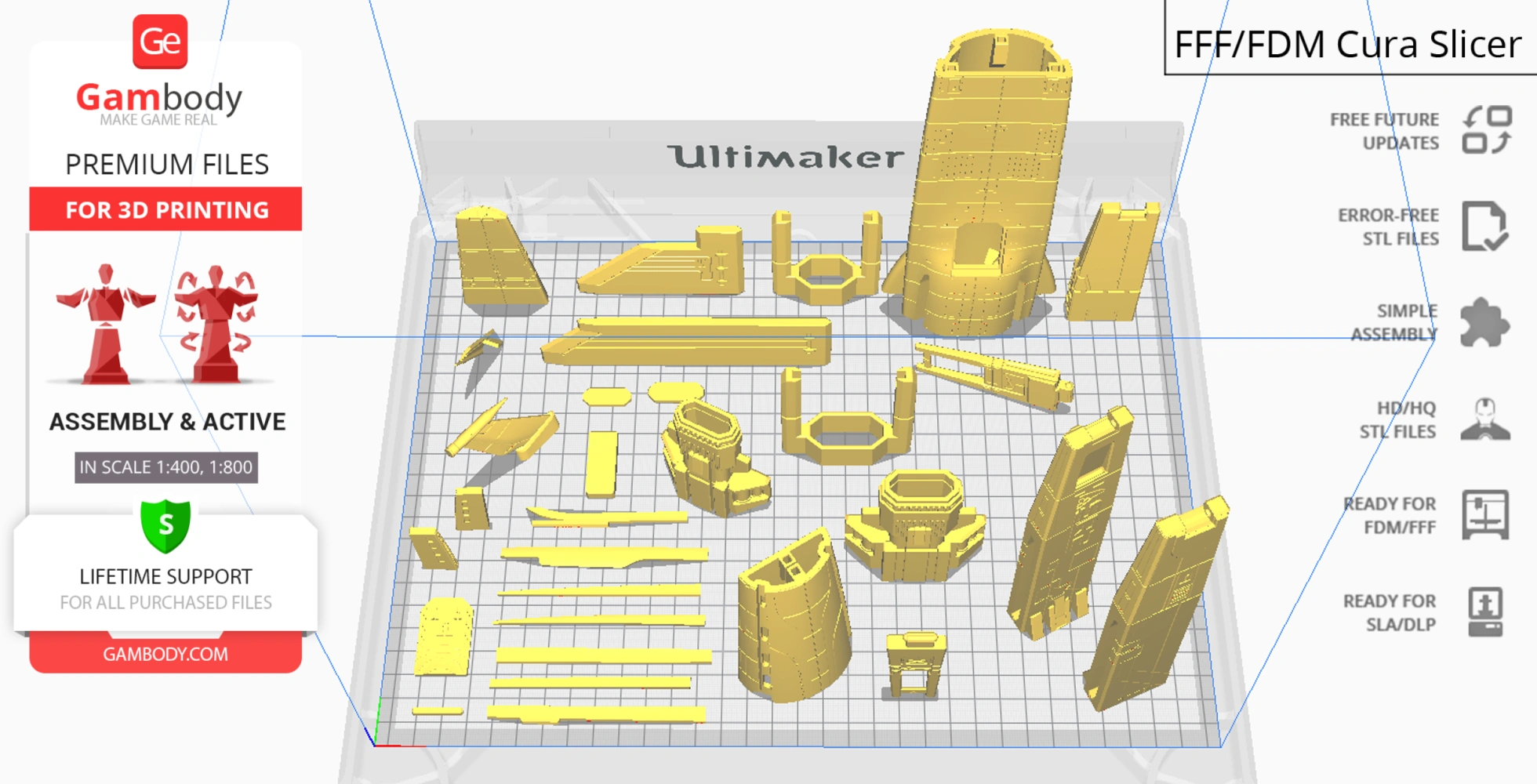
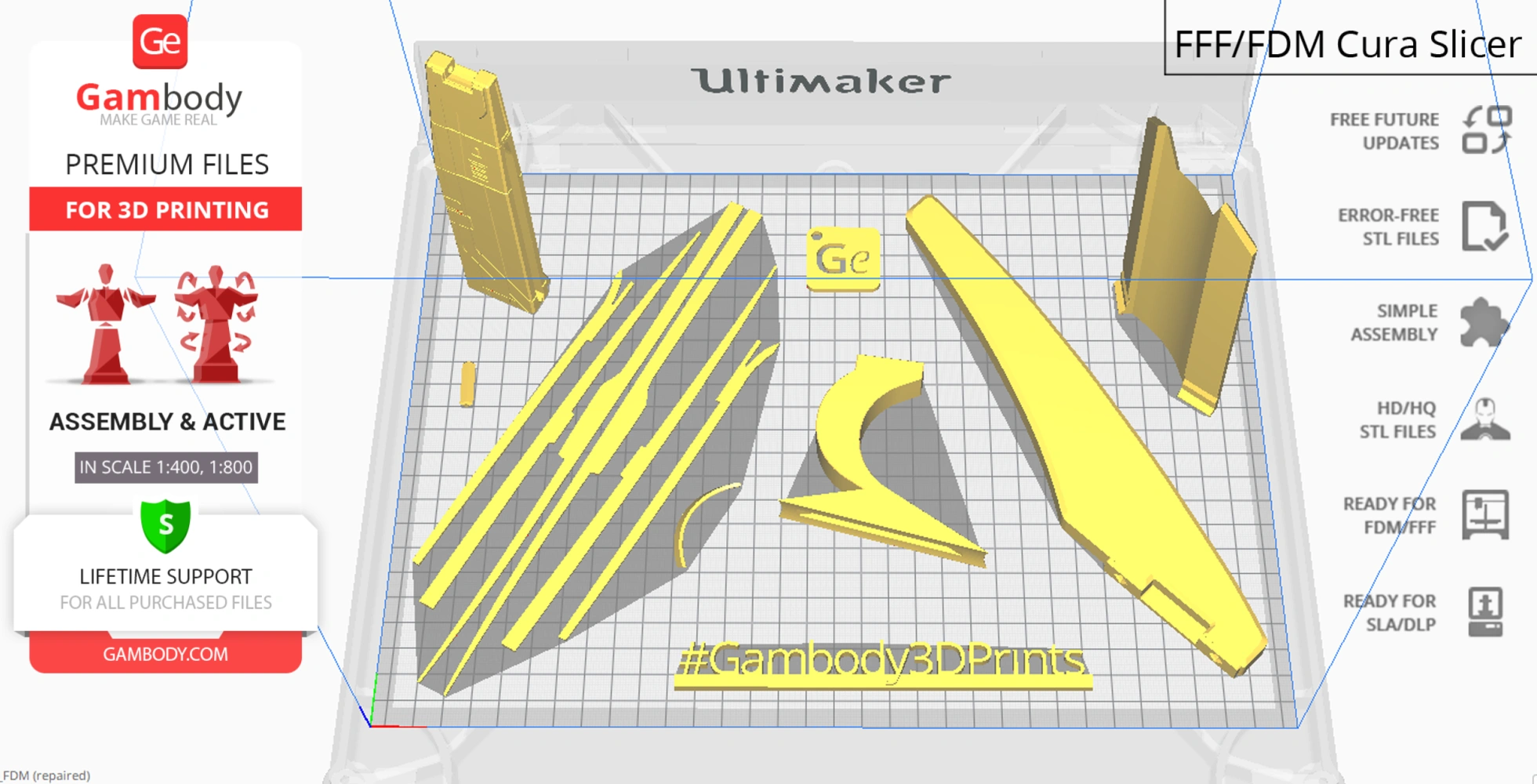
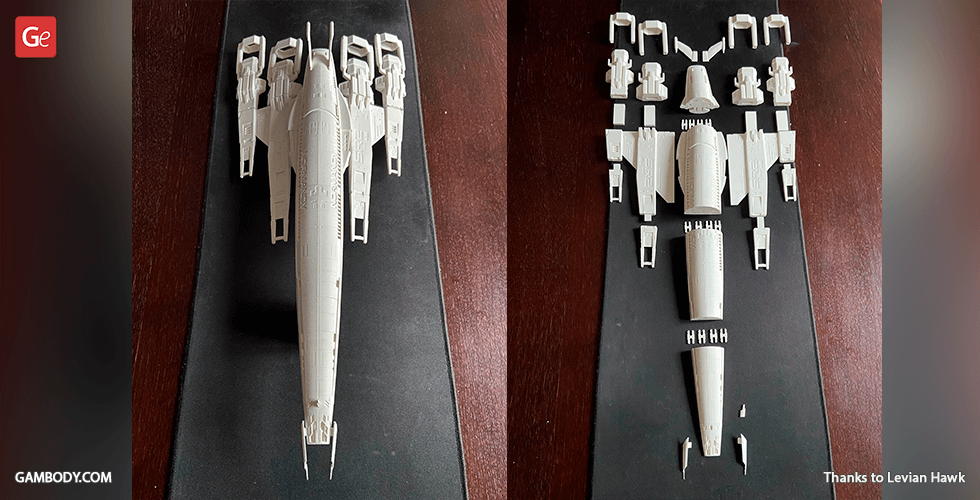
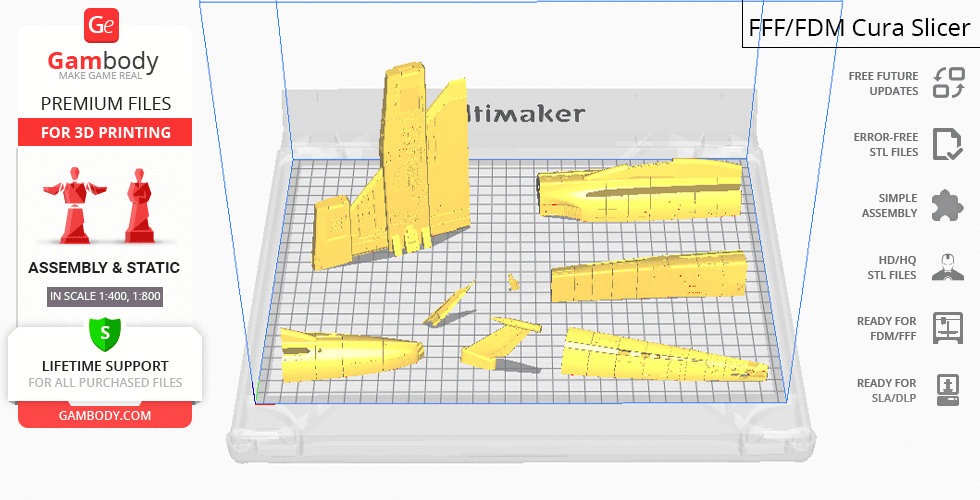
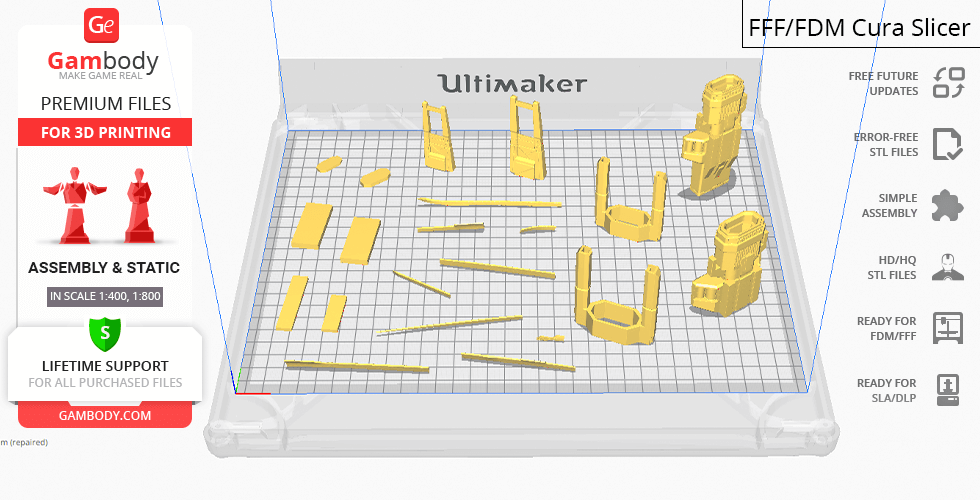
Normandy SR-2 for 3D printing is an active assembly model and its moderation and adaptation for different types of 3D printers took Gambody team 97 hours in total. For you to receive the cleanest 3D printing result possible and to minimize the amount of filament needed for generated support the starship model was divided into many assembly parts, e.g. sharp nose attachments, antiproton thrusters, tail stabilizers, parts of the complex wings, etc. are provided as separate STL files. For you to display the Normandy SR-2 model among your 3D printed starship fleet in the version 1.0 there is a platform provided that is made to resemble the fragment of a Citadel docking bay. All assembly parts are provided in STL files in recommended positions that were worked out in order to ensure the smoothness of the details’ surfaces after printing and that the 3D printing beginners won't face difficulties when placing the parts on a build plate. When downloading any model's file you will also receive "AssemblyManual" for FFF/FDM 2.0 and DLP/SLA/SLS 2.0 versions in PDF format. We highly recommend that you get acquainted with the “Assemblyvideo” and "Assembly Manual" before getting down to the Normandy SR-2 model.
The model is saved in STL files, a format supported by most 3D printers. All STL files for 3D printing have been checked in Netfabb and no errors were shown.
The model's scale was calculated from the actual length of Normandy SR-2 that is 216000 mm. The 3D printing model's chosen scale is 1/400 for the FFF/FDM version and 1/800 for the DLP/SLA version.
VERSIONS' SPECIFICATIONS
FFF/FDM 2.0 version features:
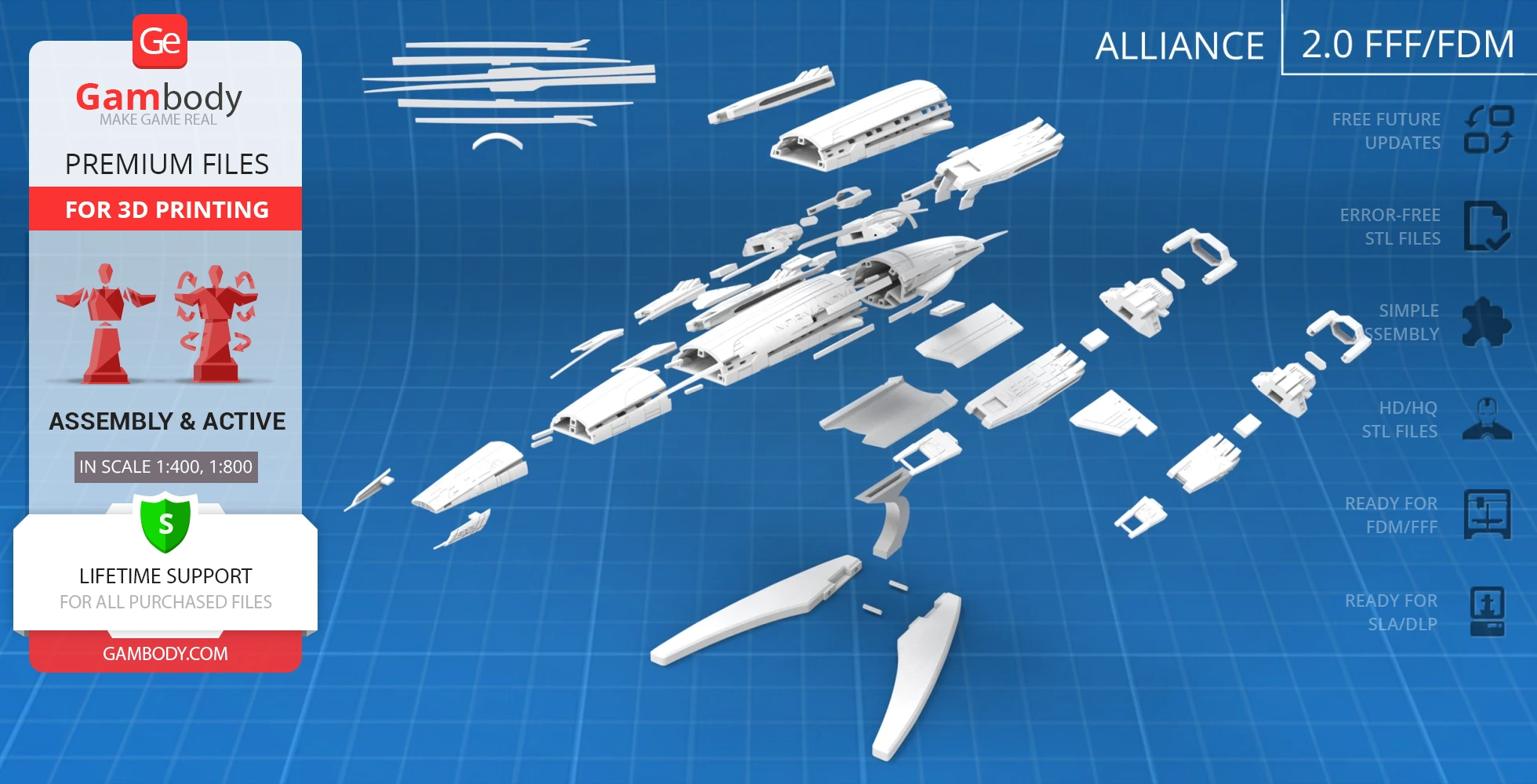
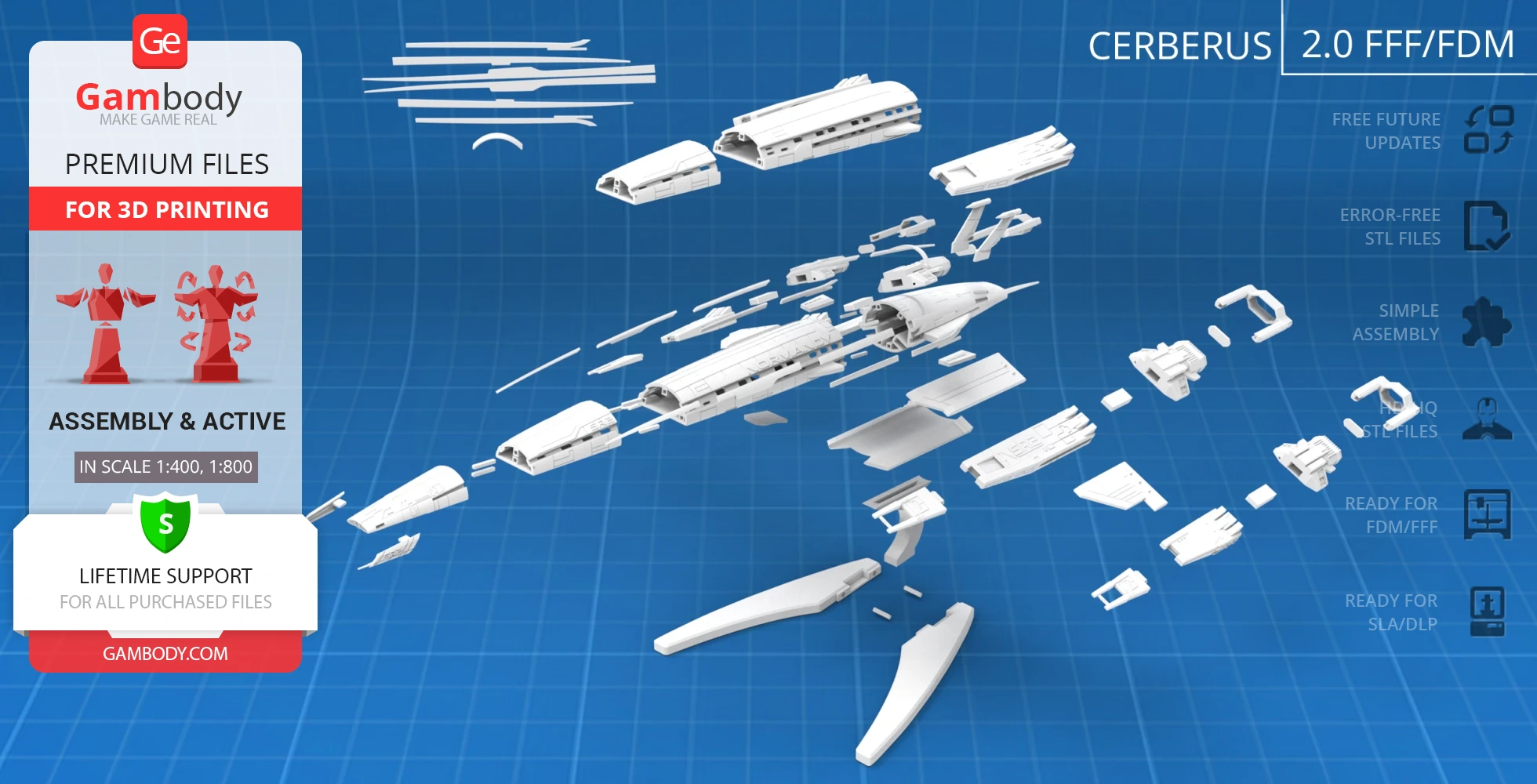
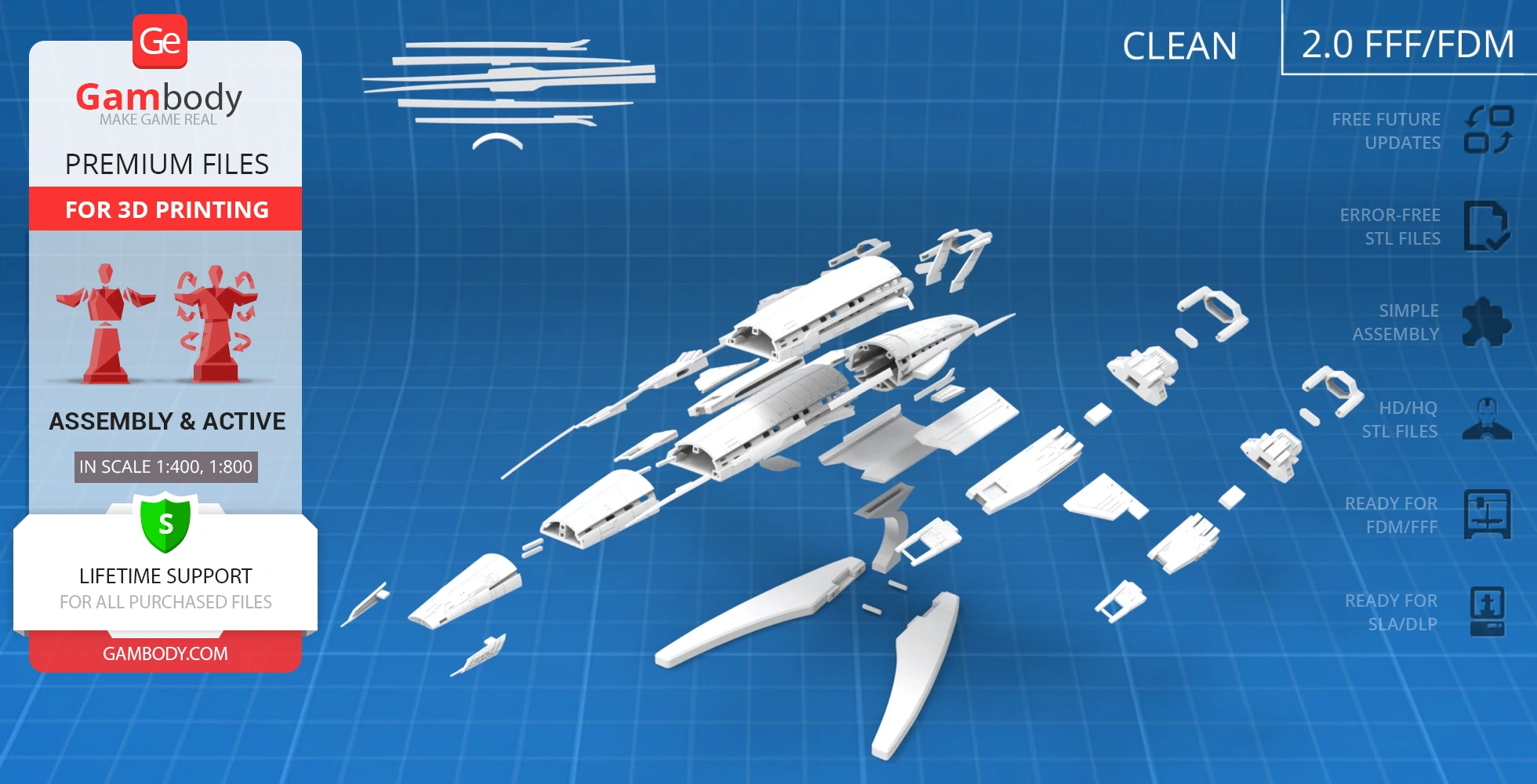
- Contains 176 parts;
- A printed model is 122 mm tall, 251 mm wide, 552 mm deep;
- A printed model on the platform is 140 mm tall, 251 mm wide, 552 mm deep;
- New upgraded design and enhanced detail;
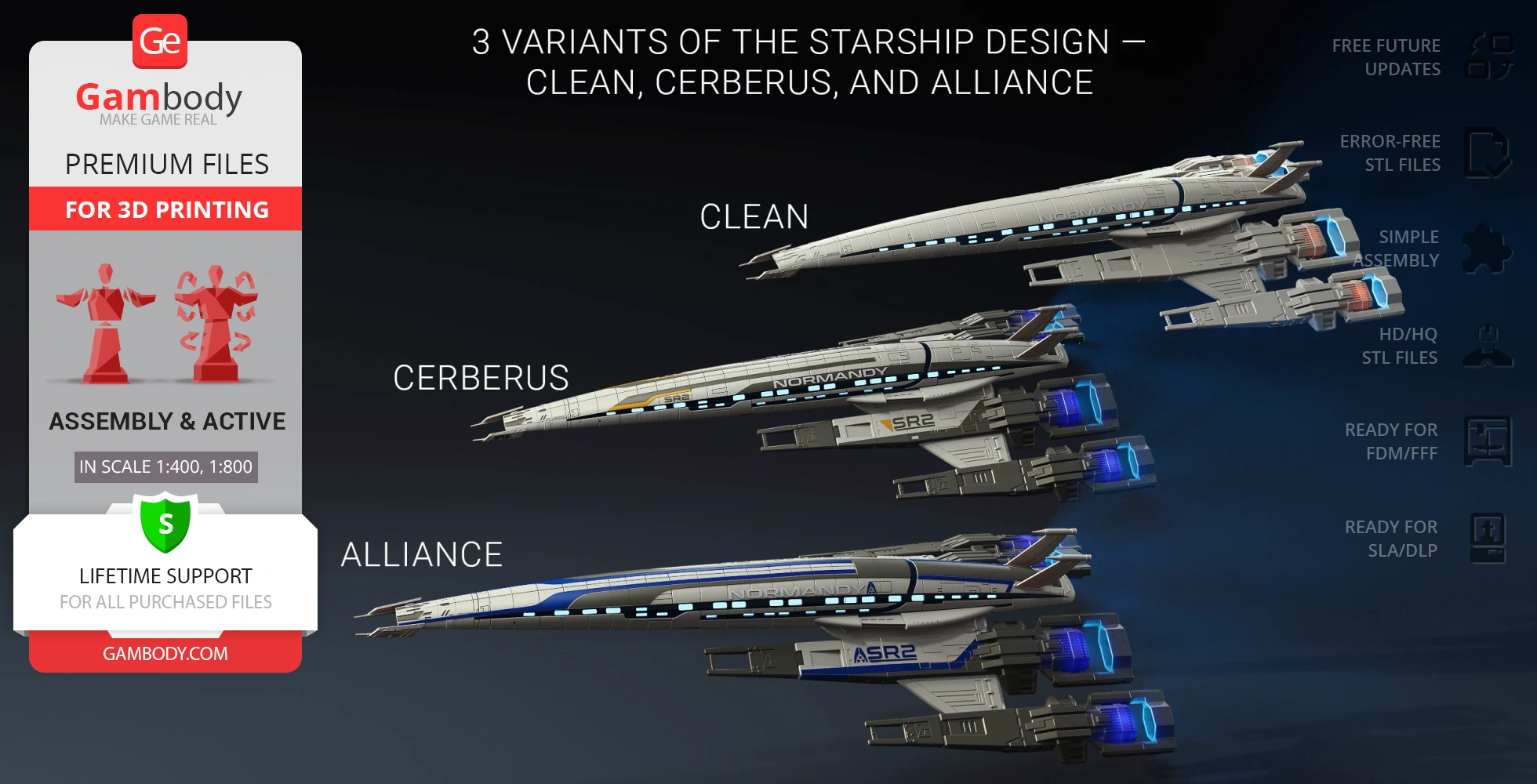
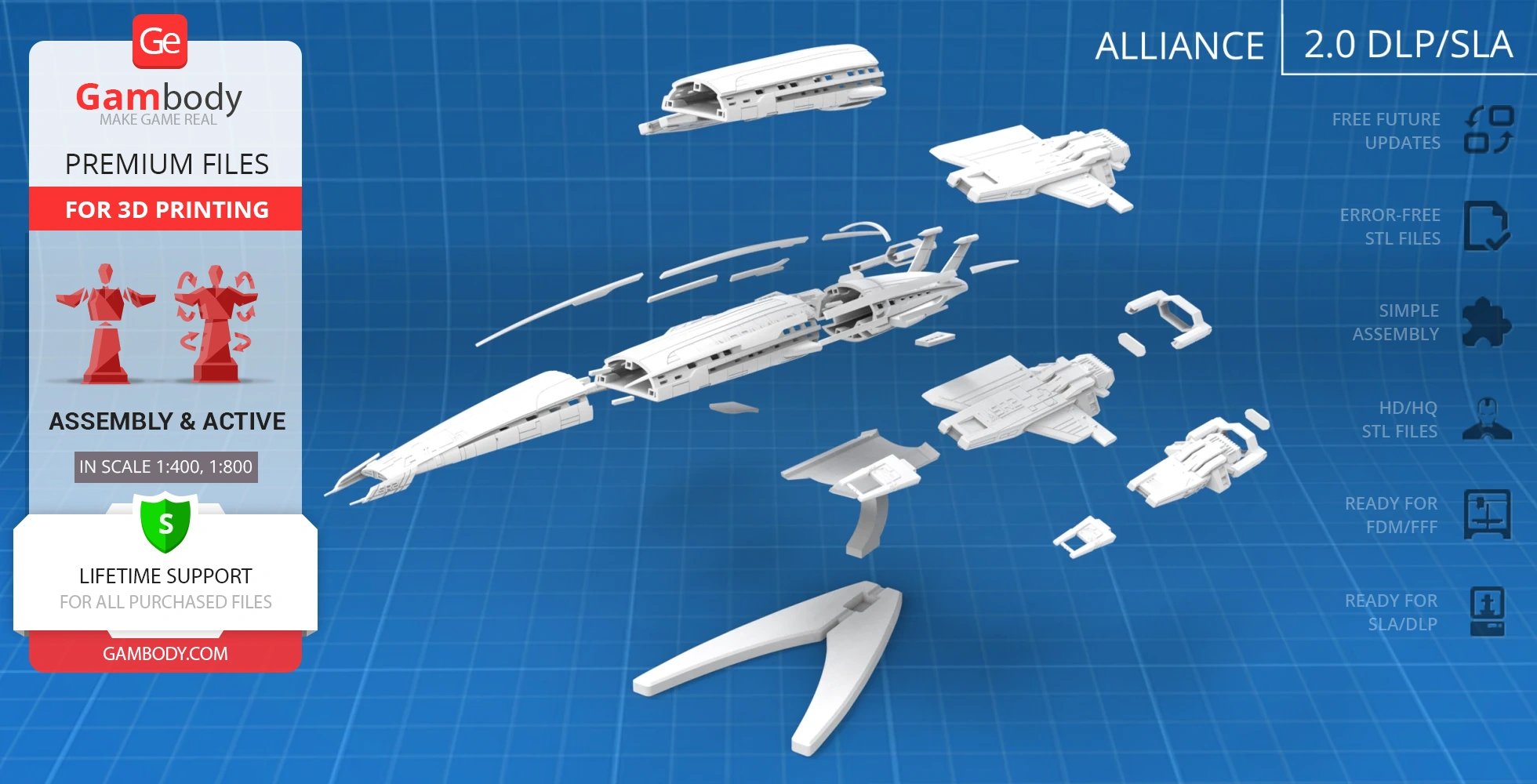
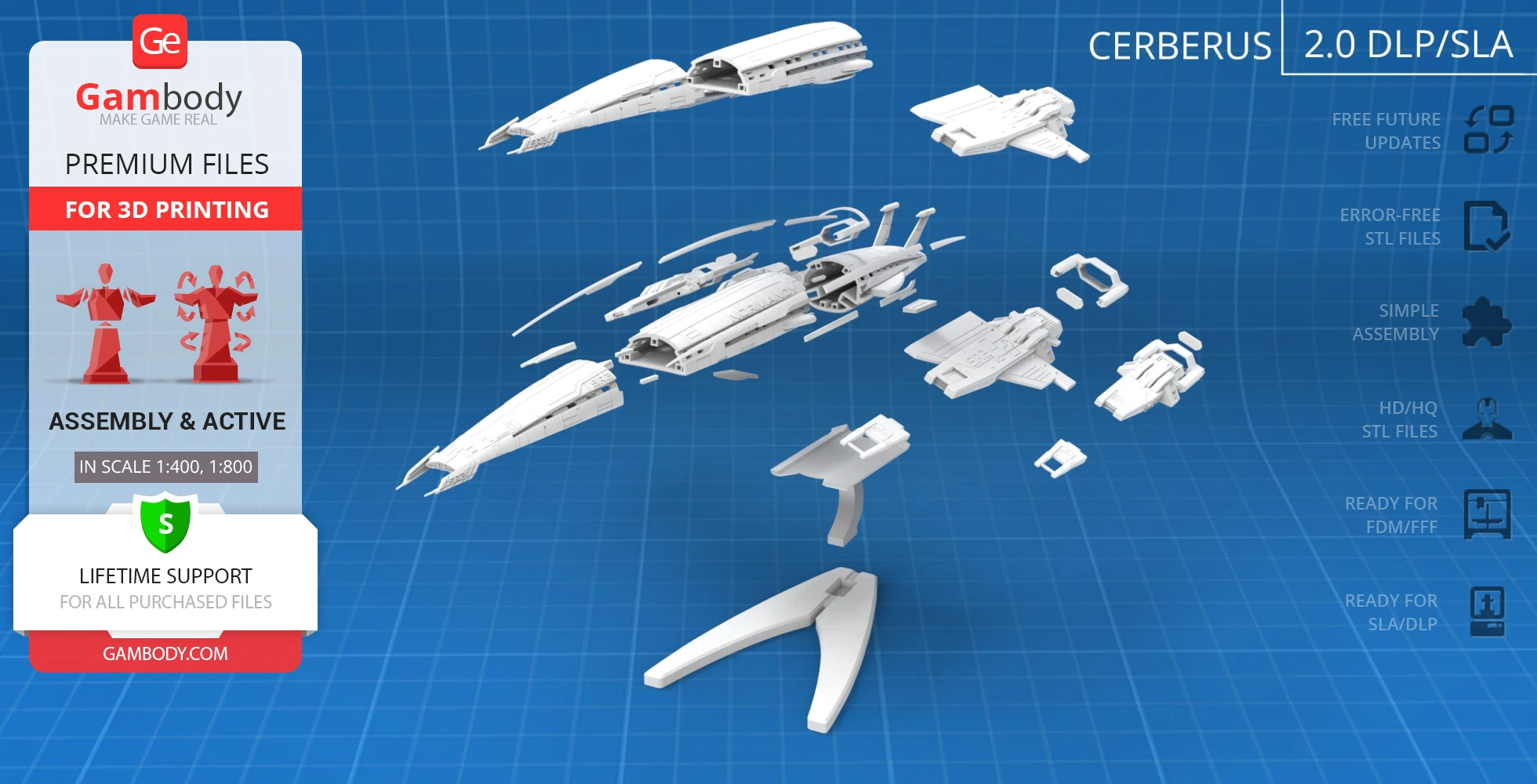
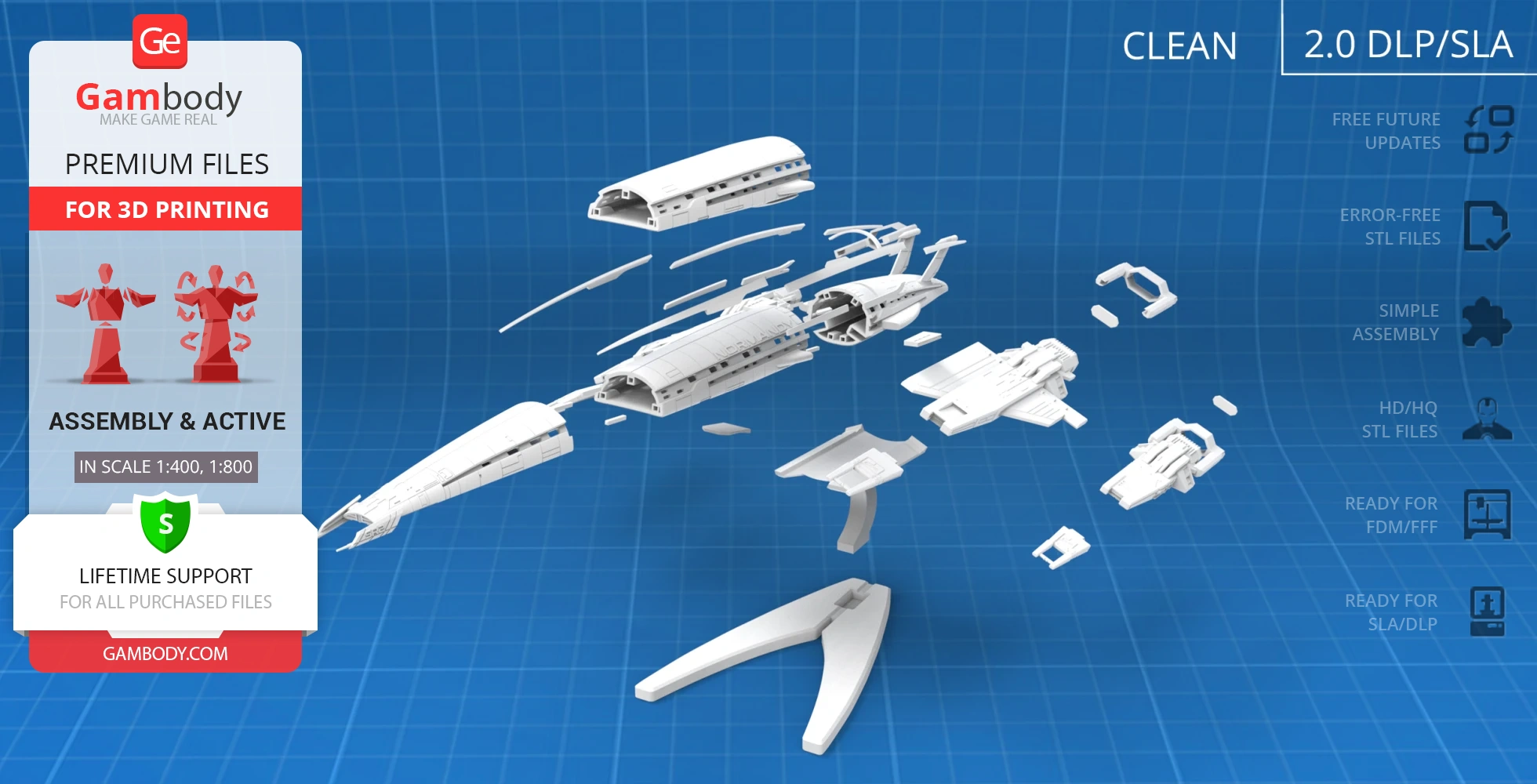
- 3 variants of the starship design — Clean, Cerberus, and Alliance;
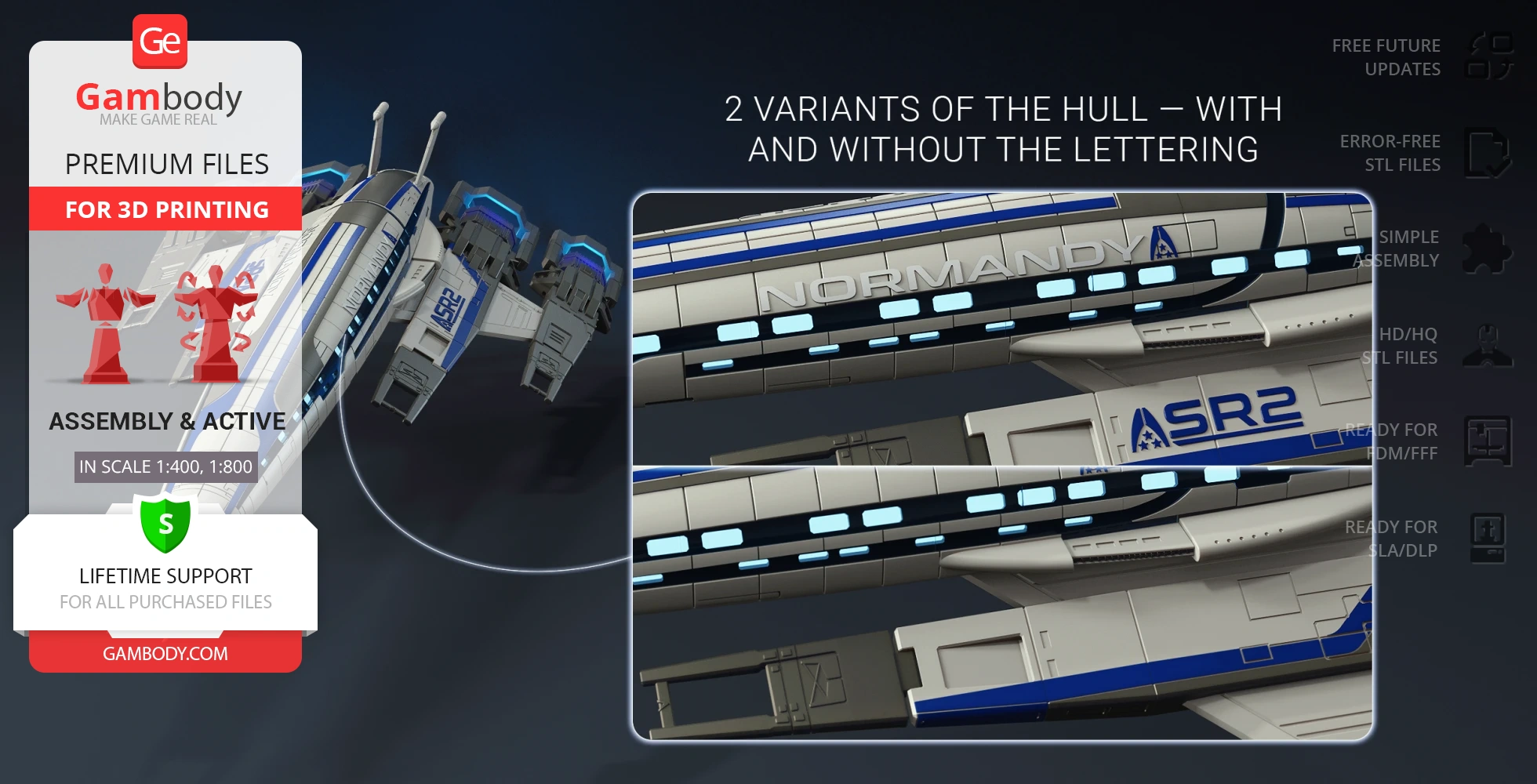
- 2 variants of the hull — with and without the lettering;
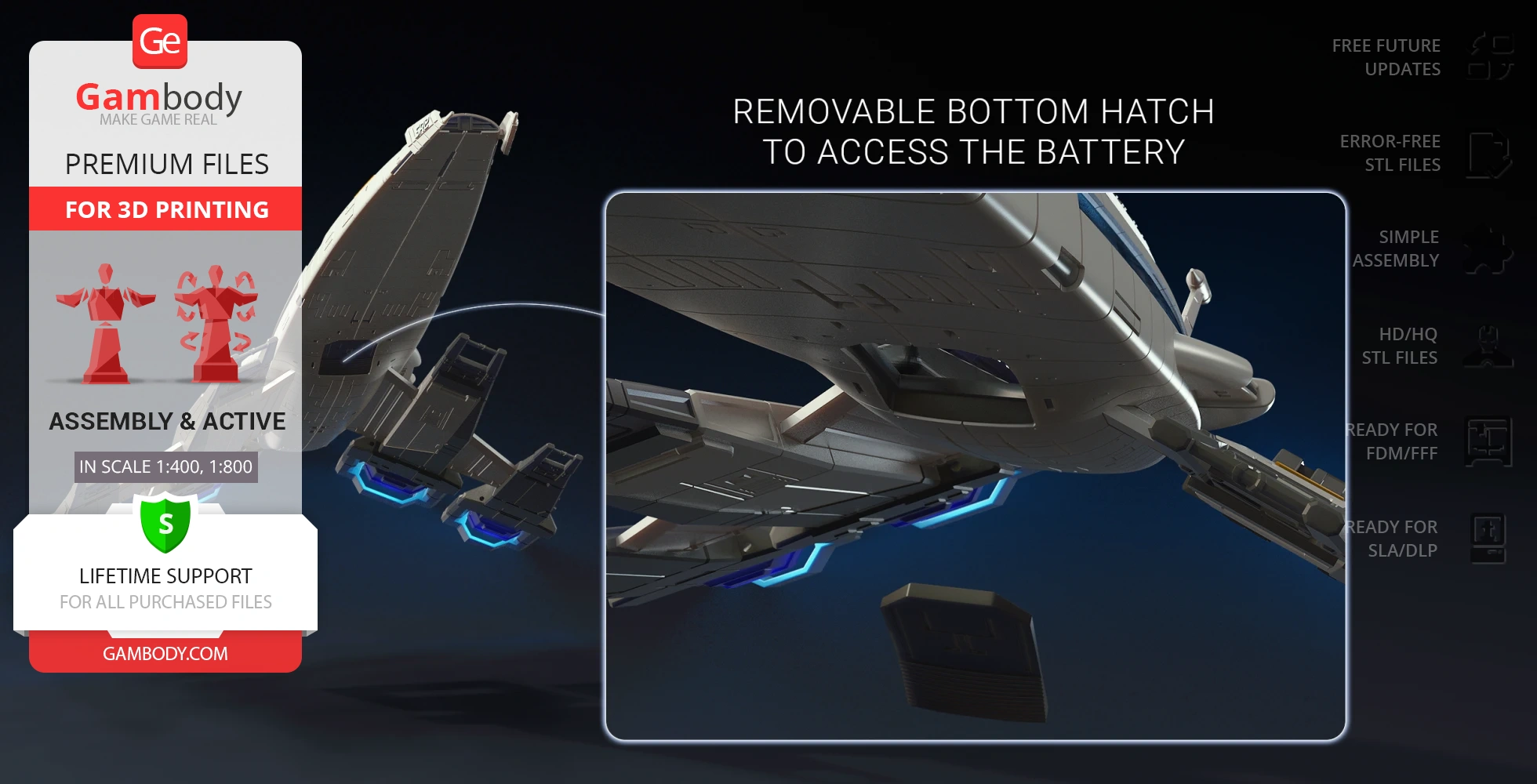
- Removable bottom hatch to access the battery;
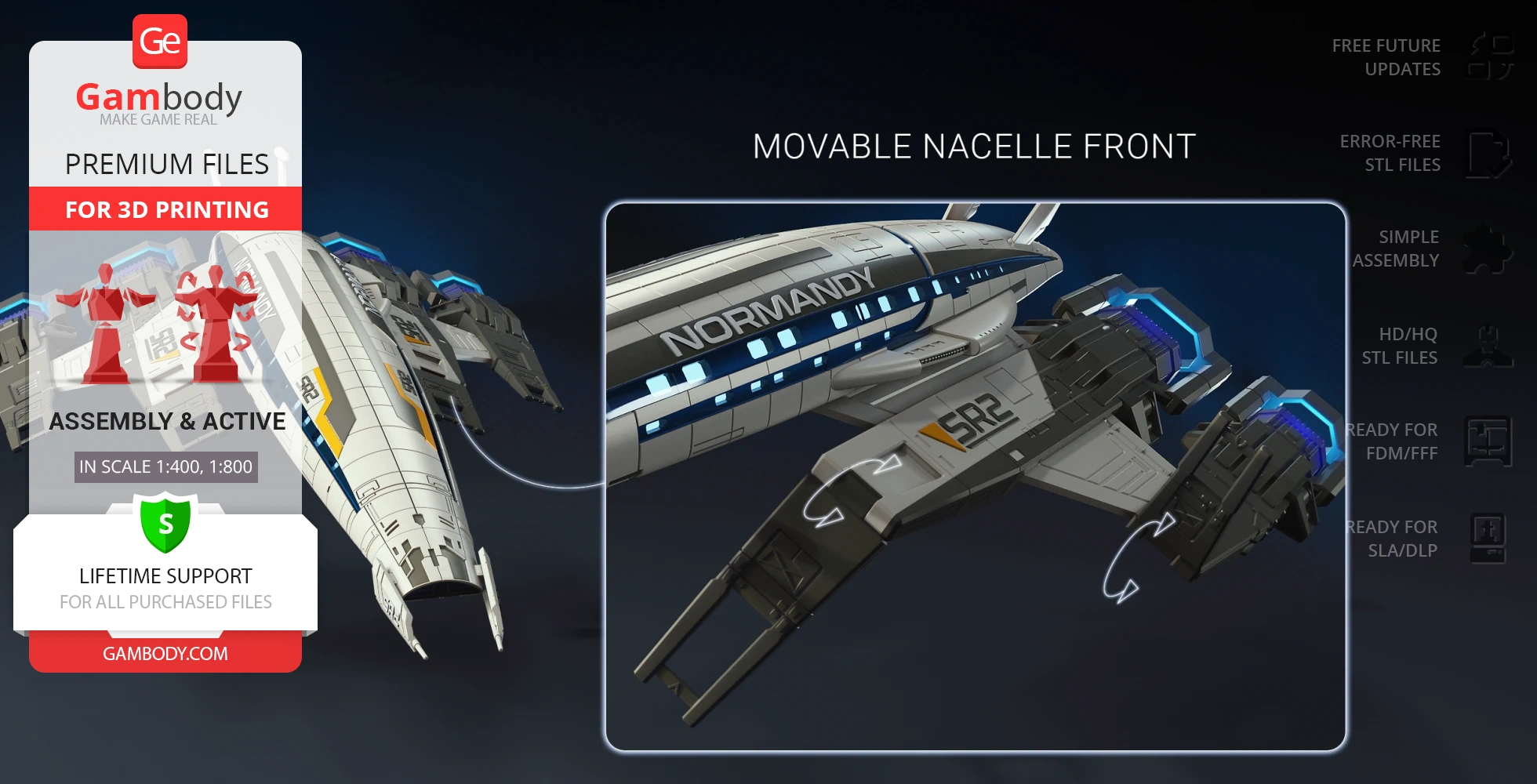
- Nacelle front moves and can be fixed upright;
- New platform design;
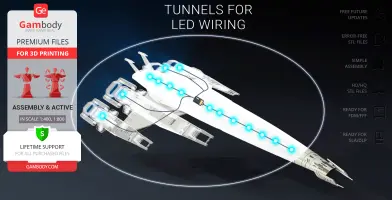
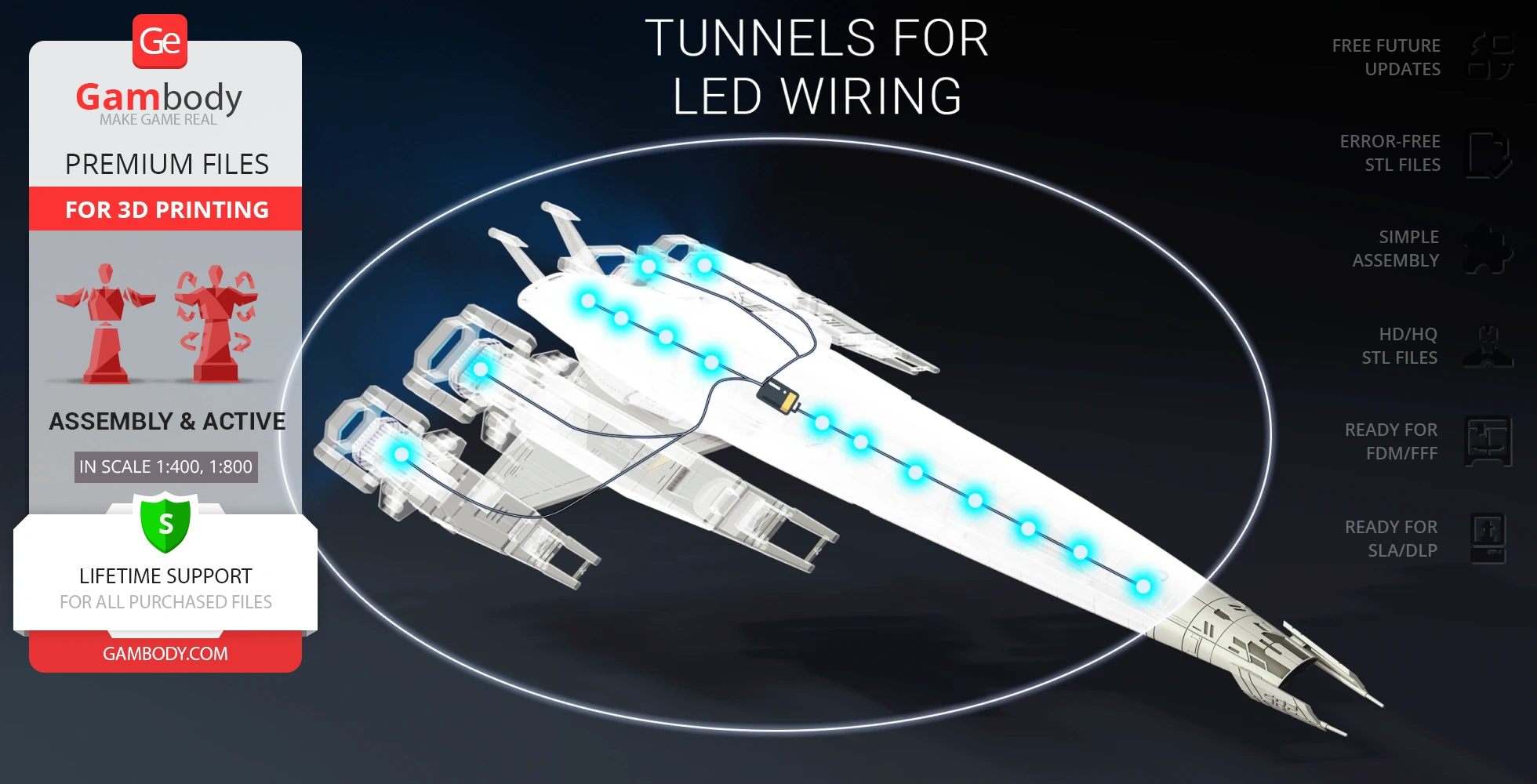
- Tunnels for LED wiring to light up engines and interior;
- All parts are divided in such a way that you will print them with the smallest number of support structures.
DLP/SLA 2.0 version features:
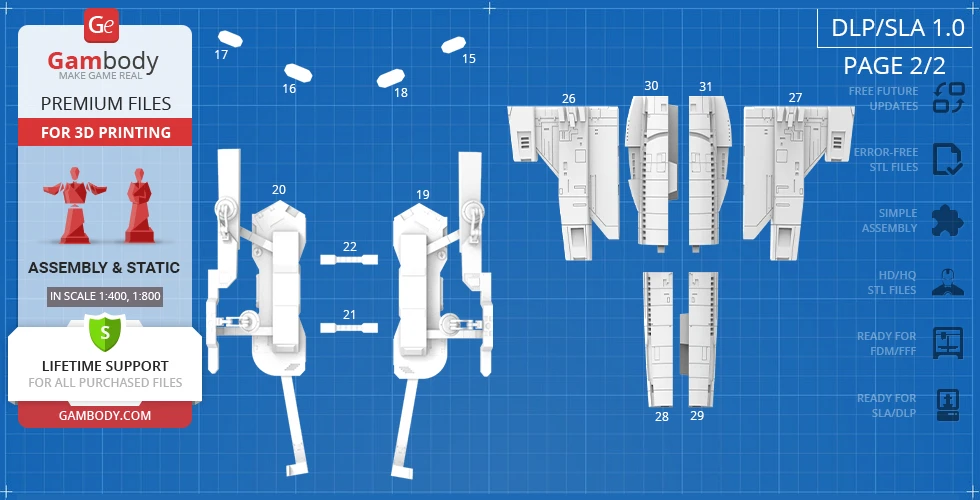
- Contains 104 parts;
- A printed model is 61 mm tall, 126 mm wide, 276 mm deep;
- A printed model on the platform is: 70 mm tall, 126 mm wide, 276 mm deep;
- New upgraded design and enhanced detail;
- 3 variants of the starship design — Clean, Cerberus, and Alliance;
- 2 variants of the hull — with and without the lettering;
- Removable bottom hatch to access the battery;
- Nacelle front moves and can be fixed upright;
- New platform design;
- Tunnels for LED wiring to light up engines and interior;
- All parts are divided in such a way to fit the build plates and to ensure that support structures are generated where needed.
FFF/FDM 1.0 version features:
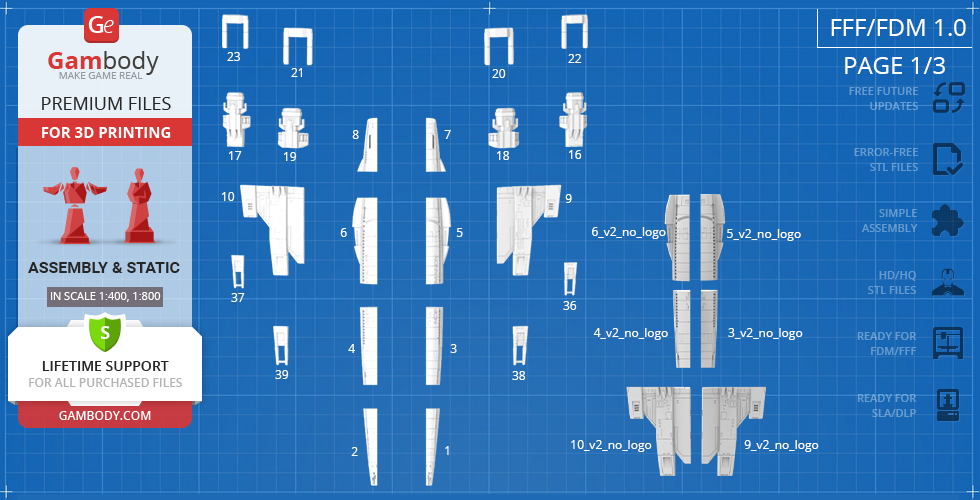
- Contains 90 parts;
- A printed model is 133 mm tall, 248 mm wide, 558 mm deep;
- Assembly kit includes lock 60_Ge_Lock_x33 to connect the model's parts securely without glue that needs to be printed 33 times;
- Tunnels throughout the starship's body are provided for LED wiring to light up the mainhull and all engine exhausts;
- Windows of the main hull and engine exhaust glasses are provided separately to be printed with the transparent filament;
- The platform is designed to resemble a fragment of a docking bay;
- The elements that imitate the docking magnets on the platform can be articulated with the help of 1.75 PLA pins;
- All parts are divided in such a way that you will print them with the smallest number of support structures.
DLP/SLA/SLS 1.0 version features:
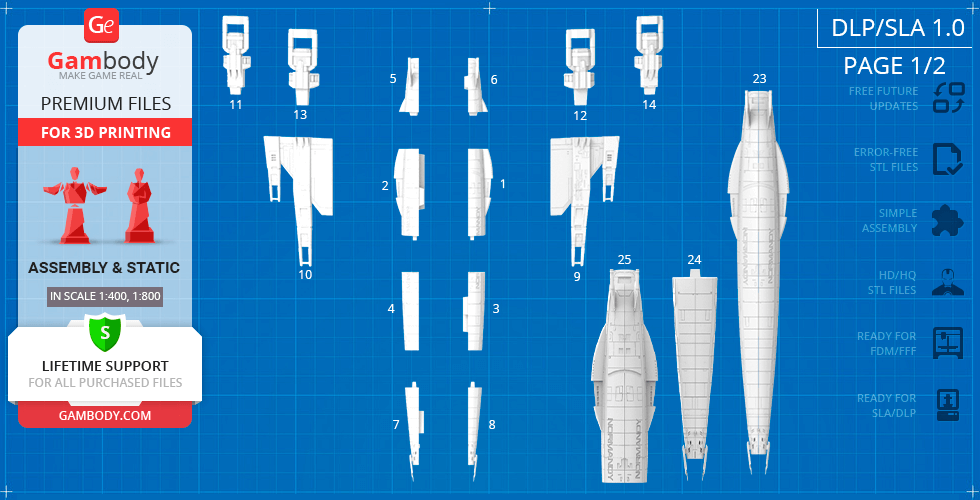
- Contains 31 parts;
- A printed model is 67 mm tall, 124 mm wide, 279 mm deep;
- Tunnels throughout the starship's body are provided for LED wiring to light up all engine exhausts;
- Windows of the engine exhaust glasses are provided separately to be printed with the transparent material;
- The platform is designed to resemble a fragment of a docking bay;
- All parts are divided in such a way to fit the build plates and to ensure that support structures are generated where needed.
You can get the model of Normandy SR-2 for 3D Printing immediately after the purchase! Just click the green Buy button in the top-right corner of the model’s page. You can pay with PayPal or your credit card.
Watch the tutorial on how to assemble Normandy SR-2 3D Printing Model at Gambody YouTube channel.
Also, you may like other Mass Effect 3D Printing Models, as well as other Space Ships 3D Printing Models.
_______
FAQ:
Average customer rating (14 reviews)
4.9
Ratings breakdown
Click a star rating to filter reviews
Overall experience
Level of detail in the model
4.9
Model cut quality and assembly guide
4.9
Clarity and accuracy of the model page
4.9



 Verified purchase
 Level of detail in the model
5
Model cut quality and assembly guide
5
Clarity and accuracy of the model page
5
 Verified purchase
 Level of detail in the model
5
Model cut quality and assembly guide
5
Clarity and accuracy of the model page
5
Verified purchase Level of detail in the model
5
Model cut quality and assembly guide
5
Clarity and accuracy of the model page
5
 This feedback is from a user who hasn't purchased this model
 Level of detail in the model
5
Model cut quality and assembly guide
5
Clarity and accuracy of the model page
5
 Verified purchase
 Level of detail in the model
5
Model cut quality and assembly guide
5
Clarity and accuracy of the model page
5
Verified purchase Level of detail in the model
5
Model cut quality and assembly guide
5
Clarity and accuracy of the model page
5
This feedback is from a user who hasn't purchased this model Level of detail in the model
5
Model cut quality and assembly guide
5
Clarity and accuracy of the model page
5
Verified purchase Level of detail in the model
5
Model cut quality and assembly guide
5
Clarity and accuracy of the model page
5
Verified purchase Level of detail in the model
5
Model cut quality and assembly guide
5
Clarity and accuracy of the model page
5
Verified purchase Level of detail in the model
4
Model cut quality and assembly guide
4
Clarity and accuracy of the model page
4
Verified purchase Level of detail in the model
5
Model cut quality and assembly guide
5
Clarity and accuracy of the model page
5
Verified purchase Level of detail in the model
5
Model cut quality and assembly guide
5
Clarity and accuracy of the model page
5
 This feedback is from a user who hasn't purchased this model
 Level of detail in the model
5
Model cut quality and assembly guide
5
Clarity and accuracy of the model page
5


 Community Support Team
 Level of detail in the model
5
Model cut quality and assembly guide
5
Clarity and accuracy of the model page
5
Below you'll find detailed slicing settings for Bambu Studio 2.0+, Orca Slicer 2.0+, UltiMaker Cura 5.0+, PrusaSlicer 2.0+, Slic3r 1.3+, Simplify3D 5.0+ to help you get the best results when printing this model. These settings are optimized specifically for this 3D model, but please note they may need slight adjustments depending on your printer or filament. When in doubt, refer to your printer's user manual.
To avoid printing issues and achieve the best quality, we highly recommend applying the following settings:
 Bambu Studio 2.0+
 For better quality use 0.12 mm layer height, for fast printing use 0.2 mm layer height. For pins and the Ge connectors, use 0.2 layer height.
120-150% of your Layer Height
But you can paint the seam if you want.
You have to calibrate this parameter
You have to calibrate this parameter
You have to calibrate this parameter
For pins and power elements of the structure, such as the vehicle frame, use 3 loop
Disabled for vehicles and enabled for characters
For 0,2 Layer Height
The parameters in this tab vary greatly, it all depends on the quality of your printer. For example, if you have a classic Ender3, stick to the minimum parameters, but if you have a newer printer, for example Anycubic cobra 3 v2, you can select the maximum recommended values
Settings for advanced users, change these parameters only if you have sufficient 3D printing expertise
Enable this parameter if your model requires supports
We also recommend placing and removing supports manually in some places using special button
1-2 loops for more thick support
Top Z distance = 1-1.3 layer Height. If the supports are hard to remove, try increasing this setting by 0.1-0,4 mm
Bottom Z distance = 1-1.3 layer Height. If the supports are hard to remove, try increasing this setting by 0.1-0,4 mm
You have to calibrate this parameter which one is better for your filament
Increase this parameter if the supports are hard to remove from walls
For PLA and PETG filament types
5-8 mm is optional for small prints that have bad adhesion to the build plate
You have to calibrate this parameter
Read the description on your filament roll
Read the description on your filament roll and increase this parameter for fast printers
Read the description on your filament roll and increase this parameter for fast printers
 Orca Slicer 2.0+
 For better quality use 0.12 mm layer height, for fast printing use 0.2 mm layer height. For pins and the Ge connectors, use 0.2 layer height.
120-150% of your Layer Height
But you can paint the seam if you want.
0.01-0.05 You have to calibrate this parameter
0.01-0.05 You have to calibrate this parameter
0.1-0.2 You have to calibrate this parameter
For pins and power elements of the structure, such as the vehicle frame, use 3 loop
Disabled for vehicles and ships, enabled for characters
For 0,2 Layer Height
For 0,2 Layer Height
The parameters in this tab vary greatly, it all depends on the quality of your printer. For example, if you have a classic Ender3, stick to the minimum parameters, but if you have a newer printer, for example, Anycubic Kobra 3 Or Bambulab A1, you can select the maximum recommended values.
Settings for advanced users, change these parameters only if you have sufficient 3D printing expertise
Enable this parameter if your model requires supports
We also recommend placing and removing supports manually in some places using special button
Top Z distance = 1-1.3 layer Height. If the supports are hard to remove, try increasing this setting by 0.1-0,4 mm
Bottom Z distance = 1-1.3 layer Height. If the supports are hard to remove, try increasing this setting by 0.1-0,4 mm
Increase this parameter if the supports are hard to remove from walls
For PLA and PETG filament types
5-8 mm is optional for small prints that have bad adhesion to the build plate
Read the description on your filament roll
Read the description on your filament roll and increase this parameter for fast printers
You have to calibrate this parameter
Read the description on your filament roll and increase this parameter for fast printers
Read the description on your filament roll
This field is filled in according to your printer specifications when you add it to the slicer.
You can add custom G-code here for the start and end of the print. However, be careful - this is for advanced users only!
You have to calibrate your printer using Ge retraction test models
Retraction Length: For direct-drive setups use 0.5 mm to 2.5 mm; for Bowden extruders use 5 to 7 mm
This is how fast the filament is pulled back—40-60 mm/s for direct drive and 30-50 mm/s for Bowden setups.
You have to calibrate this parameter: Reduce it until the printer starts to hit the parts with the nozzle during printing, then increase it by 0.2.
 UltiMaker Cura 5.0+
 For better quality use 0.12 mm layer height, for fast printing use 0.2 mm layer height. For pins and the Ge connectors, use 0.2 layer height.
120-150% of your Layer Height
To increase the strength of the print parts, use wall line count: 3
For pins and connectors use 50% Infill
These parameters are for standard PLA plastic. If you are using a different type of plastic, check the printing temperature recommended by the manufacturer. Also, read the description on your filament spool. For fast printers, add +30 °C to the current parameters.
The parameters in this tab vary greatly, it all depends on the quality of your printer. For example, if you have a classic Ender3, stick to the minimum parameters, but if you have a newer printer, for example Anycubic cobra 3 v3, you can select the maximum recommended values
Settings for advanced users, change these parameters only if you have sufficient 3D printing expertise.
You need to calibrate this parameter using Gambody test models. These values are average values for a Direct Drive extruder; for a Bowden extruder, the values should be increased.
You need to calibrate this parameter using Gambody test models. These values are average values for a Direct Drive extruder; for a Bowden extruder, the values should be increased.
Use this value other than 0 if your nozzle catches on the internal infill during travel moves. Try to keep this value as low as possible in height.
Use normal supports to support large, straight surfaces (most mechanical or technical parts).
You have to calibrate this parameter according to the capabilities of your printer and your filament, using a Gambody test models.
Use 1 instead of 0 if your supports are thin and tall. They will be harder to remove, but much stronger.
Top Z distance = 1-1.3 layer Height. If the supports are hard to remove, try increasing this setting by 0.1-0,4 mm
Increase this parameter if the supports are hard to remove from walls
Use tree supports to support complex objects, such as characters.
You have to calibrate this parameter according to the capabilities of your printer and your filament, using a Gambody test models.
Top Z distance = 1-1.3 layer Height. If the supports are hard to remove, try increasing this setting by 0.1-0,4 mm
Increase this parameter if the supports are hard to remove from walls
Use a skirt for all parts when printing on outdated printers.
Use a brim when printing thin but tall parts, as well as parts with a small bed adhesion area.
 PrusaSlicer 2.0+
 For better quality use 0.12 mm layer height, for fast printing use 0.2 mm layer height. For pins and the Ge connectors, use 0.2 layer height.
120-150% of your Layer Height
for 0.2 Layer Height
But you can paint the seam if you want.
(for PLA and PETG)
(5-8 mm is optional for small prints that have bad adhesion to the build plate)
Enable this parameter if your model requires supports
(45-50 degree)You have to calibrate this parameter according to the capabilities of your printer
and your filament, using a Gambody test models.
Top contact Z distance = 1-1.3 layer Height. If the supports are hard to remove, try
increasing this setting by 0.1-0,4 mm
Top contact Z distance = 1-1.3 layer Height. If the supports are hard to remove, try
increasing this setting by 0.1-0,4 mm
Increase this parameter if the supports are hard to remove from walls
The parameters in this tab vary greatly, it all depends on the quality of your printer. For example, if you have a classic Ender3, stick to the minimum parameters, but if you have a newer printer, for example Anycubic cobra 3 v3, you can select the maximum recommended values
Settings for advanced users, change these parameters only if you have sufficient 3D printing expertise. Use the minimum value for outdated printers without acceleration calibration, and the maximum value for modern printers if you need it.
These settings only work for 3D printers with multiple extruders
You can try setting all parameters in this section, except the First layer, to values between 0.75% of your nozzle diameter and 1.25% of your nozzle diameter. Adjusting them will help you work out the optimal parameters for the best quality for your print. As for the First layer, you can set it to 150% of the diameter of your nozzle for better adhesion to the build plate (for a nozzle with a diameter of 0.4 mm, the First layer extrusion width can be from 0.3 mm to 0.5 mm)
For better printing quality you have to calibrate this parameter using Gambody test model.
Check your filament manufacturer's temperature recommendations on the spool.
Cooling parameters depends on the material you use for printing.
*for PLA
 Slic3r 1.3+
 For better quality use 0.12 mm layer height, for fast printing use 0.2 mm layer height. For pins and the Ge connectors, use 0.2 layer height.
120-150% of your Layer Height
For 0.12 Layer Height
For 0.12 Layer Height
For pins and connectors use 50% Infill
Use skirt for outdated 3d printers
(5-8 mm is optional for small prints that have bad adhesion to the build plate)
Enable this parameter if your model requires supports
(45-60 degree)You have to calibrate this parameter according to the capabilities of your printer and your filament, using a Gambody test models
Contact Z distance = 1-1.3 layer Height. If the supports are hard to remove, try increasing this setting by 0.1-0,4 mm
The parameters in this tab vary greatly, it all depends on the quality of your printer. For example, if you have a classic Ender3, stick to the minimum parameters, but if you have a newer printer, for example Anycubic cobra 3 v3, you can select the maximum recommended values
Settings for advanced users, change these parameters only if you have sufficient 3D printing expertise. Use the minimum value for outdated printers without acceleration calibration, and the maximum value for modern printers if you need it.
You have to calibrate this parameter from 0.9 to 1.1 according to the capabilities of your printer and your filament, using a Gambody test models.
Check your filament manufacturer's temperature recommendations on the spool.
Cooling parameters depends on the material you use for printing.
Calibrate this value if you need to reduce or improve the adhesion between the plastic and the heat bed
Your current nozzle diameter
You need to calibrate this parameter using Gambody test models. These values are average values for a Direct Drive extruder; for a Bowden extruder, the values should be increased.
 Simplify3D 5.0+
 Your current nozzle diameter
You have to calibrate this parameter using Gambody test models.
You need to calibrate this parameter using Gambody test models. These values are average values for a Direct Drive extruder; for a Bowden extruder, the values should be increased.
For better quality use 0.12 mm layer height, for fast printing use 0.2 mm layer height. For pins and the Ge connectors, use 0.2 layer height.
For 0,2 Layer Height
For 0,2 Layer Height
To increase the strength of the print parts, use Outline Perimeters: 3
You can enable this parameter to print rounded or spherical models, as well as character models.
Use this option only if your parts are too tight. but better calibrate your printer extrusion
Use this option only if your parts are too tight. but better calibrate your printer extrusion
Use 2 and more if you want to create skirt instead brim
1-2 for skirt and 10-20 for brim
Use for wipe nozzle if you need
Use For ABS filament
For pins and connectors use 50% Infill
Top Z distance = 1-1.3 layer Height. If the supports are hard to remove, try increasing this setting by 0.1-0,4 mm
Calibrate your filament and detect optimal temperature for it
Average temperature for PLA filament
The parameters in this tab vary greatly, it all depends on the quality of your printer. For example, if you have a classic Ender3, stick to the minimum parameters, but if you have a newer printer, for example Anycubic cobra 3 v3, you can select the maximum recommended values
Settings for advanced users, change these parameters only if you have sufficient 3D printing expertise.