Community (fb)

 es
es  ua
ua 



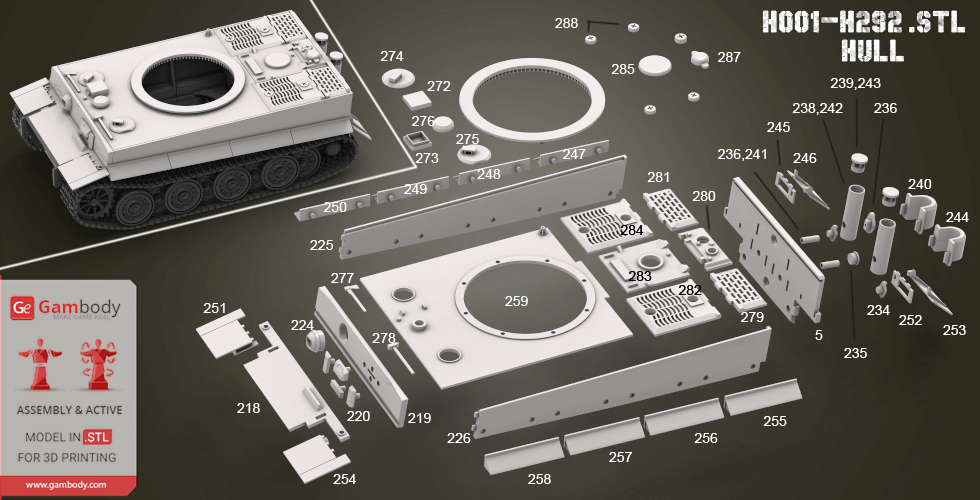
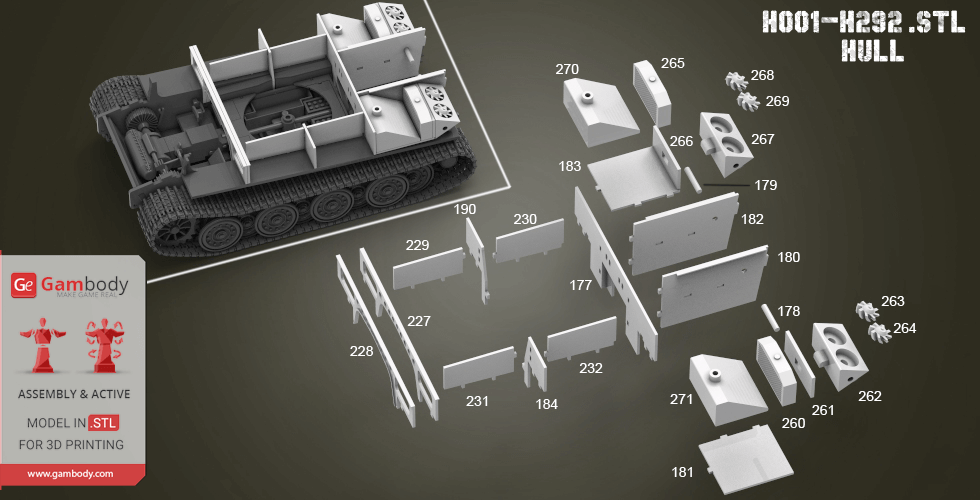
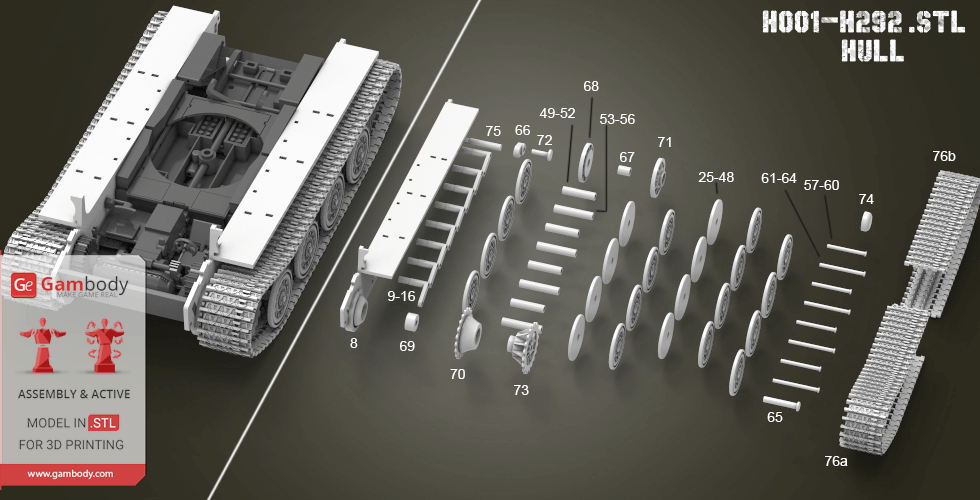
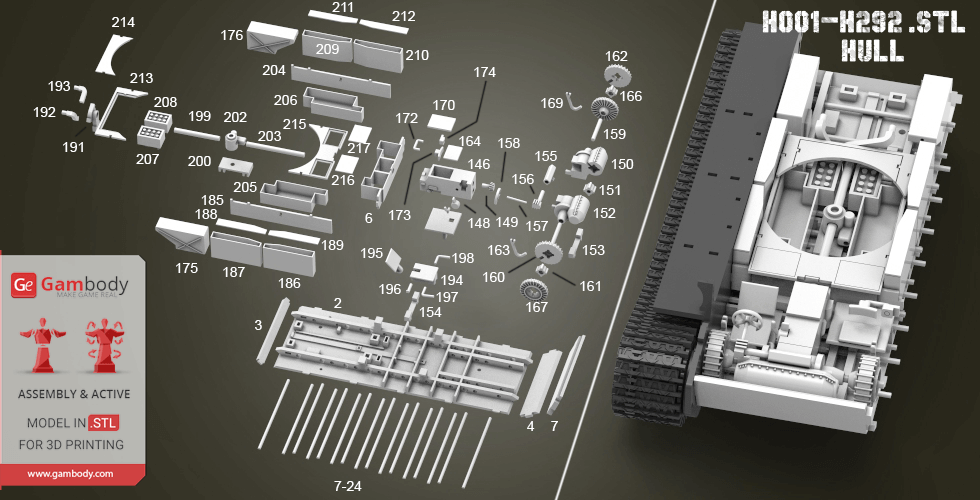
Files
3D model format
Stereolithography (.stl)
Total files

Slicer settings
Mesh error check
Netfabb
Support
Lifetime support from Gambody team
Update requests
Available to verified buyers
Model complexity
Advanced: may require tuning print settings or support placement, plus precise fitting, gluing, or sanding.
Model versions
FFF/FDM
Assembly method
Connectors
Features
Additional details
Part of diorama
No
Add-on pack available
No
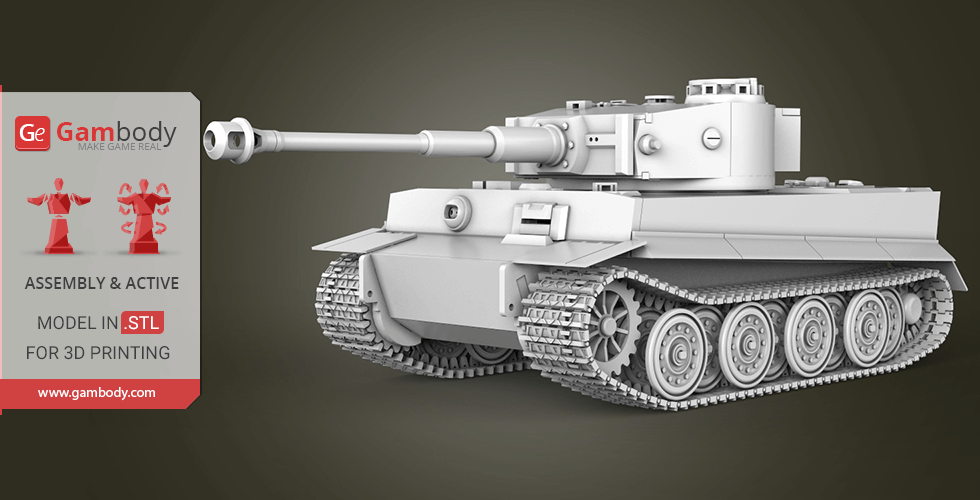
You will get instant access to the STL files of Tiger I Tank 3D Printing Model | Assembly after completing your purchase. Simply add the model to your cart and check out using PayPal, credit or debit card, Apple Pay, Google Pay, Alipay, or other available payment methods.
Watch the assembly video for Tiger I Tank 3D Printing Model | Assembly, and explore more tutorials, behind-the-scenes content, 3D printing timelapses, and painting guides on the official Gambody YouTube channel.
This 3D model consists of files in StereoLithography (.Stl) format that have been optimized for 3D printing.
Before printing the files, we strongly recommend reading the PRINTING DETAILS section.
Before printing, take a look at Printing Details for recommended settings and tips to achieve better results.
| File name | Size (mm | in) | Size(mb) | Printing Time / Filament | |||
|---|---|---|---|---|---|---|
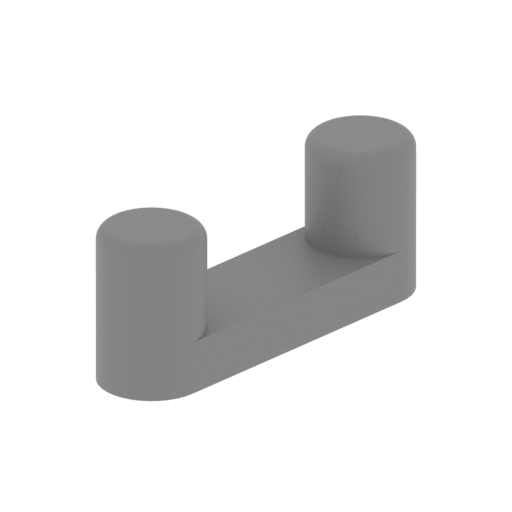 | T54,T55 Connector.stl 5 x 8 x 3 mm | 0.2 x 0.31 x 0.12 in | Size: 5 x 8 x 3 mm | 0.2 x 0.31 x 0.12 in | File size: 0.11 mb | Printing Time / Filament: 2 min / <1 m | ||
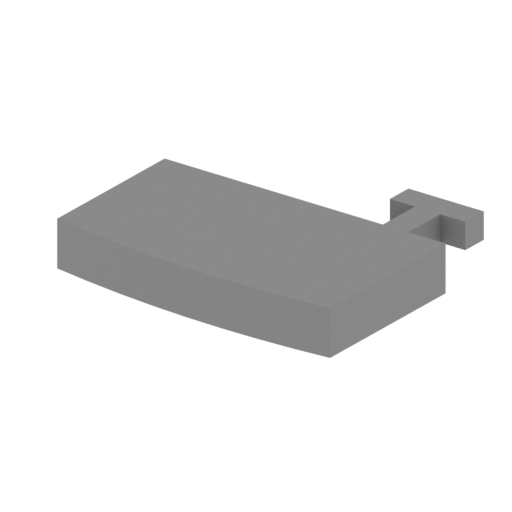 | T53 Toolbox cover left.stl 14 x 11 x 2 mm | 0.55 x 0.43 x 0.08 in | Size: 14 x 11 x 2 mm | 0.55 x 0.43 x 0.08 in | File size: 0.00 mb | Printing Time / Filament: 4 min / <1 m | ||
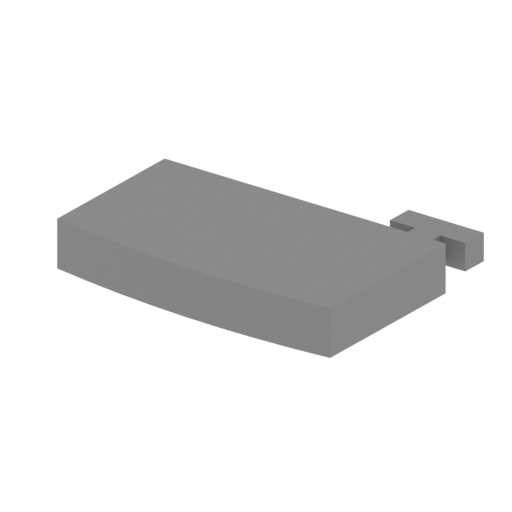 | T52 Toolbox cover right.stl 14 x 11 x 2 mm | 0.55 x 0.43 x 0.08 in | Size: 14 x 11 x 2 mm | 0.55 x 0.43 x 0.08 in | File size: 0.00 mb | Printing Time / Filament: 3 min / <1 m | ||
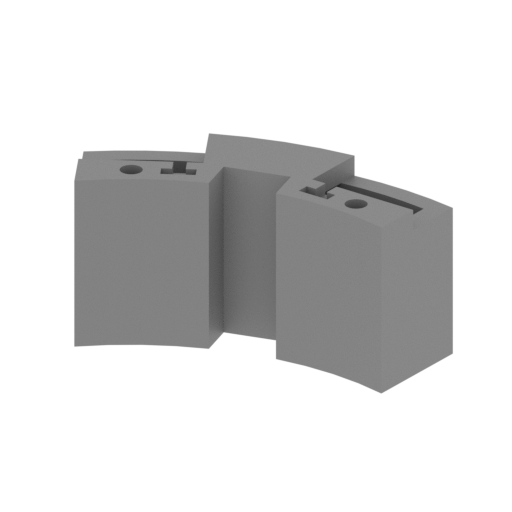 | T51 Toolbox.stl 41 x 17 x 19 mm | 1.61 x 0.67 x 0.75 in | Size: 41 x 17 x 19 mm | 1.61 x 0.67 x 0.75 in | File size: 0.21 mb | Printing Time / Filament: 1 h 4 min / 1 m | ||
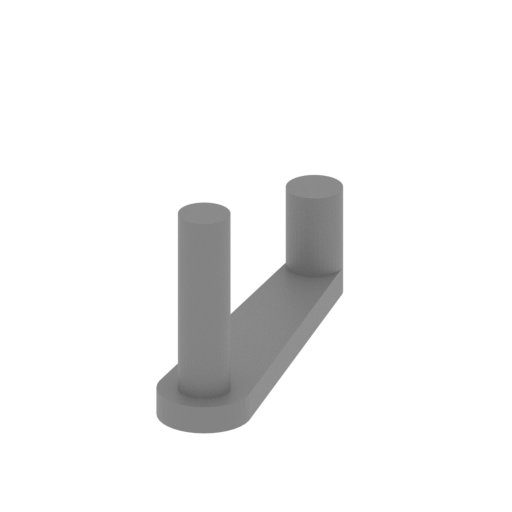 | T50 Captain door axis.stl 3 x 12 x 7 mm | 0.12 x 0.47 x 0.28 in | Size: 3 x 12 x 7 mm | 0.12 x 0.47 x 0.28 in | File size: 0.02 mb | Printing Time / Filament: 2 min / <1 m | ||
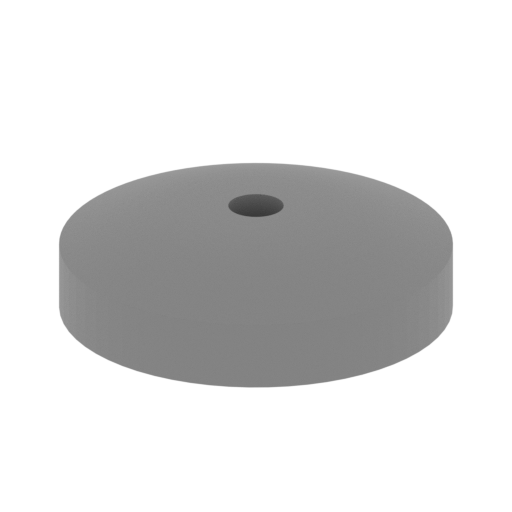 | T49 Captain door.stl 13 x 13 x 4 mm | 0.51 x 0.51 x 0.16 in | Size: 13 x 13 x 4 mm | 0.51 x 0.51 x 0.16 in | File size: 0.14 mb | Printing Time / Filament: 5 min / <1 m | ||
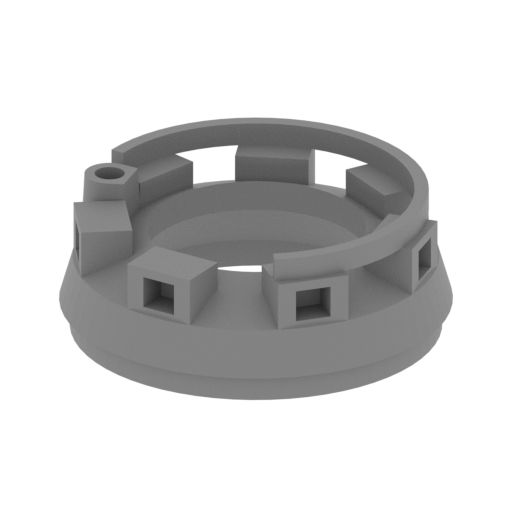 | T48 Captain observation hole.stl 24 x 24 x 9 mm | 0.94 x 0.94 x 0.35 in | Size: 24 x 24 x 9 mm | 0.94 x 0.94 x 0.35 in | File size: 0.16 mb | Printing Time / Filament: 23 min / <1 m | ||
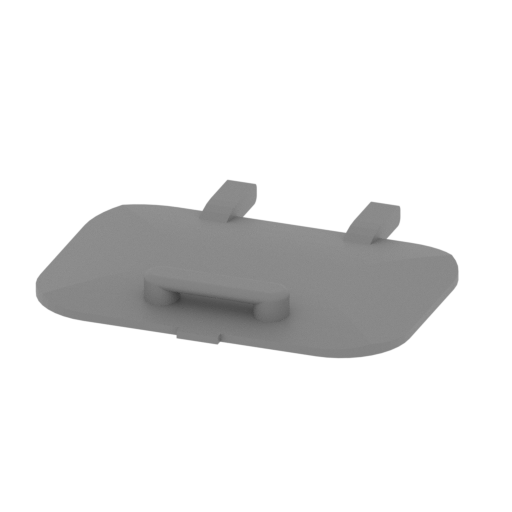 | T47 Loading hand door.stl 15 x 13 x 2 mm | 0.59 x 0.51 x 0.08 in | Size: 15 x 13 x 2 mm | 0.59 x 0.51 x 0.08 in | File size: 0.09 mb | Printing Time / Filament: 3 min / <1 m | ||
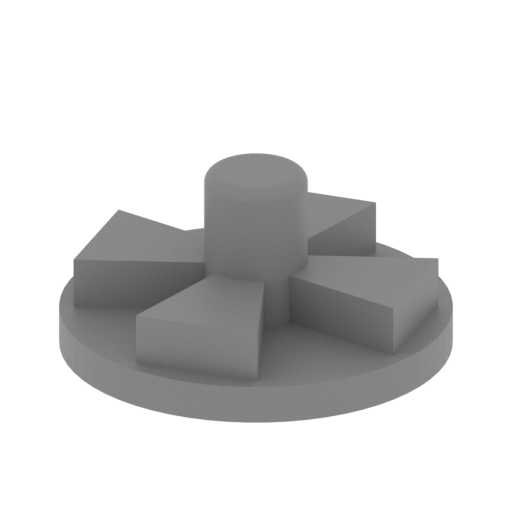 | T46 exhaust vent.stl 9 x 9 x 4 mm | 0.35 x 0.35 x 0.16 in | Size: 9 x 9 x 4 mm | 0.35 x 0.35 x 0.16 in | File size: 0.07 mb | Printing Time / Filament: 3 min / <1 m | ||
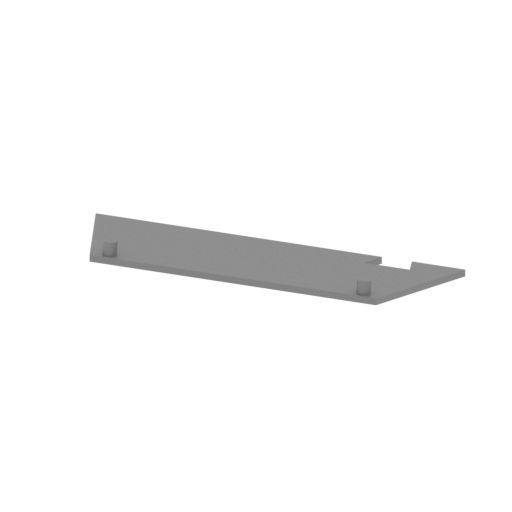 | T45 Bevel top cover.stl 61 x 22 x 7 mm | 2.4 x 0.87 x 0.28 in | Size: 61 x 22 x 7 mm | 2.4 x 0.87 x 0.28 in | File size: 0.02 mb | Printing Time / Filament: 37 min / <1 m | ||
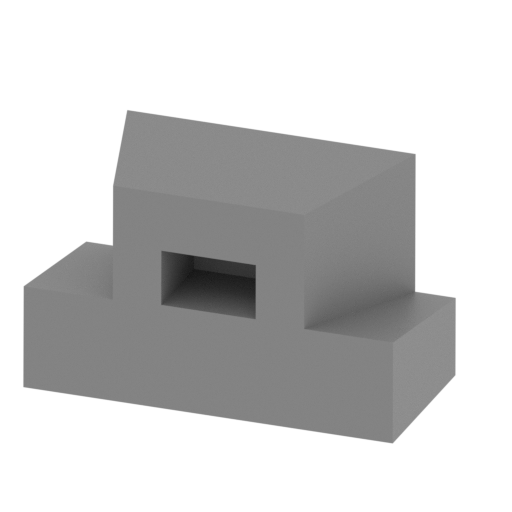 | T44 Loading the hand observation mirror.stl 9 x 7 x 6 mm | 0.35 x 0.28 x 0.24 in | Size: 9 x 7 x 6 mm | 0.35 x 0.28 x 0.24 in | File size: 0.01 mb | Printing Time / Filament: 5 min / <1 m | ||
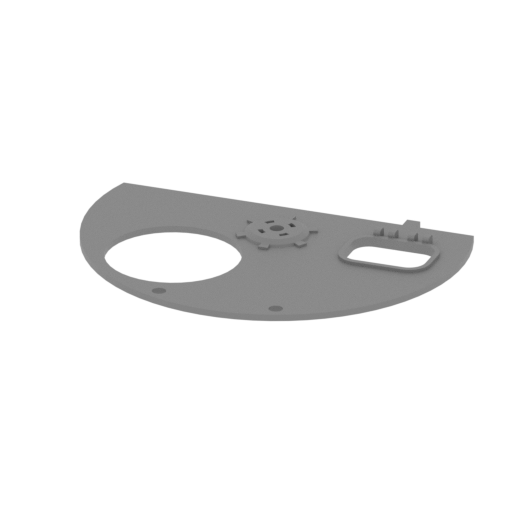 | T43 Top cover.stl 65 x 45 x 3 mm | 2.56 x 1.77 x 0.12 in | Size: 65 x 45 x 3 mm | 2.56 x 1.77 x 0.12 in | File size: 0.11 mb | Printing Time / Filament: 36 min / <1 m | ||
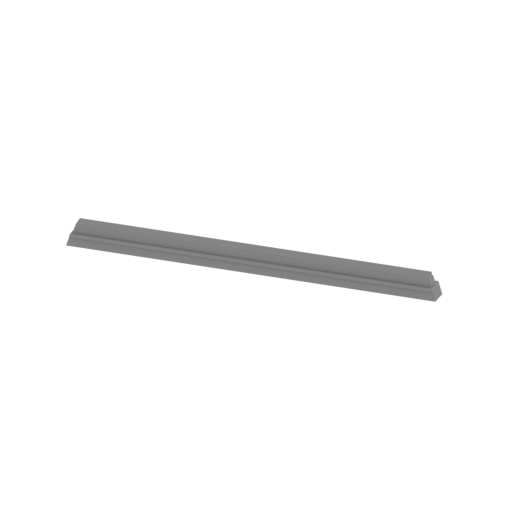 | T42 Main gun mouth welding joints upper.stl 49 x 4 x 3 mm | 1.93 x 0.16 x 0.12 in | Size: 49 x 4 x 3 mm | 1.93 x 0.16 x 0.12 in | File size: 0.00 mb | Printing Time / Filament: 5 min / <1 m | ||
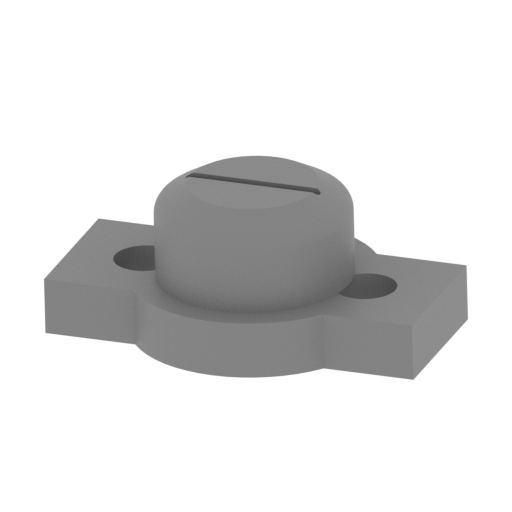 | T41 Gunner observation hole.stl 11 x 7 x 5 mm | 0.43 x 0.28 x 0.2 in | Size: 11 x 7 x 5 mm | 0.43 x 0.28 x 0.2 in | File size: 0.10 mb | Printing Time / Filament: 5 min / <1 m | ||
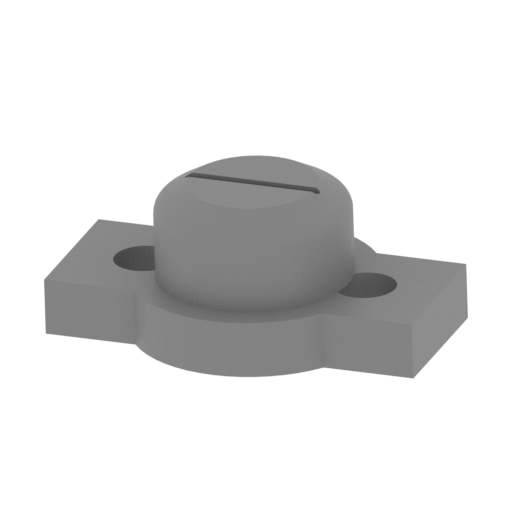 | T40 Loading the hand to observe the hole.stl 11 x 7 x 5 mm | 0.43 x 0.28 x 0.2 in | Size: 11 x 7 x 5 mm | 0.43 x 0.28 x 0.2 in | File size: 0.10 mb | Printing Time / Filament: 5 min / <1 m | ||
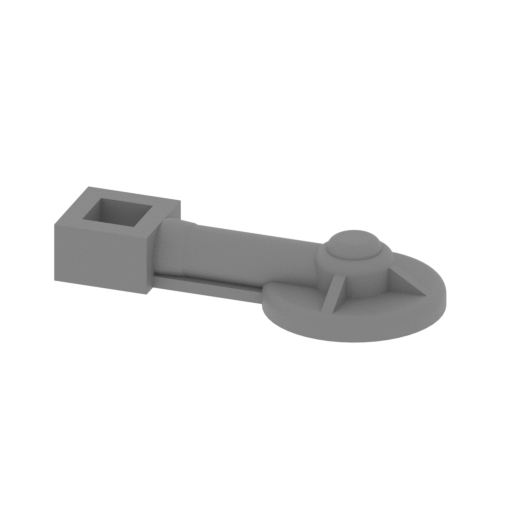 | T39 Gunner turret turning hand wheel.stl 18 x 9 x 3 mm | 0.71 x 0.35 x 0.12 in | Size: 18 x 9 x 3 mm | 0.71 x 0.35 x 0.12 in | File size: 0.20 mb | Printing Time / Filament: 4 min / <1 m | ||
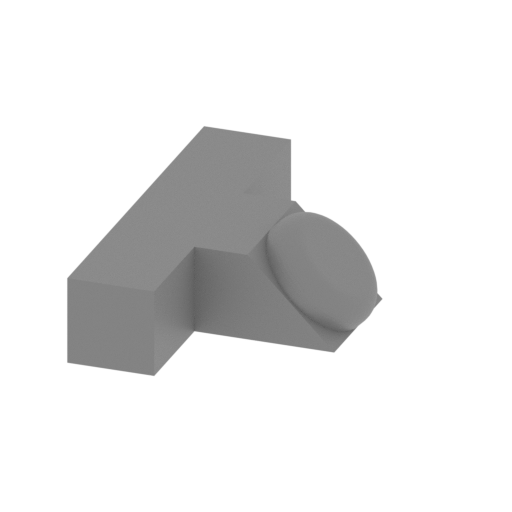 | T38 Turret direction instrument.stl 6 x 10 x 3 mm | 0.24 x 0.39 x 0.12 in | Size: 6 x 10 x 3 mm | 0.24 x 0.39 x 0.12 in | File size: 0.06 mb | Printing Time / Filament: 2 min / <1 m | ||
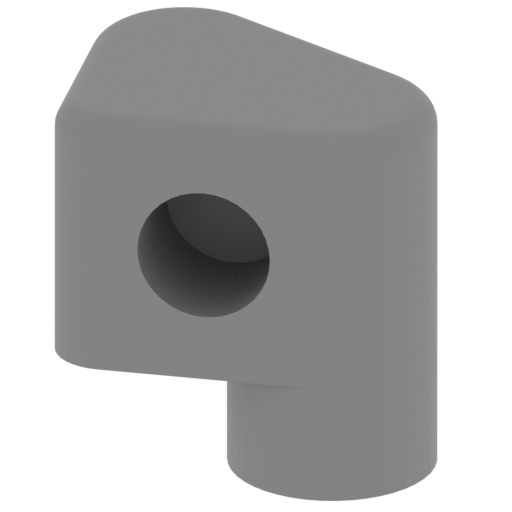 | T37 Turret turn the hand wheel base.stl 8 x 7 x 8 mm | 0.31 x 0.28 x 0.31 in | Size: 8 x 7 x 8 mm | 0.31 x 0.28 x 0.31 in | File size: 0.08 mb | Printing Time / Filament: 7 min / <1 m | ||
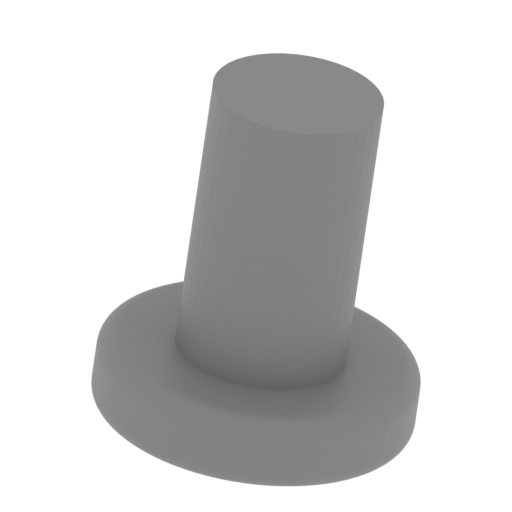 | T36 Turret turn hand wheel.stl 5 x 5 x 6 mm | 0.2 x 0.2 x 0.24 in | Size: 5 x 5 x 6 mm | 0.2 x 0.2 x 0.24 in | File size: 0.17 mb | Printing Time / Filament: 2 min / <1 m | ||
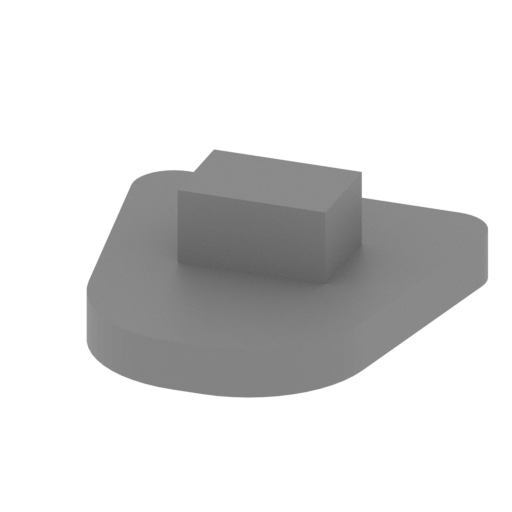 | T35 Captain seat back.stl 8 x 9 x 3 mm | 0.31 x 0.35 x 0.12 in | Size: 8 x 9 x 3 mm | 0.31 x 0.35 x 0.12 in | File size: 0.01 mb | Printing Time / Filament: 2 min / <1 m | ||
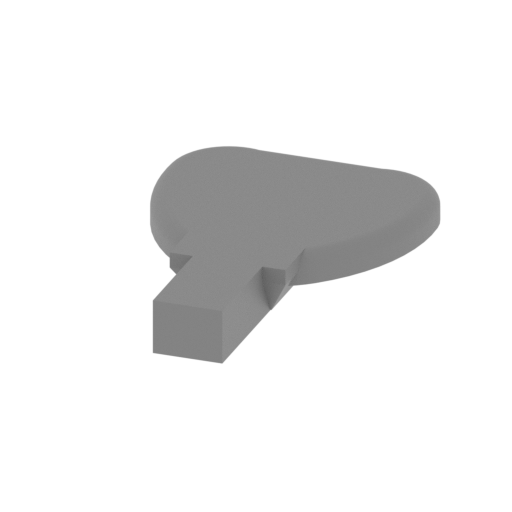 | T34 Captain seat.stl 10 x 14 x 2 mm | 0.39 x 0.55 x 0.08 in | Size: 10 x 14 x 2 mm | 0.39 x 0.55 x 0.08 in | File size: 0.09 mb | Printing Time / Filament: 3 min / <1 m | ||
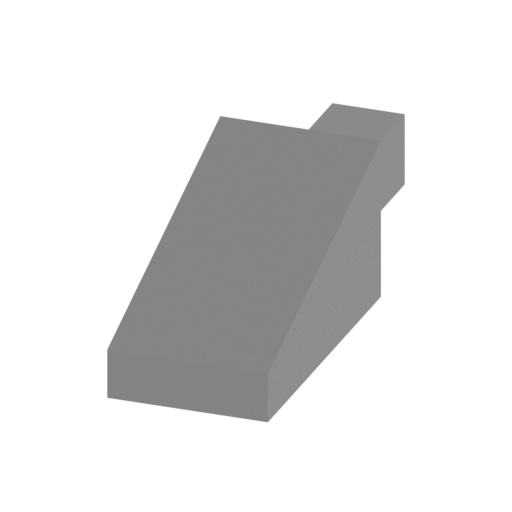 | T33 Captain seat coupler.stl 6 x 13 x 6 mm | 0.24 x 0.51 x 0.24 in | Size: 6 x 13 x 6 mm | 0.24 x 0.51 x 0.24 in | File size: 0.00 mb | Printing Time / Filament: 6 min / <1 m | ||
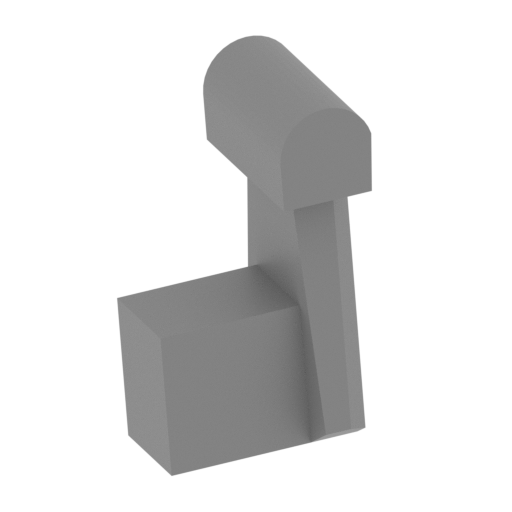 | T32 Emergency door shaft.stl 6 x 6 x 9 mm | 0.24 x 0.24 x 0.35 in | Size: 6 x 6 x 9 mm | 0.24 x 0.24 x 0.35 in | File size: 0.01 mb | Printing Time / Filament: 4 min / <1 m | ||
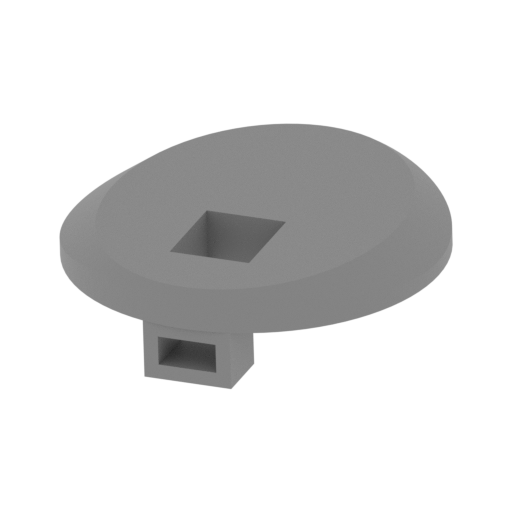 | T31 Emergency escape door.stl 14 x 14 x 4 mm | 0.55 x 0.55 x 0.16 in | Size: 14 x 14 x 4 mm | 0.55 x 0.55 x 0.16 in | File size: 0.17 mb | Printing Time / Filament: 8 min / <1 m | ||
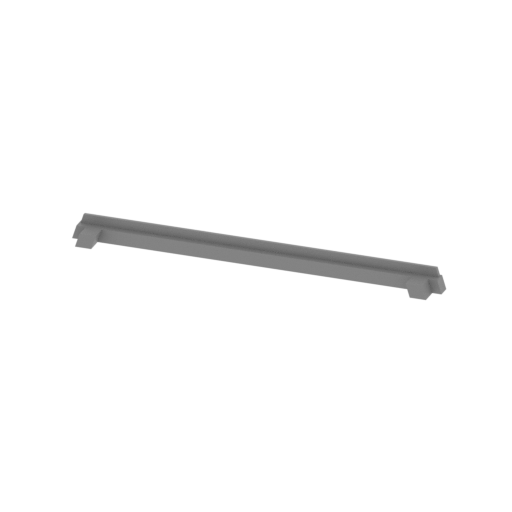 | T30 Main gun mouth welding joints lower.stl 49 x 4 x 3 mm | 1.93 x 0.16 x 0.12 in | Size: 49 x 4 x 3 mm | 1.93 x 0.16 x 0.12 in | File size: 0.00 mb | Printing Time / Filament: 5 min / <1 m | ||
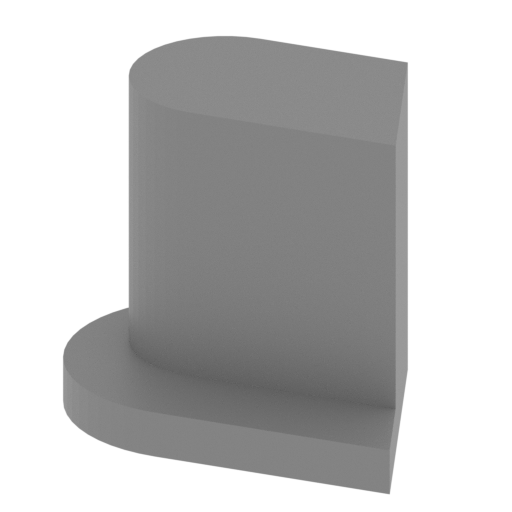 | T29 Base small connector right.stl 5 x 3 x 4 mm | 0.2 x 0.12 x 0.16 in | Size: 5 x 3 x 4 mm | 0.2 x 0.12 x 0.16 in | File size: 0.01 mb | Printing Time / Filament: 2 min / <1 m | ||
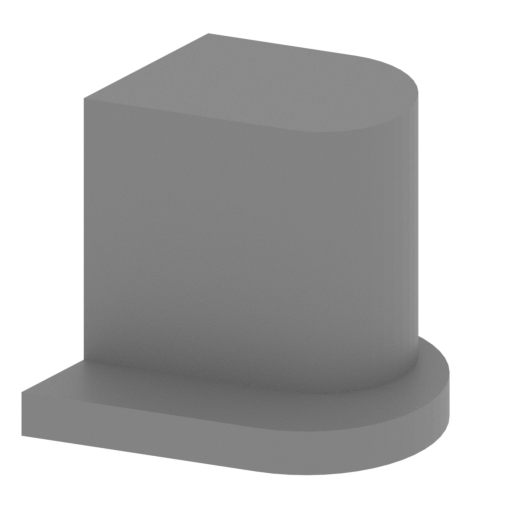 | T28 Base small connector left.stl 5 x 3 x 4 mm | 0.2 x 0.12 x 0.16 in | Size: 5 x 3 x 4 mm | 0.2 x 0.12 x 0.16 in | File size: 0.01 mb | Printing Time / Filament: 2 min / <1 m | ||
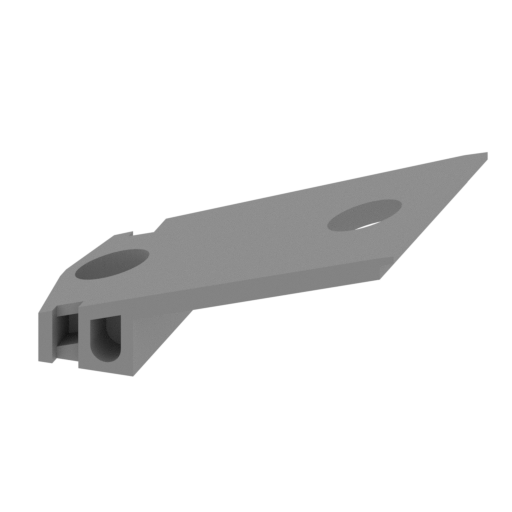 | T27 Main gun base left.stl 29 x 20 x 13 mm | 1.14 x 0.79 x 0.51 in | Size: 29 x 20 x 13 mm | 1.14 x 0.79 x 0.51 in | File size: 0.03 mb | Printing Time / Filament: 37 min / <1 m | ||
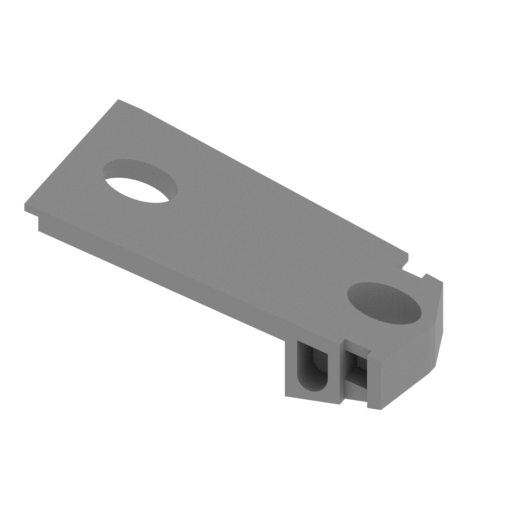 | T26 Main gun base right.stl 29 x 20 x 12 mm | 1.14 x 0.79 x 0.47 in | Size: 29 x 20 x 12 mm | 1.14 x 0.79 x 0.47 in | File size: 0.03 mb | Printing Time / Filament: 37 min / <1 m | ||
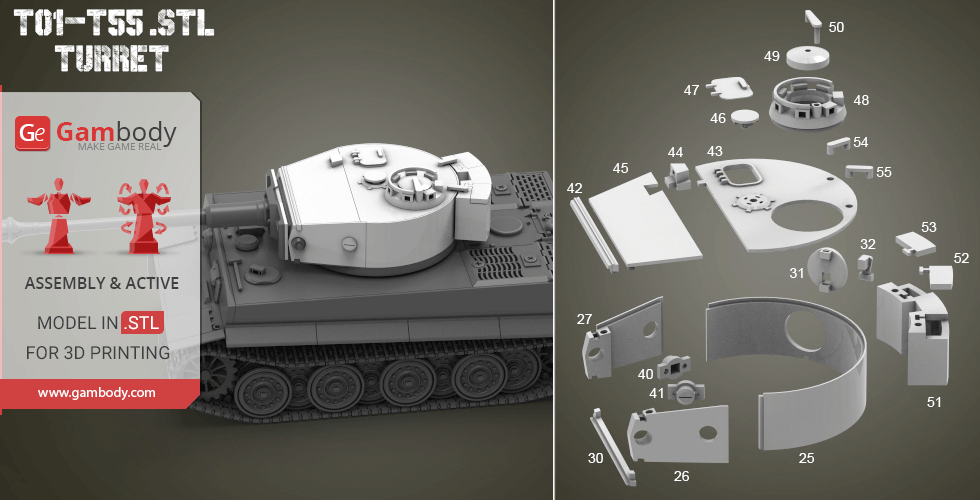
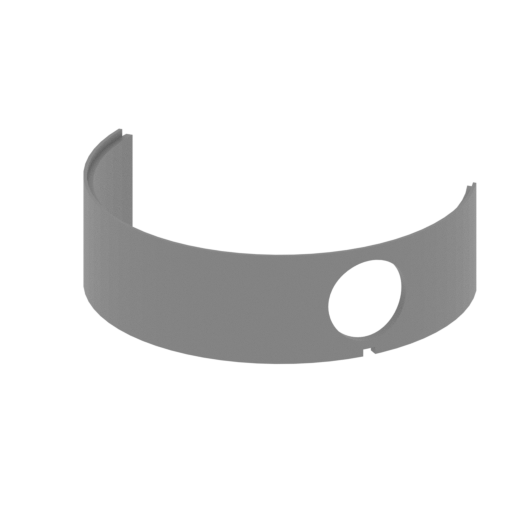 | T25 Semi-circular wall.stl 66 x 43 x 20 mm | 2.6 x 1.69 x 0.79 in | Size: 66 x 43 x 20 mm | 2.6 x 1.69 x 0.79 in | File size: 0.04 mb | Printing Time / Filament: 52 min / 1 m | ||
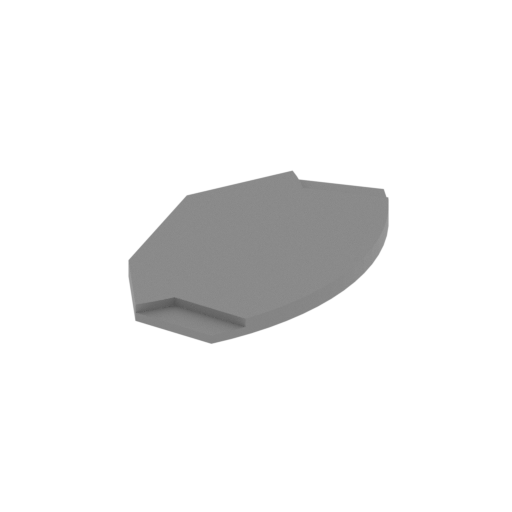 | T24 Hanging basket floor cover.stl 14 x 25 x 1 mm | 0.55 x 0.98 x 0.04 in | Size: 14 x 25 x 1 mm | 0.55 x 0.98 x 0.04 in | File size: 0.01 mb | Printing Time / Filament: 6 min / <1 m | ||
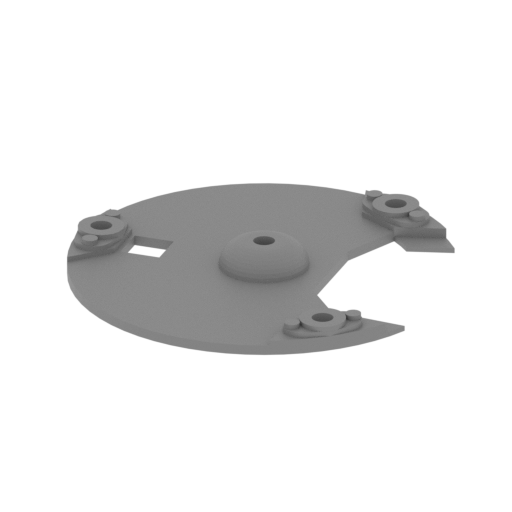 | T23 Hanging basket floor.stl 41 x 43 x 4 mm | 1.61 x 1.69 x 0.16 in | Size: 41 x 43 x 4 mm | 1.61 x 1.69 x 0.16 in | File size: 0.25 mb | Printing Time / Filament: 27 min / <1 m | ||
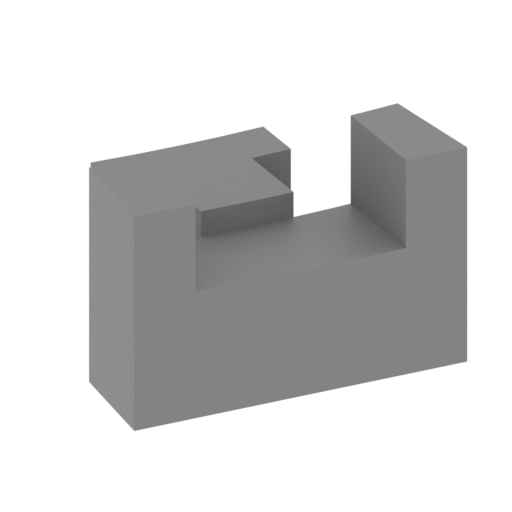 | T22 Base connector.stl 8 x 8 x 5 mm | 0.31 x 0.31 x 0.2 in | Size: 8 x 8 x 5 mm | 0.31 x 0.31 x 0.2 in | File size: 0.00 mb | Printing Time / Filament: 4 min / <1 m | ||
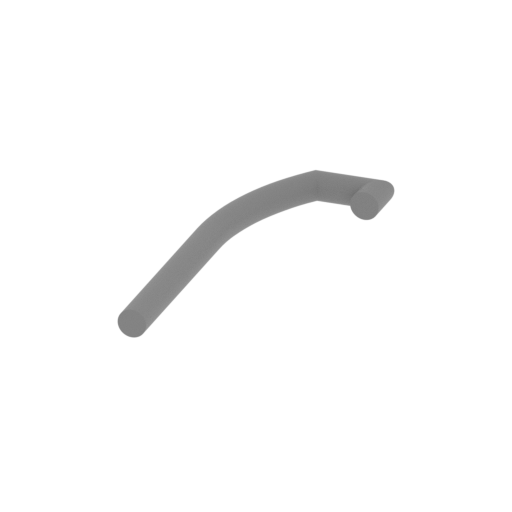 | T21 Basket Column ago rear.stl 11 x 30 x 2 mm | 0.43 x 1.18 x 0.08 in | Size: 11 x 30 x 2 mm | 0.43 x 1.18 x 0.08 in | File size: 0.13 mb | Printing Time / Filament: 3 min / <1 m | ||
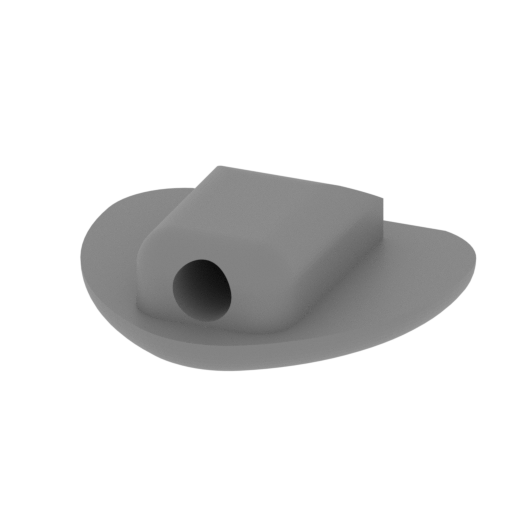 | T20 Loading the hand seat.stl 11 x 9 x 3 mm | 0.43 x 0.35 x 0.12 in | Size: 11 x 9 x 3 mm | 0.43 x 0.35 x 0.12 in | File size: 0.16 mb | Printing Time / Filament: 3 min / <1 m | ||
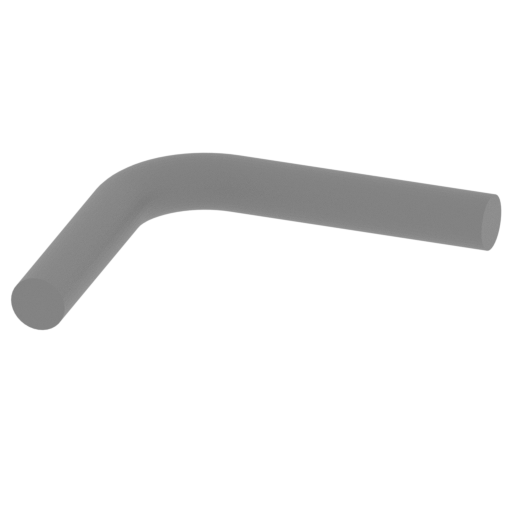 | T19 Loading the hand seat link.stl 10 x 9 x 2 mm | 0.39 x 0.35 x 0.08 in | Size: 10 x 9 x 2 mm | 0.39 x 0.35 x 0.08 in | File size: 0.08 mb | Printing Time / Filament: 2 min / <1 m | ||
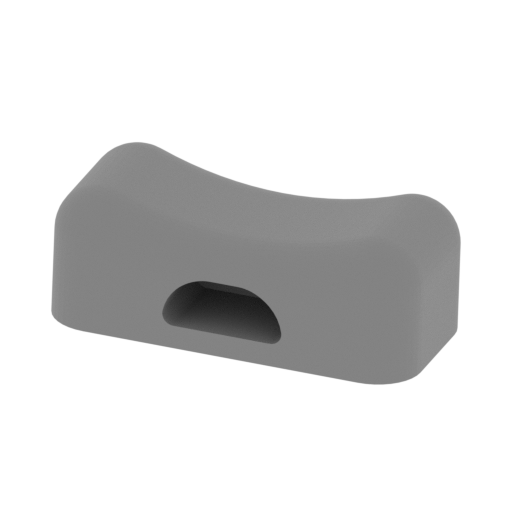 | T18 Loading the seat backrest.stl 9 x 5 x 4 mm | 0.35 x 0.2 x 0.16 in | Size: 9 x 5 x 4 mm | 0.35 x 0.2 x 0.16 in | File size: 0.15 mb | Printing Time / Filament: 3 min / <1 m | ||
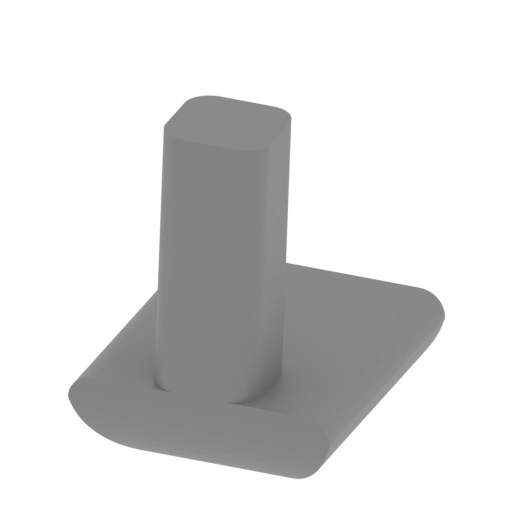 | T17 Loading the hand seat connector.stl 3 x 3 x 4 mm | 0.12 x 0.12 x 0.16 in | Size: 3 x 3 x 4 mm | 0.12 x 0.12 x 0.16 in | File size: 0.02 mb | Printing Time / Filament: 1 min / <1 m | ||
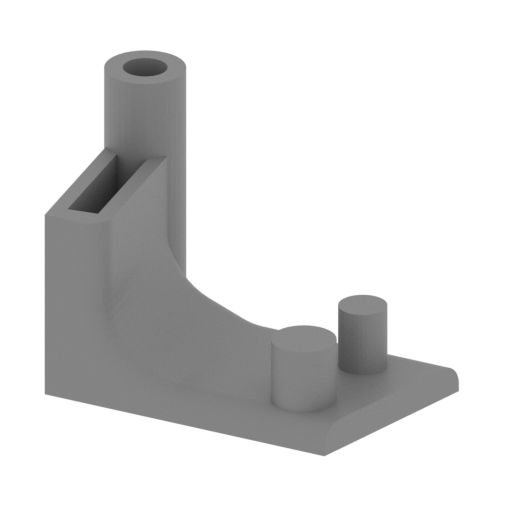 | T16 Main gun angle adjustment device.stl 14 x 10 x 10 mm | 0.55 x 0.39 x 0.39 in | Size: 14 x 10 x 10 mm | 0.55 x 0.39 x 0.39 in | File size: 0.10 mb | Printing Time / Filament: 7 min / <1 m | ||
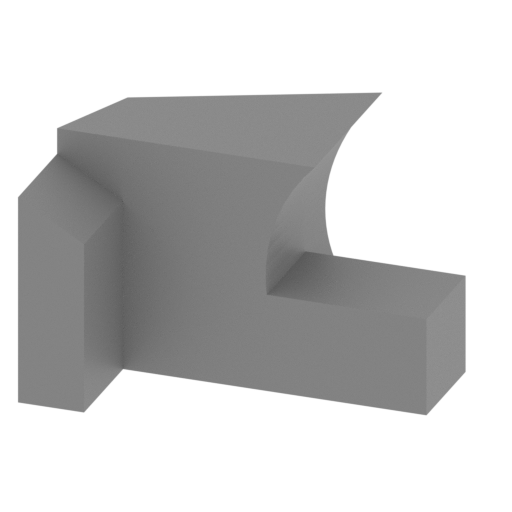 | T15 Turret rotating machine base.stl 8 x 6 x 5 mm | 0.31 x 0.24 x 0.2 in | Size: 8 x 6 x 5 mm | 0.31 x 0.24 x 0.2 in | File size: 0.01 mb | Printing Time / Filament: 3 min / <1 m | ||
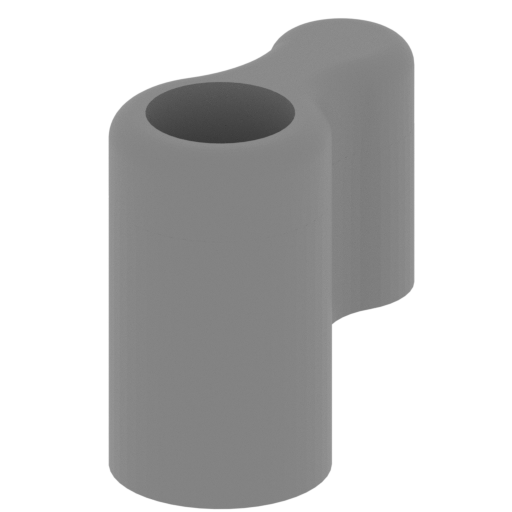 | T14 Turret rotator.stl 7 x 12 x 12 mm | 0.28 x 0.47 x 0.47 in | Size: 7 x 12 x 12 mm | 0.28 x 0.47 x 0.47 in | File size: 0.19 mb | Printing Time / Filament: 12 min / <1 m | ||
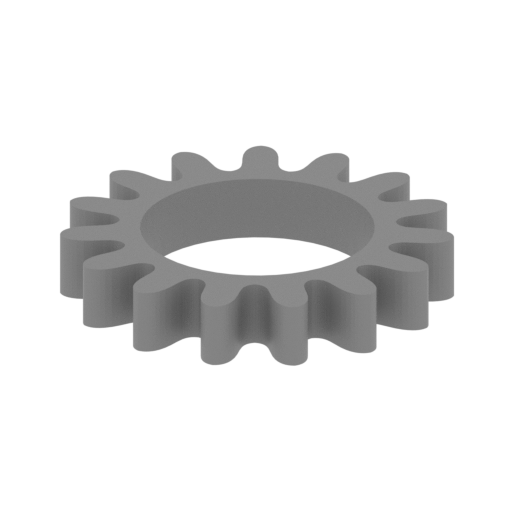 | T13 Turret Rotor Gear.stl 10 x 11 x 2 mm | 0.39 x 0.43 x 0.08 in | Size: 10 x 11 x 2 mm | 0.39 x 0.43 x 0.08 in | File size: 0.12 mb | Printing Time / Filament: 2 min / <1 m | ||
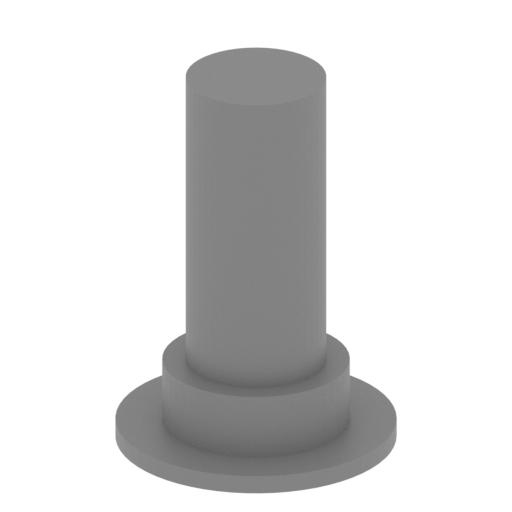 | T12 Turret rotor shaft.stl 9 x 9 x 12 mm | 0.35 x 0.35 x 0.47 in | Size: 9 x 9 x 12 mm | 0.35 x 0.35 x 0.47 in | File size: 0.03 mb | Printing Time / Filament: 6 min / <1 m | ||
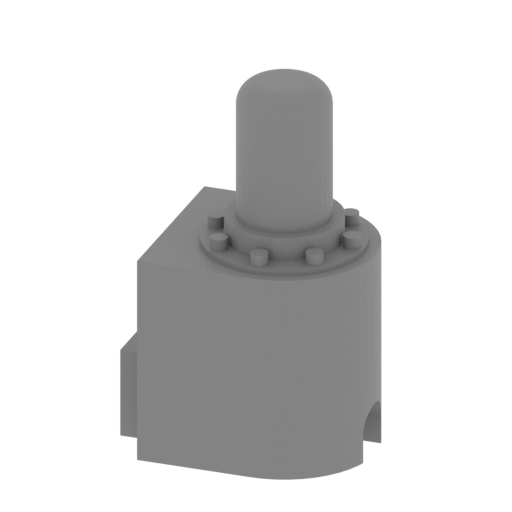 | T11 Turret power drive.stl 12 x 9 x 19 mm | 0.47 x 0.35 x 0.75 in | Size: 12 x 9 x 19 mm | 0.47 x 0.35 x 0.75 in | File size: 0.15 mb | Printing Time / Filament: 15 min / <1 m | ||
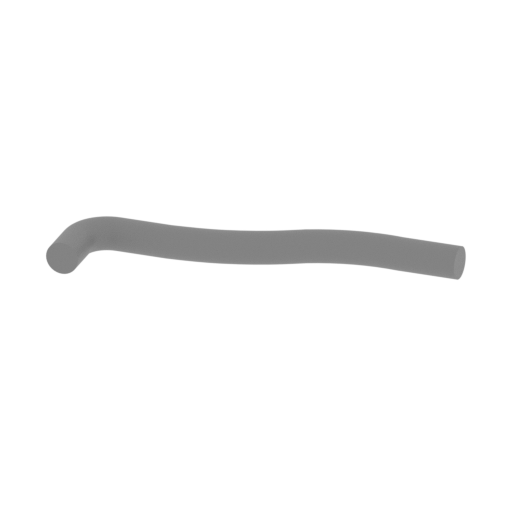 | T10 Turret power transmission rod.stl 27 x 10 x 2 mm | 1.06 x 0.39 x 0.08 in | Size: 27 x 10 x 2 mm | 1.06 x 0.39 x 0.08 in | File size: 0.22 mb | Printing Time / Filament: 3 min / <1 m | ||
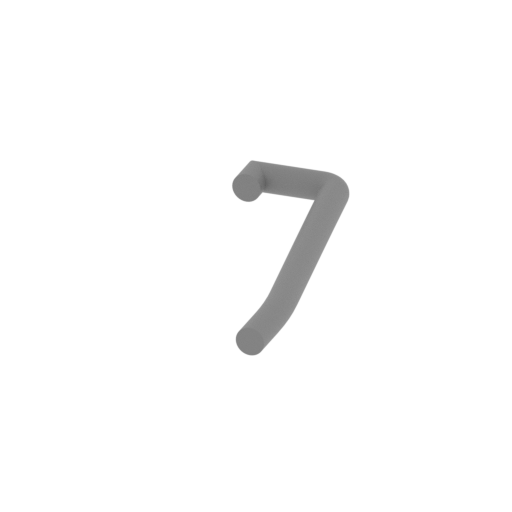 | T09 Basket Column left.stl 12 x 30 x 2 mm | 0.47 x 1.18 x 0.08 in | Size: 12 x 30 x 2 mm | 0.47 x 1.18 x 0.08 in | File size: 0.09 mb | Printing Time / Filament: 3 min / <1 m | ||
 | T08 Basket Column ago.stl 2 x 2 x 14 mm | 0.08 x 0.08 x 0.55 in | Size: 2 x 2 x 14 mm | 0.08 x 0.08 x 0.55 in | File size: 0.01 mb | Printing Time / Filament: 3 min / <1 m | ||
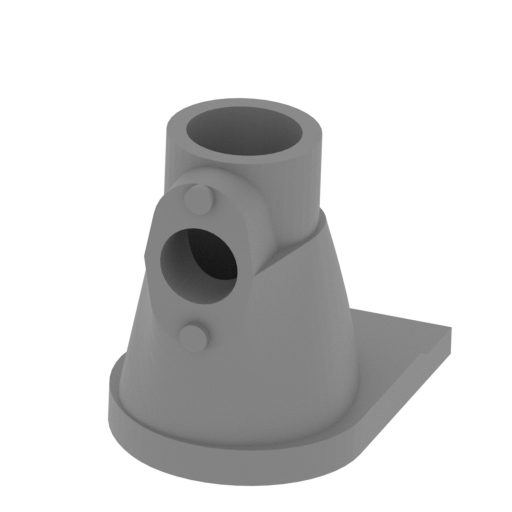 | T07 Main gun angle adjustment device connector1.stl 8 x 12 x 10 mm | 0.31 x 0.47 x 0.39 in | Size: 8 x 12 x 10 mm | 0.31 x 0.47 x 0.39 in | File size: 0.21 mb | Printing Time / Filament: 7 min / <1 m | ||
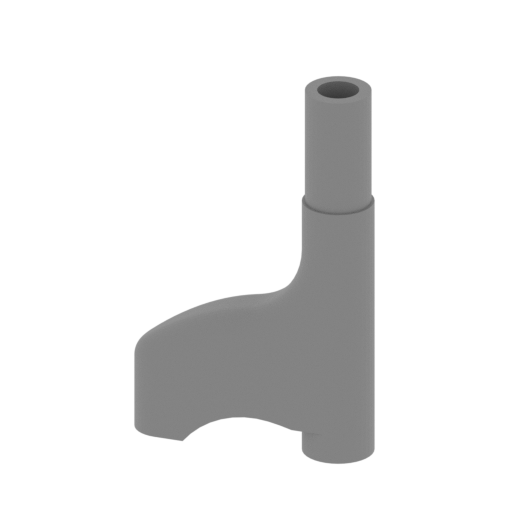 | T06 Main gun angle adjustment device connector2.stl 12 x 4 x 19 mm | 0.47 x 0.16 x 0.75 in | Size: 12 x 4 x 19 mm | 0.47 x 0.16 x 0.75 in | File size: 0.18 mb | Printing Time / Filament: 10 min / <1 m | ||
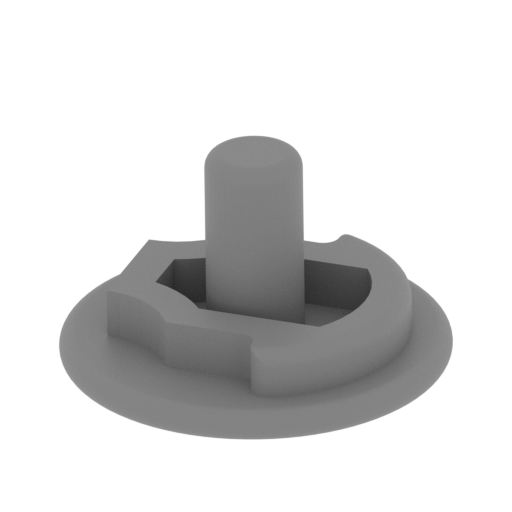 | T05 Main gun angle hand wheel and firing trigger.stl 7 x 7 x 4 mm | 0.28 x 0.28 x 0.16 in | Size: 7 x 7 x 4 mm | 0.28 x 0.28 x 0.16 in | File size: 0.26 mb | Printing Time / Filament: 2 min / <1 m | ||
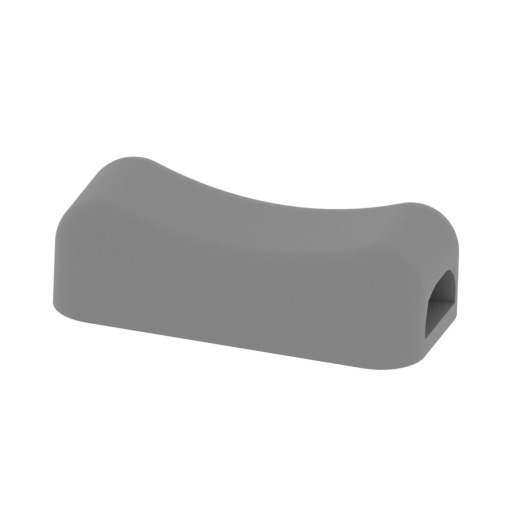 | T04 Gunner seat backrest.stl 9 x 5 x 3 mm | 0.35 x 0.2 x 0.12 in | Size: 9 x 5 x 3 mm | 0.35 x 0.2 x 0.12 in | File size: 0.17 mb | Printing Time / Filament: 3 min / <1 m | ||
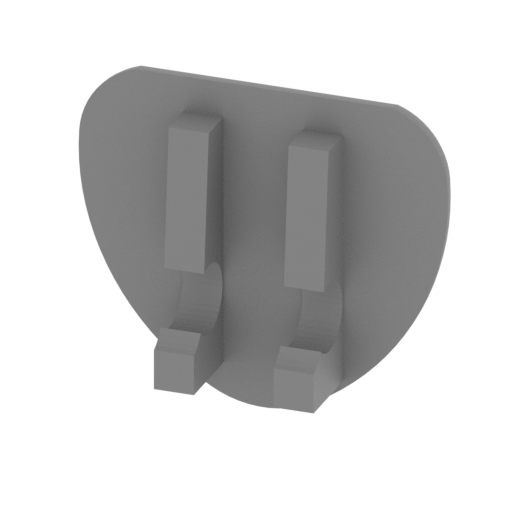 | T03 Gunner seat.stl 11 x 3 x 9 mm | 0.43 x 0.12 x 0.35 in | Size: 11 x 3 x 9 mm | 0.43 x 0.12 x 0.35 in | File size: 0.11 mb | Printing Time / Filament: 5 min / <1 m | ||
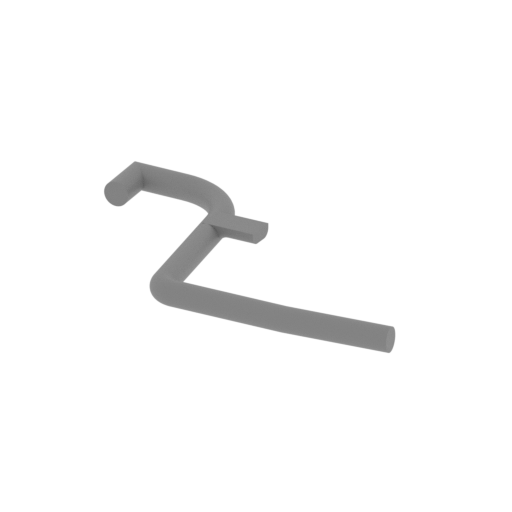 | T02 Gunner seat support rod.stl 25 x 20 x 2 mm | 0.98 x 0.79 x 0.08 in | Size: 25 x 20 x 2 mm | 0.98 x 0.79 x 0.08 in | File size: 0.20 mb | Printing Time / Filament: 3 min / <1 m | ||
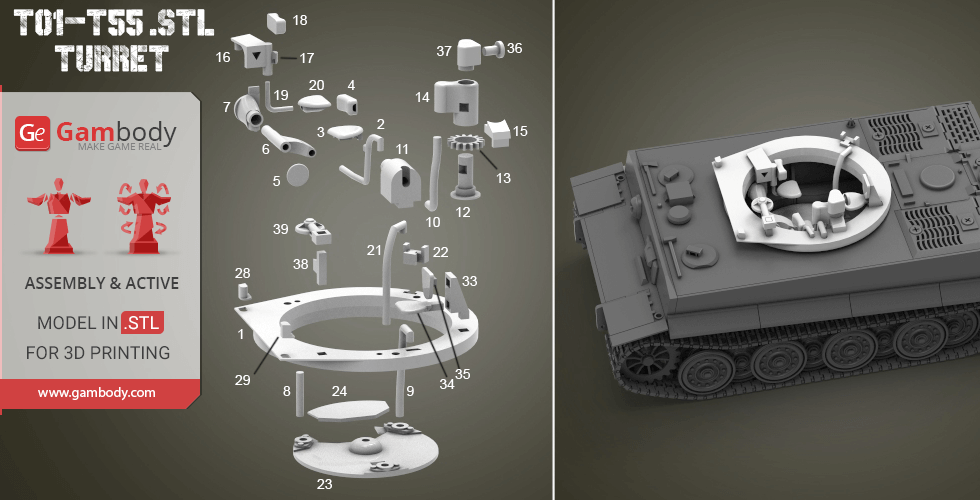
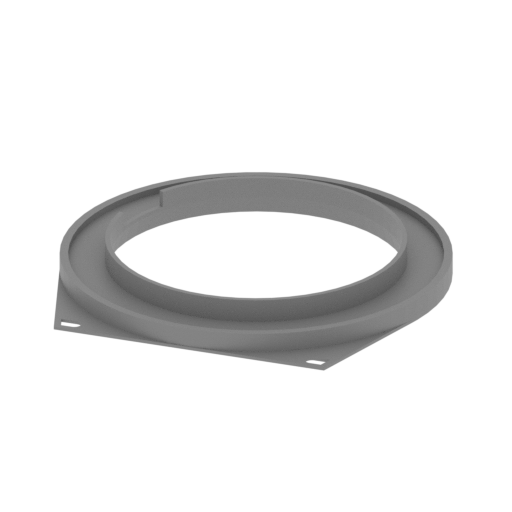 | T01 Base.stl 66 x 67 x 7 mm | 2.6 x 2.64 x 0.28 in | Size: 66 x 67 x 7 mm | 2.6 x 2.64 x 0.28 in | File size: 0.11 mb | Printing Time / Filament: 59 min / 1 m | ||
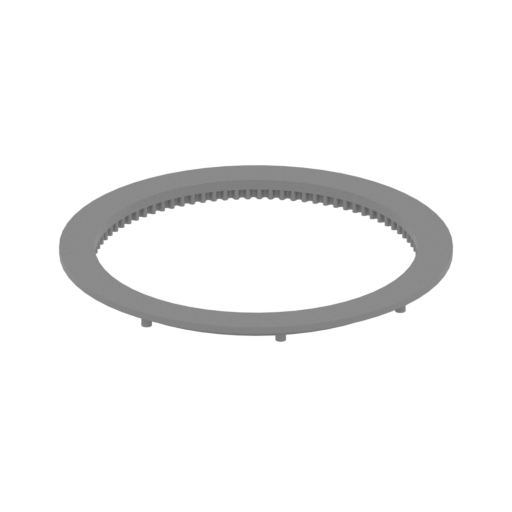 | H292 Connector.stl 63 x 63 x 3 mm | 2.48 x 2.48 x 0.12 in | Size: 63 x 63 x 3 mm | 2.48 x 2.48 x 0.12 in | File size: 0.72 mb | Printing Time / Filament: 41 min / <1 m | ||
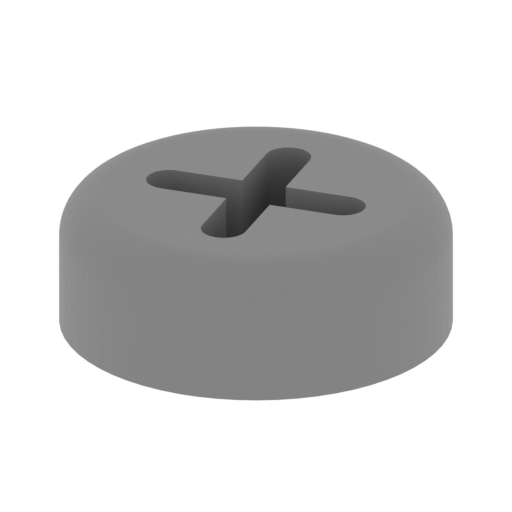 | H288-H291 Garment cover.stl 5 x 5 x 2 mm | 0.2 x 0.2 x 0.08 in | Size: 5 x 5 x 2 mm | 0.2 x 0.2 x 0.08 in | File size: 0.13 mb | Printing Time / Filament: 2 min / <1 m | ||
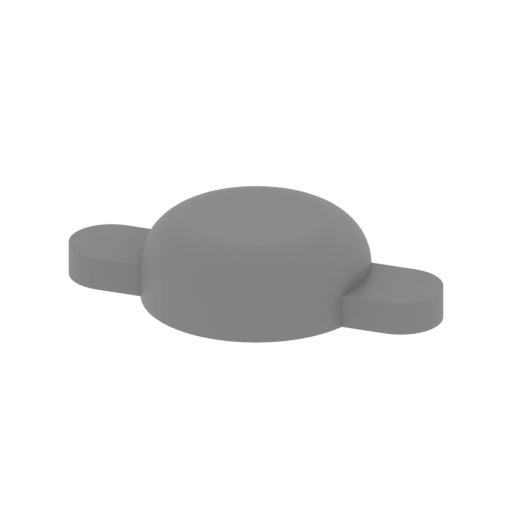 | H287 Diving Ventilation Cover Seal Cover.stl 13 x 8 x 3 mm | 0.51 x 0.31 x 0.12 in | Size: 13 x 8 x 3 mm | 0.51 x 0.31 x 0.12 in | File size: 0.13 mb | Printing Time / Filament: 3 min / <1 m | ||
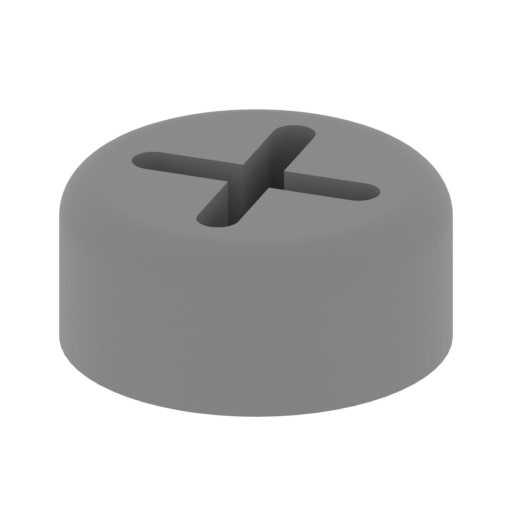 | H286 Diving Ventilation Cover Seal Cover1.stl 5 x 5 x 2 mm | 0.2 x 0.2 x 0.08 in | Size: 5 x 5 x 2 mm | 0.2 x 0.2 x 0.08 in | File size: 0.13 mb | Printing Time / Filament: 2 min / <1 m | ||
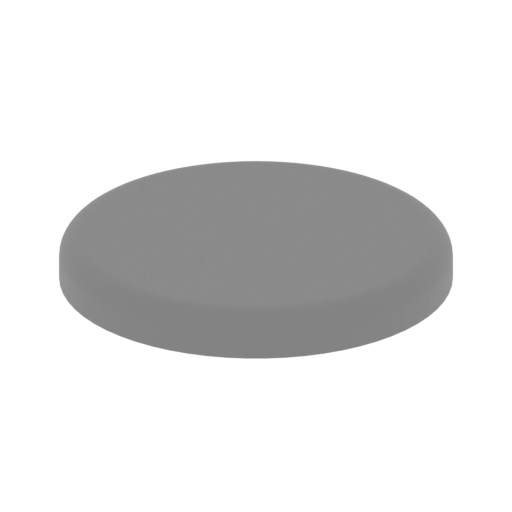 | H285 Engine cover cover.stl 14 x 14 x 2 mm | 0.55 x 0.55 x 0.08 in | Size: 14 x 14 x 2 mm | 0.55 x 0.55 x 0.08 in | File size: 0.11 mb | Printing Time / Filament: 5 min / <1 m | ||
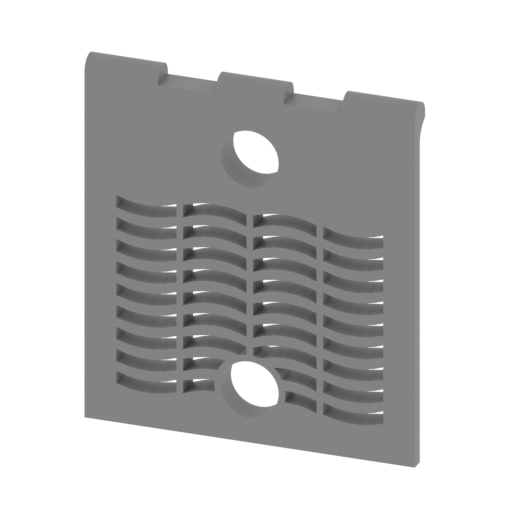 | H284 Left tank cover.stl 29 x 3 x 33 mm | 1.14 x 0.12 x 1.3 in | Size: 29 x 3 x 33 mm | 1.14 x 0.12 x 1.3 in | File size: 0.17 mb | Printing Time / Filament: 48 min / <1 m | ||
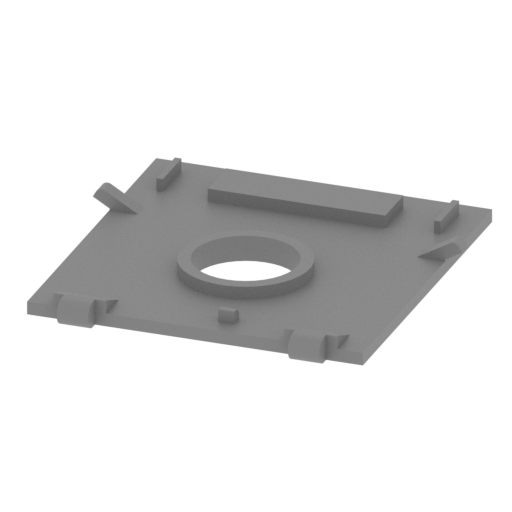 | H283 Engine cover.stl 33 x 32 x 3 mm | 1.3 x 1.26 x 0.12 in | Size: 33 x 32 x 3 mm | 1.3 x 1.26 x 0.12 in | File size: 0.04 mb | Printing Time / Filament: 20 min / <1 m | ||
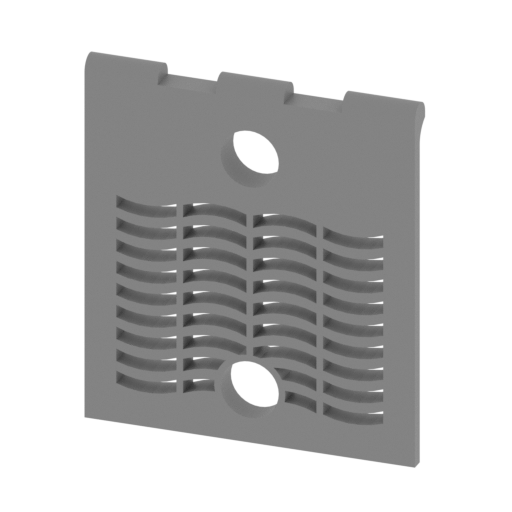 | H282 Right tank cover.stl 29 x 3 x 33 mm | 1.14 x 0.12 x 1.3 in | Size: 29 x 3 x 33 mm | 1.14 x 0.12 x 1.3 in | File size: 0.17 mb | Printing Time / Filament: 48 min / <1 m | ||
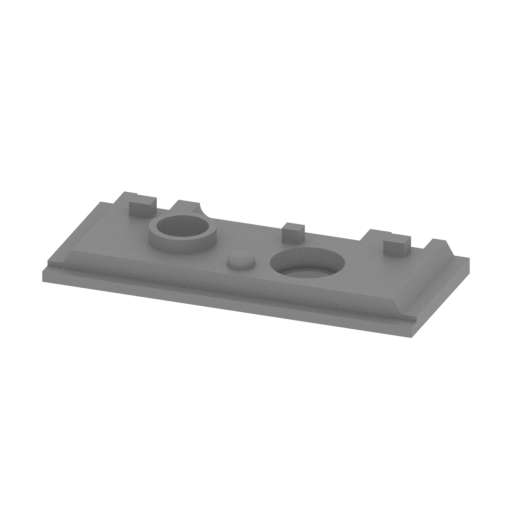 | H280 Diving ventilation cover.stl 30 x 13 x 4 mm | 1.18 x 0.51 x 0.16 in | Size: 30 x 13 x 4 mm | 1.18 x 0.51 x 0.16 in | File size: 0.08 mb | Printing Time / Filament: 12 min / <1 m | ||
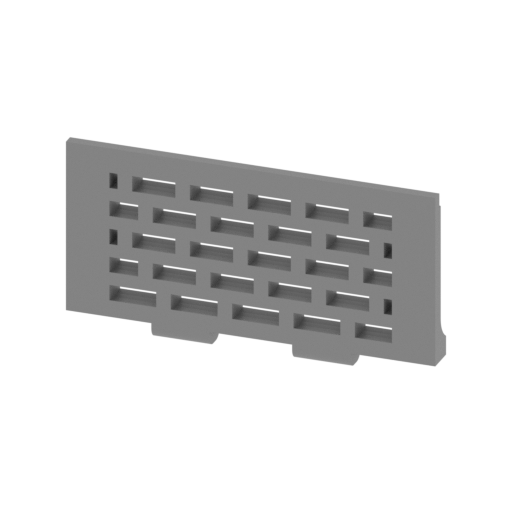 | H279,H281 Fan grille cover.stl 29 x 2 x 15 mm | 1.14 x 0.08 x 0.59 in | Size: 29 x 2 x 15 mm | 1.14 x 0.08 x 0.59 in | File size: 0.12 mb | Printing Time / Filament: 21 min / <1 m | ||
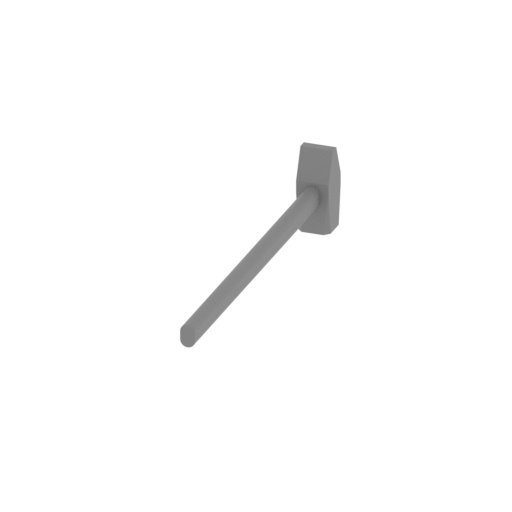 | H278 artisan.stl 2 x 23 x 5 mm | 0.08 x 0.91 x 0.2 in | Size: 2 x 23 x 5 mm | 0.08 x 0.91 x 0.2 in | File size: 0.01 mb | Printing Time / Filament: 3 min / <1 m | ||
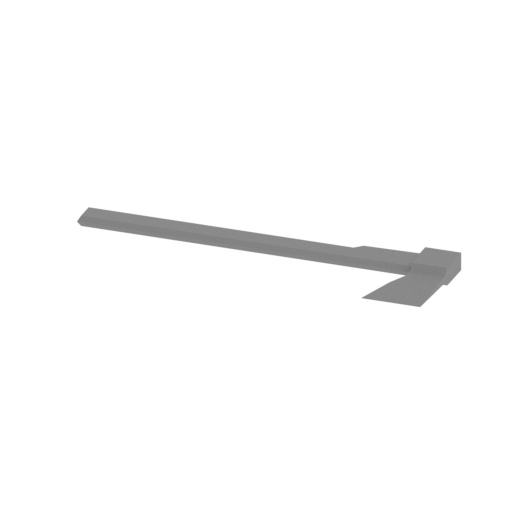 | H277 hatchet.stl 20 x 6 x 1 mm | 0.79 x 0.24 x 0.04 in | Size: 20 x 6 x 1 mm | 0.79 x 0.24 x 0.04 in | File size: 0.01 mb | Printing Time / Filament: 1 min / <1 m | ||
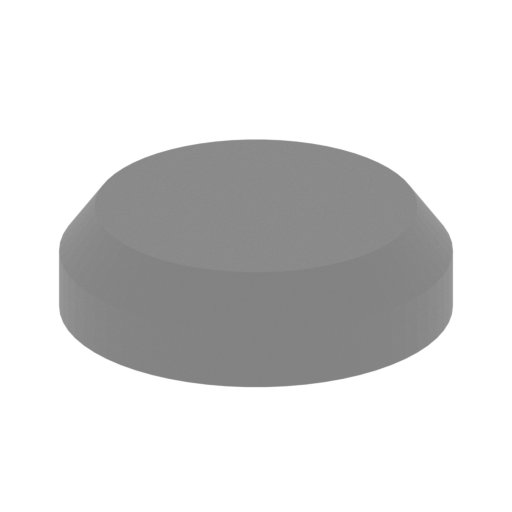 | H276 Air vent cover.stl 9 x 9 x 3 mm | 0.35 x 0.35 x 0.12 in | Size: 9 x 9 x 3 mm | 0.35 x 0.35 x 0.12 in | File size: 0.04 mb | Printing Time / Filament: 3 min / <1 m | ||
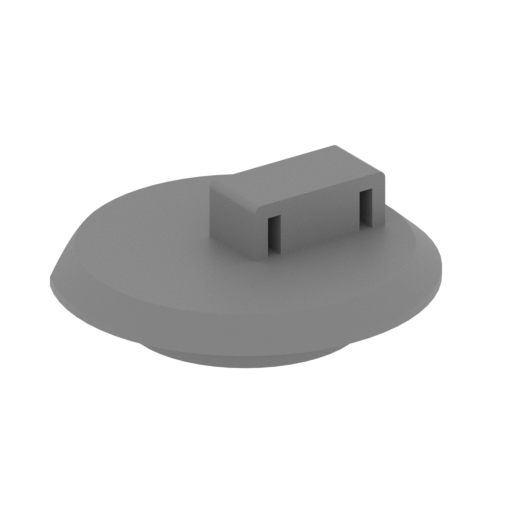 | H275 The driver_s door.stl 13 x 14 x 5 mm | 0.51 x 0.55 x 0.2 in | Size: 13 x 14 x 5 mm | 0.51 x 0.55 x 0.2 in | File size: 0.05 mb | Printing Time / Filament: 7 min / <1 m | ||
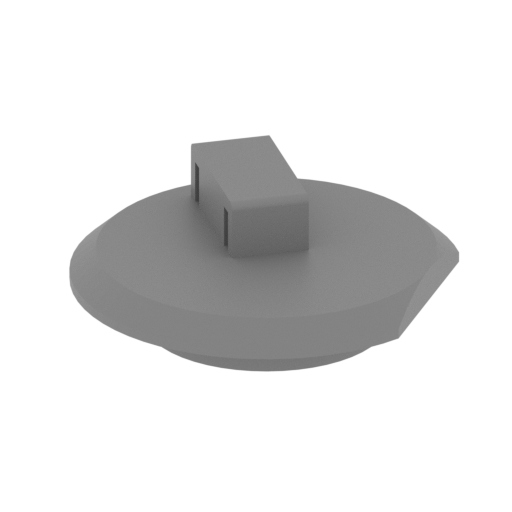 | H274 Correspondent door.stl 13 x 14 x 5 mm | 0.51 x 0.55 x 0.2 in | Size: 13 x 14 x 5 mm | 0.51 x 0.55 x 0.2 in | File size: 0.05 mb | Printing Time / Filament: 7 min / <1 m | ||
 | H273 Correspondent door next to the toolbox cover.stl 10 x 9 x 2 mm | 0.39 x 0.35 x 0.08 in | Size: 10 x 9 x 2 mm | 0.39 x 0.35 x 0.08 in | File size: 0.00 mb | Printing Time / Filament: 3 min / <1 m | ||
 | H272 Correspondent door next to the toolbox.stl 10 x 9 x 3 mm | 0.39 x 0.35 x 0.12 in | Size: 10 x 9 x 3 mm | 0.39 x 0.35 x 0.12 in | File size: 0.00 mb | Printing Time / Filament: 3 min / <1 m | ||
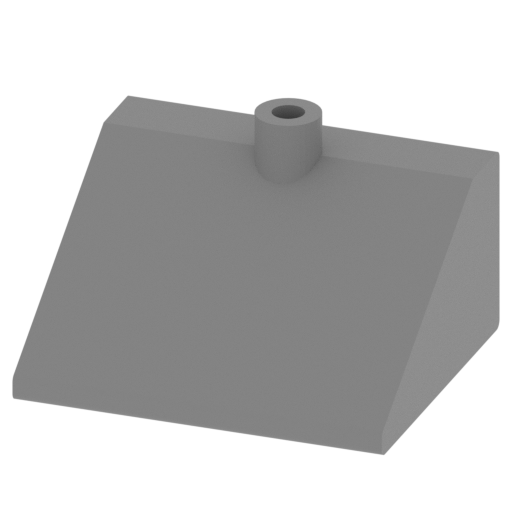 | H271 Fuel tank right.stl 27 x 23 x 16 mm | 1.06 x 0.91 x 0.63 in | Size: 27 x 23 x 16 mm | 1.06 x 0.91 x 0.63 in | File size: 0.03 mb | Printing Time / Filament: 52 min / 1 m | ||
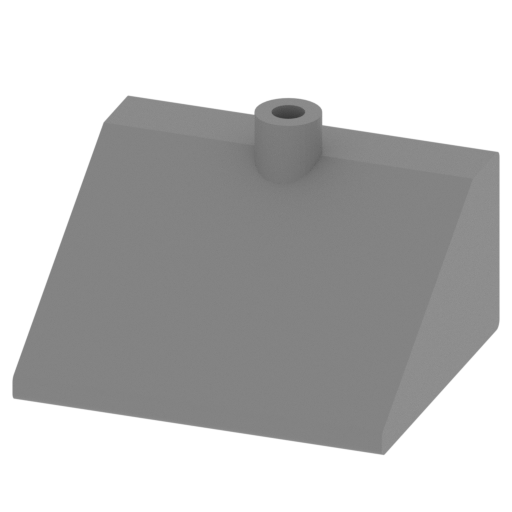 | H270 Fuel tank left.stl 27 x 23 x 16 mm | 1.06 x 0.91 x 0.63 in | Size: 27 x 23 x 16 mm | 1.06 x 0.91 x 0.63 in | File size: 0.03 mb | Printing Time / Filament: 52 min / 1 m | ||
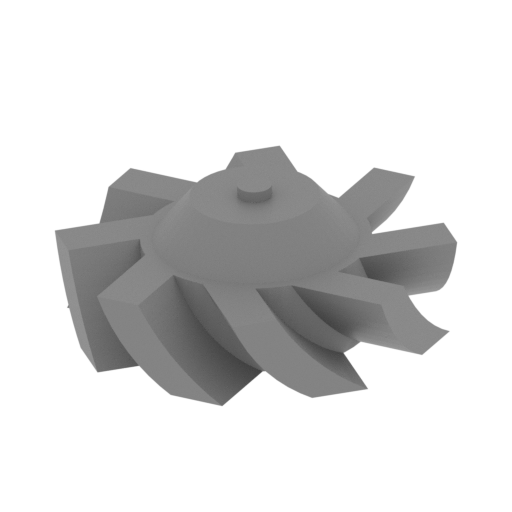 | H268,H269 Fan leaves.stl 10 x 10 x 4 mm | 0.39 x 0.39 x 0.16 in | Size: 10 x 10 x 4 mm | 0.39 x 0.39 x 0.16 in | File size: 0.08 mb | Printing Time / Filament: 4 min / <1 m | ||
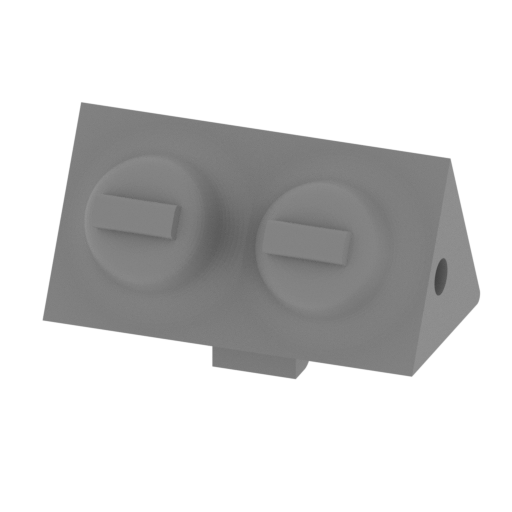 | H267 Fan left.stl 27 x 15 x 17 mm | 1.06 x 0.59 x 0.67 in | Size: 27 x 15 x 17 mm | 1.06 x 0.59 x 0.67 in | File size: 0.31 mb | Printing Time / Filament: 43 min / <1 m | ||
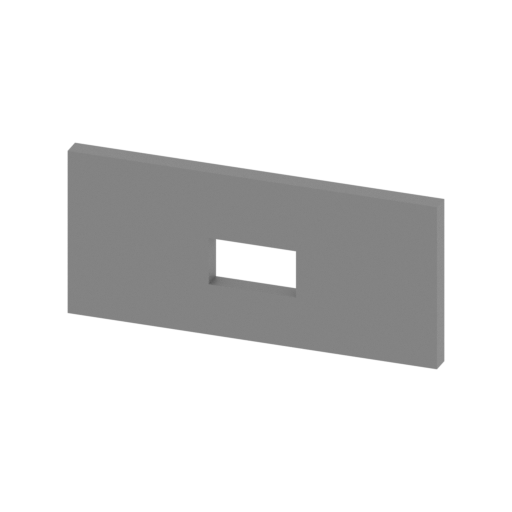 | H266 Fan partition.stl 27 x 1 x 12 mm | 1.06 x 0.04 x 0.47 in | Size: 27 x 1 x 12 mm | 1.06 x 0.04 x 0.47 in | File size: 0.00 mb | Printing Time / Filament: 11 min / <1 m | ||
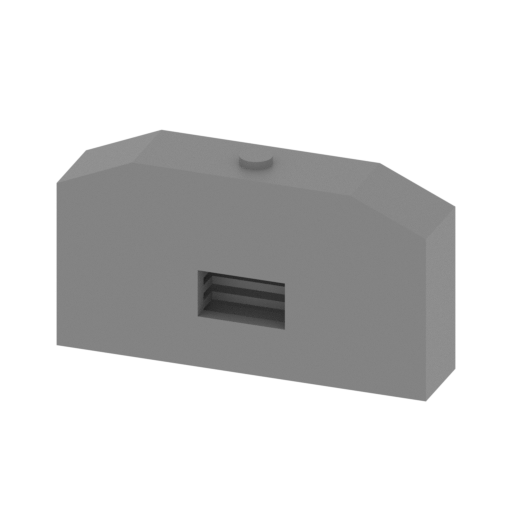 | H265,H260 radiator.stl 27 x 6 x 15 mm | 1.06 x 0.24 x 0.59 in | Size: 27 x 6 x 15 mm | 1.06 x 0.24 x 0.59 in | File size: 0.02 mb | Printing Time / Filament: 24 min / <1 m | ||
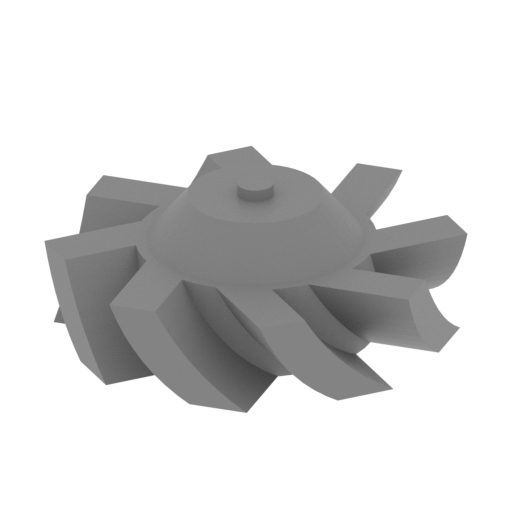 | H263,H264 Fan leaves.stl 9 x 9 x 4 mm | 0.35 x 0.35 x 0.16 in | Size: 9 x 9 x 4 mm | 0.35 x 0.35 x 0.16 in | File size: 0.08 mb | Printing Time / Filament: 3 min / <1 m | ||
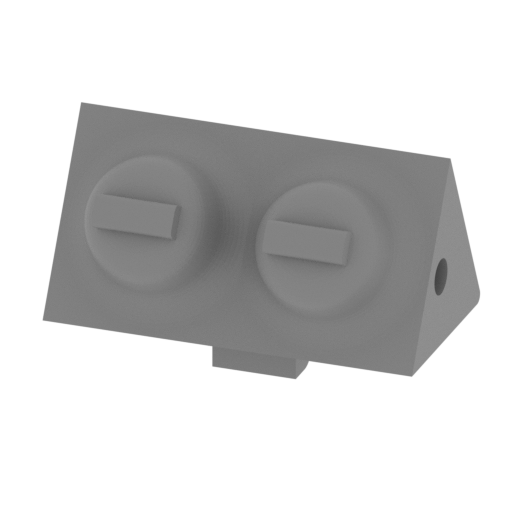 | H262 Fan right.stl 27 x 15 x 17 mm | 1.06 x 0.59 x 0.67 in | Size: 27 x 15 x 17 mm | 1.06 x 0.59 x 0.67 in | File size: 0.31 mb | Printing Time / Filament: 43 min / <1 m | ||
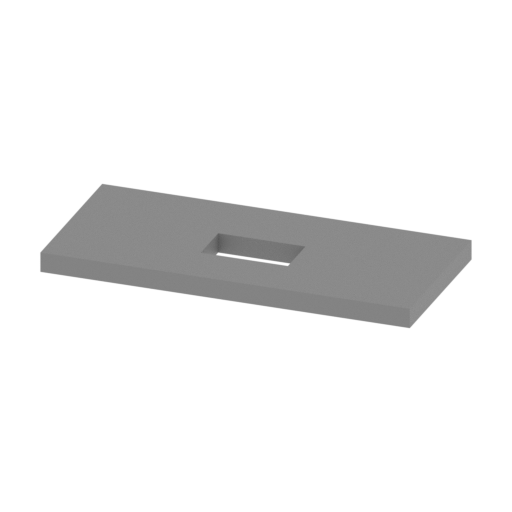 | H261 Fan partition.stl 27 x 12 x 1 mm | 1.06 x 0.47 x 0.04 in | Size: 27 x 12 x 1 mm | 1.06 x 0.47 x 0.04 in | File size: 0.00 mb | Printing Time / Filament: 8 min / <1 m | ||
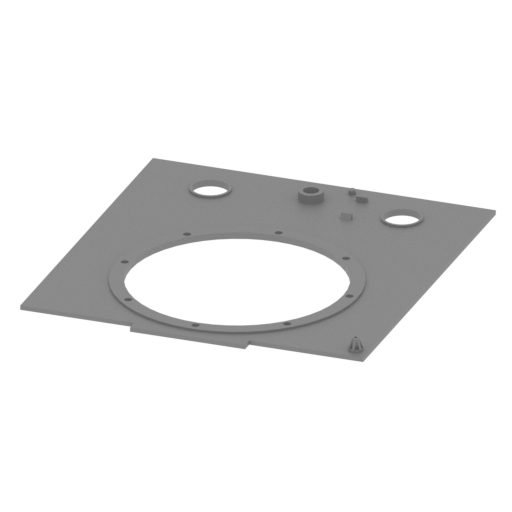 | H259 Upper panel.stl 88 x 95 x 4 mm | 3.46 x 3.74 x 0.16 in | Size: 88 x 95 x 4 mm | 3.46 x 3.74 x 0.16 in | File size: 0.22 mb | Printing Time / Filament: 1 h 54 min / 1 m | ||
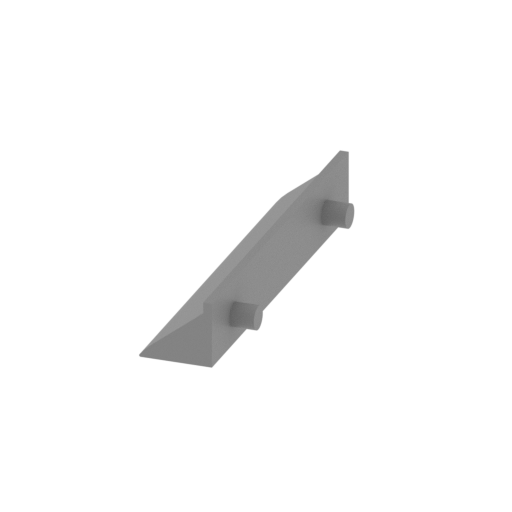 | H258 Side fender right (front).stl 9 x 35 x 6 mm | 0.35 x 1.38 x 0.24 in | Size: 9 x 35 x 6 mm | 0.35 x 1.38 x 0.24 in | File size: 0.02 mb | Printing Time / Filament: 12 min / <1 m | ||
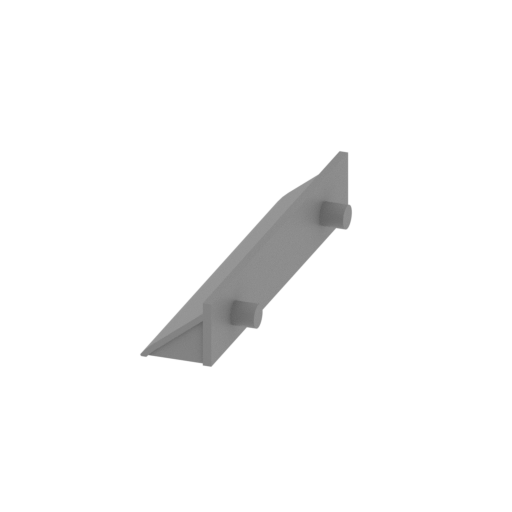 | H256,H257 Side fender right (middle).stl 9 x 36 x 6 mm | 0.35 x 1.42 x 0.24 in | Size: 9 x 36 x 6 mm | 0.35 x 1.42 x 0.24 in | File size: 0.02 mb | Printing Time / Filament: 12 min / <1 m | ||
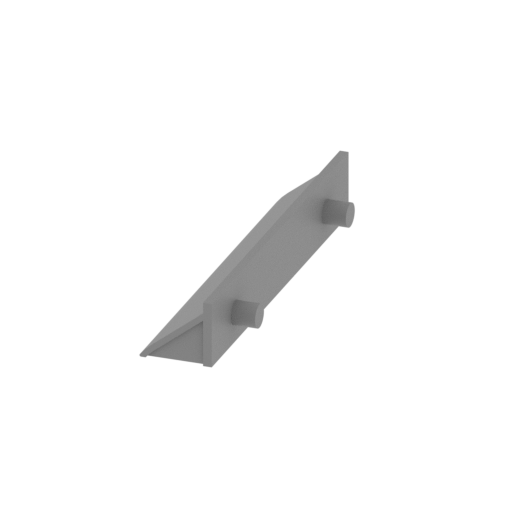 | H255 Side fender right (behind).stl 9 x 35 x 6 mm | 0.35 x 1.38 x 0.24 in | Size: 9 x 35 x 6 mm | 0.35 x 1.38 x 0.24 in | File size: 0.02 mb | Printing Time / Filament: 12 min / <1 m | ||
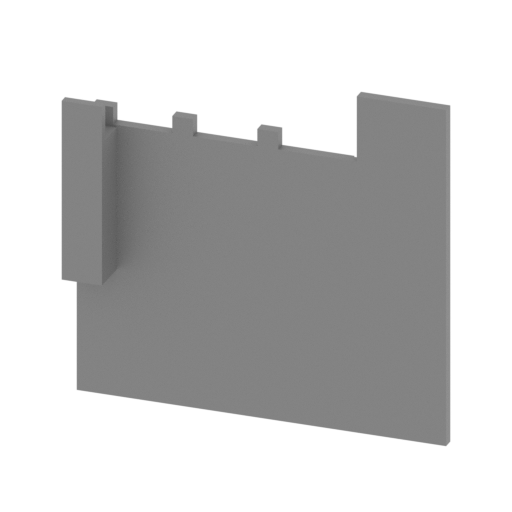 | H254 Front fender (right).stl 24 x 3 x 22 mm | 0.94 x 0.12 x 0.87 in | Size: 24 x 3 x 22 mm | 0.94 x 0.12 x 0.87 in | File size: 0.01 mb | Printing Time / Filament: 18 min / <1 m | ||
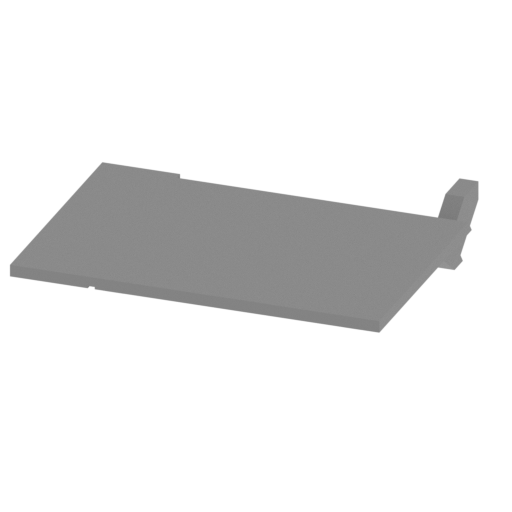 | H253 Rear fender (right).stl 22 x 20 x 4 mm | 0.87 x 0.79 x 0.16 in | Size: 22 x 20 x 4 mm | 0.87 x 0.79 x 0.16 in | File size: 0.01 mb | Printing Time / Filament: 12 min / <1 m | ||
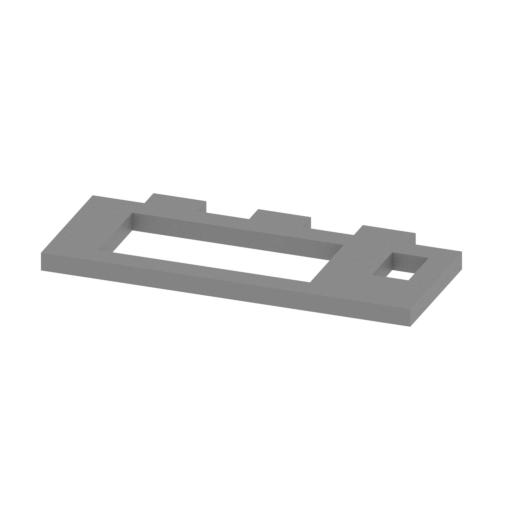 | H252 Rear fender base (right).stl 17 x 8 x 1 mm | 0.67 x 0.31 x 0.04 in | Size: 17 x 8 x 1 mm | 0.67 x 0.31 x 0.04 in | File size: 0.01 mb | Printing Time / Filament: 2 min / <1 m | ||
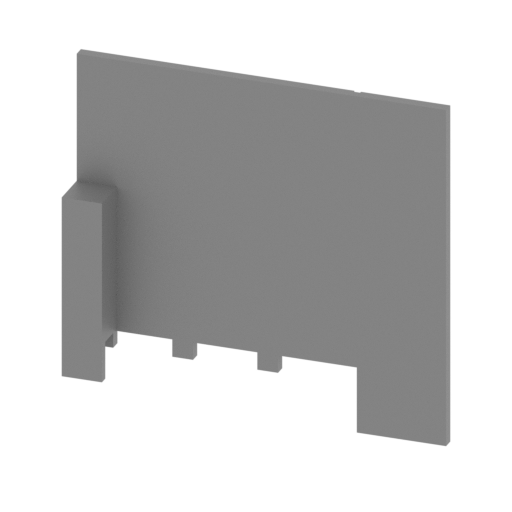 | H251 Front fender (left).stl 24 x 3 x 22 mm | 0.94 x 0.12 x 0.87 in | Size: 24 x 3 x 22 mm | 0.94 x 0.12 x 0.87 in | File size: 0.01 mb | Printing Time / Filament: 20 min / <1 m | ||
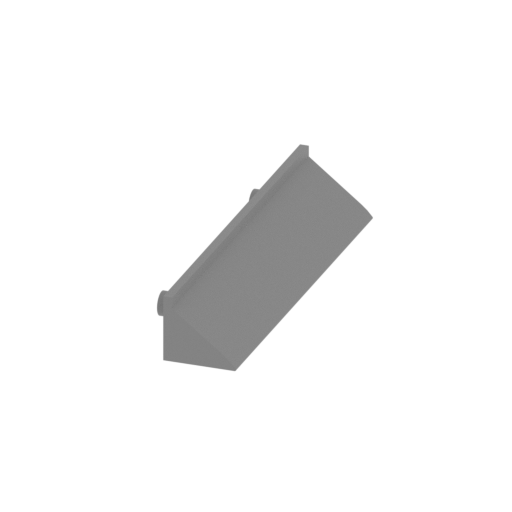 | H250 Side fender left (front).stl 9 x 35 x 6 mm | 0.35 x 1.38 x 0.24 in | Size: 9 x 35 x 6 mm | 0.35 x 1.38 x 0.24 in | File size: 0.02 mb | Printing Time / Filament: 12 min / <1 m | ||
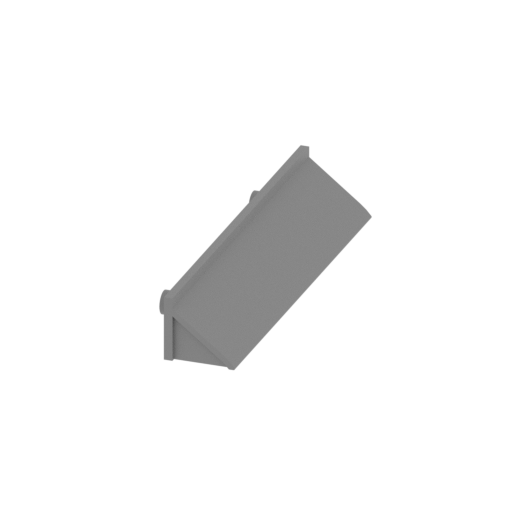 | H248,H249 Side fender left (middle).stl 9 x 36 x 6 mm | 0.35 x 1.42 x 0.24 in | Size: 9 x 36 x 6 mm | 0.35 x 1.42 x 0.24 in | File size: 0.02 mb | Printing Time / Filament: 12 min / <1 m | ||
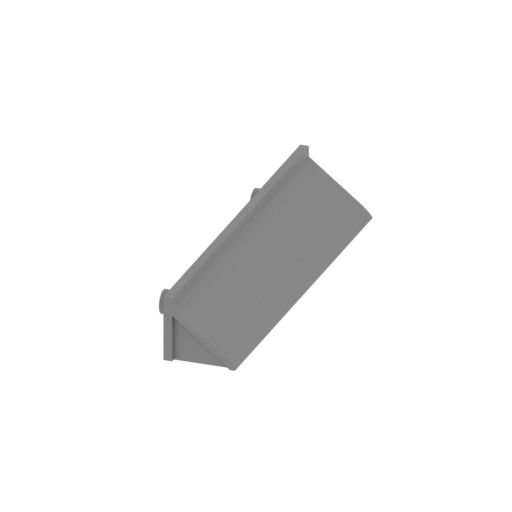 | H247 Side fender left (behind).stl 9 x 35 x 6 mm | 0.35 x 1.38 x 0.24 in | Size: 9 x 35 x 6 mm | 0.35 x 1.38 x 0.24 in | File size: 0.02 mb | Printing Time / Filament: 12 min / <1 m | ||
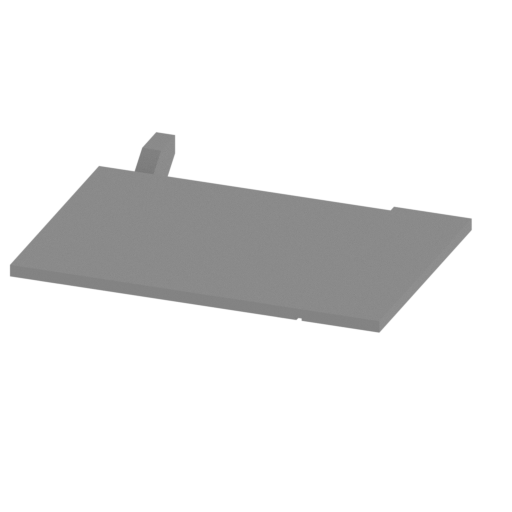 | H246 Rear fender (left).stl 22 x 20 x 4 mm | 0.87 x 0.79 x 0.16 in | Size: 22 x 20 x 4 mm | 0.87 x 0.79 x 0.16 in | File size: 0.01 mb | Printing Time / Filament: 12 min / <1 m | ||
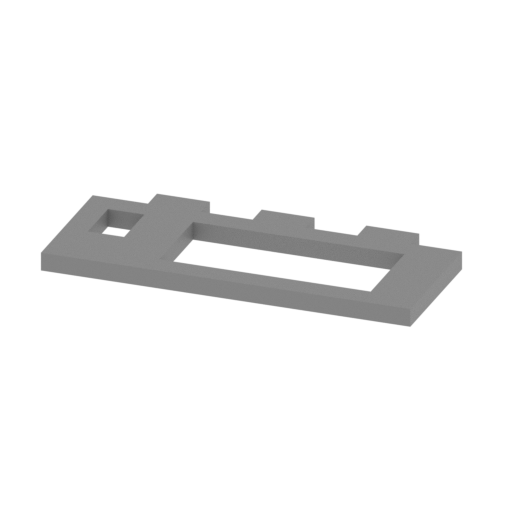 | H245 Rear fender base (left).stl 17 x 8 x 1 mm | 0.67 x 0.31 x 0.04 in | Size: 17 x 8 x 1 mm | 0.67 x 0.31 x 0.04 in | File size: 0.01 mb | Printing Time / Filament: 2 min / <1 m | ||
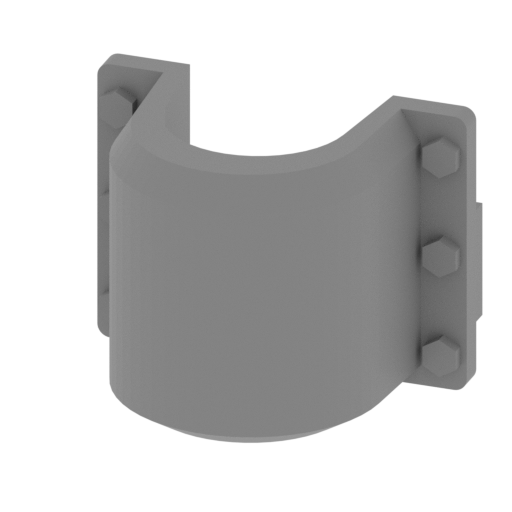 | H240,H244 Rear exhaust pipe outside cover.stl 16 x 13 x 13 mm | 0.63 x 0.51 x 0.51 in | Size: 16 x 13 x 13 mm | 0.63 x 0.51 x 0.51 in | File size: 0.03 mb | Printing Time / Filament: 14 min / <1 m | ||
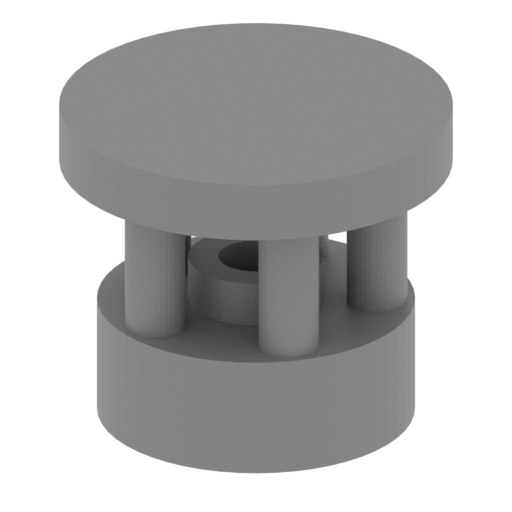 | H239,H243 Rear exhaust pipe cover.stl 7 x 7 x 6 mm | 0.28 x 0.28 x 0.24 in | Size: 7 x 7 x 6 mm | 0.28 x 0.28 x 0.24 in | File size: 0.08 mb | Printing Time / Filament: 6 min / <1 m | ||
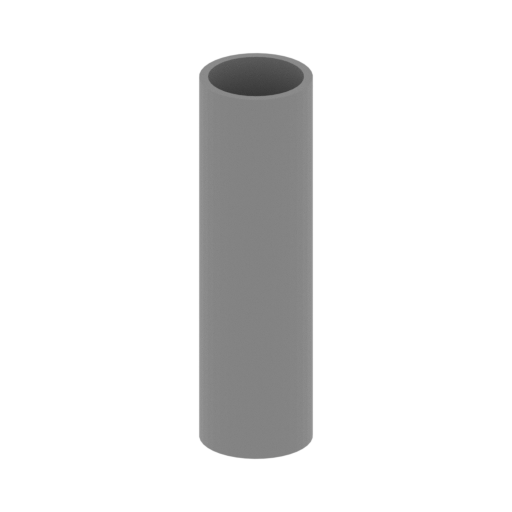 | H238,H242Rear exhaust pipe.stl 7 x 7 x 26 mm | 0.28 x 0.28 x 1.02 in | Size: 7 x 7 x 26 mm | 0.28 x 0.28 x 1.02 in | File size: 0.03 mb | Printing Time / Filament: 20 min / <1 m | ||
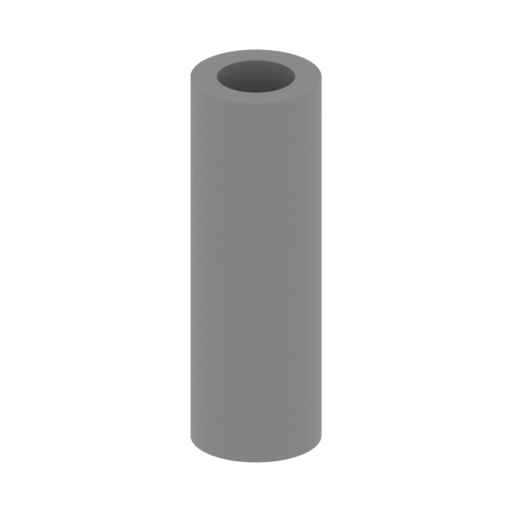 | H237,H241 The air area behind the engine link.stl 3 x 3 x 9 mm | 0.12 x 0.12 x 0.35 in | Size: 3 x 3 x 9 mm | 0.12 x 0.12 x 0.35 in | File size: 0.02 mb | Printing Time / Filament: 3 min / <1 m | ||
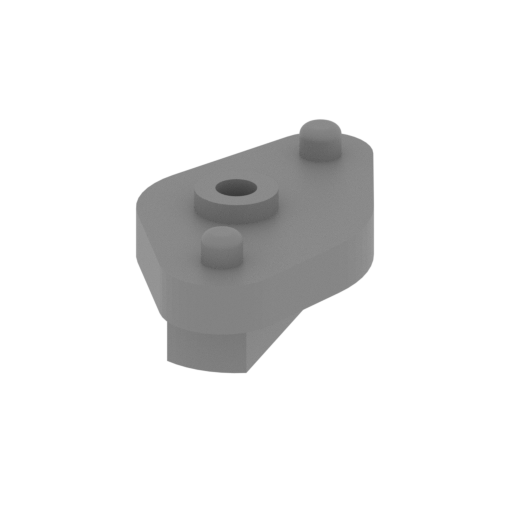 | H236 Shake the adapter.stl 6 x 11 x 5 mm | 0.24 x 0.43 x 0.2 in | Size: 6 x 11 x 5 mm | 0.24 x 0.43 x 0.2 in | File size: 0.11 mb | Printing Time / Filament: 4 min / <1 m | ||
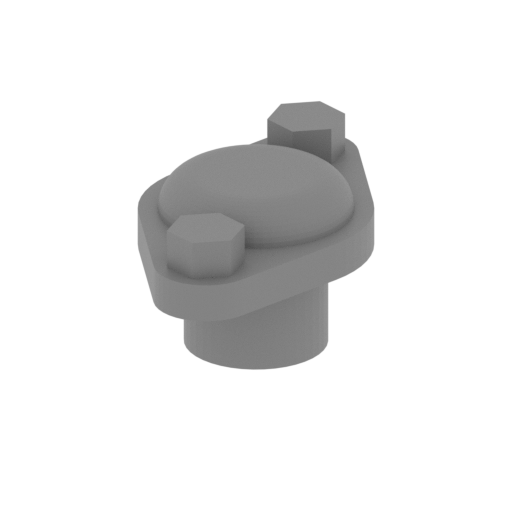 | H234,H235 Track control device.stl 5 x 9 x 4 mm | 0.2 x 0.35 x 0.16 in | Size: 5 x 9 x 4 mm | 0.2 x 0.35 x 0.16 in | File size: 0.10 mb | Printing Time / Filament: 3 min / <1 m | ||
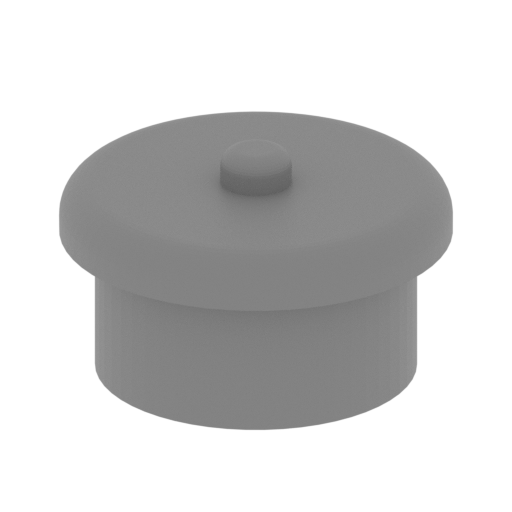 | H233 Shake the handle the hole cover.stl 6 x 6 x 4 mm | 0.24 x 0.24 x 0.16 in | Size: 6 x 6 x 4 mm | 0.24 x 0.24 x 0.16 in | File size: 0.15 mb | Printing Time / Filament: 2 min / <1 m | ||
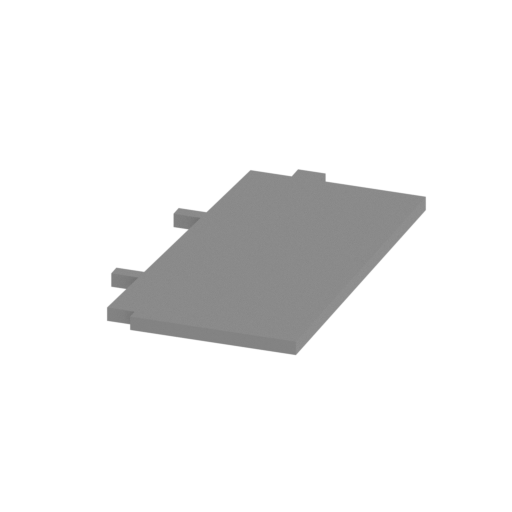 | H232 Deposit bomb right bulkhead1.stl 18 x 31 x 1 mm | 0.71 x 1.22 x 0.04 in | Size: 18 x 31 x 1 mm | 0.71 x 1.22 x 0.04 in | File size: 0.00 mb | Printing Time / Filament: 9 min / <1 m | ||
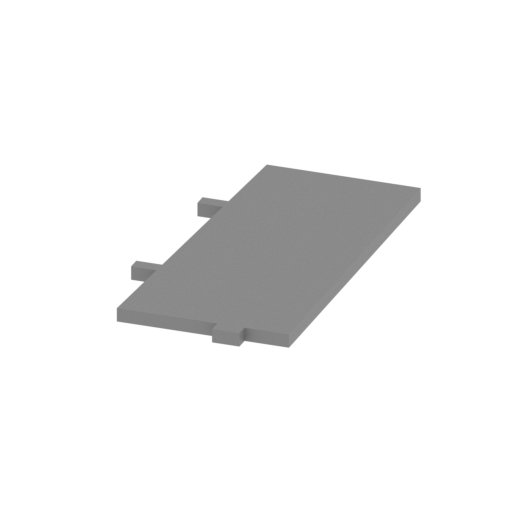 | H231 Deposit bomb right bulkhead2.stl 16 x 31 x 1 mm | 0.63 x 1.22 x 0.04 in | Size: 16 x 31 x 1 mm | 0.63 x 1.22 x 0.04 in | File size: 0.00 mb | Printing Time / Filament: 9 min / <1 m | ||
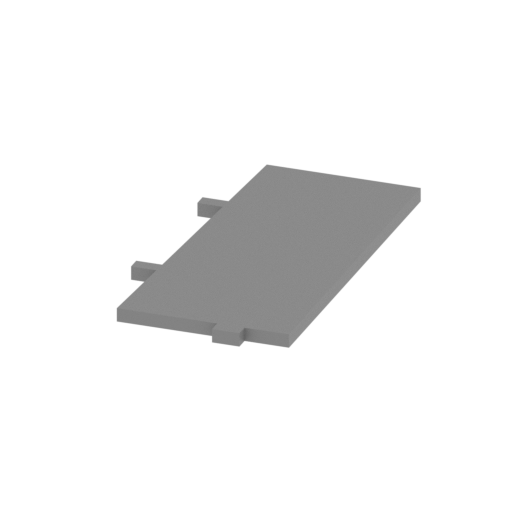 | H230 Deposit bomb left bulkhead2.stl 16 x 31 x 1 mm | 0.63 x 1.22 x 0.04 in | Size: 16 x 31 x 1 mm | 0.63 x 1.22 x 0.04 in | File size: 0.00 mb | Printing Time / Filament: 9 min / <1 m | ||
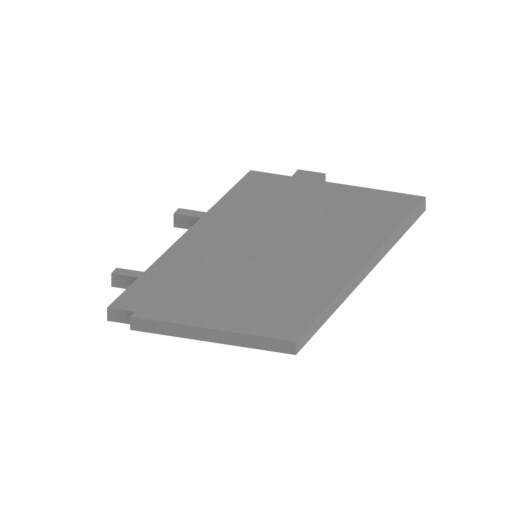 | H229 Deposit bomb left bulkhead1.stl 18 x 31 x 1 mm | 0.71 x 1.22 x 0.04 in | Size: 18 x 31 x 1 mm | 0.71 x 1.22 x 0.04 in | File size: 0.00 mb | Printing Time / Filament: 9 min / <1 m | ||
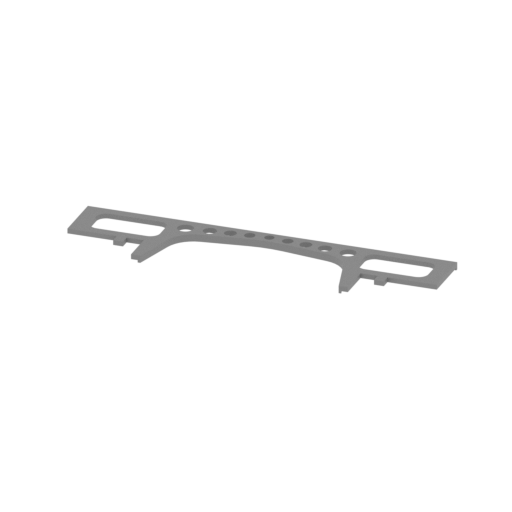 | H228 First baffle front.stl 86 x 21 x 2 mm | 3.39 x 0.83 x 0.08 in | Size: 86 x 21 x 2 mm | 3.39 x 0.83 x 0.08 in | File size: 0.11 mb | Printing Time / Filament: 18 min / <1 m | ||
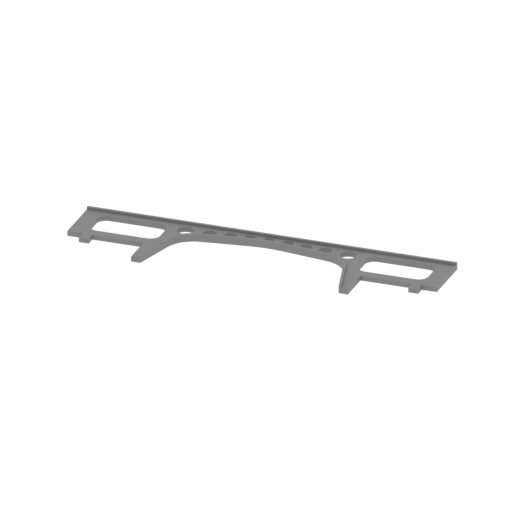 | H227 First baffle after.stl 86 x 21 x 2 mm | 3.39 x 0.83 x 0.08 in | Size: 86 x 21 x 2 mm | 3.39 x 0.83 x 0.08 in | File size: 0.11 mb | Printing Time / Filament: 14 min / <1 m | ||
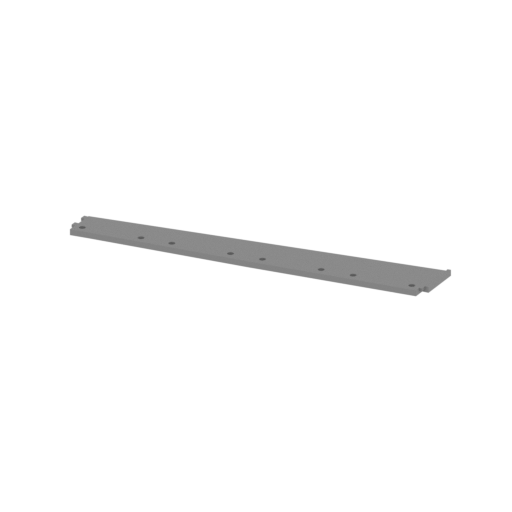 | H226 Right sideboard.stl 144 x 22 x 2 mm | 5.67 x 0.87 x 0.08 in | Size: 144 x 22 x 2 mm | 5.67 x 0.87 x 0.08 in | File size: 0.09 mb | Printing Time / Filament: 1 h 10 min / 1 m | ||
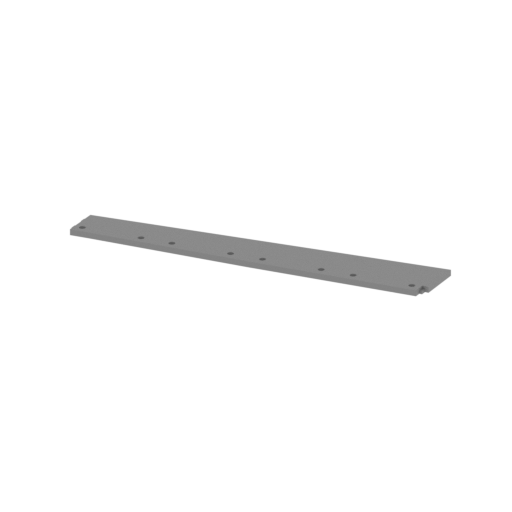 | H225 Left sideboard.stl 144 x 22 x 2 mm | 5.67 x 0.87 x 0.08 in | Size: 144 x 22 x 2 mm | 5.67 x 0.87 x 0.08 in | File size: 0.09 mb | Printing Time / Filament: 1 h 11 min / 1 m | ||
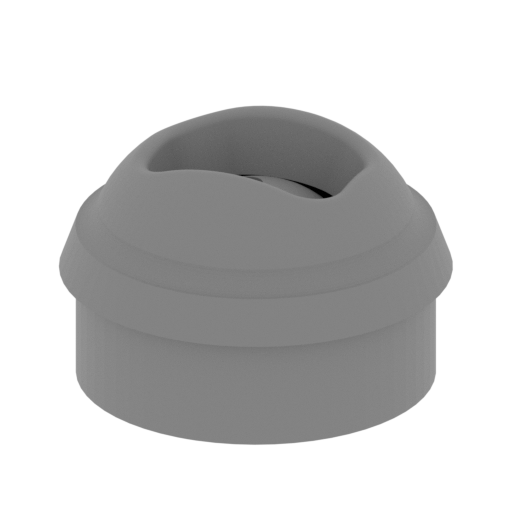 | H224 Spherical machine gun cap(inside active).stl 10 x 10 x 6 mm | 0.39 x 0.39 x 0.24 in | Size: 10 x 10 x 6 mm | 0.39 x 0.39 x 0.24 in | File size: 1.05 mb | Printing Time / Filament: 6 min / <1 m | ||
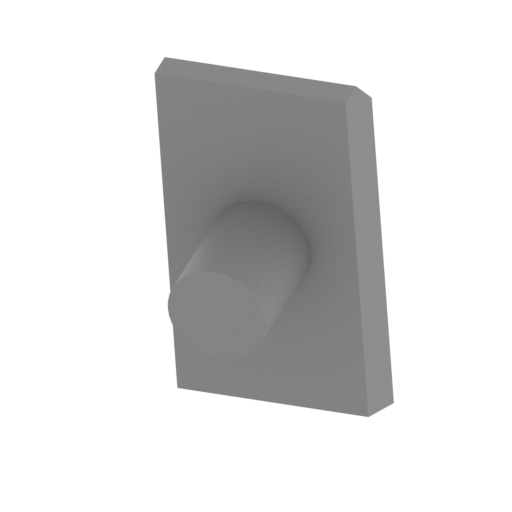 | H223 Driver observation hole3.stl 4 x 5 x 9 mm | 0.16 x 0.2 x 0.35 in | Size: 4 x 5 x 9 mm | 0.16 x 0.2 x 0.35 in | File size: 0.01 mb | Printing Time / Filament: 3 min / <1 m | ||
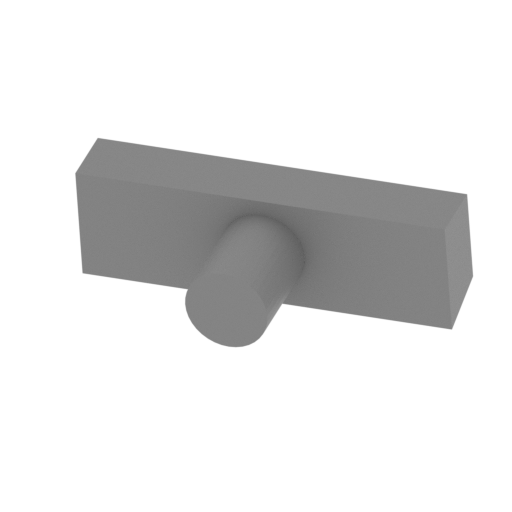 | H222 Driver observation hole2.stl 10 x 5 x 3 mm | 0.39 x 0.2 x 0.12 in | Size: 10 x 5 x 3 mm | 0.39 x 0.2 x 0.12 in | File size: 0.01 mb | Printing Time / Filament: 2 min / <1 m | ||
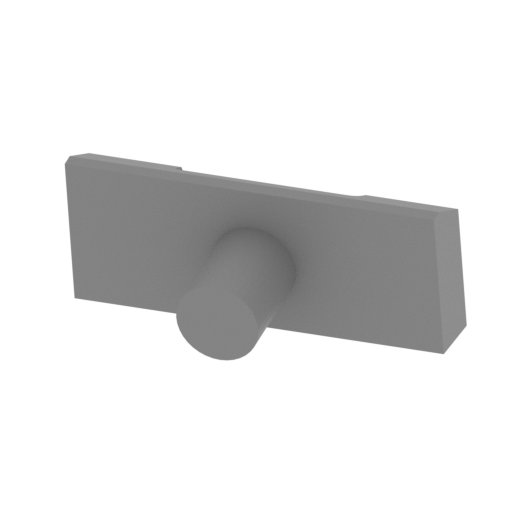 | H221 Driver observation hole1.stl 10 x 6 x 4 mm | 0.39 x 0.24 x 0.16 in | Size: 10 x 6 x 4 mm | 0.39 x 0.24 x 0.16 in | File size: 0.03 mb | Printing Time / Filament: 3 min / <1 m | ||
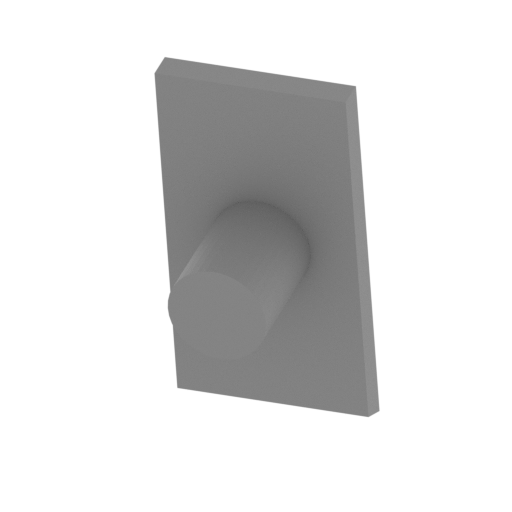 | H220 Driver observation hole4.stl 4 x 5 x 9 mm | 0.16 x 0.2 x 0.35 in | Size: 4 x 5 x 9 mm | 0.16 x 0.2 x 0.35 in | File size: 0.01 mb | Printing Time / Filament: 3 min / <1 m | ||
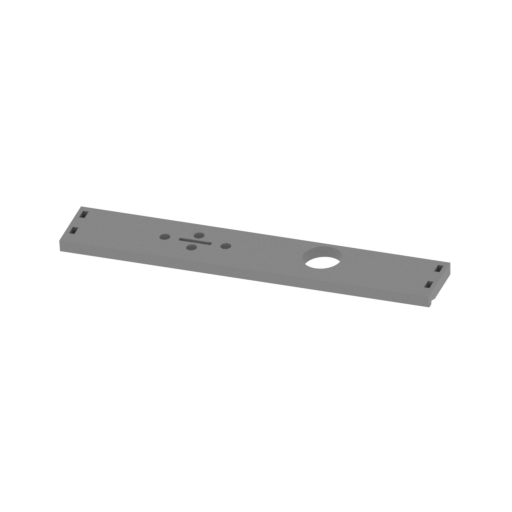 | H219 Front vertical plate.stl 91 x 16 x 5 mm | 3.58 x 0.63 x 0.2 in | Size: 91 x 16 x 5 mm | 3.58 x 0.63 x 0.2 in | File size: 0.06 mb | Printing Time / Filament: 1 h / 1 m | ||
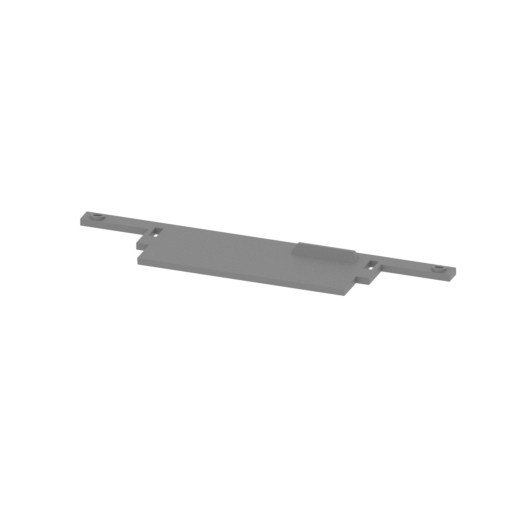 | H218 Front cover.stl 91 x 20 x 4 mm | 3.58 x 0.79 x 0.16 in | Size: 91 x 20 x 4 mm | 3.58 x 0.79 x 0.16 in | File size: 0.04 mb | Printing Time / Filament: 35 min / <1 m | ||
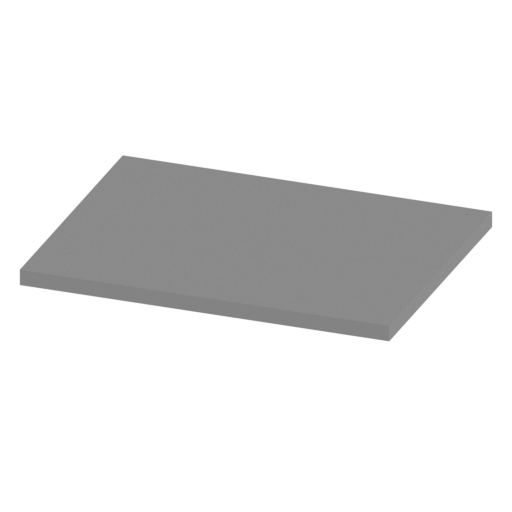 | H216,H217 Turret under the partition cover.stl 13 x 10 x 1 mm | 0.51 x 0.39 x 0.04 in | Size: 13 x 10 x 1 mm | 0.51 x 0.39 x 0.04 in | File size: 0.00 mb | Printing Time / Filament: 3 min / <1 m | ||
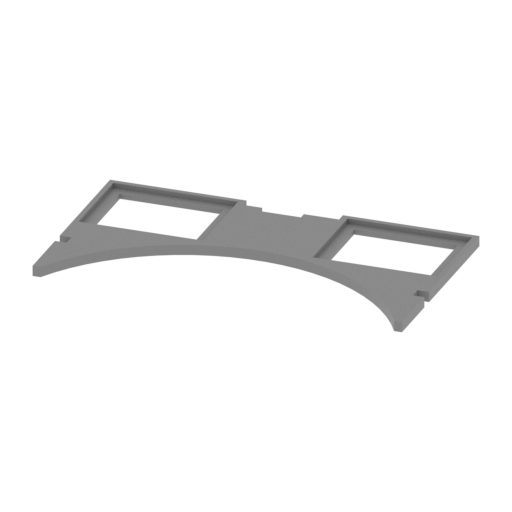 | H215 Turret under the partition.stl 40 x 23 x 1 mm | 1.57 x 0.91 x 0.04 in | Size: 40 x 23 x 1 mm | 1.57 x 0.91 x 0.04 in | File size: 0.01 mb | Printing Time / Filament: 8 min / <1 m | ||
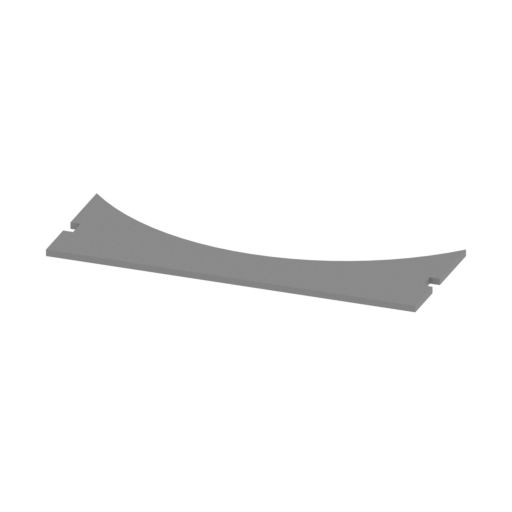 | H214 Above the battery plate cover.stl 32 x 12 x 1 mm | 1.26 x 0.47 x 0.04 in | Size: 32 x 12 x 1 mm | 1.26 x 0.47 x 0.04 in | File size: 0.01 mb | Printing Time / Filament: 5 min / <1 m | ||
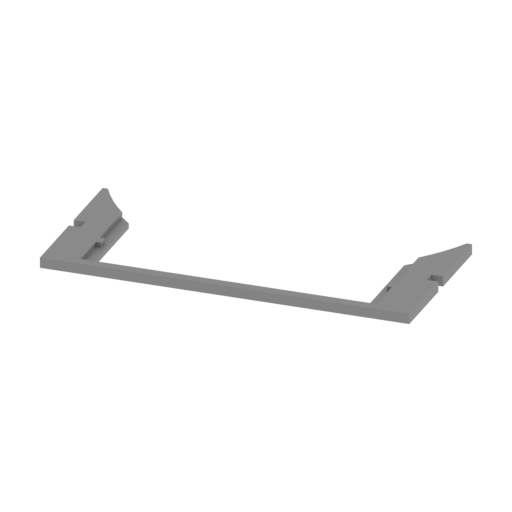 | H213 Above the battery plate.stl 40 x 19 x 1 mm | 1.57 x 0.75 x 0.04 in | Size: 40 x 19 x 1 mm | 1.57 x 0.75 x 0.04 in | File size: 0.01 mb | Printing Time / Filament: 5 min / <1 m | ||
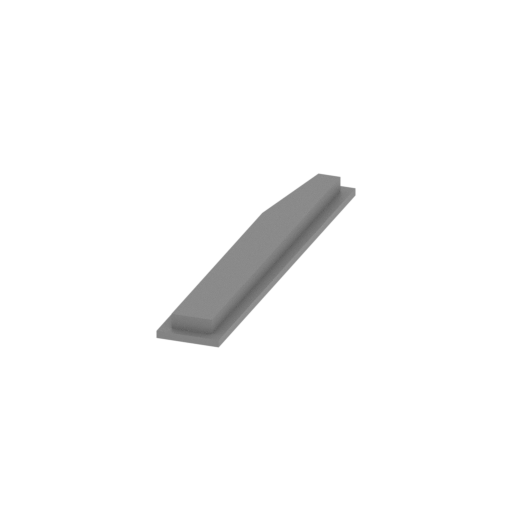 | H212 Left rear storage box cover.stl 5 x 29 x 2 mm | 0.2 x 1.14 x 0.08 in | Size: 5 x 29 x 2 mm | 0.2 x 1.14 x 0.08 in | File size: 0.00 mb | Printing Time / Filament: 3 min / <1 m | ||
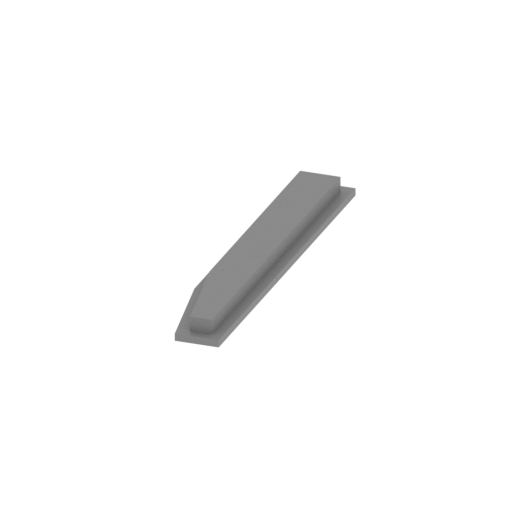 | H211 left front storage box cover.stl 5 x 29 x 2 mm | 0.2 x 1.14 x 0.08 in | Size: 5 x 29 x 2 mm | 0.2 x 1.14 x 0.08 in | File size: 0.00 mb | Printing Time / Filament: 3 min / <1 m | ||
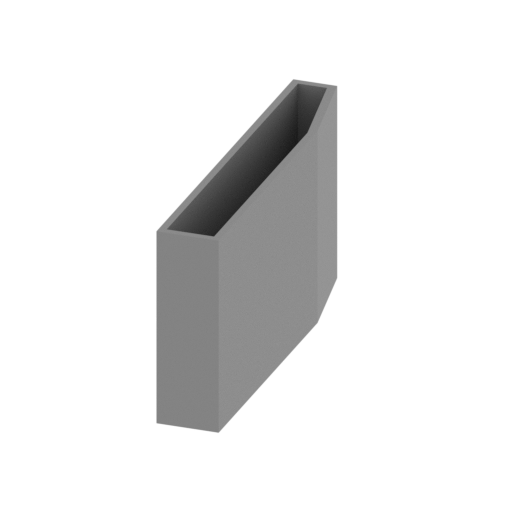 | H210 Left rear storage box.stl 5 x 29 x 15 mm | 0.2 x 1.14 x 0.59 in | Size: 5 x 29 x 15 mm | 0.2 x 1.14 x 0.59 in | File size: 0.00 mb | Printing Time / Filament: 15 min / <1 m | ||
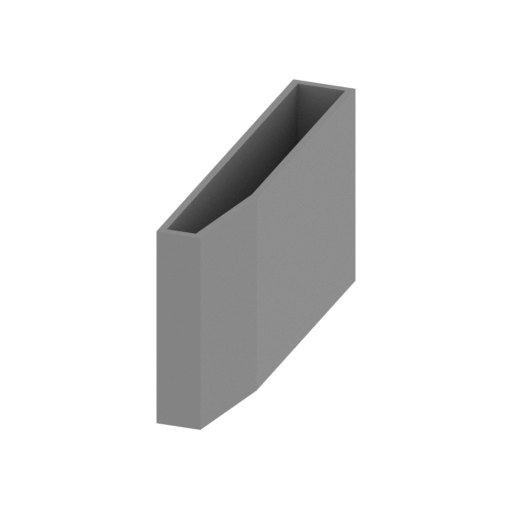 | H209 Left front storage box.stl 5 x 29 x 15 mm | 0.2 x 1.14 x 0.59 in | Size: 5 x 29 x 15 mm | 0.2 x 1.14 x 0.59 in | File size: 0.00 mb | Printing Time / Filament: 15 min / <1 m | ||
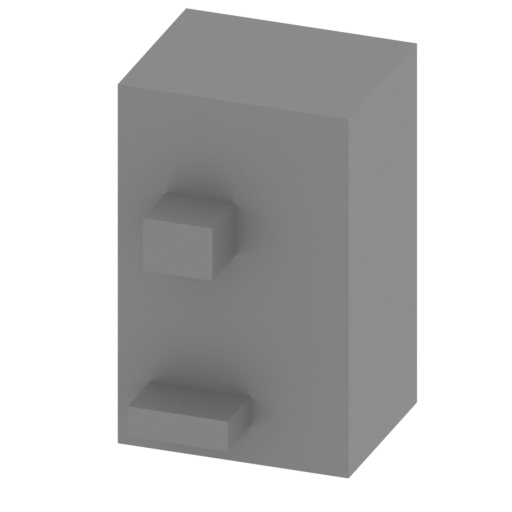 | H208 Battery left.stl 9 x 9 x 14 mm | 0.35 x 0.35 x 0.55 in | Size: 9 x 9 x 14 mm | 0.35 x 0.35 x 0.55 in | File size: 0.06 mb | Printing Time / Filament: 14 min / <1 m | ||
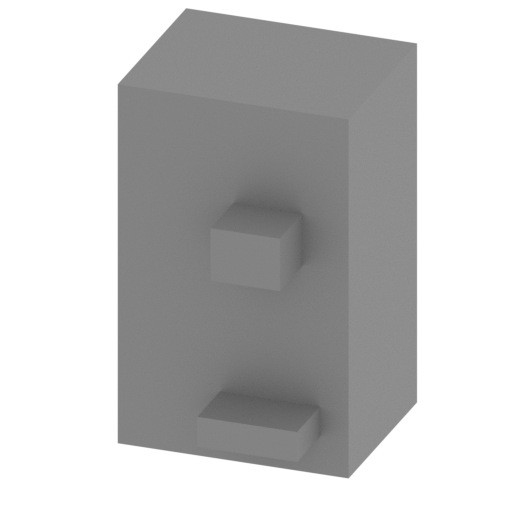 | H207 Battery right.stl 9 x 9 x 14 mm | 0.35 x 0.35 x 0.55 in | Size: 9 x 9 x 14 mm | 0.35 x 0.35 x 0.55 in | File size: 0.06 mb | Printing Time / Filament: 14 min / <1 m | ||
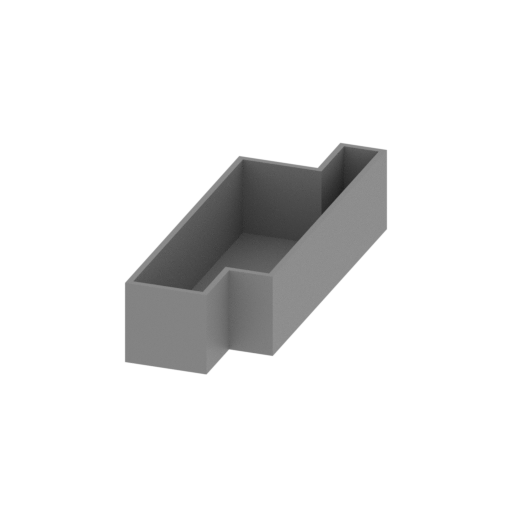 | H206 Turret under the storage box left.stl 12 x 36 x 8 mm | 0.47 x 1.42 x 0.31 in | Size: 12 x 36 x 8 mm | 0.47 x 1.42 x 0.31 in | File size: 0.00 mb | Printing Time / Filament: 12 min / <1 m | ||
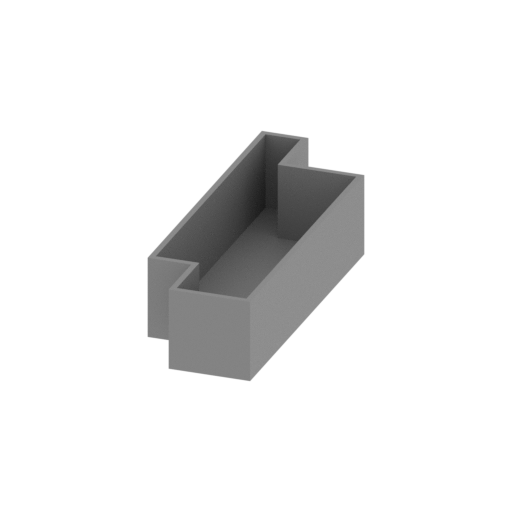 | H205 Turret under the storage box right.stl 12 x 36 x 8 mm | 0.47 x 1.42 x 0.31 in | Size: 12 x 36 x 8 mm | 0.47 x 1.42 x 0.31 in | File size: 0.00 mb | Printing Time / Filament: 12 min / <1 m | ||
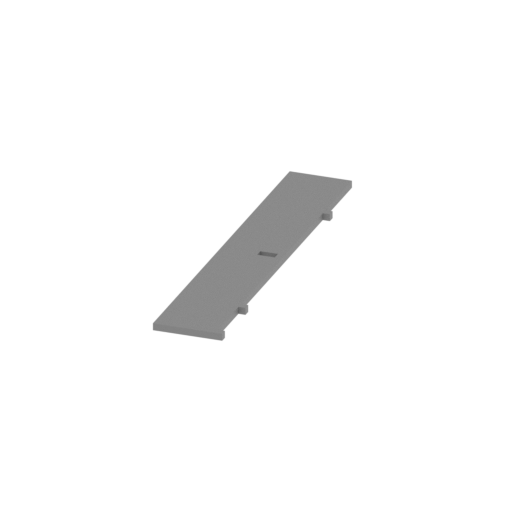 | H204 Left storage box partition.stl 11 x 59 x 1 mm | 0.43 x 2.32 x 0.04 in | Size: 11 x 59 x 1 mm | 0.43 x 2.32 x 0.04 in | File size: 0.00 mb | Printing Time / Filament: 12 min / <1 m | ||
 | H203 transmission shaft2.stl 3 x 27 x 3 mm | 0.12 x 1.06 x 0.12 in | Size: 3 x 27 x 3 mm | 0.12 x 1.06 x 0.12 in | File size: 0.01 mb | Printing Time / Filament: 4 min / <1 m | ||
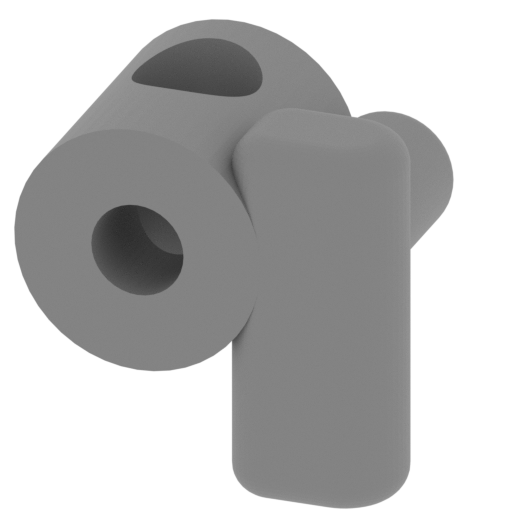 | H202 Hydraulic pump.stl 10 x 9 x 10 mm | 0.39 x 0.35 x 0.39 in | Size: 10 x 9 x 10 mm | 0.39 x 0.35 x 0.39 in | File size: 0.22 mb | Printing Time / Filament: 12 min / <1 m | ||
 | H201 Hydraulic pump base connector.stl 2 x 5 x 2 mm | 0.08 x 0.2 x 0.08 in | Size: 2 x 5 x 2 mm | 0.08 x 0.2 x 0.08 in | File size: 0.01 mb | Printing Time / Filament: 1 min / <1 m | ||
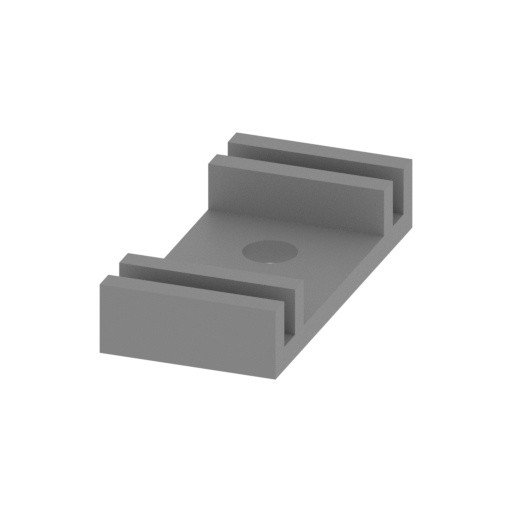 | H200 Hydraulic pump base.stl 9 x 18 x 3 mm | 0.35 x 0.71 x 0.12 in | Size: 9 x 18 x 3 mm | 0.35 x 0.71 x 0.12 in | File size: 0.01 mb | Printing Time / Filament: 6 min / <1 m | ||
 | H199 transmission shaft1.stl 3 x 34 x 3 mm | 0.12 x 1.34 x 0.12 in | Size: 3 x 34 x 3 mm | 0.12 x 1.34 x 0.12 in | File size: 0.01 mb | Printing Time / Filament: 4 min / <1 m | ||
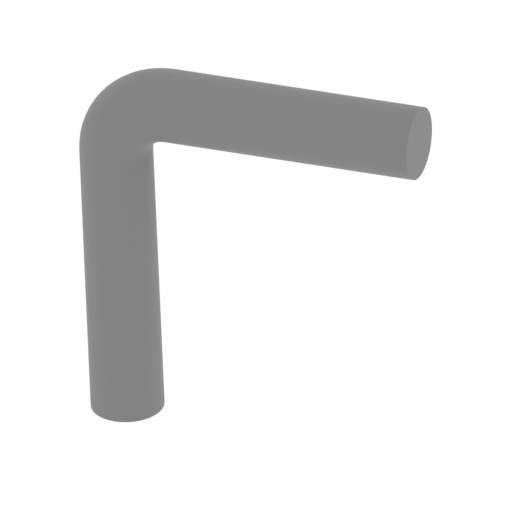 | H197,H198 The driver manually operates the lever.stl 7 x 2 x 8 mm | 0.28 x 0.08 x 0.31 in | Size: 7 x 2 x 8 mm | 0.28 x 0.08 x 0.31 in | File size: 0.08 mb | Printing Time / Filament: 3 min / <1 m | ||
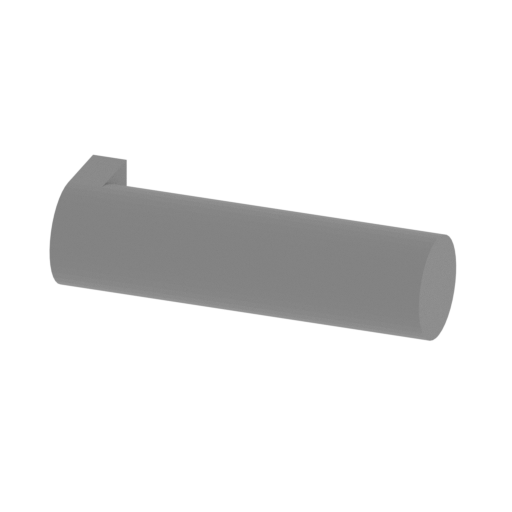 | H196 Driver seat link.stl 6 x 2 x 2 mm | 0.24 x 0.08 x 0.08 in | Size: 6 x 2 x 2 mm | 0.24 x 0.08 x 0.08 in | File size: 0.01 mb | Printing Time / Filament: 1 min / <1 m | ||
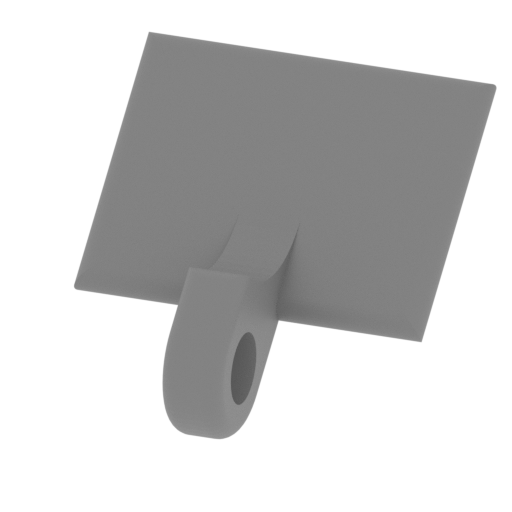 | H195 Driver seat back.stl 11 x 12 x 9 mm | 0.43 x 0.47 x 0.35 in | Size: 11 x 12 x 9 mm | 0.43 x 0.47 x 0.35 in | File size: 0.09 mb | Printing Time / Filament: 8 min / <1 m | ||
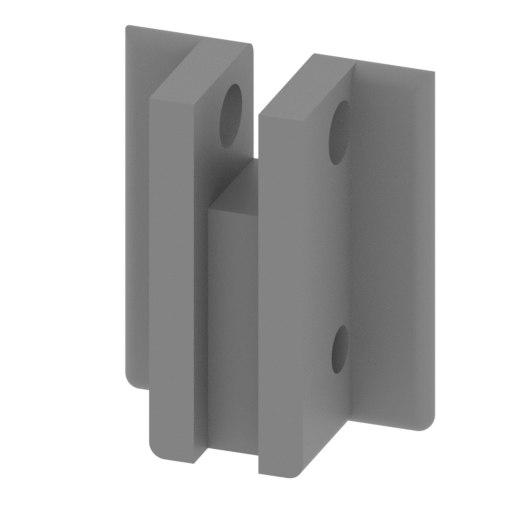 | H194 Driver seat.stl 11 x 6 x 14 mm | 0.43 x 0.24 x 0.55 in | Size: 11 x 6 x 14 mm | 0.43 x 0.24 x 0.55 in | File size: 0.07 mb | Printing Time / Filament: 14 min / <1 m | ||
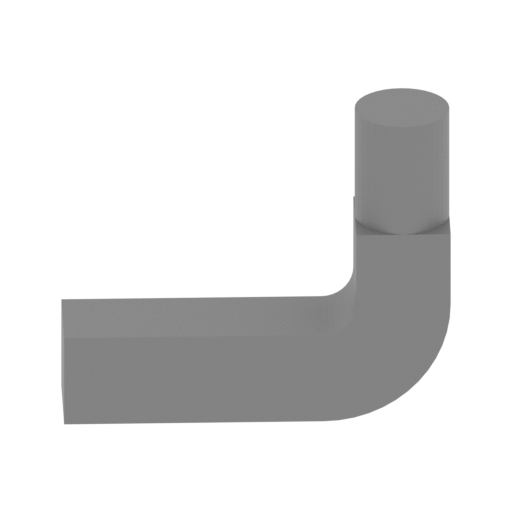 | H193 Engine intake fan right.stl 10 x 6 x 8 mm | 0.39 x 0.24 x 0.31 in | Size: 10 x 6 x 8 mm | 0.39 x 0.24 x 0.31 in | File size: 0.01 mb | Printing Time / Filament: 3 min / <1 m | ||
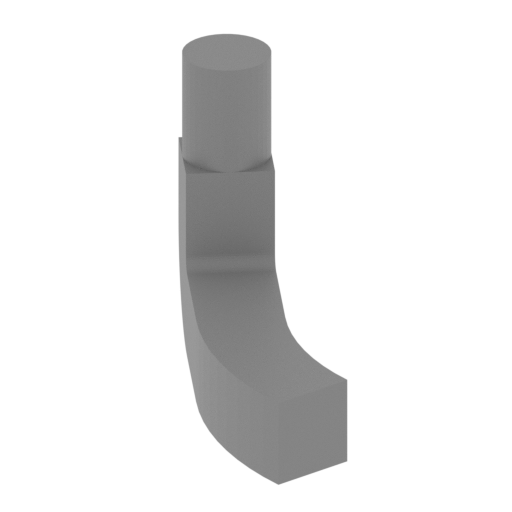 | H192 Engine intake fan left.stl 7 x 10 x 8 mm | 0.28 x 0.39 x 0.31 in | Size: 7 x 10 x 8 mm | 0.28 x 0.39 x 0.31 in | File size: 0.02 mb | Printing Time / Filament: 3 min / <1 m | ||
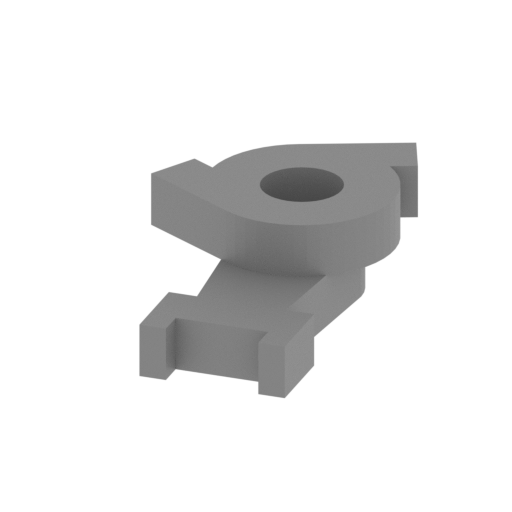 | H191 Engine intake fan.stl 10 x 16 x 5 mm | 0.39 x 0.63 x 0.2 in | Size: 10 x 16 x 5 mm | 0.39 x 0.63 x 0.2 in | File size: 0.02 mb | Printing Time / Filament: 6 min / <1 m | ||
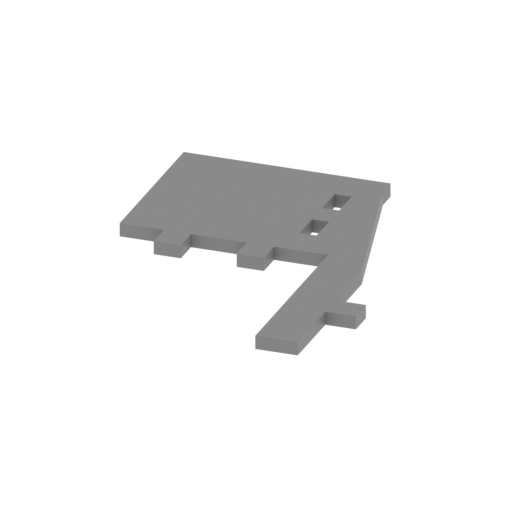 | H190 Middle bulkhead left.stl 24 x 31 x 1 mm | 0.94 x 1.22 x 0.04 in | Size: 24 x 31 x 1 mm | 0.94 x 1.22 x 0.04 in | File size: 0.01 mb | Printing Time / Filament: 7 min / <1 m | ||
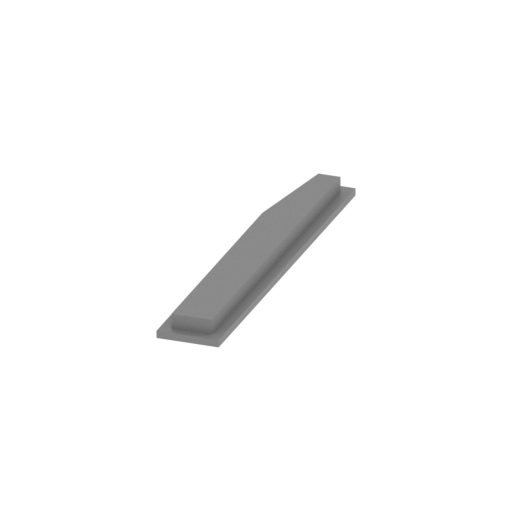 | H189 Right front storage box cover.stl 5 x 29 x 2 mm | 0.2 x 1.14 x 0.08 in | Size: 5 x 29 x 2 mm | 0.2 x 1.14 x 0.08 in | File size: 0.00 mb | Printing Time / Filament: 3 min / <1 m | ||
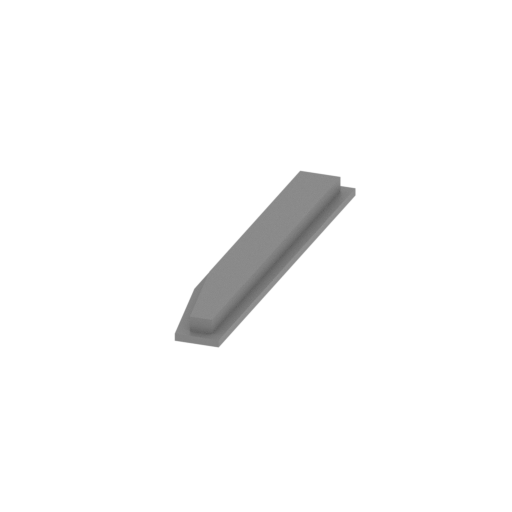 | H188 Right rear storage box cover.stl 5 x 29 x 2 mm | 0.2 x 1.14 x 0.08 in | Size: 5 x 29 x 2 mm | 0.2 x 1.14 x 0.08 in | File size: 0.00 mb | Printing Time / Filament: 3 min / <1 m | ||
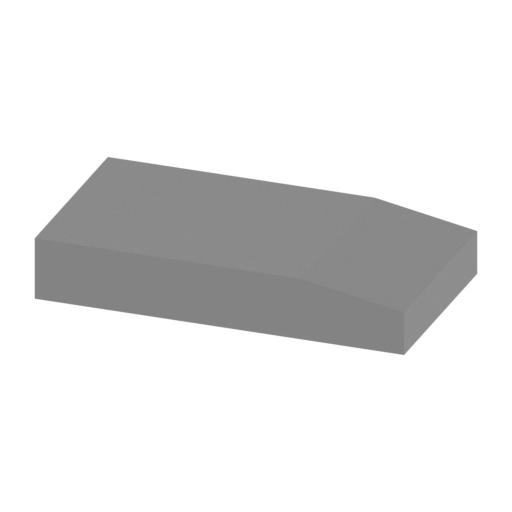 | H187 Right front storage box.stl 29 x 15 x 5 mm | 1.14 x 0.59 x 0.2 in | Size: 29 x 15 x 5 mm | 1.14 x 0.59 x 0.2 in | File size: 0.00 mb | Printing Time / Filament: 17 min / <1 m | ||
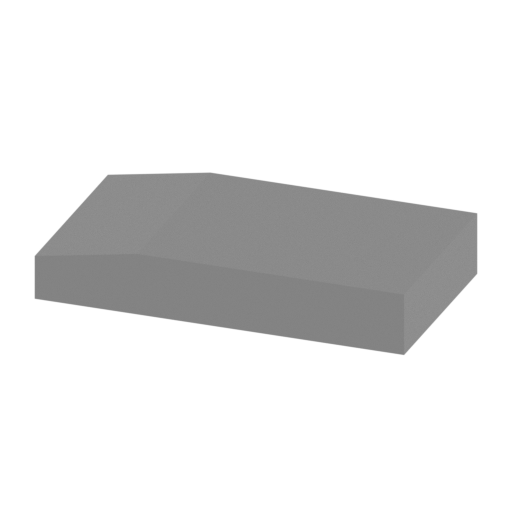 | H186 Right rear storage box.stl 29 x 15 x 5 mm | 1.14 x 0.59 x 0.2 in | Size: 29 x 15 x 5 mm | 1.14 x 0.59 x 0.2 in | File size: 0.00 mb | Printing Time / Filament: 17 min / <1 m | ||
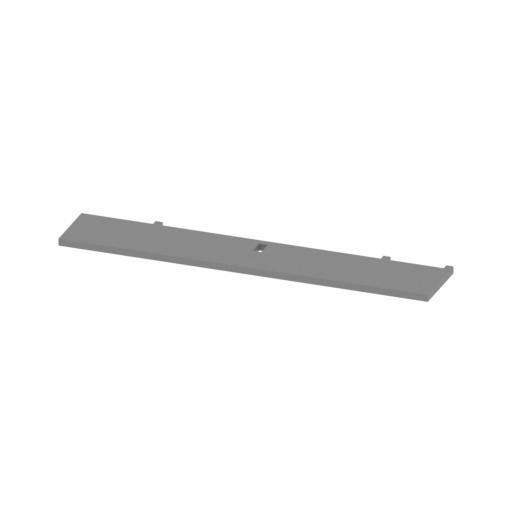 | H185 Right storage box partition.stl 59 x 11 x 1 mm | 2.32 x 0.43 x 0.04 in | Size: 59 x 11 x 1 mm | 2.32 x 0.43 x 0.04 in | File size: 0.00 mb | Printing Time / Filament: 12 min / <1 m | ||
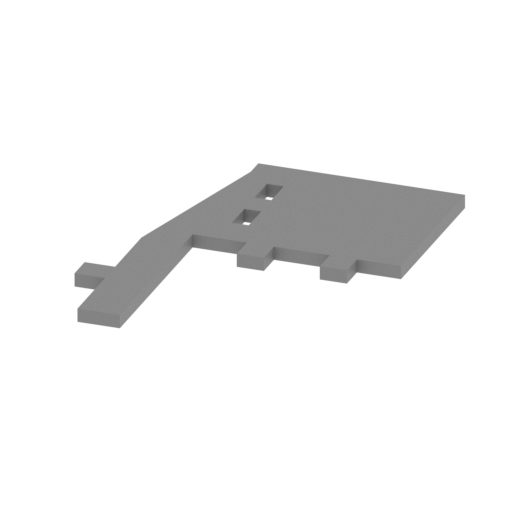 | H184 Middle bulkhead right.stl 24 x 31 x 1 mm | 0.94 x 1.22 x 0.04 in | Size: 24 x 31 x 1 mm | 0.94 x 1.22 x 0.04 in | File size: 0.01 mb | Printing Time / Filament: 7 min / <1 m | ||
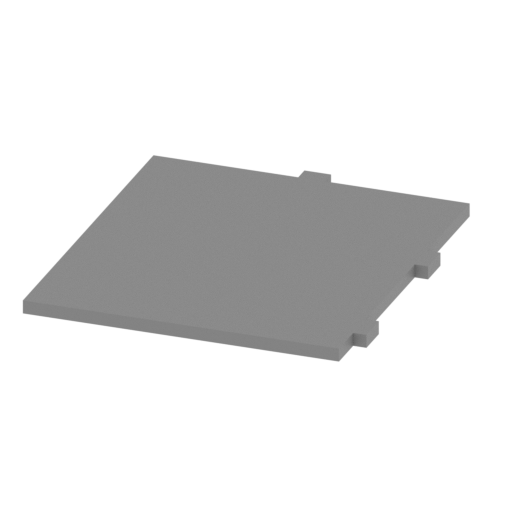 | H183 Vice tank on board left.stl 28 x 32 x 1 mm | 1.1 x 1.26 x 0.04 in | Size: 28 x 32 x 1 mm | 1.1 x 1.26 x 0.04 in | File size: 0.00 mb | Printing Time / Filament: 16 min / <1 m | ||
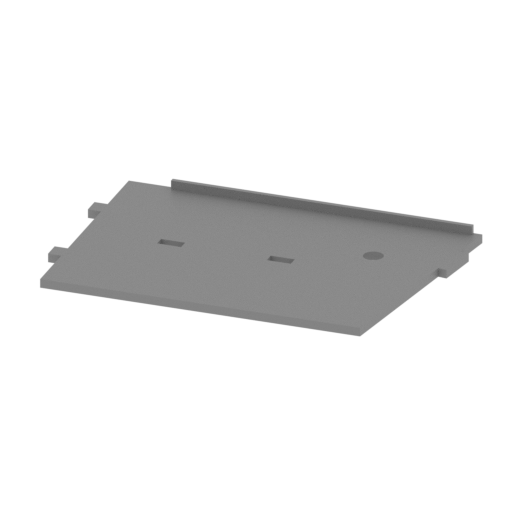 | H182 Engine compartment bulkhead left.stl 48 x 31 x 2 mm | 1.89 x 1.22 x 0.08 in | Size: 48 x 31 x 2 mm | 1.89 x 1.22 x 0.08 in | File size: 0.01 mb | Printing Time / Filament: 27 min / <1 m | ||
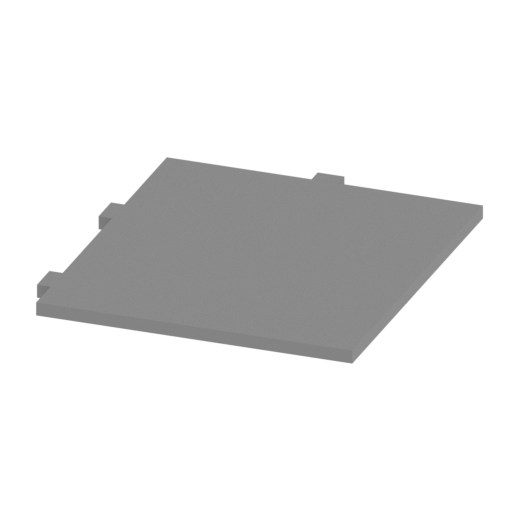 | H181 Vice tank on board right.stl 28 x 32 x 1 mm | 1.1 x 1.26 x 0.04 in | Size: 28 x 32 x 1 mm | 1.1 x 1.26 x 0.04 in | File size: 0.00 mb | Printing Time / Filament: 16 min / <1 m | ||
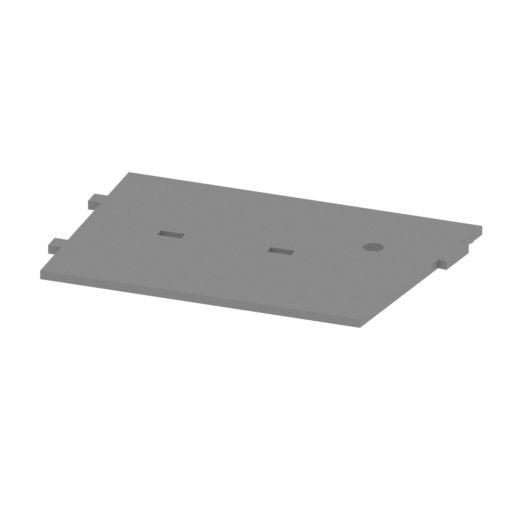 | H180 Engine compartment bulkhead right.stl 48 x 31 x 2 mm | 1.89 x 1.22 x 0.08 in | Size: 48 x 31 x 2 mm | 1.89 x 1.22 x 0.08 in | File size: 0.01 mb | Printing Time / Filament: 38 min / <1 m | ||
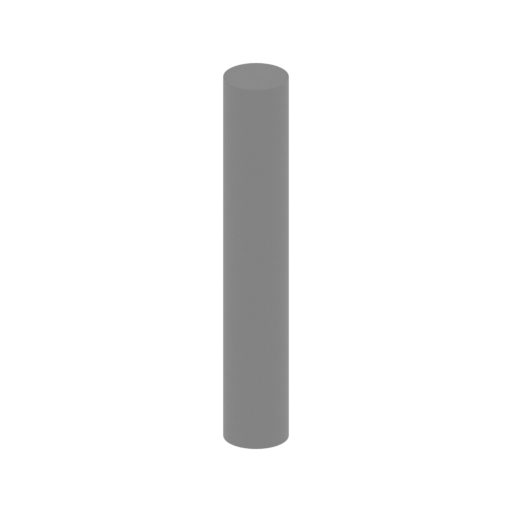 | H178,H179 Fan drive link.stl 2 x 2 x 14 mm | 0.08 x 0.08 x 0.55 in | Size: 2 x 2 x 14 mm | 0.08 x 0.08 x 0.55 in | File size: 0.01 mb | Printing Time / Filament: 3 min / <1 m | ||
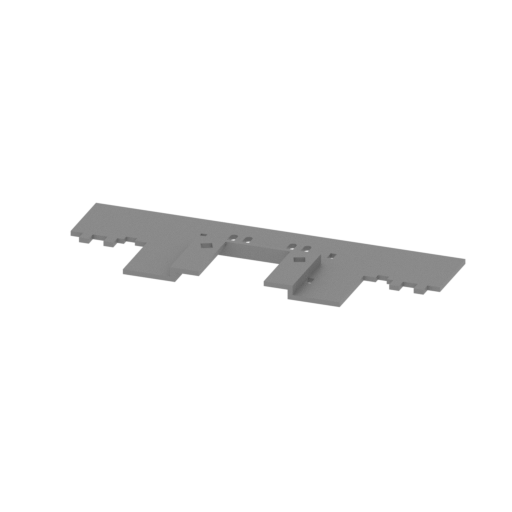 | H177 Third baffle.stl 86 x 31 x 3 mm | 3.39 x 1.22 x 0.12 in | Size: 86 x 31 x 3 mm | 3.39 x 1.22 x 0.12 in | File size: 0.05 mb | Printing Time / Filament: 41 min / <1 m | ||
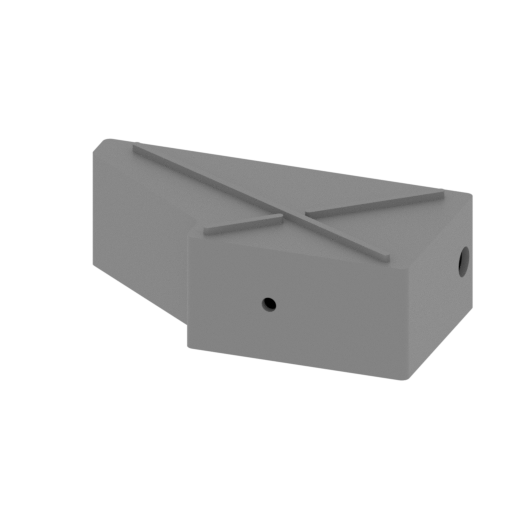 | H176 auxiliary tank right.stl 29 x 14 x 9 mm | 1.14 x 0.55 x 0.35 in | Size: 29 x 14 x 9 mm | 1.14 x 0.55 x 0.35 in | File size: 0.06 mb | Printing Time / Filament: 25 min / <1 m | ||
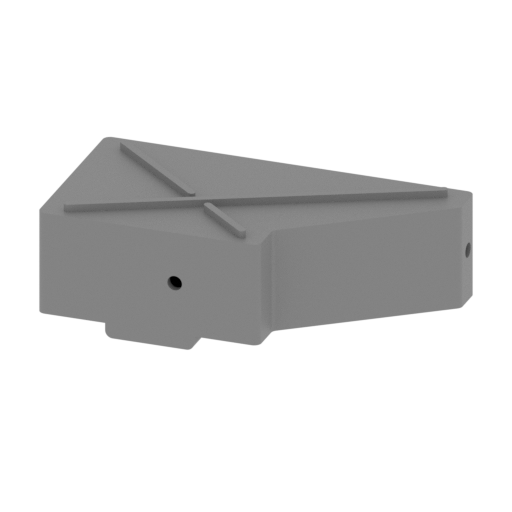 | H175 auxiliary tank left.stl 29 x 14 x 10 mm | 1.14 x 0.55 x 0.39 in | Size: 29 x 14 x 10 mm | 1.14 x 0.55 x 0.39 in | File size: 0.05 mb | Printing Time / Filament: 25 min / <1 m | ||
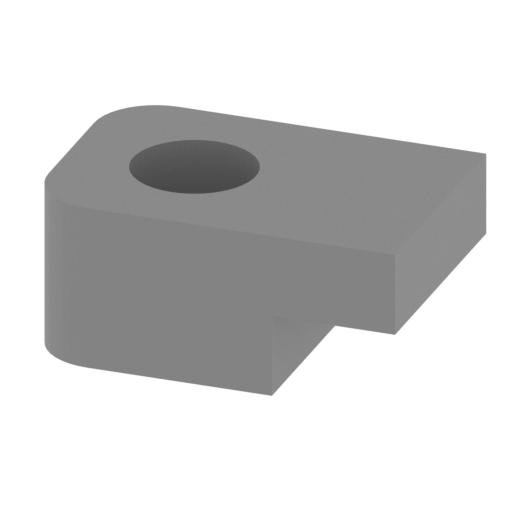 | H174 Correspondent seat back connector.stl 5 x 3 x 2 mm | 0.2 x 0.12 x 0.08 in | Size: 5 x 3 x 2 mm | 0.2 x 0.12 x 0.08 in | File size: 0.01 mb | Printing Time / Filament: 2 min / <1 m | ||
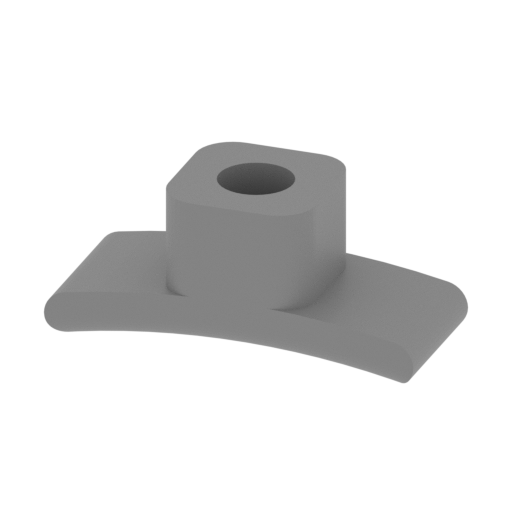 | H173 Correspondent seat back.stl 9 x 3 x 4 mm | 0.35 x 0.12 x 0.16 in | Size: 9 x 3 x 4 mm | 0.35 x 0.12 x 0.16 in | File size: 0.07 mb | Printing Time / Filament: 3 min / <1 m | ||
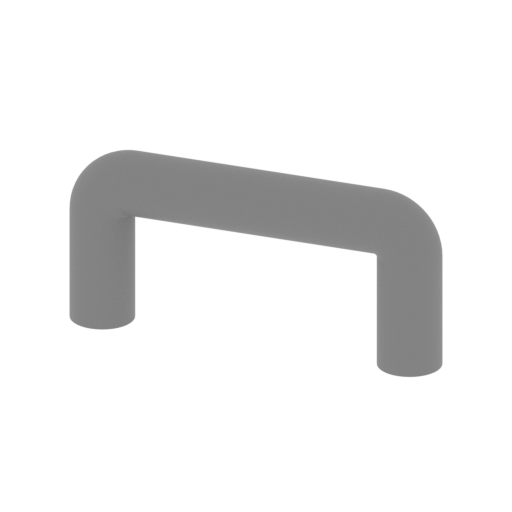 | H172 Correspondent seat back link.stl 9 x 1 x 4 mm | 0.35 x 0.04 x 0.16 in | Size: 9 x 1 x 4 mm | 0.35 x 0.04 x 0.16 in | File size: 0.15 mb | Printing Time / Filament: 2 min / <1 m | ||
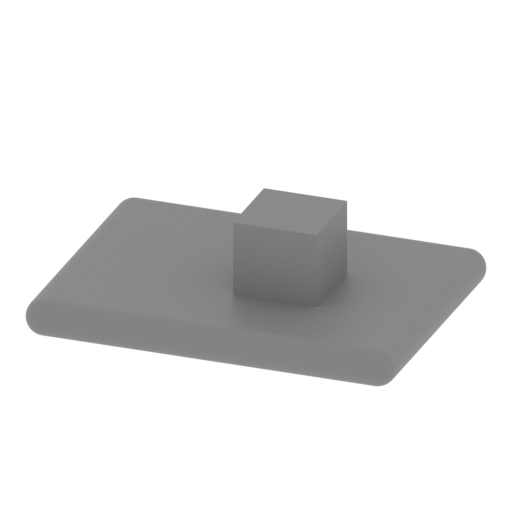 | H171 Correspondent seat.stl 11 x 9 x 3 mm | 0.43 x 0.35 x 0.12 in | Size: 11 x 9 x 3 mm | 0.43 x 0.35 x 0.12 in | File size: 0.07 mb | Printing Time / Filament: 3 min / <1 m | ||
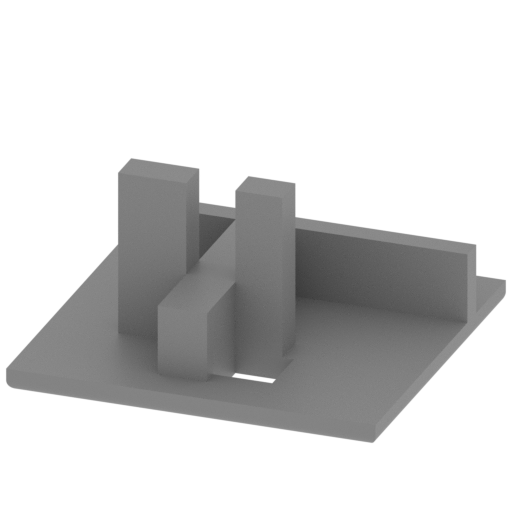 | H170 Correspondent seat base.stl 18 x 17 x 9 mm | 0.71 x 0.67 x 0.35 in | Size: 18 x 17 x 9 mm | 0.71 x 0.67 x 0.35 in | File size: 0.01 mb | Printing Time / Filament: 12 min / <1 m | ||
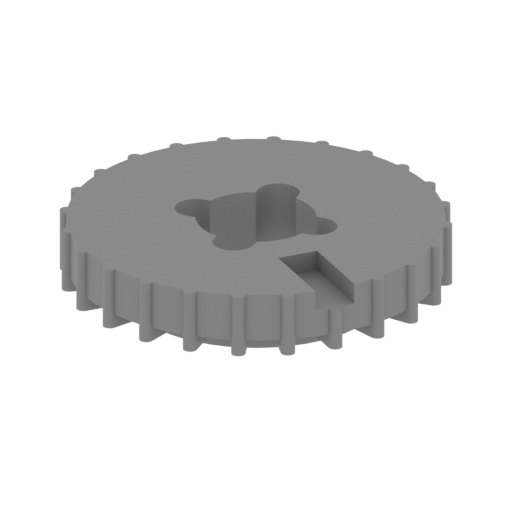 | H168 transmission - Right brake-2.stl 16 x 16 x 3 mm | 0.63 x 0.63 x 0.12 in | Size: 16 x 16 x 3 mm | 0.63 x 0.63 x 0.12 in | File size: 0.16 mb | Printing Time / Filament: 7 min / <1 m | ||
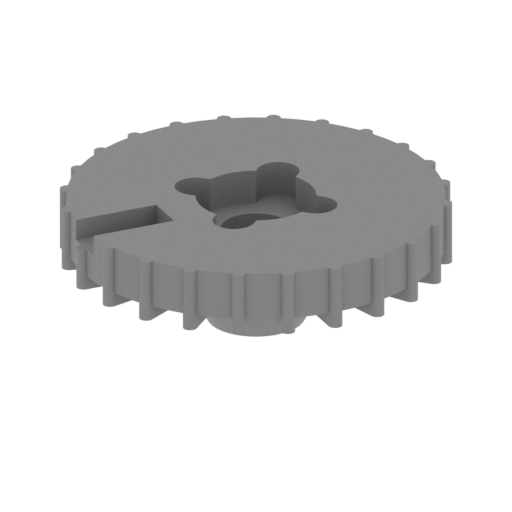 | H167 transmission - Left brake-2.stl 16 x 16 x 5 mm | 0.63 x 0.63 x 0.2 in | Size: 16 x 16 x 5 mm | 0.63 x 0.63 x 0.2 in | File size: 0.16 mb | Printing Time / Filament: 9 min / <1 m | ||
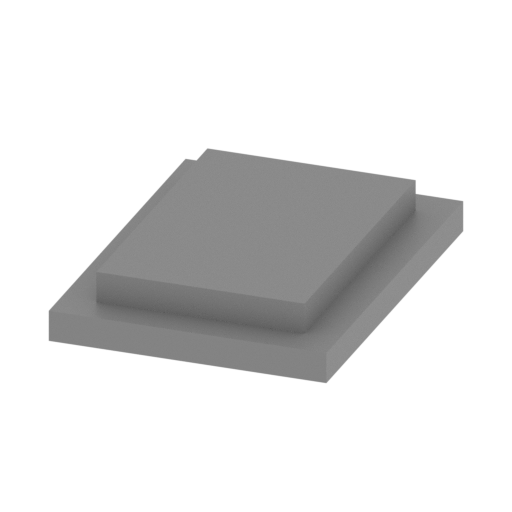 | H164 transmission - Gear box cover.stl 10 x 14 x 2 mm | 0.39 x 0.55 x 0.08 in | Size: 10 x 14 x 2 mm | 0.39 x 0.55 x 0.08 in | File size: 0.00 mb | Printing Time / Filament: 4 min / <1 m | ||
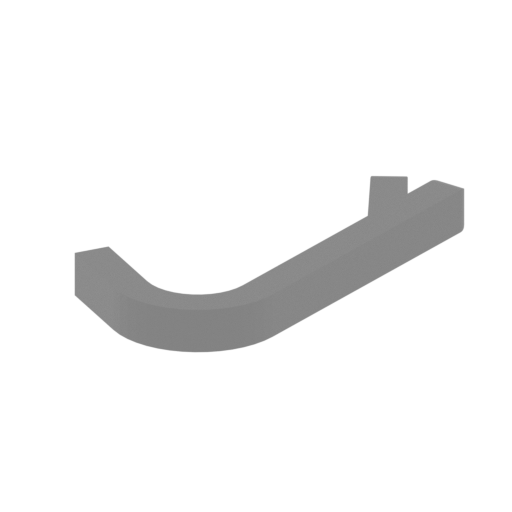 | H163,H169 transmission - Handbrake.stl 9 x 12 x 1 mm | 0.35 x 0.47 x 0.04 in | Size: 9 x 12 x 1 mm | 0.35 x 0.47 x 0.04 in | File size: 0.02 mb | Printing Time / Filament: 2 min / <1 m | ||
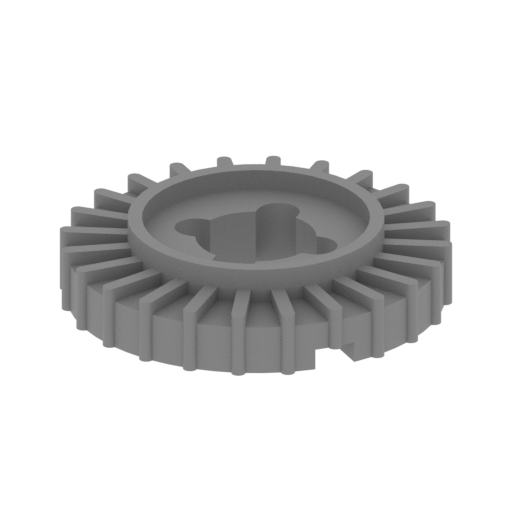 | H162 transmission - Right brake-1.stl 16 x 16 x 3 mm | 0.63 x 0.63 x 0.12 in | Size: 16 x 16 x 3 mm | 0.63 x 0.63 x 0.12 in | File size: 0.16 mb | Printing Time / Filament: 7 min / <1 m | ||
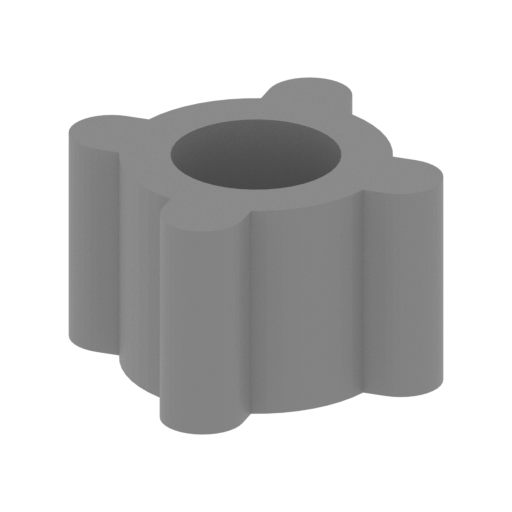 | H161,H166 transmission - Brake joint.stl 7 x 7 x 4 mm | 0.28 x 0.28 x 0.16 in | Size: 7 x 7 x 4 mm | 0.28 x 0.28 x 0.16 in | File size: 0.03 mb | Printing Time / Filament: 3 min / <1 m | ||
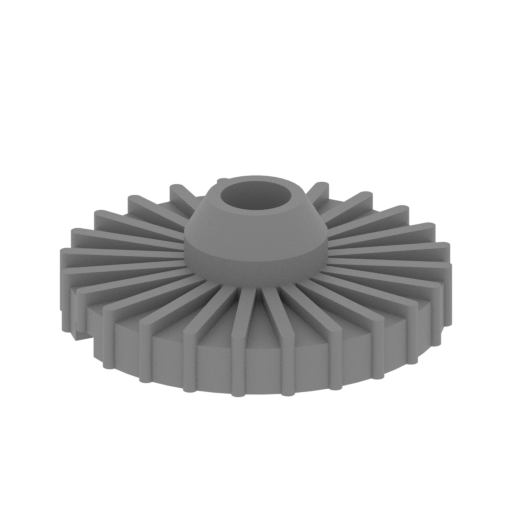 | H160 transmission - Left brake-1.stl 16 x 16 x 5 mm | 0.63 x 0.63 x 0.2 in | Size: 16 x 16 x 5 mm | 0.63 x 0.63 x 0.2 in | File size: 0.16 mb | Printing Time / Filament: 8 min / <1 m | ||
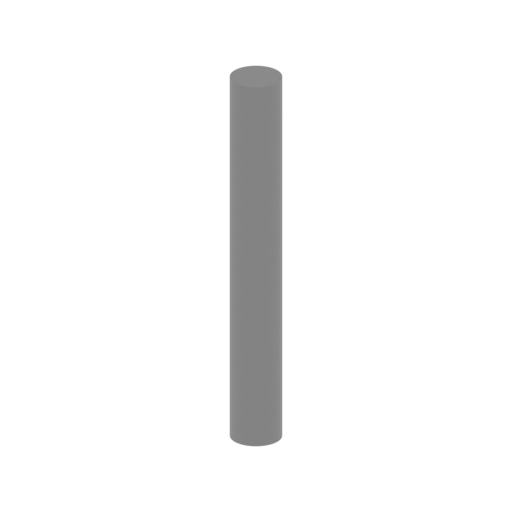 | H159,H165 transmission - drive bar.stl 2 x 2 x 17 mm | 0.08 x 0.08 x 0.67 in | Size: 2 x 2 x 17 mm | 0.08 x 0.08 x 0.67 in | File size: 0.01 mb | Printing Time / Filament: 3 min / <1 m | ||
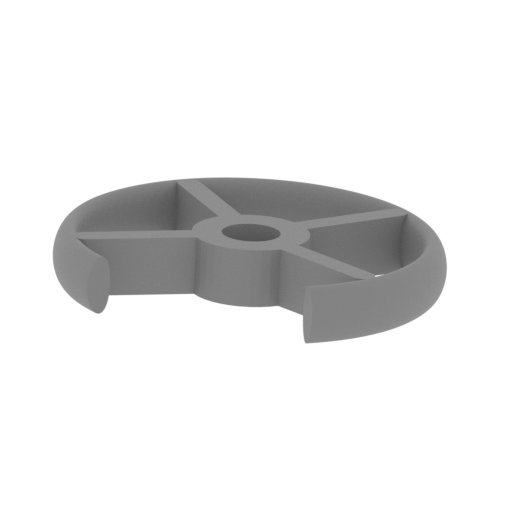 | H158 transmission - steering wheel.stl 9 x 9 x 2 mm | 0.35 x 0.35 x 0.08 in | Size: 9 x 9 x 2 mm | 0.35 x 0.35 x 0.08 in | File size: 0.76 mb | Printing Time / Filament: 2 min / <1 m | ||
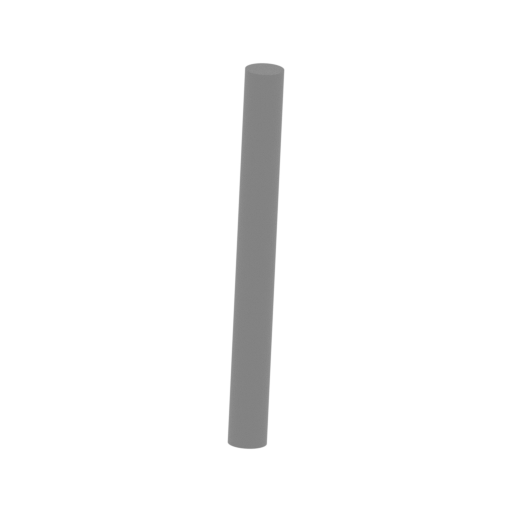 | H157 transmission - Steering wheel connecting rod.stl 1 x 3 x 11 mm | 0.04 x 0.12 x 0.43 in | Size: 1 x 3 x 11 mm | 0.04 x 0.12 x 0.43 in | File size: 0.01 mb | Printing Time / Filament: 1 min / <1 m | ||
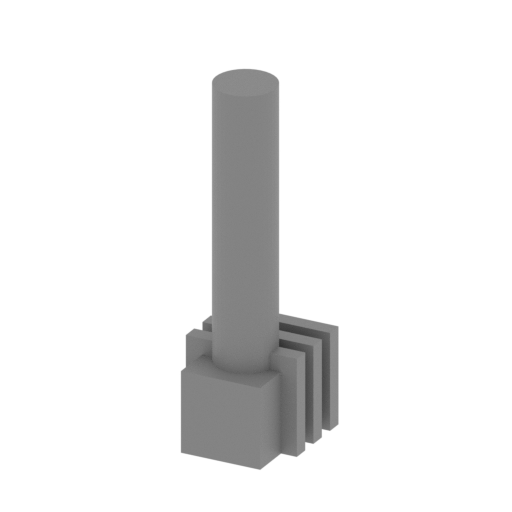 | H156 transmission - Direction bar.stl 4 x 5 x 13 mm | 0.16 x 0.2 x 0.51 in | Size: 4 x 5 x 13 mm | 0.16 x 0.2 x 0.51 in | File size: 0.03 mb | Printing Time / Filament: 3 min / <1 m | ||
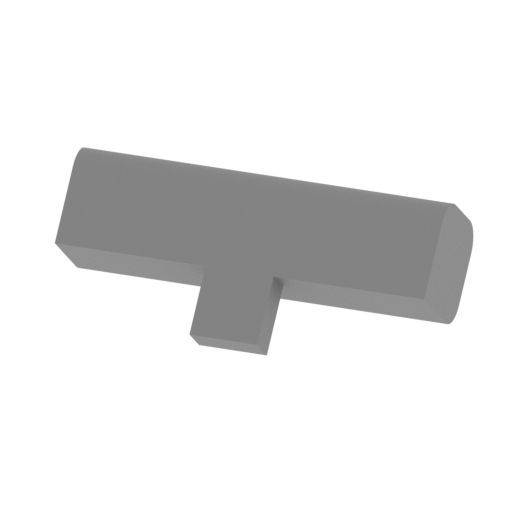 | H155 transmission - Direction bar joint-1.stl 12 x 6 x 5 mm | 0.47 x 0.24 x 0.2 in | Size: 12 x 6 x 5 mm | 0.47 x 0.24 x 0.2 in | File size: 0.01 mb | Printing Time / Filament: 5 min / <1 m | ||
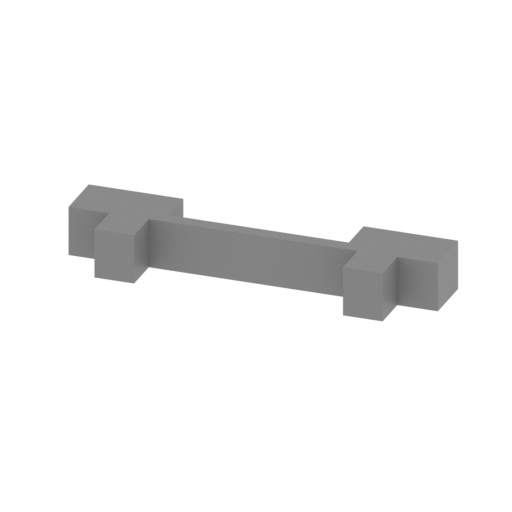 | H153,H154 transmission - Base.stl 21 x 5 x 3 mm | 0.83 x 0.2 x 0.12 in | Size: 21 x 5 x 3 mm | 0.83 x 0.2 x 0.12 in | File size: 0.00 mb | Printing Time / Filament: 4 min / <1 m | ||
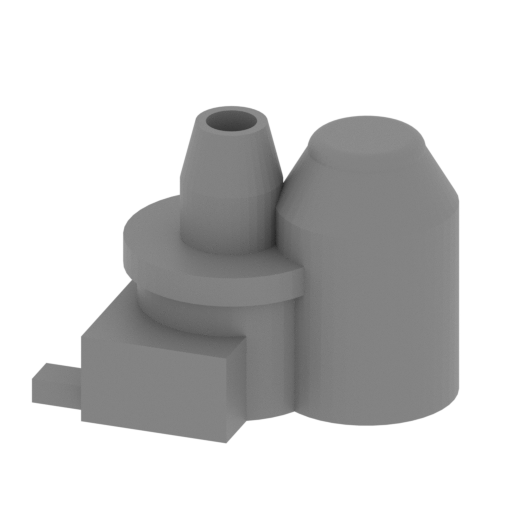 | H152 transmission - Drive gear box right.stl 22 x 15 x 16 mm | 0.87 x 0.59 x 0.63 in | Size: 22 x 15 x 16 mm | 0.87 x 0.59 x 0.63 in | File size: 0.20 mb | Printing Time / Filament: 20 min / <1 m | ||
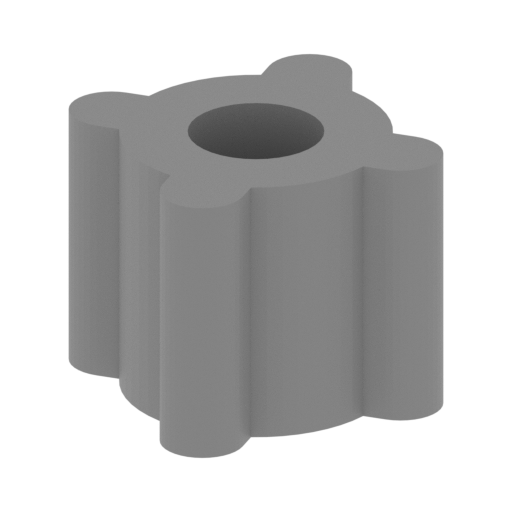 | H151 Transmission gear box connector.stl 7 x 7 x 5 mm | 0.28 x 0.28 x 0.2 in | Size: 7 x 7 x 5 mm | 0.28 x 0.28 x 0.2 in | File size: 0.03 mb | Printing Time / Filament: 4 min / <1 m | ||
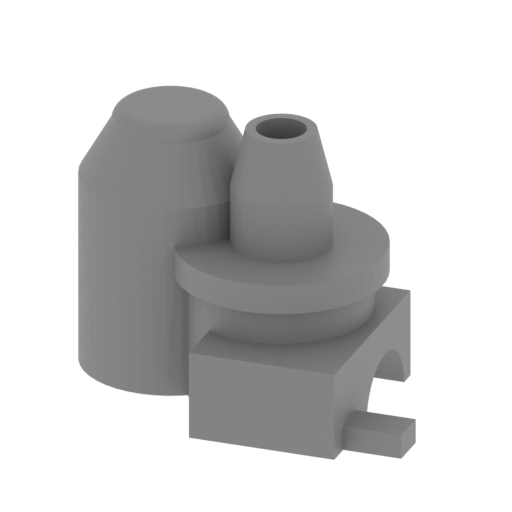 | H150 transmission - Drive gear box left.stl 22 x 15 x 16 mm | 0.87 x 0.59 x 0.63 in | Size: 22 x 15 x 16 mm | 0.87 x 0.59 x 0.63 in | File size: 0.20 mb | Printing Time / Filament: 20 min / <1 m | ||
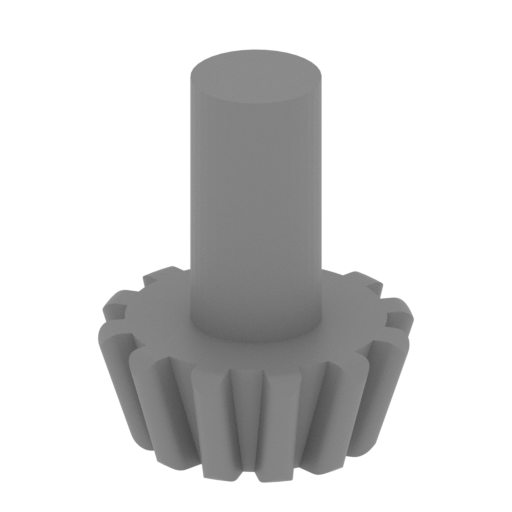 | H149 transmission - Power gear.stl 6 x 6 x 7 mm | 0.24 x 0.24 x 0.28 in | Size: 6 x 6 x 7 mm | 0.24 x 0.24 x 0.28 in | File size: 0.25 mb | Printing Time / Filament: 2 min / <1 m | ||
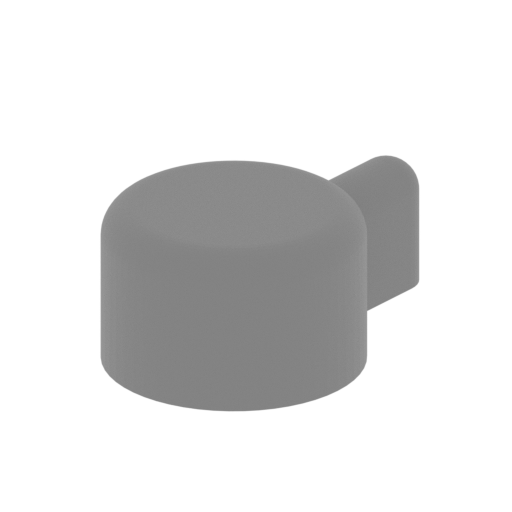 | H148 transmission - Shift lever.stl 5 x 7 x 3 mm | 0.2 x 0.28 x 0.12 in | Size: 5 x 7 x 3 mm | 0.2 x 0.28 x 0.12 in | File size: 0.12 mb | Printing Time / Filament: 2 min / <1 m | ||
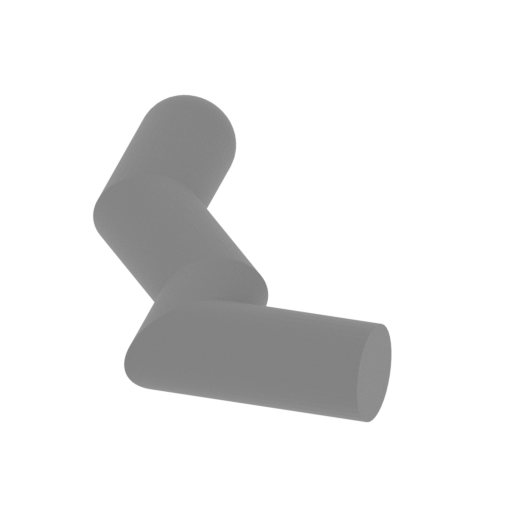 | H147 transmission - Front and rear direction bars.stl 5 x 6 x 3 mm | 0.2 x 0.24 x 0.12 in | Size: 5 x 6 x 3 mm | 0.2 x 0.24 x 0.12 in | File size: 0.07 mb | Printing Time / Filament: 1 min / <1 m | ||
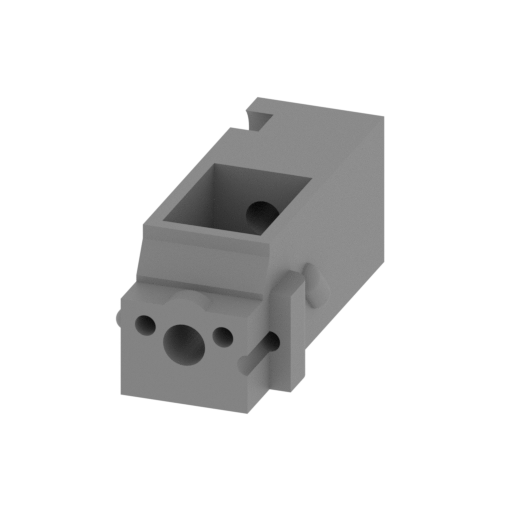 | H146 transmission - Gear box.stl 13 x 30 x 12 mm | 0.51 x 1.18 x 0.47 in | Size: 13 x 30 x 12 mm | 0.51 x 1.18 x 0.47 in | File size: 0.51 mb | Printing Time / Filament: 39 min / <1 m | ||
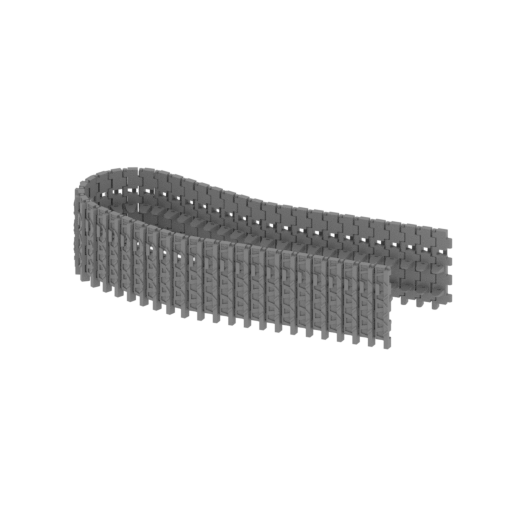 | H145 tr l f.stl 93 x 37 x 21 mm | 3.66 x 1.46 x 0.83 in | Size: 93 x 37 x 21 mm | 3.66 x 1.46 x 0.83 in | File size: 7.78 mb | Printing Time / Filament: 5 h 2 min / 1 m | ||
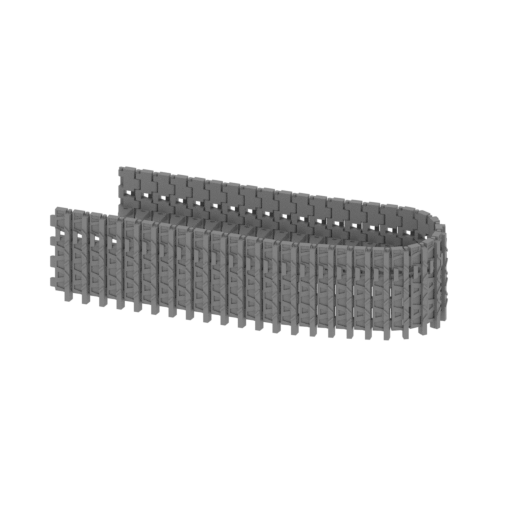 | H144 tr l r.stl 84 x 29 x 21 mm | 3.31 x 1.14 x 0.83 in | Size: 84 x 29 x 21 mm | 3.31 x 1.14 x 0.83 in | File size: 6.85 mb | Printing Time / Filament: 4 h 29 min / 1 m | ||
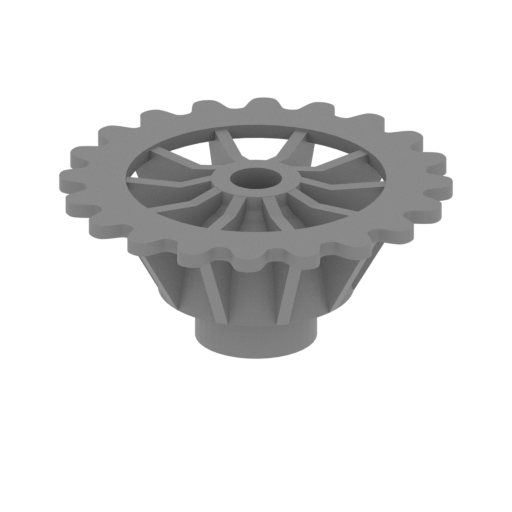 | H142,H073 Driving wheel outside.stl 26 x 26 x 11 mm | 1.02 x 1.02 x 0.43 in | Size: 26 x 26 x 11 mm | 1.02 x 1.02 x 0.43 in | File size: 0.38 mb | Printing Time / Filament: 39 min / <1 m | ||
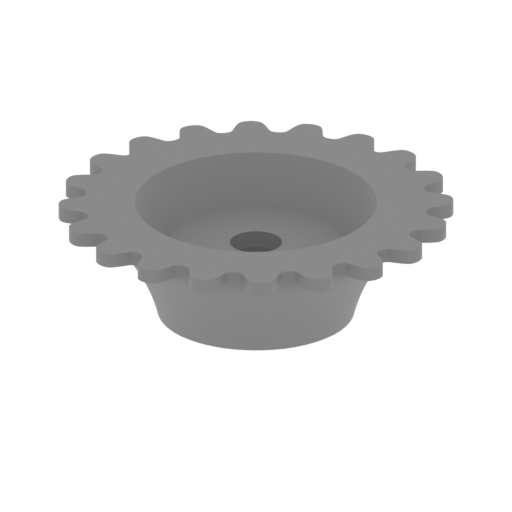 | H141,H070 Driving wheel inside.stl 26 x 26 x 8 mm | 1.02 x 1.02 x 0.31 in | Size: 26 x 26 x 8 mm | 1.02 x 1.02 x 0.31 in | File size: 0.30 mb | Printing Time / Filament: 26 min / <1 m | ||
 | H140,H069 Driving wheel connector.stl 9 x 9 x 5 mm | 0.35 x 0.35 x 0.2 in | Size: 9 x 9 x 5 mm | 0.35 x 0.35 x 0.2 in | File size: 0.02 mb | Printing Time / Filament: 5 min / <1 m | ||
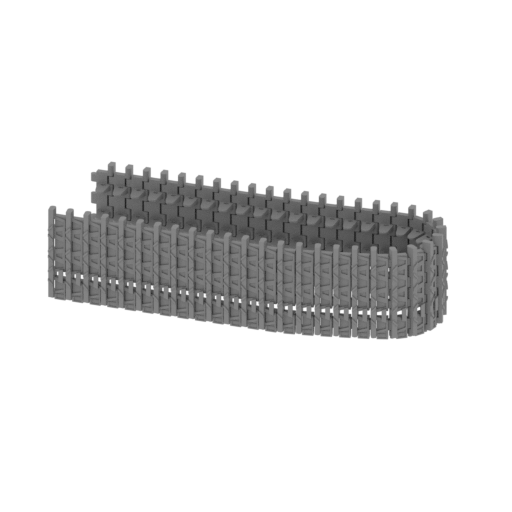 | H076b tr r r.stl 83 x 29 x 21 mm | 3.27 x 1.14 x 0.83 in | Size: 83 x 29 x 21 mm | 3.27 x 1.14 x 0.83 in | File size: 7.02 mb | Printing Time / Filament: 4 h 45 min / 1 m | ||
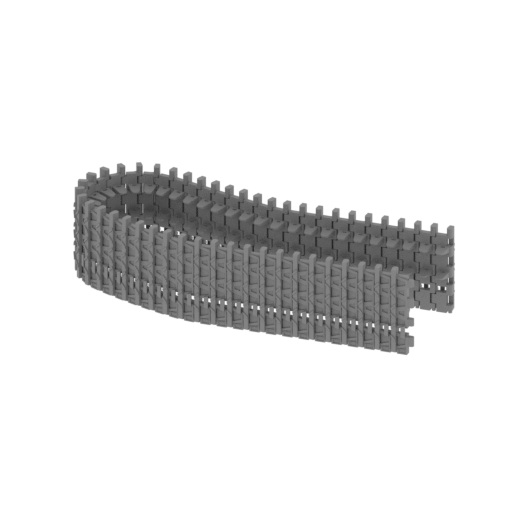 | H076a tr r f.stl 88 x 37 x 21 mm | 3.46 x 1.46 x 0.83 in | Size: 88 x 37 x 21 mm | 3.46 x 1.46 x 0.83 in | File size: 7.64 mb | Printing Time / Filament: 5 h 8 min / 2 m | ||
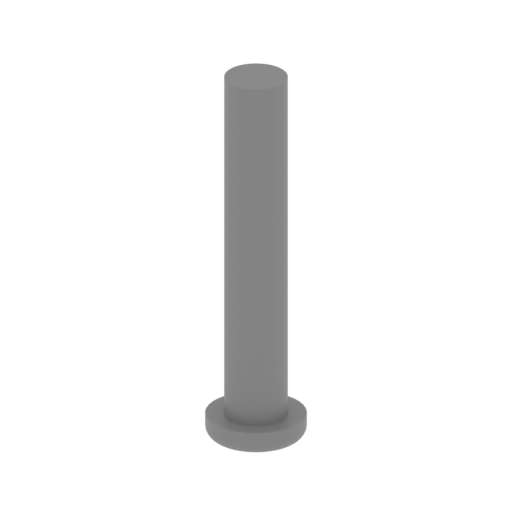 | H075,H143 Driving wheel connecting rod.stl 5 x 5 x 18 mm | 0.2 x 0.2 x 0.71 in | Size: 5 x 5 x 18 mm | 0.2 x 0.2 x 0.71 in | File size: 0.07 mb | Printing Time / Filament: 5 min / <1 m | ||
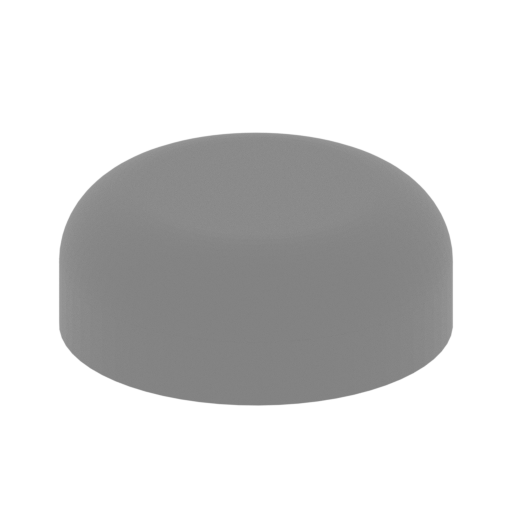 | H074,H099 Idler shaft cover.stl 10 x 10 x 4 mm | 0.39 x 0.39 x 0.16 in | Size: 10 x 10 x 4 mm | 0.39 x 0.39 x 0.16 in | File size: 0.15 mb | Printing Time / Filament: 4 min / <1 m | ||
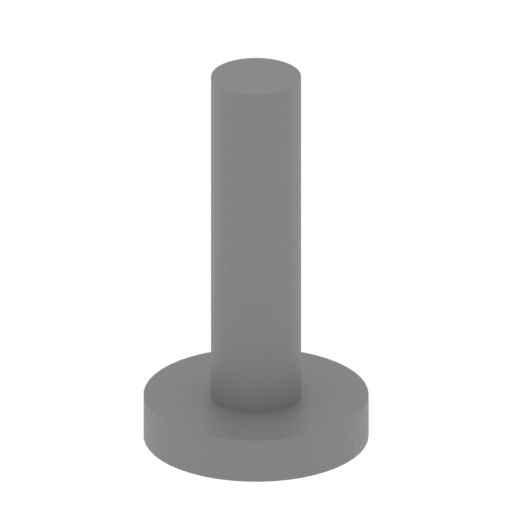 | H072,H098 Idler inner shaft.stl 6 x 6 x 10 mm | 0.24 x 0.24 x 0.39 in | Size: 6 x 6 x 10 mm | 0.24 x 0.24 x 0.39 in | File size: 0.02 mb | Printing Time / Filament: 3 min / <1 m | ||
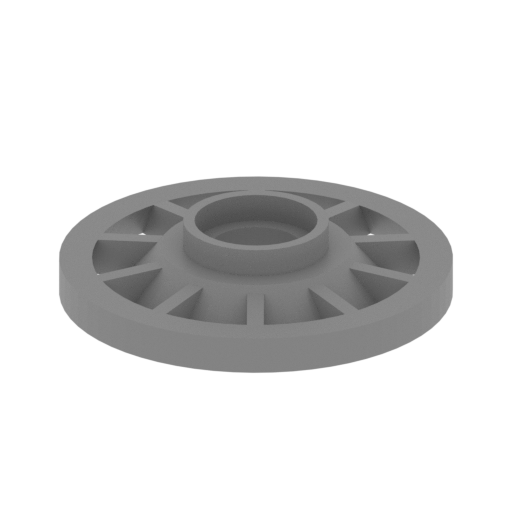 | H071,H097 Idler1.stl 20 x 20 x 4 mm | 0.79 x 0.79 x 0.16 in | Size: 20 x 20 x 4 mm | 0.79 x 0.79 x 0.16 in | File size: 0.07 mb | Printing Time / Filament: 10 min / <1 m | ||
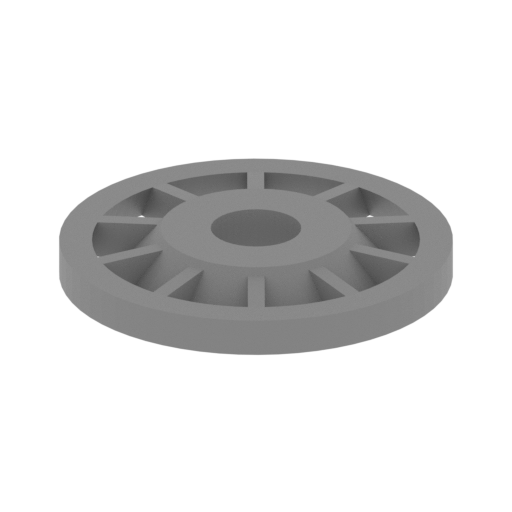 | H068,H096 Idler2.stl 20 x 20 x 3 mm | 0.79 x 0.79 x 0.12 in | Size: 20 x 20 x 3 mm | 0.79 x 0.79 x 0.12 in | File size: 0.06 mb | Printing Time / Filament: 10 min / <1 m | ||
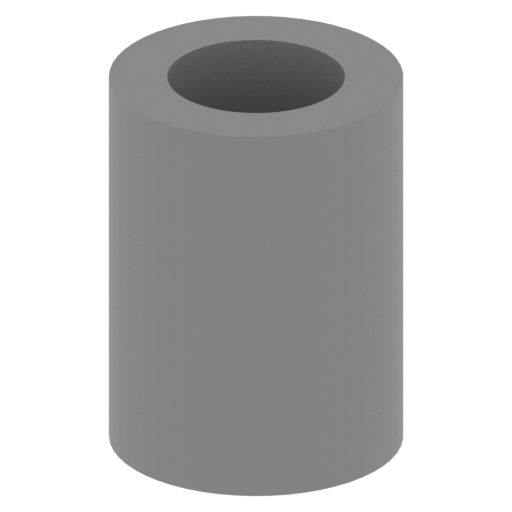 | H067,H095 Idler shaft.stl 4 x 4 x 6 mm | 0.16 x 0.16 x 0.24 in | Size: 4 x 4 x 6 mm | 0.16 x 0.16 x 0.24 in | File size: 0.02 mb | Printing Time / Filament: 3 min / <1 m | ||
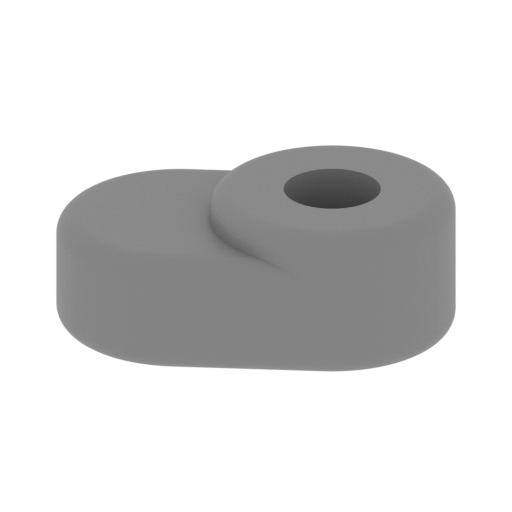 | H066,H094 Ldler wheel Connecting rod connector.stl 10 x 7 x 4 mm | 0.39 x 0.28 x 0.16 in | Size: 10 x 7 x 4 mm | 0.39 x 0.28 x 0.16 in | File size: 0.23 mb | Printing Time / Filament: 4 min / <1 m | ||
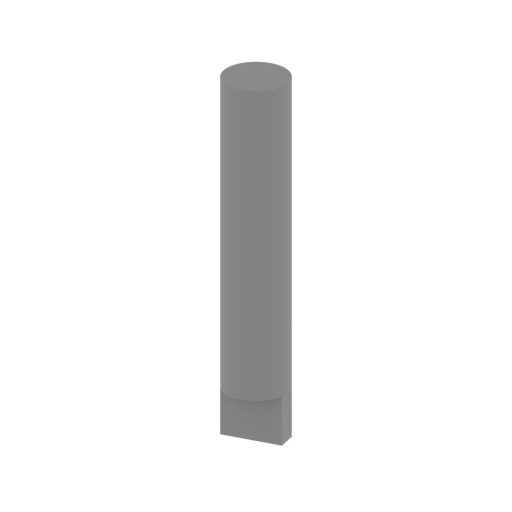 | H065,H093 Ldler wheel linK.stl 3 x 3 x 19 mm | 0.12 x 0.12 x 0.75 in | Size: 3 x 3 x 19 mm | 0.12 x 0.12 x 0.75 in | File size: 0.01 mb | Printing Time / Filament: 6 min / <1 m | ||
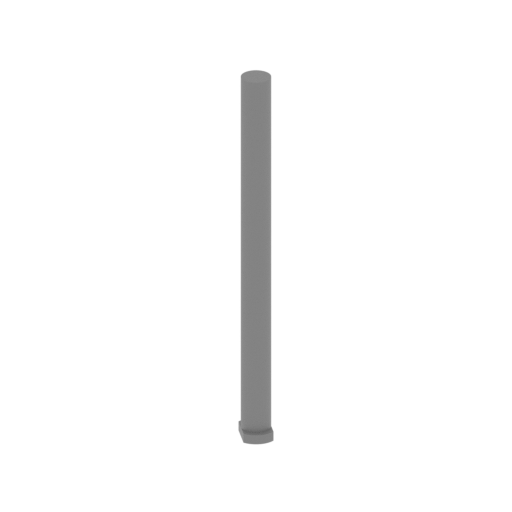 | H061-H064,H132-H135 Joint link length.stl 2 x 2 x 23 mm | 0.08 x 0.08 x 0.91 in | Size: 2 x 2 x 23 mm | 0.08 x 0.08 x 0.91 in | File size: 0.01 mb | Printing Time / Filament: 3 min / <1 m | ||
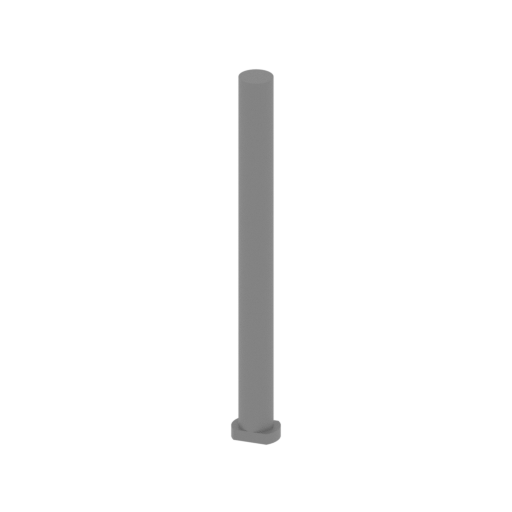 | H057-H060,H136-H139 Joint link short.stl 2 x 2 x 20 mm | 0.08 x 0.08 x 0.79 in | Size: 2 x 2 x 20 mm | 0.08 x 0.08 x 0.79 in | File size: 0.01 mb | Printing Time / Filament: 3 min / <1 m | ||
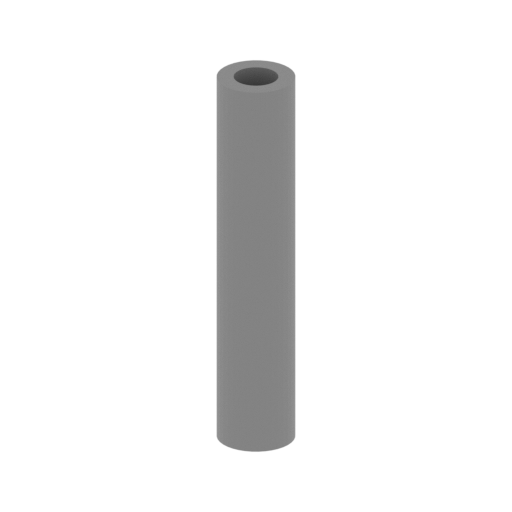 | H053-H056,H104-H107 Load wheel axle length.stl 4 x 4 x 20 mm | 0.16 x 0.16 x 0.79 in | Size: 4 x 4 x 20 mm | 0.16 x 0.16 x 0.79 in | File size: 0.01 mb | Printing Time / Filament: 7 min / <1 m | ||
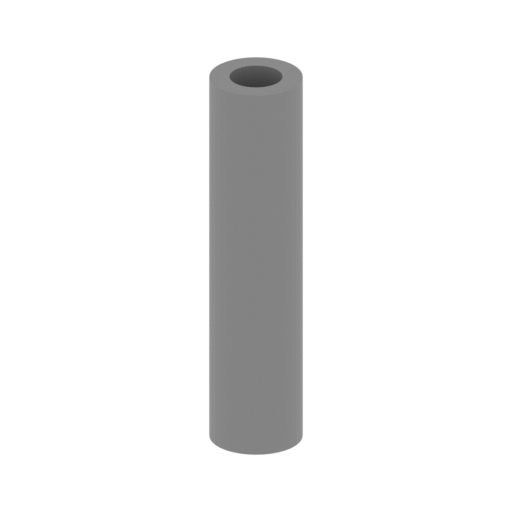 | H049-H052,H100-H103 Load wheel axle short.stl 4 x 4 x 17 mm | 0.16 x 0.16 x 0.67 in | Size: 4 x 4 x 17 mm | 0.16 x 0.16 x 0.67 in | File size: 0.01 mb | Printing Time / Filament: 6 min / <1 m | ||
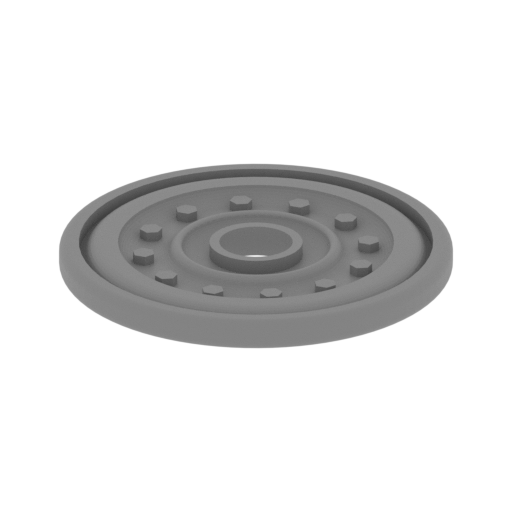 | H025-H048,H108-H131 Load wheel.stl 23 x 23 x 2 mm | 0.91 x 0.91 x 0.08 in | Size: 23 x 23 x 2 mm | 0.91 x 0.91 x 0.08 in | File size: 0.59 mb | Printing Time / Filament: 10 min / <1 m | ||
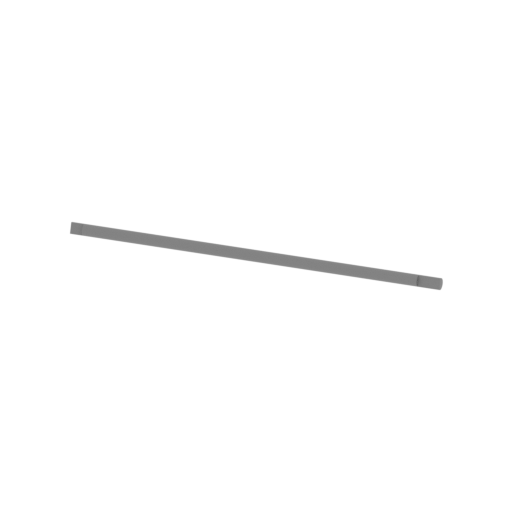 | H017-H024,H077-H084 Torsion bar.stl 57 x 2 x 2 mm | 2.24 x 0.08 x 0.08 in | Size: 57 x 2 x 2 mm | 2.24 x 0.08 x 0.08 in | File size: 0.01 mb | Printing Time / Filament: 3 min / <1 m | ||
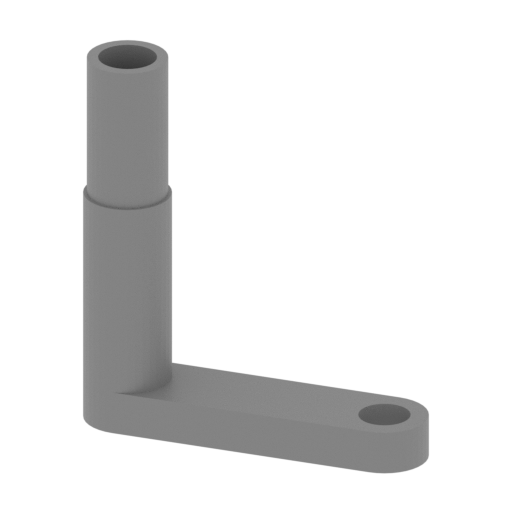 | H009-H016,H085-H092 Torsion bar connector.stl 14 x 3 x 15 mm | 0.55 x 0.12 x 0.59 in | Size: 14 x 3 x 15 mm | 0.55 x 0.12 x 0.59 in | File size: 0.03 mb | Printing Time / Filament: 6 min / <1 m | ||
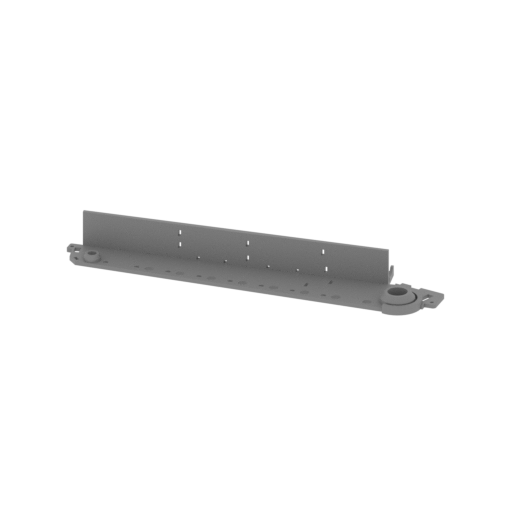 | H008 Right panel.stl 170 x 40 x 17 mm | 6.69 x 1.57 x 0.67 in | Size: 170 x 40 x 17 mm | 6.69 x 1.57 x 0.67 in | File size: 0.30 mb | Printing Time / Filament: 2 h 27 min / 1 m | ||
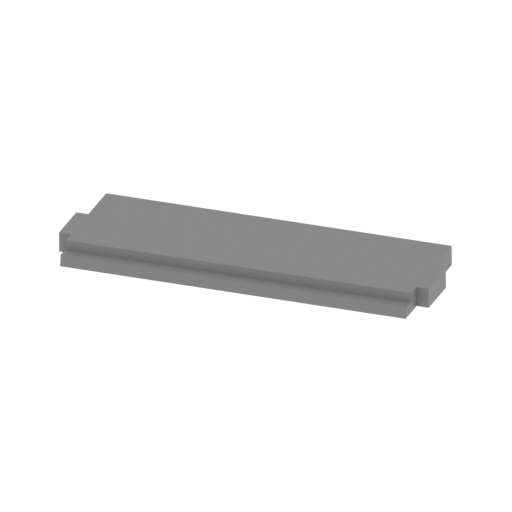 | H007 Front middle plate.stl 54 x 18 x 3 mm | 2.13 x 0.71 x 0.12 in | Size: 54 x 18 x 3 mm | 2.13 x 0.71 x 0.12 in | File size: 0.01 mb | Printing Time / Filament: 29 min / <1 m | ||
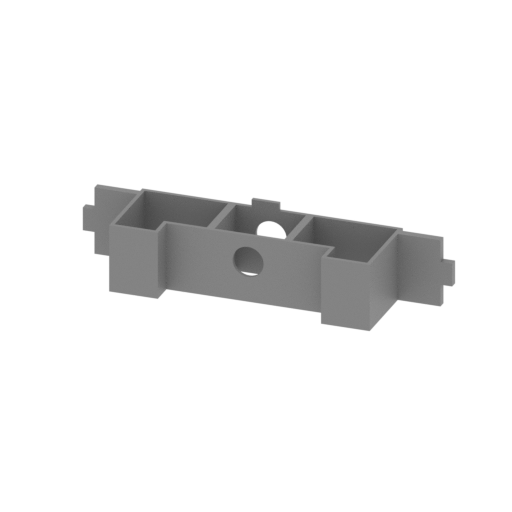 | H006 Under the turret under the partition.stl 54 x 13 x 11 mm | 2.13 x 0.51 x 0.43 in | Size: 54 x 13 x 11 mm | 2.13 x 0.51 x 0.43 in | File size: 0.02 mb | Printing Time / Filament: 20 min / <1 m | ||
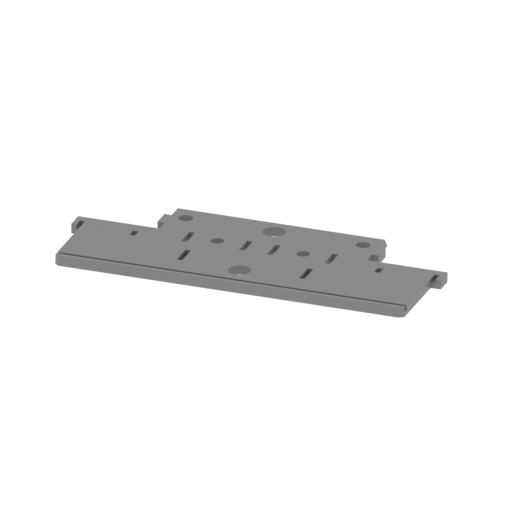 | H005 Back plate.stl 91 x 37 x 3 mm | 3.58 x 1.46 x 0.12 in | Size: 91 x 37 x 3 mm | 3.58 x 1.46 x 0.12 in | File size: 0.08 mb | Printing Time / Filament: 1 h 11 min / 1 m | ||
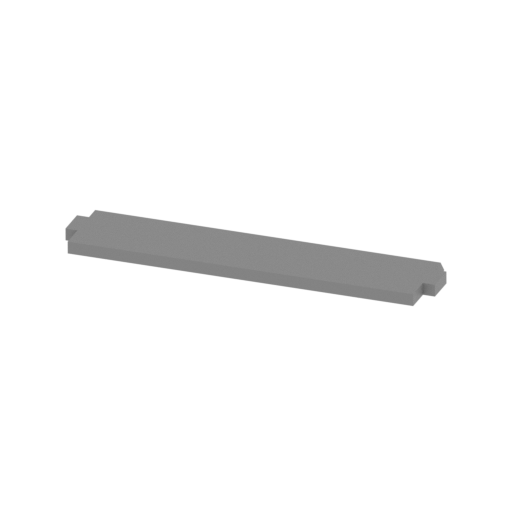 | H004 Front lower plate.stl 54 x 12 x 2 mm | 2.13 x 0.47 x 0.08 in | Size: 54 x 12 x 2 mm | 2.13 x 0.47 x 0.08 in | File size: 0.00 mb | Printing Time / Filament: 17 min / <1 m | ||
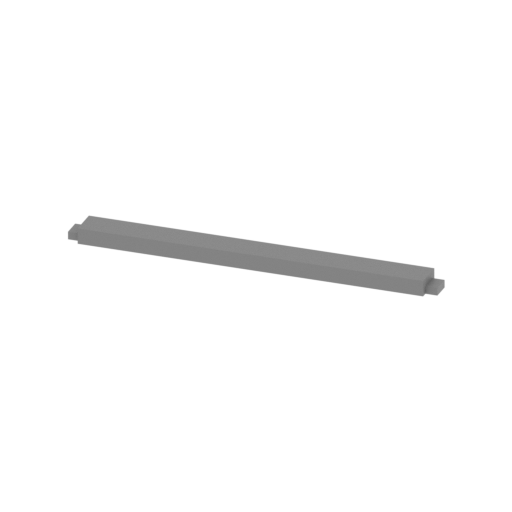 | H003 Behind the board.stl 54 x 4 x 2 mm | 2.13 x 0.16 x 0.08 in | Size: 54 x 4 x 2 mm | 2.13 x 0.16 x 0.08 in | File size: 0.00 mb | Printing Time / Filament: 8 min / <1 m | ||
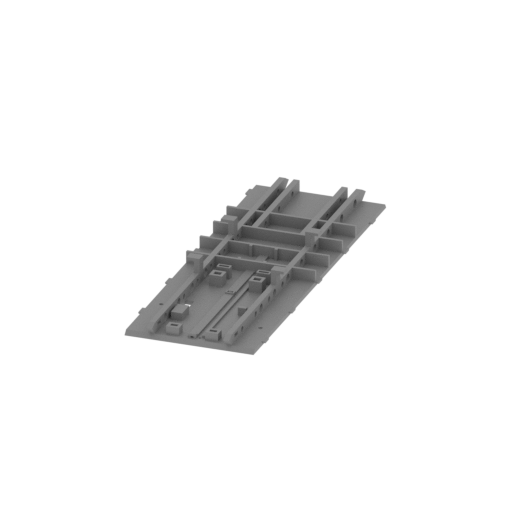 | H002 Floor.stl 53 x 146 x 12 mm | 2.09 x 5.75 x 0.47 in | Size: 53 x 146 x 12 mm | 2.09 x 5.75 x 0.47 in | File size: 0.47 mb | Printing Time / Filament: 4 h 52 min / 2 m | ||
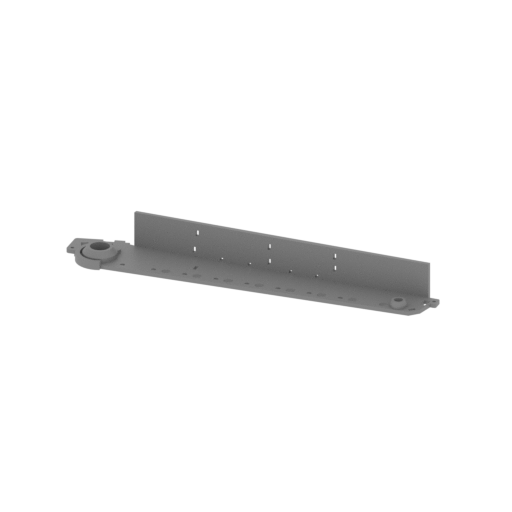 | H001 Left panel.stl 170 x 40 x 17 mm | 6.69 x 1.57 x 0.67 in | Size: 170 x 40 x 17 mm | 6.69 x 1.57 x 0.67 in | File size: 0.29 mb | Printing Time / Filament: 2 h 27 min / 1 m | ||
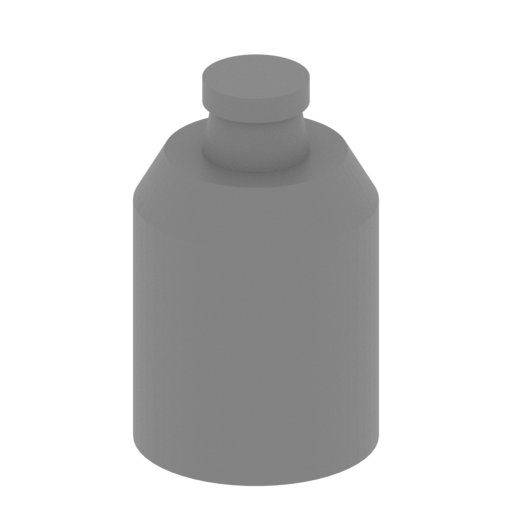 | G10,G11 Main gun fixed joint left.stl 5 x 5 x 8 mm | 0.2 x 0.2 x 0.31 in | Size: 5 x 5 x 8 mm | 0.2 x 0.2 x 0.31 in | File size: 0.05 mb | Printing Time / Filament: 4 min / <1 m | ||
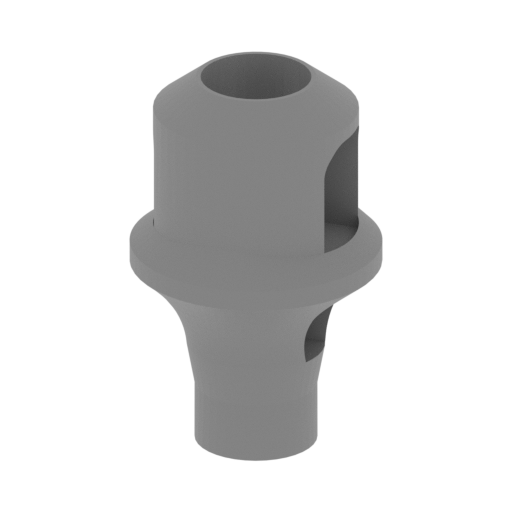 | G09 Brake device.stl 10 x 10 x 16 mm | 0.39 x 0.39 x 0.63 in | Size: 10 x 10 x 16 mm | 0.39 x 0.39 x 0.63 in | File size: 0.39 mb | Printing Time / Filament: 17 min / <1 m | ||
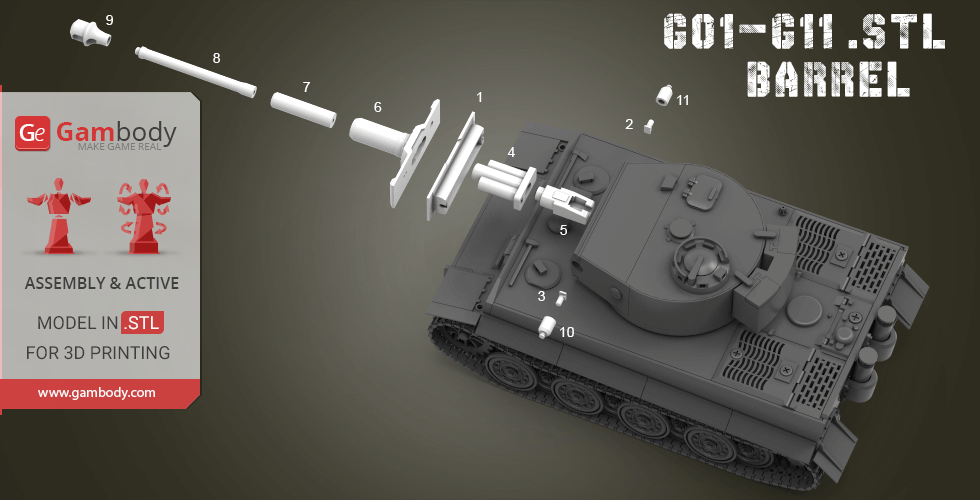
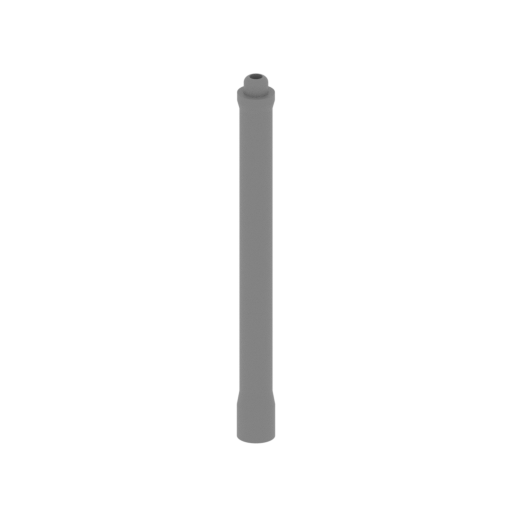 | G08 Barrel2.stl 5 x 5 x 53 mm | 0.2 x 0.2 x 2.09 in | Size: 5 x 5 x 53 mm | 0.2 x 0.2 x 2.09 in | File size: 0.19 mb | Printing Time / Filament: 28 min / <1 m | ||
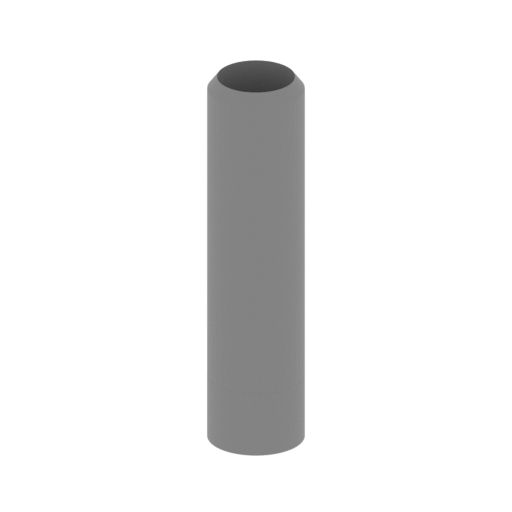 | G07 Barrel1.stl 7 x 7 x 27 mm | 0.28 x 0.28 x 1.06 in | Size: 7 x 7 x 27 mm | 0.28 x 0.28 x 1.06 in | File size: 0.05 mb | Printing Time / Filament: 22 min / <1 m | ||
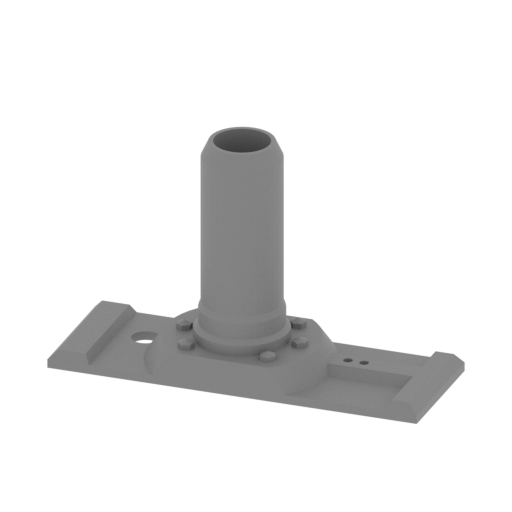 | G06 Main gun substrate1.stl 46 x 16 x 29 mm | 1.81 x 0.63 x 1.14 in | Size: 46 x 16 x 29 mm | 1.81 x 0.63 x 1.14 in | File size: 0.12 mb | Printing Time / Filament: 46 min / <1 m | ||
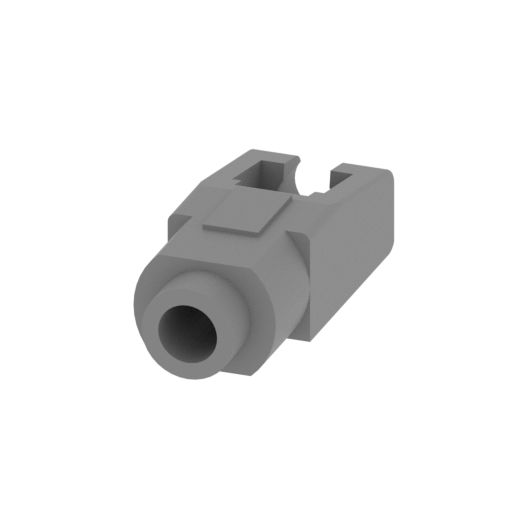 | G05 Loading device.stl 9 x 23 x 7 mm | 0.35 x 0.91 x 0.28 in | Size: 9 x 23 x 7 mm | 0.35 x 0.91 x 0.28 in | File size: 0.07 mb | Printing Time / Filament: 13 min / <1 m | ||
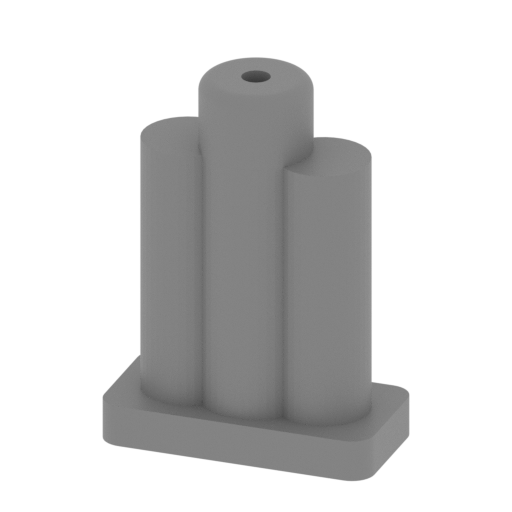 | G04 Main gun joints.stl 17 x 9 x 23 mm | 0.67 x 0.35 x 0.91 in | Size: 17 x 9 x 23 mm | 0.67 x 0.35 x 0.91 in | File size: 0.17 mb | Printing Time / Filament: 24 min / <1 m | ||
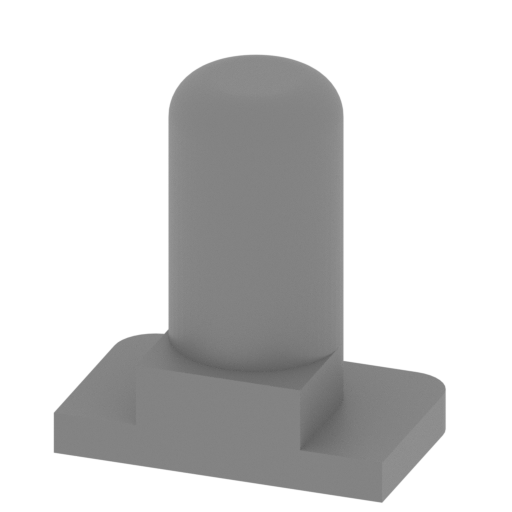 | G03 Trunnion right.stl 5 x 3 x 5 mm | 0.2 x 0.12 x 0.2 in | Size: 5 x 3 x 5 mm | 0.2 x 0.12 x 0.2 in | File size: 0.12 mb | Printing Time / Filament: 1 min / <1 m | ||
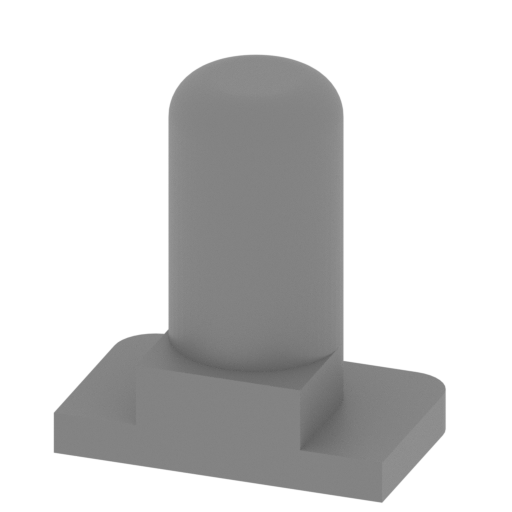 | G02 Trunnion left.stl 5 x 3 x 5 mm | 0.2 x 0.12 x 0.2 in | Size: 5 x 3 x 5 mm | 0.2 x 0.12 x 0.2 in | File size: 0.12 mb | Printing Time / Filament: 1 min / <1 m | ||
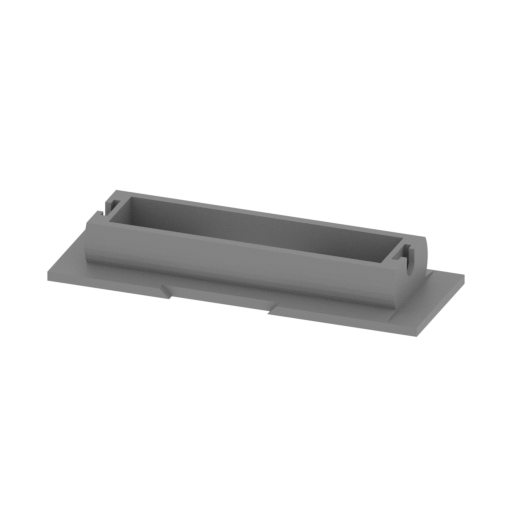 | G01 Main gun substrate2.stl 46 x 16 x 7 mm | 1.81 x 0.63 x 0.28 in | Size: 46 x 16 x 7 mm | 1.81 x 0.63 x 0.28 in | File size: 0.39 mb | Printing Time / Filament: 25 min / <1 m | ||
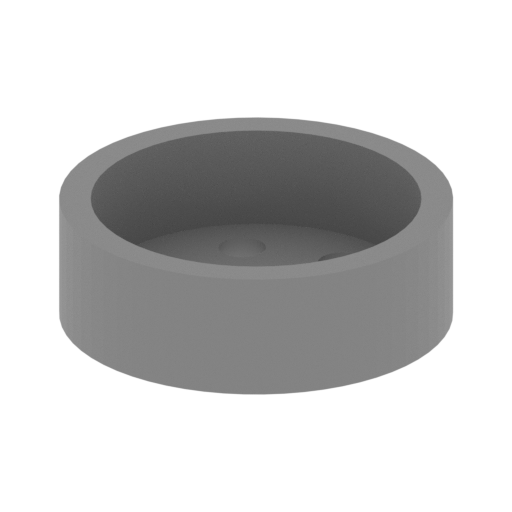 | E29 Front flywheel cover.stl 14 x 14 x 5 mm | 0.55 x 0.55 x 0.2 in | Size: 14 x 14 x 5 mm | 0.55 x 0.55 x 0.2 in | File size: 0.09 mb | Printing Time / Filament: 6 min / <1 m | ||
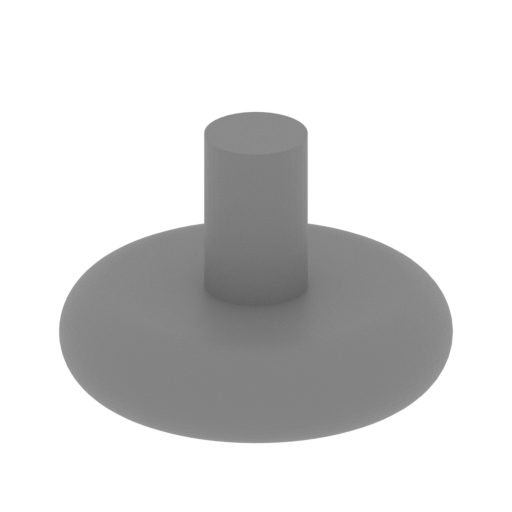 | E28 Front flywheel.stl 11 x 11 x 7 mm | 0.43 x 0.43 x 0.28 in | Size: 11 x 11 x 7 mm | 0.43 x 0.43 x 0.28 in | File size: 0.21 mb | Printing Time / Filament: 5 min / <1 m | ||
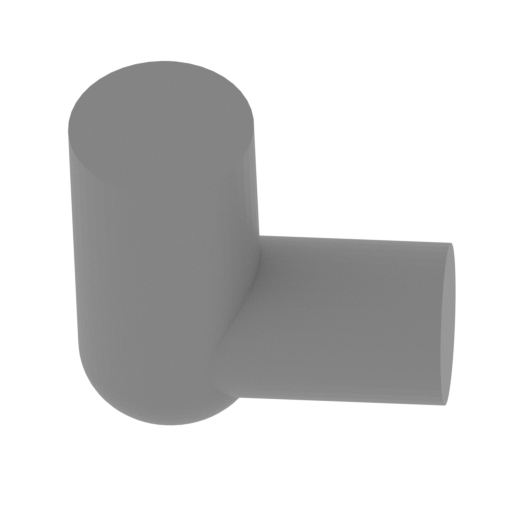 | E27 Oil filter.stl 5 x 4 x 5 mm | 0.2 x 0.16 x 0.2 in | Size: 5 x 4 x 5 mm | 0.2 x 0.16 x 0.2 in | File size: 0.10 mb | Printing Time / Filament: 1 min / <1 m | ||
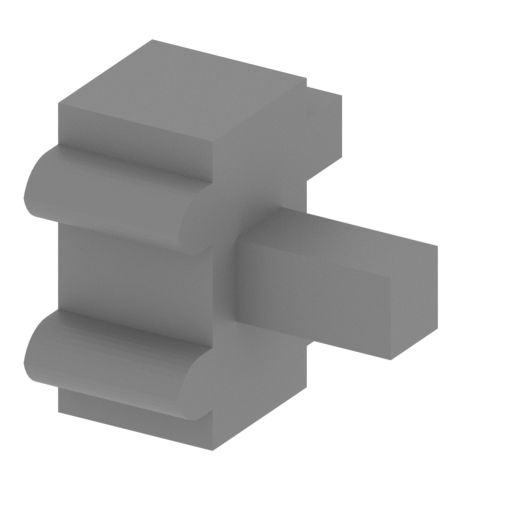 | E26 Fuel pump.stl 5 x 4 x 4 mm | 0.2 x 0.16 x 0.16 in | Size: 5 x 4 x 4 mm | 0.2 x 0.16 x 0.16 in | File size: 0.01 mb | Printing Time / Filament: 2 min / <1 m | ||
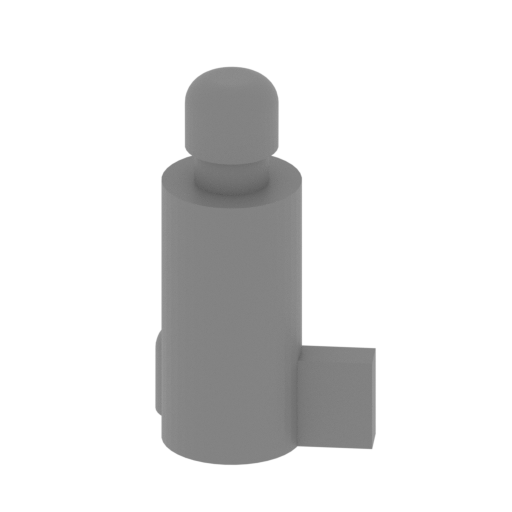 | E25 generator.stl 7 x 5 x 12 mm | 0.28 x 0.2 x 0.47 in | Size: 7 x 5 x 12 mm | 0.28 x 0.2 x 0.47 in | File size: 0.16 mb | Printing Time / Filament: 5 min / <1 m | ||
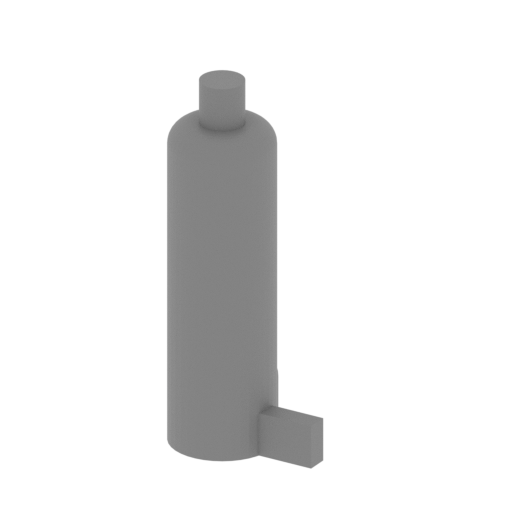 | E24 Oil cooler.stl 8 x 7 x 19 mm | 0.31 x 0.28 x 0.75 in | Size: 8 x 7 x 19 mm | 0.31 x 0.28 x 0.75 in | File size: 0.09 mb | Printing Time / Filament: 10 min / <1 m | ||
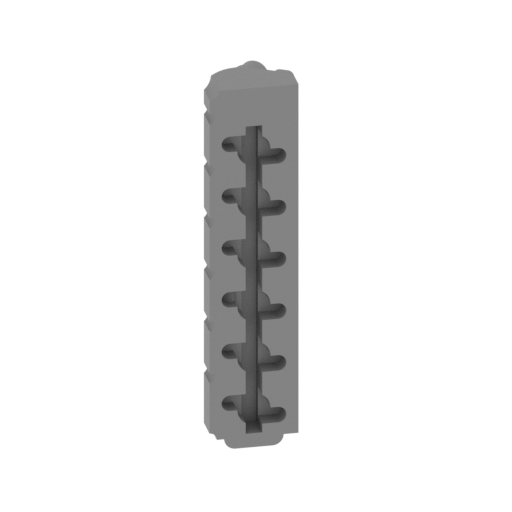 | E23 Engine Ignition Set Cover left.stl 7 x 8 x 30 mm | 0.28 x 0.31 x 1.18 in | Size: 7 x 8 x 30 mm | 0.28 x 0.31 x 1.18 in | File size: 0.31 mb | Printing Time / Filament: 28 min / <1 m | ||
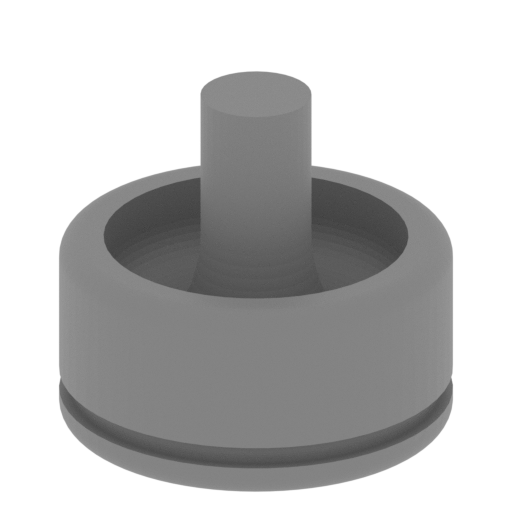 | E21,E22 Air intake cover.stl 10 x 10 x 9 mm | 0.39 x 0.39 x 0.35 in | Size: 10 x 10 x 9 mm | 0.39 x 0.39 x 0.35 in | File size: 0.57 mb | Printing Time / Filament: 7 min / <1 m | ||
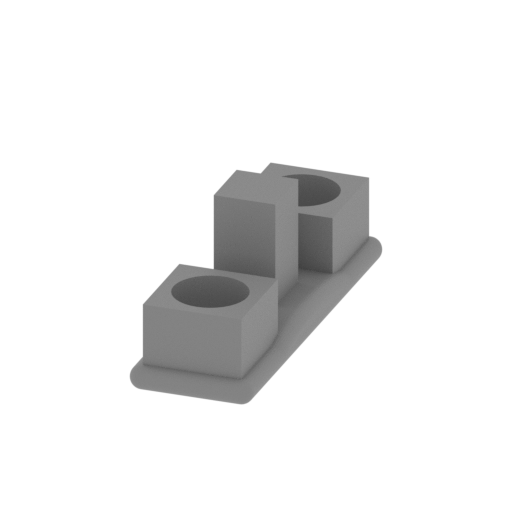 | E20 air filter.stl 6 x 17 x 7 mm | 0.24 x 0.67 x 0.28 in | Size: 6 x 17 x 7 mm | 0.24 x 0.67 x 0.28 in | File size: 0.14 mb | Printing Time / Filament: 7 min / <1 m | ||
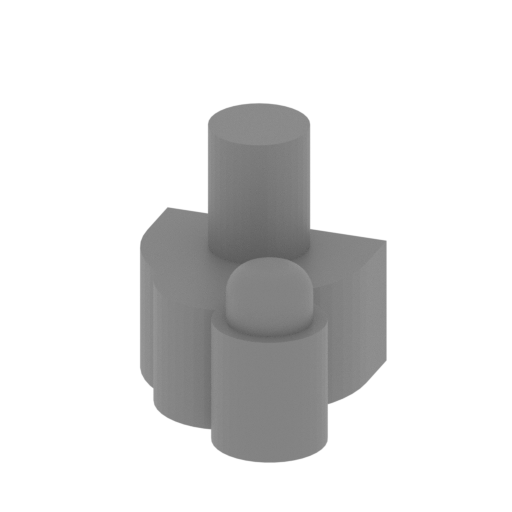 | E19 After connecting the drive.stl 5 x 8 x 5 mm | 0.2 x 0.31 x 0.2 in | Size: 5 x 8 x 5 mm | 0.2 x 0.31 x 0.2 in | File size: 0.07 mb | Printing Time / Filament: 3 min / <1 m | ||
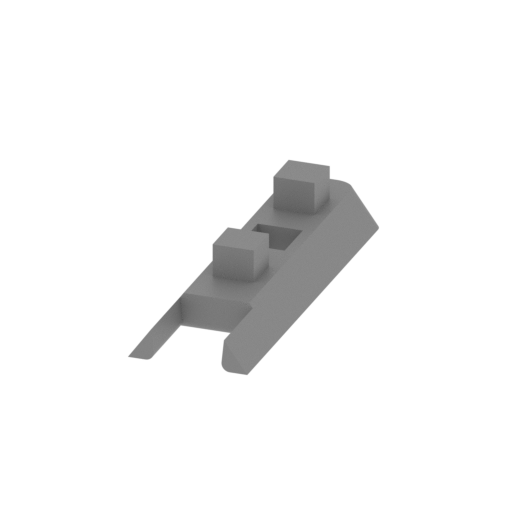 | E18 Upper cover.stl 8 x 26 x 5 mm | 0.31 x 1.02 x 0.2 in | Size: 8 x 26 x 5 mm | 0.31 x 1.02 x 0.2 in | File size: 0.02 mb | Printing Time / Filament: 7 min / <1 m | ||
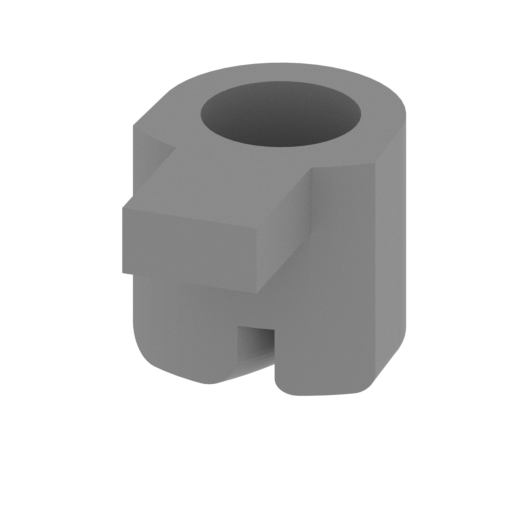 | E17 Connector.stl 4 x 6 x 4 mm | 0.16 x 0.24 x 0.16 in | Size: 4 x 6 x 4 mm | 0.16 x 0.24 x 0.16 in | File size: 0.18 mb | Printing Time / Filament: 3 min / <1 m | ||
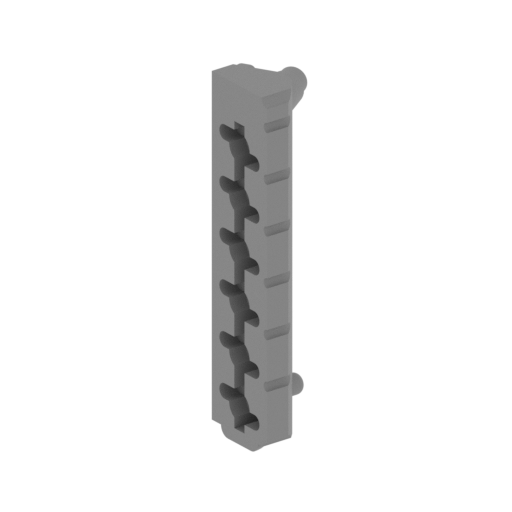 | E16 Engine Ignition Set Cover right.stl 7 x 8 x 30 mm | 0.28 x 0.31 x 1.18 in | Size: 7 x 8 x 30 mm | 0.28 x 0.31 x 1.18 in | File size: 0.26 mb | Printing Time / Filament: 27 min / <1 m | ||
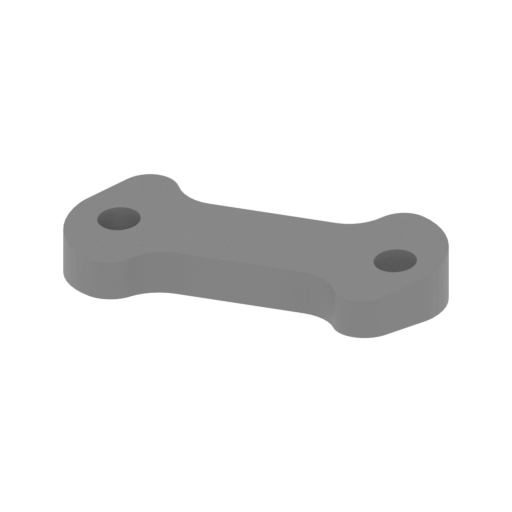 | E15 The air area behind the engine.stl 28 x 12 x 5 mm | 1.1 x 0.47 x 0.2 in | Size: 28 x 12 x 5 mm | 1.1 x 0.47 x 0.2 in | File size: 0.05 mb | Printing Time / Filament: 10 min / <1 m | ||
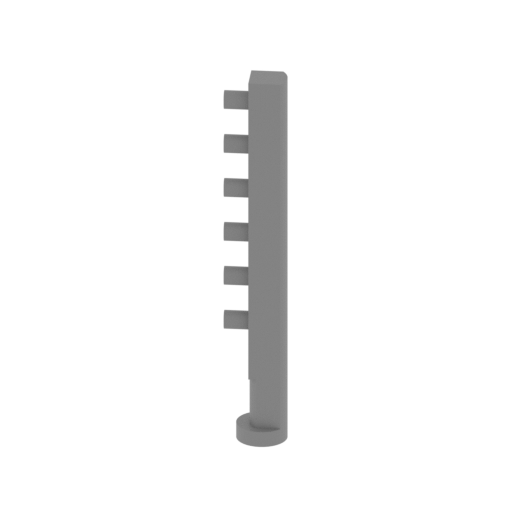 | E14 Exhaust pipe right.stl 6 x 5 x 35 mm | 0.24 x 0.2 x 1.38 in | Size: 6 x 5 x 35 mm | 0.24 x 0.2 x 1.38 in | File size: 0.06 mb | Printing Time / Filament: 15 min / <1 m | ||
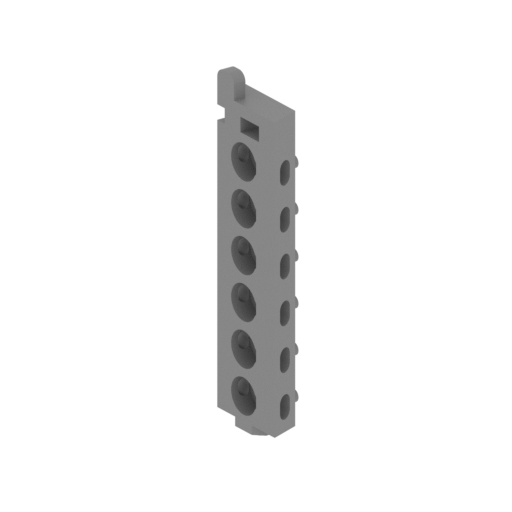 | E13 Engine ignition group right.stl 7 x 7 x 33 mm | 0.28 x 0.28 x 1.3 in | Size: 7 x 7 x 33 mm | 0.28 x 0.28 x 1.3 in | File size: 0.28 mb | Printing Time / Filament: 28 min / <1 m | ||
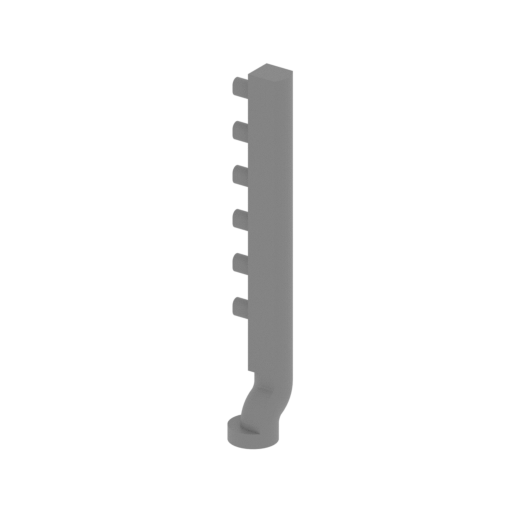 | E12 Left exhaust pipe.stl 6 x 6 x 35 mm | 0.24 x 0.24 x 1.38 in | Size: 6 x 6 x 35 mm | 0.24 x 0.24 x 1.38 in | File size: 0.12 mb | Printing Time / Filament: 16 min / <1 m | ||
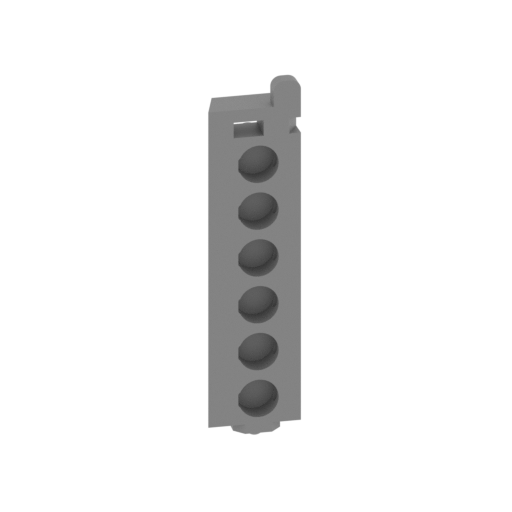 | E11 Engine ignition group left.stl 7 x 7 x 33 mm | 0.28 x 0.28 x 1.3 in | Size: 7 x 7 x 33 mm | 0.28 x 0.28 x 1.3 in | File size: 0.28 mb | Printing Time / Filament: 29 min / <1 m | ||
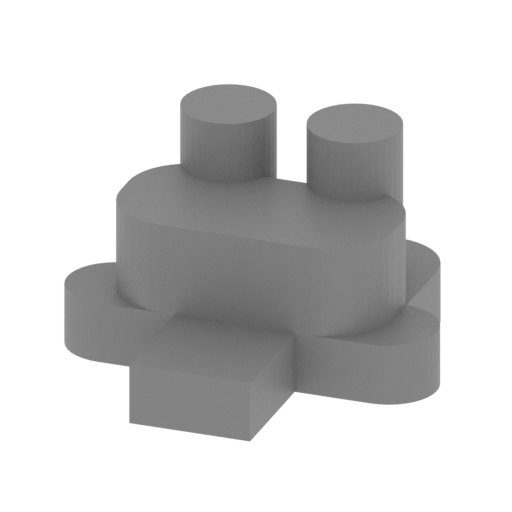 | E10 Magnetic motor.stl 7 x 7 x 4 mm | 0.28 x 0.28 x 0.16 in | Size: 7 x 7 x 4 mm | 0.28 x 0.28 x 0.16 in | File size: 0.03 mb | Printing Time / Filament: 3 min / <1 m | ||
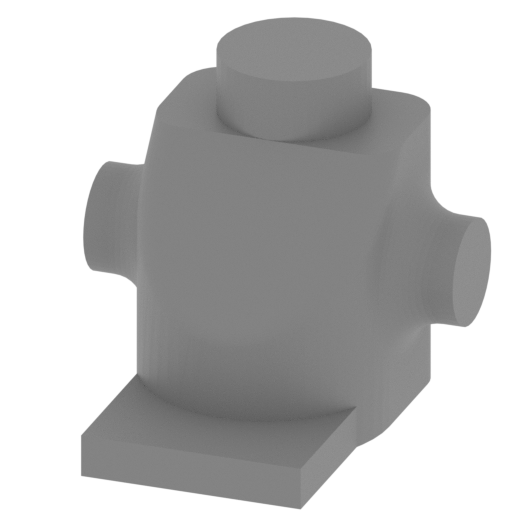 | E09 Generator fan.stl 10 x 10 x 9 mm | 0.39 x 0.39 x 0.35 in | Size: 10 x 10 x 9 mm | 0.39 x 0.39 x 0.35 in | File size: 0.27 mb | Printing Time / Filament: 8 min / <1 m | ||
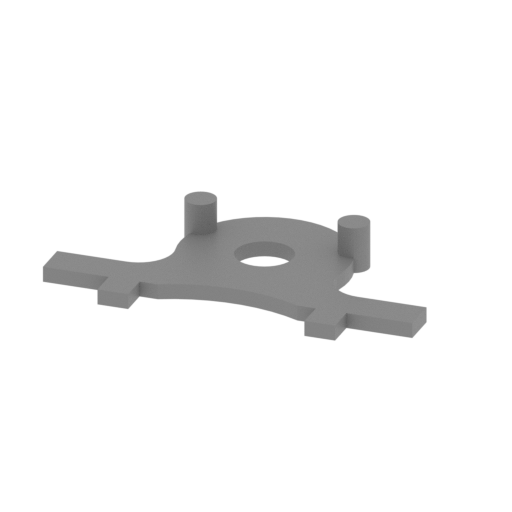 | E08 Engine back cover.stl 27 x 16 x 3 mm | 1.06 x 0.63 x 0.12 in | Size: 27 x 16 x 3 mm | 1.06 x 0.63 x 0.12 in | File size: 0.04 mb | Printing Time / Filament: 5 min / <1 m | ||
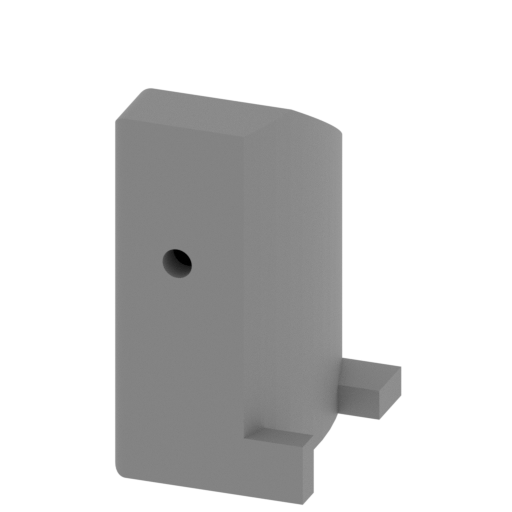 | E07 Fuel tank.stl 7 x 10 x 14 mm | 0.28 x 0.39 x 0.55 in | Size: 7 x 10 x 14 mm | 0.28 x 0.39 x 0.55 in | File size: 0.16 mb | Printing Time / Filament: 16 min / <1 m | ||
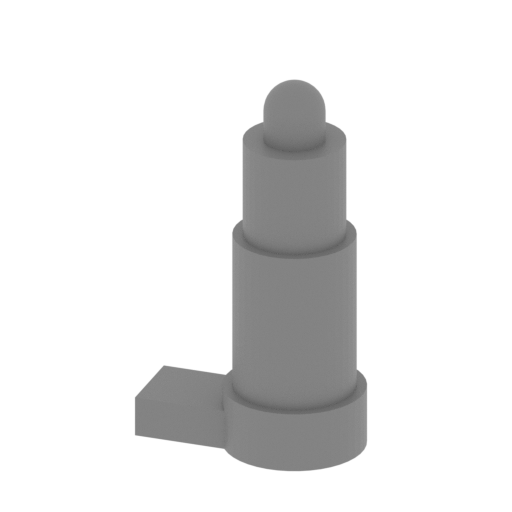 | E06 Inertia starter.stl 6 x 4 x 11 mm | 0.24 x 0.16 x 0.43 in | Size: 6 x 4 x 11 mm | 0.24 x 0.16 x 0.43 in | File size: 0.07 mb | Printing Time / Filament: 3 min / <1 m | ||
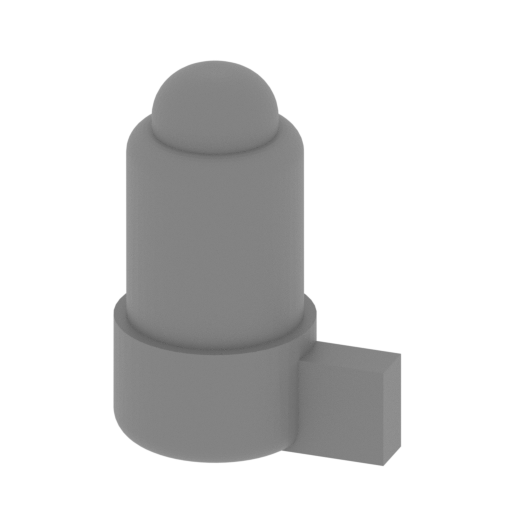 | E05 Electric starter.stl 7 x 5 x 9 mm | 0.28 x 0.2 x 0.35 in | Size: 7 x 5 x 9 mm | 0.28 x 0.2 x 0.35 in | File size: 0.22 mb | Printing Time / Filament: 4 min / <1 m | ||
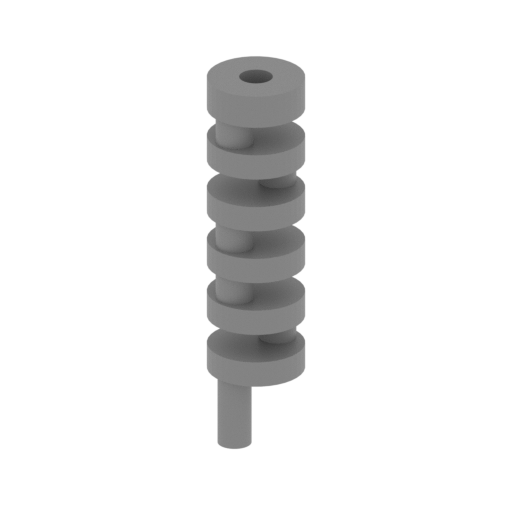 | E04 Cam.stl 7 x 7 x 30 mm | 0.28 x 0.28 x 1.18 in | Size: 7 x 7 x 30 mm | 0.28 x 0.28 x 1.18 in | File size: 0.09 mb | Printing Time / Filament: 25 min / <1 m | ||
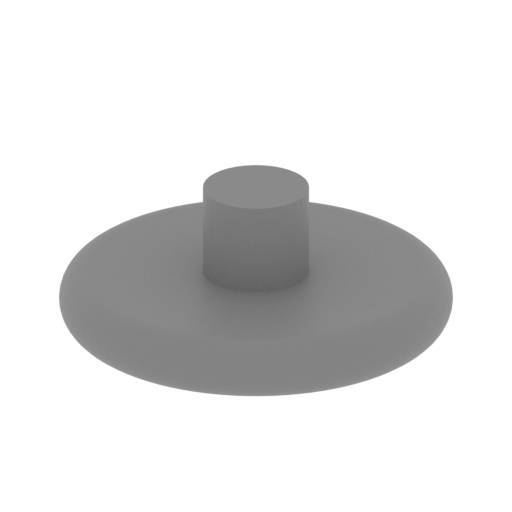 | E03 Rear flywheel.stl 7 x 7 x 3 mm | 0.28 x 0.28 x 0.12 in | Size: 7 x 7 x 3 mm | 0.28 x 0.28 x 0.12 in | File size: 0.17 mb | Printing Time / Filament: 2 min / <1 m | ||
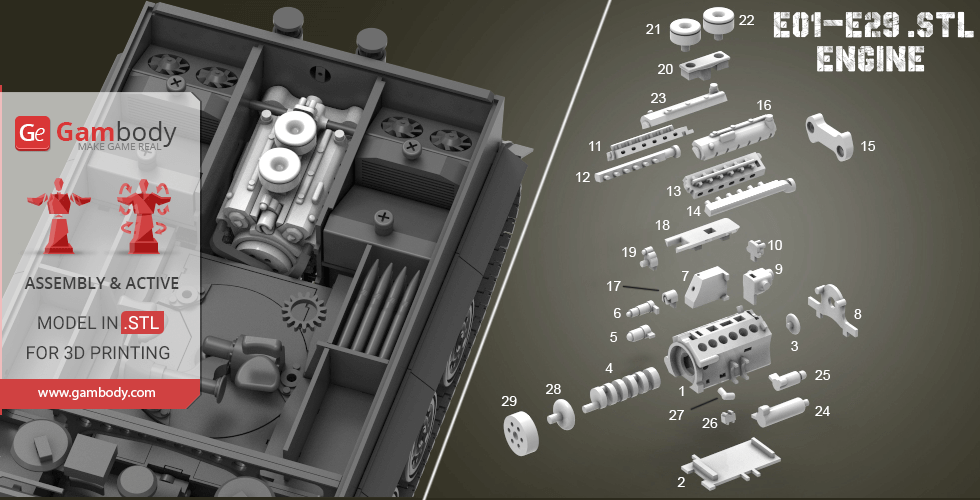
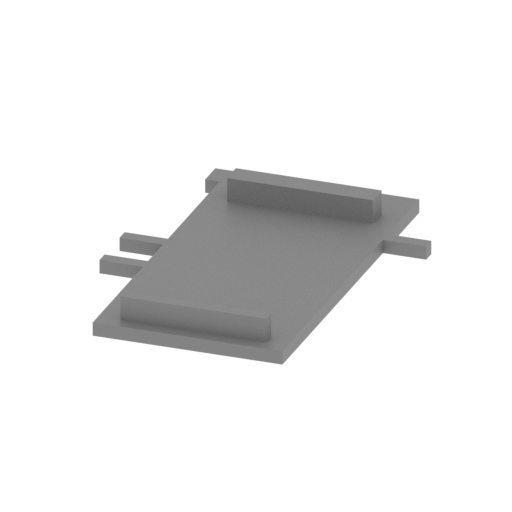 | E02 Lower cover.stl 23 x 31 x 3 mm | 0.91 x 1.22 x 0.12 in | Size: 23 x 31 x 3 mm | 0.91 x 1.22 x 0.12 in | File size: 0.01 mb | Printing Time / Filament: 12 min / <1 m | ||
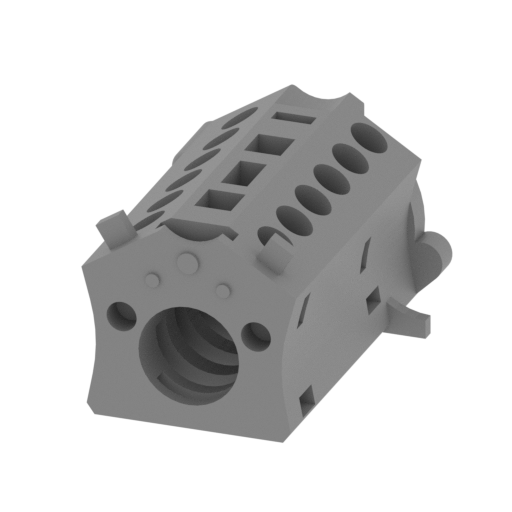 | E01 Engine cavity.stl 23 x 31 x 17 mm | 0.91 x 1.22 x 0.67 in | Size: 23 x 31 x 17 mm | 0.91 x 1.22 x 0.67 in | File size: 0.35 mb | Printing Time / Filament: 1 h 33 min / 1 m | ||
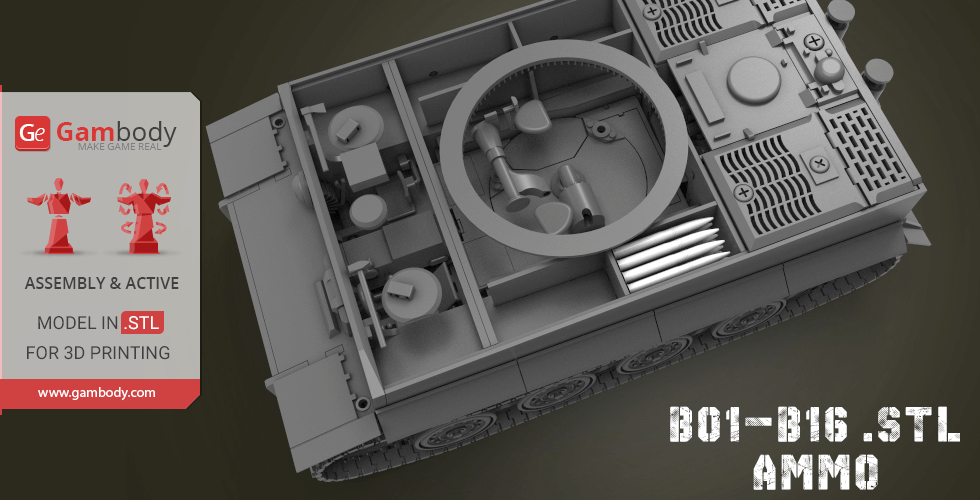
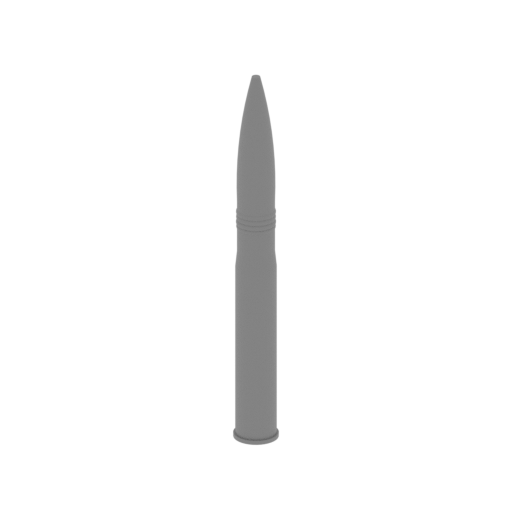 | B1-B16 High explosive shells(TIGER have 92s, you can find where storage boxs _).stl 3 x 3 x 27 mm | 0.12 x 0.12 x 1.06 in | Size: 3 x 3 x 27 mm | 0.12 x 0.12 x 1.06 in | File size: 0.18 mb | Printing Time / Filament: 6 min / <1 m | ||
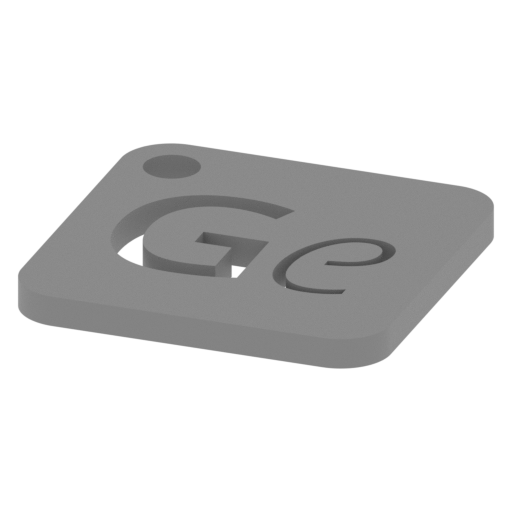 | Keychain (repaired).stl 29.68 x 29.69 x 2.42 mm | 1.17 x 1.17 x 0.1 in | Size: 29.68 x 29.69 x 2.42 mm | 1.17 x 1.17 x 0.1 in | File size: 0.37 mb | Printing Time / Filament: 23 min / <1 m | ||
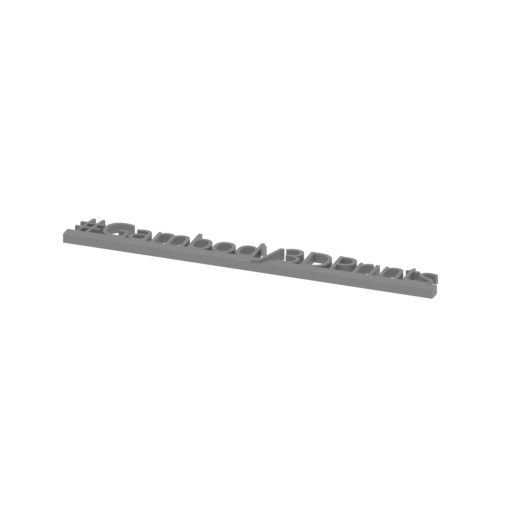 | Tag (repaired).stl 150.15 x 18.16 x 4.59 mm | 5.91 x 0.71 x 0.18 in | Size: 150.15 x 18.16 x 4.59 mm | 5.91 x 0.71 x 0.18 in | File size: 1.78 mb | Printing Time / Filament: 1 h 18 min / 1 m | ||
HISTORY OF THE TIGER I TANK
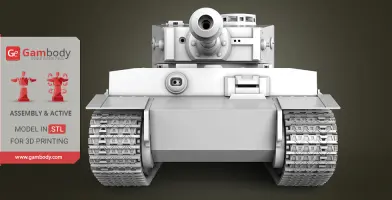
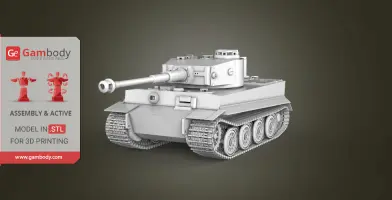
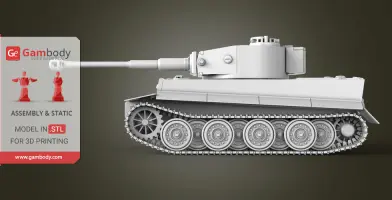
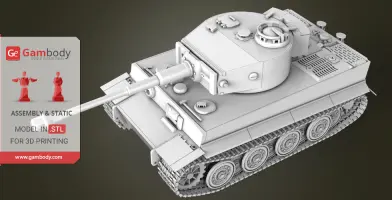
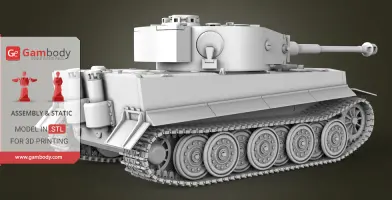
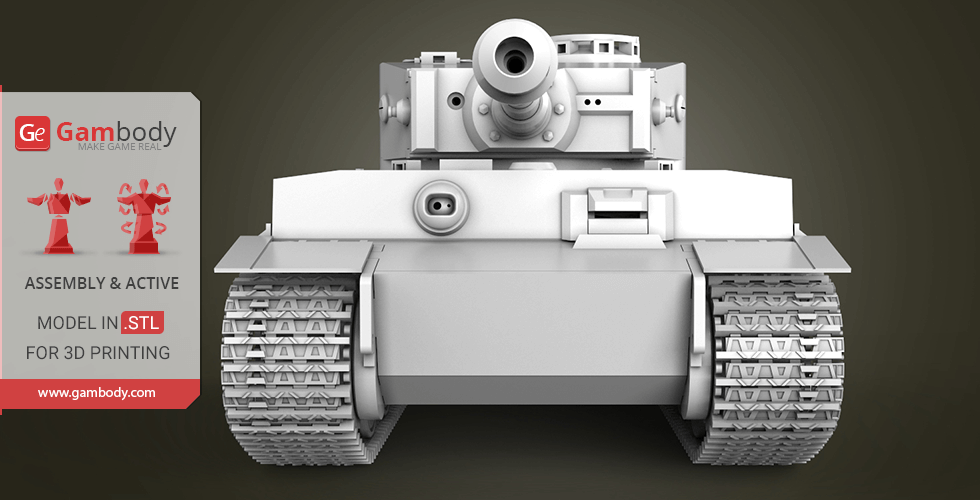
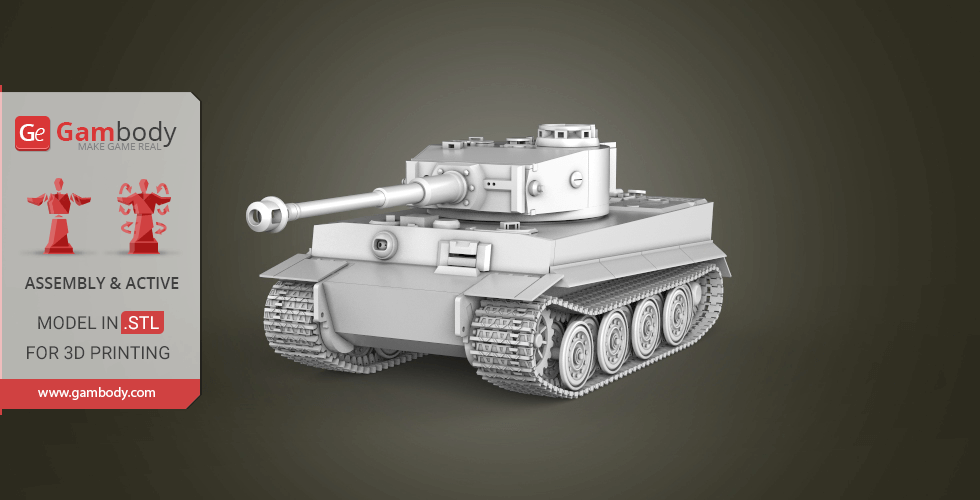
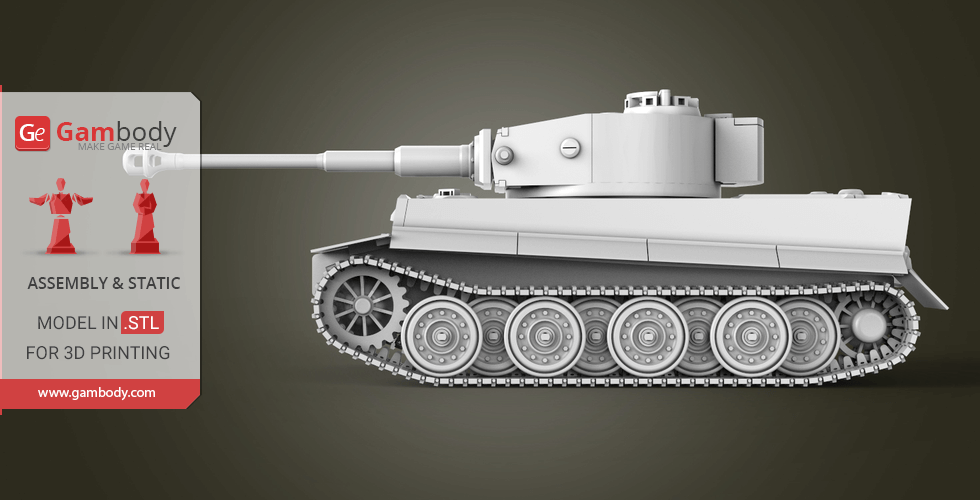
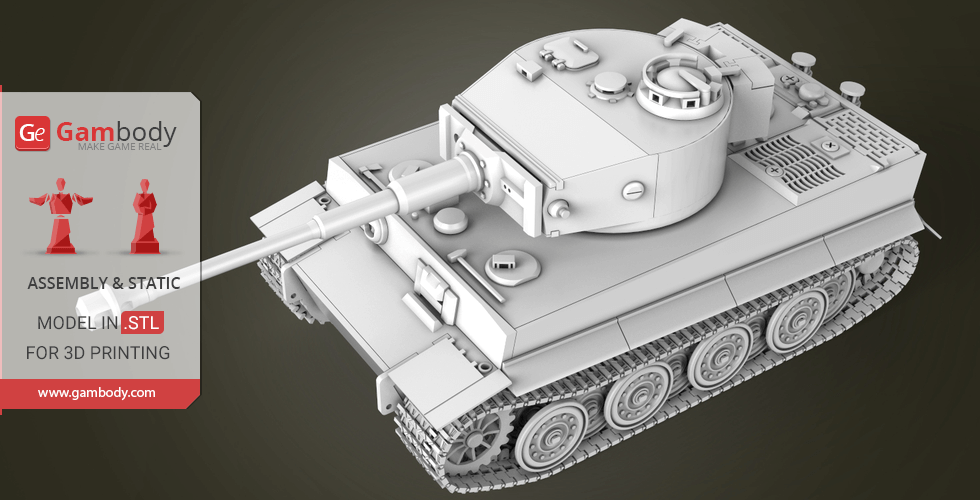
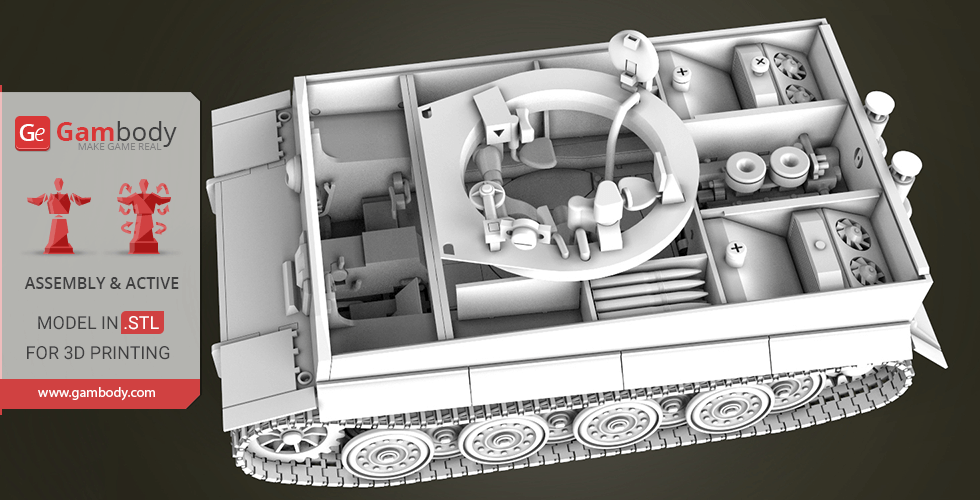
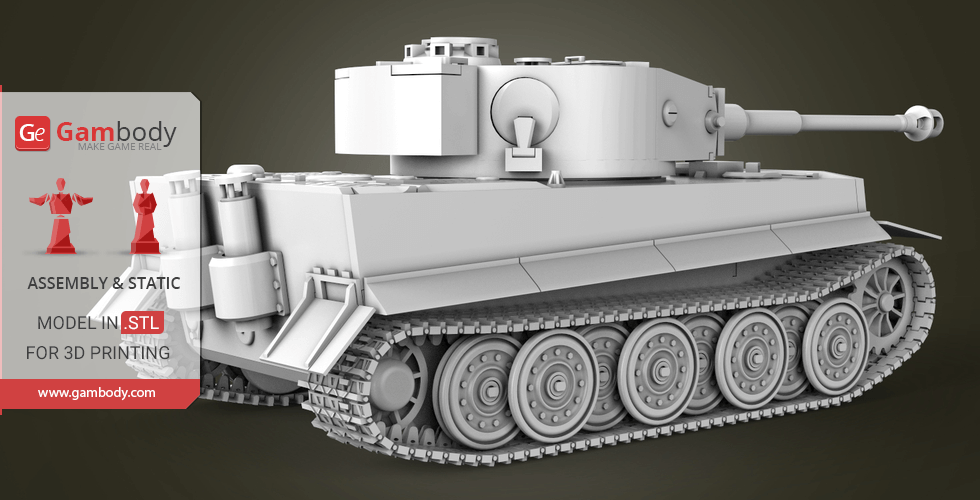
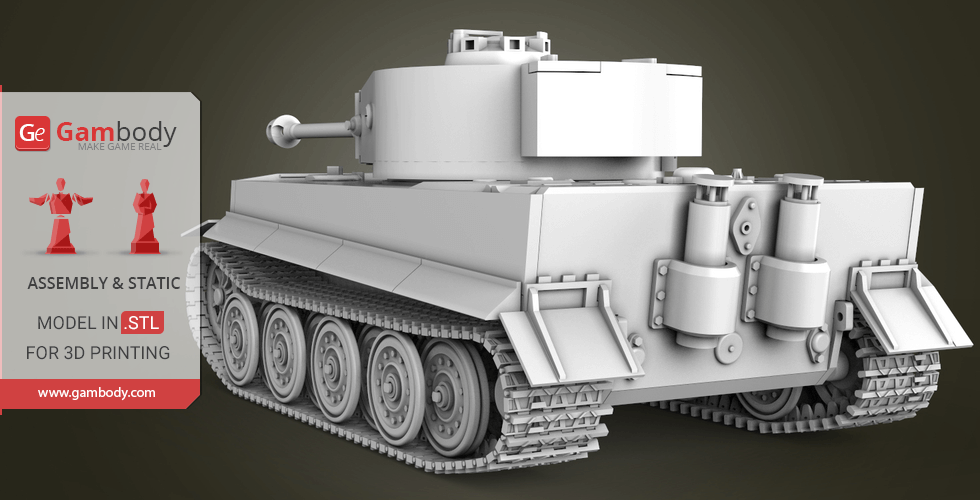
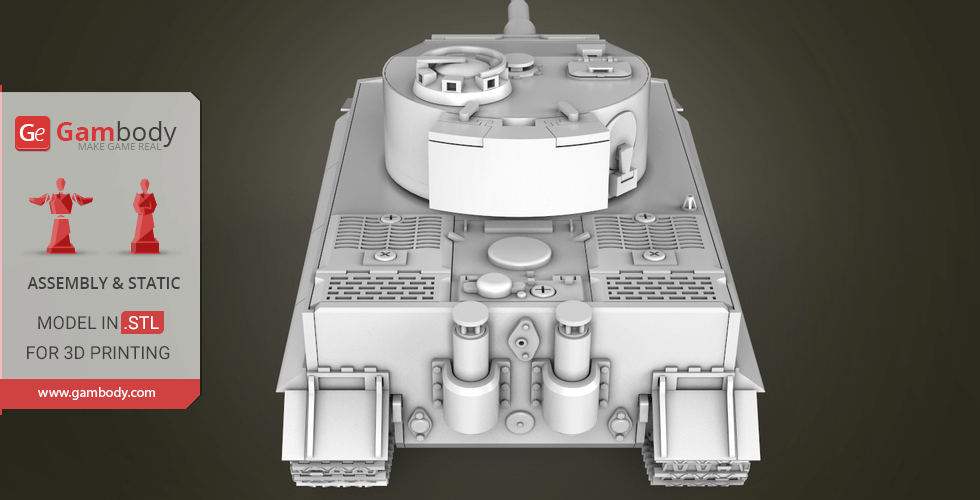
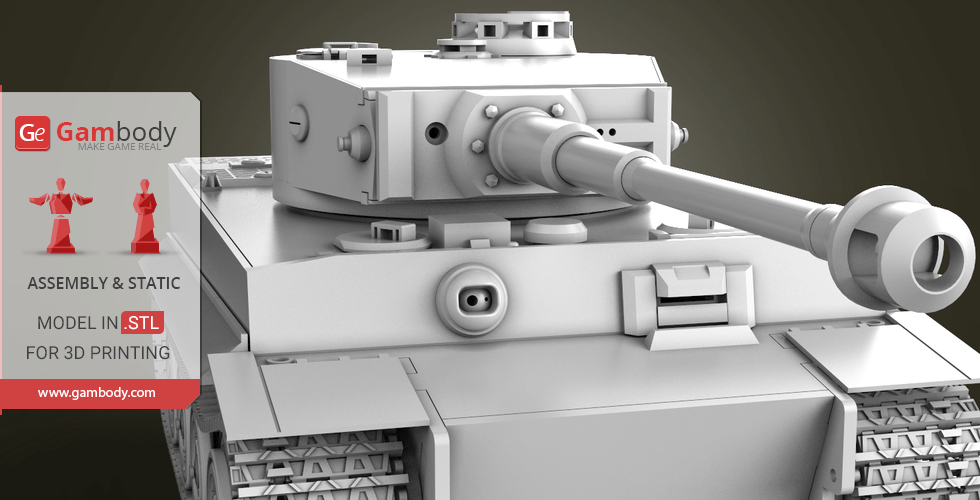
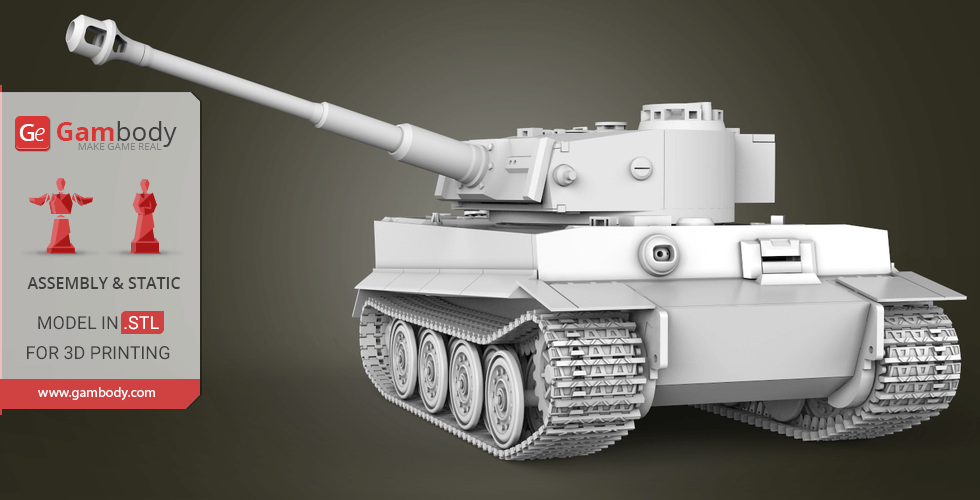
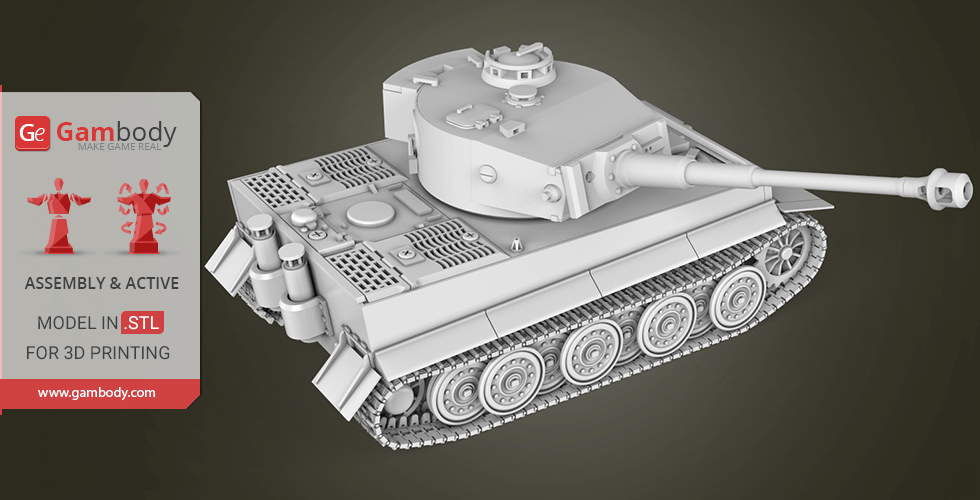
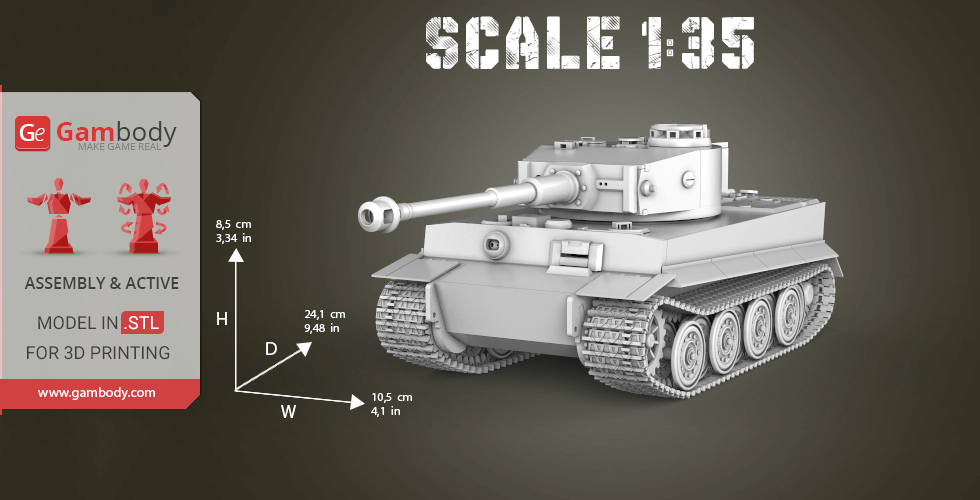
The heavy tank of the Second World War, the prototype of which was the VK4501 (H) tank, developed in 1942 by the firm "Henschel" under the direction of Erwin Aders. For the first time tanks "Tiger" went into battle on August 29, 1942, near the station Mga in Leningrad. Massively began to be used for the battle and capture of cities in February-March 1943, were used by the Wehrmacht and SS troops until the end of World War II. The total number of produced vehicles is 1354 units. The cost of producing one Tiger tank was twice expensive as any tank of that time. The inspiration for the creation this Tank was books and it was spent a lot of time to repeat all the details of the Tank as in real life.
ABOUT THIS 3D MODEL KIT
The model is saved in STL files, a format supported by most 3D printers.
Features of this model:
- Almost without glue when assembling the model;
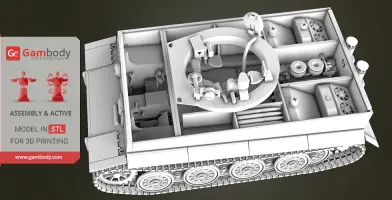
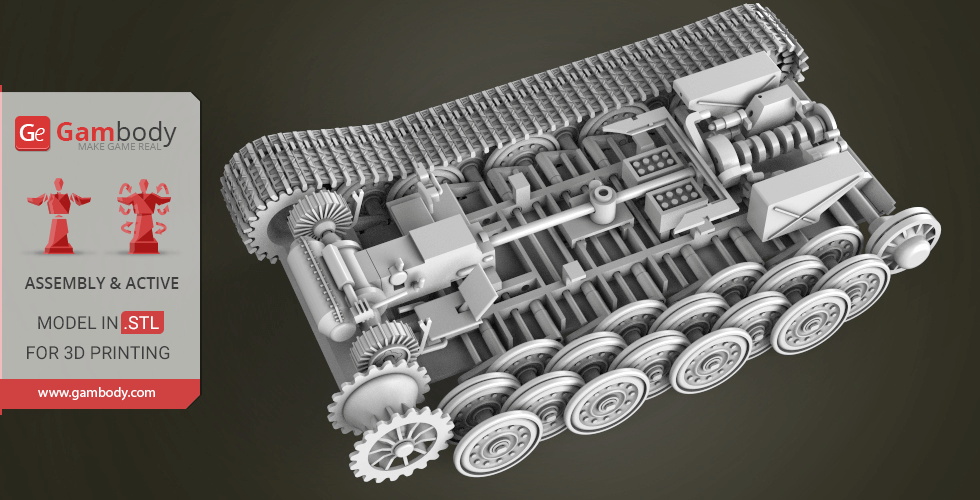
- Contains 249 stl files and 404 details;
- Made as 1/35 scale;
- All parts accurately repeats the parts of the prototype;
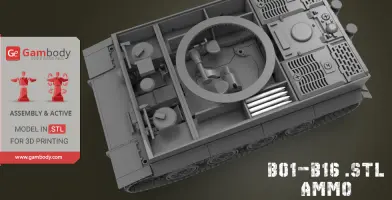
- Ammo B01-B16 parts;
- Barrel G01-G11 parts;
- Engine E01-E29 parts;
- Turret T01-T55 parts;
- Hull H001-H292 parts;
- All parts in this model are divided in a special way so that they will print with minimal use of support material;
All STL files for 3D printing have been checked in Netfabb and no errors were shown.
Note: Some parts of this model you need to print few times;
Before starting 3D printing the model, read the Printing Details for CURA 3.1.0 software.
This Tank contains 404 parts in 249 stl files.
All small parts should be printed at 100% infill.
Scale: Its length in real life is 8435 mm. Model made as 1/35 scale.
Dimensions:
- After being printed will stand: 85 mm tall, 105 mm wide, 241 mm deep;
- Small parts should be printed at 100% infill to make them solid.
WHAT WILL YOU GET AFTER PURCHASE?
- STL files of Tiger I Tank for printing which consists of 249 stl files.
- All parts accurately repeats the parts of the prototype;
- Made in scale 1/35 of Its real size;
- All parts are divided in such way that you will print them with the smallest amount of supports;
- Detailed settings that we provide for Cura 3.1.0. for the best print;
- Full technical support from the Gambody Support Team.
Watch the tutorial video on how to assemble Tiger I Tank 3D Printing Miniature at Gambody YouTube channel.
You can get Tiger I Tank Model for 3D Printing right now! Just click the green Buy button in the top-right corner of the model’s page. You can pay with PayPal or your credit card.
Also, you may like another 3D models of Tanks.
_______
FAQ:
Where can I print a model if I have no printer?
How to get started with 3D printing?
How to set up my 3D printer?
How to choose right 3D model print bed positioning?
How to paint printed figurine?
Average customer rating (11 reviews)
4.8
Ratings breakdown
Click a star rating to filter reviews
Overall experience
Level of detail in the model
4.8
Model cut quality and assembly guide
4.8
Clarity and accuracy of the model page
4.8


 Verified purchase
 Level of detail in the model
4
Model cut quality and assembly guide
4
Clarity and accuracy of the model page
4
Verified purchase Level of detail in the model
4
Model cut quality and assembly guide
4
Clarity and accuracy of the model page
4
 This feedback is from a user who hasn't purchased this model
 Level of detail in the model
5
Model cut quality and assembly guide
5
Clarity and accuracy of the model page
5
This feedback is from a user who hasn't purchased this model Level of detail in the model
5
Model cut quality and assembly guide
5
Clarity and accuracy of the model page
5
Verified purchase Level of detail in the model
5
Model cut quality and assembly guide
5
Clarity and accuracy of the model page
5
Verified purchase Level of detail in the model
5
Model cut quality and assembly guide
5
Clarity and accuracy of the model page
5
This feedback is from a user who hasn't purchased this model Level of detail in the model
5
Model cut quality and assembly guide
5
Clarity and accuracy of the model page
5
This feedback is from a user who hasn't purchased this model Level of detail in the model
5
Model cut quality and assembly guide
5
Clarity and accuracy of the model page
5

 3D Artist (Author of this model)
 Level of detail in the model
5
Model cut quality and assembly guide
5
Clarity and accuracy of the model page
5
 This feedback is from a user who hasn't purchased this model
 Level of detail in the model
5
Model cut quality and assembly guide
5
Clarity and accuracy of the model page
5

 This feedback is from a user who hasn't purchased this model
 Level of detail in the model
5
Model cut quality and assembly guide
5
Clarity and accuracy of the model page
5
Below you'll find detailed slicing settings for Bambu Studio 2.0+, Orca Slicer 2.0+, UltiMaker Cura 5.0+, PrusaSlicer 2.0+, Slic3r 1.3+, Simplify3D 5.0+ to help you get the best results when printing this model. These settings are optimized specifically for this 3D model, but please note they may need slight adjustments depending on your printer or filament. When in doubt, refer to your printer's user manual.
To avoid printing issues and achieve the best quality, we highly recommend applying the following settings:
 Bambu Studio 2.0+
 For better quality use 0.12 mm layer height, for fast printing use 0.2 mm layer height. For pins and the Ge connectors, use 0.2 layer height.
120-150% of your Layer Height
But you can paint the seam if you want.
You have to calibrate this parameter
You have to calibrate this parameter
You have to calibrate this parameter
For pins and power elements of the structure, such as the vehicle frame, use 3 loop
Disabled for vehicles and enabled for characters
For 0,2 Layer Height
The parameters in this tab vary greatly, it all depends on the quality of your printer. For example, if you have a classic Ender3, stick to the minimum parameters, but if you have a newer printer, for example Anycubic cobra 3 v2, you can select the maximum recommended values
Settings for advanced users, change these parameters only if you have sufficient 3D printing expertise
Enable this parameter if your model requires supports
We also recommend placing and removing supports manually in some places using special button
1-2 loops for more thick support
Top Z distance = 1-1.3 layer Height. If the supports are hard to remove, try increasing this setting by 0.1-0,4 mm
Bottom Z distance = 1-1.3 layer Height. If the supports are hard to remove, try increasing this setting by 0.1-0,4 mm
You have to calibrate this parameter which one is better for your filament
Increase this parameter if the supports are hard to remove from walls
For PLA and PETG filament types
5-8 mm is optional for small prints that have bad adhesion to the build plate
You have to calibrate this parameter
Read the description on your filament roll
Read the description on your filament roll and increase this parameter for fast printers
Read the description on your filament roll and increase this parameter for fast printers
 Orca Slicer 2.0+
 For better quality use 0.12 mm layer height, for fast printing use 0.2 mm layer height. For pins and the Ge connectors, use 0.2 layer height.
120-150% of your Layer Height
But you can paint the seam if you want.
0.01-0.05 You have to calibrate this parameter
0.01-0.05 You have to calibrate this parameter
0.1-0.2 You have to calibrate this parameter
For pins and power elements of the structure, such as the vehicle frame, use 3 loop
Disabled for vehicles and ships, enabled for characters
For 0,2 Layer Height
For 0,2 Layer Height
The parameters in this tab vary greatly, it all depends on the quality of your printer. For example, if you have a classic Ender3, stick to the minimum parameters, but if you have a newer printer, for example, Anycubic Kobra 3 Or Bambulab A1, you can select the maximum recommended values.
Settings for advanced users, change these parameters only if you have sufficient 3D printing expertise
Enable this parameter if your model requires supports
We also recommend placing and removing supports manually in some places using special button
Top Z distance = 1-1.3 layer Height. If the supports are hard to remove, try increasing this setting by 0.1-0,4 mm
Bottom Z distance = 1-1.3 layer Height. If the supports are hard to remove, try increasing this setting by 0.1-0,4 mm
Increase this parameter if the supports are hard to remove from walls
For PLA and PETG filament types
5-8 mm is optional for small prints that have bad adhesion to the build plate
Read the description on your filament roll
Read the description on your filament roll and increase this parameter for fast printers
You have to calibrate this parameter
Read the description on your filament roll and increase this parameter for fast printers
Read the description on your filament roll
This field is filled in according to your printer specifications when you add it to the slicer.
You can add custom G-code here for the start and end of the print. However, be careful - this is for advanced users only!
You have to calibrate your printer using Ge retraction test models
Retraction Length: For direct-drive setups use 0.5 mm to 2.5 mm; for Bowden extruders use 5 to 7 mm
This is how fast the filament is pulled back—40-60 mm/s for direct drive and 30-50 mm/s for Bowden setups.
You have to calibrate this parameter: Reduce it until the printer starts to hit the parts with the nozzle during printing, then increase it by 0.2.
 UltiMaker Cura 5.0+
 For better quality use 0.12 mm layer height, for fast printing use 0.2 mm layer height. For pins and the Ge connectors, use 0.2 layer height.
120-150% of your Layer Height
To increase the strength of the print parts, use wall line count: 3
For pins and connectors use 50% Infill
These parameters are for standard PLA plastic. If you are using a different type of plastic, check the printing temperature recommended by the manufacturer. Also, read the description on your filament spool. For fast printers, add +30 °C to the current parameters.
The parameters in this tab vary greatly, it all depends on the quality of your printer. For example, if you have a classic Ender3, stick to the minimum parameters, but if you have a newer printer, for example Anycubic cobra 3 v3, you can select the maximum recommended values
Settings for advanced users, change these parameters only if you have sufficient 3D printing expertise.
You need to calibrate this parameter using Gambody test models. These values are average values for a Direct Drive extruder; for a Bowden extruder, the values should be increased.
You need to calibrate this parameter using Gambody test models. These values are average values for a Direct Drive extruder; for a Bowden extruder, the values should be increased.
Use this value other than 0 if your nozzle catches on the internal infill during travel moves. Try to keep this value as low as possible in height.
Use normal supports to support large, straight surfaces (most mechanical or technical parts).
You have to calibrate this parameter according to the capabilities of your printer and your filament, using a Gambody test models.
Use 1 instead of 0 if your supports are thin and tall. They will be harder to remove, but much stronger.
Top Z distance = 1-1.3 layer Height. If the supports are hard to remove, try increasing this setting by 0.1-0,4 mm
Increase this parameter if the supports are hard to remove from walls
Use tree supports to support complex objects, such as characters.
You have to calibrate this parameter according to the capabilities of your printer and your filament, using a Gambody test models.
Top Z distance = 1-1.3 layer Height. If the supports are hard to remove, try increasing this setting by 0.1-0,4 mm
Increase this parameter if the supports are hard to remove from walls
Use a skirt for all parts when printing on outdated printers.
Use a brim when printing thin but tall parts, as well as parts with a small bed adhesion area.
 PrusaSlicer 2.0+
 For better quality use 0.12 mm layer height, for fast printing use 0.2 mm layer height. For pins and the Ge connectors, use 0.2 layer height.
120-150% of your Layer Height
for 0.2 Layer Height
But you can paint the seam if you want.
(for PLA and PETG)
(5-8 mm is optional for small prints that have bad adhesion to the build plate)
Enable this parameter if your model requires supports
(45-50 degree)You have to calibrate this parameter according to the capabilities of your printer
and your filament, using a Gambody test models.
Top contact Z distance = 1-1.3 layer Height. If the supports are hard to remove, try
increasing this setting by 0.1-0,4 mm
Top contact Z distance = 1-1.3 layer Height. If the supports are hard to remove, try
increasing this setting by 0.1-0,4 mm
Increase this parameter if the supports are hard to remove from walls
The parameters in this tab vary greatly, it all depends on the quality of your printer. For example, if you have a classic Ender3, stick to the minimum parameters, but if you have a newer printer, for example Anycubic cobra 3 v3, you can select the maximum recommended values
Settings for advanced users, change these parameters only if you have sufficient 3D printing expertise. Use the minimum value for outdated printers without acceleration calibration, and the maximum value for modern printers if you need it.
These settings only work for 3D printers with multiple extruders
You can try setting all parameters in this section, except the First layer, to values between 0.75% of your nozzle diameter and 1.25% of your nozzle diameter. Adjusting them will help you work out the optimal parameters for the best quality for your print. As for the First layer, you can set it to 150% of the diameter of your nozzle for better adhesion to the build plate (for a nozzle with a diameter of 0.4 mm, the First layer extrusion width can be from 0.3 mm to 0.5 mm)
For better printing quality you have to calibrate this parameter using Gambody test model.
Check your filament manufacturer's temperature recommendations on the spool.
Cooling parameters depends on the material you use for printing.
*for PLA
 Slic3r 1.3+
 For better quality use 0.12 mm layer height, for fast printing use 0.2 mm layer height. For pins and the Ge connectors, use 0.2 layer height.
120-150% of your Layer Height
For 0.12 Layer Height
For 0.12 Layer Height
For pins and connectors use 50% Infill
Use skirt for outdated 3d printers
(5-8 mm is optional for small prints that have bad adhesion to the build plate)
Enable this parameter if your model requires supports
(45-60 degree)You have to calibrate this parameter according to the capabilities of your printer and your filament, using a Gambody test models
Contact Z distance = 1-1.3 layer Height. If the supports are hard to remove, try increasing this setting by 0.1-0,4 mm
The parameters in this tab vary greatly, it all depends on the quality of your printer. For example, if you have a classic Ender3, stick to the minimum parameters, but if you have a newer printer, for example Anycubic cobra 3 v3, you can select the maximum recommended values
Settings for advanced users, change these parameters only if you have sufficient 3D printing expertise. Use the minimum value for outdated printers without acceleration calibration, and the maximum value for modern printers if you need it.
You have to calibrate this parameter from 0.9 to 1.1 according to the capabilities of your printer and your filament, using a Gambody test models.
Check your filament manufacturer's temperature recommendations on the spool.
Cooling parameters depends on the material you use for printing.
Calibrate this value if you need to reduce or improve the adhesion between the plastic and the heat bed
Your current nozzle diameter
You need to calibrate this parameter using Gambody test models. These values are average values for a Direct Drive extruder; for a Bowden extruder, the values should be increased.
 Simplify3D 5.0+
 Your current nozzle diameter
You have to calibrate this parameter using Gambody test models.
You need to calibrate this parameter using Gambody test models. These values are average values for a Direct Drive extruder; for a Bowden extruder, the values should be increased.
For better quality use 0.12 mm layer height, for fast printing use 0.2 mm layer height. For pins and the Ge connectors, use 0.2 layer height.
For 0,2 Layer Height
For 0,2 Layer Height
To increase the strength of the print parts, use Outline Perimeters: 3
You can enable this parameter to print rounded or spherical models, as well as character models.
Use this option only if your parts are too tight. but better calibrate your printer extrusion
Use this option only if your parts are too tight. but better calibrate your printer extrusion
Use 2 and more if you want to create skirt instead brim
1-2 for skirt and 10-20 for brim
Use for wipe nozzle if you need
Use For ABS filament
For pins and connectors use 50% Infill
Top Z distance = 1-1.3 layer Height. If the supports are hard to remove, try increasing this setting by 0.1-0,4 mm
Calibrate your filament and detect optimal temperature for it
Average temperature for PLA filament
The parameters in this tab vary greatly, it all depends on the quality of your printer. For example, if you have a classic Ender3, stick to the minimum parameters, but if you have a newer printer, for example Anycubic cobra 3 v3, you can select the maximum recommended values
Settings for advanced users, change these parameters only if you have sufficient 3D printing expertise.