Community

 es
es  ua
ua 







Files
3D model format
Stereolithography (.stl)
Total files

Slicer settings
Mesh error check
Netfabb
Support
Lifetime support from Gambody team
Update requests
Available to verified buyers
Model complexity
Advanced: may require tuning print settings or support placement, plus precise fitting, gluing, or sanding.
Model versions
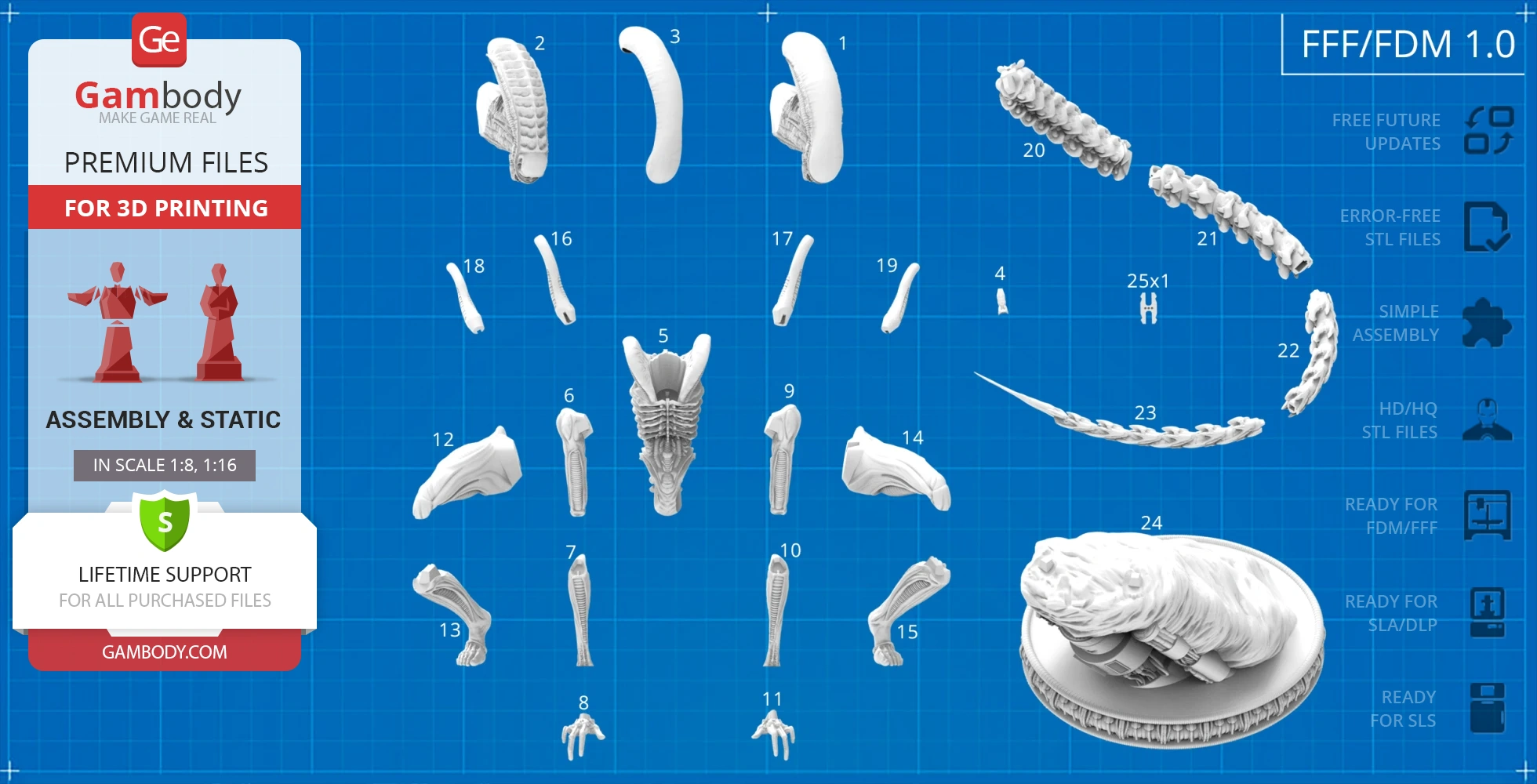
FFF/FDM
Assembly method
Connectors
Features
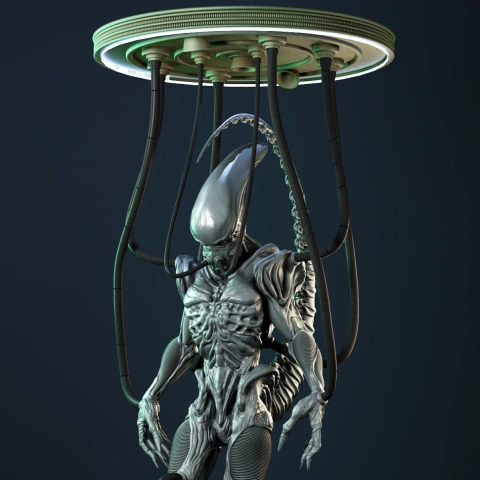
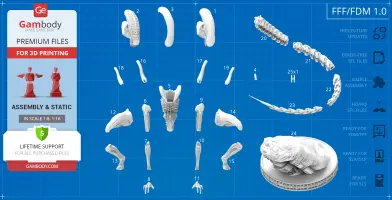
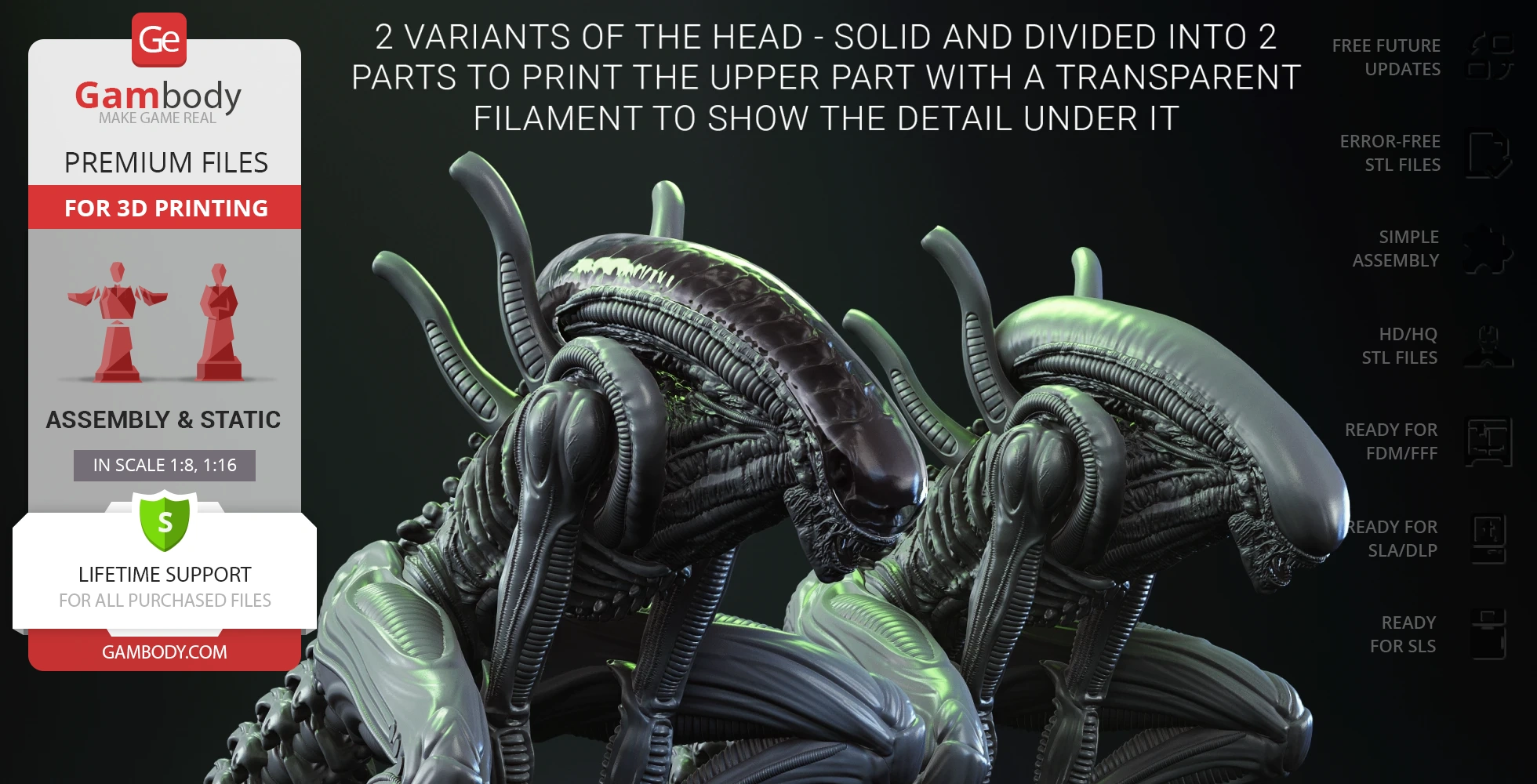
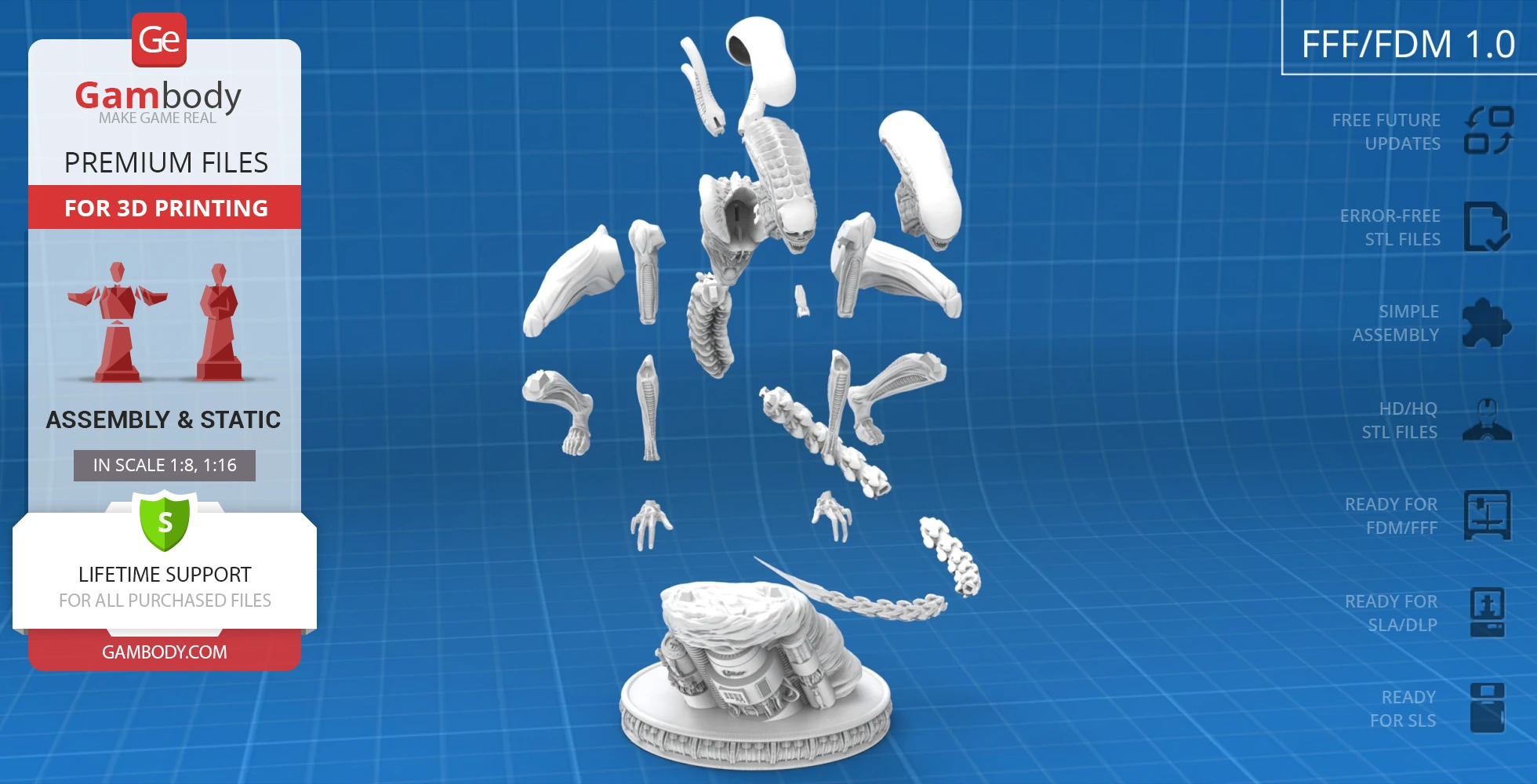
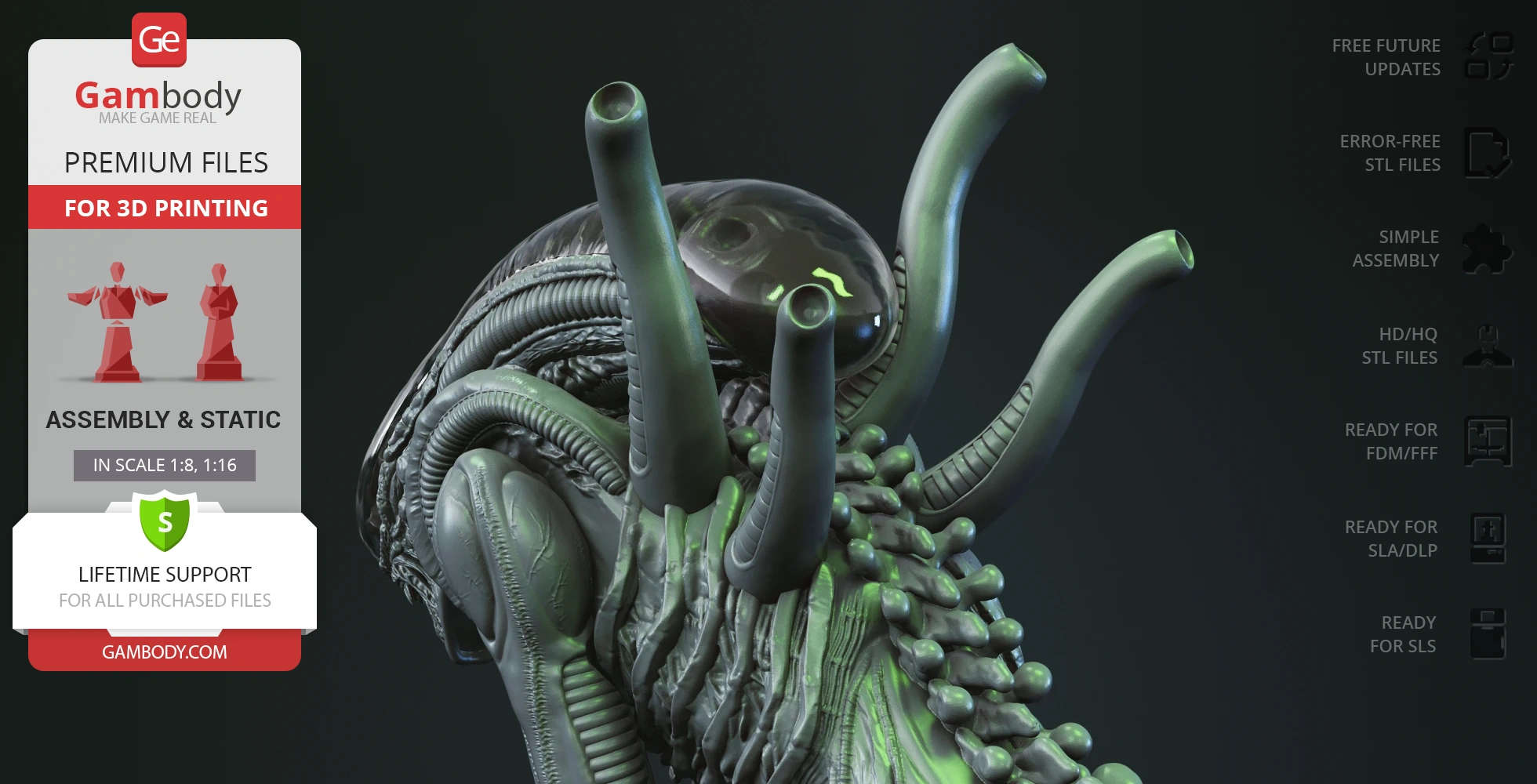
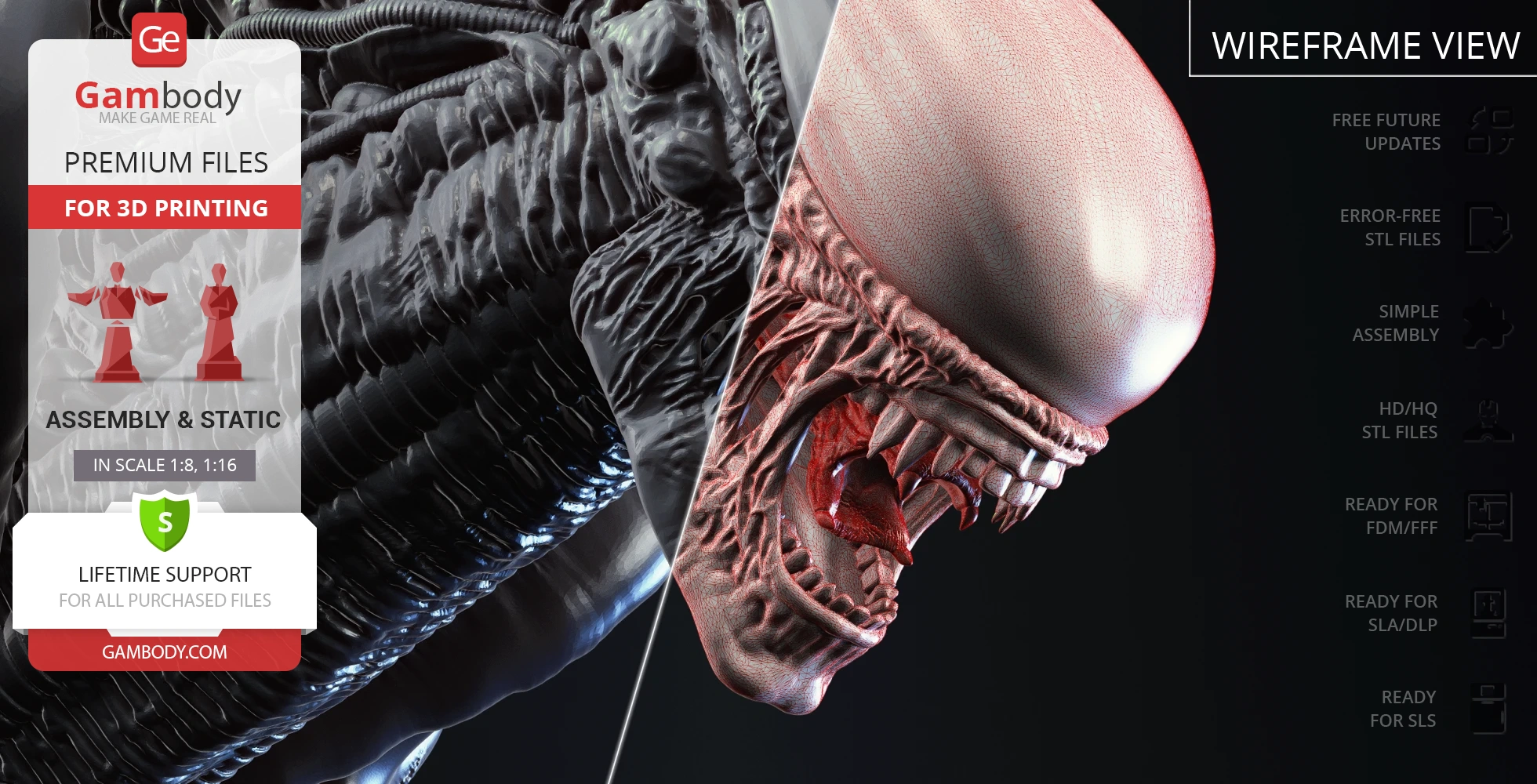
Includes 2 variants of the head: solid, and divided into 2 parts for transparent filament printing of the upper section to reveal internal details;
The assembly parts are connected using specially designed integrated connectors that fit securely into the corresponding slots. Some model parts use separate connectors (part "25_ge_lock_10H(x1)_FDM", requires 1 copy);
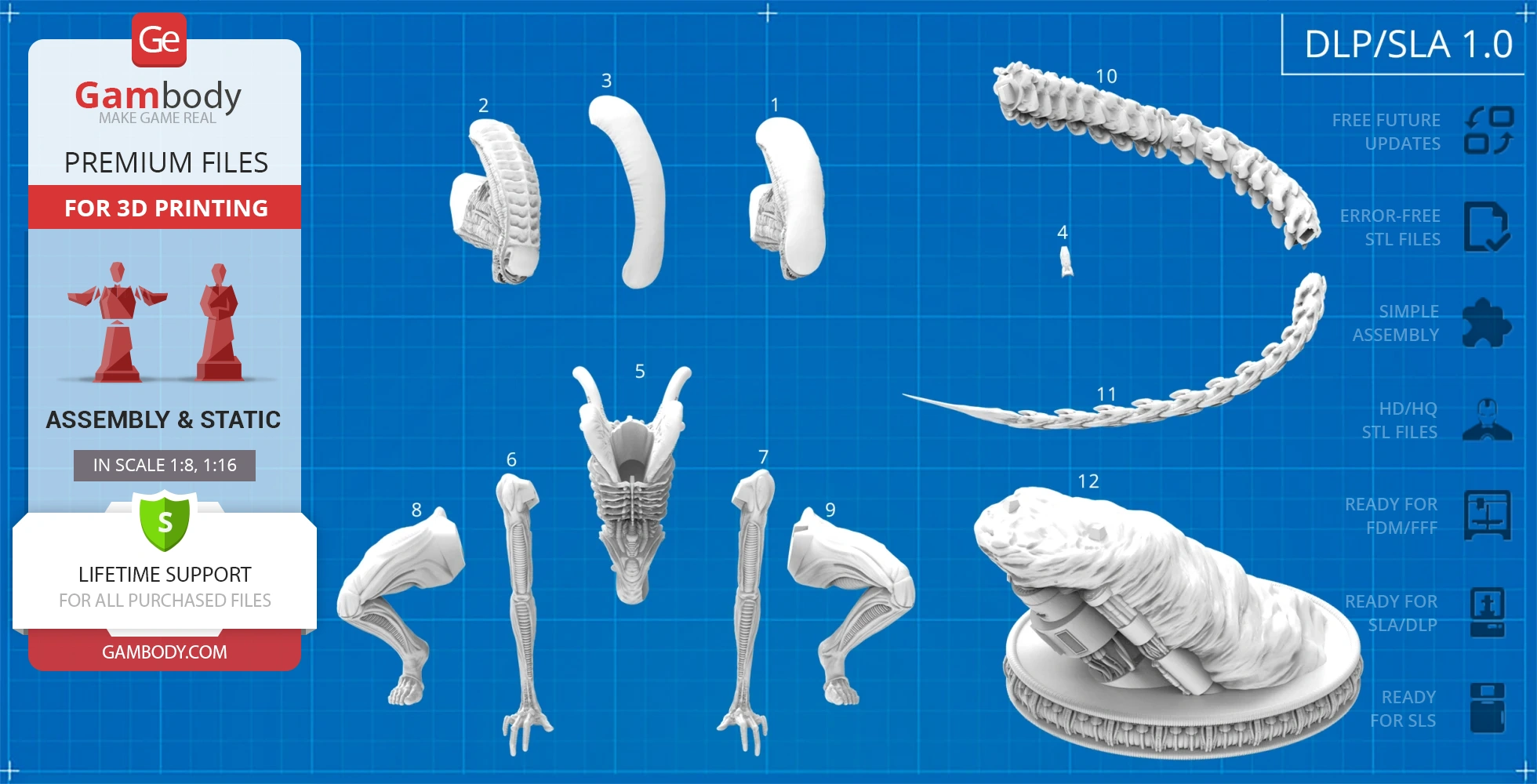
DLP/SLA
Eco parts
Assembly method
Connectors
Features
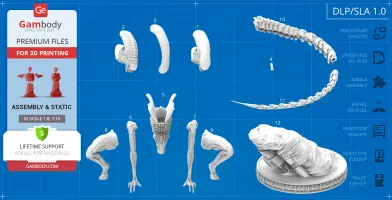
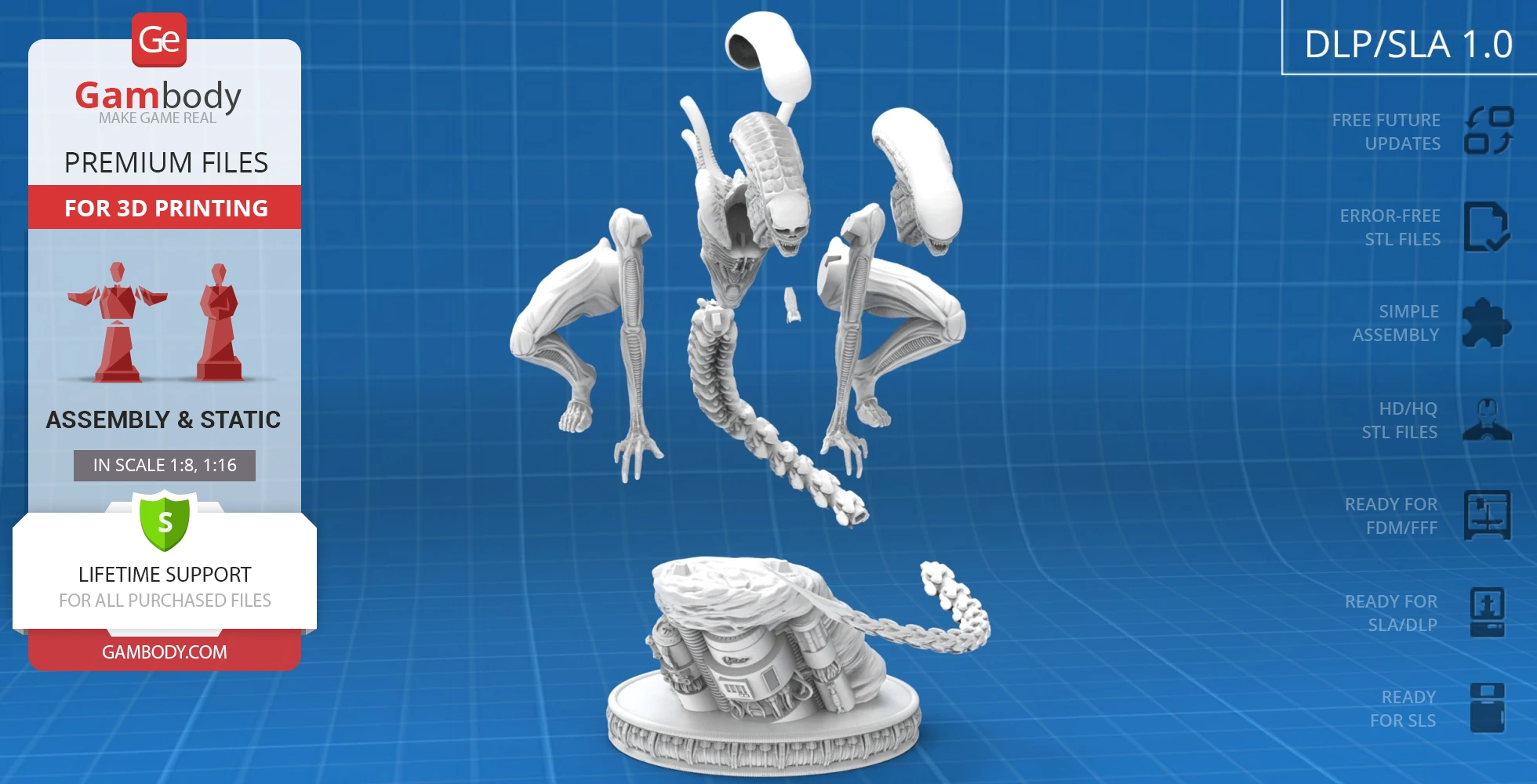
Includes 2 variants of the head: solid, and divided into 2 parts for transparent resin printing of the upper section to reveal internal details;
The assembly parts are connected using specially designed integrated connectors that fit securely into the corresponding slots. Optionally, for added strength and rigidity, the static connections can be glued together;
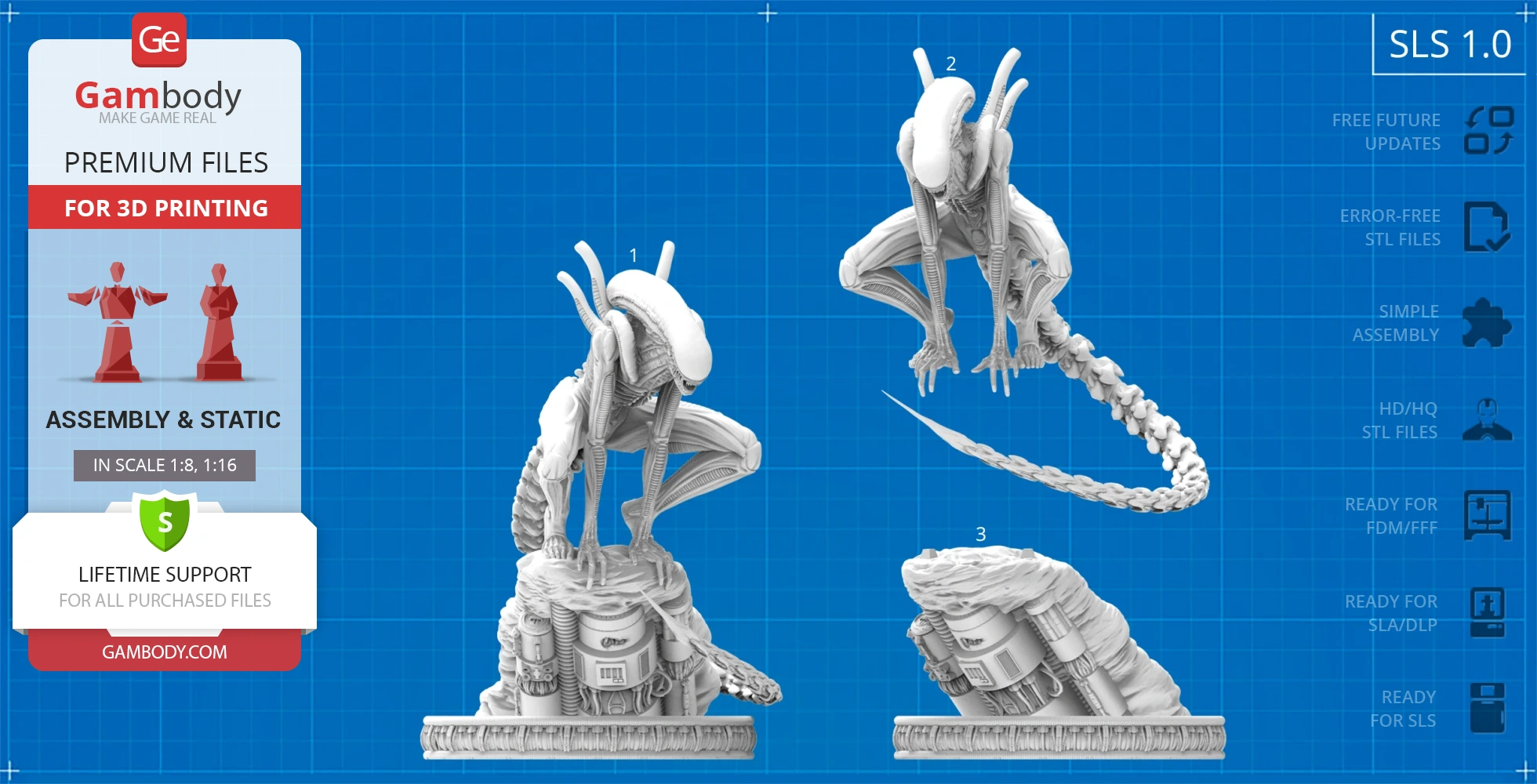
SLS
Assembly method
Connectors
Features
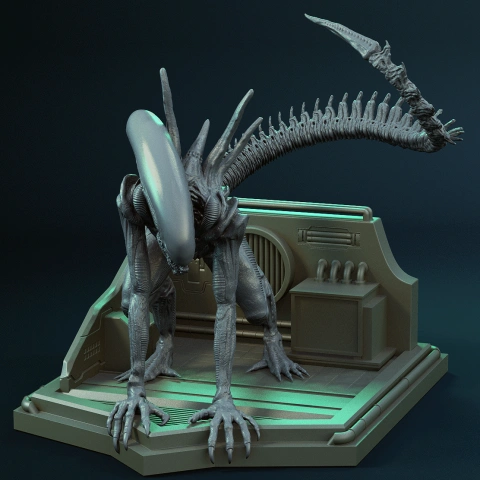
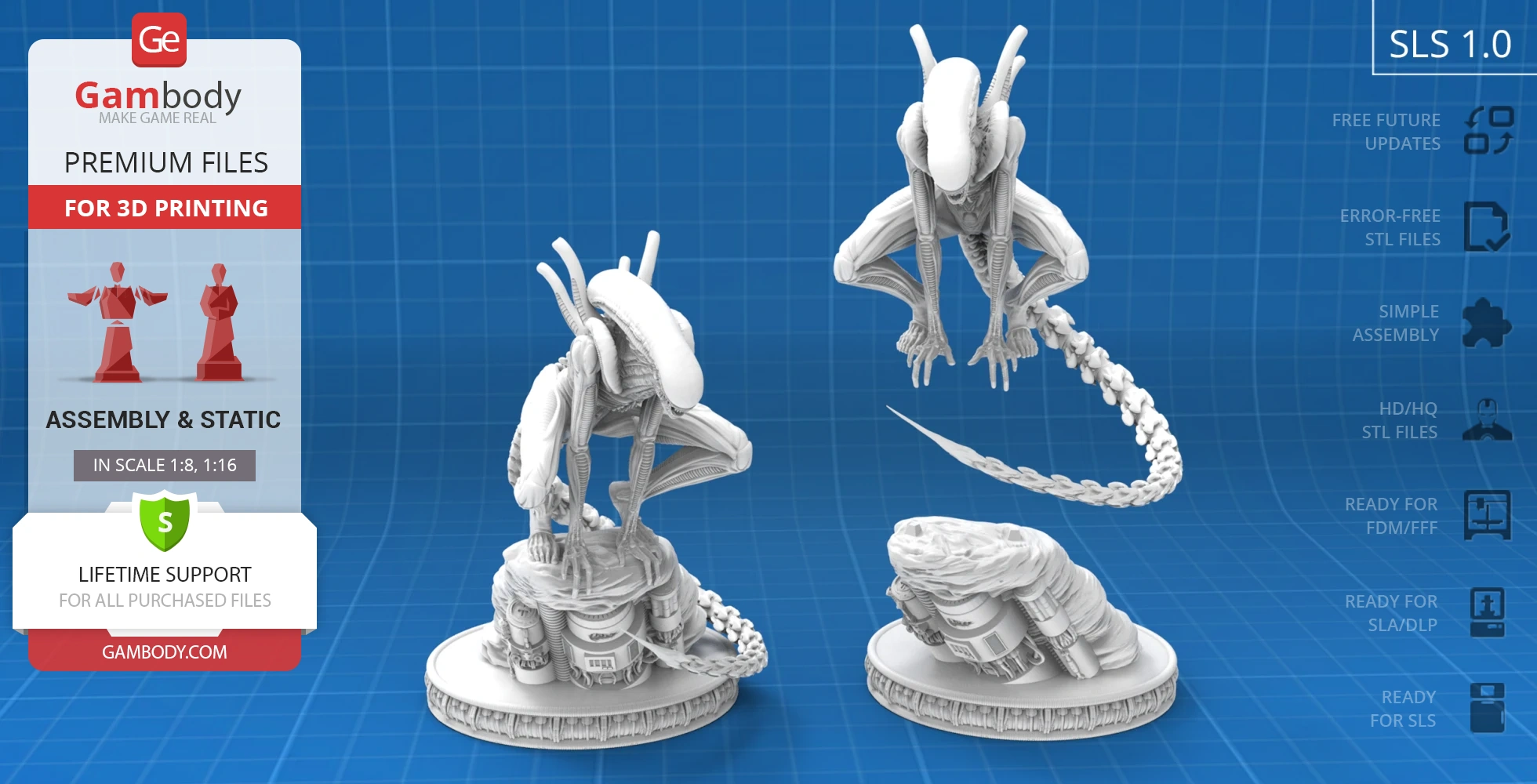
Contains 3 parts: a solid Xenomorph model on and separately from the platform;
The assembly parts are connected using specially designed integrated connectors that fit securely into the corresponding slots. Optionally, for added strength and rigidity, the static connections can be glued together;
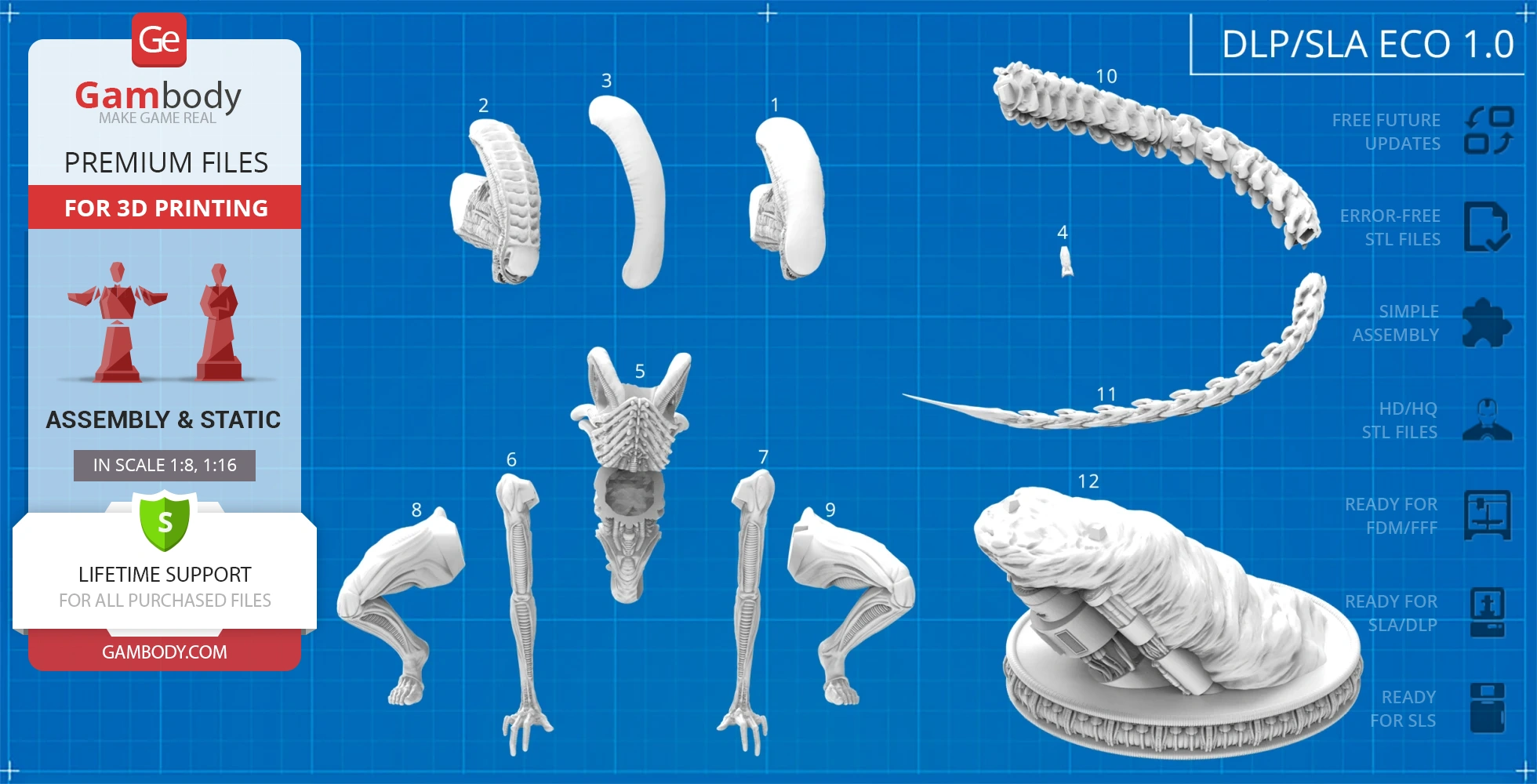
DLP/SLA
Eco parts
Assembly method
Connectors
Features
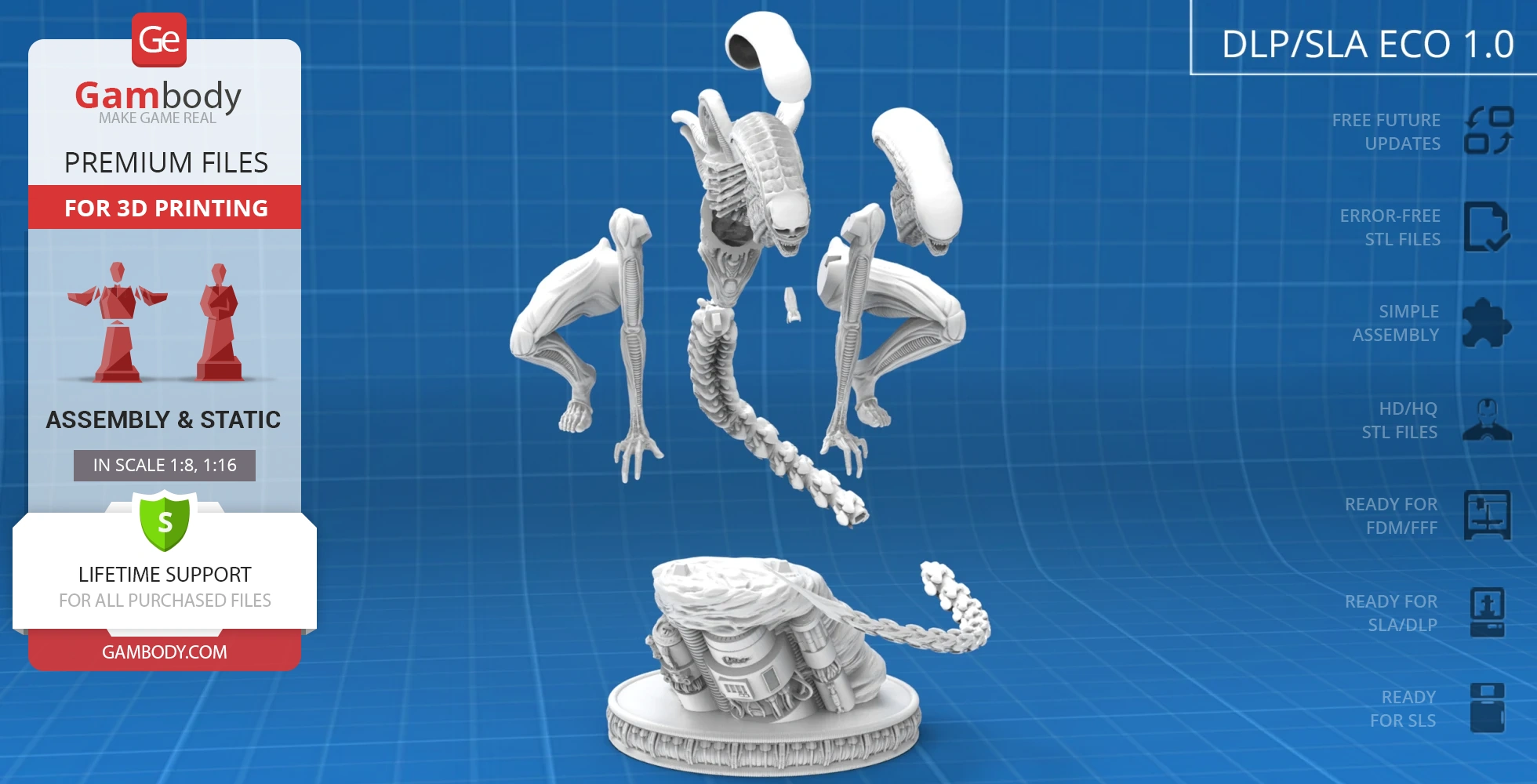
Contains some hollowed out parts to save resin;
Includes 2 variants of the head: solid, and divided into 2 parts for transparent resin printing of the upper section to reveal internal details;
The assembly parts are connected using specially designed integrated connectors that fit securely into the corresponding slots. Optionally, for added strength and rigidity, the static connections can be glued together;
Additional details
Part of diorama
No
Add-on pack available
No
You can get the STL Files of Crawling Xenomorph immediately after the purchase! Just click the green Buy button in the top-right corner of the model’s page. You can pay with PayPal or your credit card.
Watch the tutorial on how to assemble the 3D Printed Crawling Xenomorph model from the provided 3D Print Files onGambody YouTube channel.
Also, you may like other Horror 3D Printing Designs.
_______
FAQ:
This 3D model comes with StereoLithography (.STL) files optimized for 3D printing. You'll get digital files, not a physical product
Before printing, take a look at Printing Details for recommended settings and tips to achieve better results.
Crawling Xenomorph 3D Printer Files | Assembly includes 3 version(s) for the supported 3D printer type(s): FFF/FDM, DLP/SLA, SLS. Files are available for download after purchase.
See the Description and Specifications sections for more details about this model.
| File name | Size (mm | in) | Size(mb) | Printing Time / Filament | |||
|---|---|---|---|---|---|---|
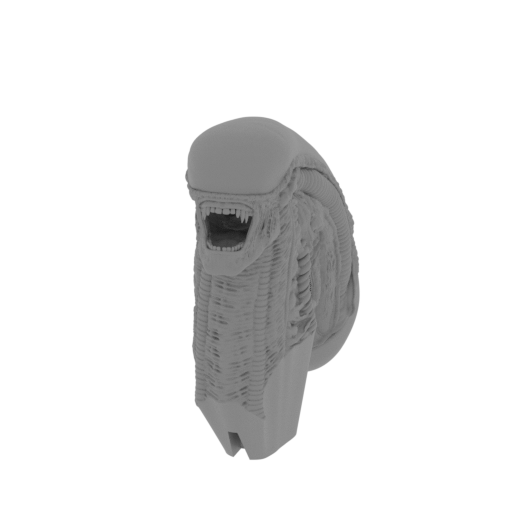 | 1_solid_head_FDM(repaired).stl 29.75 x 78.41 x 75.48 mm | 1.17 x 3.09 x 2.97 in | Size: 29.75 x 78.41 x 75.48 mm | 1.17 x 3.09 x 2.97 in | File size: 50.03 mb | Printing Time / Filament: 9 h 4 min / 5 m | ||
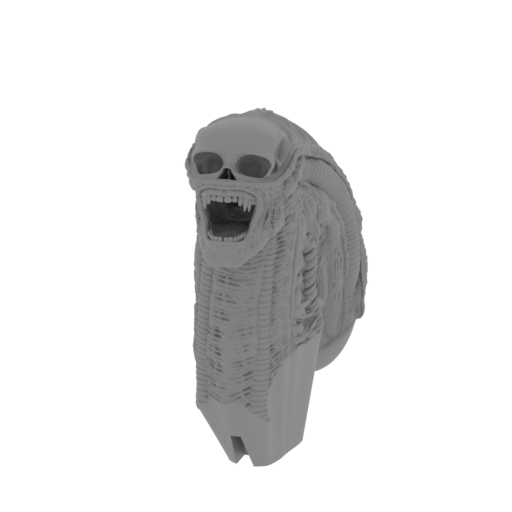 | 2_head_with_skull_inside_FDM(repaired).stl 29.31 x 74.46 x 74.69 mm | 1.15 x 2.93 x 2.94 in | Size: 29.31 x 74.46 x 74.69 mm | 1.15 x 2.93 x 2.94 in | File size: 53.47 mb | Printing Time / Filament: 9 h 33 min / 5 m | ||
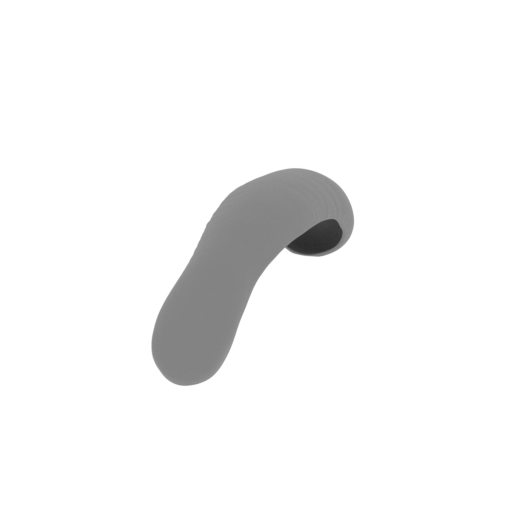 | 3_top_head_with_skull_inside_FDM(repaired).stl 24.89 x 97.8 x 31.84 mm | 0.98 x 3.85 x 1.25 in | Size: 24.89 x 97.8 x 31.84 mm | 0.98 x 3.85 x 1.25 in | File size: 18.53 mb | Printing Time / Filament: 3 h 56 min / 3 m | ||
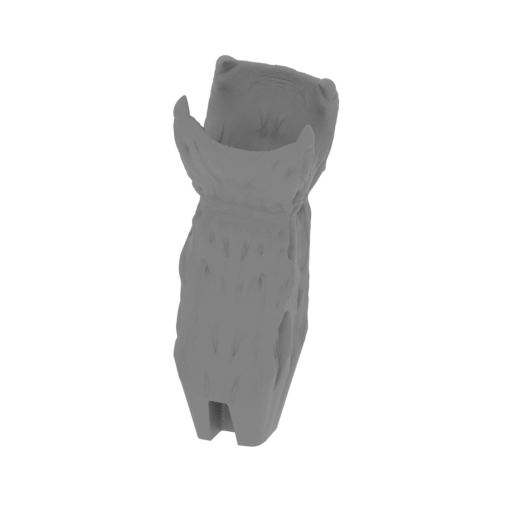 | 4_small_jaws_FDM(repaired).stl 6.38 x 5.96 x 15.91 mm | 0.25 x 0.23 x 0.63 in | Size: 6.38 x 5.96 x 15.91 mm | 0.25 x 0.23 x 0.63 in | File size: 12.97 mb | Printing Time / Filament: 7 min / <1 m | ||
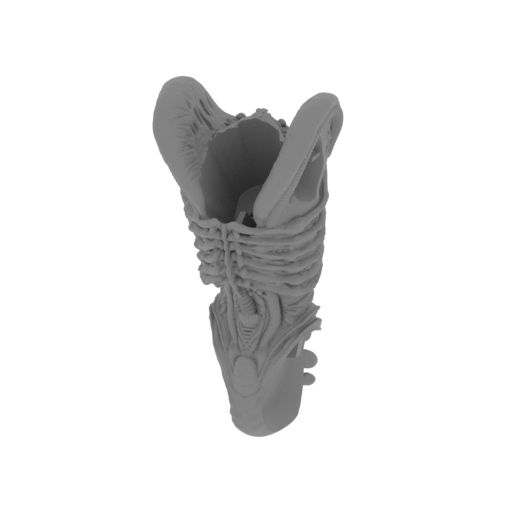 | 5_body_FDM(repaired).stl 51.44 x 57.56 x 112.21 mm | 2.03 x 2.27 x 4.42 in | Size: 51.44 x 57.56 x 112.21 mm | 2.03 x 2.27 x 4.42 in | File size: 64.77 mb | Printing Time / Filament: 17 h 28 min / 11 m | ||
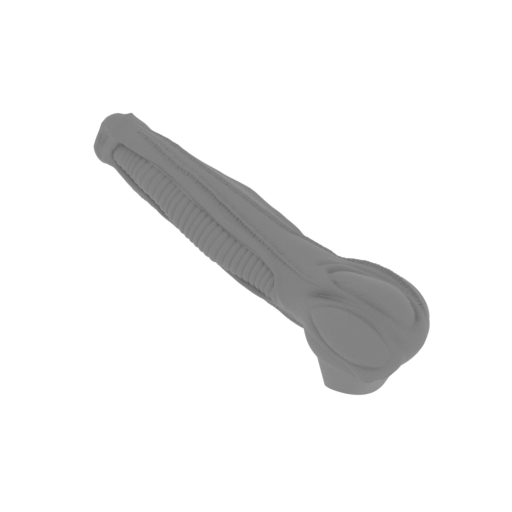 | 6_arm_R_1_FDM(repaired).stl 62.46 x 32.7 x 31.43 mm | 2.46 x 1.29 x 1.24 in | Size: 62.46 x 32.7 x 31.43 mm | 2.46 x 1.29 x 1.24 in | File size: 23.42 mb | Printing Time / Filament: 1 h 48 min / 1 m | ||
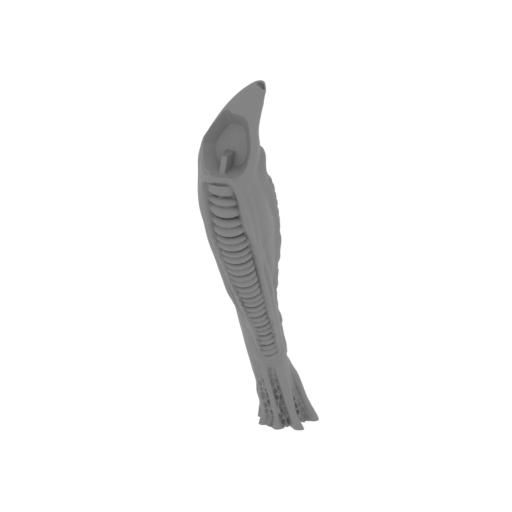 | 7_arm_R_2_FDM(repaired).stl 15.01 x 27.38 x 64.68 mm | 0.59 x 1.08 x 2.55 in | Size: 15.01 x 27.38 x 64.68 mm | 0.59 x 1.08 x 2.55 in | File size: 22.91 mb | Printing Time / Filament: 1 h 11 min / 1 m | ||
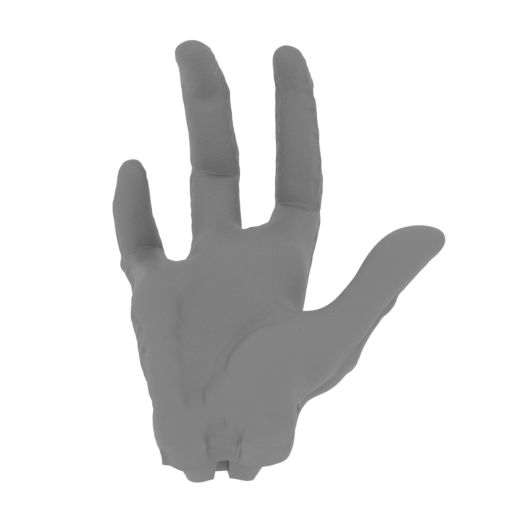 | 8_hand_R_FDM(repaired).stl 25.42 x 26.42 x 29.54 mm | 1 x 1.04 x 1.16 in | Size: 25.42 x 26.42 x 29.54 mm | 1 x 1.04 x 1.16 in | File size: 16.87 mb | Printing Time / Filament: 43 min / <1 m | ||
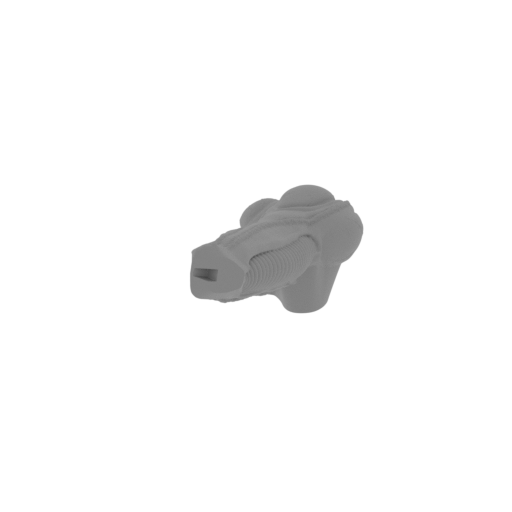 | 9_arm_L_1_FDM(repaired).stl 22.17 x 67.37 x 29.85 mm | 0.87 x 2.65 x 1.18 in | Size: 22.17 x 67.37 x 29.85 mm | 0.87 x 2.65 x 1.18 in | File size: 23.75 mb | Printing Time / Filament: 1 h 49 min / 1 m | ||
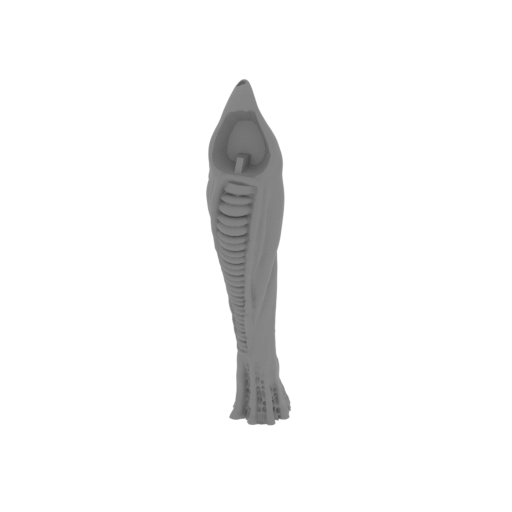 | 10_arm_L_2_FDM(repaired).stl 15.18 x 28.19 x 64.59 mm | 0.6 x 1.11 x 2.54 in | Size: 15.18 x 28.19 x 64.59 mm | 0.6 x 1.11 x 2.54 in | File size: 23.69 mb | Printing Time / Filament: 1 h 13 min / 1 m | ||
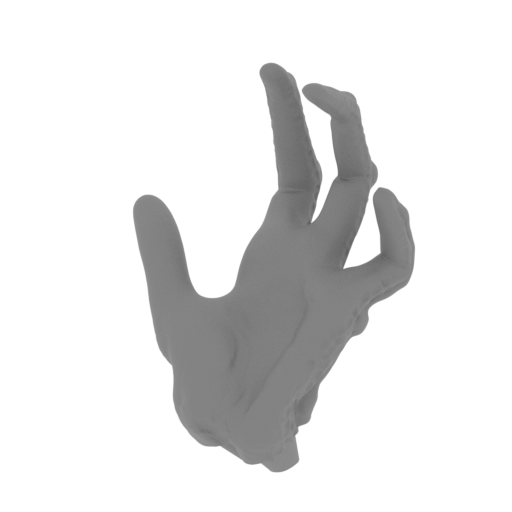 | 11_hand_L_FDM(repaired).stl 25.32 x 23.5 x 33.03 mm | 1 x 0.93 x 1.3 in | Size: 25.32 x 23.5 x 33.03 mm | 1 x 0.93 x 1.3 in | File size: 13.46 mb | Printing Time / Filament: 44 min / <1 m | ||
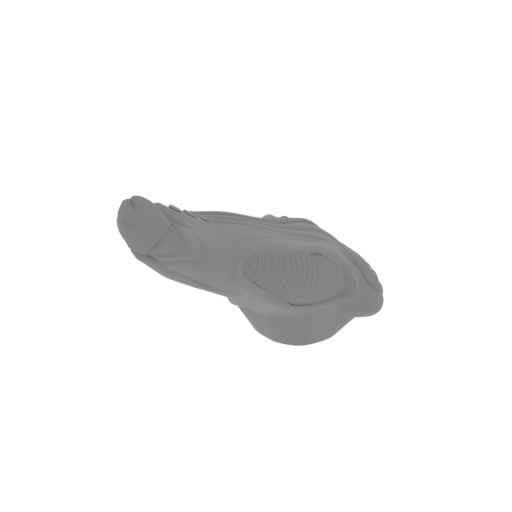 | 12_leg_R_1_FDM(repaired).stl 42.2 x 98.77 x 62.2 mm | 1.66 x 3.89 x 2.45 in | Size: 42.2 x 98.77 x 62.2 mm | 1.66 x 3.89 x 2.45 in | File size: 24.11 mb | Printing Time / Filament: 6 h 46 min / 4 m | ||
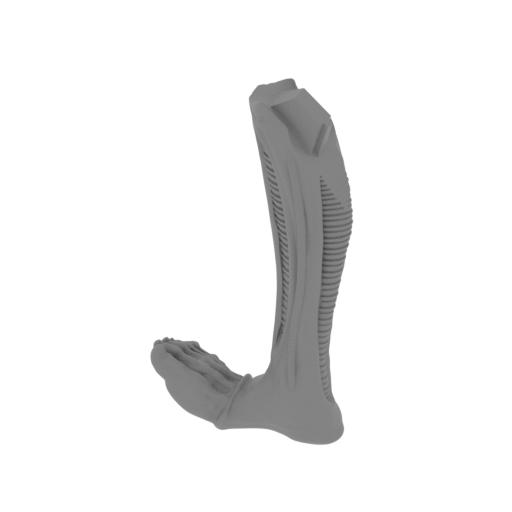 | 13_leg_R_2_FDM(repaired).stl 44.21 x 20.64 x 82.97 mm | 1.74 x 0.81 x 3.27 in | Size: 44.21 x 20.64 x 82.97 mm | 1.74 x 0.81 x 3.27 in | File size: 23.78 mb | Printing Time / Filament: 2 h 5 min / 1 m | ||
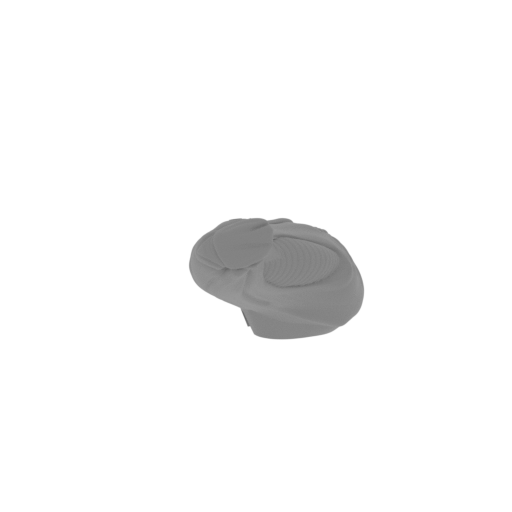 | 14_leg_L_1_FDM(repaired).stl 41.36 x 100.15 x 60.73 mm | 1.63 x 3.94 x 2.39 in | Size: 41.36 x 100.15 x 60.73 mm | 1.63 x 3.94 x 2.39 in | File size: 22.51 mb | Printing Time / Filament: 6 h 31 min / 4 m | ||
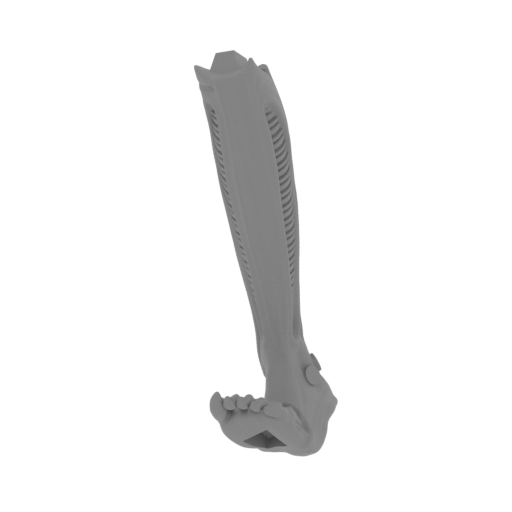 | 15_leg_L_2_FDM(repaired).stl 34.03 x 46.94 x 85.37 mm | 1.34 x 1.85 x 3.36 in | Size: 34.03 x 46.94 x 85.37 mm | 1.34 x 1.85 x 3.36 in | File size: 23.05 mb | Printing Time / Filament: 2 h 17 min / 1 m | ||
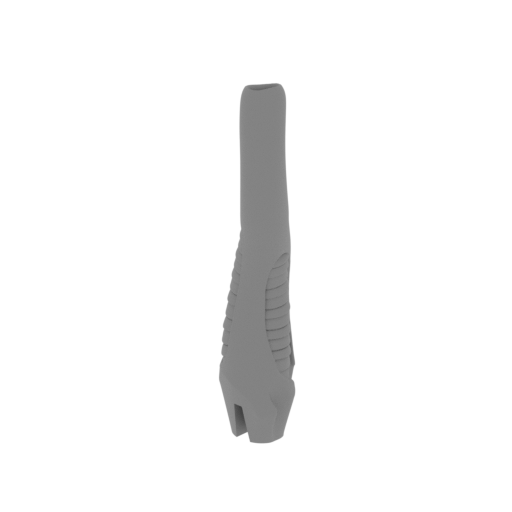 | 16_spike_1_FDM(repaired).stl 11.38 x 13.64 x 54.67 mm | 0.45 x 0.54 x 2.15 in | Size: 11.38 x 13.64 x 54.67 mm | 0.45 x 0.54 x 2.15 in | File size: 14.93 mb | Printing Time / Filament: 42 min / <1 m | ||
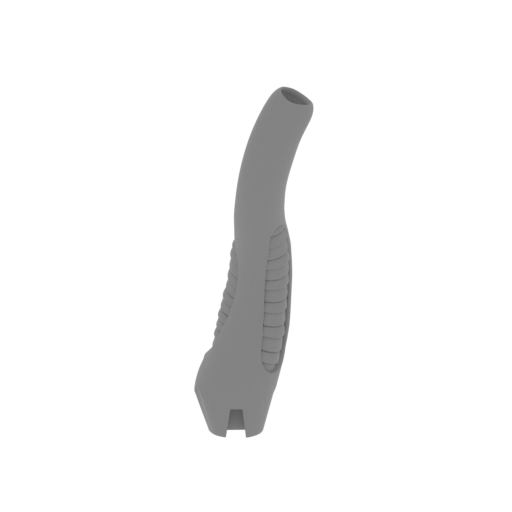 | 17_spike_2_FDM(repaired).stl 18.28 x 14.03 x 54.88 mm | 0.72 x 0.55 x 2.16 in | Size: 18.28 x 14.03 x 54.88 mm | 0.72 x 0.55 x 2.16 in | File size: 15.11 mb | Printing Time / Filament: 44 min / <1 m | ||
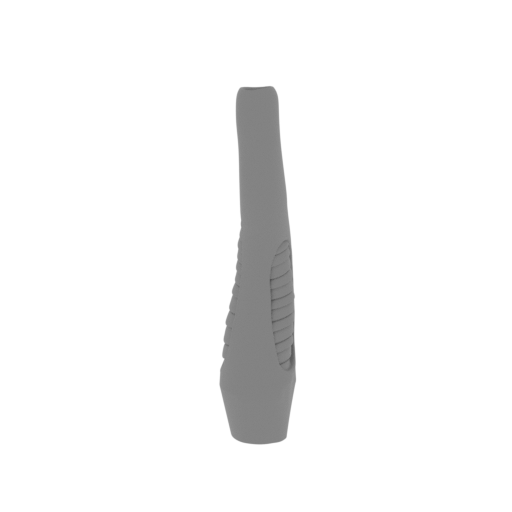 | 18_spike_3_FDM(repaired).stl 9.85 x 11.09 x 50.28 mm | 0.39 x 0.44 x 1.98 in | Size: 9.85 x 11.09 x 50.28 mm | 0.39 x 0.44 x 1.98 in | File size: 15.34 mb | Printing Time / Filament: 34 min / <1 m | ||
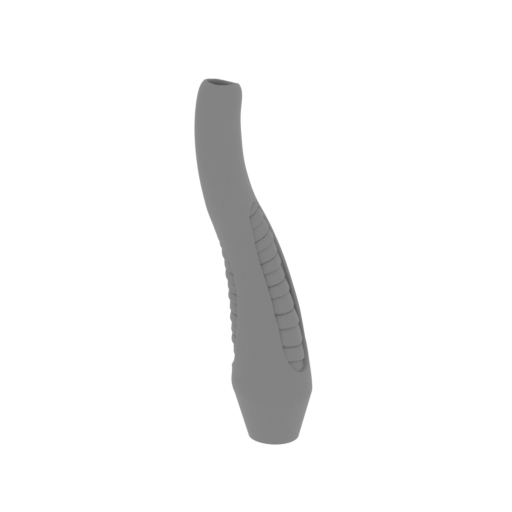 | 19_spike_4_FDM(repaired).stl 13.82 x 11.74 x 50.07 mm | 0.54 x 0.46 x 1.97 in | Size: 13.82 x 11.74 x 50.07 mm | 0.54 x 0.46 x 1.97 in | File size: 15.67 mb | Printing Time / Filament: 39 min / <1 m | ||
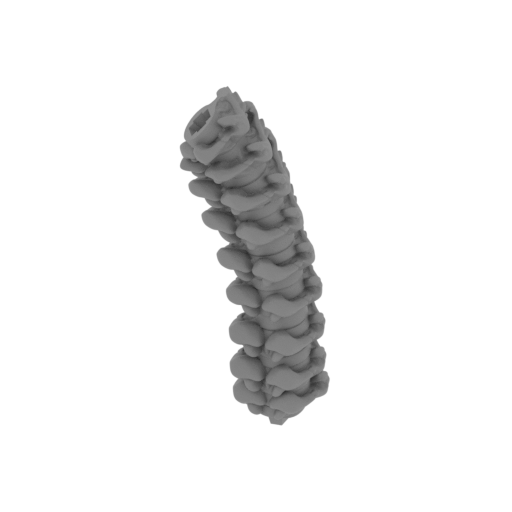 | 20_tail_1_FDM(repaired).stl 33.14 x 56.28 x 110.35 mm | 1.3 x 2.22 x 4.34 in | Size: 33.14 x 56.28 x 110.35 mm | 1.3 x 2.22 x 4.34 in | File size: 22.01 mb | Printing Time / Filament: 9 h 56 min / 6 m | ||
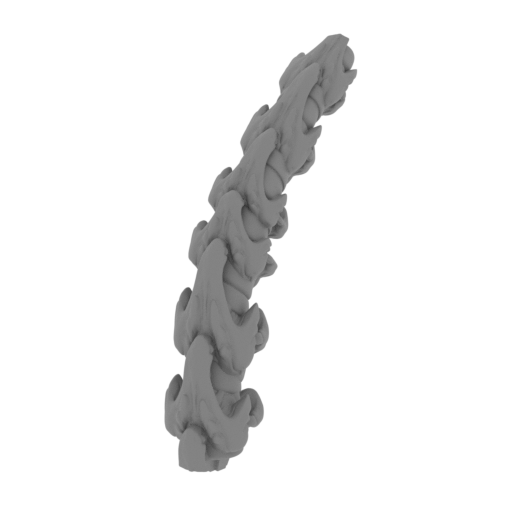 | 21_tail_2_FDM(repaired).stl 23.08 x 89.86 x 78.08 mm | 0.91 x 3.54 x 3.07 in | Size: 23.08 x 89.86 x 78.08 mm | 0.91 x 3.54 x 3.07 in | File size: 21.88 mb | Printing Time / Filament: 7 h 58 min / 5 m | ||
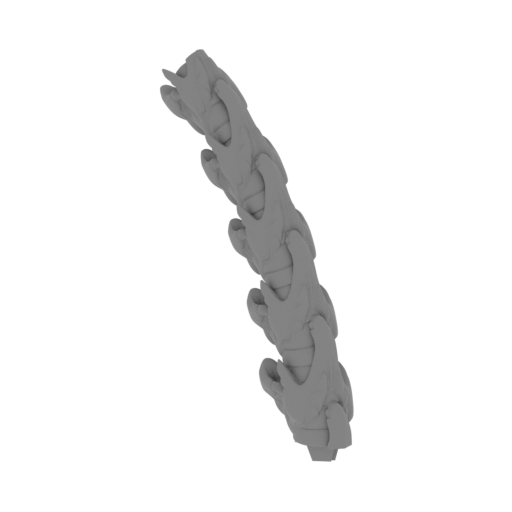 | 22_tail_3_FDM(repaired).stl 52.6 x 29.21 x 89.54 mm | 2.07 x 1.15 x 3.53 in | Size: 52.6 x 29.21 x 89.54 mm | 2.07 x 1.15 x 3.53 in | File size: 20.41 mb | Printing Time / Filament: 4 h 25 min / 3 m | ||
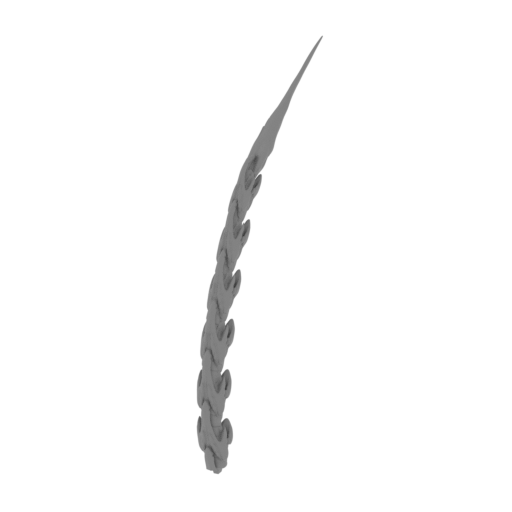 | 23_tail_4_FDM(repaired).stl 21.48 x 88.52 x 149.64 mm | 0.85 x 3.49 x 5.89 in | Size: 21.48 x 88.52 x 149.64 mm | 0.85 x 3.49 x 5.89 in | File size: 20.61 mb | Printing Time / Filament: 4 h 49 min / 3 m | ||
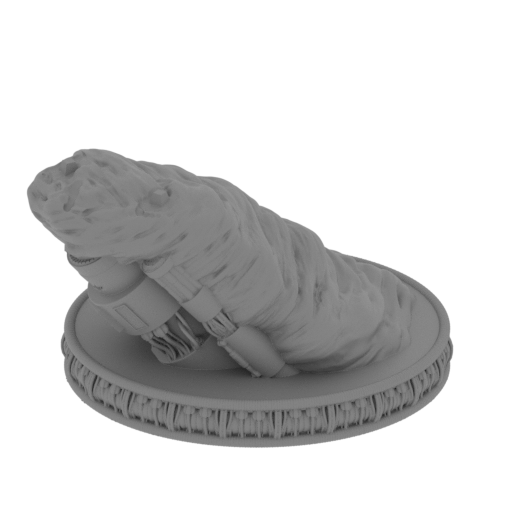 | 24_platform_FDM(repaired).stl 178.99 x 178.49 x 113.35 mm | 7.05 x 7.03 x 4.46 in | Size: 178.99 x 178.49 x 113.35 mm | 7.05 x 7.03 x 4.46 in | File size: 75.43 mb | Printing Time / Filament: 106 h 14 min / 57 m | ||
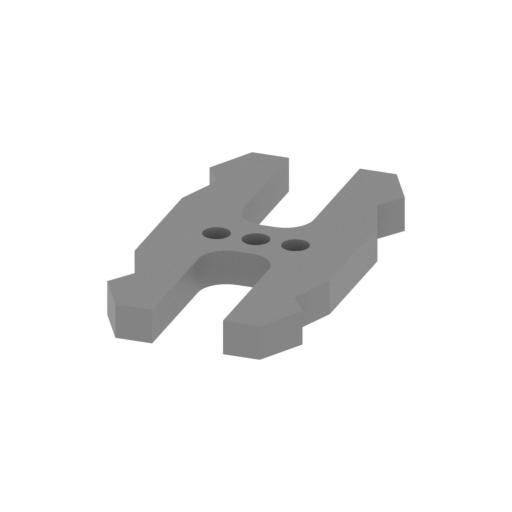 | 25_ge_lock_10H(x1)_FDM(repaired).stl 9.6 x 18.16 x 1.7 mm | 0.38 x 0.71 x 0.07 in | Size: 9.6 x 18.16 x 1.7 mm | 0.38 x 0.71 x 0.07 in | File size: 0.03 mb | Printing Time / Filament: 4 min / <1 m | ||
 | Keychain (repaired).stl 29.68 x 29.69 x 2.42 mm | 1.17 x 1.17 x 0.1 in | Size: 29.68 x 29.69 x 2.42 mm | 1.17 x 1.17 x 0.1 in | File size: 0.37 mb | Printing Time / Filament: 23 min / <1 m | ||
 | Tag (repaired).stl 150.15 x 18.16 x 4.59 mm | 5.91 x 0.71 x 0.18 in | Size: 150.15 x 18.16 x 4.59 mm | 5.91 x 0.71 x 0.18 in | File size: 1.78 mb | Printing Time / Filament: 1 h 18 min / 1 m | ||
3D model history
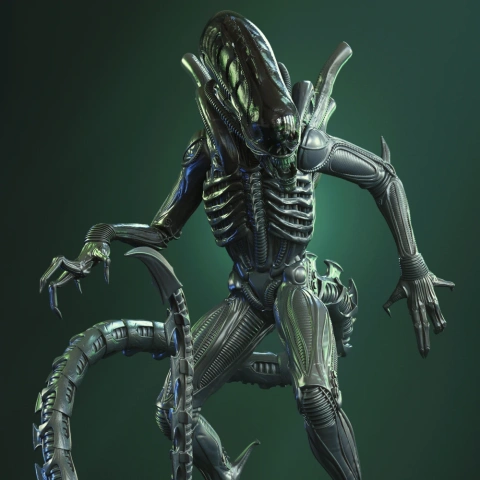
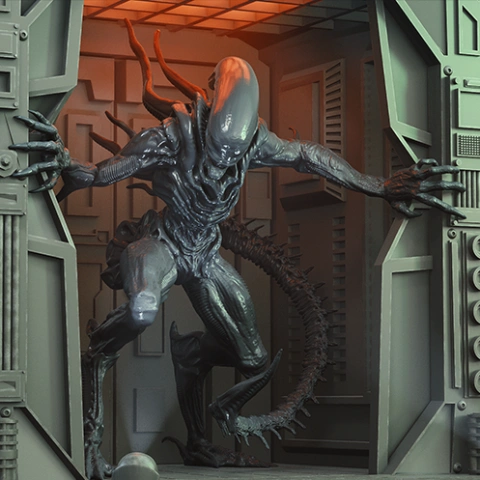
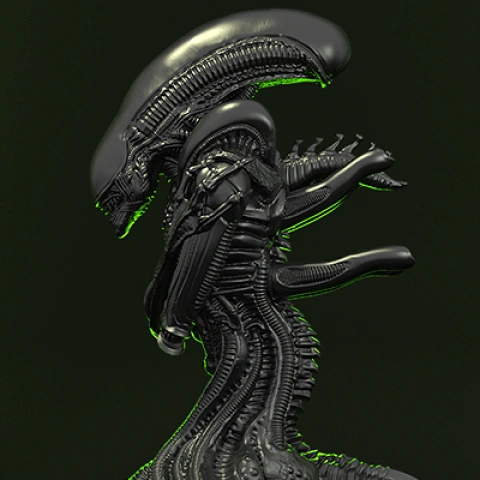
Extraterrestrial species Xenomorphs from Alien vs. Predator are known for their hostility and bloodlust. Aliens strike enormous terror on their victims - these two-meter tall creatures with sharp claws, strong tails, elongated heads with an inner jaw, and acid for blood are born to kill and destroy. The terrifying story of a space tug Nostromocrew being surrounded by endoparasitoid extraterrestrial species Xenomorphs was taken as a basis for numerous film adaptations, video games, and comics and contributed to the development of the horror genre as a whole.
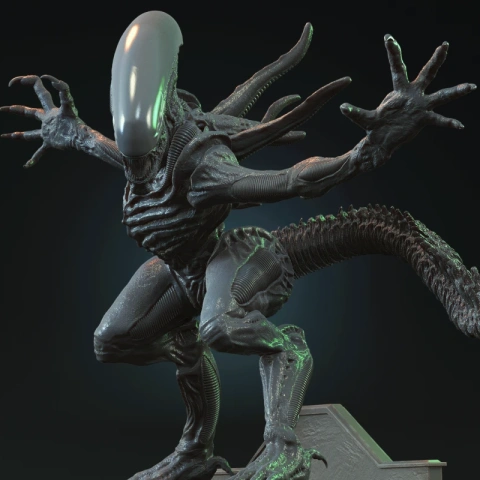
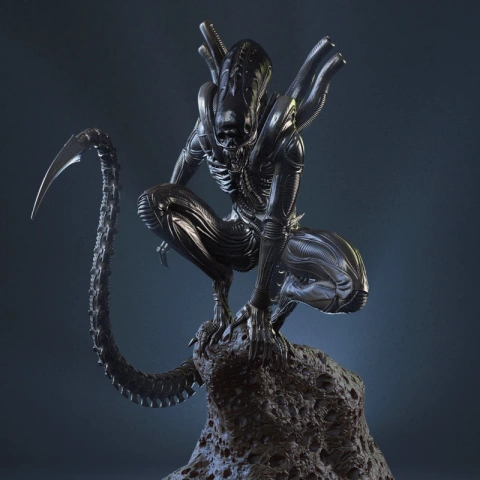
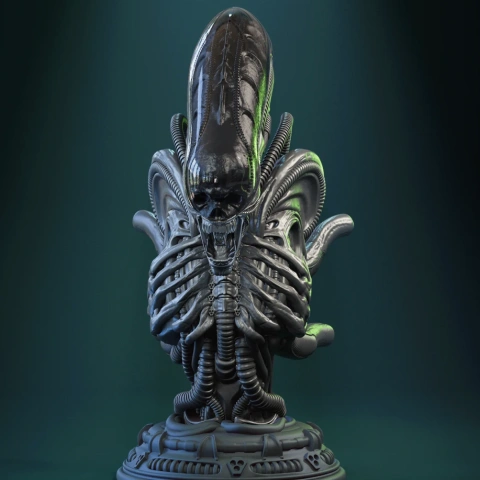
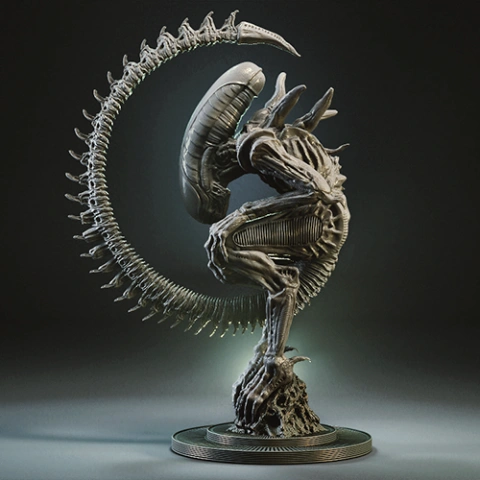
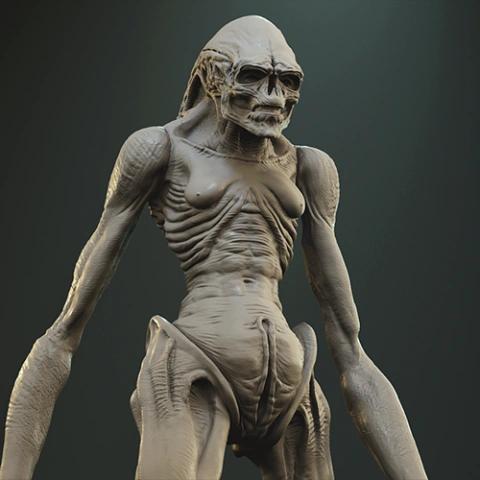
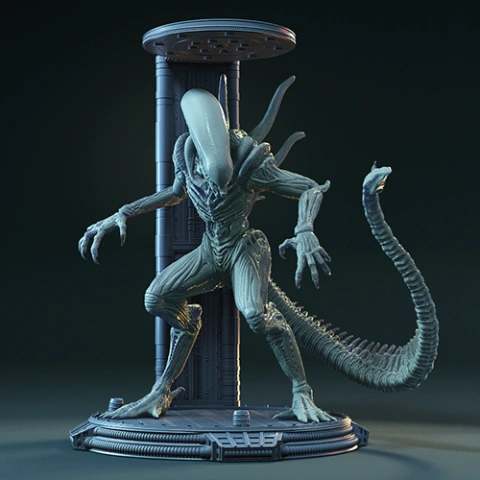
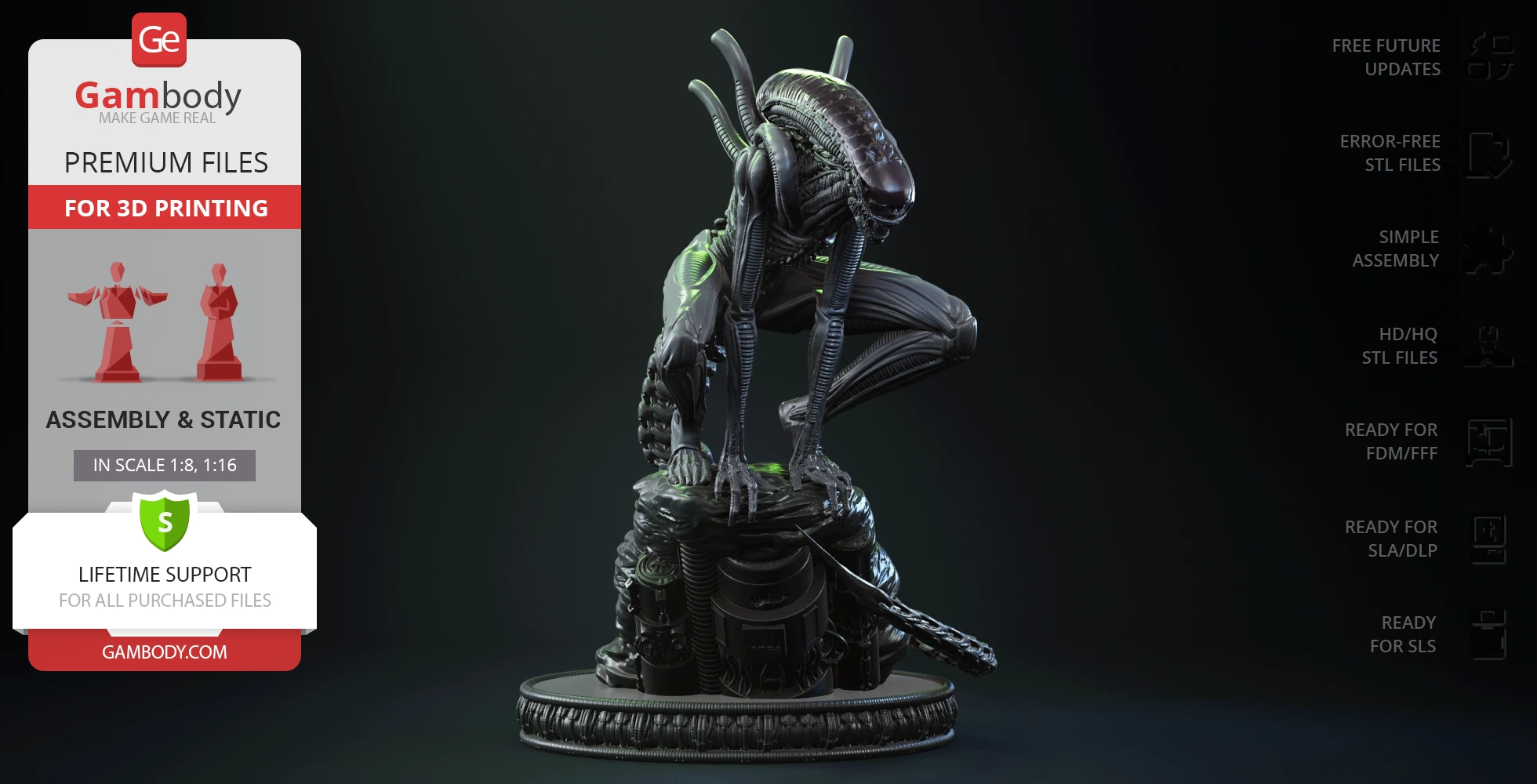
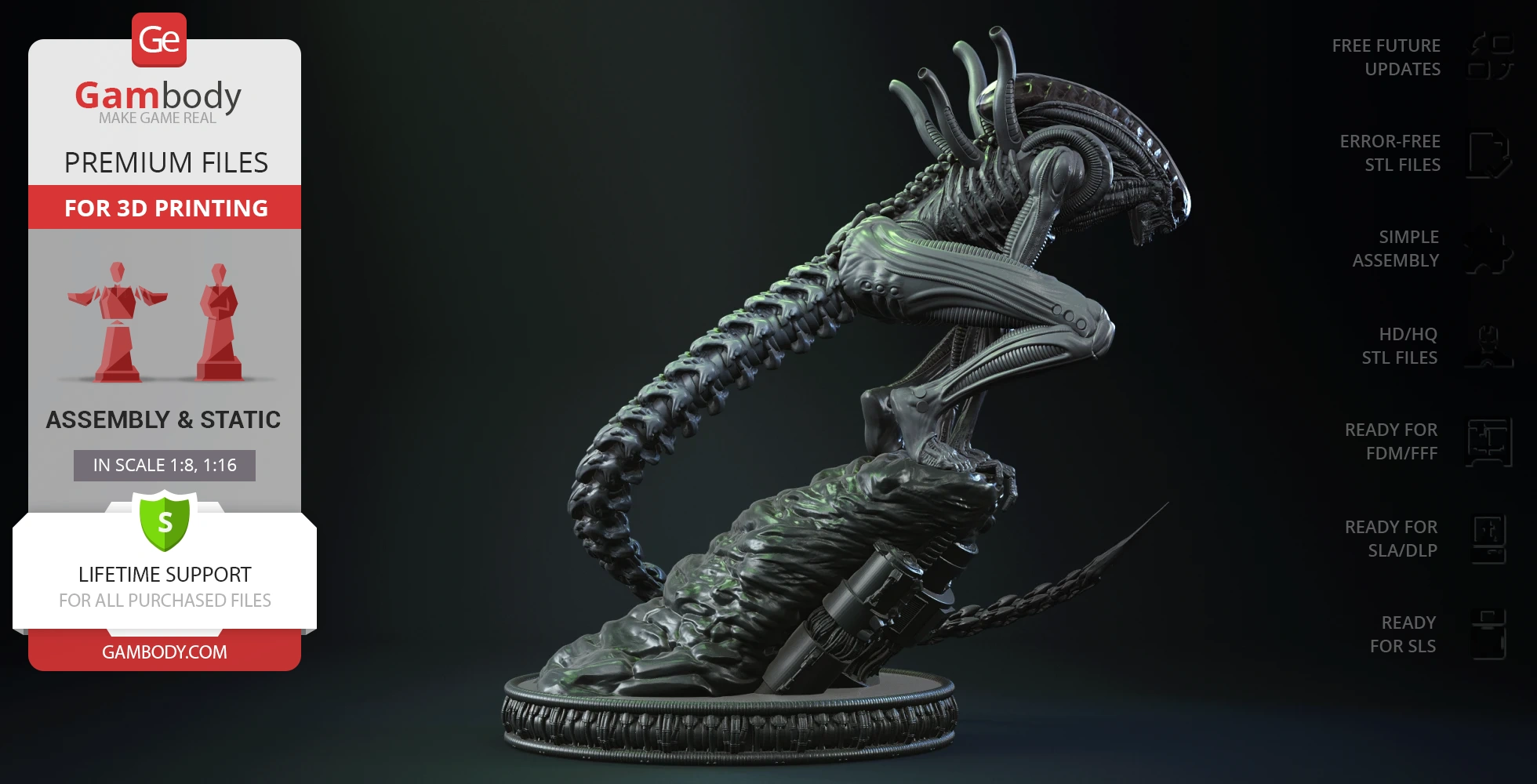
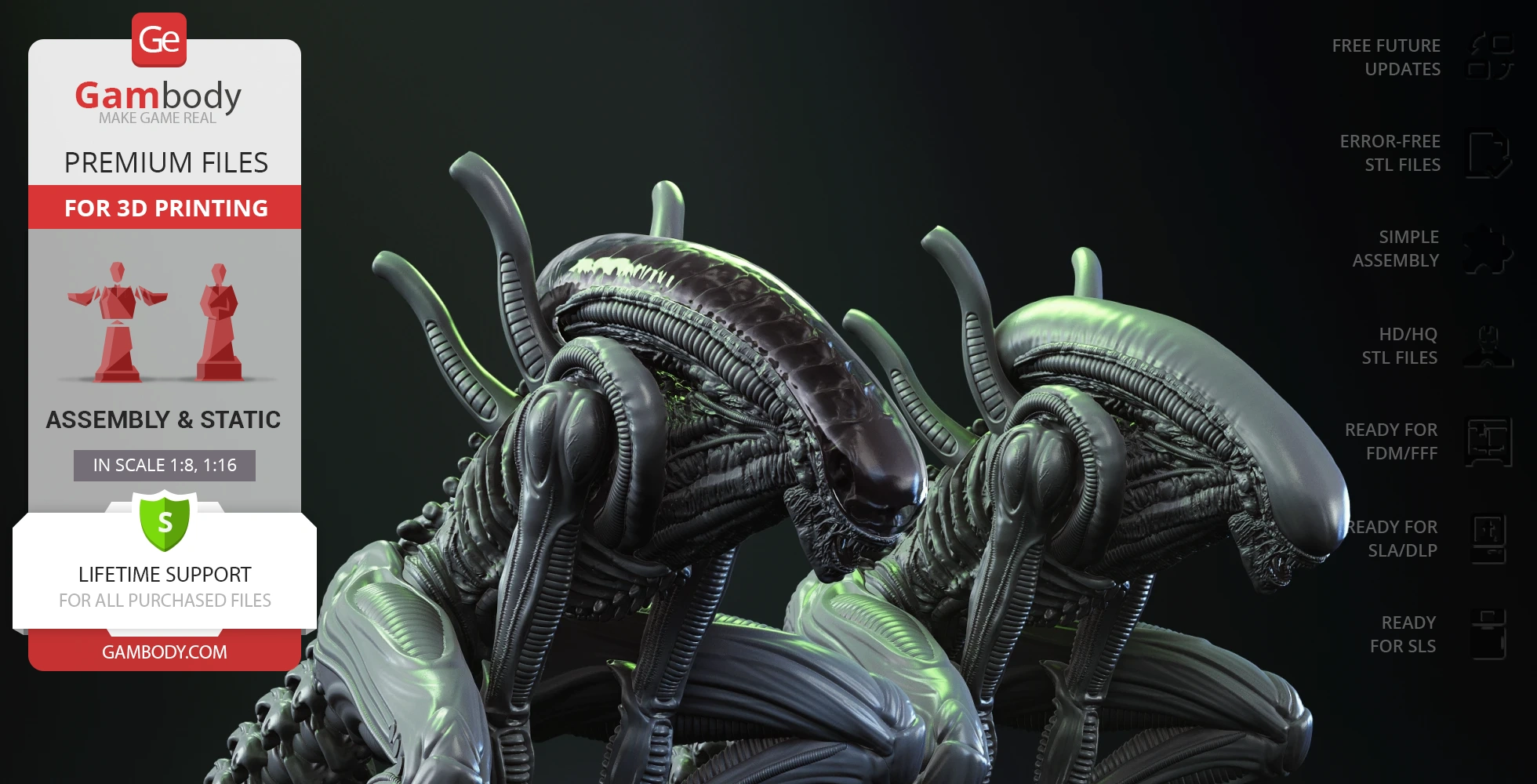
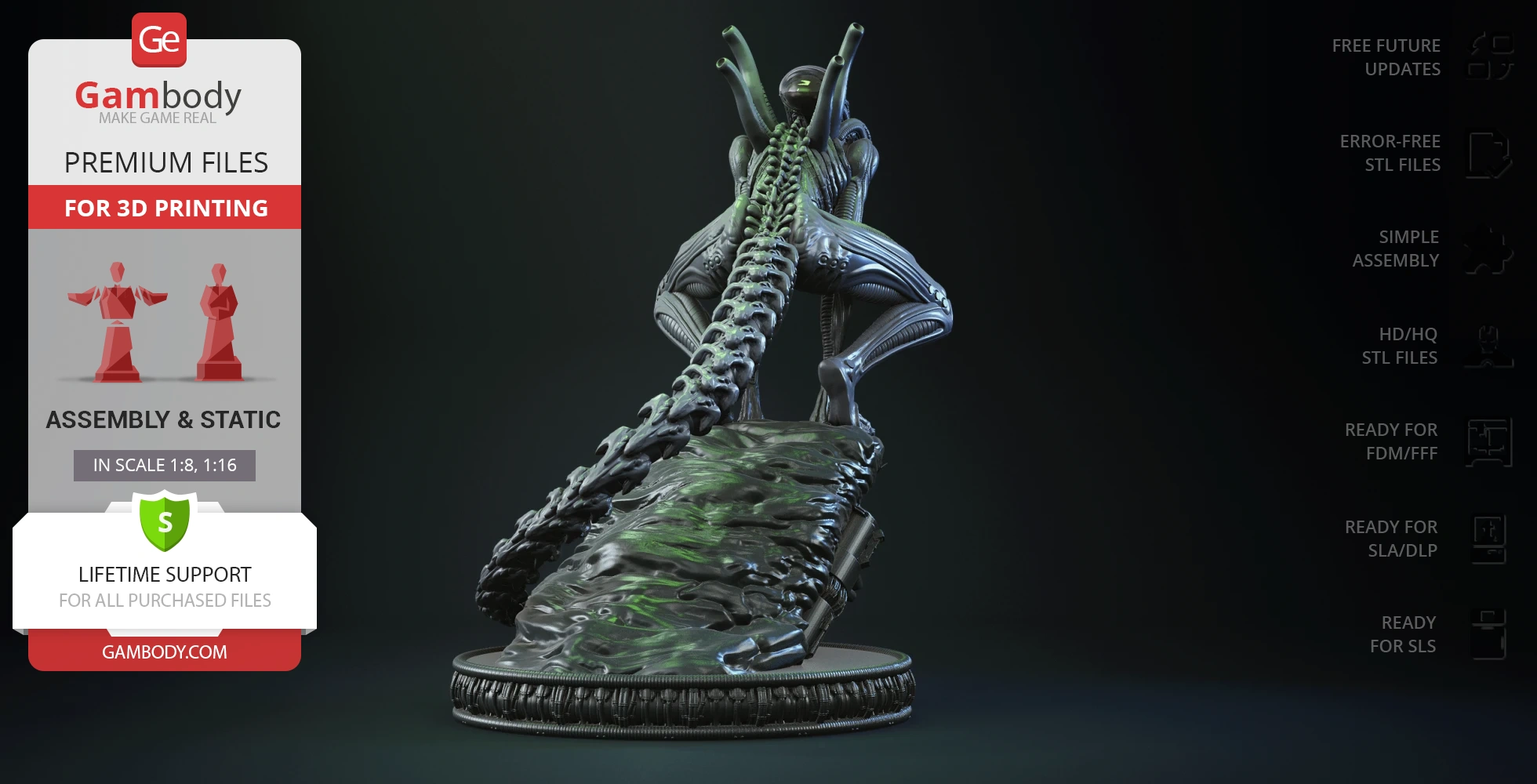
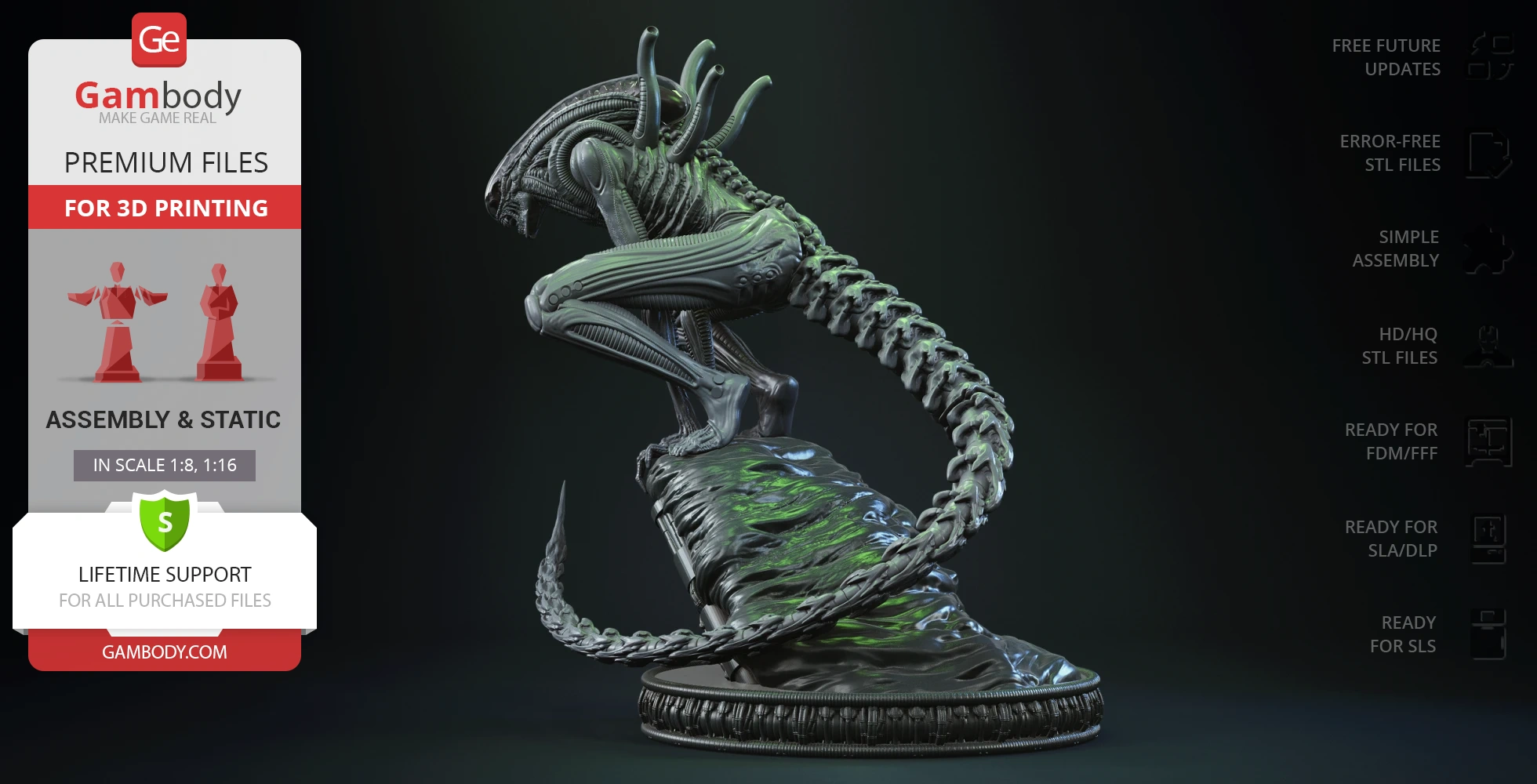
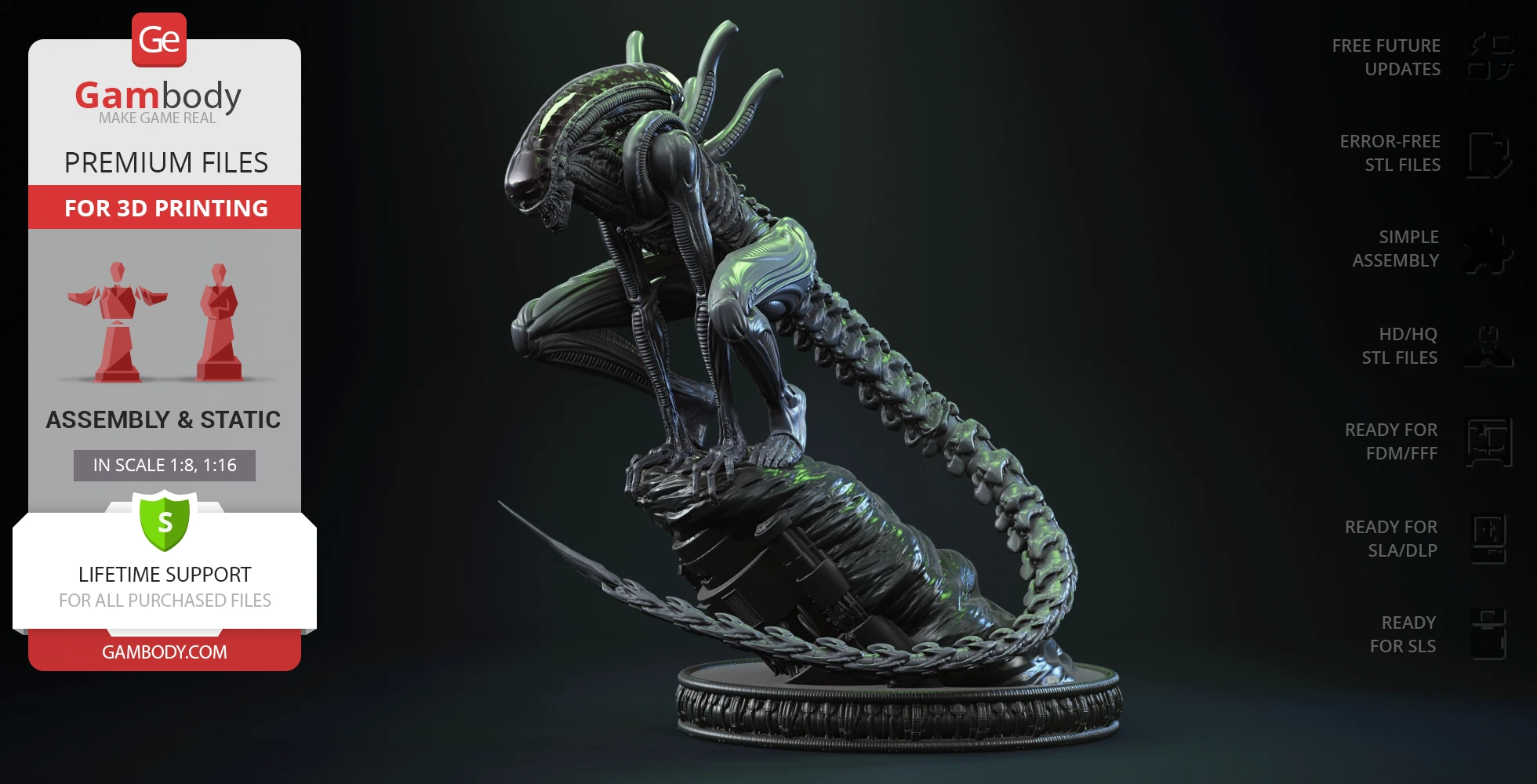
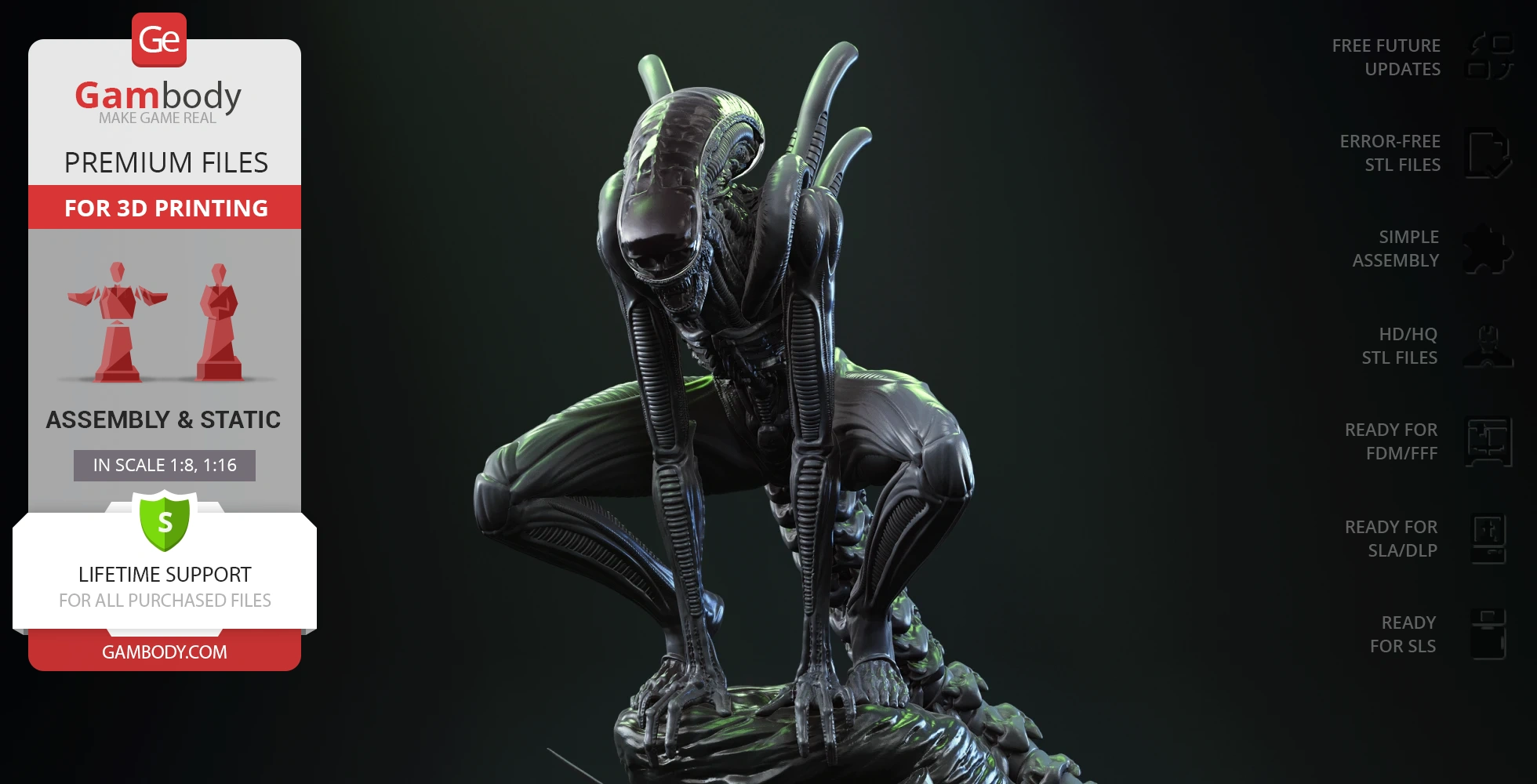
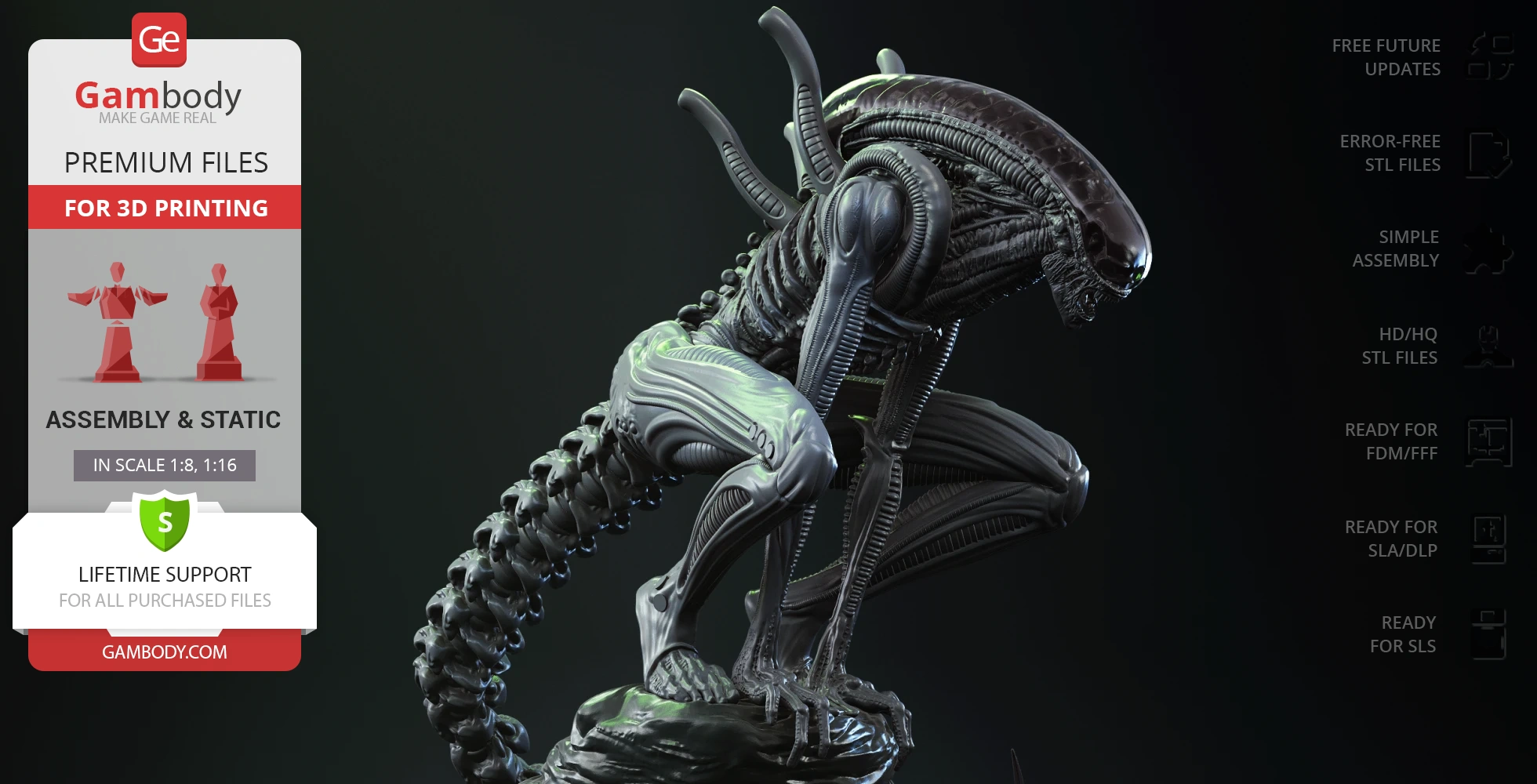
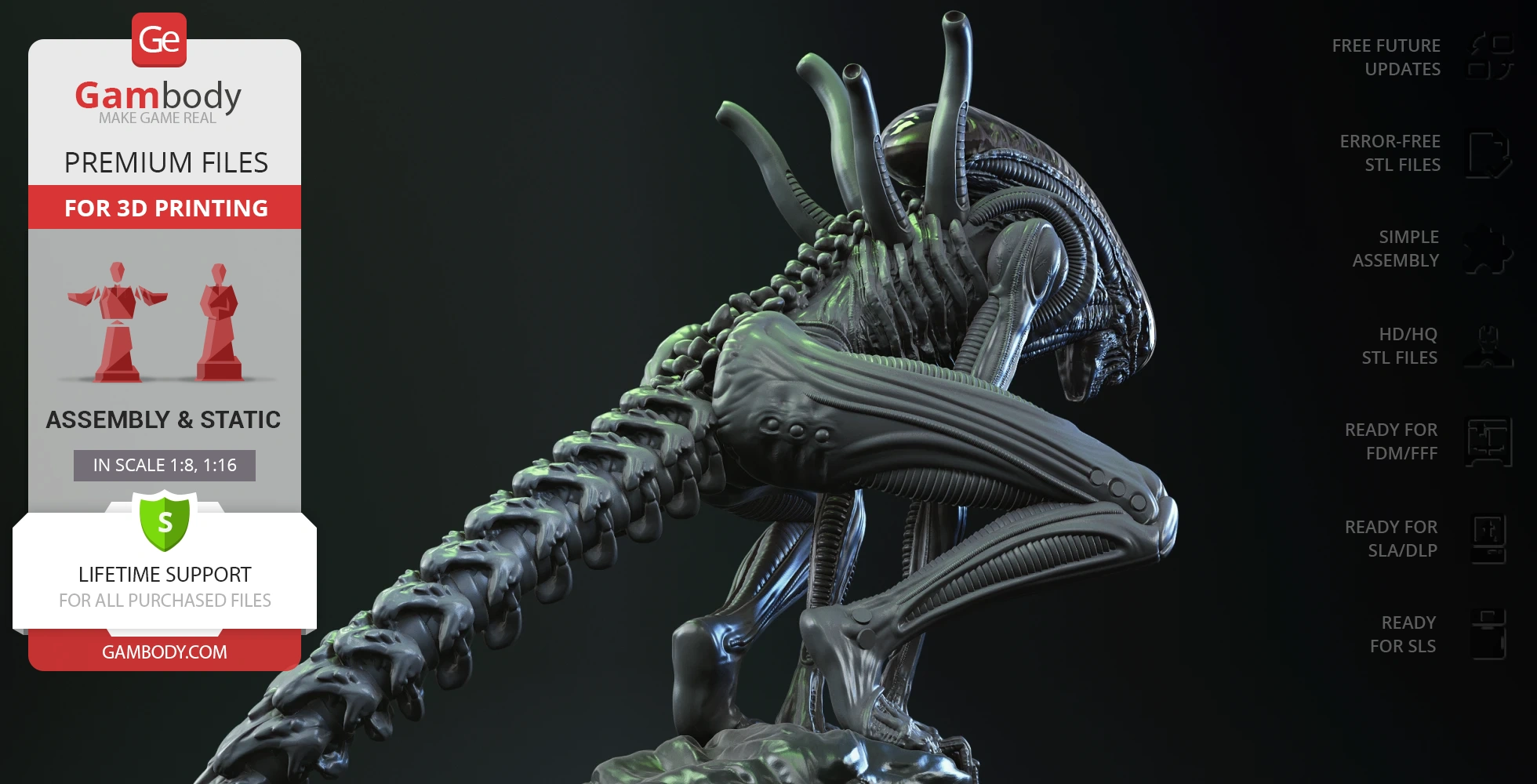
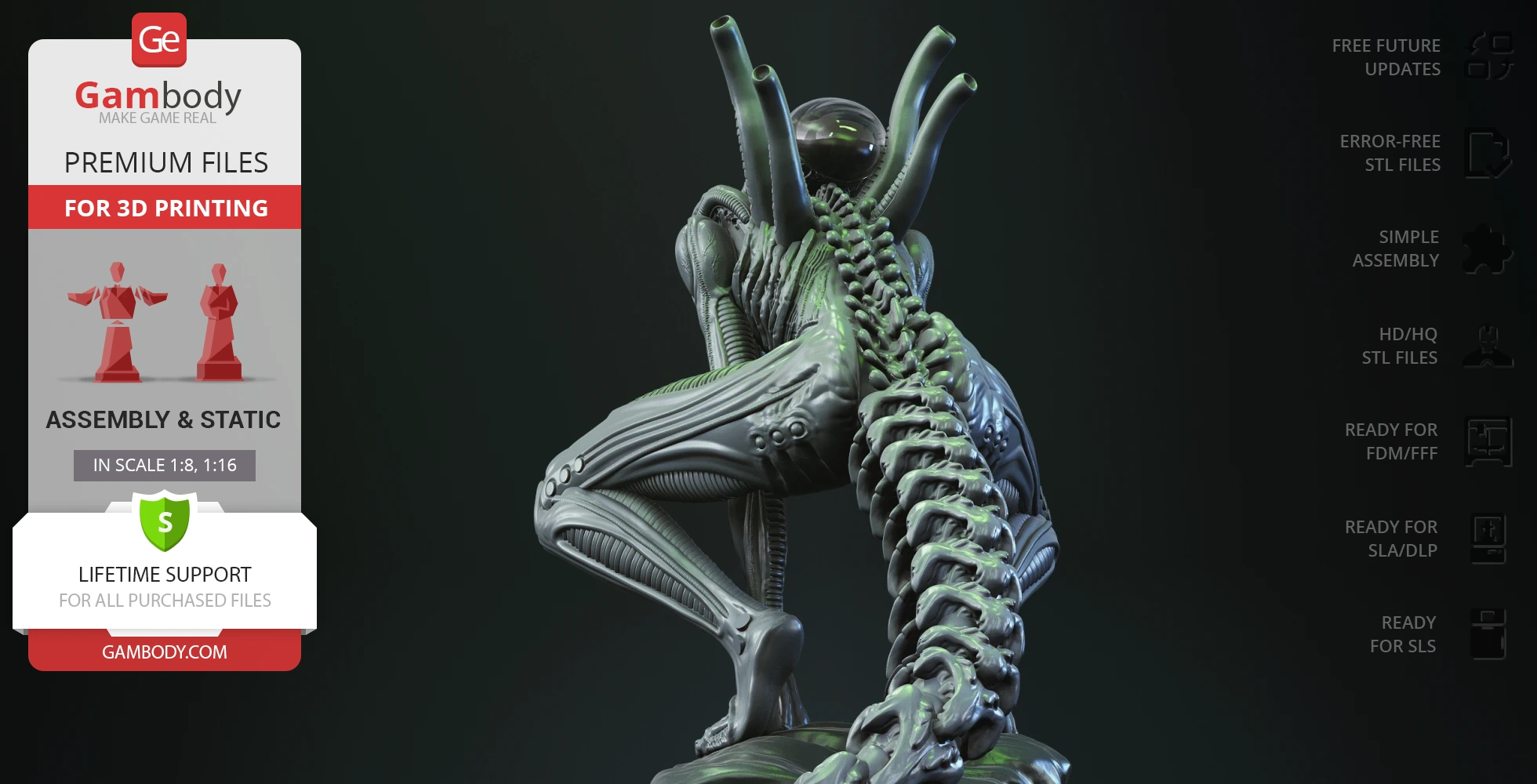
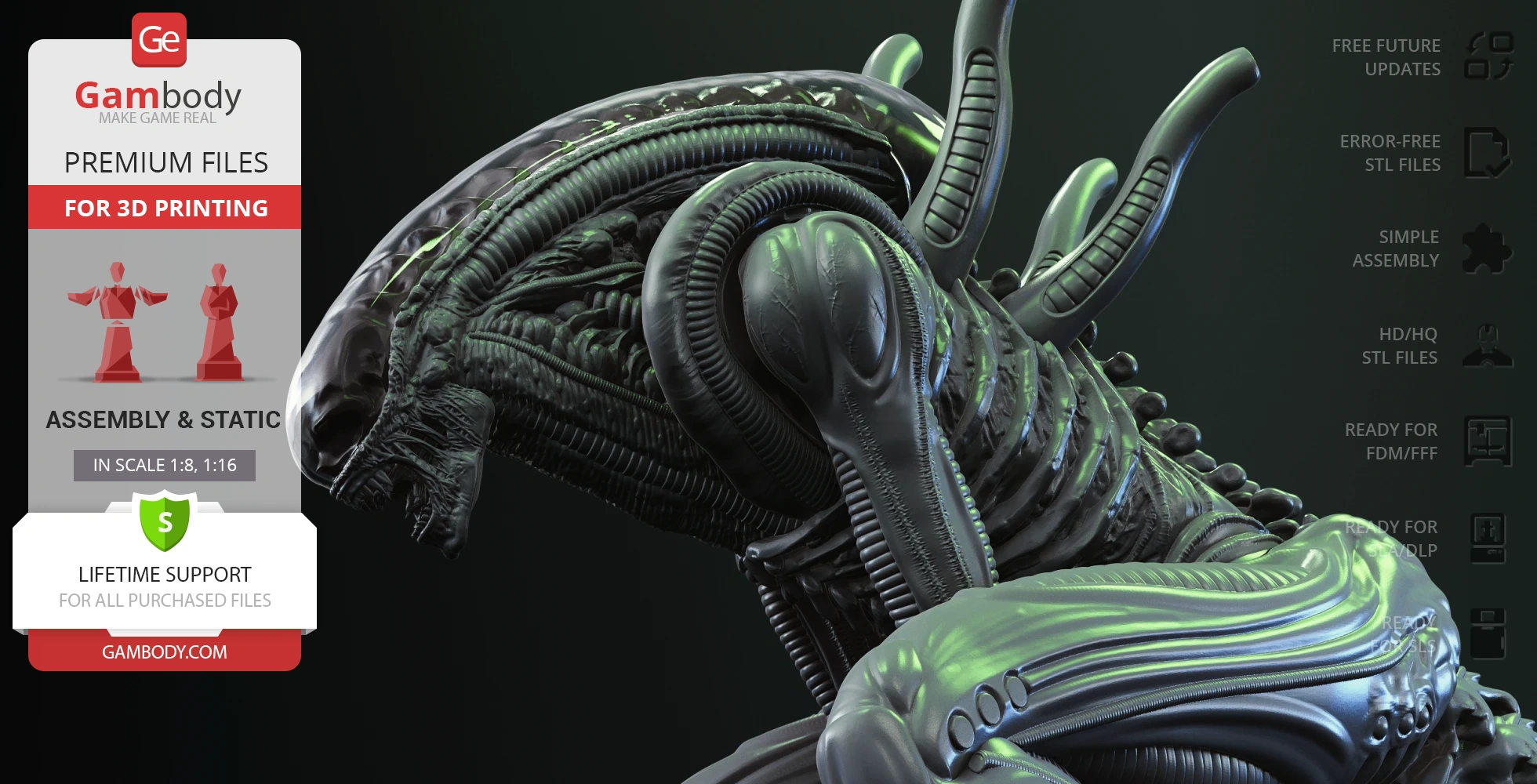
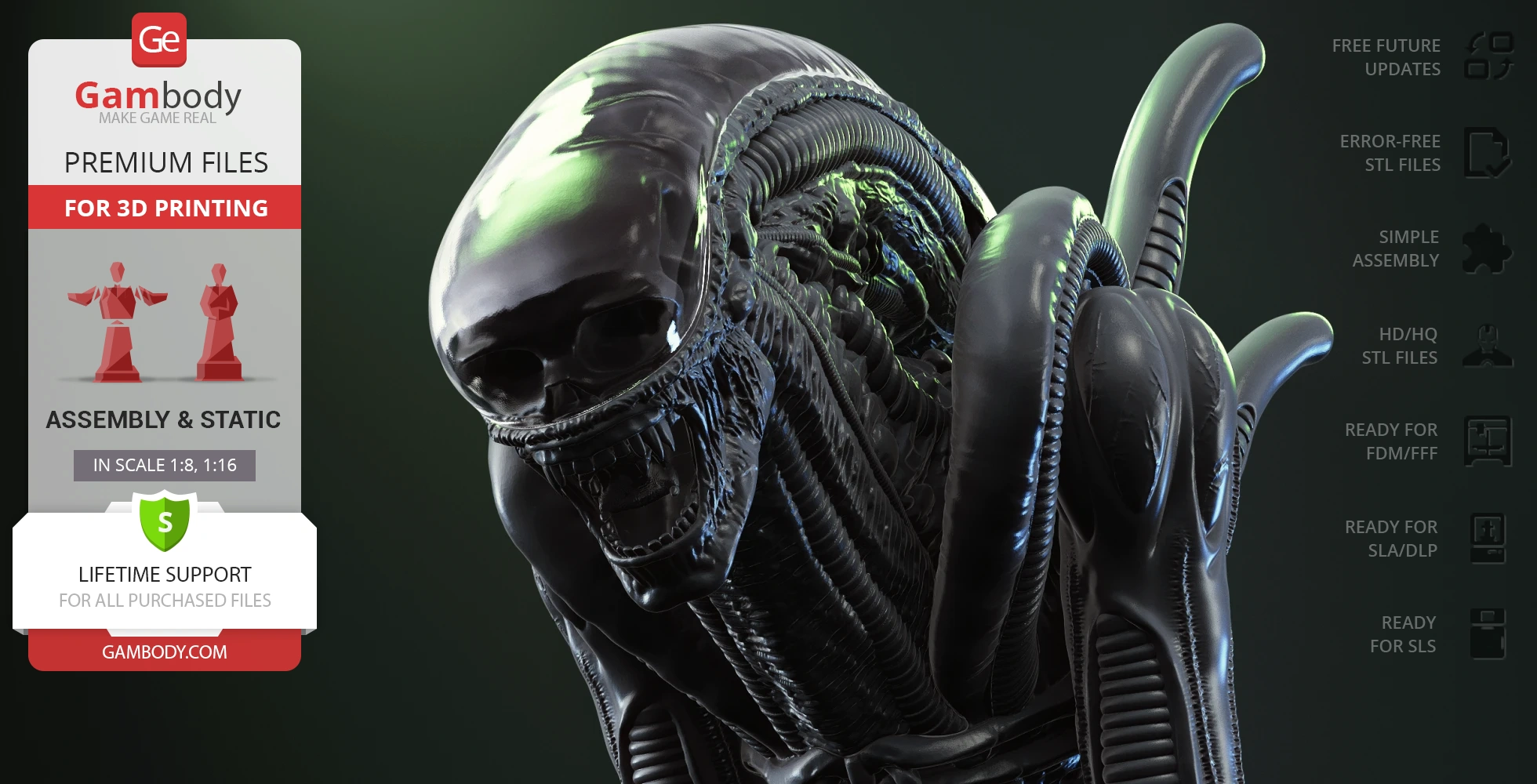
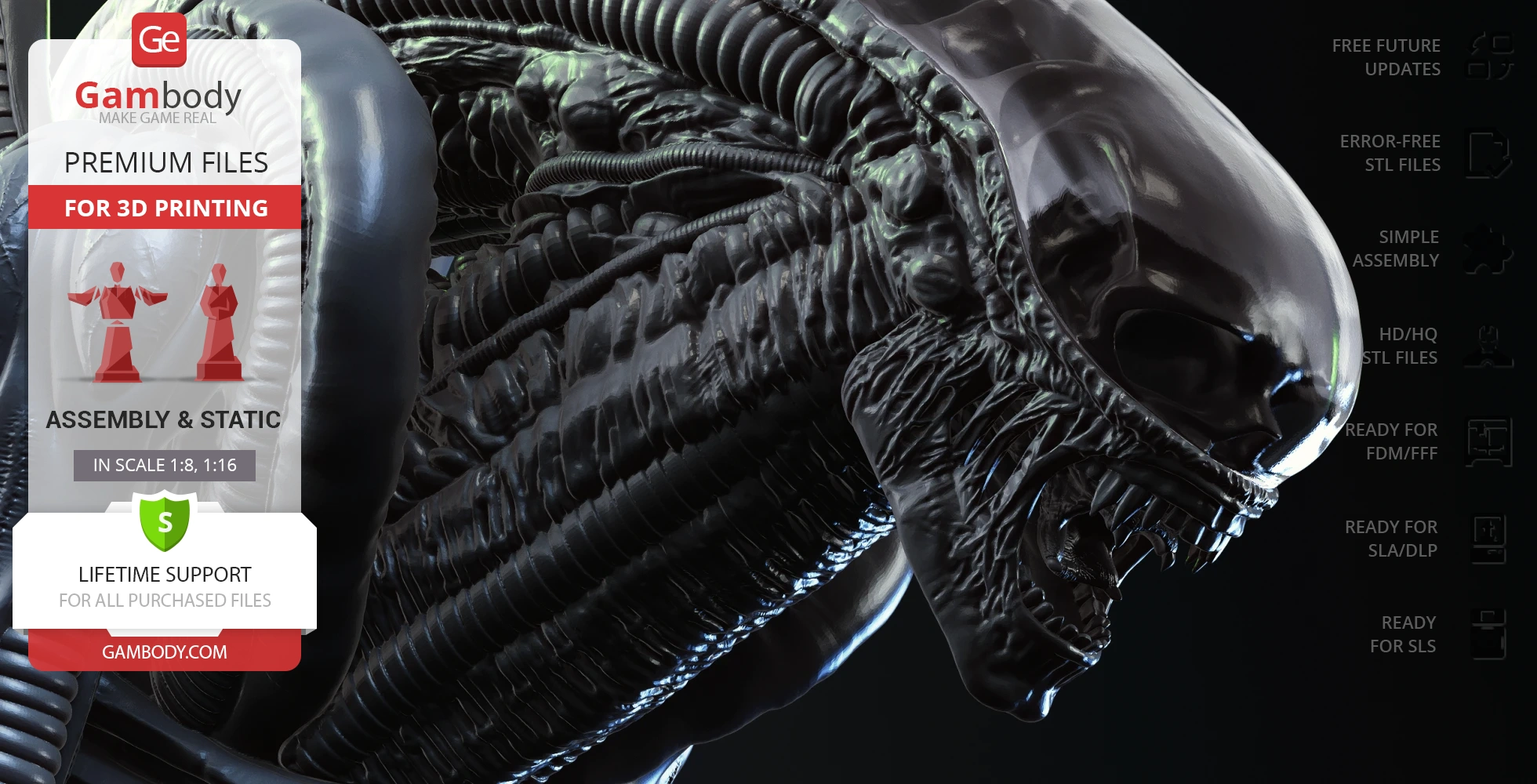
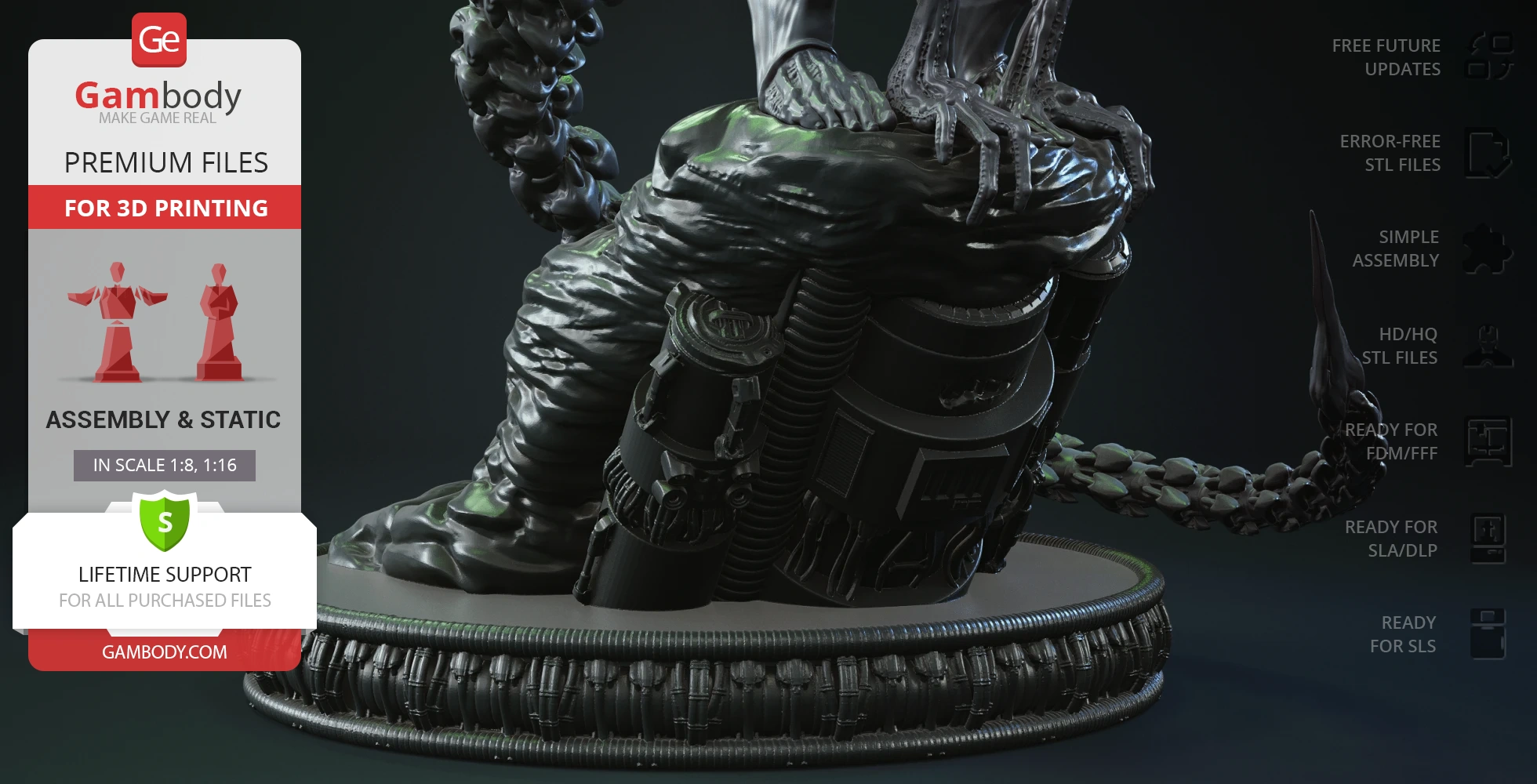
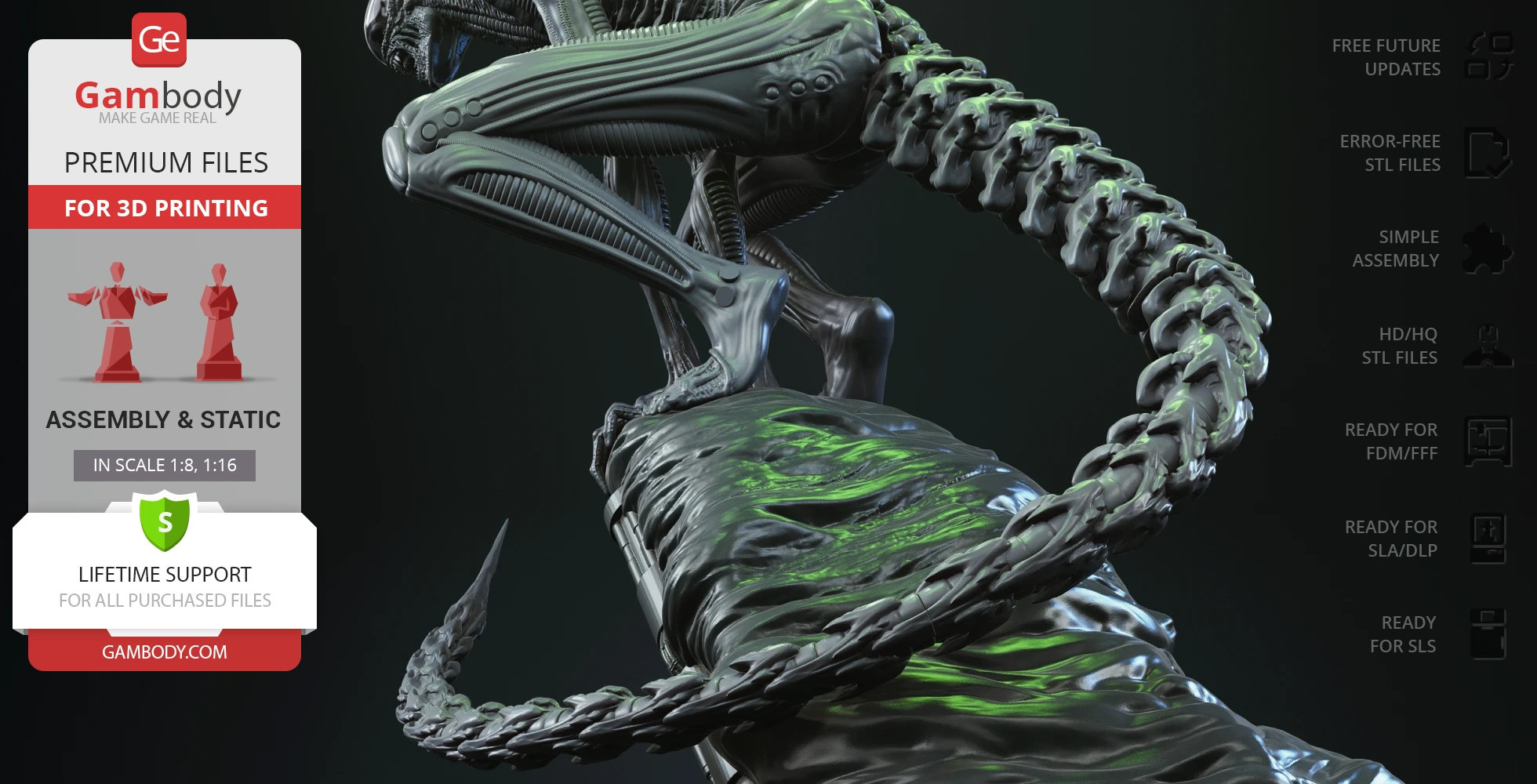
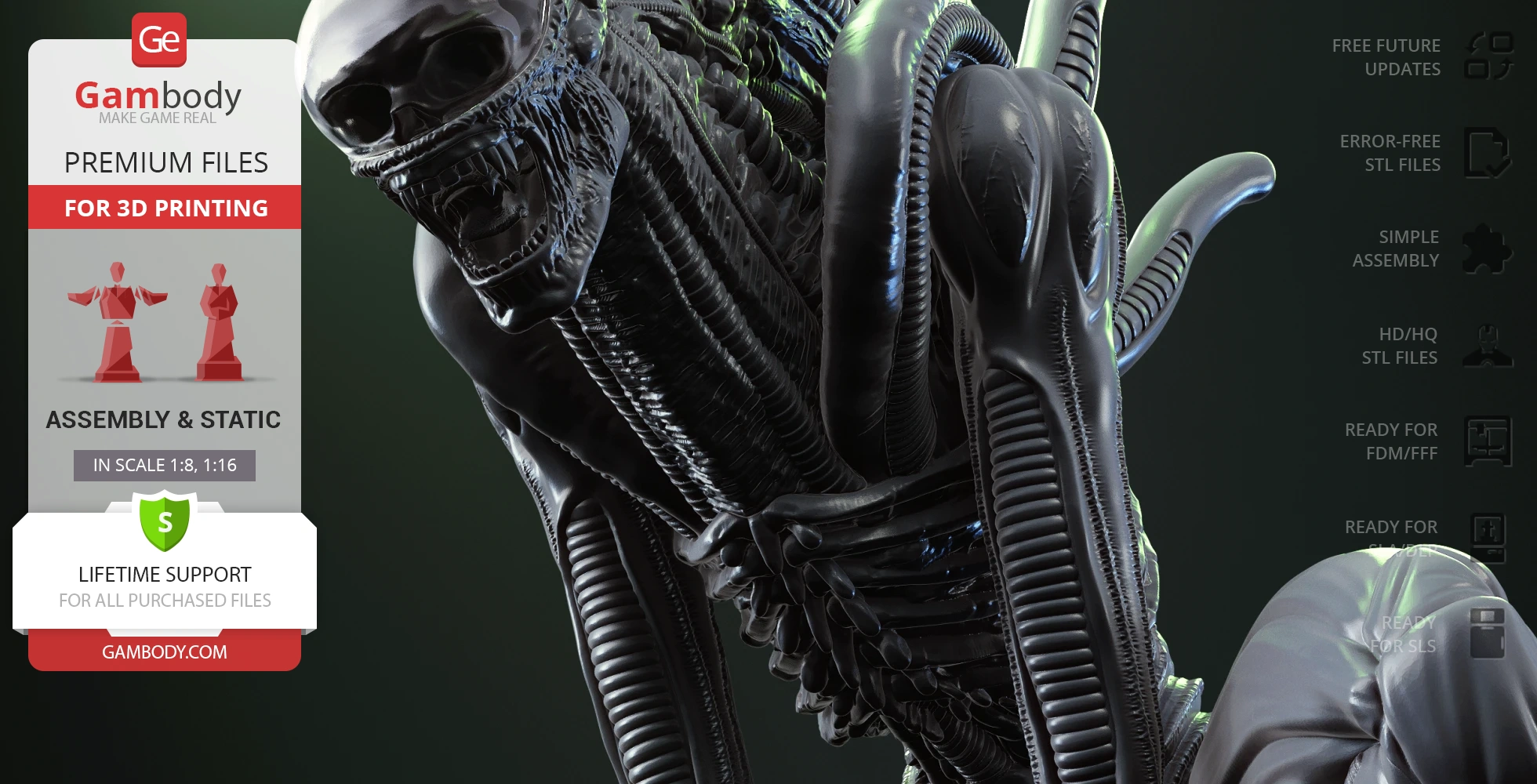
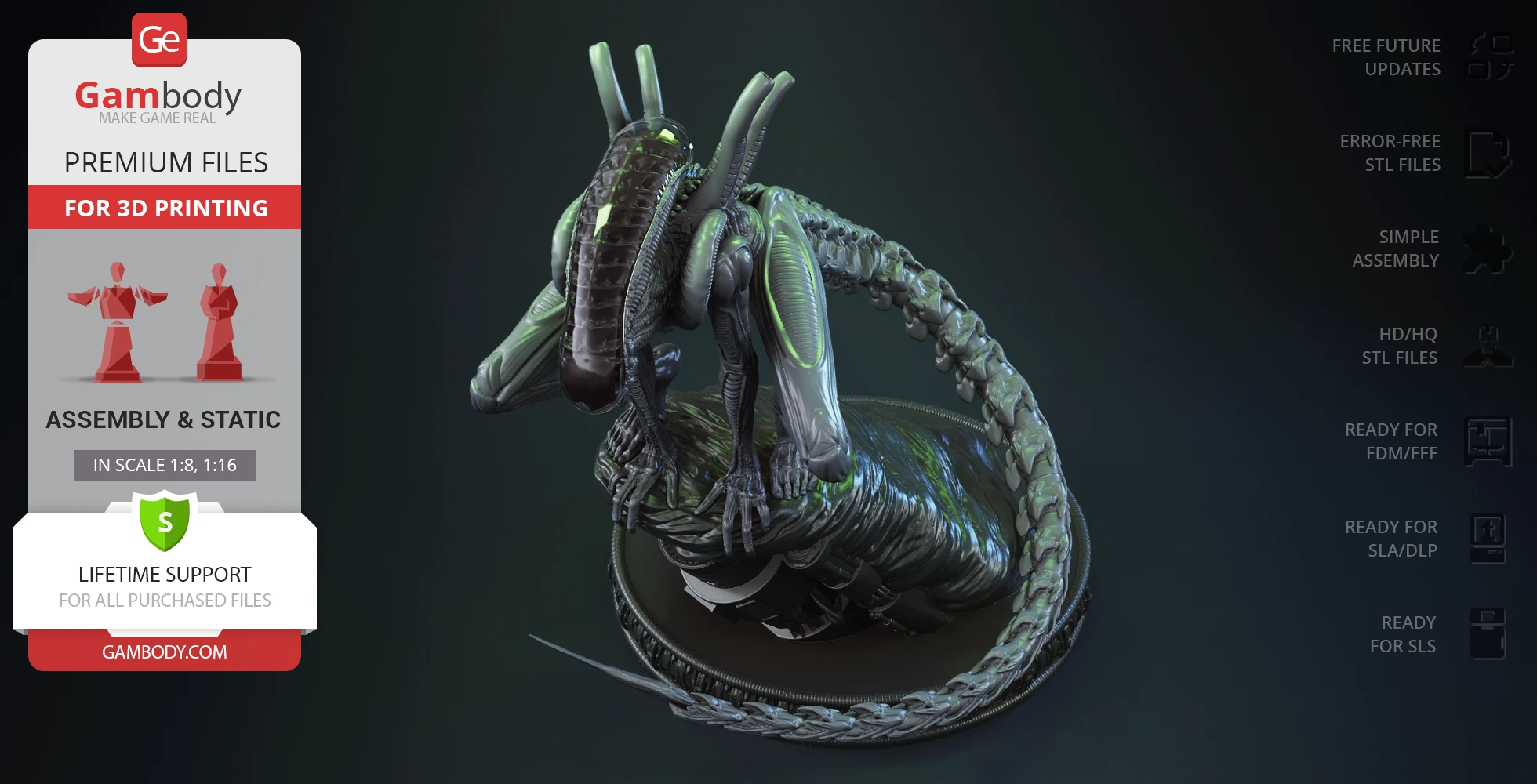
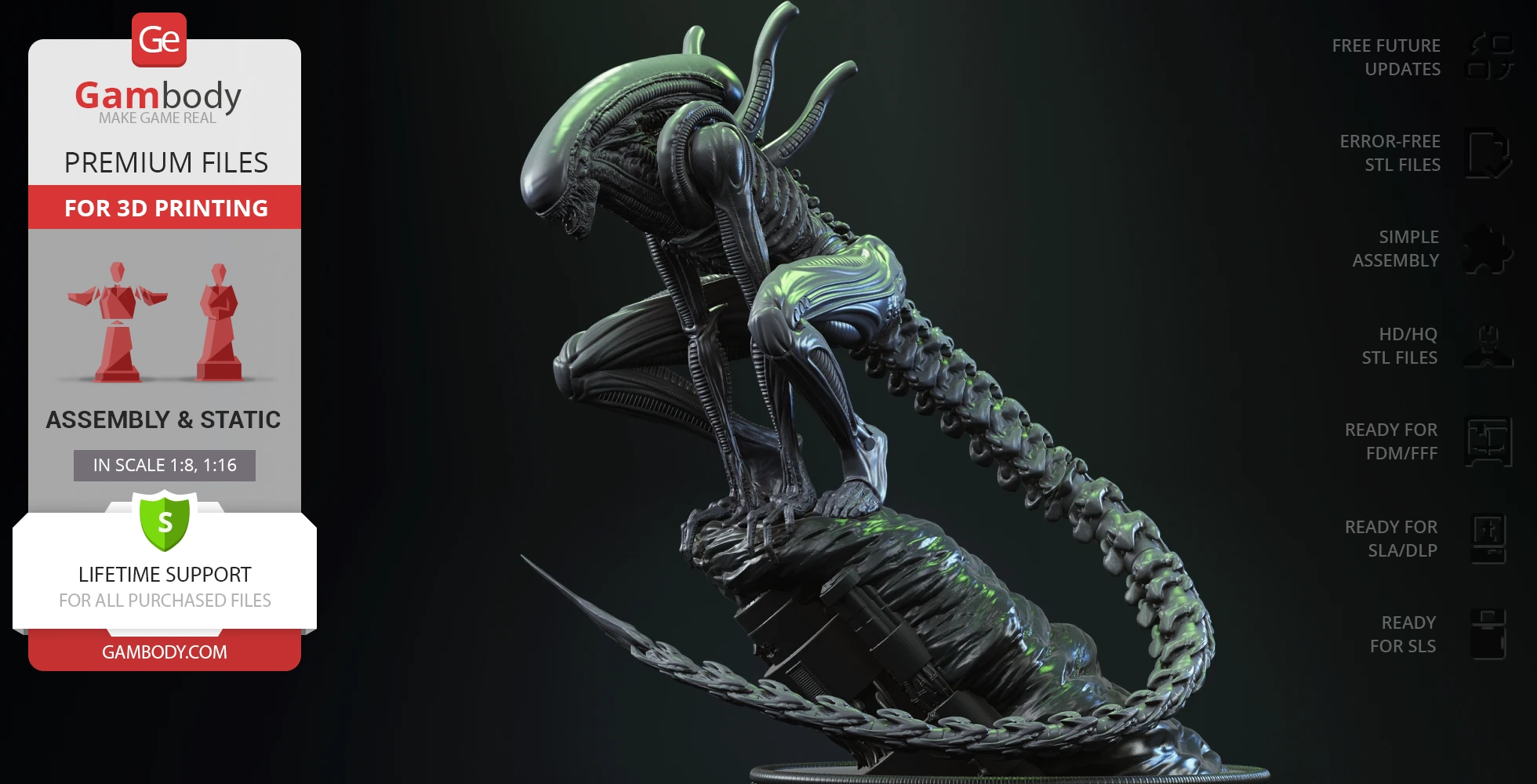
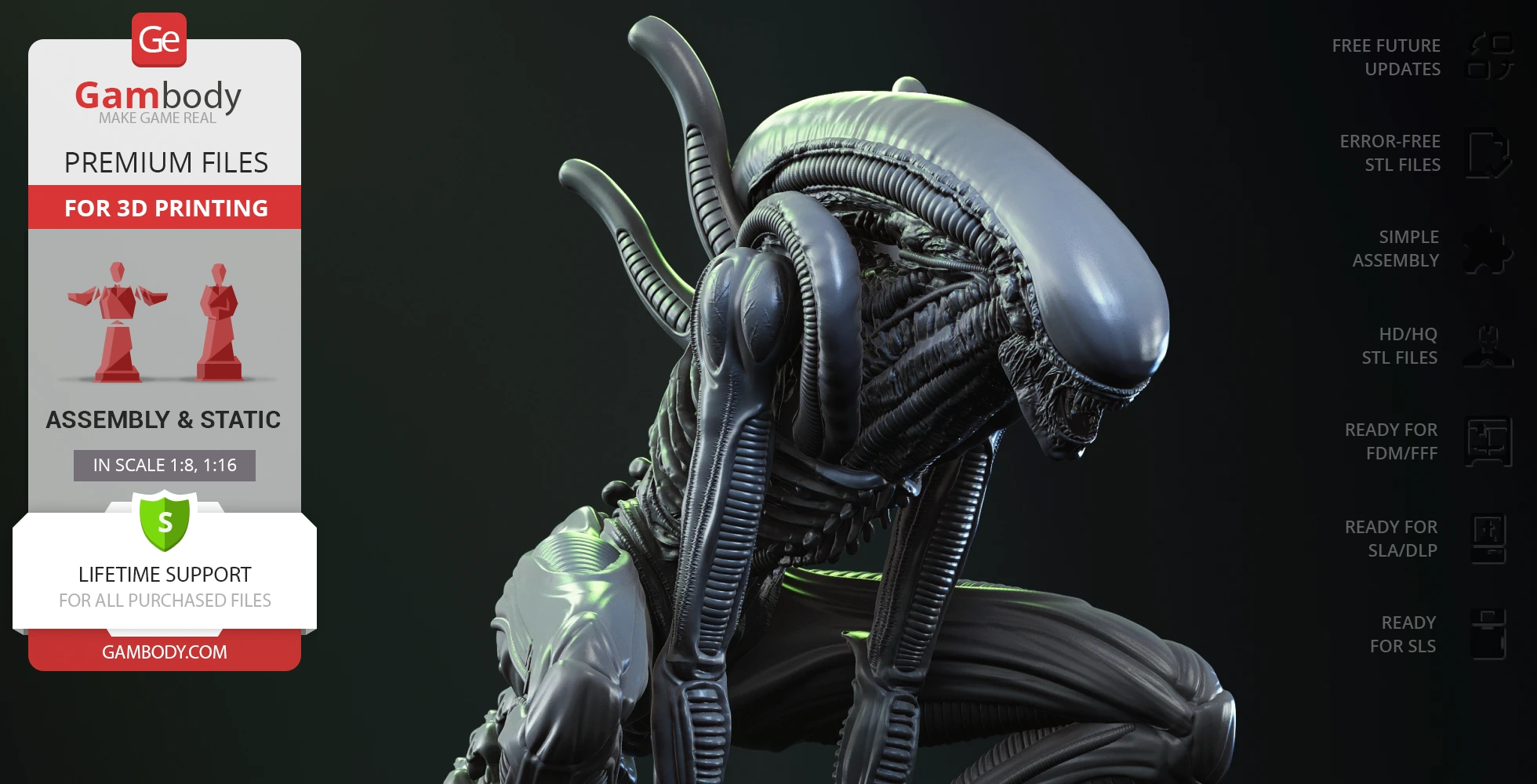
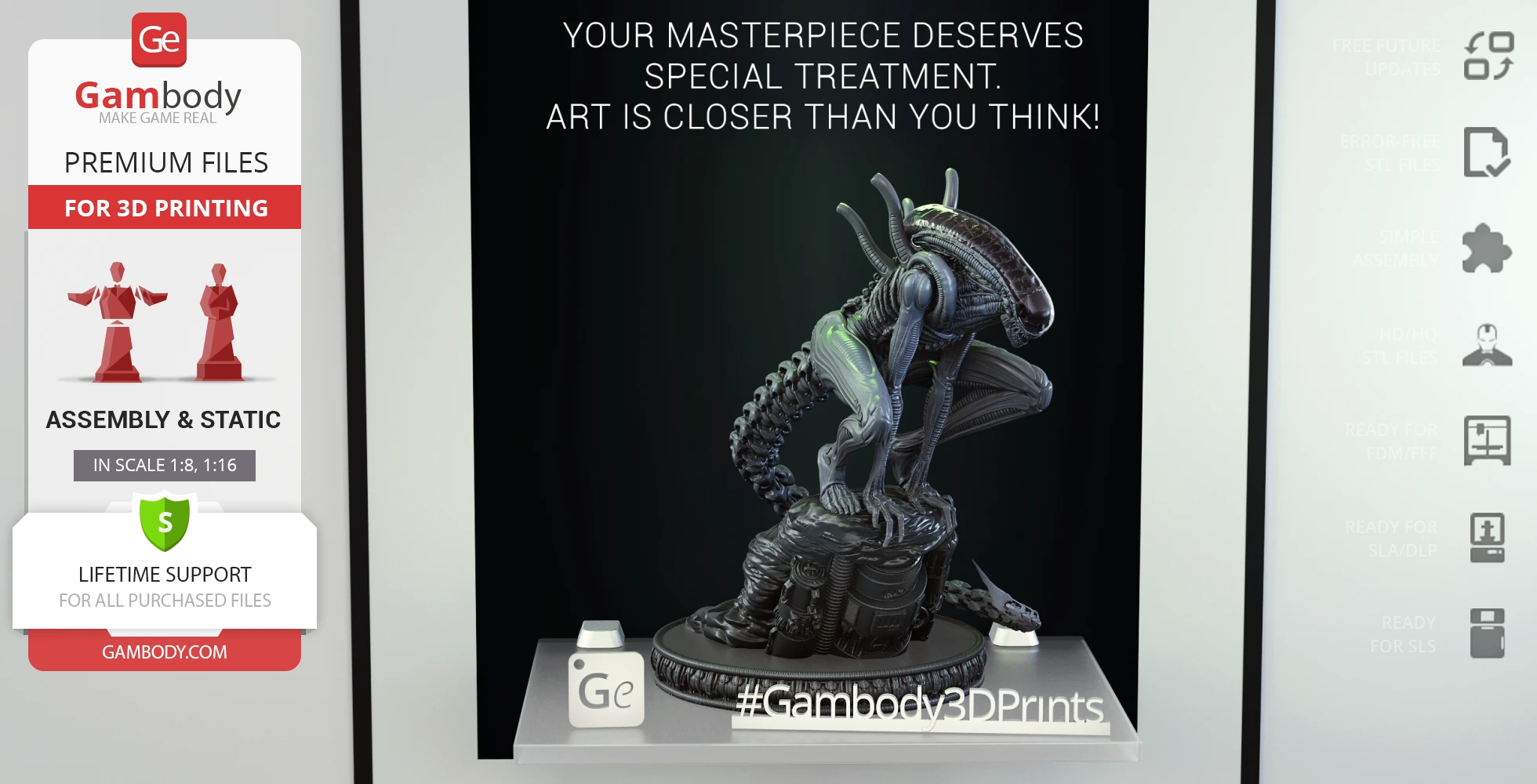
Crawling Xenomorph is a new work of our contributing 3D artists, and it is very special as its design and level of detail are incredible. The chosen posture of the model perfectly showcases the unusual body build of the monster, and the most outstanding feature of the Crawling Xenomorph is its semi-transparent head with the skull inside - the view of the screaming Alien is mesmerizing. The long flexible tail of the monster with a large, knife-like blade at the tip is among its best offensive weapons and the author put a lot of effort into shaping it. Don't wait to explore the STLs of Crawling Xenomorph as their quality and design are top-level!
3D printing model features
Model-specific features:
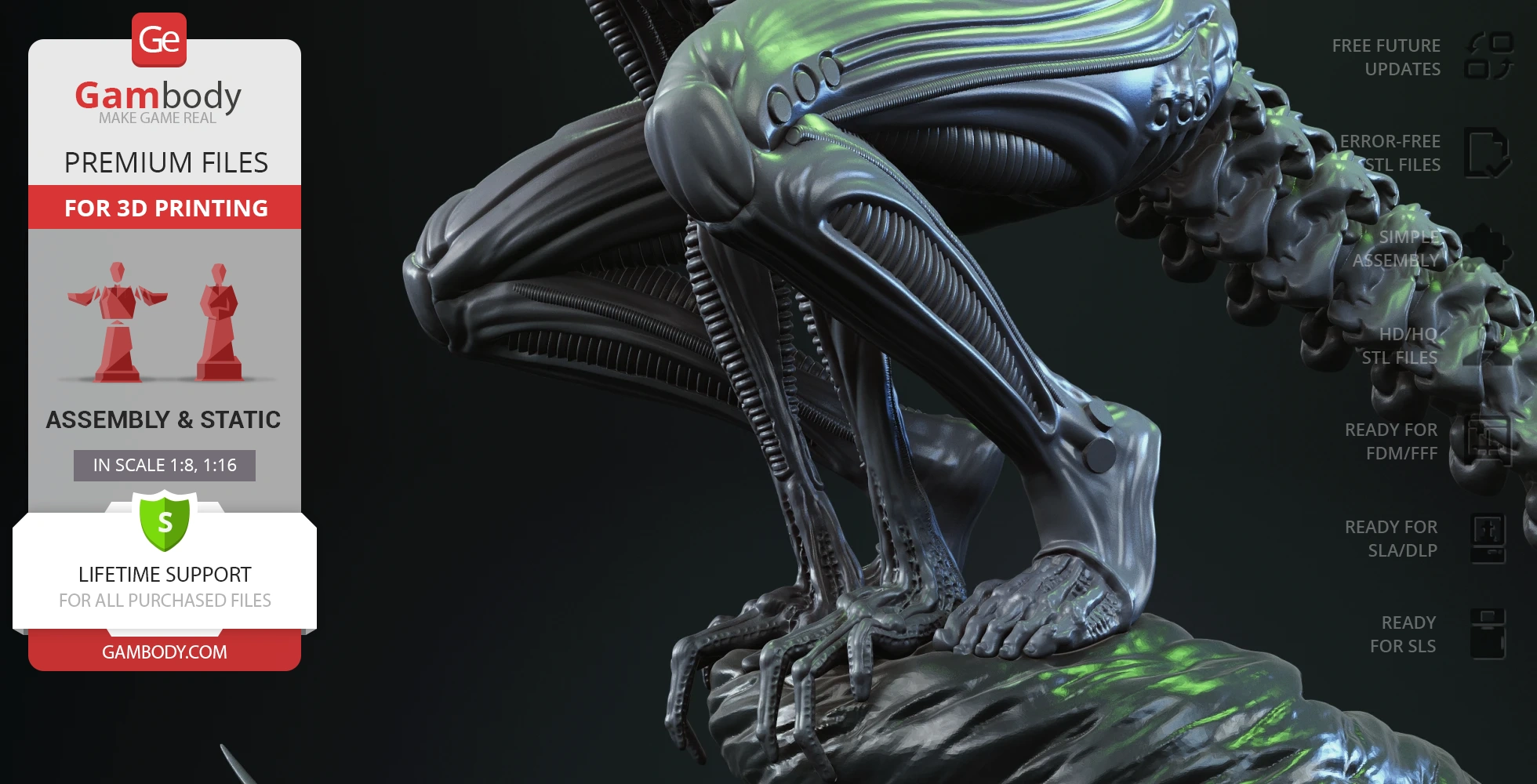
- Depicts the Xenomorph in an intense, low-slung posture that perfectly showcases its unusual body build and predatory nature;
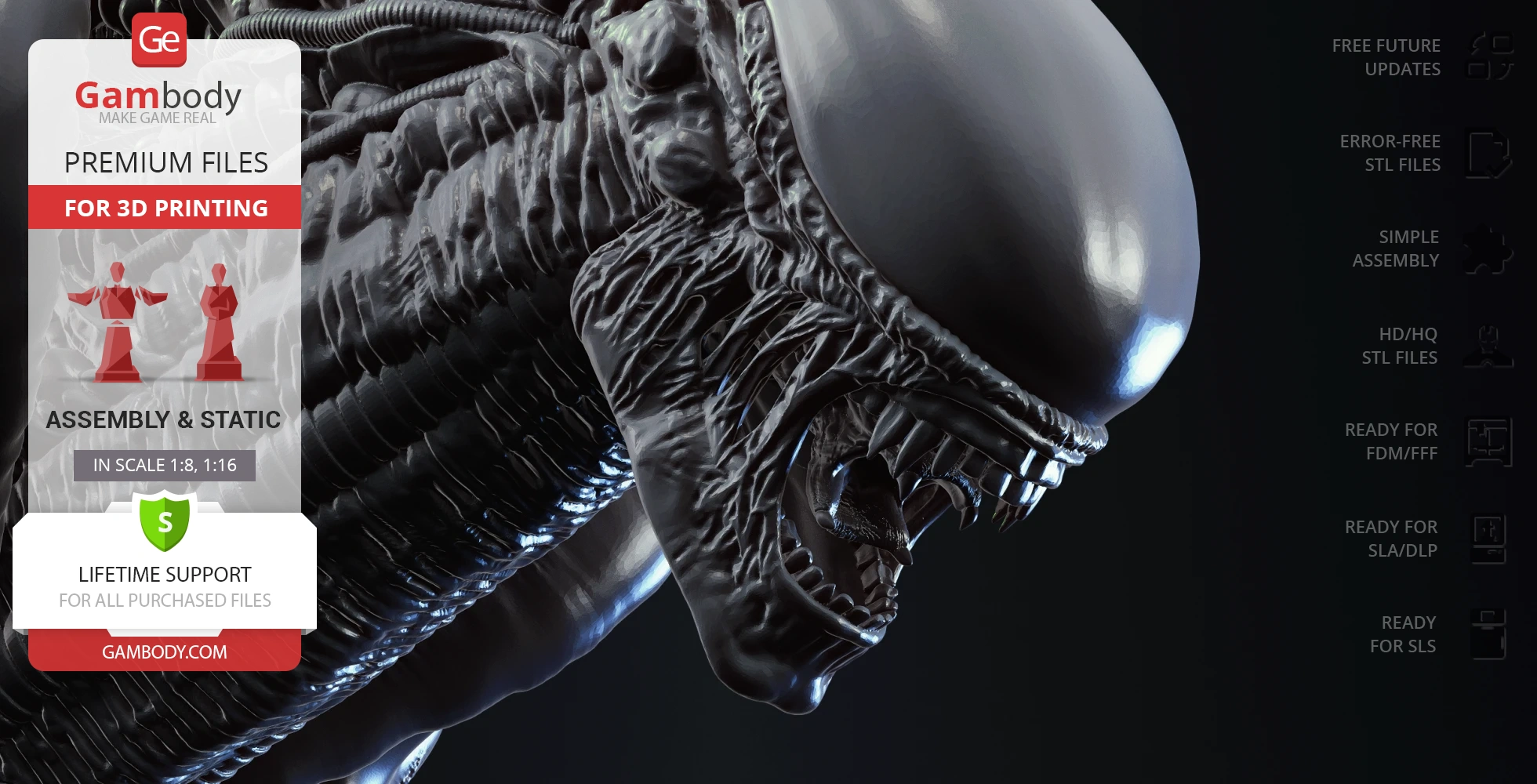
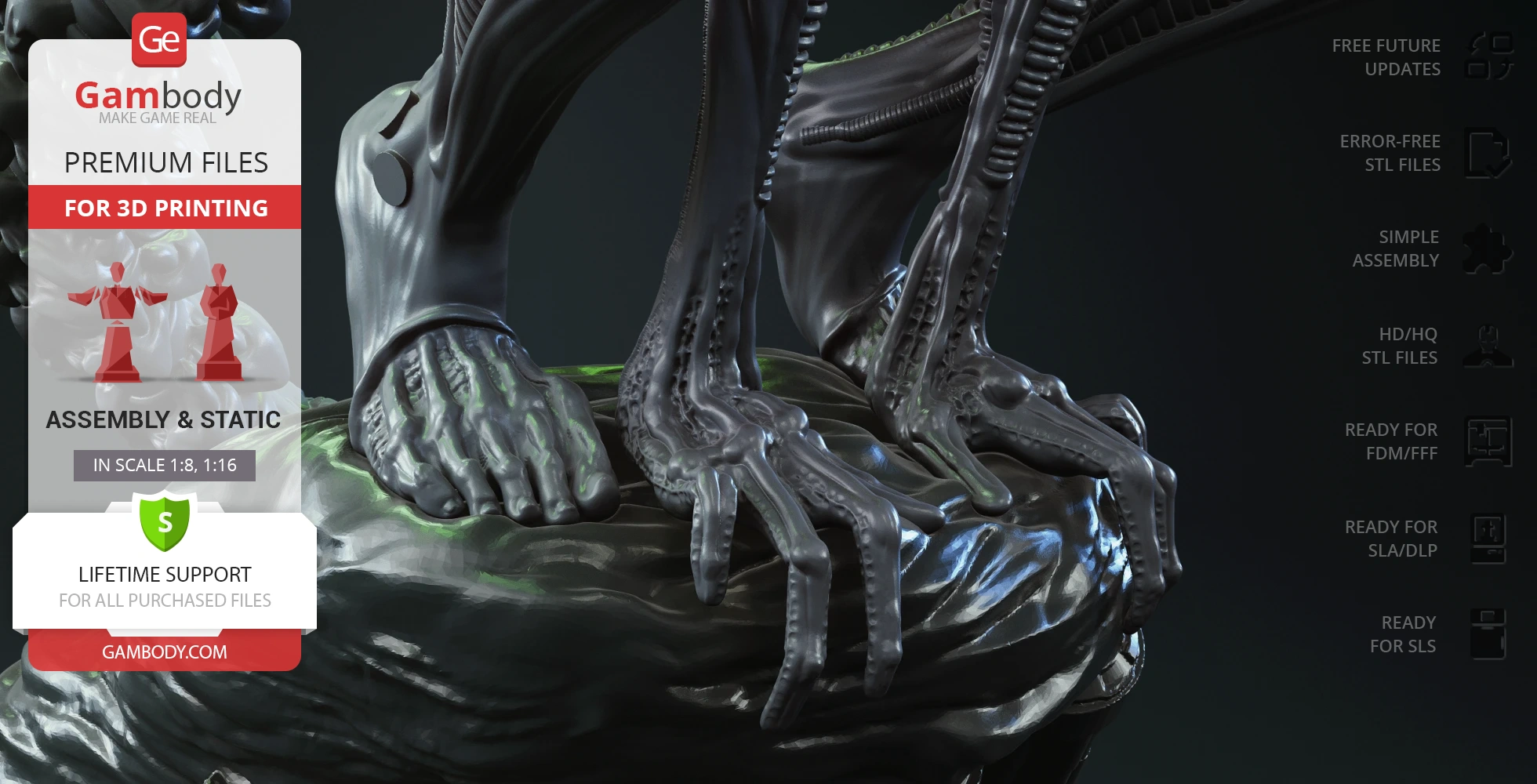
- Features highly detailed anatomical elements, including sharp claws, a powerful tail with a knife-like blade tip, and an elongated head with its terrifying inner jaw;
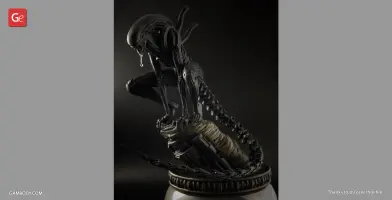
- Includes a unique feature allowing for the upper part of the head to be printed with transparent filament, revealing the detailed skull structure within the screaming Alien.
Printing & assembly details:
- Provided as error-free STL files compatible with most 3D printers;
- Optimized part division minimizes support material and ensures smooth surface detail;
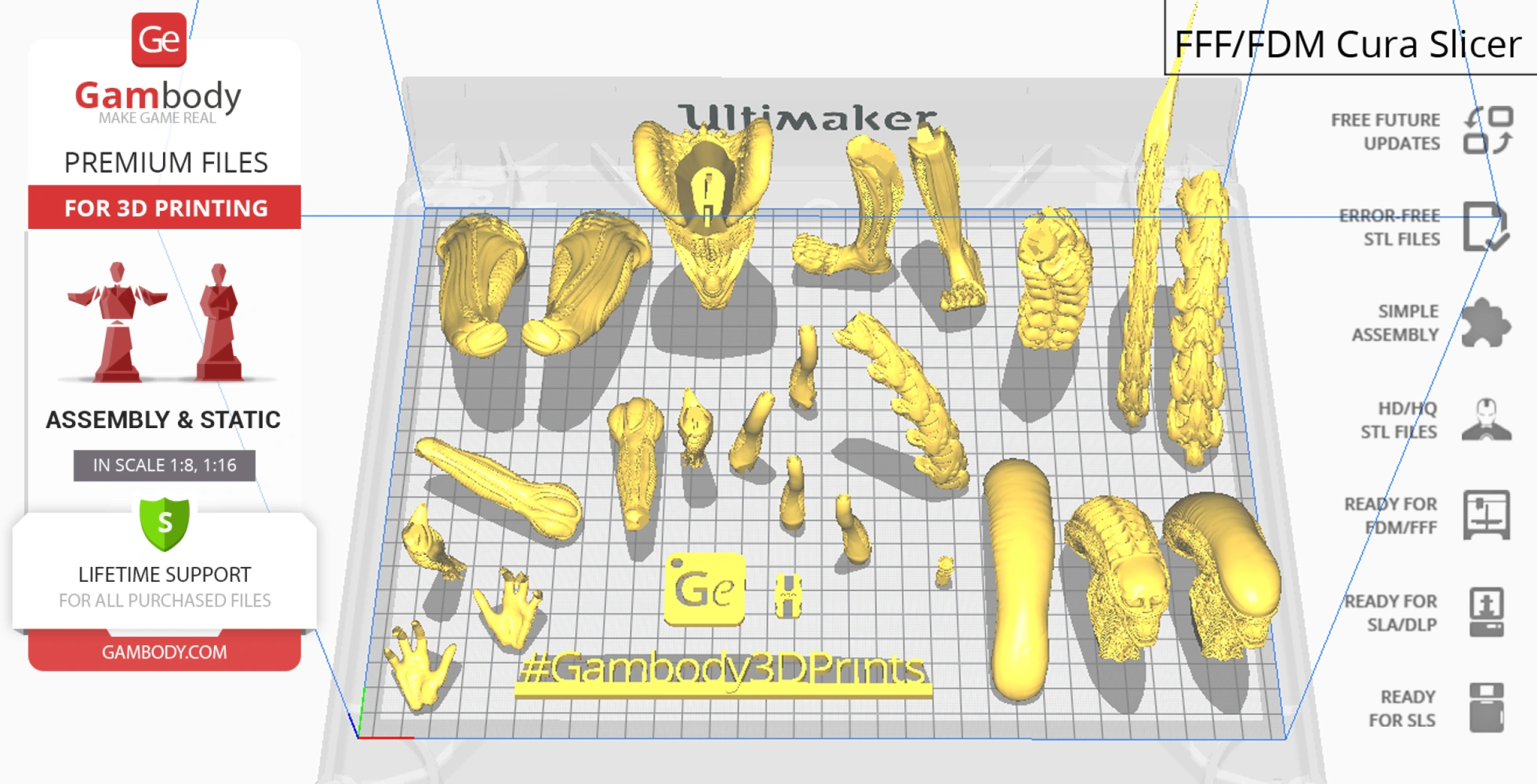
- The assembly parts in the FFF/FDM version come in the recommended print orientations for easy bed placement;
- Assembly manual in PDF and video formats is included for both FFF/FDM and DLP/SLA versions;
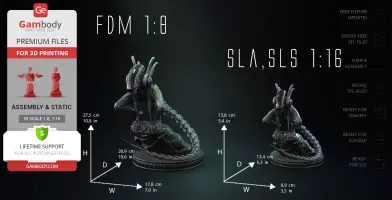
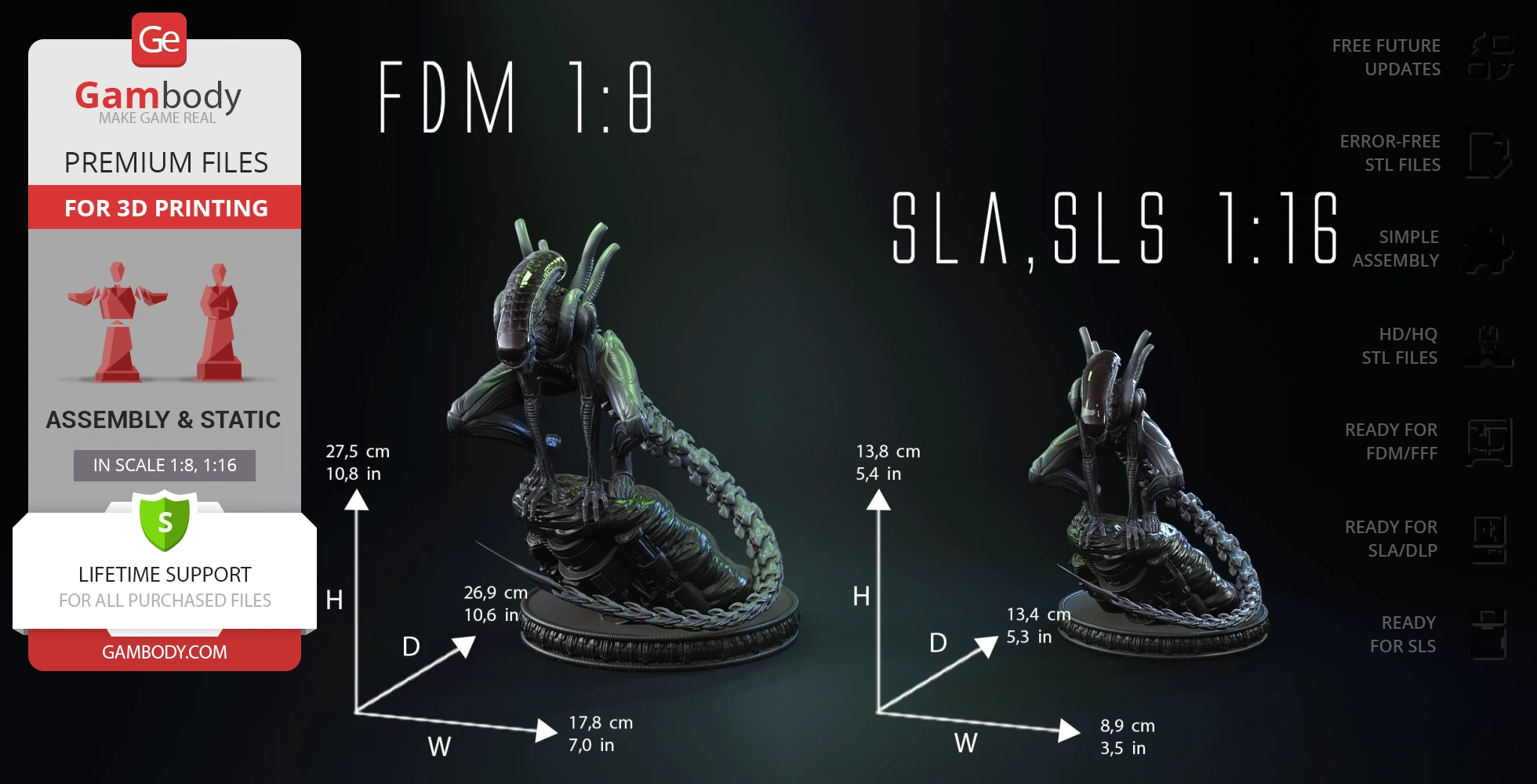
- The model is available in recommended scales of 1:8 for the FFF/FDM version and 1:16 for the DLP/SLA/SLS versions.
What will you get after purchase?
- 4 versions of Crawling Xenomorph STL files for FFF/FDM, DLP/SLA, DLP/SLA Eco, and SLS — files for all versions are available for download after the purchase;
- STL files of high-poly Crawling Xenomorph model for 3D printing consist of 52 files;
- Sizes for:
- FFF/FDM: 178 mm wide, 275 mm high, 269 mm deep;
- DLP/SLA/SLS: 89 mm wide, 138 mm high, 134 mm deep;
- Assembly Manual for 1.0 FFF/FDM and 1.0 DLP/SLA versions in PDF and video formats;
- Detailed settings that we provide as a recommendation for Bambu Studio, Cura, Orca Slicer, PrusaSlicer, Simplify3D, and Slic3r for the best print;
- Full technical support from the Gambody Support Team.
Average customer rating (4 reviews)
5
Ratings breakdown
Click a star rating to filter reviews
Overall experience
Level of detail in the model
5
Model cut quality and assembly guide
5
Clarity and accuracy of the model page
5


 Verified purchase
 Level of detail in the model
5
Model cut quality and assembly guide
5
Clarity and accuracy of the model page
5
Verified purchase Level of detail in the model
5
Model cut quality and assembly guide
5
Clarity and accuracy of the model page
5
Verified purchase Level of detail in the model
5
Model cut quality and assembly guide
5
Clarity and accuracy of the model page
5


 Community Support Team
 Level of detail in the model
5
Model cut quality and assembly guide
5
Clarity and accuracy of the model page
5
Below you'll find detailed slicing settings for Bambu Studio 2.0+, Orca Slicer 2.0+, UltiMaker Cura 5.0+, PrusaSlicer 2.0+, Slic3r 1.3+, Simplify3D 5.0+ to help you get the best results when printing this model. These settings are optimized specifically for this 3D model, but please note they may need slight adjustments depending on your printer or filament. When in doubt, refer to your printer's user manual.
To avoid printing issues and achieve the best quality, we highly recommend applying the following settings:
 Bambu Studio 2.0+
 For better quality use 0.12 mm layer height, for fast printing use 0.2 mm layer height. For pins and the Ge connectors, use 0.2 layer height.
120-150% of your Layer Height
But you can paint the seam if you want.
You have to calibrate this parameter
You have to calibrate this parameter
You have to calibrate this parameter
For pins and power elements of the structure, such as the vehicle frame, use 3 loop
Disabled for vehicles and enabled for characters
For 0,2 Layer Height
The parameters in this tab vary greatly, it all depends on the quality of your printer. For example, if you have a classic Ender3, stick to the minimum parameters, but if you have a newer printer, for example Anycubic cobra 3 v2, you can select the maximum recommended values
Settings for advanced users, change these parameters only if you have sufficient 3D printing expertise
Enable this parameter if your model requires supports
We also recommend placing and removing supports manually in some places using special button
1-2 loops for more thick support
Top Z distance = 1-1.3 layer Height. If the supports are hard to remove, try increasing this setting by 0.1-0,4 mm
Bottom Z distance = 1-1.3 layer Height. If the supports are hard to remove, try increasing this setting by 0.1-0,4 mm
You have to calibrate this parameter which one is better for your filament
Increase this parameter if the supports are hard to remove from walls
For PLA and PETG filament types
5-8 mm is optional for small prints that have bad adhesion to the build plate
You have to calibrate this parameter
Read the description on your filament roll
Read the description on your filament roll and increase this parameter for fast printers
Read the description on your filament roll and increase this parameter for fast printers
 Orca Slicer 2.0+
 For better quality use 0.12 mm layer height, for fast printing use 0.2 mm layer height. For pins and the Ge connectors, use 0.2 layer height.
120-150% of your Layer Height
But you can paint the seam if you want.
0.01-0.05 You have to calibrate this parameter
0.01-0.05 You have to calibrate this parameter
0.1-0.2 You have to calibrate this parameter
For pins and power elements of the structure, such as the vehicle frame, use 3 loop
Disabled for vehicles and ships, enabled for characters
For 0,2 Layer Height
For 0,2 Layer Height
The parameters in this tab vary greatly, it all depends on the quality of your printer. For example, if you have a classic Ender3, stick to the minimum parameters, but if you have a newer printer, for example, Anycubic Kobra 3 Or Bambulab A1, you can select the maximum recommended values.
Settings for advanced users, change these parameters only if you have sufficient 3D printing expertise
Enable this parameter if your model requires supports
We also recommend placing and removing supports manually in some places using special button
Top Z distance = 1-1.3 layer Height. If the supports are hard to remove, try increasing this setting by 0.1-0,4 mm
Bottom Z distance = 1-1.3 layer Height. If the supports are hard to remove, try increasing this setting by 0.1-0,4 mm
Increase this parameter if the supports are hard to remove from walls
For PLA and PETG filament types
5-8 mm is optional for small prints that have bad adhesion to the build plate
Read the description on your filament roll
Read the description on your filament roll and increase this parameter for fast printers
You have to calibrate this parameter
Read the description on your filament roll and increase this parameter for fast printers
Read the description on your filament roll
This field is filled in according to your printer specifications when you add it to the slicer.
You can add custom G-code here for the start and end of the print. However, be careful - this is for advanced users only!
You have to calibrate your printer using Ge retraction test models
Retraction Length: For direct-drive setups use 0.5 mm to 2.5 mm; for Bowden extruders use 5 to 7 mm
This is how fast the filament is pulled back—40-60 mm/s for direct drive and 30-50 mm/s for Bowden setups.
You have to calibrate this parameter: Reduce it until the printer starts to hit the parts with the nozzle during printing, then increase it by 0.2.
 UltiMaker Cura 5.0+
 For better quality use 0.12 mm layer height, for fast printing use 0.2 mm layer height. For pins and the Ge connectors, use 0.2 layer height.
120-150% of your Layer Height
To increase the strength of the print parts, use wall line count: 3
For pins and connectors use 50% Infill
These parameters are for standard PLA plastic. If you are using a different type of plastic, check the printing temperature recommended by the manufacturer. Also, read the description on your filament spool. For fast printers, add +30 °C to the current parameters.
The parameters in this tab vary greatly, it all depends on the quality of your printer. For example, if you have a classic Ender3, stick to the minimum parameters, but if you have a newer printer, for example Anycubic cobra 3 v3, you can select the maximum recommended values
Settings for advanced users, change these parameters only if you have sufficient 3D printing expertise.
You need to calibrate this parameter using Gambody test models. These values are average values for a Direct Drive extruder; for a Bowden extruder, the values should be increased.
You need to calibrate this parameter using Gambody test models. These values are average values for a Direct Drive extruder; for a Bowden extruder, the values should be increased.
Use this value other than 0 if your nozzle catches on the internal infill during travel moves. Try to keep this value as low as possible in height.
Use normal supports to support large, straight surfaces (most mechanical or technical parts).
You have to calibrate this parameter according to the capabilities of your printer and your filament, using a Gambody test models.
Use 1 instead of 0 if your supports are thin and tall. They will be harder to remove, but much stronger.
Top Z distance = 1-1.3 layer Height. If the supports are hard to remove, try increasing this setting by 0.1-0,4 mm
Increase this parameter if the supports are hard to remove from walls
Use tree supports to support complex objects, such as characters.
You have to calibrate this parameter according to the capabilities of your printer and your filament, using a Gambody test models.
Top Z distance = 1-1.3 layer Height. If the supports are hard to remove, try increasing this setting by 0.1-0,4 mm
Increase this parameter if the supports are hard to remove from walls
Use a skirt for all parts when printing on outdated printers.
Use a brim when printing thin but tall parts, as well as parts with a small bed adhesion area.
 PrusaSlicer 2.0+
 For better quality use 0.12 mm layer height, for fast printing use 0.2 mm layer height. For pins and the Ge connectors, use 0.2 layer height.
120-150% of your Layer Height
for 0.2 Layer Height
But you can paint the seam if you want.
(for PLA and PETG)
(5-8 mm is optional for small prints that have bad adhesion to the build plate)
Enable this parameter if your model requires supports
(45-50 degree)You have to calibrate this parameter according to the capabilities of your printer
and your filament, using a Gambody test models.
Top contact Z distance = 1-1.3 layer Height. If the supports are hard to remove, try
increasing this setting by 0.1-0,4 mm
Top contact Z distance = 1-1.3 layer Height. If the supports are hard to remove, try
increasing this setting by 0.1-0,4 mm
Increase this parameter if the supports are hard to remove from walls
The parameters in this tab vary greatly, it all depends on the quality of your printer. For example, if you have a classic Ender3, stick to the minimum parameters, but if you have a newer printer, for example Anycubic cobra 3 v3, you can select the maximum recommended values
Settings for advanced users, change these parameters only if you have sufficient 3D printing expertise. Use the minimum value for outdated printers without acceleration calibration, and the maximum value for modern printers if you need it.
These settings only work for 3D printers with multiple extruders
You can try setting all parameters in this section, except the First layer, to values between 0.75% of your nozzle diameter and 1.25% of your nozzle diameter. Adjusting them will help you work out the optimal parameters for the best quality for your print. As for the First layer, you can set it to 150% of the diameter of your nozzle for better adhesion to the build plate (for a nozzle with a diameter of 0.4 mm, the First layer extrusion width can be from 0.3 mm to 0.5 mm)
For better printing quality you have to calibrate this parameter using Gambody test model.
Check your filament manufacturer's temperature recommendations on the spool.
Cooling parameters depends on the material you use for printing.
*for PLA
 Slic3r 1.3+
 For better quality use 0.12 mm layer height, for fast printing use 0.2 mm layer height. For pins and the Ge connectors, use 0.2 layer height.
120-150% of your Layer Height
For 0.12 Layer Height
For 0.12 Layer Height
For pins and connectors use 50% Infill
Use skirt for outdated 3d printers
(5-8 mm is optional for small prints that have bad adhesion to the build plate)
Enable this parameter if your model requires supports
(45-60 degree)You have to calibrate this parameter according to the capabilities of your printer and your filament, using a Gambody test models
Contact Z distance = 1-1.3 layer Height. If the supports are hard to remove, try increasing this setting by 0.1-0,4 mm
The parameters in this tab vary greatly, it all depends on the quality of your printer. For example, if you have a classic Ender3, stick to the minimum parameters, but if you have a newer printer, for example Anycubic cobra 3 v3, you can select the maximum recommended values
Settings for advanced users, change these parameters only if you have sufficient 3D printing expertise. Use the minimum value for outdated printers without acceleration calibration, and the maximum value for modern printers if you need it.
You have to calibrate this parameter from 0.9 to 1.1 according to the capabilities of your printer and your filament, using a Gambody test models.
Check your filament manufacturer's temperature recommendations on the spool.
Cooling parameters depends on the material you use for printing.
Calibrate this value if you need to reduce or improve the adhesion between the plastic and the heat bed
Your current nozzle diameter
You need to calibrate this parameter using Gambody test models. These values are average values for a Direct Drive extruder; for a Bowden extruder, the values should be increased.
 Simplify3D 5.0+
 Your current nozzle diameter
You have to calibrate this parameter using Gambody test models.
You need to calibrate this parameter using Gambody test models. These values are average values for a Direct Drive extruder; for a Bowden extruder, the values should be increased.
For better quality use 0.12 mm layer height, for fast printing use 0.2 mm layer height. For pins and the Ge connectors, use 0.2 layer height.
For 0,2 Layer Height
For 0,2 Layer Height
To increase the strength of the print parts, use Outline Perimeters: 3
You can enable this parameter to print rounded or spherical models, as well as character models.
Use this option only if your parts are too tight. but better calibrate your printer extrusion
Use this option only if your parts are too tight. but better calibrate your printer extrusion
Use 2 and more if you want to create skirt instead brim
1-2 for skirt and 10-20 for brim
Use for wipe nozzle if you need
Use For ABS filament
For pins and connectors use 50% Infill
Top Z distance = 1-1.3 layer Height. If the supports are hard to remove, try increasing this setting by 0.1-0,4 mm
Calibrate your filament and detect optimal temperature for it
Average temperature for PLA filament
The parameters in this tab vary greatly, it all depends on the quality of your printer. For example, if you have a classic Ender3, stick to the minimum parameters, but if you have a newer printer, for example Anycubic cobra 3 v3, you can select the maximum recommended values
Settings for advanced users, change these parameters only if you have sufficient 3D printing expertise.
SLS
Contains 3 parts: a solid Xenomorph model on and separately from the platform;
The assembly parts are connected using specially designed integrated connectors that fit securely into the corresponding slots. Optionally, for added strength and rigidity, the static connections can be glued together;
DLP/SLA
Contains some hollowed out parts to save resin;
Includes 2 variants of the head: solid, and divided into 2 parts for transparent resin printing of the upper section to reveal internal details;
The assembly parts are connected using specially designed integrated connectors that fit securely into the corresponding slots. Optionally, for added strength and rigidity, the static connections can be glued together;
DLP/SLA
Includes 2 variants of the head: solid, and divided into 2 parts for transparent resin printing of the upper section to reveal internal details;
The assembly parts are connected using specially designed integrated connectors that fit securely into the corresponding slots. Optionally, for added strength and rigidity, the static connections can be glued together;
FFF/FDM
Includes 2 variants of the head: solid, and divided into 2 parts for transparent filament printing of the upper section to reveal internal details;
The assembly parts are connected using specially designed integrated connectors that fit securely into the corresponding slots. Some model parts use separate connectors (part "25_ge_lock_10H(x1)_FDM", requires 1 copy);