Community (fb)

 ua
ua 







Files
3D model format
Stereolithography (.stl)
Total files

Slicer settings
not available
Mesh error check
not specified
Support
Lifetime support from Gambody team
Update requests
not specified
Model versions
FFF/FDM
Assembly method
not specified
Features
FFF/FDM
Assembly method
not specified
Features
FFF/FDM
Assembly method
not specified
Features
Additional details
Part of diorama
No
Special pack included
No
You will get instant access to the STL files of Millennium Falcon 3D Printing Model | Standard Assembly Kit after completing your purchase. Simply add the model to your cart and check out using PayPal, credit or debit card, Apple Pay, Google Pay, Alipay, or other available payment methods.
Watch the assembly video for Millennium Falcon 3D Printing Model | Standard Assembly Kit, and explore more tutorials, behind-the-scenes content, 3D printing timelapses, and painting guides on the official Gambody YouTube channel.
This 3D Model consists of files in StereoLithography (.Stl) format that is optimized for 3D printing.
Before printing the files, we strongly recommend reading the PRINTING DETAILS section.
Millennium Falcon Standard Assembly Kit 3D Printing Model comes in 3 versions for FFF/FDM 3D printers. Files for each version are available for download after the purchase.
It is recommended:
- STL files of FFF/FDM 1.0 version - old version;
- STL files of FFF/FDM 2.0 version - new updated version;
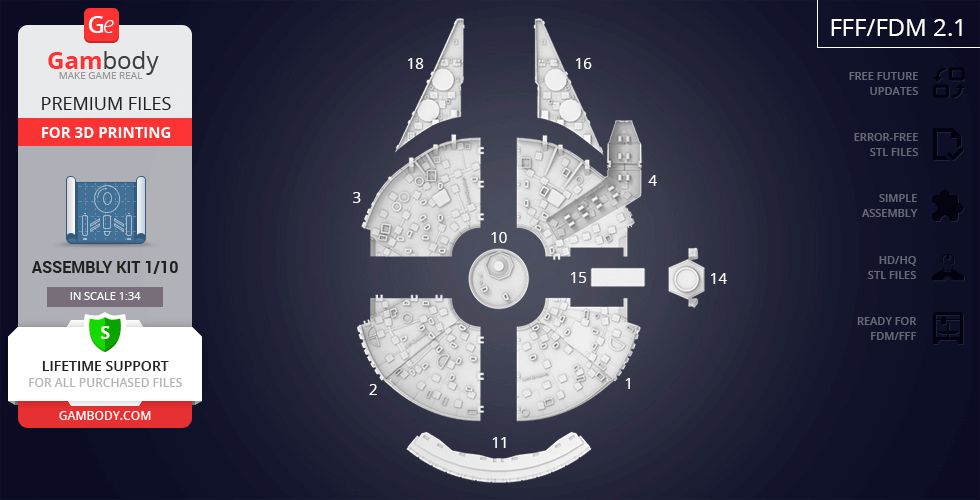
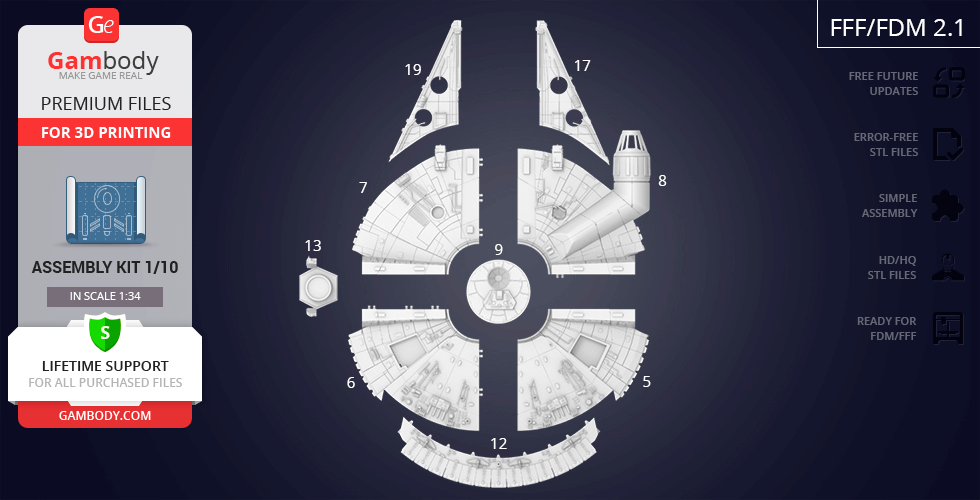
- STL files of FFF/FDM 2.1 version - new updated version for printers with larger build plates.
Before printing, take a look at Printing Details for recommended settings and tips to achieve better results.




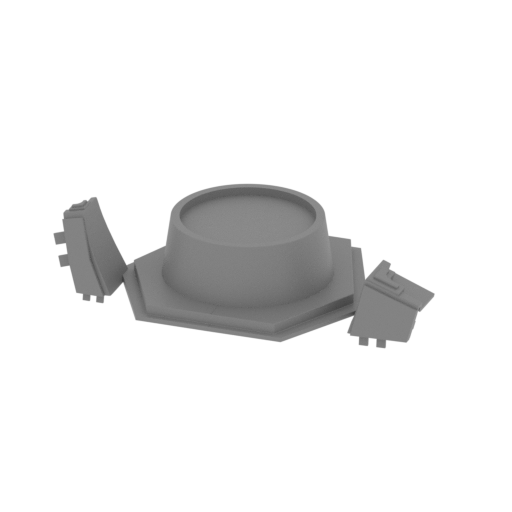
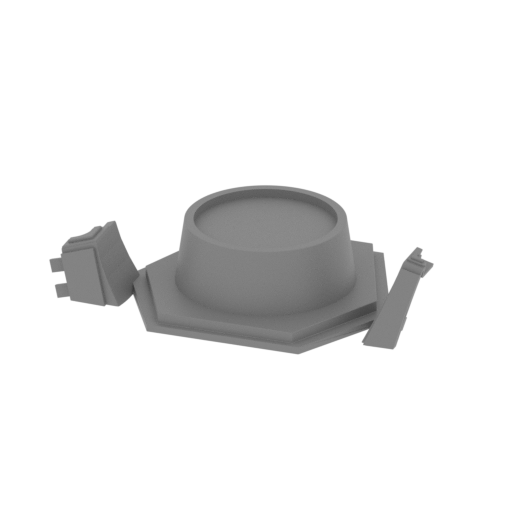


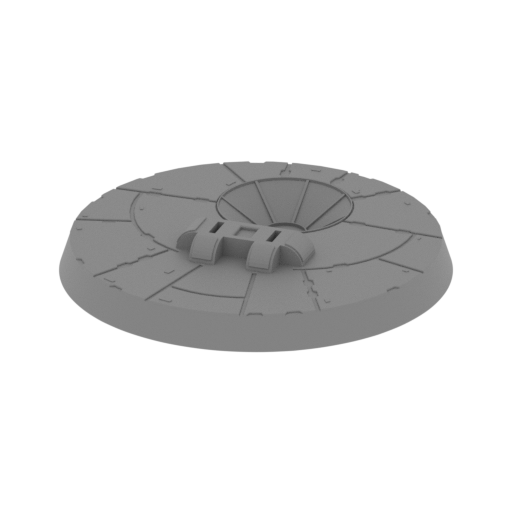
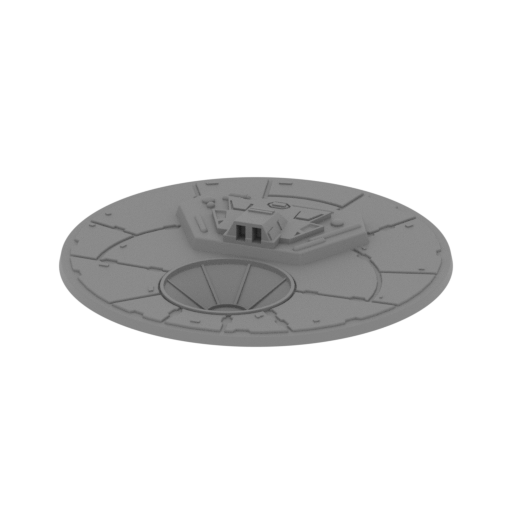

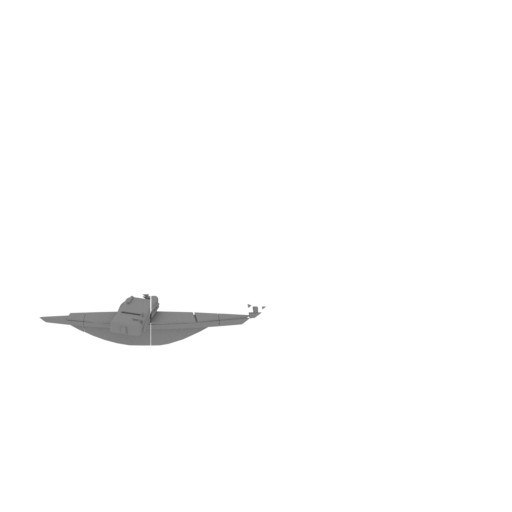
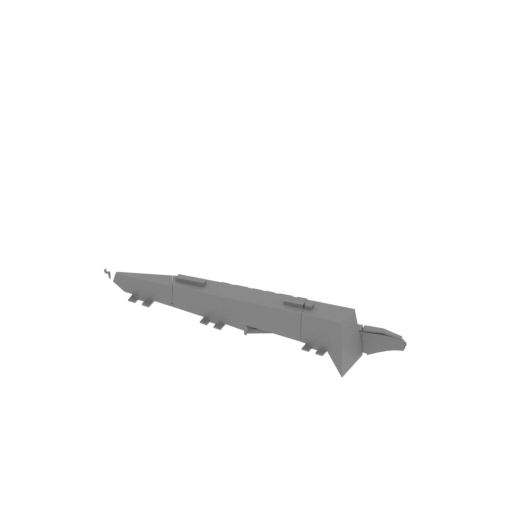
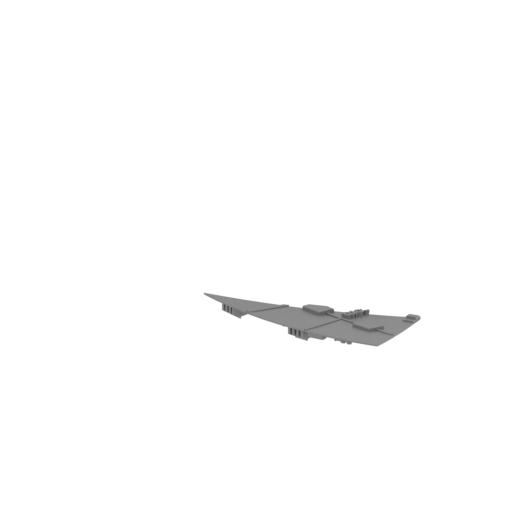

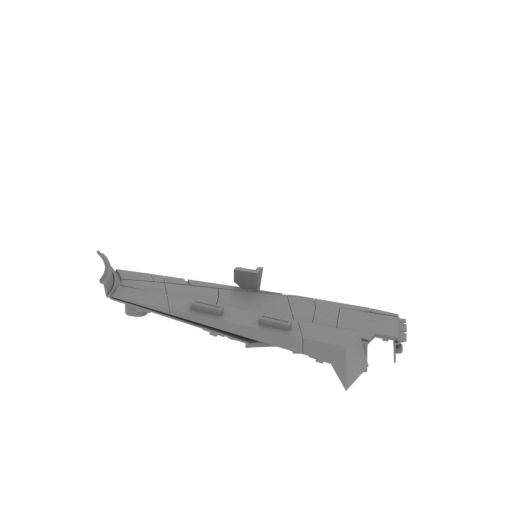

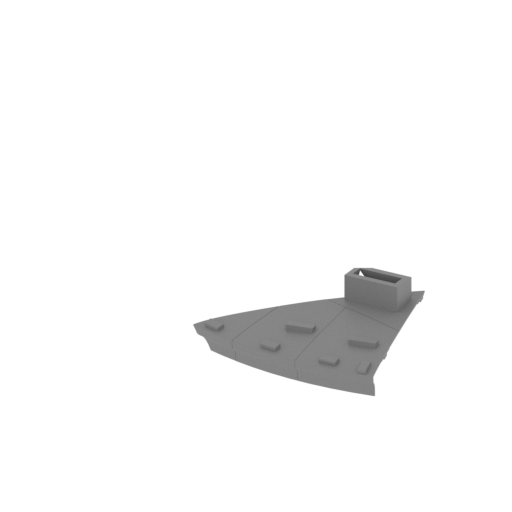
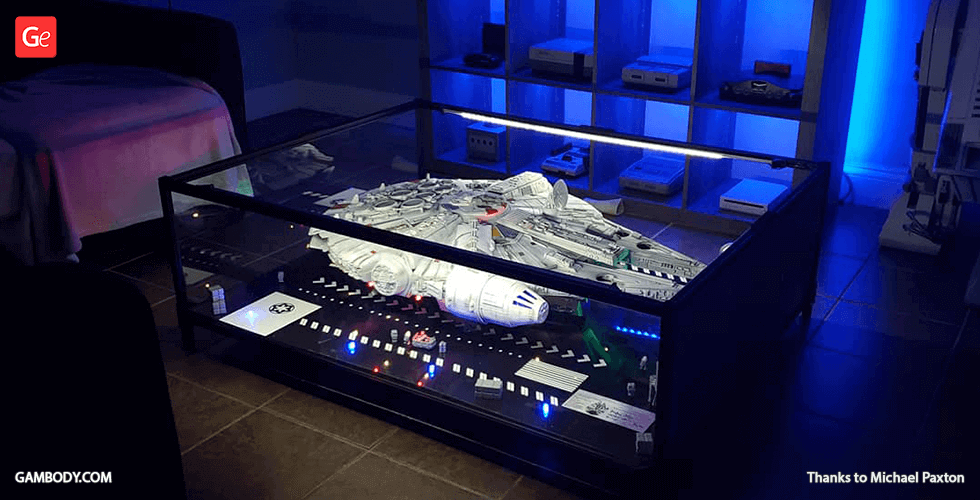
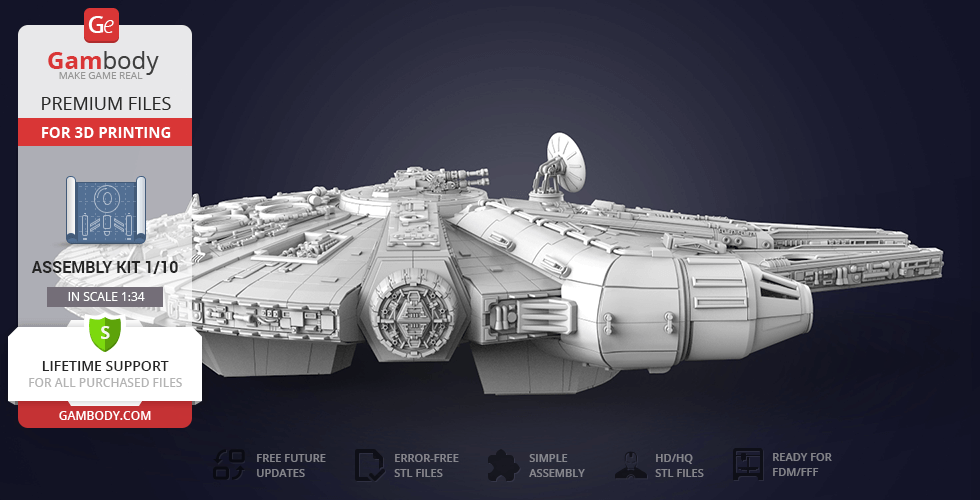
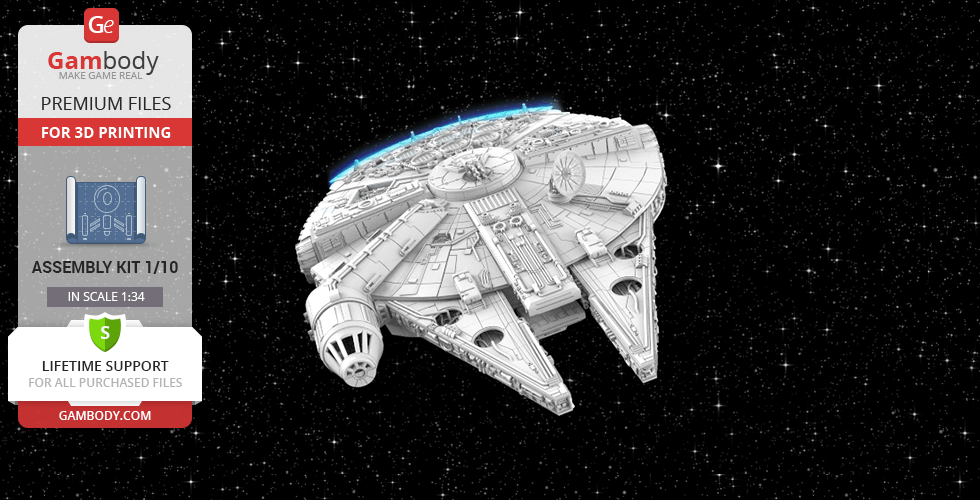
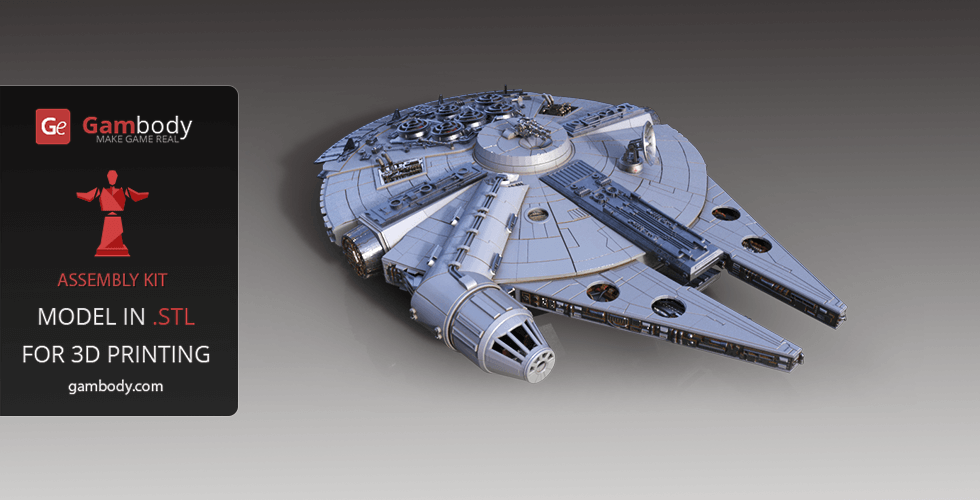
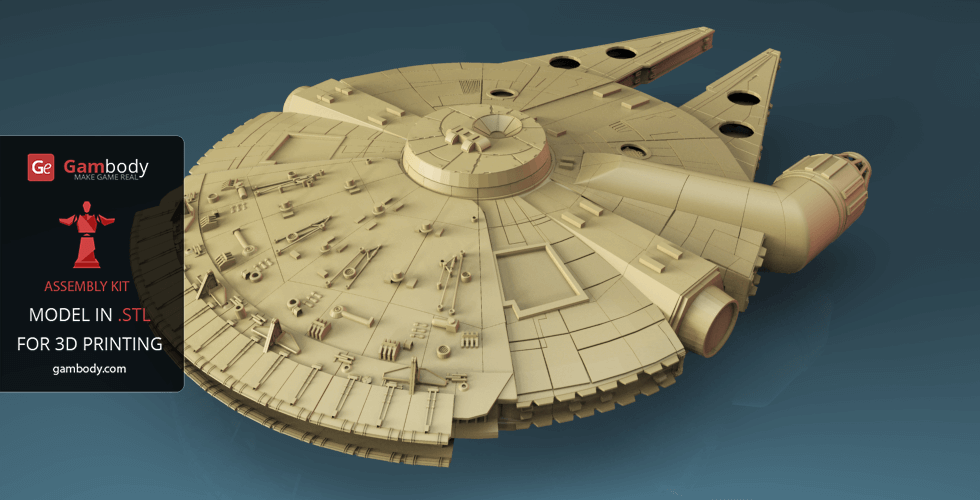
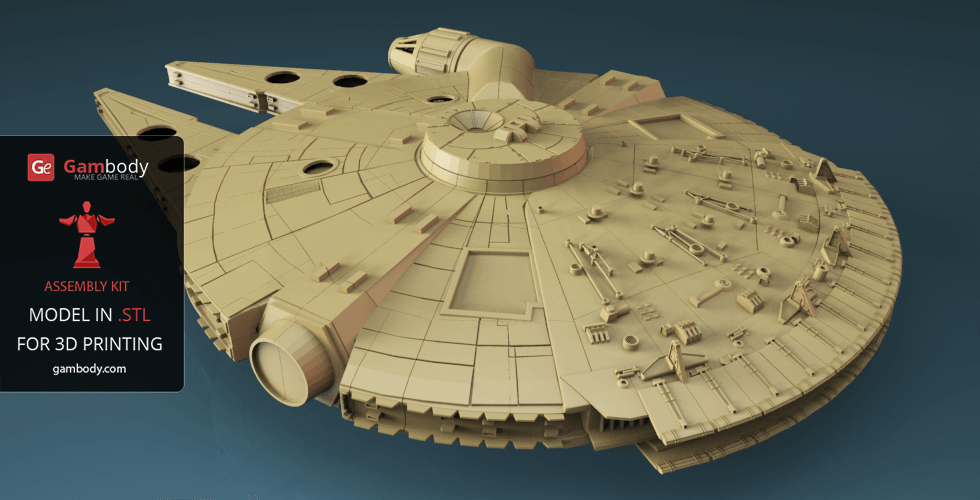
Millennium Falcon 3D model for 3D printing was a Corellian light freighter most famously used by the smugglers Han Solo and Chewbacca during the Galactic Civil War. If you are an avid fan of Space War Online aircrafts that are capable of traveling at the speed of light, developing it in just several fractions of a second, this 3D model is something you’ve been waiting for.
Its aged appearance belied numerous advanced modifications to boost the ship's speed, weapons, and shield, including a hyperdrive engine among the fastest in the entire galaxy, enabling it to outrun Imperial Star Destroyers.
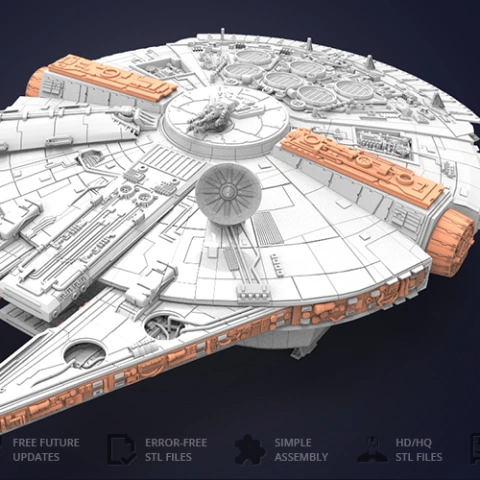
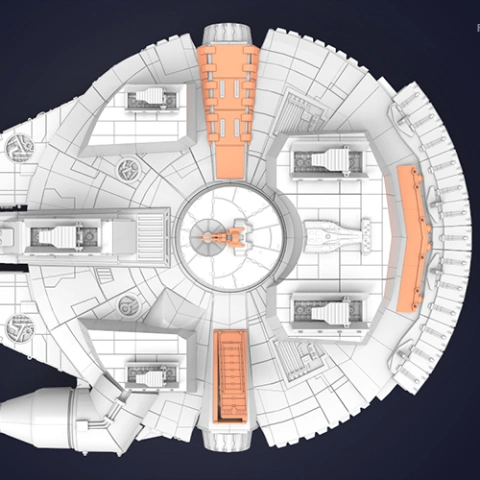
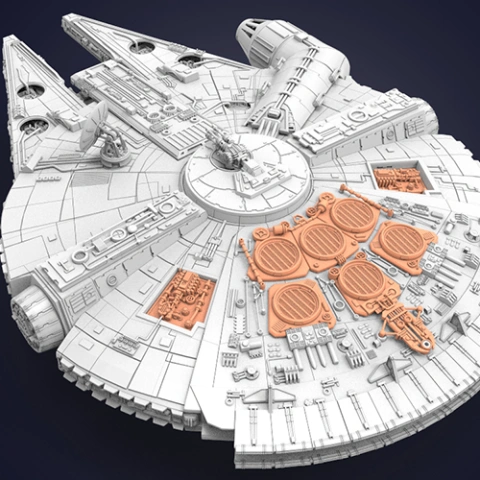
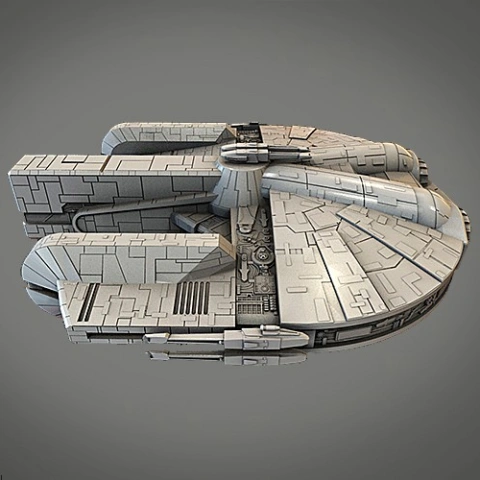
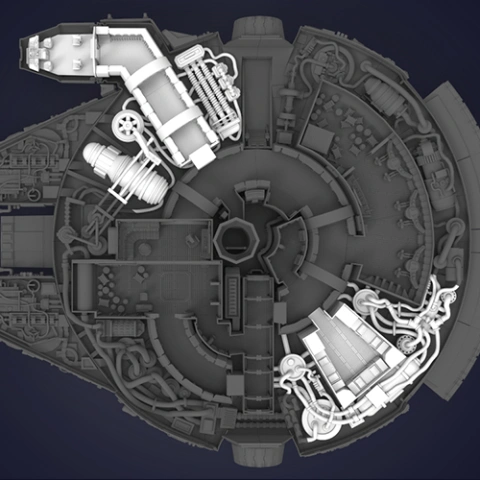
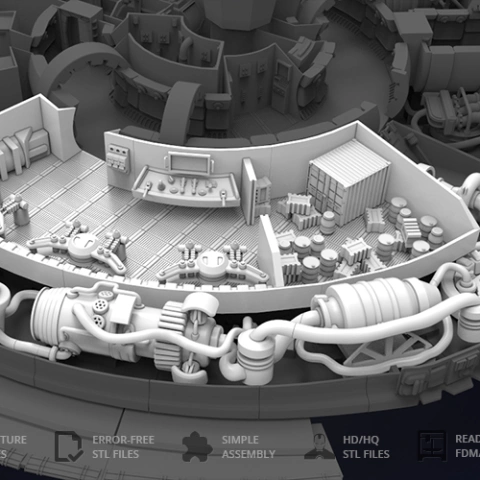
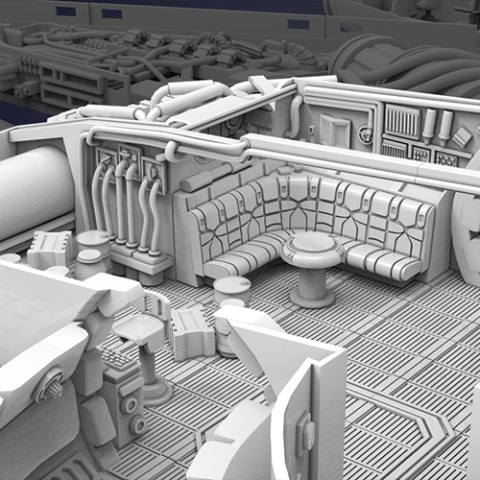
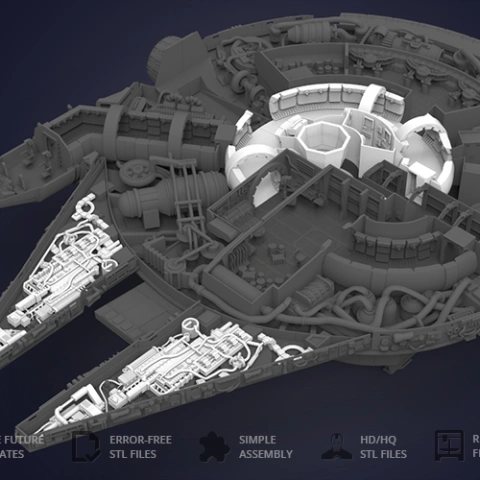
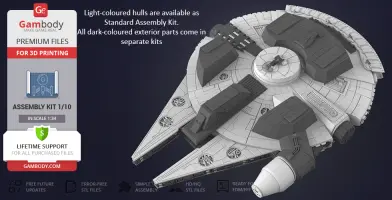
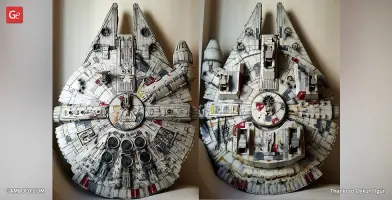
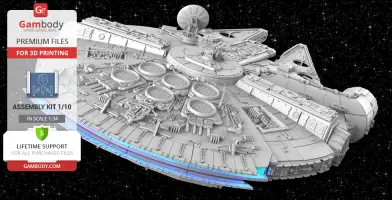
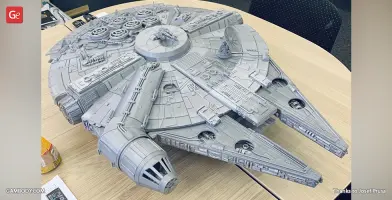
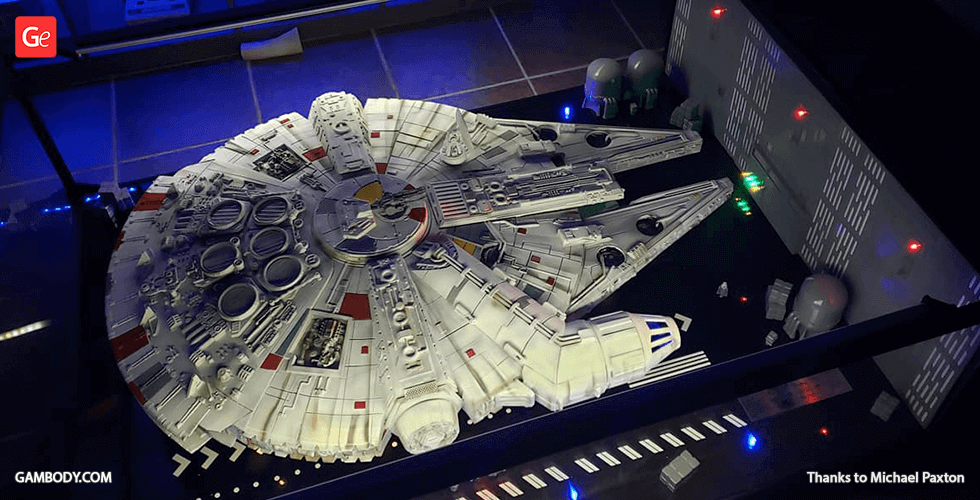
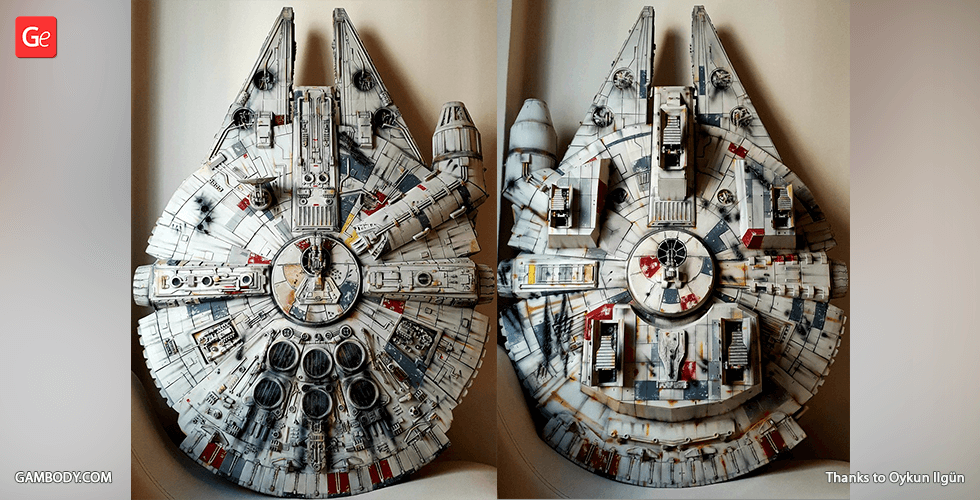
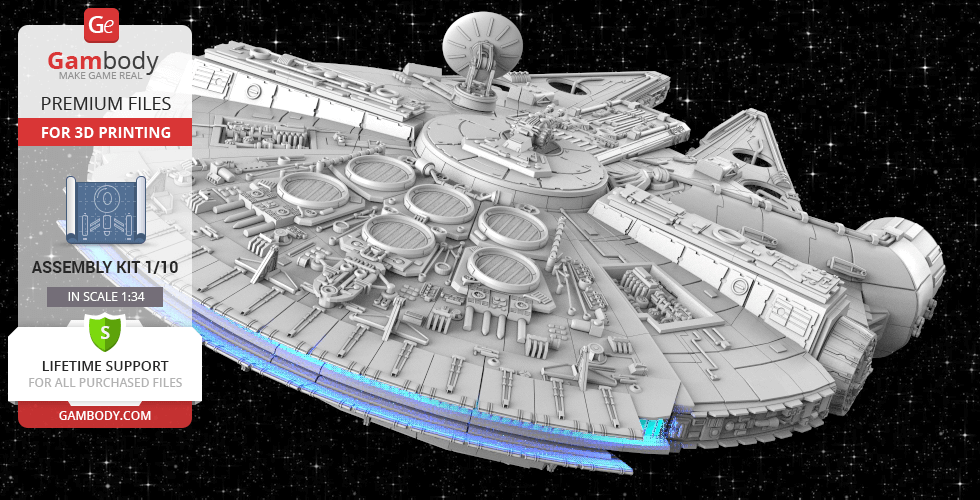
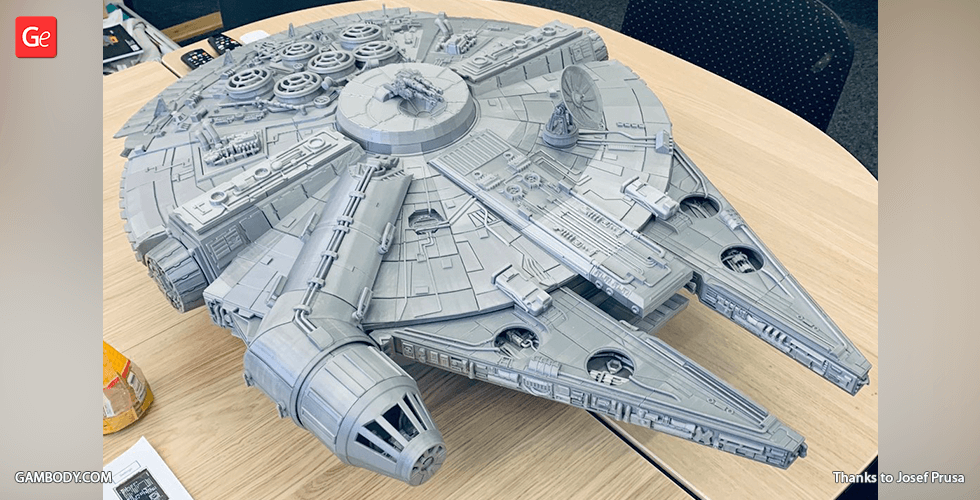
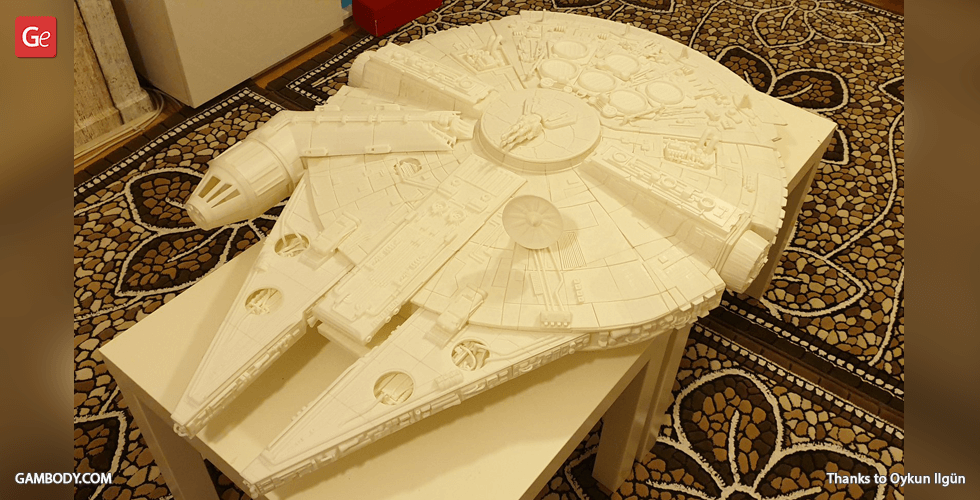
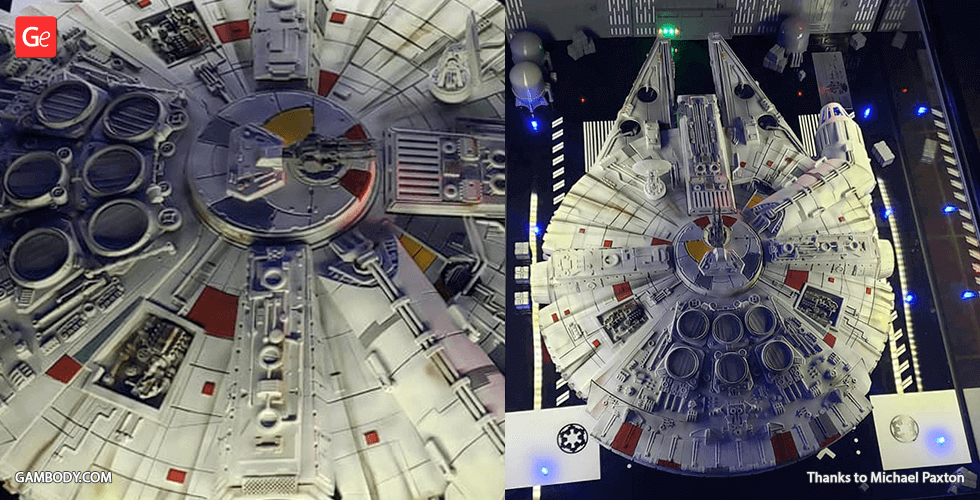
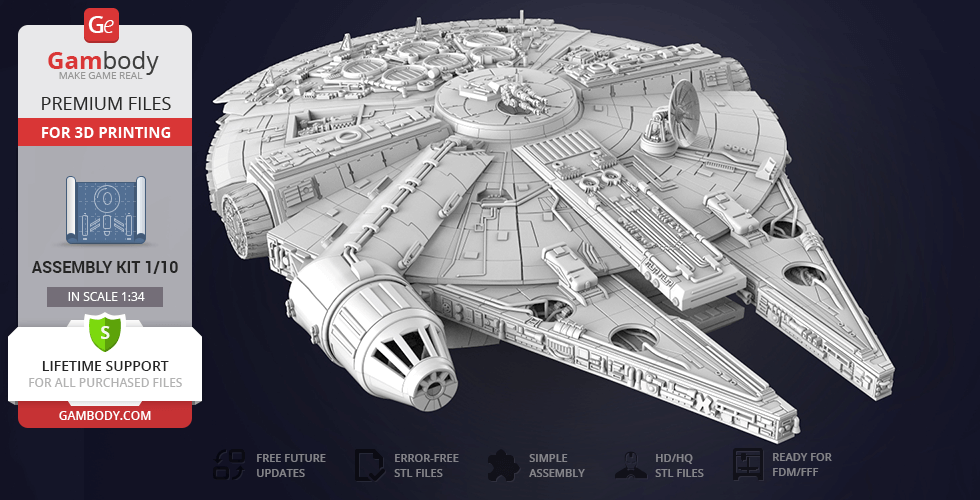
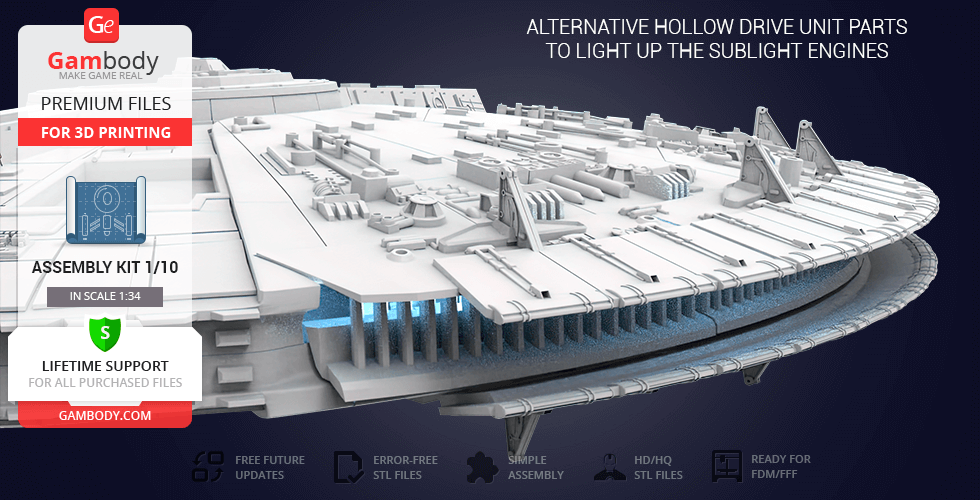
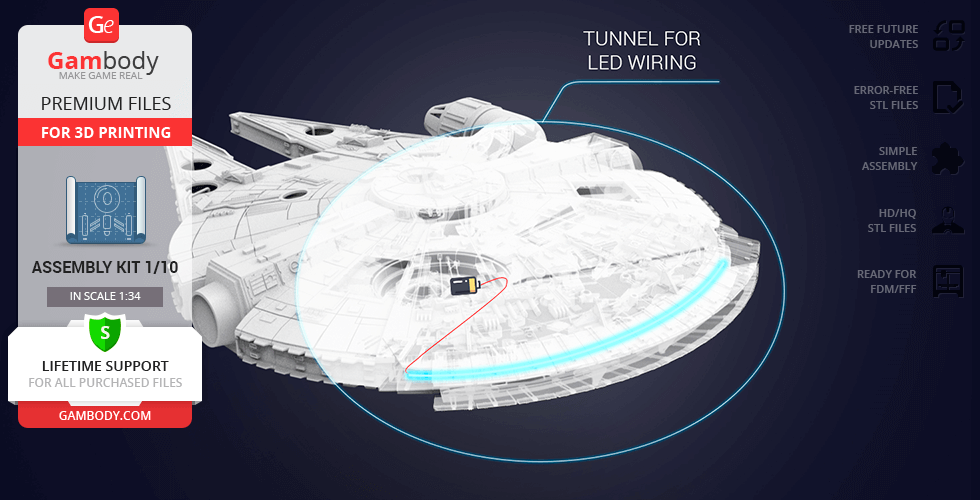
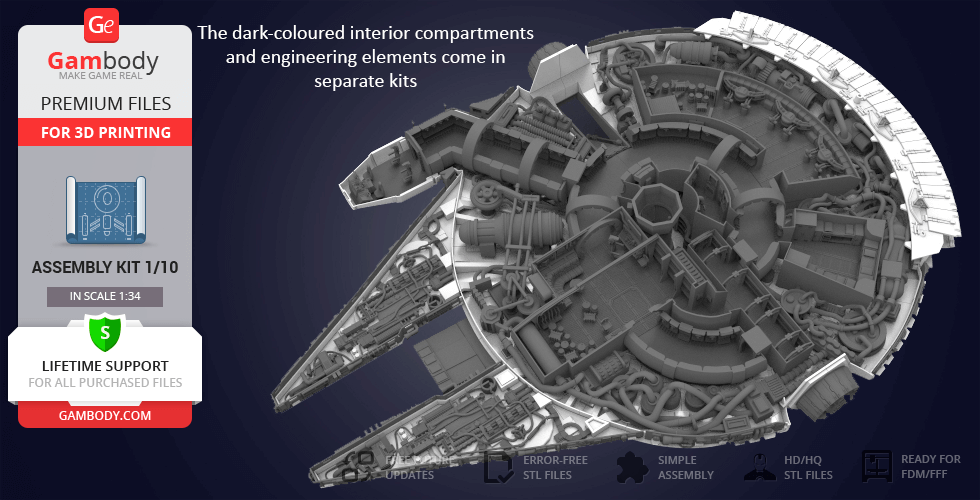
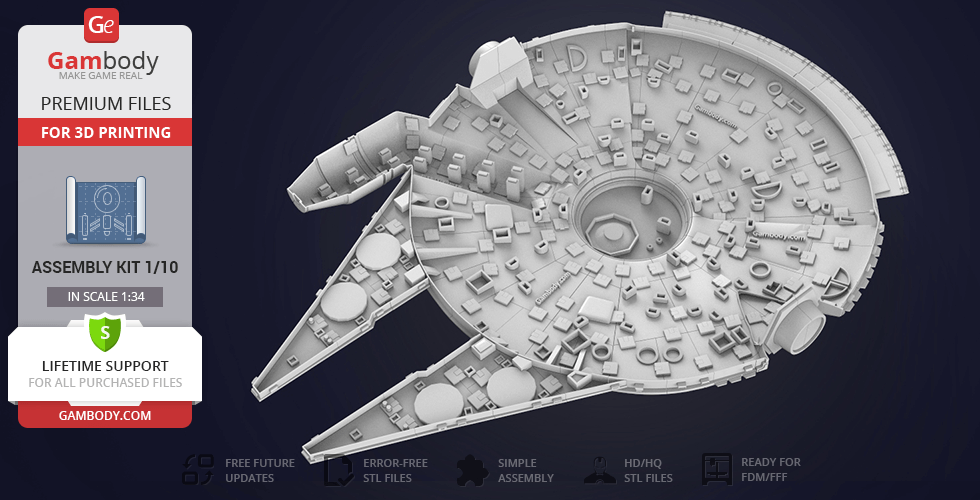
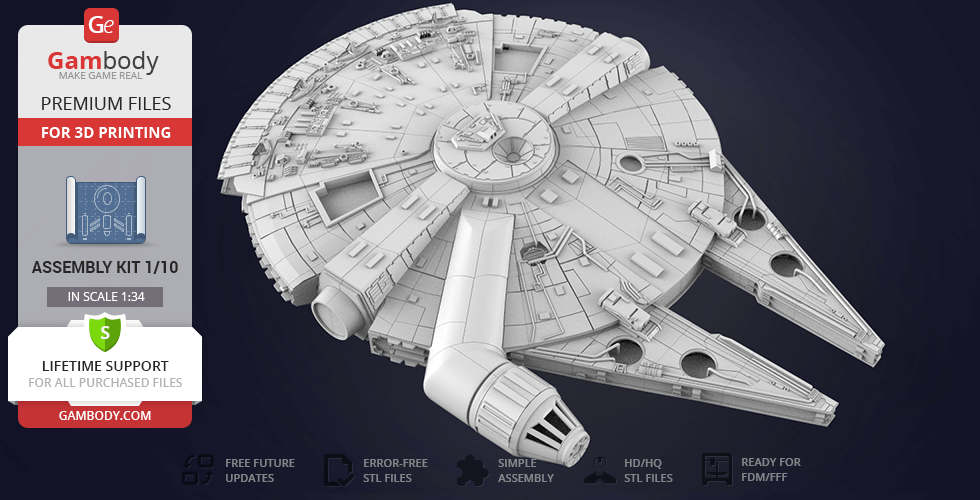
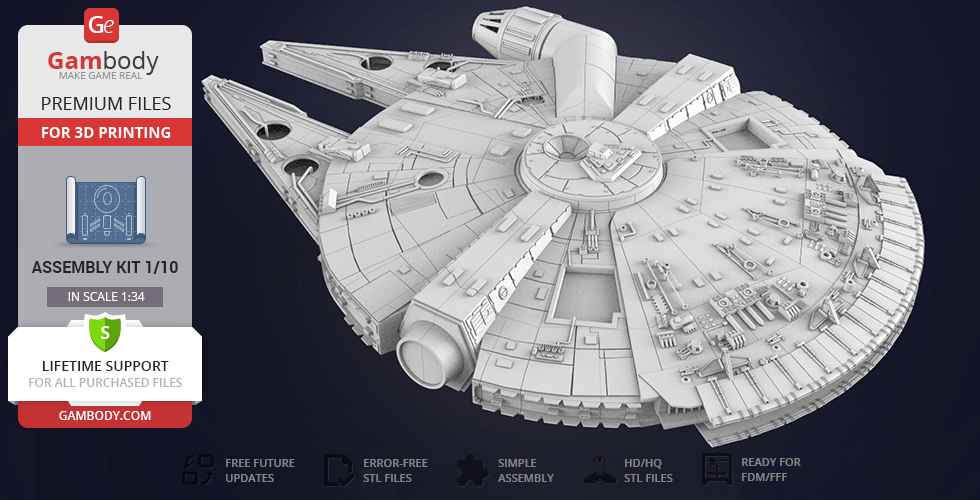
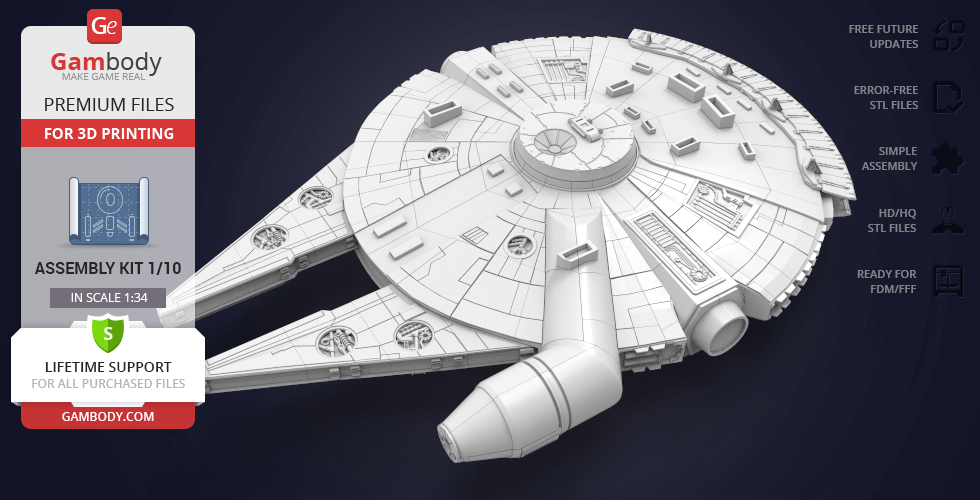
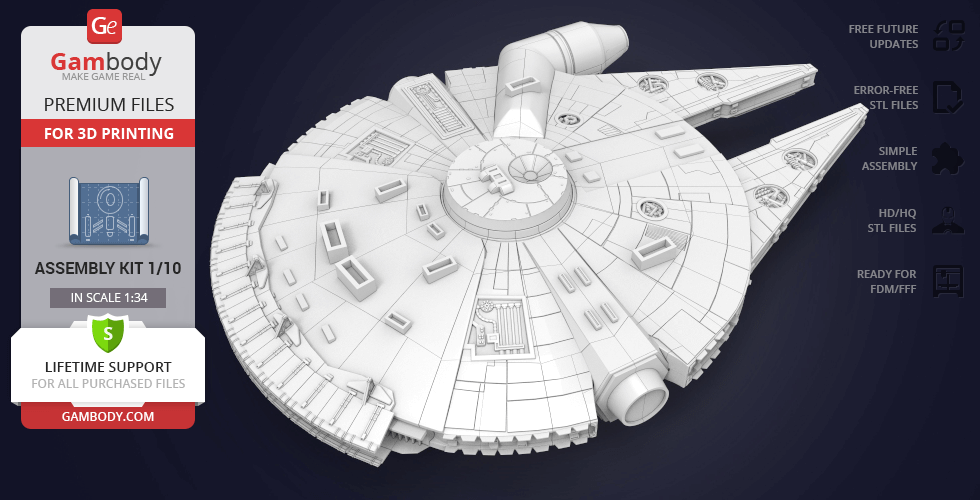
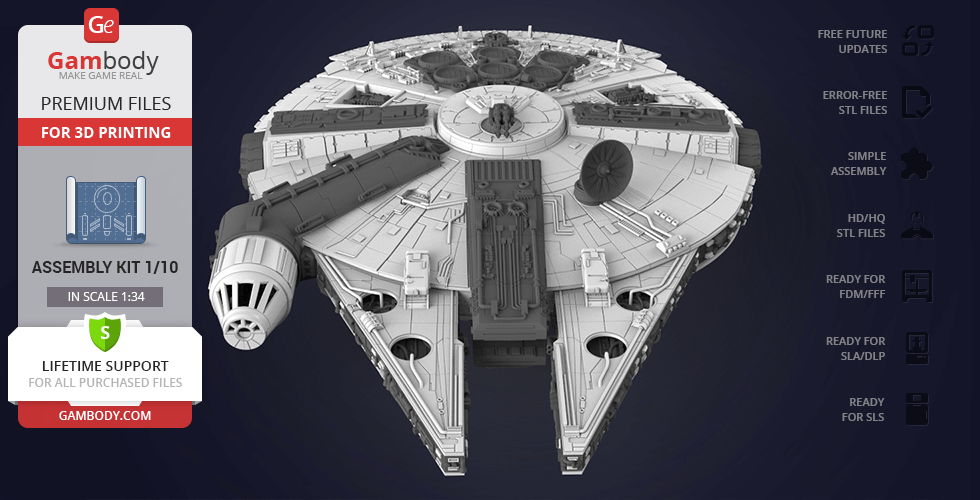
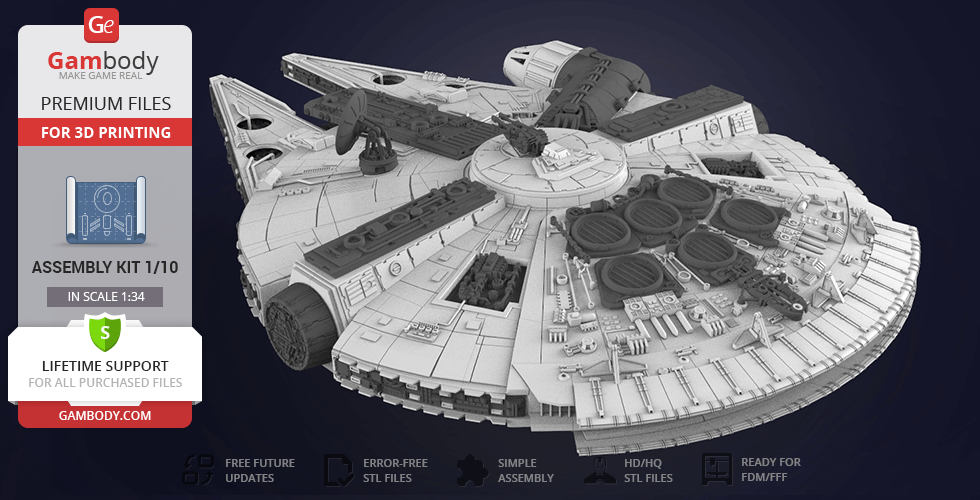
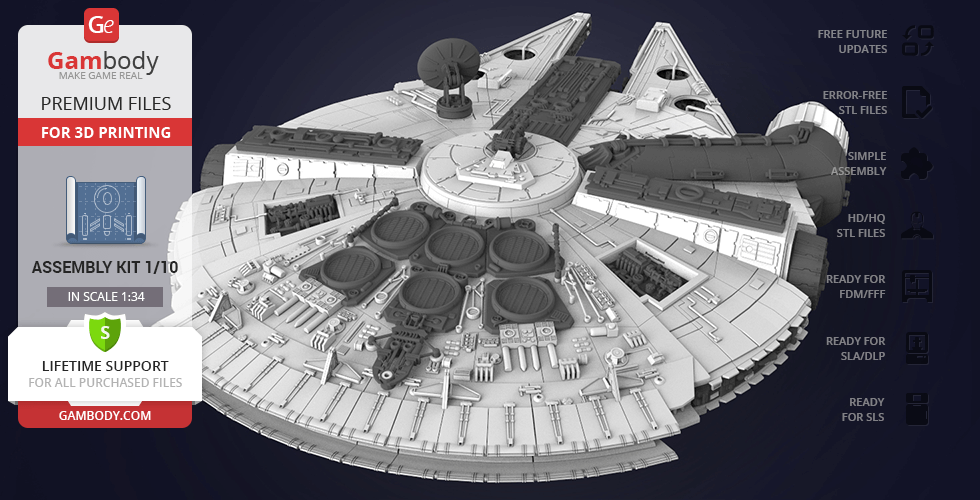
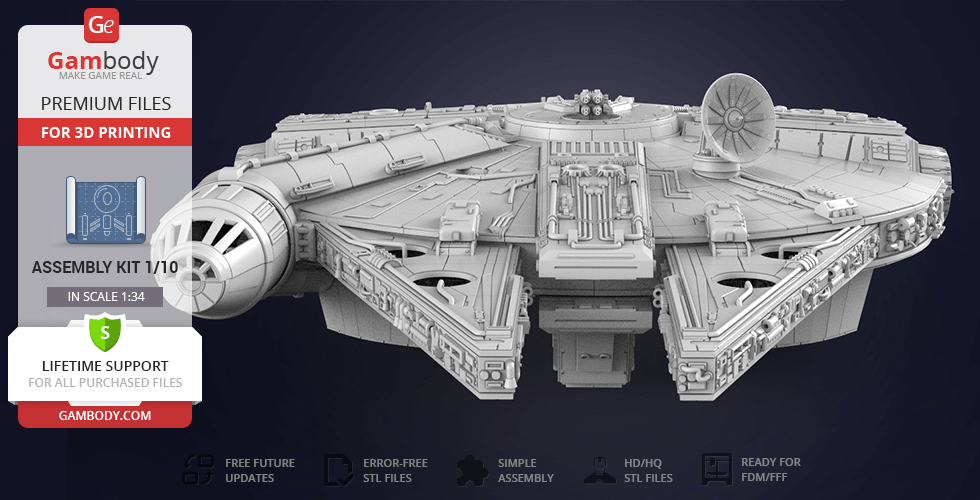
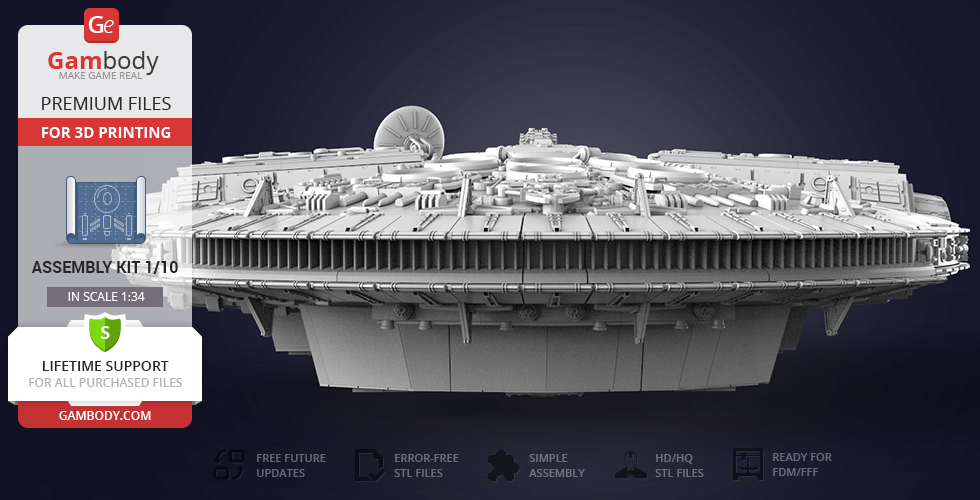
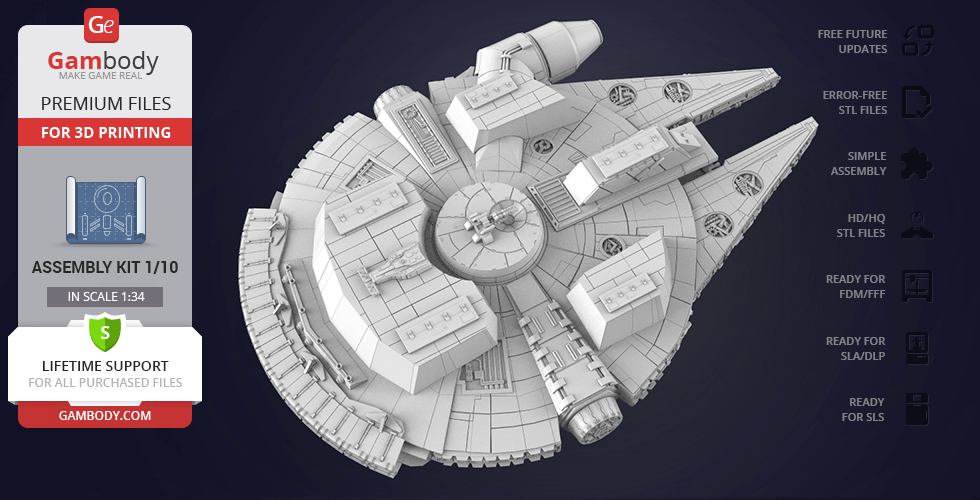
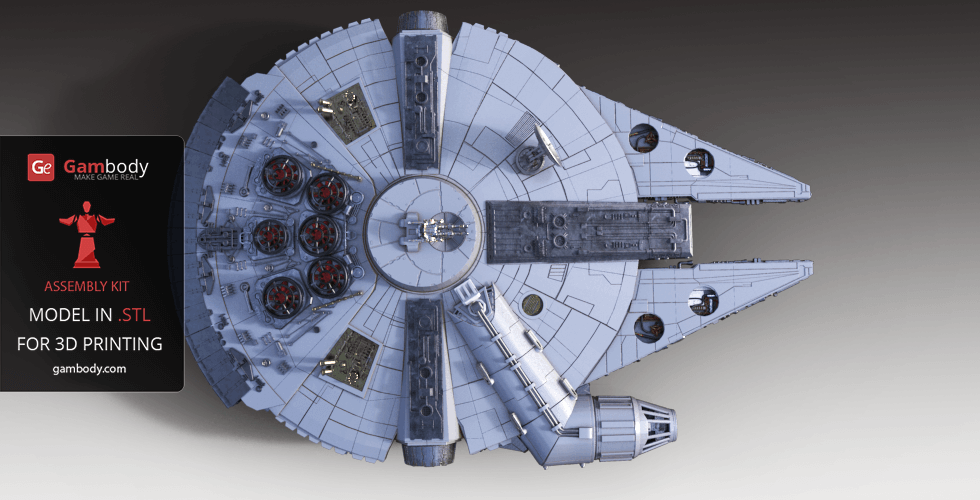
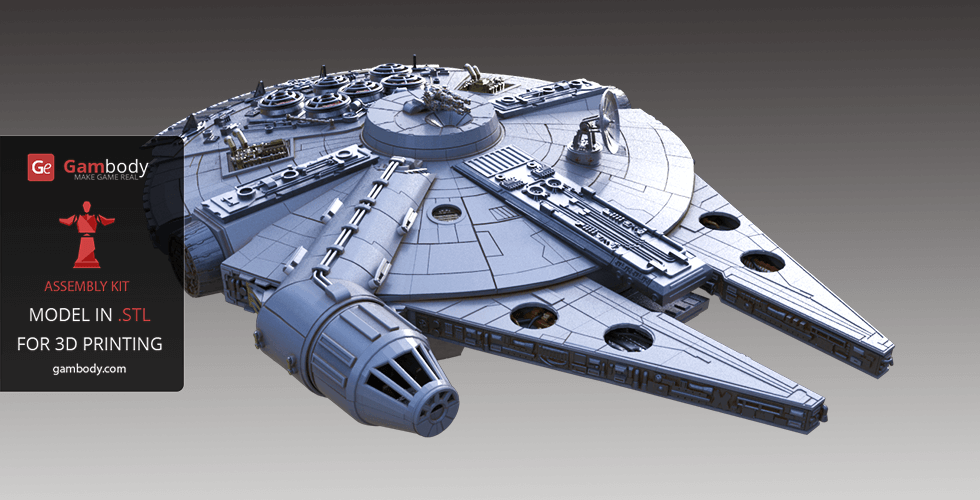
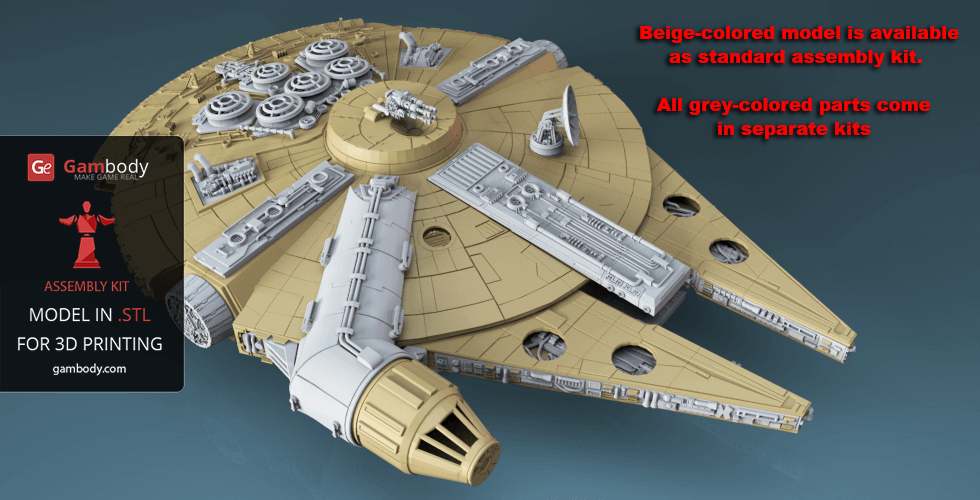
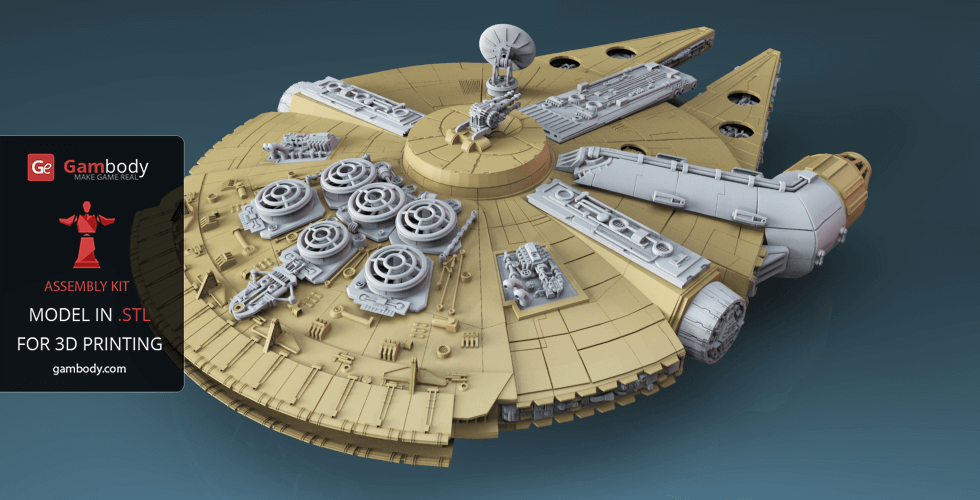
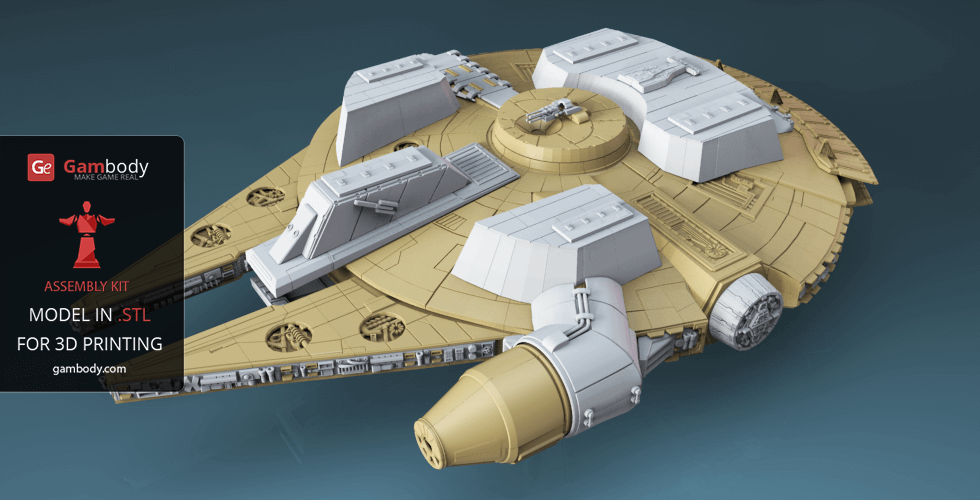
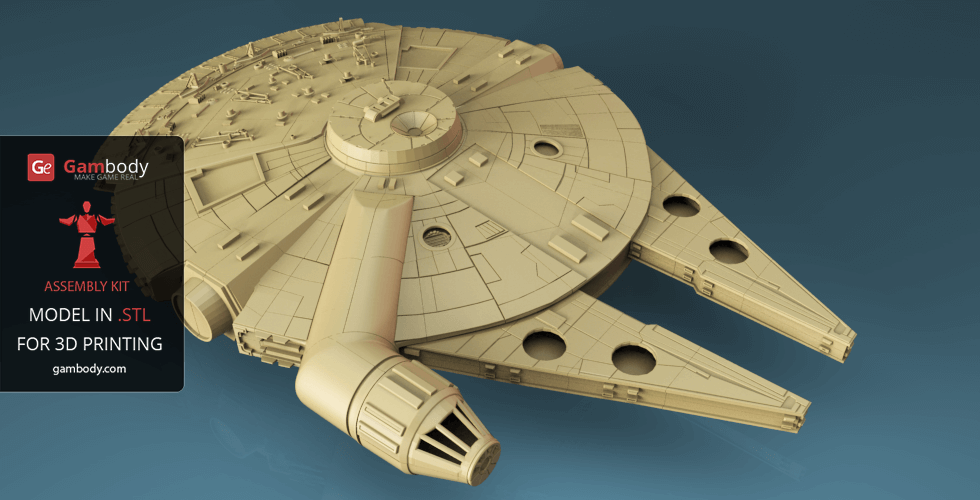
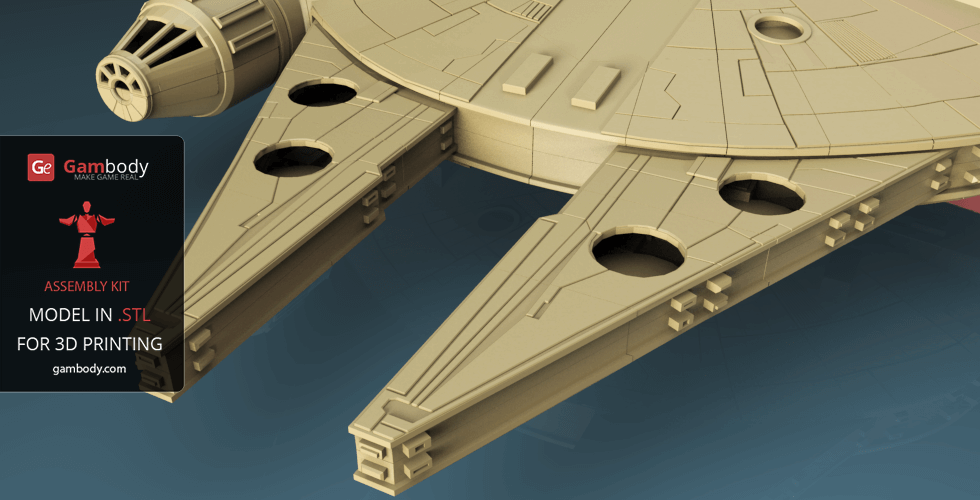
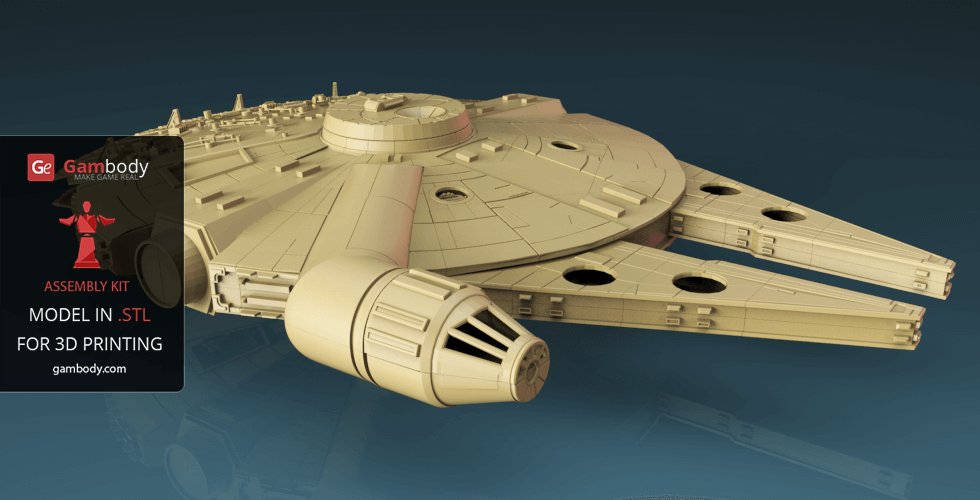
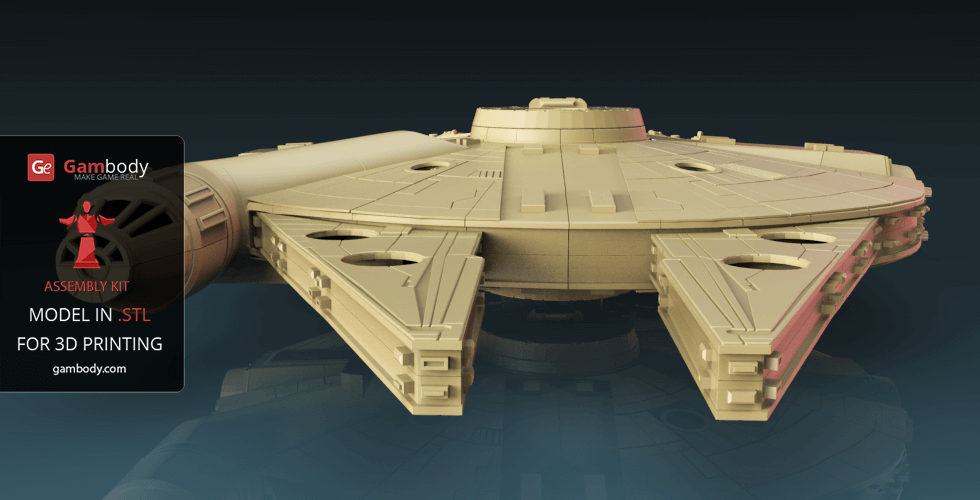
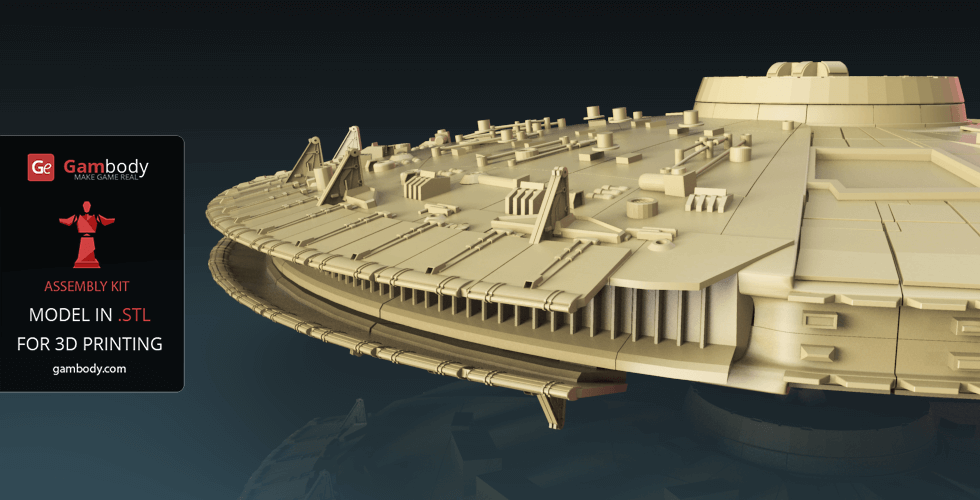
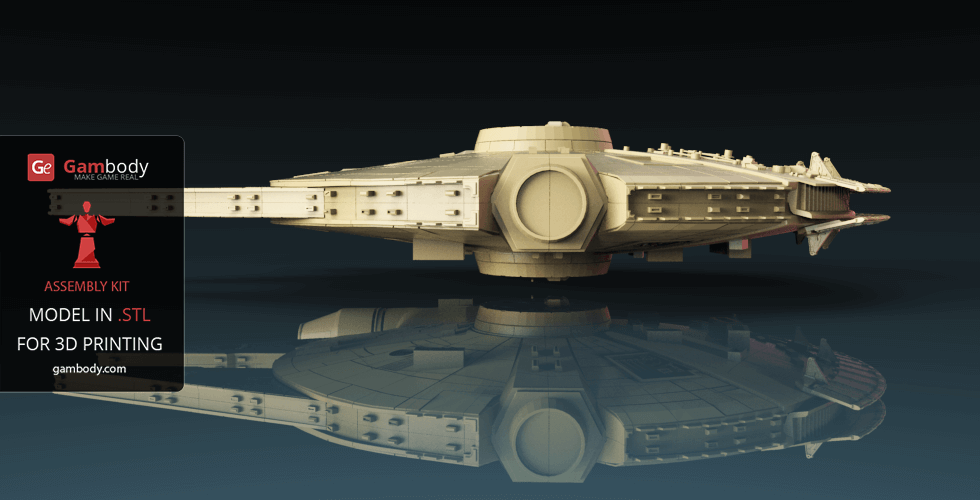
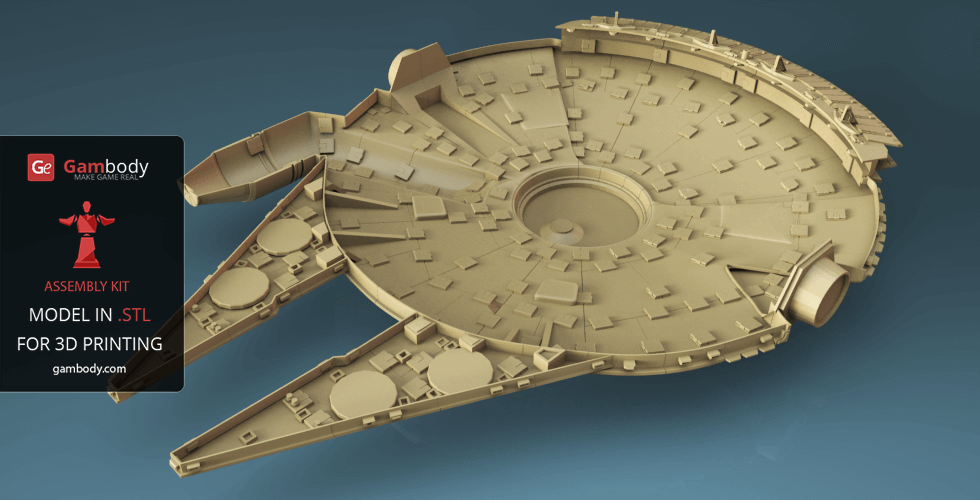
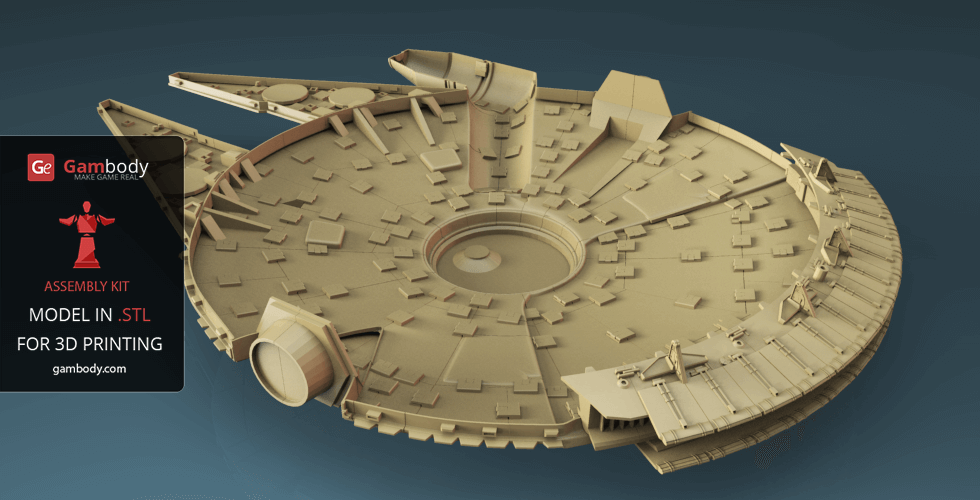
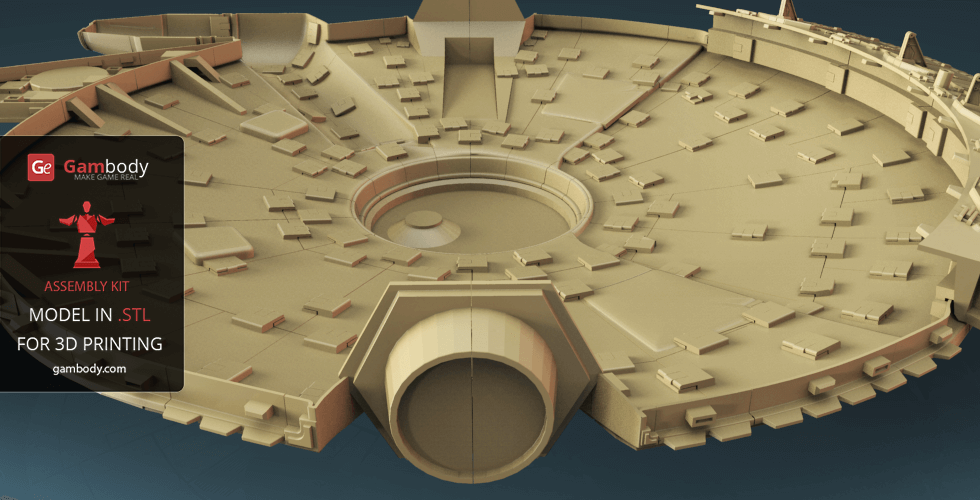
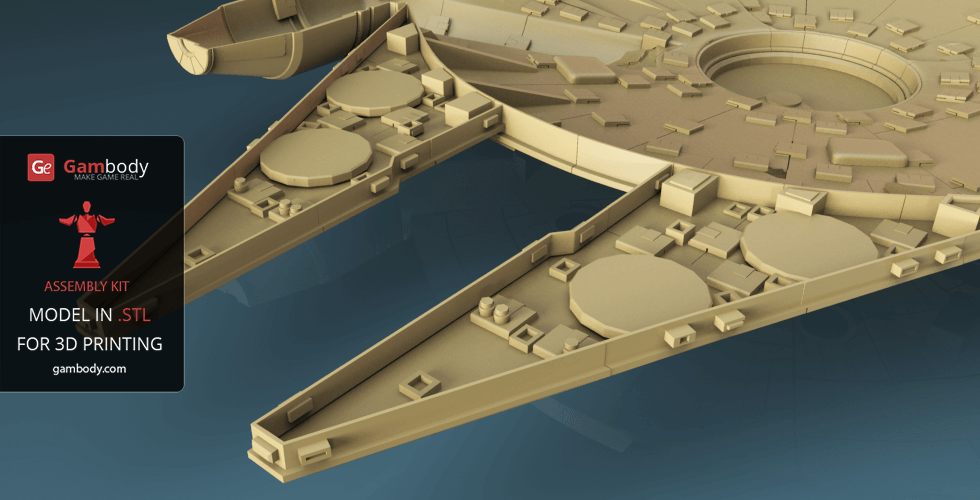
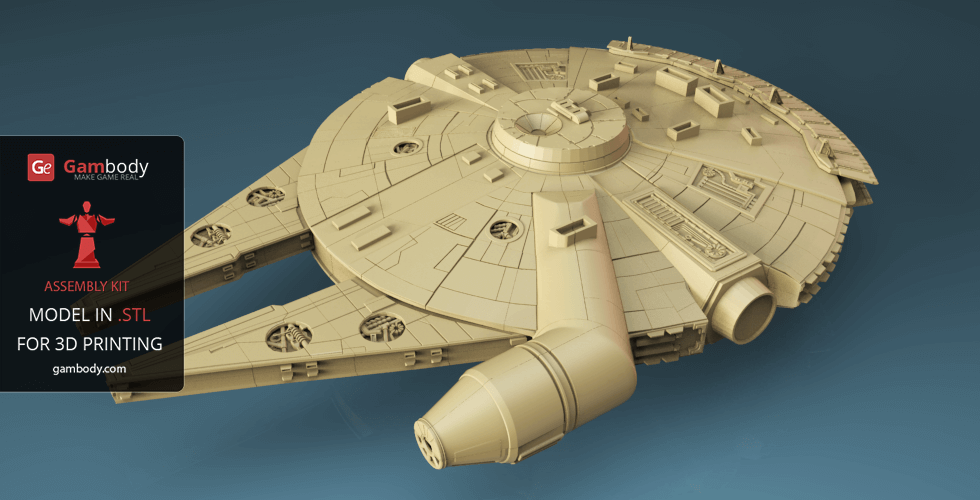
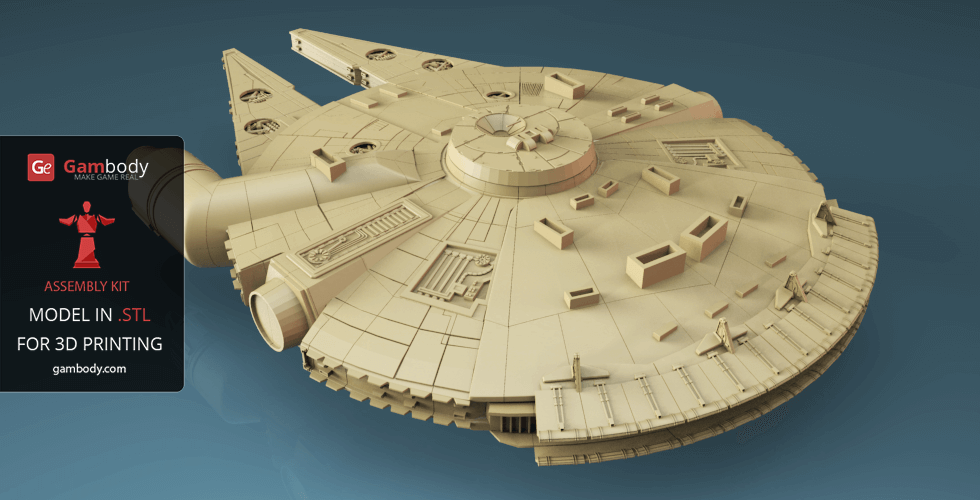
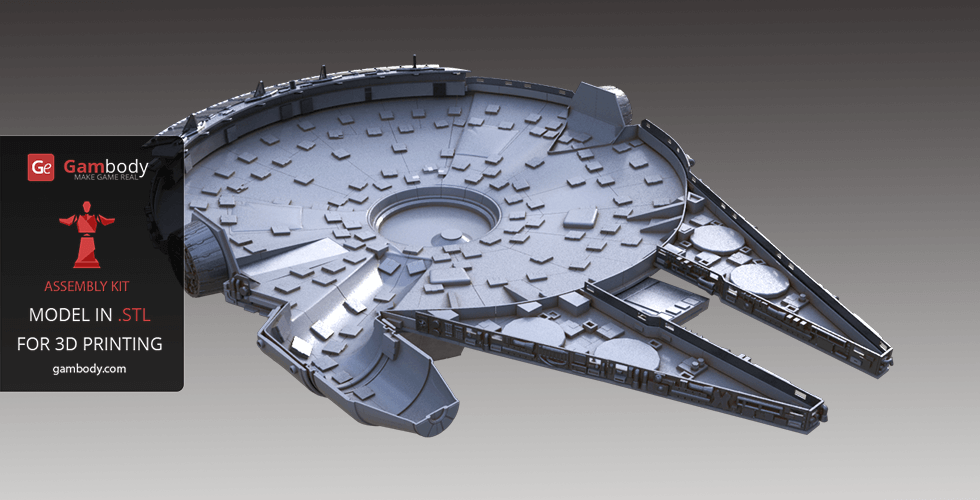
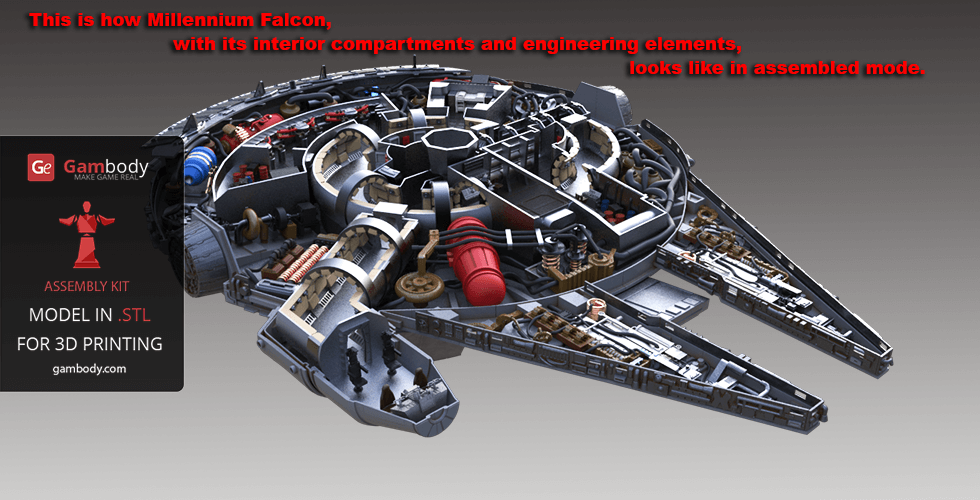
Visually, Millennium Falcon 3D print model is a massive construction, consisting of various detailed parts. Both the exterior and the interior design of the printable ship are enhanced with heavy engineering elements.
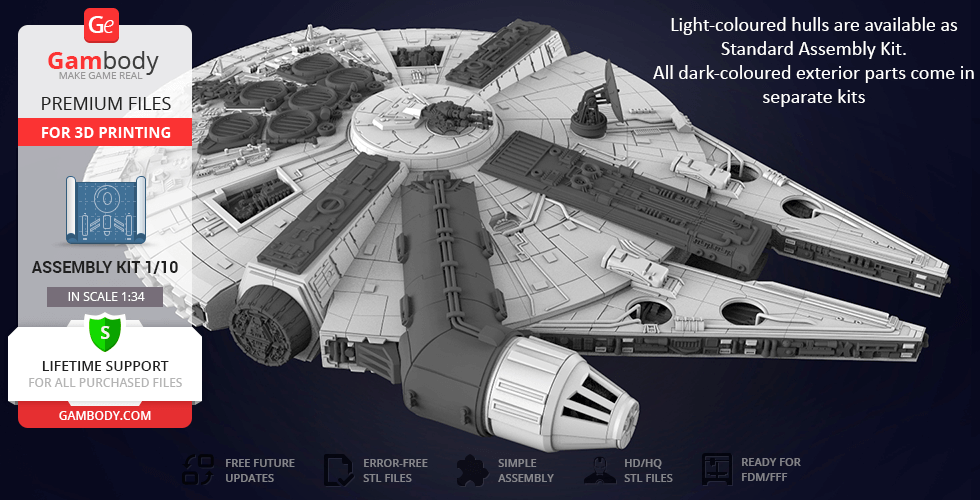
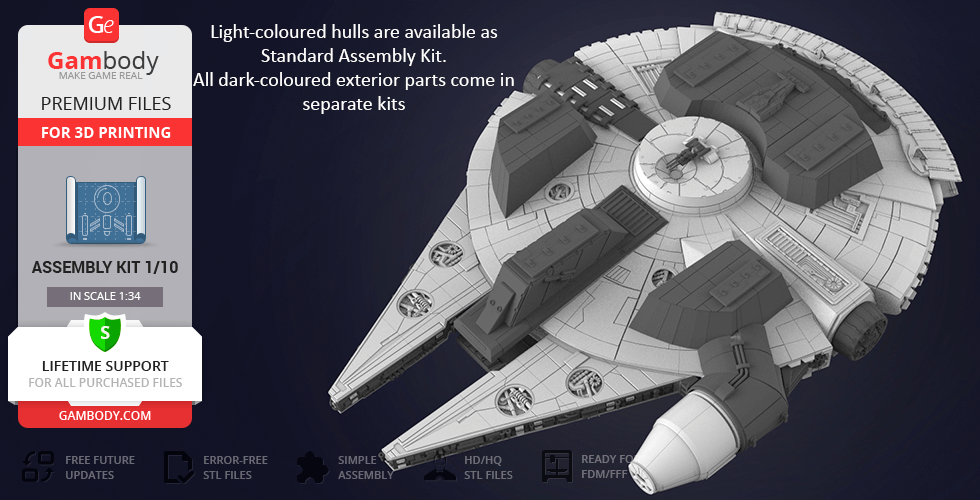
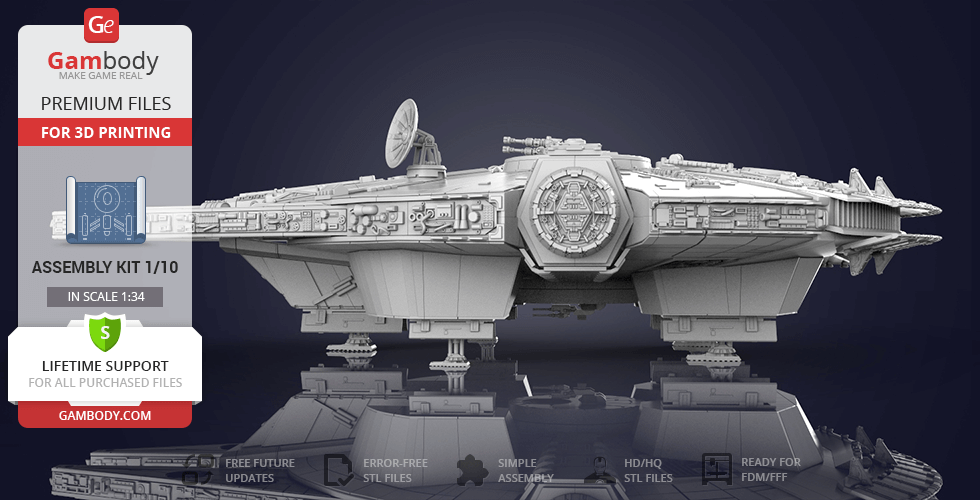
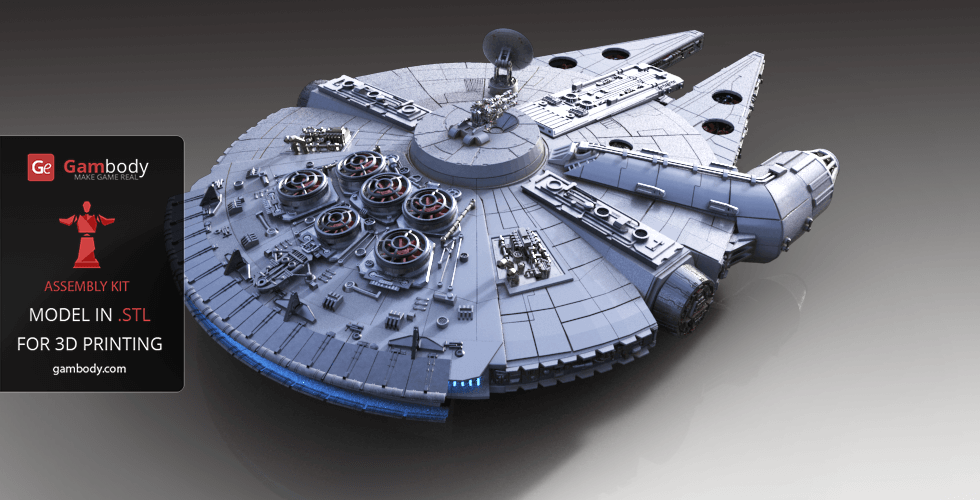
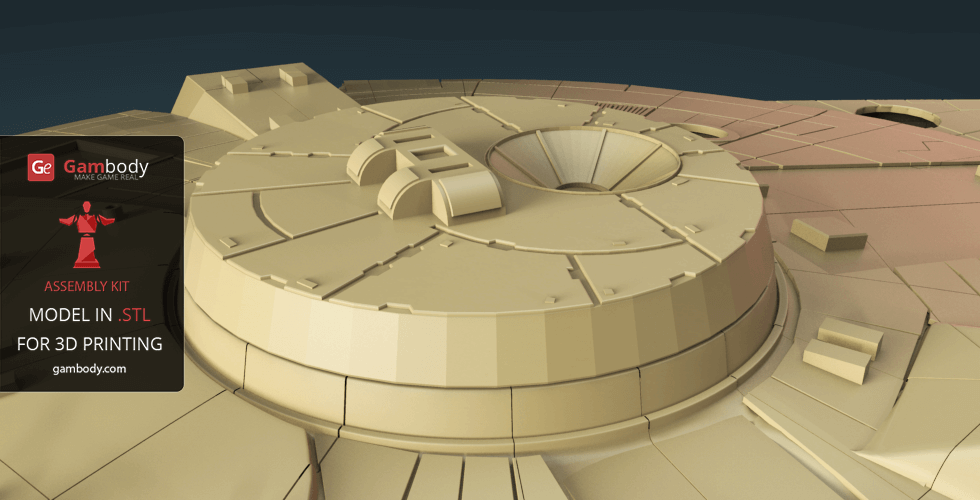
We considered every tiny detail of the game’s original spacecraft, but our Millennium Falcon 3D model showcases a lot of upgraded technical elements, such as heavier quad cannon, a more massive sensor dish, 6 impressive jet turbines that appear on the generally improved top hull. Details in this model have been improved and specially adapted for 3D printing. So you can get the best quality from your 3D printer.
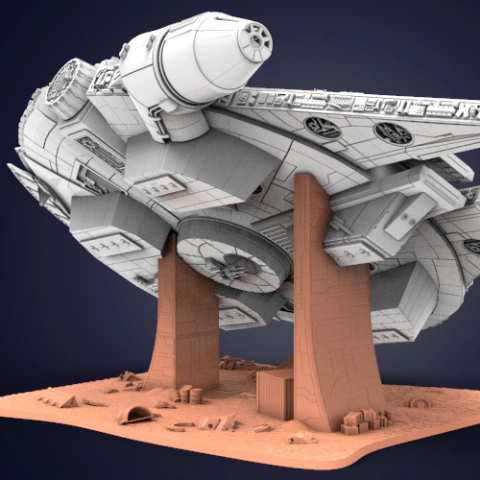
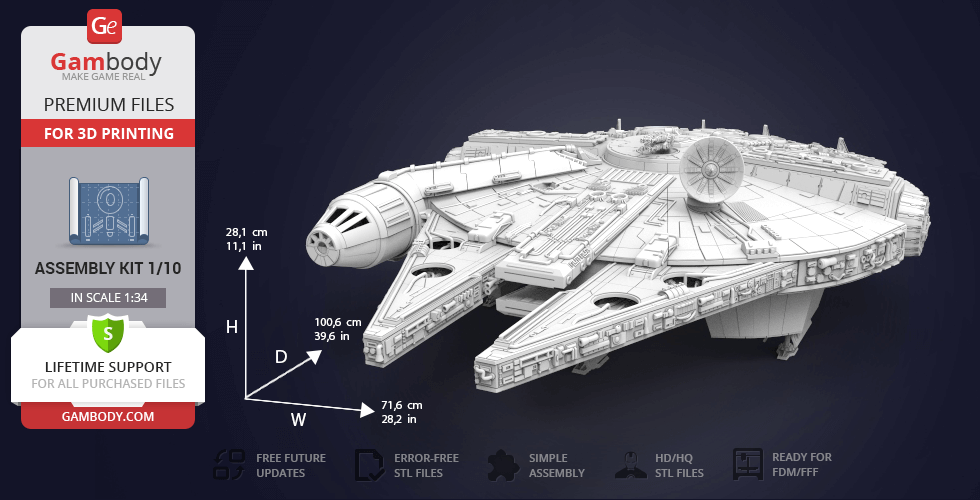
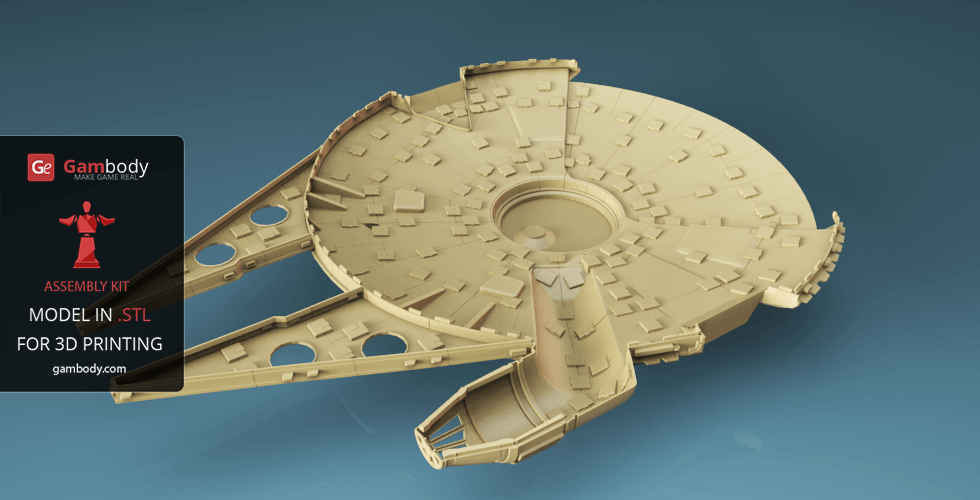
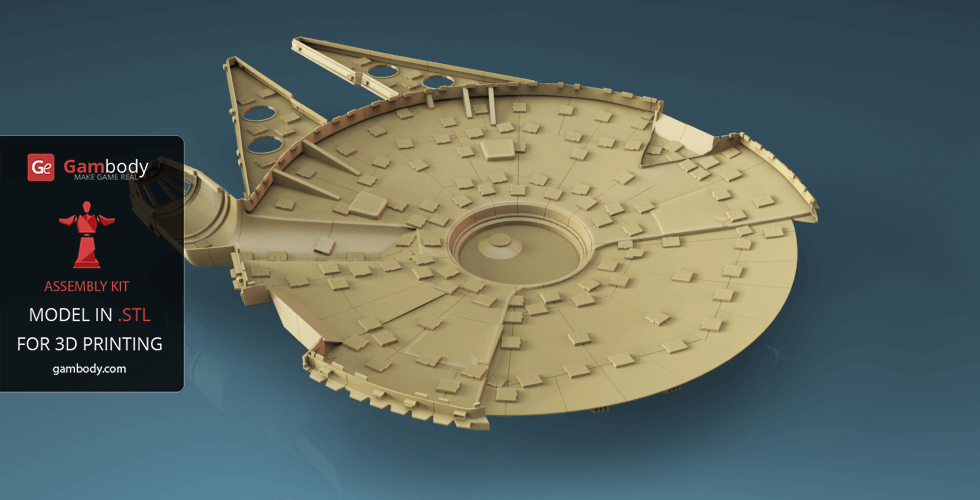
Millennium Falcon model is also equipped with super-fast hyperdrive engine, its primary drive force, which is representative of the starship, backup engines, giving it the capability to travel faster-than-light, and a functional landing gear. We have also modelled a fully detailed underside of the spaceship.
ABOUT MILLENNIUM FALCON 3D MODEL | STANDARD KIT
Scale: Its length is 34520 mm. Model made as 1/34. After being printed will stand - 281 mm tall, 716 mm wide, 1006 mm deep.
FFF/FDM 1.0, FFF/FDM 2.0:
- FFF/FDM 1.0 - old version (released back in 2016);
- FFF/FDM 2.0 - new updated recommended version;
- Сonsists of the top and bottom hullsonly;
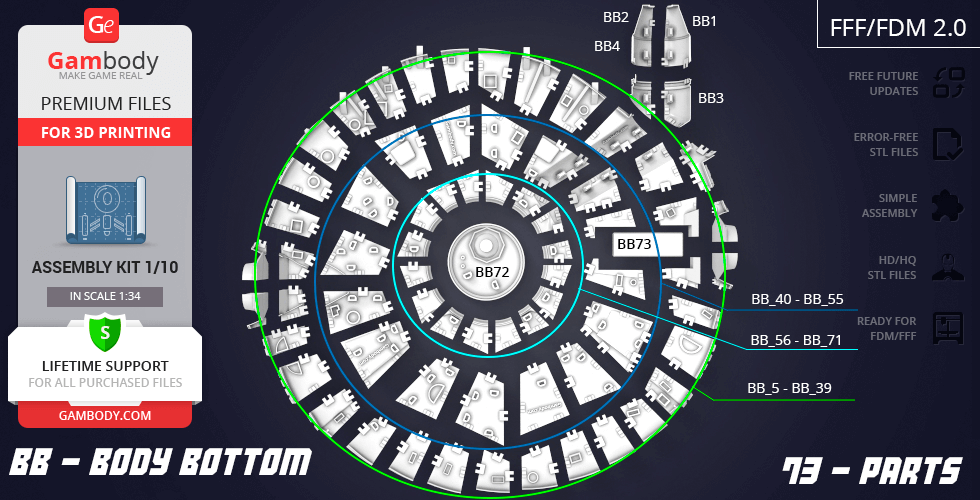
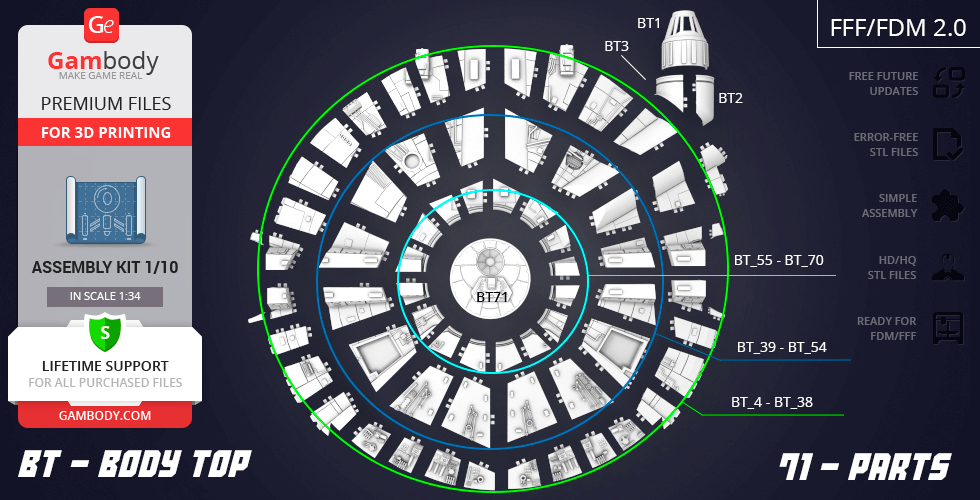
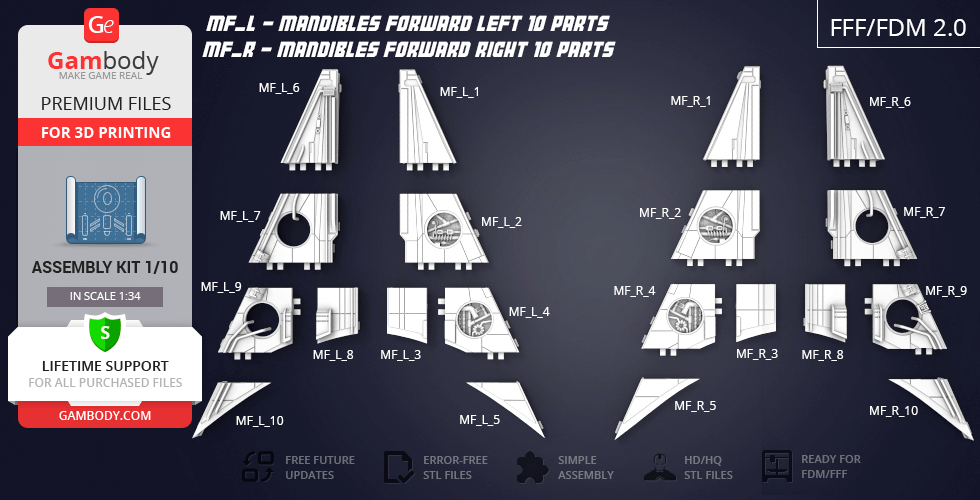
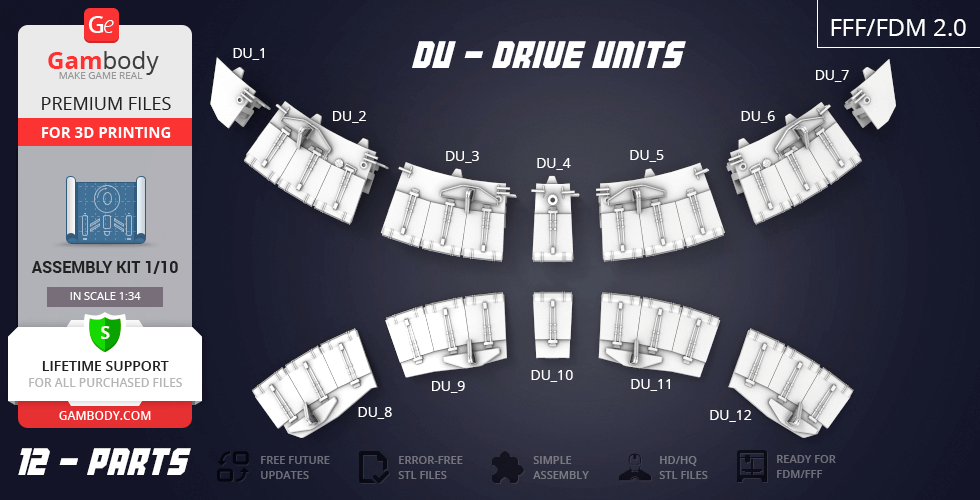
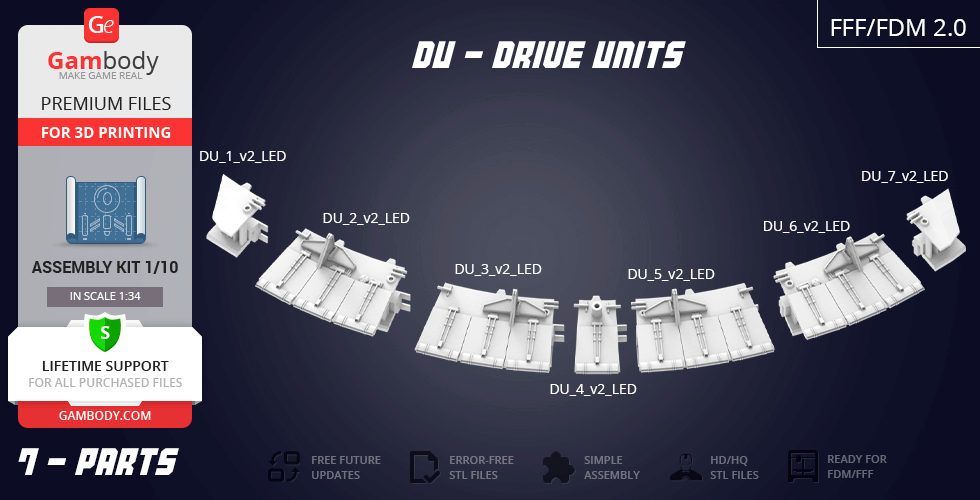
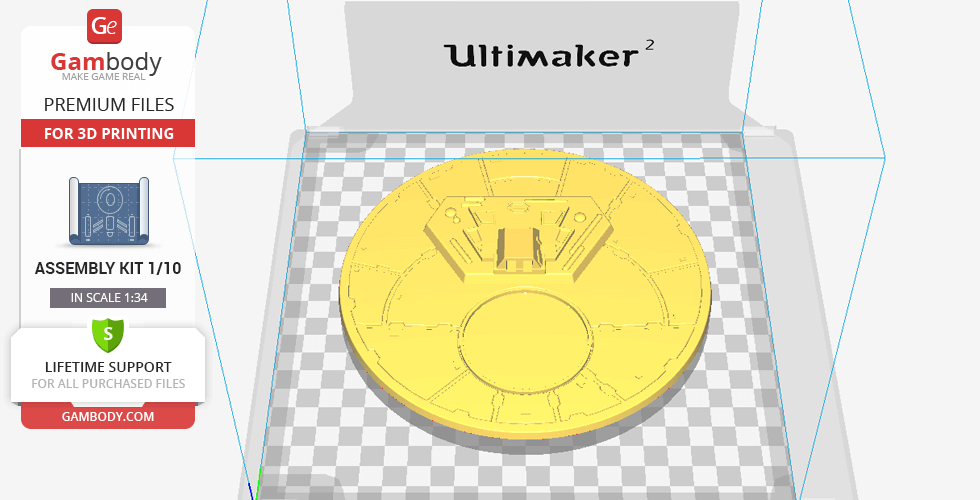
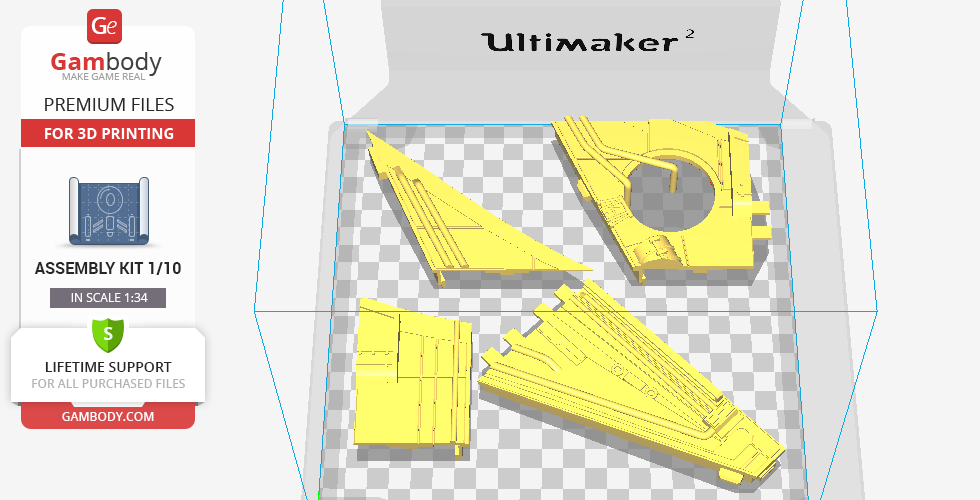
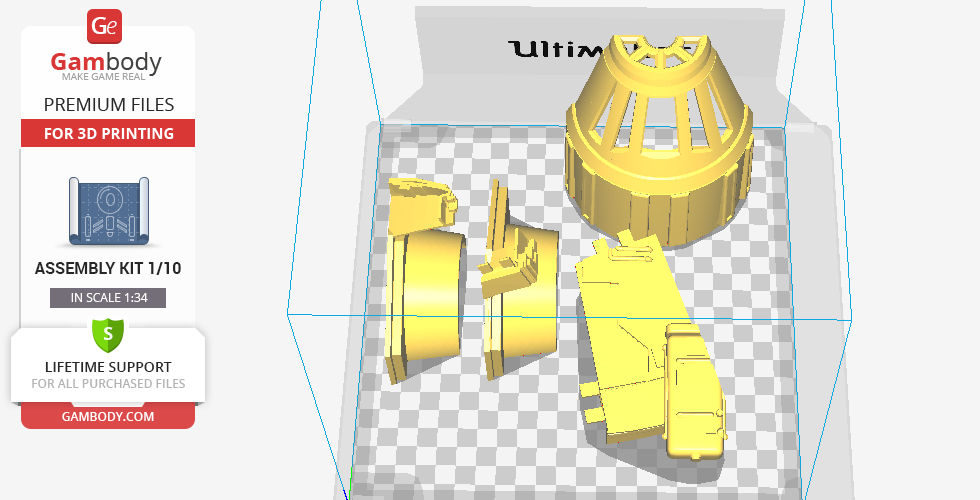
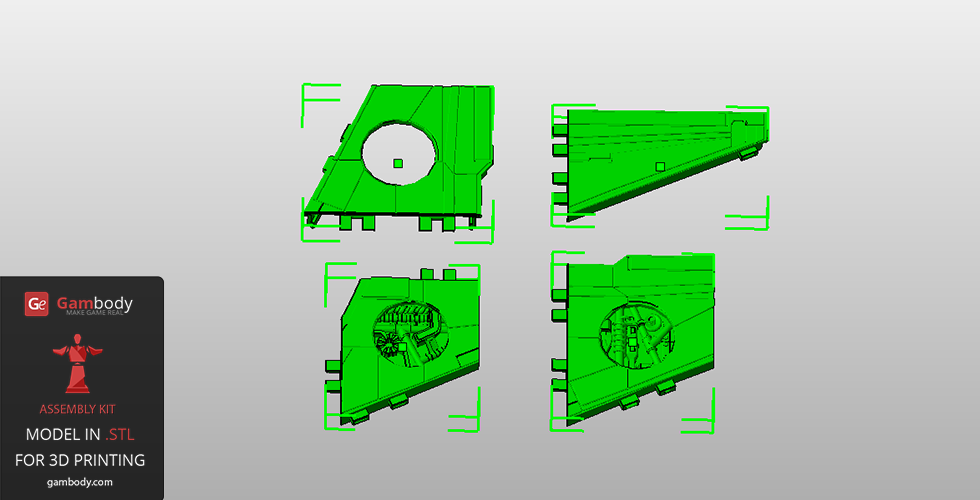
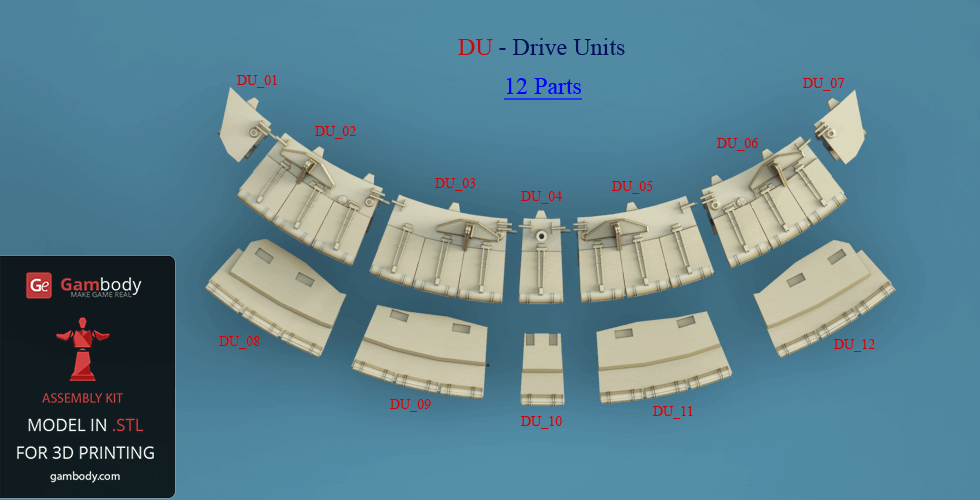
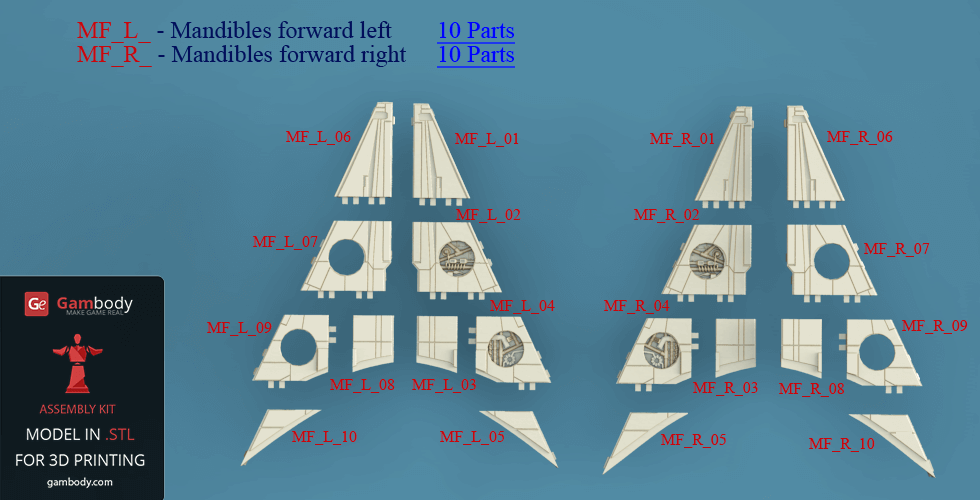
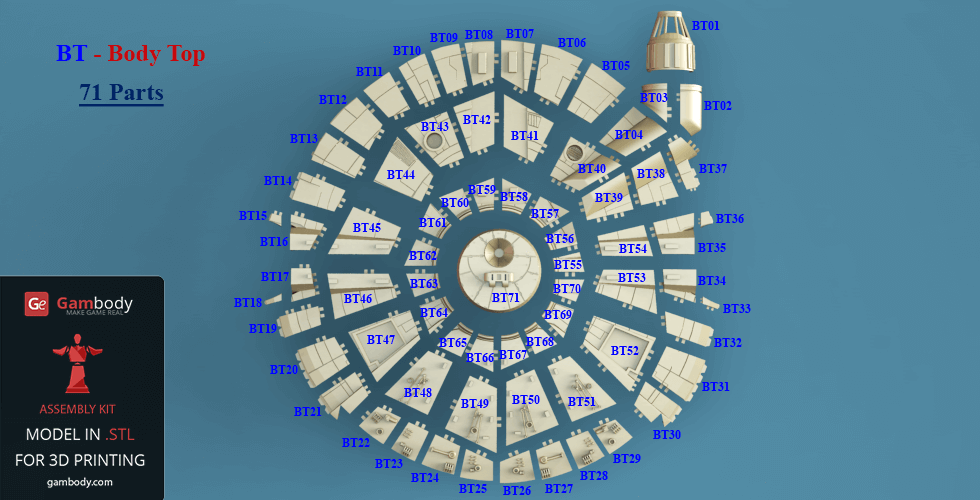
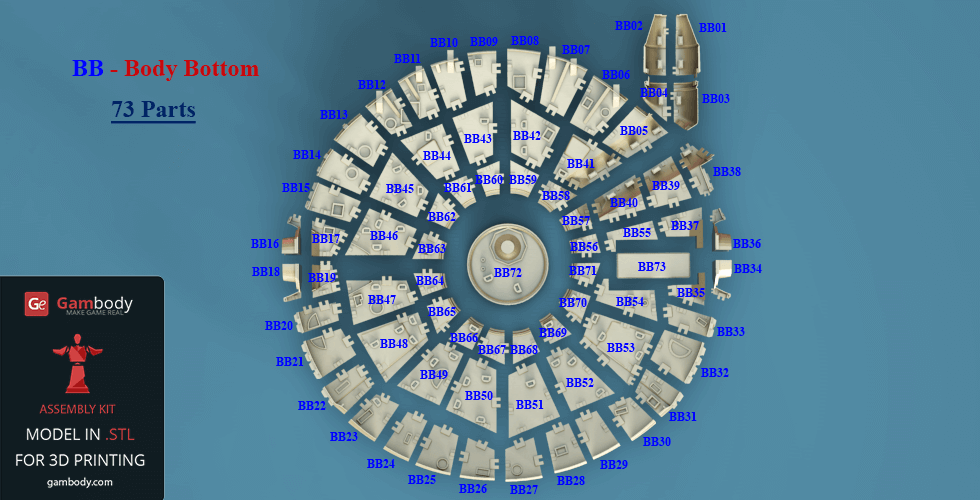
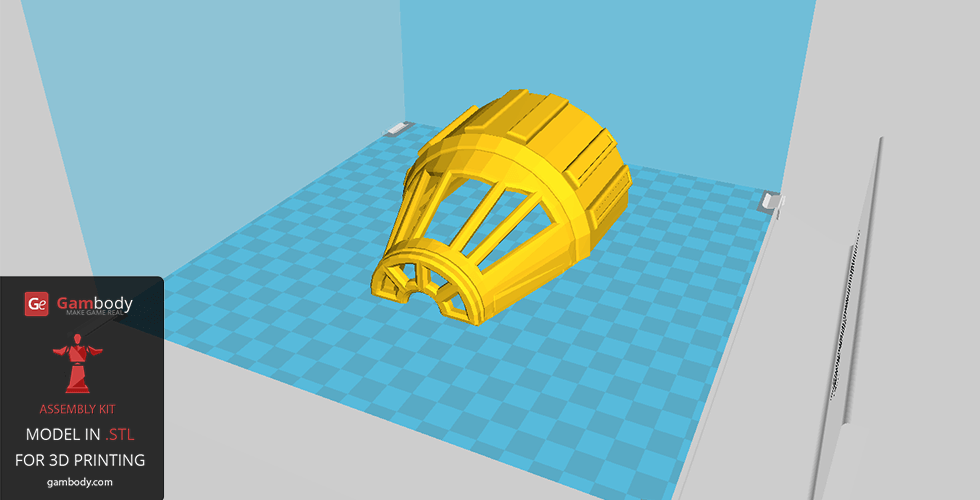
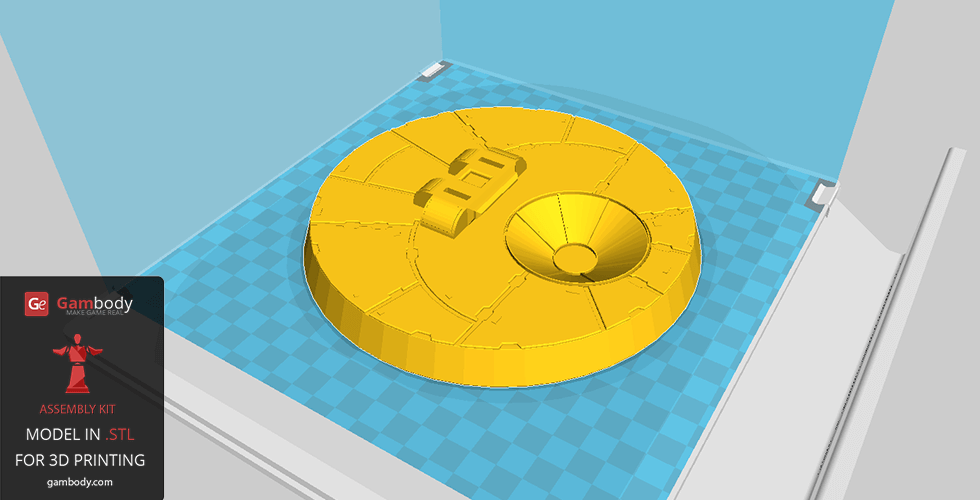
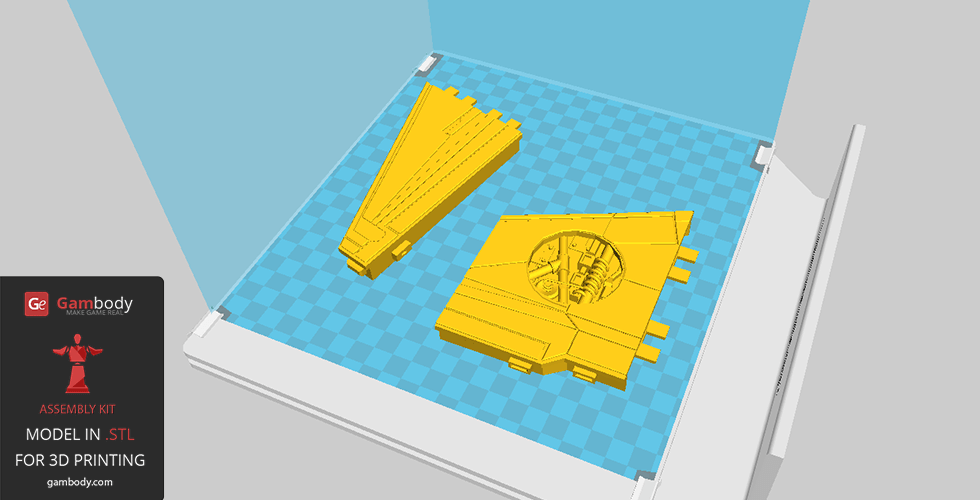
- The hull of the model, without the additional interior* and exterior** elements, is made up of 176 parts that are available for download in .STL file format, supported by all 3D printers.
- All parts are designed in such a way as to save 3D printer filament when being printed;
- Before starting 3D printing the model, read the Printing Details for CURA 3.4.1, Simplify3D or Slic3r Software.
FFF/FDM 2.1:
- Сonsists of the top and bottom hullsonly;
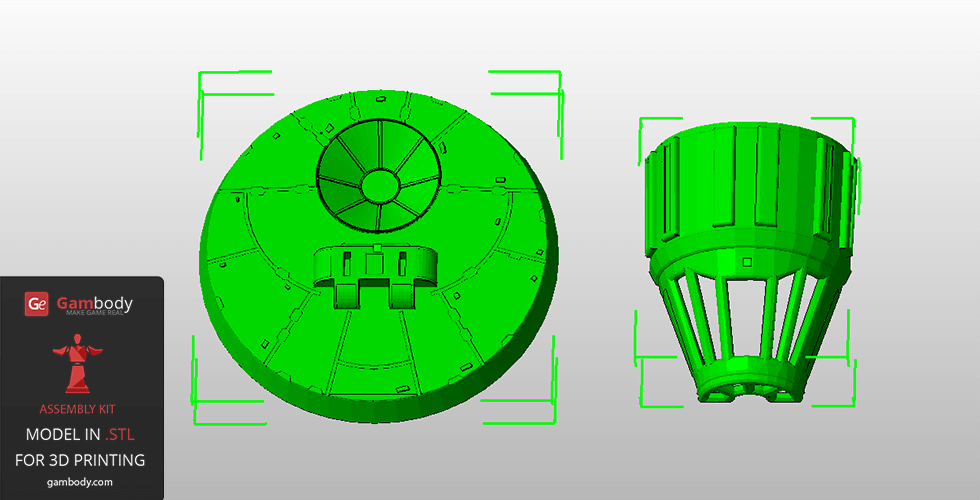
- This version was prepared for FFF/FDM printers with larger build plates and consists of bigger 19 parts only.
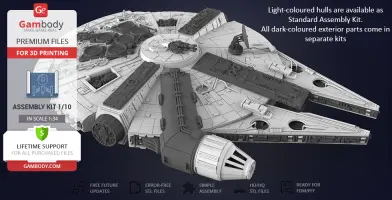
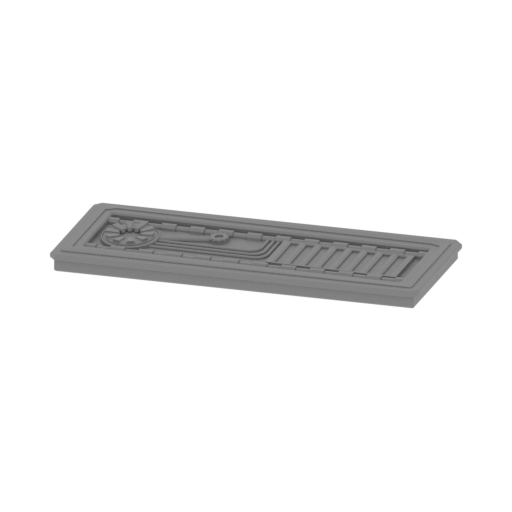
Aside from standard kit, there are other 9 kits of interior and exterior parts that can be printed and added to Millennium Falcon model to make it even more impressive and detailed.
*Millennium Falcon Interior Kit for 3D printing:
Kit 1: Crew Quarters, Cockpit Access Tube
Kit 2: Hyperdrive, Engine Parts, Engineering Bay
Kit 3: Main Hold, Lounge Seat, Technical Station
Kit 4: Mandibles, Engine, Quad Laser
**Millennium Falcon Exterior Kit for 3D printing:
Kit 1 - Landing Gear
Kit 2 - Engine Vents
Kit 3 - Gun, Antenna
Kit 4 - Tracery, Docking Ring
Kit 5 - Boarding Ramp, Gun
WHAT WILL YOU GET AFTER PURCHASE?
- STL files of Millennium Falcon 3D Model | Standard Kit for 3D printing which consist of 176 parts prepared for an average FFF/FDM 3D printer's build plate as well as the same kit that consists of 19 parts prepared for printers with larger build plates;
- Standard Kit that consists of the top and bottom hullsonly;
- High-poly detailed model of Millenium Falcon in Standard Kit;
- Free future updates for this model;
- A complete video guide on assembling all the details of this model;
- Detailed settings that we provide for Cura 3.3.1. and Simplify3D for the best print;
- Full technical support from the Gambody Support Team.
Watch the tutorial video of the assembly procedure on our official Gambody YouTube channel, or click on the ‘View Video’ button, in the bottom right corner of the model’s photo slider.
To buy STL files of the Millennium Falcon Standart Kit 3D model click on the “Buy for” button in the top-right corner of the model’s page. Proceed to checkout and insert your PayPal account or credit card details. Once the payment is processed, you will be able to download the files and print them on a 3D printer.
Also, you may like other Star Wars 3D Printing Miniatures for your collection.
Read the interview with the 3D designers who modeled the astonishing 1m+ Millennium Falcon scale model for 3D print.
_______
FAQ:
Where can I print a model if I have no printer?
How to get started with 3D printing?
How to set up my 3D printer?
How to choose right 3D model print bed positioning?
How to paint printed figurine?
Average customer rating (116 reviews)
4.1
Ratings breakdown
Click a star rating to filter reviews
Overall experience
Level of detail in the model
4.1
Model cut quality and assembly guide
4.1
Clarity and accuracy of the model page
4.1



Level of detail in the model
5
Model cut quality and assembly guide
5
Clarity and accuracy of the model page
5
 This feedback is from a user who hasn't purchased this model
Level of detail in the model
3
Model cut quality and assembly guide
3
Clarity and accuracy of the model page
3
 Verified purchase
 Level of detail in the model
4
Model cut quality and assembly guide
4
Clarity and accuracy of the model page
4
This feedback is from a user who hasn't purchased this model 
Level of detail in the model
5
Model cut quality and assembly guide
5
Clarity and accuracy of the model page
5
This feedback is from a user who hasn't purchased this model Level of detail in the model
2
Model cut quality and assembly guide
2
Clarity and accuracy of the model page
2
Verified purchase Level of detail in the model
5
Model cut quality and assembly guide
5
Clarity and accuracy of the model page
5
This feedback is from a user who hasn't purchased this model Level of detail in the model
4
Model cut quality and assembly guide
4
Clarity and accuracy of the model page
4
Verified purchase Level of detail in the model
2
Model cut quality and assembly guide
2
Clarity and accuracy of the model page
2
Verified purchase Level of detail in the model
2
Model cut quality and assembly guide
2
Clarity and accuracy of the model page
2
This feedback is from a user who hasn't purchased this model Level of detail in the model
4
Model cut quality and assembly guide
4
Clarity and accuracy of the model page
4
This feedback is from a user who hasn't purchased this model Level of detail in the model
1
Model cut quality and assembly guide
1
Clarity and accuracy of the model page
1
This feedback is from a user who hasn't purchased this model Level of detail in the model
5
Model cut quality and assembly guide
5
Clarity and accuracy of the model page
5
This feedback is from a user who hasn't purchased this model Level of detail in the model
3
Model cut quality and assembly guide
3
Clarity and accuracy of the model page
3
Verified purchase Level of detail in the model
1
Model cut quality and assembly guide
1
Clarity and accuracy of the model page
1
Verified purchase Level of detail in the model
5
Model cut quality and assembly guide
5
Clarity and accuracy of the model page
5
Verified purchase Level of detail in the model
4
Model cut quality and assembly guide
4
Clarity and accuracy of the model page
4
Verified purchase 
Level of detail in the model
1
Model cut quality and assembly guide
1
Clarity and accuracy of the model page
1
This feedback is from a user who hasn't purchased this model Level of detail in the model
1
Model cut quality and assembly guide
1
Clarity and accuracy of the model page
1
Verified purchase Level of detail in the model
5
Model cut quality and assembly guide
5
Clarity and accuracy of the model page
5
This feedback is from a user who hasn't purchased this model Level of detail in the model
4
Model cut quality and assembly guide
4
Clarity and accuracy of the model page
4
This feedback is from a user who hasn't purchased this model To avoid printing issues and achieve the best quality, we highly recommend applying the following settings:
Generic
Below you can find printing recommendations for Bambu Studio, Cura, Orca Slicer, PrusaSlicer, Simplify3D, and Slic3r software.
Disclaimer: The following printing settings are a recommendation, not an obligation. The parameters can vary depending on the peculiarities of your 3D printer, the material you use, and especially the particular assembly part you are working with. Each part that any model comprises often needs preliminary review, and you are free to tweak the settings the way you find suitable.
Note:
You can scale up the model (downscaling for FFF/FDM 3D printers is not recommended!);
All connectors should be printed at 100% Infill.
Bambu Lab printing recommendations:
These basic 3D printing settings recommendations for beginners were tested in Bambu Studio 1.9.1. Test models were printed on the Bambu Lab A1, Bambu Lab A1 Mini, Creality Ender 3 S1, Anycubic Kobra 2, and Anycubic Vyper using PLA and PETG filaments.
To avoid printing problems, we recommend the following settings:download
Cura printing recommendations:
These are averaged settings which were tested in the Cura 5.2.1 slicer. Test models were printed on Anycubic Vyper, Creality Ender 3 Pro with PLA filament.
To avoid printing problems, we recommend the following settings: download
Orca Slicer printing recommendations:
These basic 3D printing settings recommendations for beginners were tested in Orca Slicer 2.3.0. Test models were printed on Bambu Lab A1, Bambu Lab A1 Mini, Creality Ender 3 V3, and Anycubic Kobra 3 with PLA and PETG filament.
To avoid printing problems, we recommend the following settings: download
PrusaSlicer printing recommendations:
These basic 3D printing settings recommendations for beginners were tested in PrusaSlicer 2.3.1. Test models were printed on Ultimaker 2, Creality Ender 3, Creality Cr-10S pro v2, Anycubic I3 Mega, Anycubic I3 MegaS, Anycubic Vyper with PLA and PETG filaments.
To avoid printing problems, we recommend the following settings: download
Simplify3D printing recommendations:
These are averaged settings which were tested in the Simplify3D 5.0.0 slicer. Test models were printed on Anycubic Vyper, FLSUN v400, Ender3 S1 with PLA filament.
To avoid printing problems, we recommend the following settings: download
Slic3r printing recommendations:
These basic 3D printing settings recommendations for beginners were tested in Slic3r 1.3.0 software. Test models were printed on Ultimaker 2, Creality Ender 3, Creality Cr-10S pro v2, Anycubic I3 Mega, Anycubic I3 MegaS, Anycubic Vyper with PLA and PetG filaments.
To avoid printing problems, we recommend the following settings: download